AI Usage
by AkitaOnRails · ★ 537
Multi-provider AI plan usage and balances in a native Omarchy Quattro panel. Needs the ai-usagebar binary as well as this plugin: omarchy pkg aur add ai-usagebar-bin
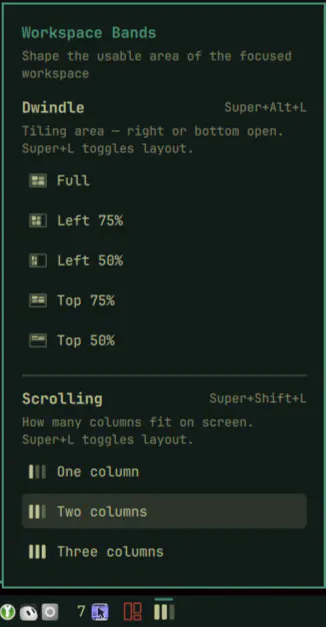
Shape the focused workspace two ways. Dwindle: lock tiling to a left or top band (50% or 75%) so the rest of the screen stays open. Scrolling: fit one, two, or three columns on screen and resize existing columns live. Click the bar icon or drive it from the keyboard — Super+Alt+L cycles bands, Super+Shift+L cycles columns, Super+L toggles dwindle ↔ scrolling.
omarchy plugin add https://github.com/unipsycho/omarchy-workspace-bands.git --enableMenu: Super + Space → Setup → Plugins → Add
Plugins run as unsandboxed code. This site does not verify security. Third-party plugins run unsandboxed. Review the repo before enabling.
by AkitaOnRails · ★ 537
Multi-provider AI plan usage and balances in a native Omarchy Quattro panel. Needs the ai-usagebar binary as well as this plugin: omarchy pkg aur add ai-usagebar-bin
by Akshar Patel · ★ 75
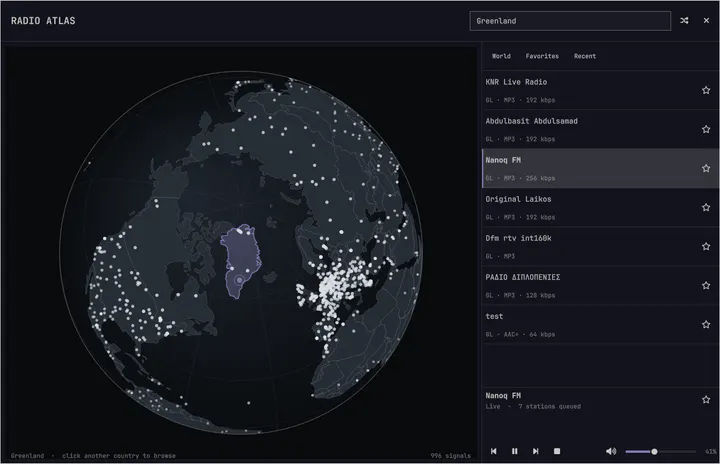
Explore live radio on a rotatable globe and play stations through Omarchy's media controls.