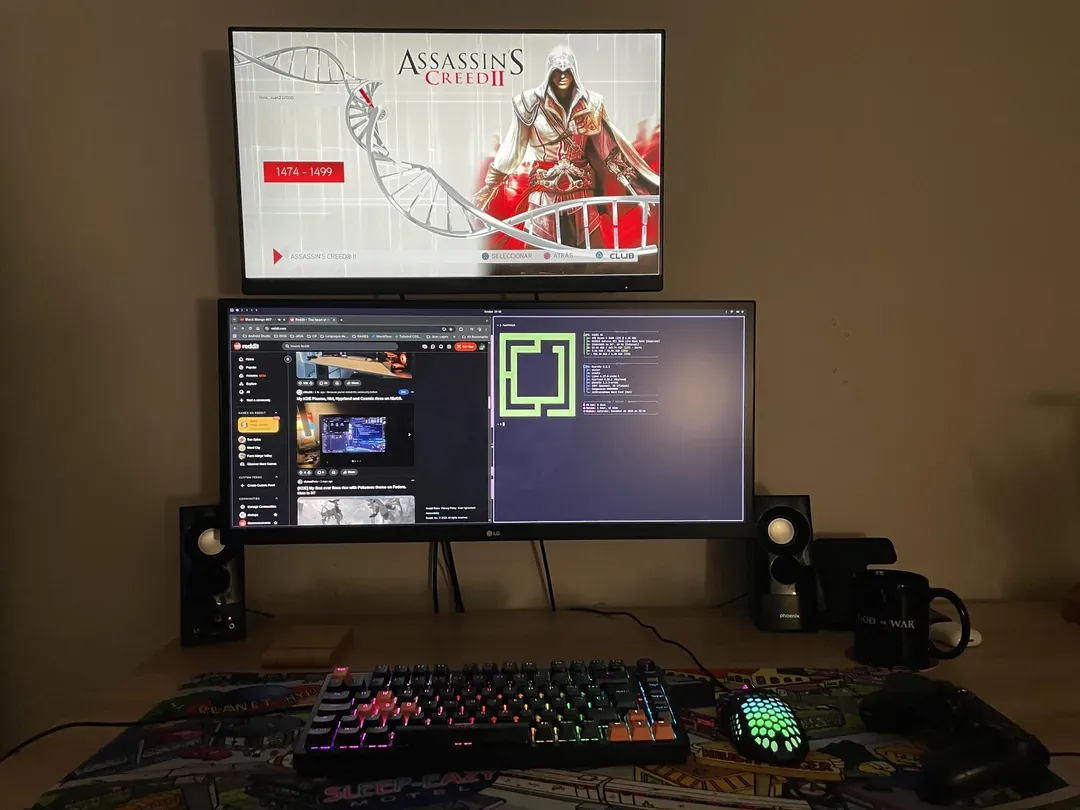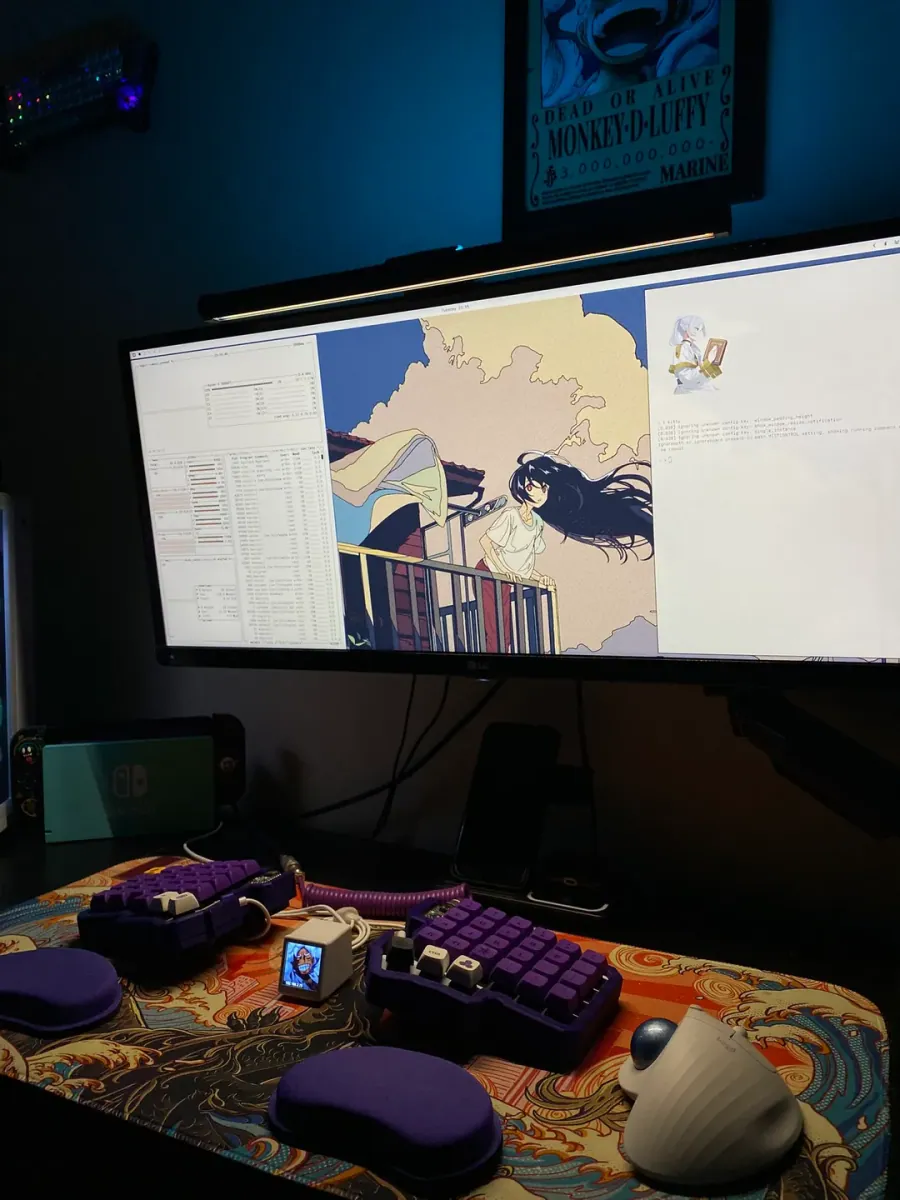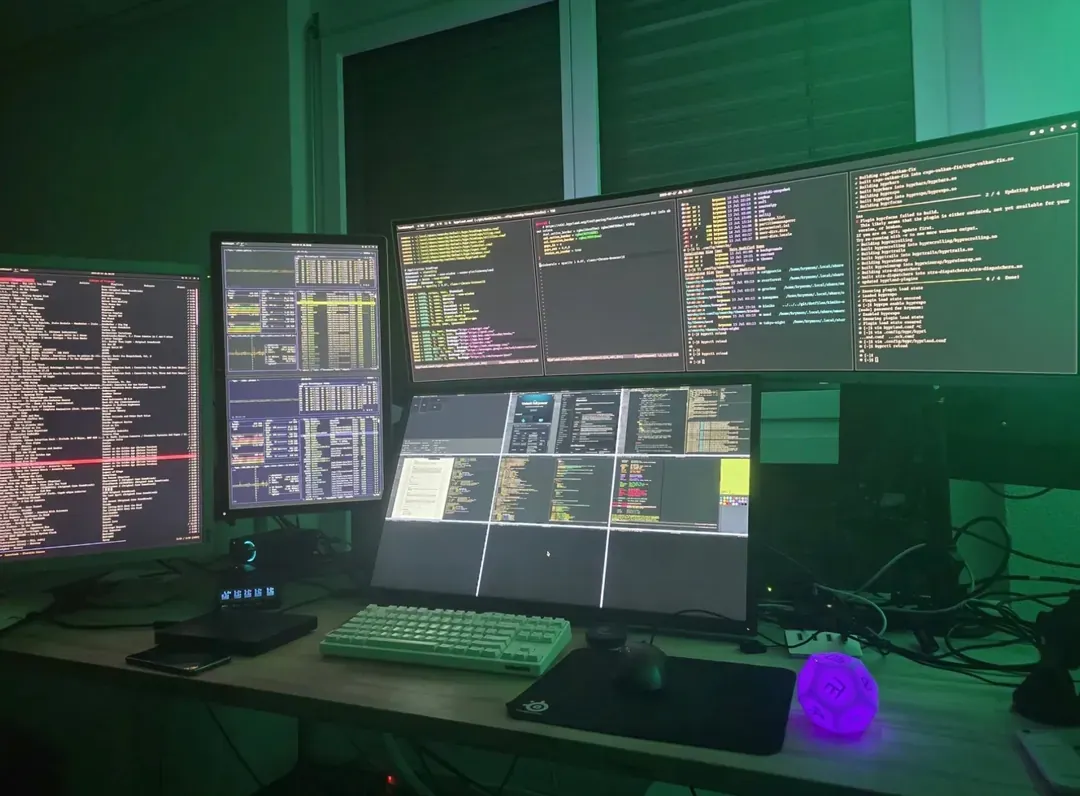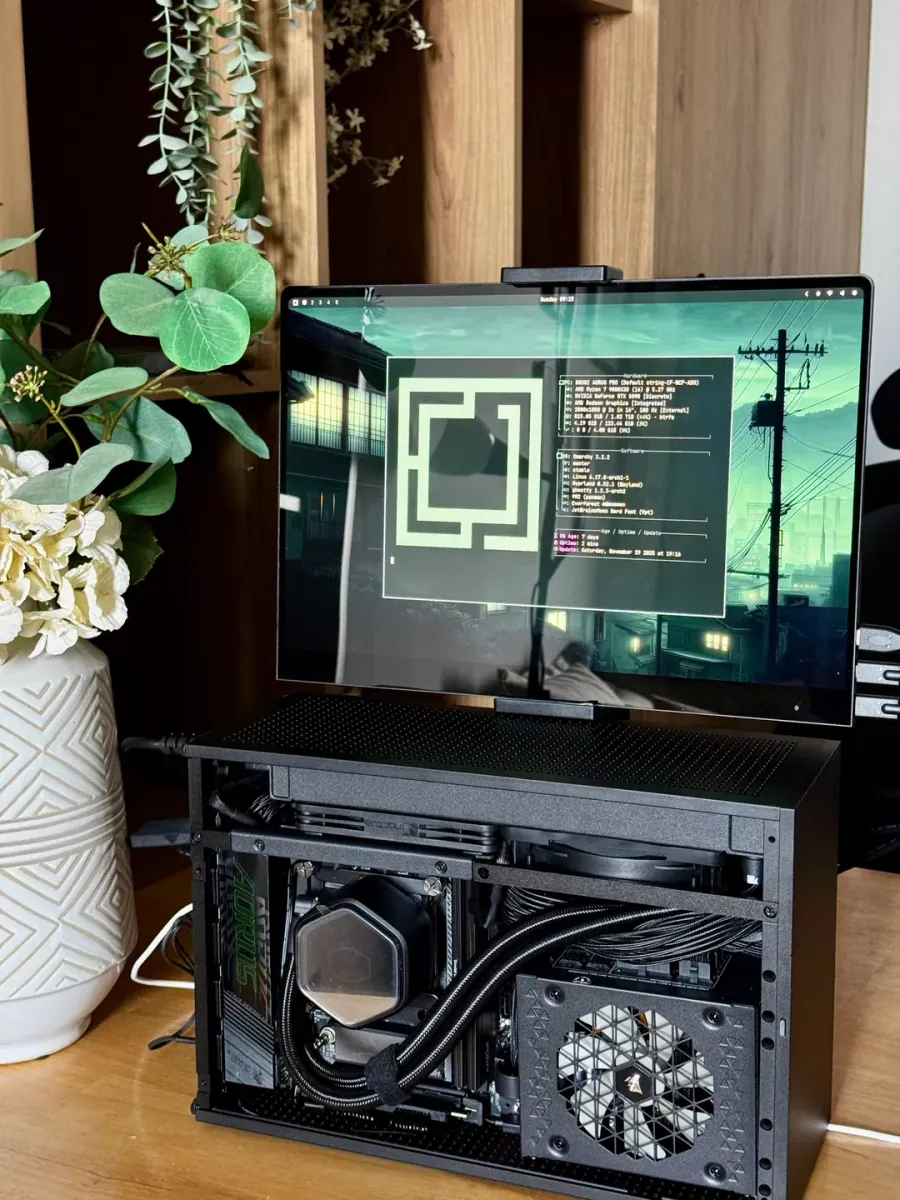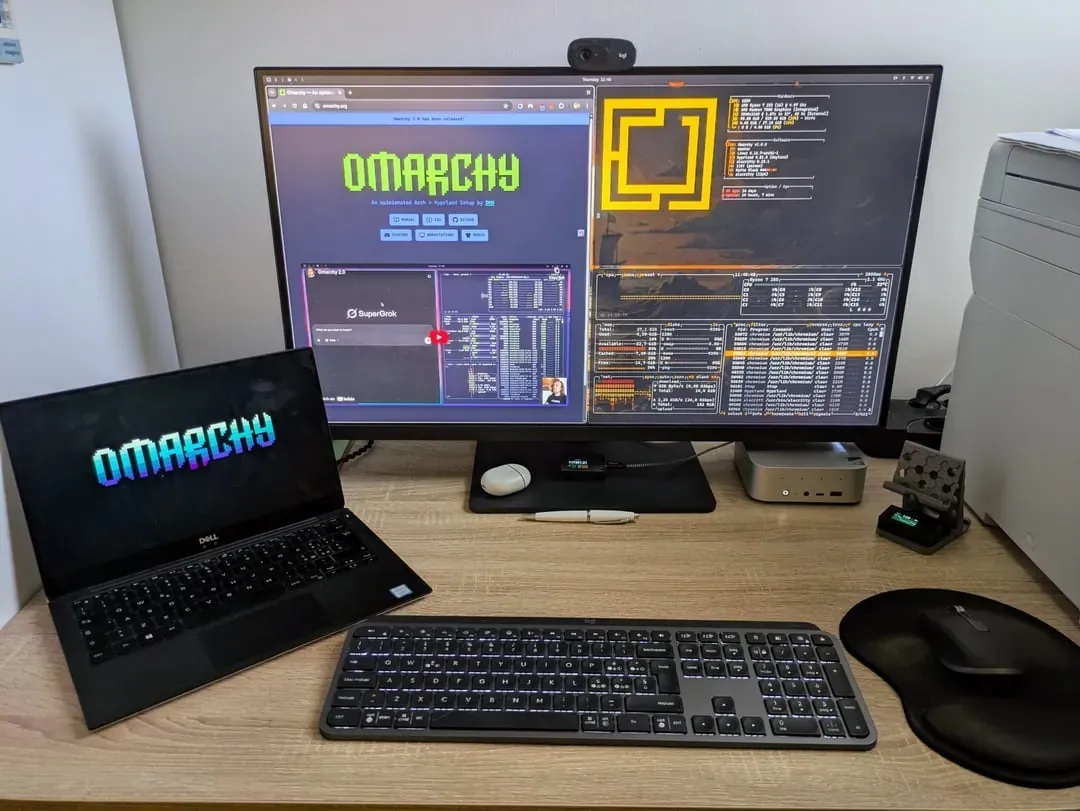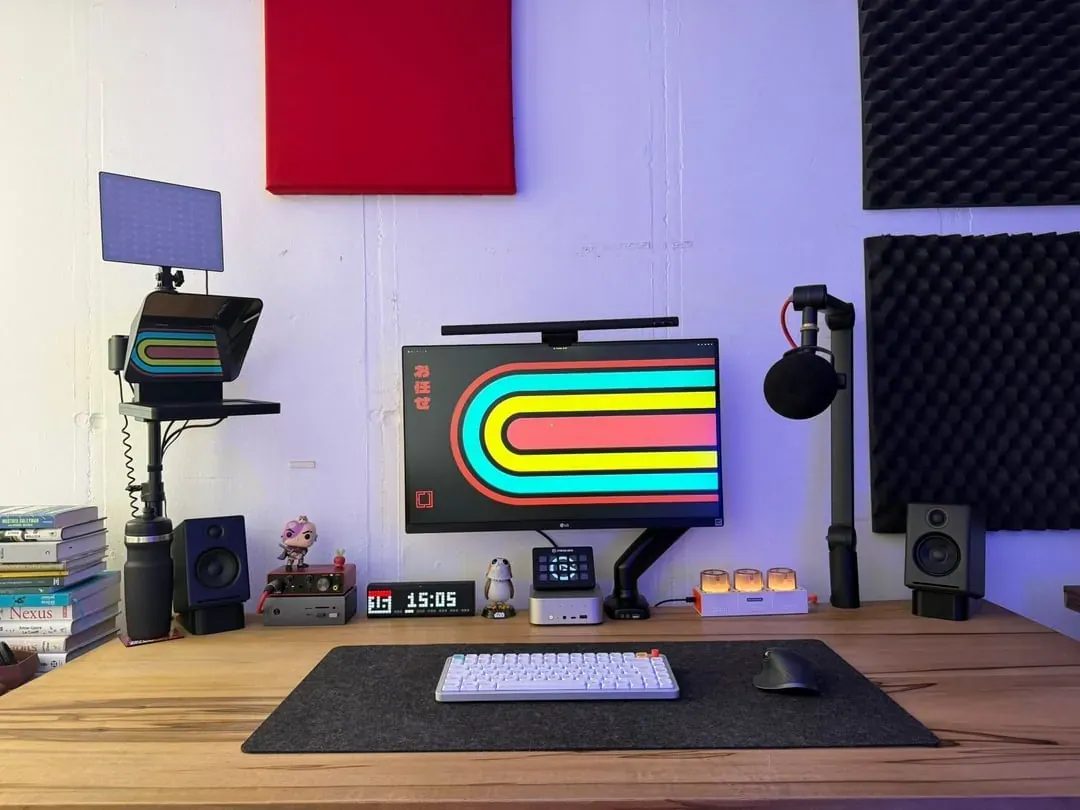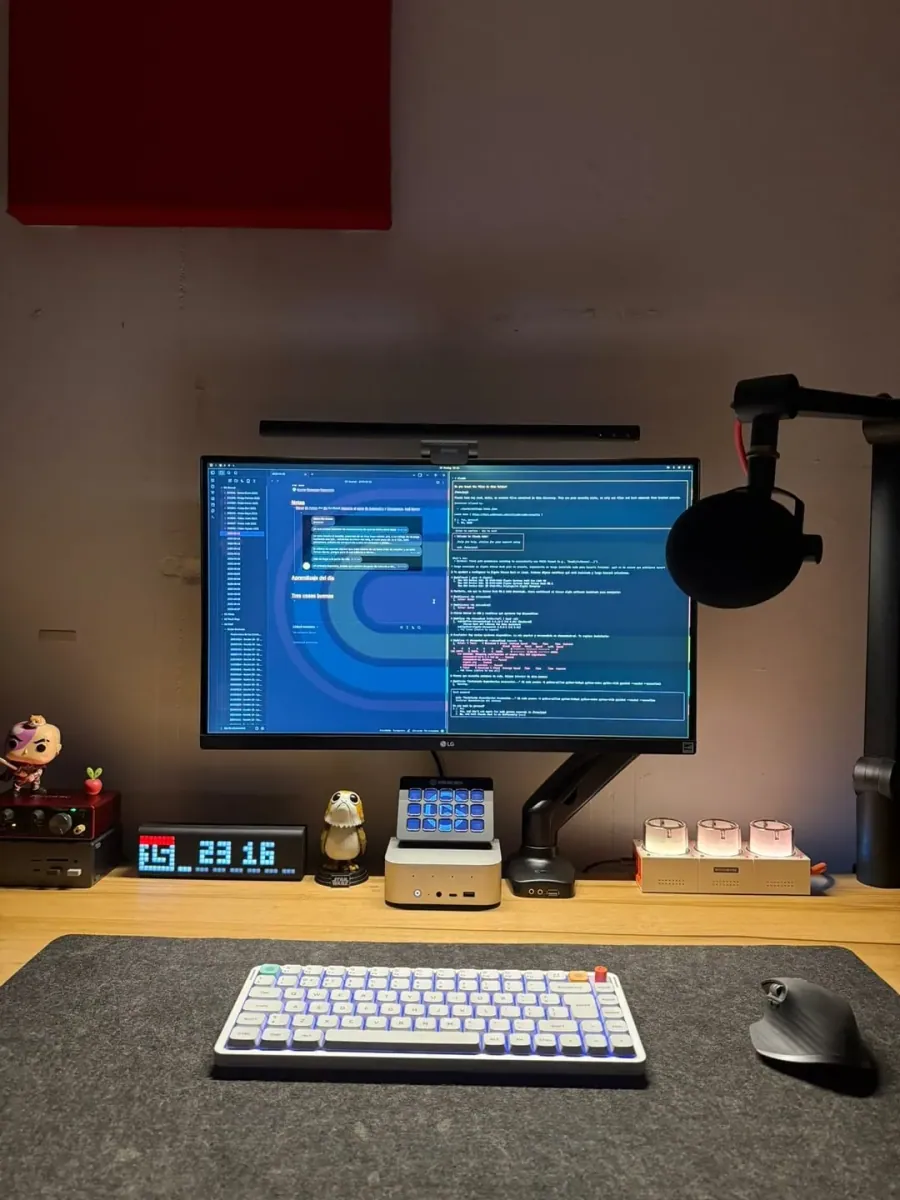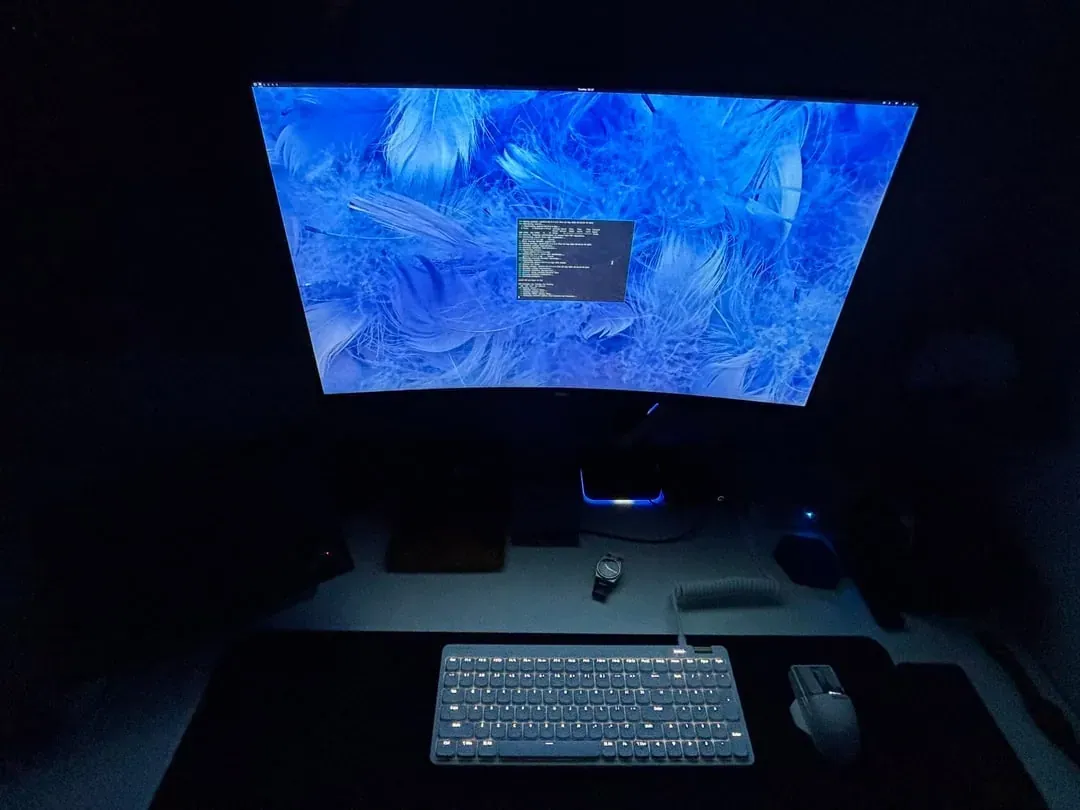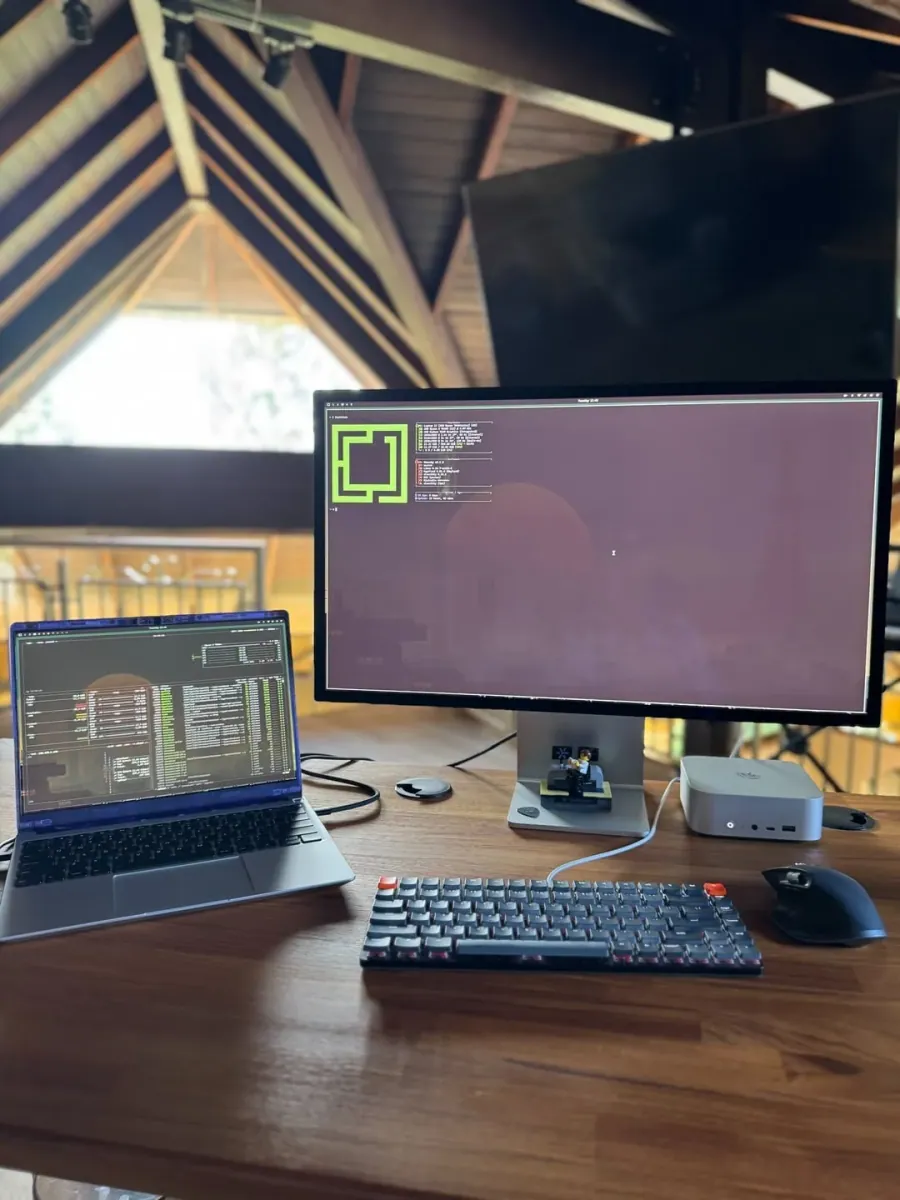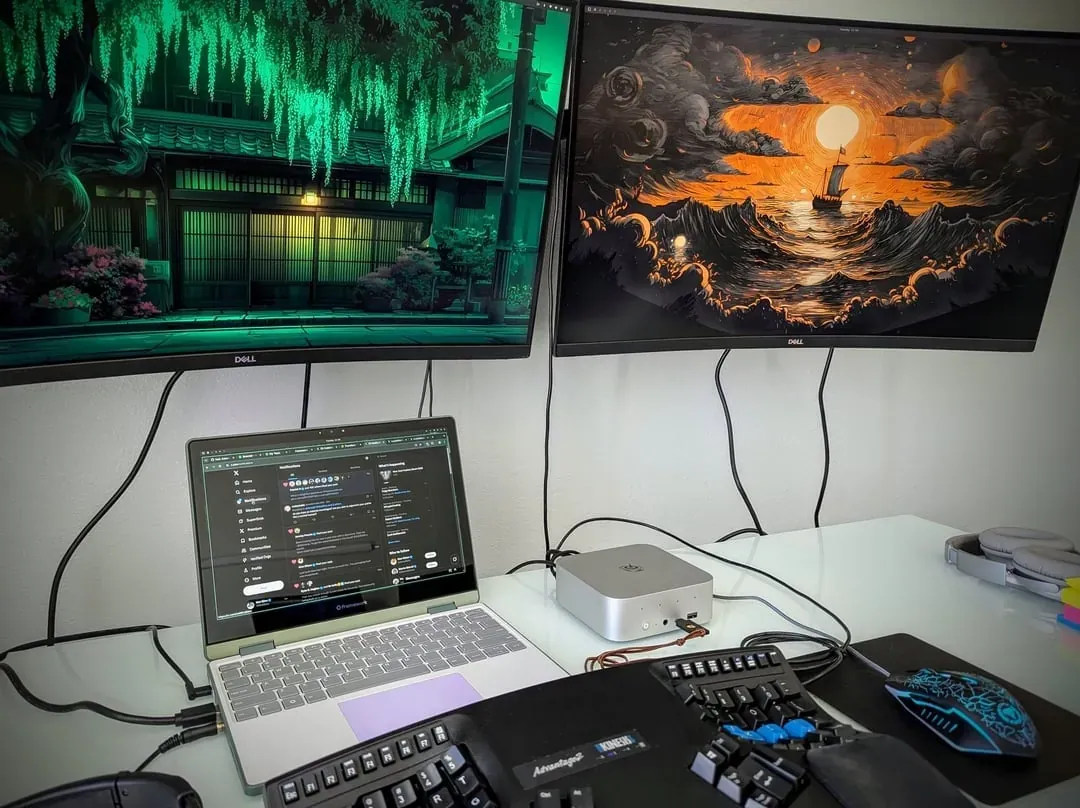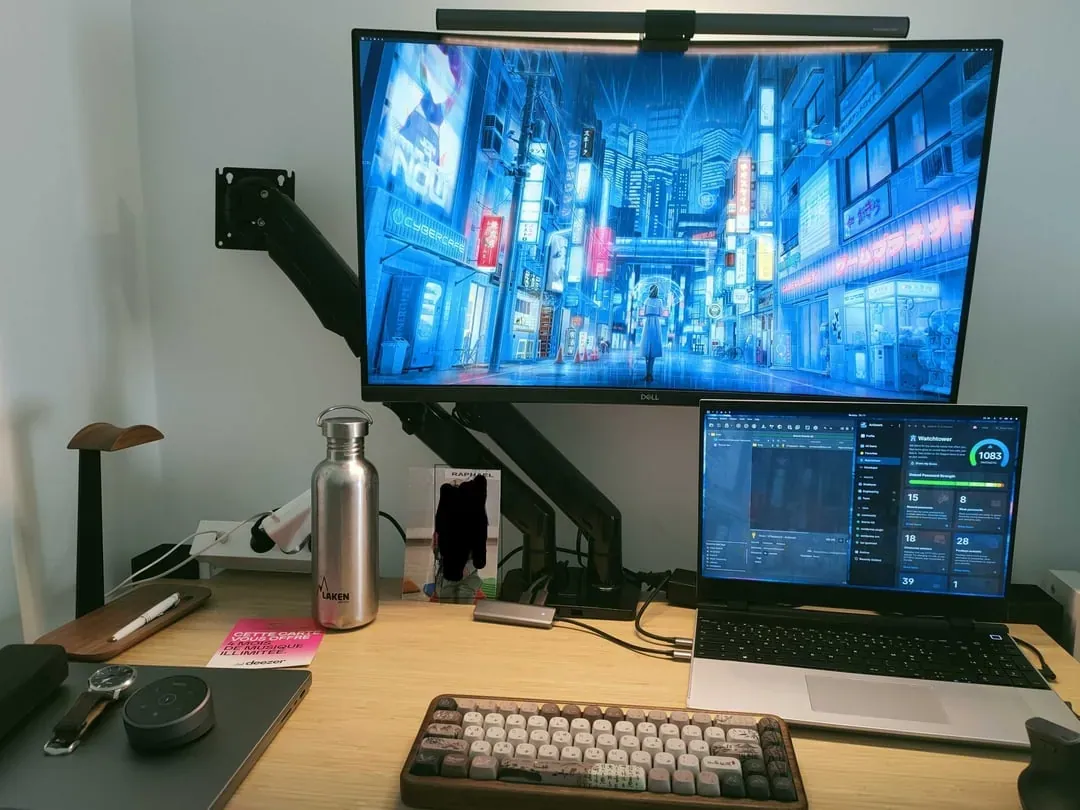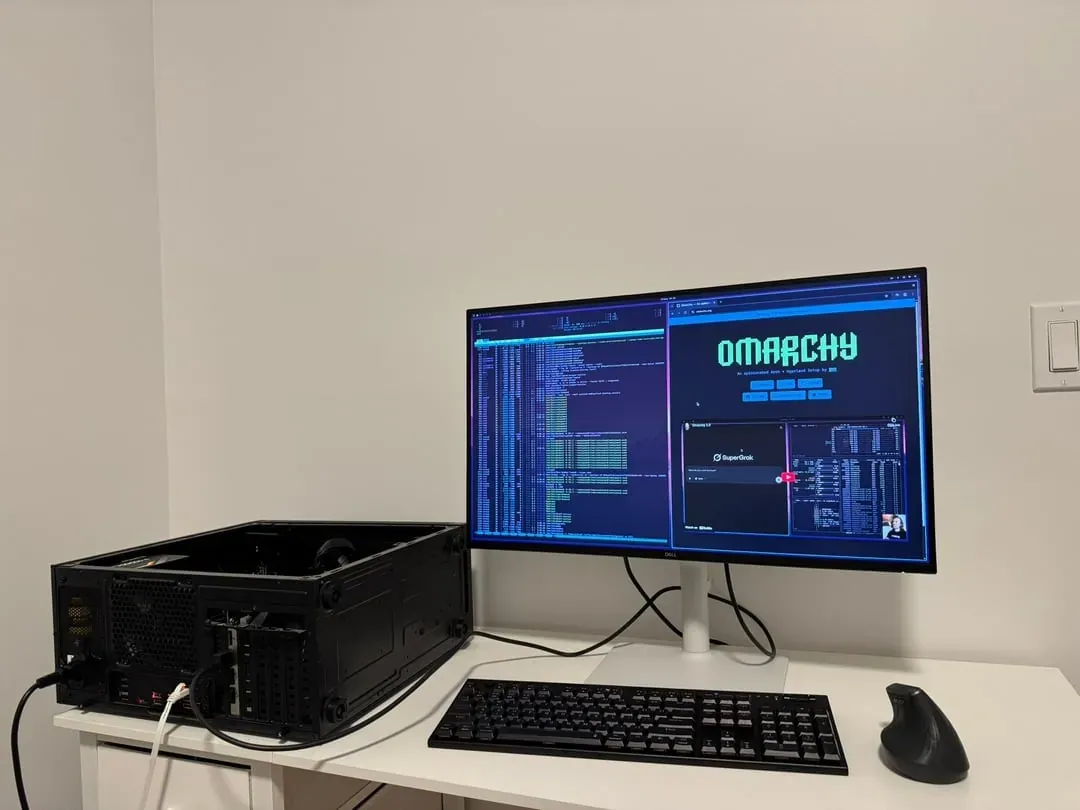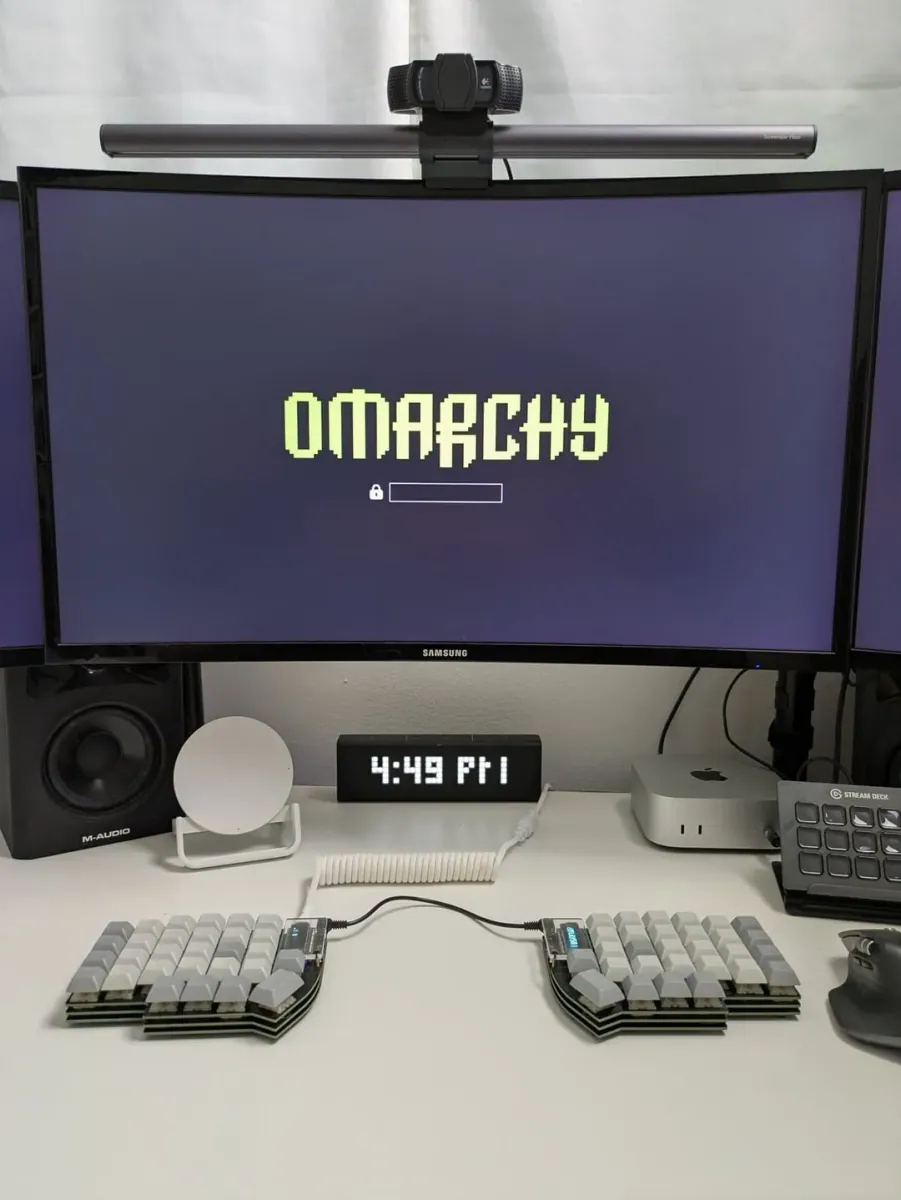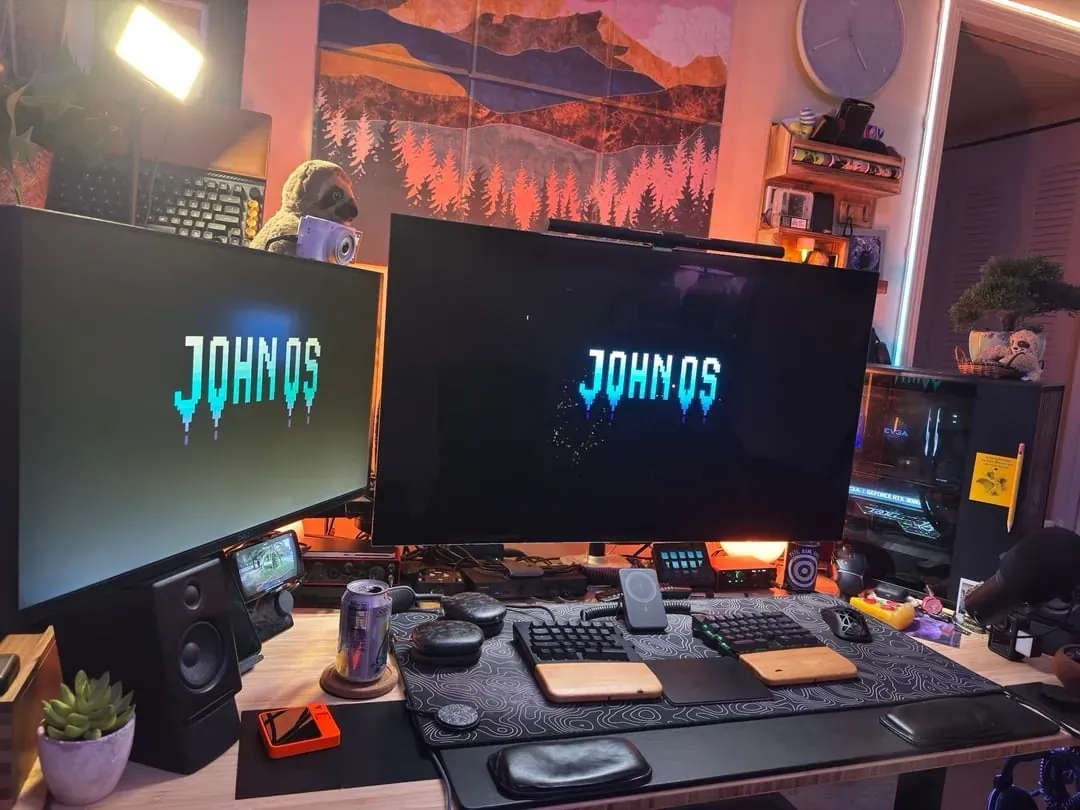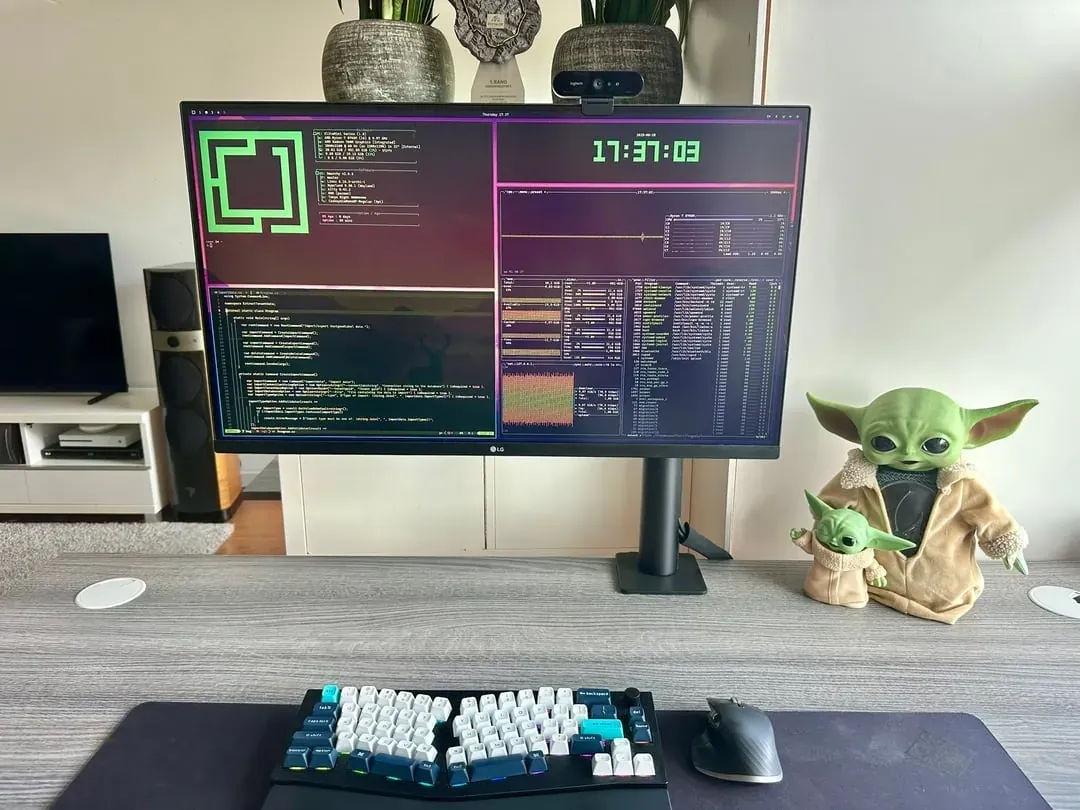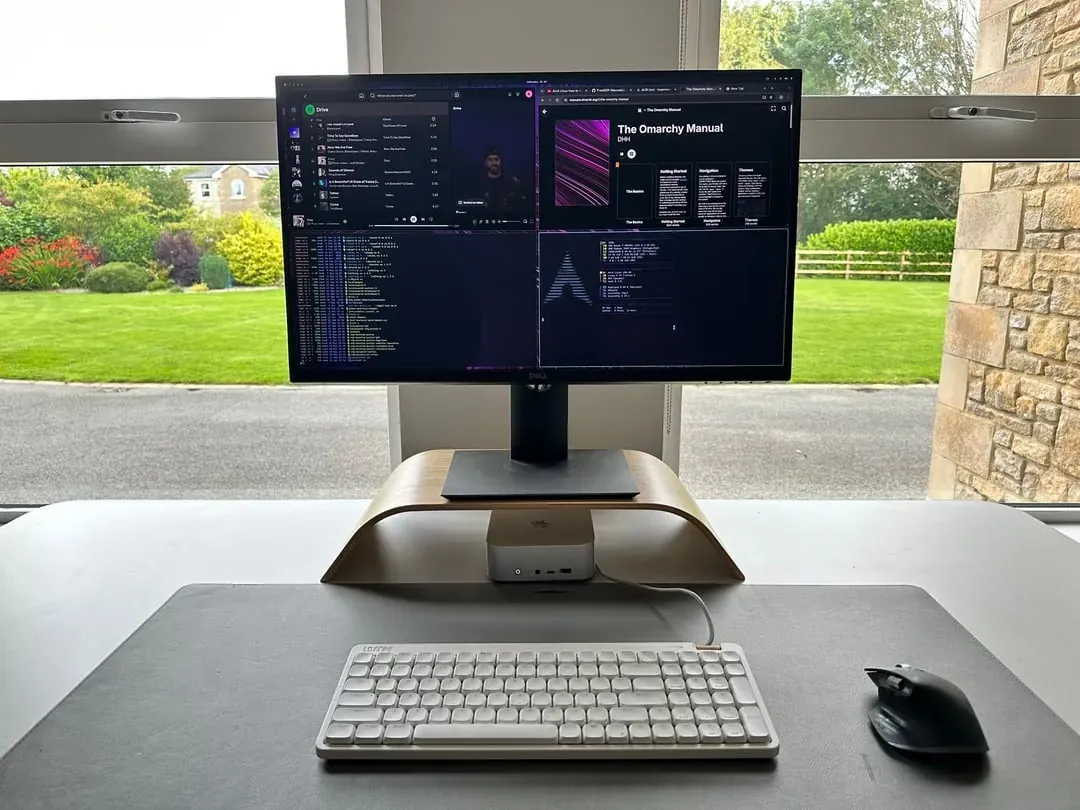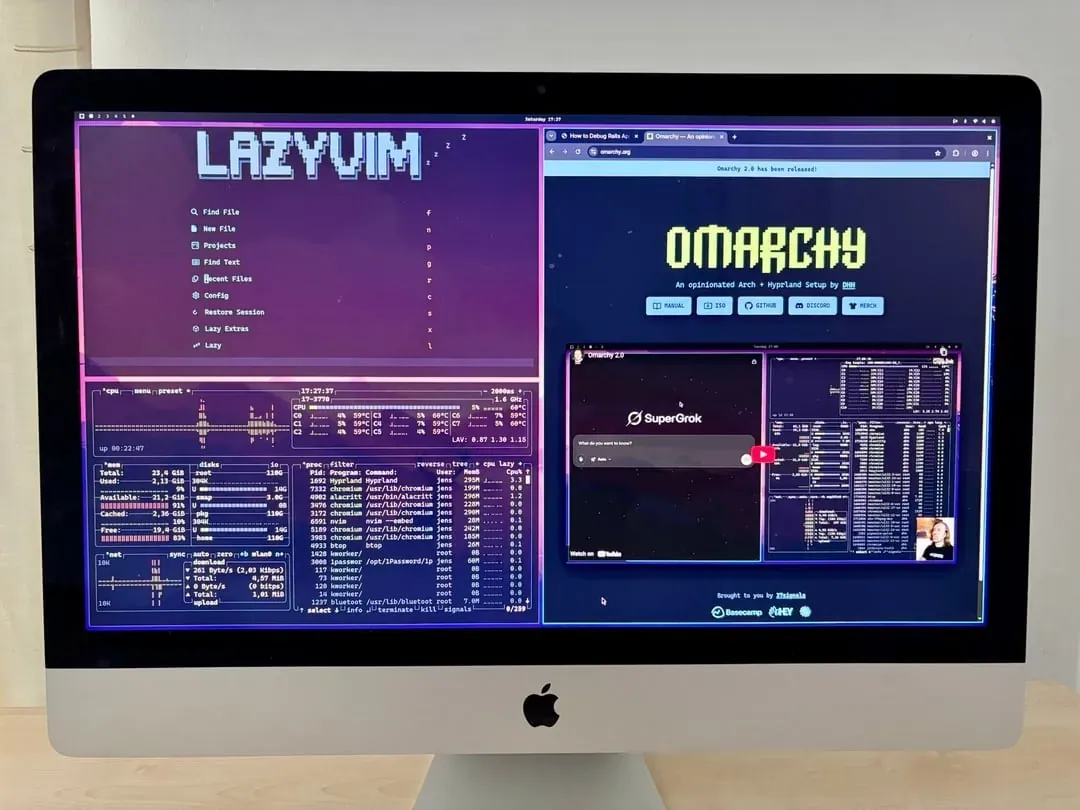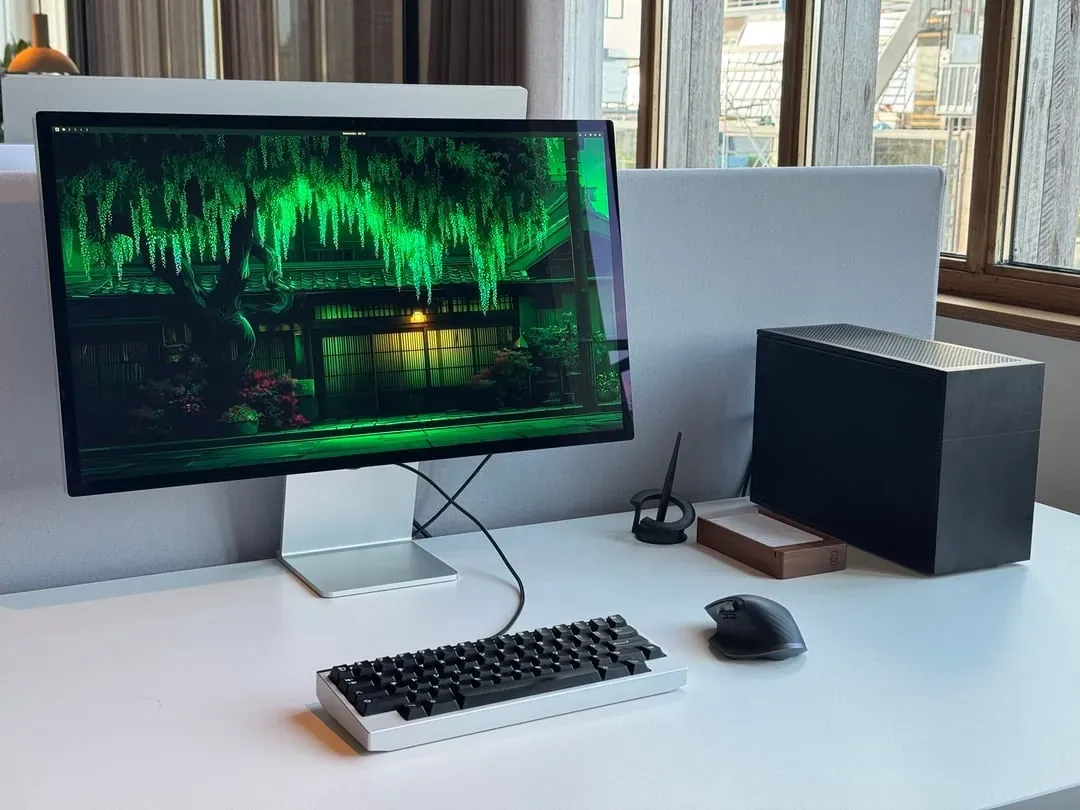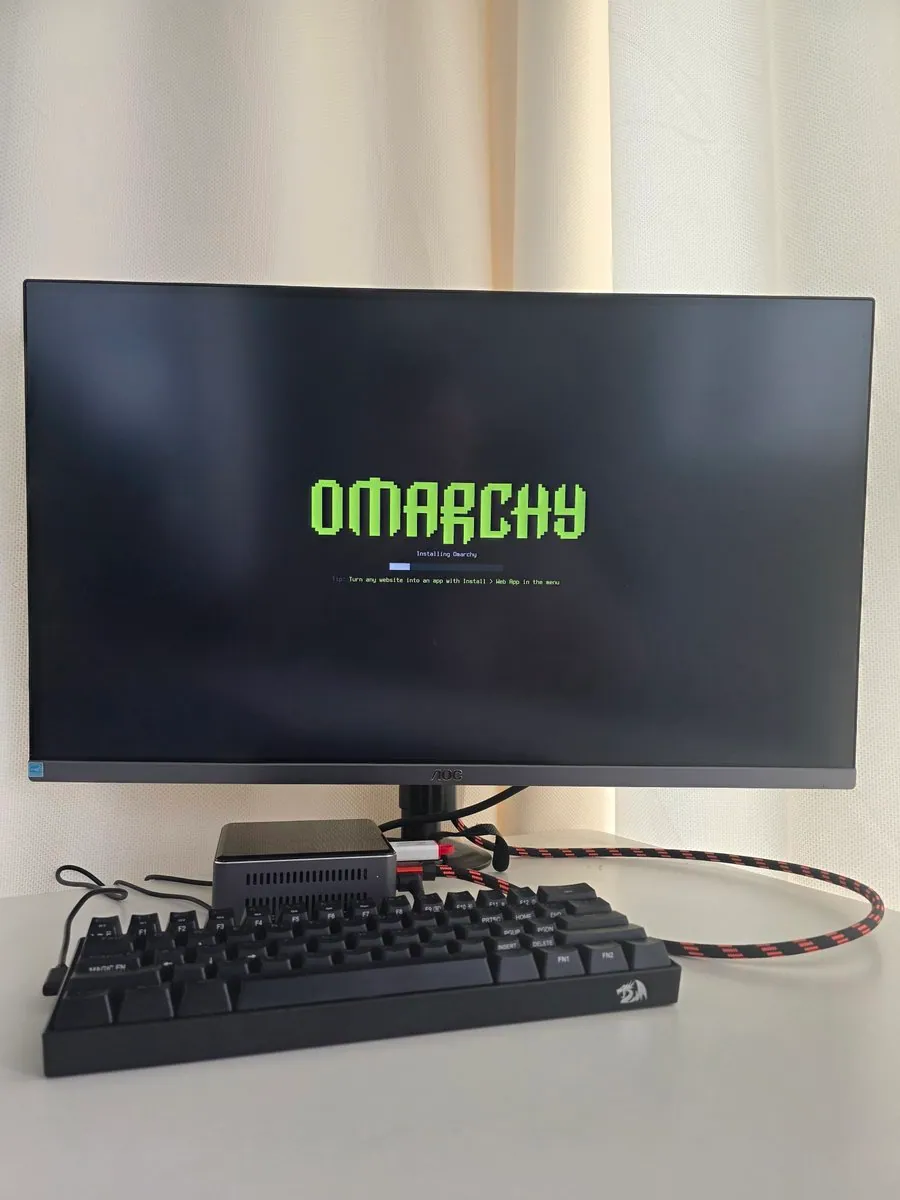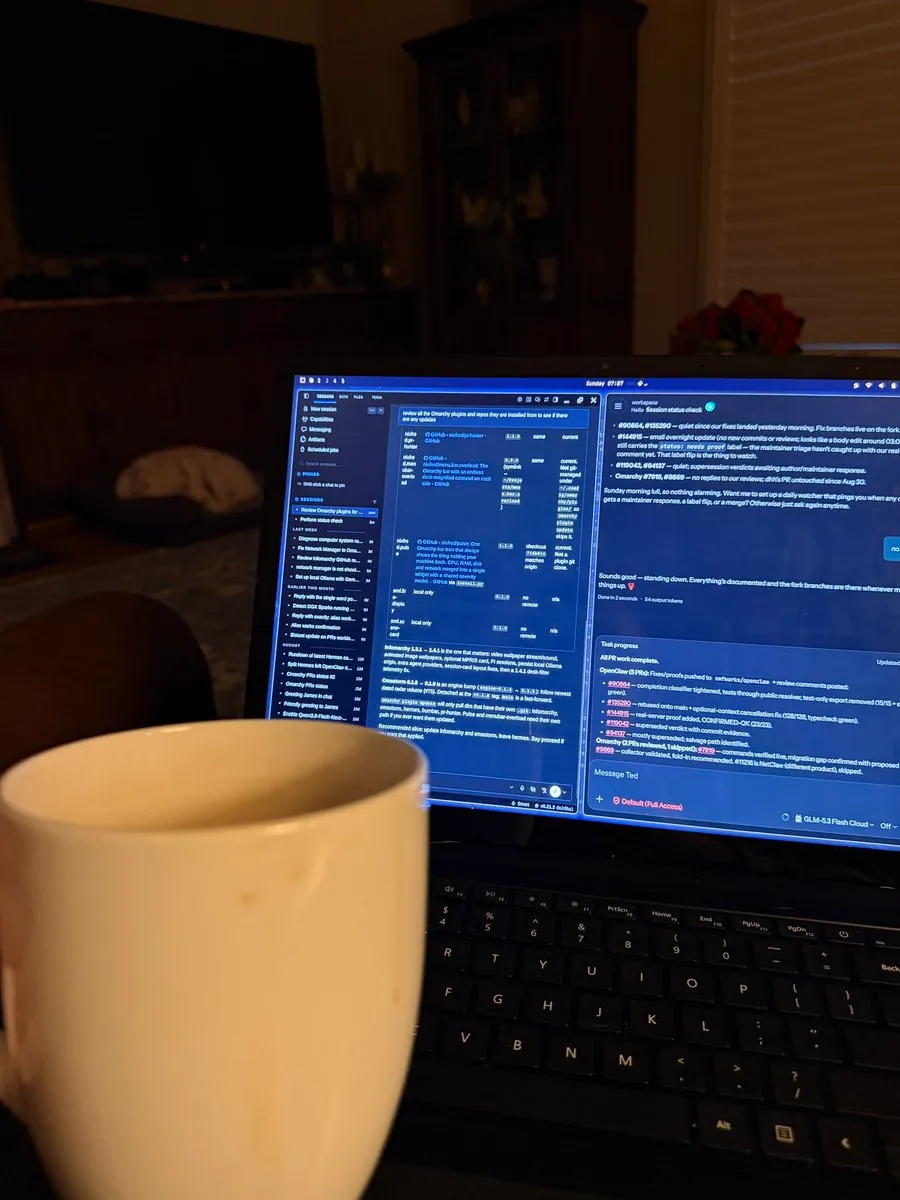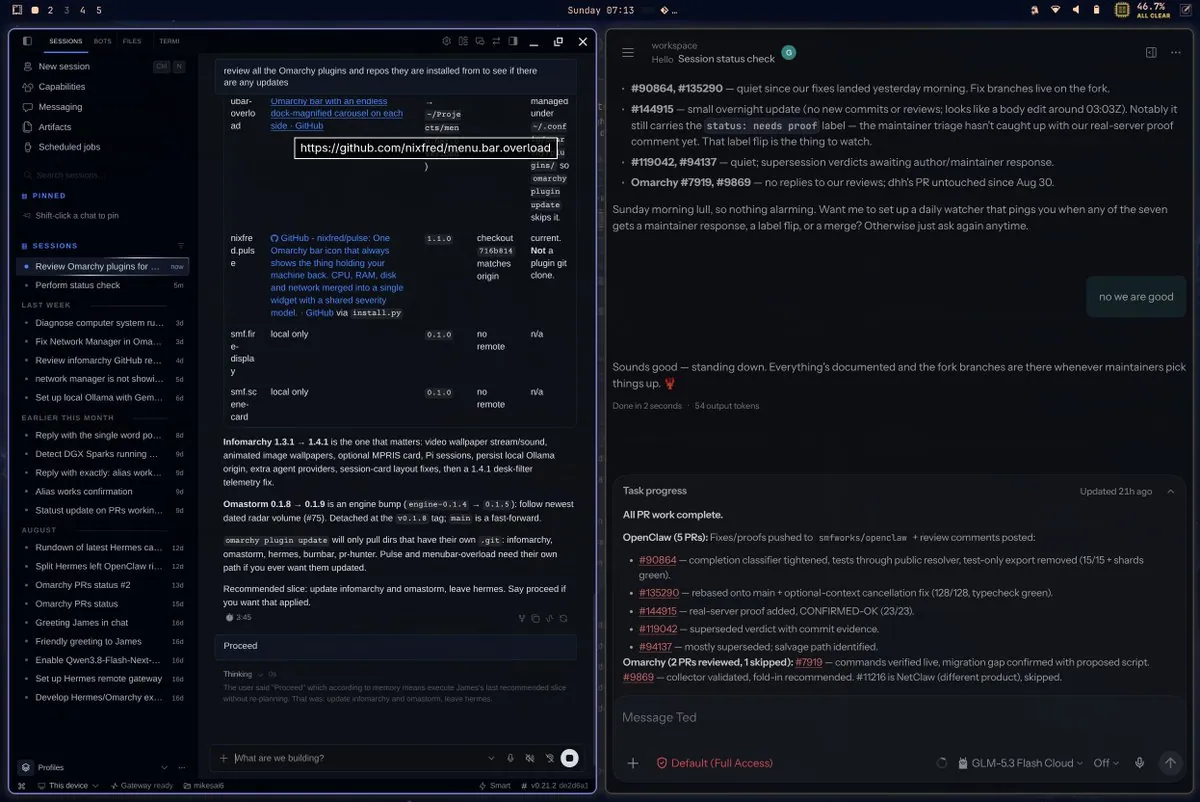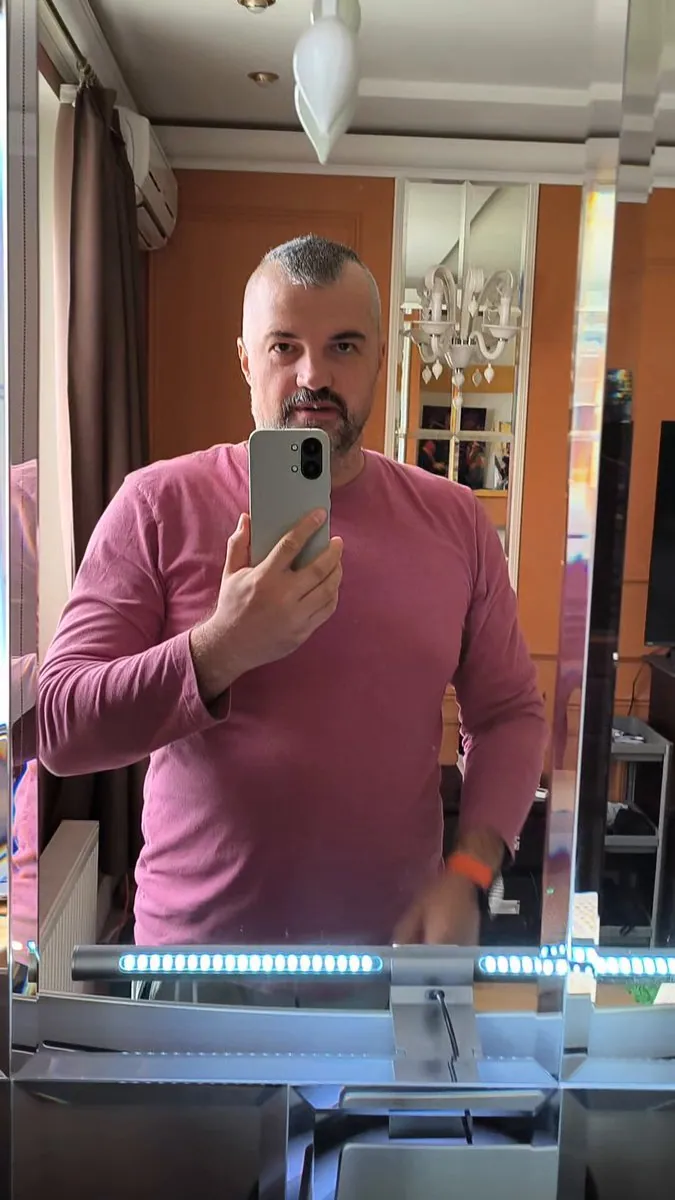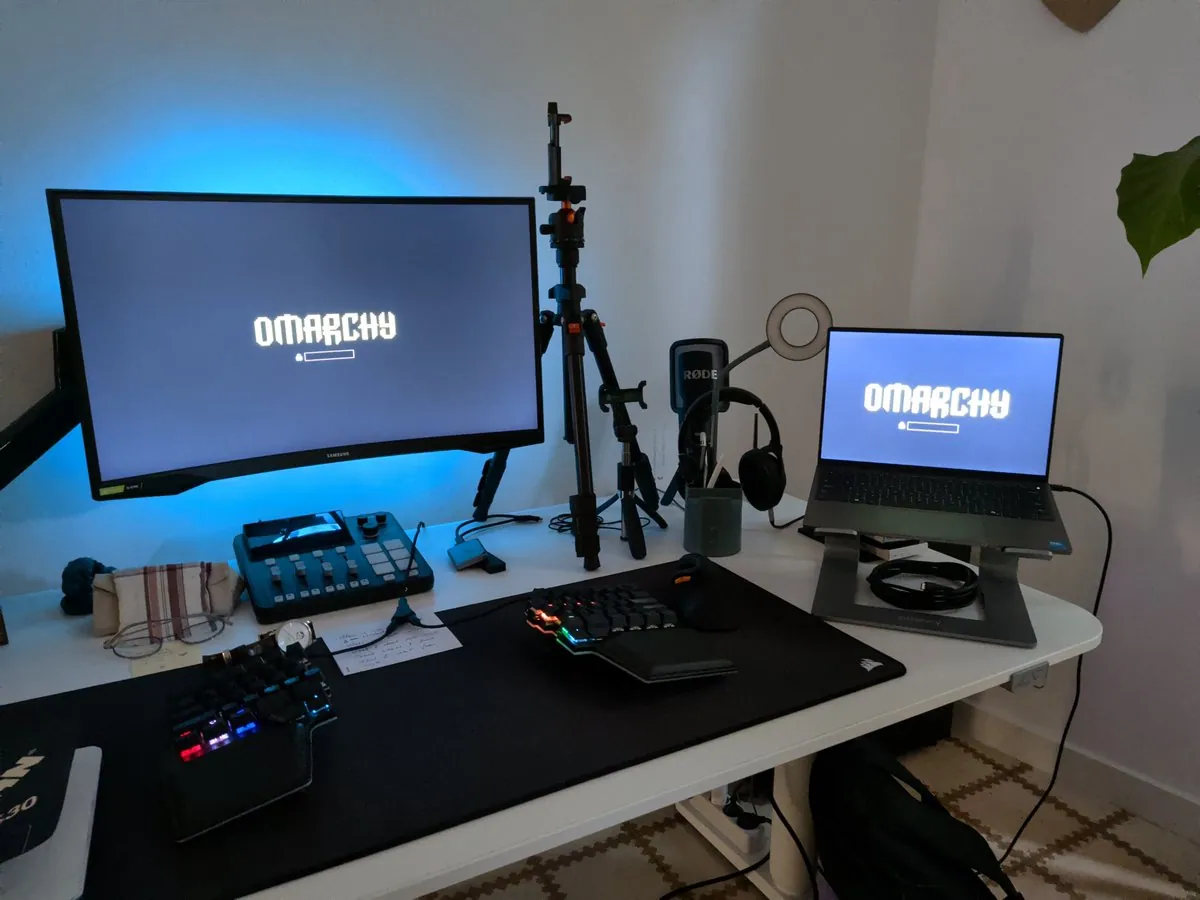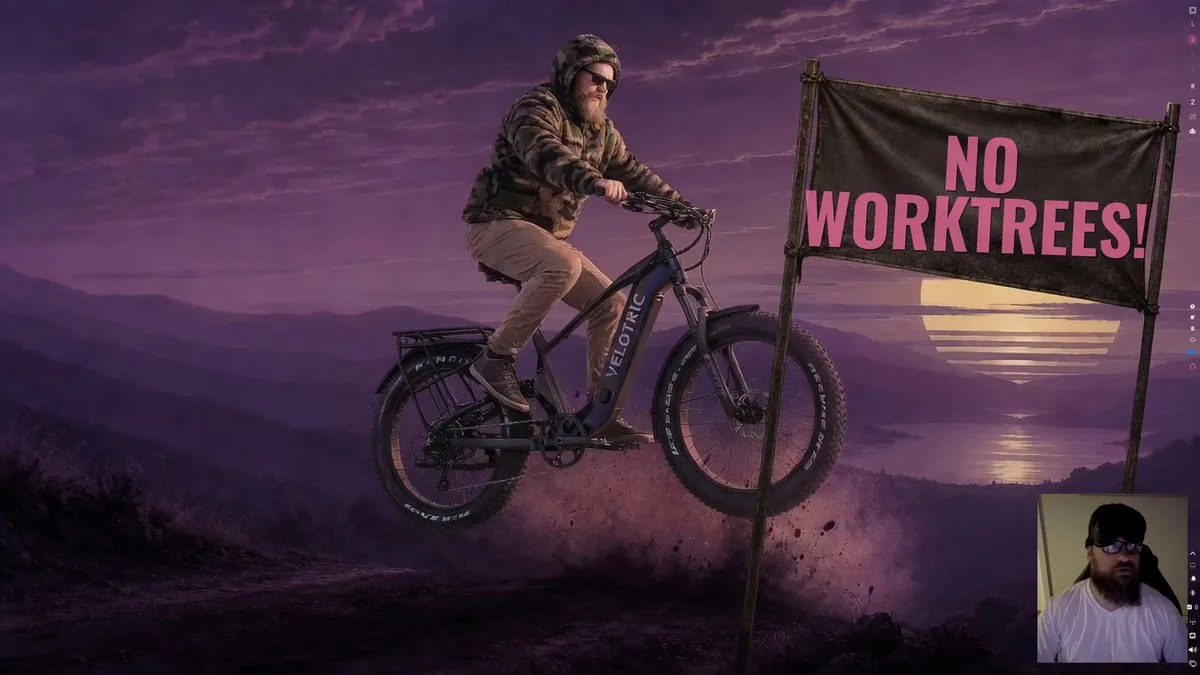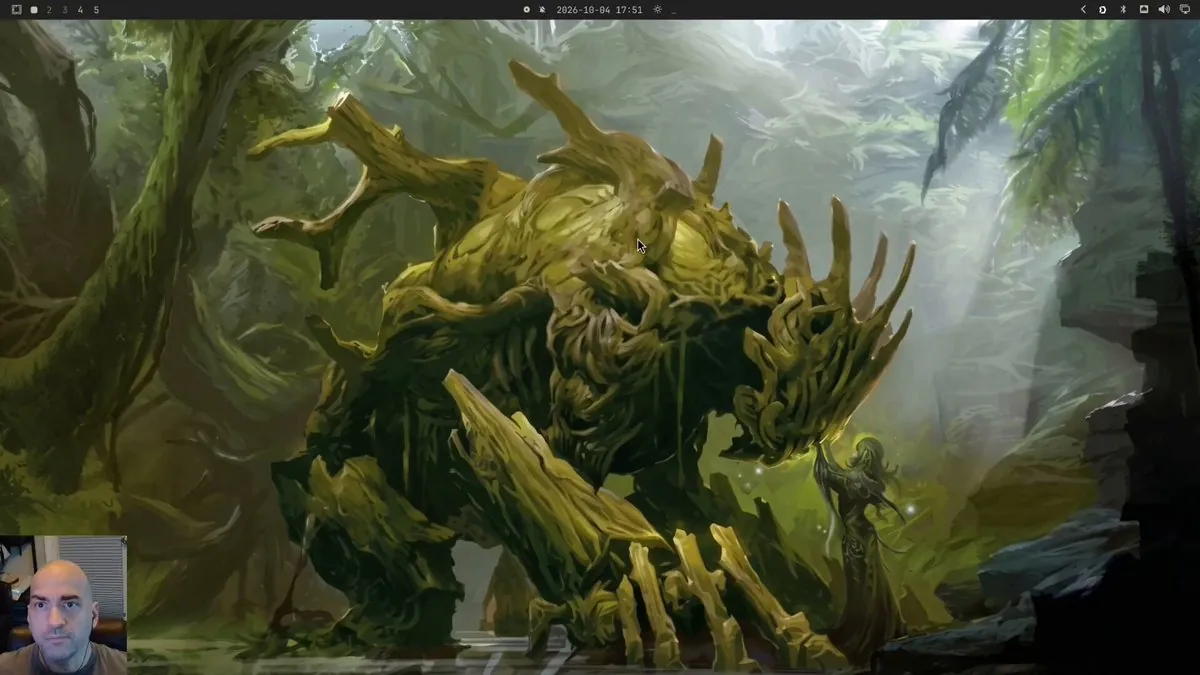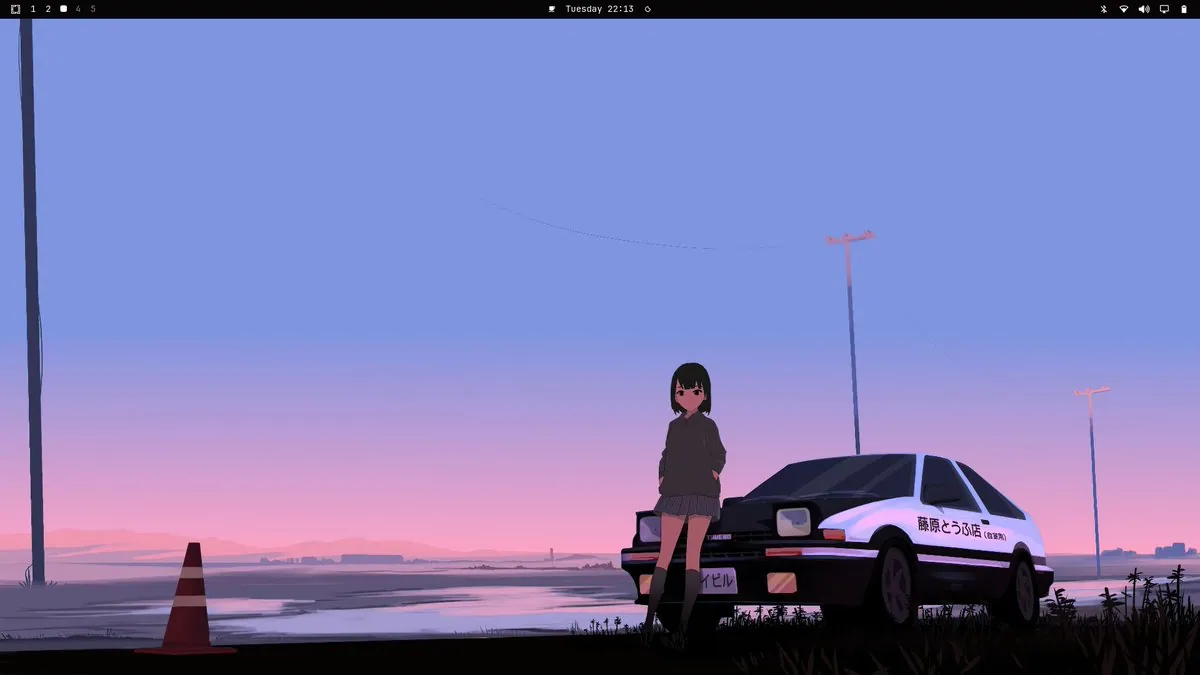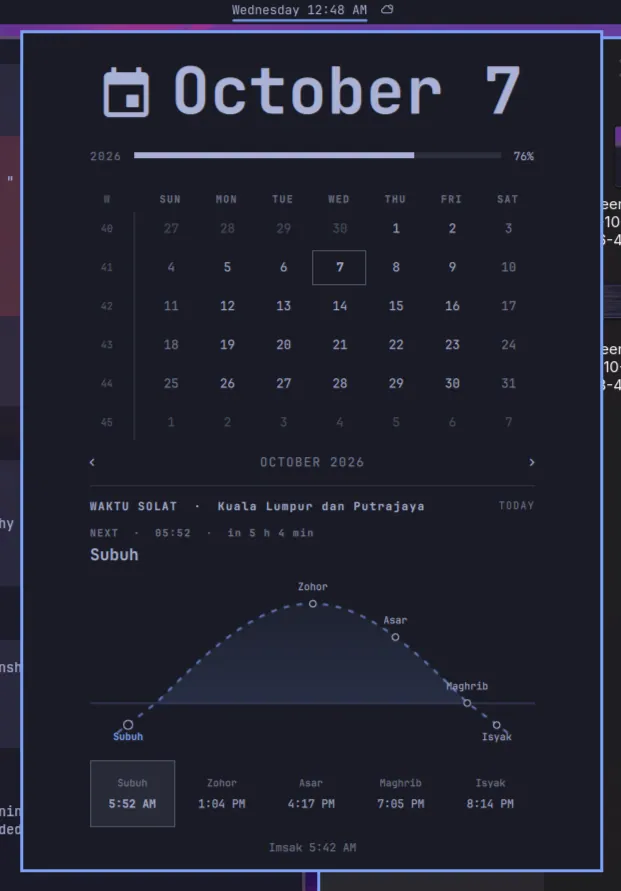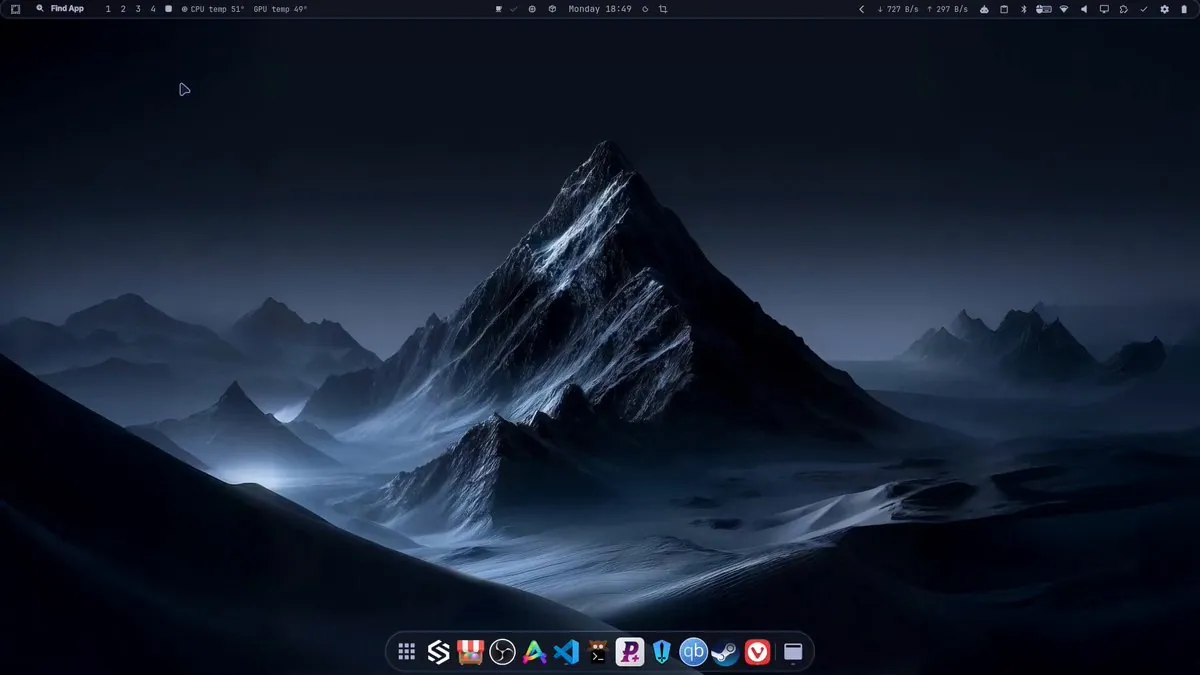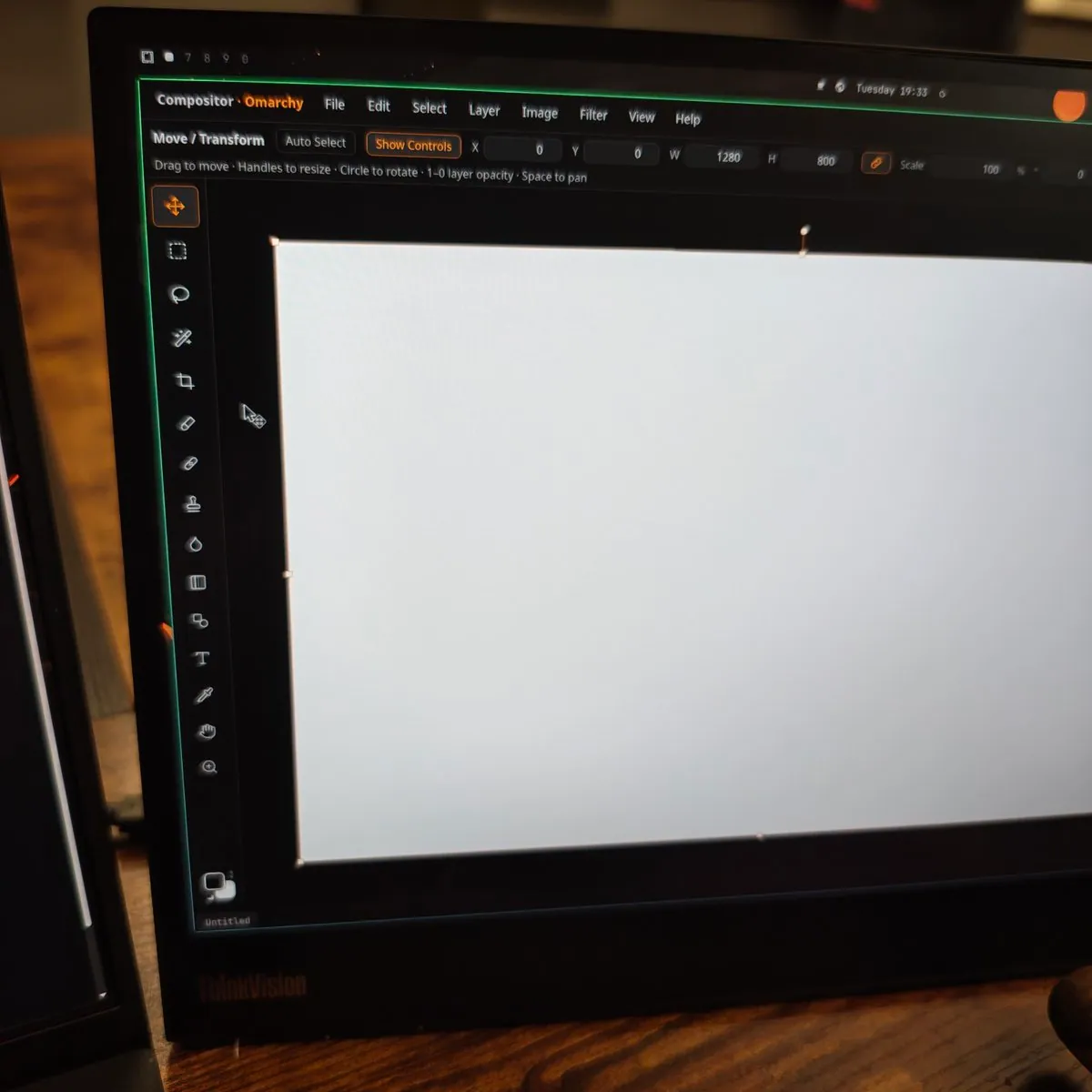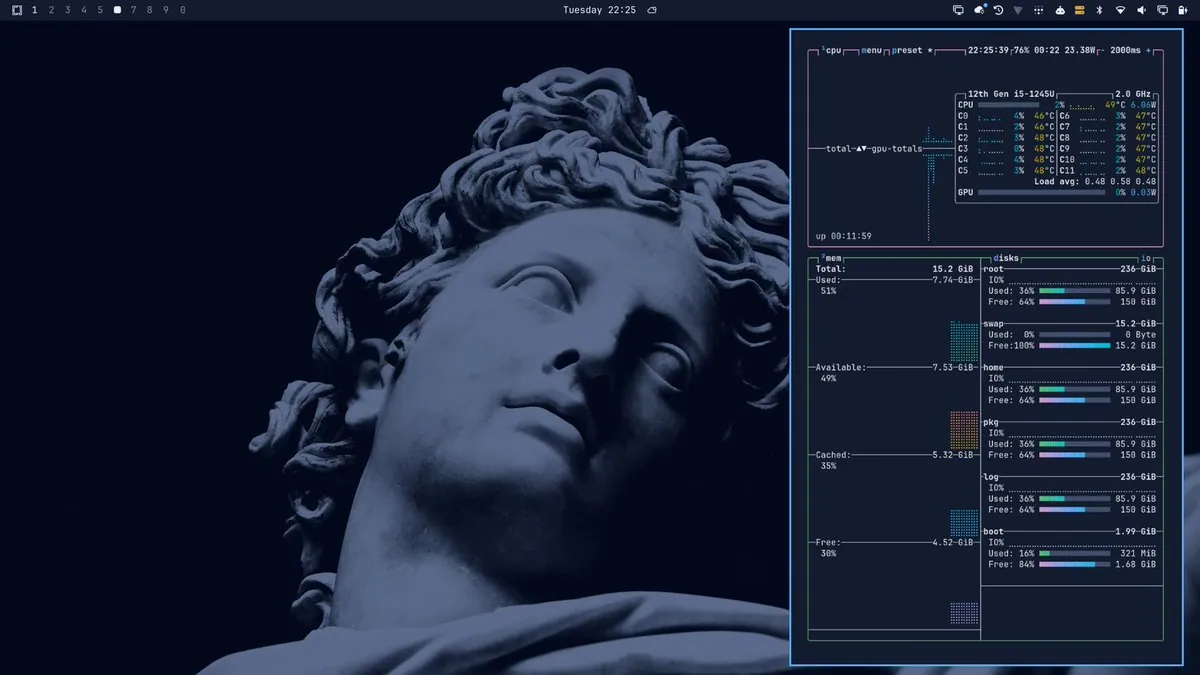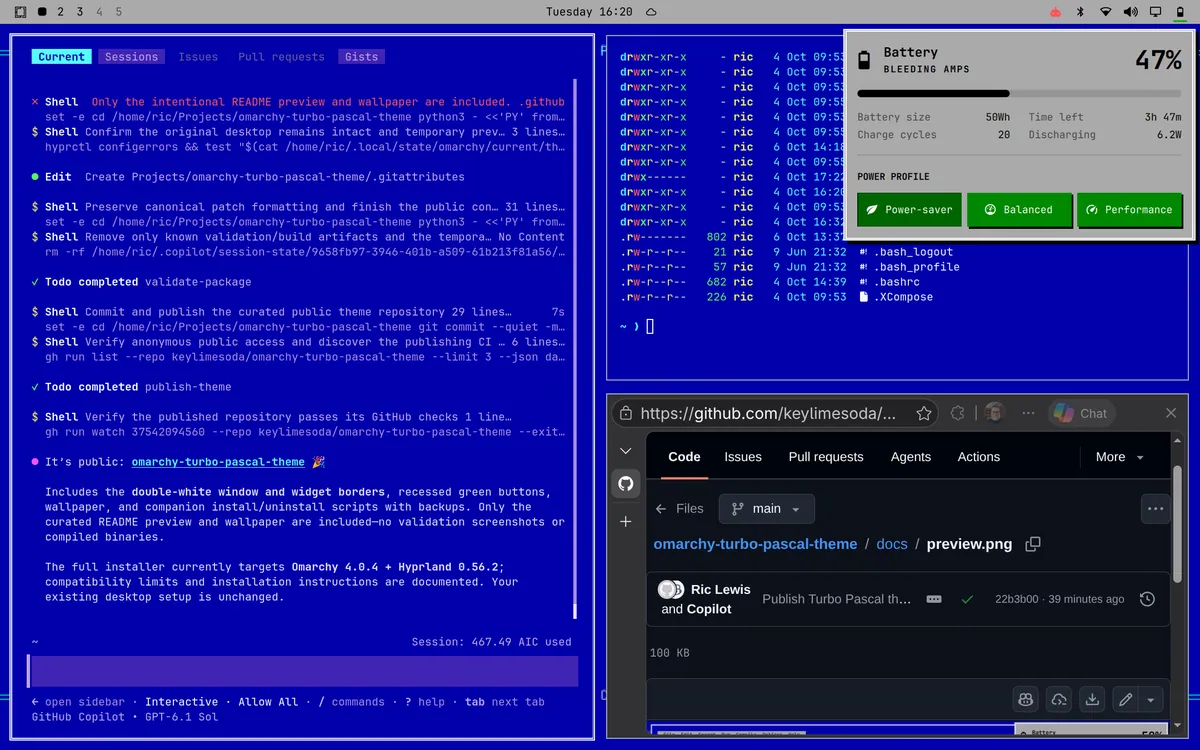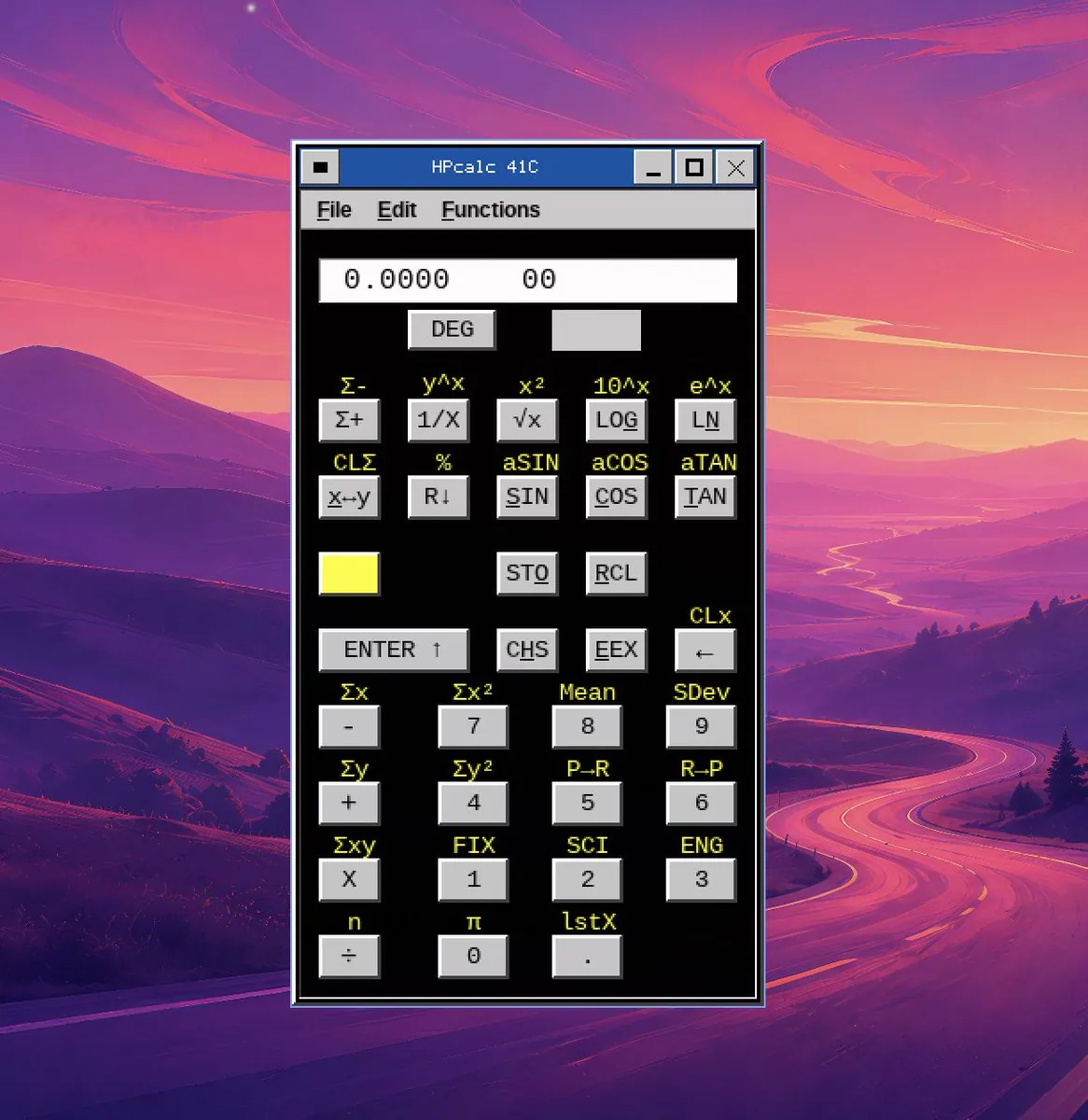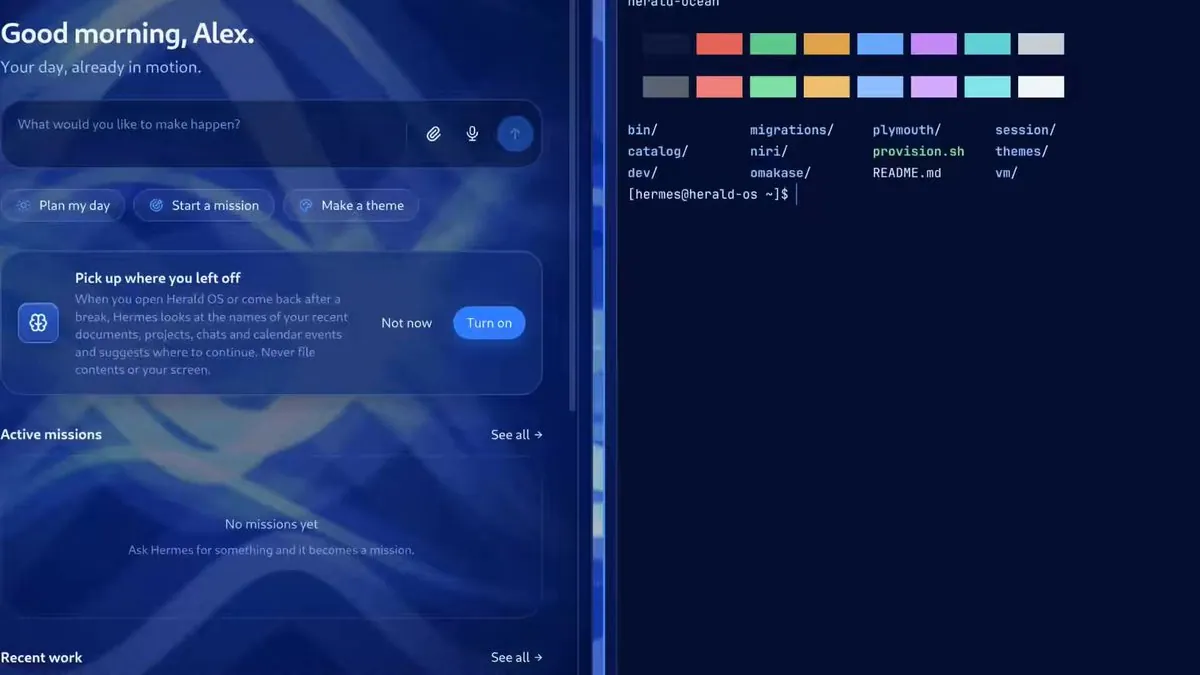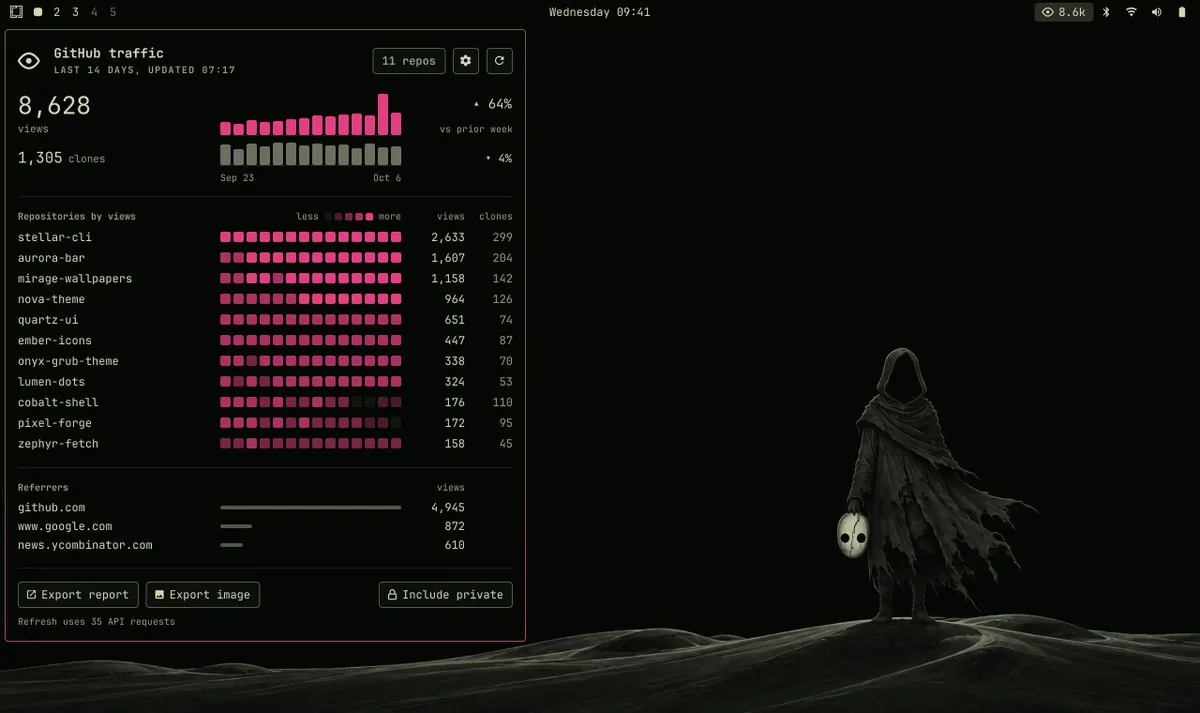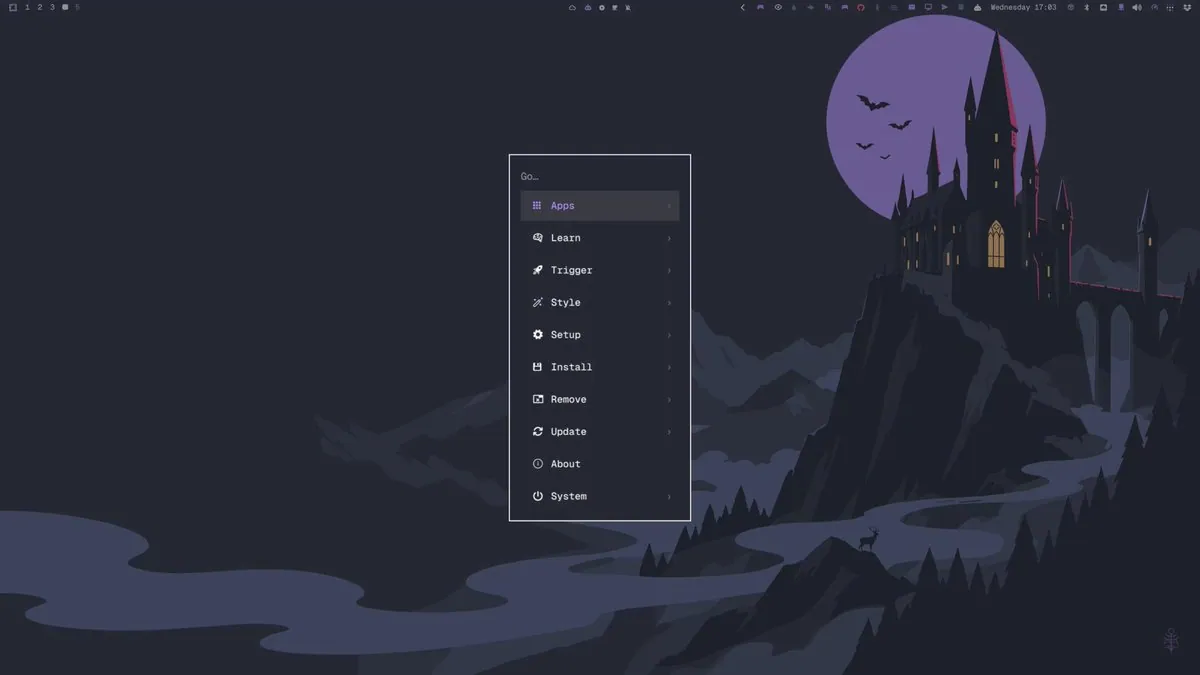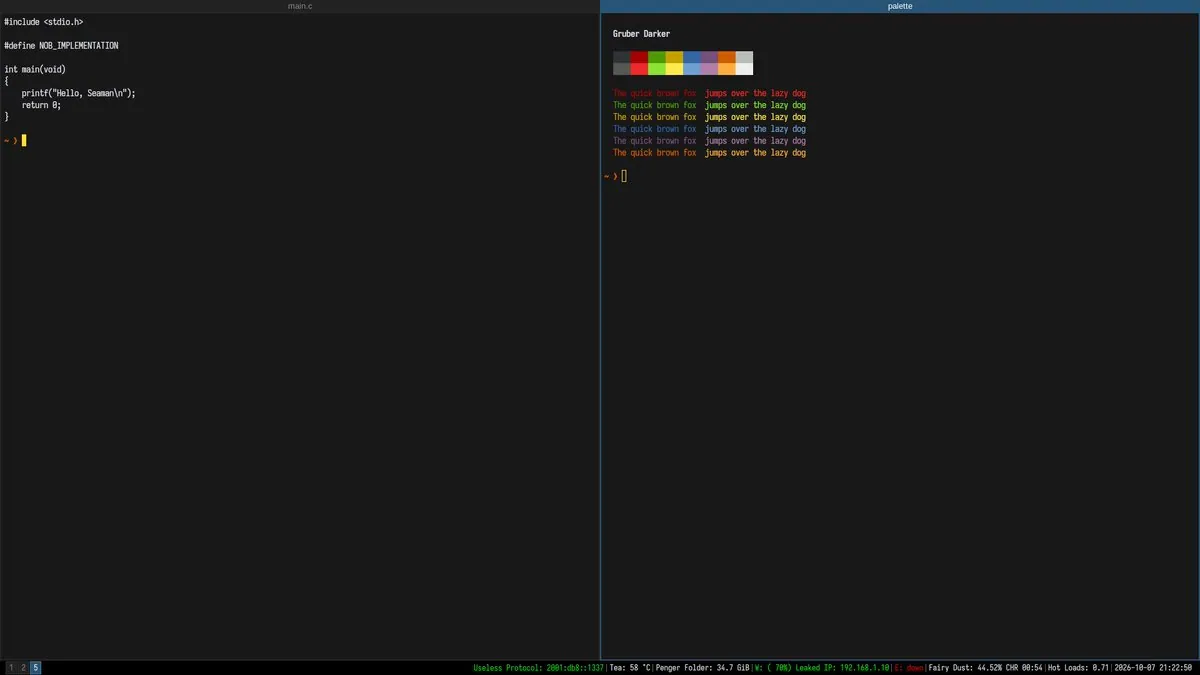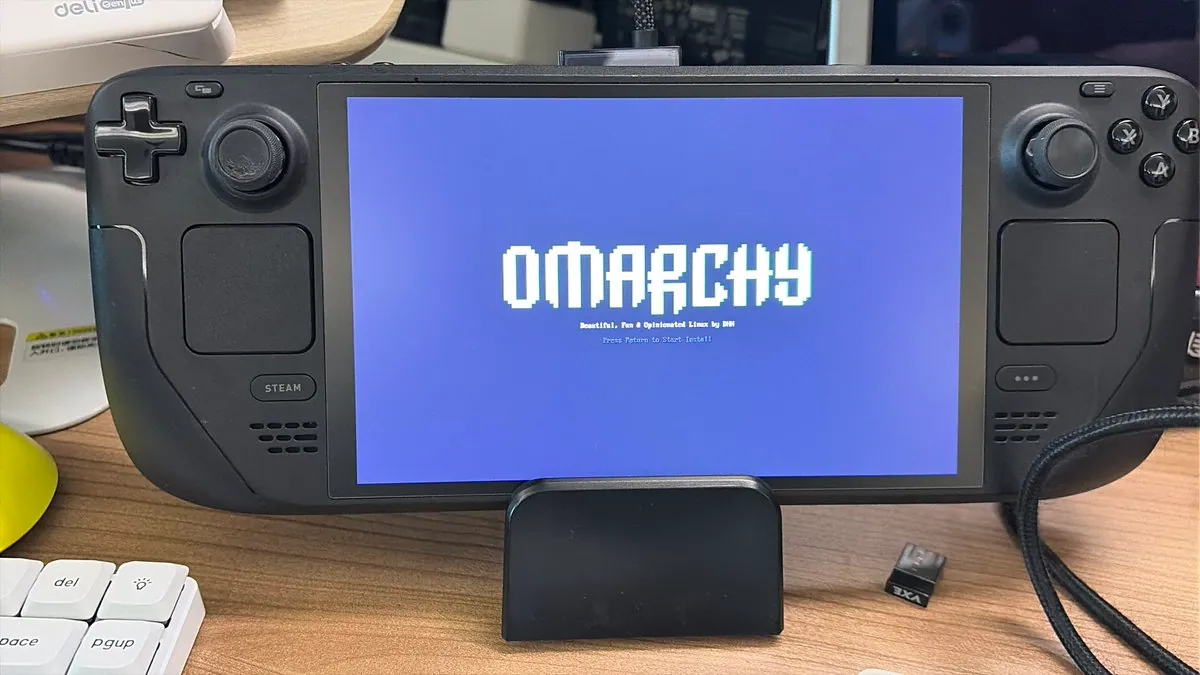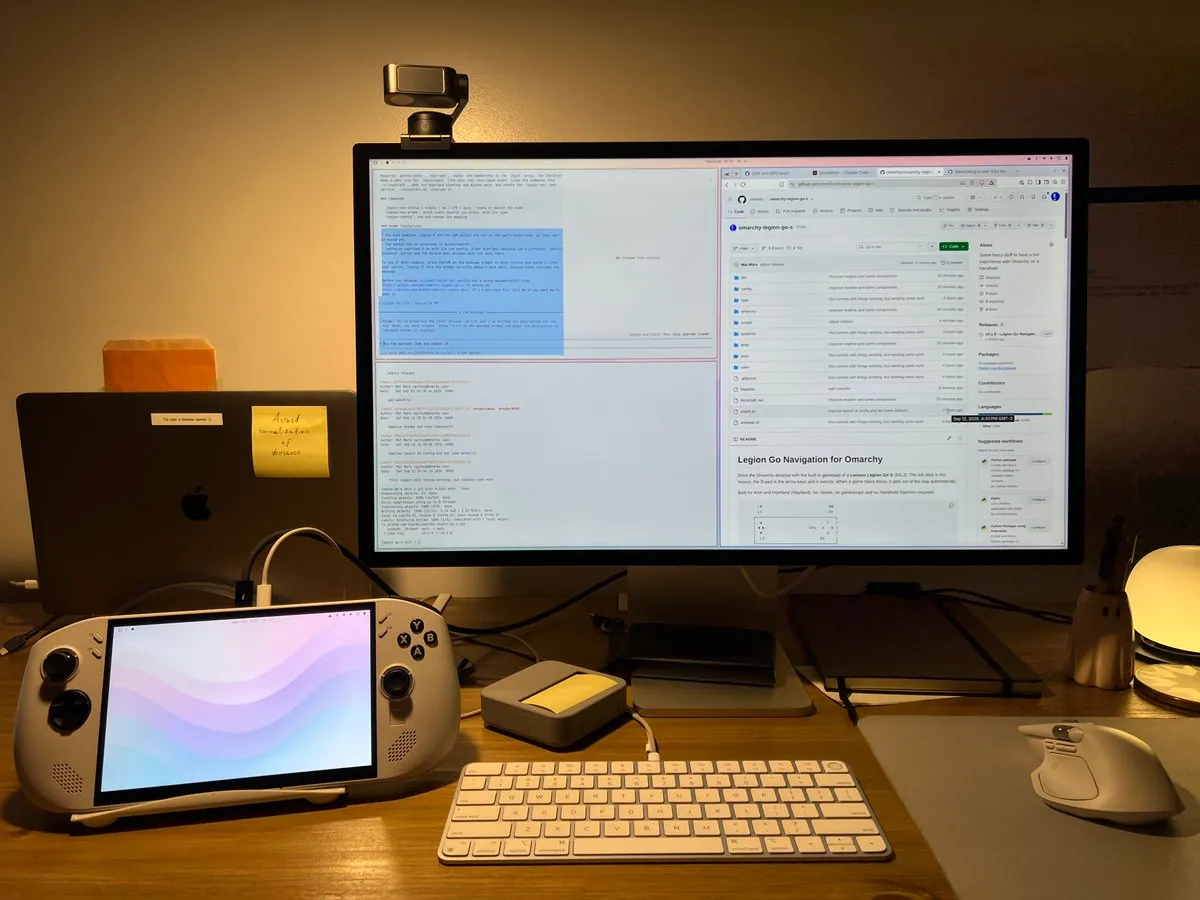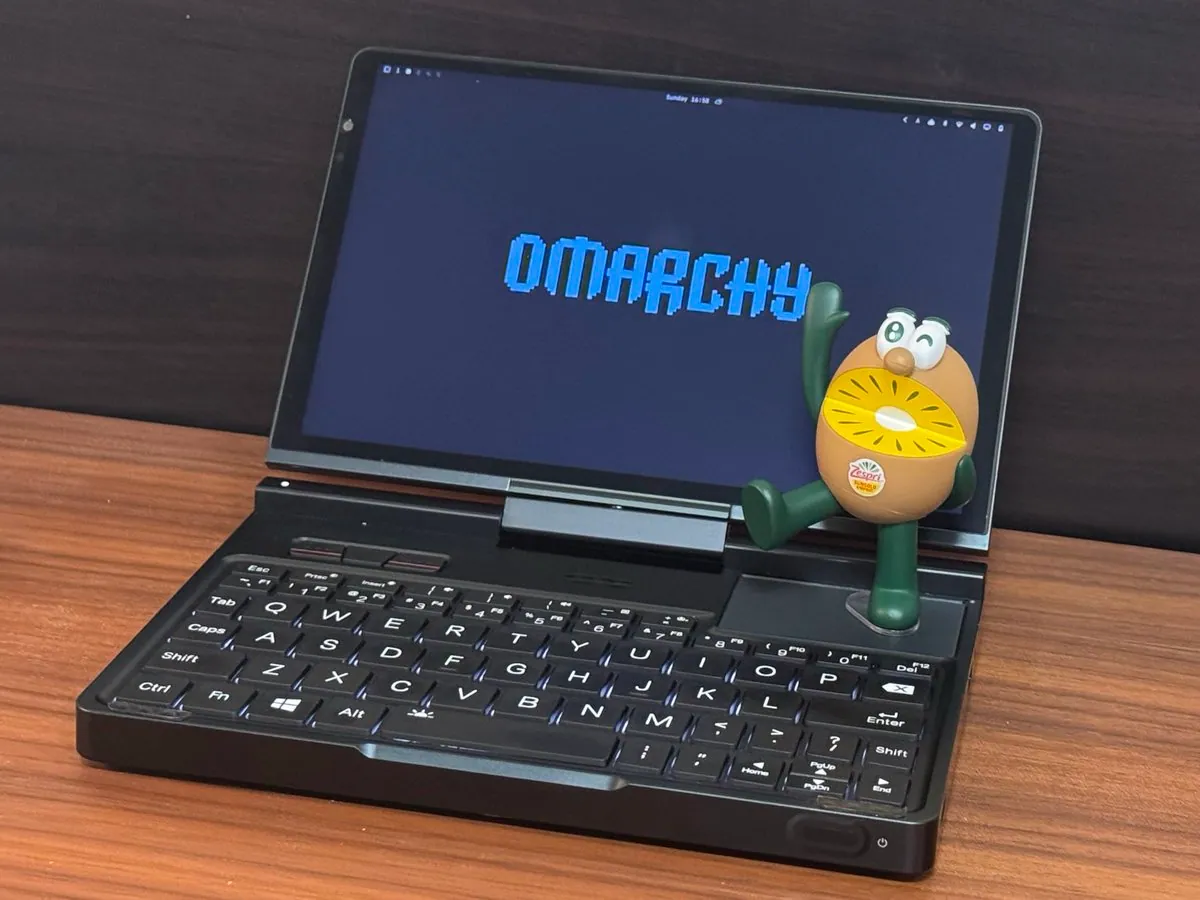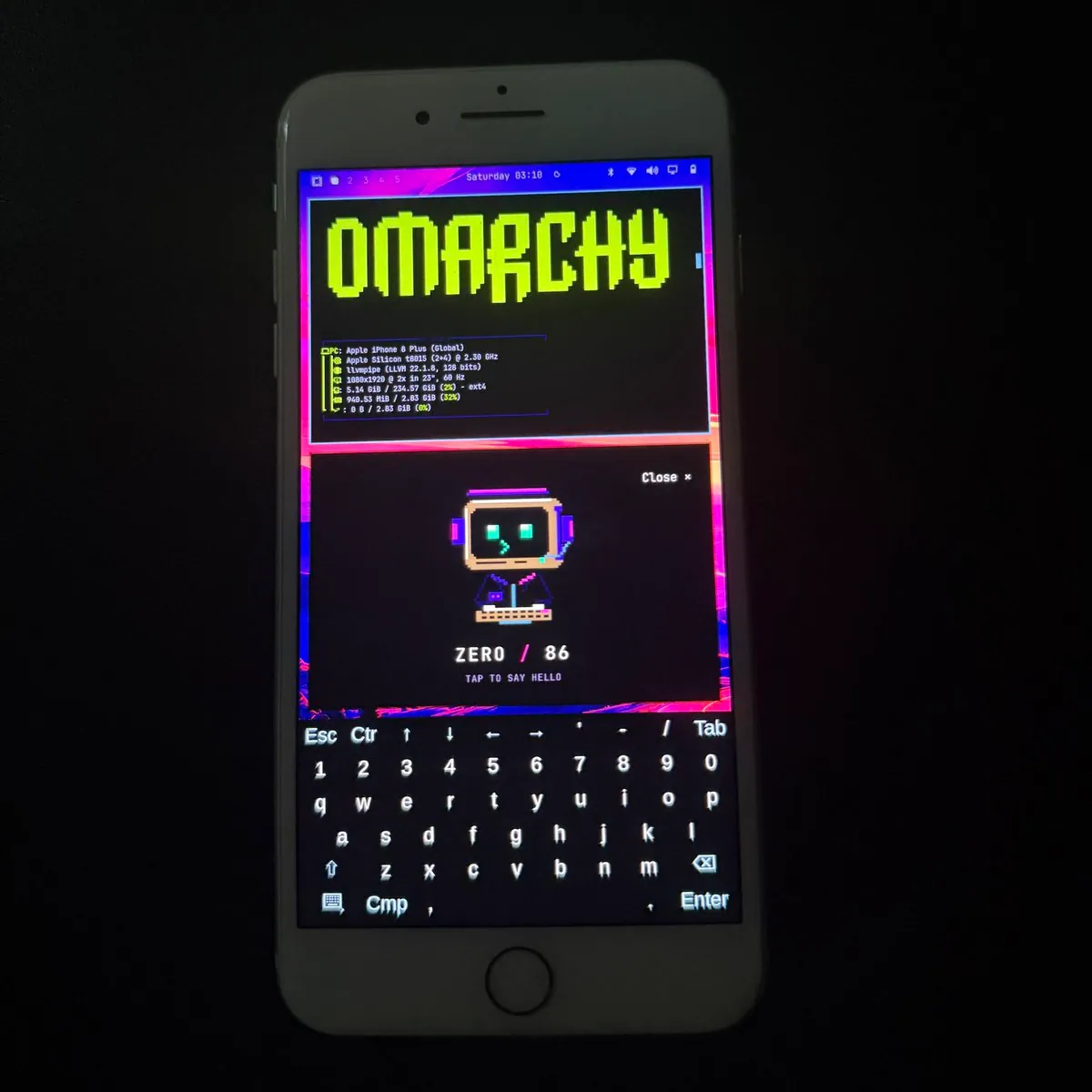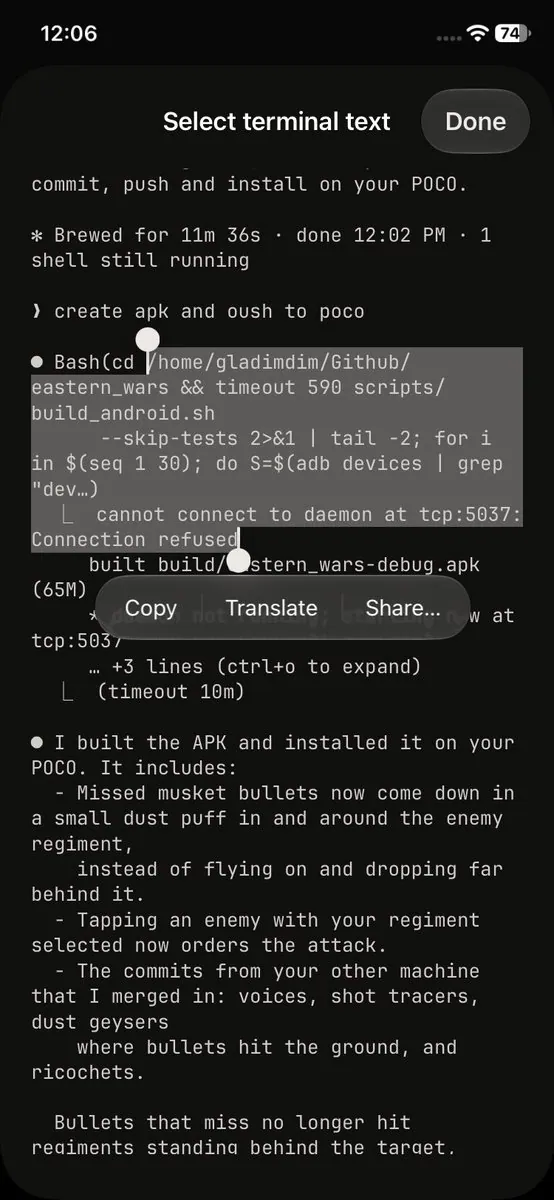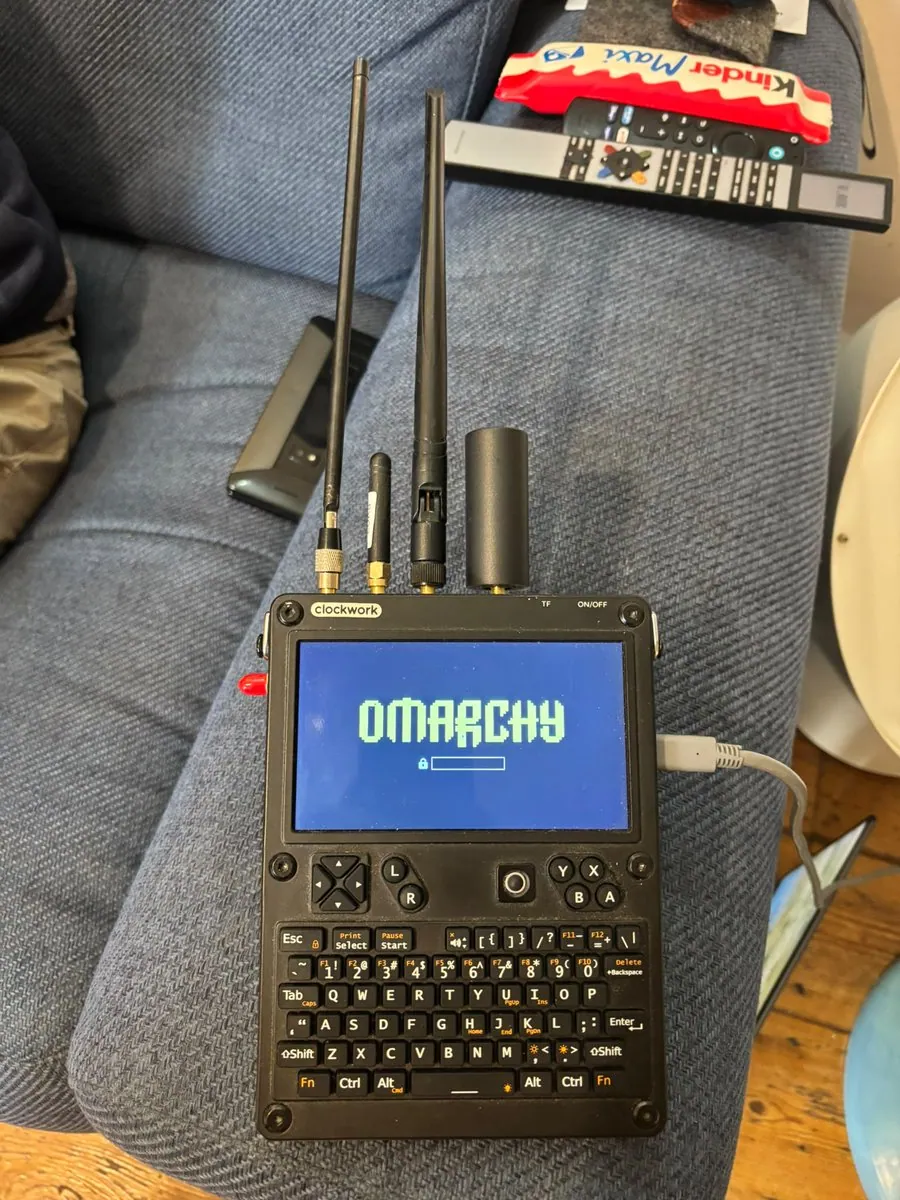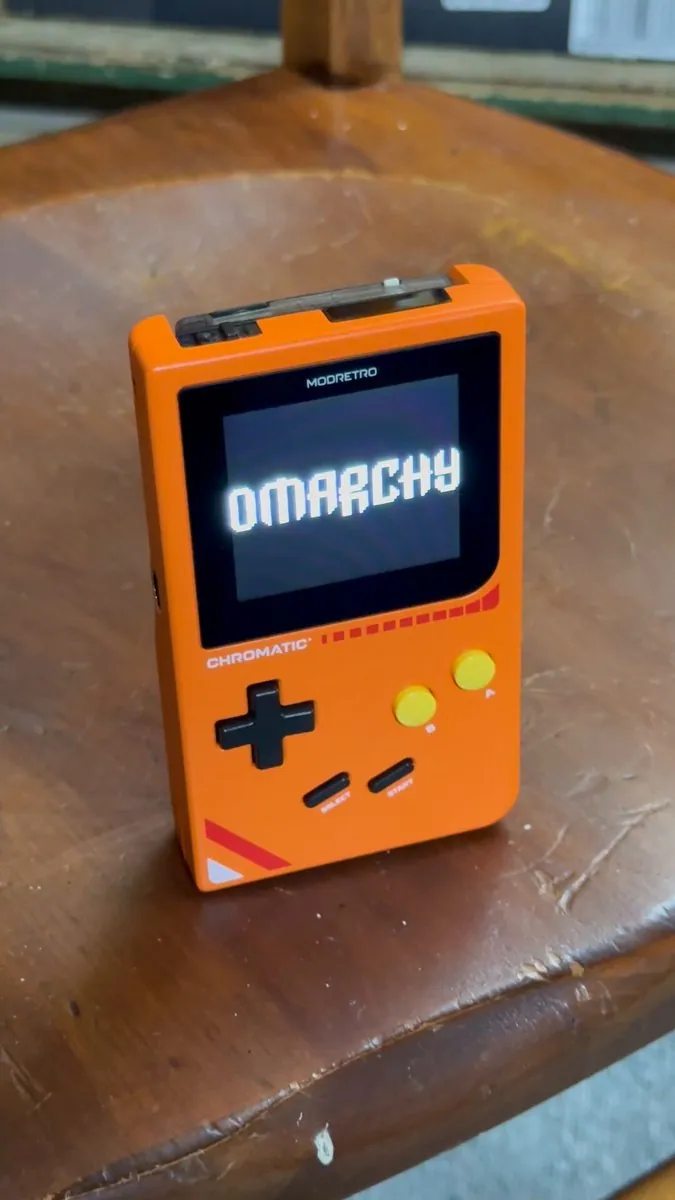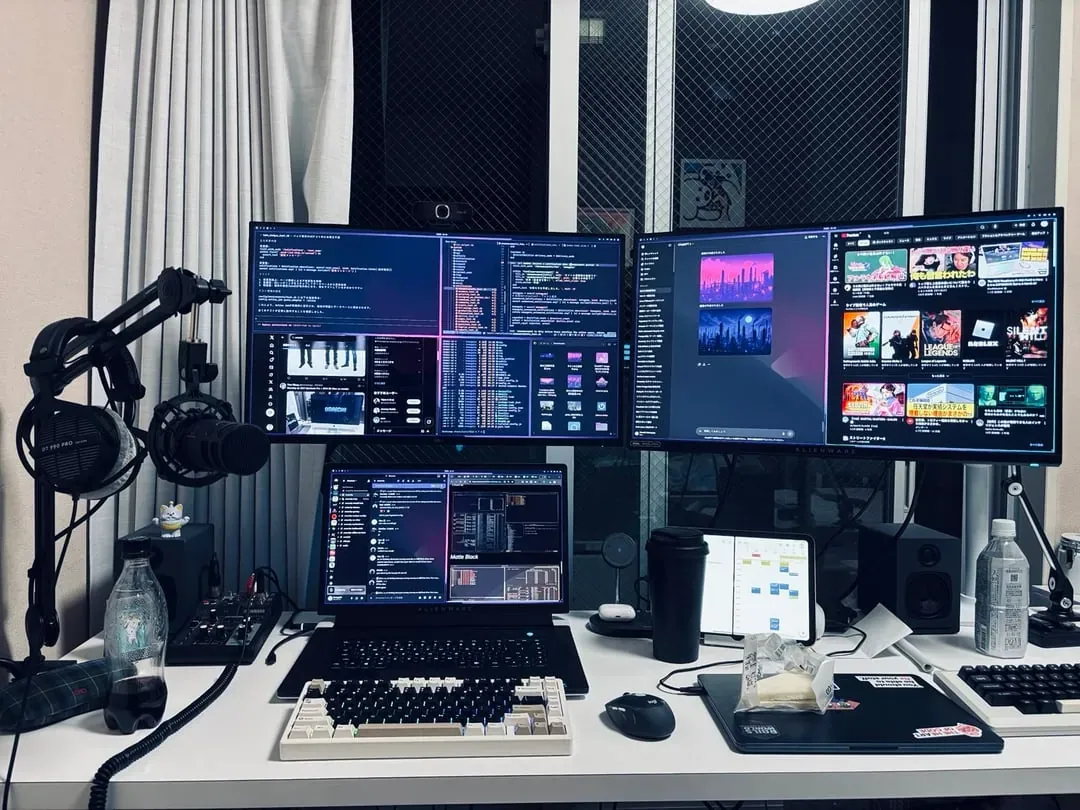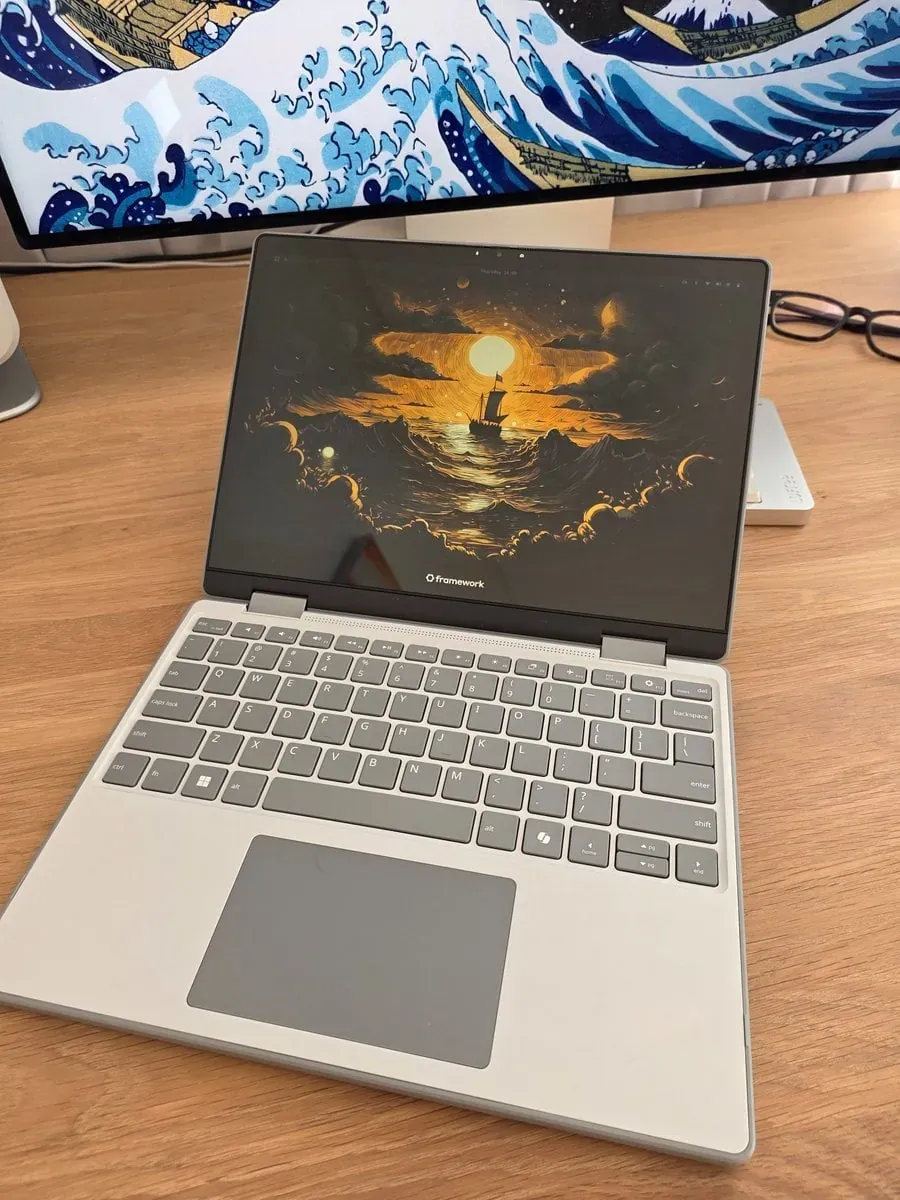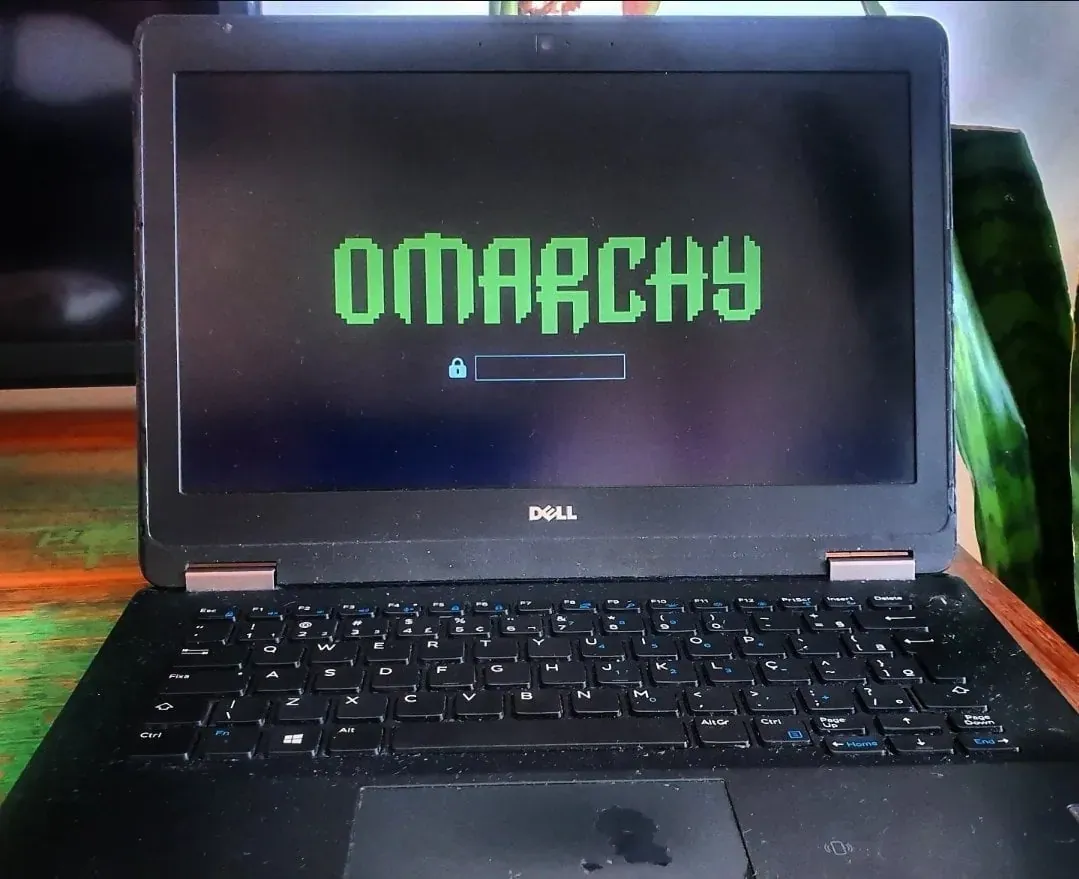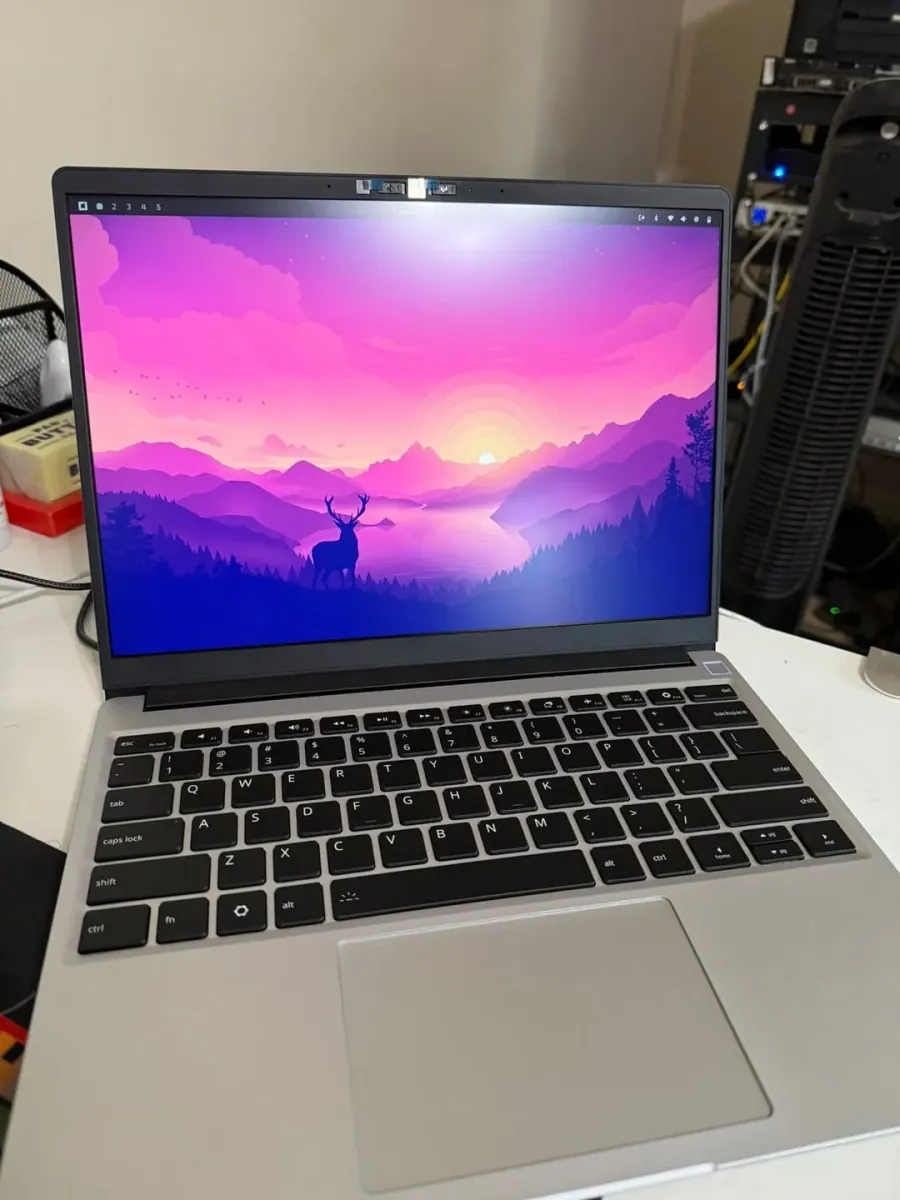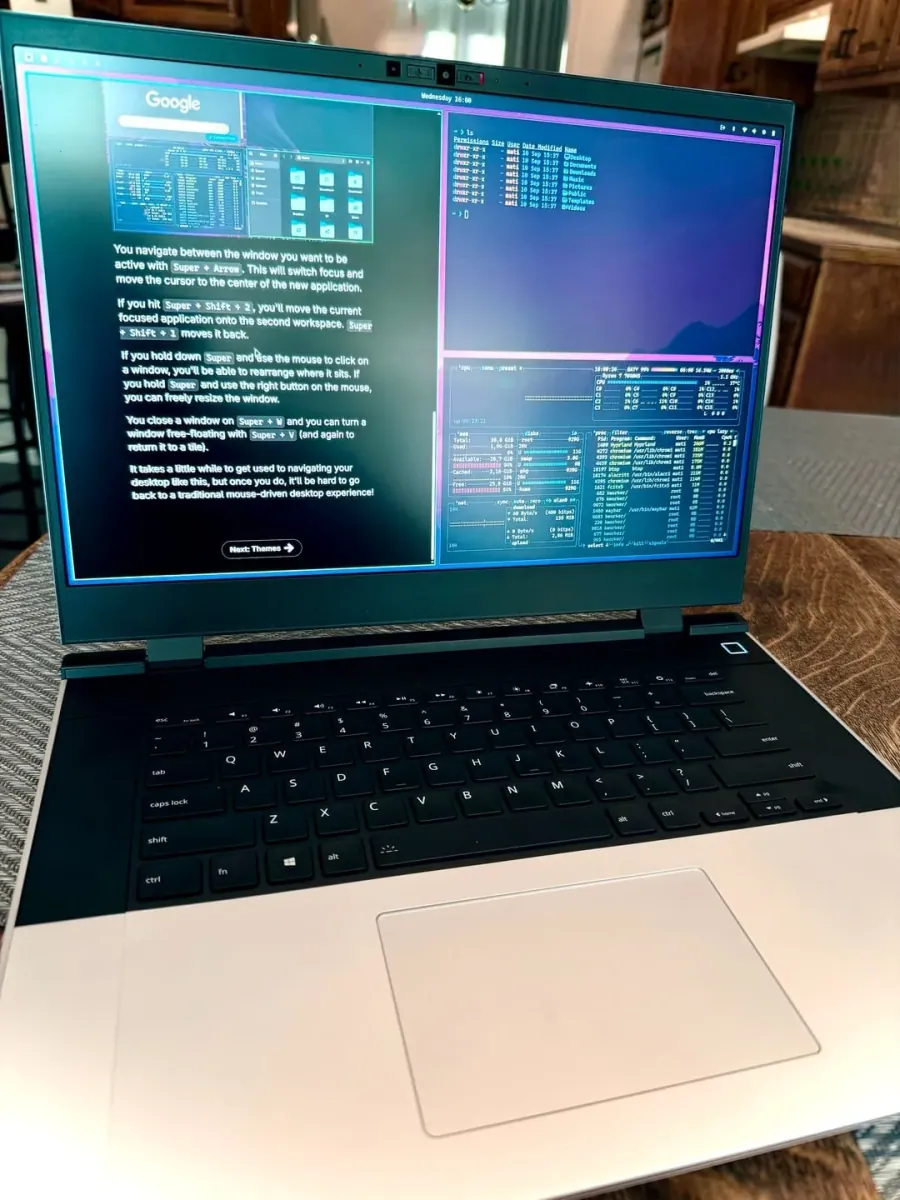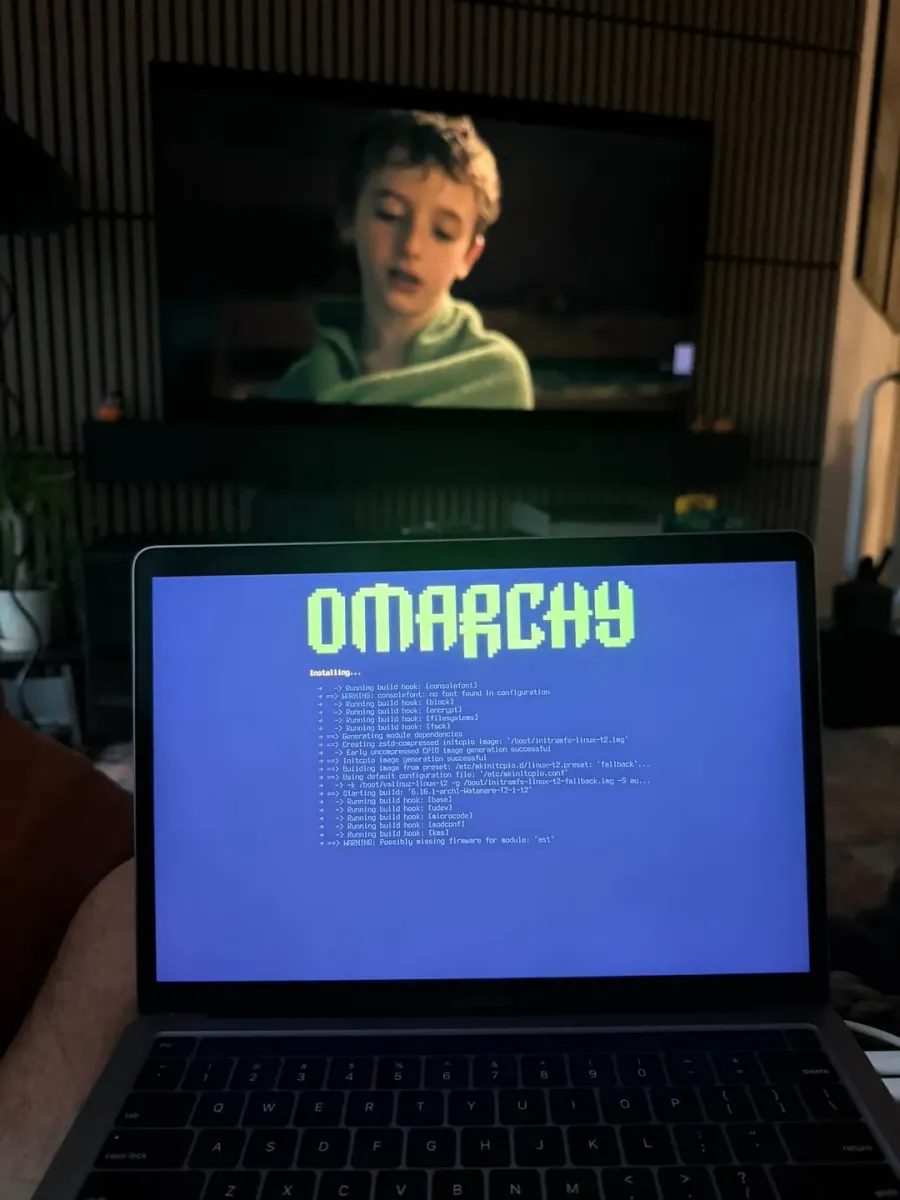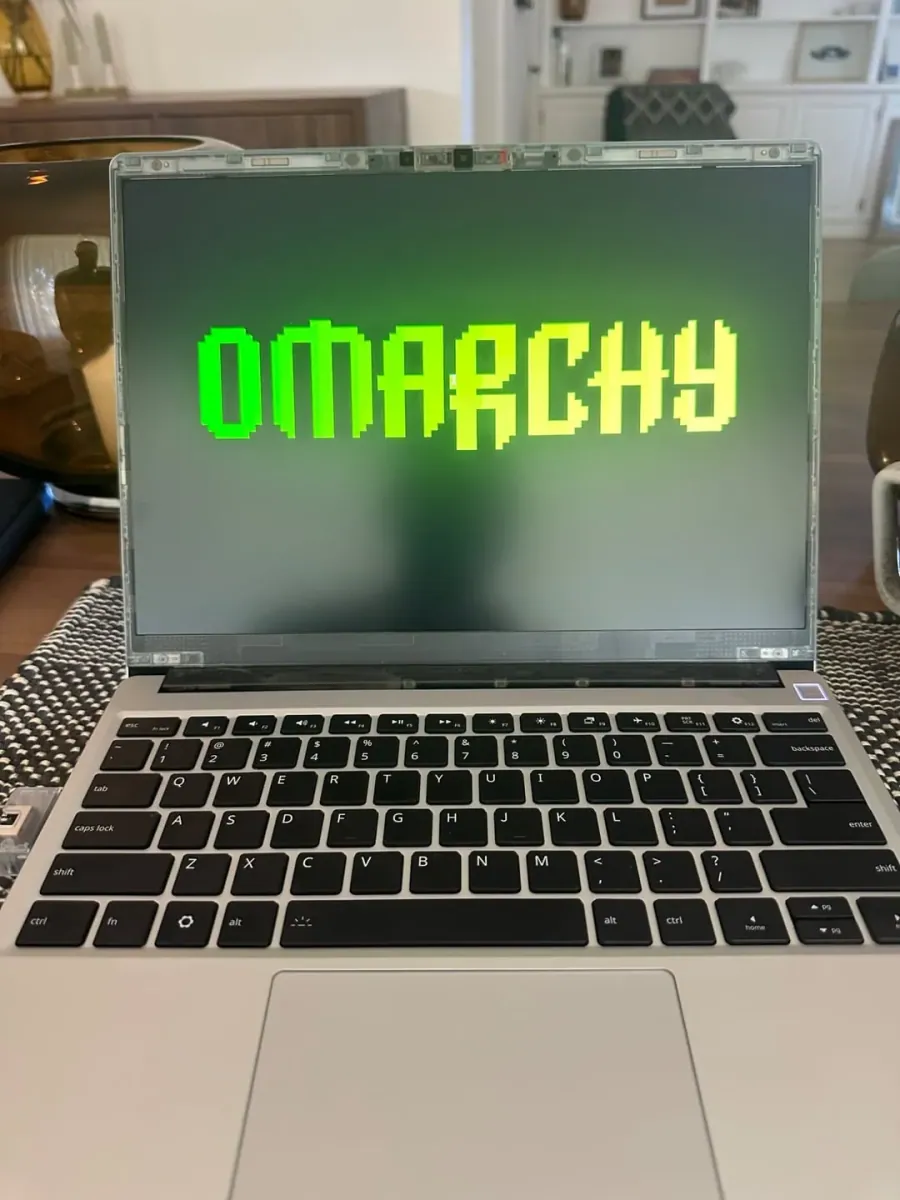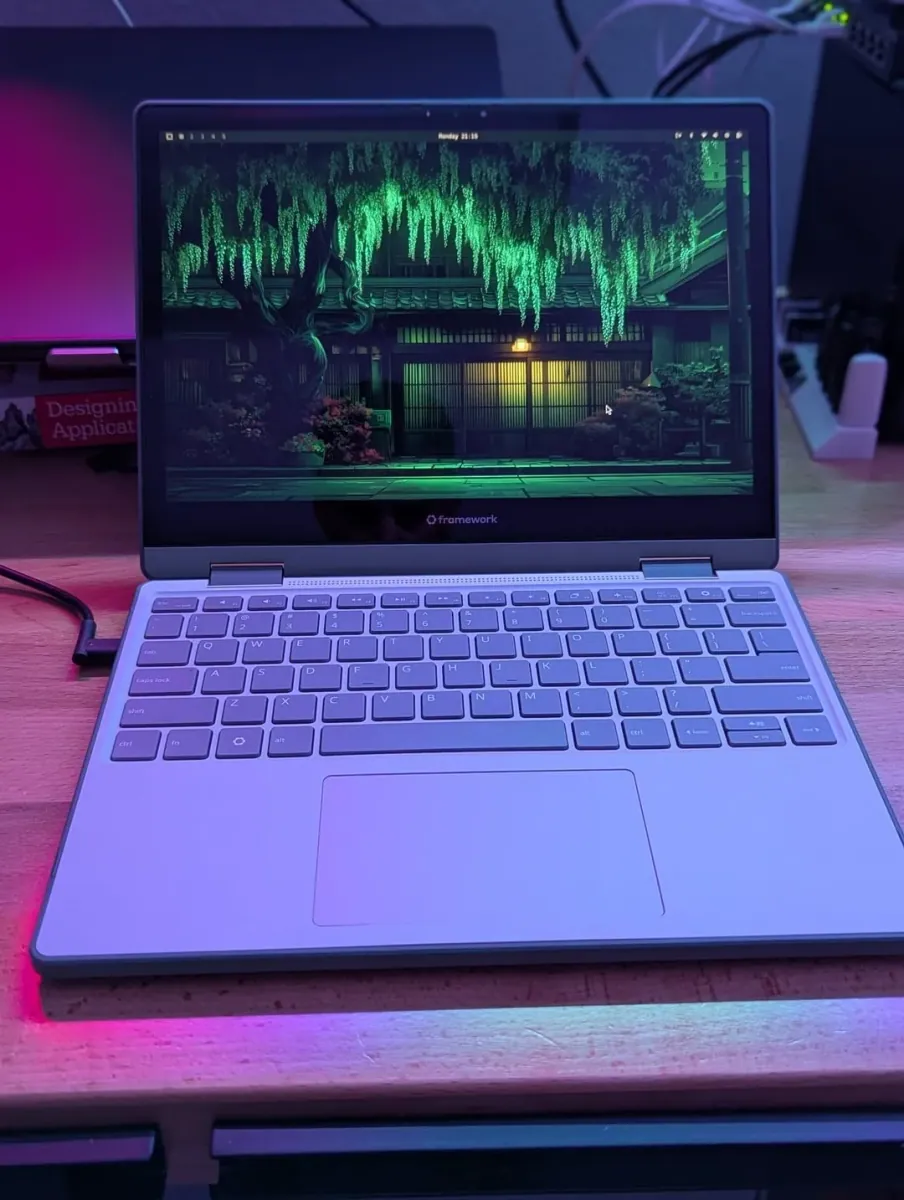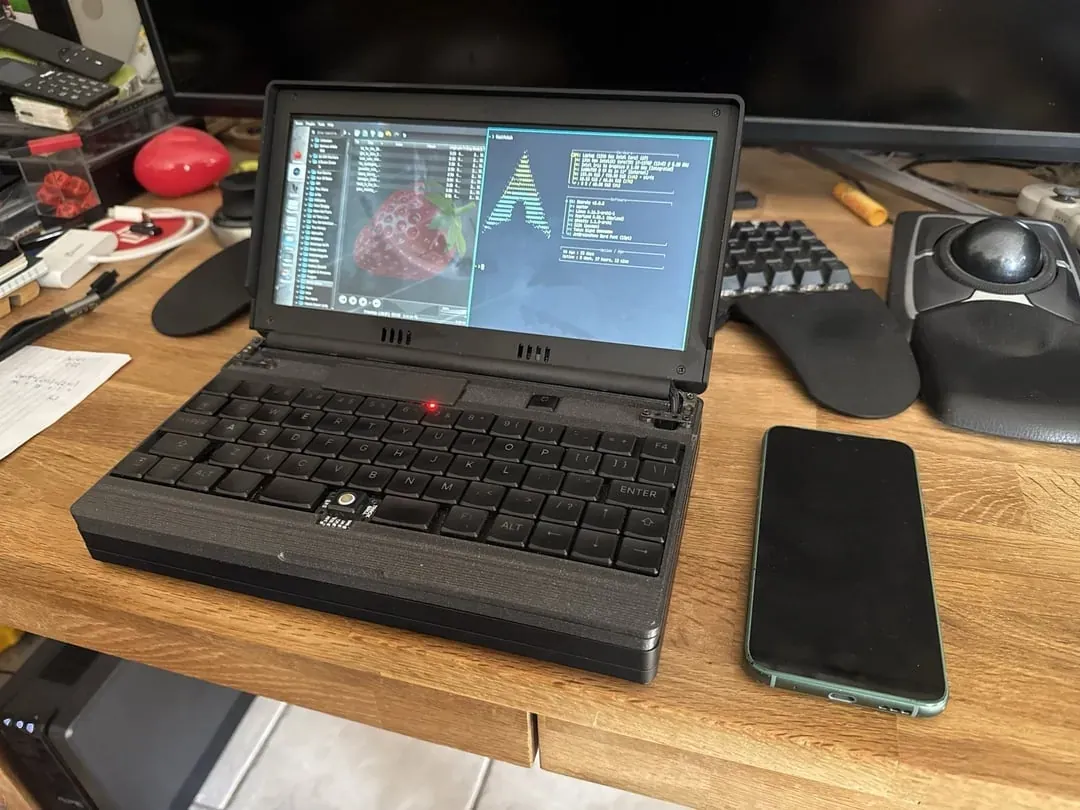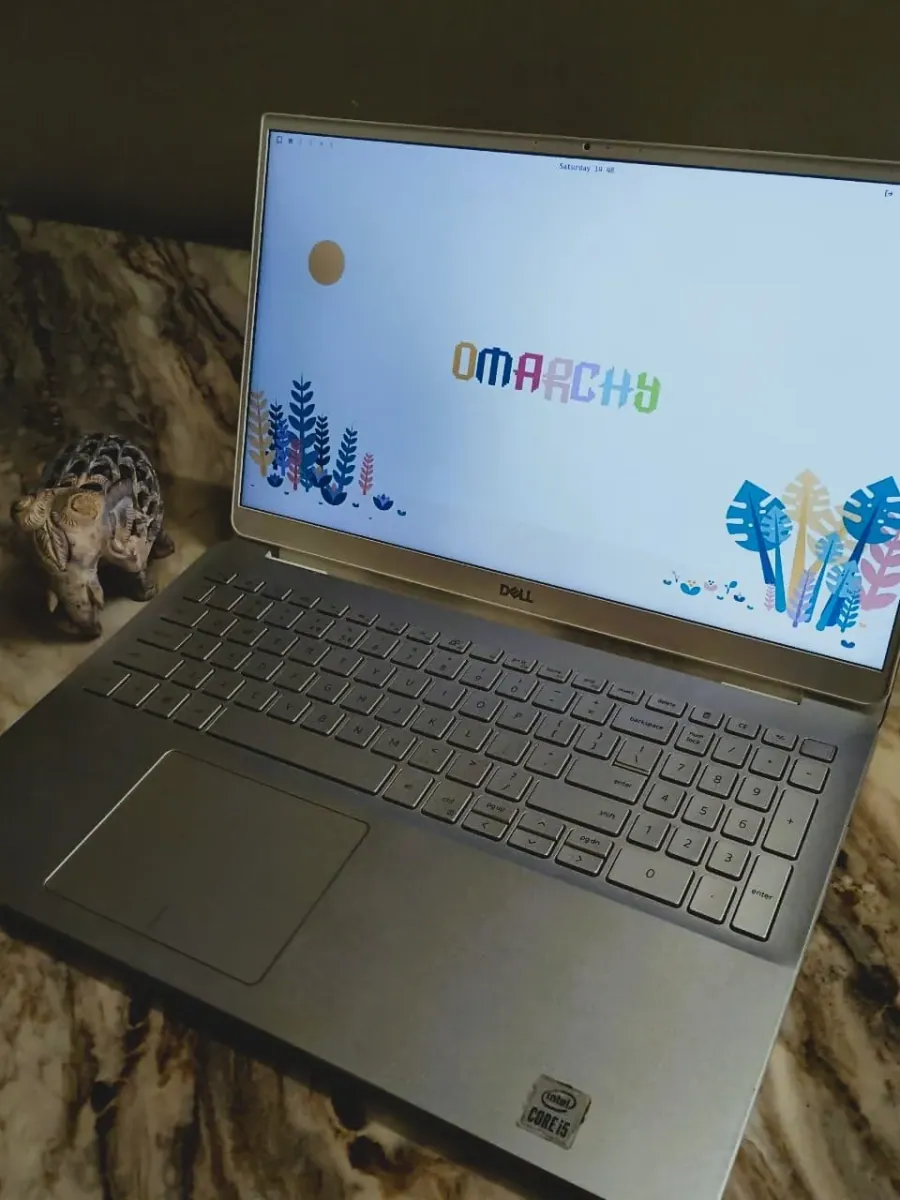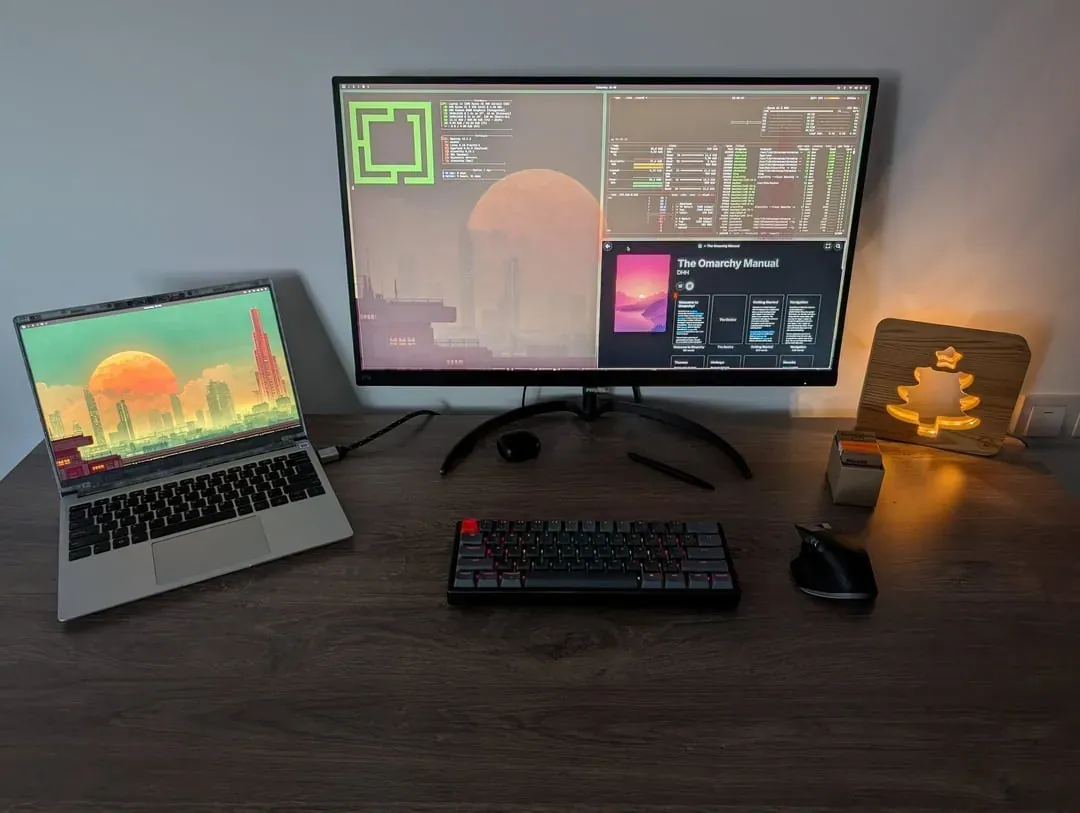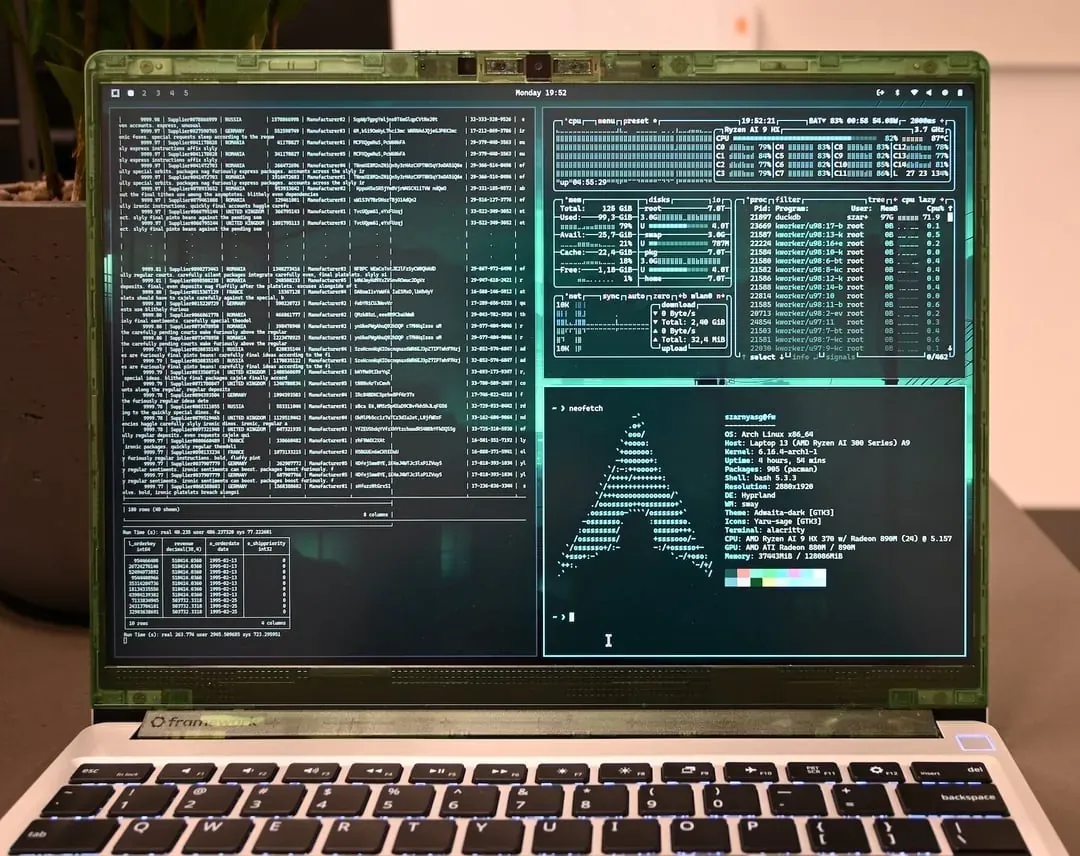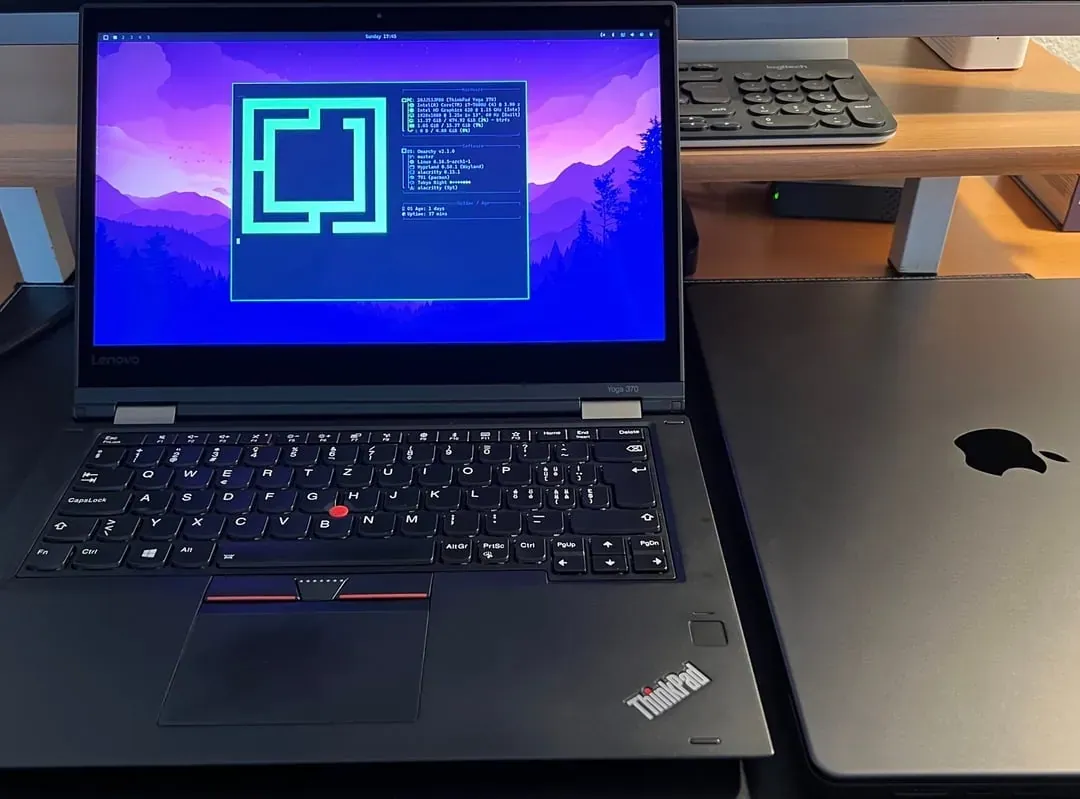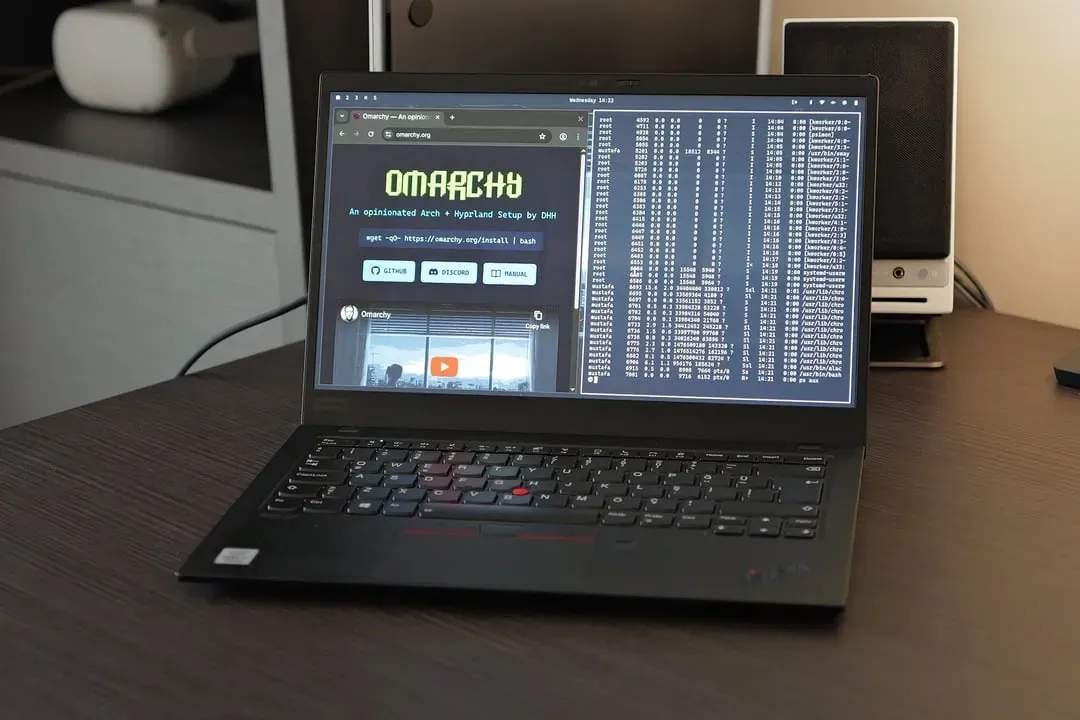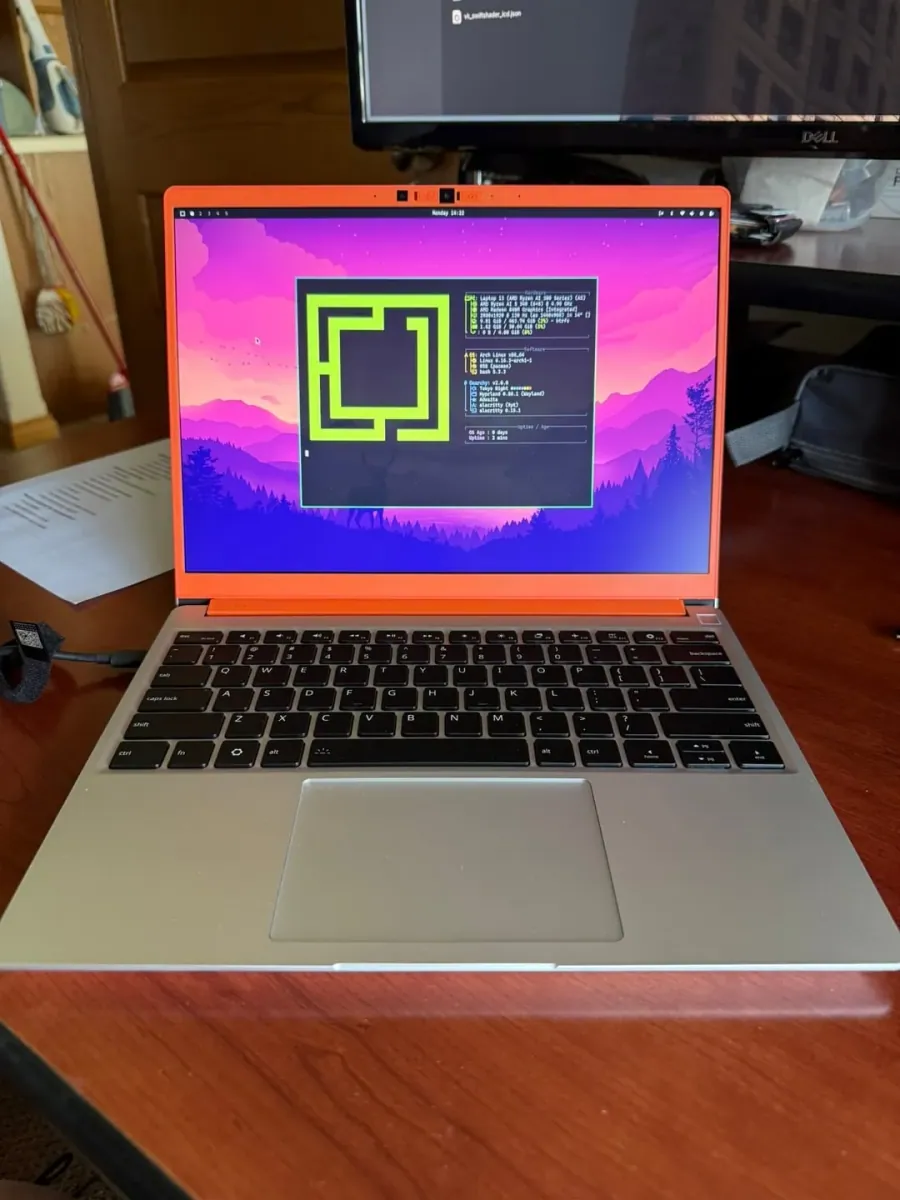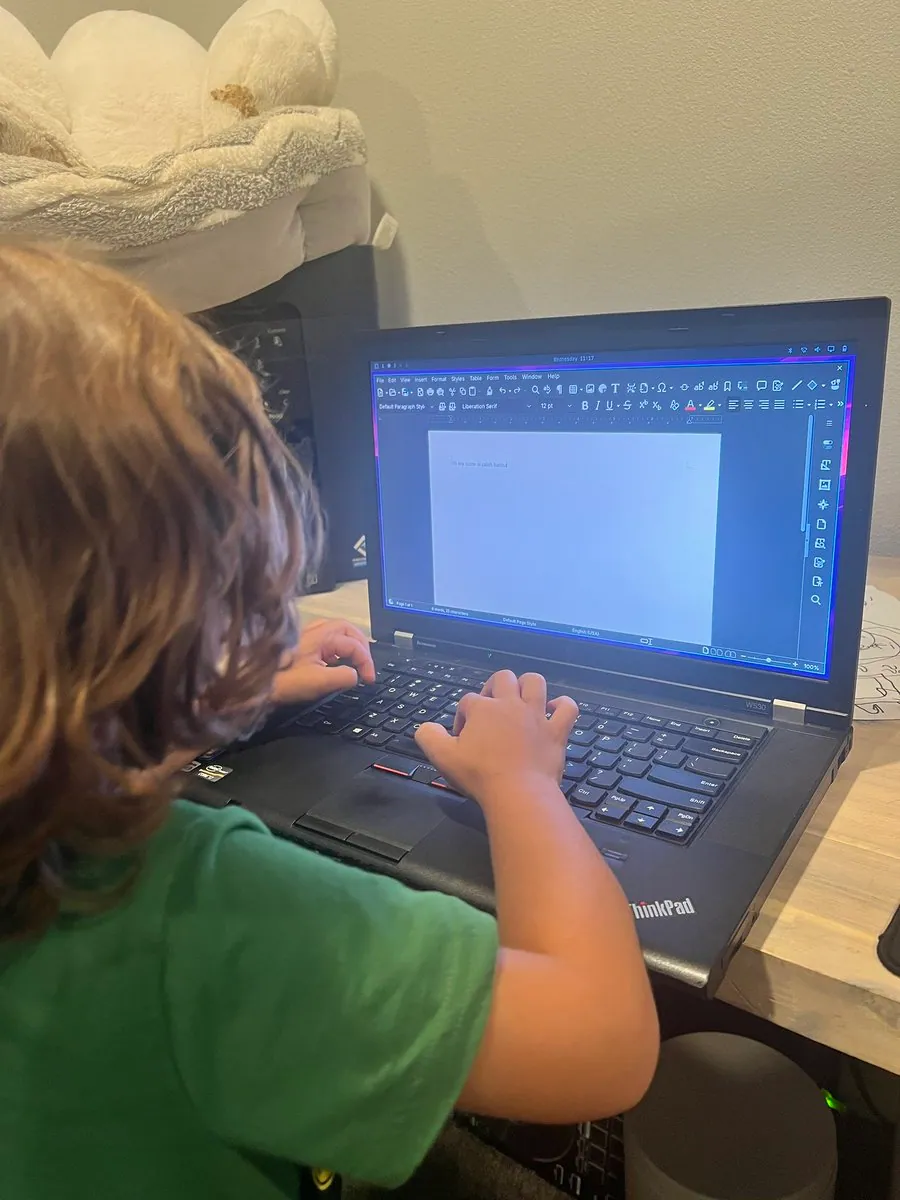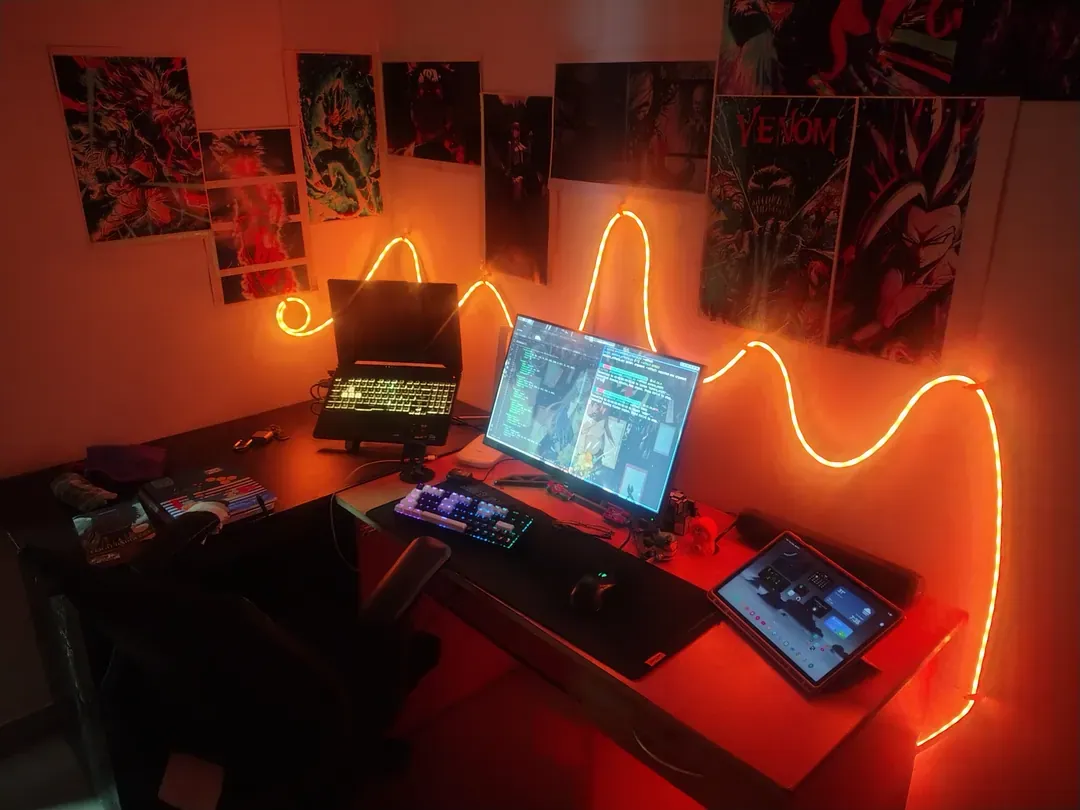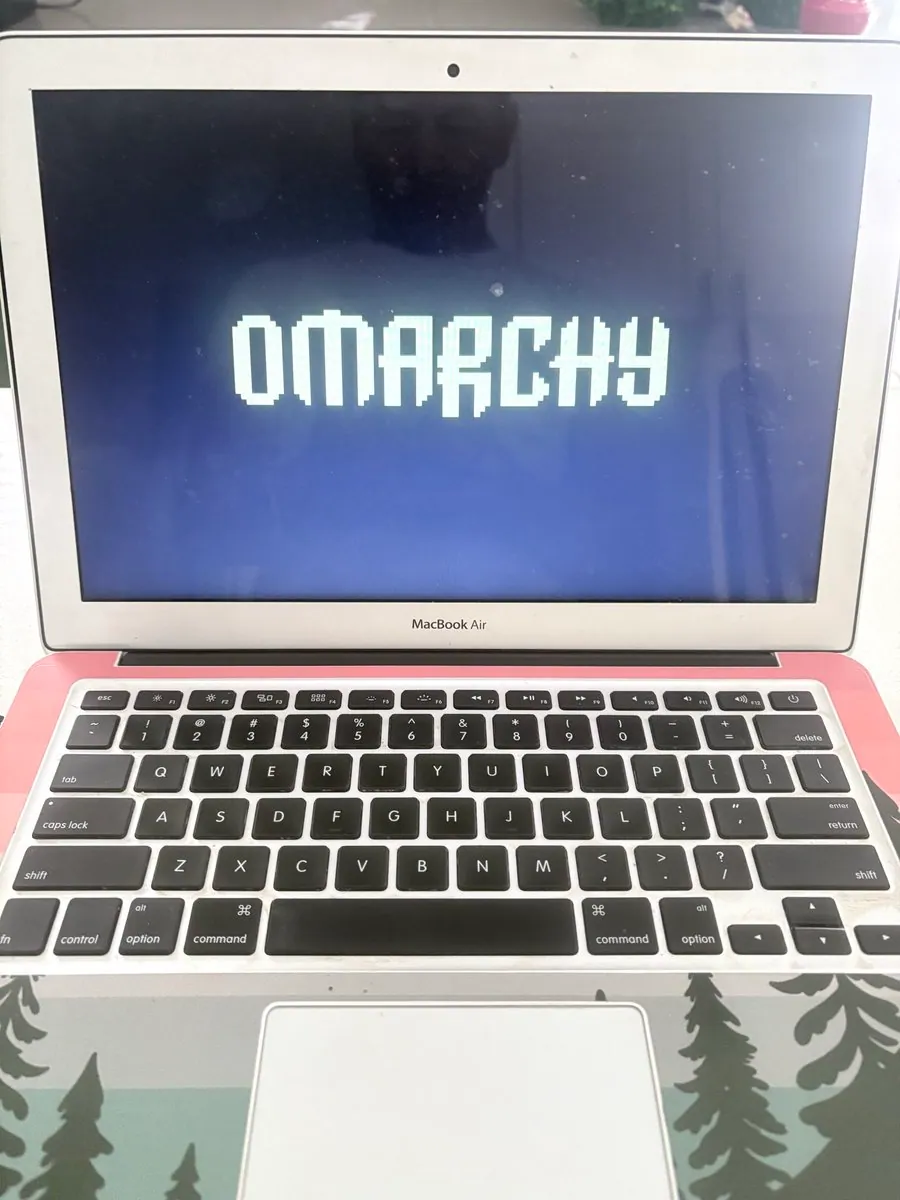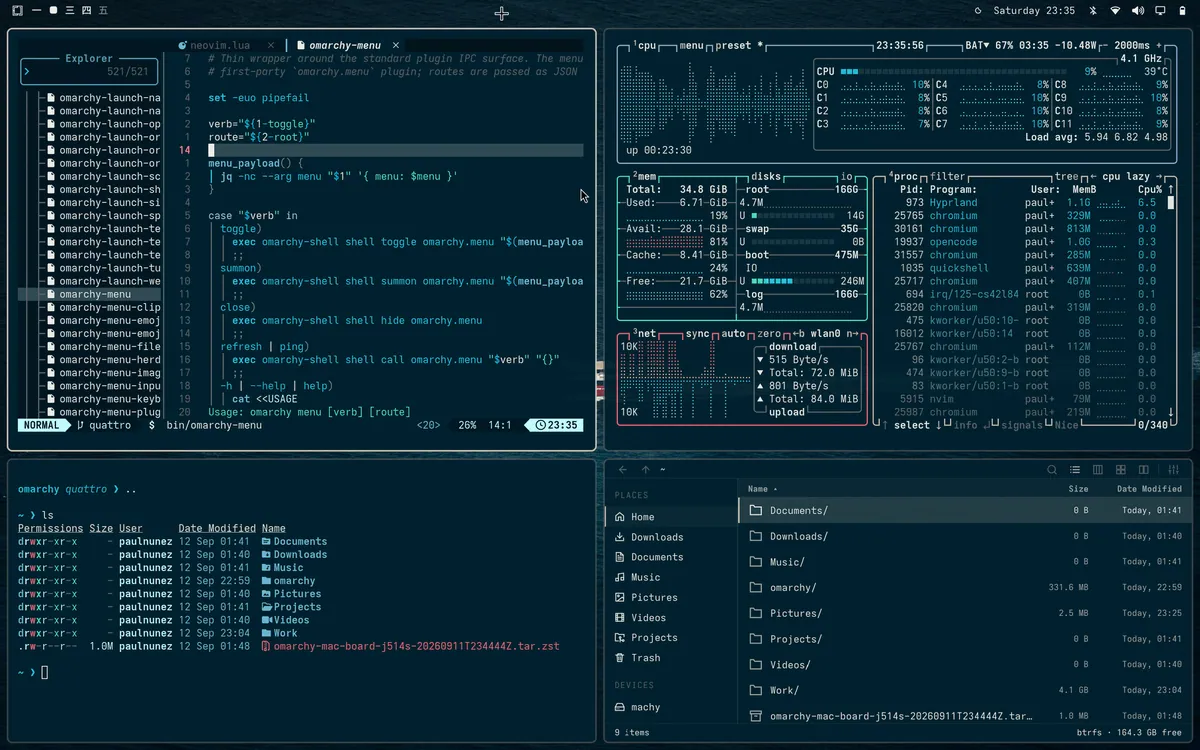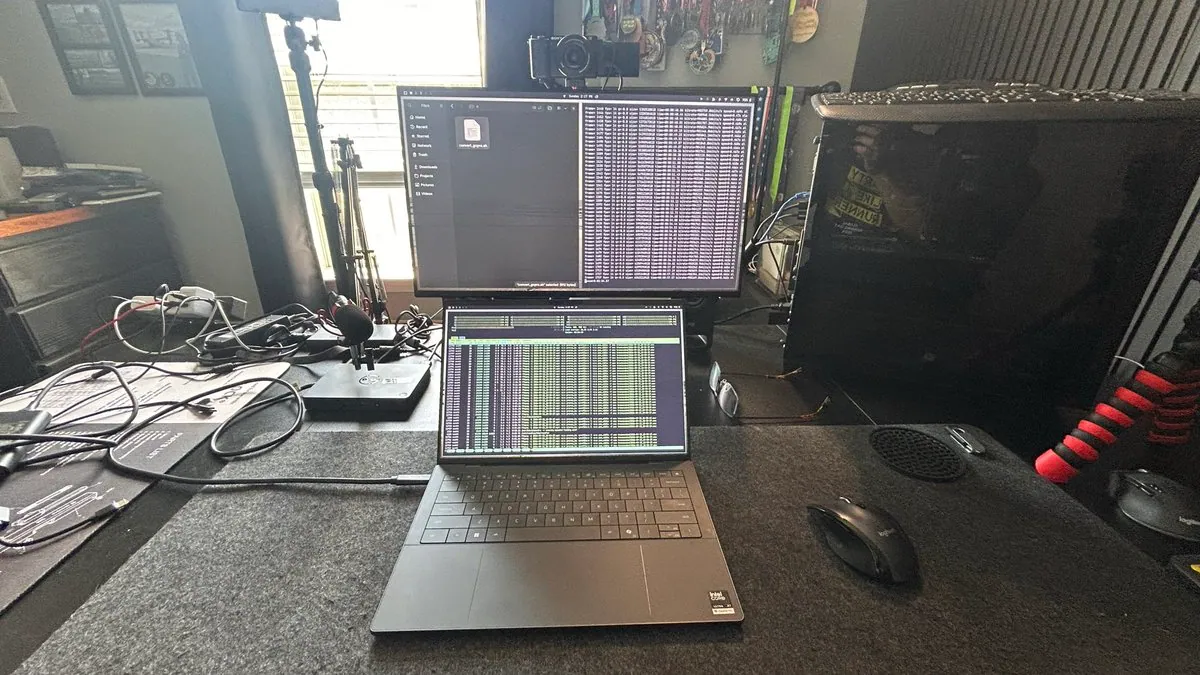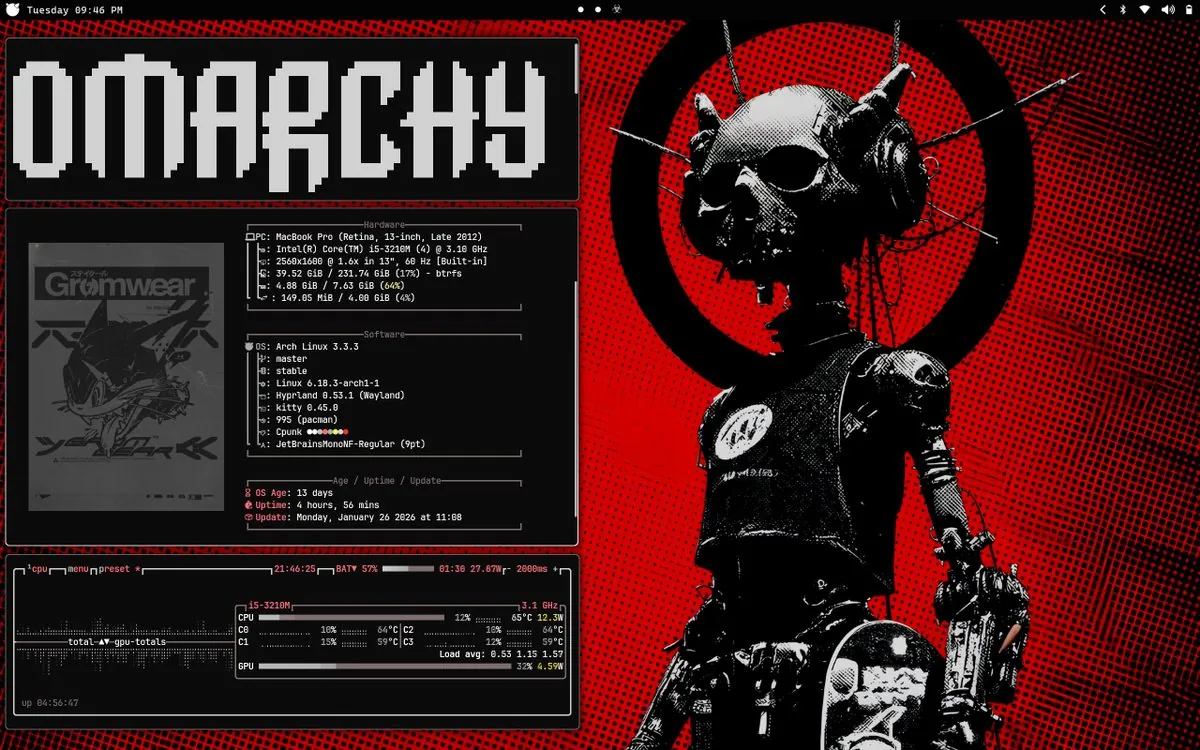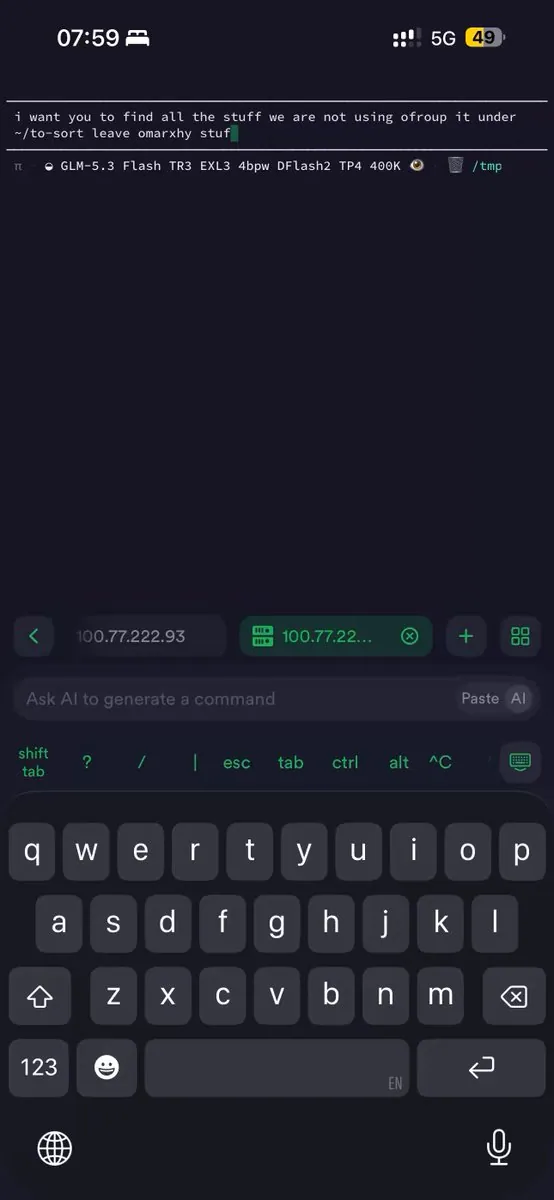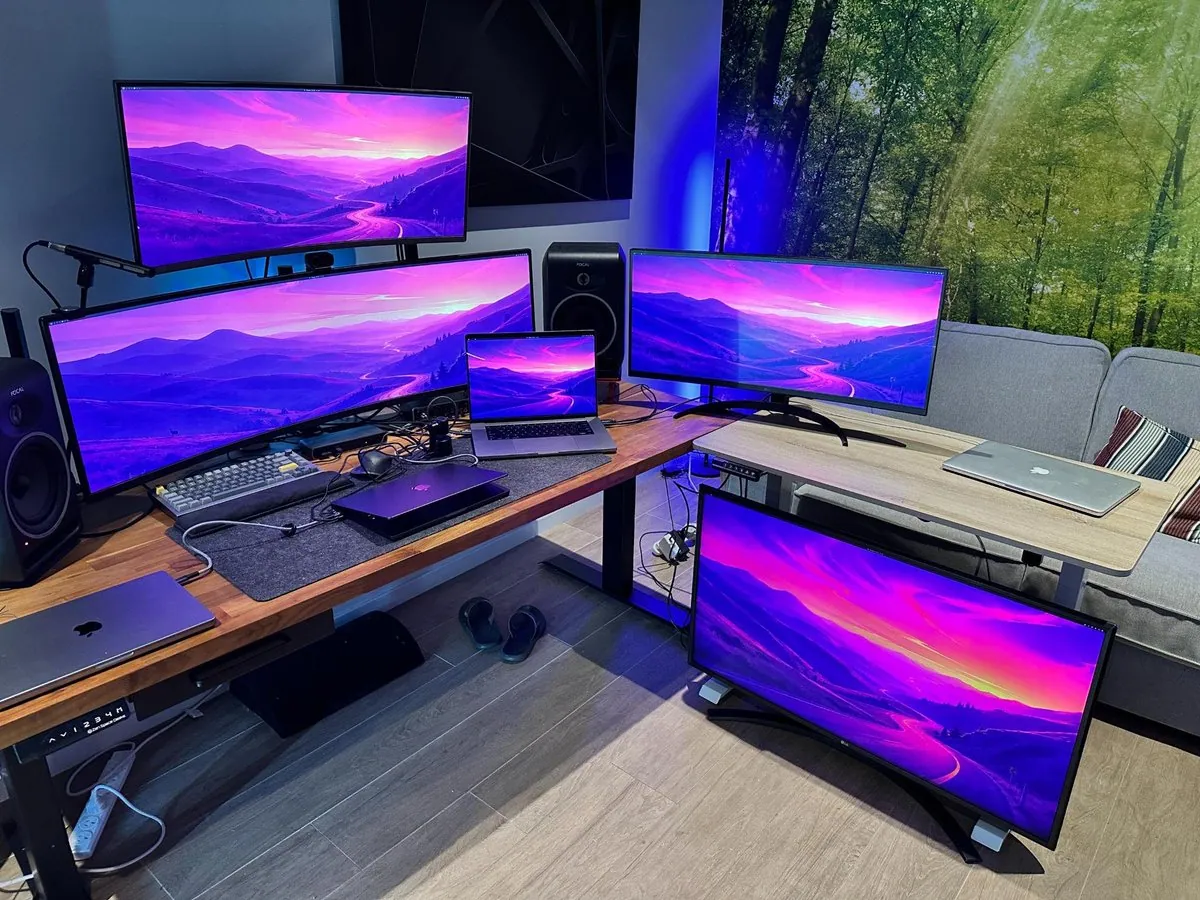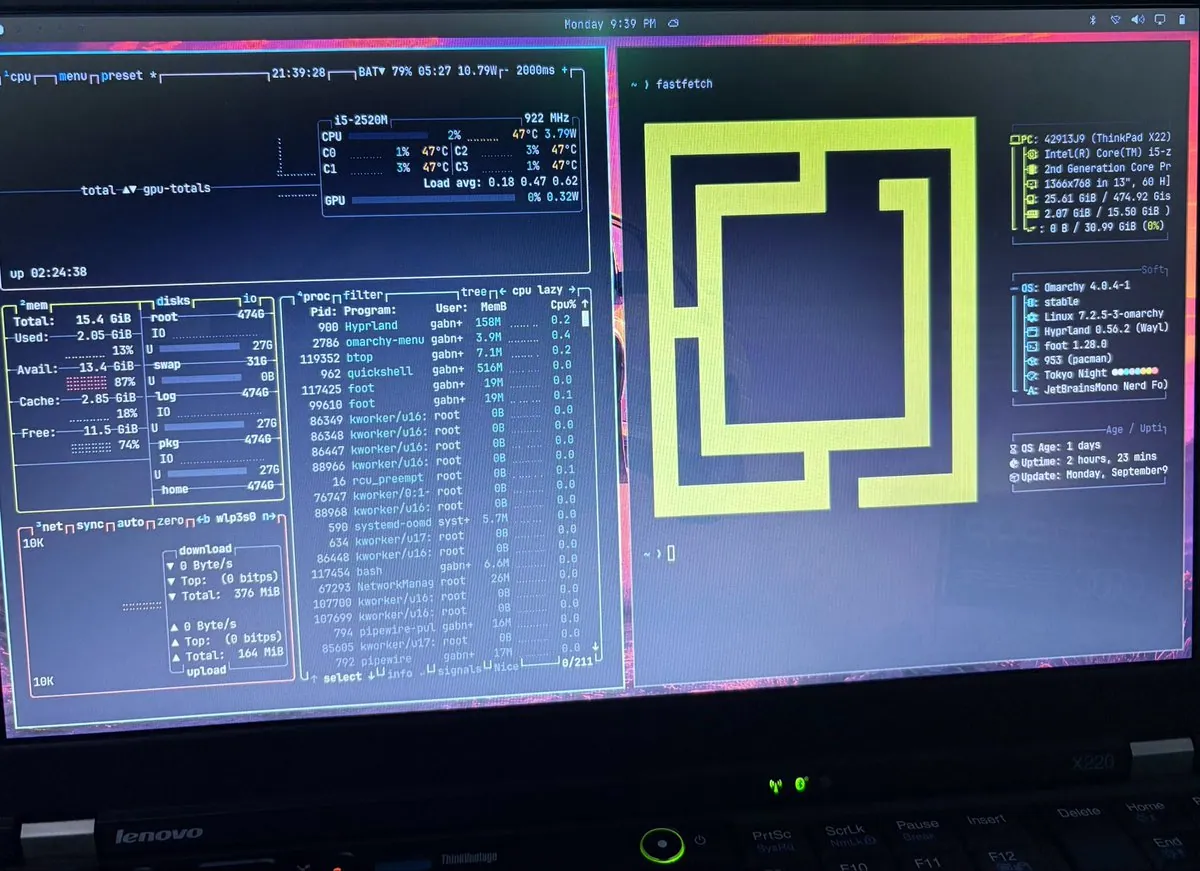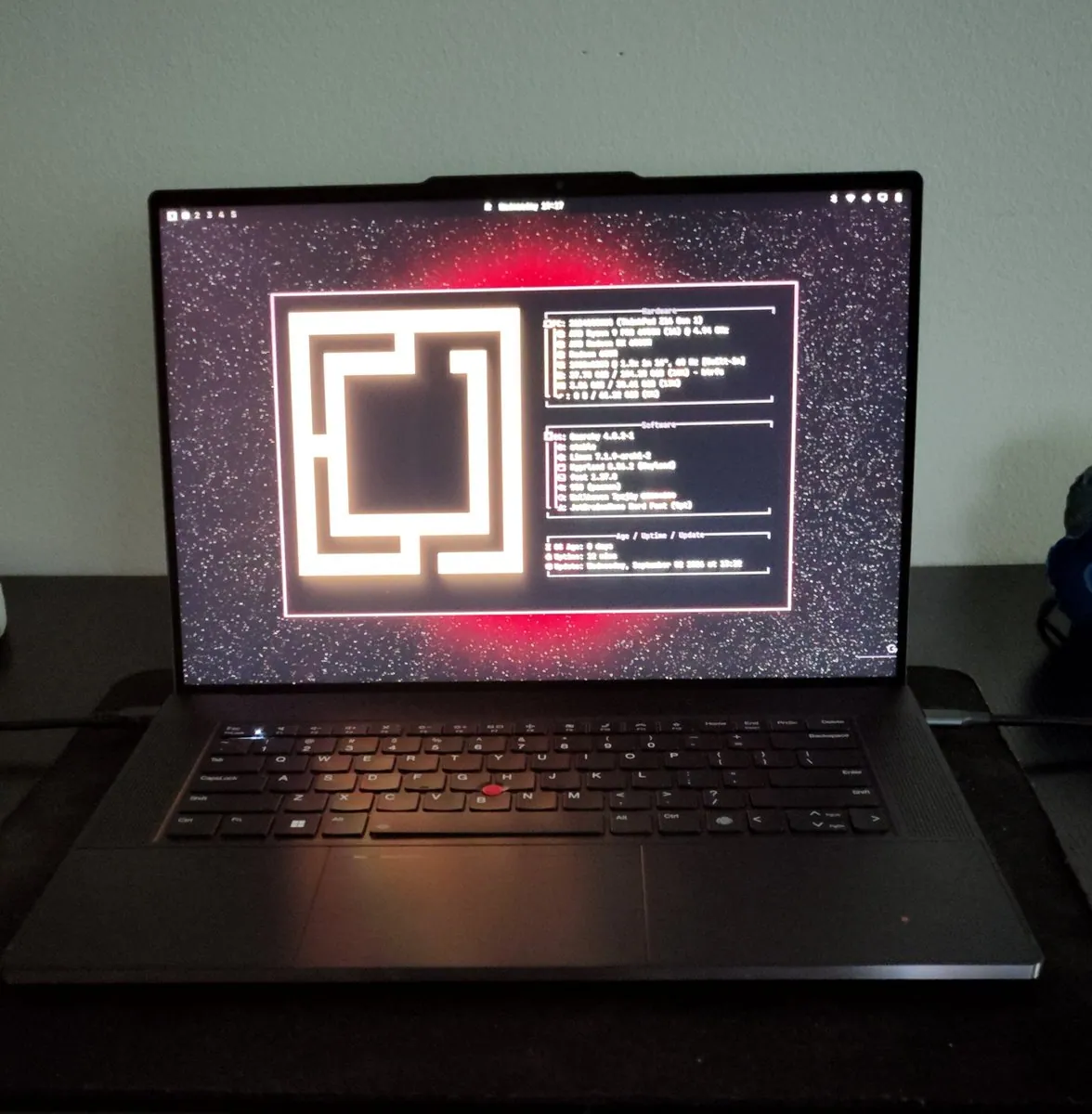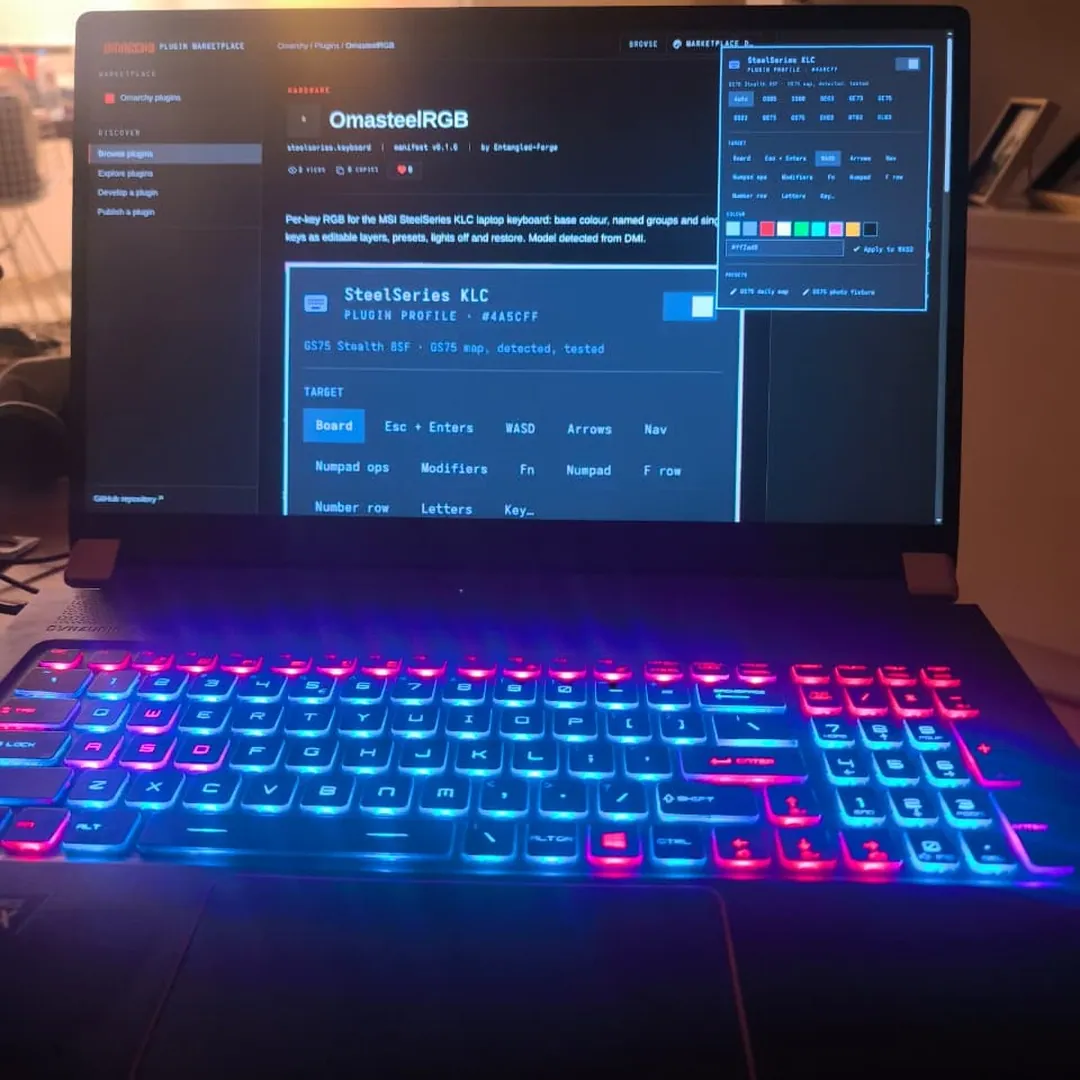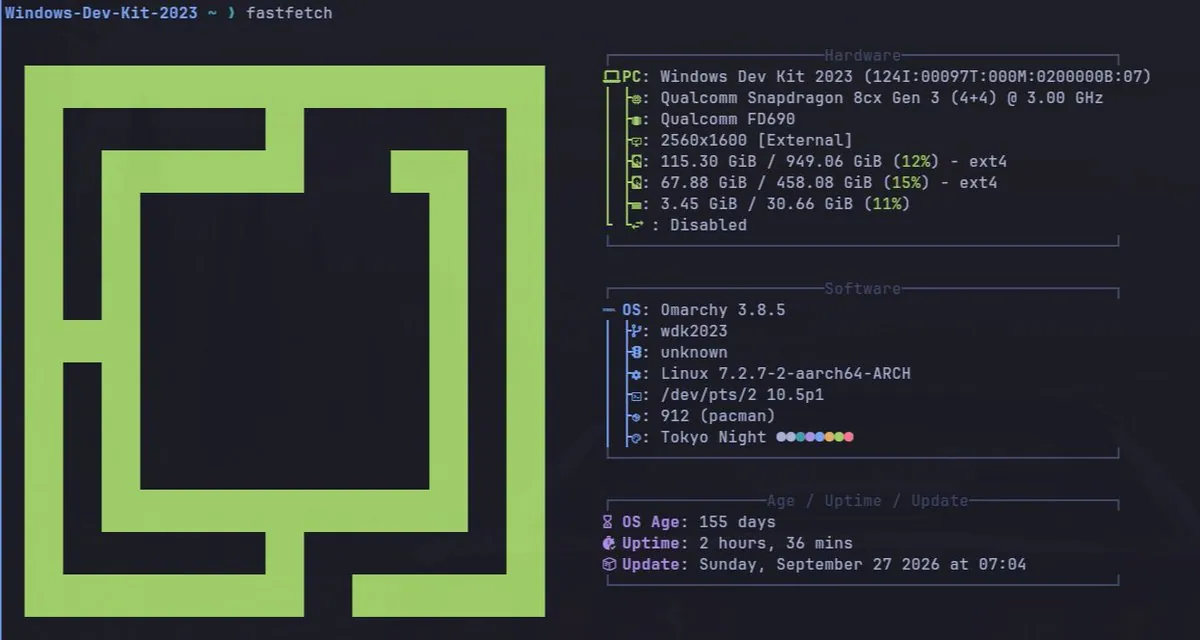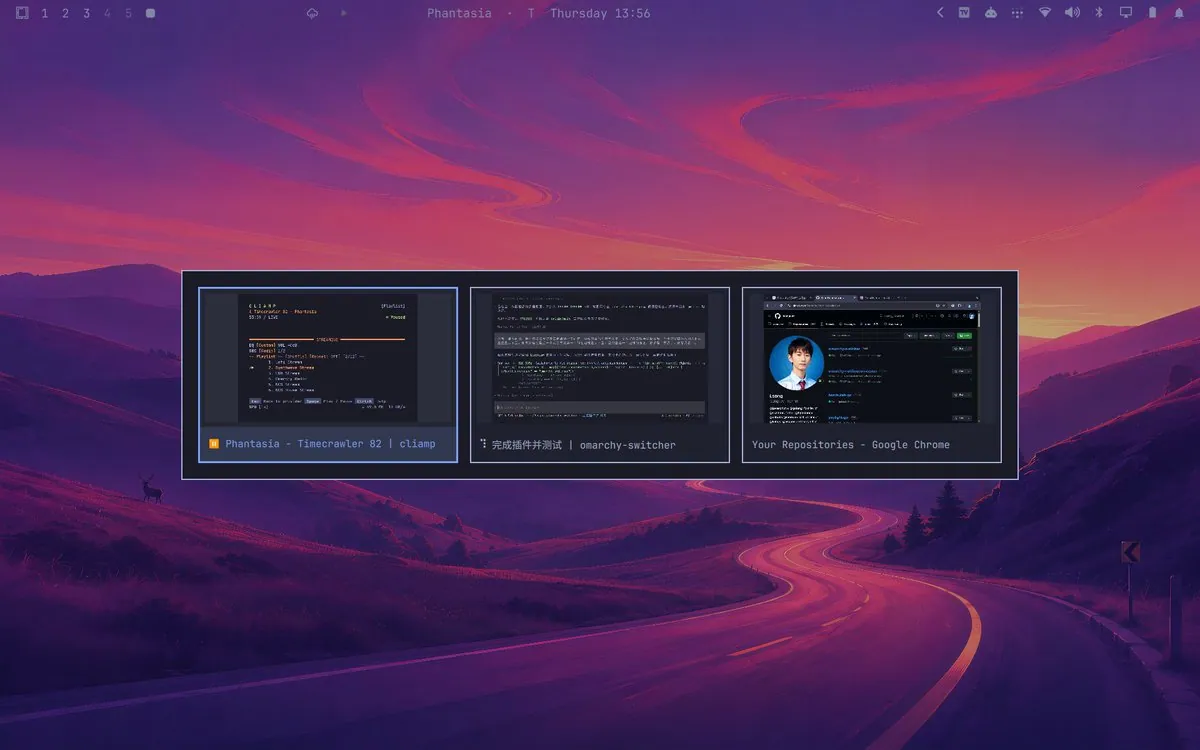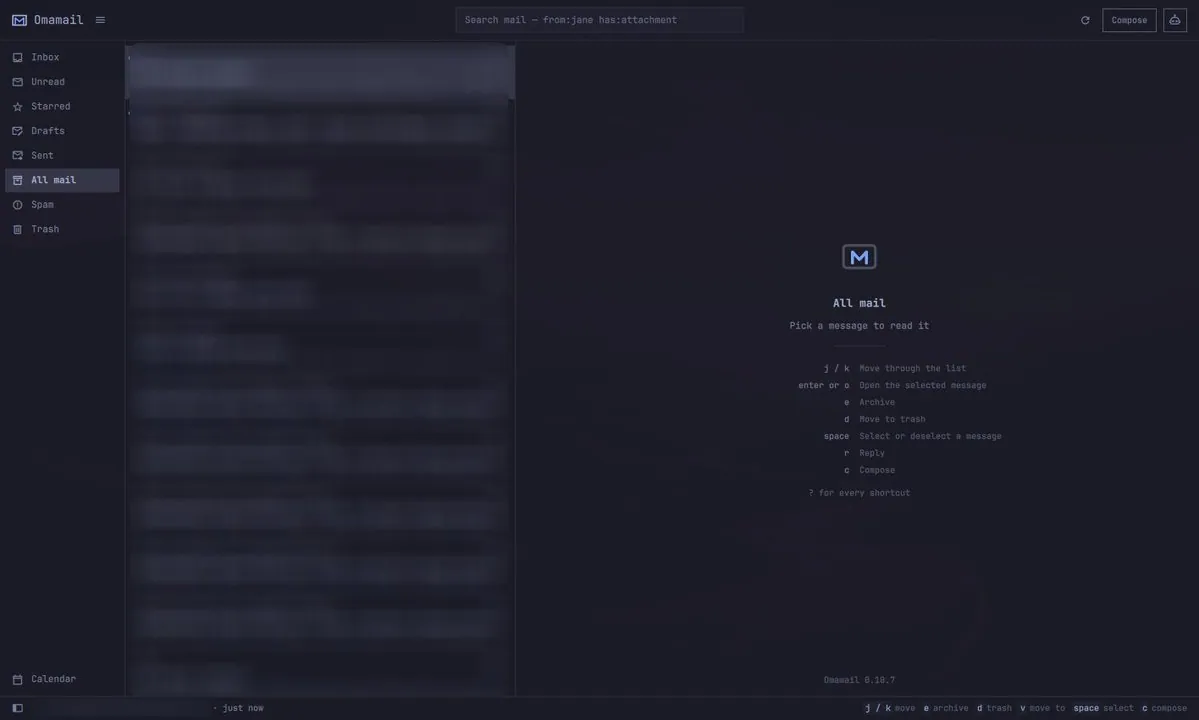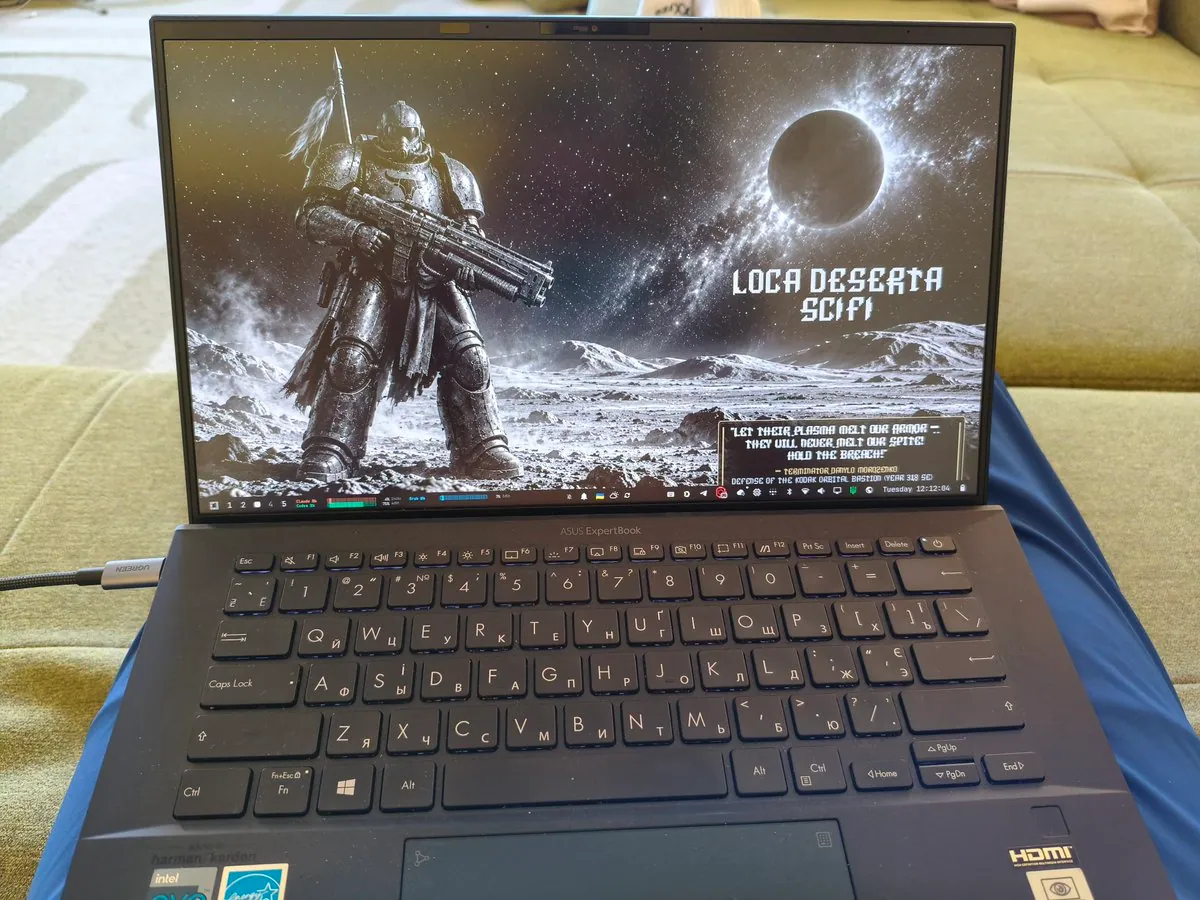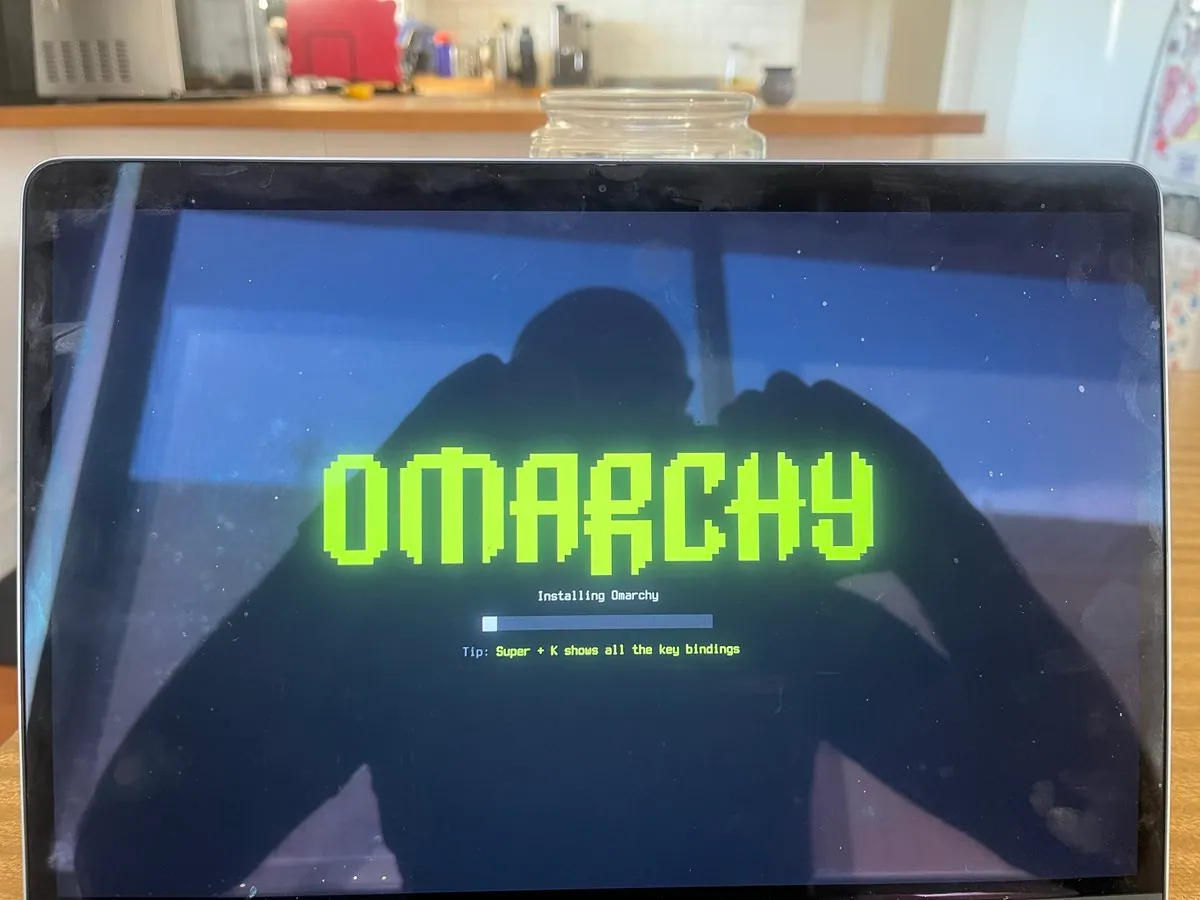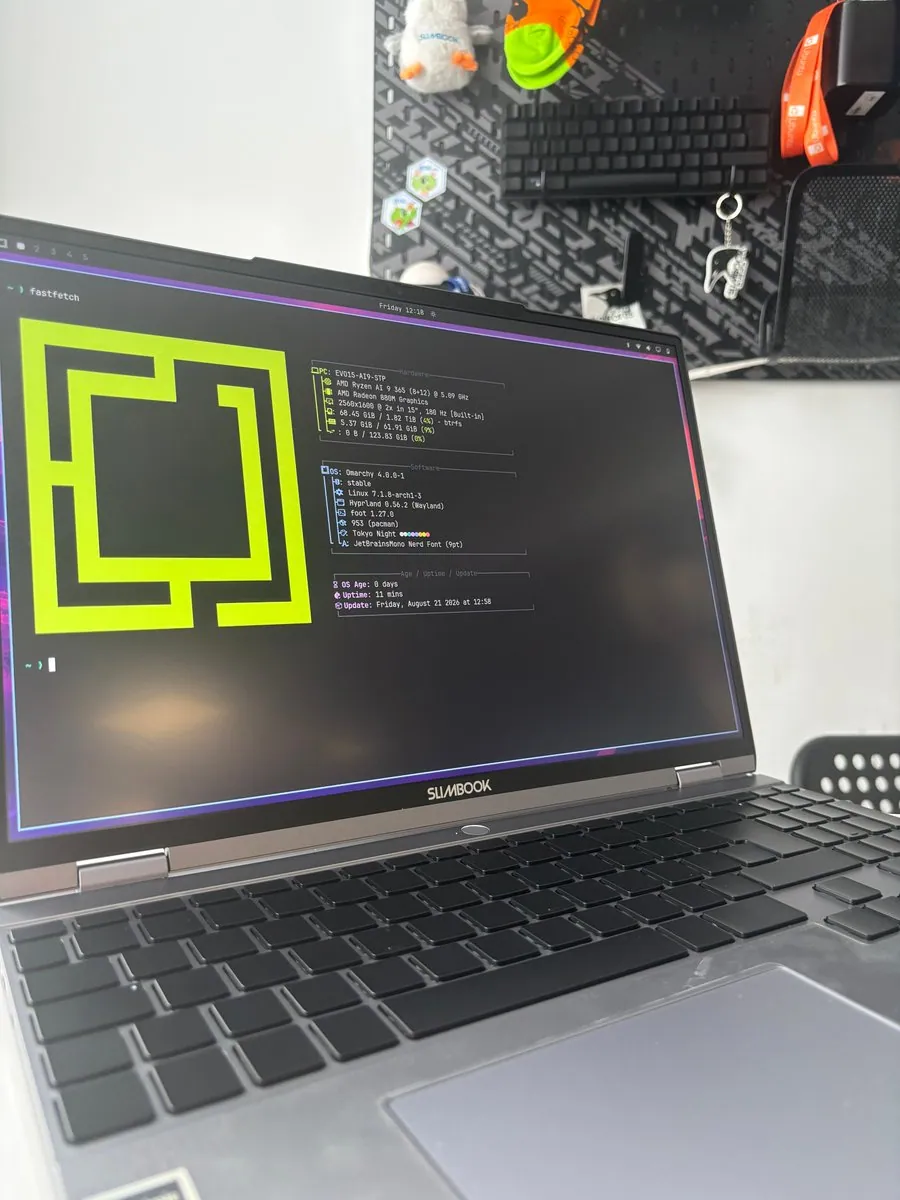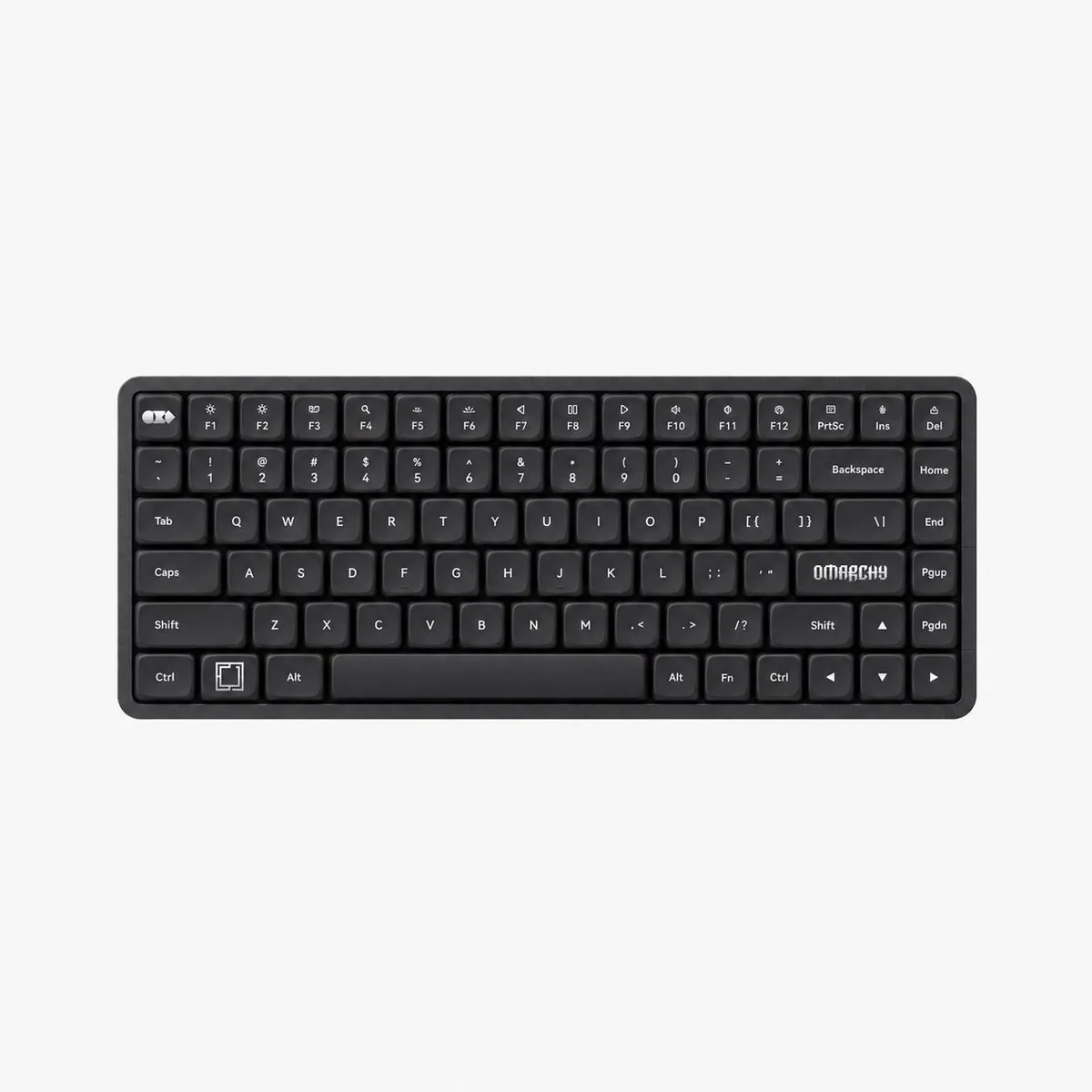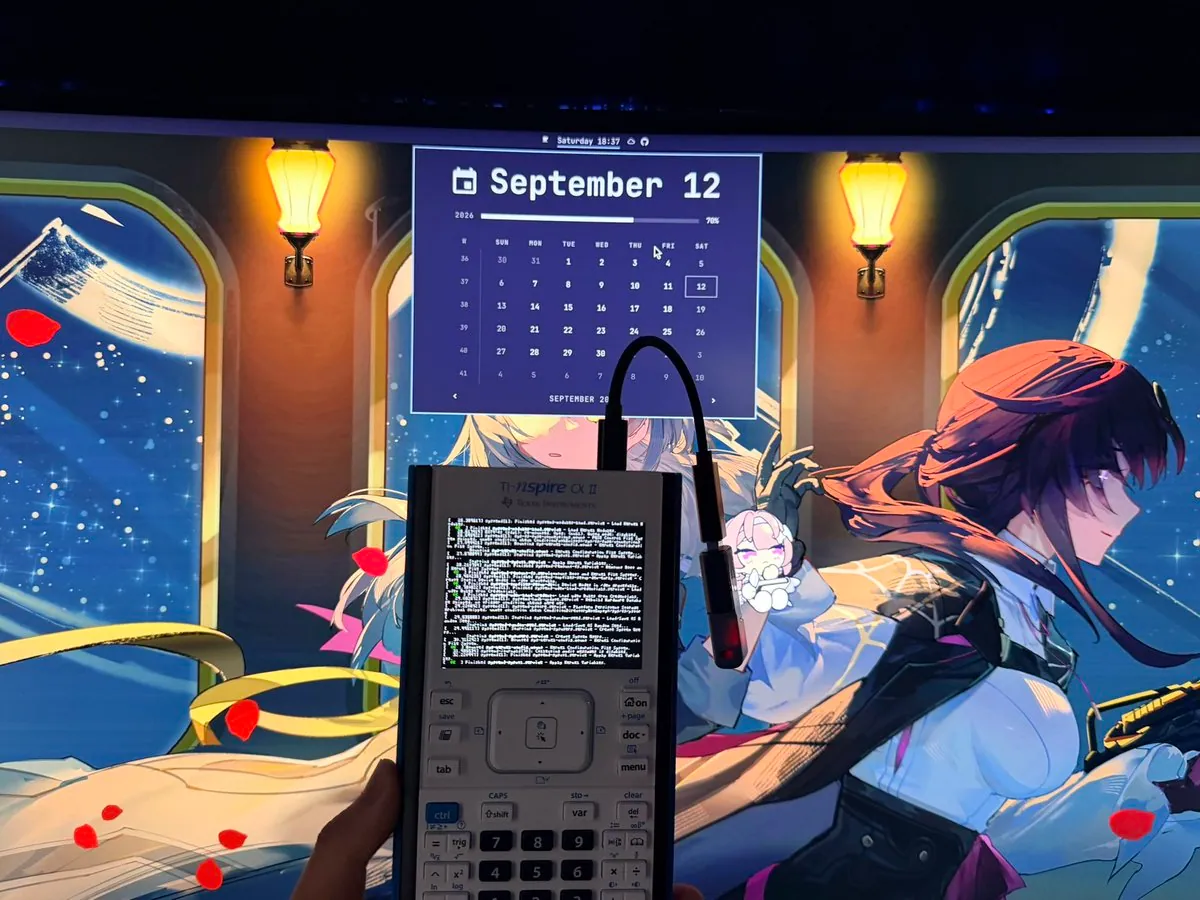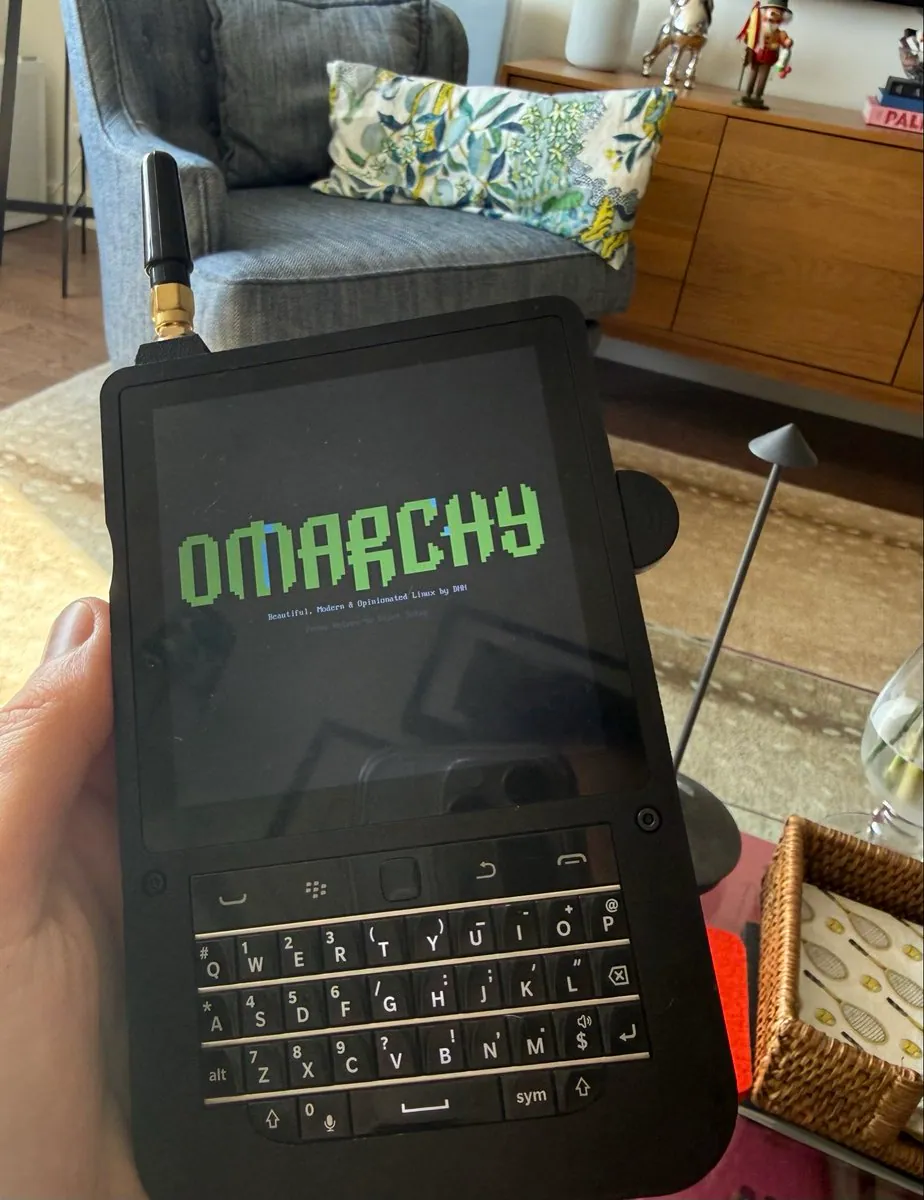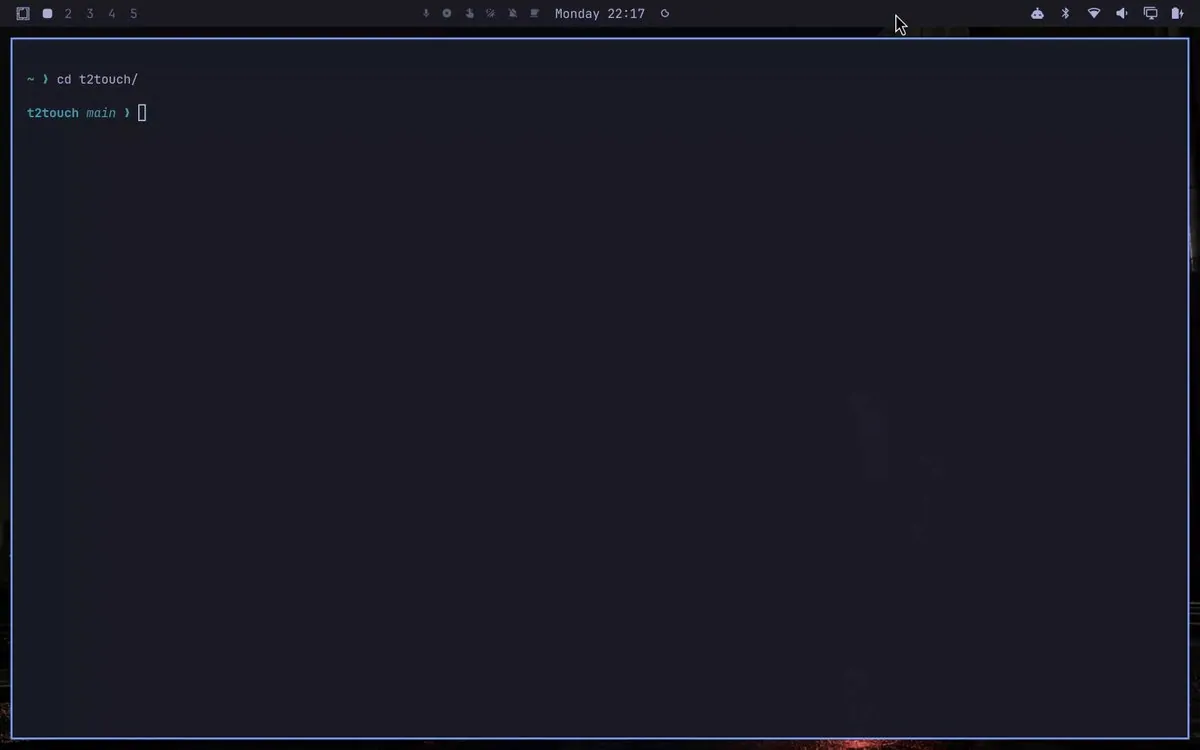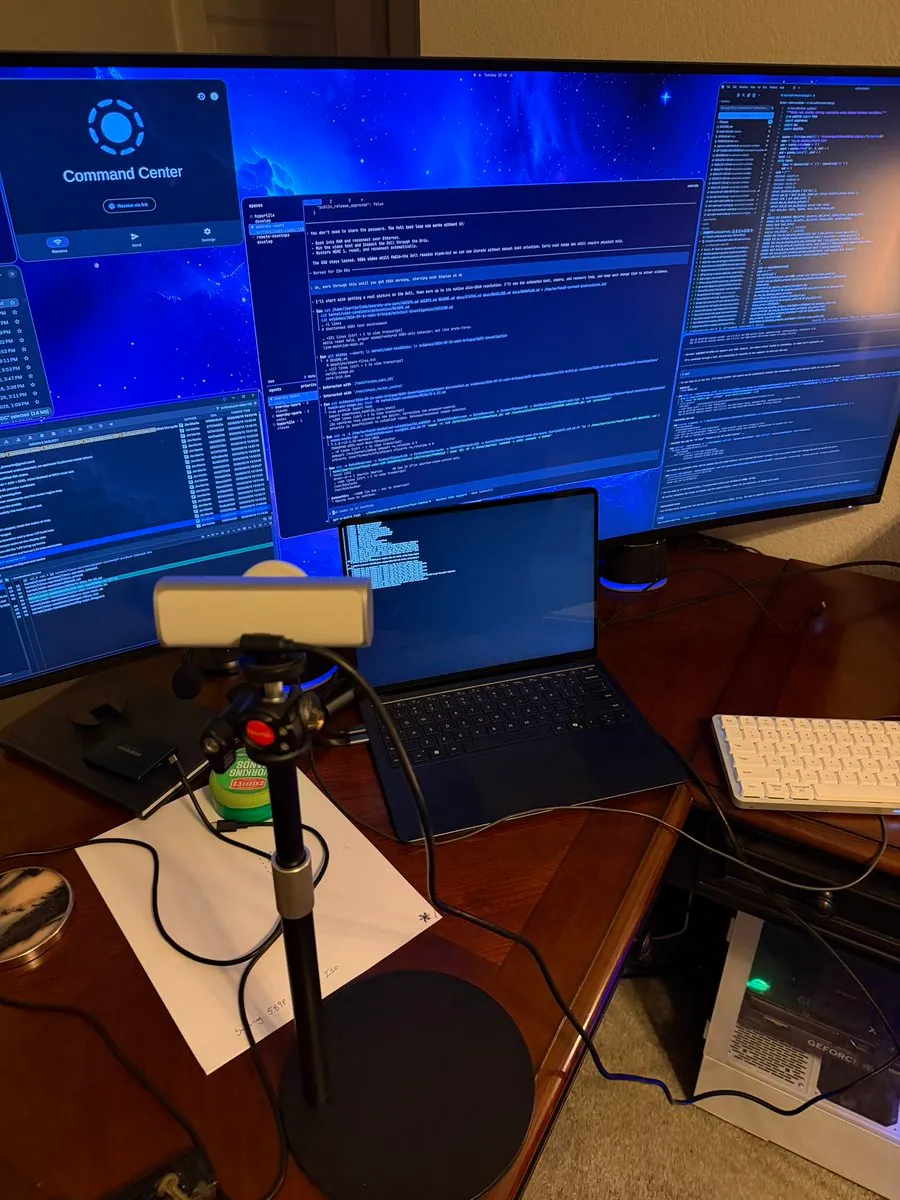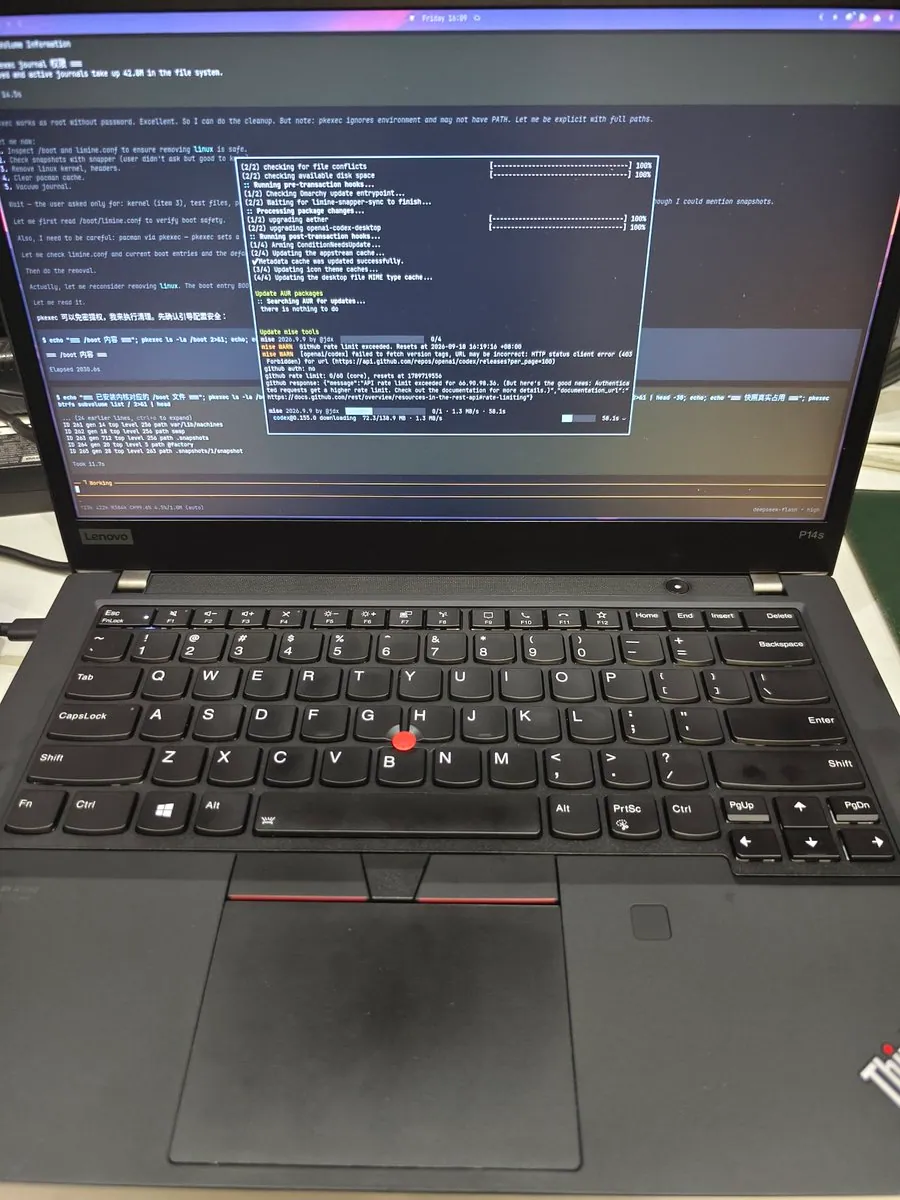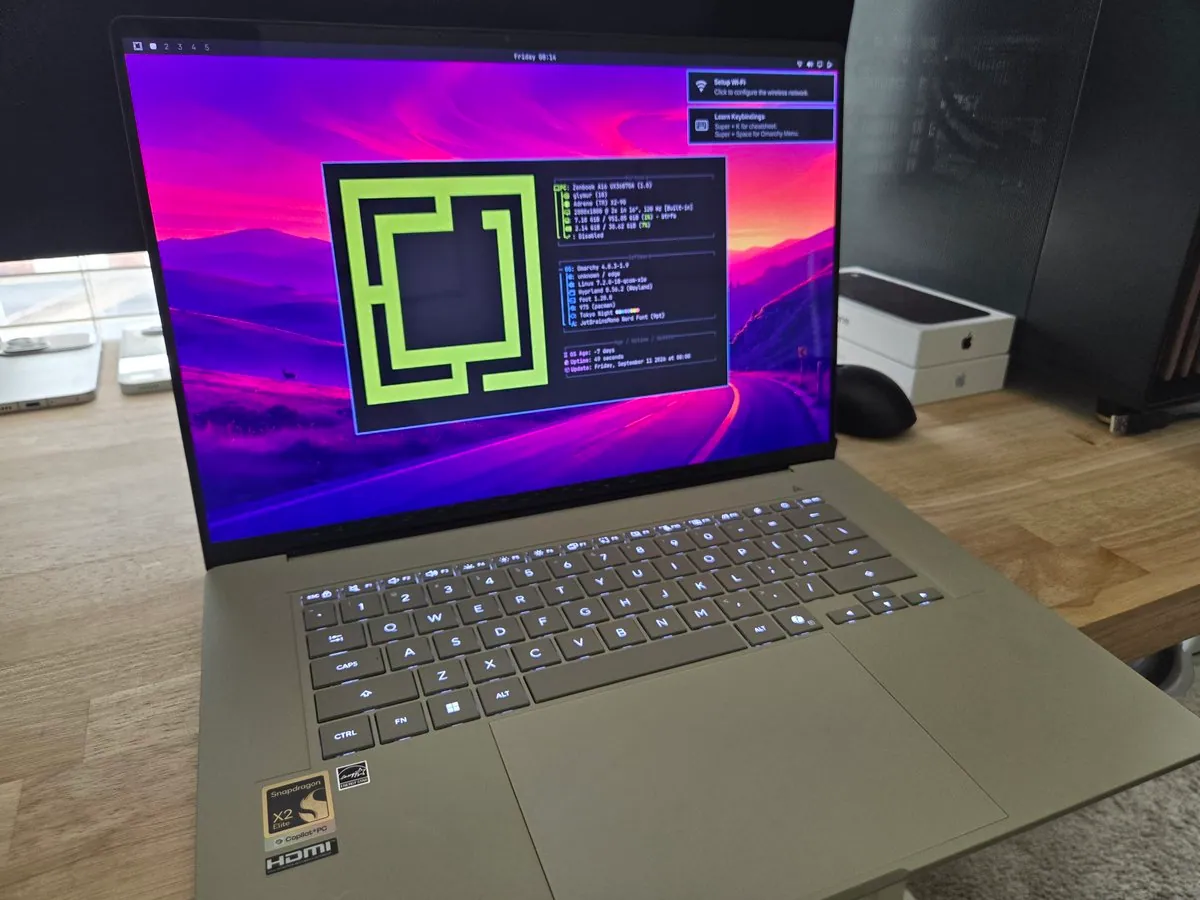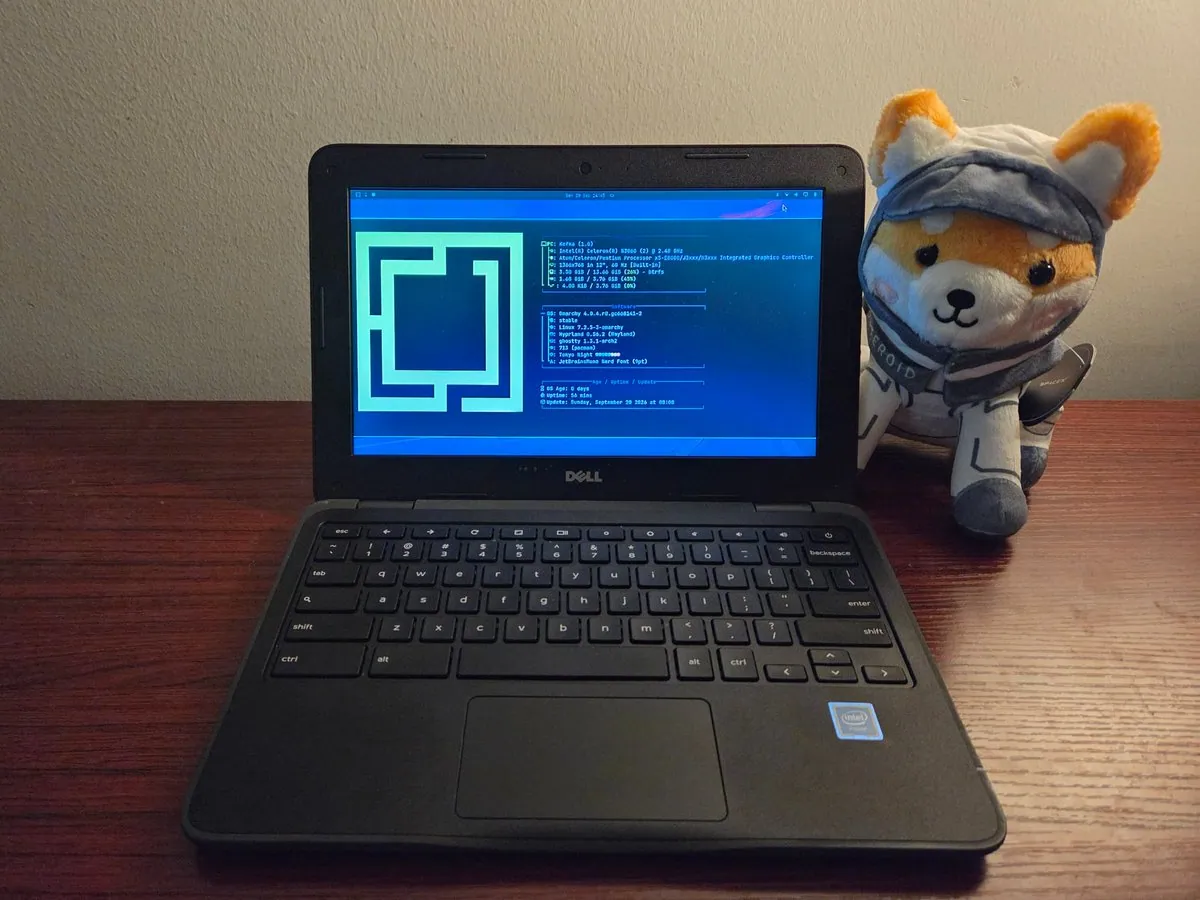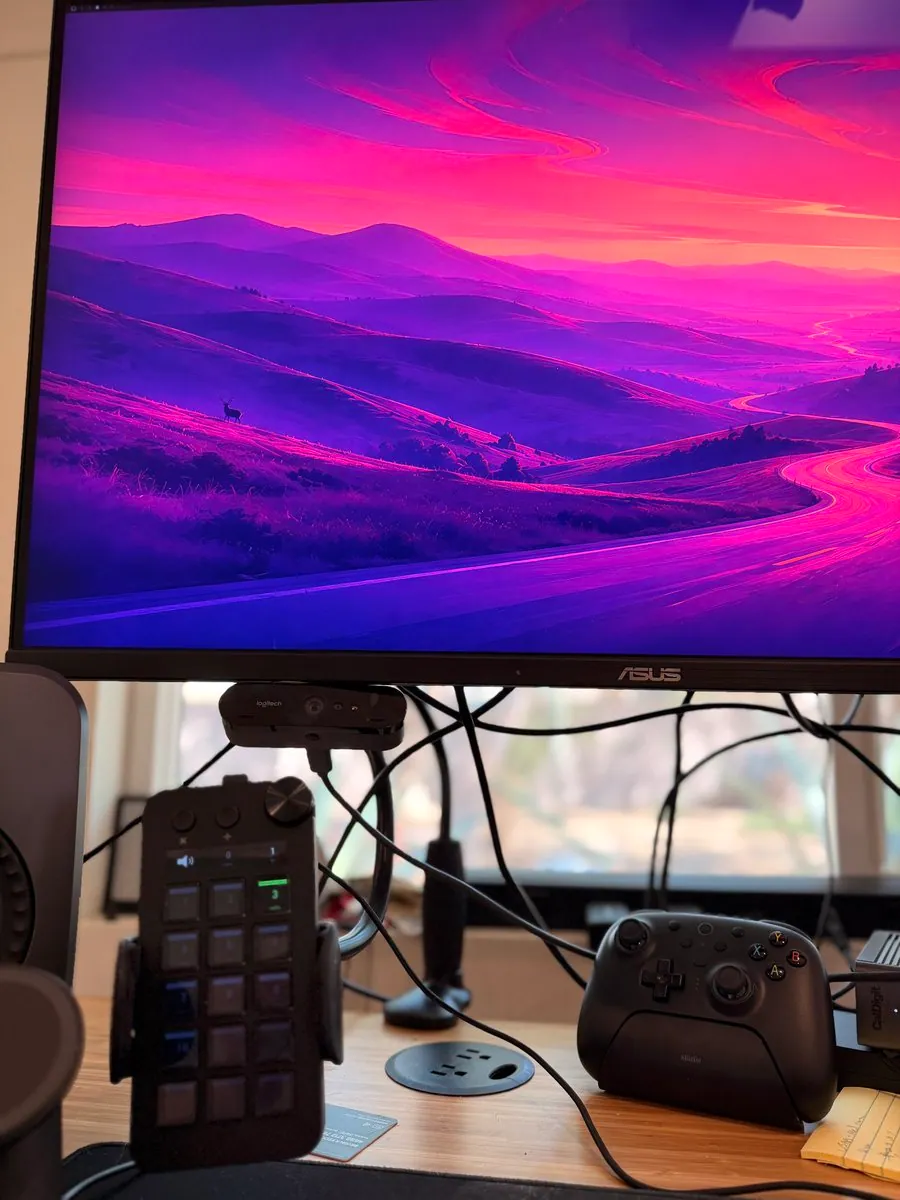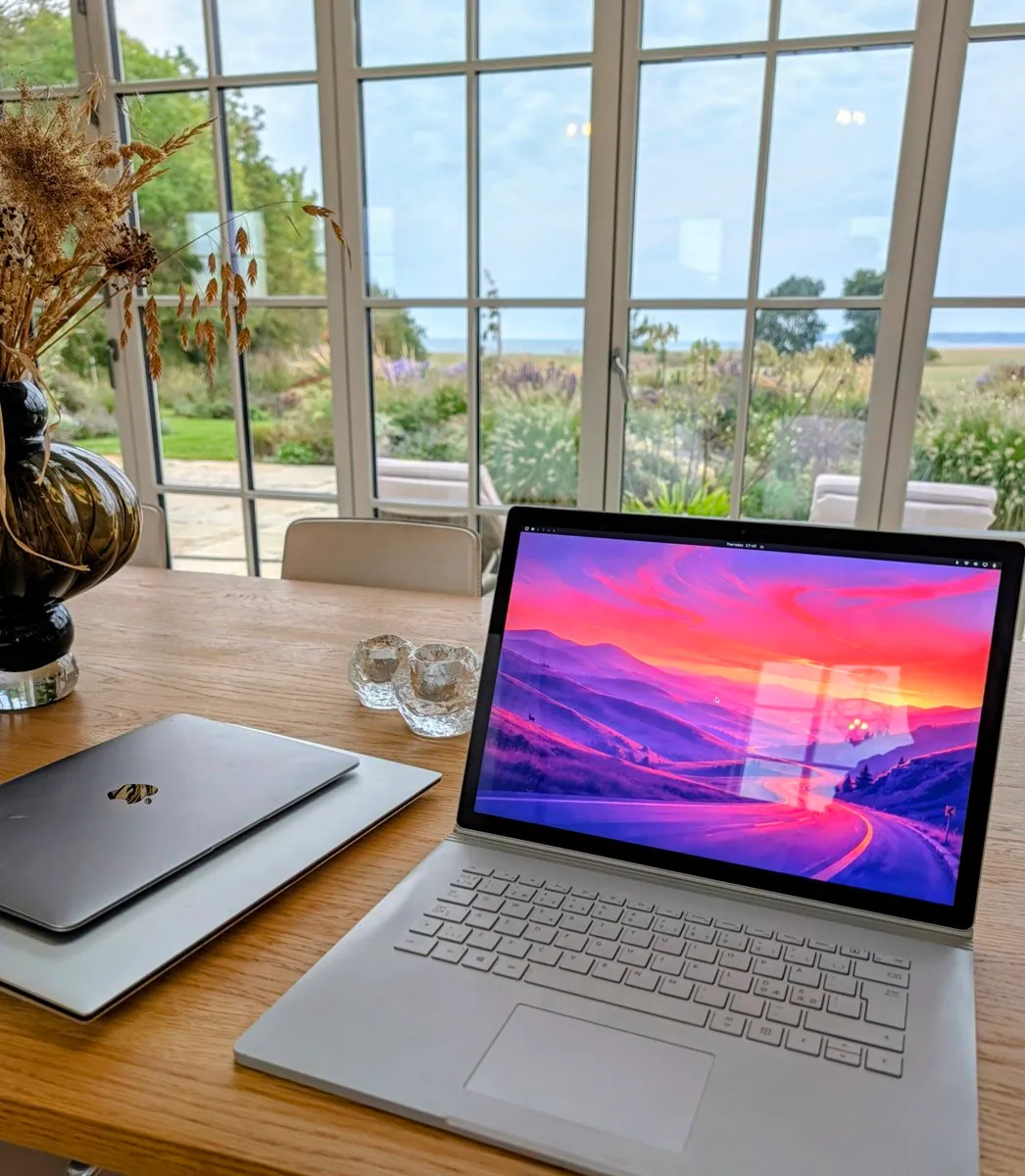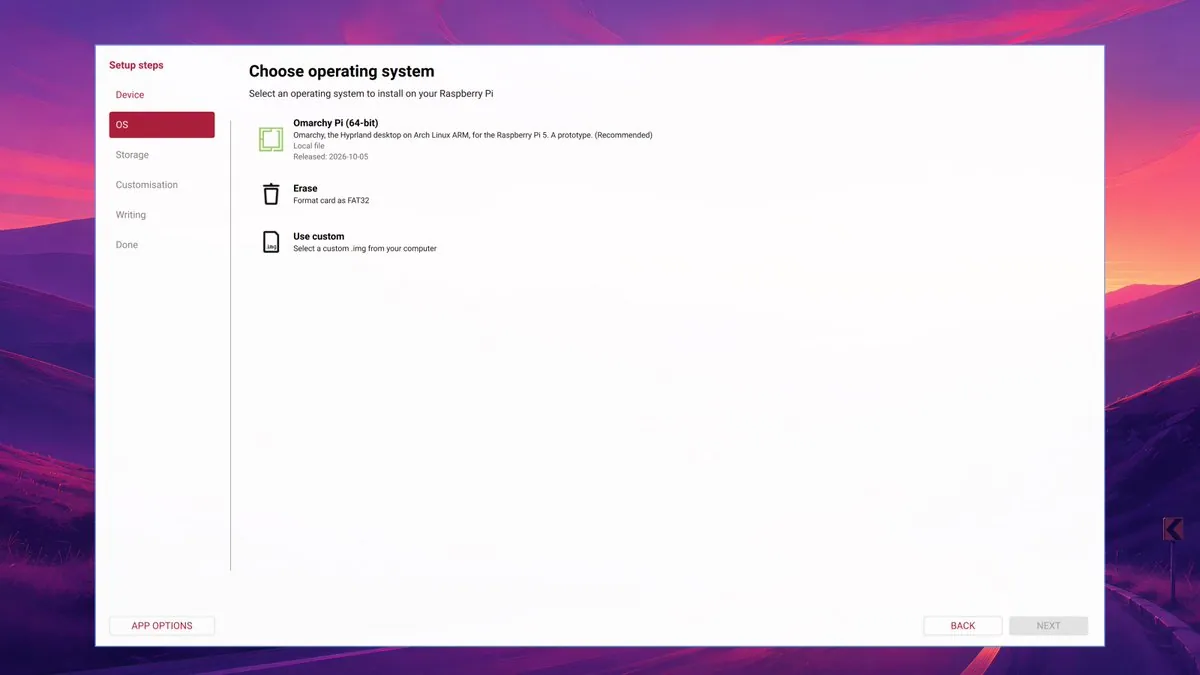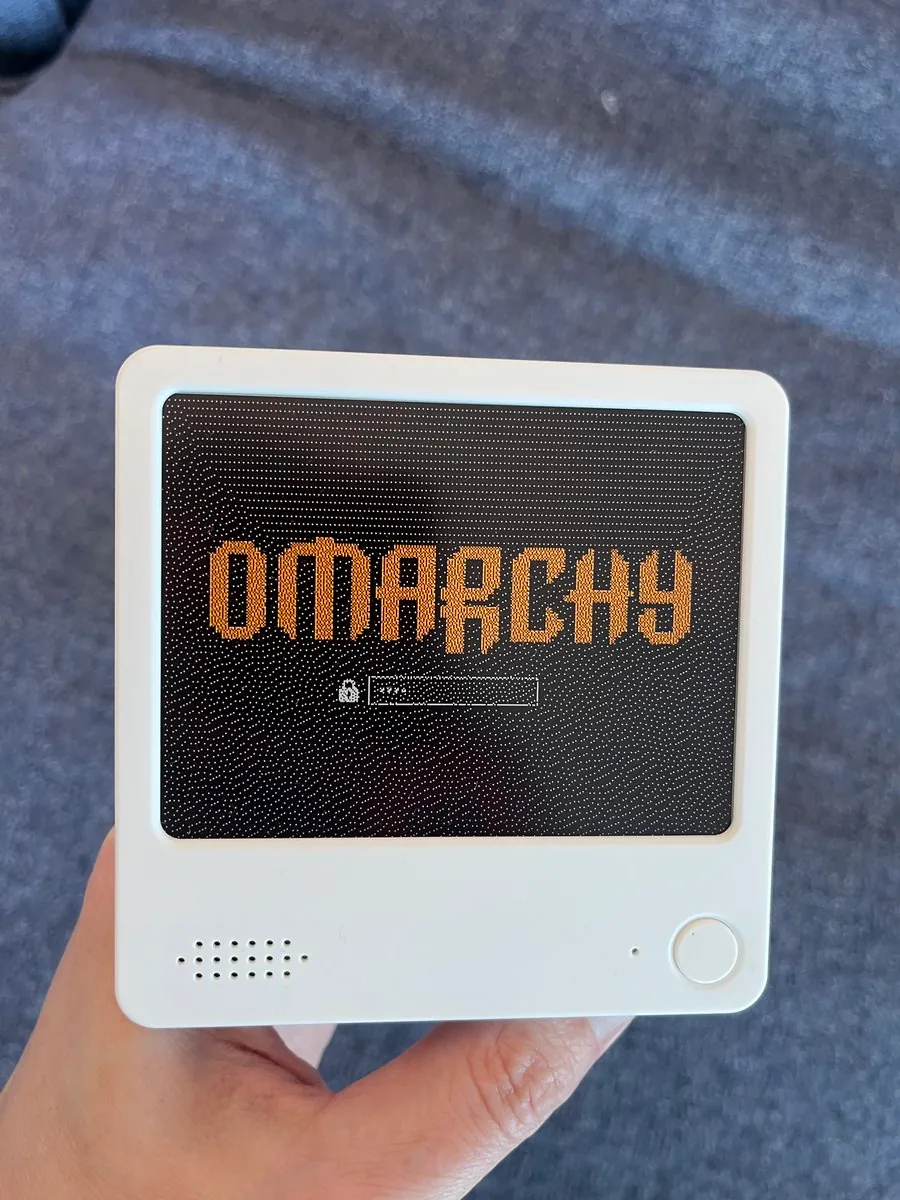
NixFred's Favorite Omarchy Desktop
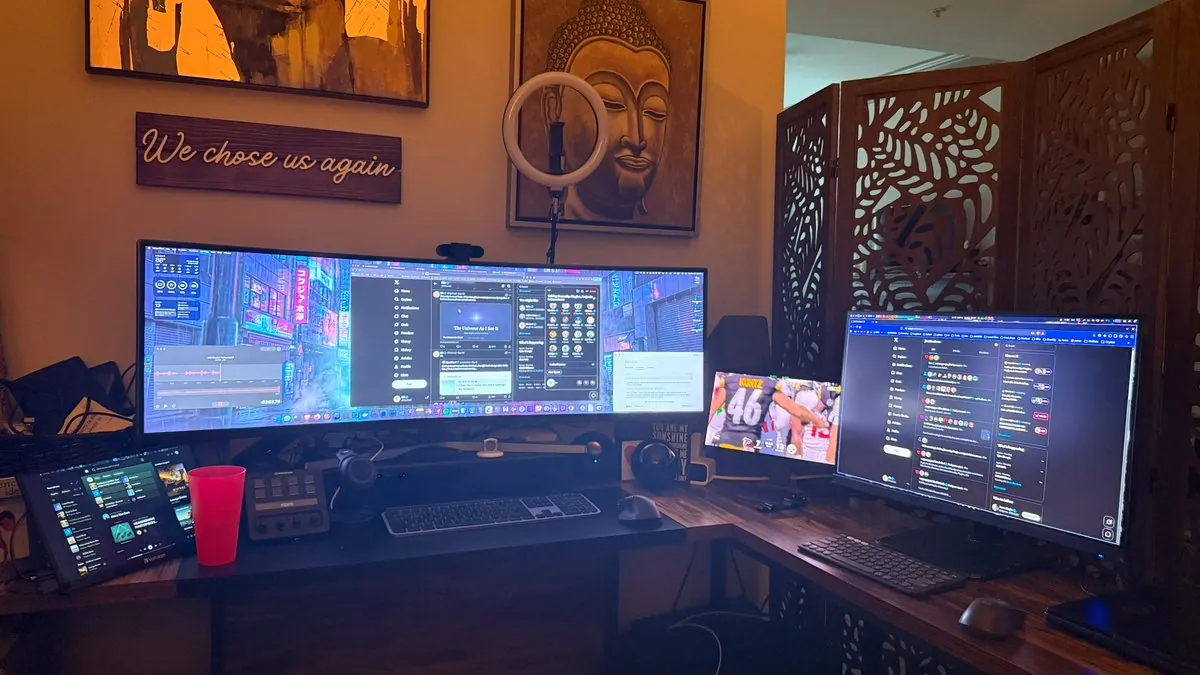
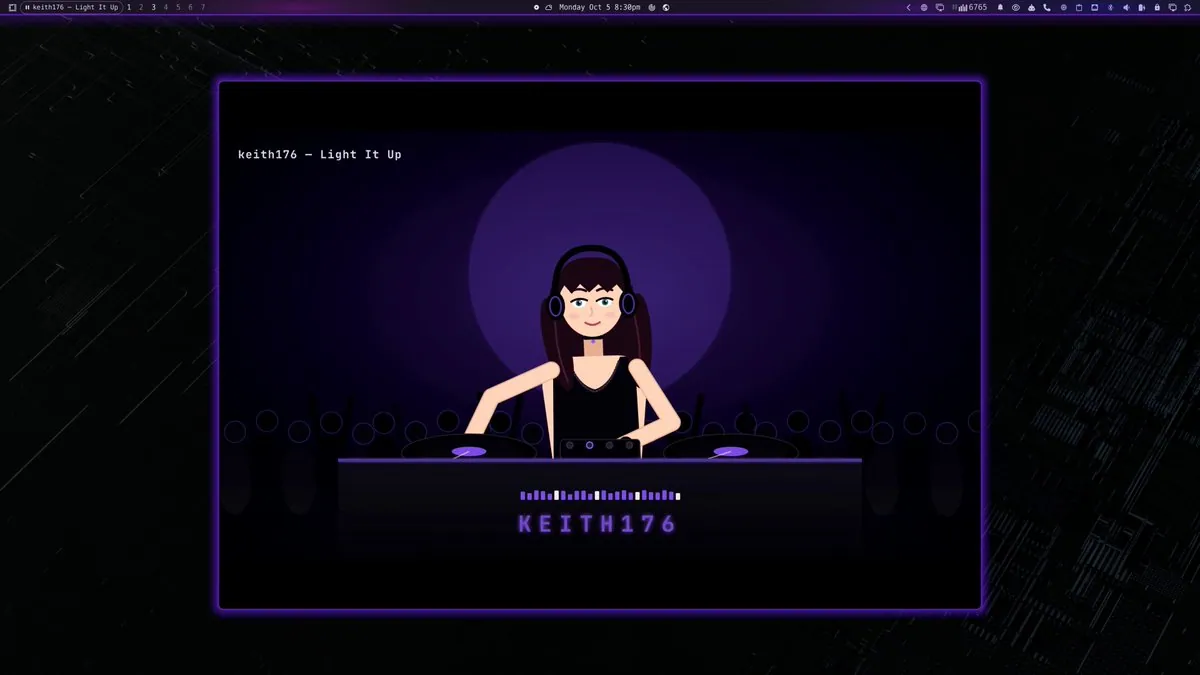
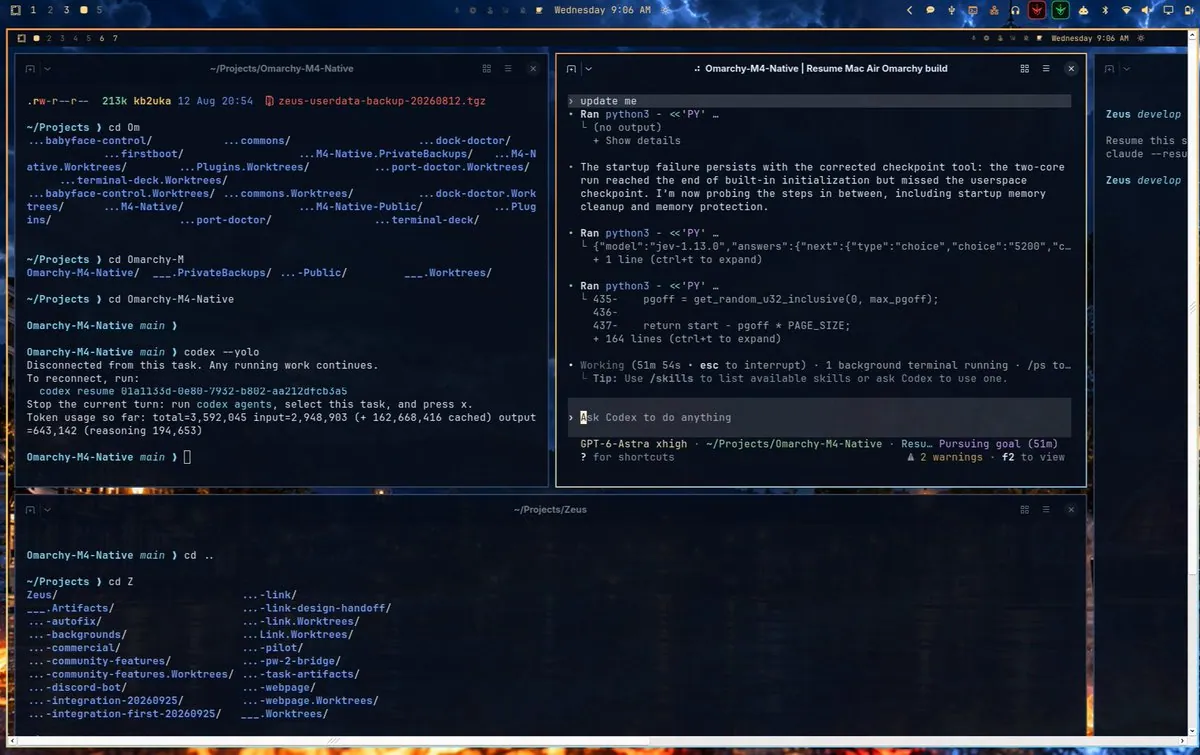
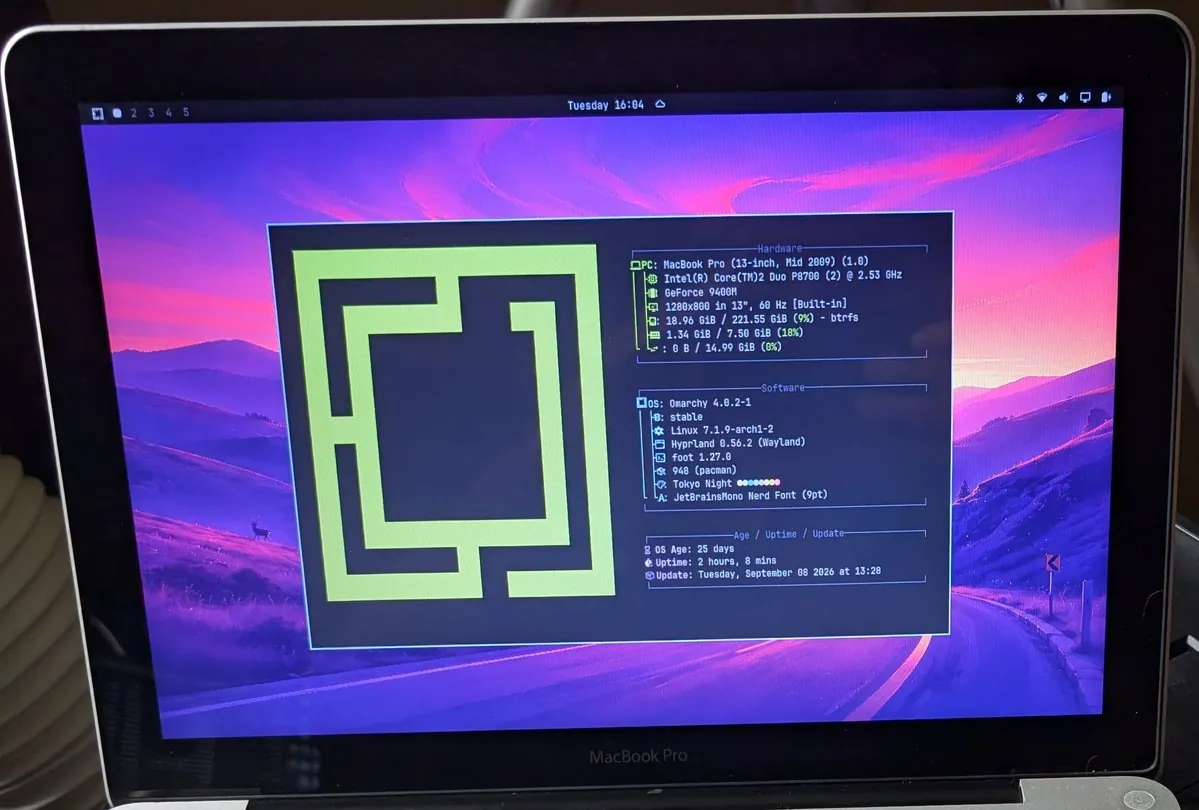
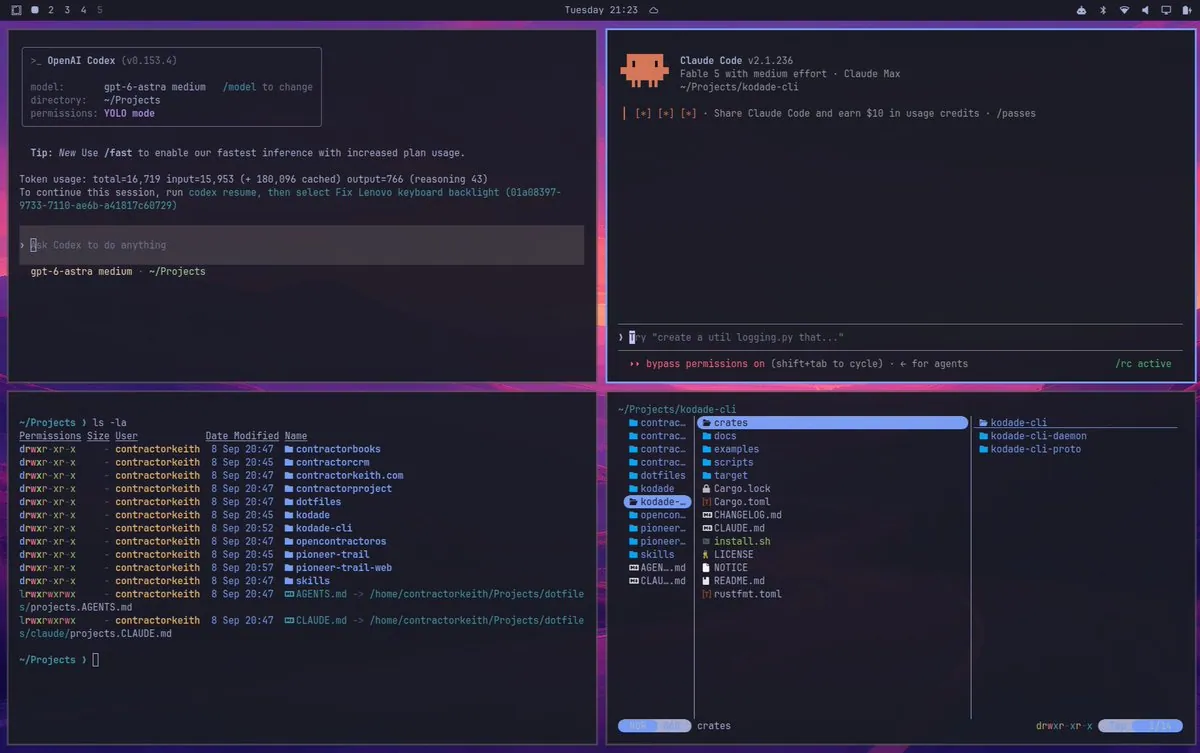
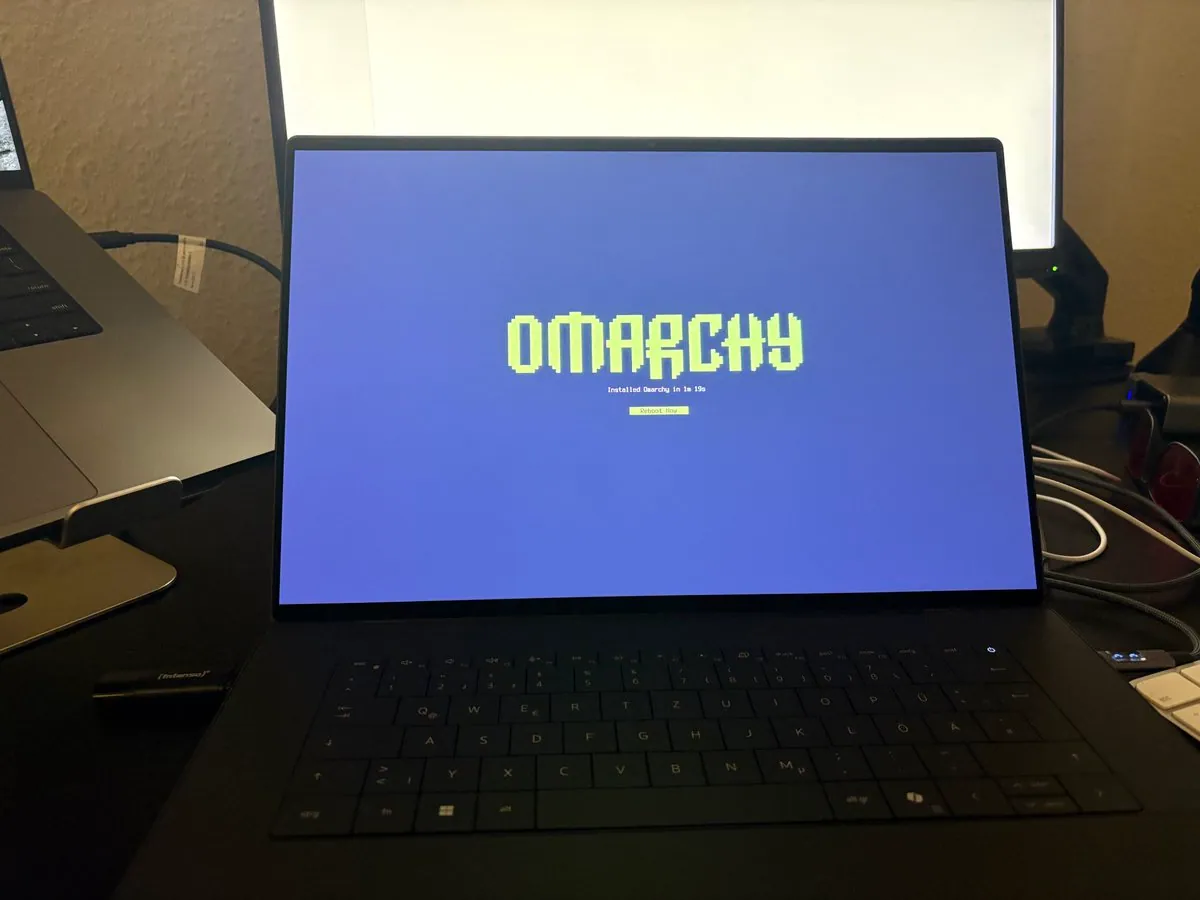
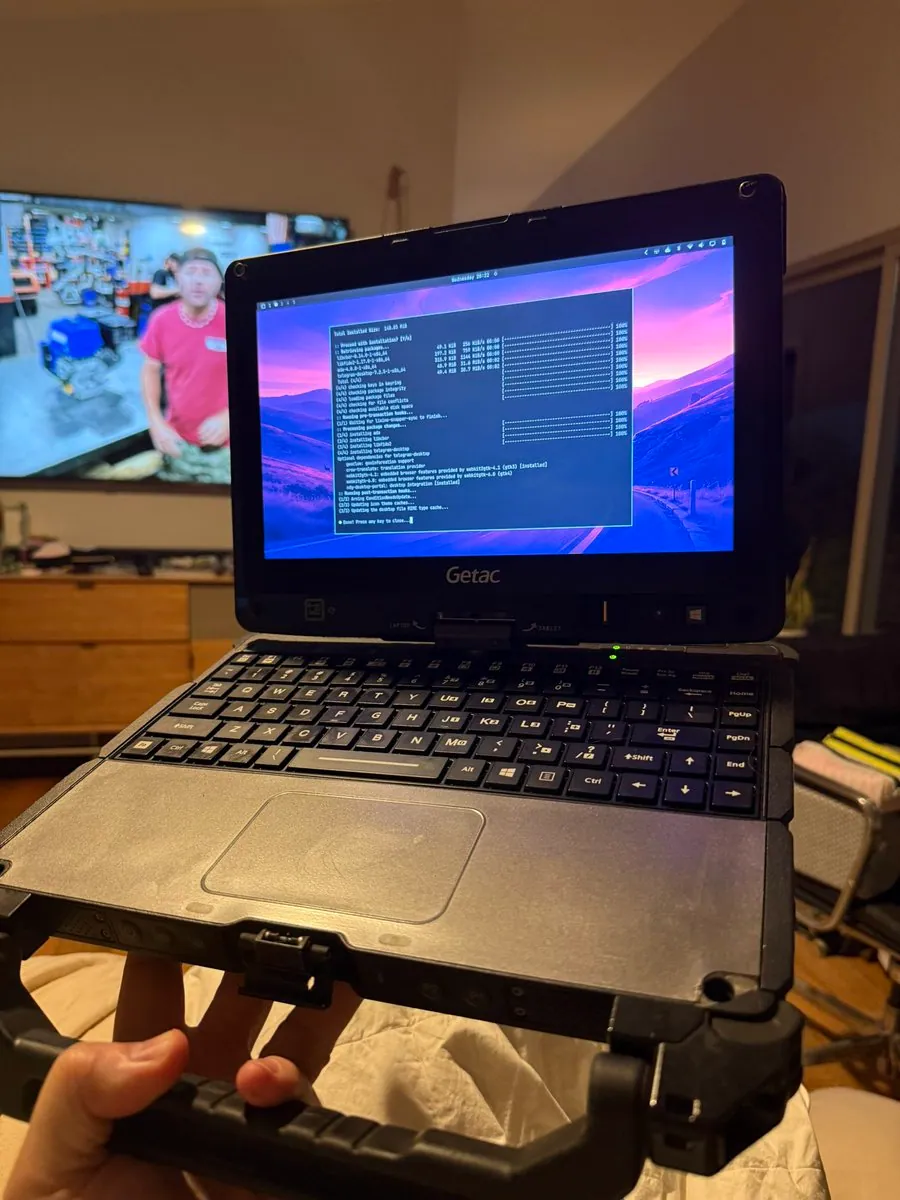
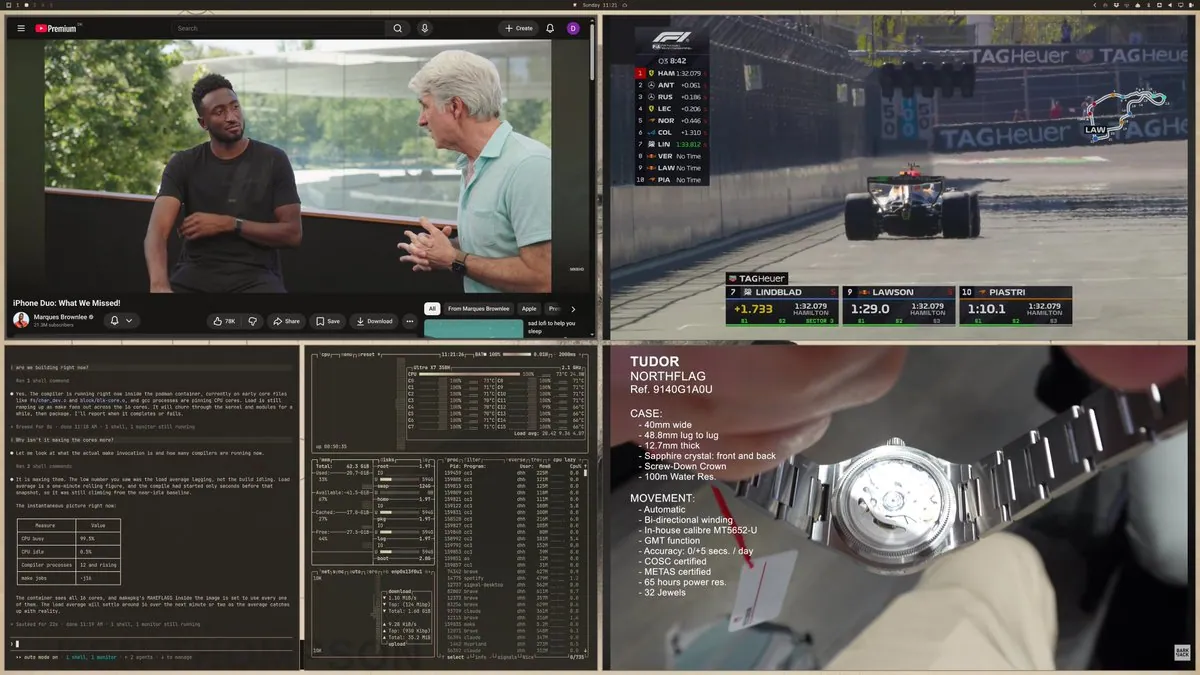
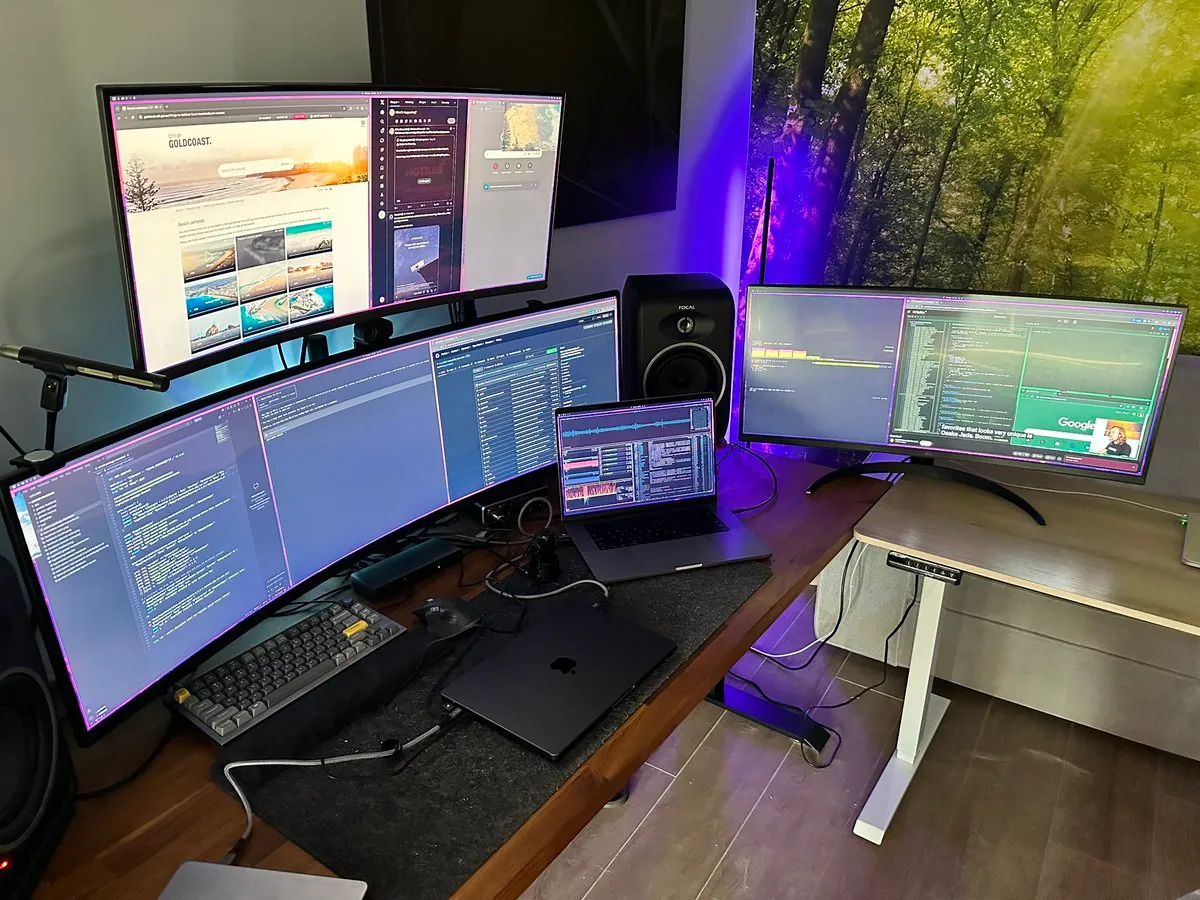
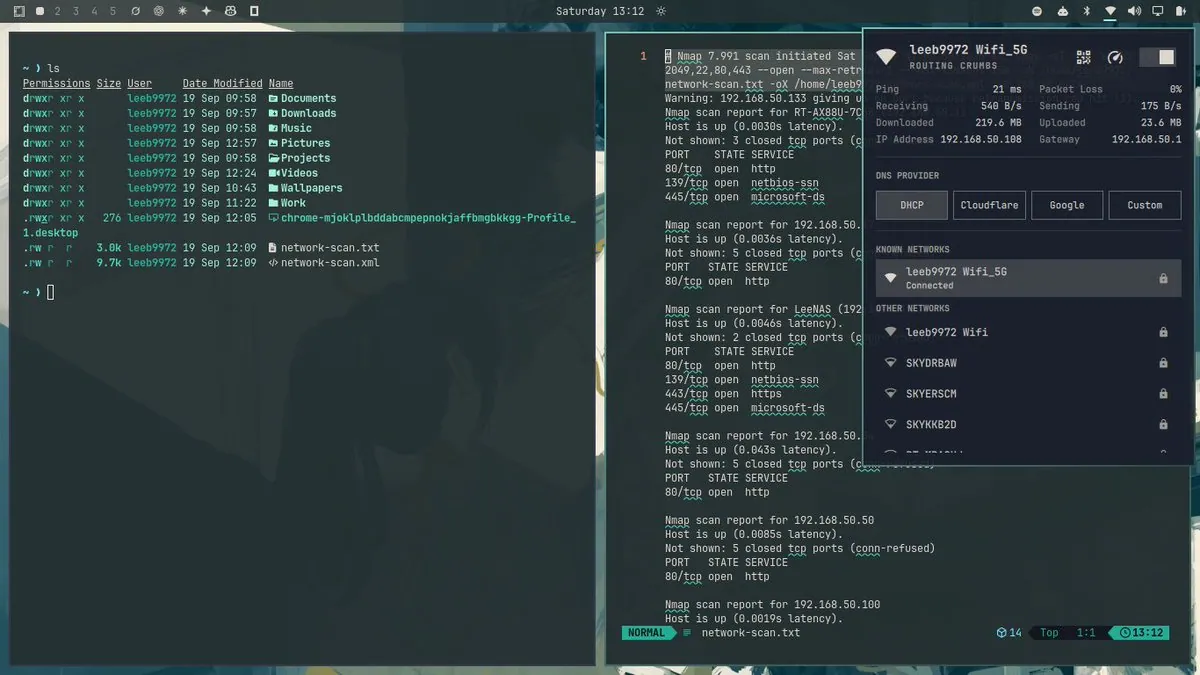
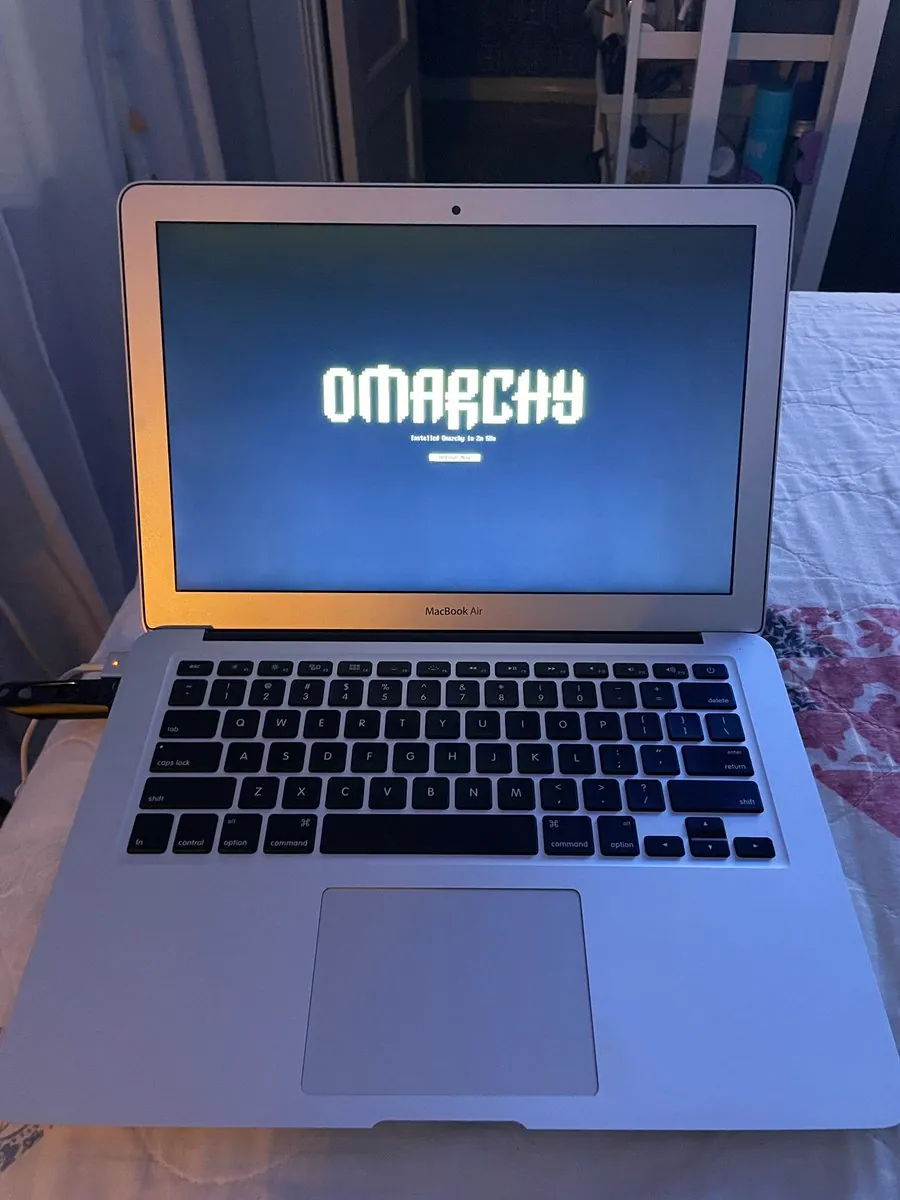
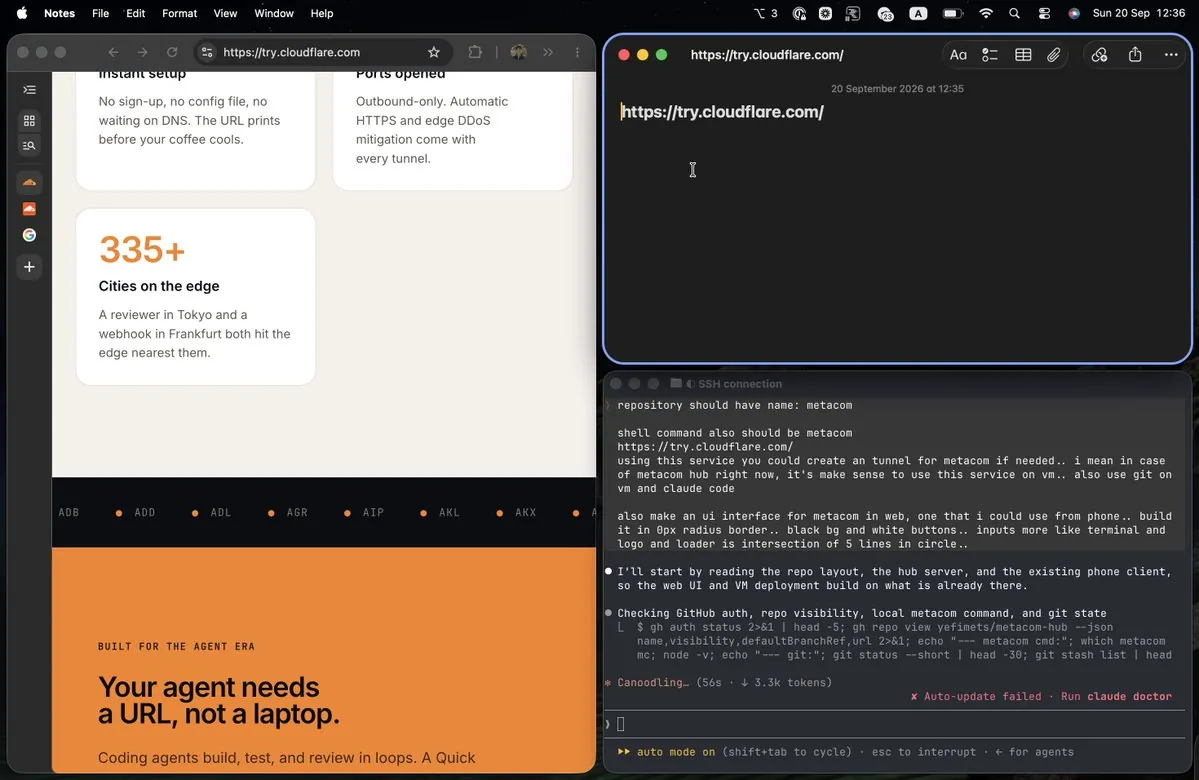
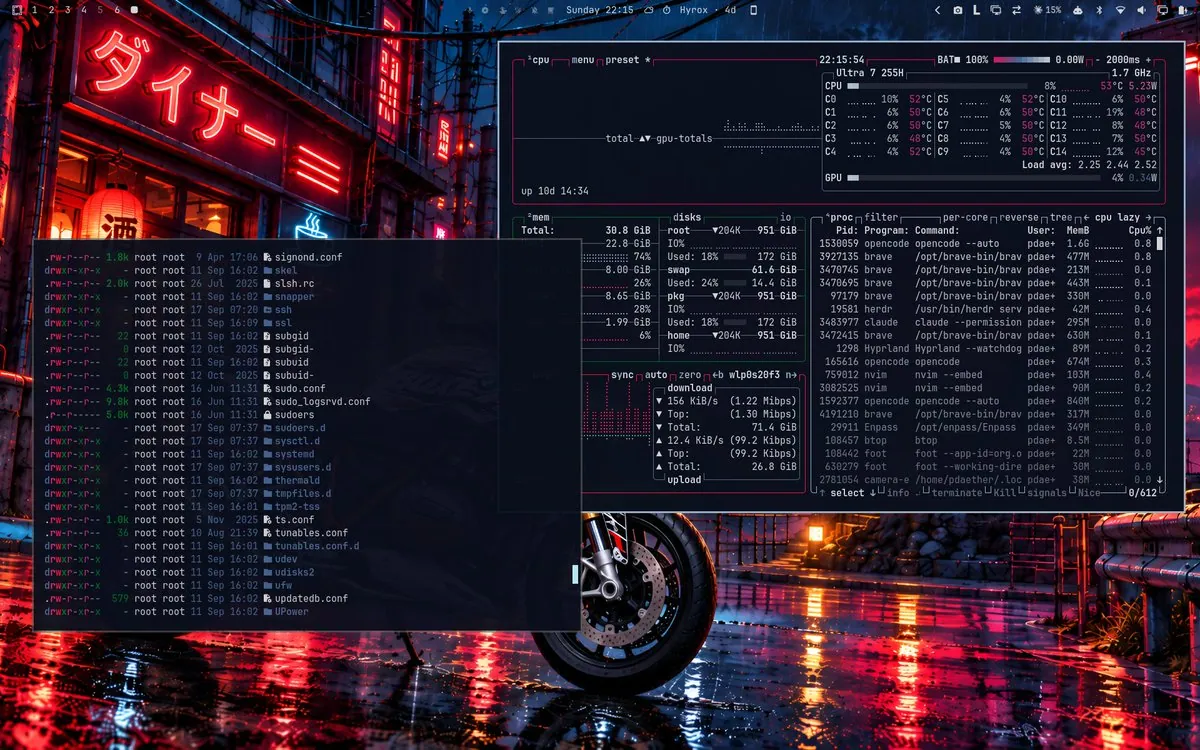
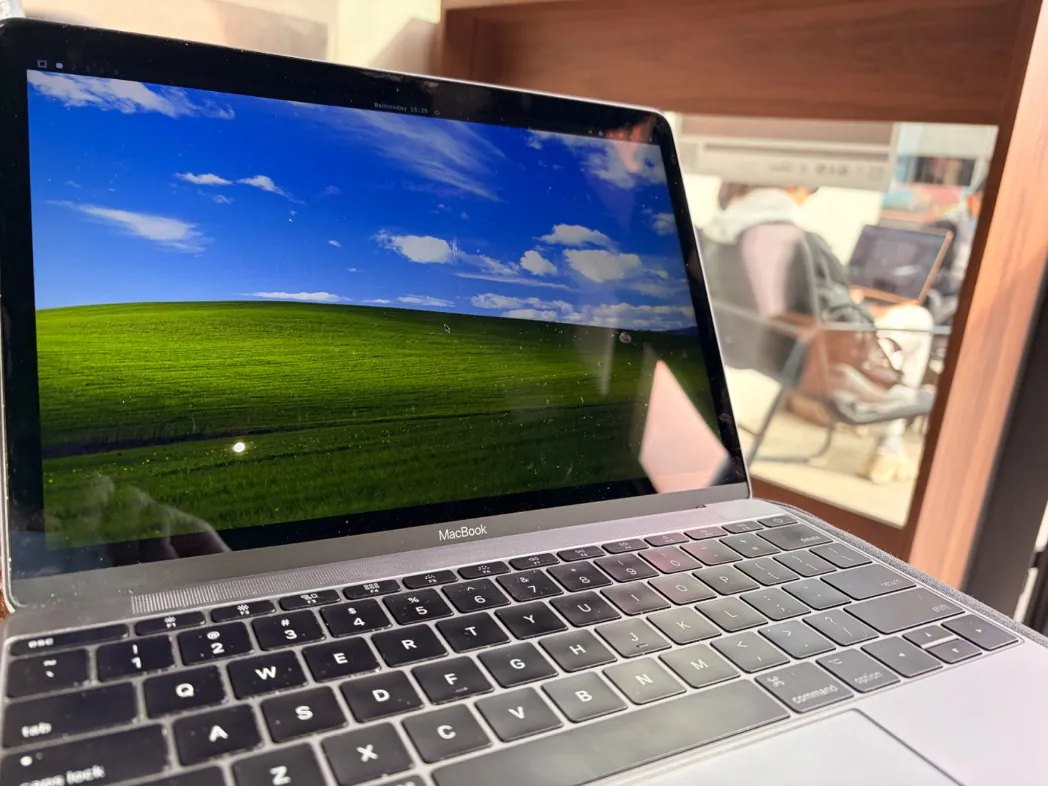
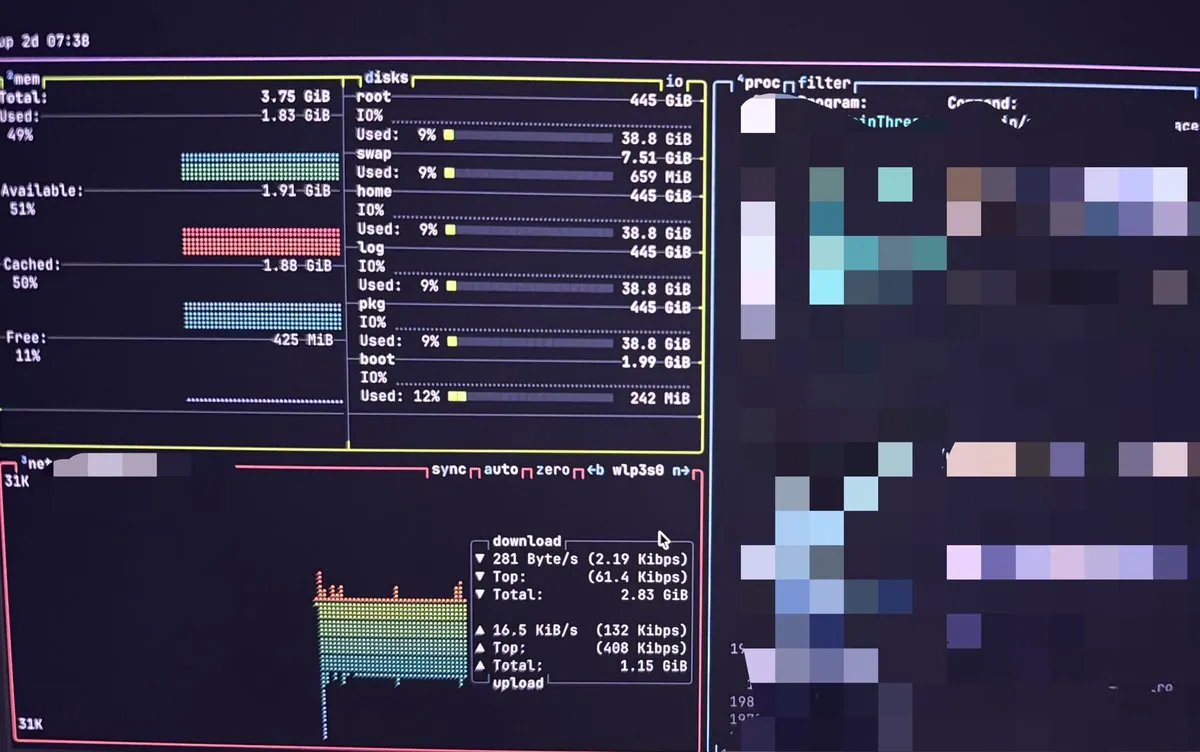
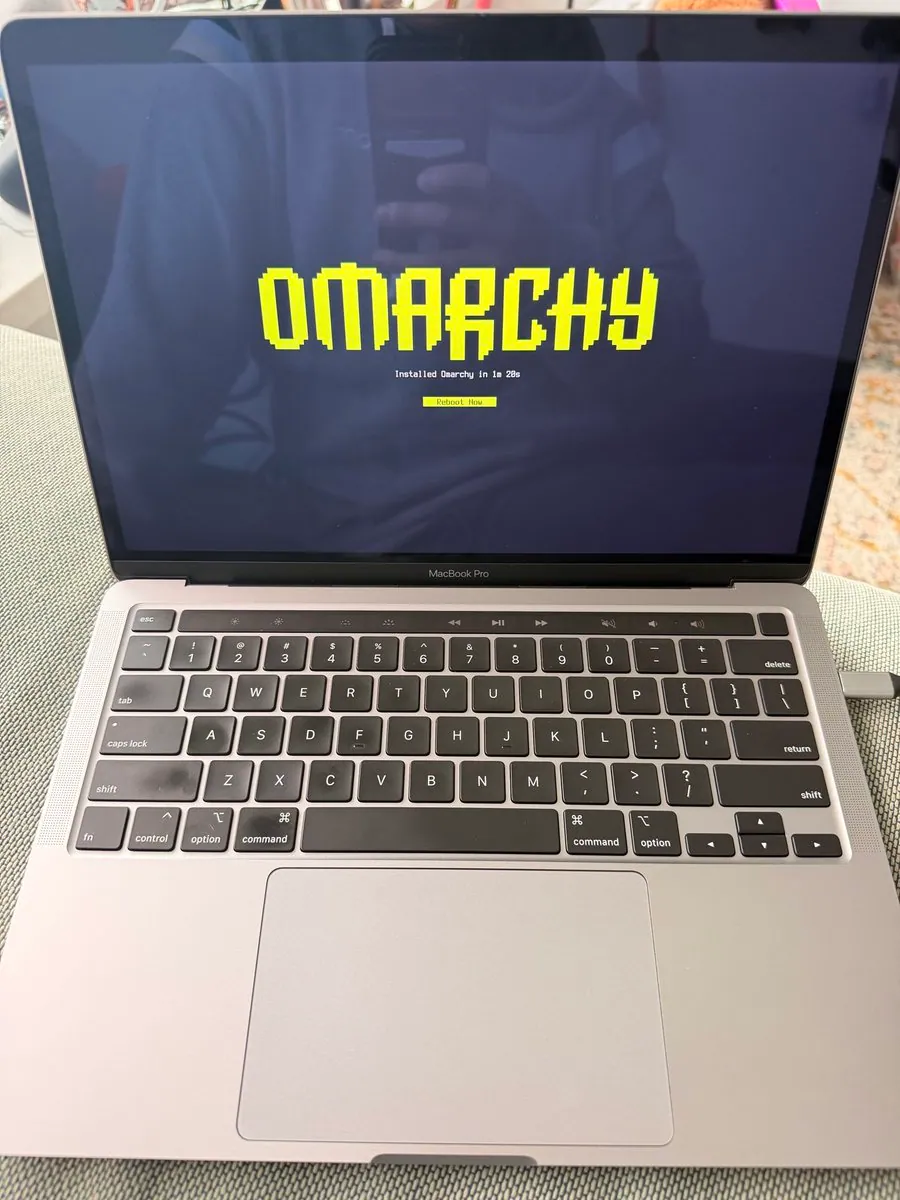
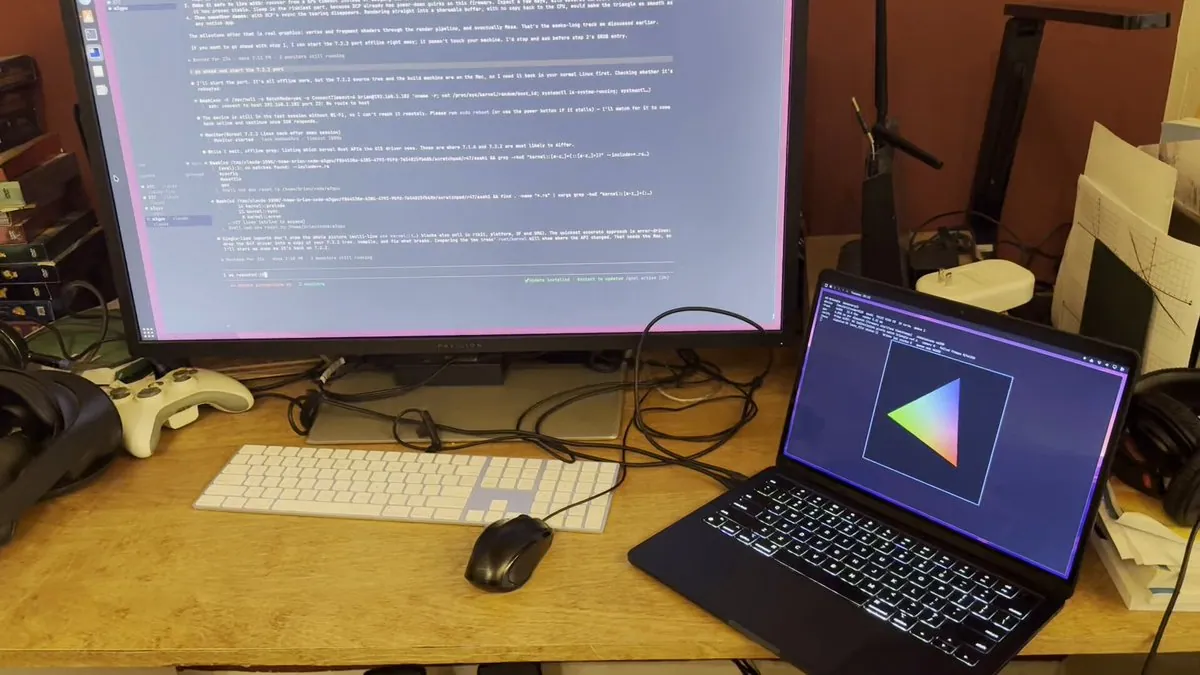
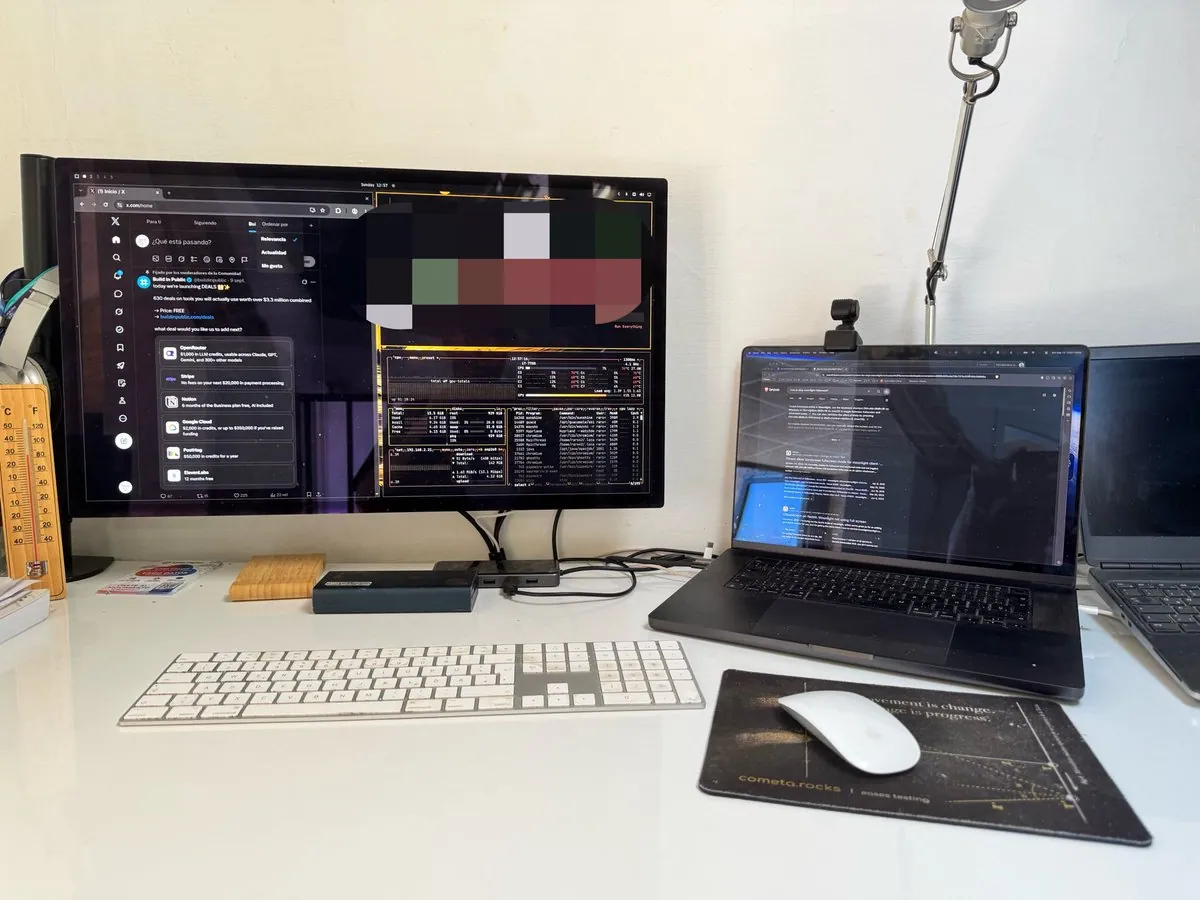
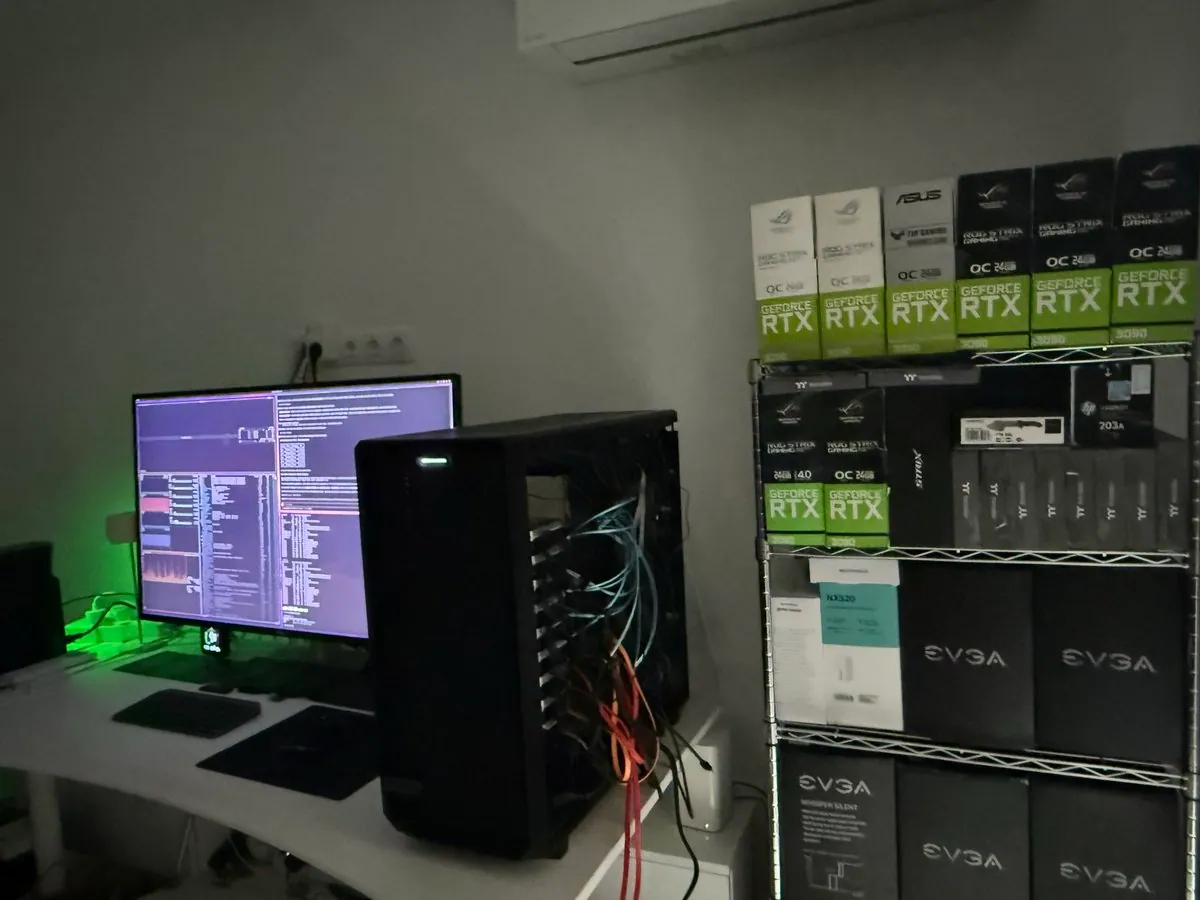
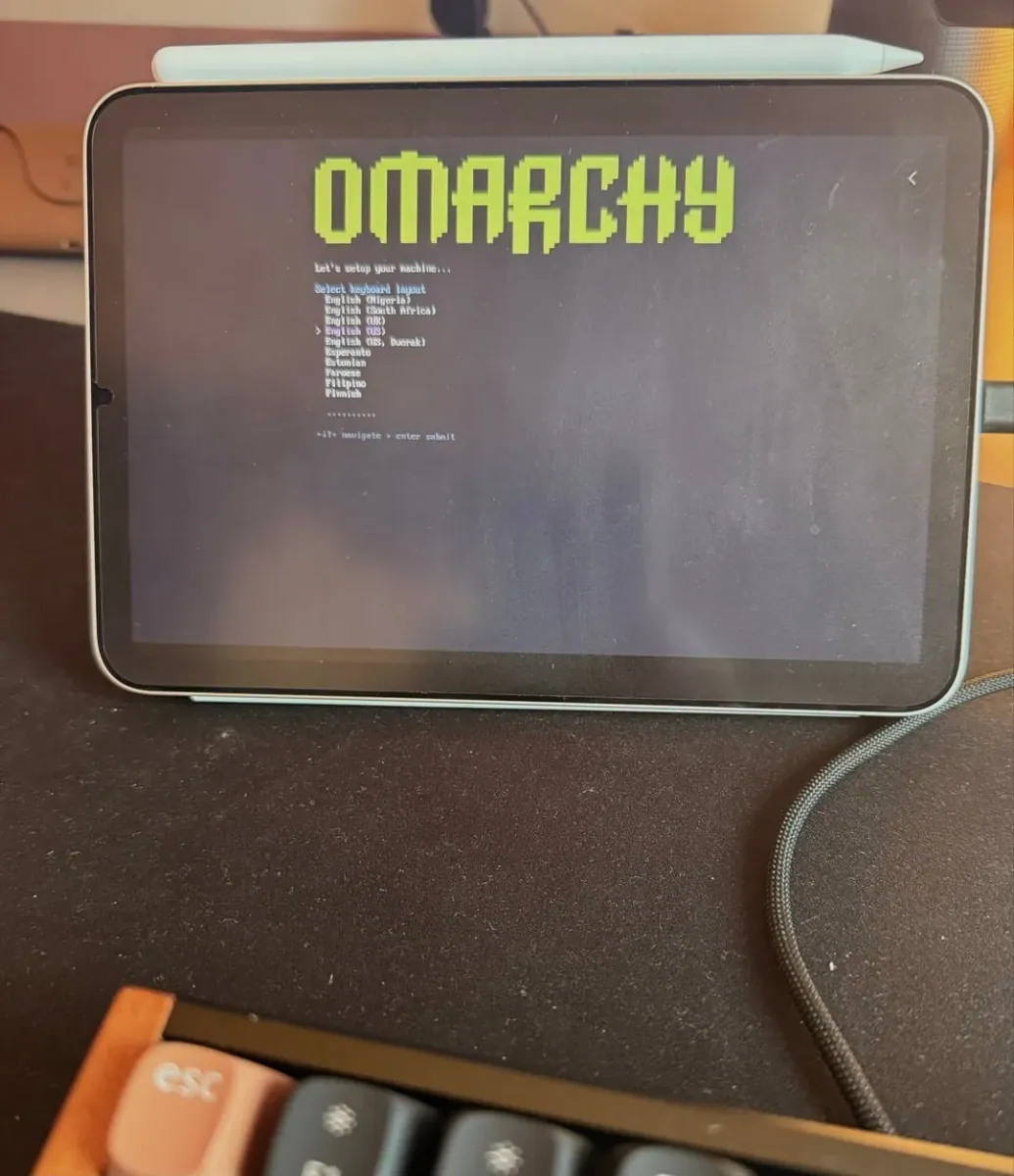
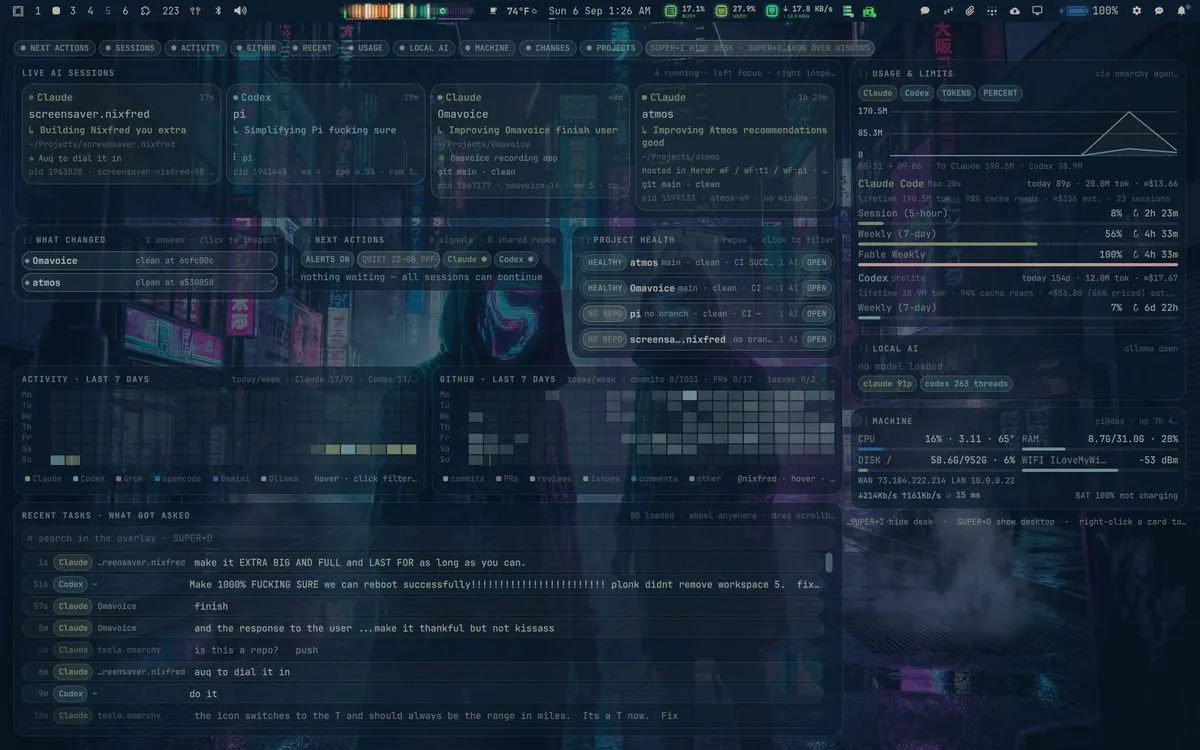
Desktop shot — NixFred calls Omarchy his favorite working environment in over 30 years of using computers.
Only posts that name a device or form factor. Nothing here is inferred from a photo.
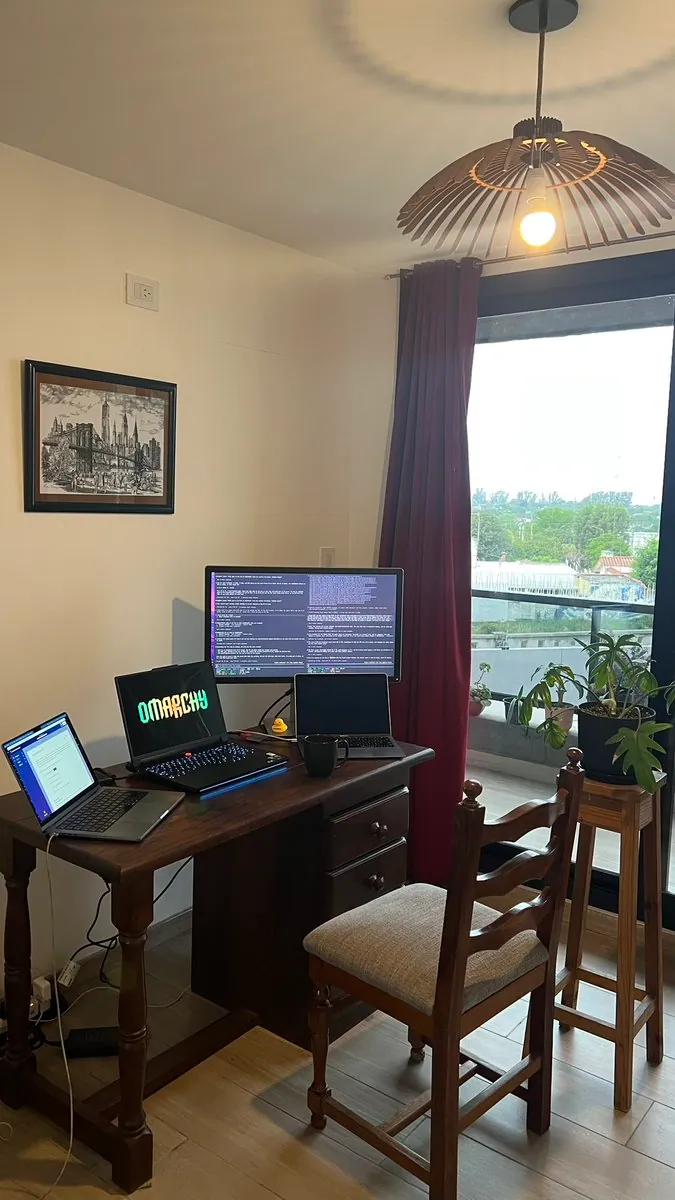
Desktop shot — NixFred calls Omarchy his favorite working environment in over 30 years of using computers.
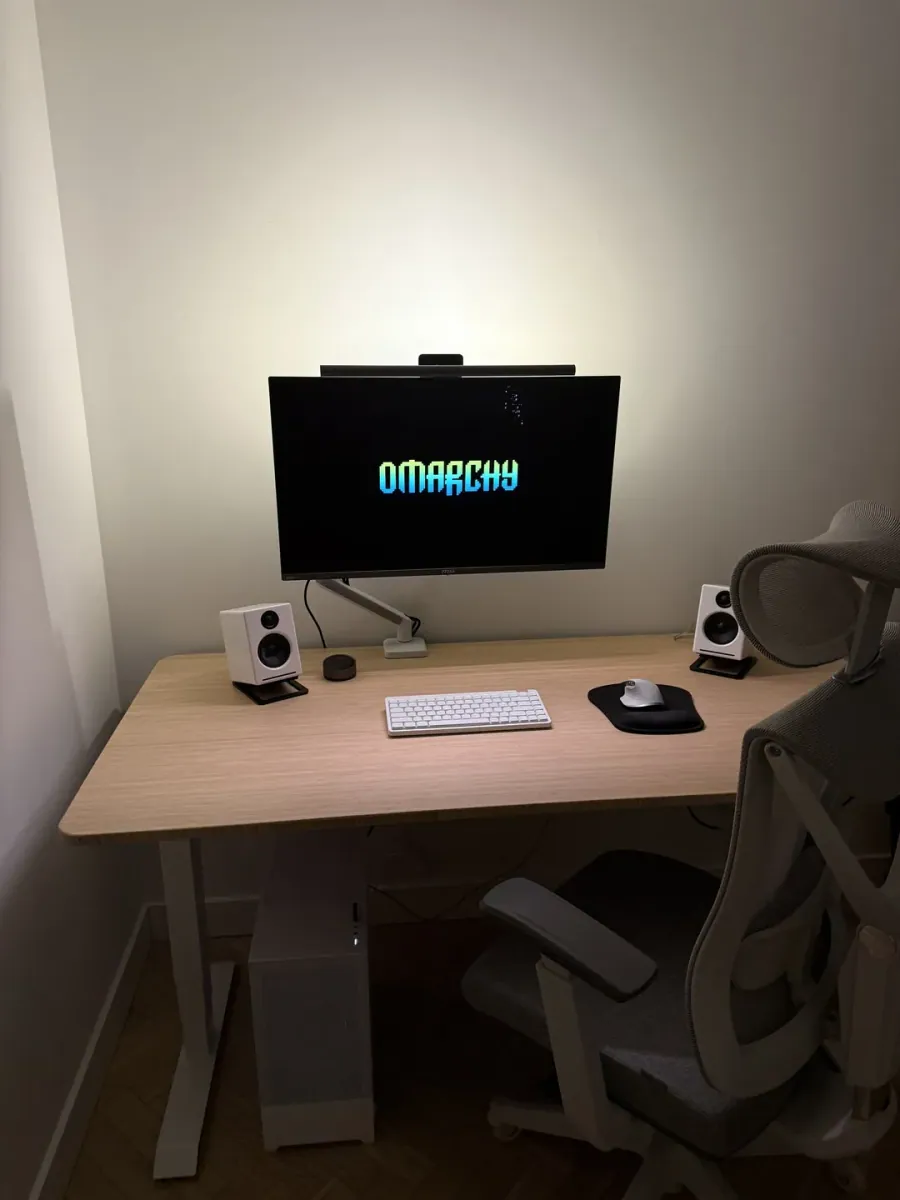
@Newarr · Custom PC + Ultrawide on Arm
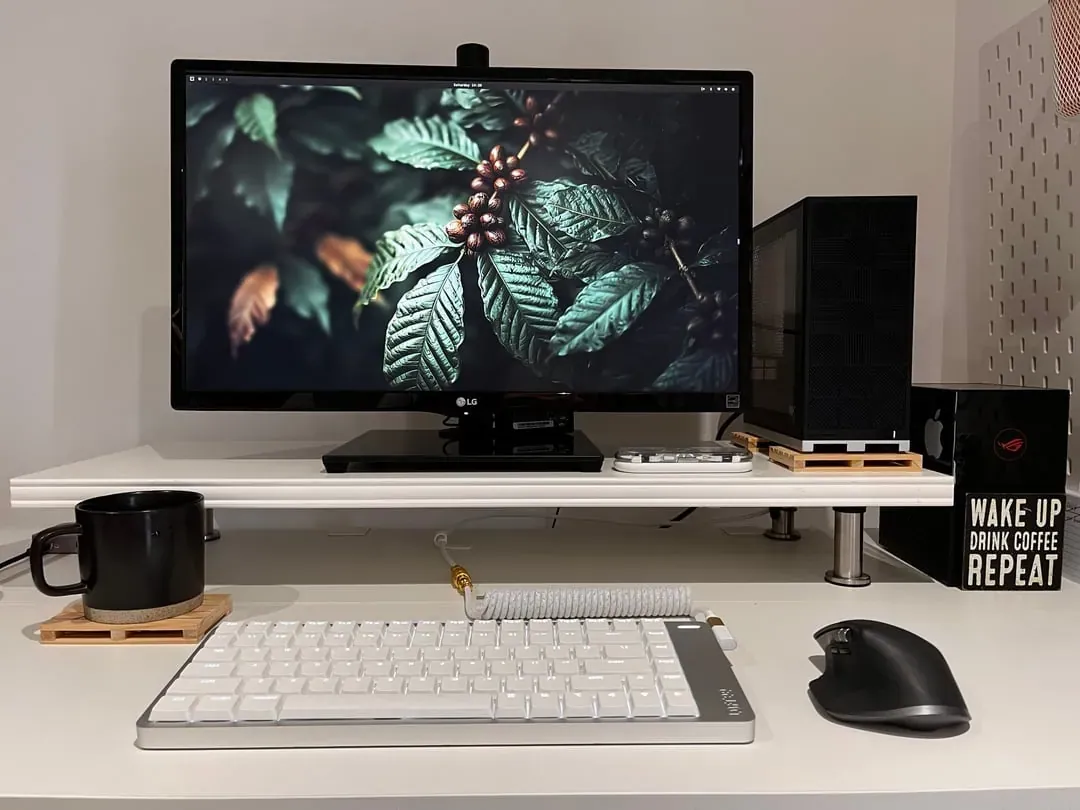
Clean minimal workspace with a single ultrawide on a monitor arm running Omarchy on a white standing desk.
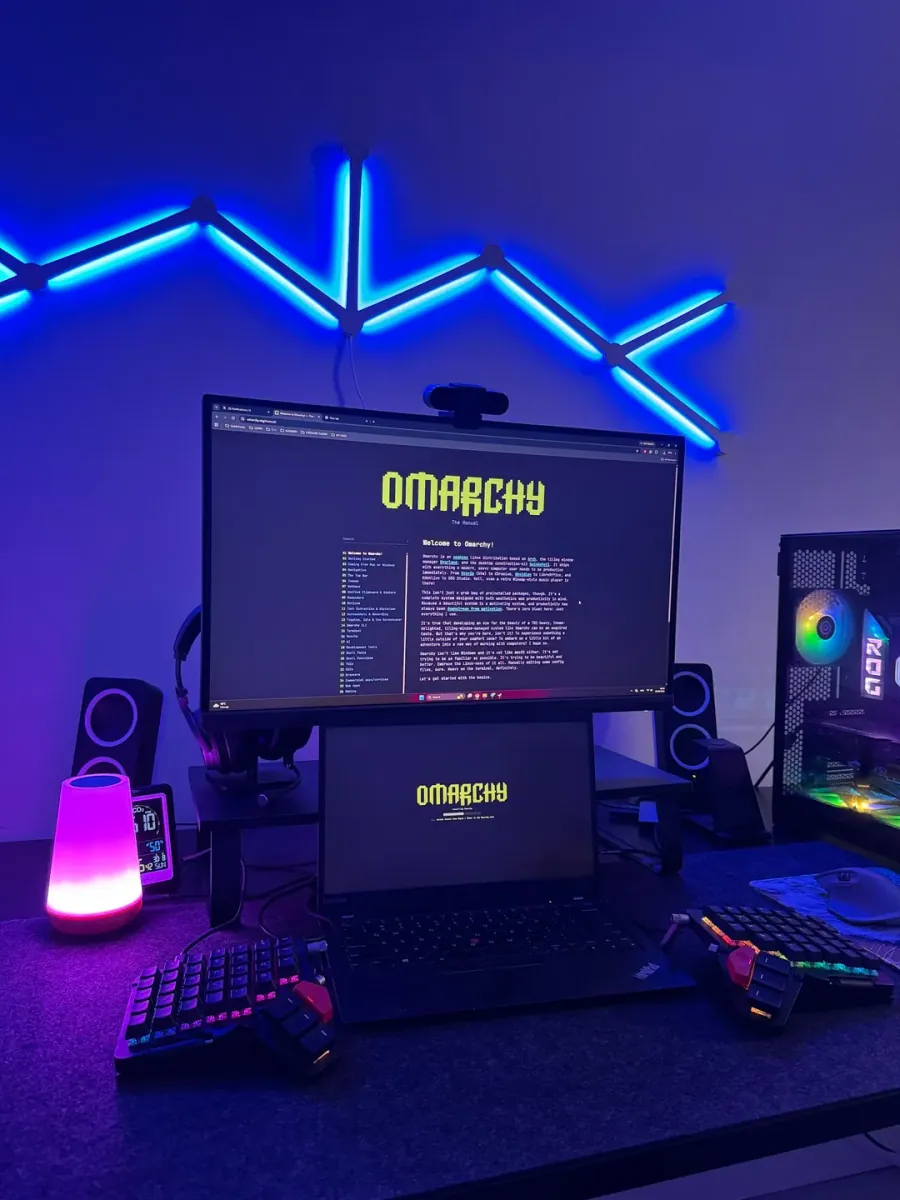
@ChShersh · ThinkPad X1 Carbon + Dual Monitors
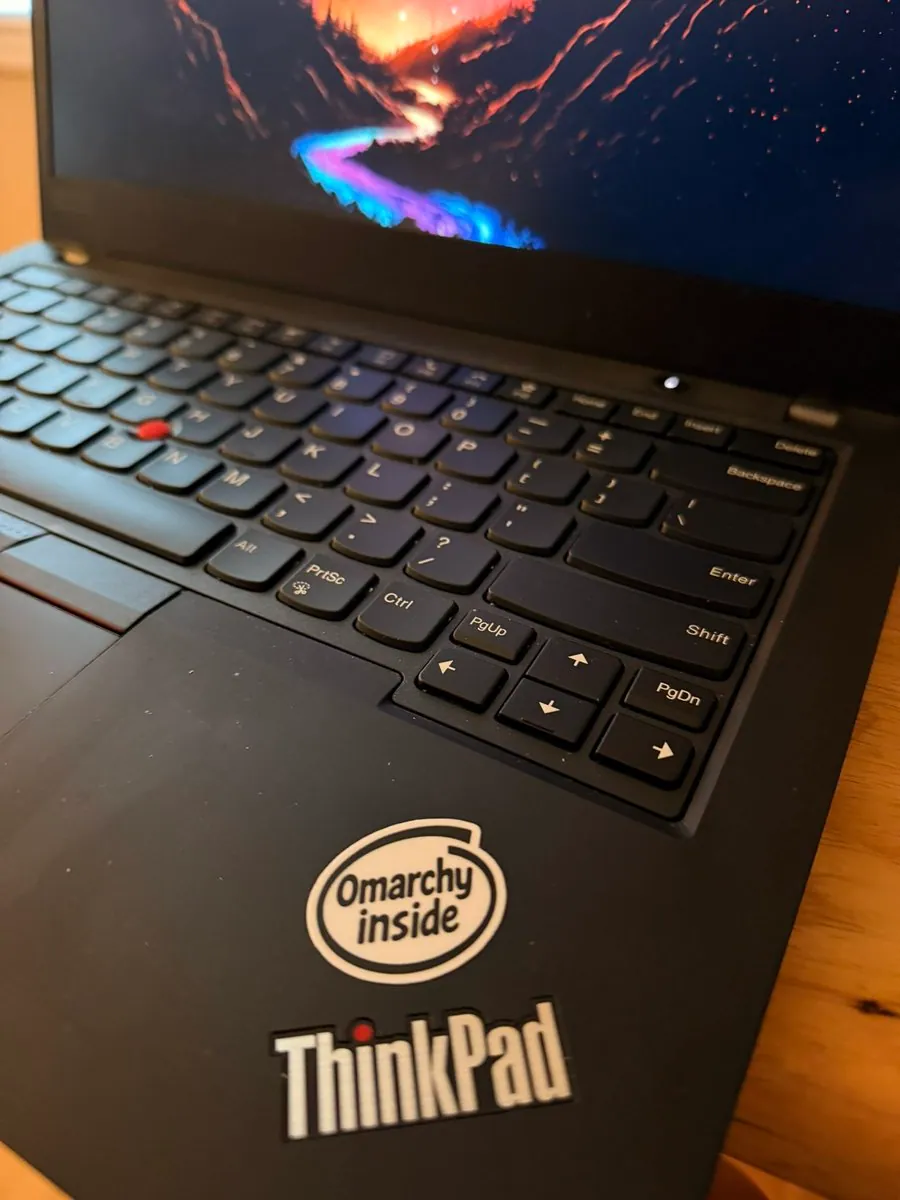
Blue LED wall lighting over a dual-display battlestation running Omarchy on a ThinkPad X1 Carbon.
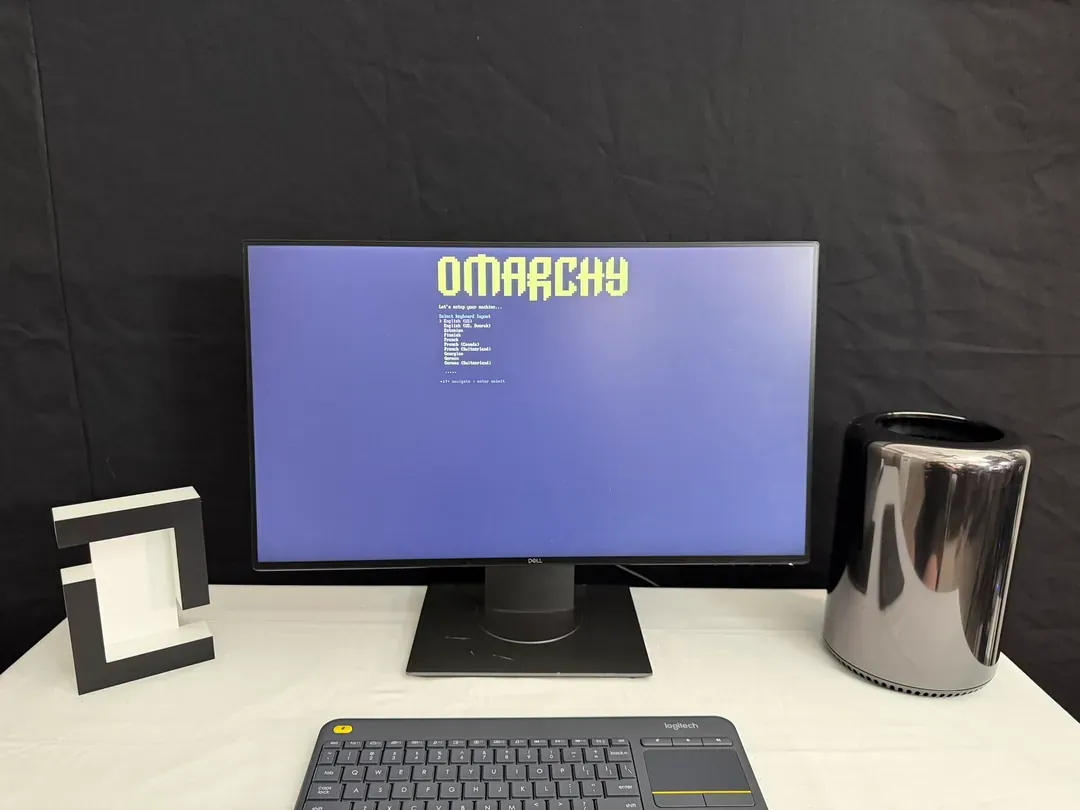
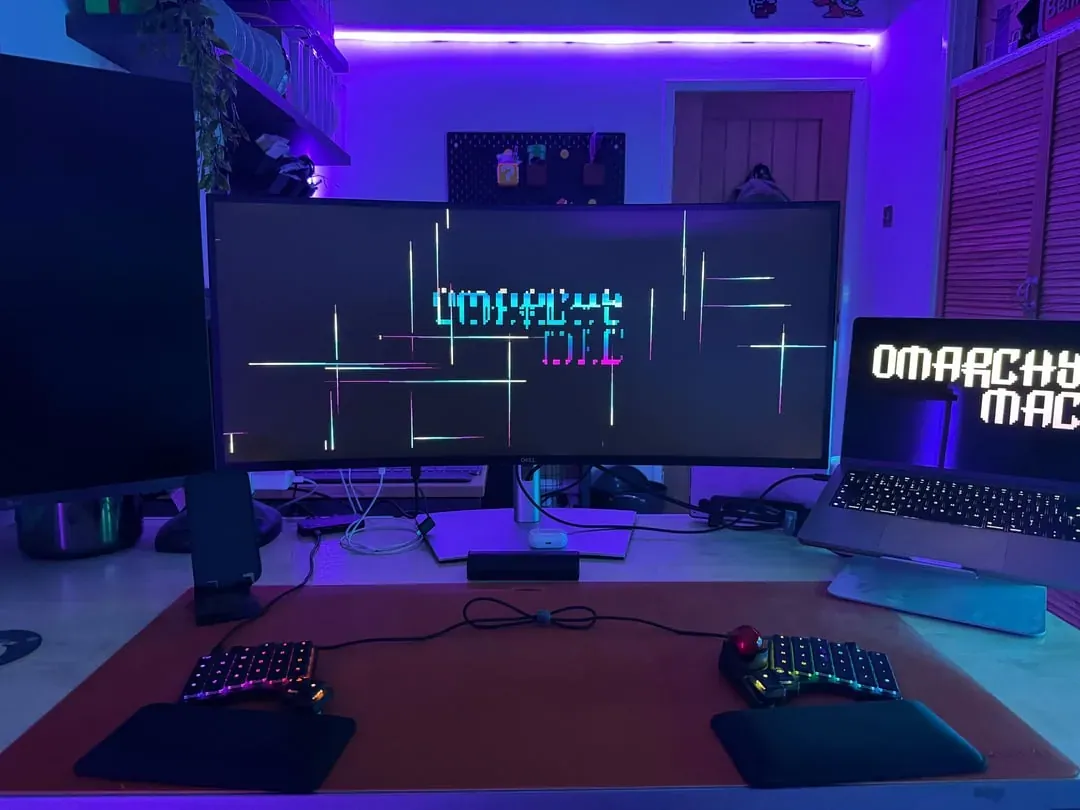
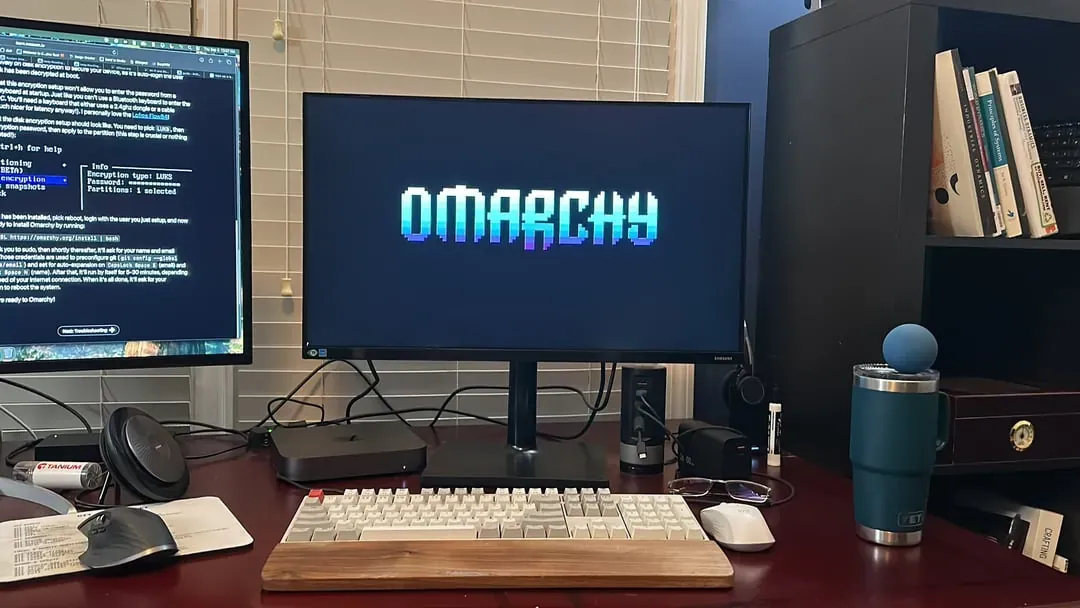
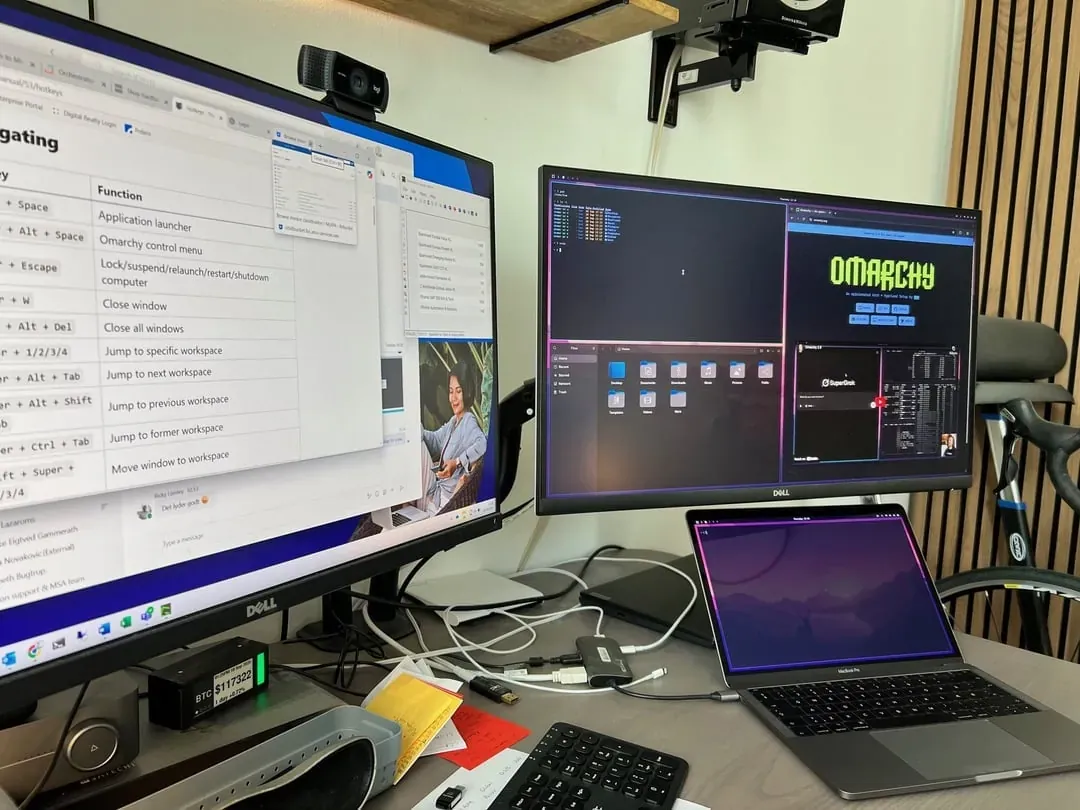
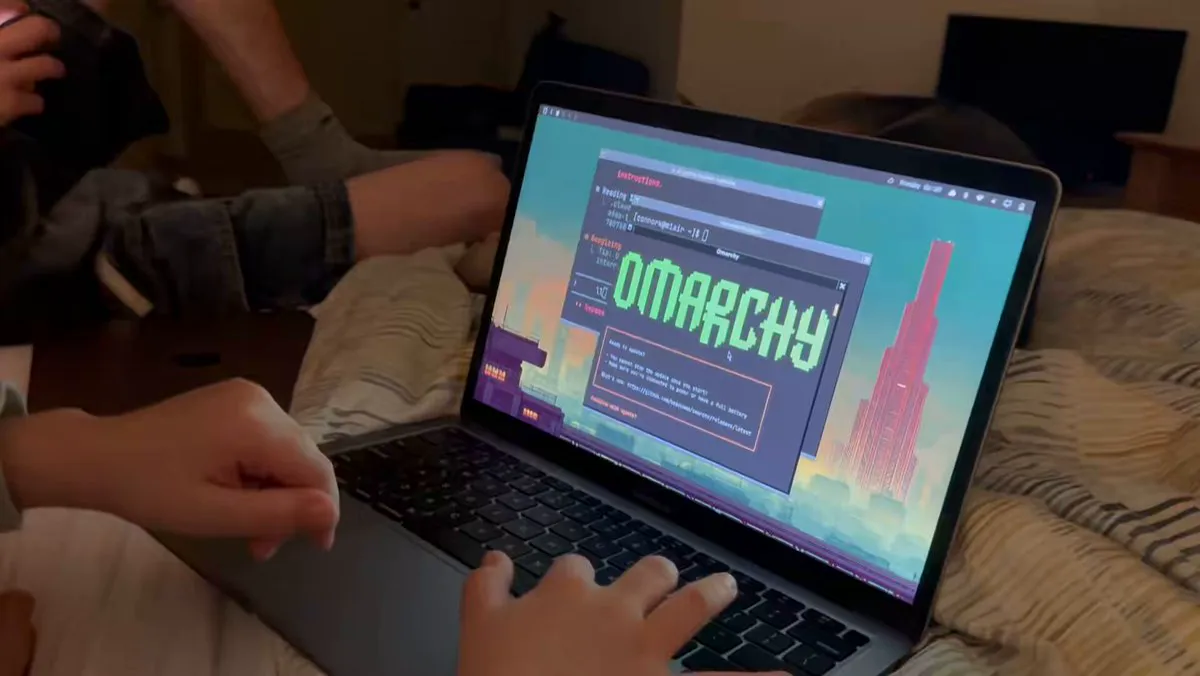
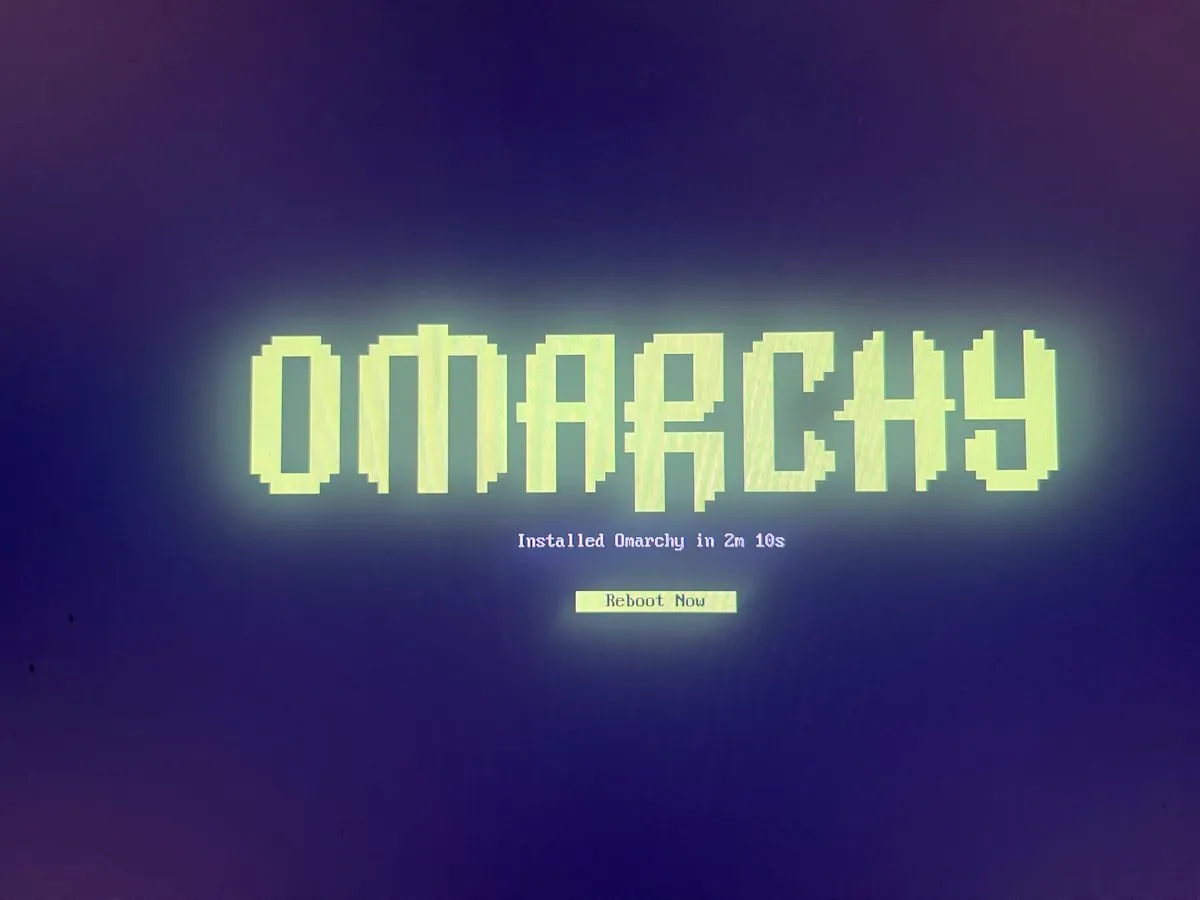
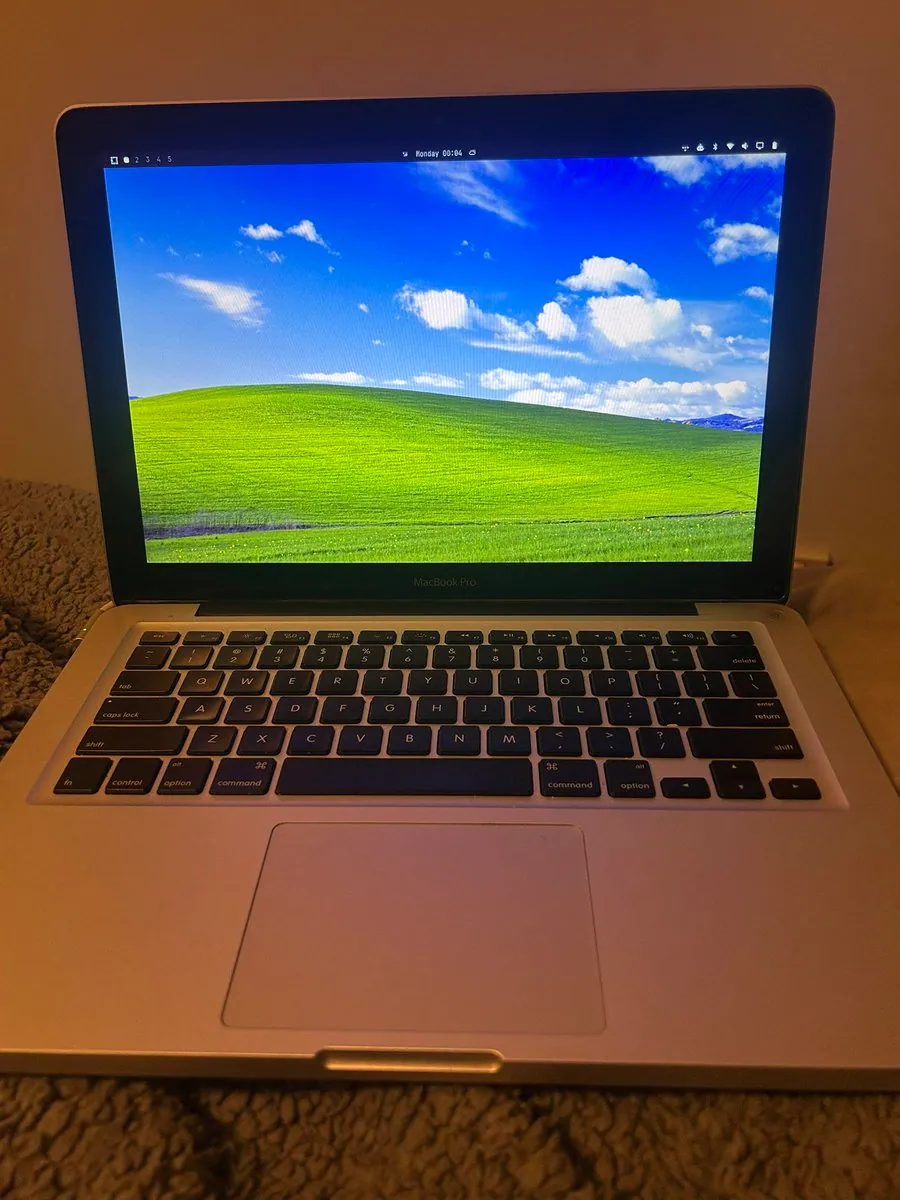
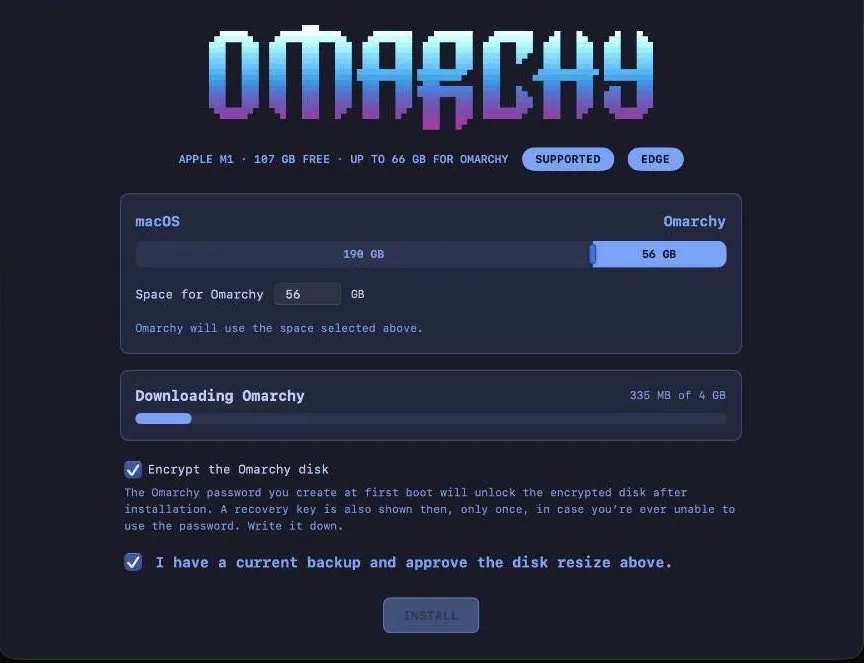
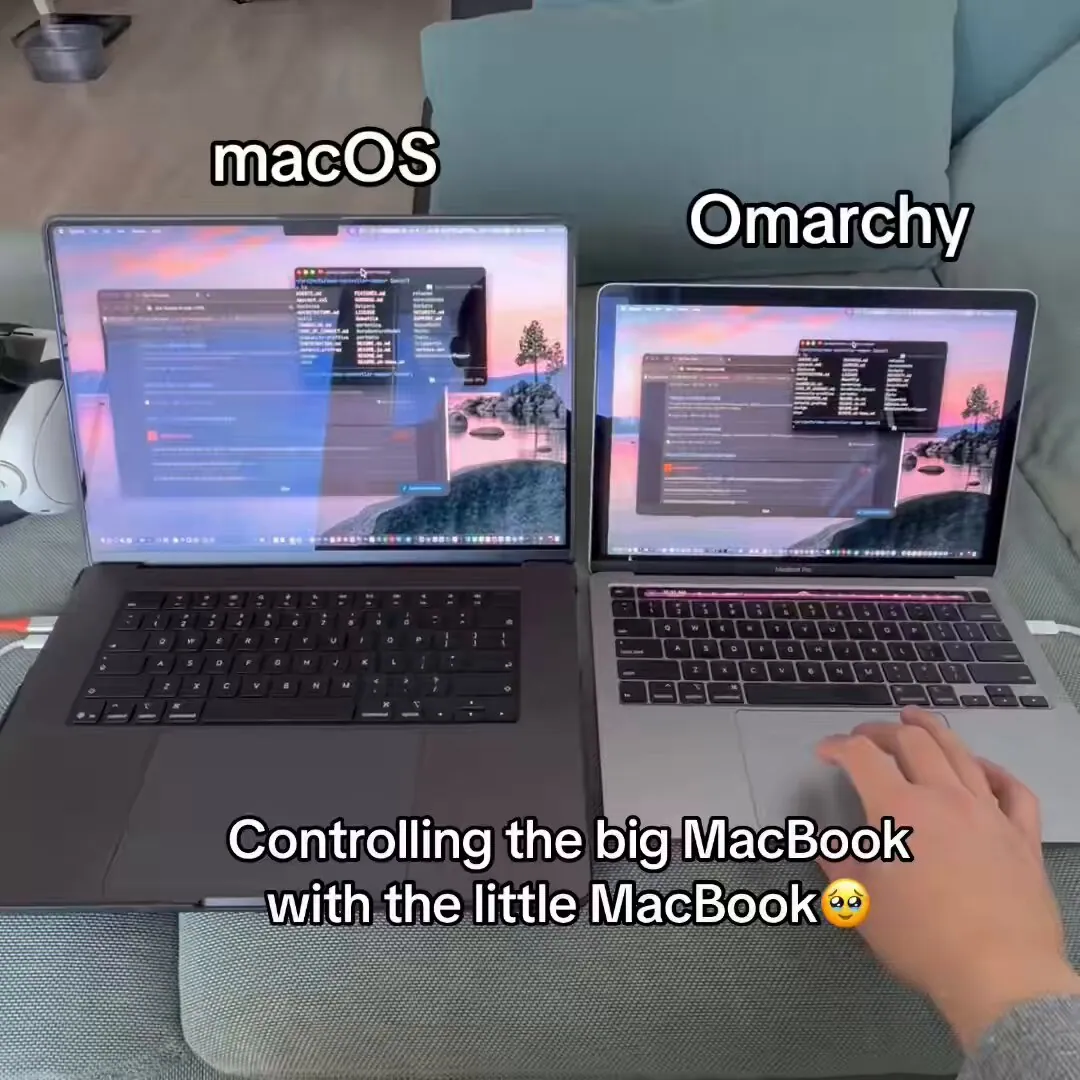
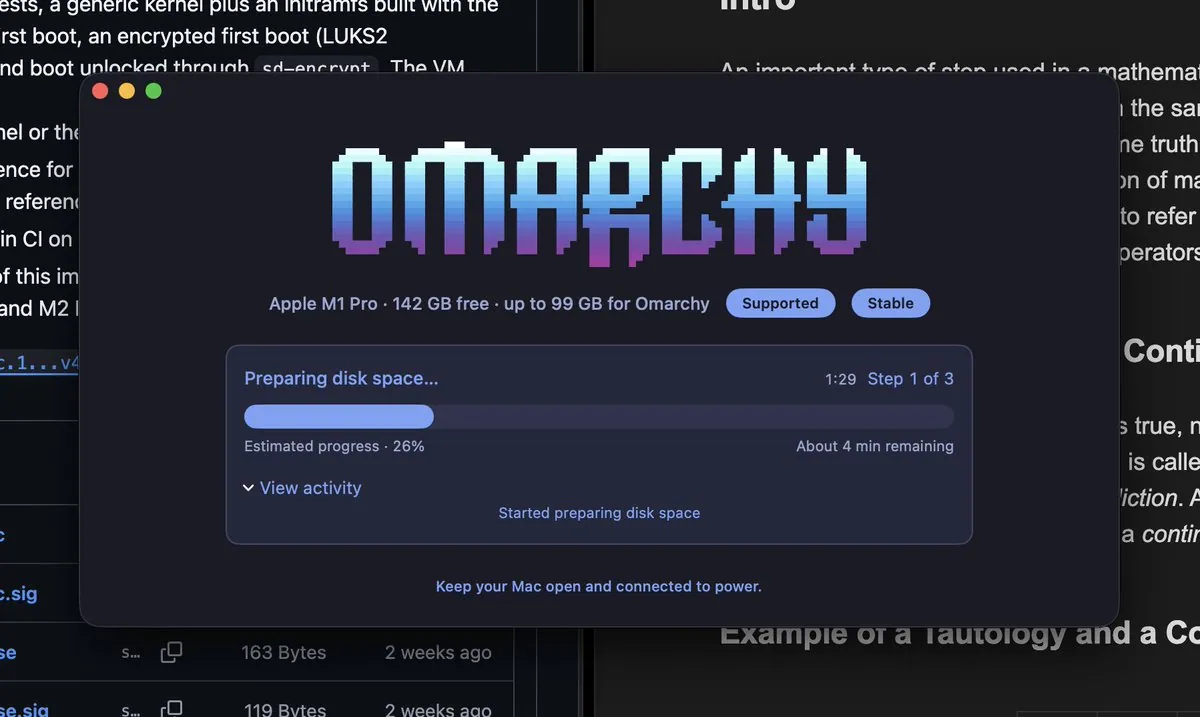
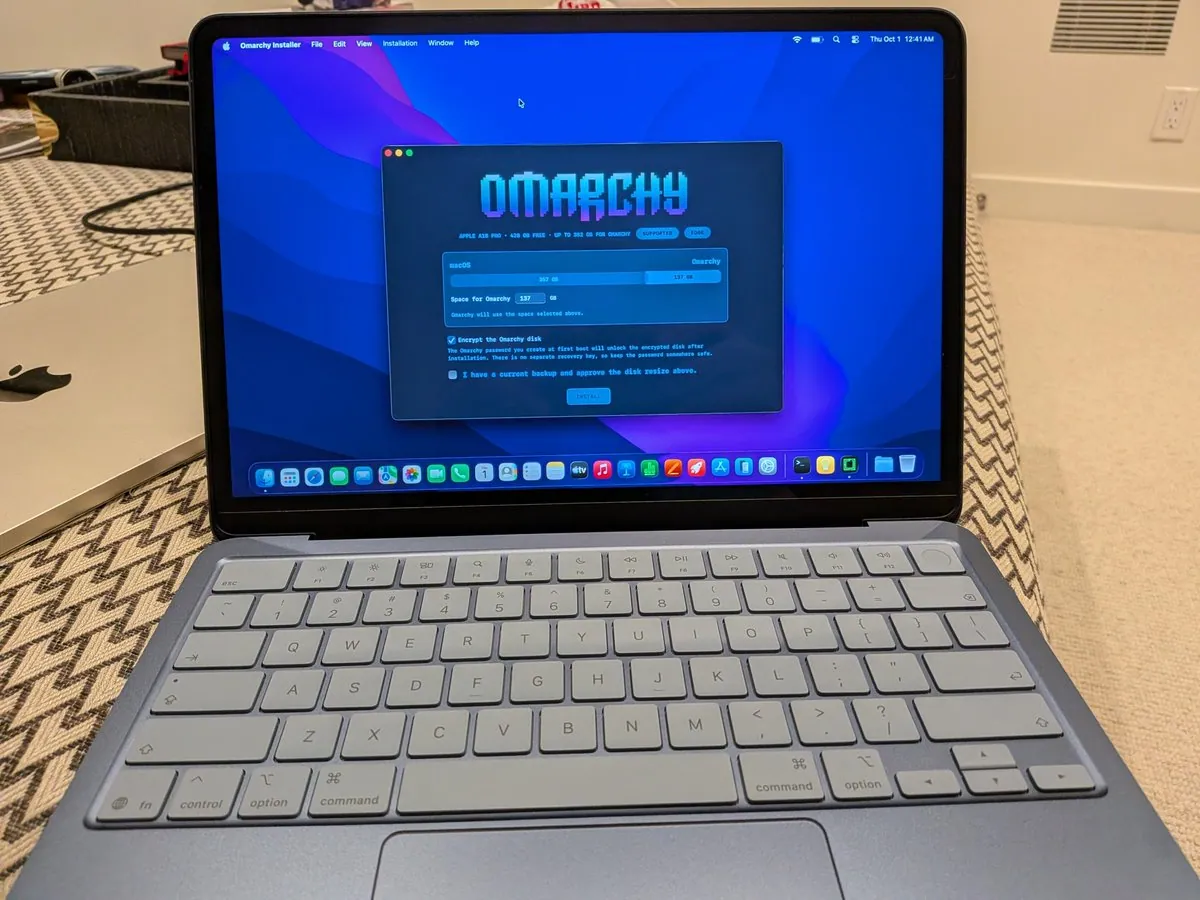
@ryanvogel · Mac Pro (Late 2013) + Dell Monitor
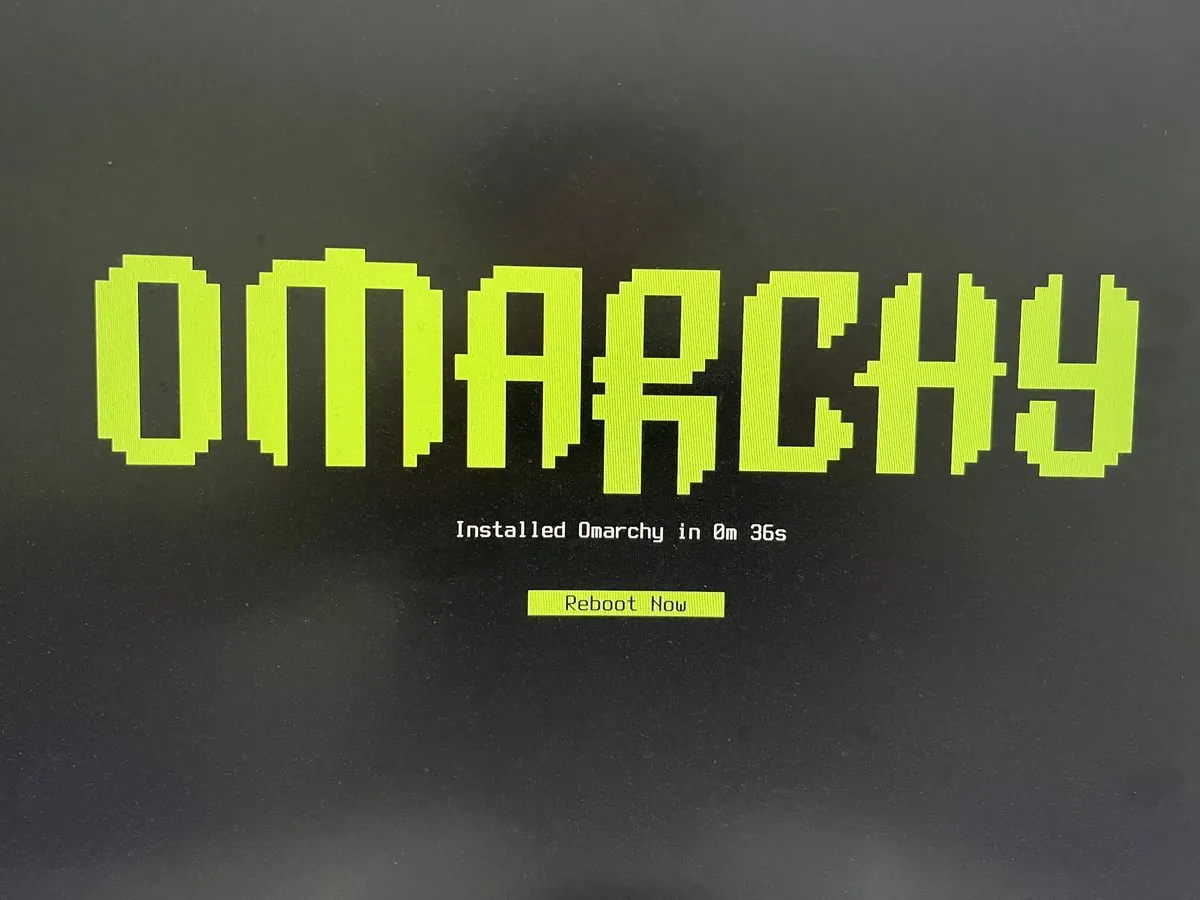
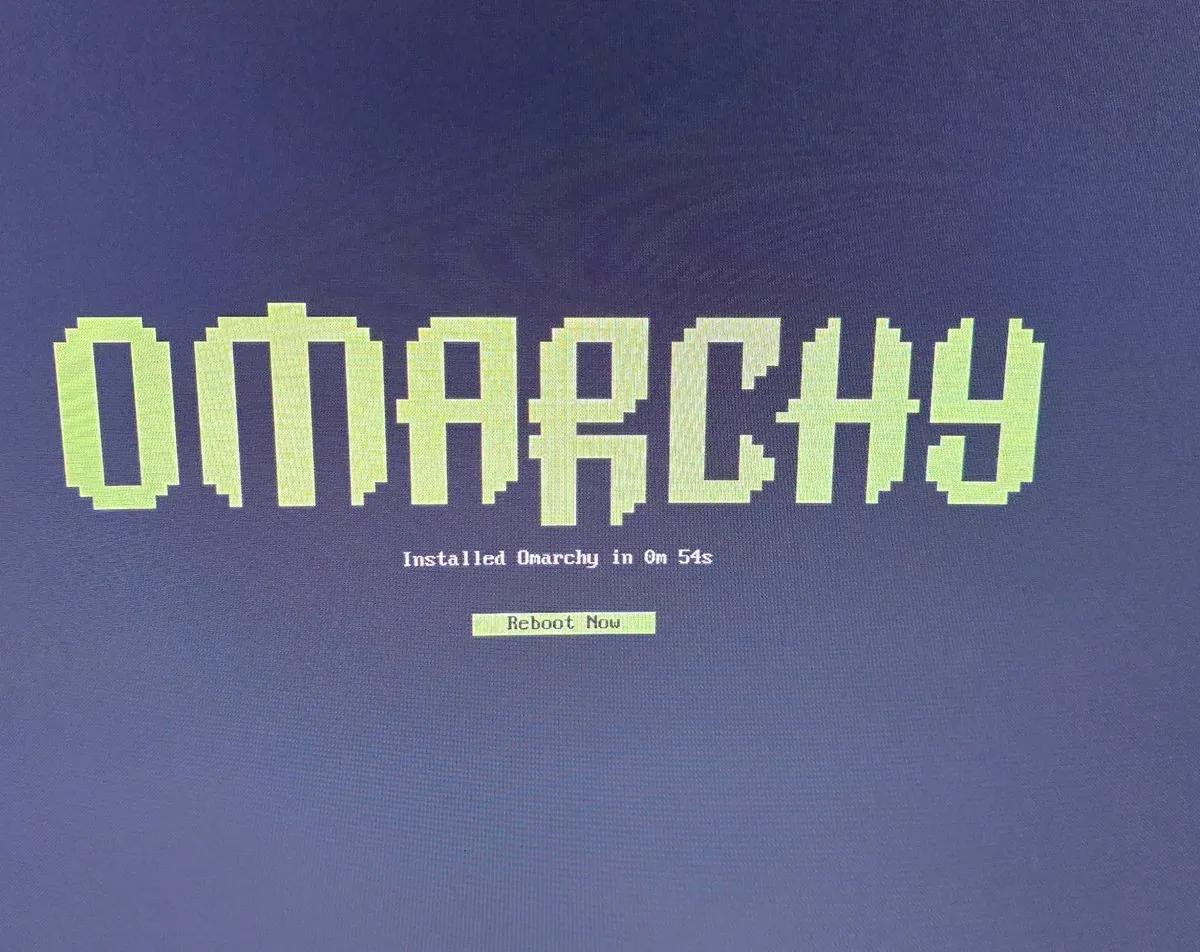
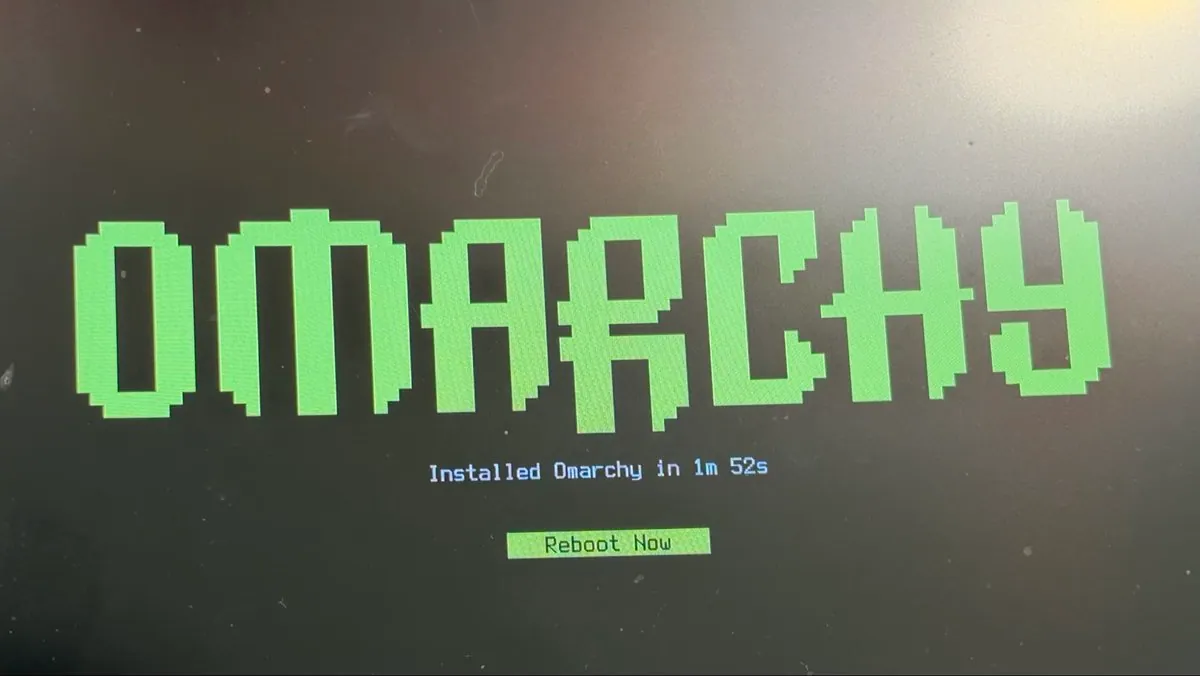
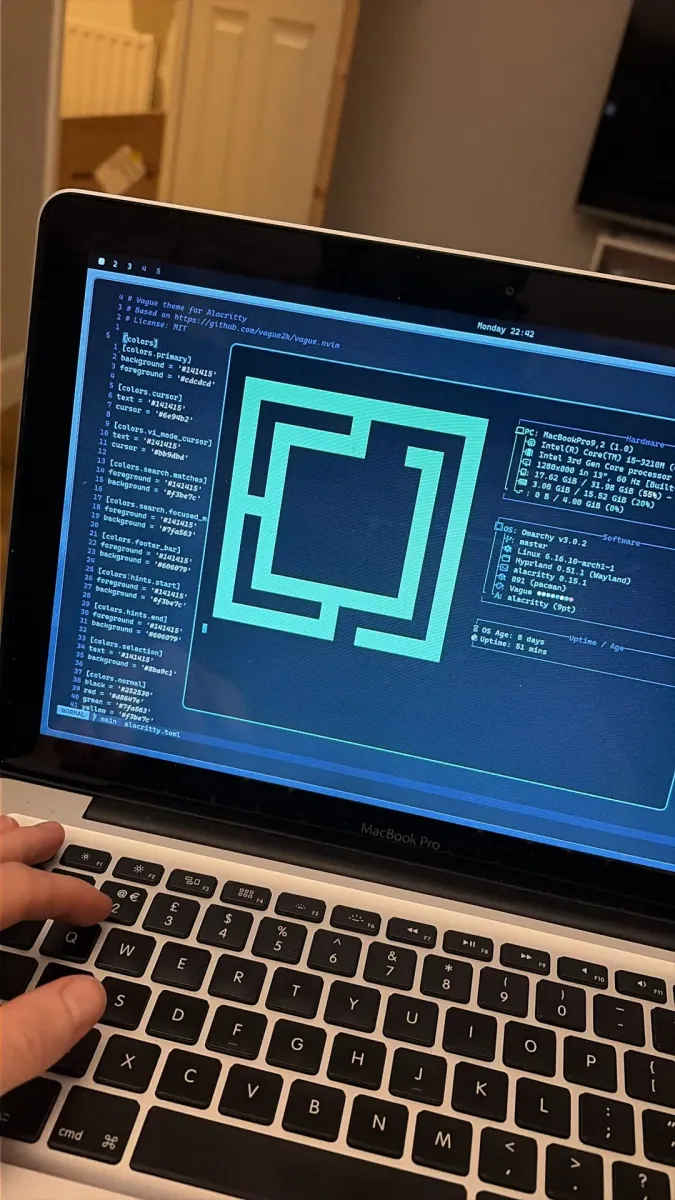
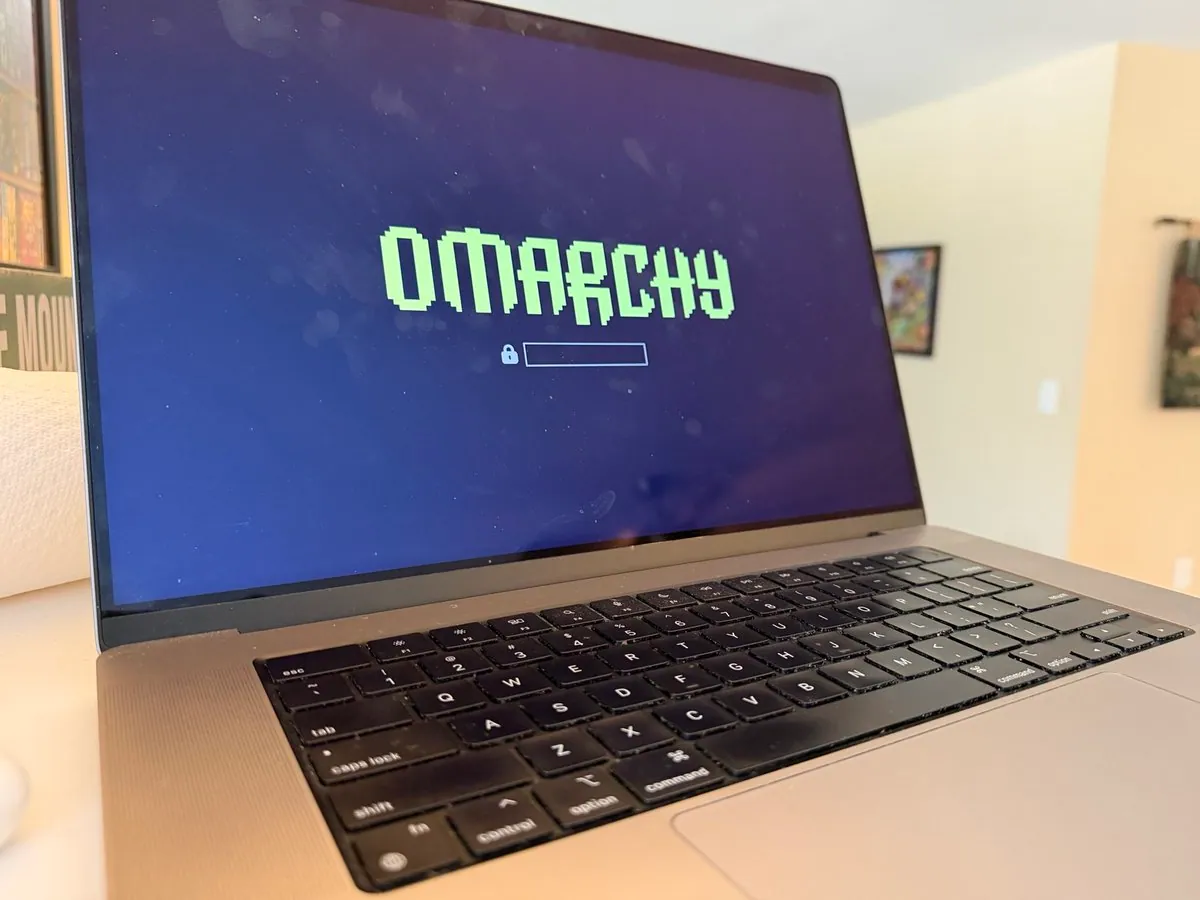
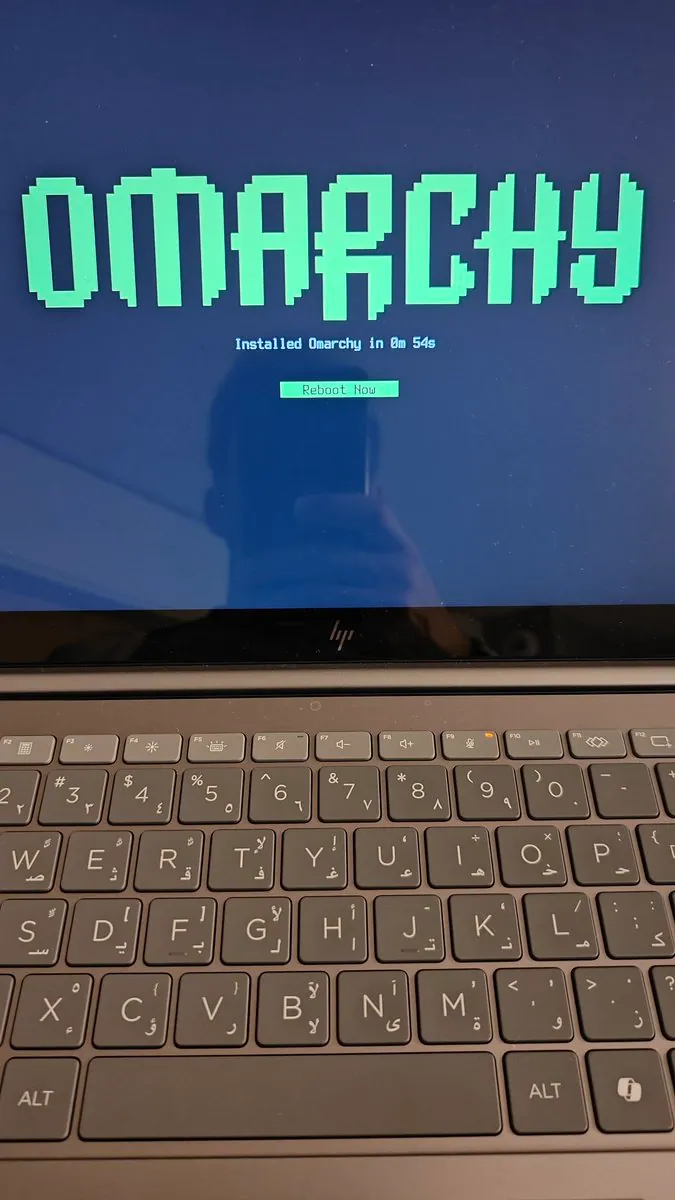
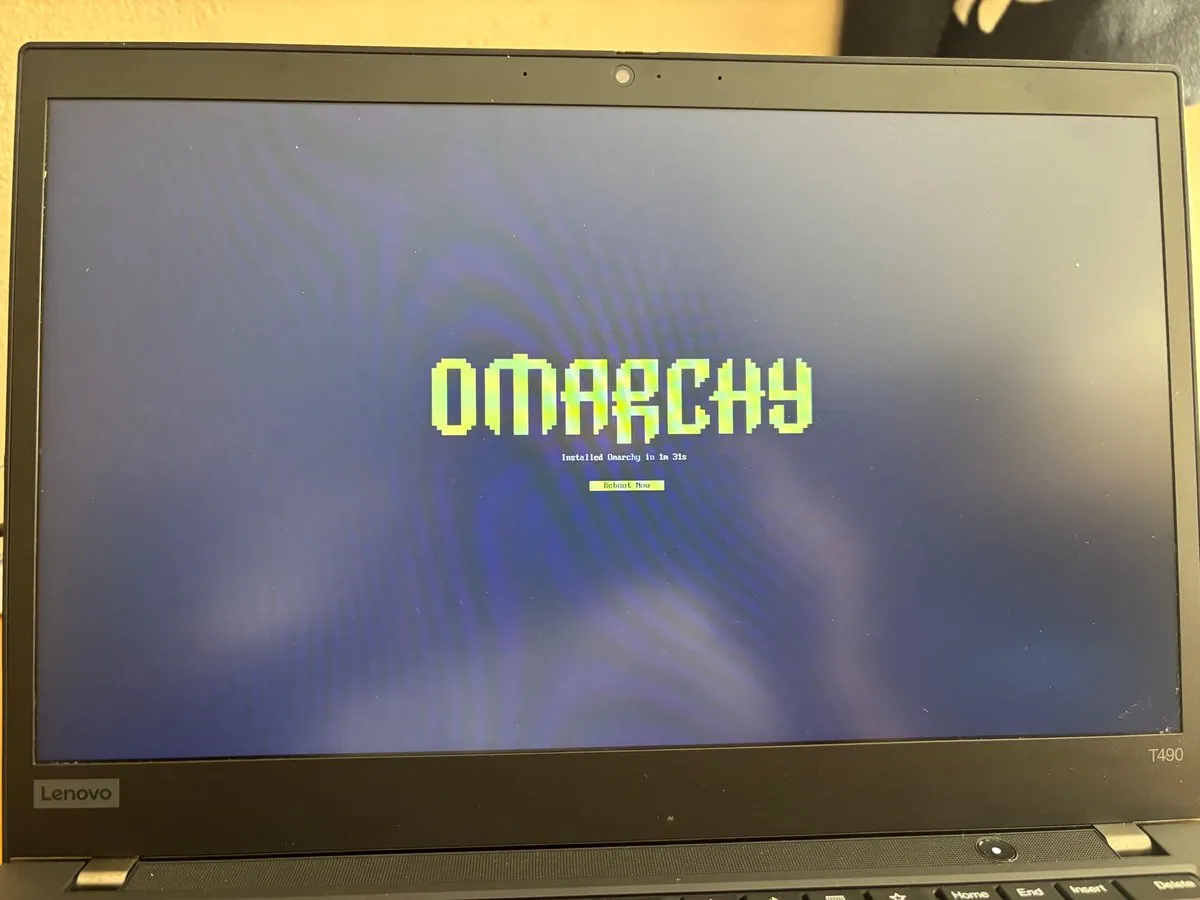
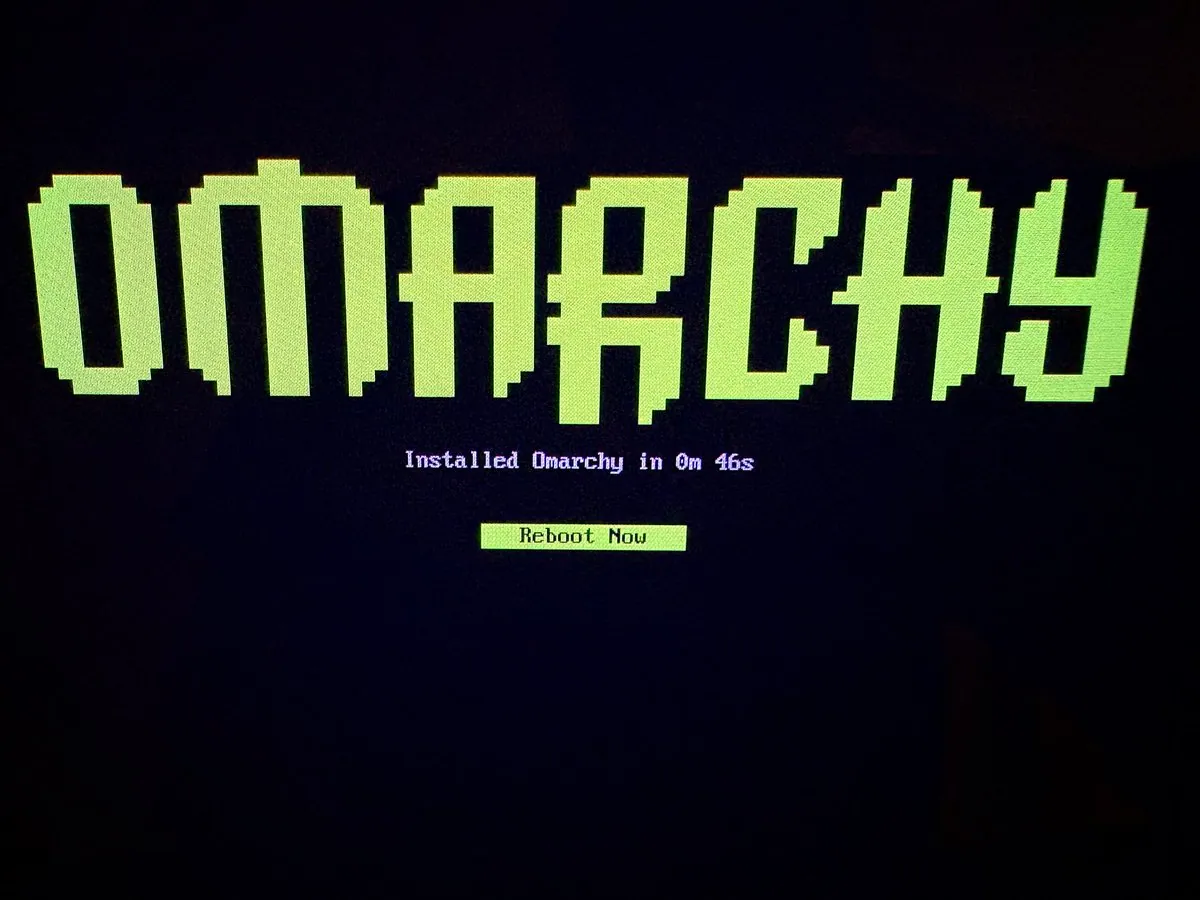
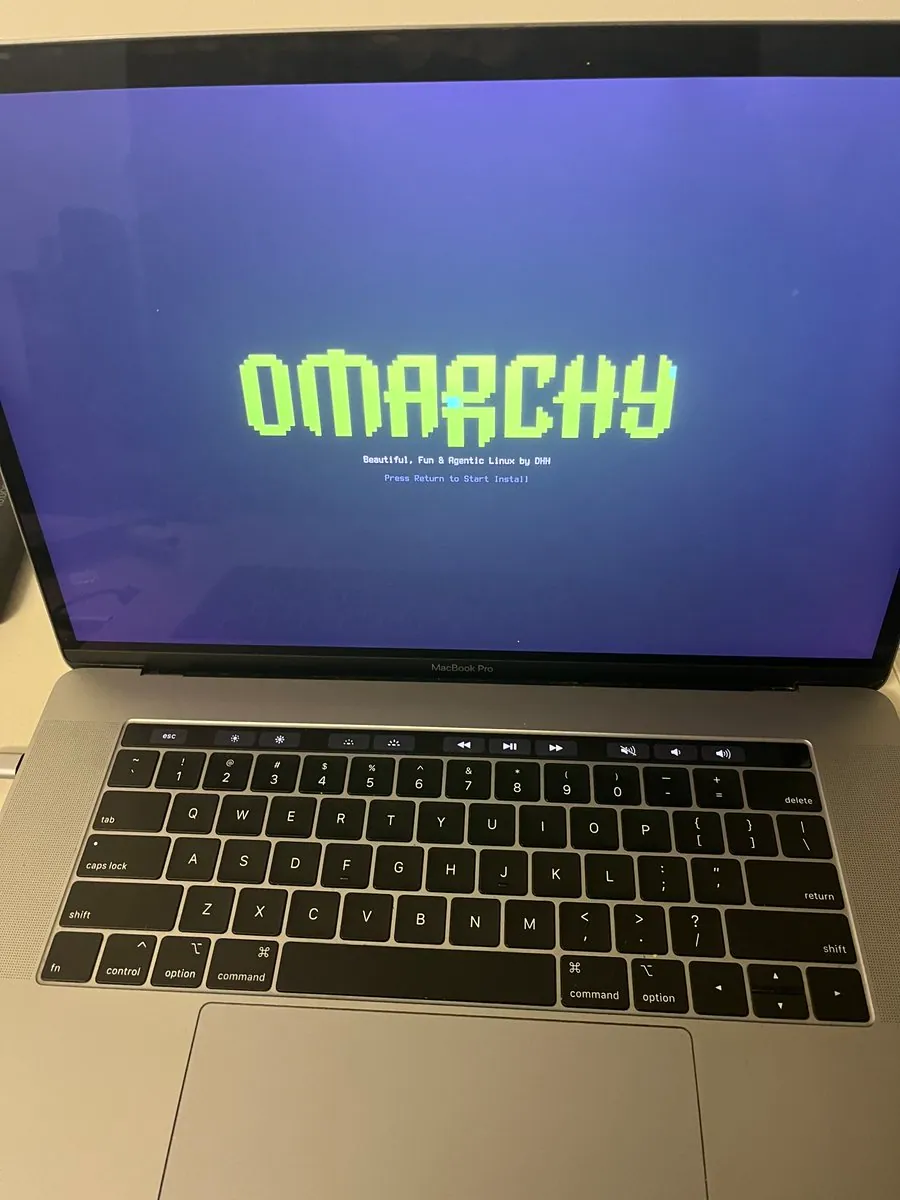
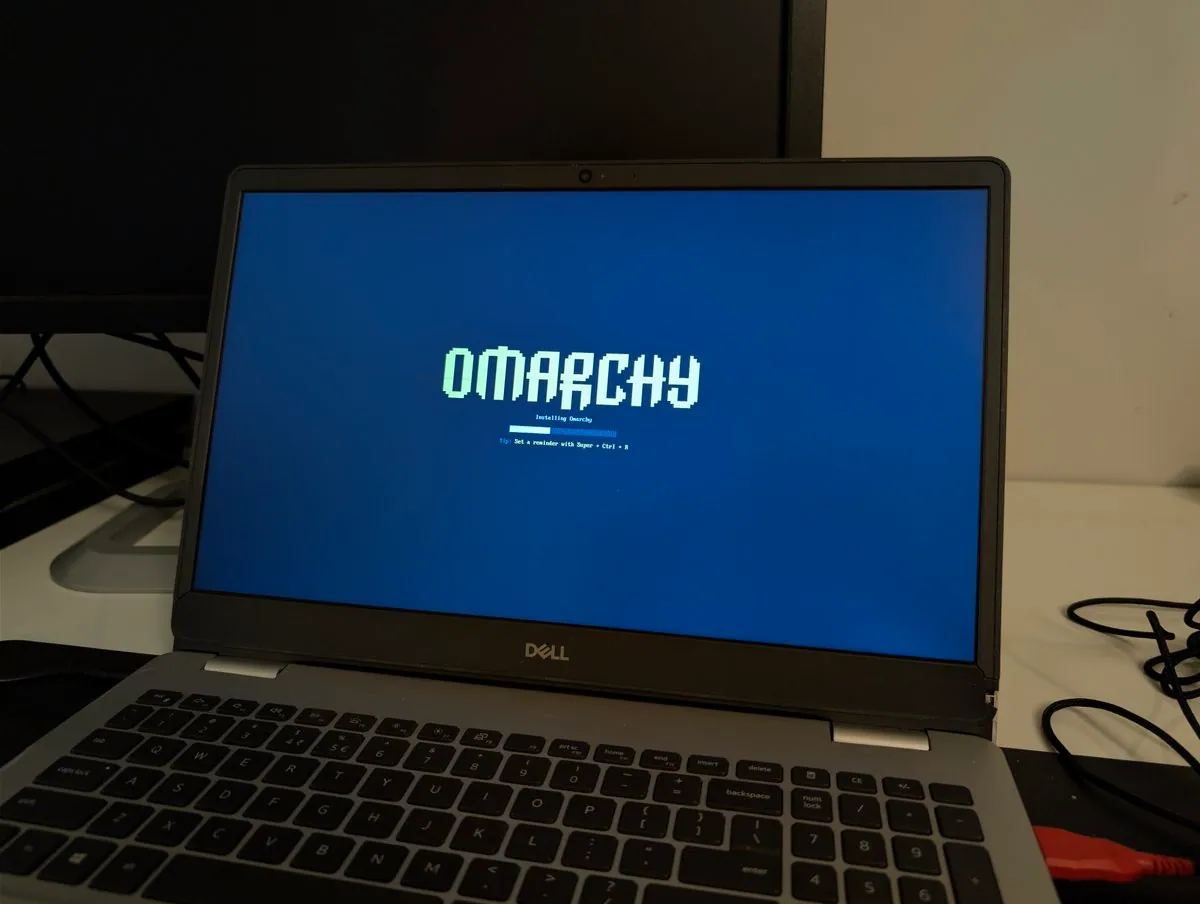
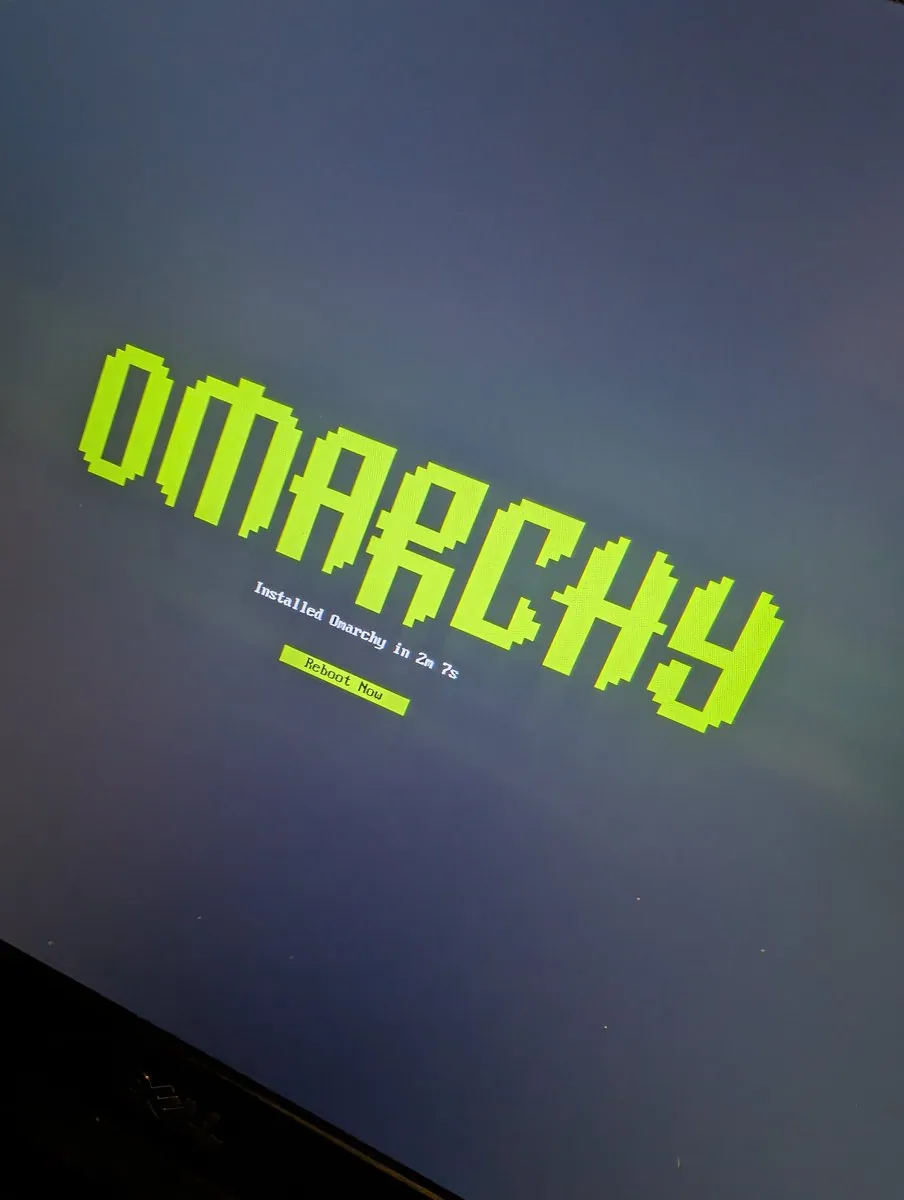
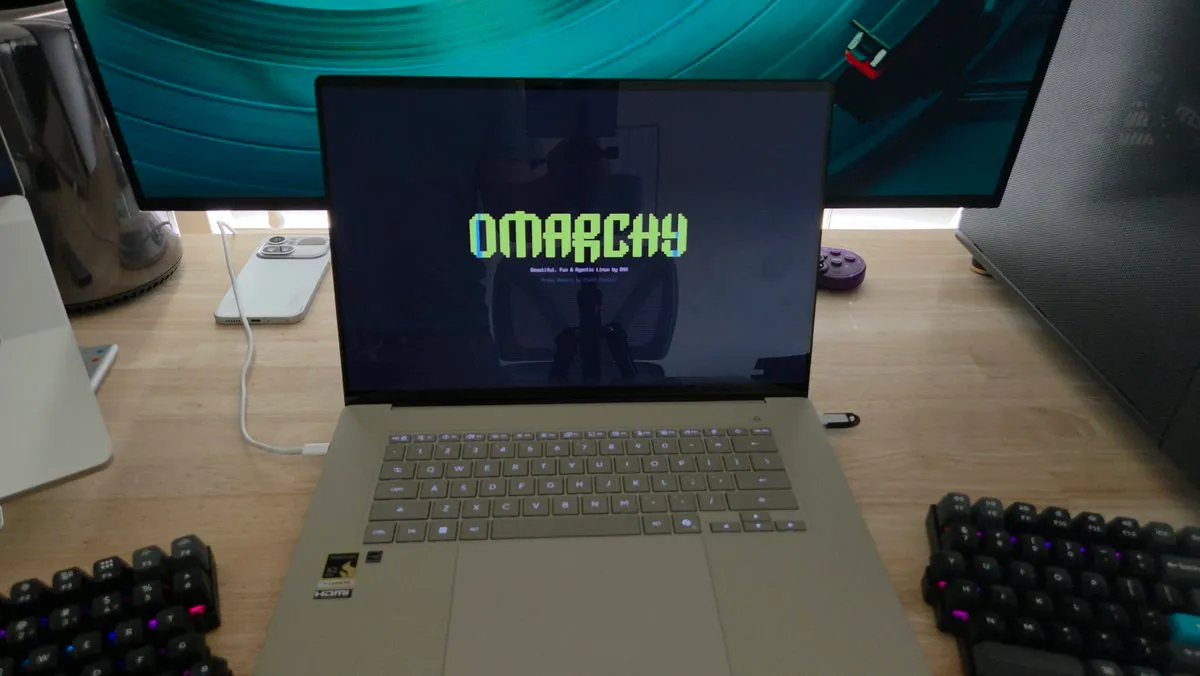
This just looks right — Omarchy's installation screen on a Dell monitor next to the iconic cylindrical Mac Pro.
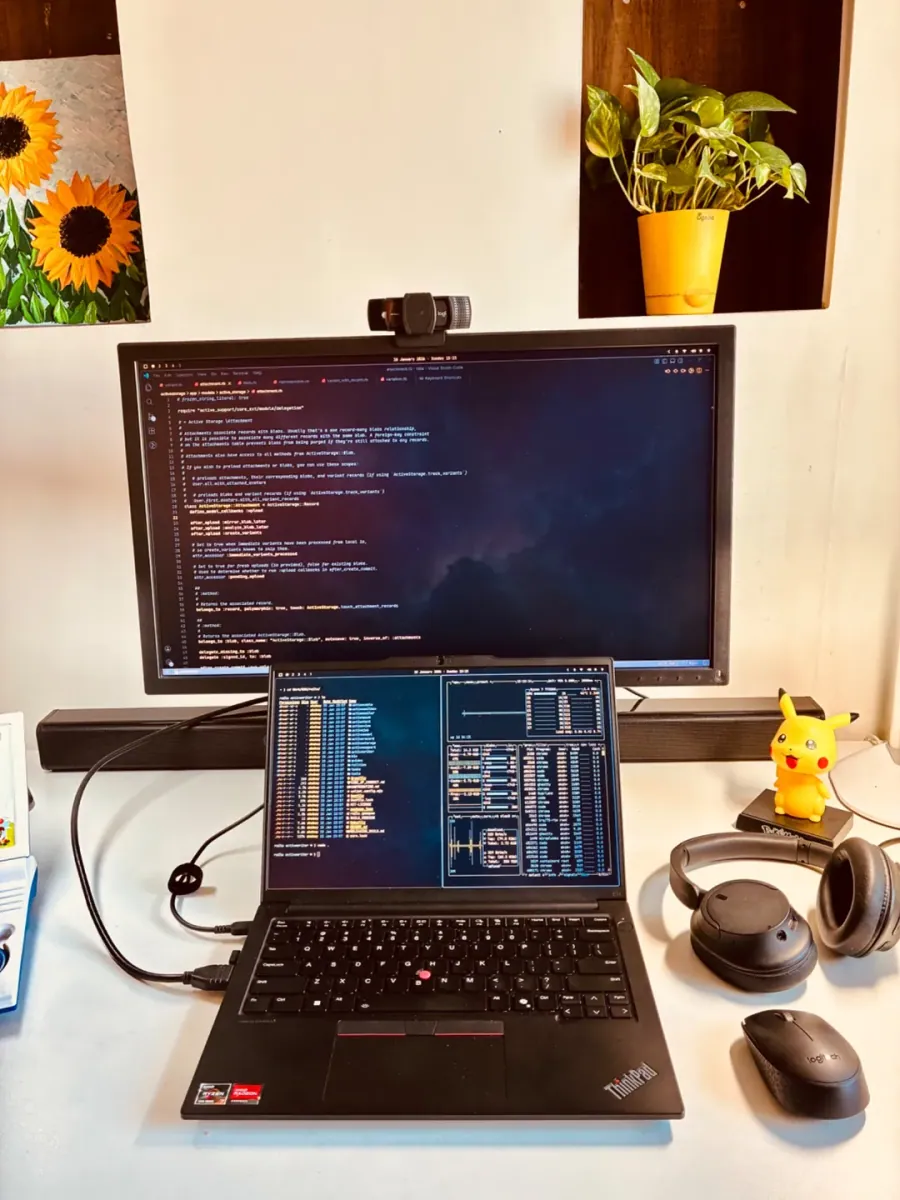
@typeangled · External Monitor + Laptop
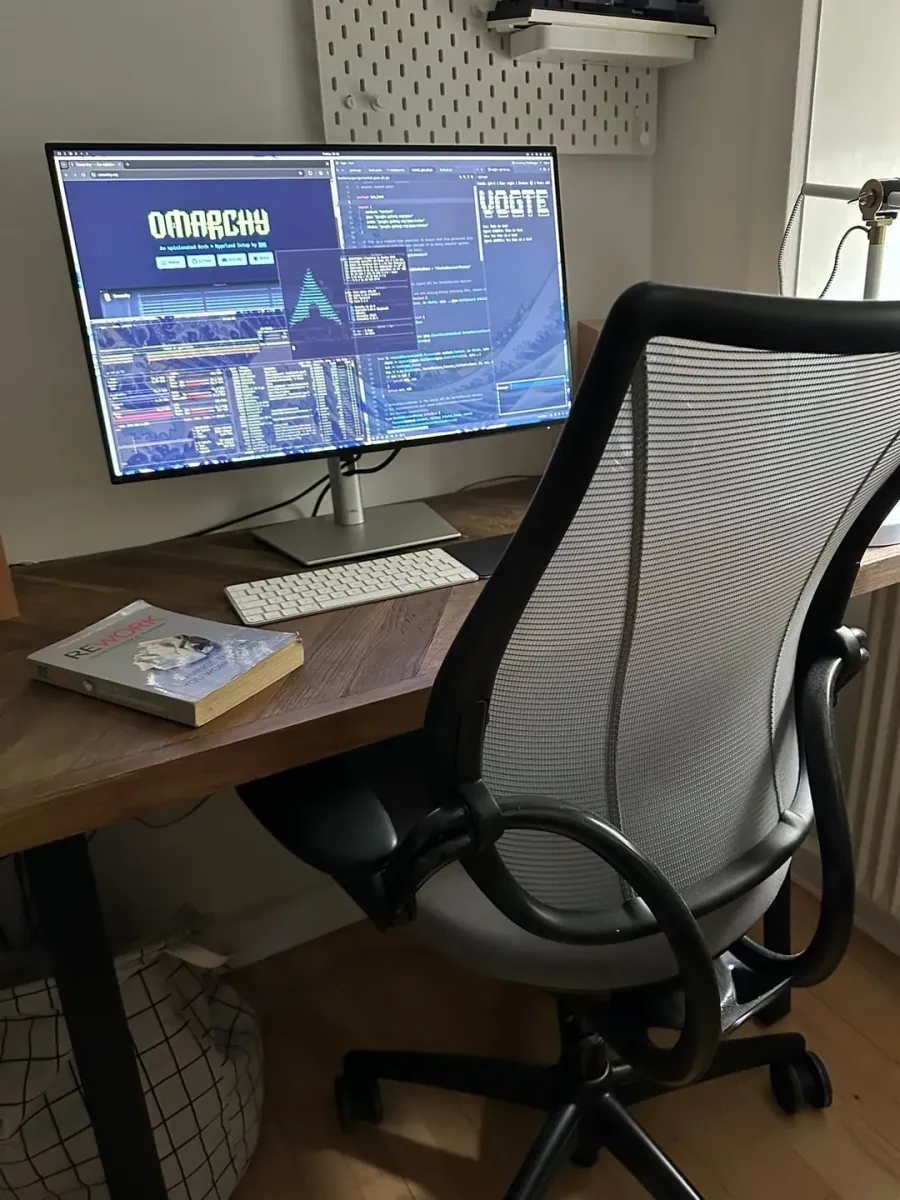
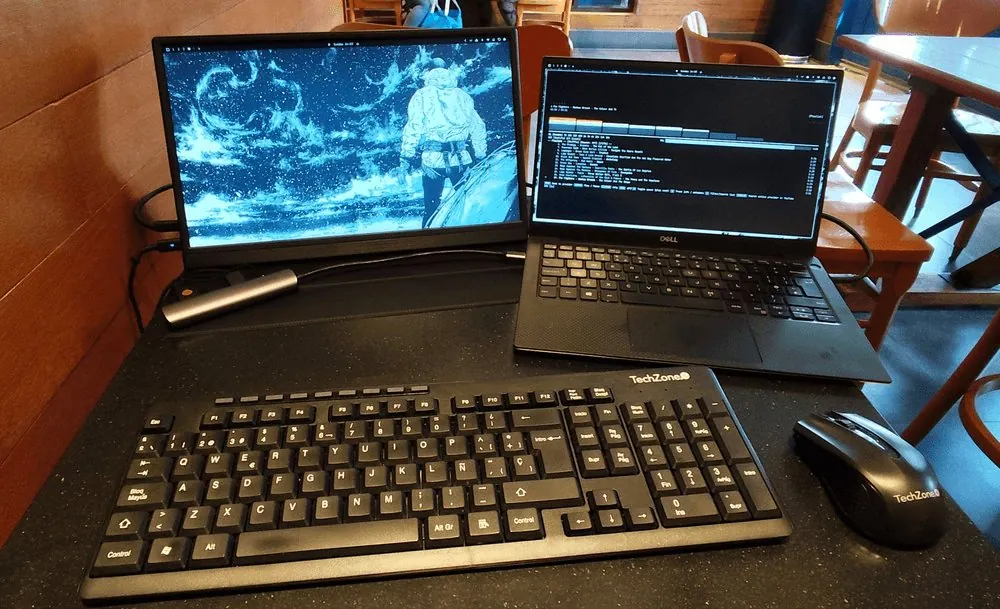
Clean development workspace running Omarchy after switching from Apple - dual monitor setup.
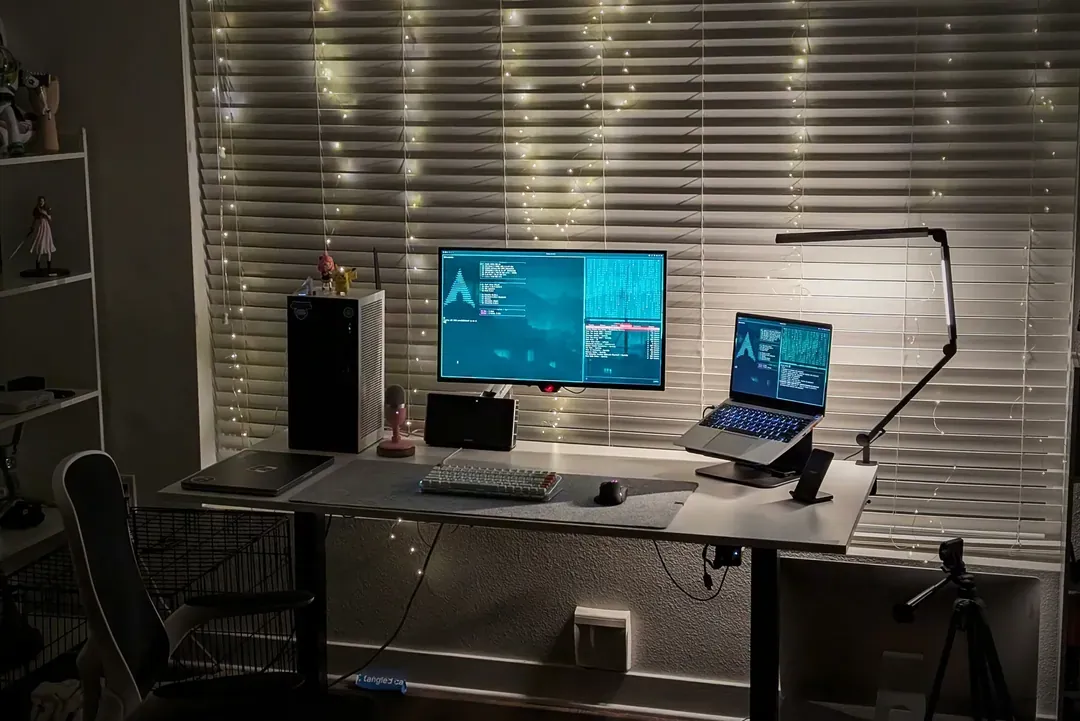
@_architected · Standing Desk + Dual Monitors + Laptop
Elegant dual-monitor standing desk workspace with warm string lights and clean Omarchy desktop.
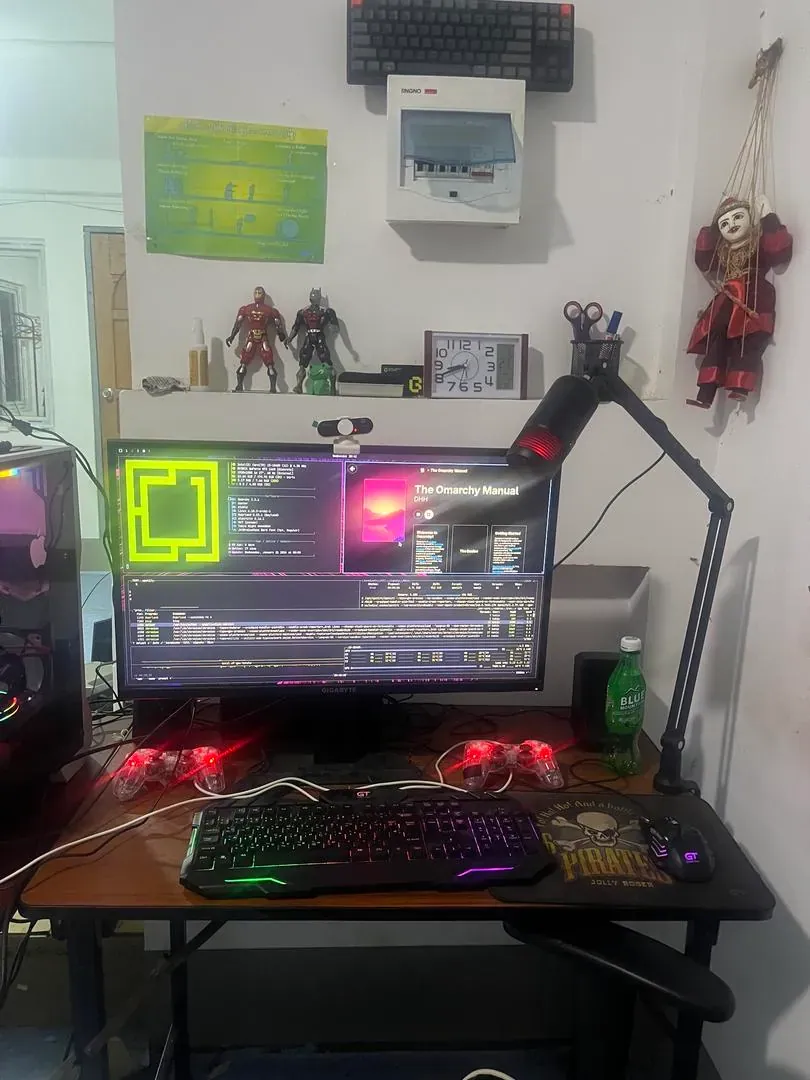
@KoKim10012718 · Gigabyte Monitor, Microlab Speaker
A clean, creativity-focused workspace blending Omarchy aesthetics with a custom RGB desktop setup.
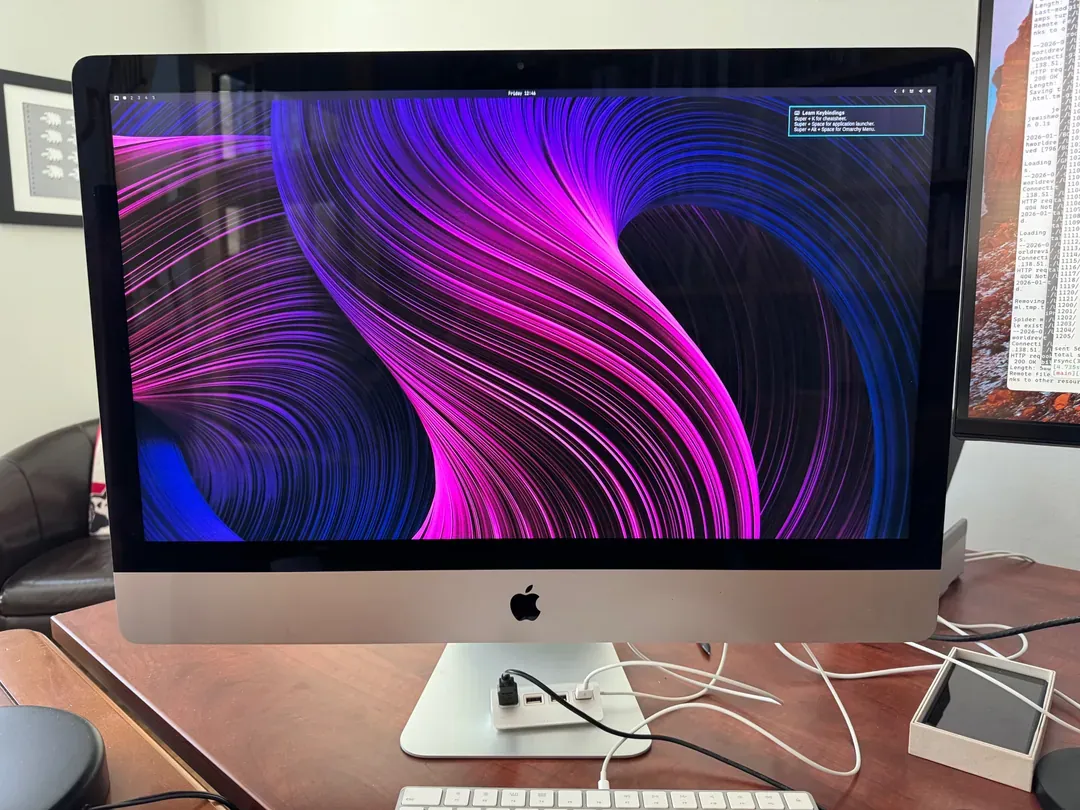
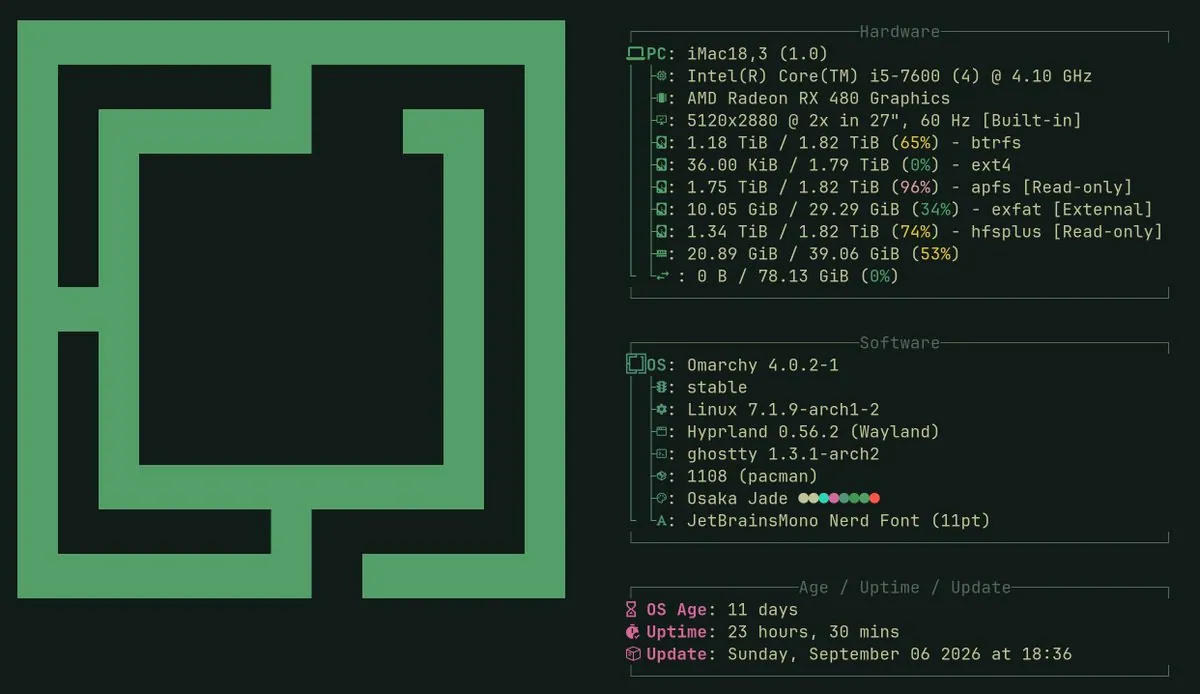
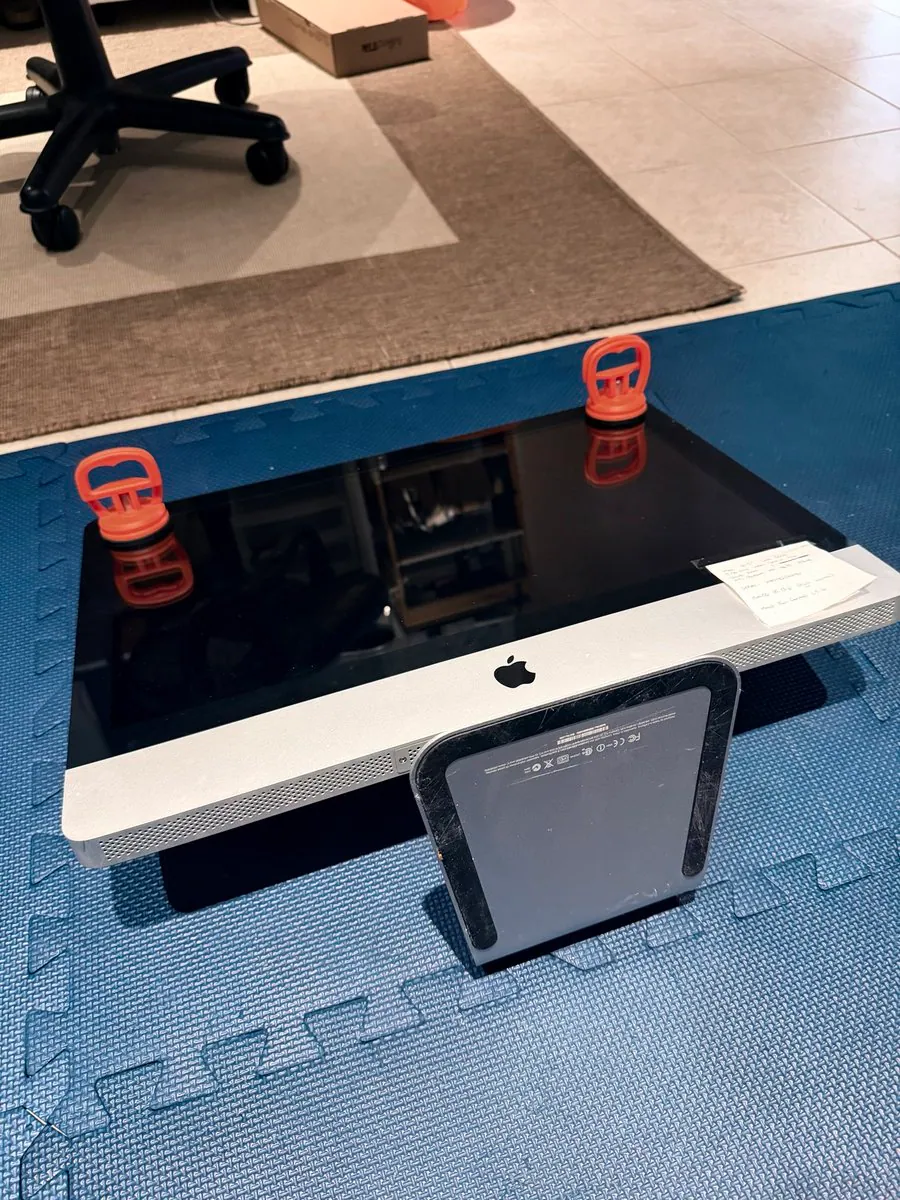
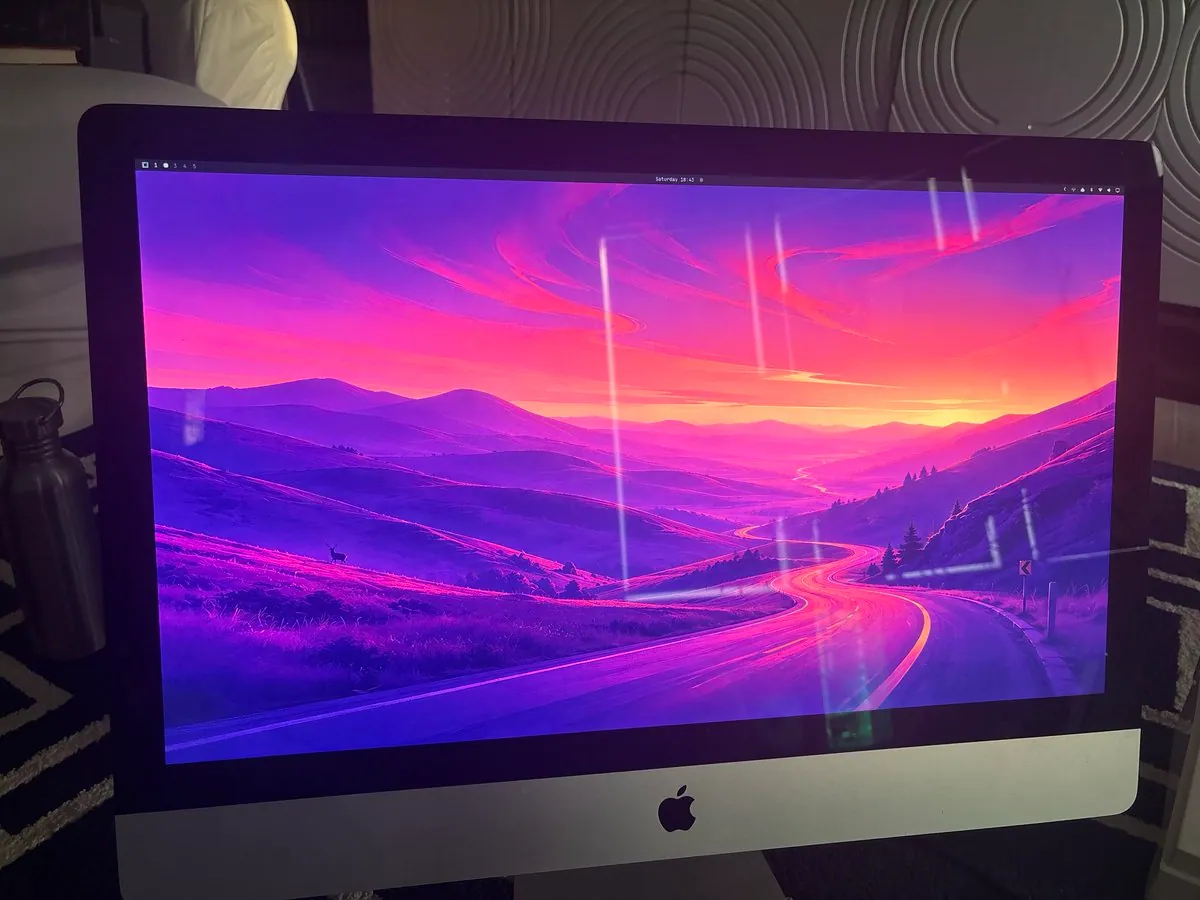
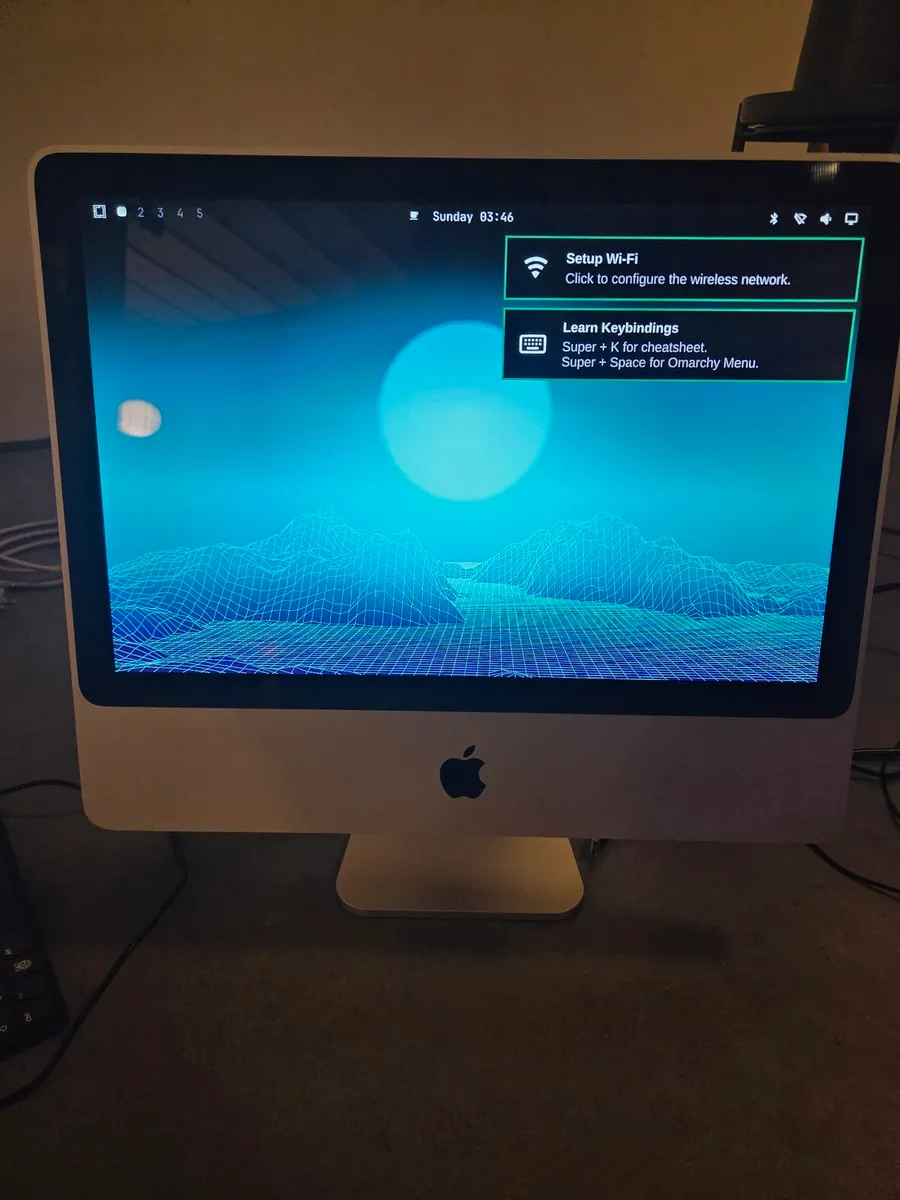
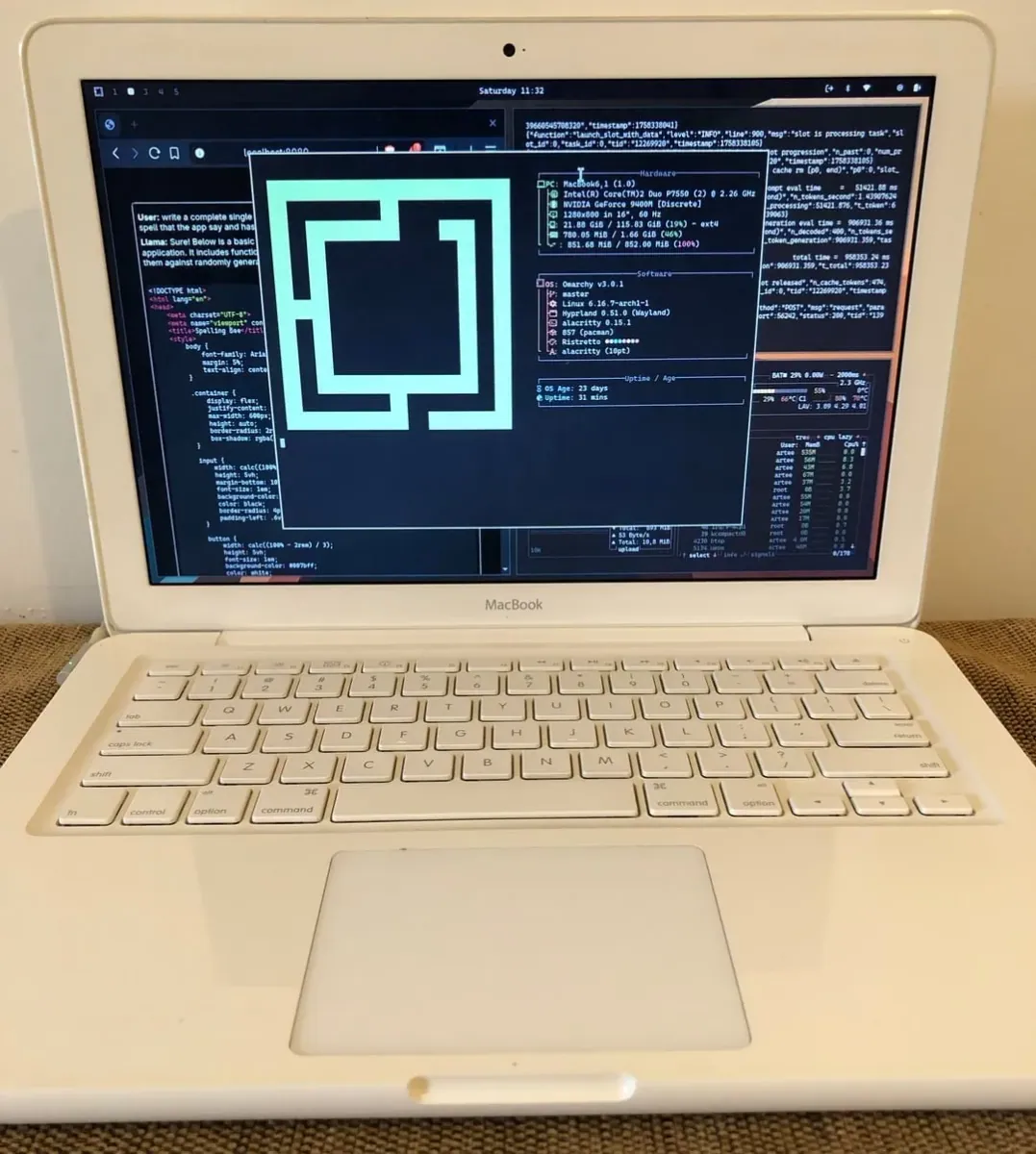
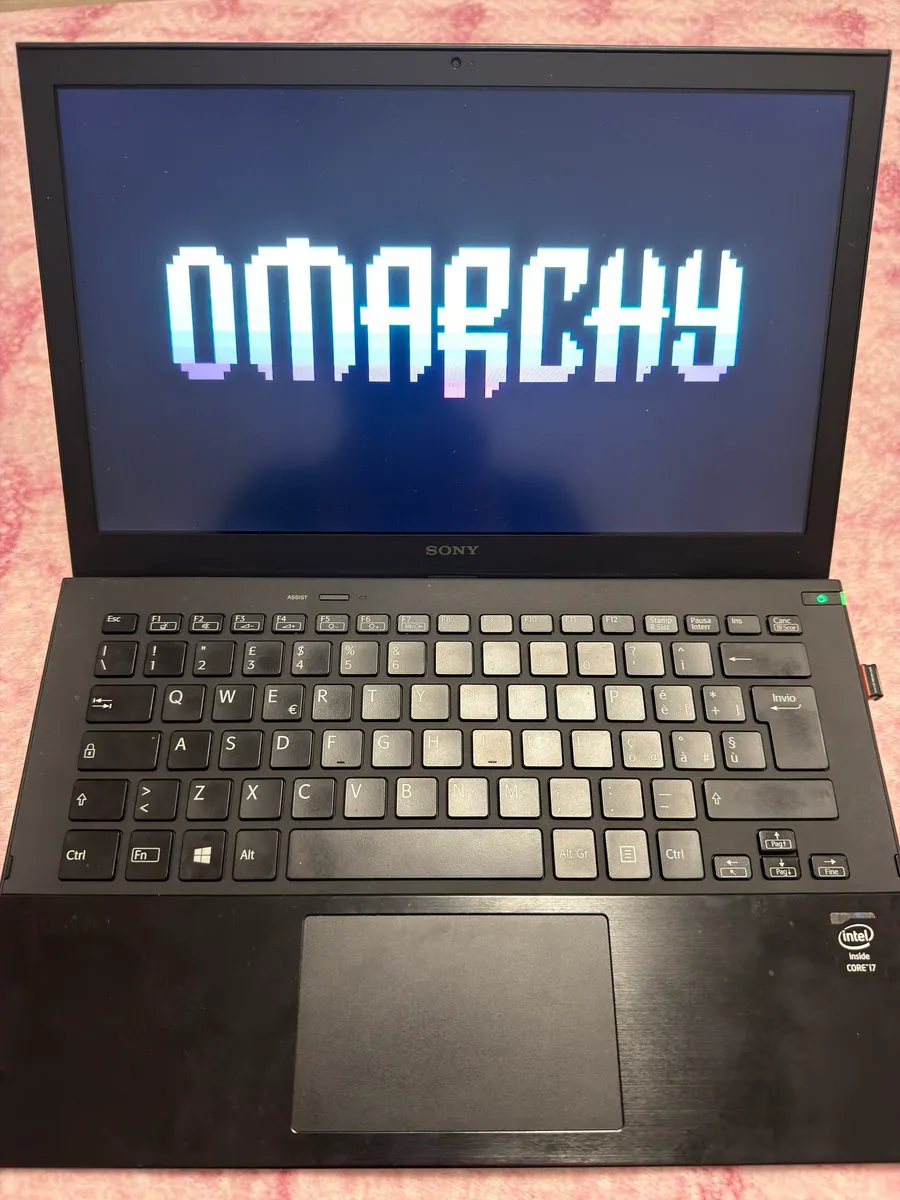
@BillHeyman · Late 2012 iMac (3.4GHz Intel i7, 32GB RAM)
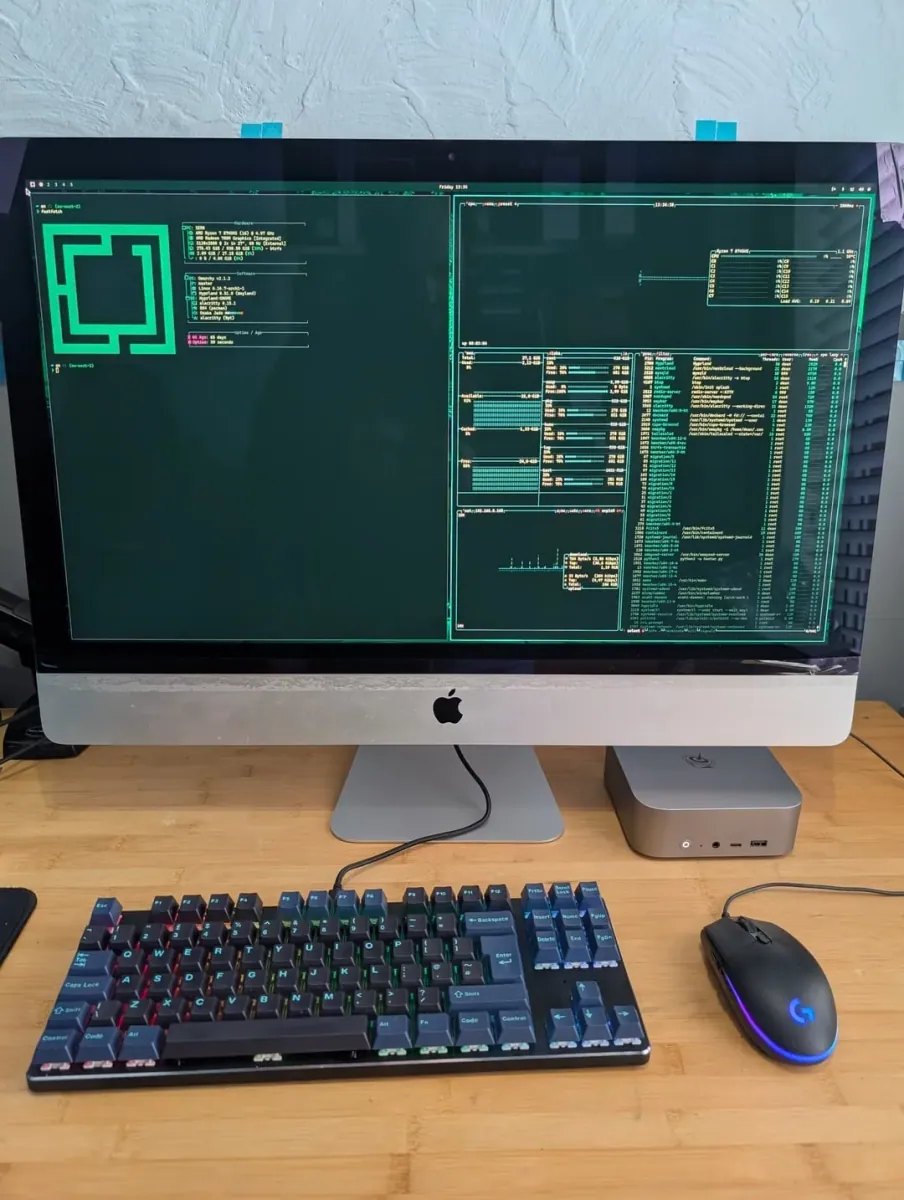
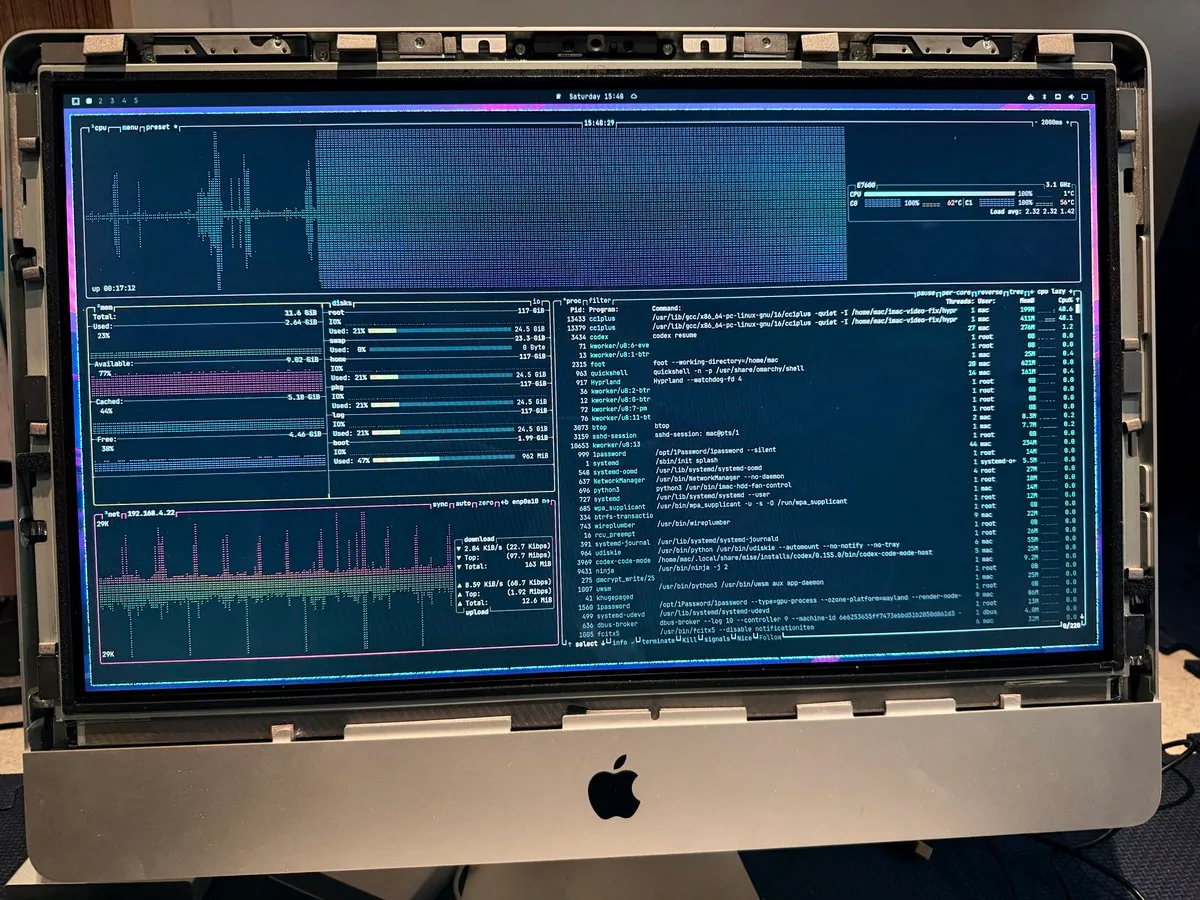
2012 iMac resurrected with Omarchy 3.2 after Fusion Drive failure. 112GB SSD.
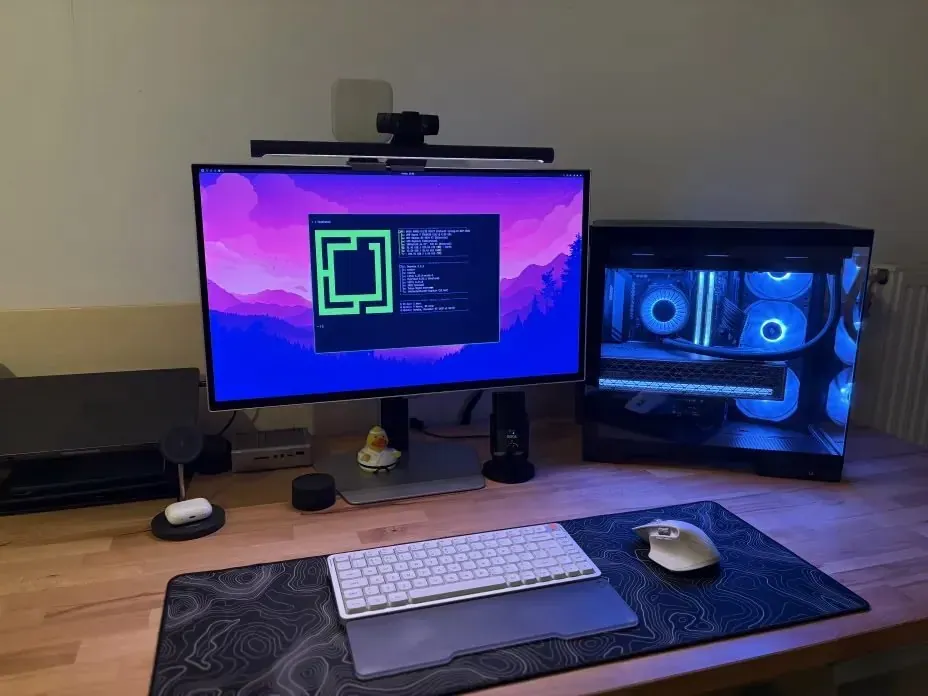
@JIsnatdino1203 · Ultrawide Monitor + Custom PC
Clean desk setup with ultrawide display and blue-lit PC running Omarchy.
Dual Stacked Monitors + Custom PC
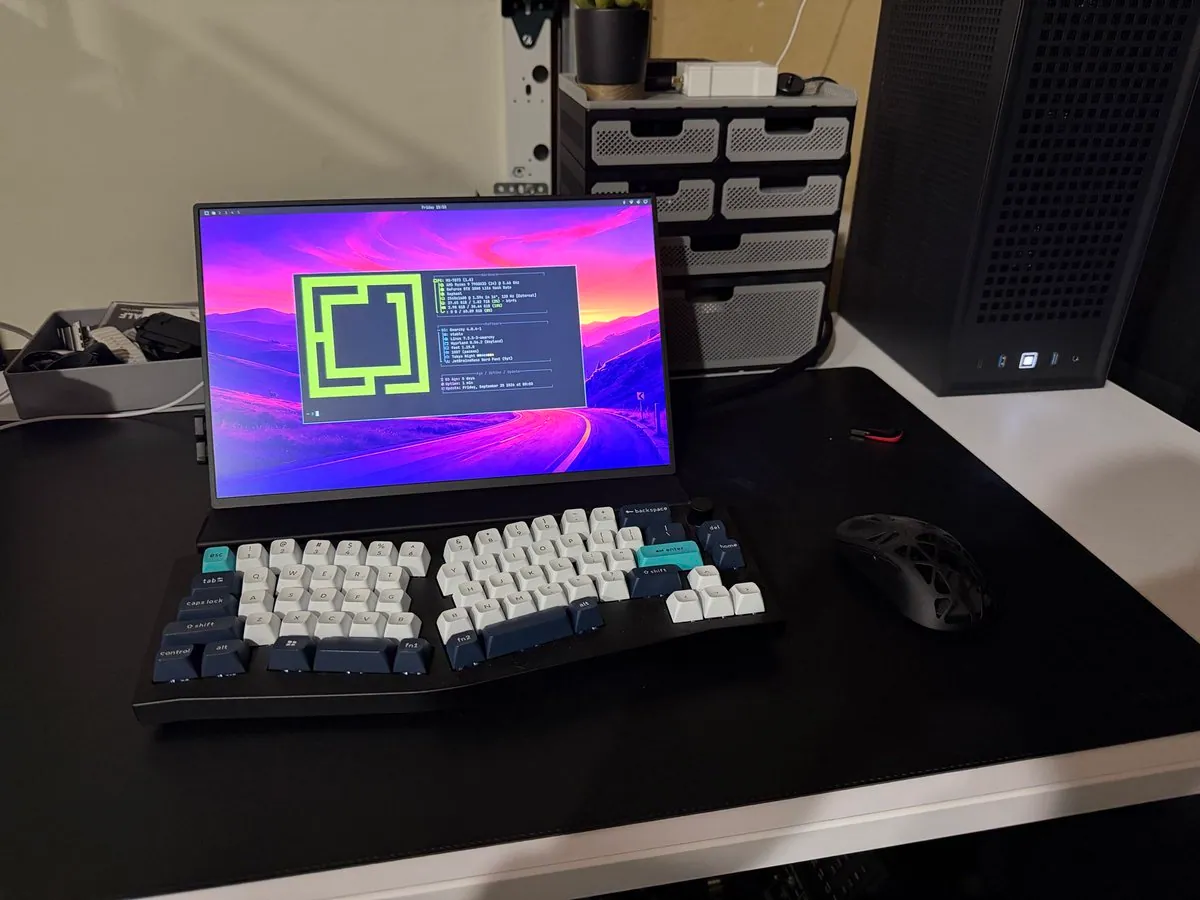
Dual stacked monitor setup running Omarchy with a custom mechanical keyboard.
@Itssjoyboy · Ultrawide Monitor + Split Keyboard
Vibrant ultrawide setup with a split ergonomic keyboard and Omarchy customization.
@phenrysay · Multi-monitor Desktop
Multi-monitor developer workstation running Omarchy as a Mac replacement.
@NihilSineTheo · 9.95L SFF PC + 5090 + 9800X3D
Backpackable 9.95L workstation with RTX 5090 and 9800X3D running Omarchy.
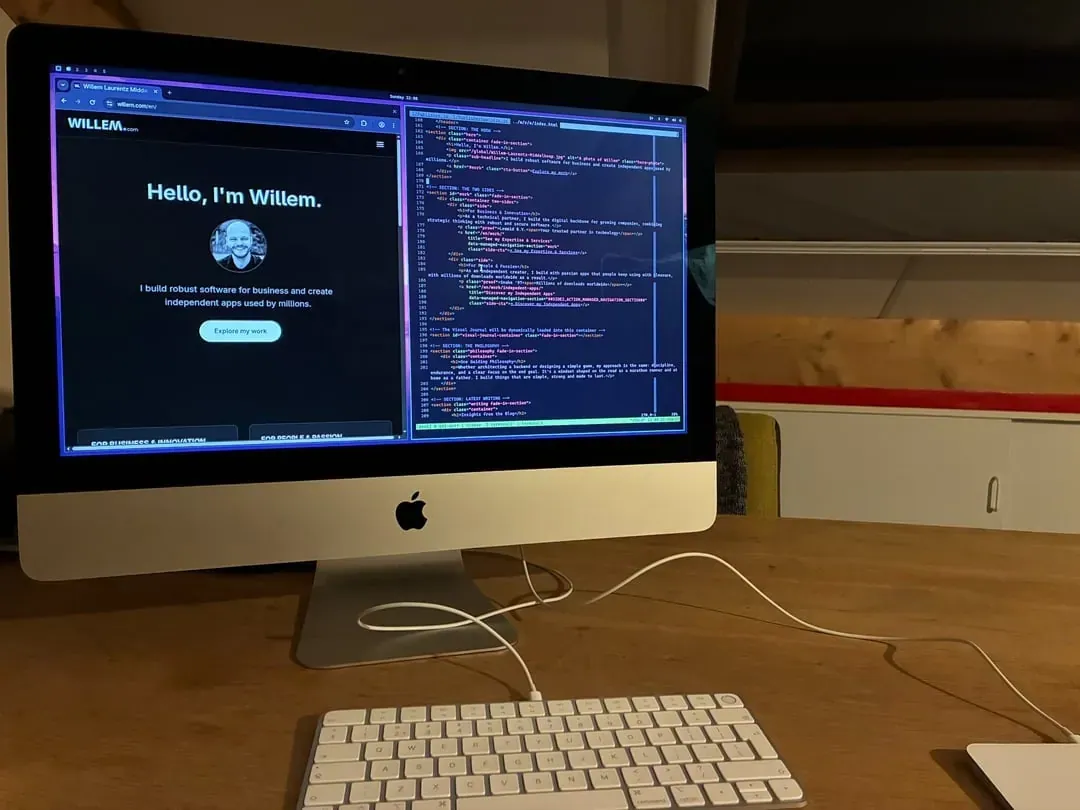
willem.com · Apple iMac 2017 (21-inch, Intel i5, 8GB RAM)
2017 Apple iMac with Omarchy Linux, Tokio Night theme, and 6-minute installation.
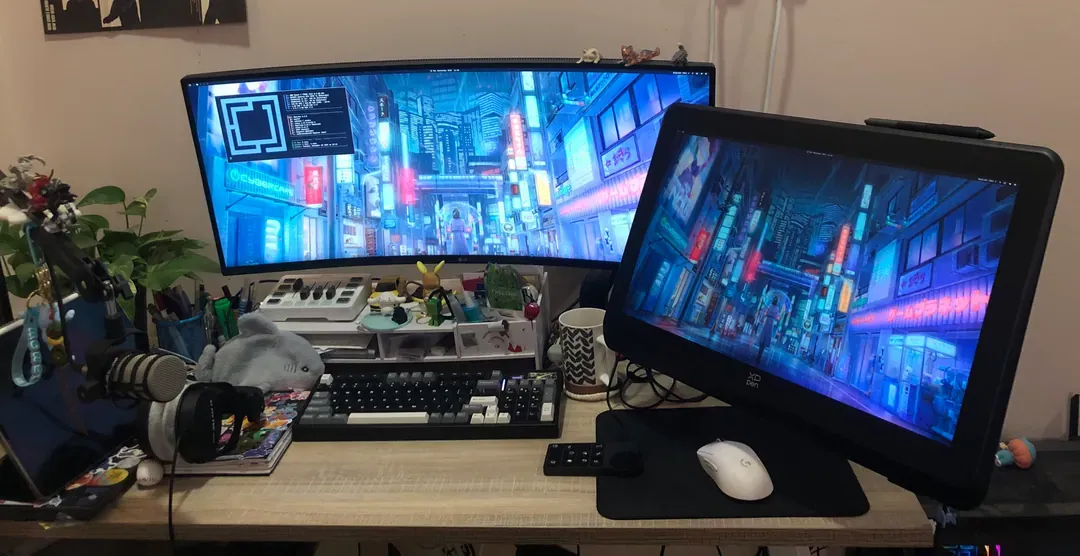
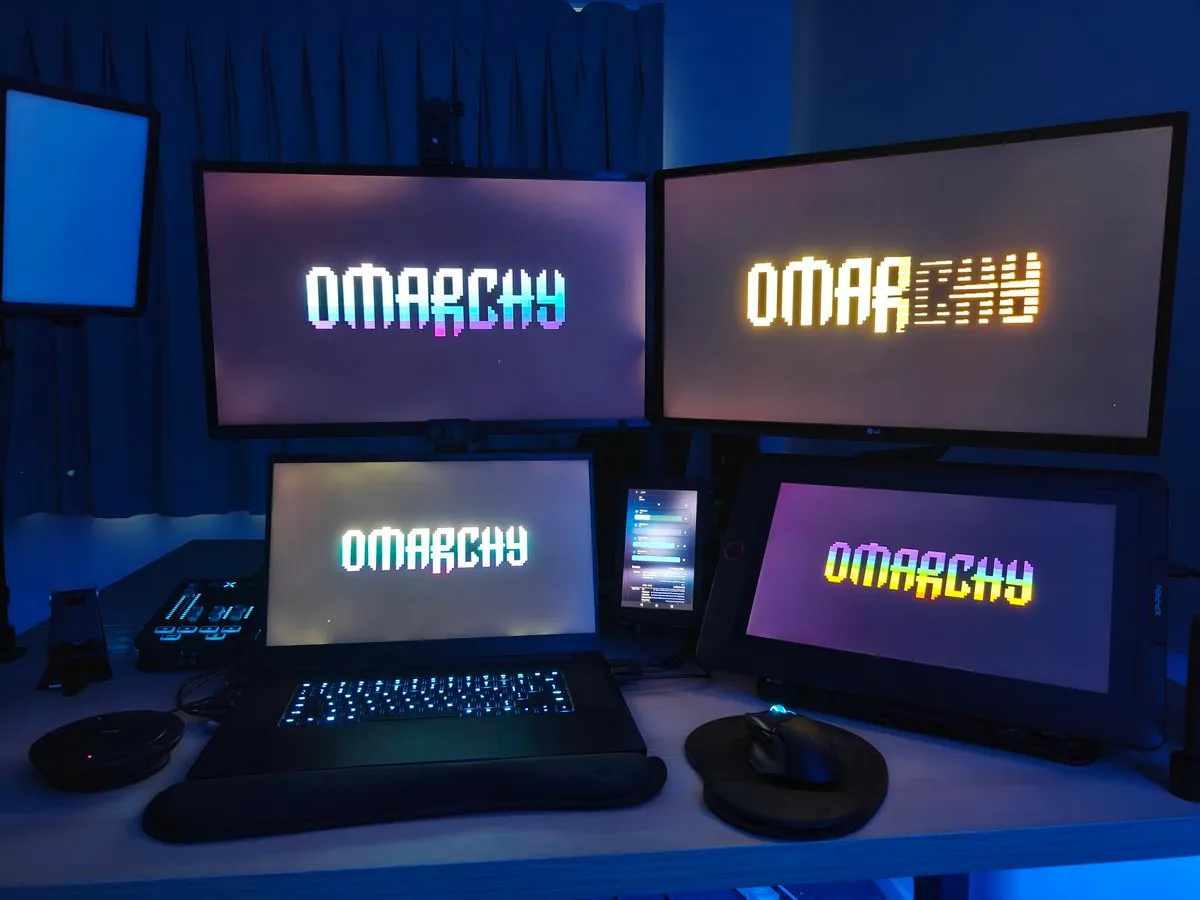
@BPanda3M · PC + XP-Pen Tablet + Ultrawide Monitor
Creative setup with ultrawide LG monitor and XP-Pen tablet running Omarchy Linux.
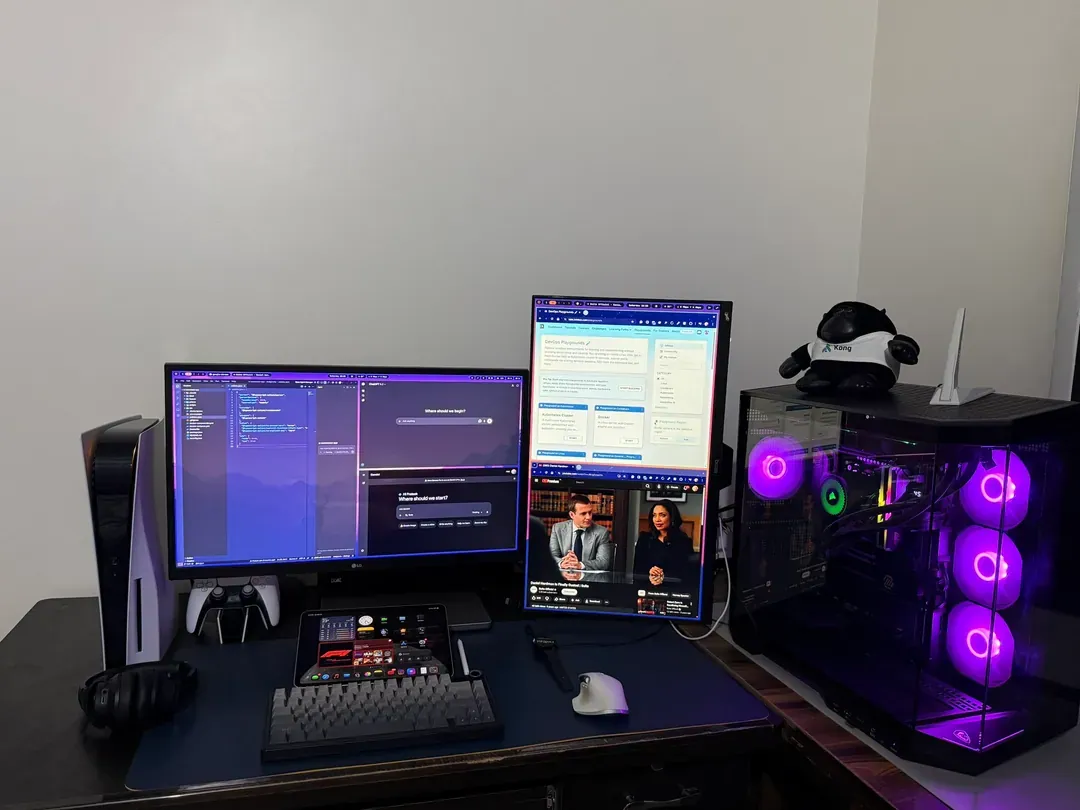
@PrateekJainDev · Dual Monitor + Custom PC + PS5
Dual-monitor LG setup with vertical secondary, custom PC, and PS5 running Omarchy.
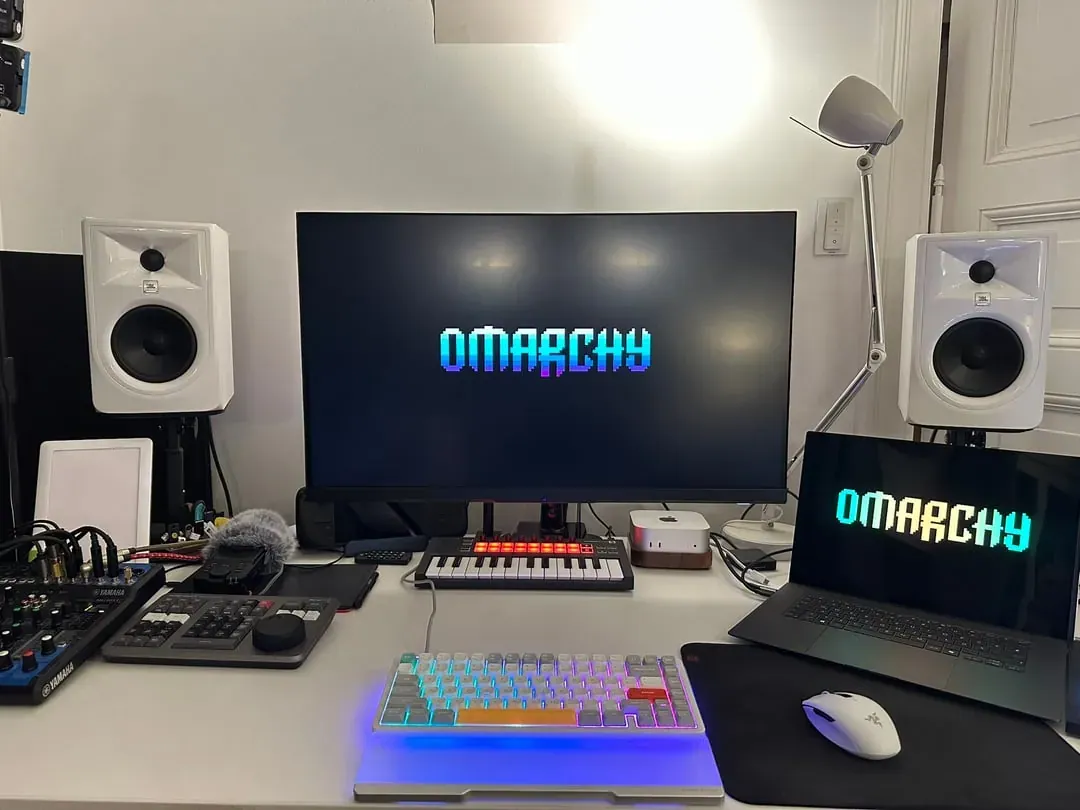
@paolino · Mac mini + MacBook Pro + Monitor
Studio workspace with Mac mini and MacBook Pro, large monitor, JBL studio monitors, and MIDI keyboard.
@GrubbyChicken · M2 MacBook Pro + External Monitor
M2 MacBook Pro with external Dell monitor both running Omarchy Mac, featuring ergonomic keyboard.
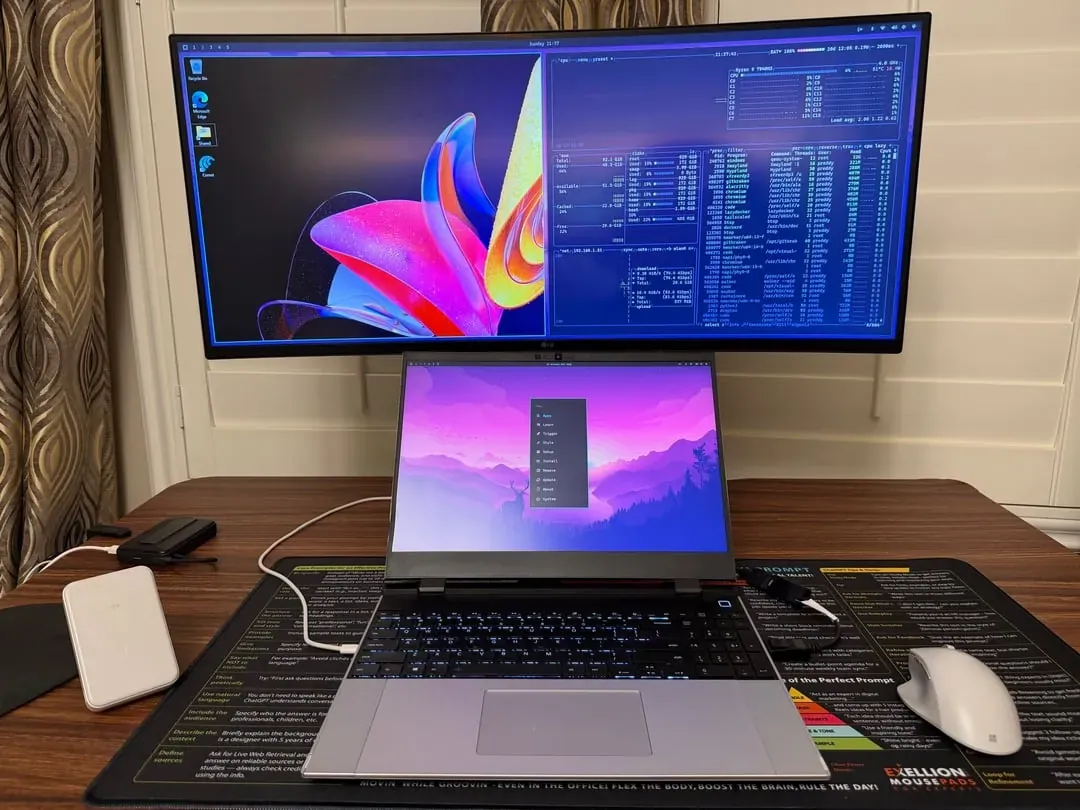
@preetham_reddyc · Laptop + Ultrawide Monitor
Laptop with curved ultrawide monitor showing dual-OS setup with Windows and Omarchy Linux.
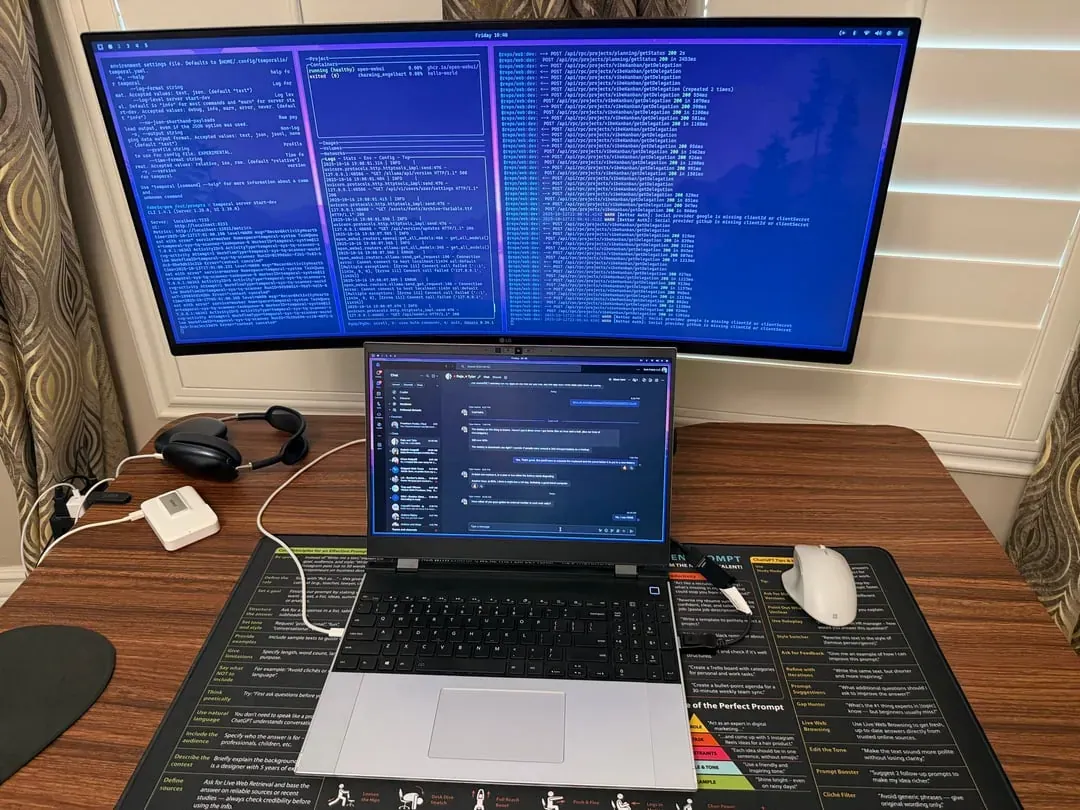
@preetham_reddyc · Framework Laptop + Ultrawide
Framework Laptop with curved ultrawide monitor showing terminal windows and code.
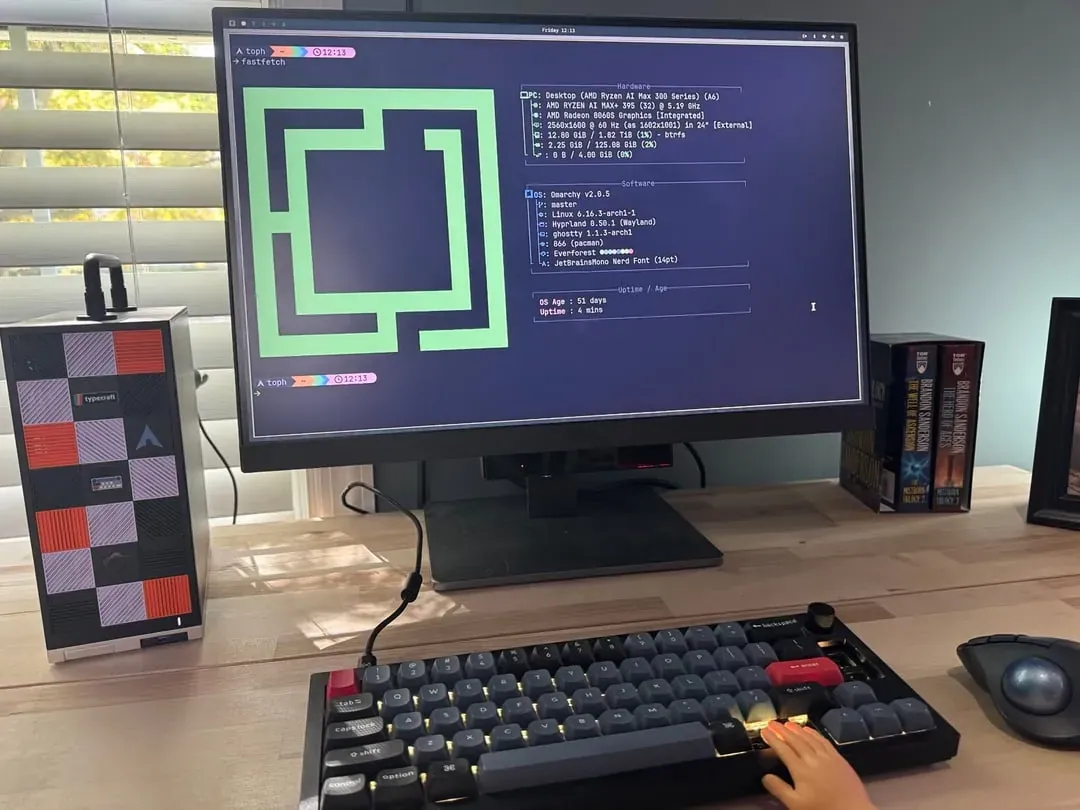
@typecraft_dev · Custom Desktop + Monitor
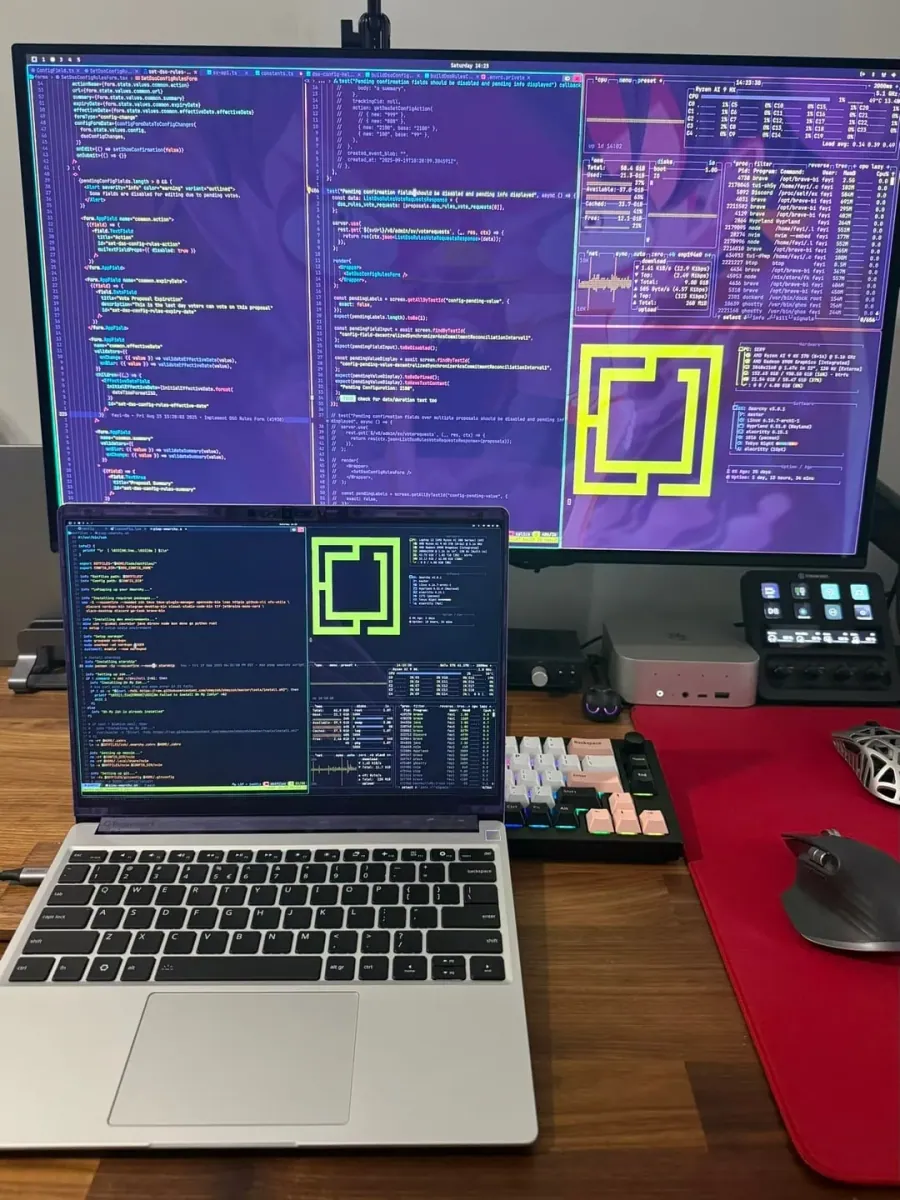
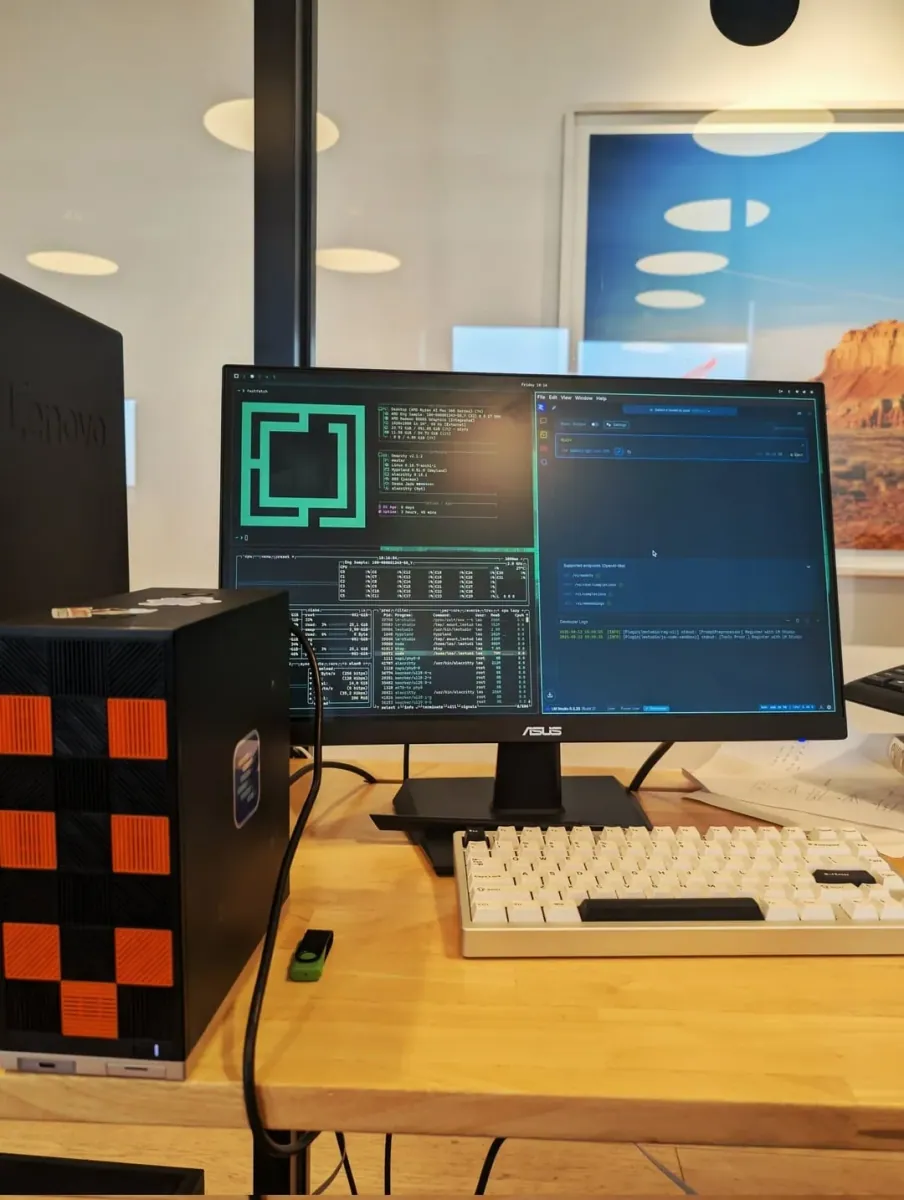
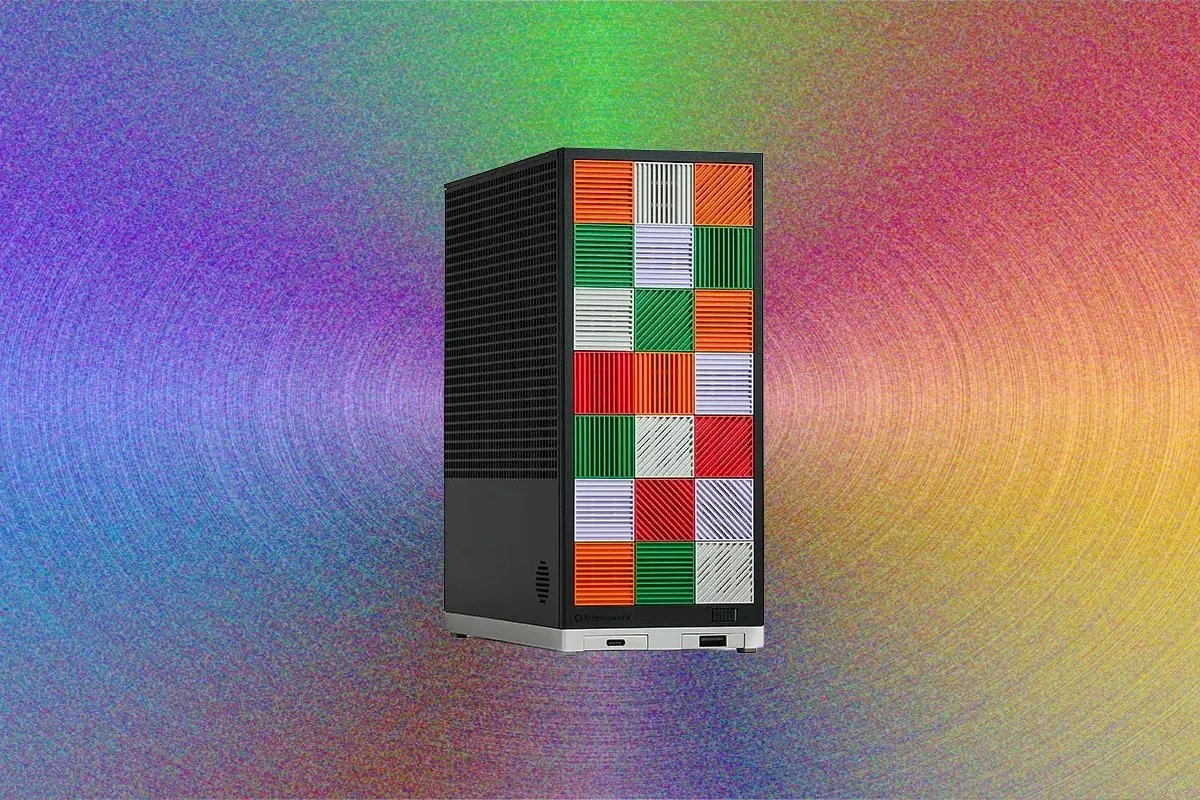
Custom desktop with AMD Ryzen AI MAX+ 395 and checkerboard case running Omarchy.
@aki_ranin · Mini PC + Sceptre Monitor
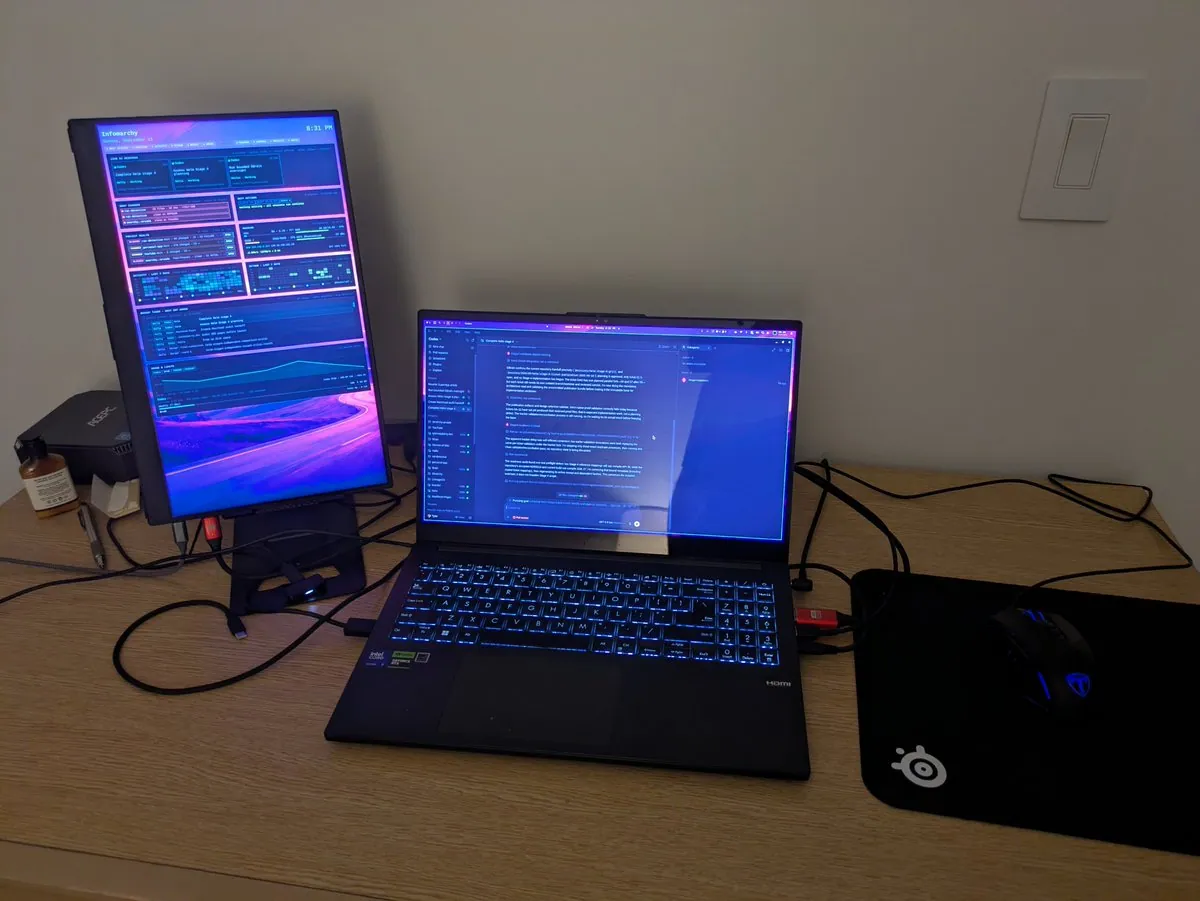
Compact mini PC setup with Sceptre monitor displaying ChatGPT, system stats, and VS Code.
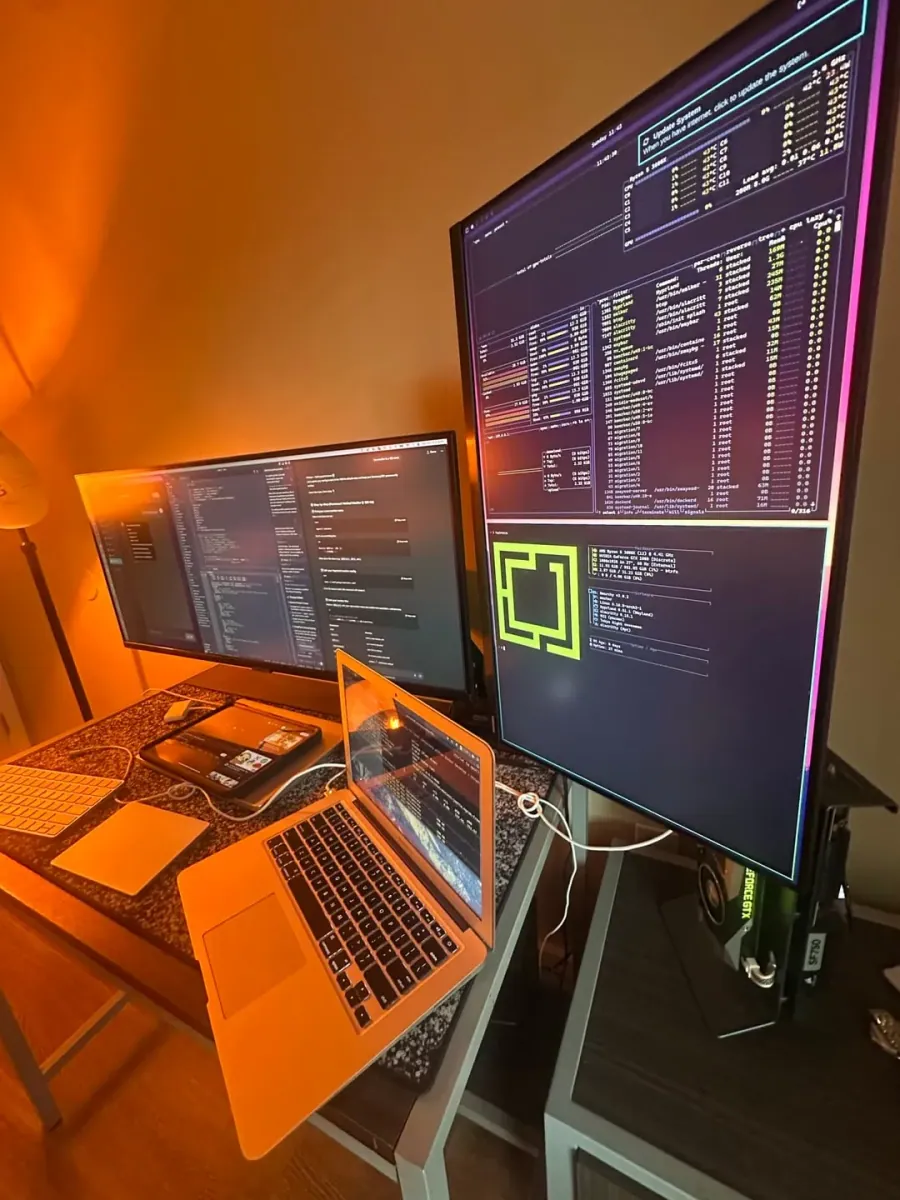
@stackedlol · MacBook + Dual External Monitors
Warm-lit development setup with vertical monitor showing system stats and monitor with terminal.
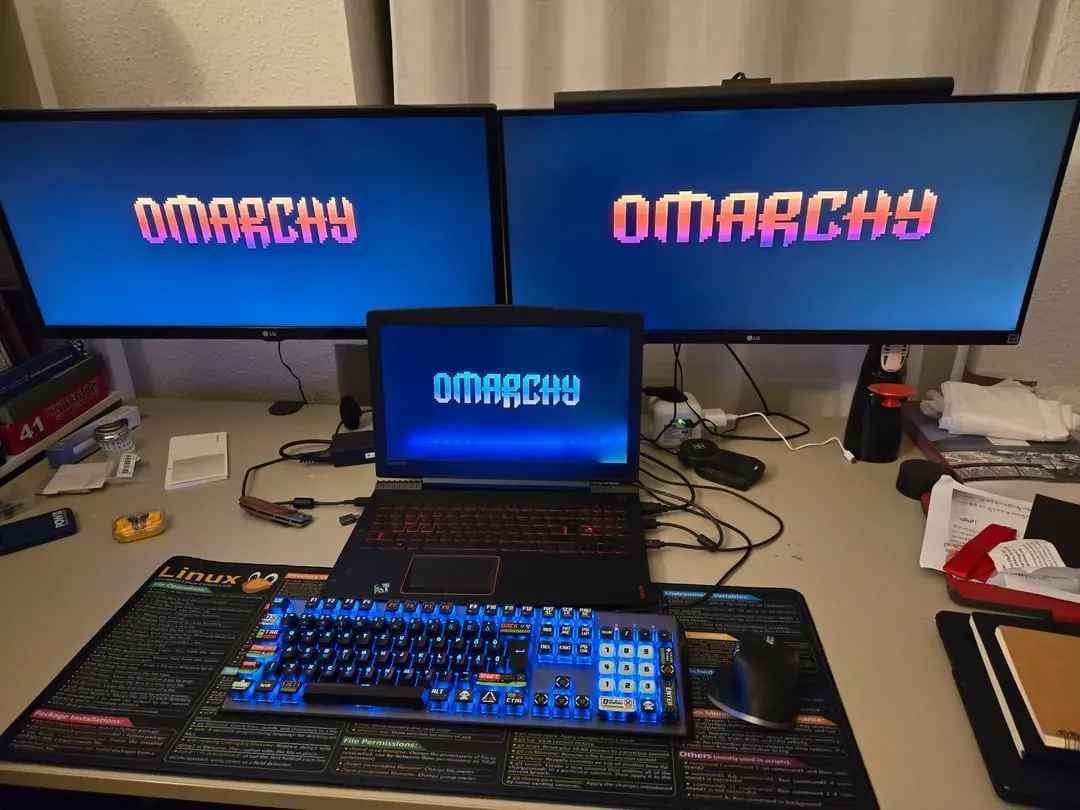
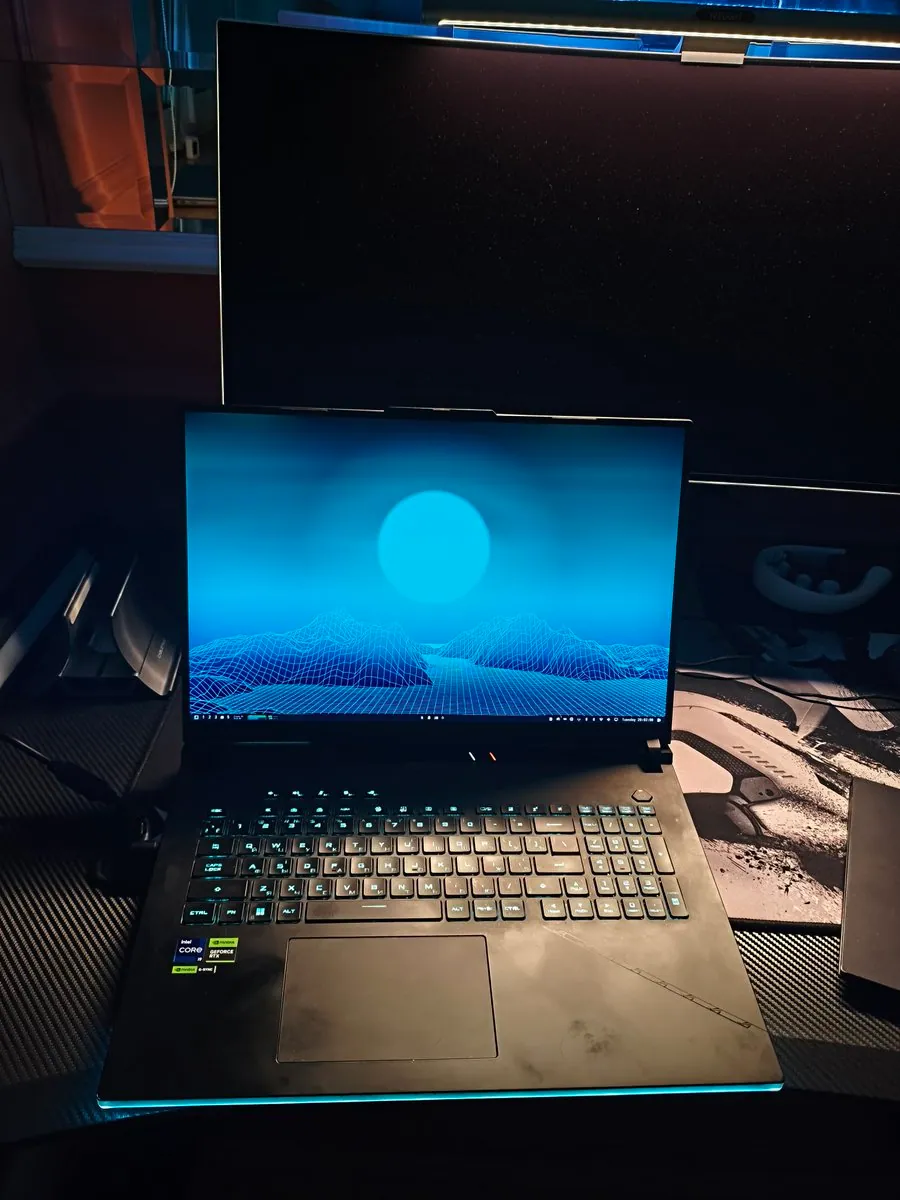
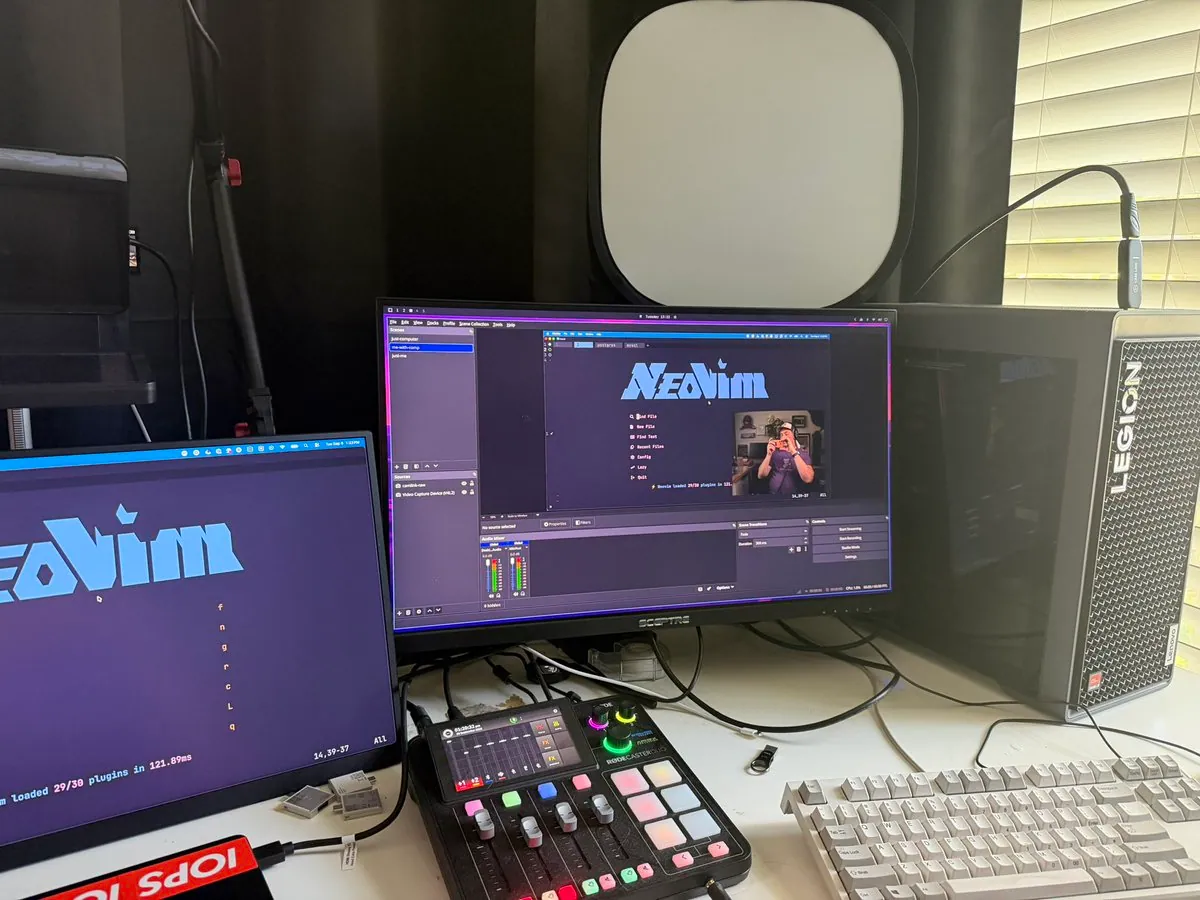
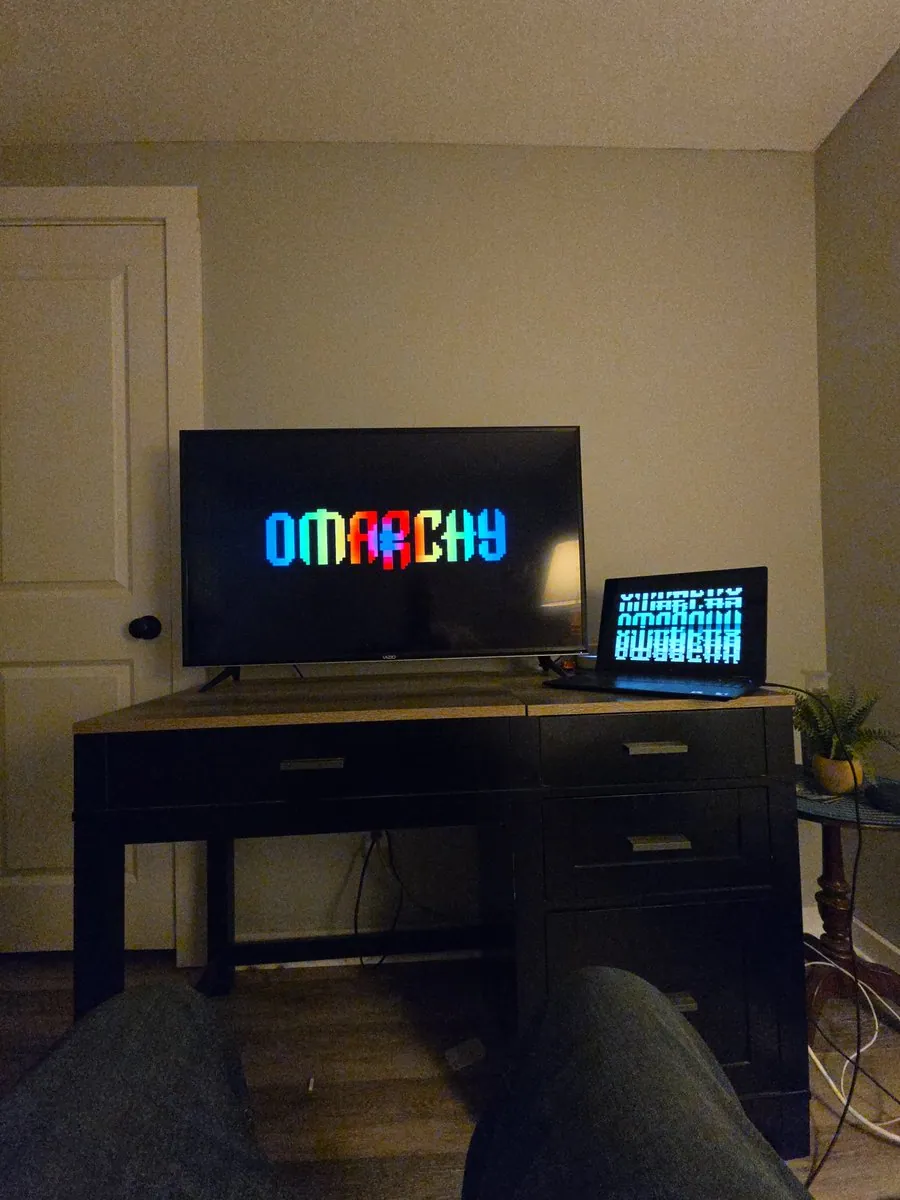
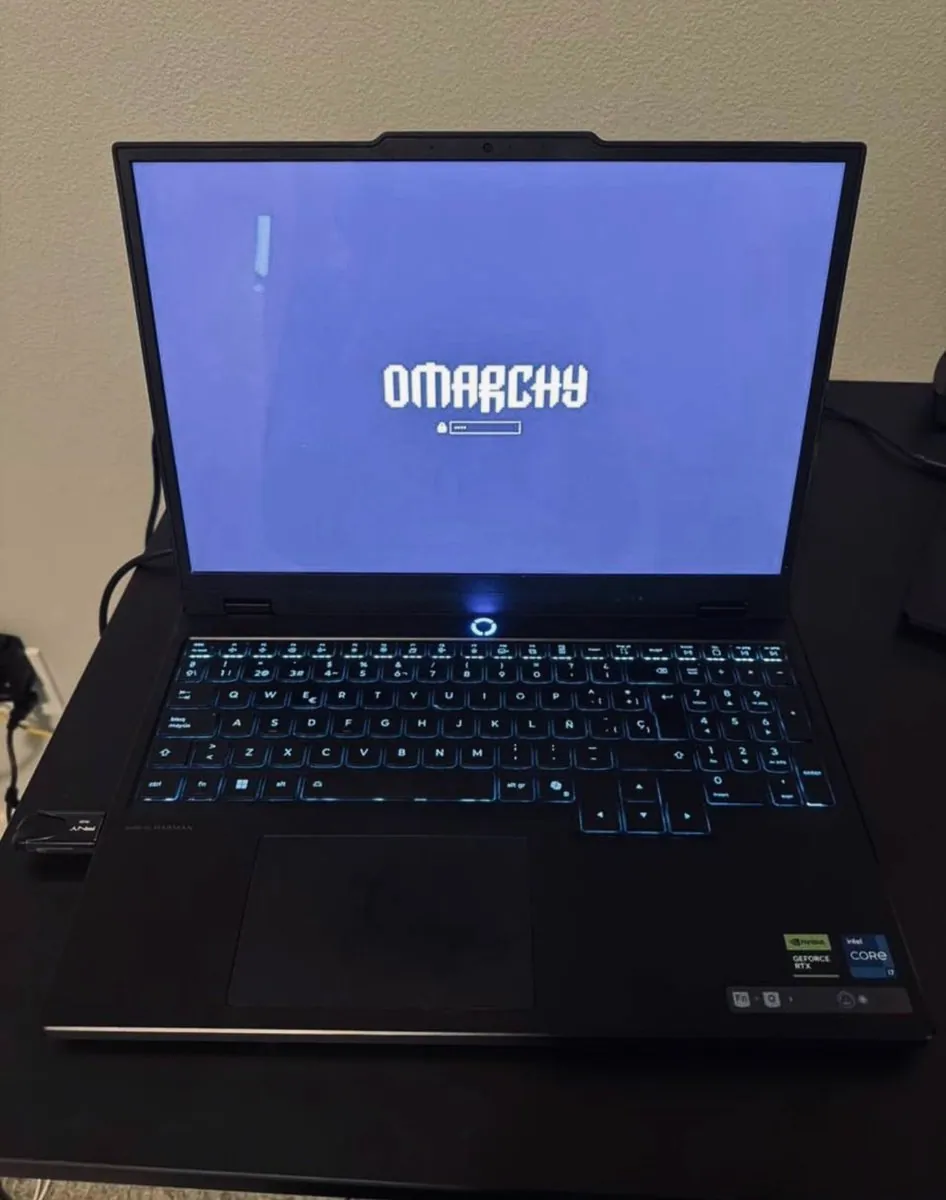
@szabcsee · Legion Gaming Laptop + Dual External Monitors
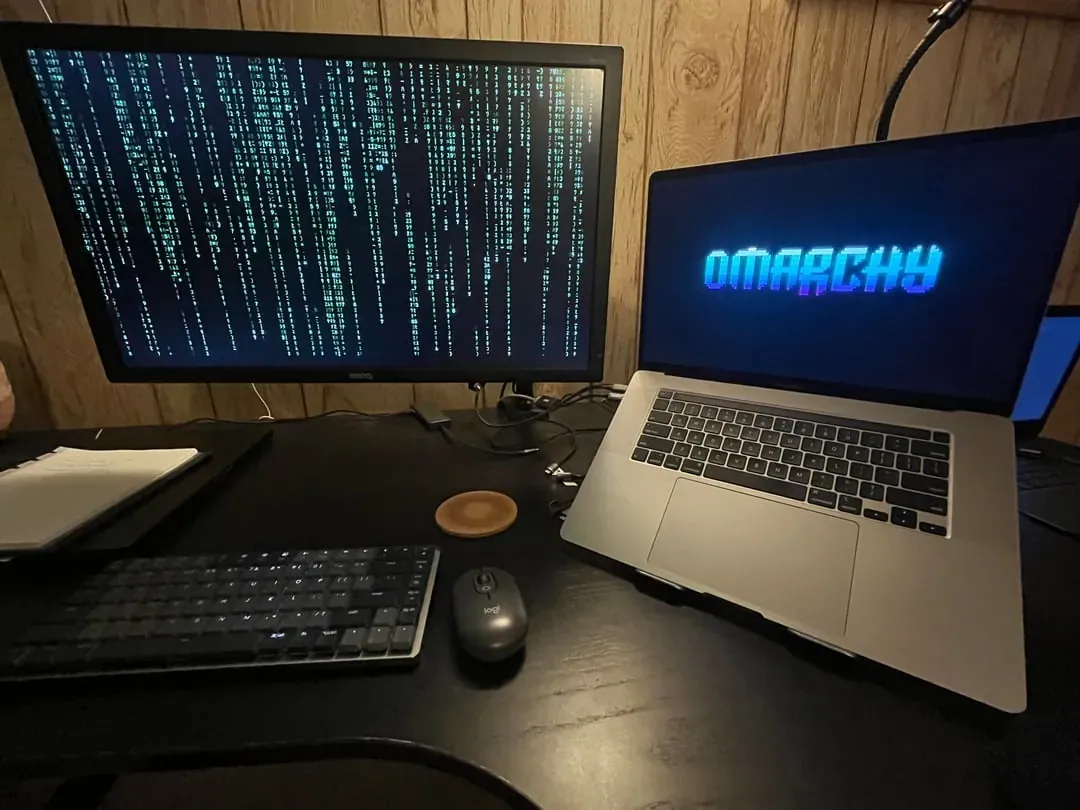
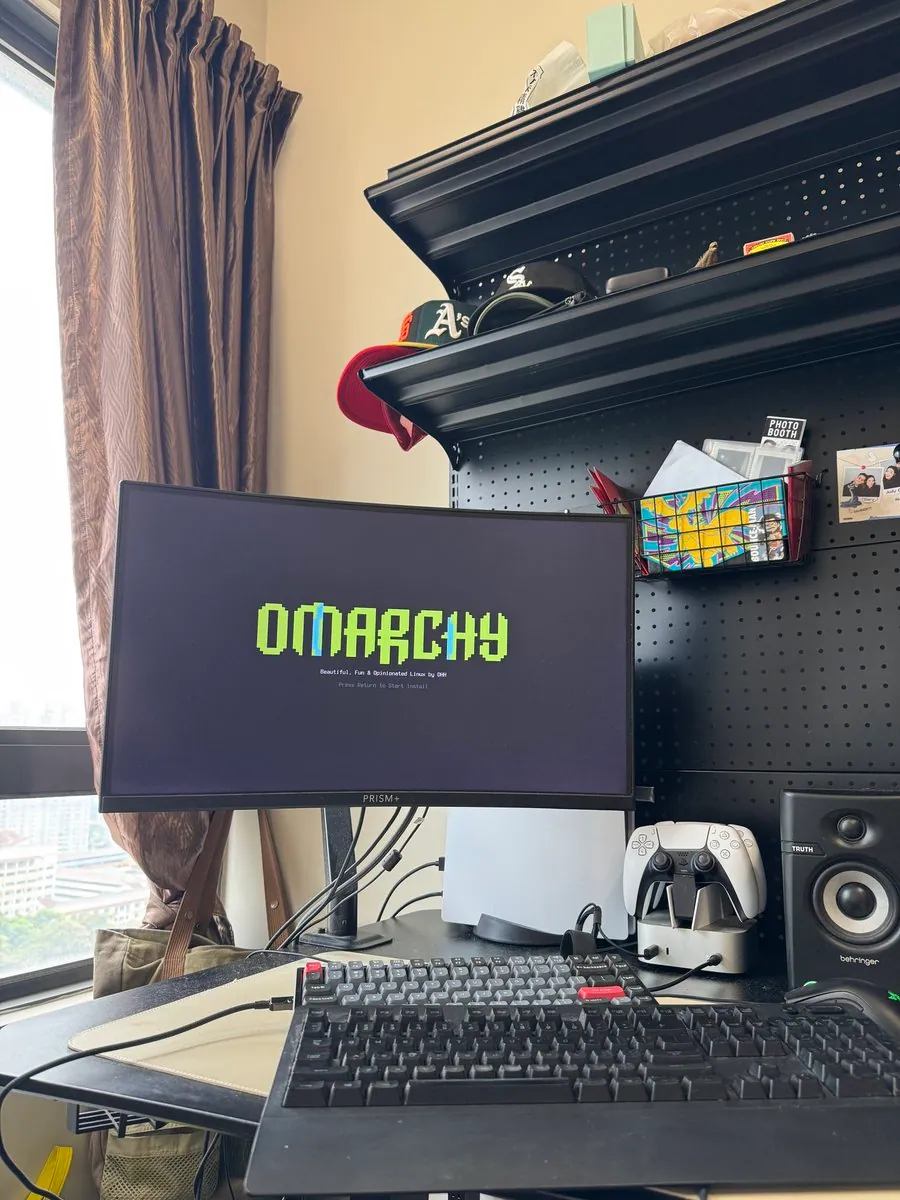
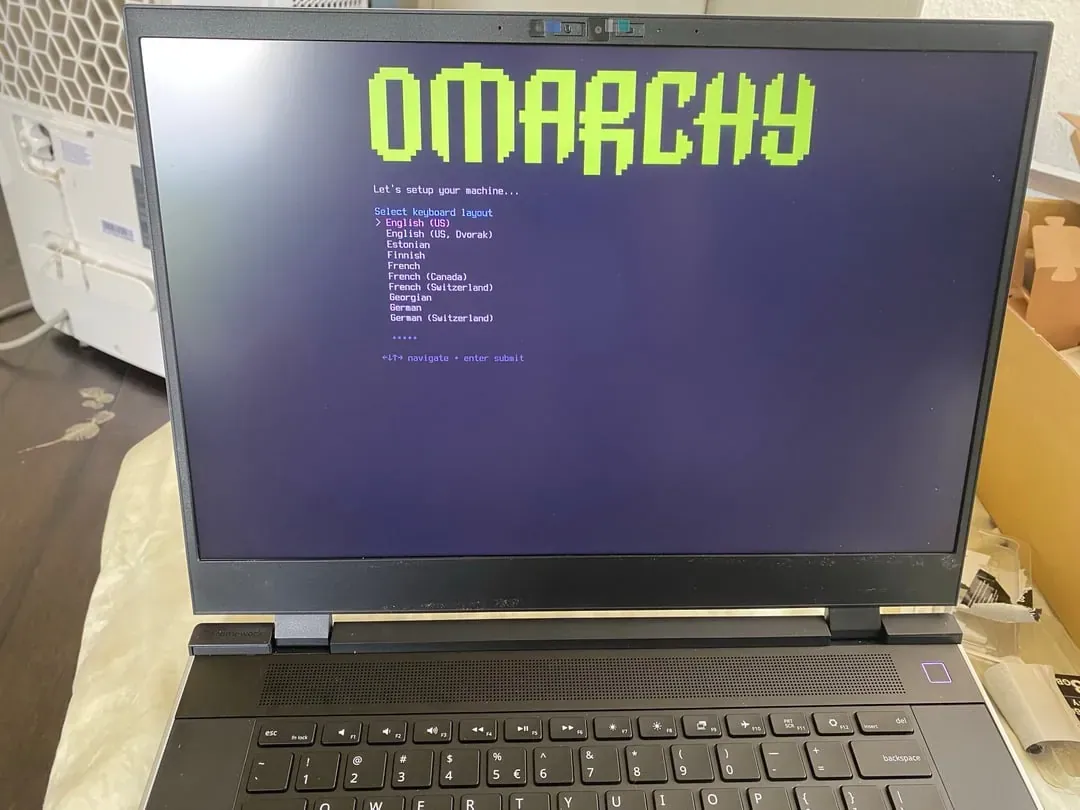
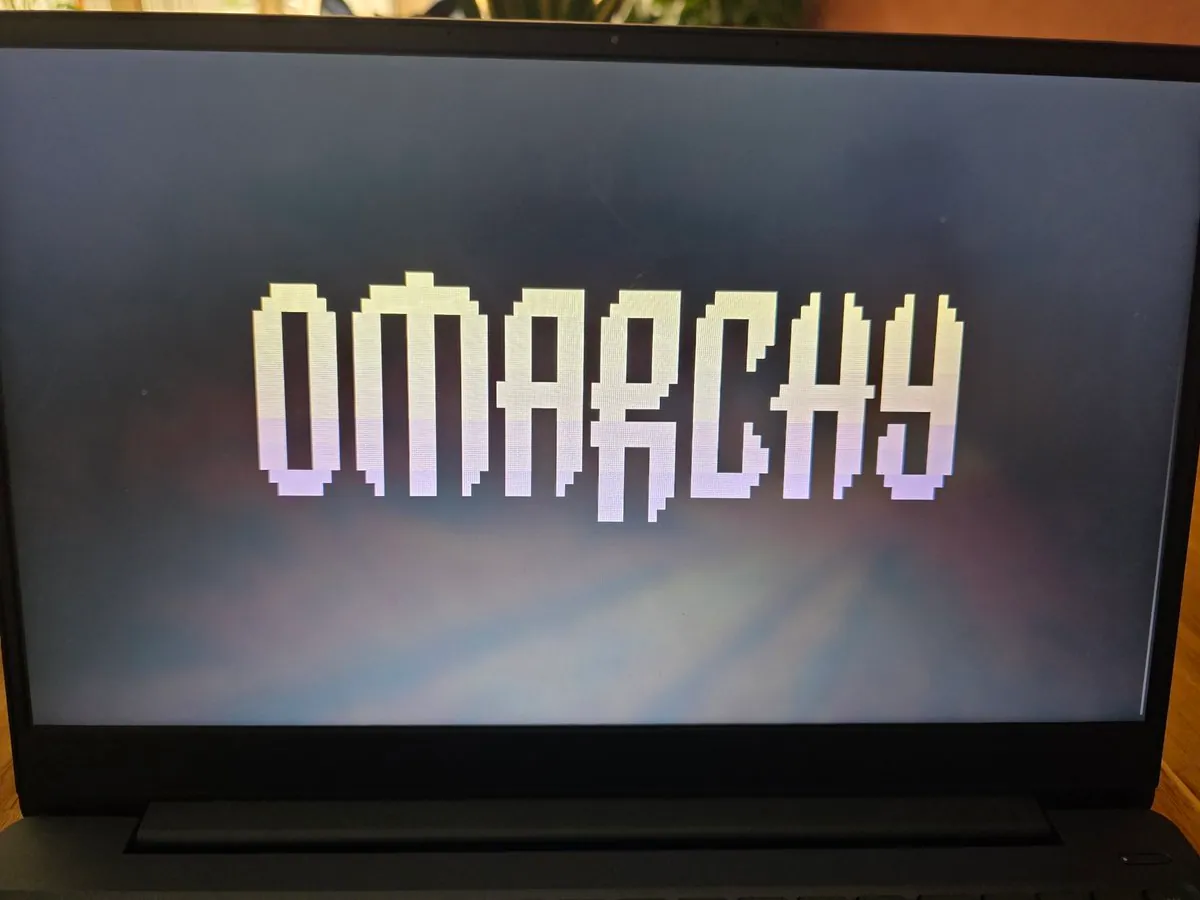
Legion gaming laptop with dual external monitors displaying OMARCHY in pixelated retro font.
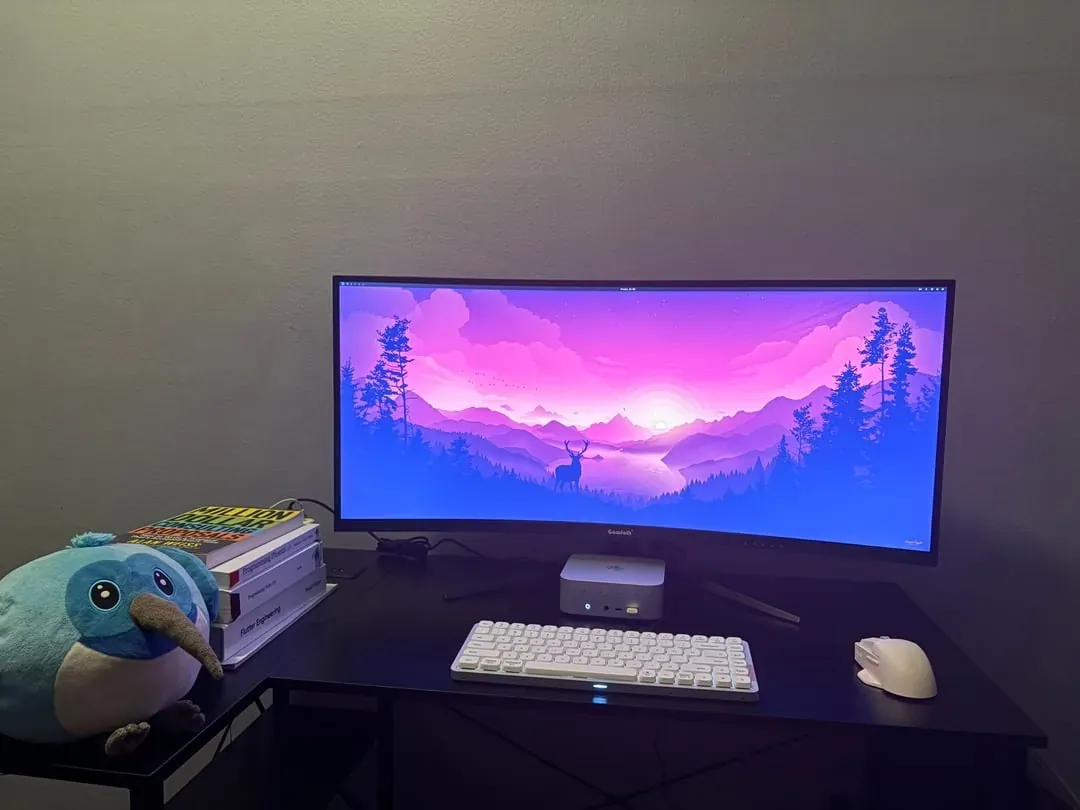
@AdamMusaAly · Beelink Mini PC + Seawink Curved Ultrawide
Beelink mini PC setup with Seawink curved ultrawide monitor, Lofree keyboard, and white mouse.
@bodwinestroll · Custom RGB PC + 5K Curved Ultrawide + Laptop
Powerful workstation featuring ArchLinux with Hyprland running on a 5K curved ultrawide monitor at 239Hz.
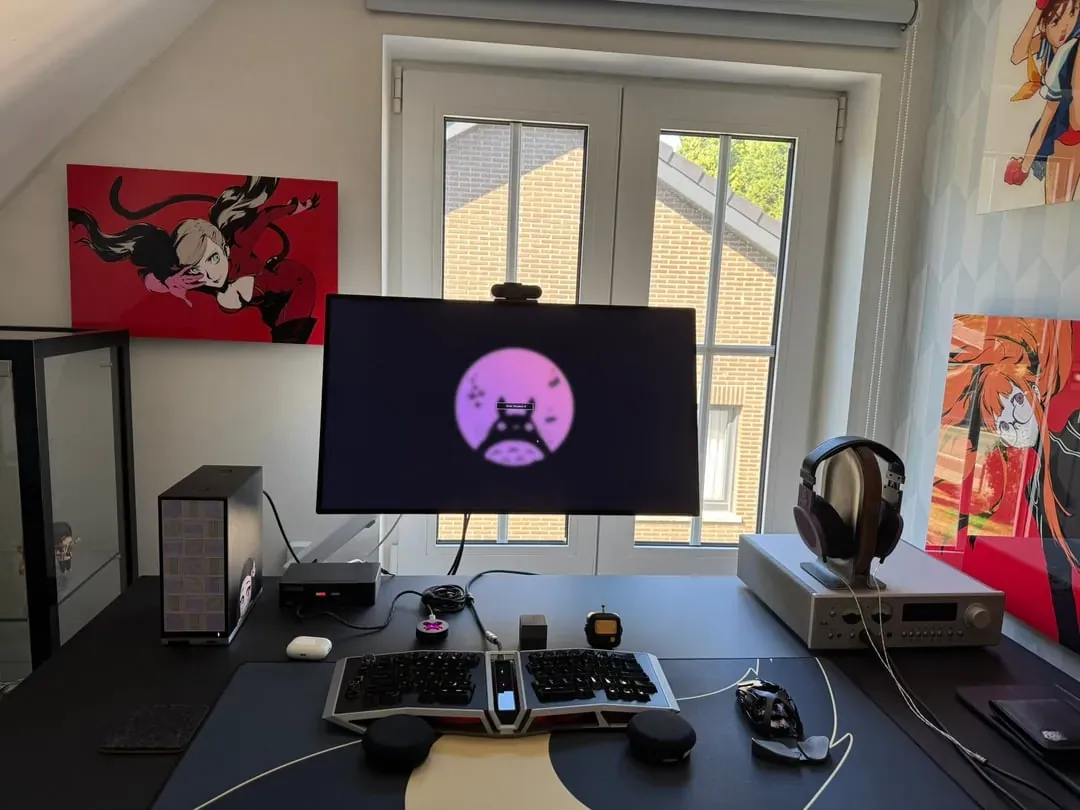
@supersoniko_be · Custom PC + Large Monitor
Detailed attic workspace featuring a custom PC with Totoro wallpaper and Angry Miao AFA split keyboard.
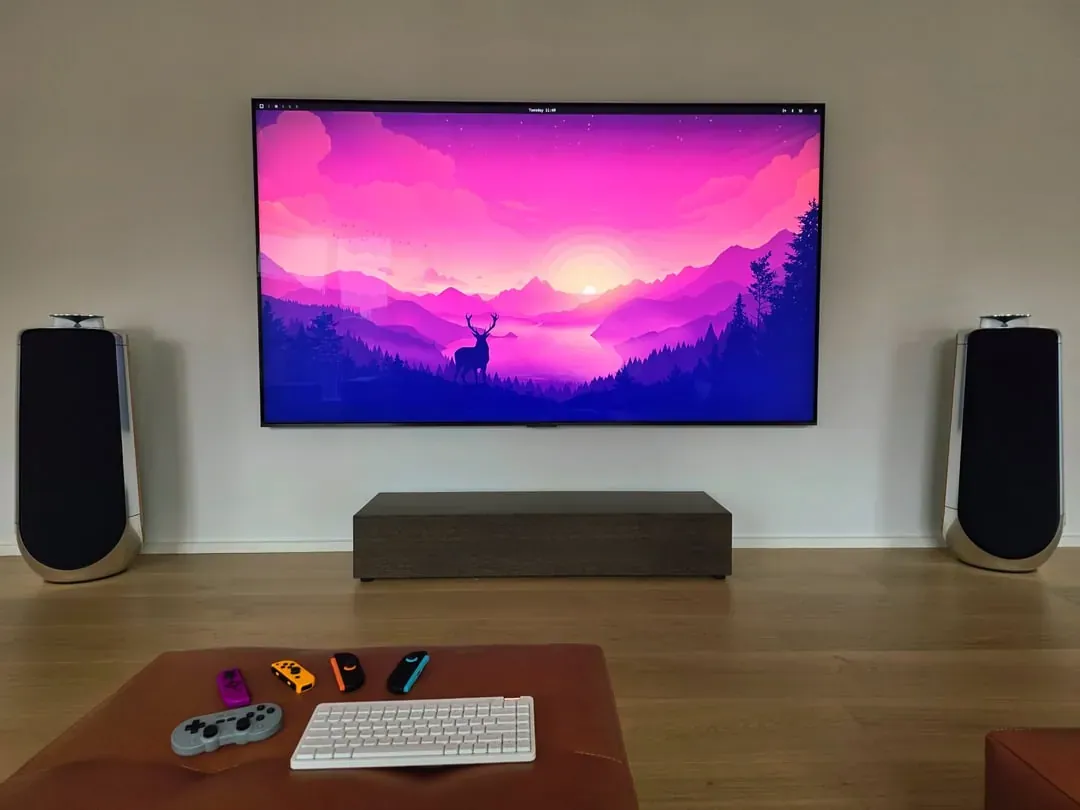
@dhh · 115" TCL Screen + High-End Speakers
Epic home entertainment setup featuring a glorious 115" TCL screen with audio speakers and gamepad.
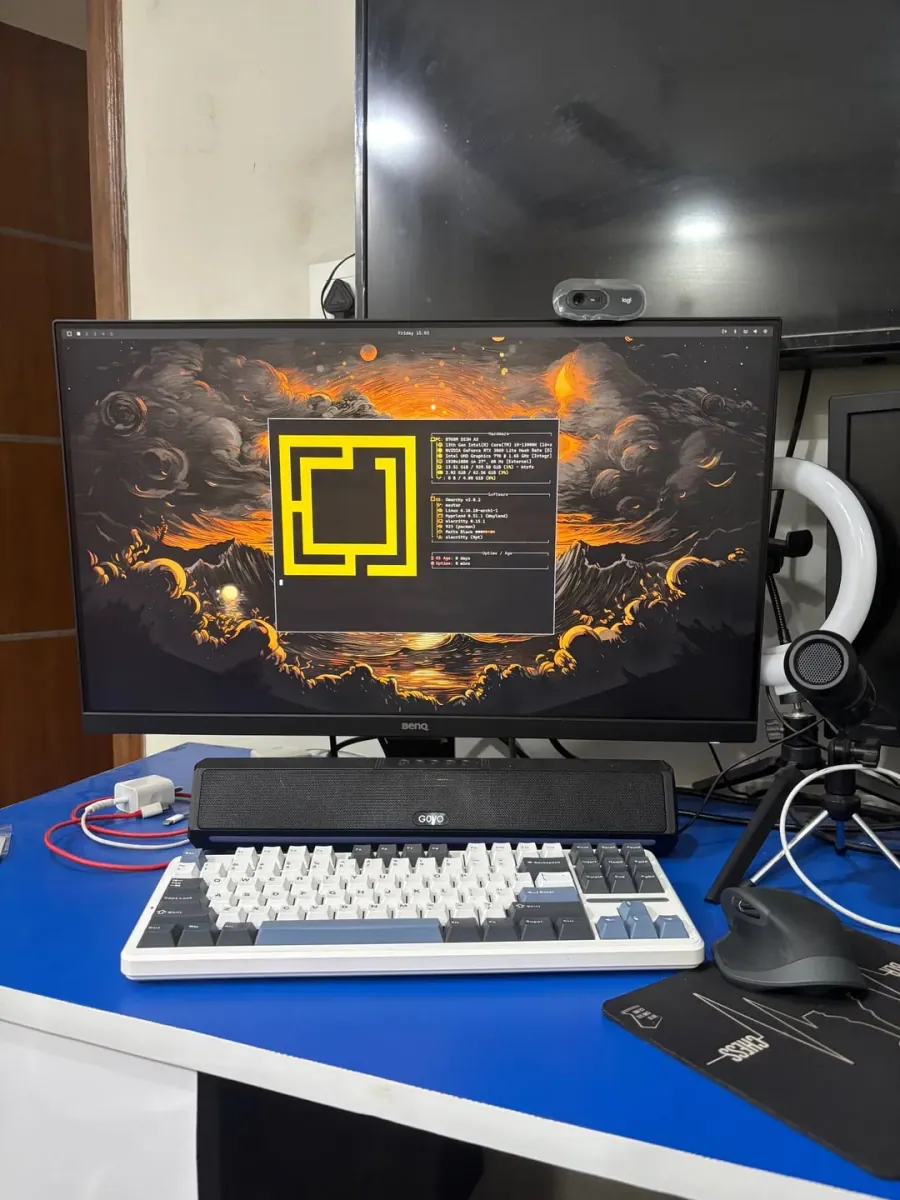
@RajaAyyanar · Custom Desktop PC + BenQ Monitor
Smooth Omarchy v0.4.0 installation with beautiful themes. Features GOVO soundbar and keyboard.
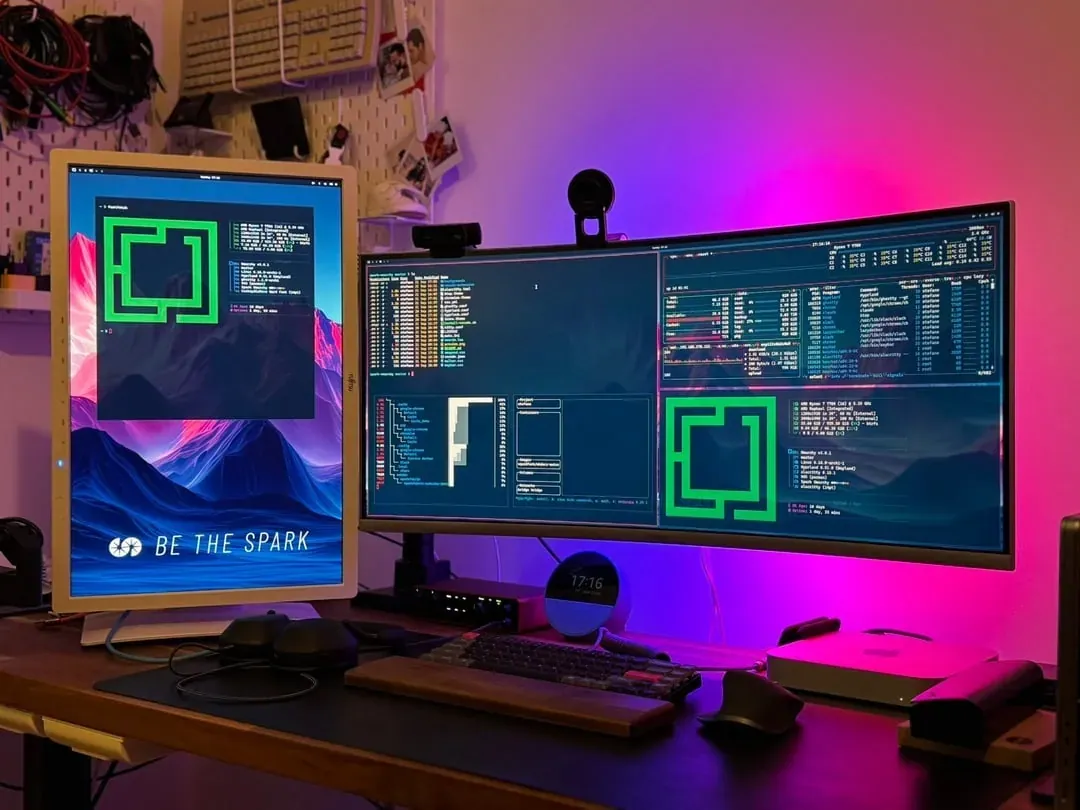
@stefanomainardi · Dual Monitor + Apple Mac Mini
Dual monitor workspace with purple/pink LED lighting and custom Omarchy screensavers.
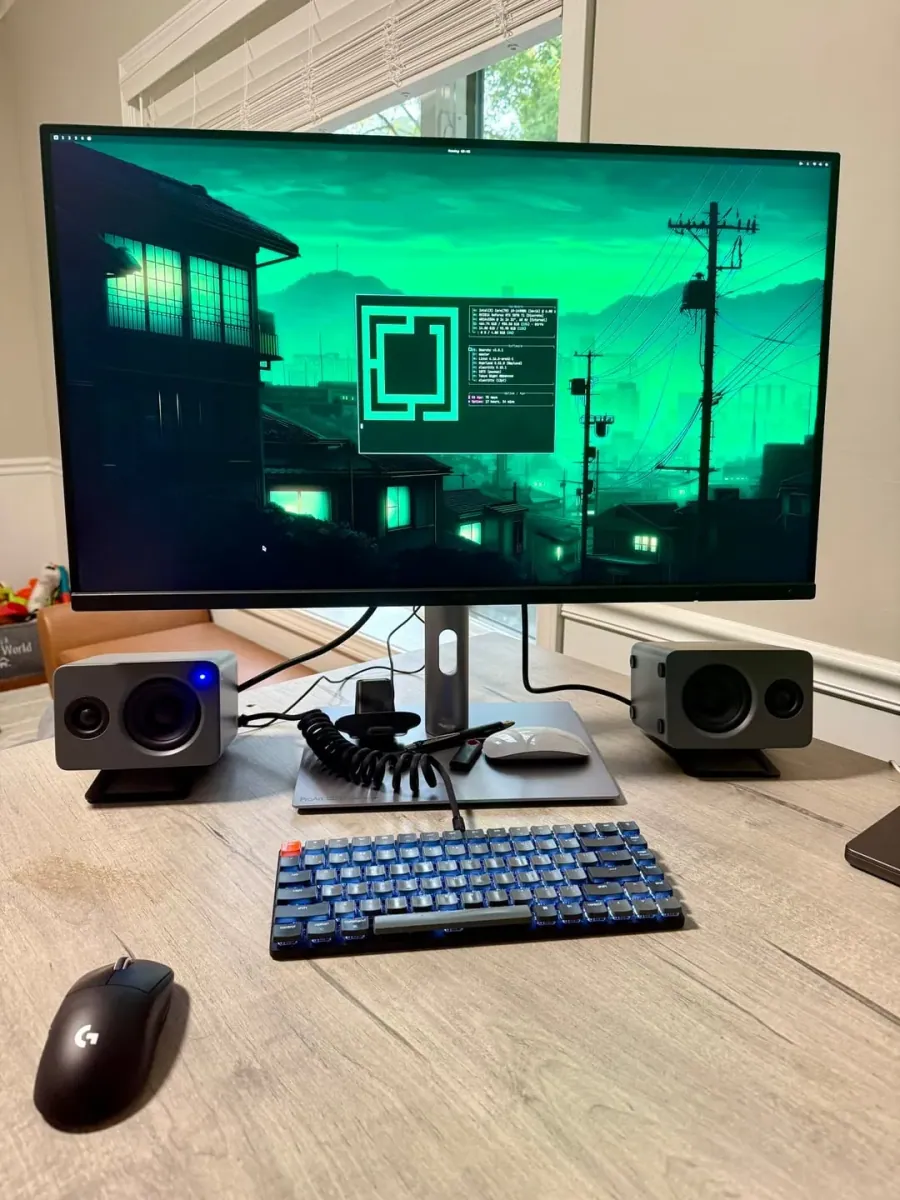
@robzolkos · ASUS ProArt 6K 32" Monitor
ASUS ProArt 6K 32" monitor with 218ppi display and green Omarchy interface.
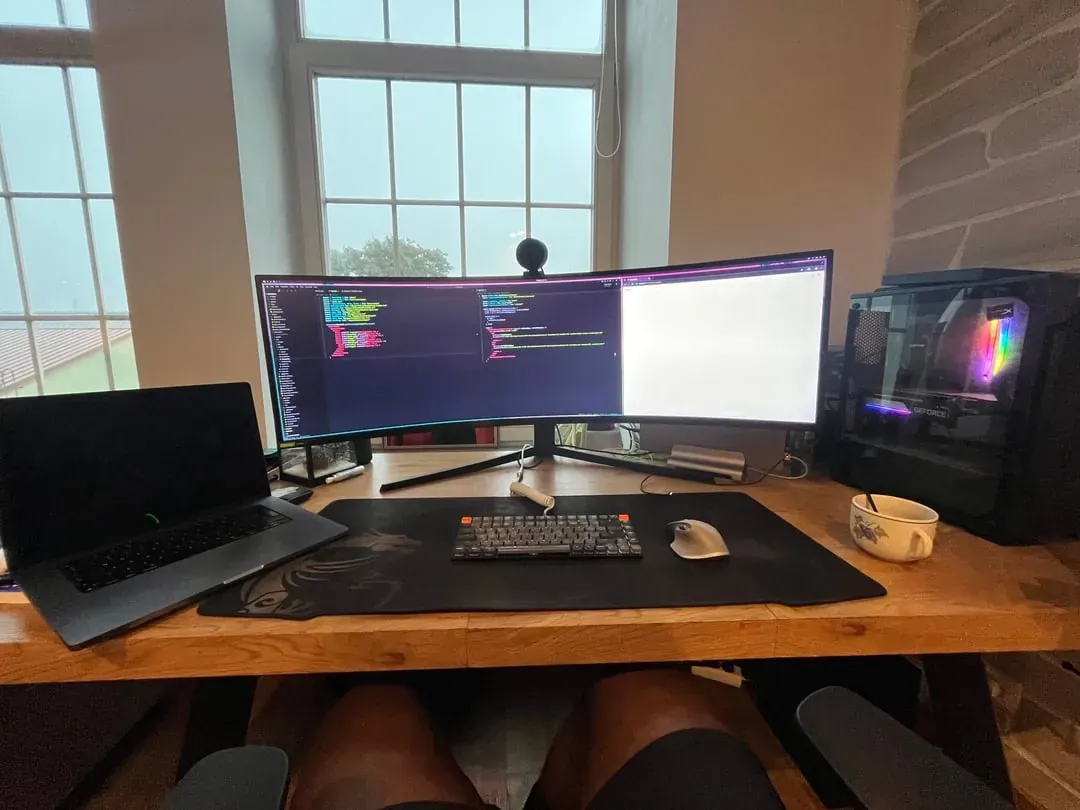
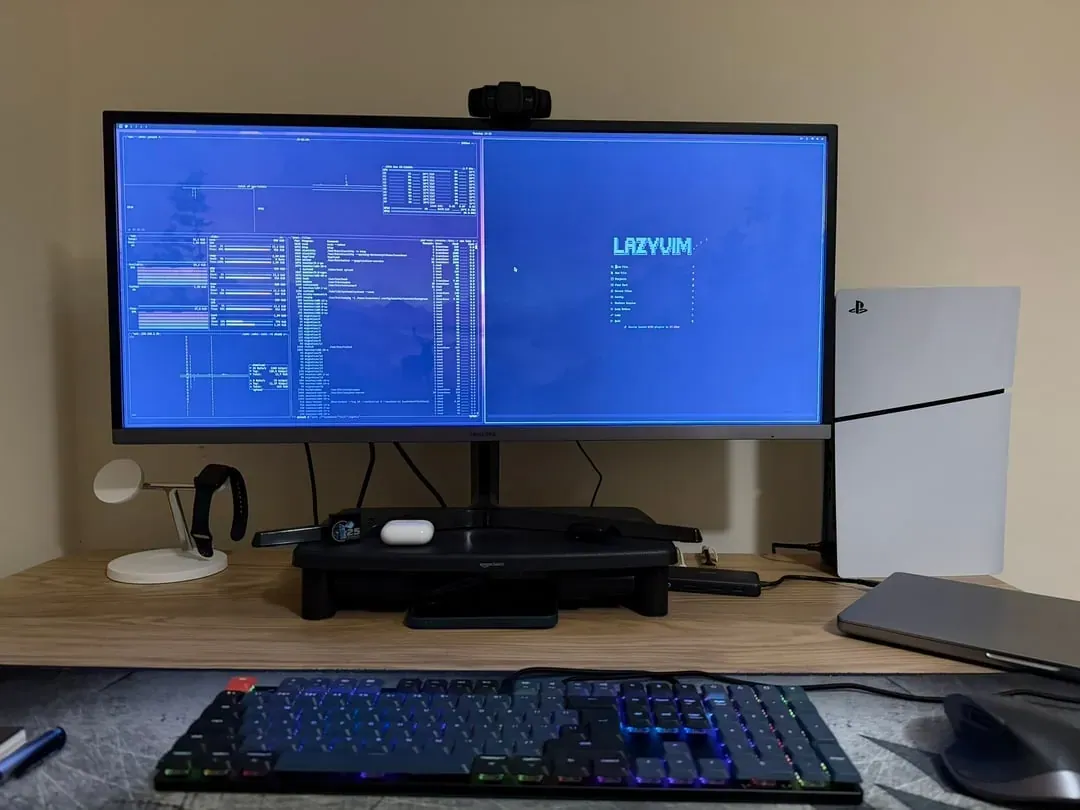
@ivanzstoev10 · Samsung Monitor + Custom PC
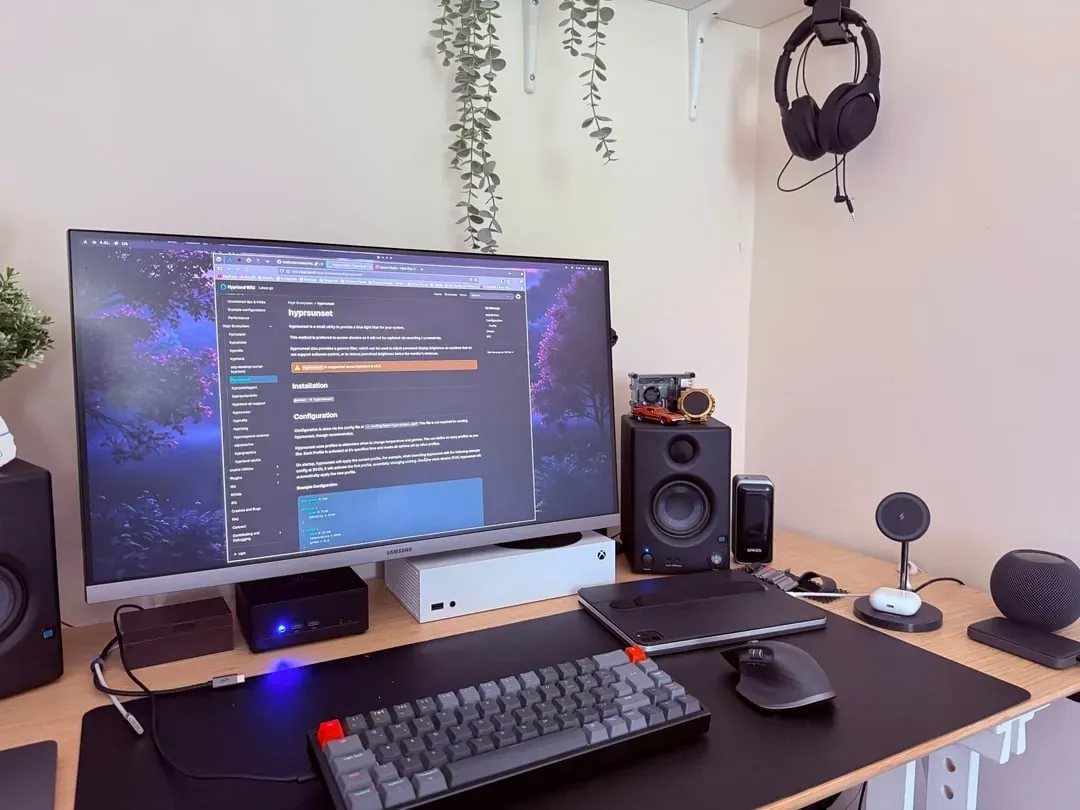
Samsung monitor with Omarchy Linux, LazyVim configuration, and PlayStation 5 console.
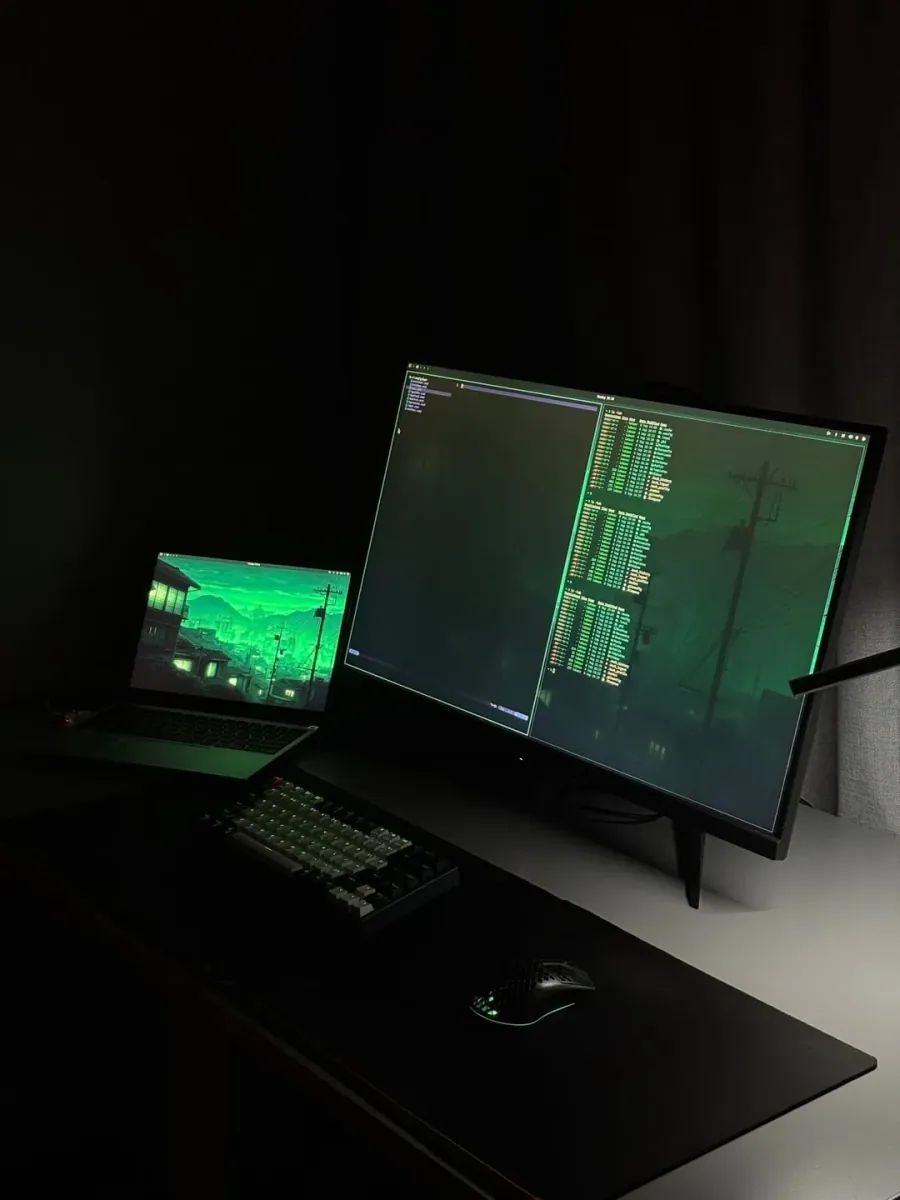
@blinku_dev · External Monitor + Laptop
Dark minimalist workspace with dual green terminal displays and ambient lighting.
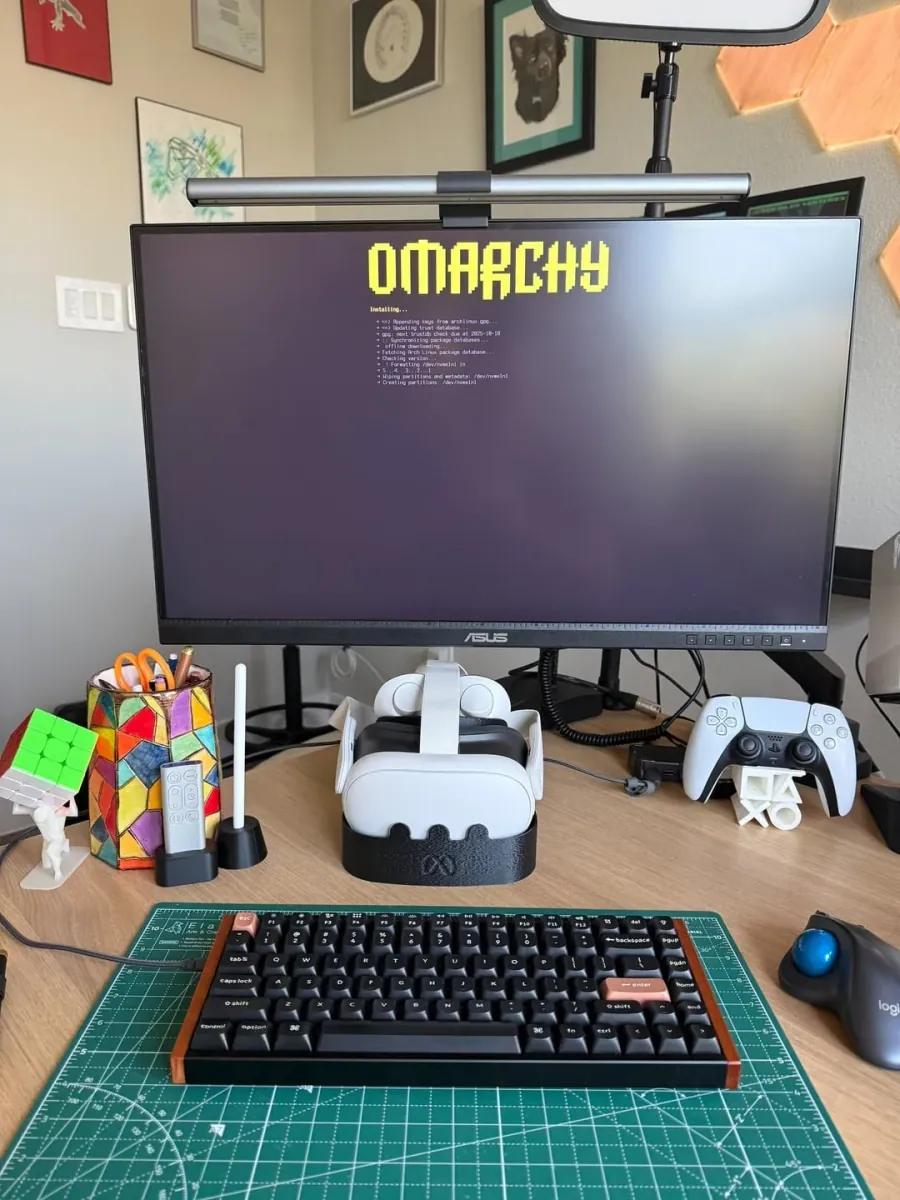
@joshmedeski · ASUS Monitor + Keychron K2 HE
ASUS monitor with Omarchy, Keychron K2 HE keyboard, VR headset, and gaming peripherals.
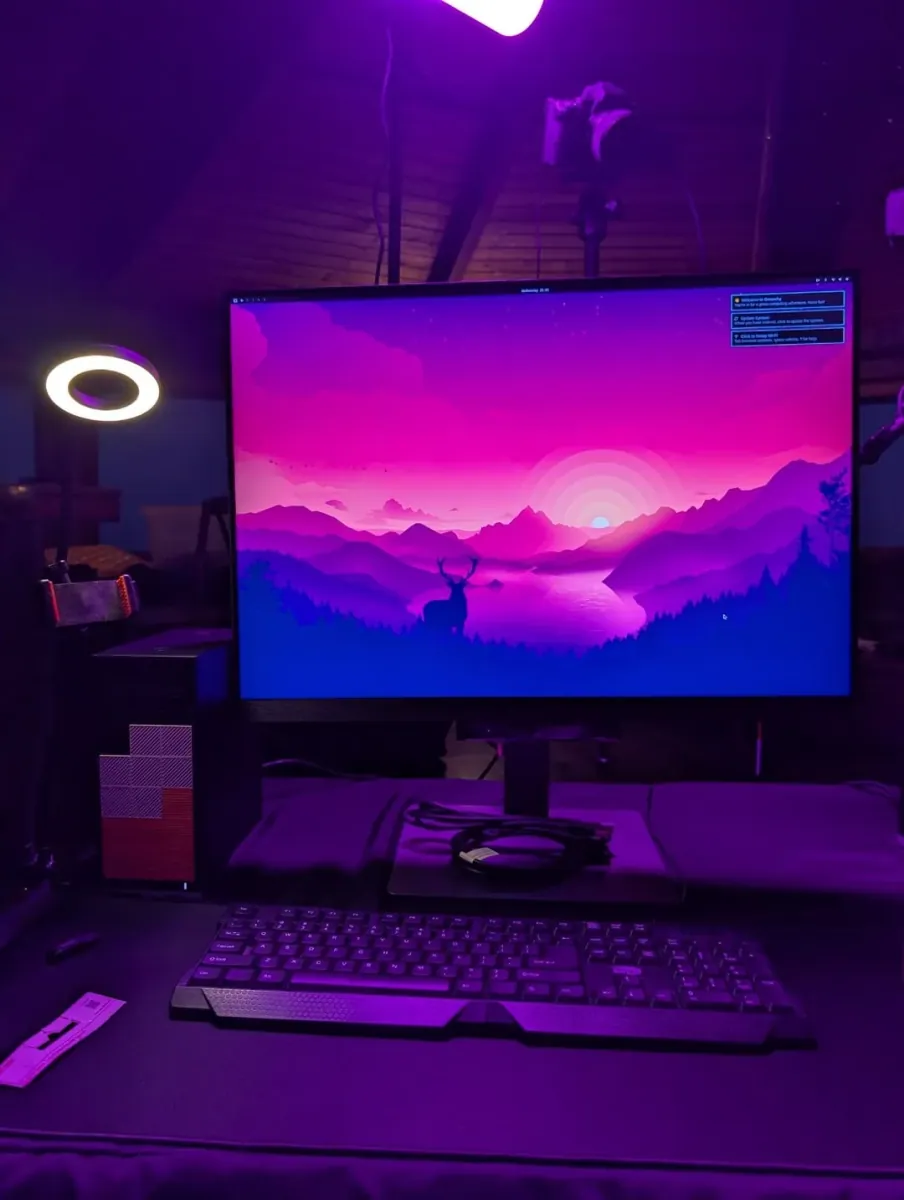
@teej_dv · Framework Desktop + Large Monitor
Cozy attic workspace with Framework Desktop featuring sunset landscape wallpaper.
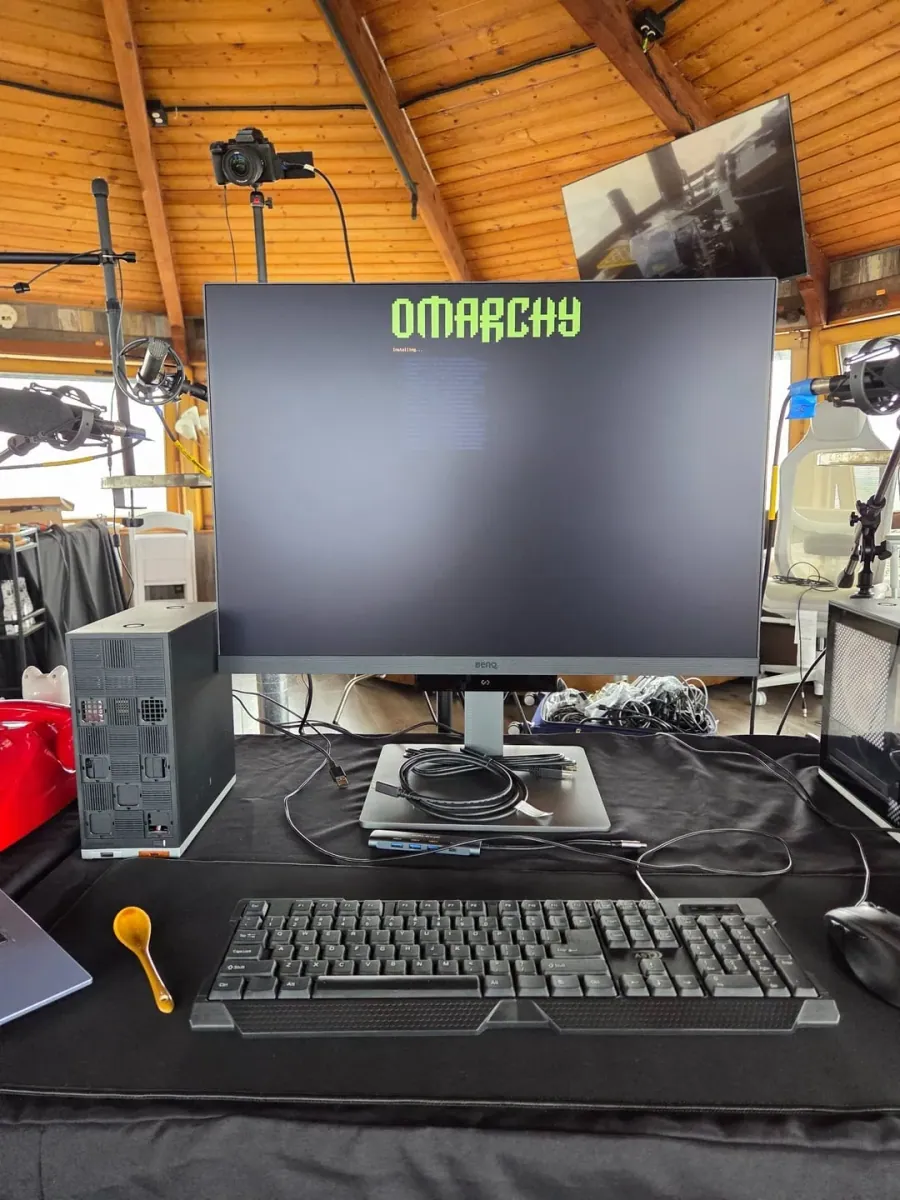
@ThePrimeagen · Custom Desktop PC + BenQ Monitor
Professional desktop setup in a studio environment featuring a large BenQ monitor.
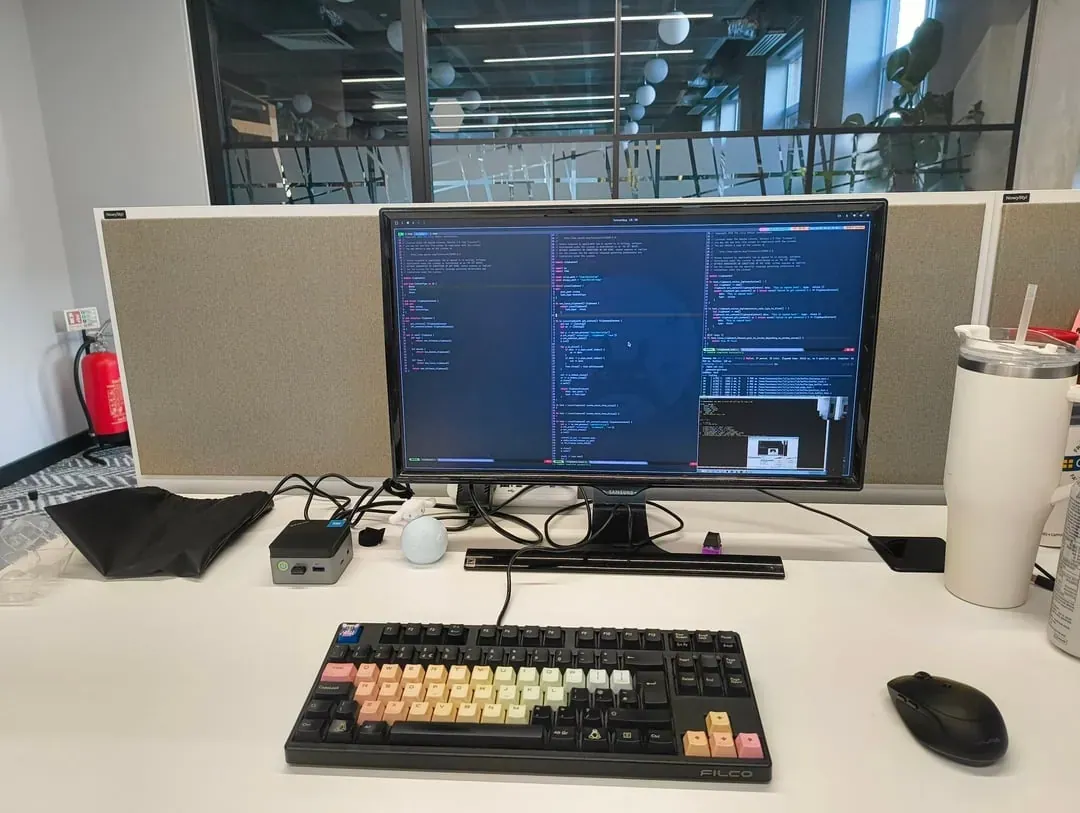
@tauraamuix · Intel NUC + Samsung Monitor
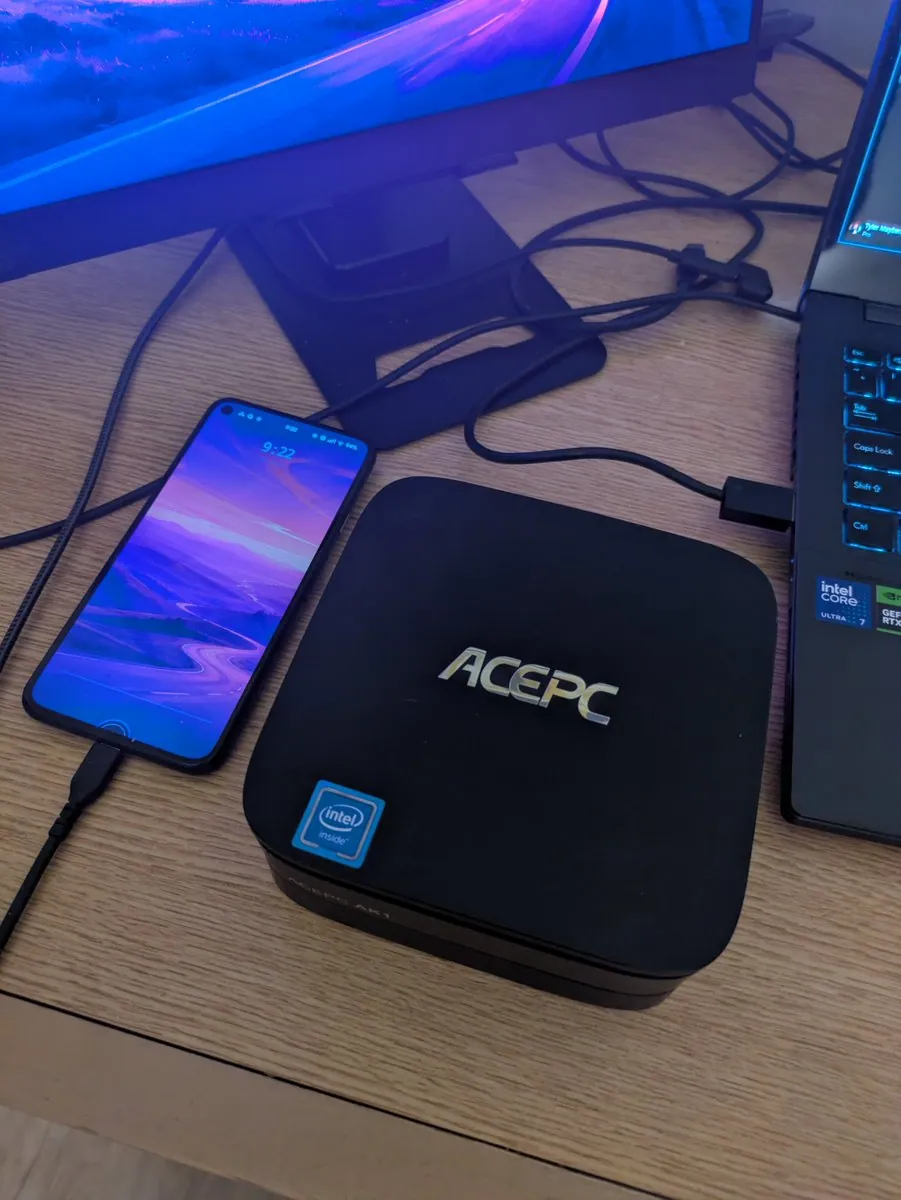
Compact NUC running Omarchy Linux in a real office environment with 24/7 access.
@FaYiMoRa · Beelink SER9 HX370 + Framework F13 HX370
Complete transition from Mac with Beelink SER9 HX370 desktop and Framework F13 laptop.
@lhargil · Framework Desktop
Omarchy Linux setup showcasing the desktop environment and system configuration.
@lexoj · Large Monitor + White Keyboard
Modern home office with large monitor displaying Omarchy desktop environment.
@quantumfire_io · Intel MacBook Pro + BenQ Monitor
Intel MacBook Pro with BenQ external monitor running Omarchy.
@giovantenne · Dell XPS 13 9370 + Beelink SER9 Pro H255
Dell XPS 13 9370 (2018) laptop and Beelink SER9 Pro H255 mini PC, both running Omarchy.
@JakobsenTom · Intel MacBook Pro + Dual Dell Monitors
Old Intel MacBook Pro with dual Dell monitors running Omarchy.
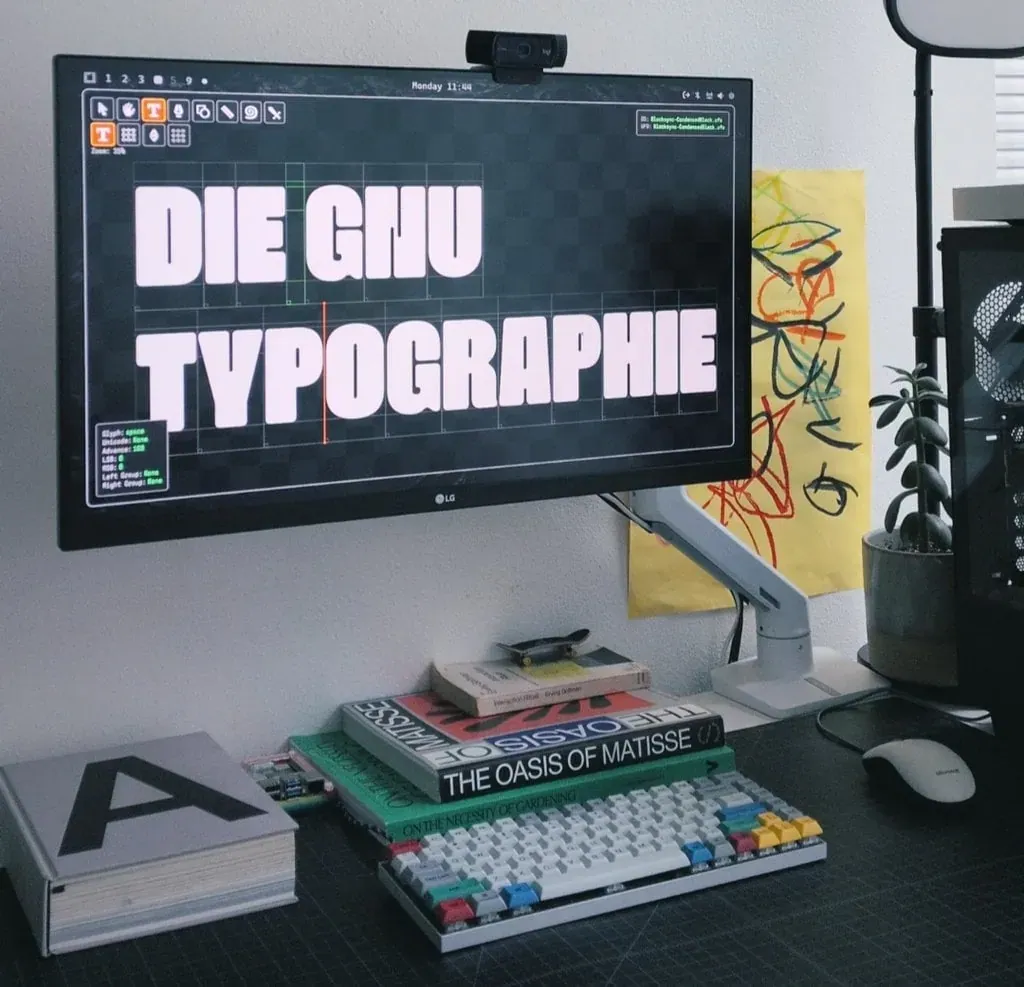
@eliheuer · LG Monitor + Custom Keyboard
Omarchy Arch Linux running Bezy with bold typography test on an LG monitor.
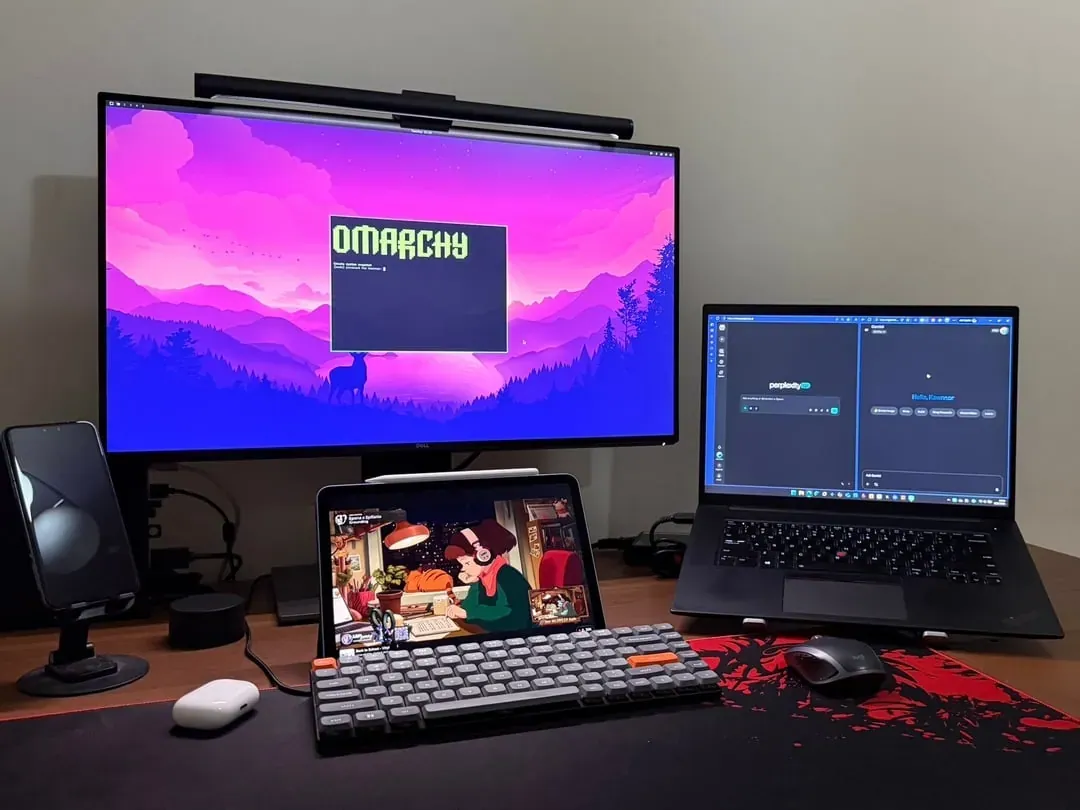
@kawnnor · External Monitor + Laptop + Tablet
External monitor running Omarchy alongside a laptop and tablet with a compact mechanical keyboard.
@rodrigorojop · Mini PC + LG Monitor + Stream Deck
Omarchy mini PC creator setup with single-cable switching, RGB lighting, and a Stream Deck.
@rodrigorojop · Mini PC + 27" Monitor
Clean single-monitor desk running Omarchy on a mini PC with backlit compact keyboard.
@dvorakative · Curved Ultrawide + Compact Backlit Keyboard
Curved ultrawide monitor running Omarchy in a dark room setup.
@alansikora · Framework Laptop + Beelink Mini PC
Framework laptop and Beelink mini PC running Omarchy - a transition from 20+ years of Mac usage.
@MatSilva · Framework 12 + Beelink SER9
Framework 12 laptop for mobility; Beelink SER9 handles office work with dual Dell monitors.
@emcousin · Dell Curved Ultrawide + Laptop
Omarchy trial at Rails World on a Dell curved ultrawide with laptop and wooden case keyboard.
@ershus · Custom PC + Dell Monitor
Built from old PC parts lying around - perfect excuse to try Omarchy.
@matteodevenuto · Samsung Curved Monitor + Mac Mini
Modern ergonomic workspace featuring Samsung curved monitor, split keyboard, and Mac Mini.
@RugvedSomwanshi · Framework Desktop + ASUS Monitor
Professional office workstation featuring Framework Desktop running Omarchy.
@deanpcmad · Beelink SER8 + iMac 5K Display
High-performance coding workstation featuring Beelink SER8 mini PC with AMD Ryzen 7 8745HS.
@pinku1 · Minisforum UM760 + Samsung Monitor
Clean and modern workspace featuring Minisforum UM760 mini PC with Samsung monitor.
@DenLoginoff · Custom PC + Alienware Ultrawide
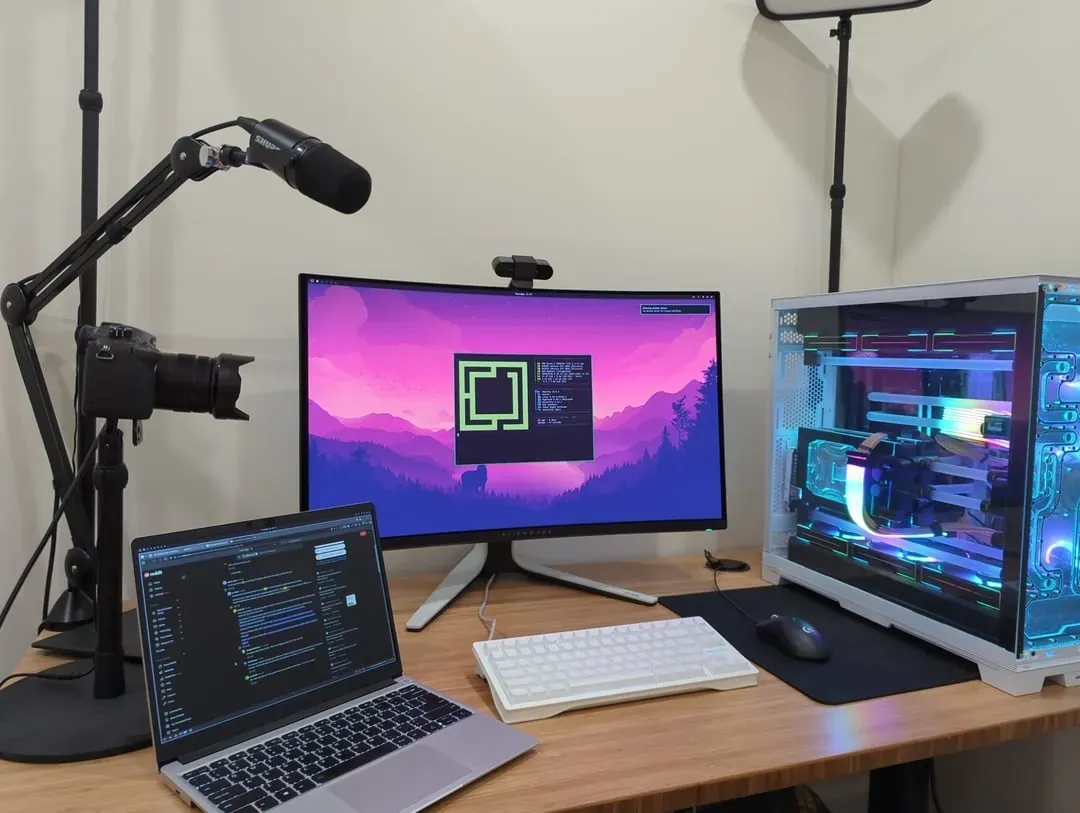
Professional content creation workstation with custom liquid-cooled PC with ultrawide monitor.
@realvicfei · Lenovo ThinkPad + External Monitor
Clean dual-monitor setup with ThinkPad and external display.
@rahnolds · Custom PC + Dual Monitors
Highly customized dual-monitor gaming and productivity setup with RGB lighting.
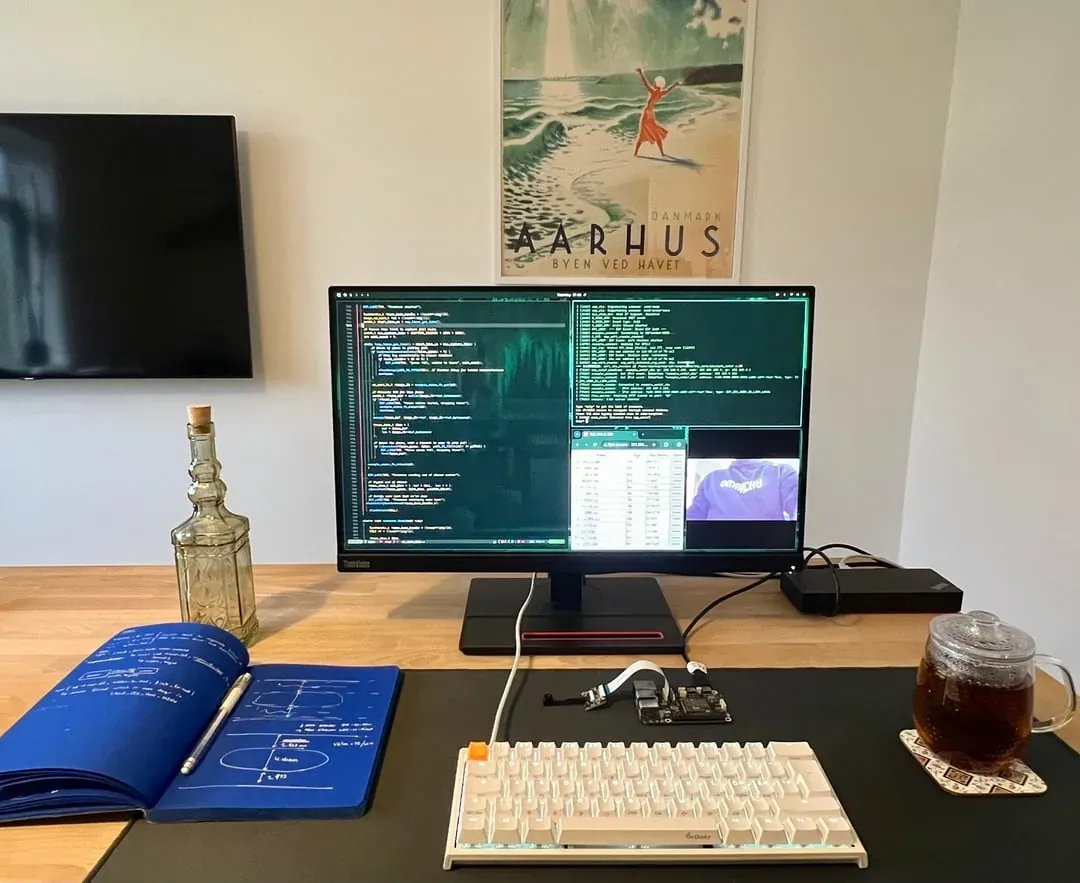
@Servet_edu · Ducky One 2 Mini + Monitor
Opinionated Omarchy setup for firmware development with neat single-board rig and tea.
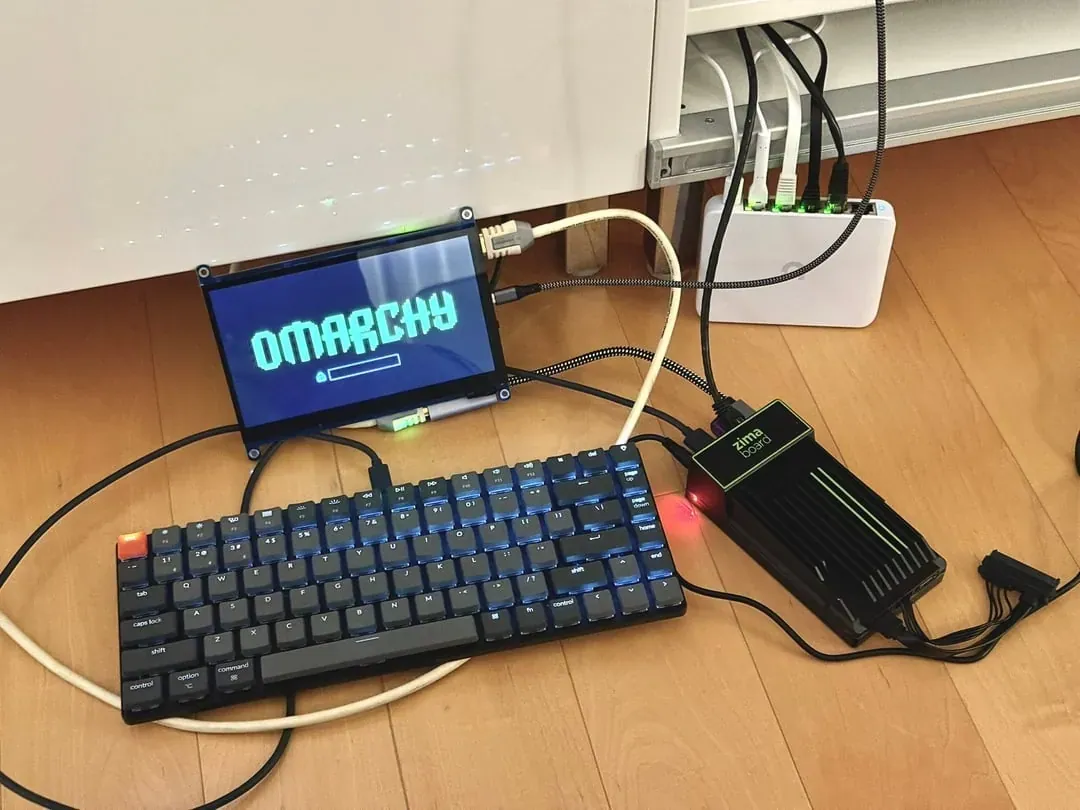
@adrianjx · Zima Board + Compact Display
Experimental Omarchy setup on found hardware - Zima board with compact display.
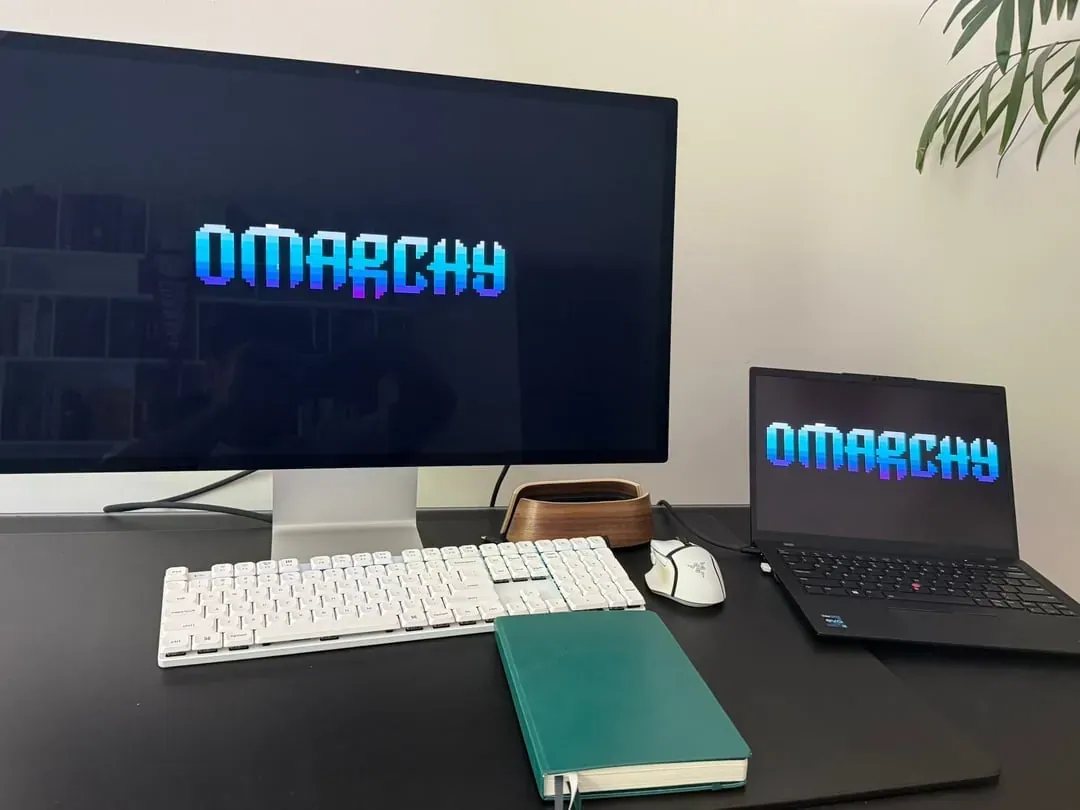
@lylo · Beelink PC + Apple Studio Display
Omarchy running fast on a $385 Beelink PC with stunning visuals on Apple Studio Display.
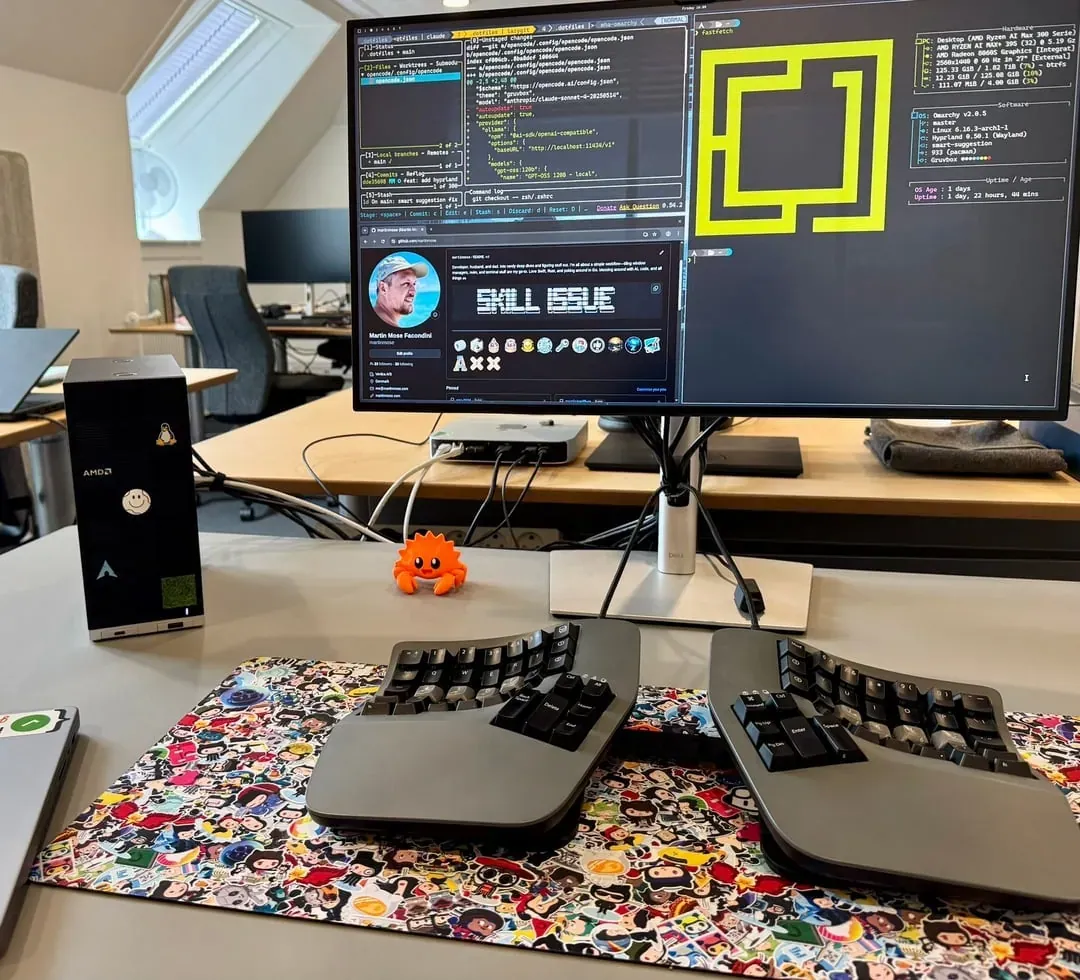
@martinmose · Framework Desktop + Split Ergonomic Keyboard
Enjoying a clean work setup powered by Framework desktop running Omarchy.
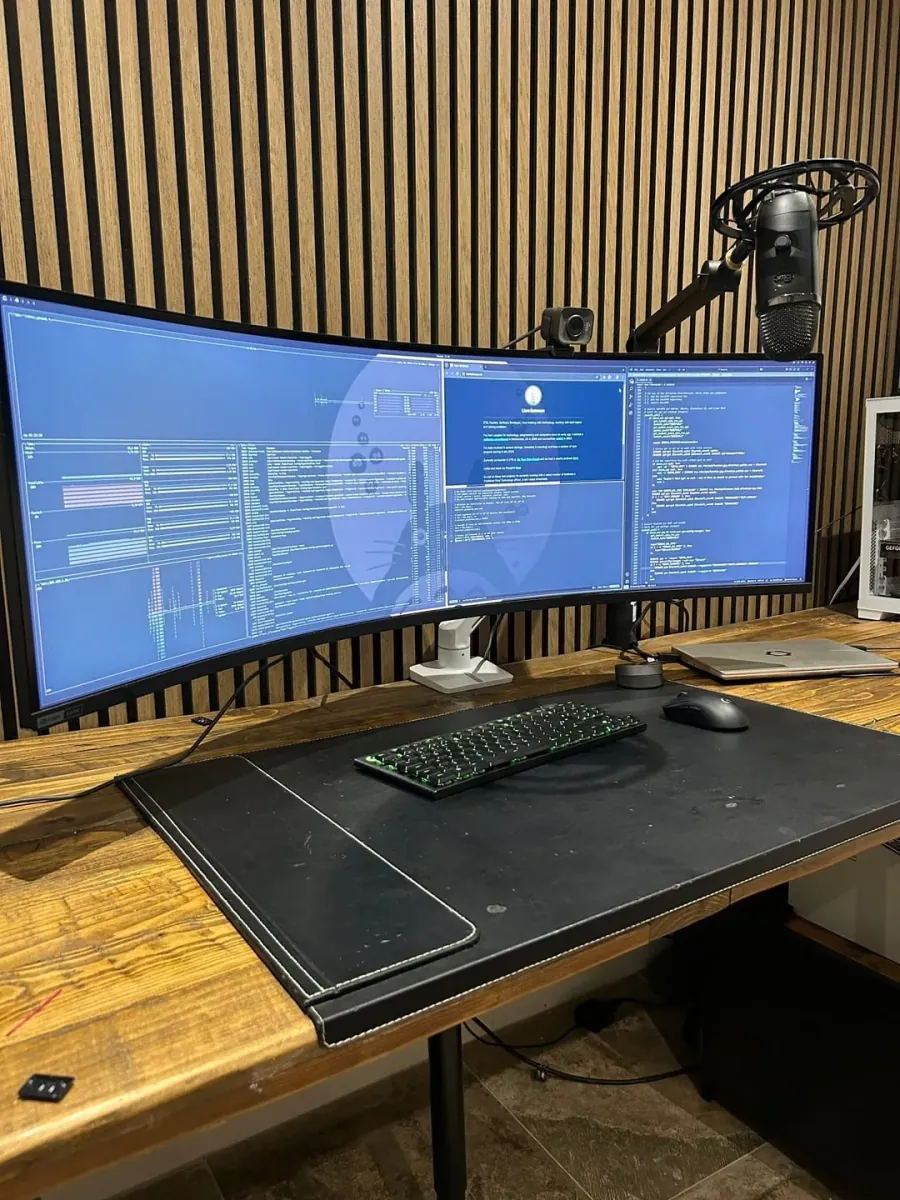
@LiamBateman1 · Framework 13 + Samsung 49" G9
Framework13 laptop paired with Samsung 49inch G9 ultrawide monitor running Omarchy from RailsWorld.
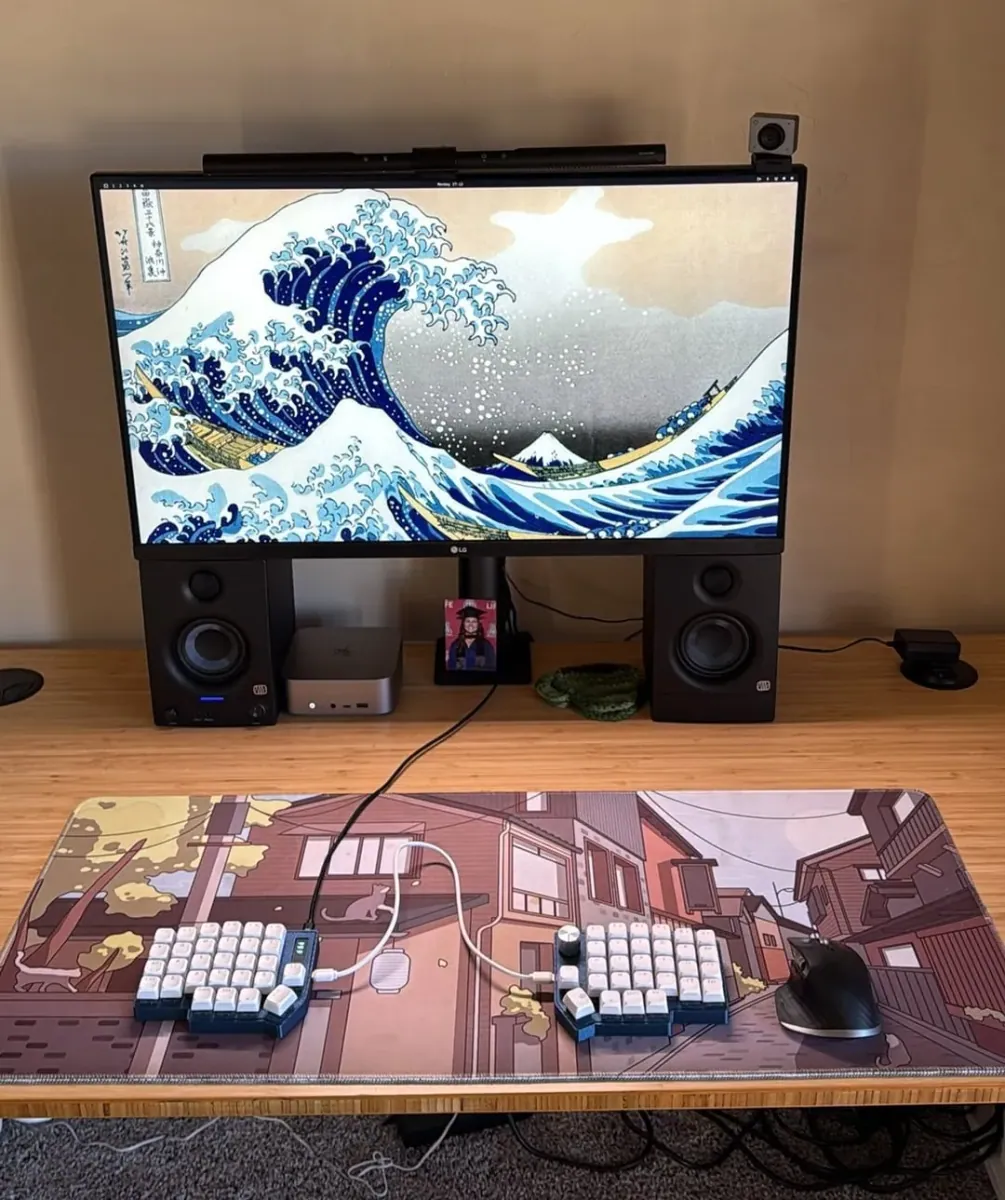
@roehrich_sam · Beelink Mini PC + Monitor
Loving the Beelink + Omarchy setup with The Great Wave off Kanagawa wallpaper.
@coendewit · LG Monitor + Ergonomic Split Keyboard
A month-long journey from Arch to Omarchy - built custom idempotent setup scripts and went full Linux.
@rsstafford · Beelink SER8 + Lofree Keyboard
A powerful Linux desktop setup running Omarchy and Hyprland on a Beelink SER8 mini PC.
@jenseickmeyer · 2012 Apple iMac
A classic 2012 Apple iMac resurrected with Omarchy, featuring Hyprland, LazyVim, and more tools.
@BramJetten · Apple Studio Display + Custom PC
Clean minimalist workspace combining Apple's industrial design with Omarchy on a custom PC build.
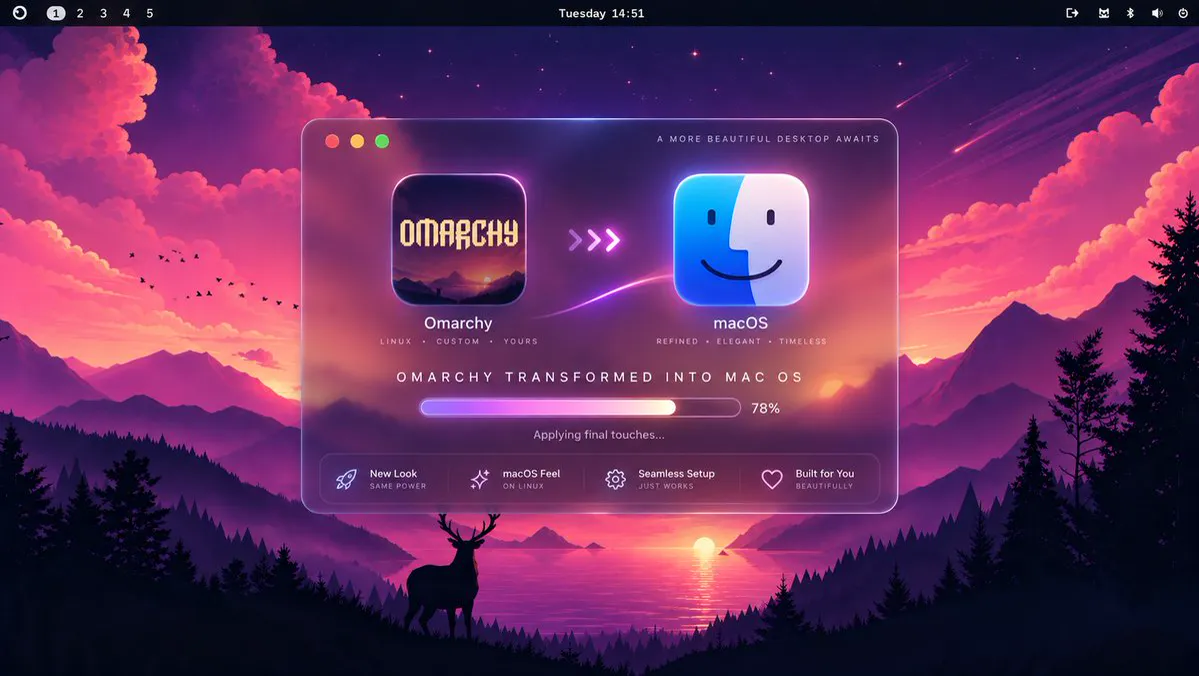
Dock, Launchpad, Control Center, window controls, menu bar, glass UI — a full macOS-like experience still running Linux underneath.
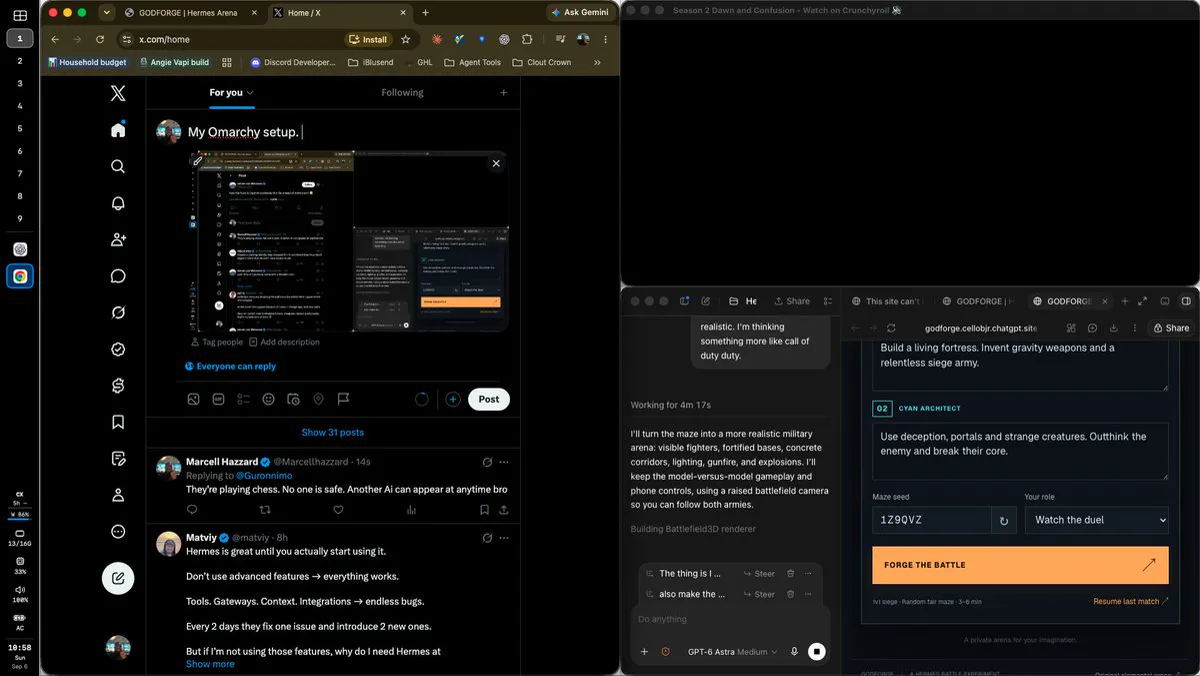
Clean Omarchy desk shot with terminal and browser — anime widget still missing from the upper corner.
Dual-display desk running Omarchy as a usability-first platform for AI and Linux work.
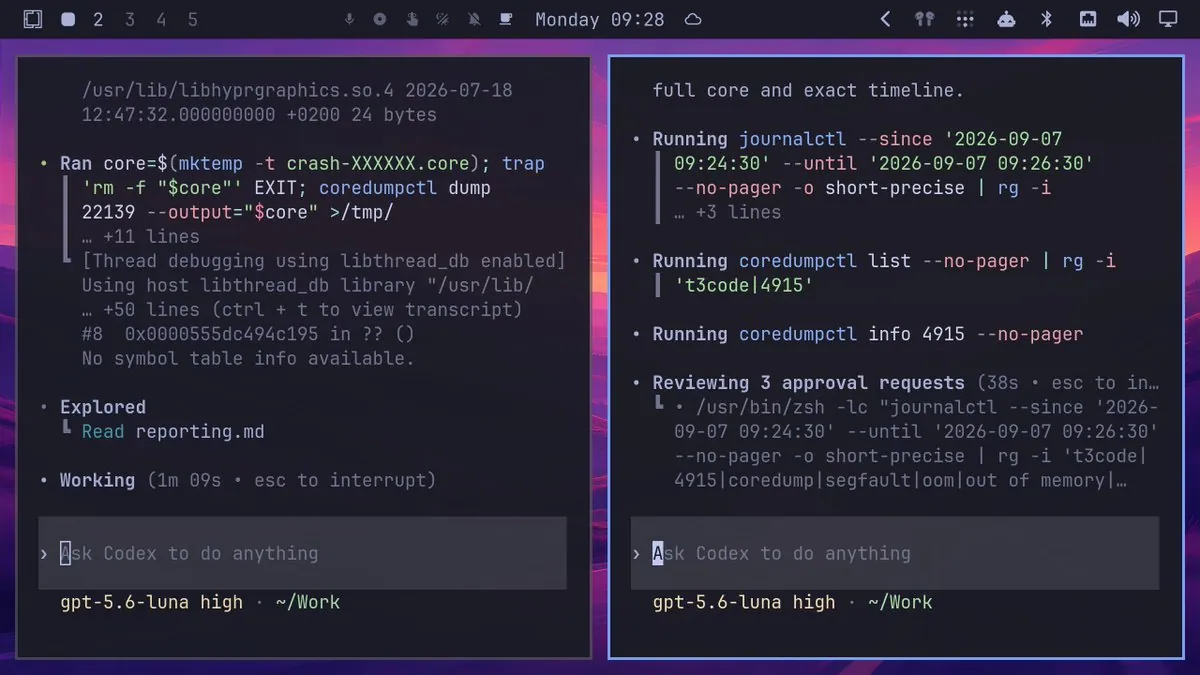
After a hyprland-dialog or t3code crash, Omarchy already had two agents checking logs on reboot — Florent plans a PR if it is a real bug.
Marjan Krstev shares a sunny Omarchy desktop photo set — monitor, keyboard, and the desktop in view.
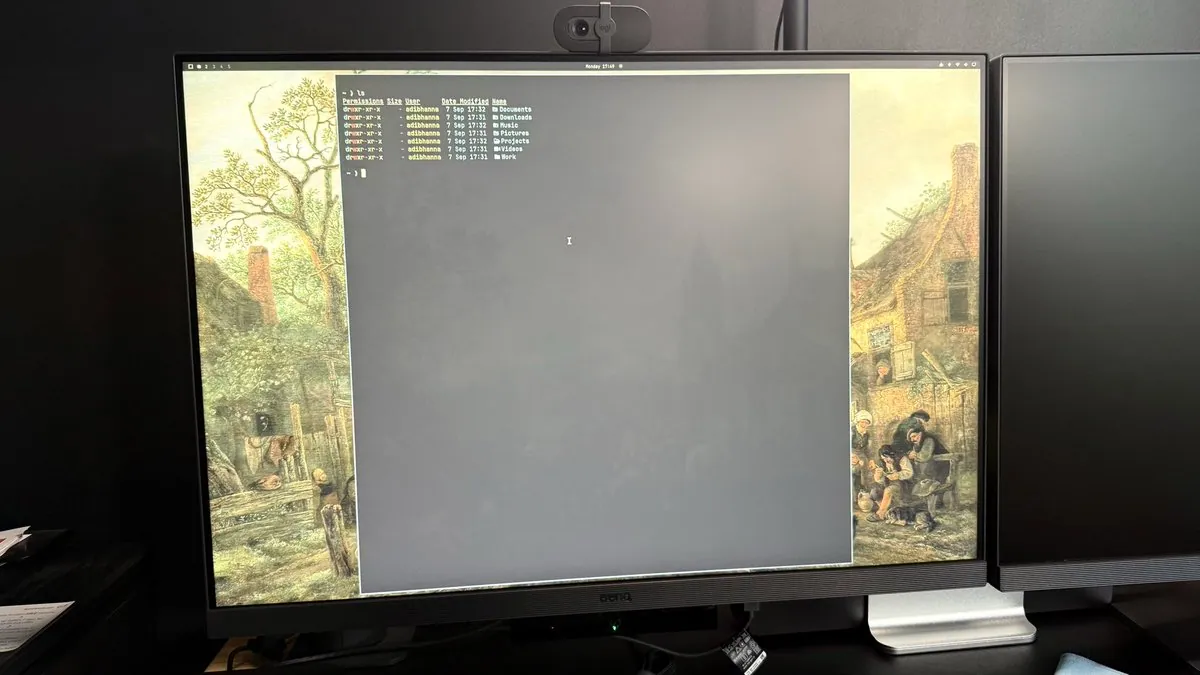
Adib Hanna shares a desktop shot and first impressions returning to Linux since 2010: speed, config-file everything, Neovim, and amazing themes.
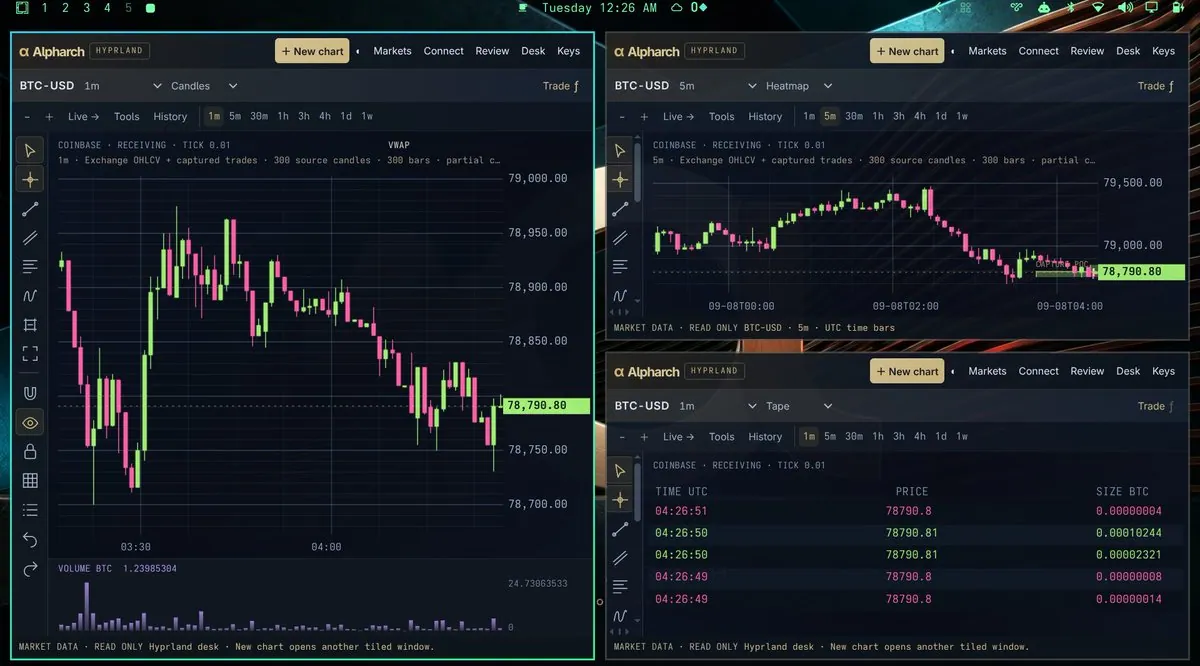
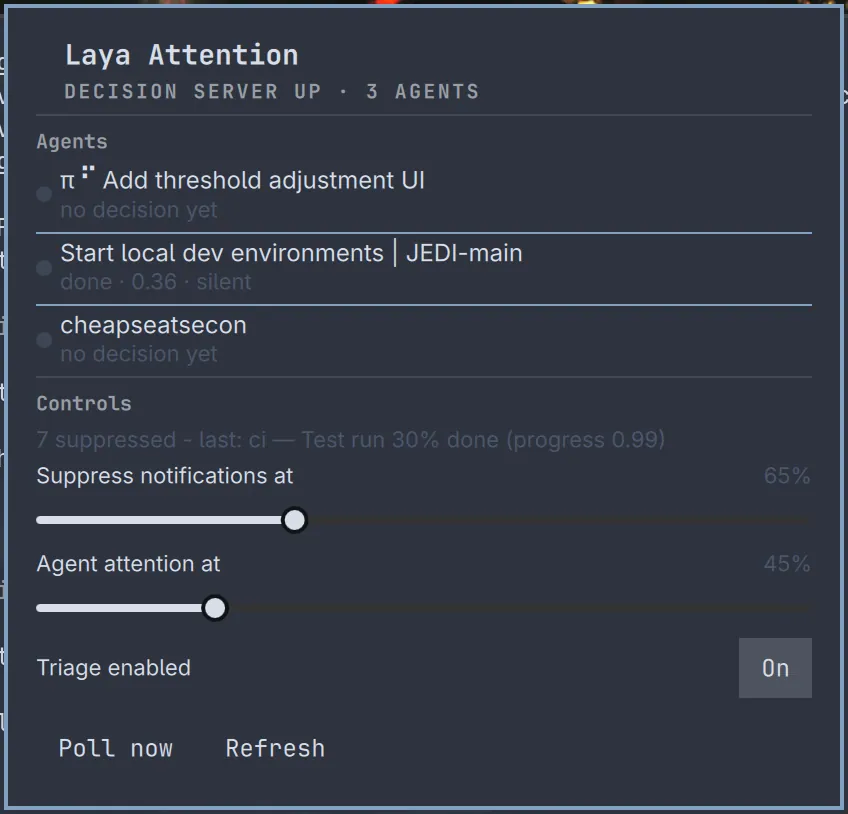
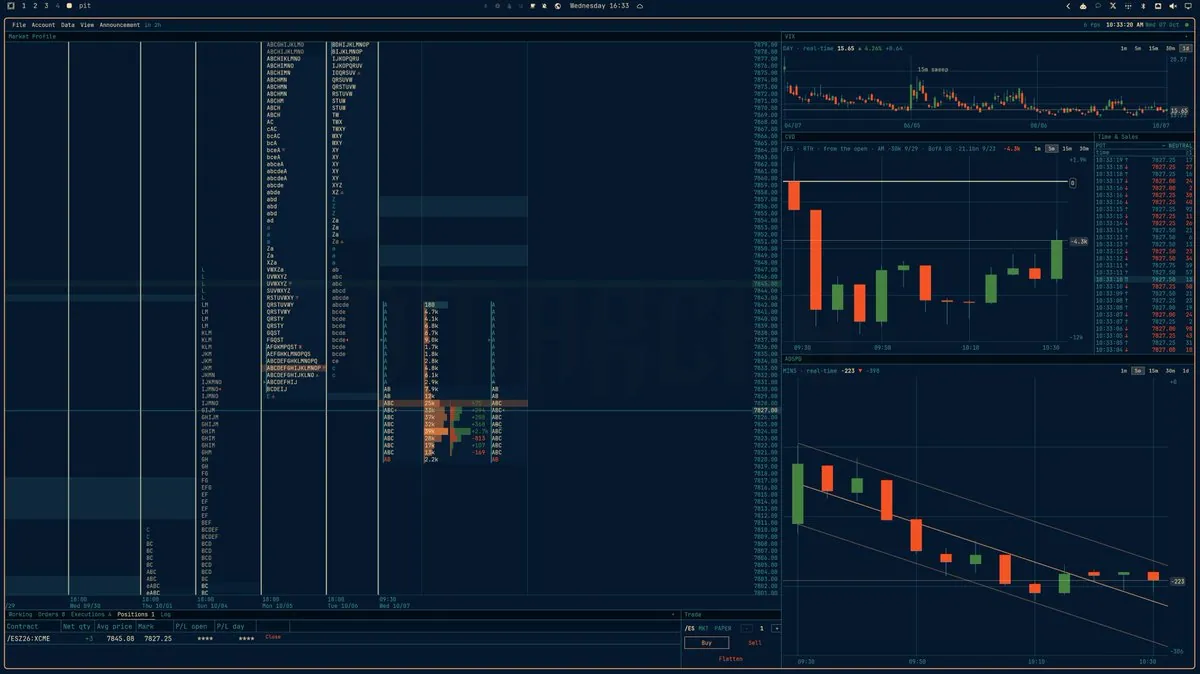
Alpharch turns an Omarchy Hyprland desk into a tiled trading workspace — charts, order flow, and multi-monitor tiling.
Station is a multi-monitor workflow tool for Omarchy/Hyprland after twelve days of work on a tiled desk problem.
@Ahmad Al-Awadi · 2017 27″ 5K iMac
Ahmad Al-Awadi gets a 2017 27″ 5K iMac running Omarchy at native 5120×2880 with speakers, mic, and EarPods buttons — one-command reversible install via omarchy-imac5k.
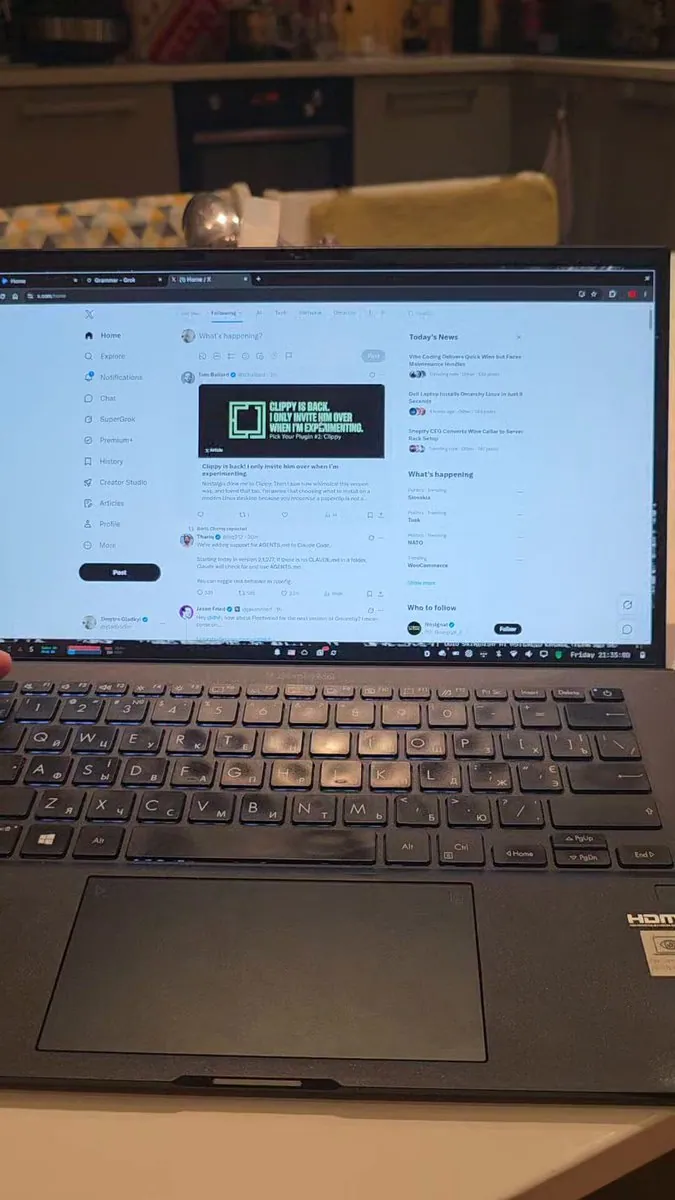
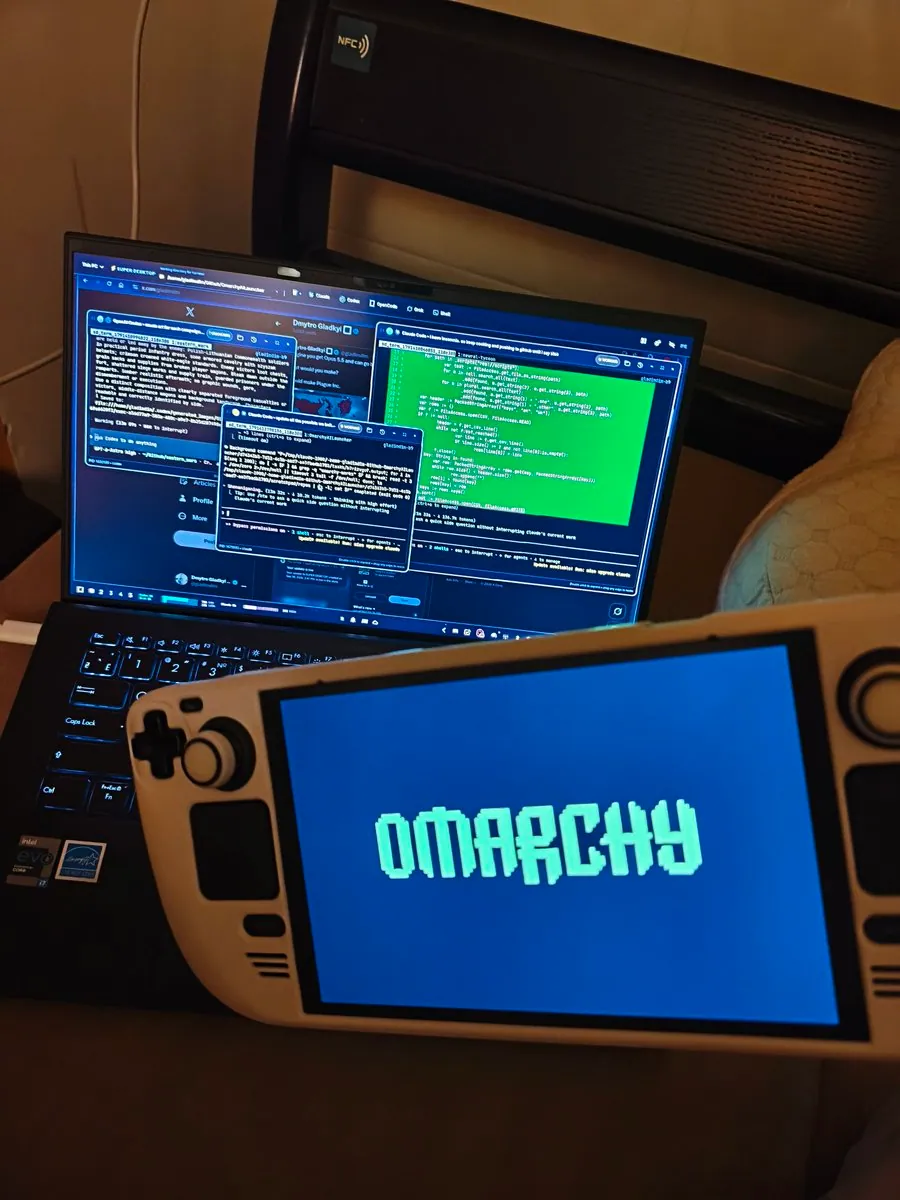
Dmytro Gladkyi’s night desk shot running Omarchy — soft lighting and a clean tiled desktop.
typecraft’s streaming desk running Omarchy — a clean multi-monitor rig shot after the update.
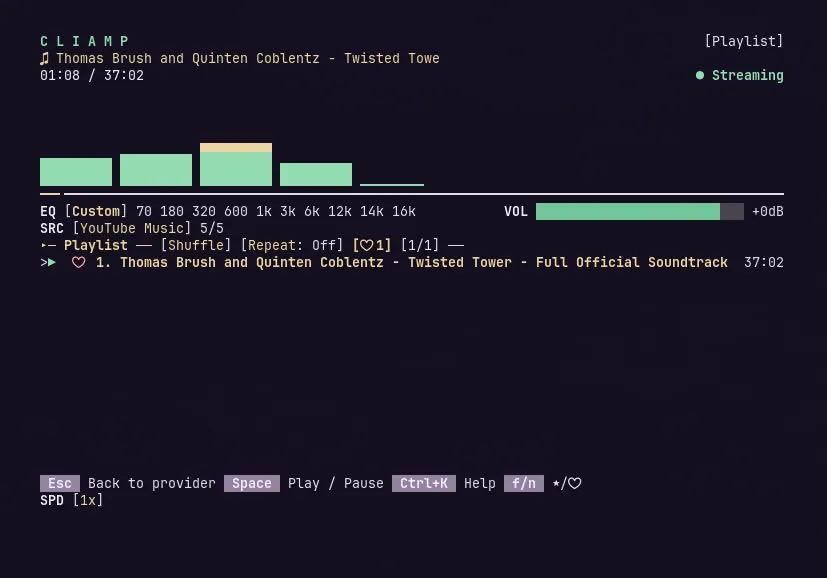
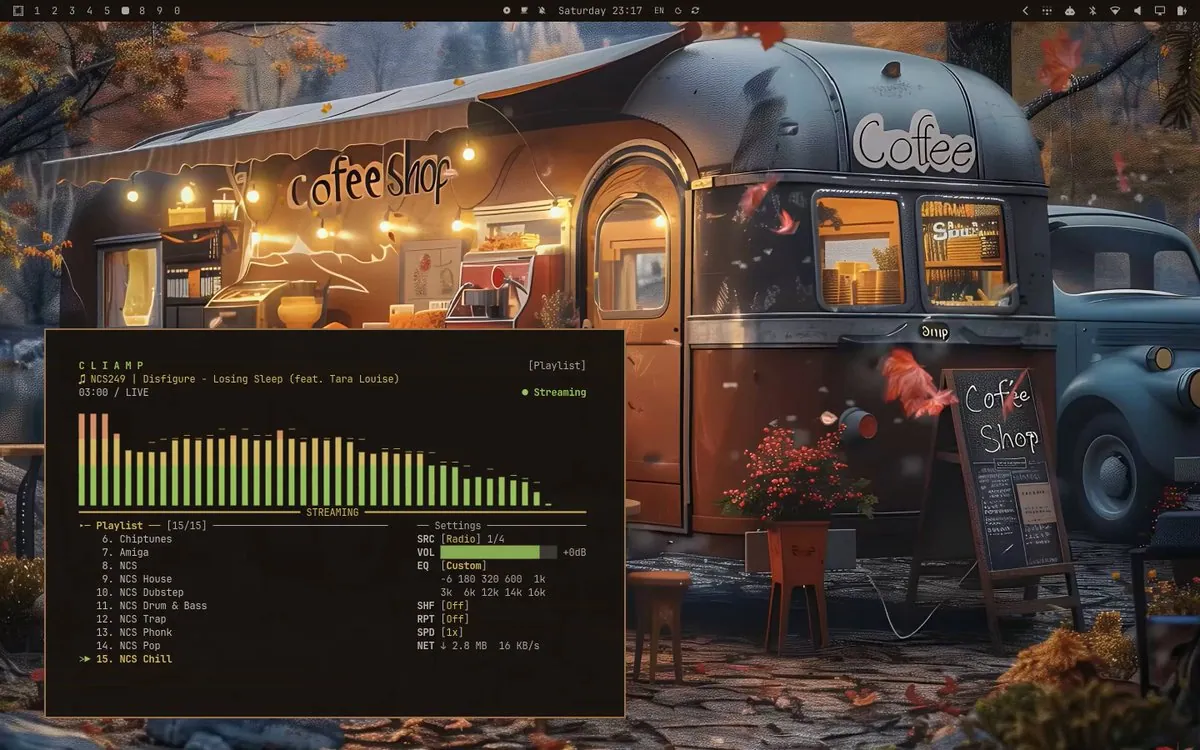
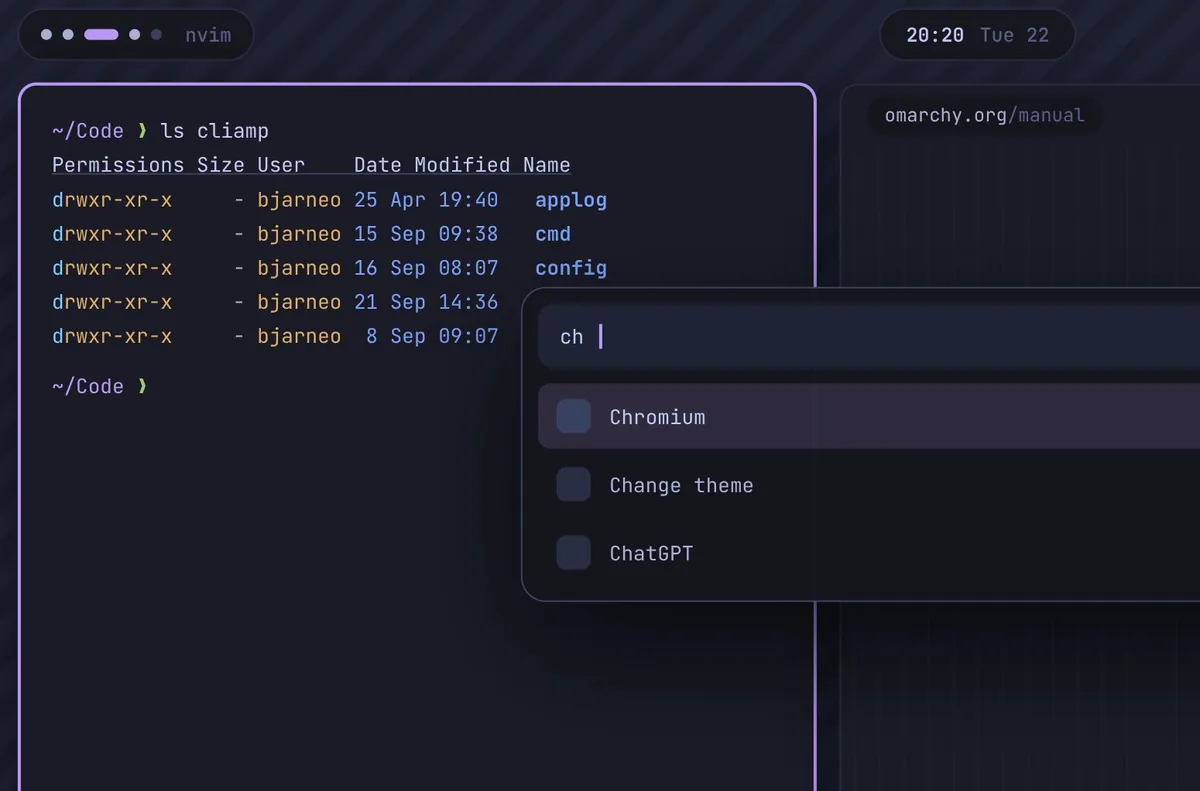
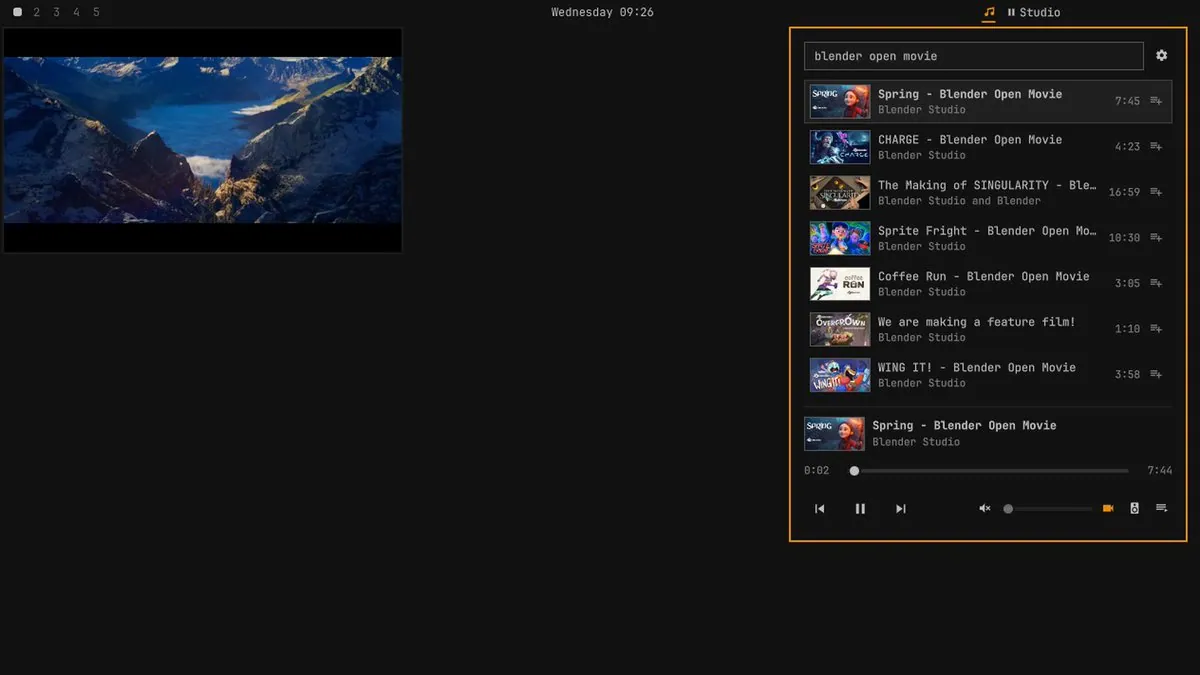
Justin Horner plays the Twisted Tower soundtrack via cliamp on Omarchy — desktop in view.
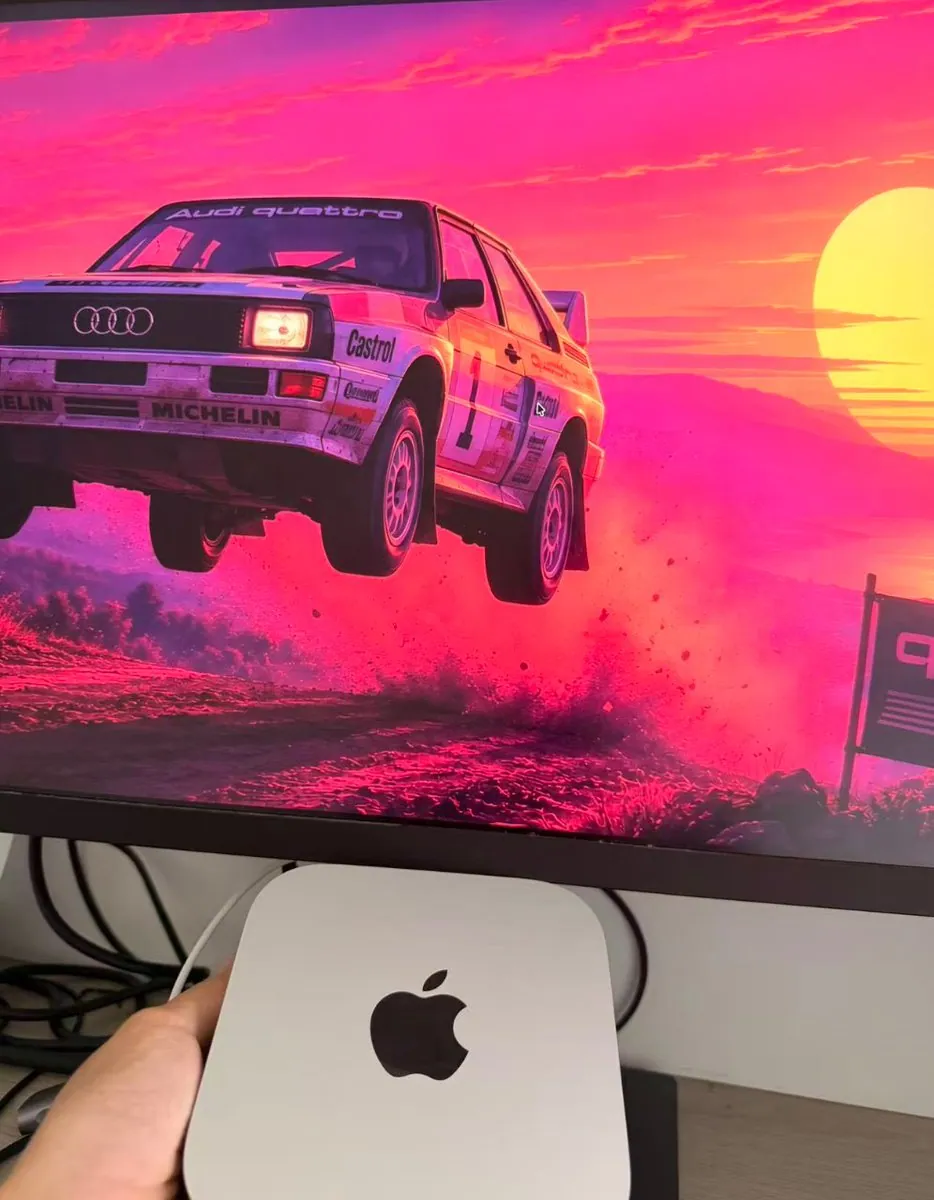
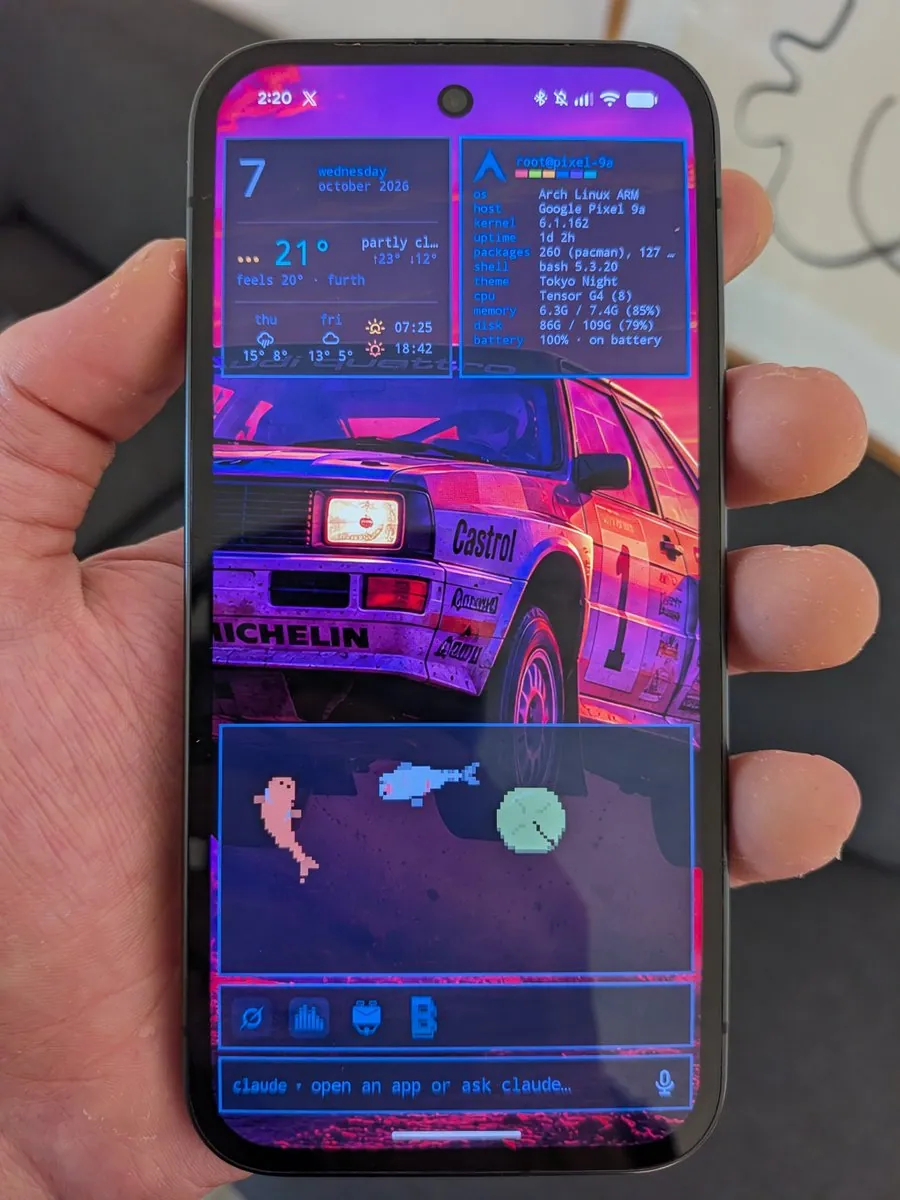
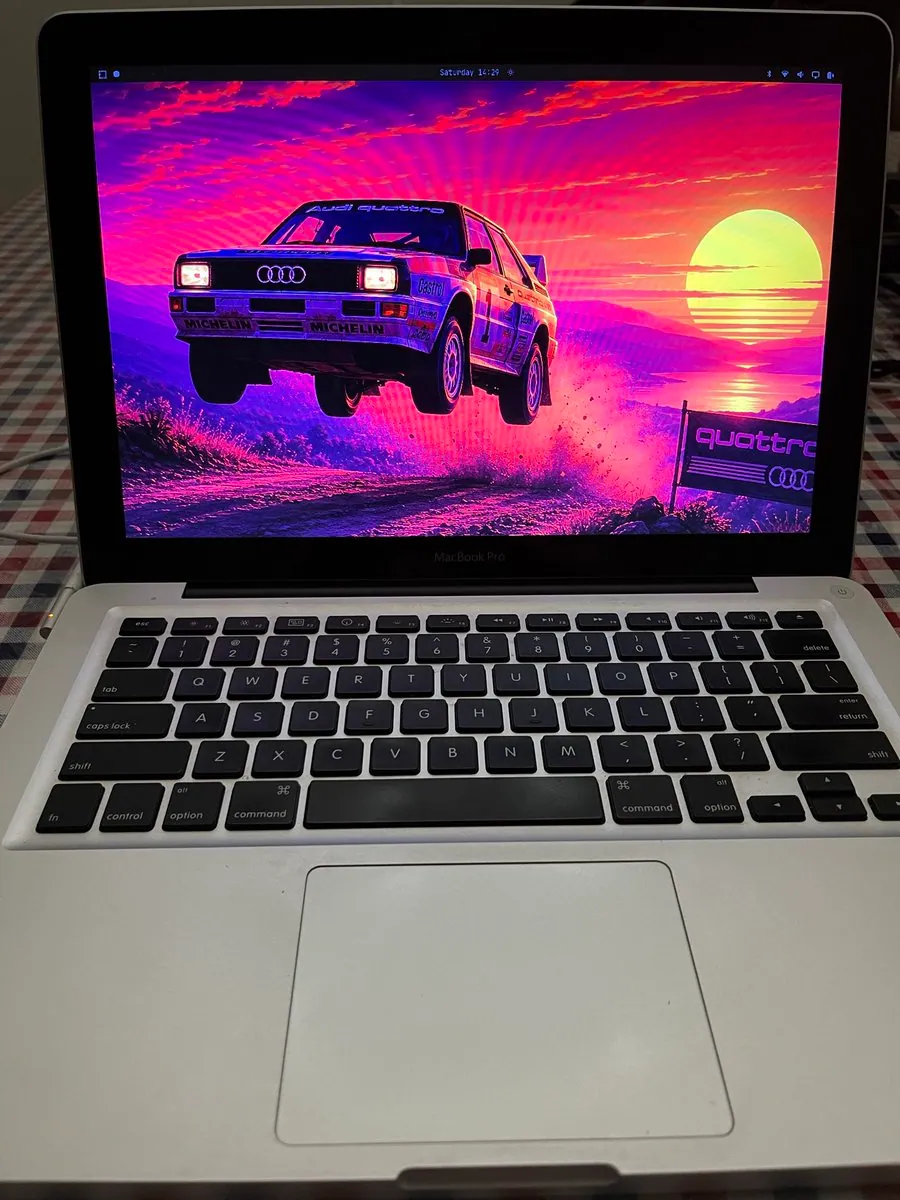
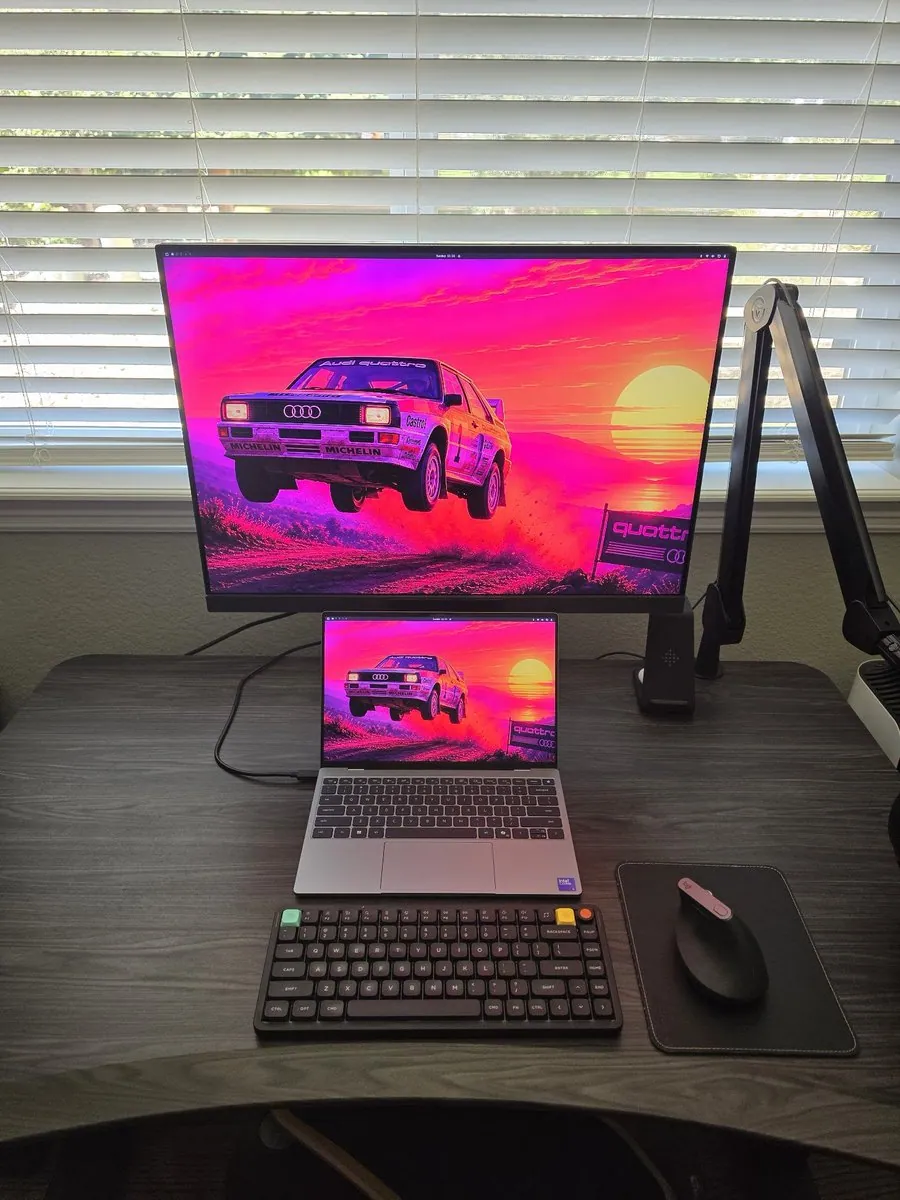
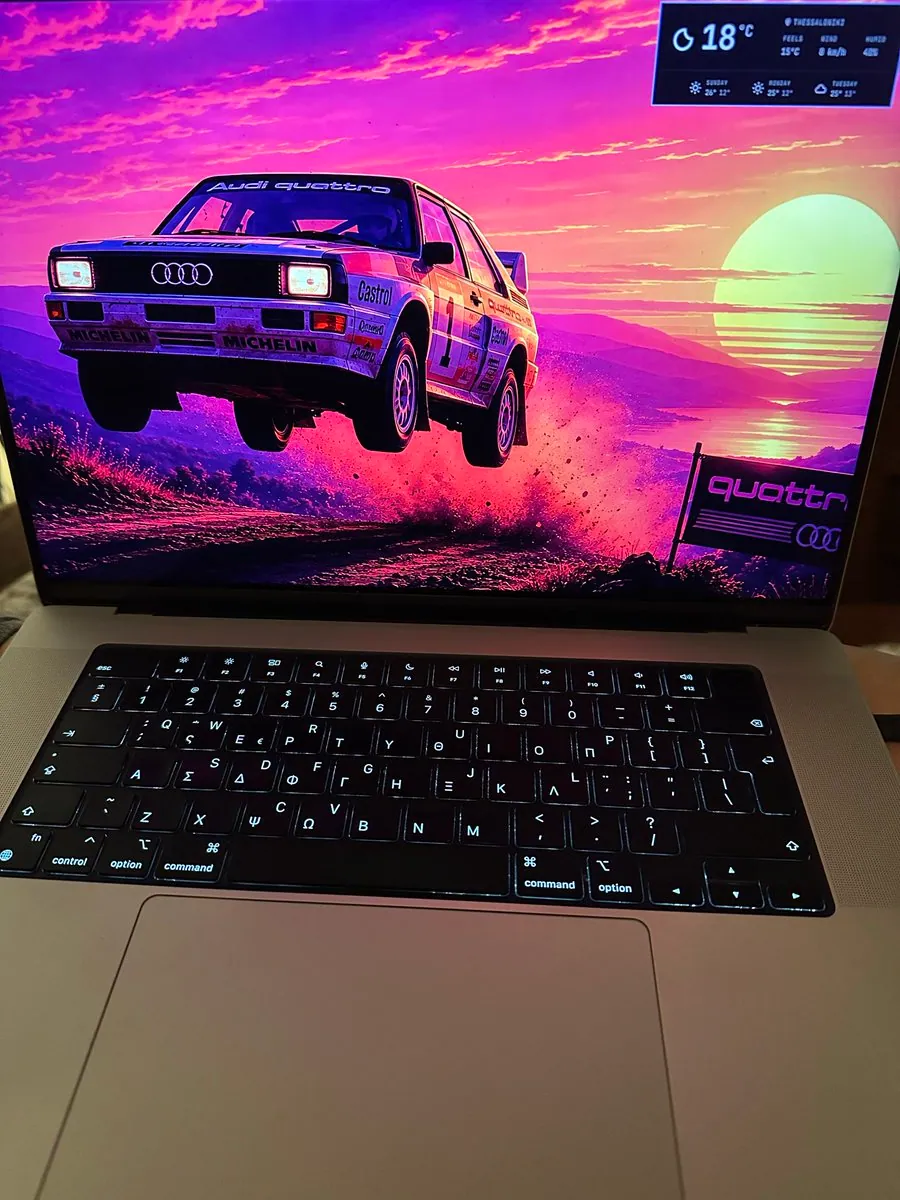
@Kai · Mac Mini
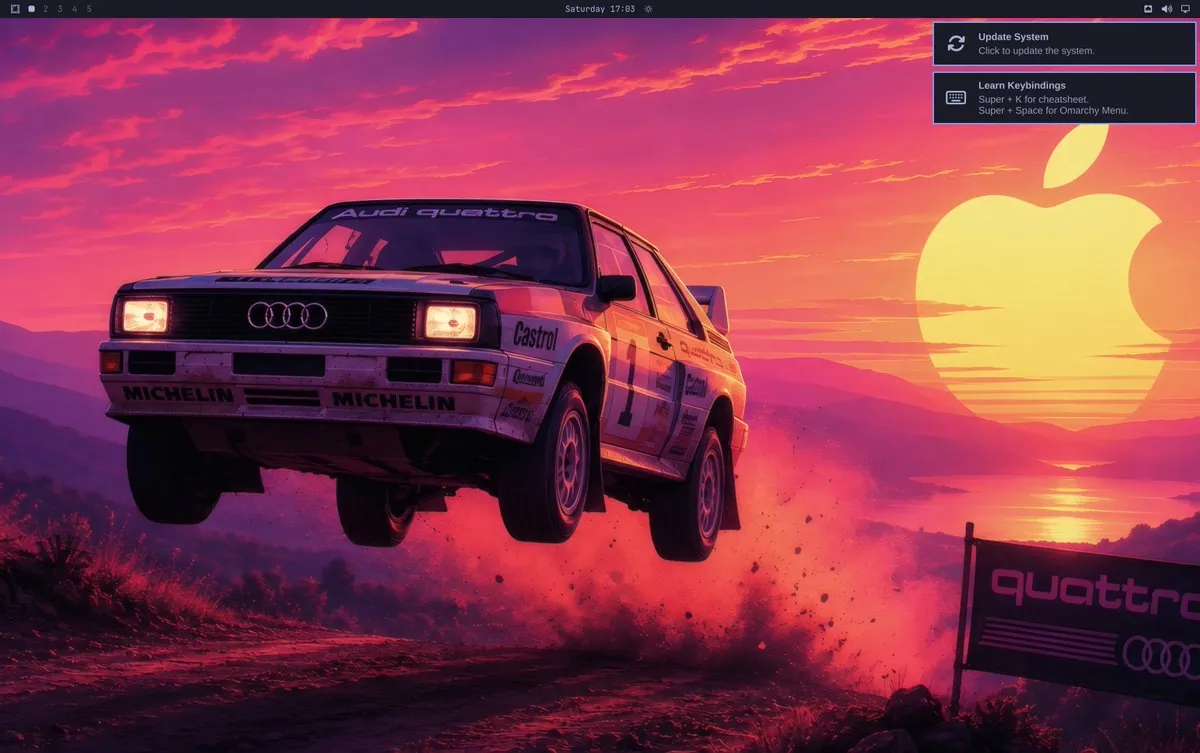
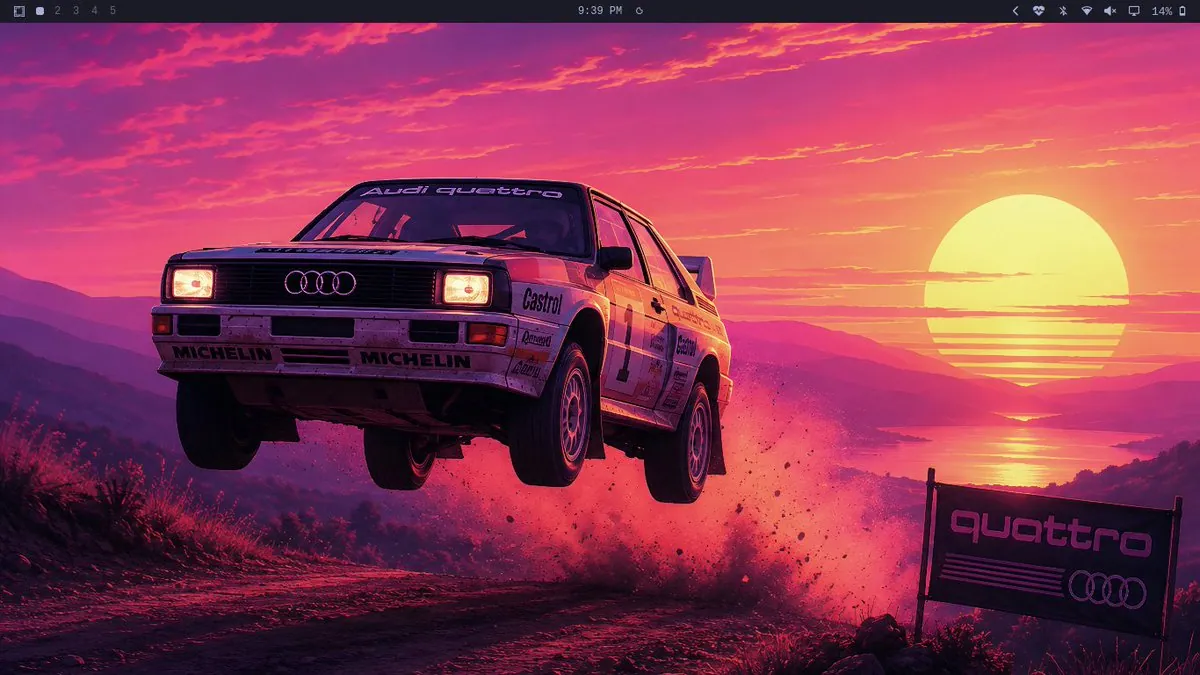
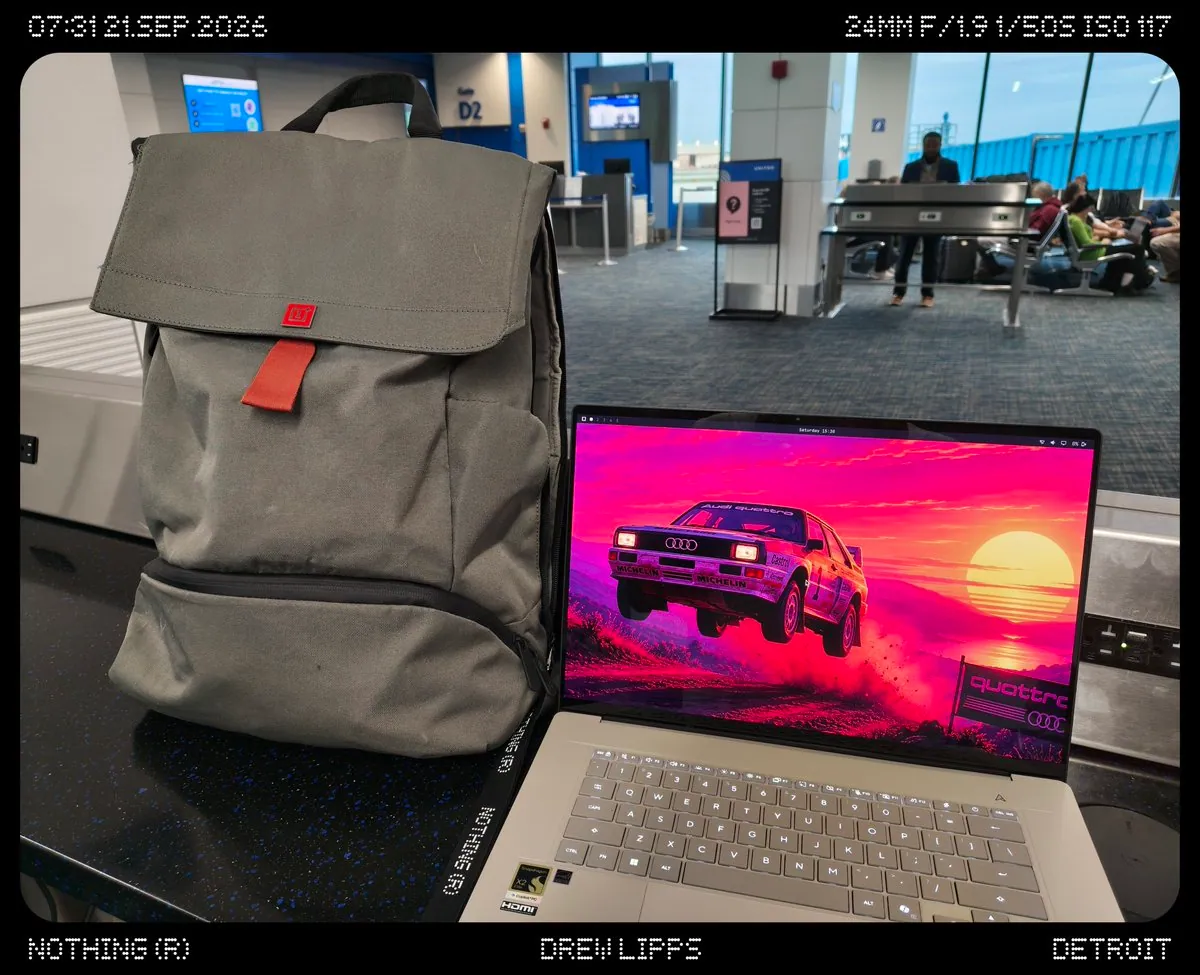
Kai gets Omarchy running on a Mac Mini with try-omarchy and switches between systems seamlessly, showing a synthwave rally-car desktop.
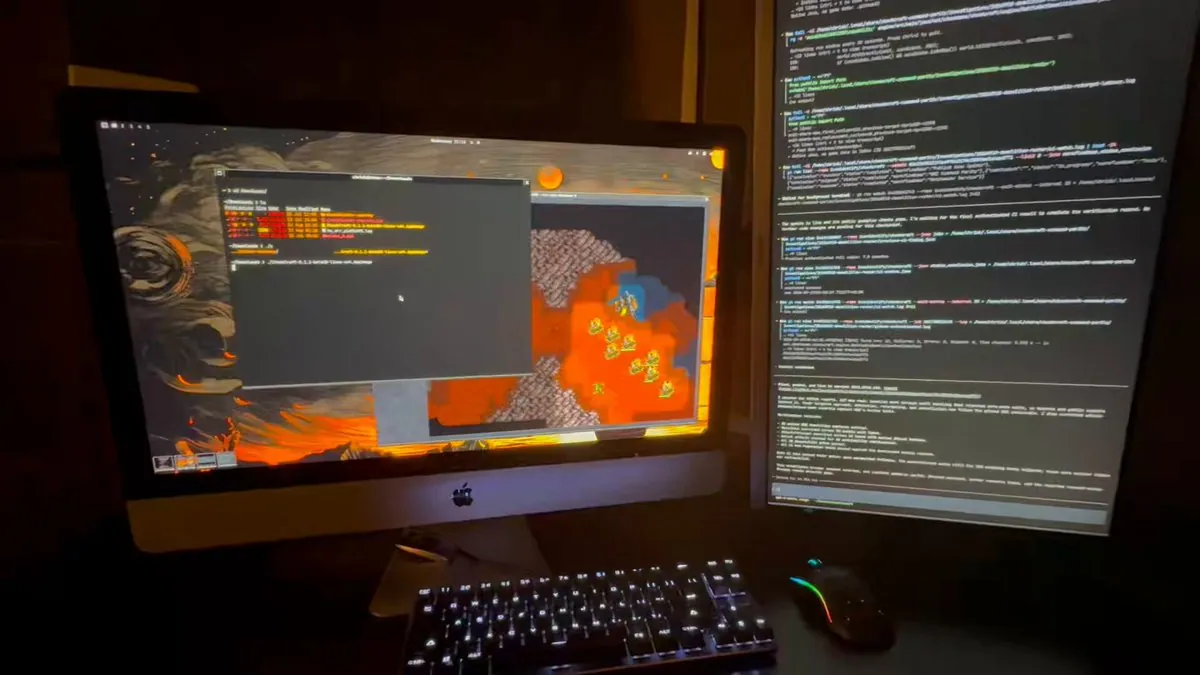
@Chris Kearney · iMac Retina 5K (2018)
Chris Kearney runs Omarchy on a 2018 iMac Retina 5K with an external monitor, using it as an AI engineering desk while SSHing to a larger build server.
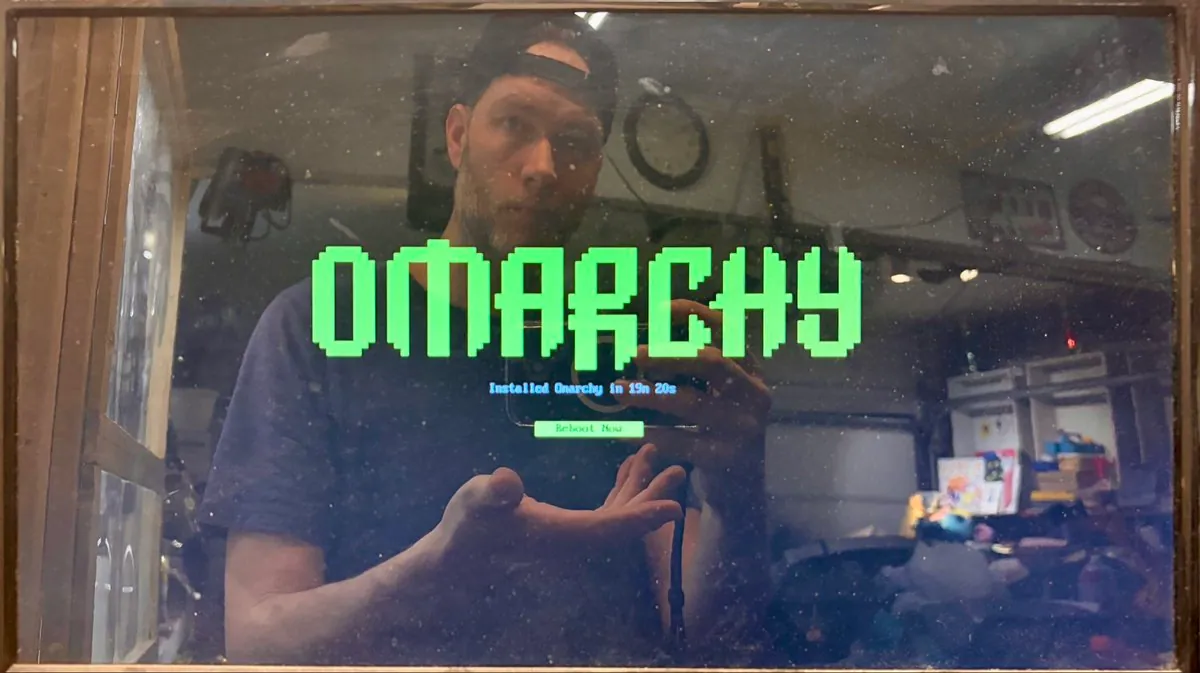
@Joshua Smith · Mac Mini (early 2012)
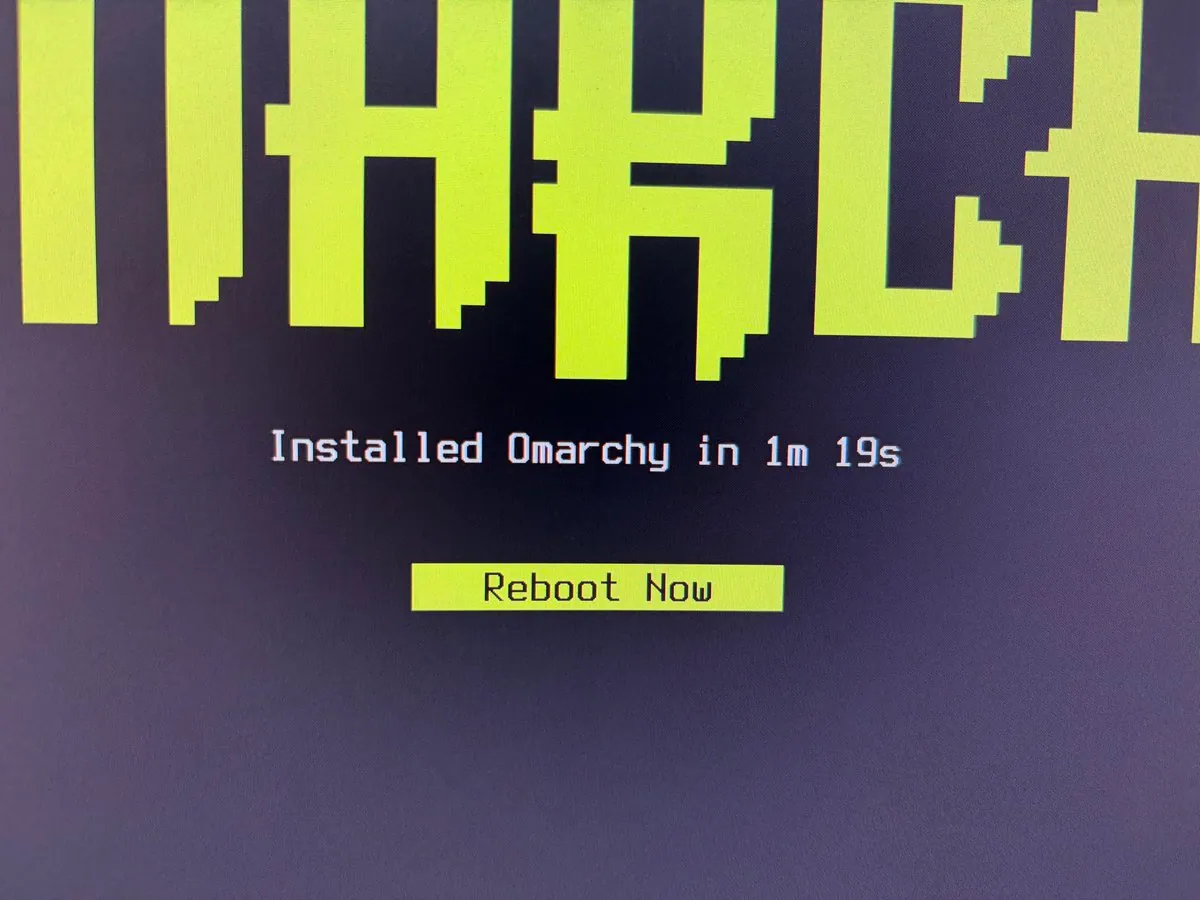
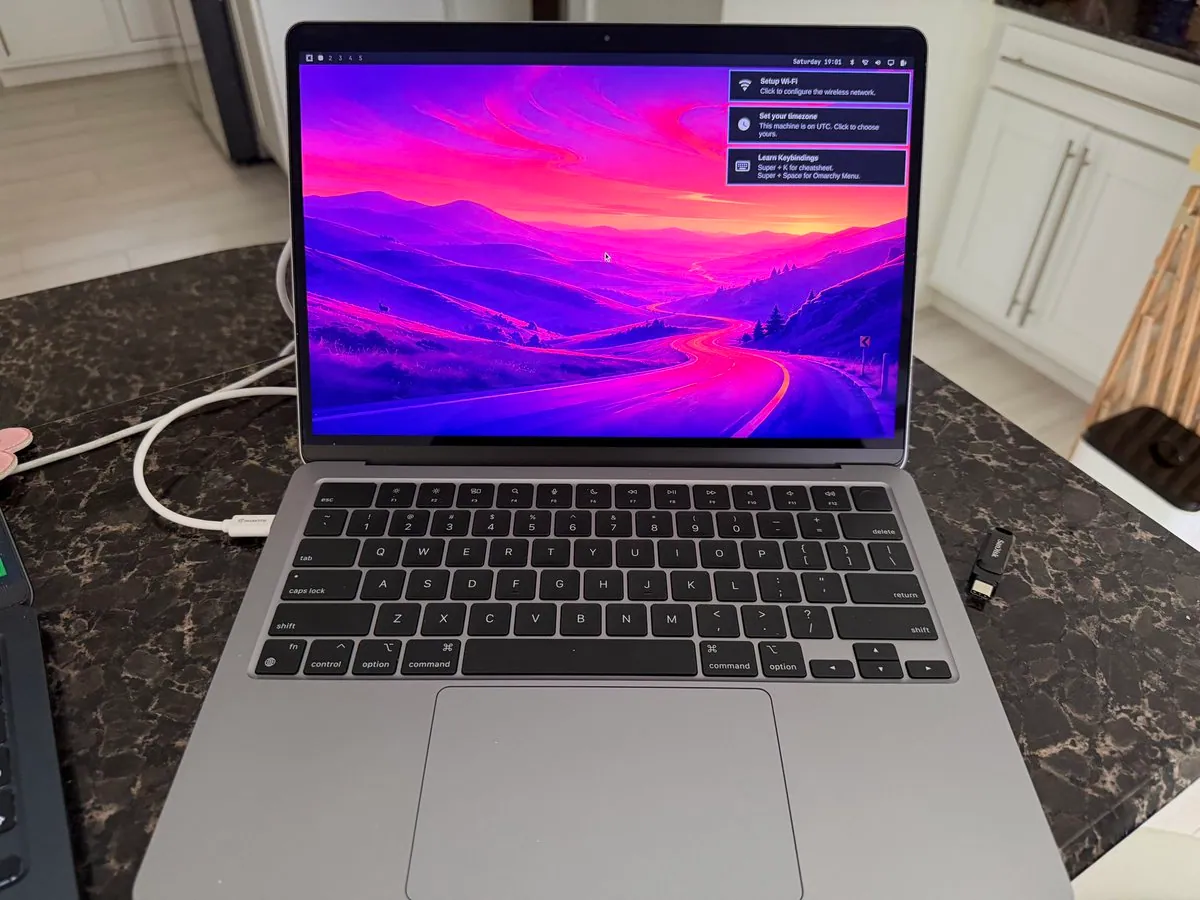
Joshua Smith installs Omarchy on an early-2012 Mac Mini in about 19 minutes, giving the aging machine a cooler-running desktop than Catalina ever managed.
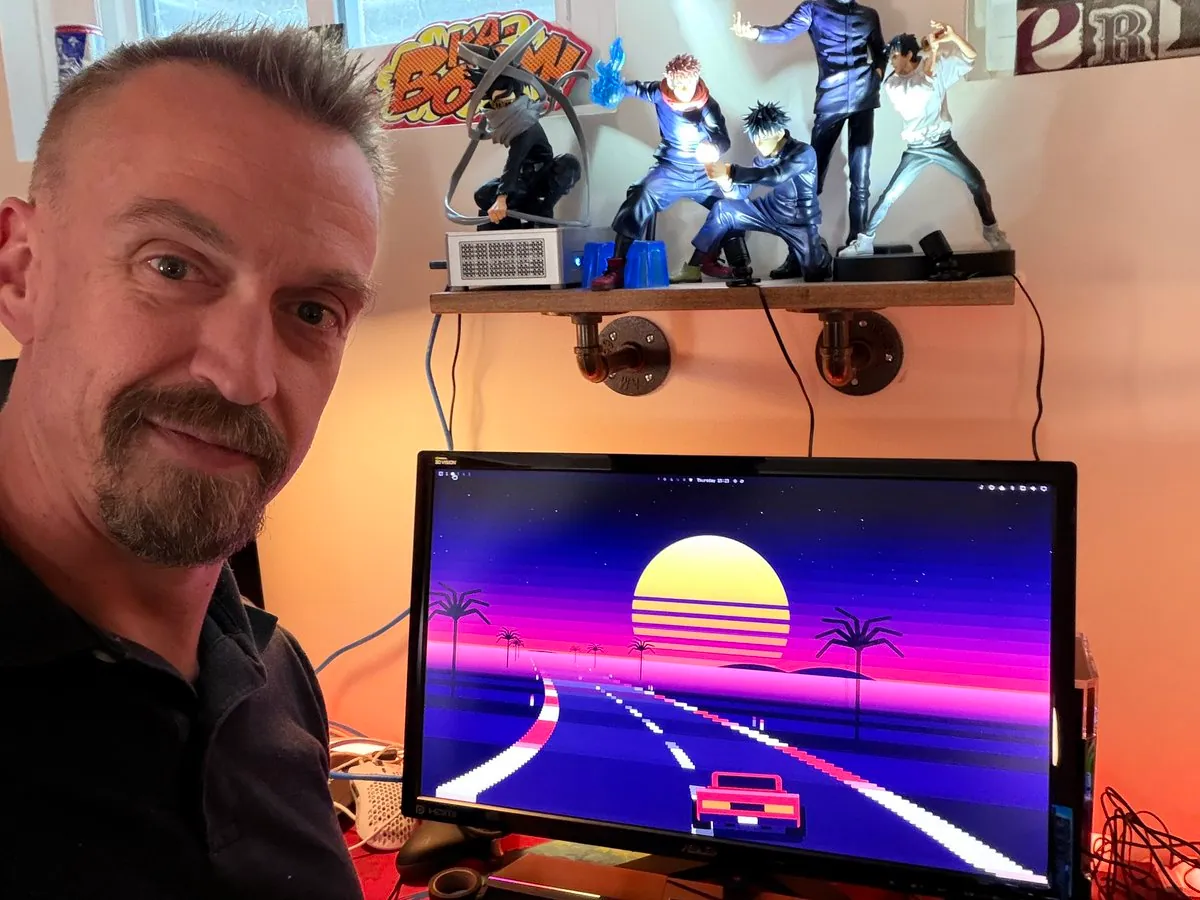
Justin Hammon shows an Omarchy desk with a Rad Racer–inspired moving background and mentions a plugin in progress to help new Linux/Omarchy users get acquainted.
Batista Harahap installs Omarchy Quattro on a beefy Dubai desktop in about 1m20s and argues install speed tracks NVMe generation more than CPU/RAM for this box.
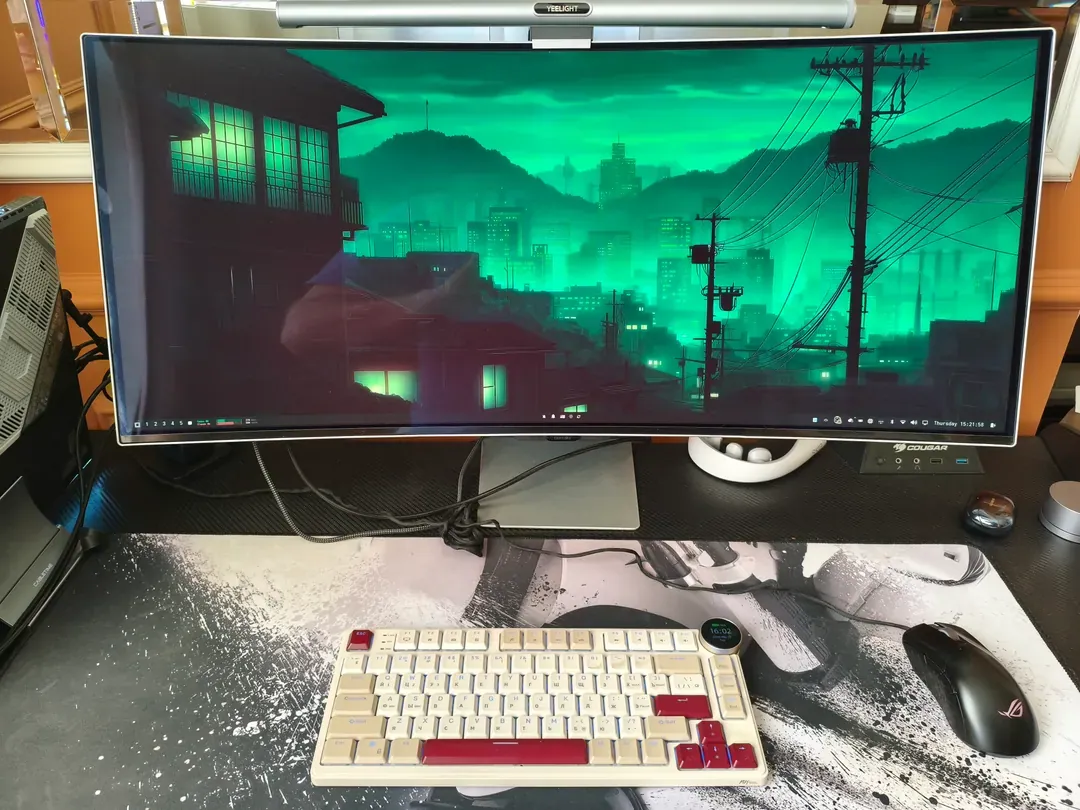
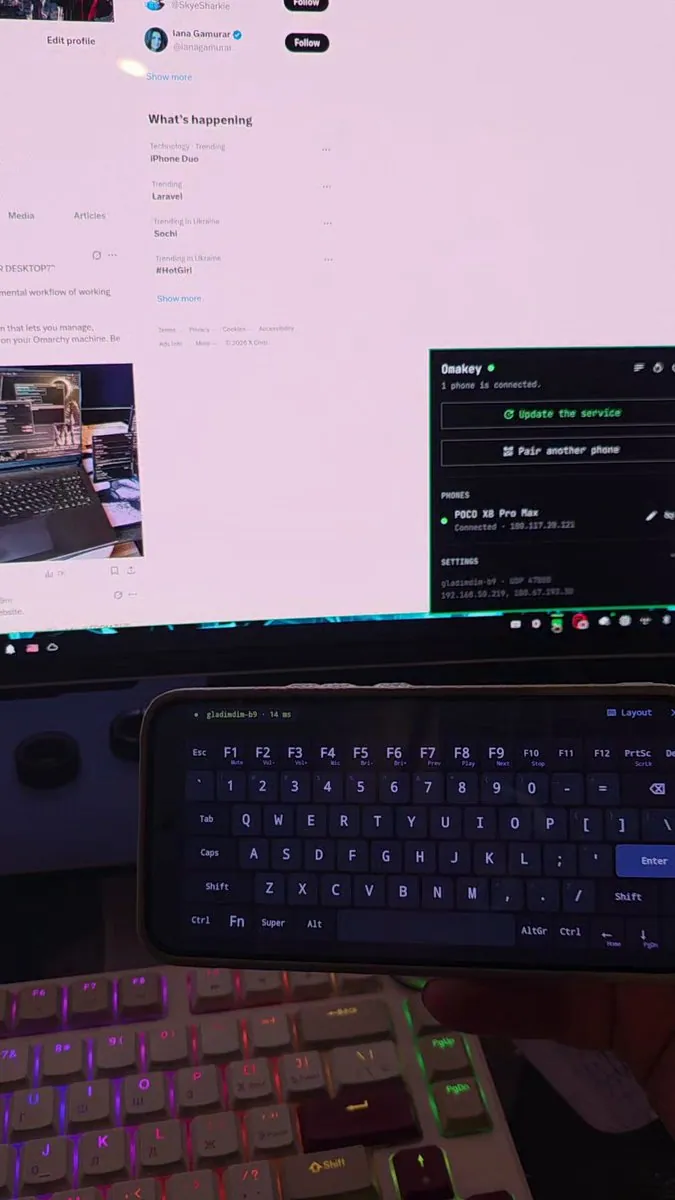
@gladimdim · Custom PC + Curved Ultrawide
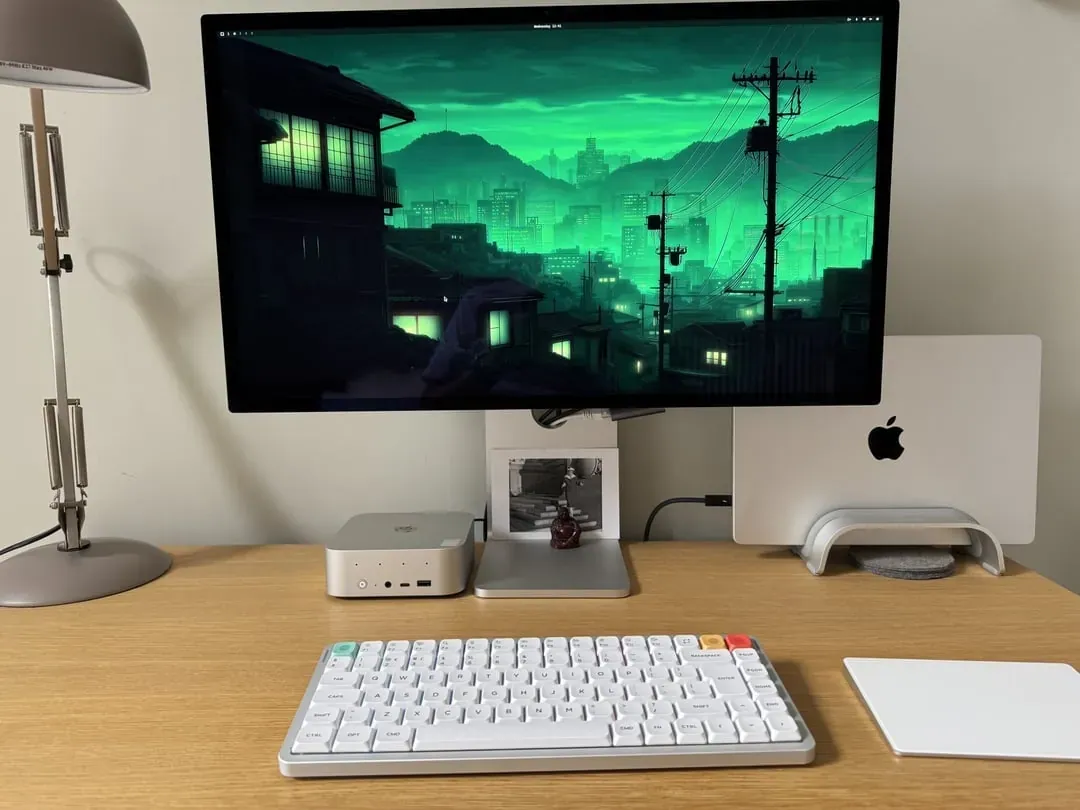
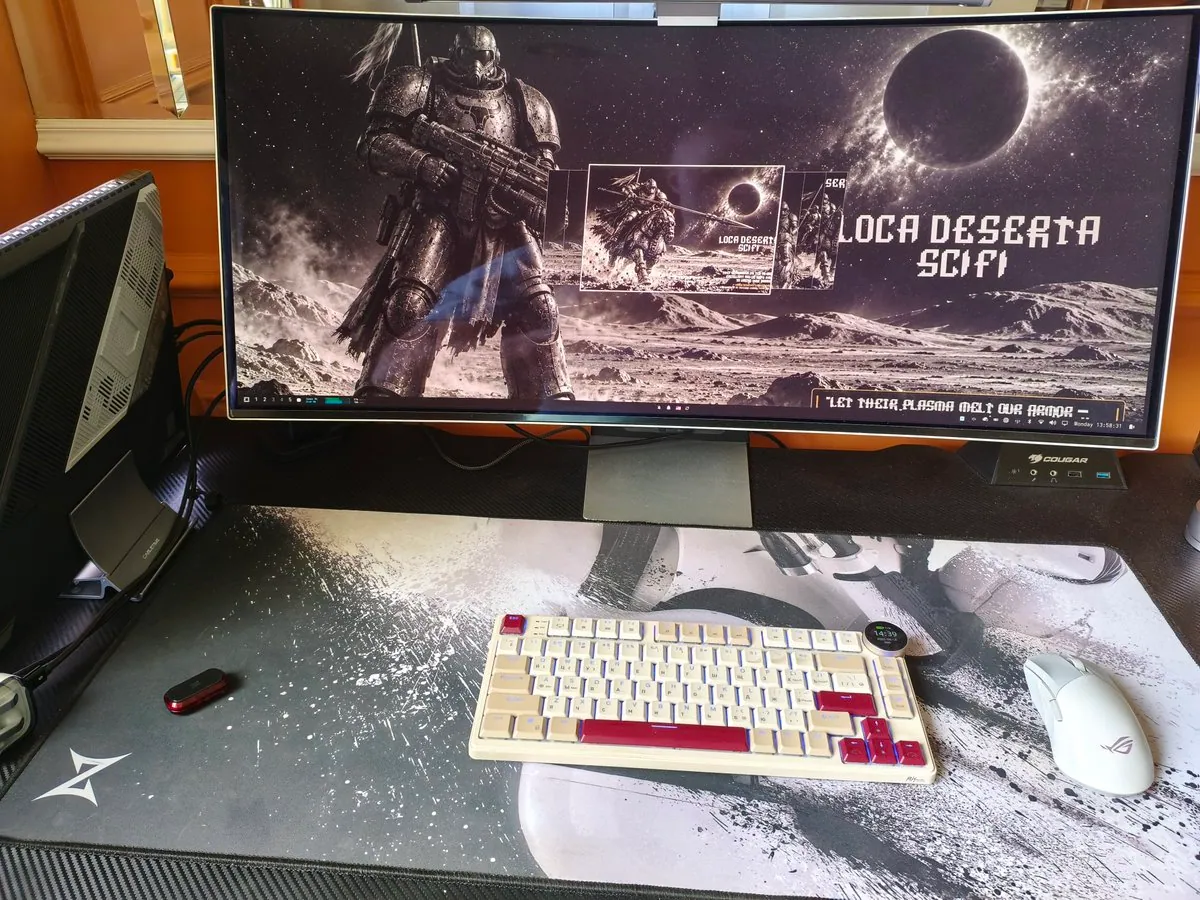
Curved ultrawide with a green anime cityscape, cream-and-red mechanical keyboard, and Yeelight bar.
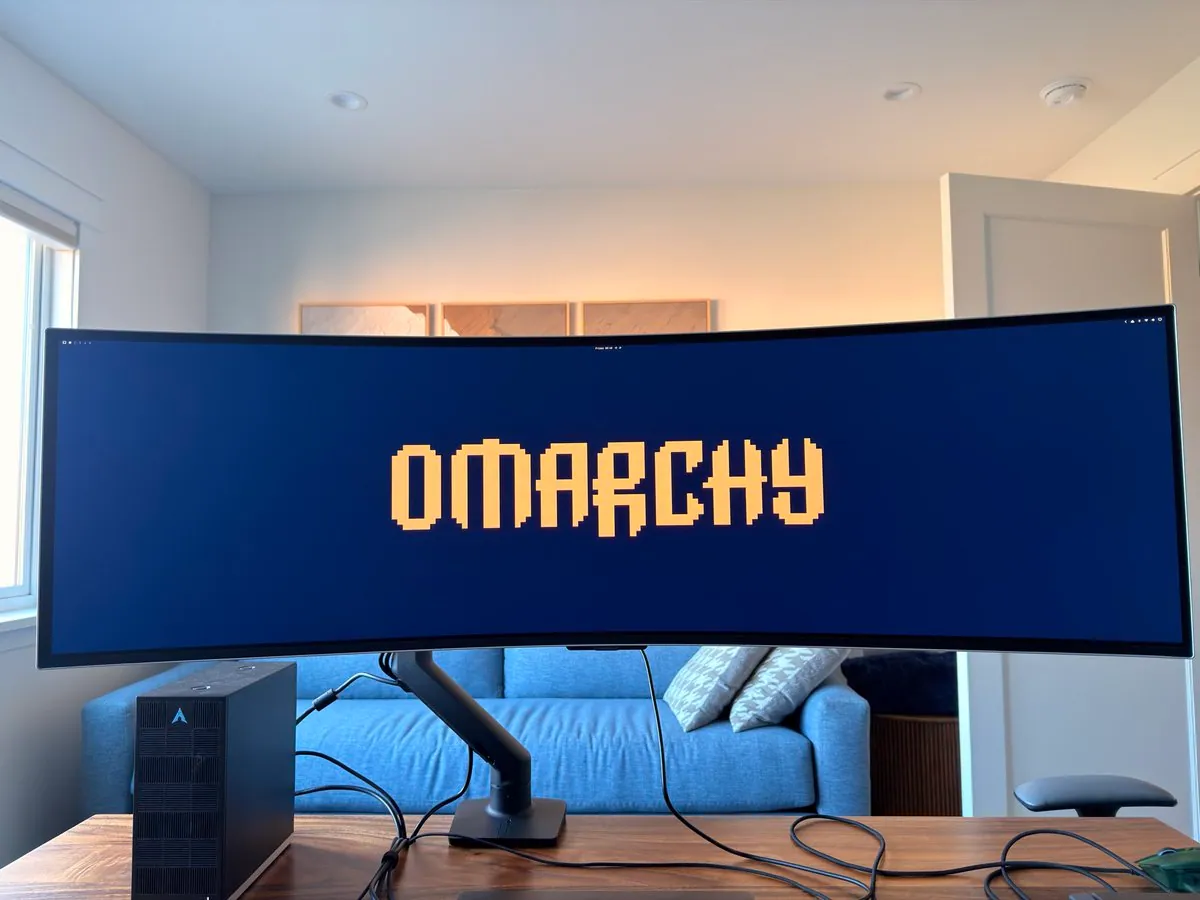
Ross Hale’s wood-desk setup: curved ultrawide showing the Omarchy wordmark wallpaper beside a small-form Arch-logo PC case.
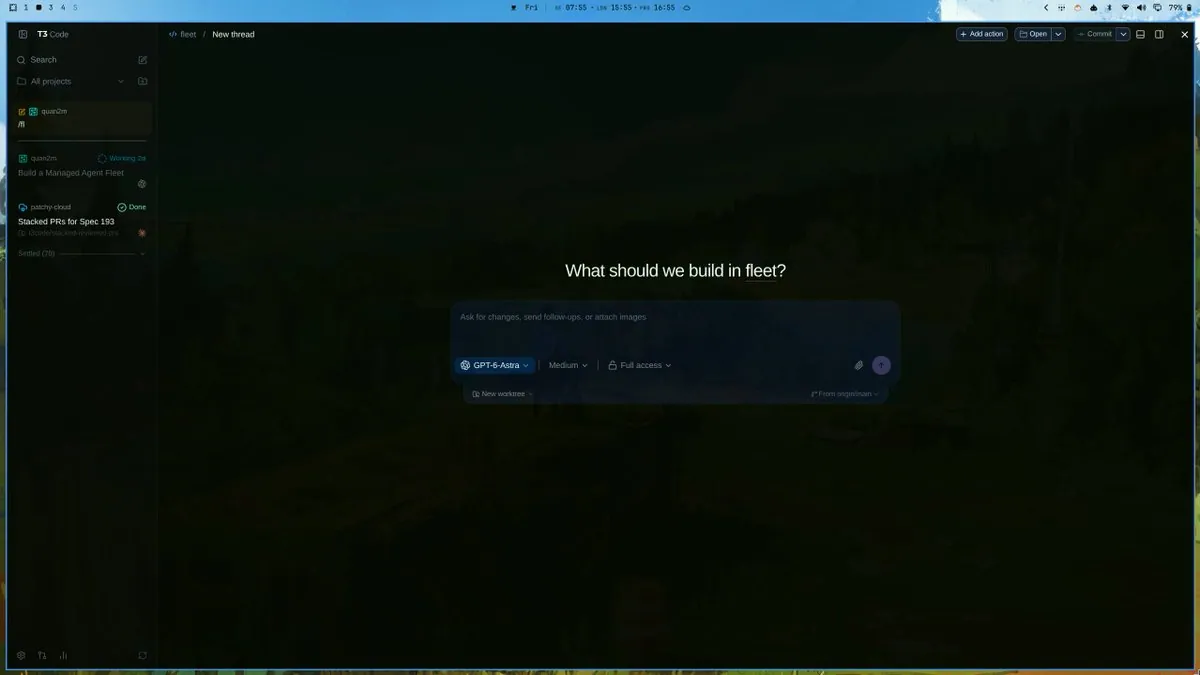
Allison M. catches T3 Code picking up the Omarchy theme on a fleet workspace desktop — dark glass UI with the Omarchy top bar visible.
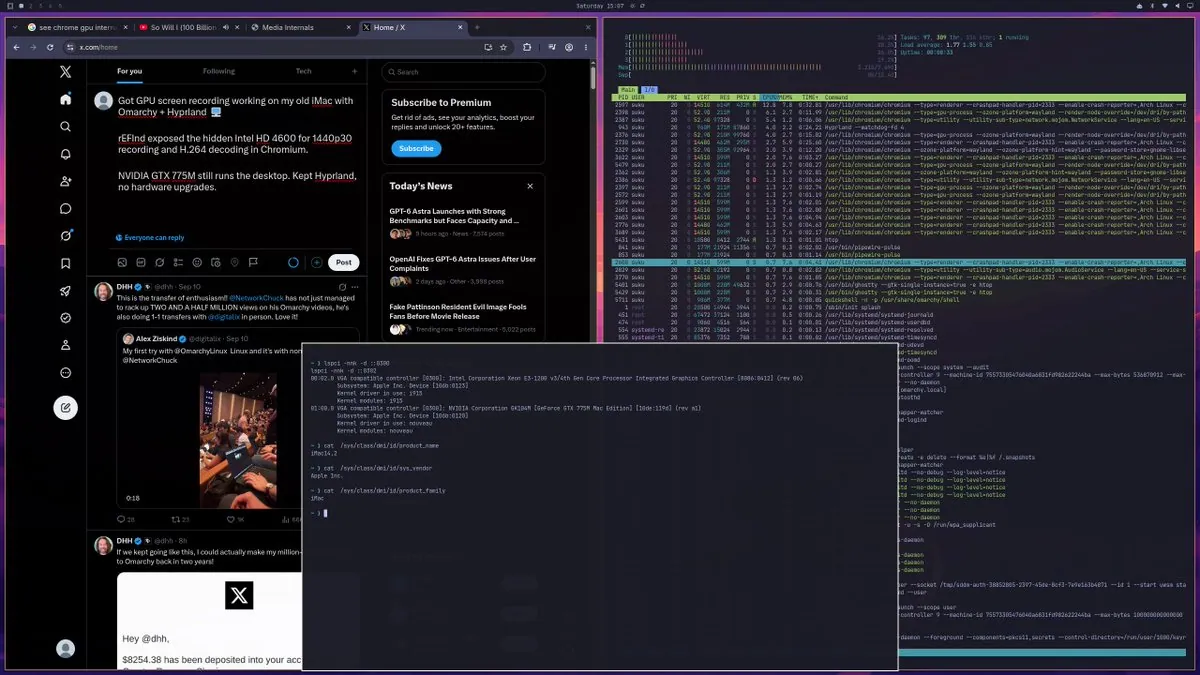
@Suku · iMac (Intel HD 4600 + GTX 775M)
Suku got 1440p30 screen recording and H.264 decode working on an old iMac under Omarchy + Hyprland by exposing the hidden Intel HD 4600 via rEFInd while the NVIDIA GTX 775M still drives the desktop — no hardware upgrades.
@Jordan Partridge · Framework Desktop Strix Halo
Jordan Partridge’s Omarchy desk on a Framework Desktop Strix Halo with 128GB RAM — “absolute work horse and such a fun computer.”
Prince (@prints_twt) on Omarchy as a daily driver: design-first and fast, community plugins that shape the workflow, cautious on AI-first, and fun enough to beat vanilla Arch commitment issues — with desk photos.
@um1ng_x · Ryzen mini PC
um1ng_x runs Omarchy on a sub-$450 Ryzen 7 mini PC with buttery 4K@60 Hyprland — Windows left behind.
itcaat shares a desk shot after being talked into trying Omarchy, the trendy Arch-based Linux desktop.
MichaelGannotti’s Sunday morning Omarchy desk with Hermes and OpenClaw AI running — plus sleepy dogs.
MichaelGannotti shows Hermes on Omarchy updating installed plugins for morning system maintenance after catching up on PRs.
digitalalltech showcases the Omarchy Giants theme (warm sepia-on-paper) with a desktop shot and the dhh/omarchy-giants-theme repo.
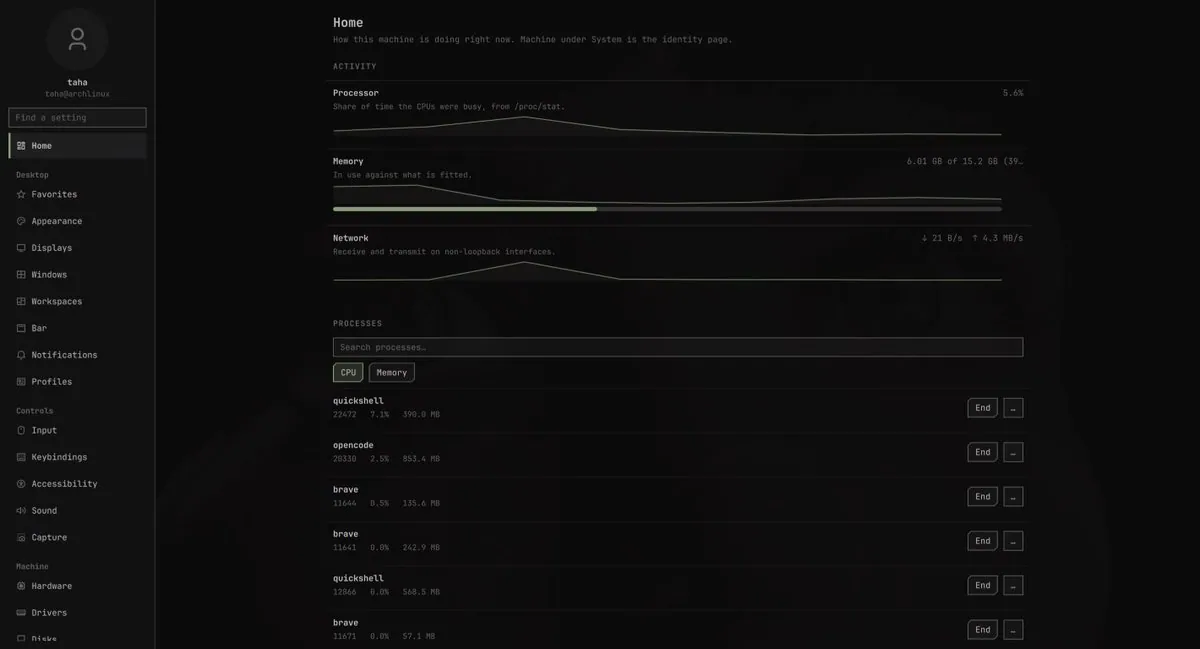
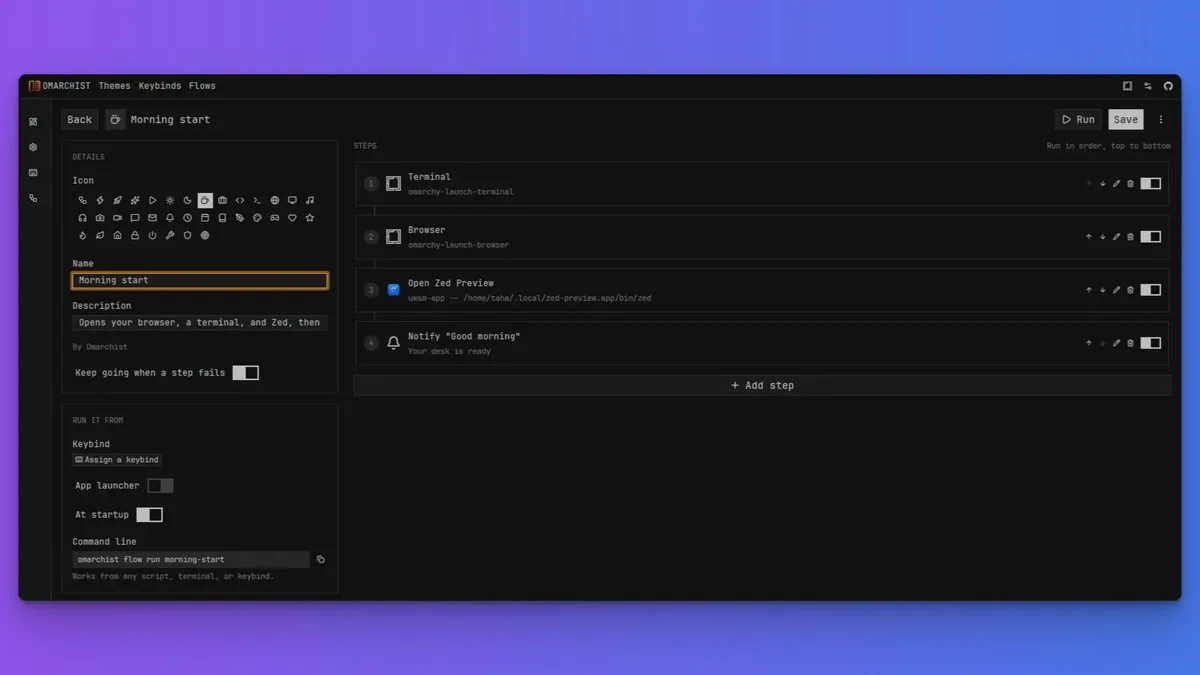
tahasdx shows an Atmos desktop build and asks DHH to consider it as a default Omarchy look.
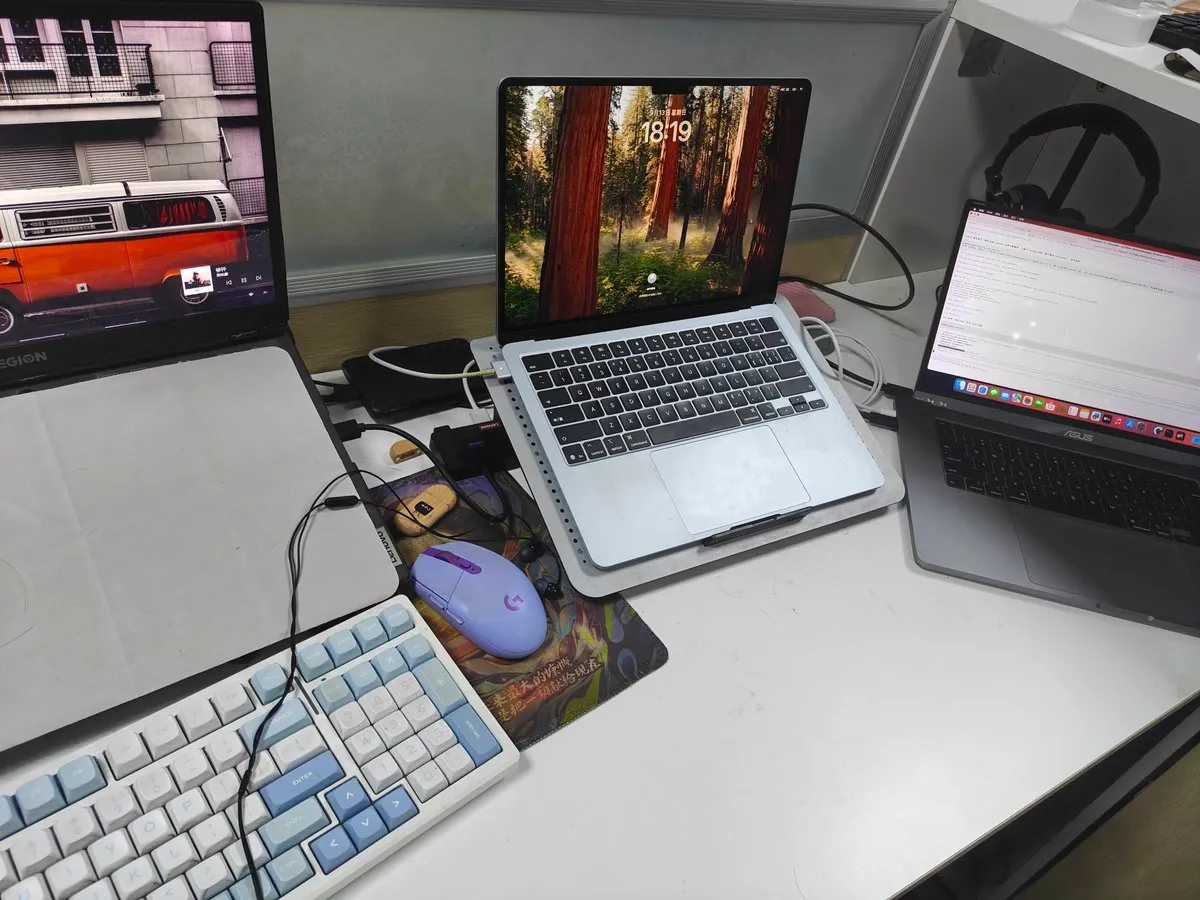
yitaOvO’s desk gathers Windows, macOS, and Omarchy Linux side by side — still mainly on Mac for day-to-day.
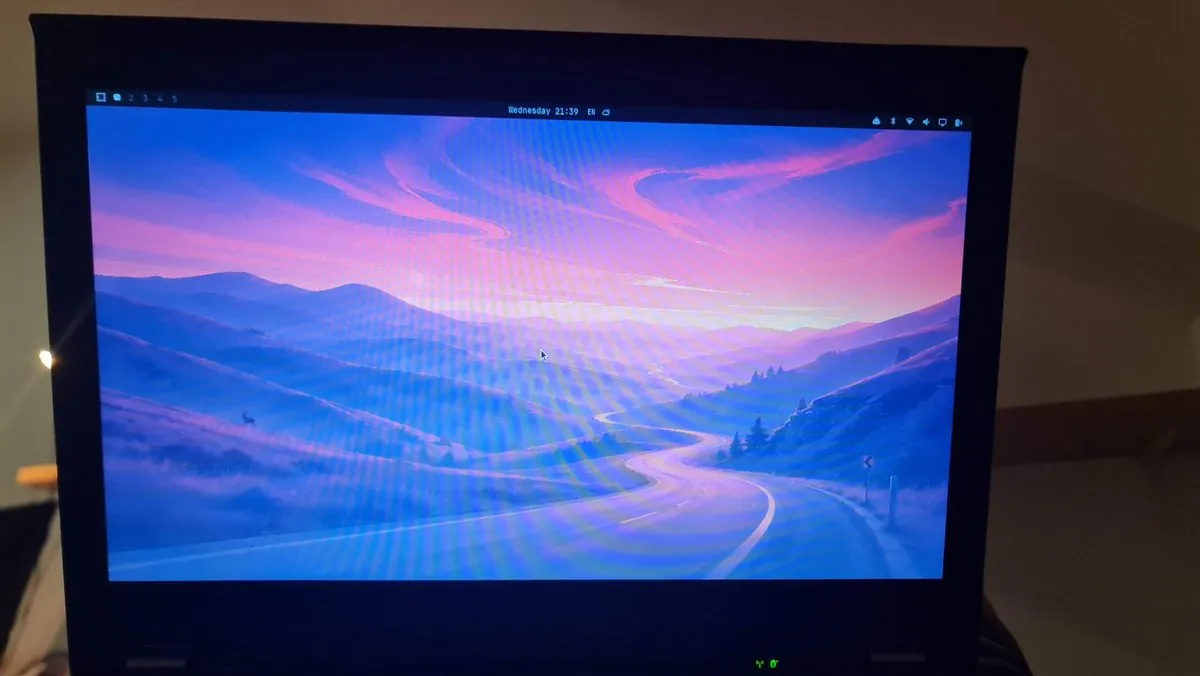
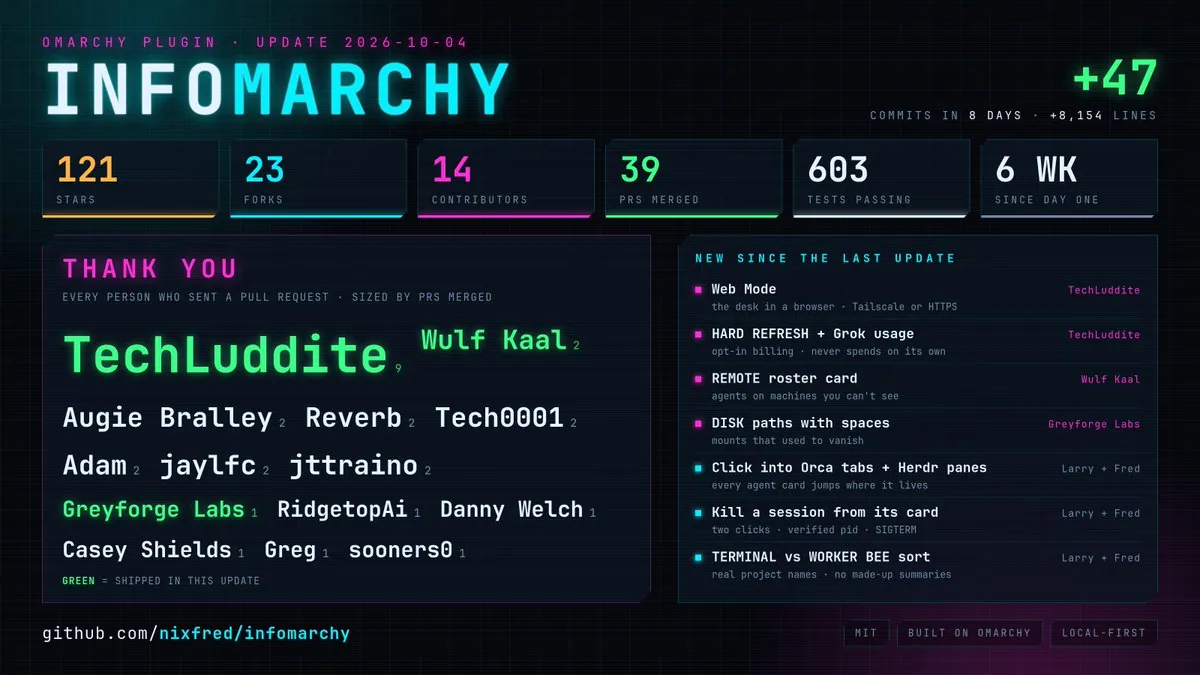
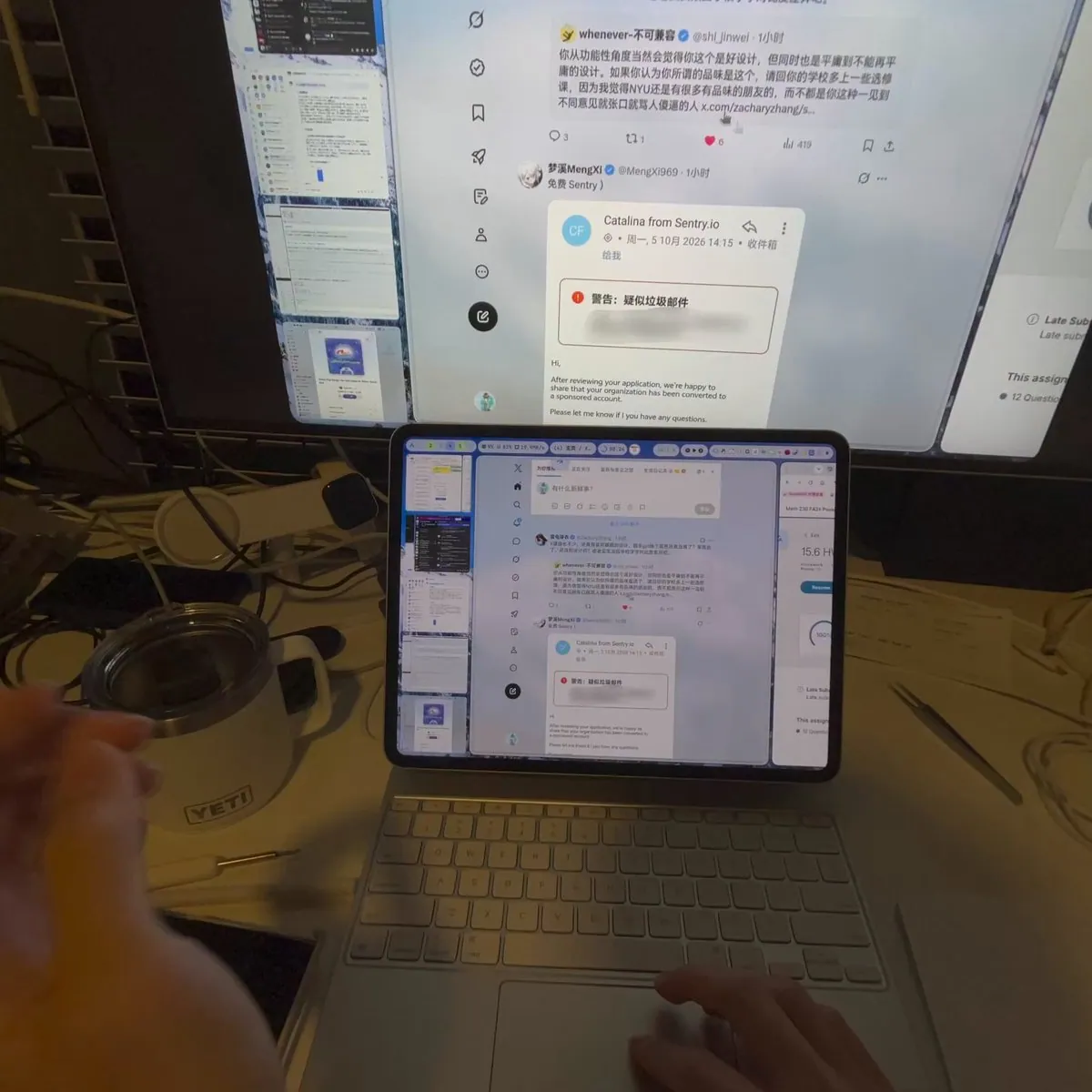
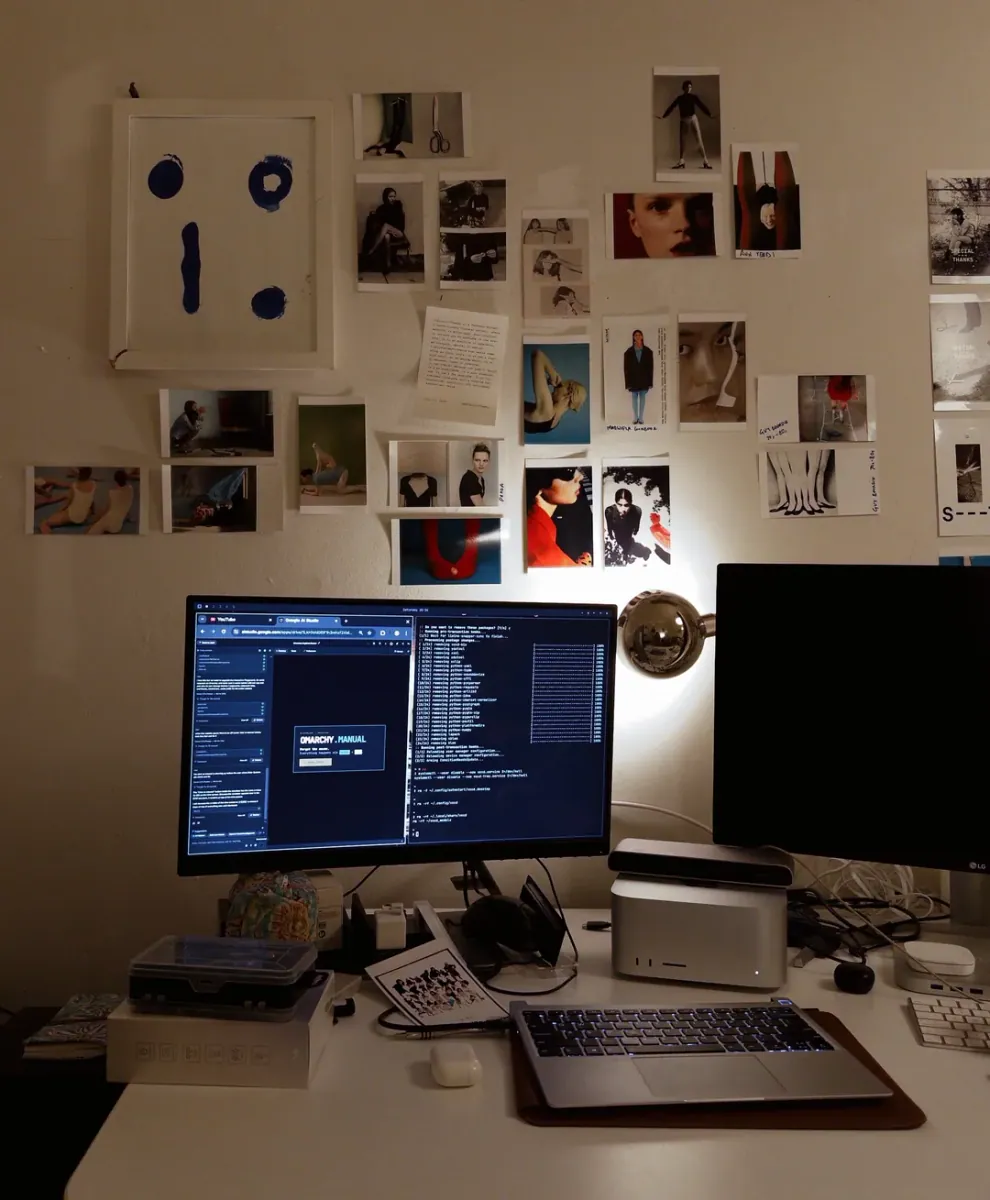
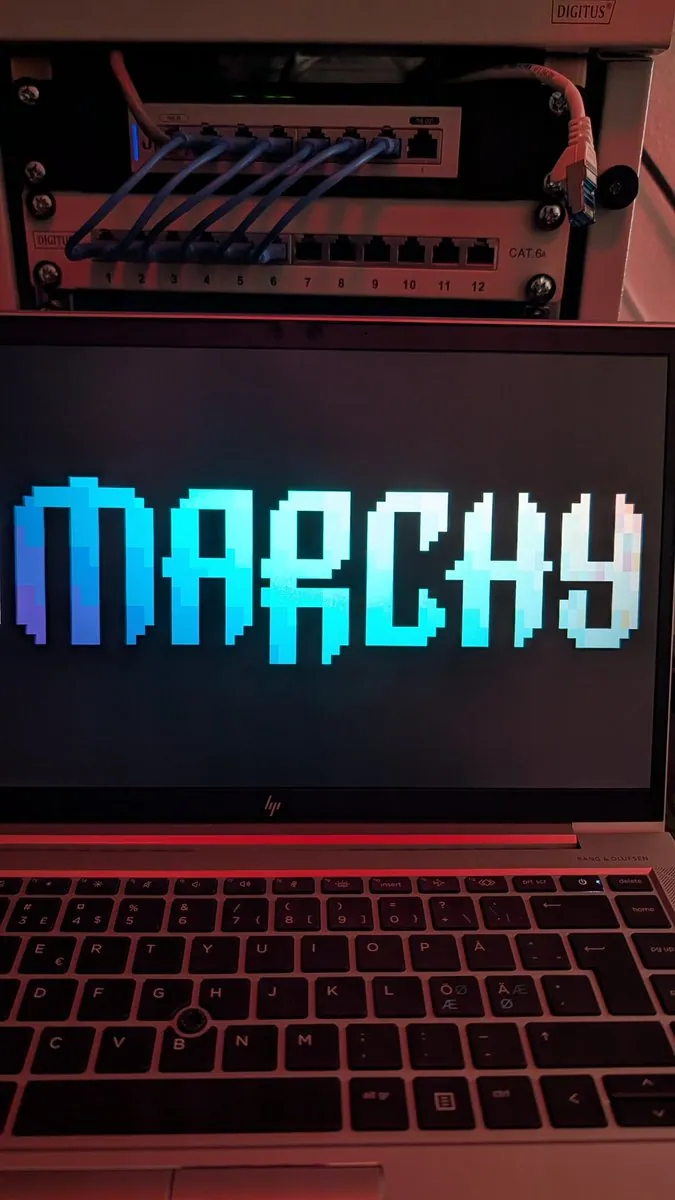
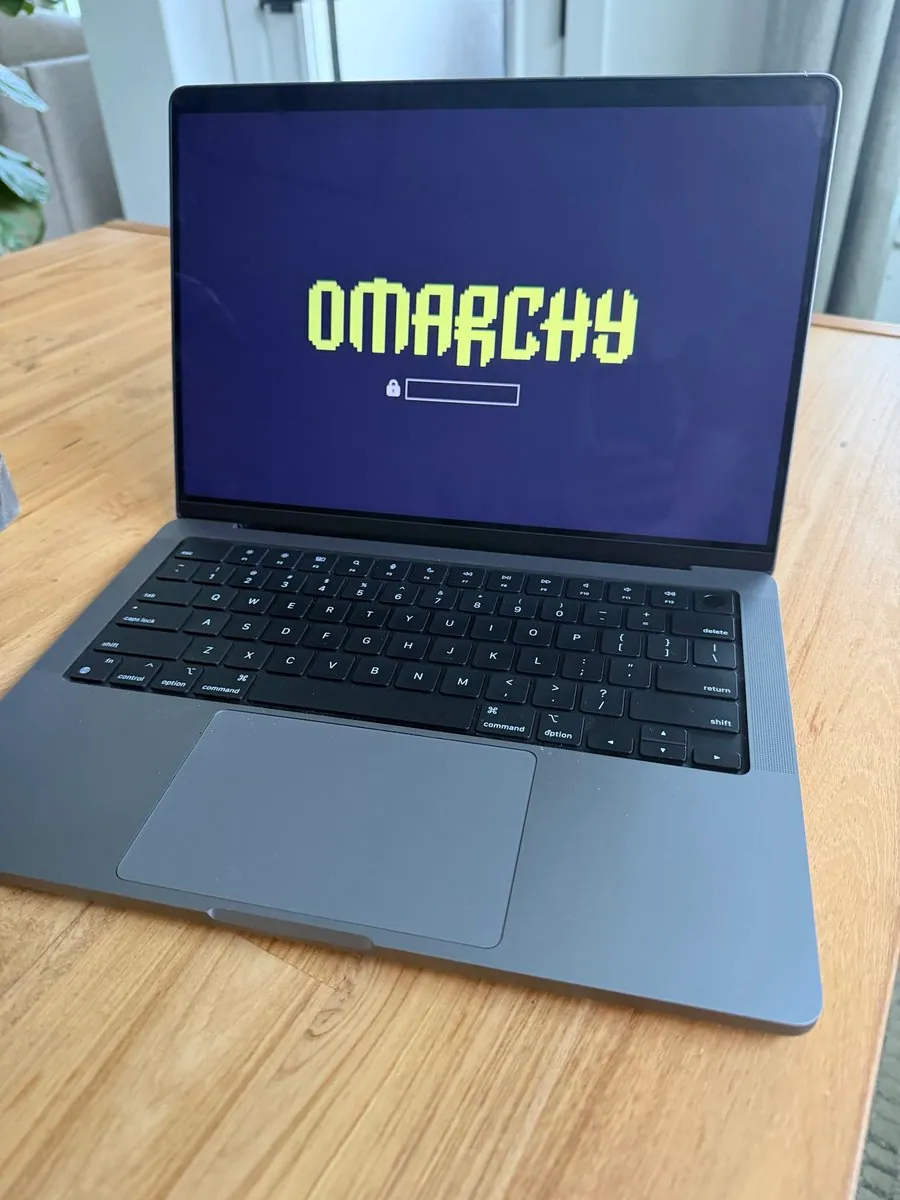
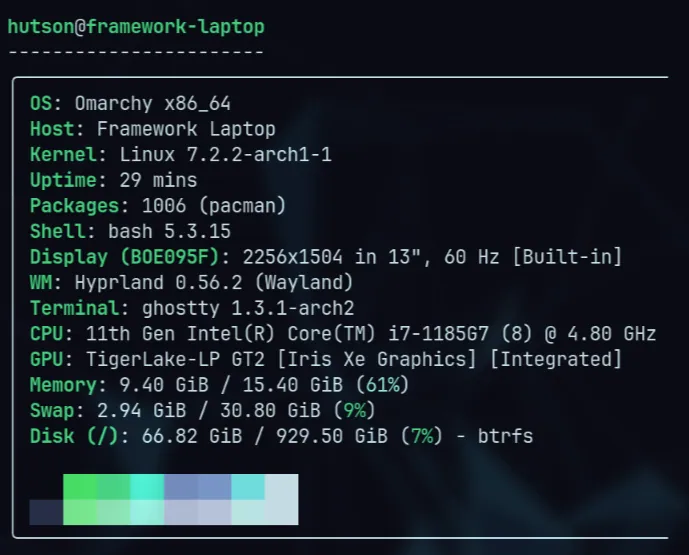
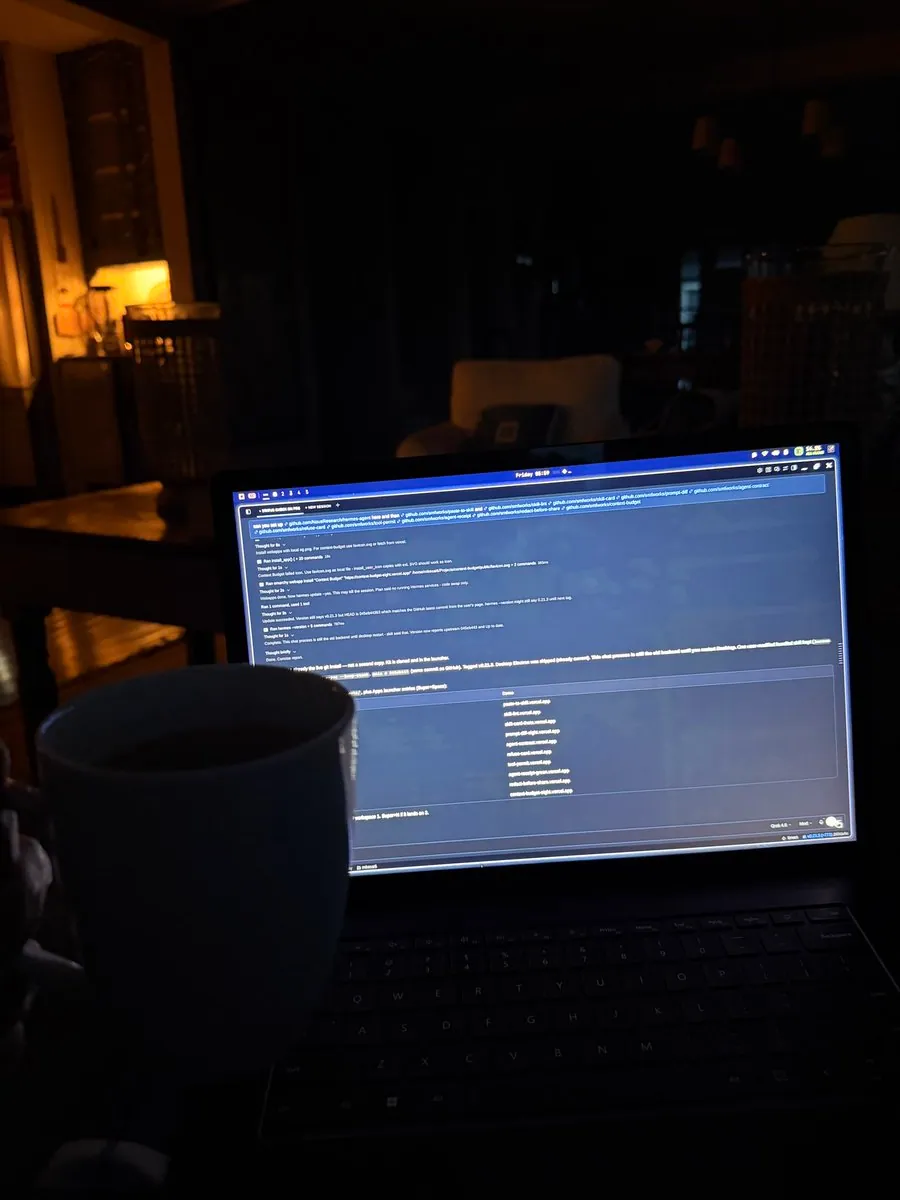
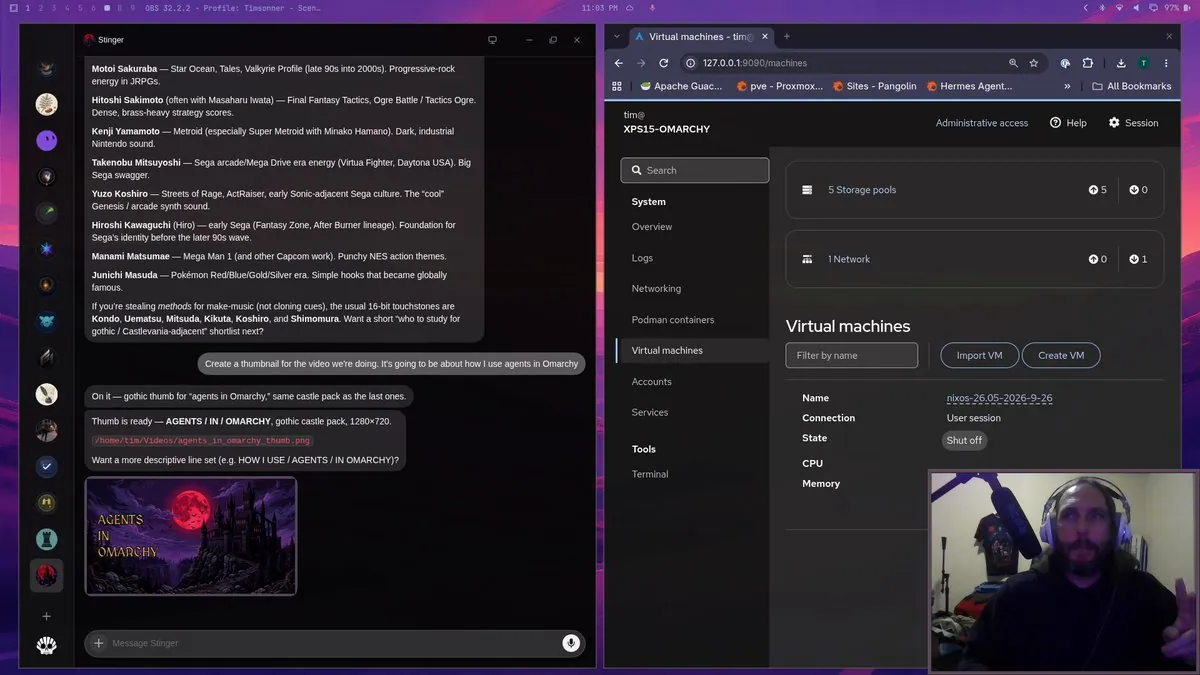
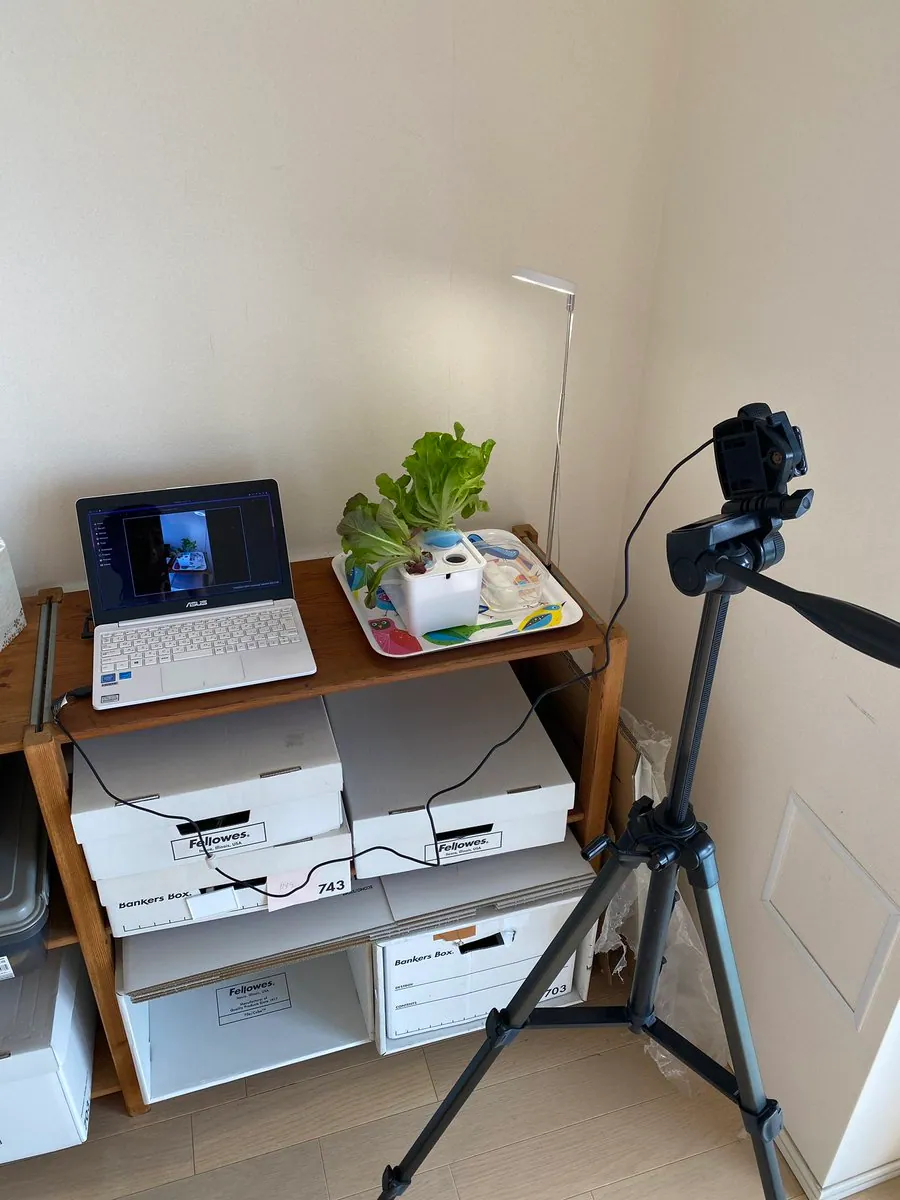
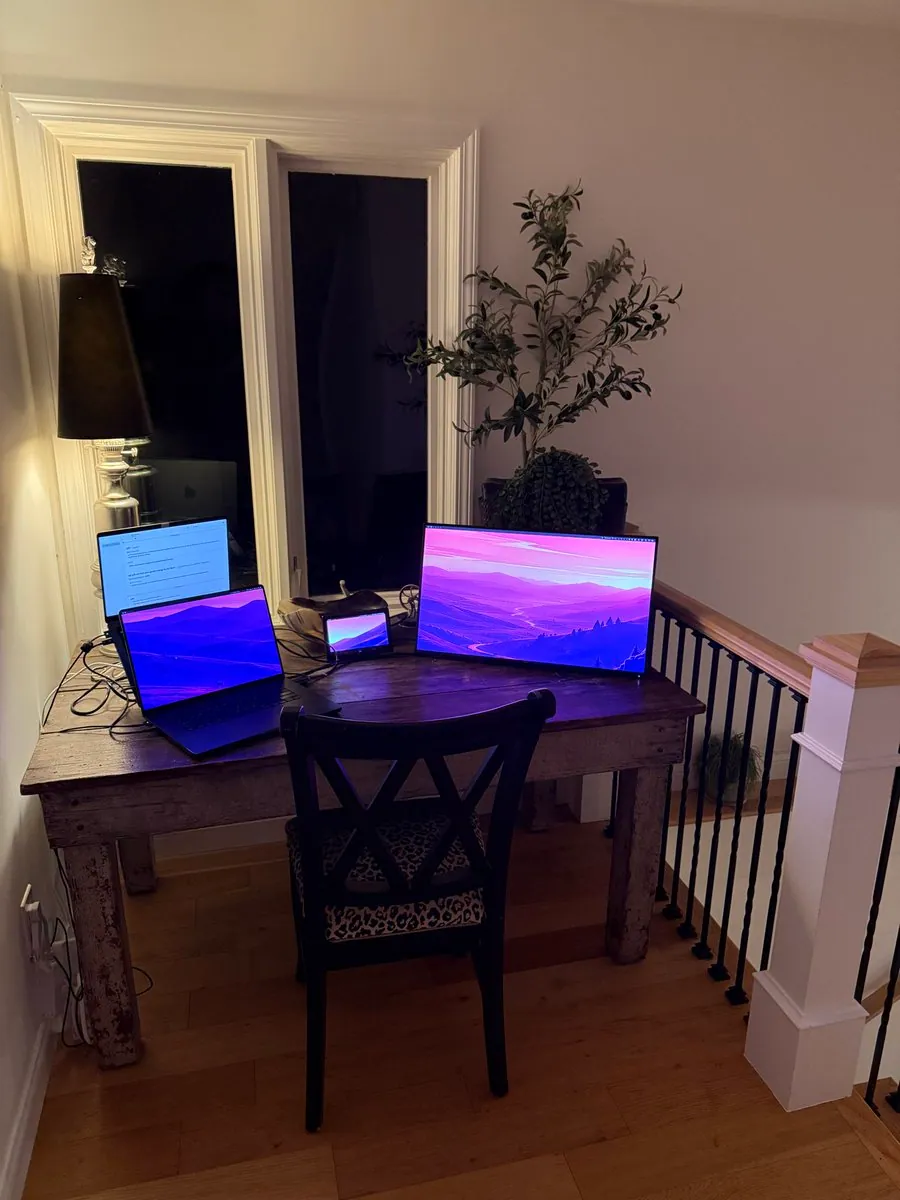
NixFred shares the desk where he works on Omarchy and invites others to post their setups.
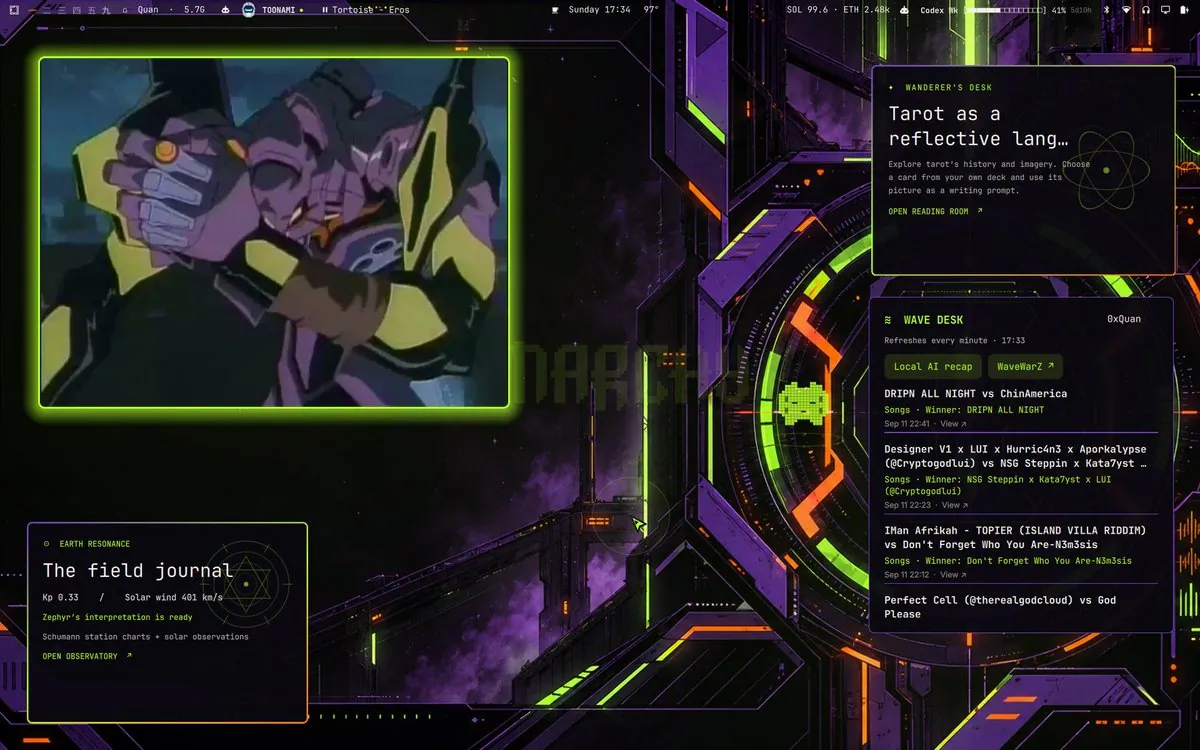
_0xQuan shares a custom Evangelion-inspired Omarchy theme with a desktop screenshot.
iamdothash shares a behind-the-scenes video of the iconic Malibu desk and introduces the Omarchy Core team.
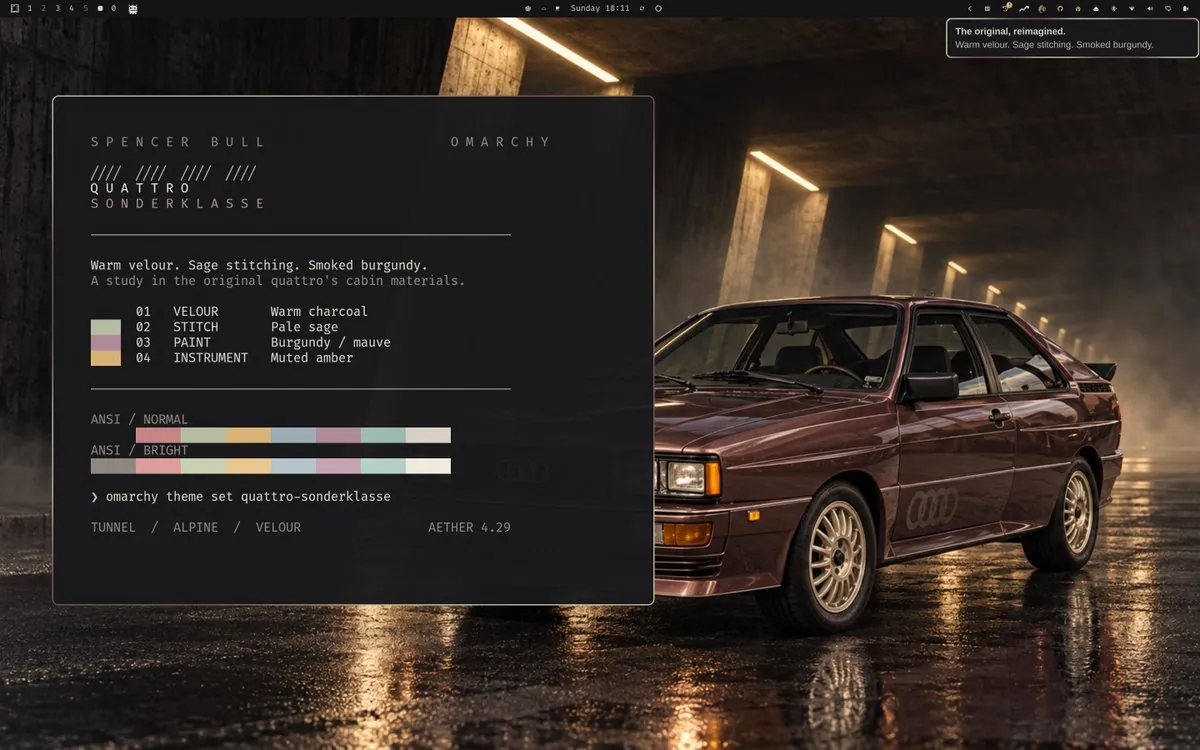
SpencerGBull runs Omarchy’s quattro-sonderklasse theme — warm velour, sage stitching, smoked burgundy, muted amber — and argues everything is a prompt away: customize, make, fix, make it yours.
tylermayberry shares a temporary Omarchy desk setup photo.
hancore_linux debuts Banish, a new Omarchy theme, and asks the community yes-or-no with a desktop screenshot.
gladimdim shares a “current mood with Omarchy” desktop photo capturing the tiled Linux setup in the wild.
@jankeesvw · Framework Desktop
jankeesvw upgraded from a €400 Beelink mini PC that started as an Omarchy trial to a Framework Desktop to go all in.
_0xQuan demos a wavID-themed Omarchy desktop where live WaveWarZ battle stats drive on-screen squiggles — a fully tailored theme tied to their game identity.
pinoxTweet shares a dual-monitor Omarchy desk after rewriting Hyprland settings so workspace context switching works across paired displays instead of the default monitor-switching behavior.
jrforeal_ moved heavy tasks off a base Mac Mini onto an old desktop running Omarchy — enough headroom to finally watch YouTube in peace.
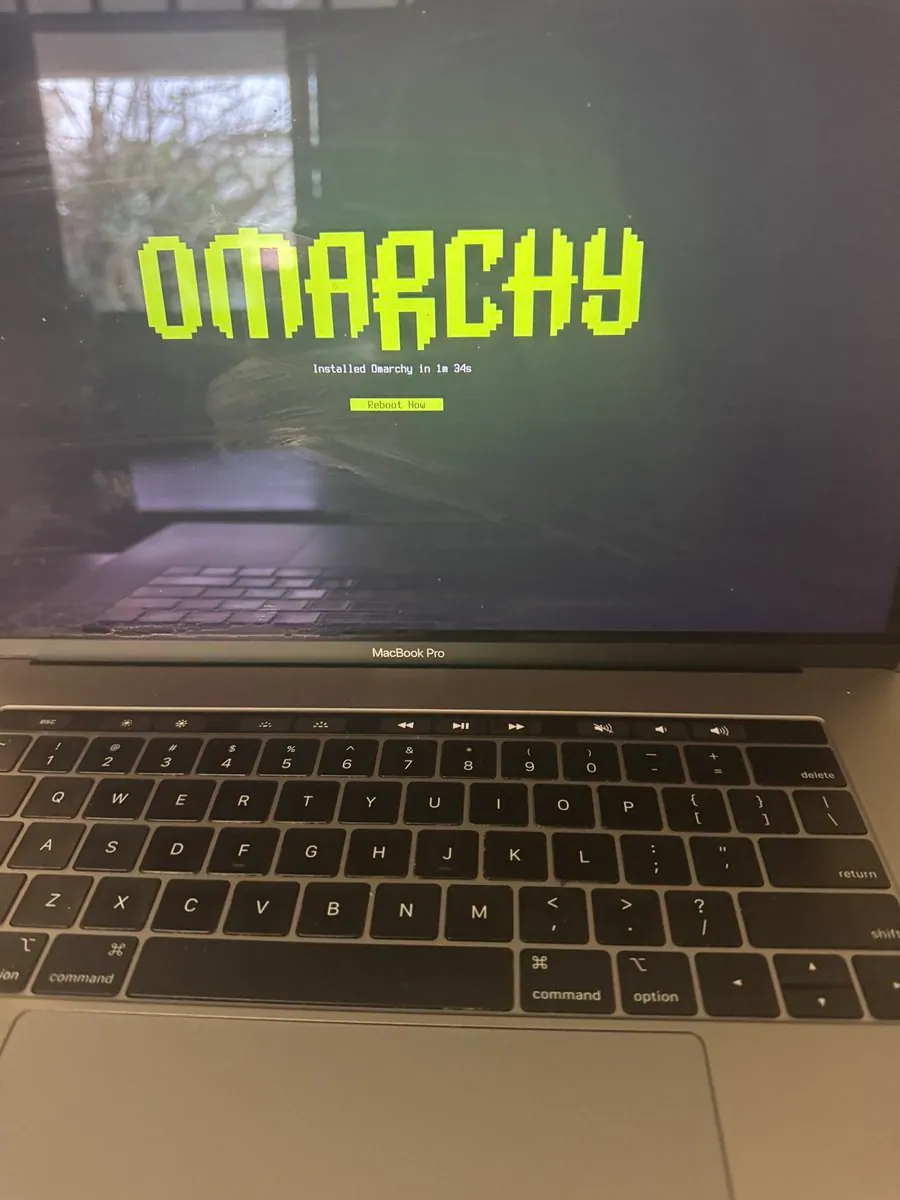
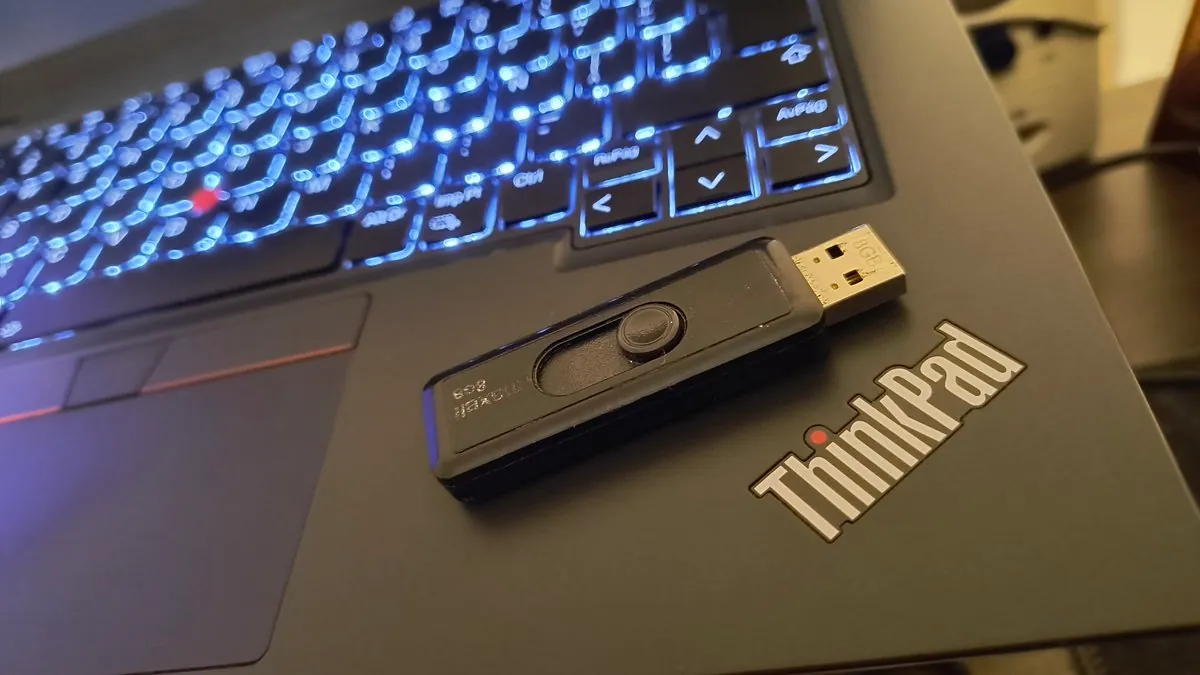
mazzino44 shows a speedy Omarchy 4.0 standard install on a Beelink SER10 MAX booted from a 12-year-old 32GB Transcend JetFlash 780 USB 3.0 stick.
@Carl Hoyer · iMac 2009
Hardware surgery on a 2009 Intel iMac (SSD swap) plus a custom Omarchy ISO that boots—next up is wrestling legacy ATI drivers for vintage Intel Mac support.
Vaadin desktop theme ships with an installable git URL (`omarchy theme install https://github.com/vesanieminen/omarchy-vaadin-theme.git`) and a screenshot of the themed Omarchy desktop.
Misted Glass is a three-theme Omarchy collection (Misty Sunset, Cool Dawn, Blue Hour) with logo/wordmark/background wallpapers each—GitHub repos under ejuro/omarchy-*-theme linked in the thread.
Video demo of Omarchy with SUPER Desktop (hidden overlay workspace for Hyprland)—links gladimdim.github.io/super-desktop and shows the playful desktop workflow.
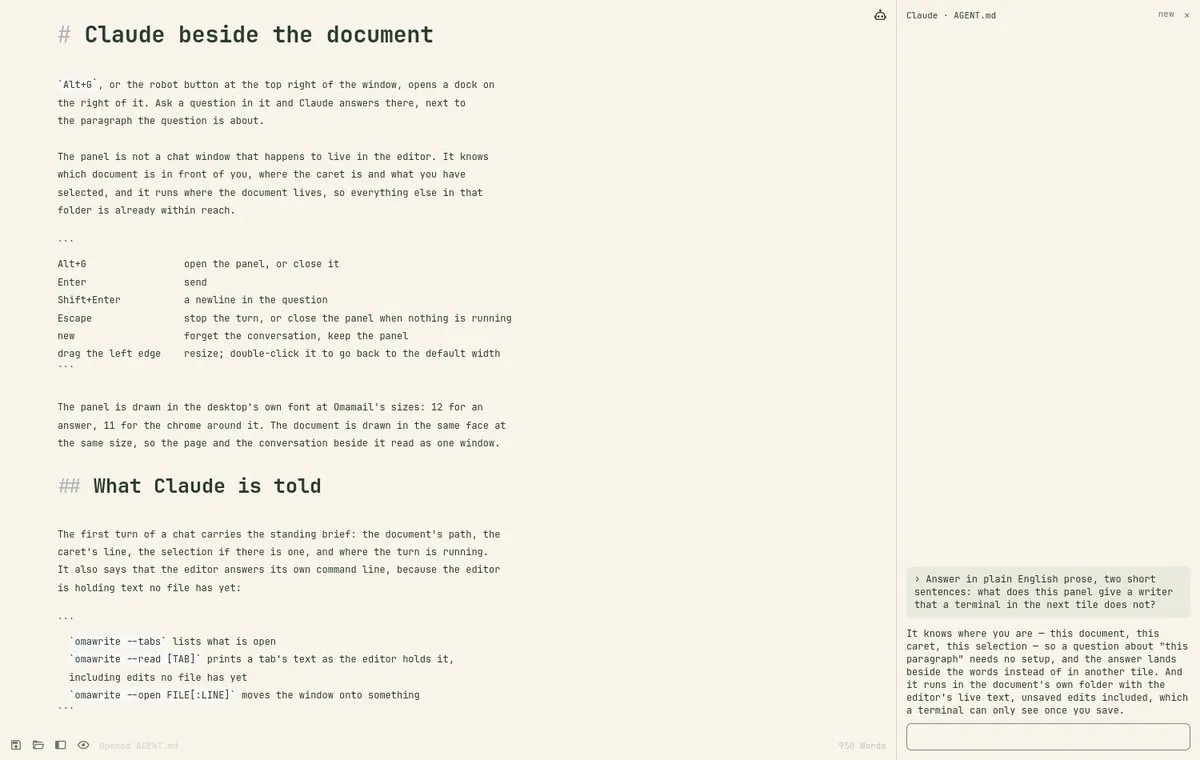
Omawrite (Omarchy’s minimal Markdown editor) gains a Claude side panel with per-file conversation persistence and Ctrl+J wrap at 80 columns—screenshot of the writing setup.
Lifelong Windows user in South Africa switches to Omarchy for AI work—desk screenshot of the fresh install after seeing the video wave.
@gammamukja · AMD 5700G 64GB
Install photo on a 5-year-old PC (AMD 5700G, 64GB RAM)—Omarchy up in ~80 seconds with love-at-first-sight desk/desktop view.
@crh_0x3F · Core2 Duo iMac
Omarchy on an old Core2 Duo iMac with an ancient Radeon GPU—recompiling Hyprland to chase a GPU issue, with a desktop screenshot of the potato build in progress.
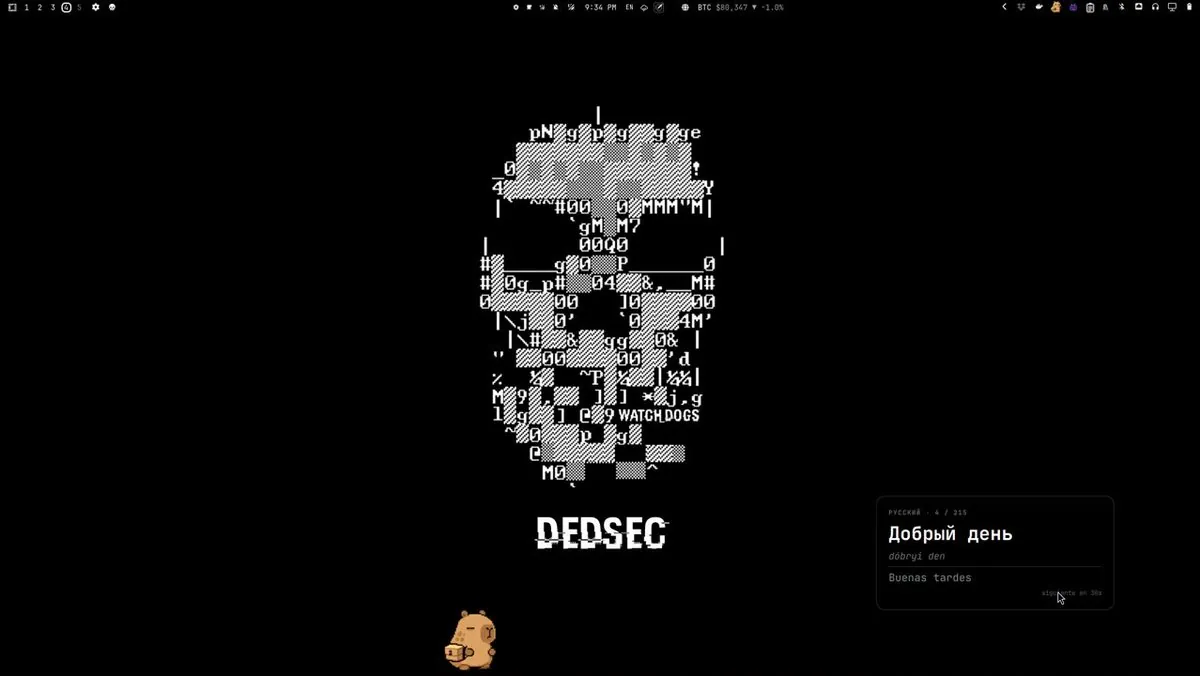
Desktop Omarchy plugin showing Russian phrases and words on the bar/desktop, with a screenshot of the themed desktop and widget in use.
Desktop screenshot of a custom Omarchy theme the author calls out as looking sharp—full desktop visible for theme reference.
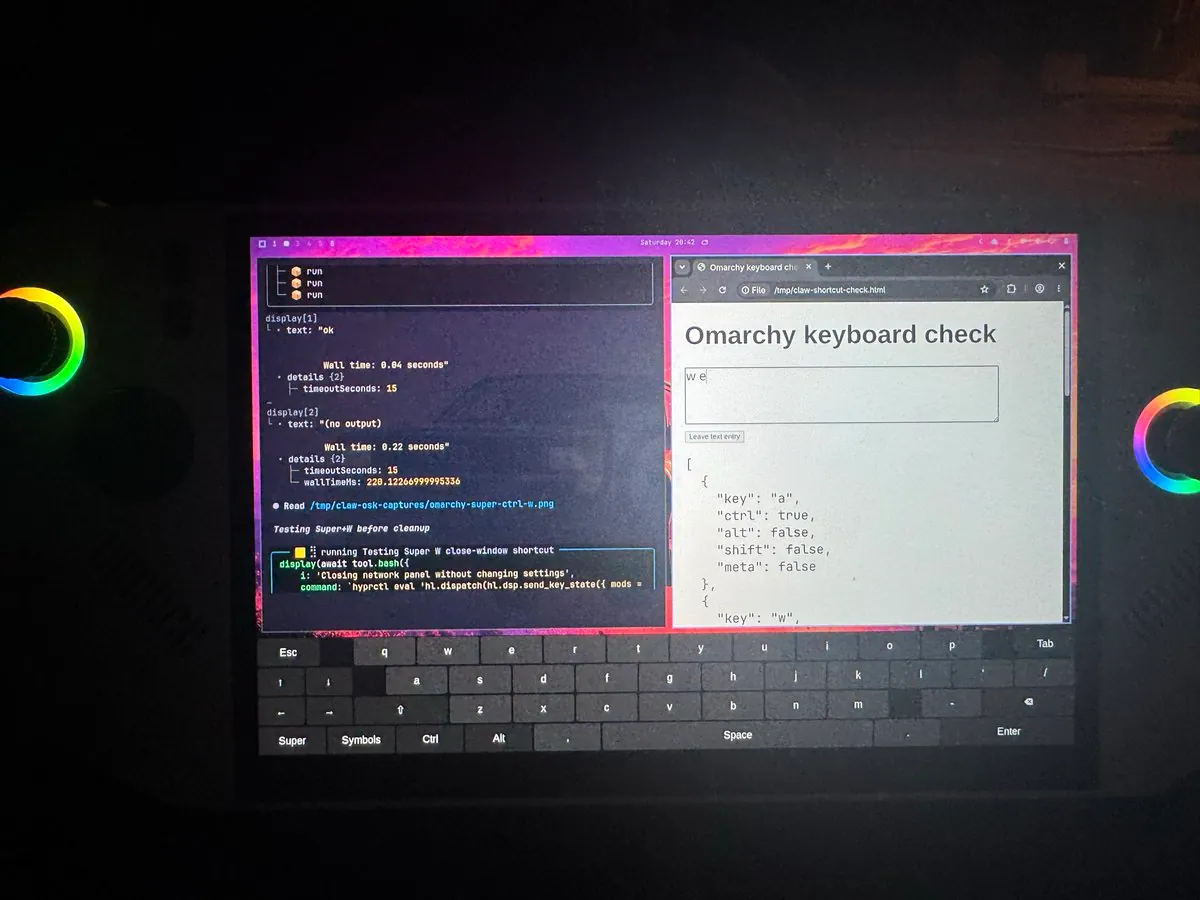
Screenshots and omp with GPT helping fix touchscreen behavior with default hotkeys—Omarchy desk shots showing a productive touch-friendly setup.
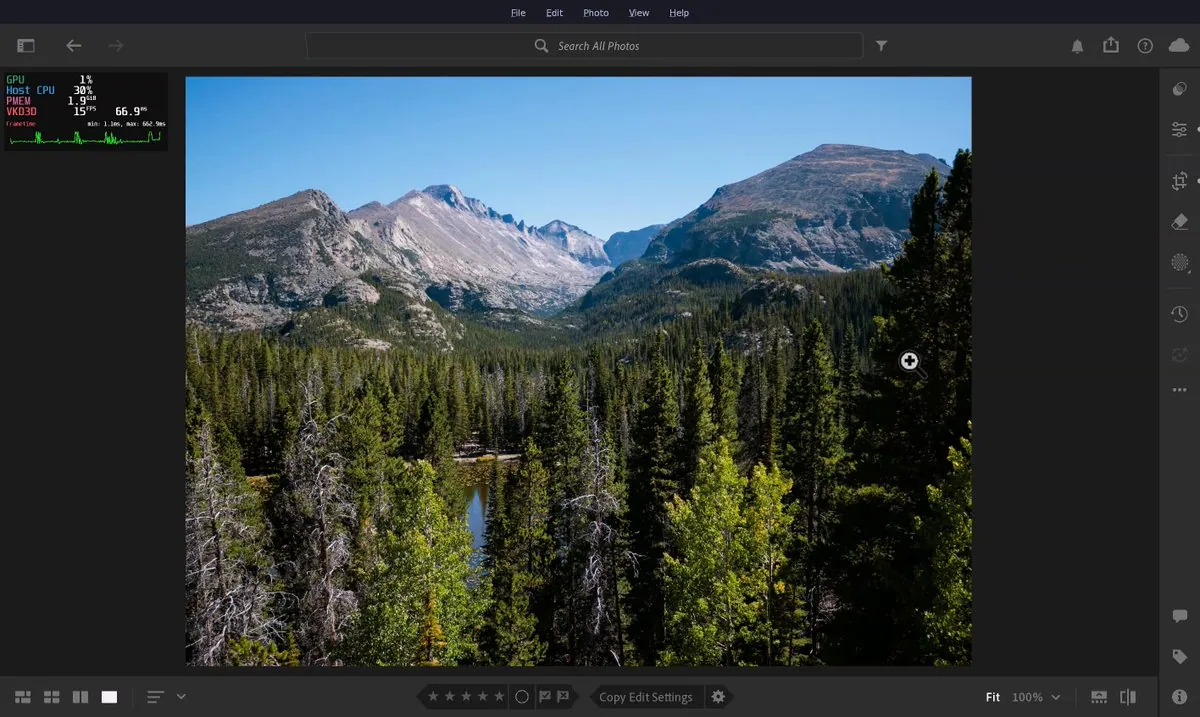
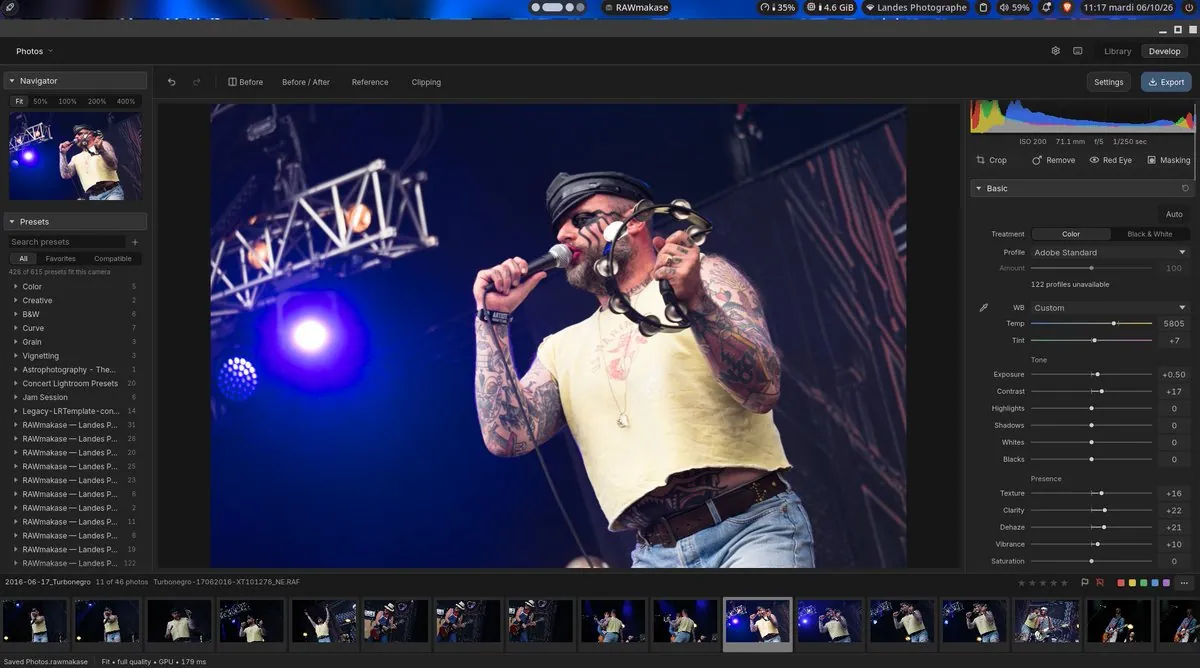
Lightroom on Omarchy is usable for cropping, alignment, and camera profiles (still slow); video demo notes a flicker when dragging images and asks for tips.
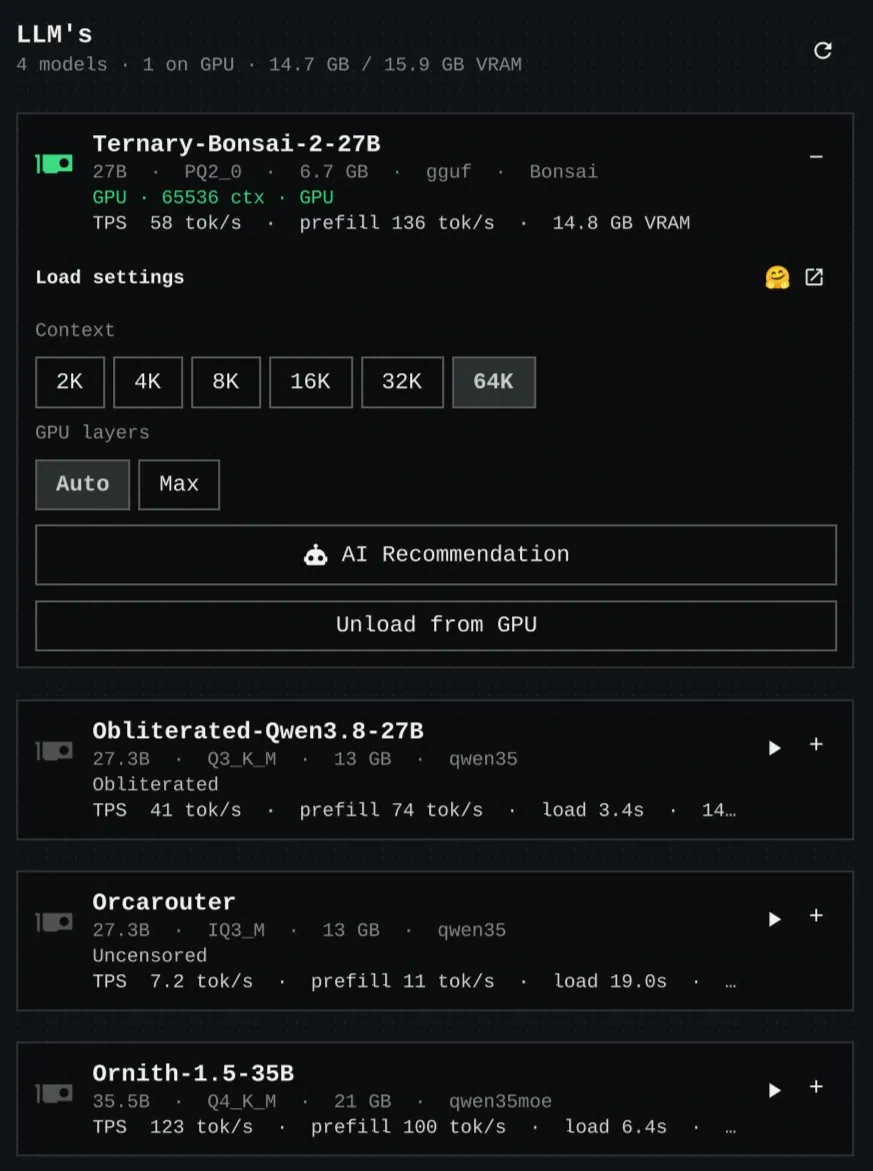
Bar plugin lists local AI models, load/offload to GPU without deleting files, green icon when a model is on GPU, and helps agents pick a context that fits VRAM—repo github.com/rodrigo-devv/omarchy-local-models.
@macncrash · Intel NUC
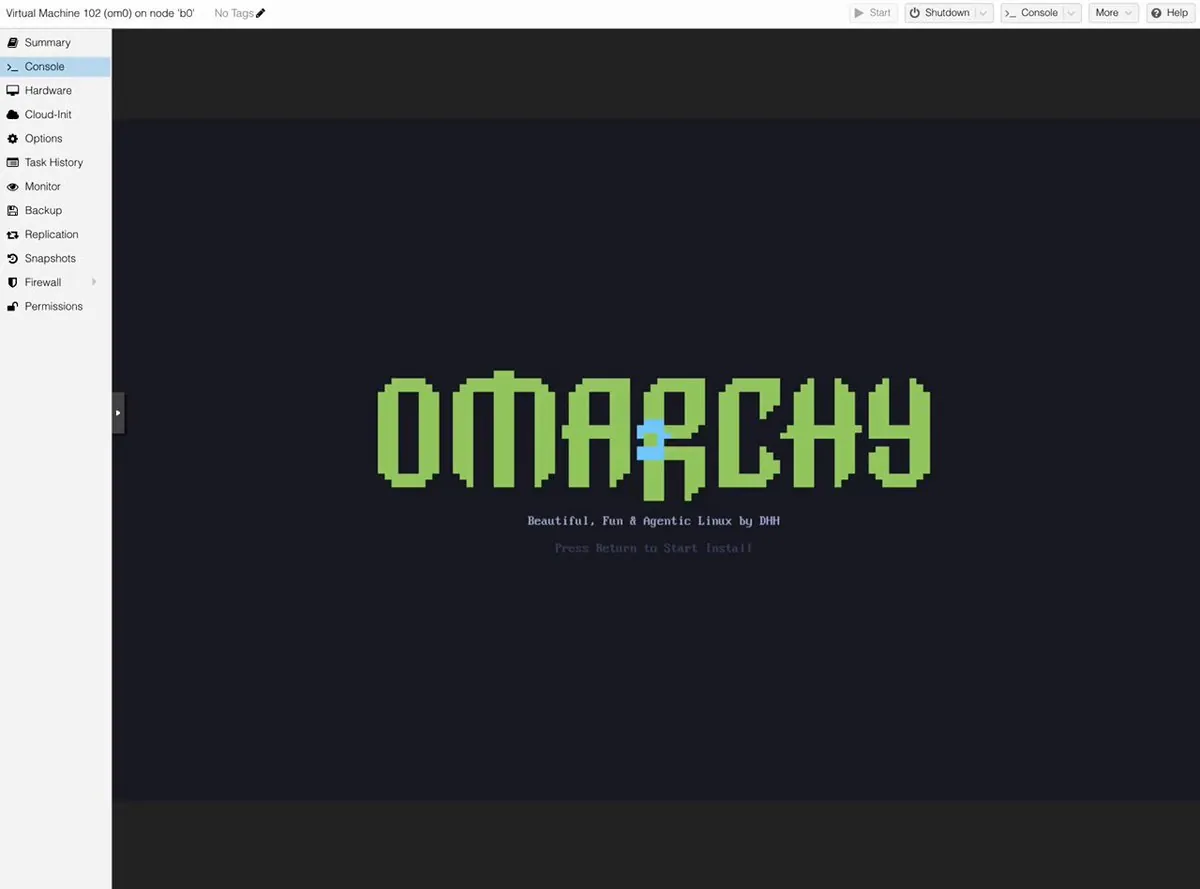
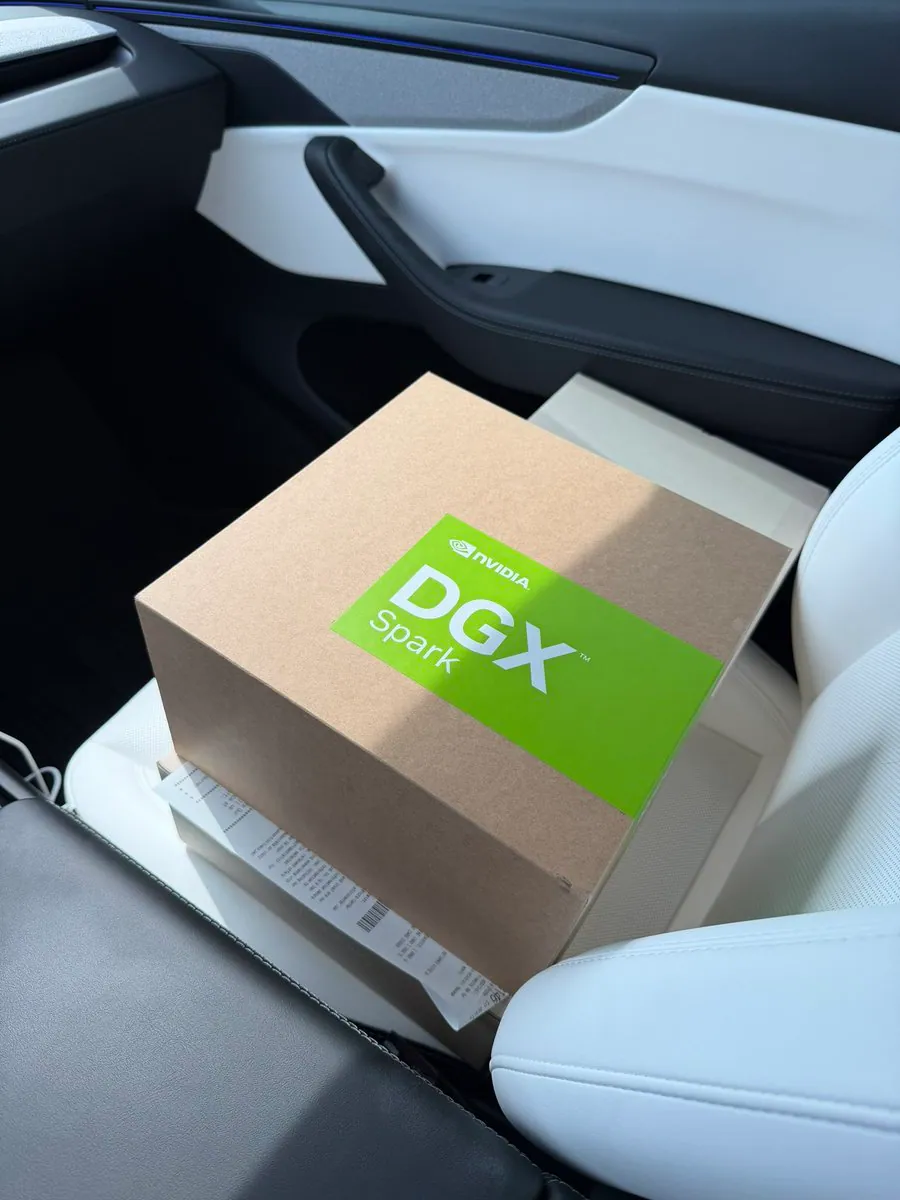
Video of Omarchy moved into Proxmox on the last free x86_64 NUC (ran out of disk mid-clip); notes it should work on DGX too.
Handy Omarchy tip for curved monitors: Super + Ctrl + Backspace enables single-window square aspect ratio.
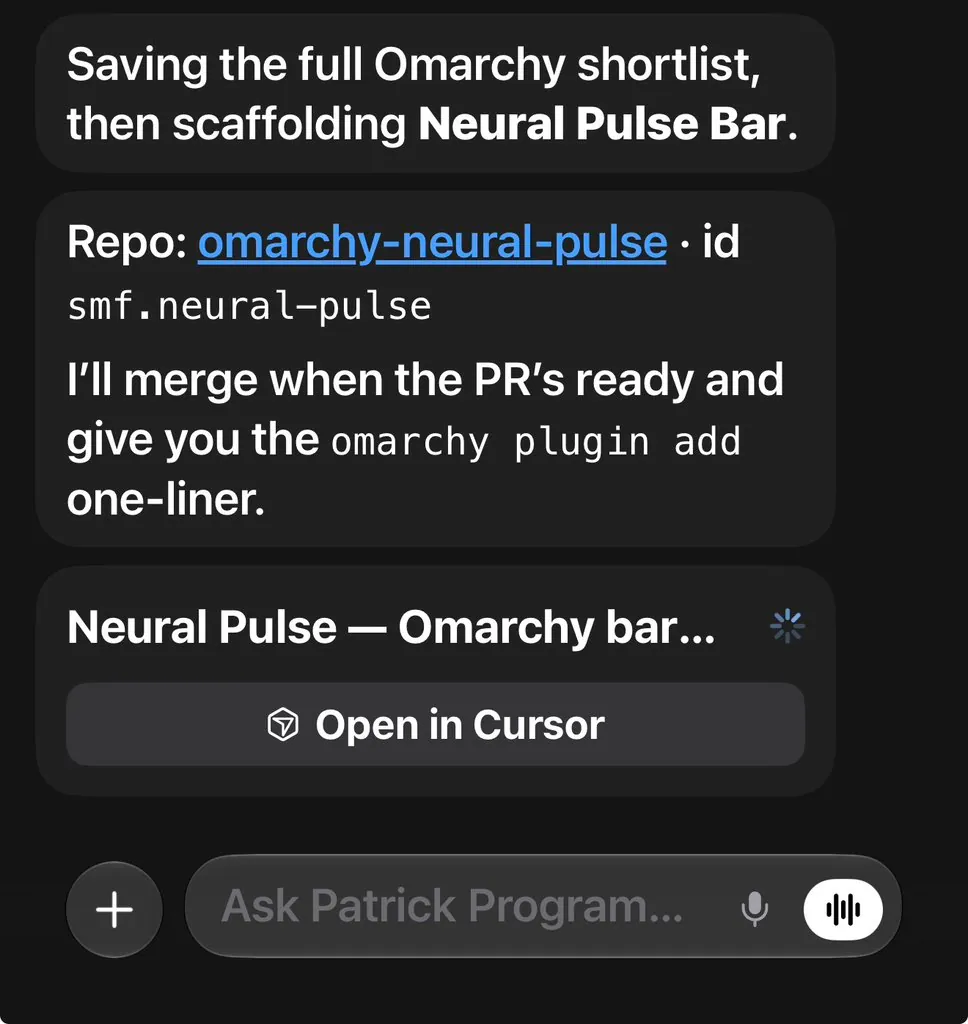
Starting a Neural Pulse Bar for Omarchy that shows live agent/Hermes activity as a glowing waveform/sparkline on the bar—click opens a hologram-style view; mock screenshot included.
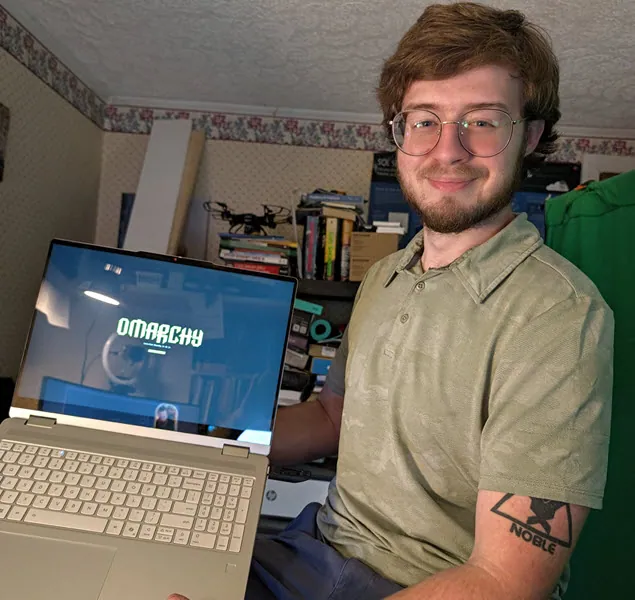
Photo of Stephen’s first Omarchy install—desktop visible, tagged #Omarchy.
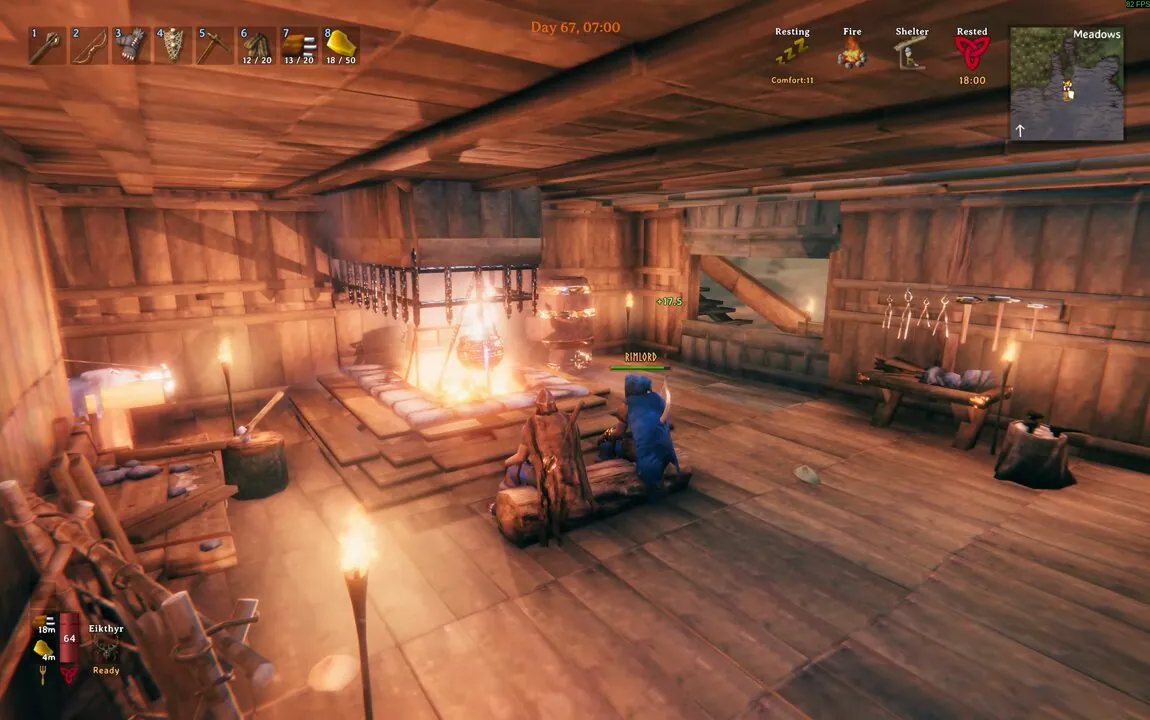
Gaming clip of Valheim running on Omarchy Linux—#linuxgaming desktop session video.
Video demo of the Omarchy Wallpaper Engine cycling themes, including a coffee theme — useful showcase of wallpaper/theme tooling on the desktop.
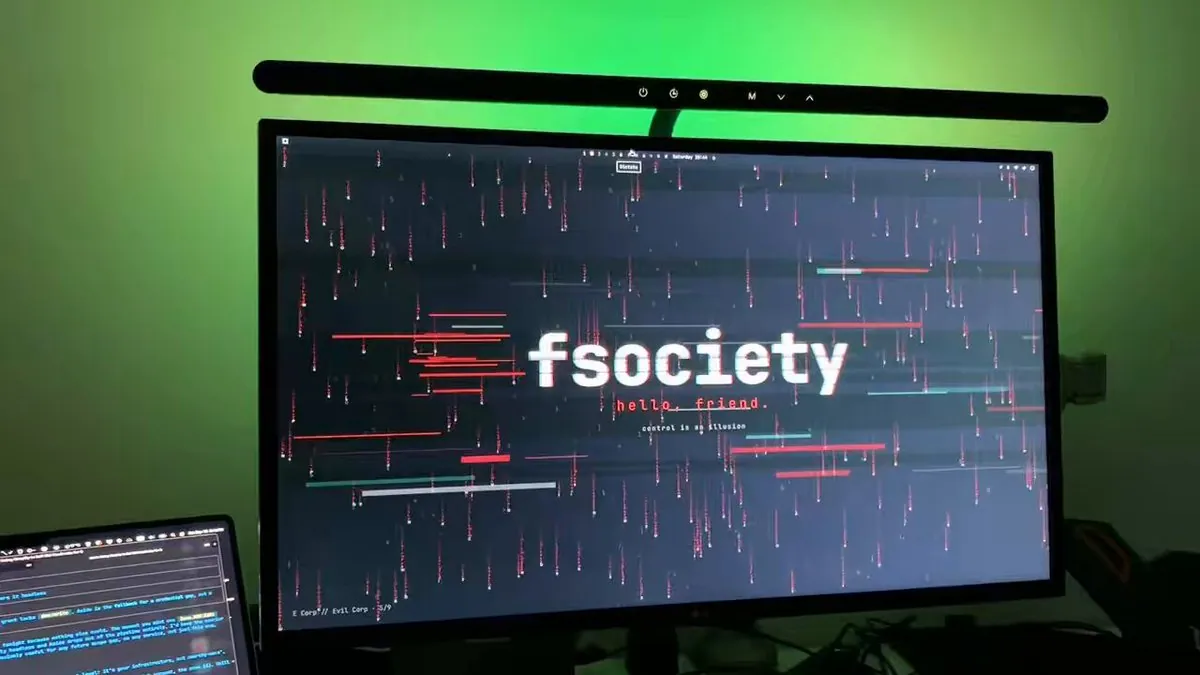
Day 2 with Omarchy video: agent/desktop session driven with @devindesktop CLI (SWE-2), tagged to @dhh — setup clip of a Matrix-flavored workflow.
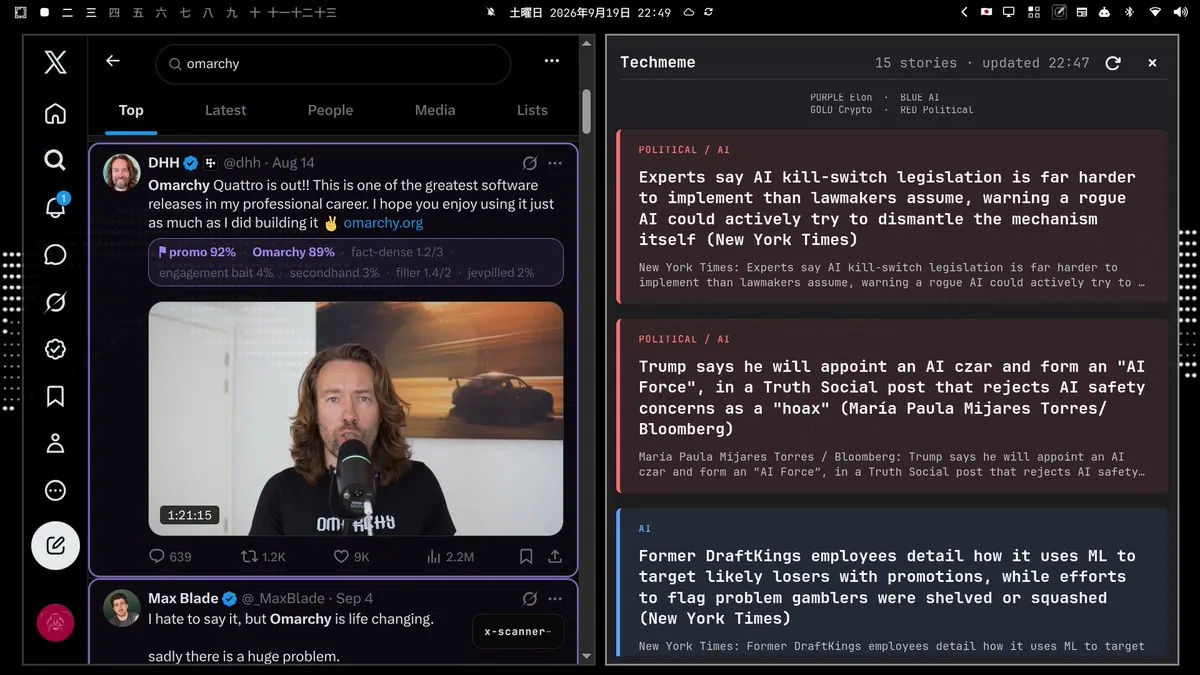
Custom Techmeme applet on Omarchy plus customized x-scanner Chrome extension to color/label posts — screenshot of the feed-coloring workflow on the desktop.
Video of Omarchy with a PET-style desk plus a Russian-learning card/widget — follow-on desk showcase to the Russian phrases plugin.
Short vibe video of locking in for another agent-building session on Omarchy — watch-account desk energy clip from @ncfrontiersman.
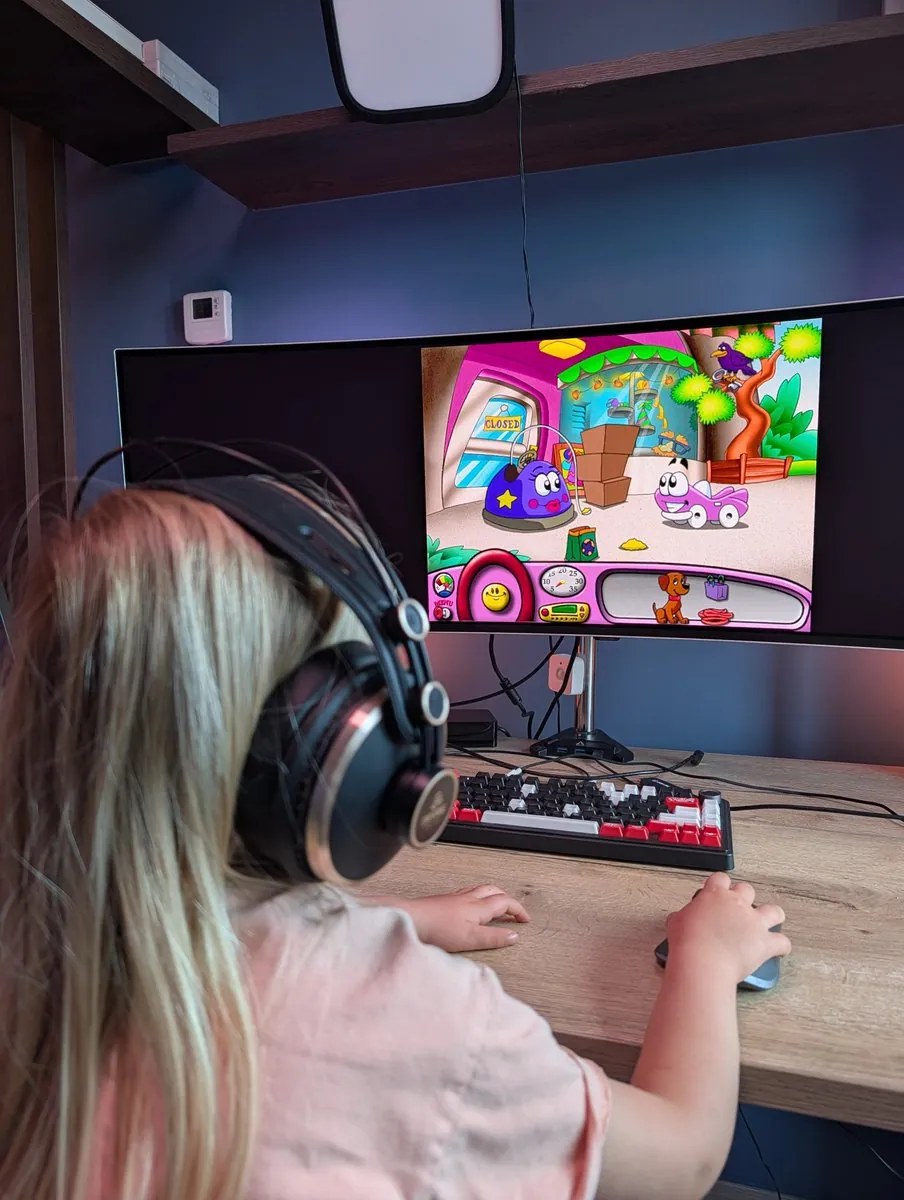
Daughter wanted Putt Putt; it wouldn’t boot on Omarchy. One /goal prompt to an agent and it was fixed in about two minutes — agentic desktop in practice, with a desk shot.
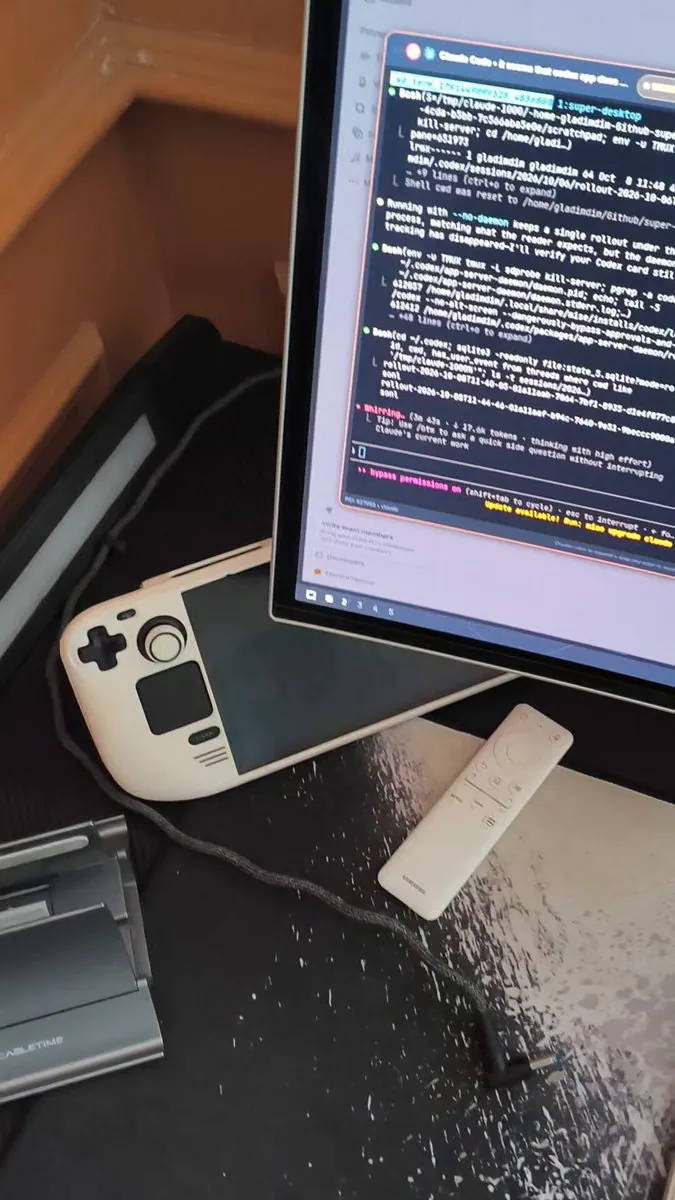
Dmytro Gladkyi walks through SUPER DESKTOP, an Omarchy-native addon to manage, create, and work with AI agents on the machine — video plus desk screenshots of the agent workflow.
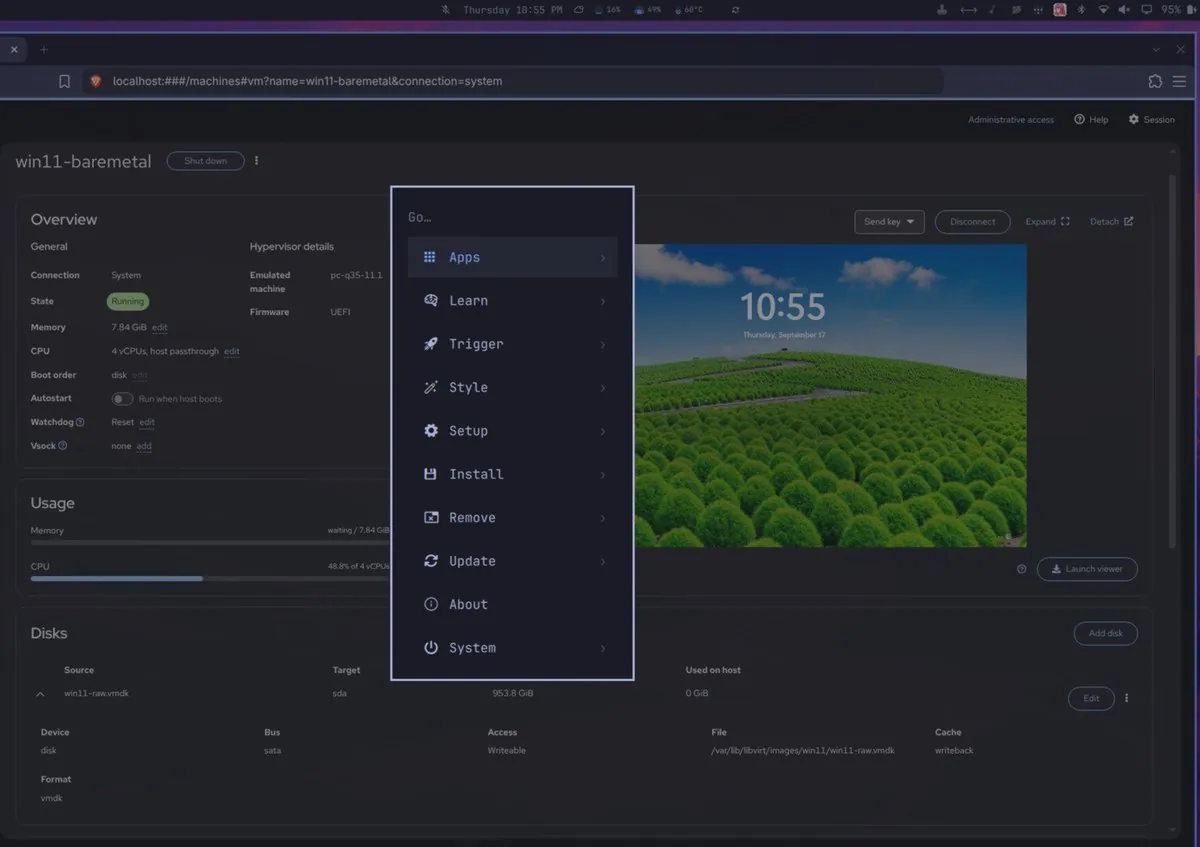
No more dual-boot: boots the native Windows partition as a QEMU/libvirt VM from inside Omarchy, with notes on BitLocker, hibernation, motherboard UUID, and MAC address to avoid corruption.
gladimdim demos SUPER DESKTOP PC-to-PC so prompts and terminals continue when connecting two Omarchy machines.
mbvlabs shares a dual-machine Omarchy desk setup ready for development work.
iamdothash experiments with rounded corners and island chrome on Omarchy while noting a preference for the default sharp edges.
@spencer450 · 2011 iMac 27-inch
spencer450 runs Omarchy on a 2011 27-inch iMac with Bluetooth and WiFi working out of the box; he disabled graphics acceleration in 1Password and Chromium.
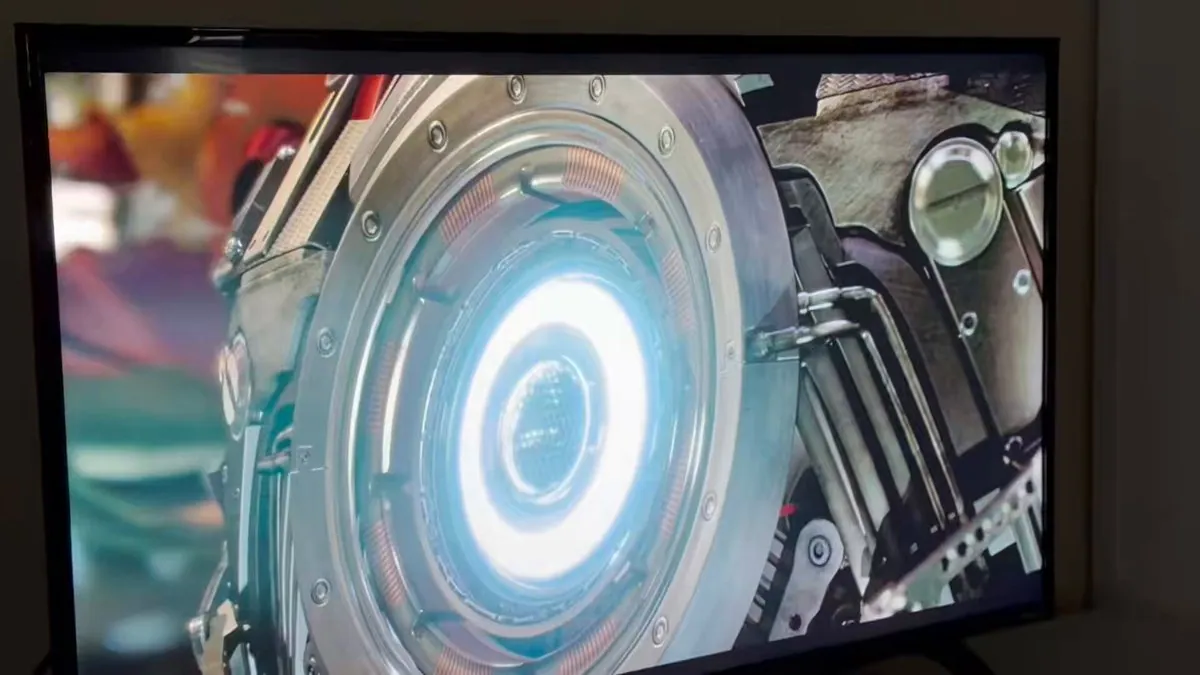
paul_hulford shows an Omarchy desk that reuses an older TV as a monitor and asks for wireless keyboard suggestions.
mark_k shares an Omarchy promo image built around the line 'Leave the walled garden, keep the good taste' and says Omarchy comes beautifully put together while, in his words, handing you the keys to change everything.
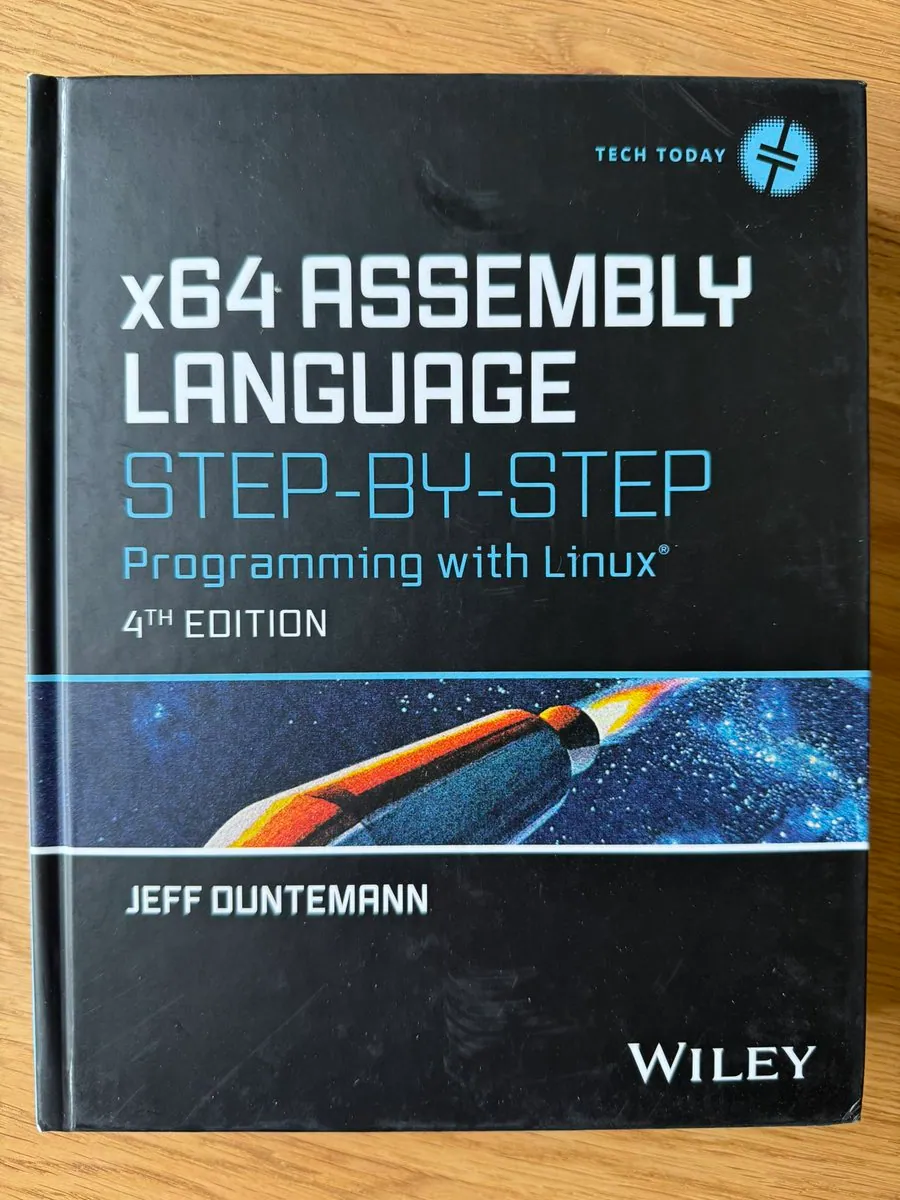
bastidotnet posts a copy of Jeff Duntemann's x64 Assembly Language Step-by-Step: Programming with Linux that he still had in the cupboard, and says Omarchy brings back many memories and that he is having the best time of his life with computers all over again.
saumya marks one year running Omarchy with a desk screenshot of the Linux desktop.
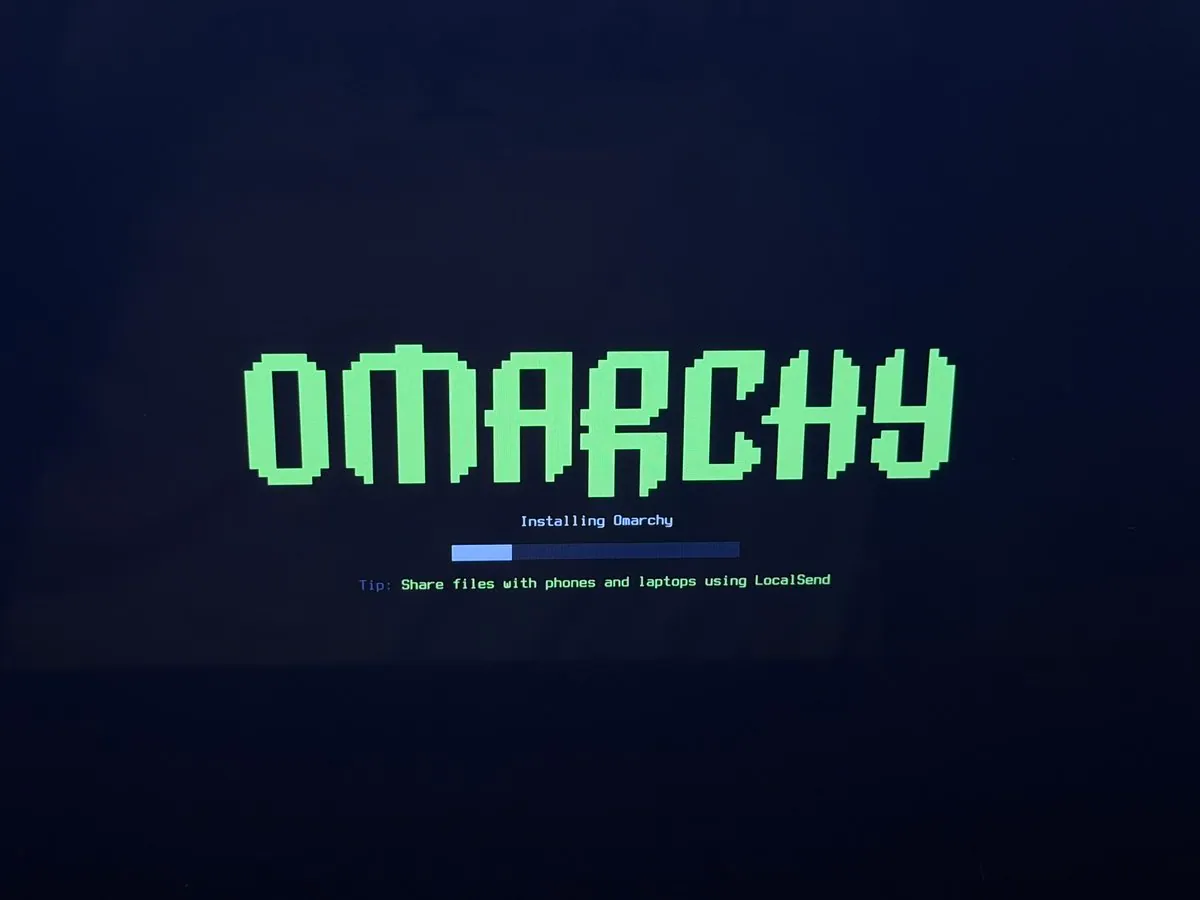
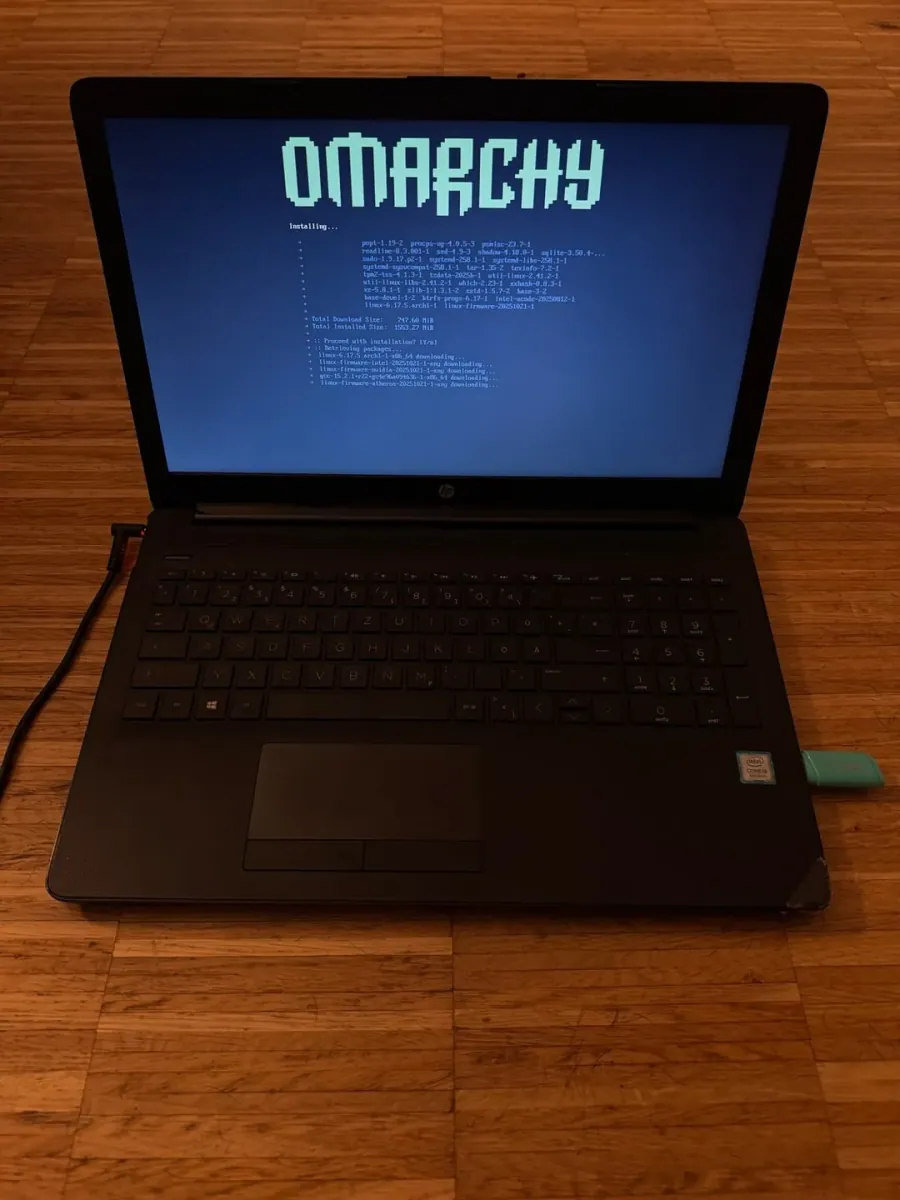
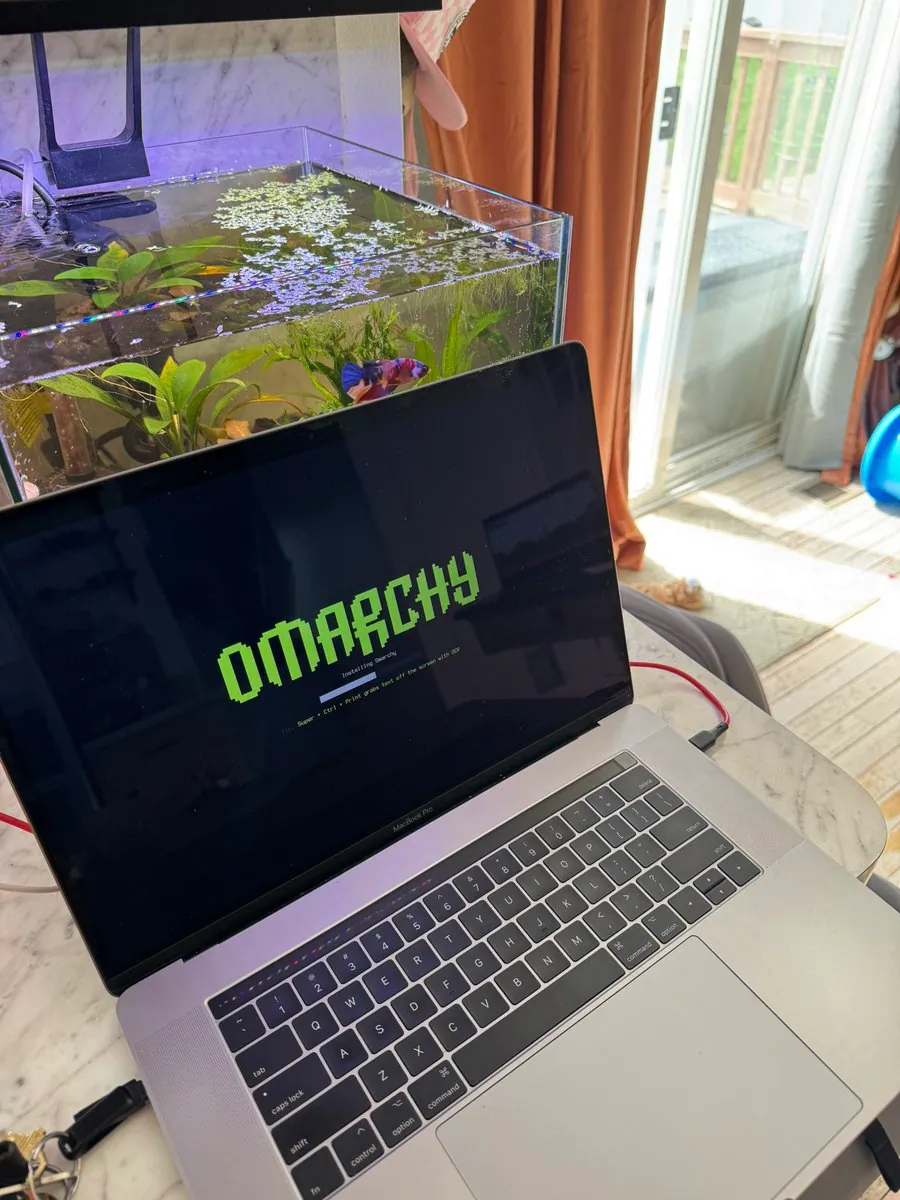
ronstauffer posts a photo of the Omarchy installer in progress after joining what he calls the Omarchy movement, and says he is excited for what lies ahead.
ding444 shows Omarchy running on a third machine with a desk screenshot.
@brettpeary · Triple Aero Pro Max
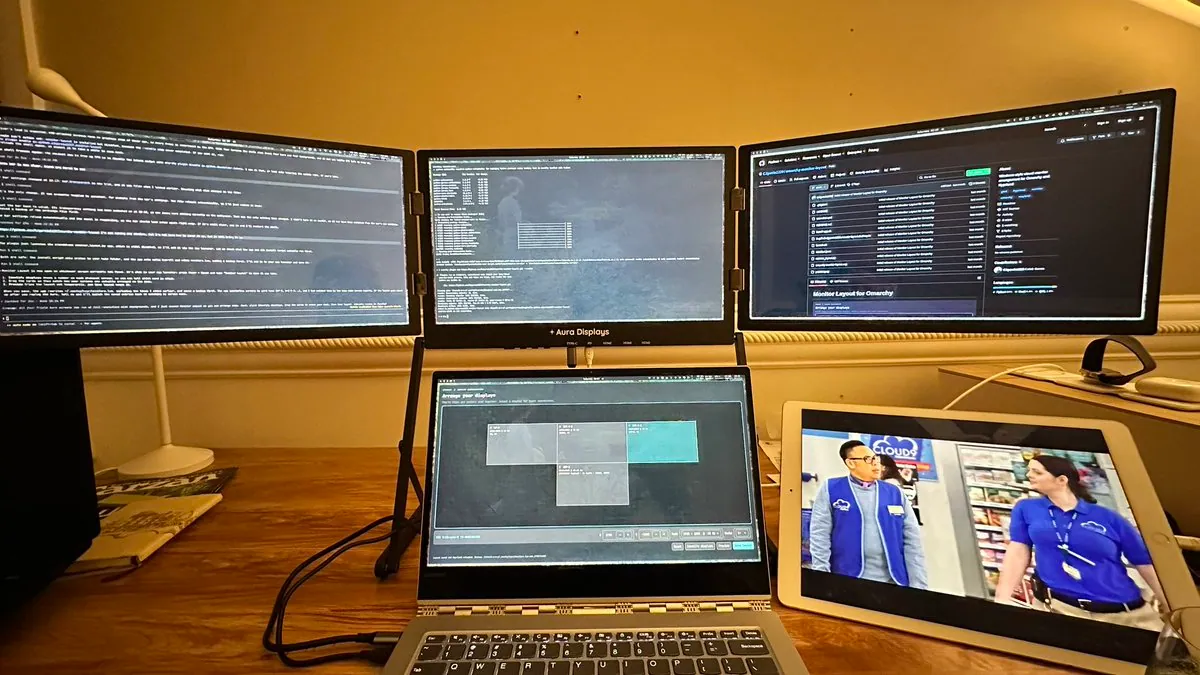
brettpeary runs Omarchy on a laptop paired with an Aura Displays Triple Aero Pro Max triple portable monitor and shares a desk photo of the setup.
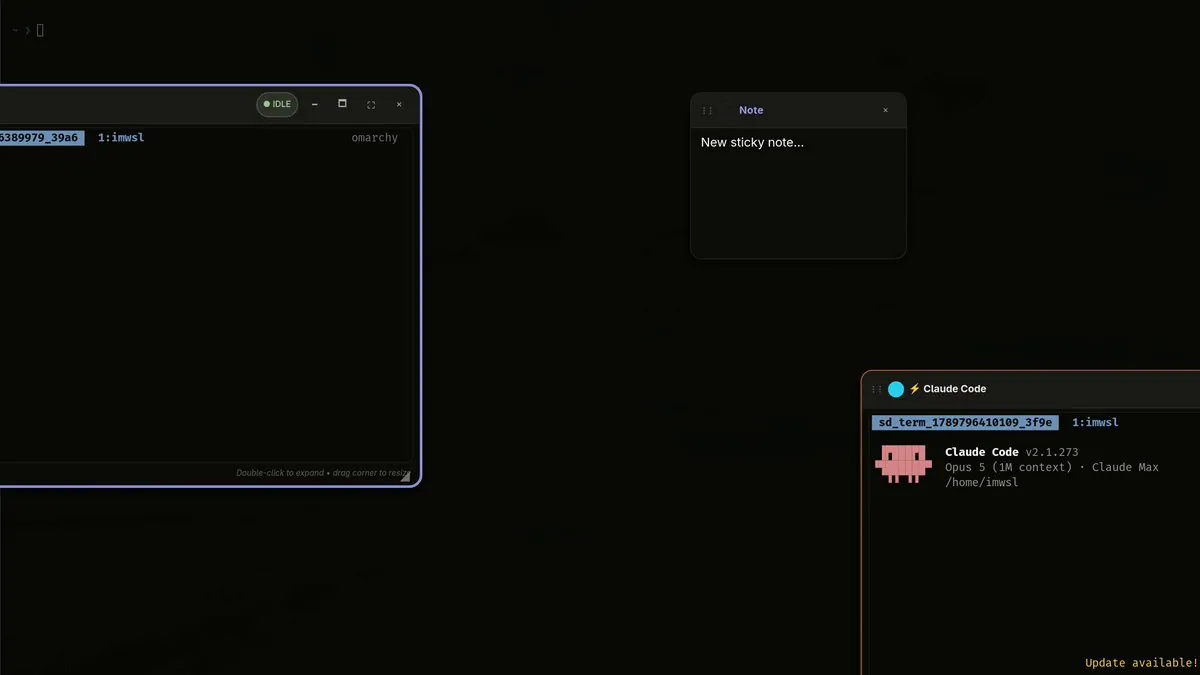
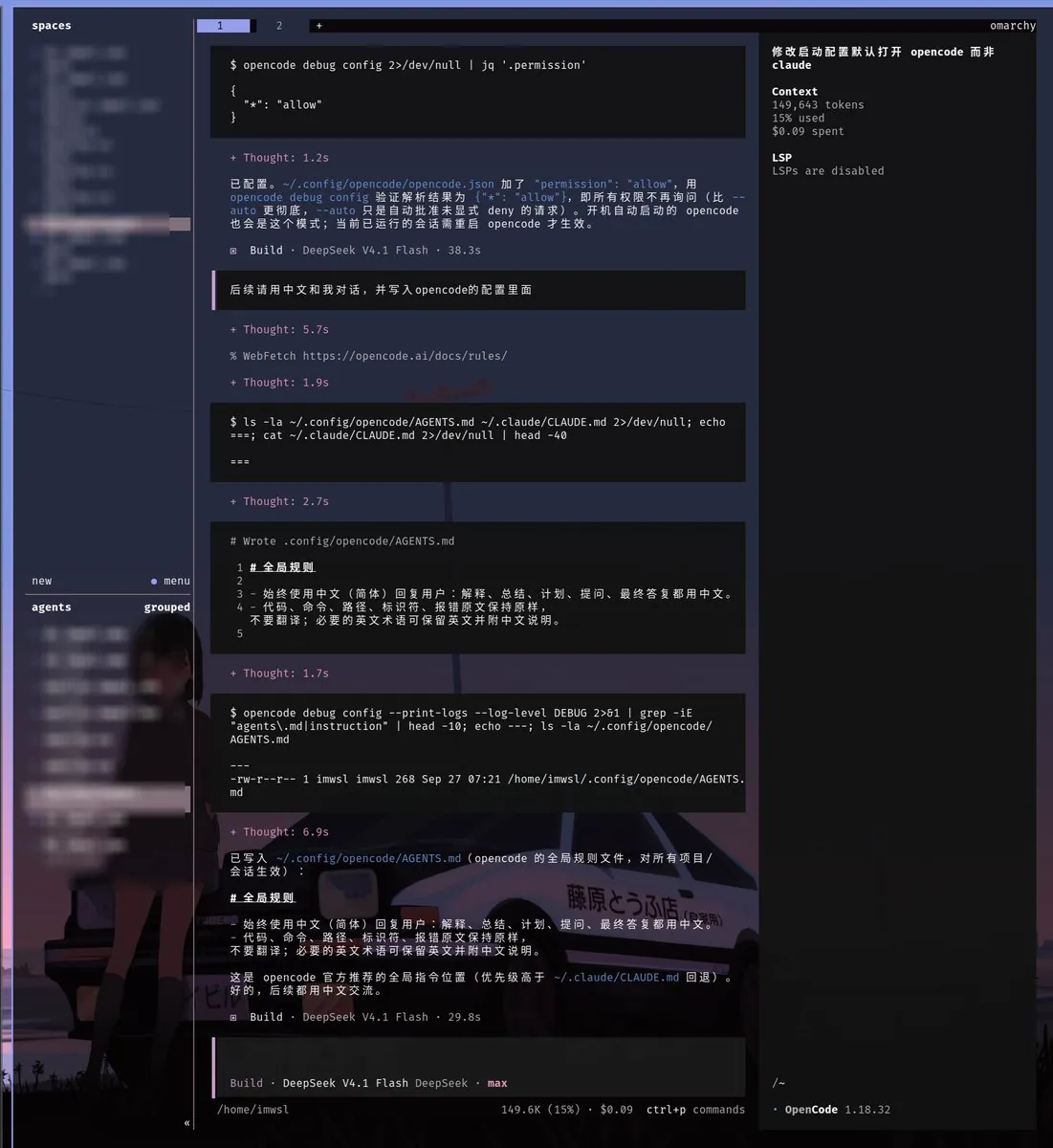
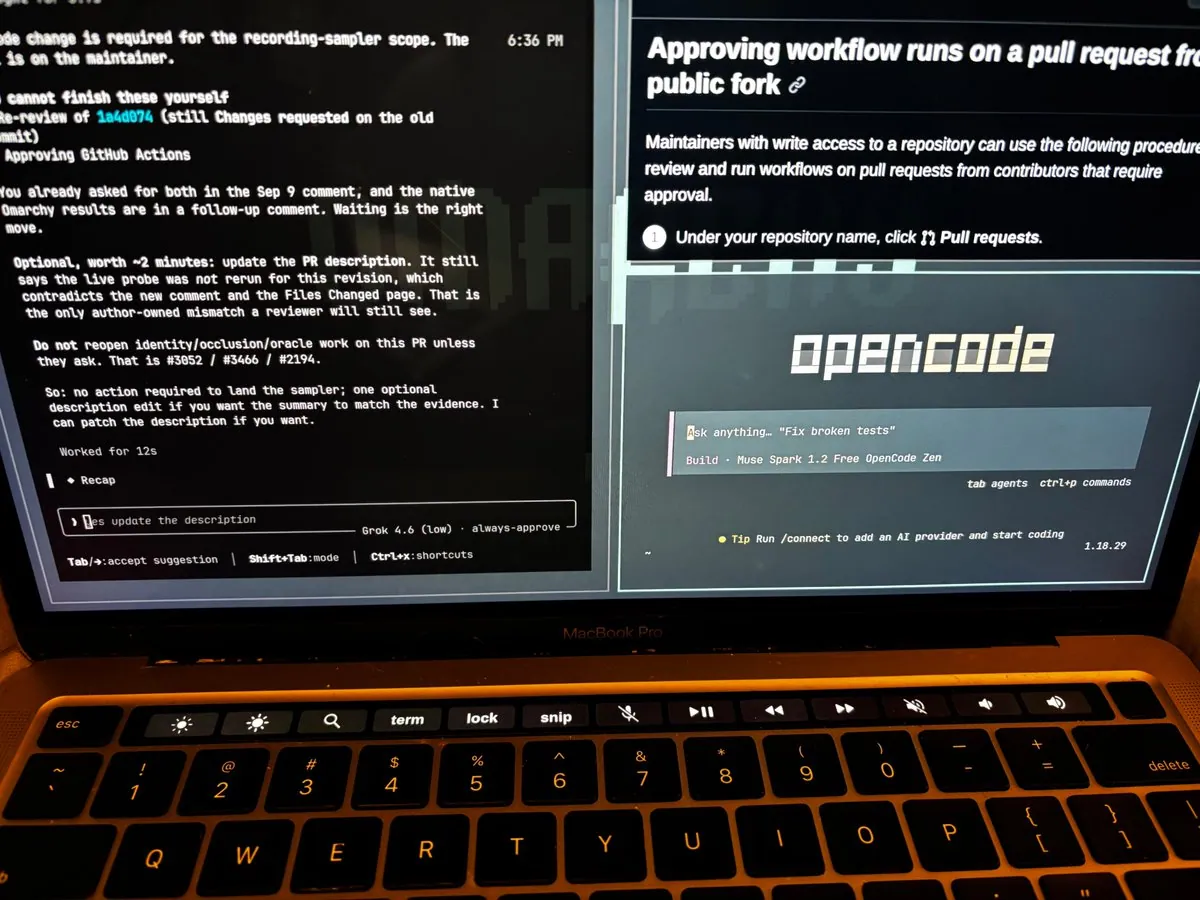
imwsl90 shares a screenshot of an OpenCode session on Omarchy and says switching the whole system from Claude to OpenCode took just a few prompts.
@ClawOperations · 2017 iMac
ClawOperations installs Omarchy on a 2017 iMac and posts a photo of the machine running the desktop.
@Shadetheory · Framework Desktop + Steam Frame
Shadetheory runs Half-Life: Alyx on a Steam Frame, rendered on a Framework Desktop running Omarchy, with finger tracking, and says Grok helped get PC VR streaming working.
gladimdim shows his Omarchy toolbar and notes that four of the plugins on it are ones he wrote.
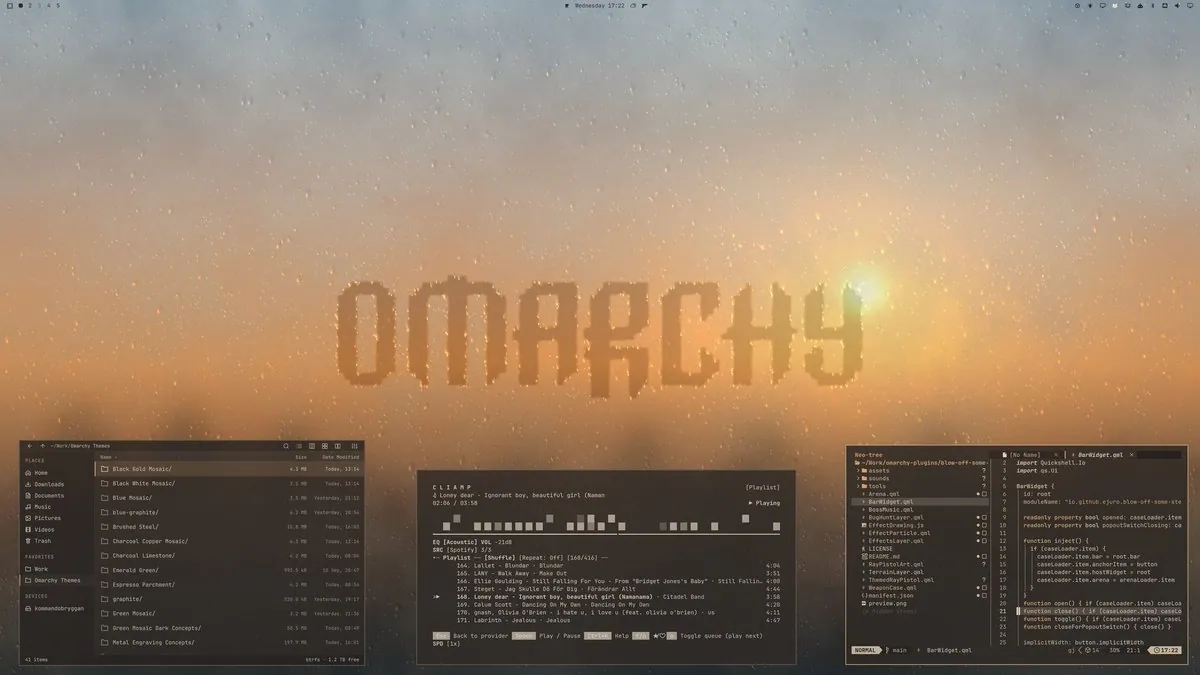
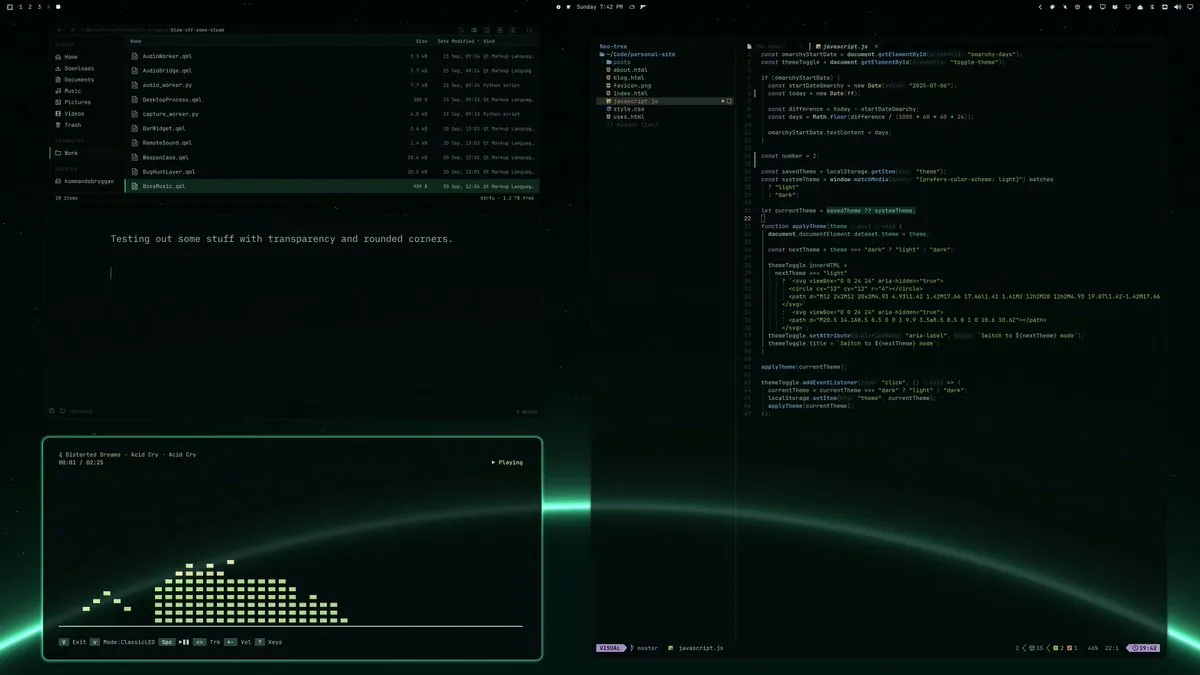
erikrjohansson shares Norrsken, erikrjohansson's latest Omarchy theme, highlighting transparency and rounded corners; the attached video frame shows a dark desktop with a green planetary-horizon wallpaper and translucent rounded windows: a file manager, a note about testing transparency, a music visualizer playing Distorted Dreams, and Neovim editing a personal site.
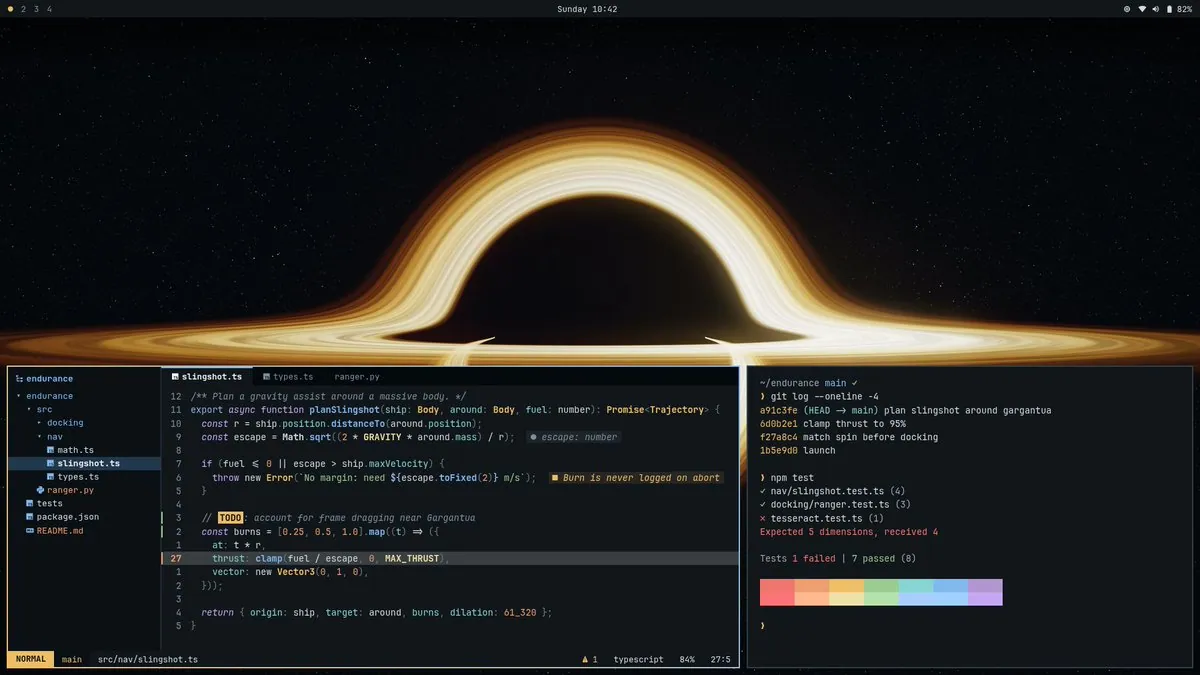
philsinatra built an Omarchy theme called Endurance after rewatching Interstellar, with a deep-space palette and ray-traced Gargantua wallpaper; the screenshot shows a black-hole wallpaper behind a tiled file tree, Neovim editing a TypeScript slingshot-planning file with a to-do comment about frame dragging near Gargantua, and a terminal whose failing tesseract test expects five dimensions.
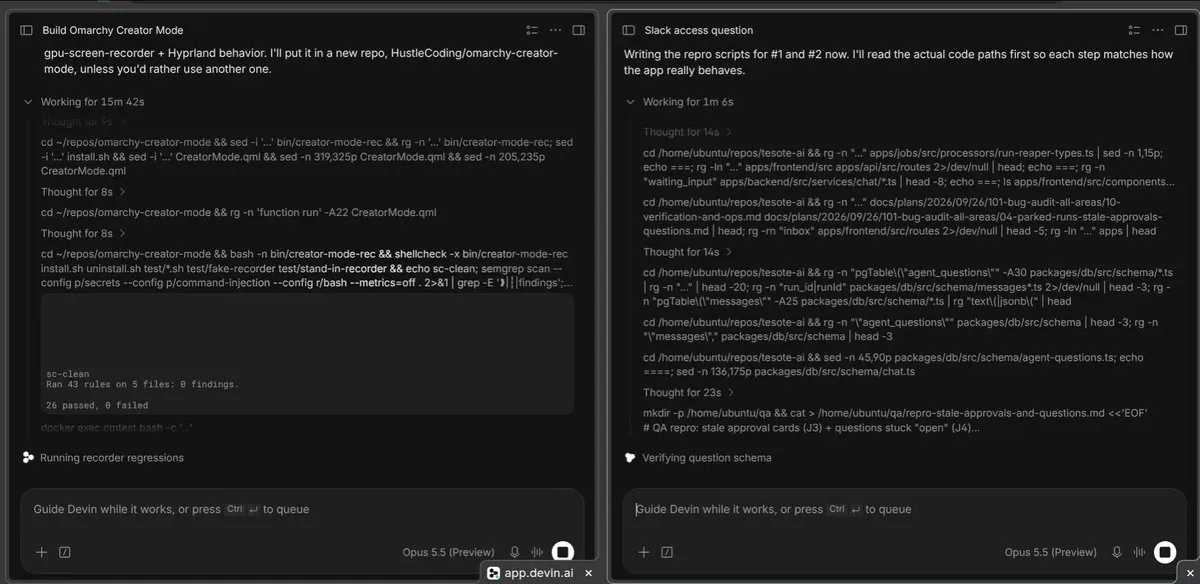
florin_dev lists a setup of Omarchy OS, Devin in two windows on one view, and motivation to build; the video frame shows a split view of two Devin agents working on separate coding tasks.
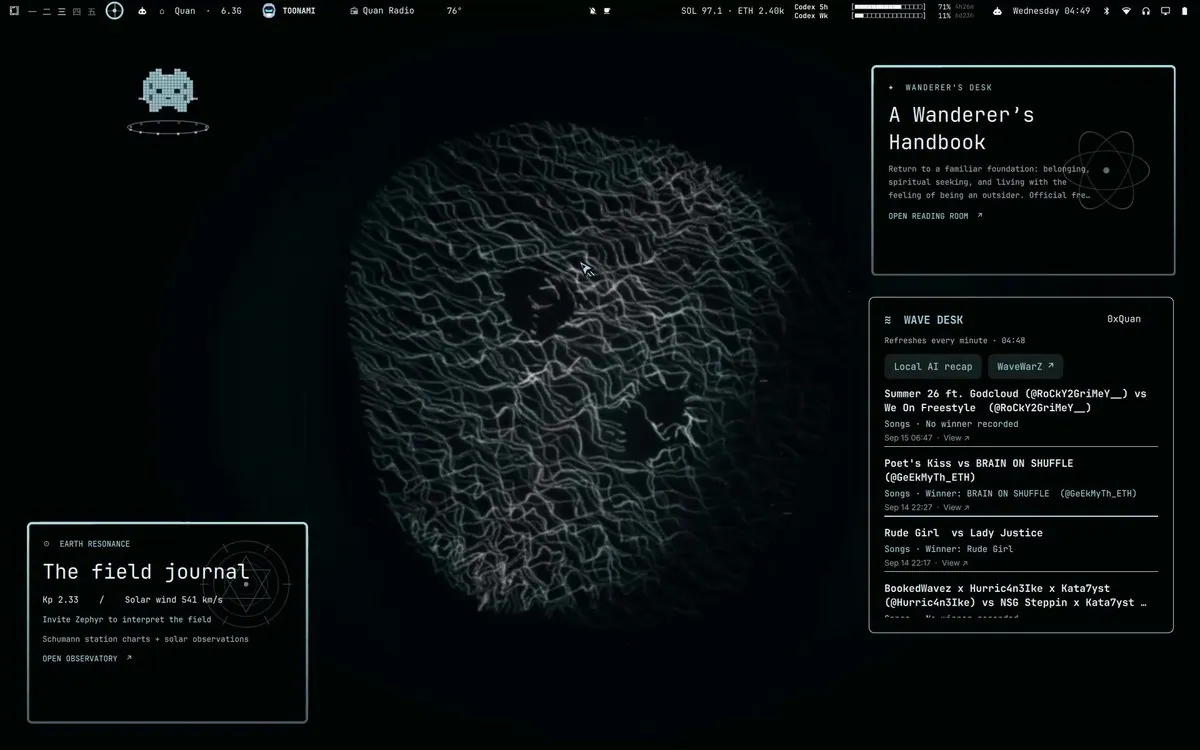
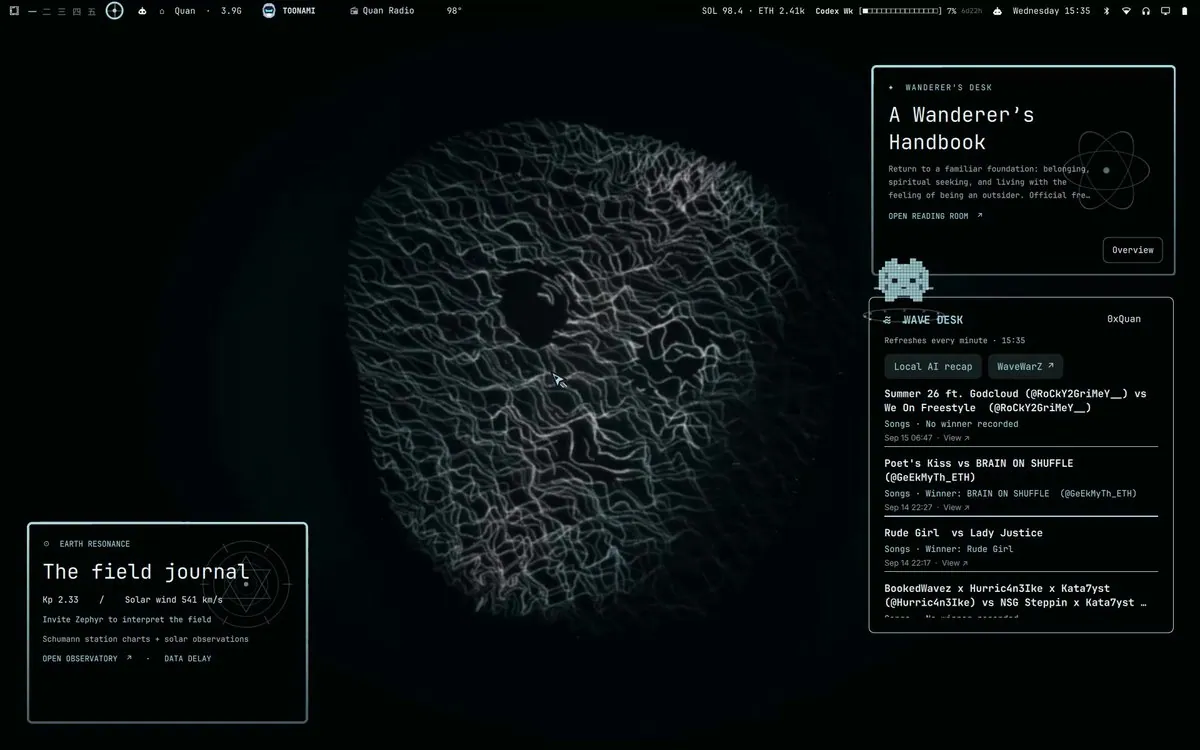
_0xQuan made Wisp, a personal local assistant that _0xQuan calls Clippy for Omarchy, and says it is live on _0xQuan's git, cites over 20k local operations, and notes it has been upgraded substantially since the attached video; the video frame shows a dark Omarchy desktop with Wanderer's Desk, Earth Resonance, and Wave Desk widgets around a central wave graphic.
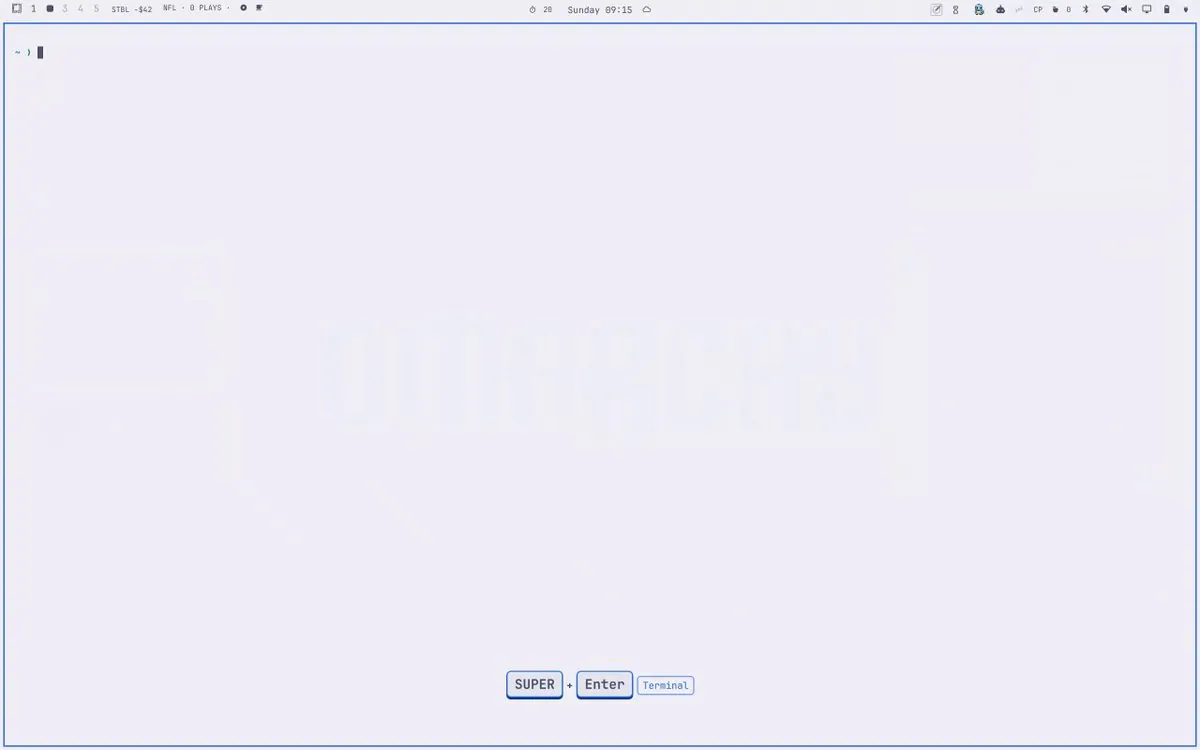
ashtonamory credits gladimdim with the idea of a screen recorder for Omarchy and links the omarchy-keycast GitHub repo, which shows keystrokes, shortcuts, and clicks in Omarchy screen recordings with Hyprland bind labels and password masking; the video frame is a light Omarchy desktop with a faint OMARCHY watermark, a terminal prompt, and a Super+Enter Terminal keybinding overlay.
mofasiurrehman says liquid glass is on the Omarchy plugin marketplace, describing glass terminals that bend whatever sits behind them and pick up the active theme, with a new video of real footage from the poster's machine; the video thumb is a close-up of an eye with chromatic aberration and orange flecks on the skin.
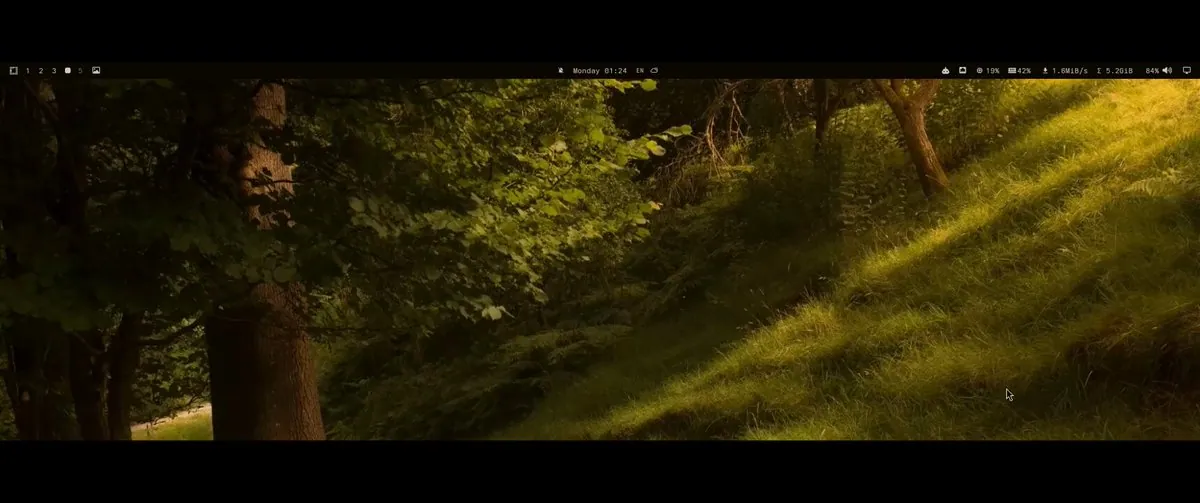
TeslaLeftArm built frey.bar after finding the Omarchy top bar too bland and hard to customize, describing a bar layered over the native bar so it stays integrable with Omarchy plugins; the video frame is an ultrawide forest wallpaper under a thin black status bar with workspaces and system stats.
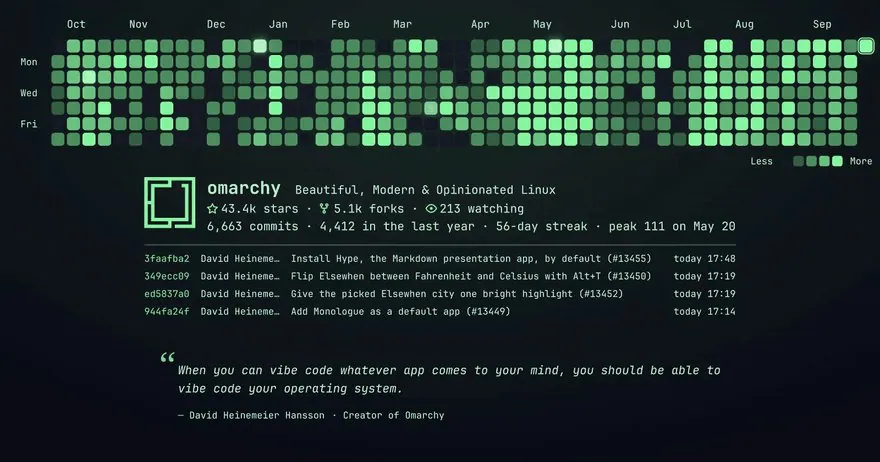
ZenFoco8 announces Commit Wallpaper 1.1.0 for Omarchy with a heatmap of any repo or GitHub user, a pulse when a new commit lands, rotating photo folders with hover previews, and portrait plus multi-monitor layouts, noting it is waiting on approval in the Omarchy plugin marketplace; the animated thumb is a neon-green Omarchy contribution heatmap dashboard with 43.4k stars and recent DHH commits.
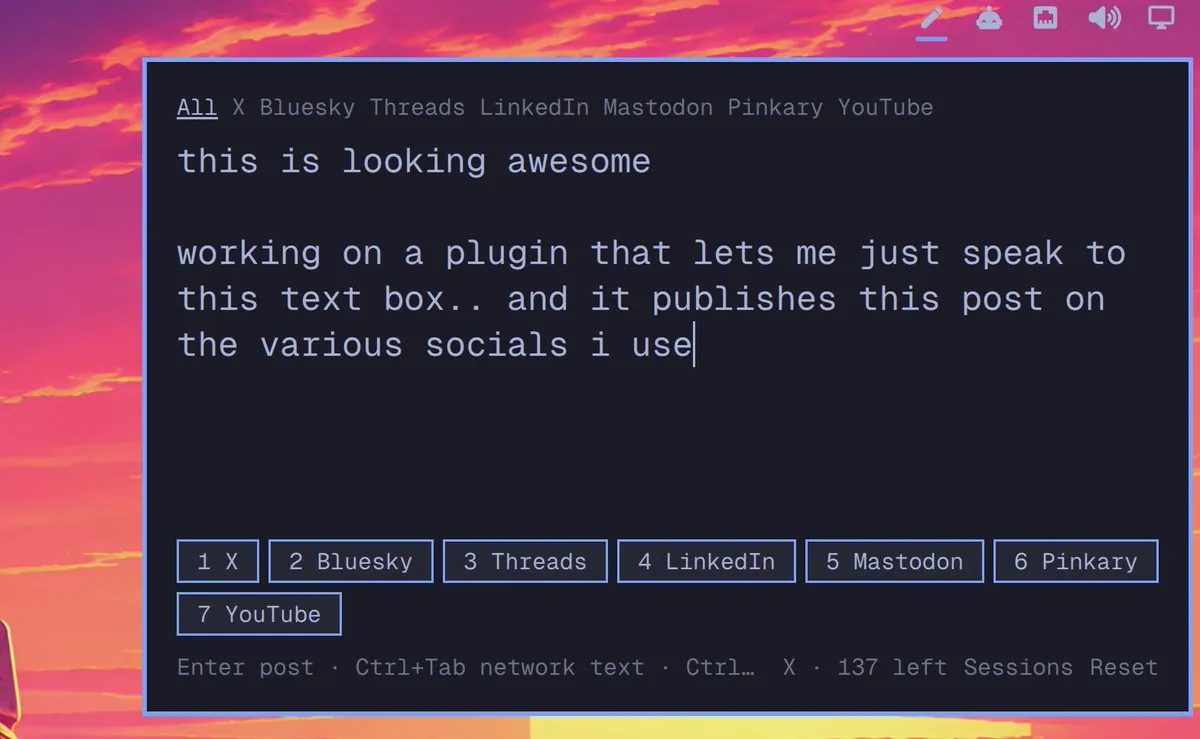
enunomaduro is working on an Omarchy plugin that lets a user dictate a post into a text box and publish it across several social networks; the screenshot is a dark composer over a sunset wallpaper with All, X, Bluesky, Threads, LinkedIn, Mastodon, Pinkary, and YouTube tabs above the draft text of the post itself.
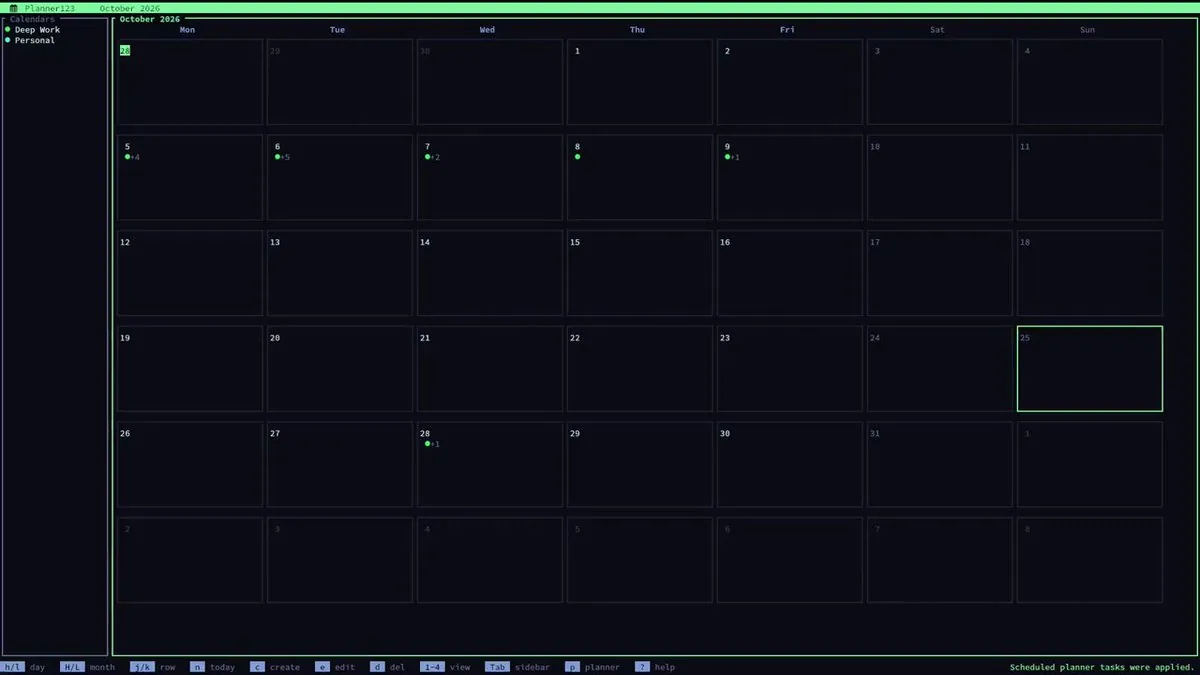
BlackOpsREPL thanks Omarchy Sunday Social for stage time and demos Planner123, a local keyboard-first calendar that turns an inbox of tasks into a proposed schedule, inherits themes, and can sync with Google, with more coming; the video frame is a neon-green Planner123 TUI for October 2026 with Deep Work and Personal calendars and vim-like shortcuts.
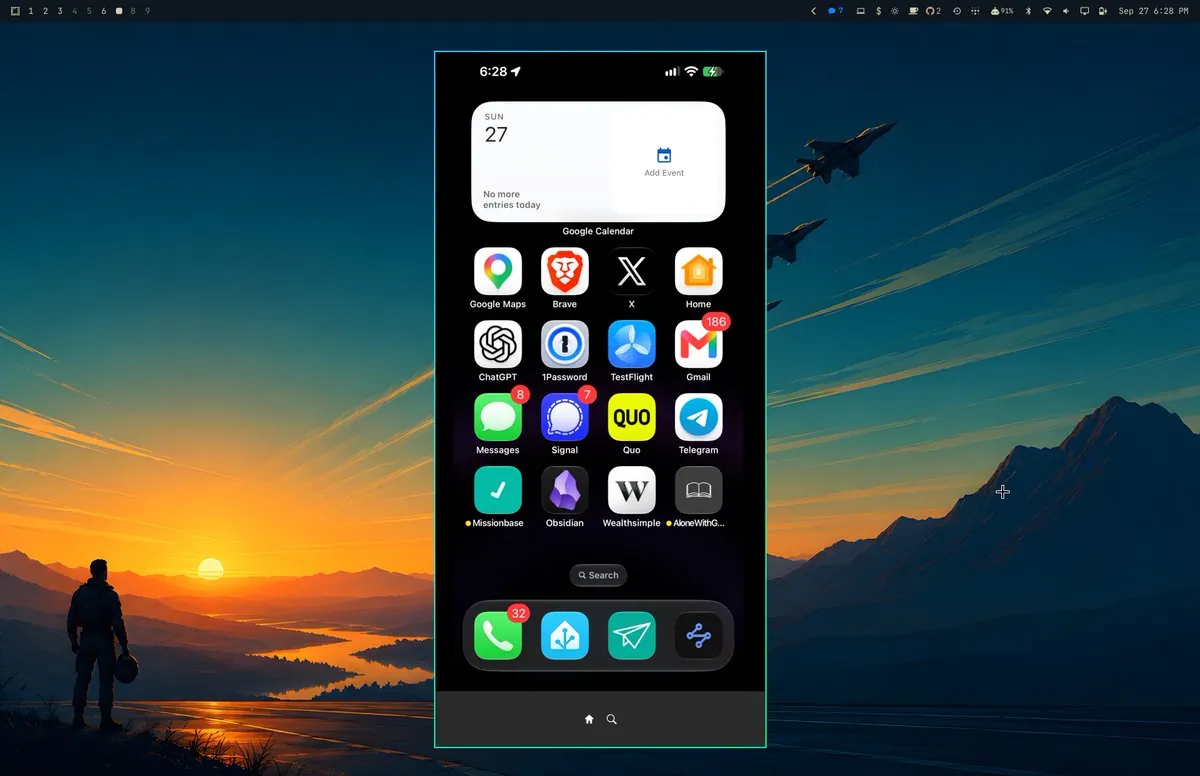
DanielLemky ships Omarchy iPhone Mirroring v0.1.3, in which landscape viewing follows the iPhone, taps and scrolling included, USB startup can mount a compatible developer image from the local cache when needed, and setup and troubleshooting guidance is clearer; it is still an early alpha, tested on iOS 27 with other versions not yet verified; the screenshot shows a mirrored iPhone home screen over a sunset Omarchy wallpaper with a Google Calendar widget and app grid.
ninepointlabs shares fm-cli, a command-line Fastmail client, and its Omarchy plugin, which shows live unread mail from every folder in the Omarchy bar through fm-cli; the video thumbnail is a nearly blank dark navy frame.
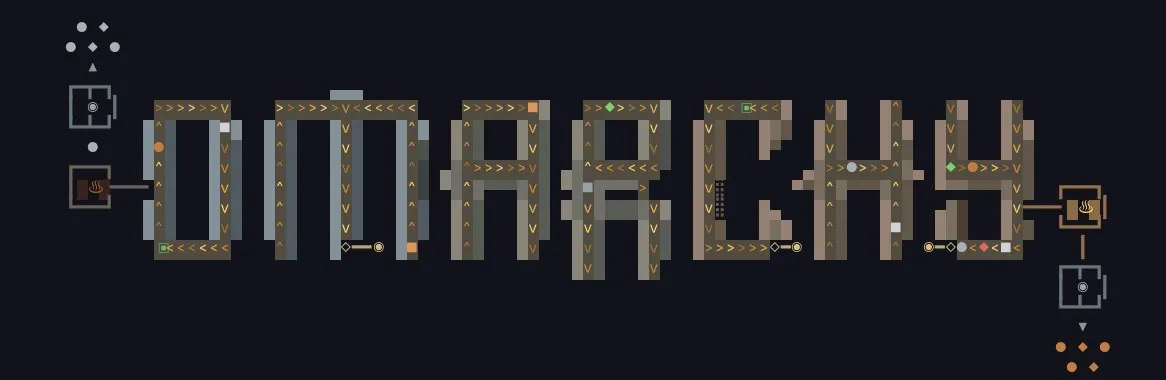
chrisatlee is trying to make a Factorio-themed screensaver for Omarchy and says making it look good is harder than expected; the animated thumb is a dark OMARCHY wordmark built from grey blocks with yellow flow arrows and schematic heat icons.
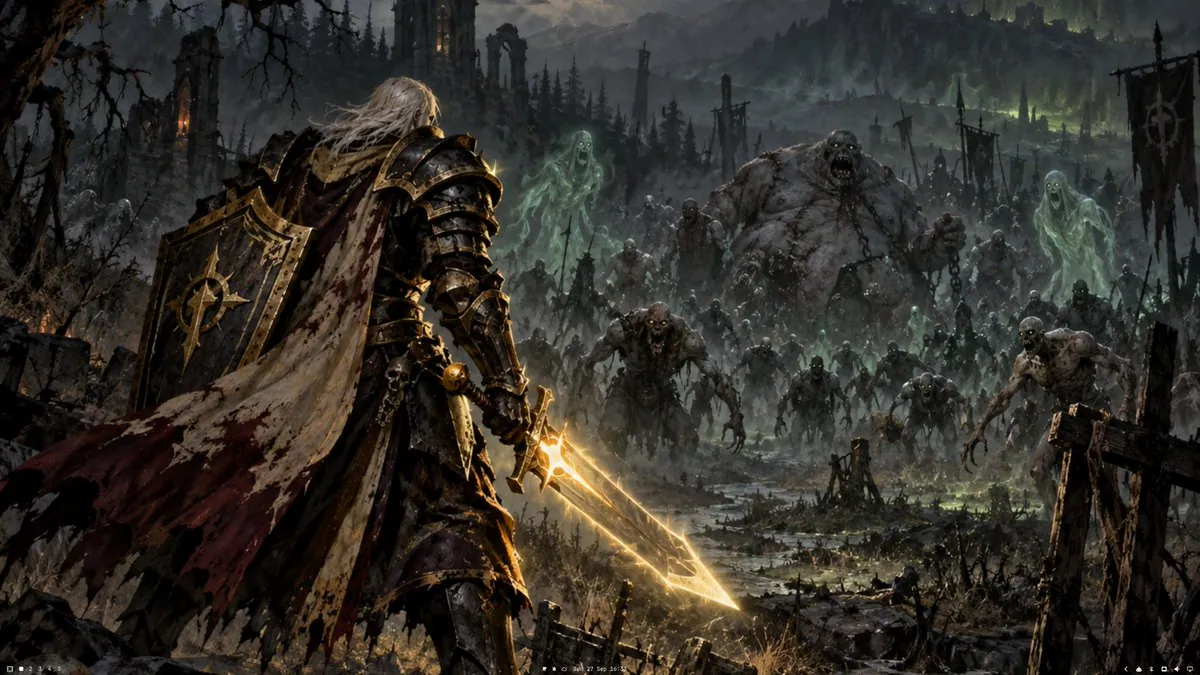
hicsfh is working on an Undead Paladin theme for Omarchy; the work-in-progress wallpaper shows a bloodied knight with a glowing golden sword facing a green-tinged undead horde above a thin status bar.
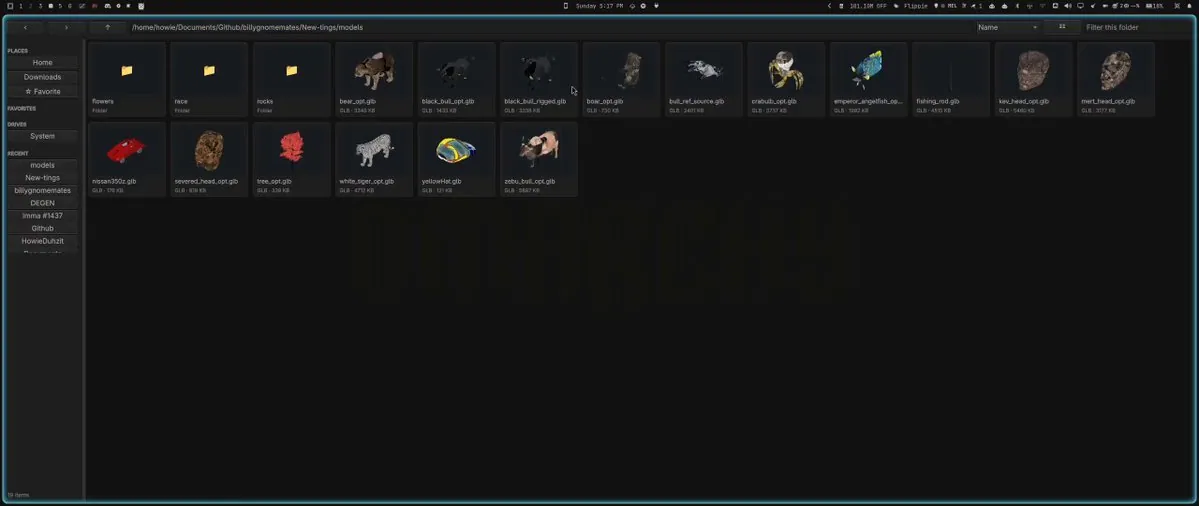
HowieDuhzit introduces the start of ModelShelf, a native Omarchy file browser for 3D assets with CPU-rendered thumbnails in a killable helper process, XDG caching with dependency manifests, GLB, glTF, OBJ, and VRM via Qt Quick 3D, and FBX, STL, PLY, 3DS, and DAE via Assimp, with a 1.0 release planned within a week of the Sep 27, 2026 post; the video frame is a dark file manager grid of GLB model thumbnails under a faint OMARCHY watermark.
TMO_22_ built LanChat, an Omarchy plugin for people running multiple Omarchy machines, offering local messaging and file transfer that TMO_22_ describes as private and encrypted, plus a local HTTP API for scripts or AI agents on the network; the video thumb is a dark navy desktop with a large lavender pixel OMARCHY wordmark and a thin top bar.
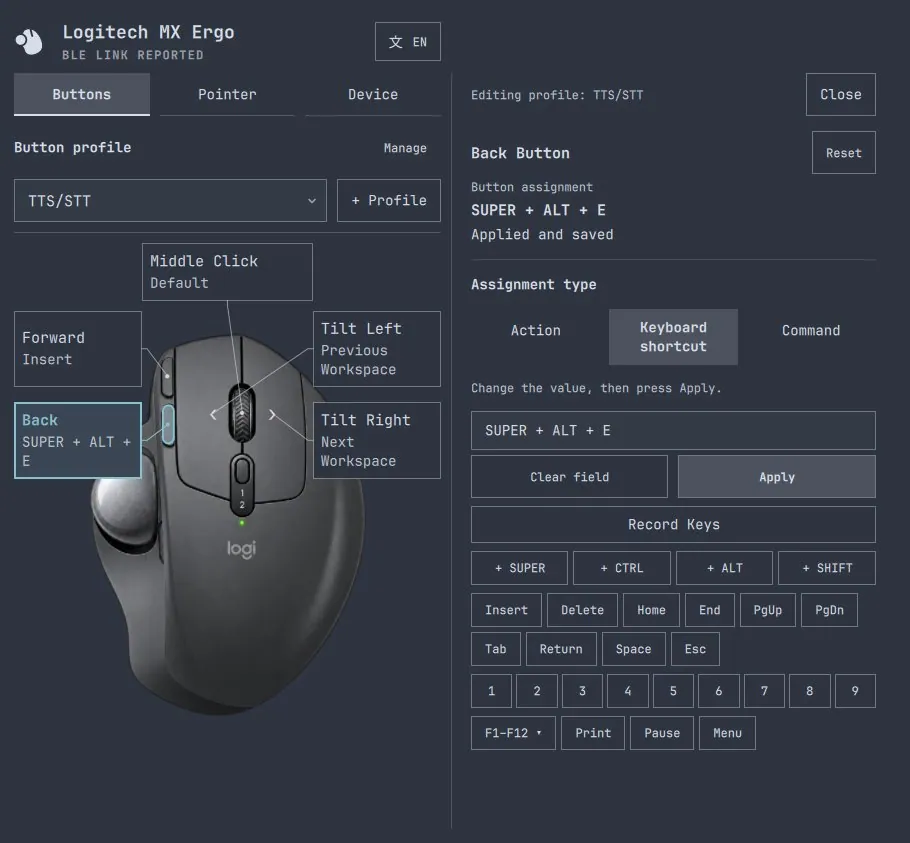
BratNinitux is collecting, in a skill for Omarchy plugins, an approach in which a coding agent renders QML interfaces in the background and inspects the images and different states without taking over the machine; the screenshot shows BratNinitux's MX Ergo plugin, a dark Logitech MX Ergo button mapper on the TTS/STT profile with the back button set to SUPER + ALT + E.
@cheatyyyy · Desktop with RTX 3090
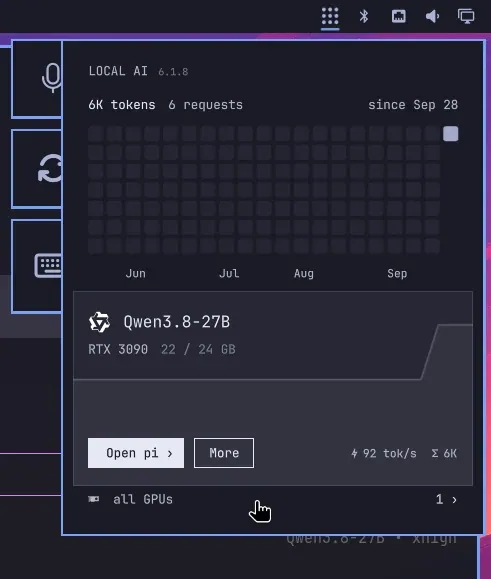
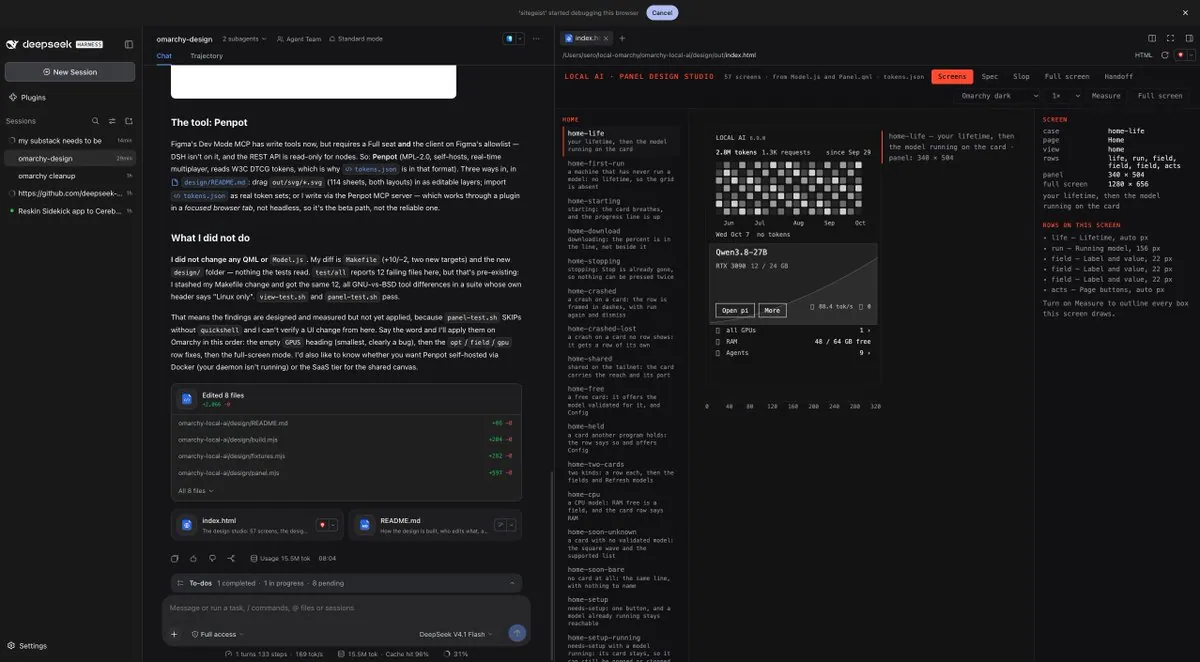
cheatyyyy tries Omarchy on a main desktop, calling Hyprland a jarring change while learning it, and praises Local AI, the 0xSero plugin, for a very smooth install and automated one-click setup of Qwen3.8-27B on an RTX 3090; the screenshot is a Local AI 6.1.8 overlay showing Qwen3.8-27B on an RTX 3090 using 22 of 24 GB at 92 tok/s.
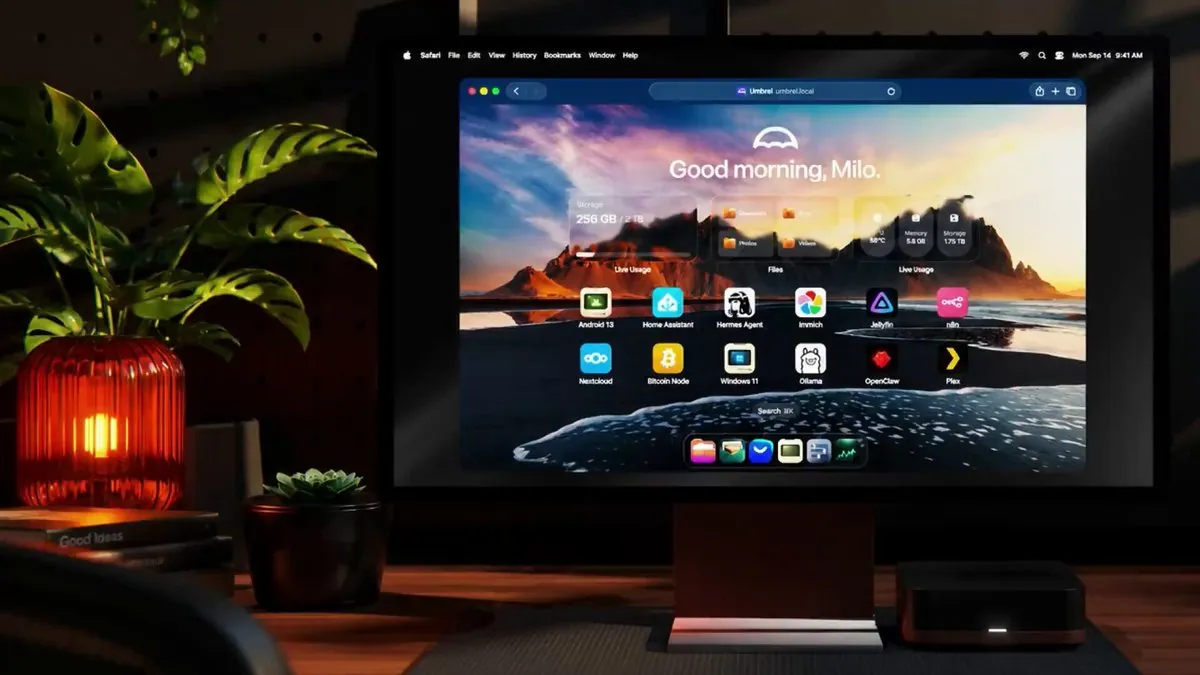
YaelOss says Umbrel “has been cooking” and that a full Omarchy install can run alongside an entire AI-powered NAS, sharing an Umbrel video; the frame shows a dim desk with a monitor open to an Umbrel dashboard of storage stats and app icons, beside a small black Umbrel box and a warm lamp.
@StudioXRadio · 2020 iMac i9
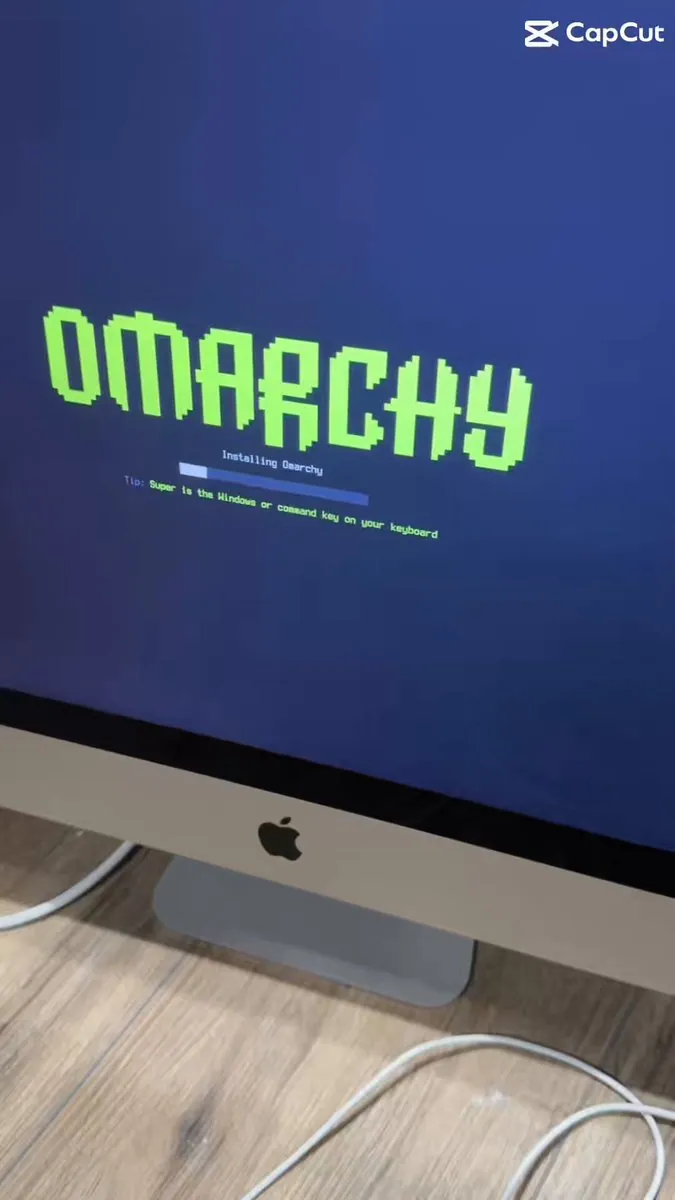
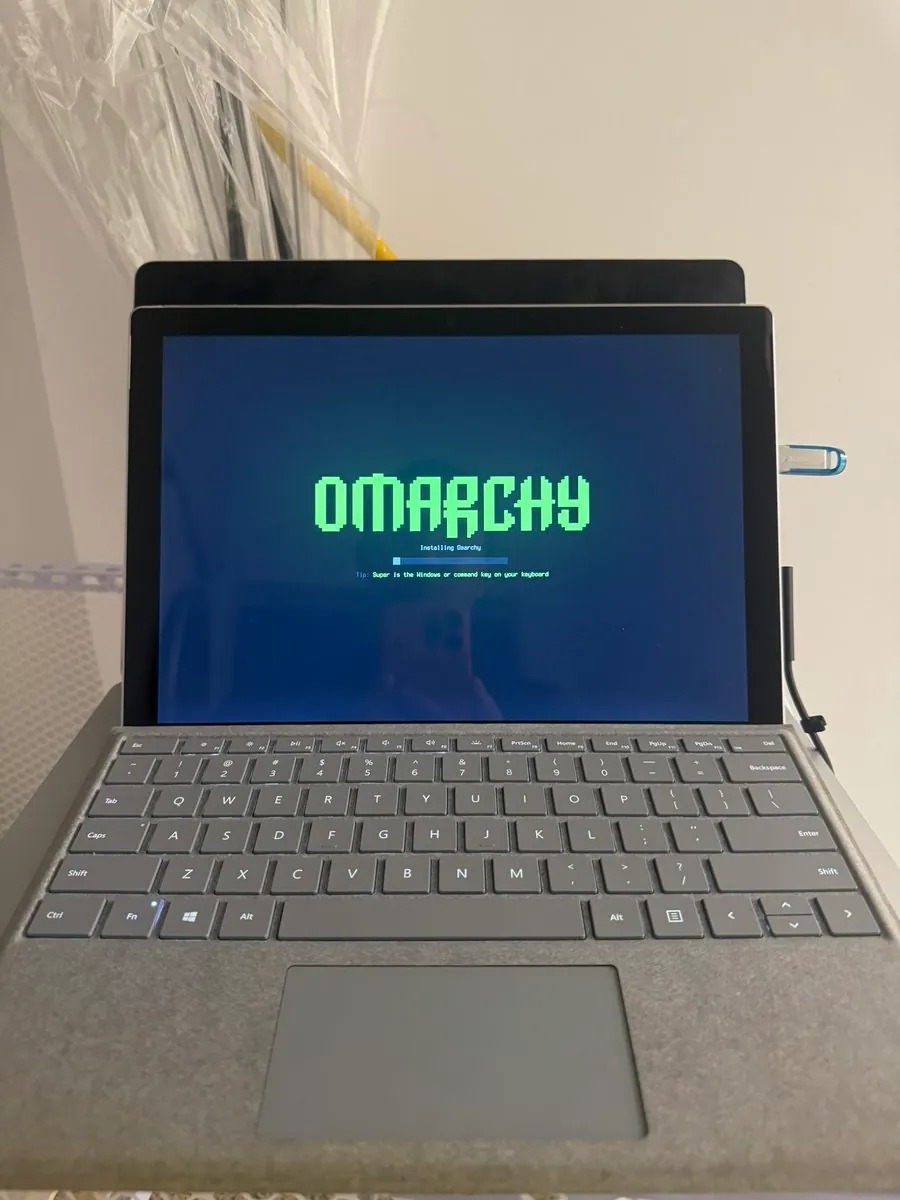
StudioXRadio says a 2020 iMac i9 is now part of team Omarchy after about a 1-minute install; the video frame shows the Omarchy installer on the iMac with "Installing Omarchy" and a tip that Super is the Windows or Command key.
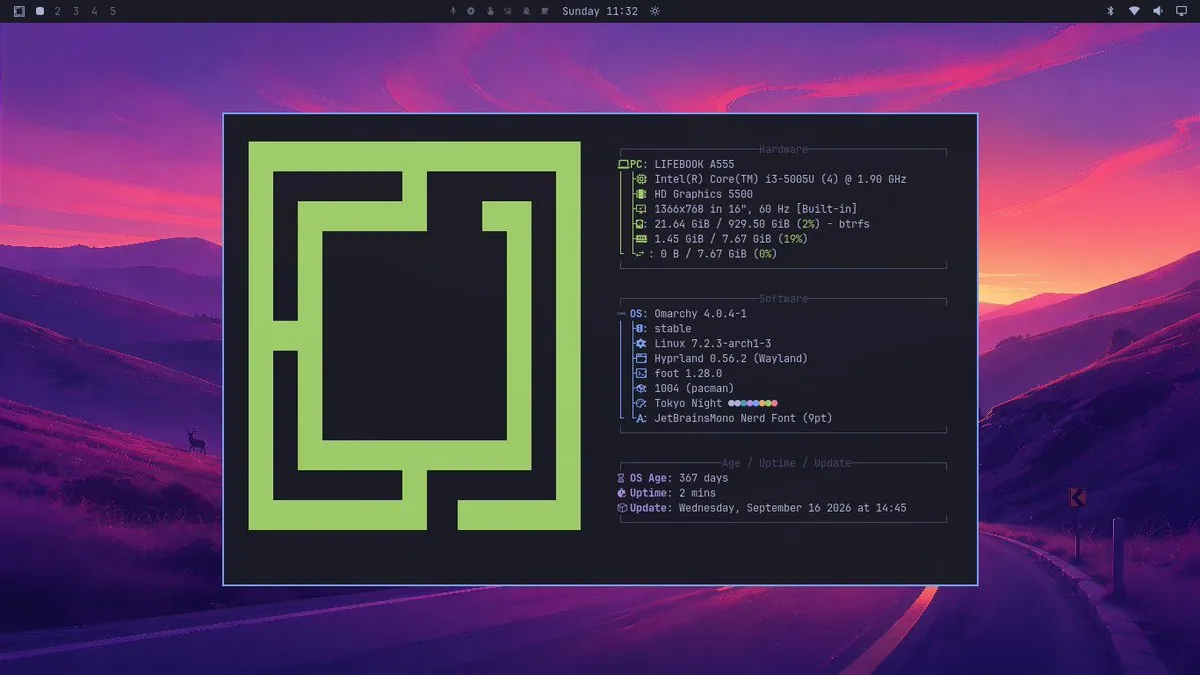
@jbnunn · Beelink mini PC, Ryzen 5 5500U, 34" ultrawide
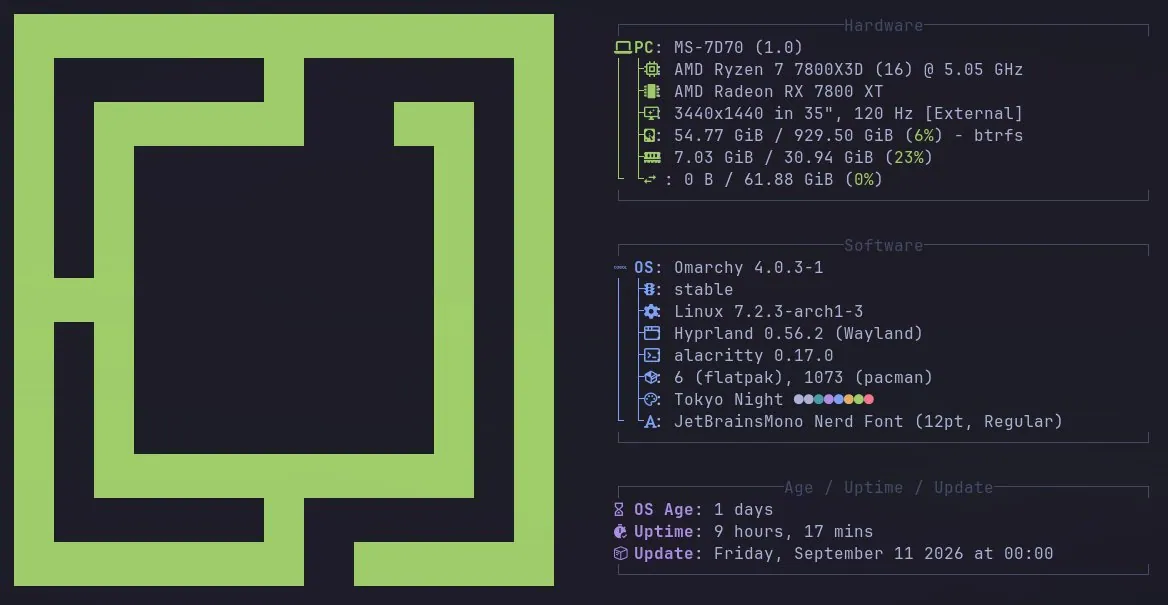
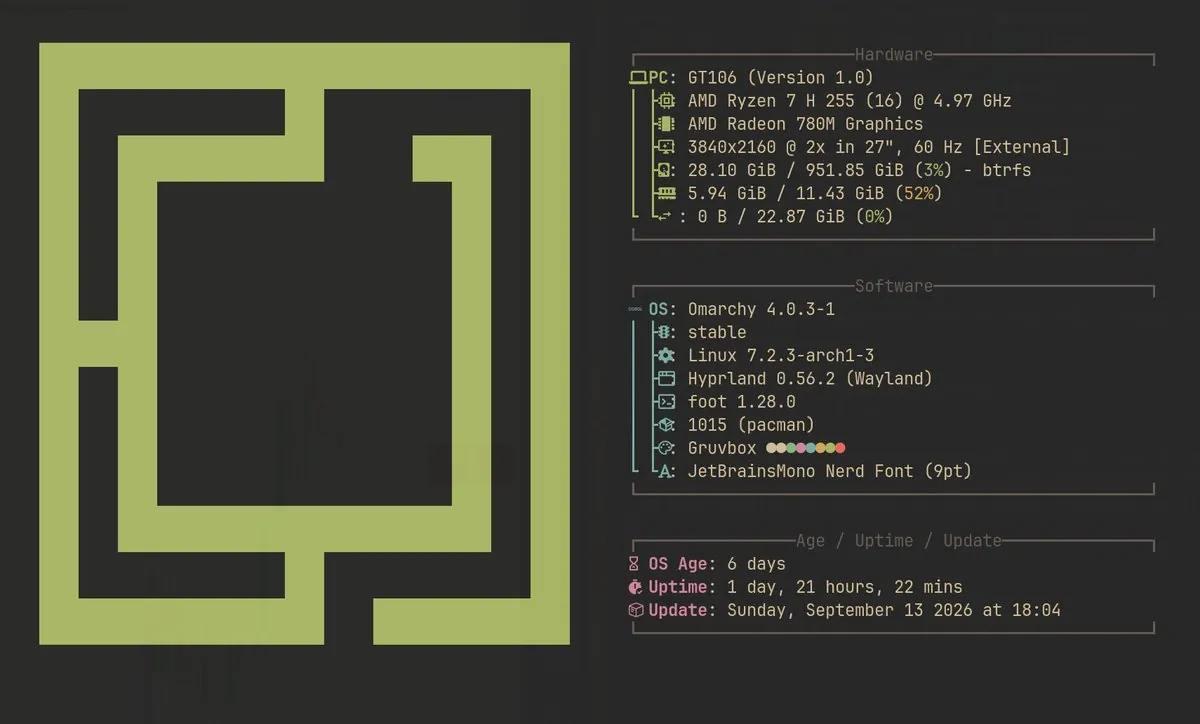
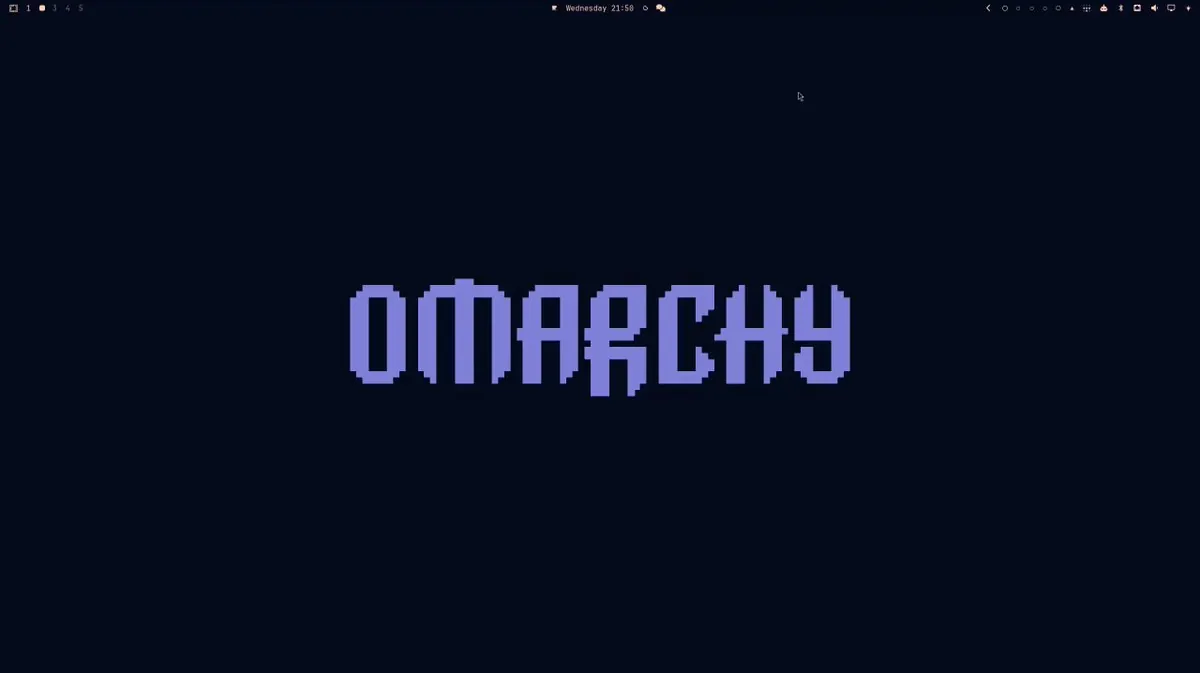
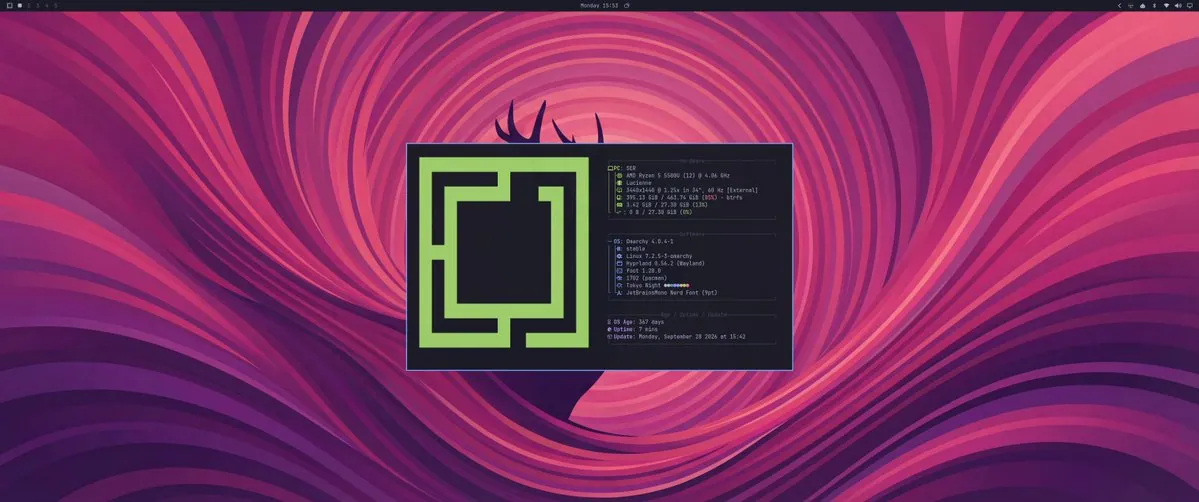
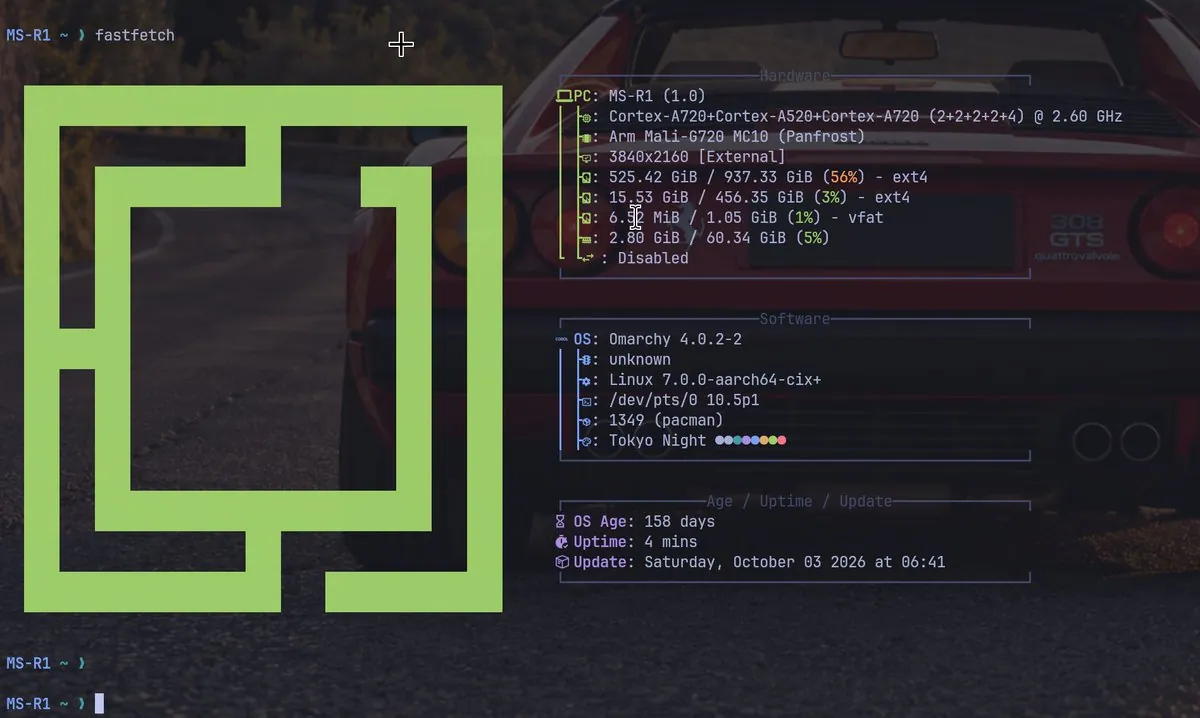
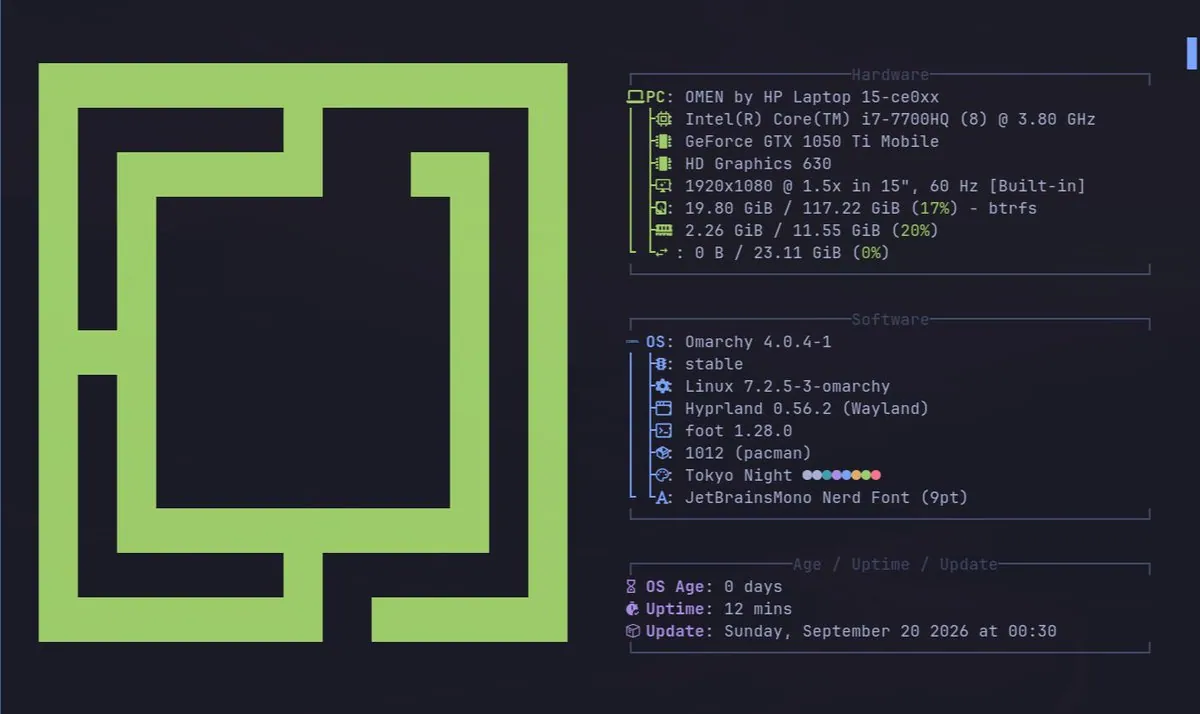
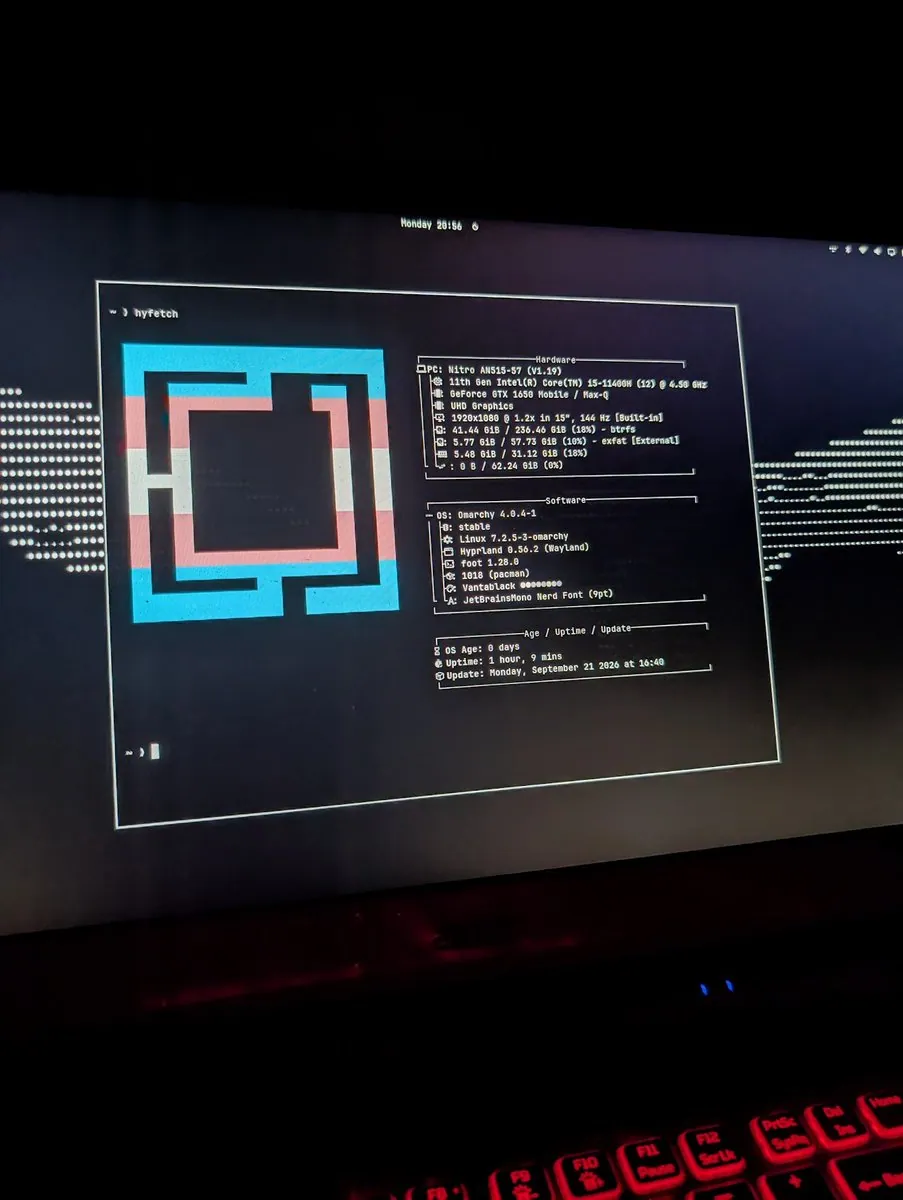
jbnunn marks one year on Omarchy on a Beelink mini PC with a Ryzen 5 5500U mounted behind a 34" ultrawide, calling it a third computer that is fast and keyboard-driven; the fetch screenshot shows Omarchy 4.0.4-1 on Hyprland with Tokyo Night colors, 3440x1440, and 367 days of OS age, and the write-up covers dropping default apps, preferring Ghostty splits over tmux or herdr, learning Neovim, three merged PRs, and LocalSend plus Tailscale instead of iMessage and AirDrop.
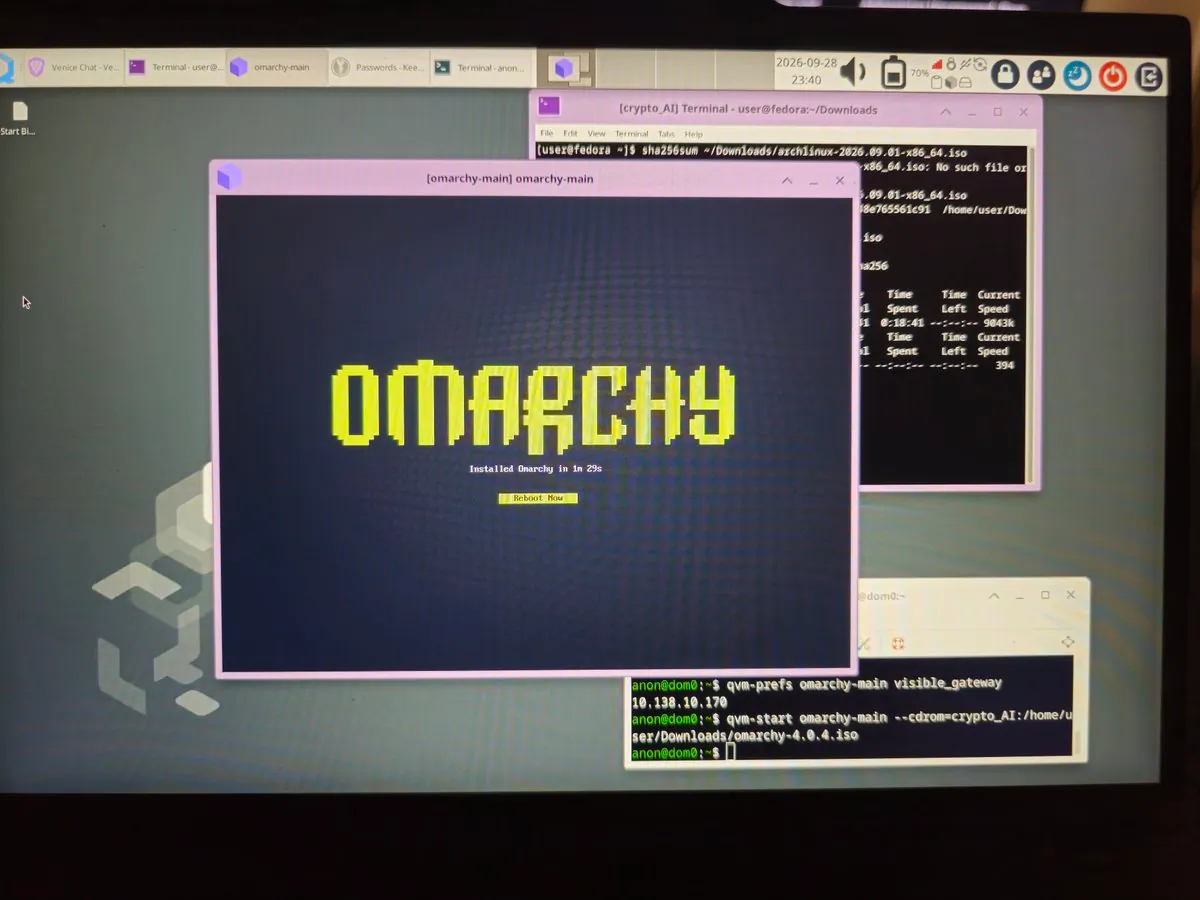
lecPokrandt shows Omarchy running inside Qubes OS and jokes that this is where it should be, while saying they are pumped to have an agentic OS; the screenshot is a Qubes desktop with an omarchy-main qube reporting "Installed Omarchy in 1m 29s" after booting omarchy-4.0.4.iso via qvm-start.
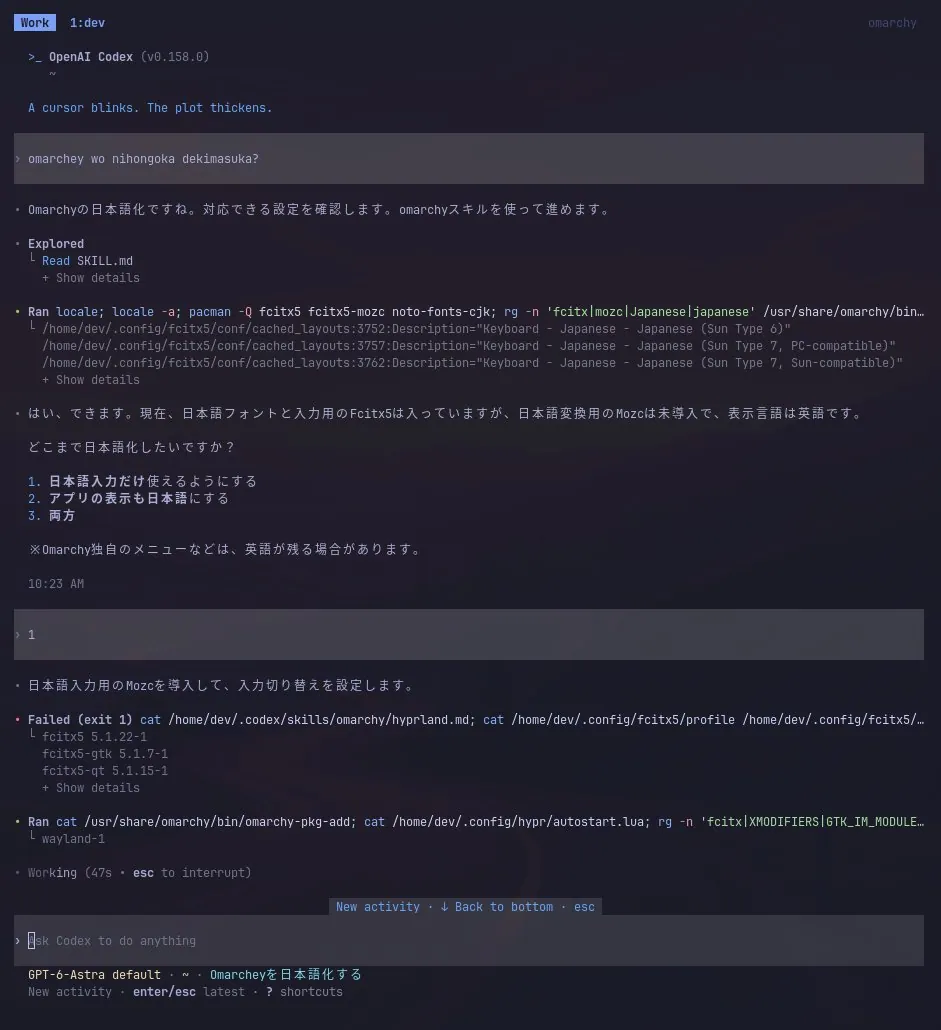
YamanekoInfo installed Omarchy on a recently won mini PC, configured Codex, and had Astra set up Japanese input so romaji worked without conversion, then posted from Omarchy; the screenshot is an OpenAI Codex session localizing Omarchy input with Fcitx5 and Mozc install steps.
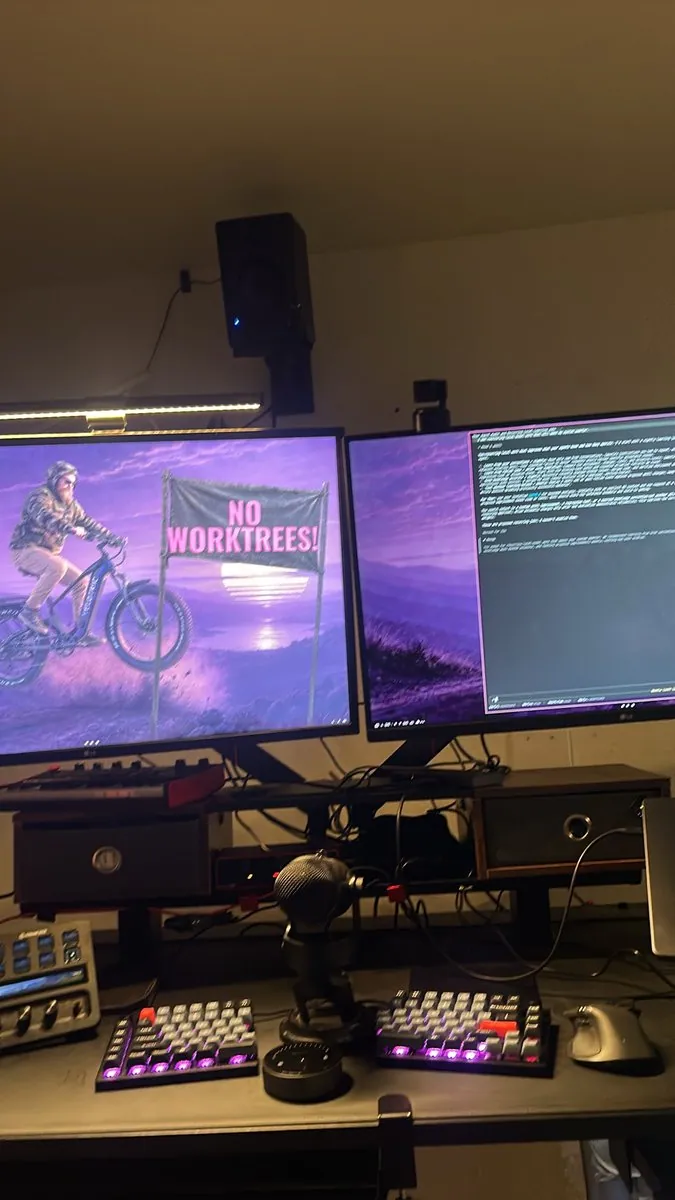
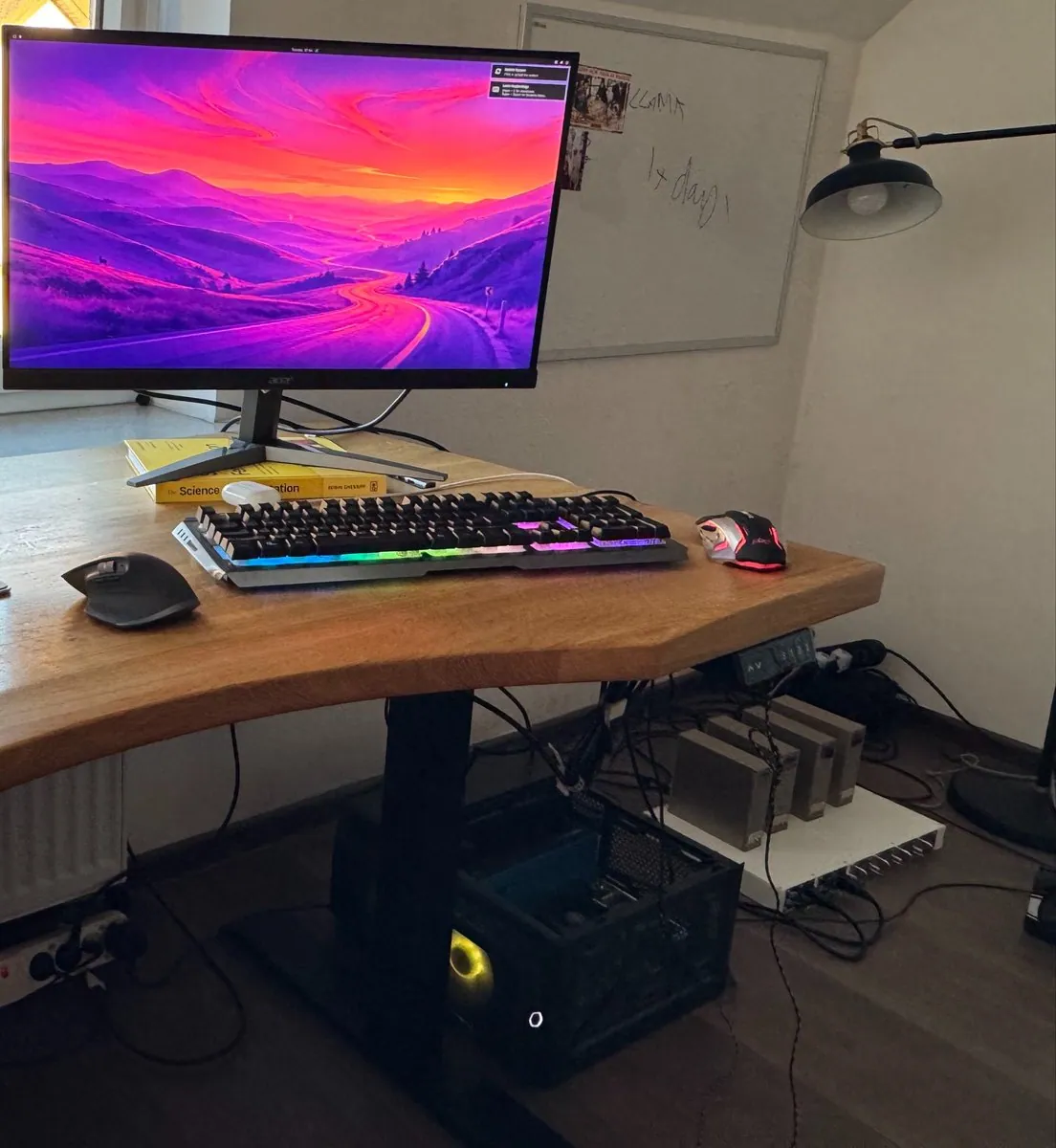
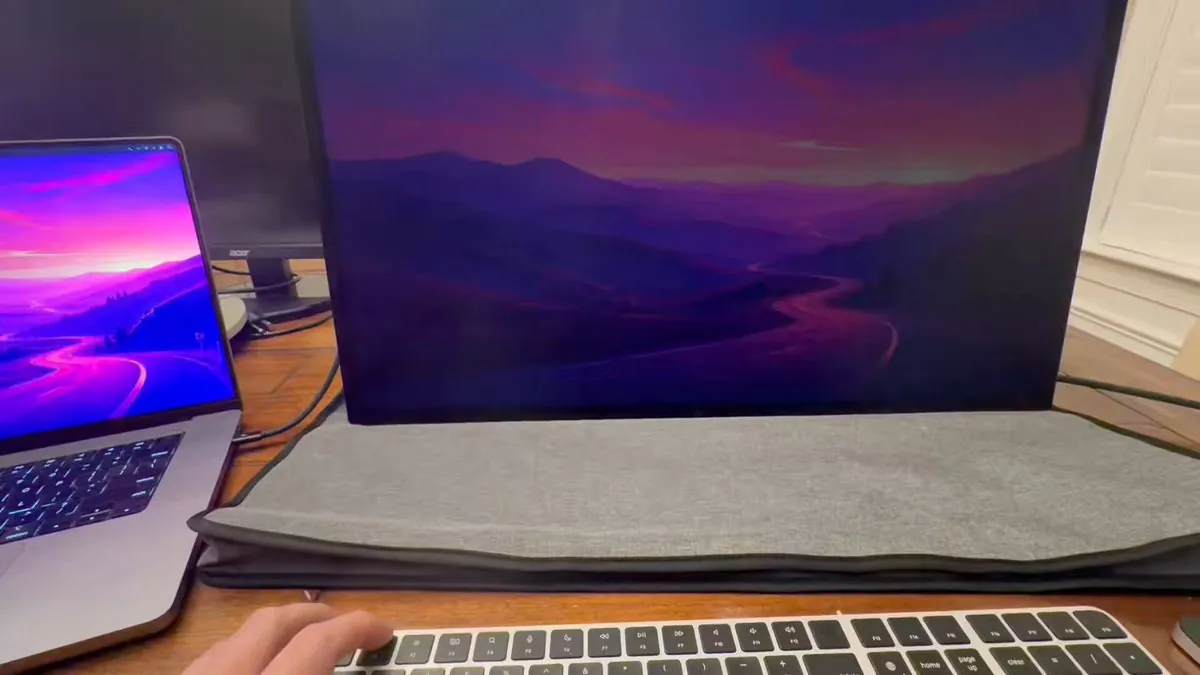
0xSero shows Omarchy on a desk at last; the photo is a wooden sit-stand desk with an Acer monitor showing a mountain-road sunset wallpaper, an RGB mechanical keyboard, two mice, a PC case under the desk, and a whiteboard labeled LLAMA behind it.
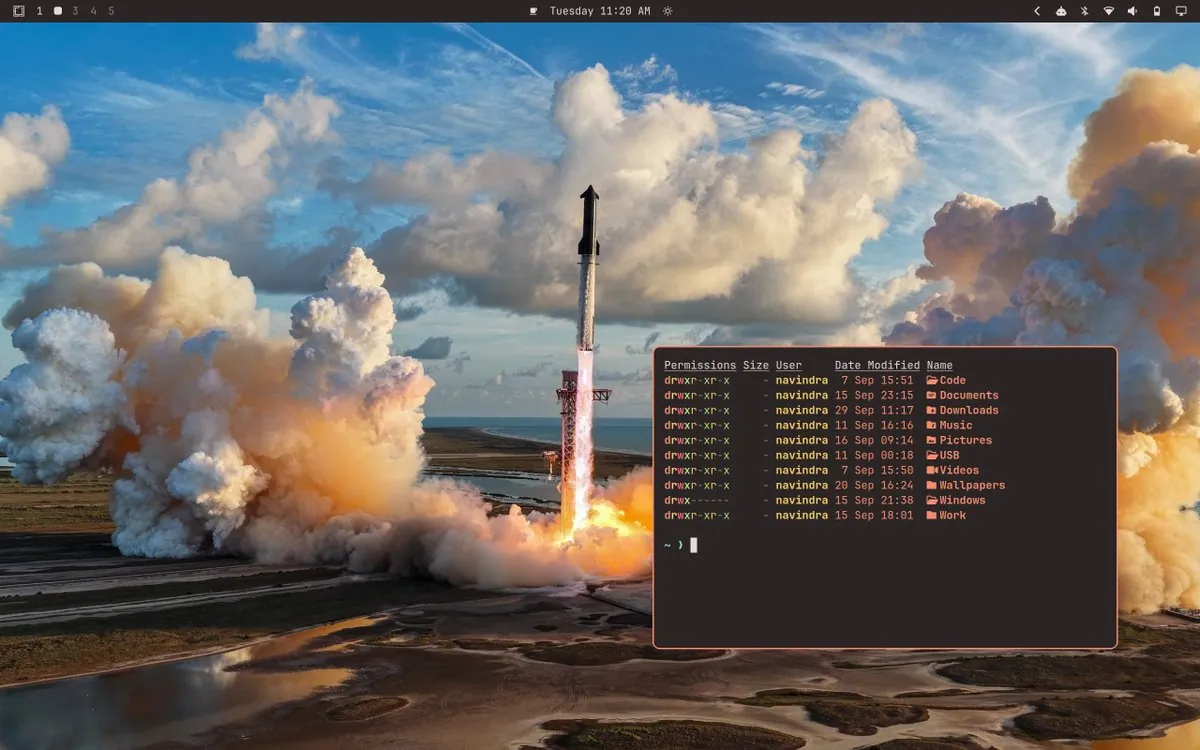
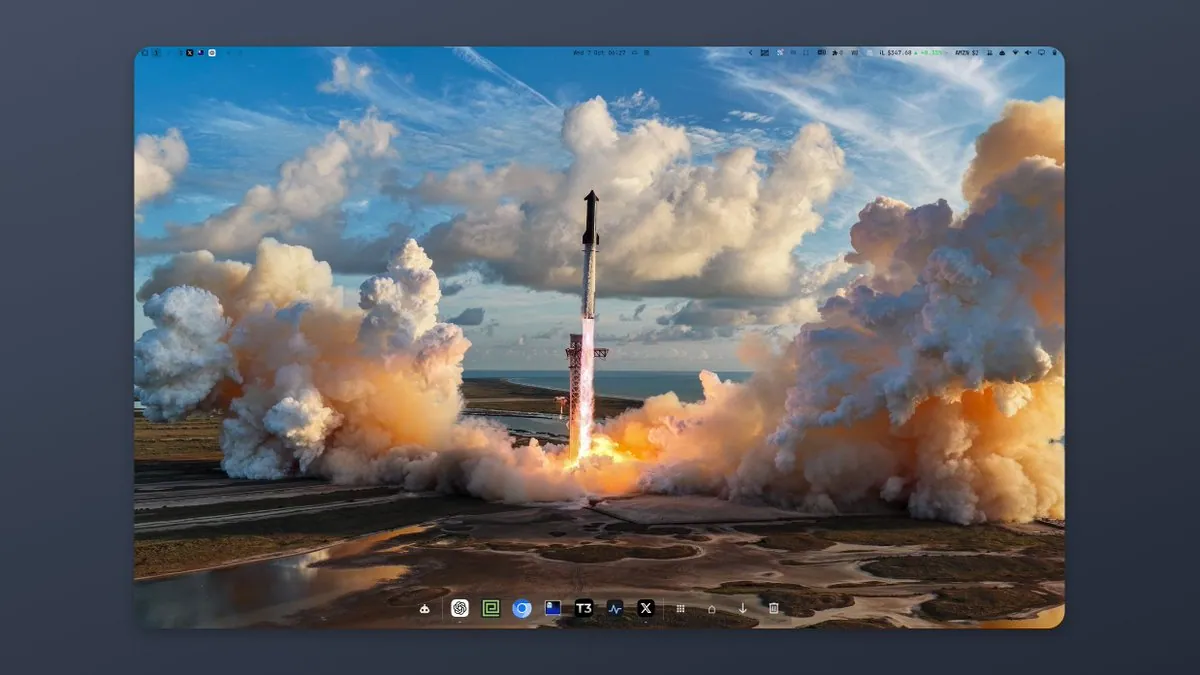
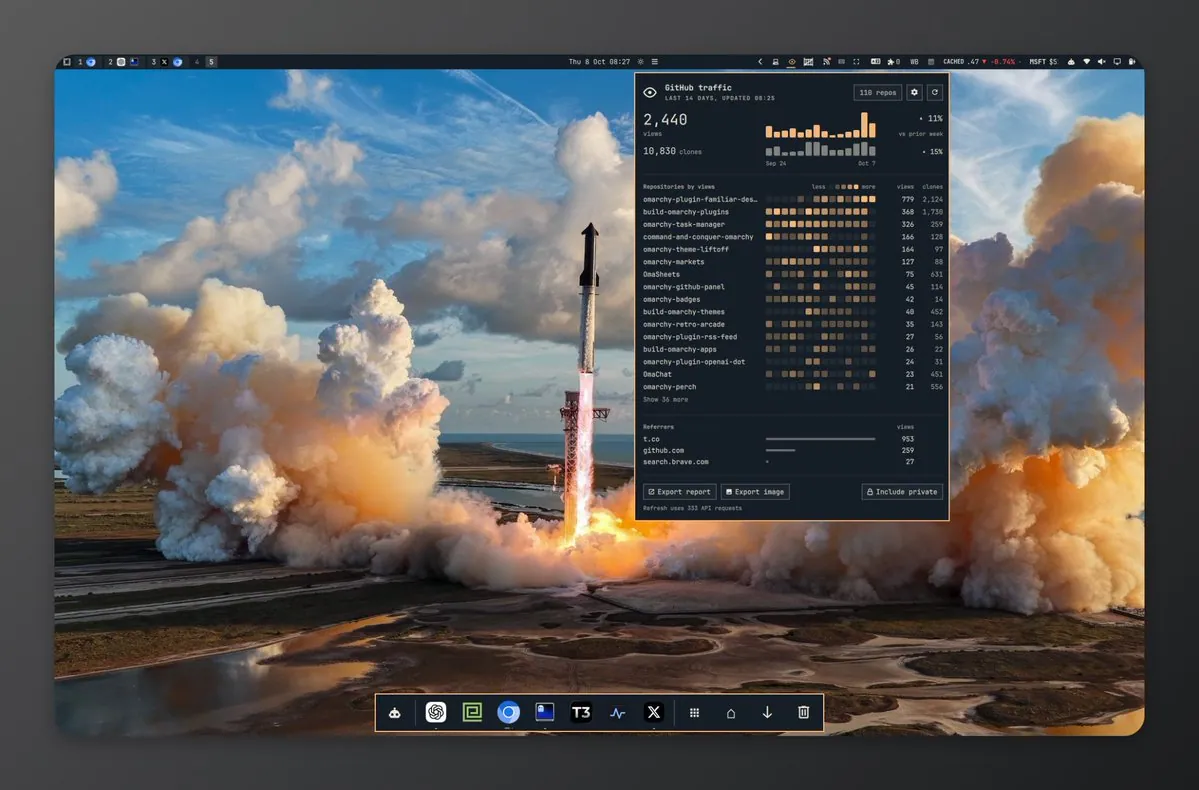
navindra404 says new SpaceX photos look good with the Omarchy Ristretto theme; the screenshot shows a Starship launch wallpaper, a Ristretto-styled top bar, and a translucent terminal listing home folders.
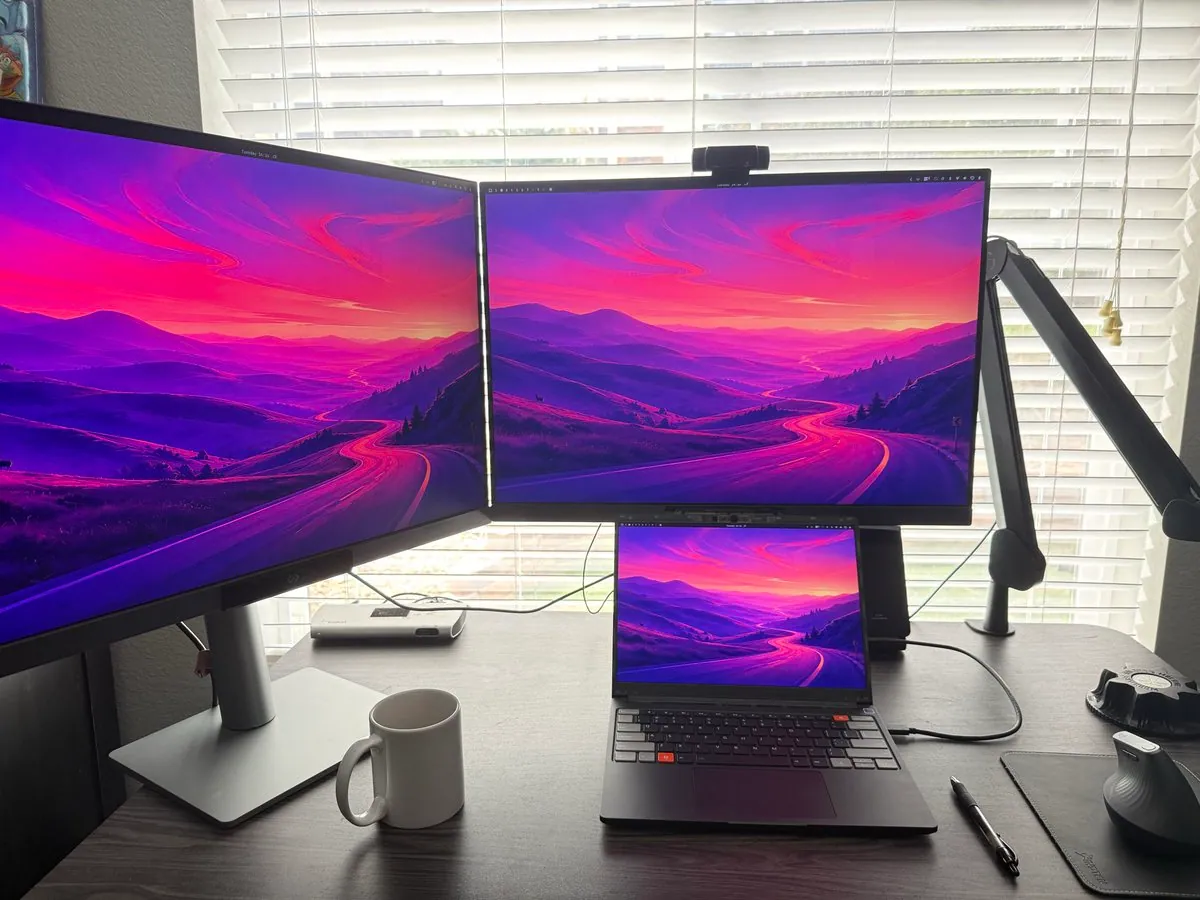
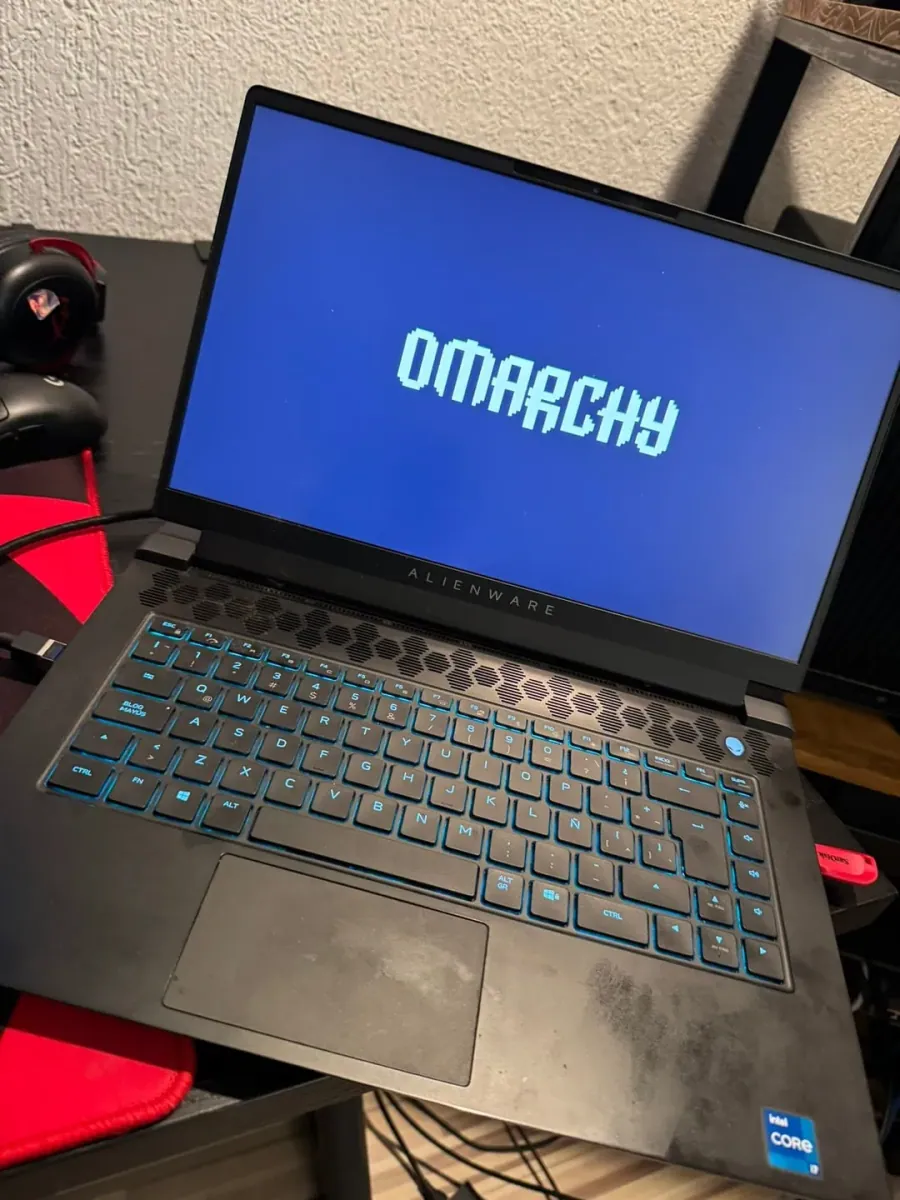
stevenharms says Benq RD280UG plus Omarchy plus Framework is a favorite setup by far; the photo shows a dual-monitor desk with a Framework laptop stacked under the right display, matching purple-mountain wallpapers, a vertical mouse, and a white mug.
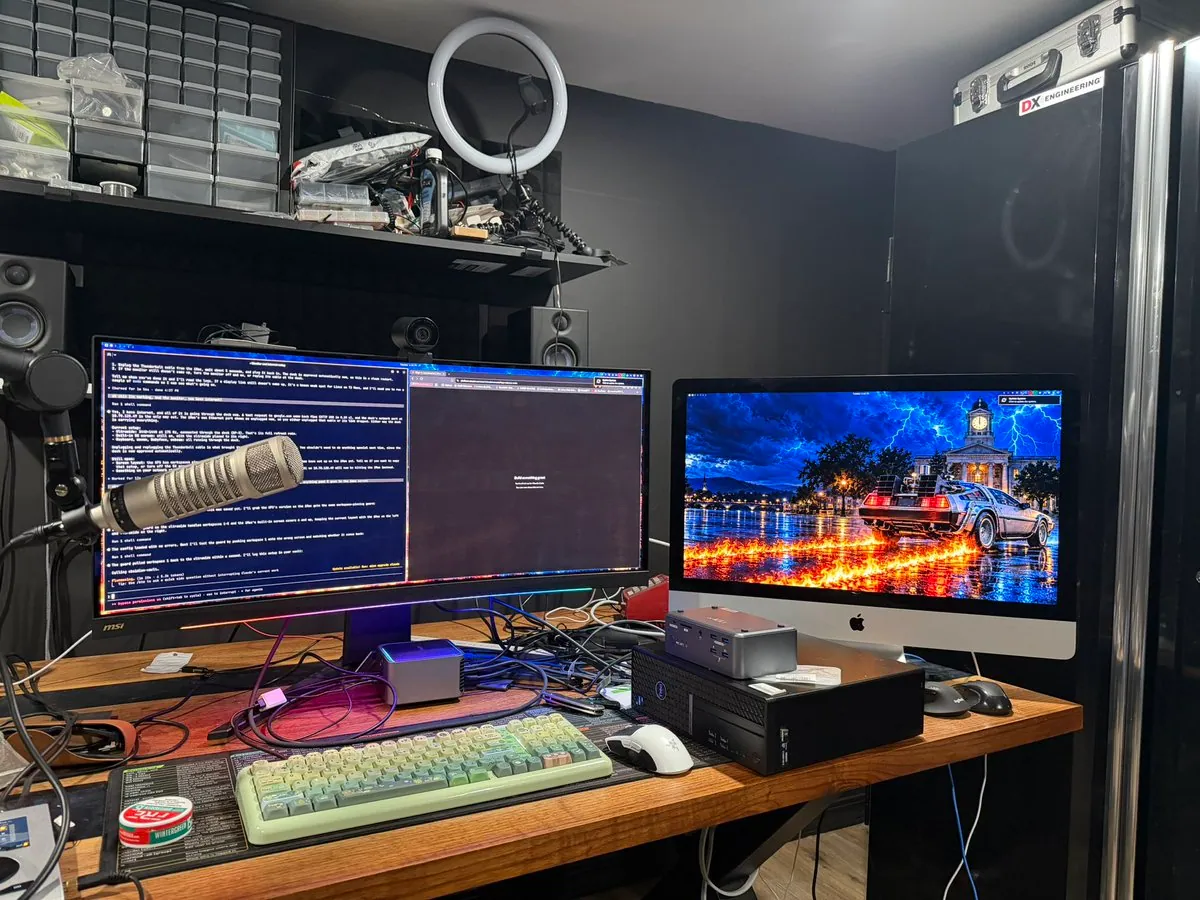
StudioXRadio's daily driver is now a 2020 i9 iMac with 64 GB of RAM running Omarchy, connected via Thunderbolt to a dock and still using an ultra-wide, with an XPS 16 kept in sync for around the house and remote work; the photos show the iMac Omarchy desktop and desk.
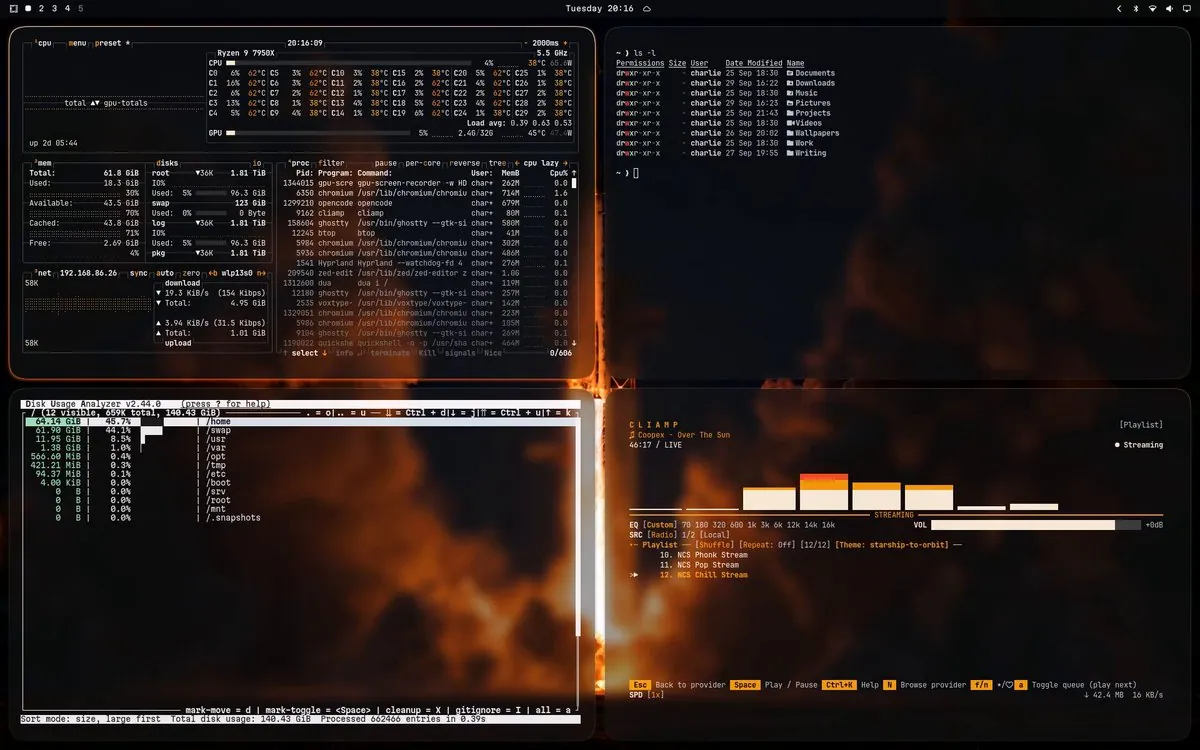
char_mar_ has a new Omarchy setup; the video frame is a four-pane desktop with btop on a Ryzen 9 7950X, a home directory listing, a pane titled "Disk Usage Analyzer", and a CLIAMP player on a rocket-launch wallpaper under an Omarchy top bar.
@maralcbr · Franken GPU 3x 3090
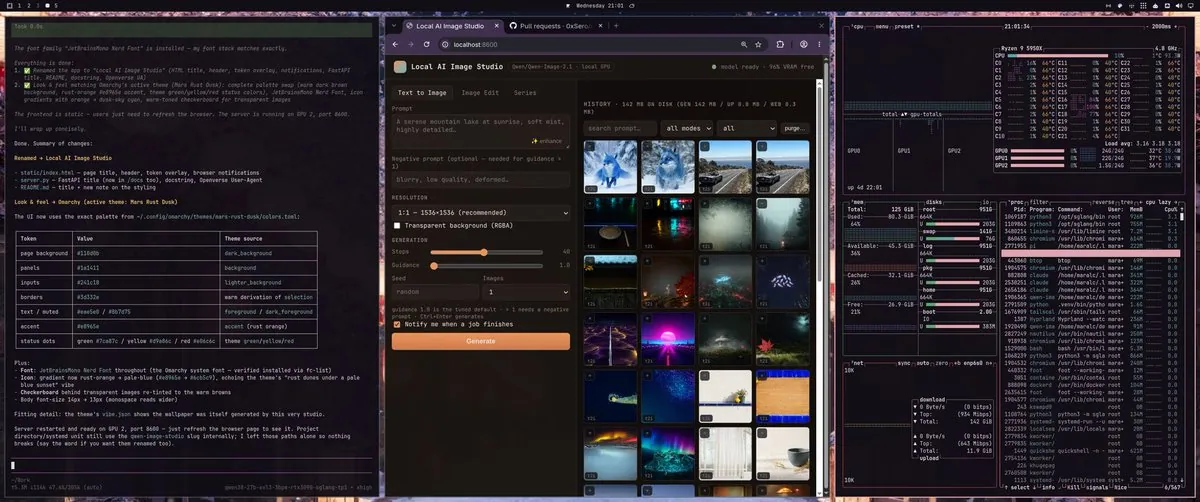
maralcbr has been grinding the Omarchy Local AI from 0xSero on an Omarchy Franken GPU (3x 3090), with Qwen 3.8 27B on two GPUs and Qwen Image 2.1 on another, and with the integrated Pi quickly created a local image generation engine and website, a local Omarchy Theme Generator, and Tailshare QR Code Phone AI Chat; the screenshot shows a three-pane Omarchy desktop with a Local AI Image Studio, a notes pane, and btop on a Ryzen 9 5950X.
@DamirWallener · Mac Mini
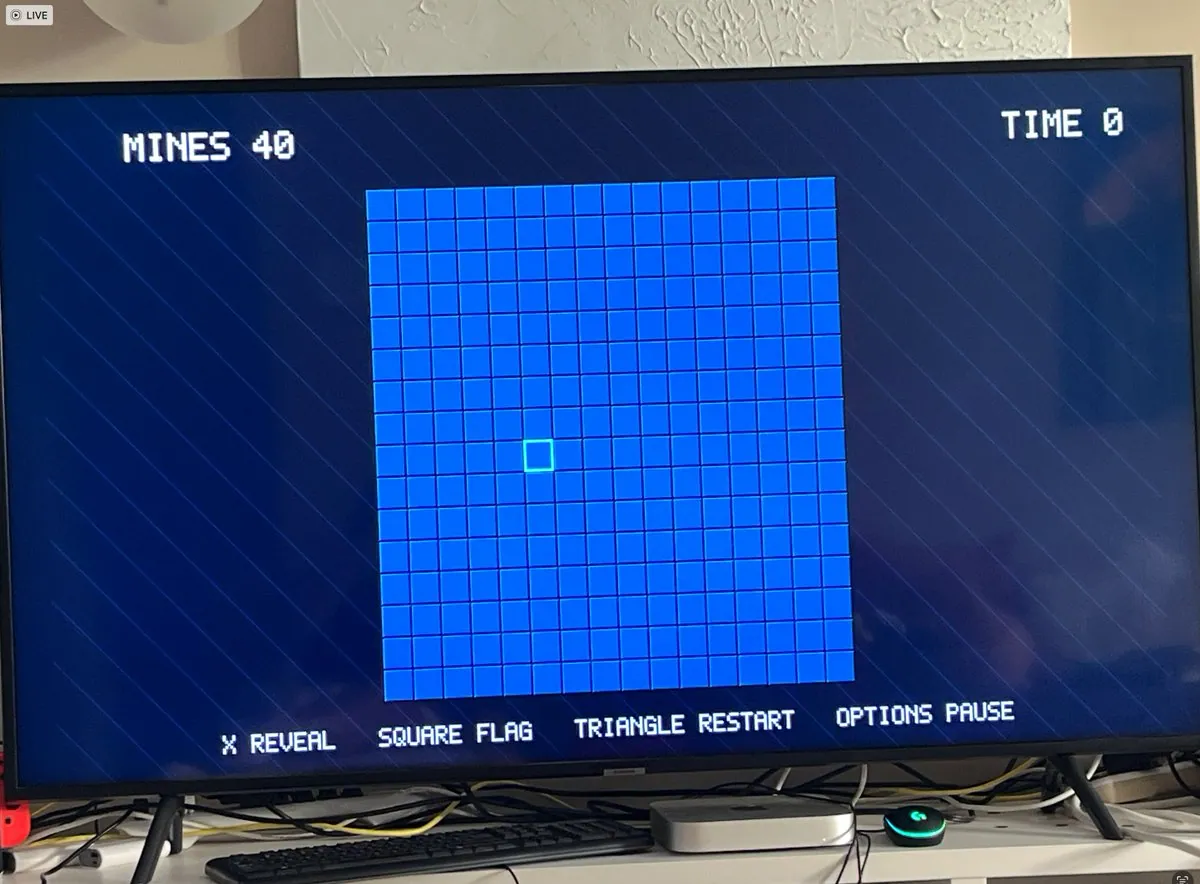
DamirWallener turned a Mini into an Omarchy box, put an emulator front end on it with 10-foot UX, connected it with his Codex account, and turned it into a self-authoring game console that is now building a mini catalog after implementing Minesweeper four ways as app, webapp, SNES ROM, and GameCube disc; the photo is a TV showing a Minesweeper grid labeled MINES 40 and TIME 0 with controller prompts for REVEAL, FLAG, RESTART, and PAUSE.
@ConcreteMystic · HP Z210 Workstation
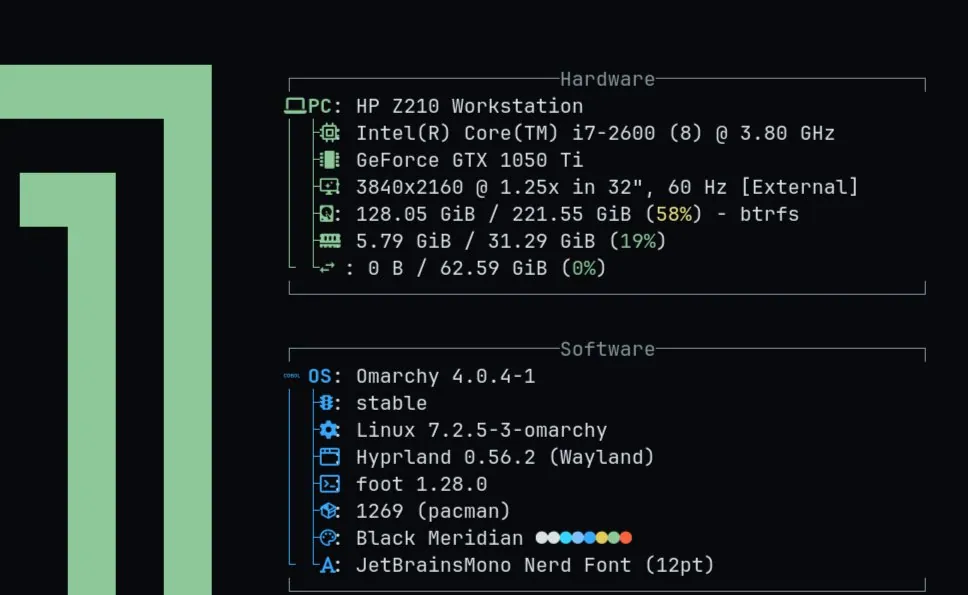
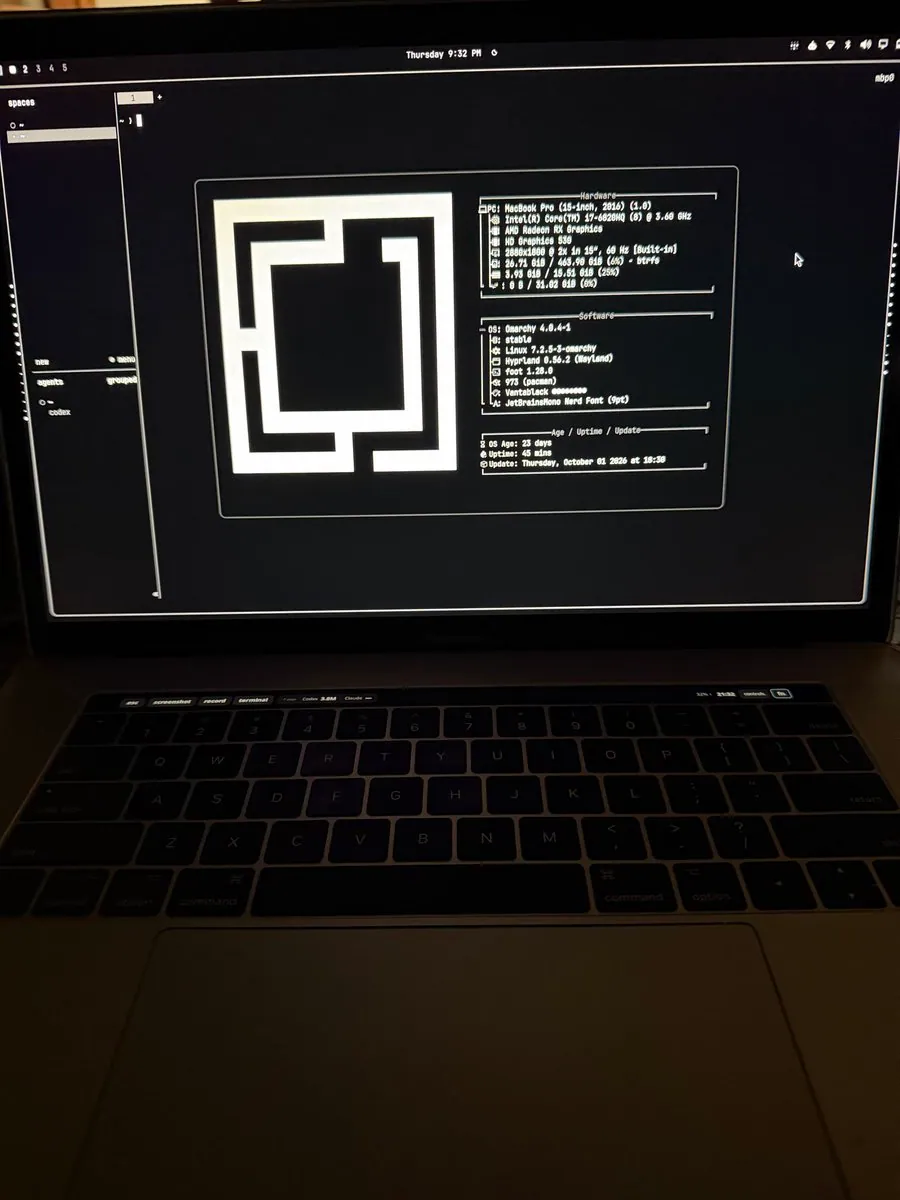
ConcreteMystic says he really enjoys using Omarchy, runs it full time on his desktop that was "old AF" six years ago and is still chugging along, and has not moved to it full time on his M3 MacBook Pro; the screenshot is a fetch-style Hardware and Software panel for an HP Z210 Workstation on Omarchy 4.0.4-1 with Hyprland, foot, and a Black Meridian colors row.
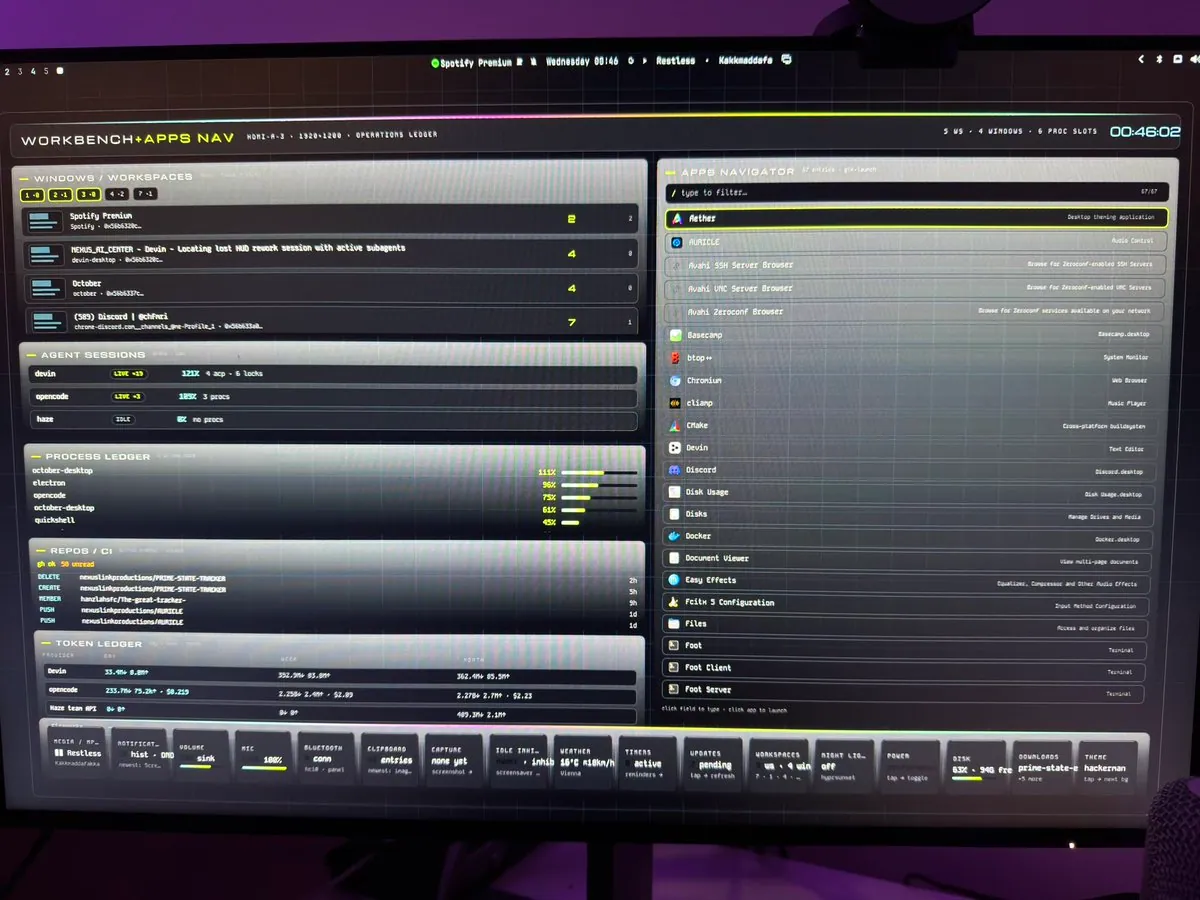
_nexuslink replies that he just got Omarchy set up last week and is utilizing background screens for a lot of functions, calling it a "super fun" experience customizing Omarchy; the photo is a monitor showing a "WORKBENCH+APPS NAV." dashboard with an operations ledger, apps navigator, and a bottom bar where "hackerman" is the theme tile and "prime-state-e" is a different bottom-bar tile.
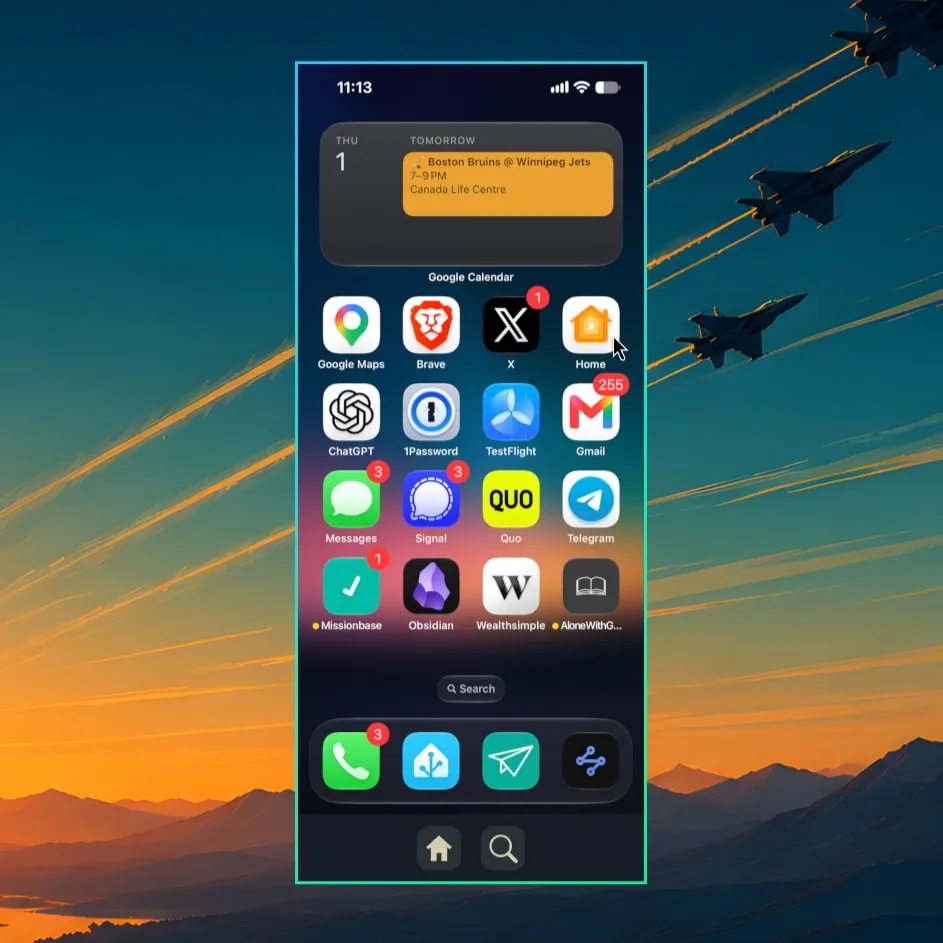
DanielLemky ships Omarchy iPhone Mirroring v0.1.4 with design improvements and a fix for an issue that was locking up the phone camera: the toolbar matches the Omarchy theme, floating windows fit the phone while tiling stays normal, Wi-Fi can mount a cached developer image, and stream shutdown is fixed, linking DanielLemky/omarchy-iphone-mirror releases tag v0.1.4; the screenshot is a mirrored iPhone home screen with a Google Calendar widget for a Bruins at Jets game and an app grid over a fighter-jet sunset landscape wallpaper.
@ntbrown01 · 2013 Mac Pro
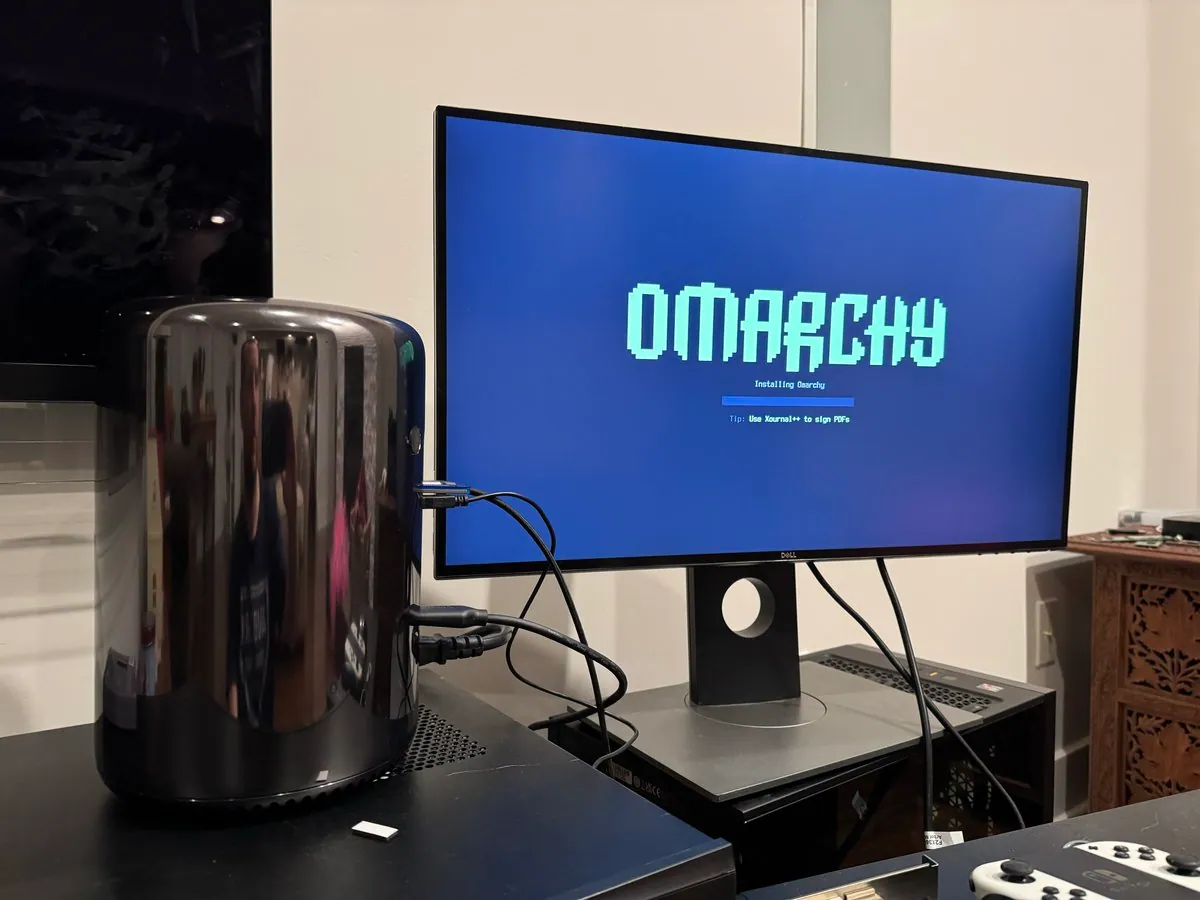
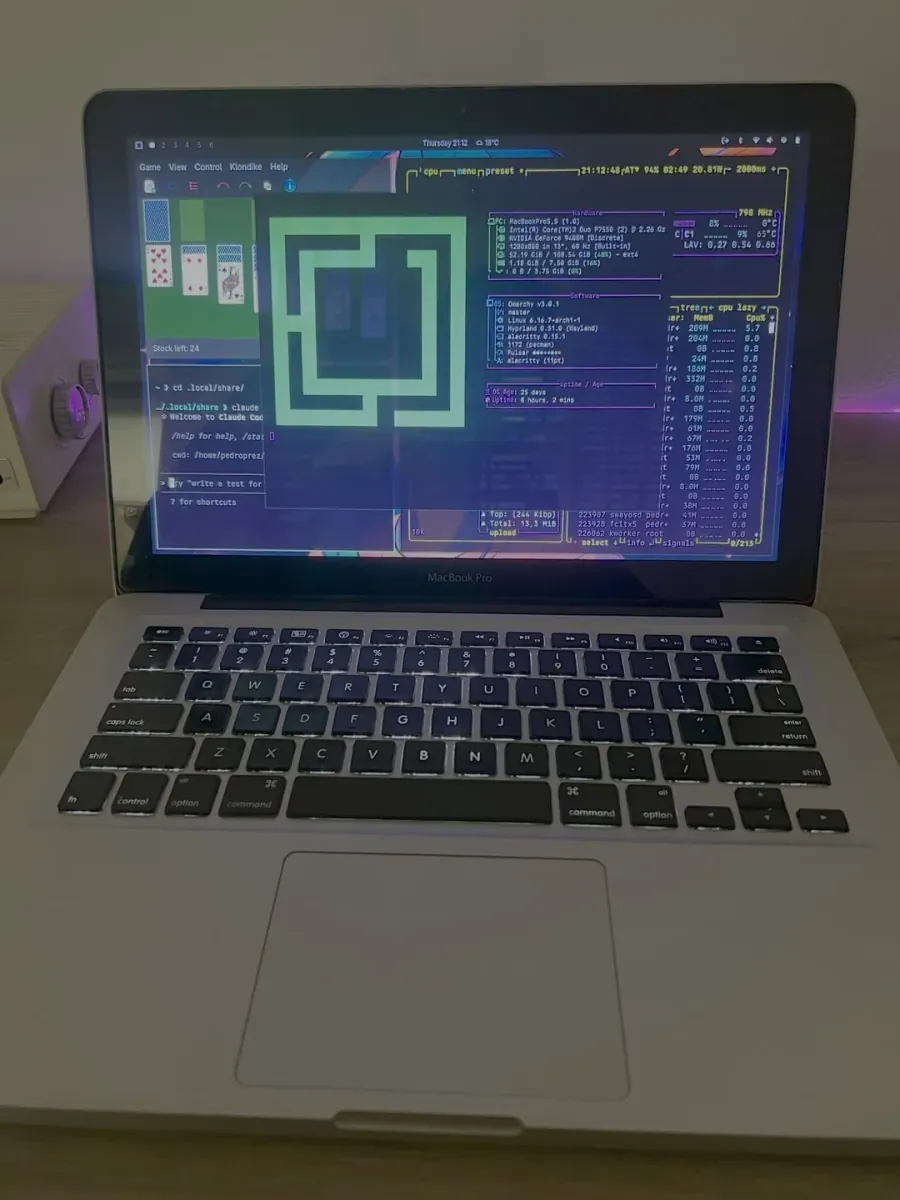
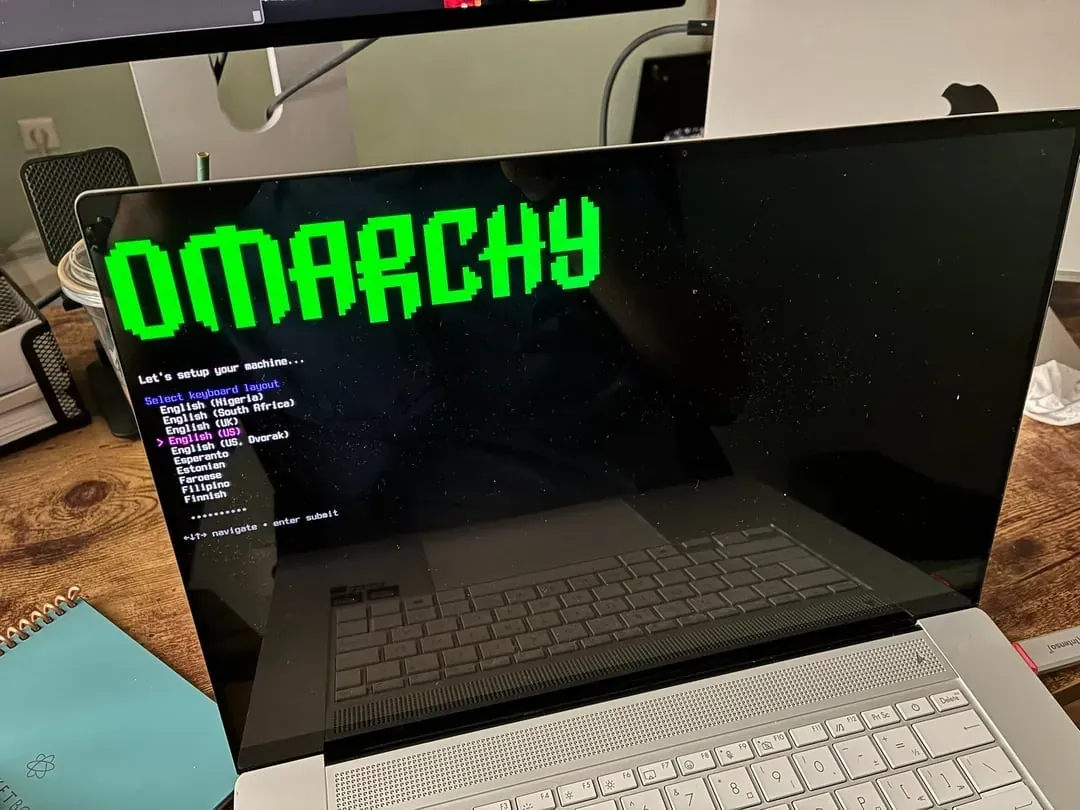
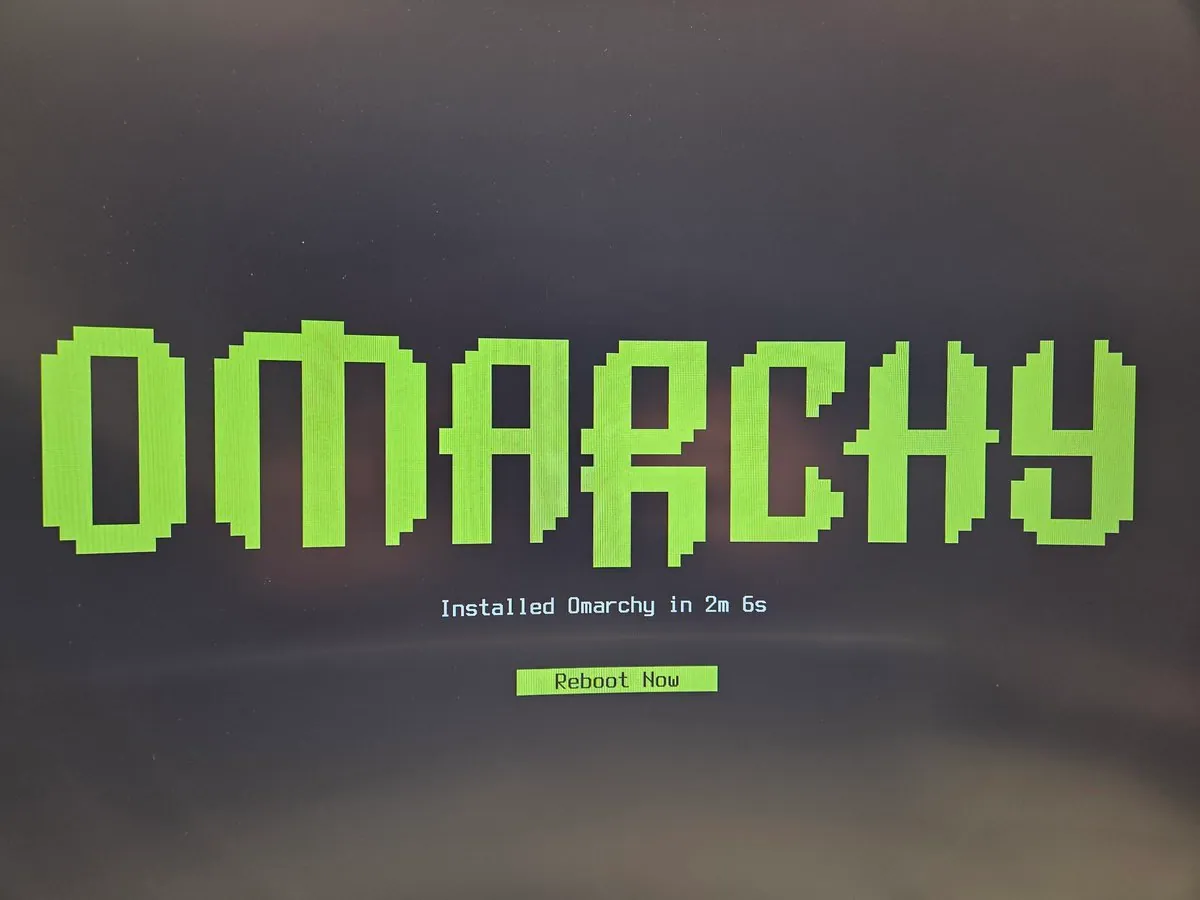
ntbrown01 says Omarchy is installing on a 2013 Mac Pro right now after an upgrade to macOS Monterey 12.7.6 to update the boot ROM, then pulling the original SSD and replacing it with a Sandisk plus adapter; the photo is a cylindrical Late 2013 Mac Pro beside a Dell monitor showing the Omarchy install splash with "Installing Omarchy," a progress bar, and the tip "Use Xournal++ to sign PDFs."
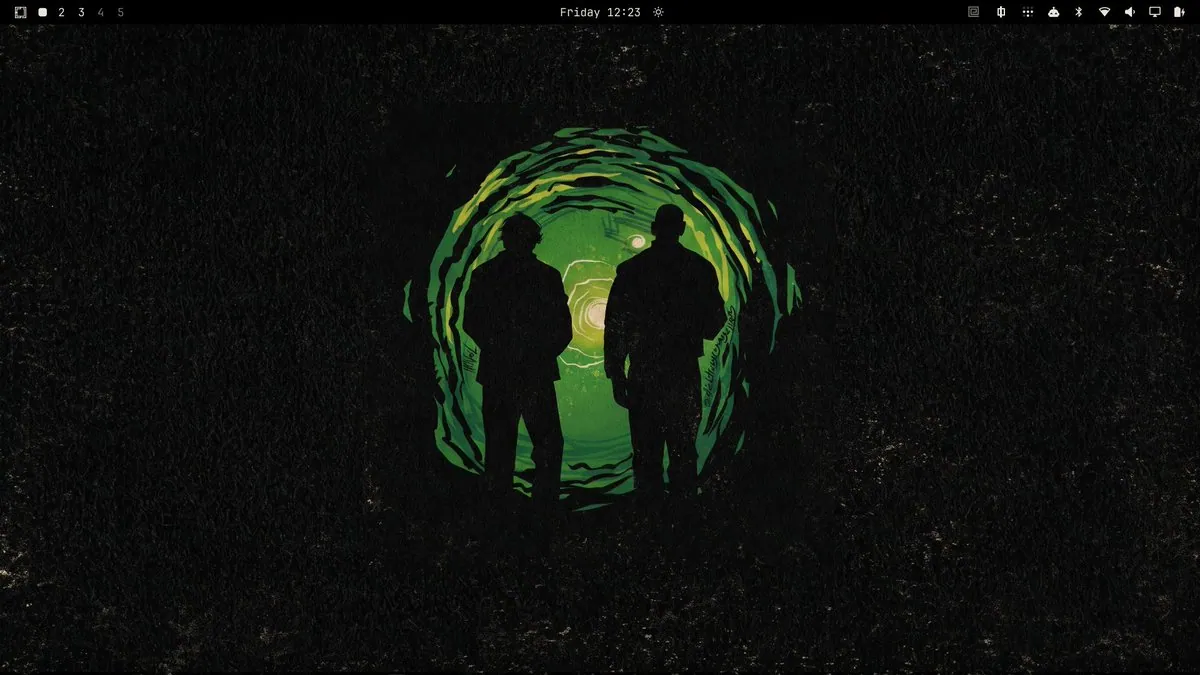
nynkatariya165 says lanterns on omarchy hits different; the screenshot is a dark desktop wallpaper of two silhouetted figures before a swirling green portal, with workspace numbers on the top bar.
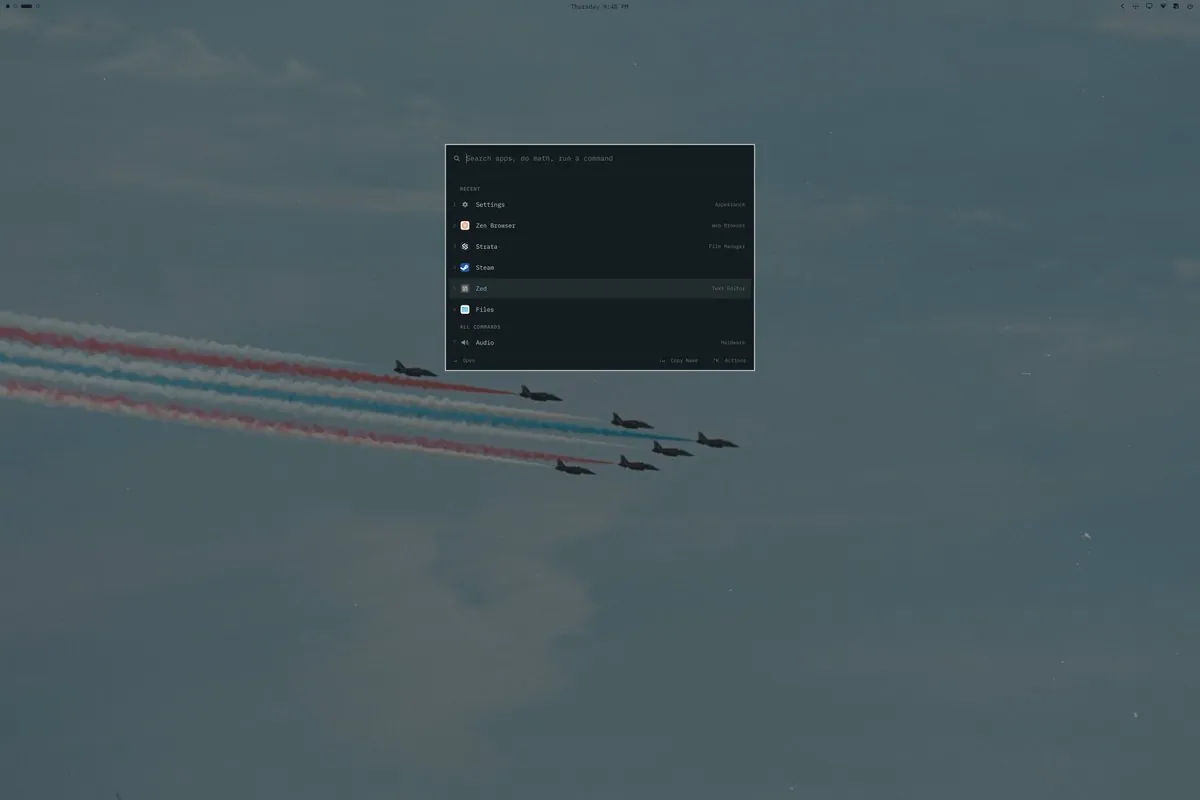
bot_unixporn posts a Hyprland CachyOS desktop with a quickshell omarchy fork, linking a reddit thread; the screenshot is a launcher over a fighter-jet smoke-trail wallpaper with Recent apps Settings, Zen Browser, Strata, Steam, and Zed, and the search prompt "Search apps, do math, run a command."
@SiliconForested · Macintosh SE/30
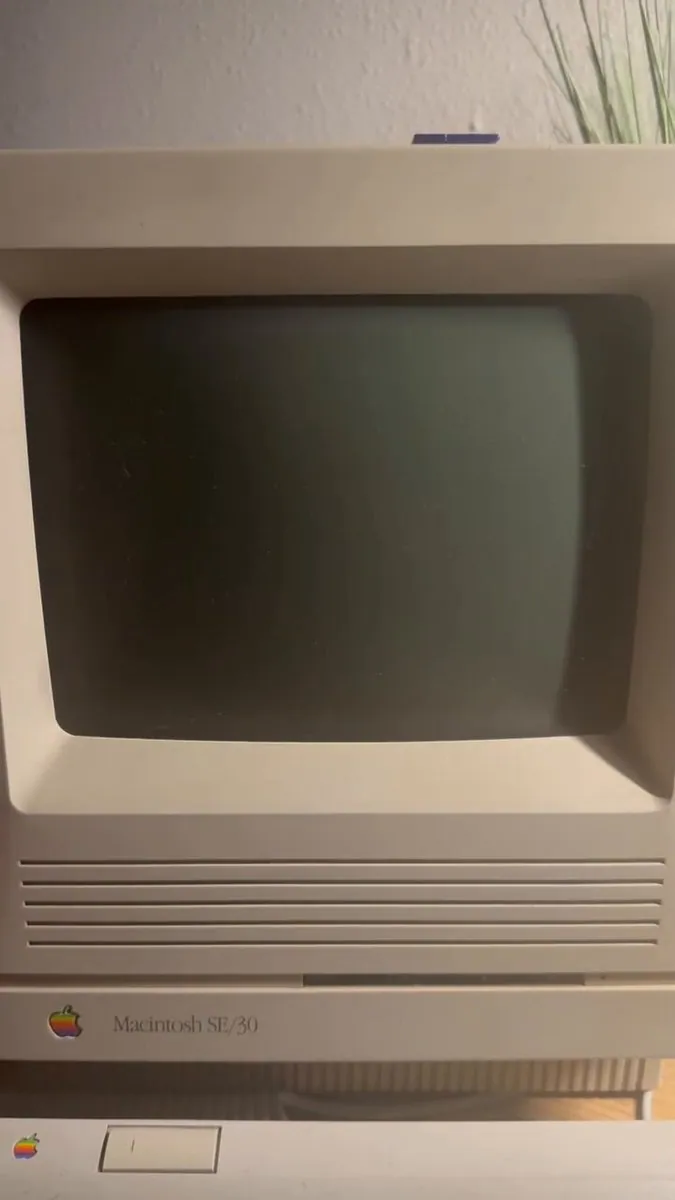
SiliconForested says AI created a bootloader and an entire operating system out of mostly assembly called se30os, with Ethernet, Telnet, and most importantly the Omarchy ttfx screensavers, at 72kb and running very fast; the video frame is a beige Macintosh SE/30 with a dark CRT, rainbow Apple mark, and the top edge of a matching keyboard.
@ncfrontiersman · Apple Studio Display
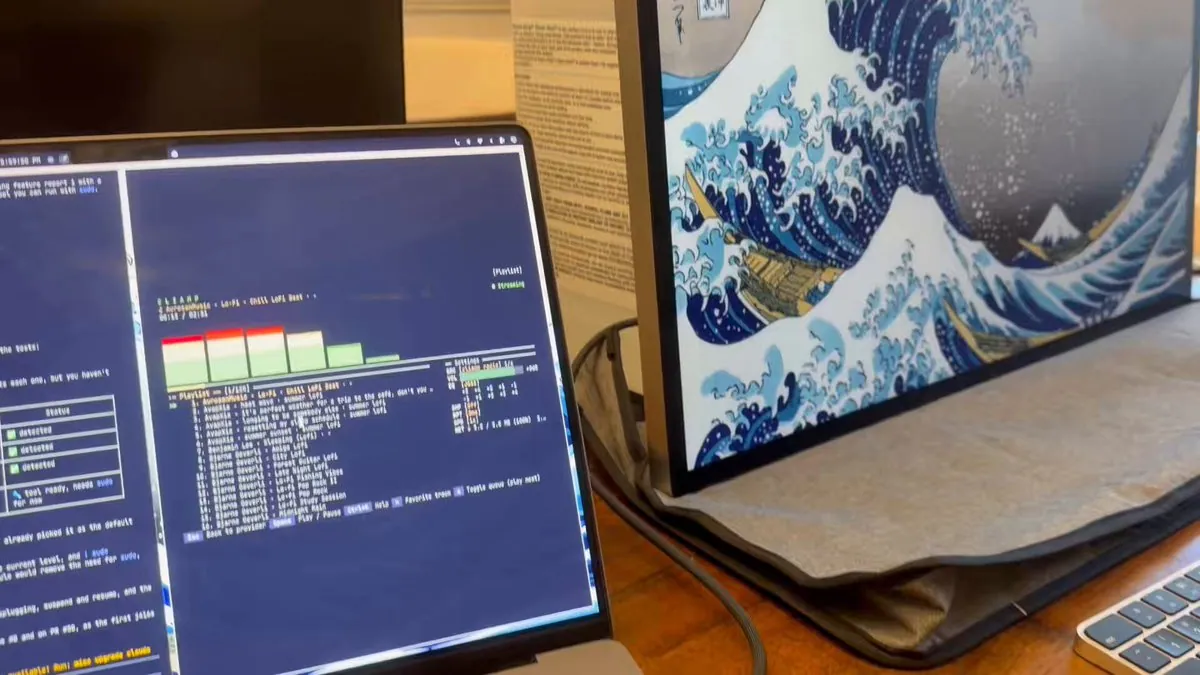
ncfrontiersman says the Apple Studio Display is now fully working on Omarchy with M1/M2 Pro and Max Macs, with display, webcam, speakers, and USB-C hub all over PCIe, that a PR is up and hopefully lands in the next Omarchy release, and that this is one less piece of Apple hardware keeping people tied to macOS; the video frame is a wooden desk with a laptop showing a dark music TUI and lo-fi playlist beside a large monitor on The Great Wave off Kanagawa wallpaper and the edge of a silver keyboard.
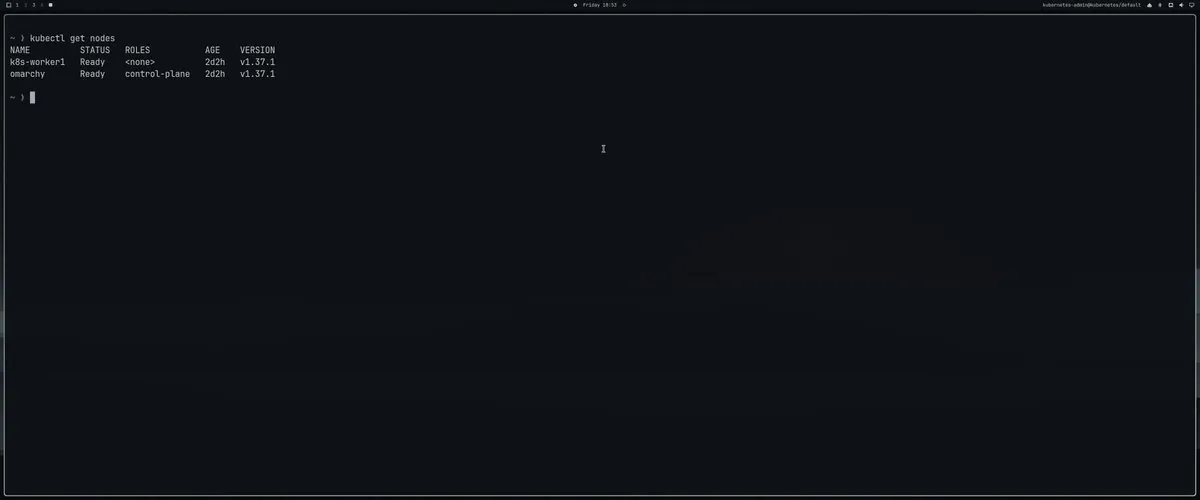
brankopetric00 presents kubebar as an easy Kubernetes context switch in Omarchy opened with SUPER SHIFT + K, with the repo at petricbranko/kubebar; the video frame is a dark desktop with a terminal running kubectl get nodes, k8s-worker1 Ready with no role and omarchy Ready as control-plane, both on v1.37.1, and the corner reading kubernetes-admin@kubernetes.
ThePrimeagen says AI is confused as to how fast Omarchy installs via VM; the screenshot is a dark status card reading that the saved disk is 6.8 GB so an install really did write to it, that this machine is just fast, and that it is viewing screenshots around the poweroff to confirm it reached the desktop, with "Exploring 2 files, ran 1 command"
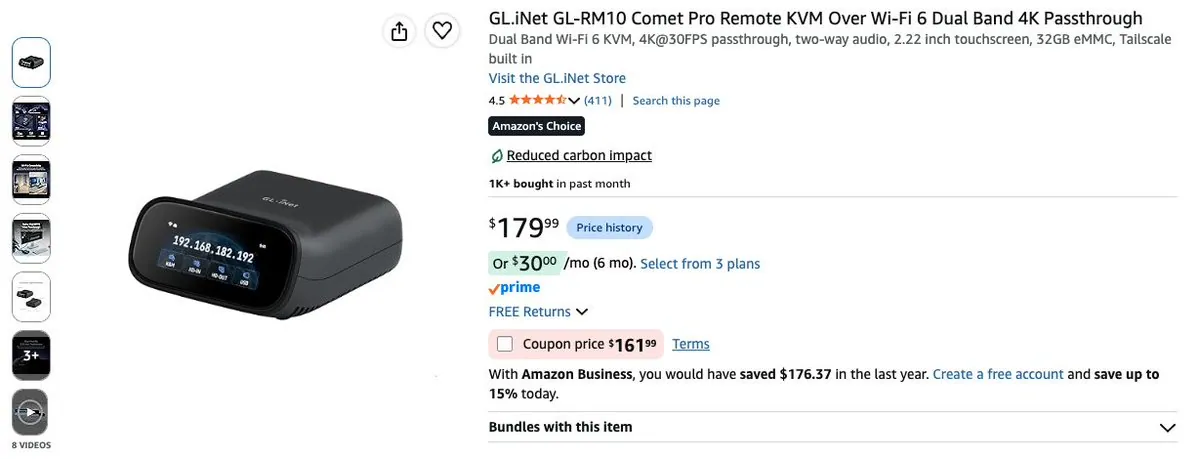
@Codydearkland · Beelink + GL.iNet GL-RM10
Codydearkland says he has a Beelink lab box for multi-agent tests on Omarchy and picked up a gl.iNet IP KVM he calls a glorious piece of hardware with Tailscale built in, WAY easy to setup, and Very compact. The screenshot is an Amazon listing for the GL.iNet GL-RM10 Comet Pro Remote KVM.
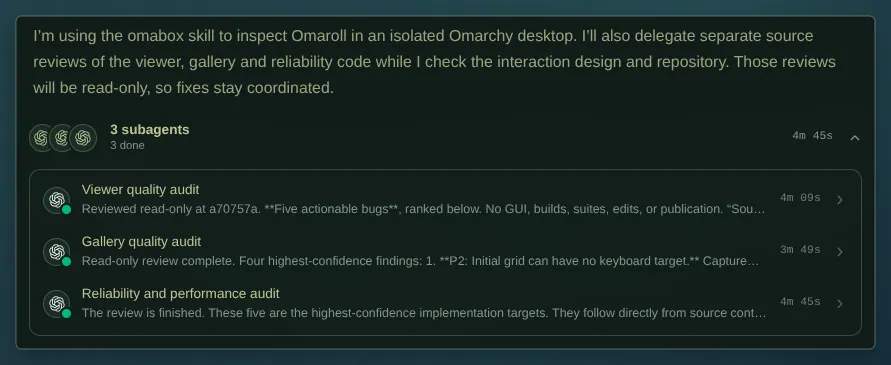
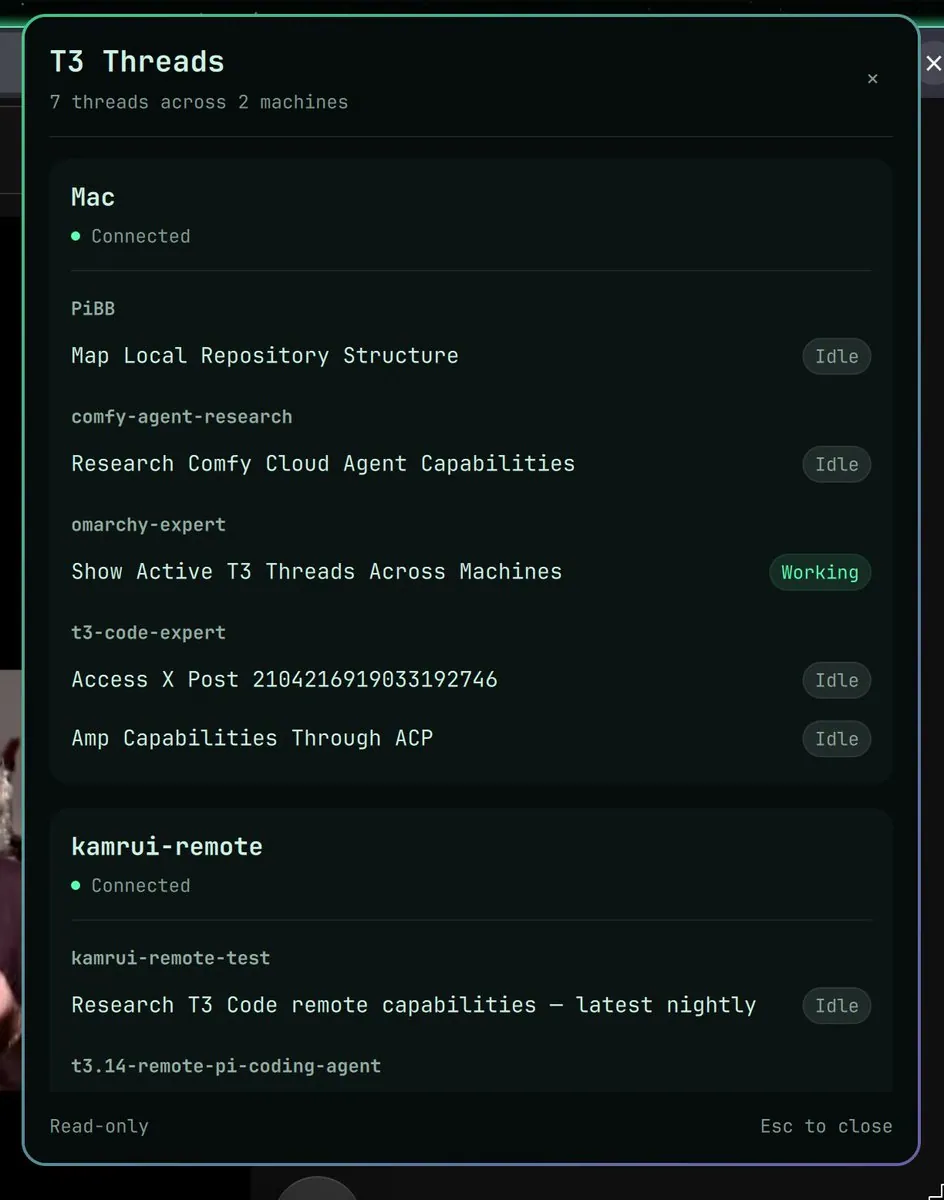
btsouth says T3 Code Orchestrator V2 is sick, with 3 subagents auditing different parts of his app in parallel while Omabox gives them isolated Omarchy desktops to test it, calling T3 Code, Omabox, and Omarchy three of his favorite projects in one screenshot; the screenshot is a lead-agent report that used the omabox skill to inspect Omaroll, with three done subagents for viewer, gallery, and reliability audits totaling 4m 45s.
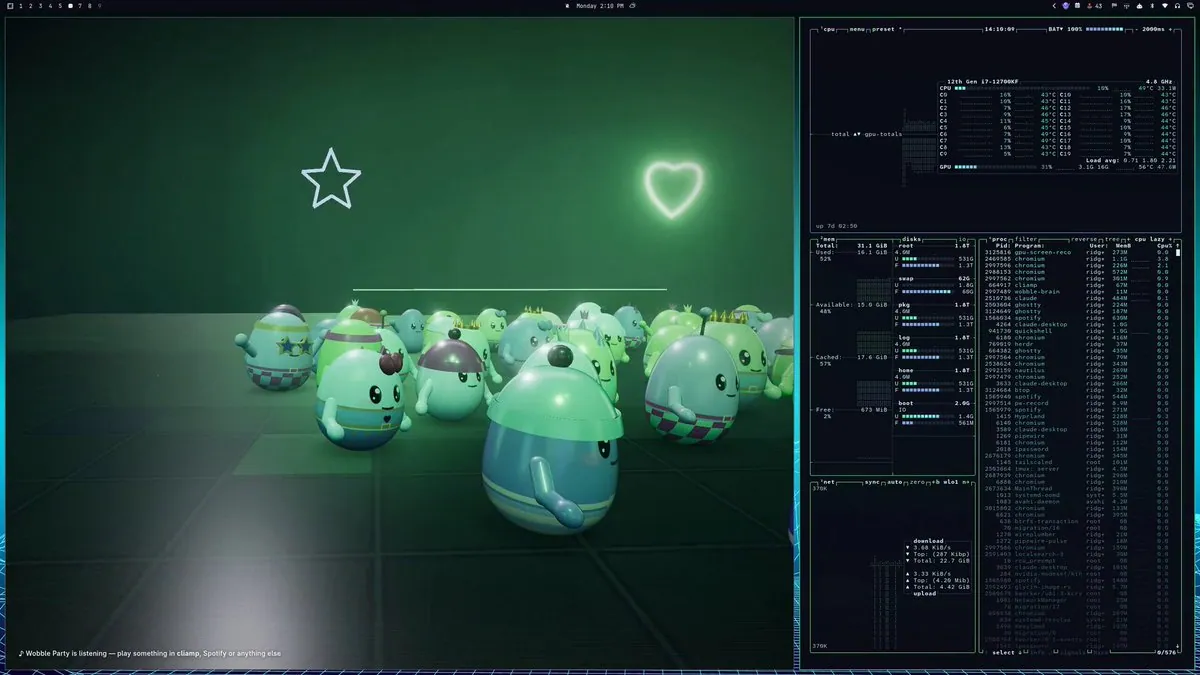
RidgetopAI says the Wobble Party Halloween addition is out and on the Omarchy Plugin Marketplace and that kids will like it; the video frame is a split desktop with Wobble Party egg characters in star sunglasses on a dark grid floor under neon star and heart outlines, captioned "Wobble Party is listening — play something in cliamp, Spotify or anything else," beside a system monitor for a 12th Gen i7-12700KF.
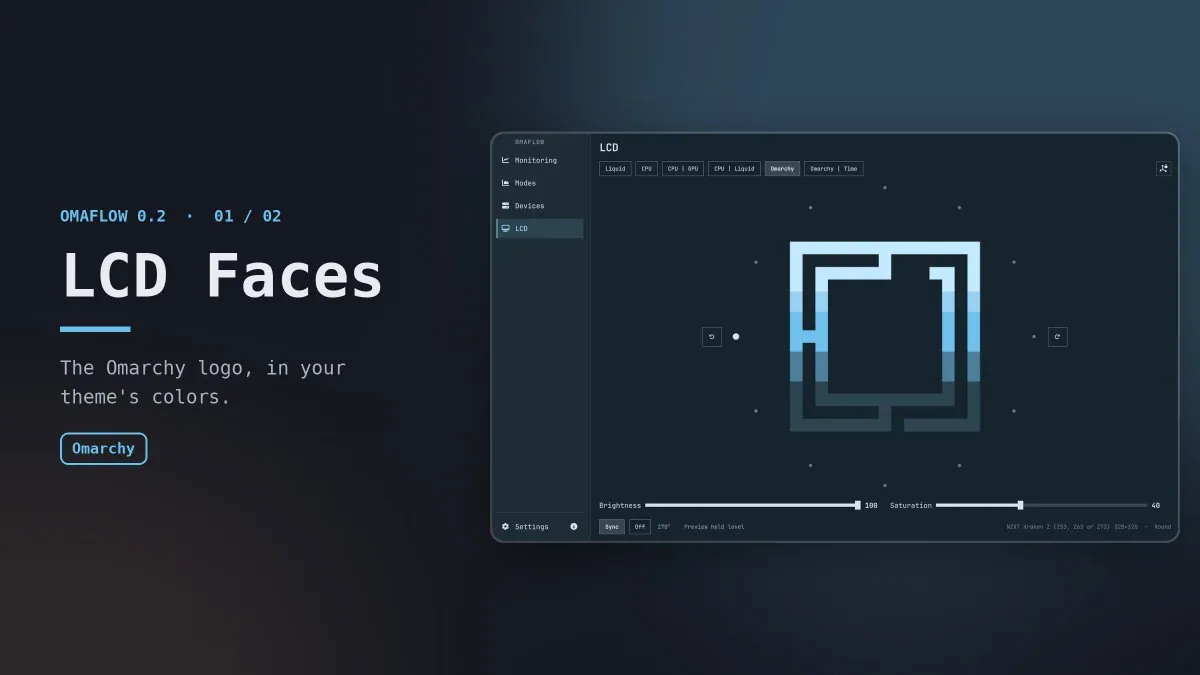
@tempestchaosX · NZXT Kraken Z
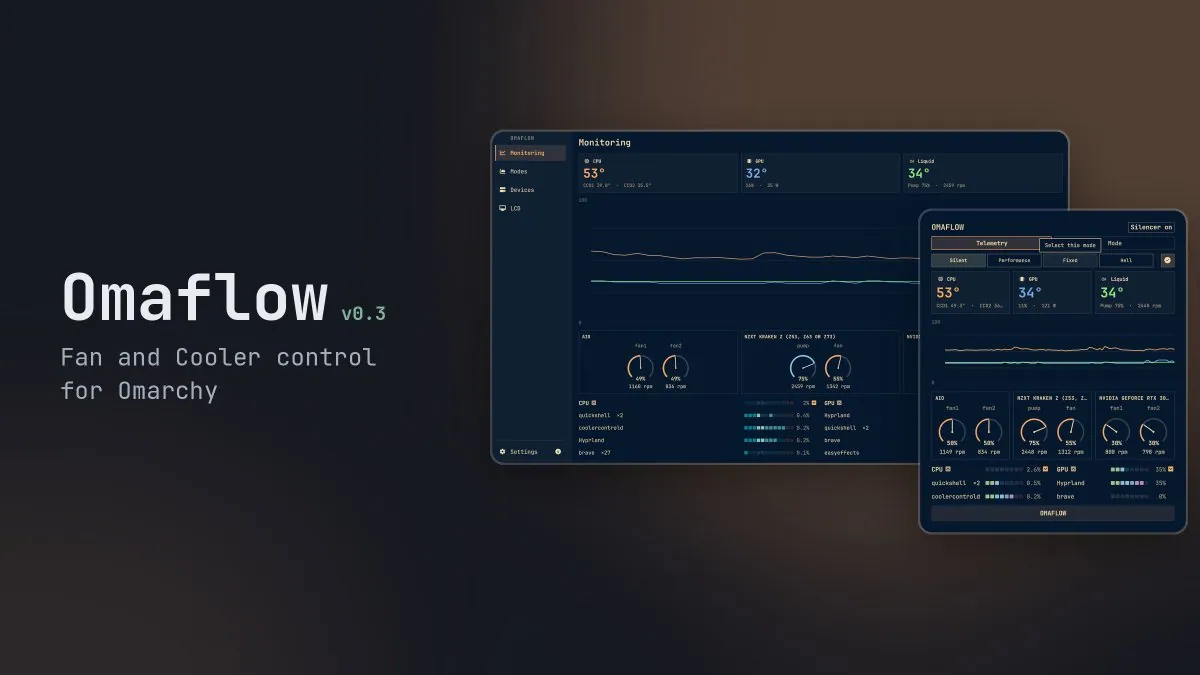
tempestchaosX teases Omaflow 0.2 with new AIO LCD faces since 0.1, including the Omarchy logo in the accent of the current theme, a saturation slider that deepens the color, and round or square layout from the cooler device info automatically; the image is an OMAFLOW 0.2 LCD Faces card showing an LCD window on the Omarchy tab with the maze logo, Brightness 100, Saturation 40, and footer "NZXT Kraken Z (Z53, Z63 or Z73) 320x320 - Round"
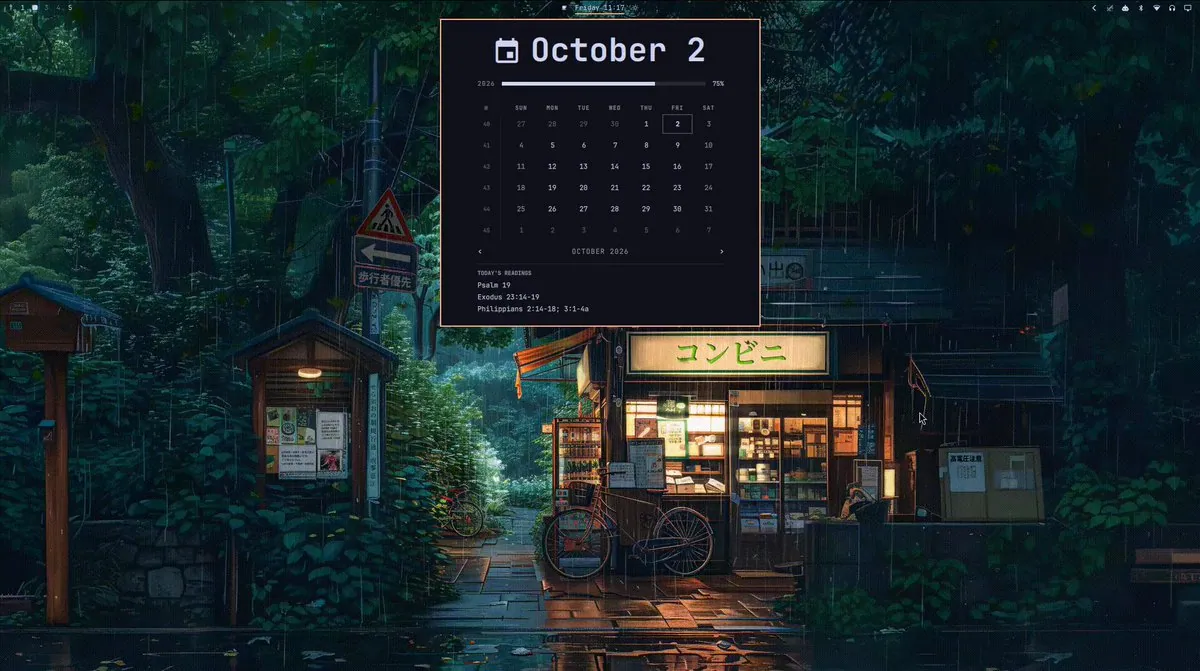
occupyjoshua made a simple Omarchy plugin so he does not have to manually fetch his lectionary readings for the day; the video frame is a dark calendar widget for October 2, 2026 with TODAY'S READINGS listing Psalm 19, Exodus 23:14-19, and Philippians 2:14-18; 3:1-4a over a rainy Japanese konbini night street wallpaper.
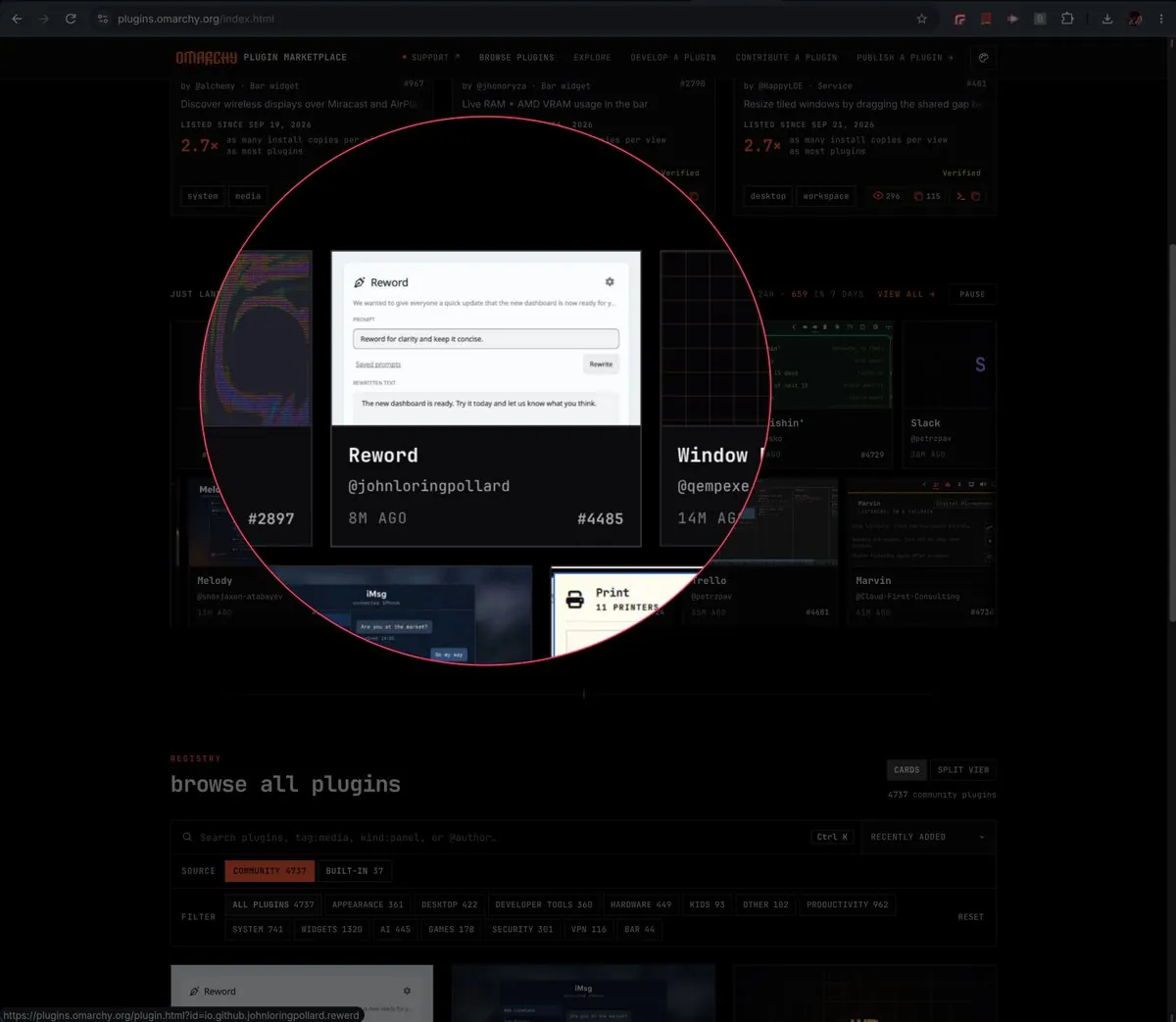
johnpollard says his first Omarchy plugin published, that the other name he was going to use was taken, and that he will post a video with more about it when he gets a chance; the screenshot is the Omarchy Plugin Marketplace with a red circle on the Reword card by @johnloringpollard showing a rewrite UI with "Reword for clarity and keep it concise." and a Rewrite button, listing id io.github.johnloringpollard.rewerd.
_0xQuan says his first official plug-in for Omarchy made it to the marketplace: Wisp 2.1.2, a machine familiar that grows with the user and helps them learn and navigate a new Omarchy machine, thanking hancore_linux and dhh for a seamless plug-in process, with the listing oxquan.pixel-spirit; the video frame is a dark MEET WISP card reading "Your machine has a familiar" and "NATIVE OMARCHY COMPANION • LOCAL BY DESIGN."
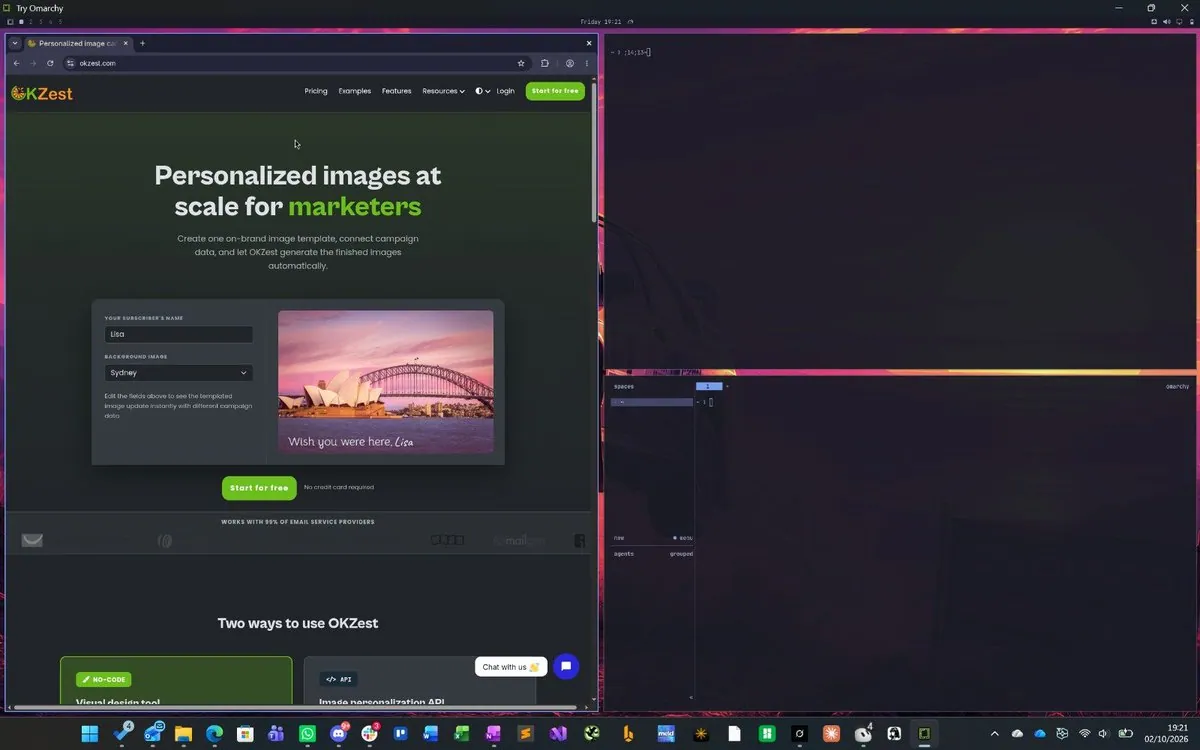
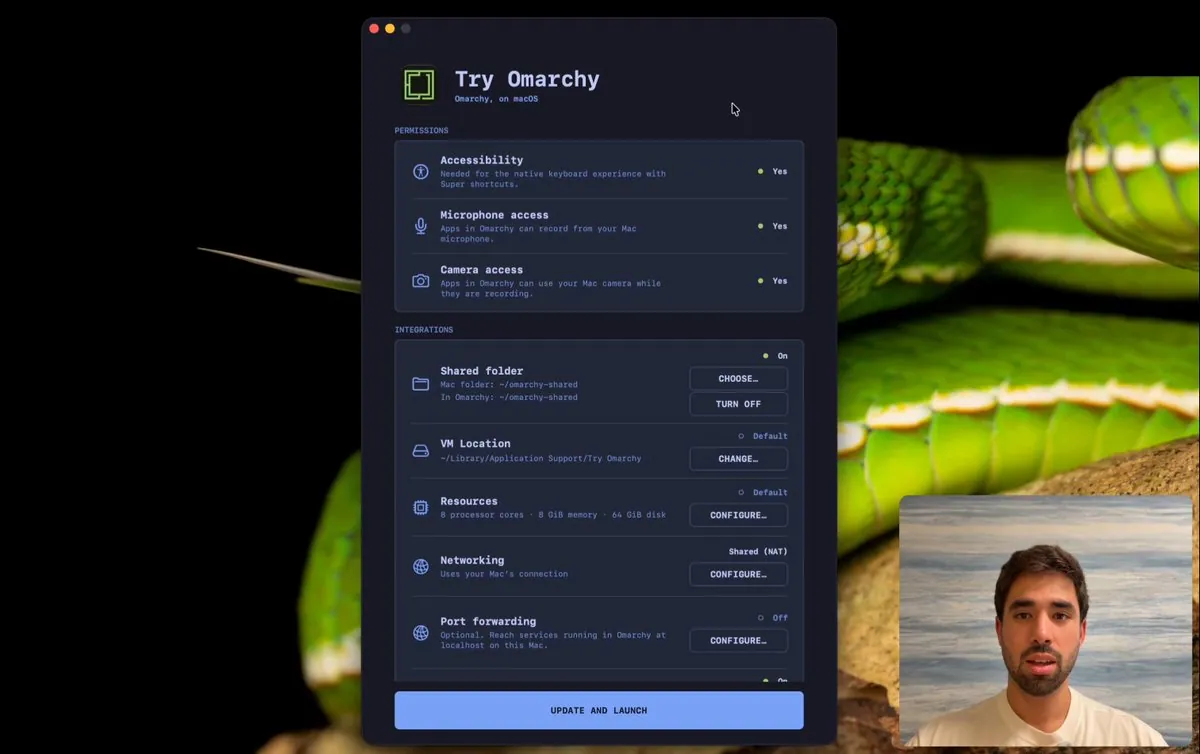
TechboyUK says the full version of Omarchy can now be tried on a current computer, on Mac, Windows, and Linux. The screenshot is a Try Omarchy desktop with an OKZest marketers page beside a terminal and an omarchy spaces panel over a dark sunset with a car.
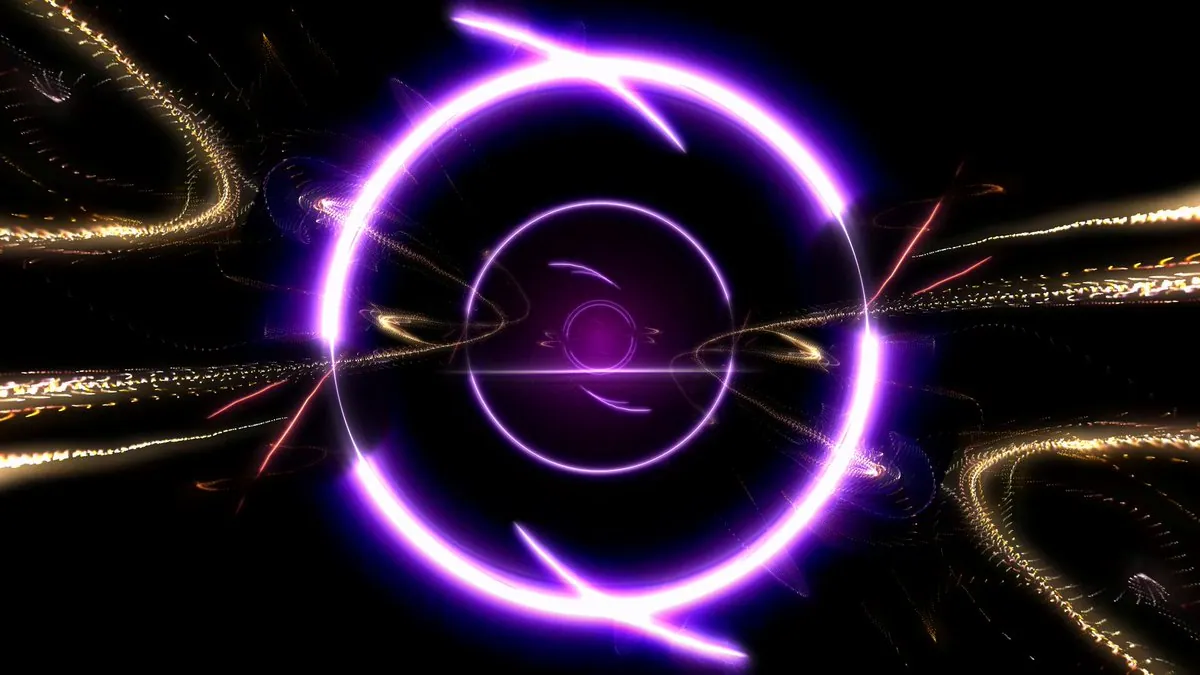
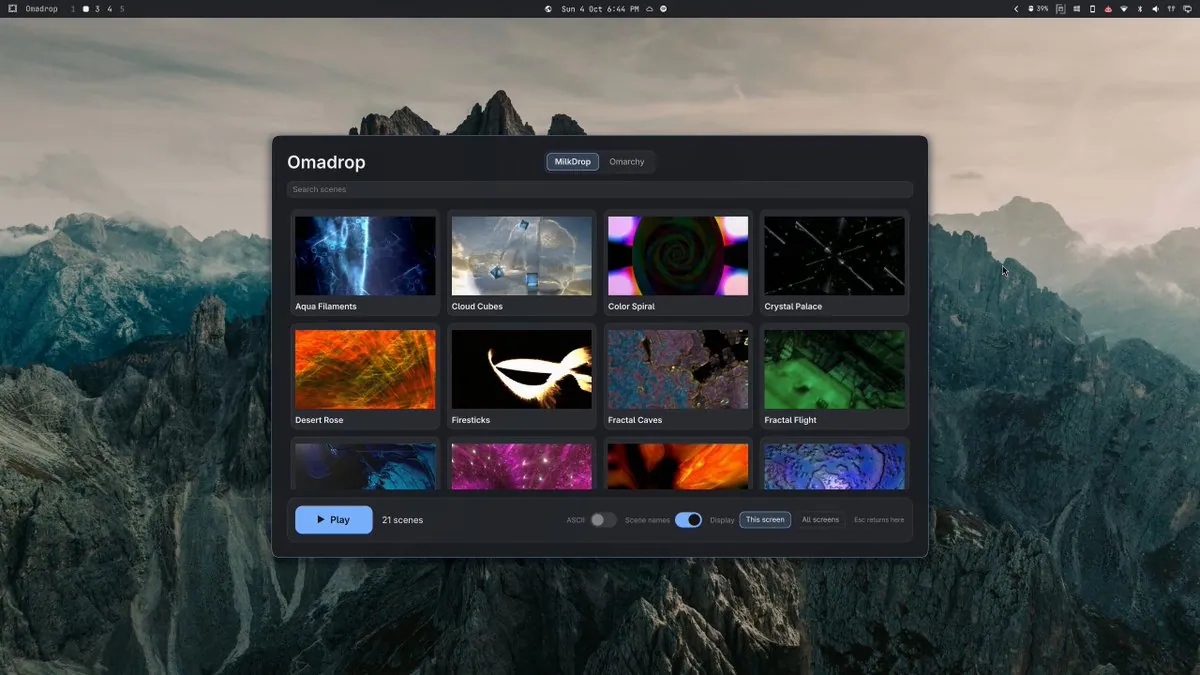
btsouth asks if anyone remembers MilkDrop, says he built Omadrop for Omarchy with 21 hand-picked MilkDrop presets wired to the music, linking btsouth/omadrop, and names the track "We Can Fix Everything" by koozeex1; the video frame is a dark abstract of concentric glowing purple rings with golden spark trails.
NixFred presents Omarchy Doctor: a green medical cross when the machine is healthy, yellow when something needs a look, red when it really needs the owner, with the number on the cross as open problems, click for 16 evidence-backed checks, every problem a fix with agent button that only logs fixed when Doctor rechecks healthy, and a Fixes tab with before and after, linking nixfred/omarchy-doctor; one image is a cyber-medical stethoscope hexagon promo.
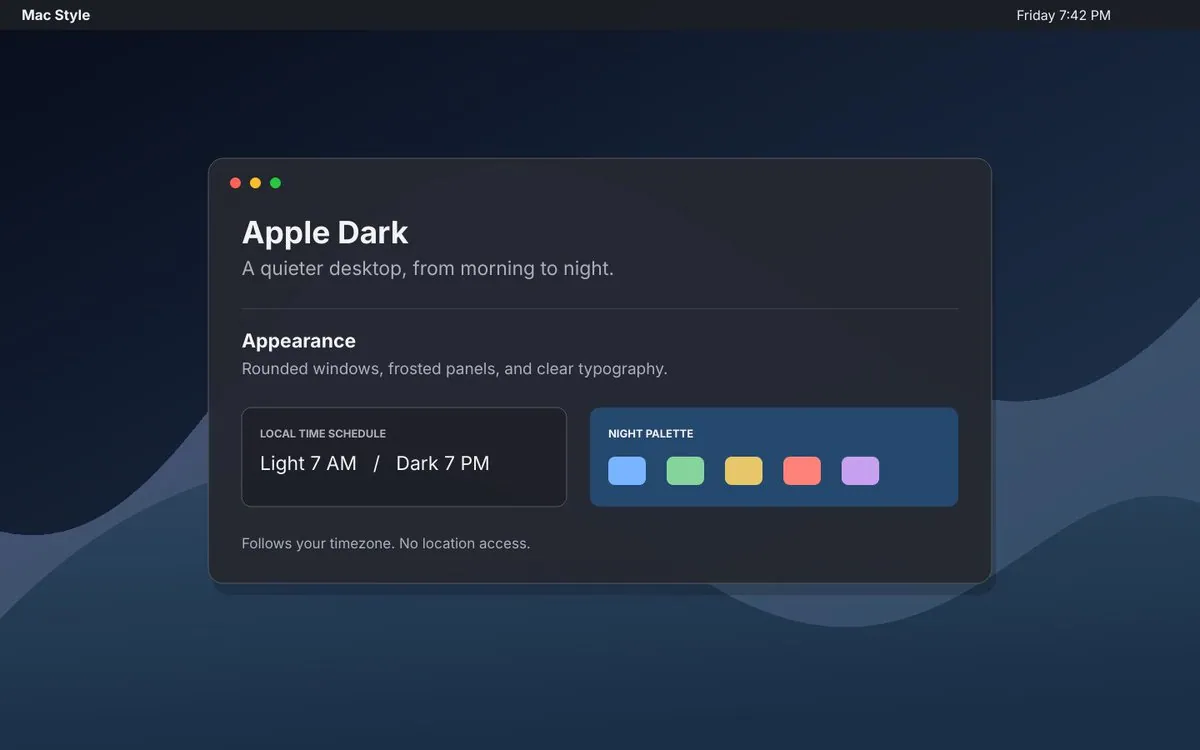
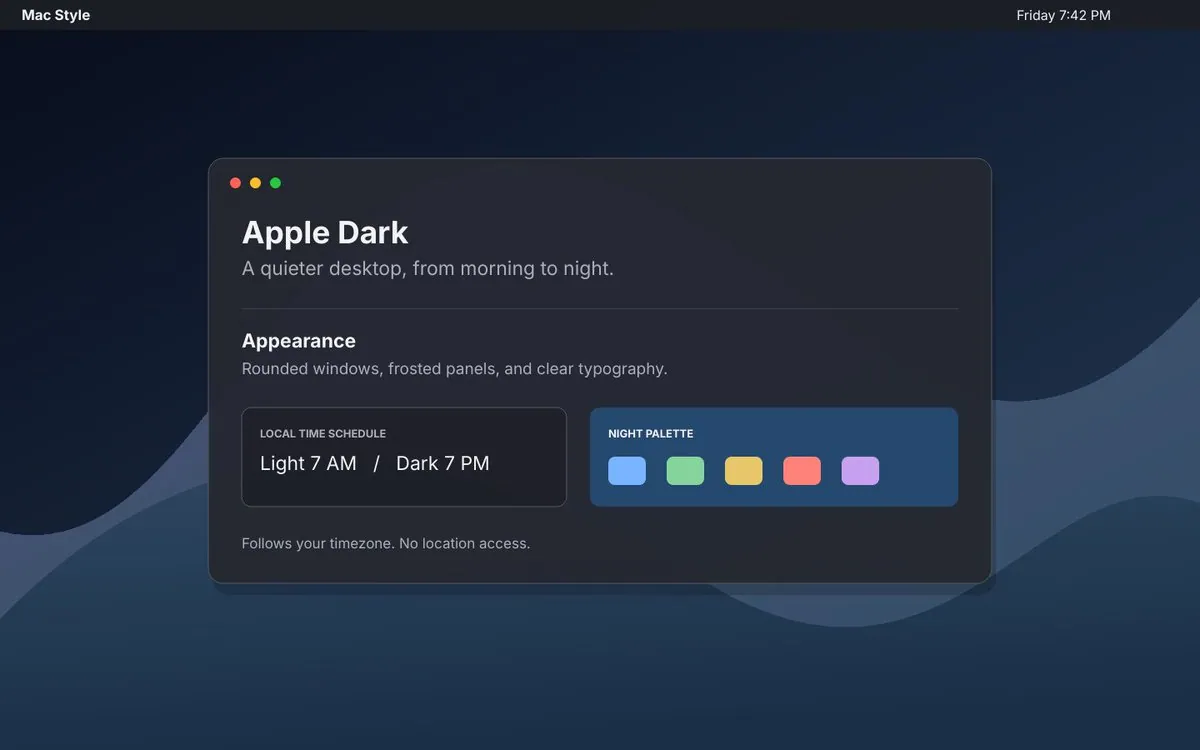
geekbb says he is putting a macOS operation feel on the Omarchy desktop: Mac-style shortcuts, rounded windows, frosted panels, a transparent top bar, and optional Apple peripheral integration, linking johnloringpollard's omarchy-mac-starter; the screenshot is an Apple Dark settings card reading "A quieter desktop, from morning to night." Appearance "Rounded windows, frosted panels, and clear typography.", LOCAL TIME SCHEDULE Light 7 AM / Dark 7 PM, and a NIGHT PALETTE of five swatches under a Mac Style top bar.
igor_alexandrov says one thing he always missed on Omarchy and on macOS was a modern native database client, and presents Tabletist built in Rust with fastframe for a truly native experience on both Omarchy and macOS with PostgreSQL, MySQL, and SQLite support, noting this first release is read-only with more capabilities coming, linking igor-alexandrov/tabletist.
mofasiurrehman says Loom does not run on Linux so he built lumen: it lives in the Omarchy bar, records with the face in a bubble, cuts ums and long pauses when the recording stops, and puts a share link on the clipboard, free and open source with videos on the poster's own Cloudflare, linking fasi96/lumen; the video frame is a dark purple graphic with a soft glow and a cut-off four-pointed star.
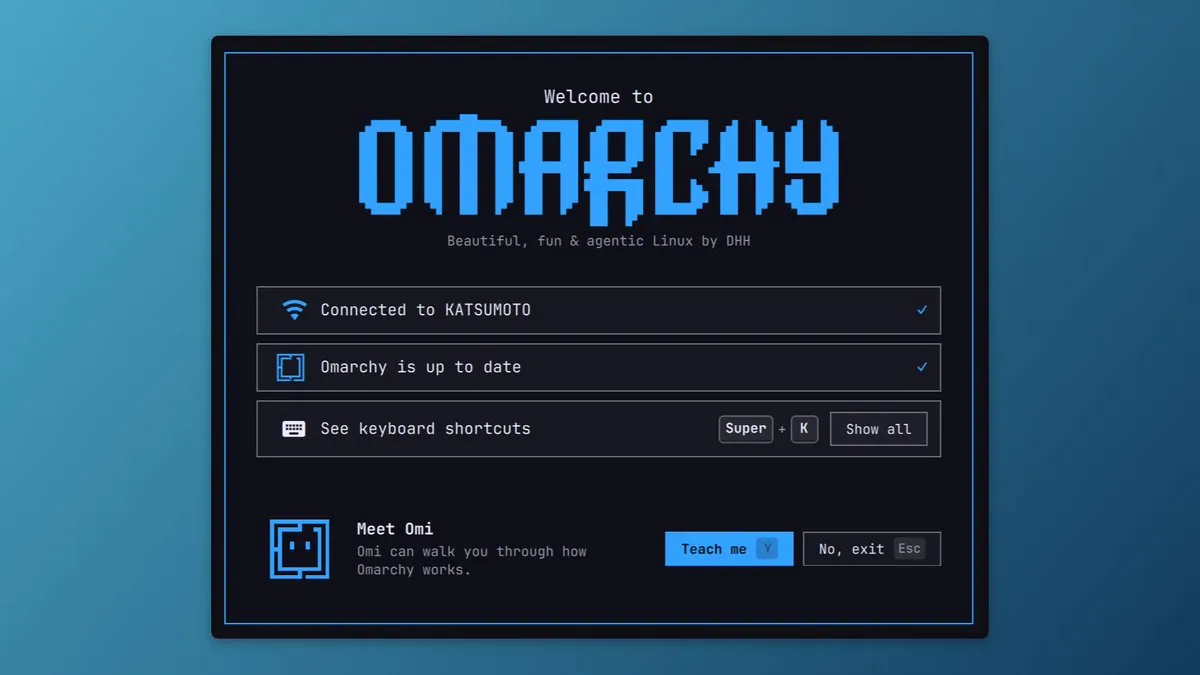
tahayvr is working on an Omarchy onboarding concept with Omi there to walk a new user through how Omarchy works; the screenshot is a Welcome to OMARCHY card tagged "Beautiful, fun & agentic Linux by DHH" with Connected to KATSUMOTO, Omarchy is up to date, See keyboard shortcuts with Super + K, and a Meet Omi row with Teach me (Y) and No, exit (Esc).
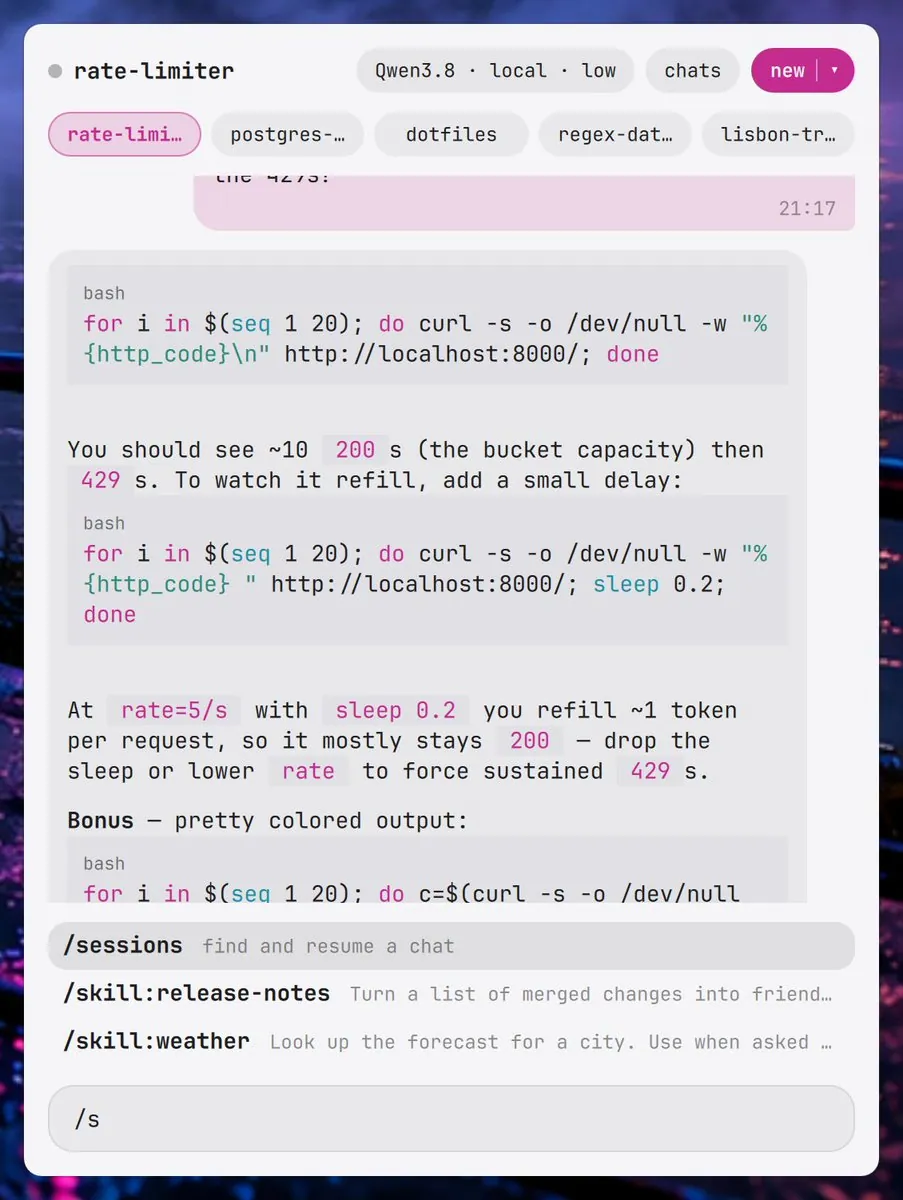
hjanuschka posts Omarchy Pi as a floating buddy, linking hjanuschka/omarchy-pi; the screenshot is a rate-limiter chat session on local Qwen3.8 with token-bucket curl test scripts and a slash-command menu showing /sessions, /skill:release-notes, and /skill:weather above an input starting with /s.
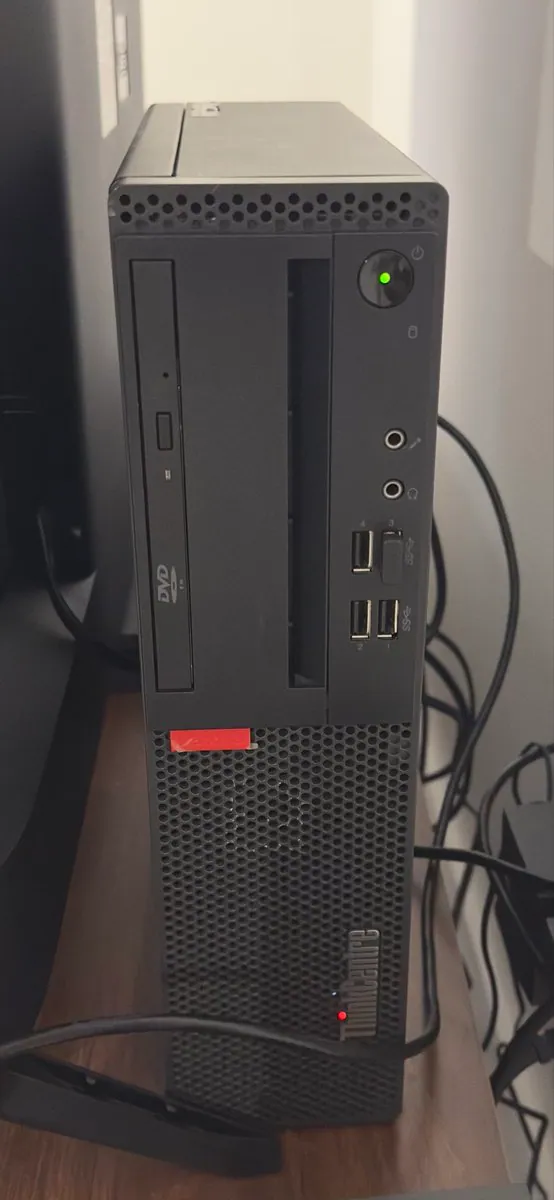
@hacktheraze · Lenovo ThinkCentre M710s
hacktheraze says $40 to fuck around and find out: a cheap-ass Lenovo ThinkCentre M710s from eBay with an i5-7400, 8 GB RAM, and 256 GB SSD had no OS, Omarchy was installed 3 days ago, and he finally got time tonight to fuck around and break shit; the photo is the black ThinkCentre tower with a green power LED, a USB plug in a front port, and the ThinkCentre mark.
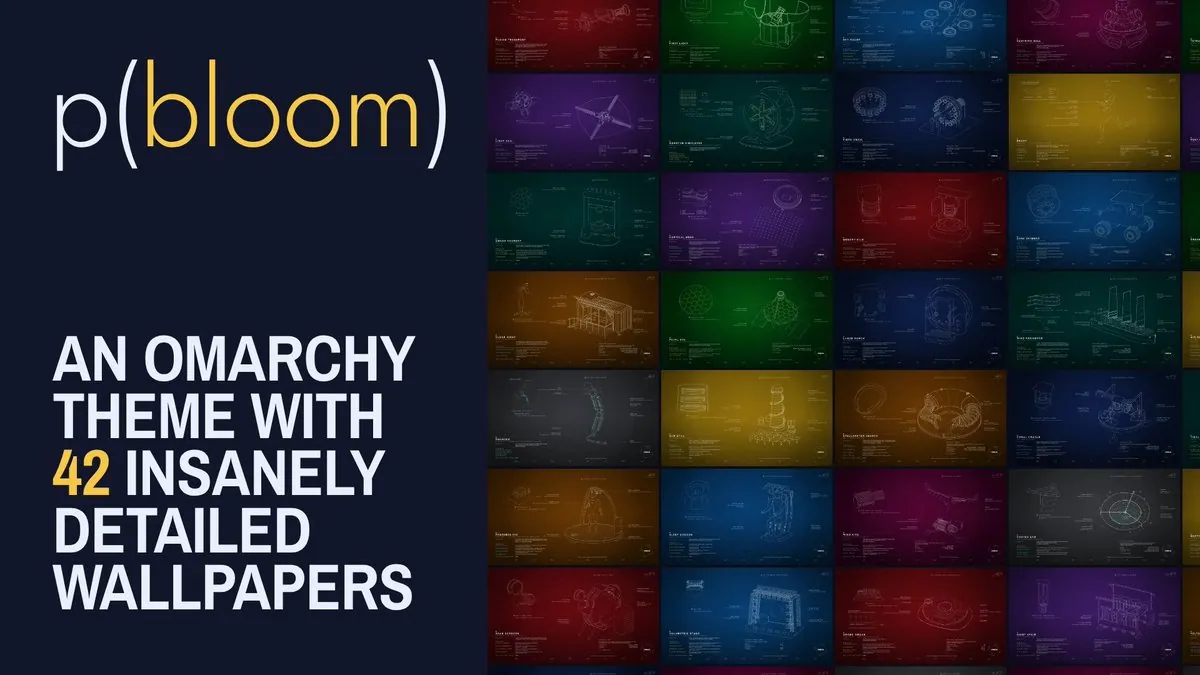
JacekBecela says most Omarchy themes are a color scheme and a wallpaper or two, that he got a little carried away, and presents p(bloom) with sound on; the video frame is a promo card reading "p(bloom)" and "AN OMARCHY THEME WITH 42 INSANELY DETAILED WALLPAPERS" beside a dense grid of blueprint-style wallpaper thumbnails in red, green, blue, purple, and orange.
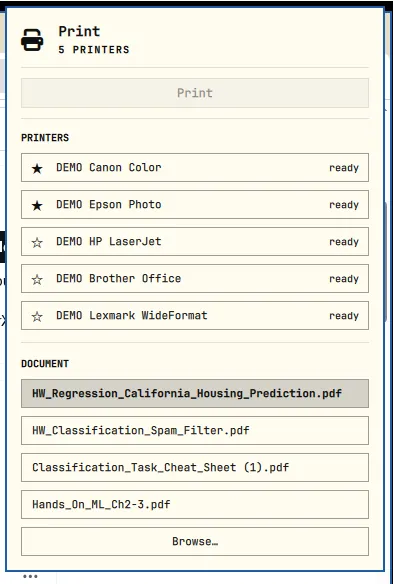
Varro1320876 presents an Omarchy plugin that lets someone immediately print any document in 3 clicks, calling it another very tiny step for mankind, and says Omarchy was the true middle point after finding Macs overpriced, Arch overwhelming, and Windows hated, with install via Darkosxl/1-click-omarchy-print; the screenshot is a cream Print panel listing 5 PRINTERS such as DEMO Canon Color and DEMO Epson Photo ready, with HW_Regression_California_Housing_Prediction.pdf selected under DOCUMENT.
koustavdotco says omnicast got better: web search from the bar with parameterized shortcuts yt, g, and gh for YouTube, Google, and GitHub, plus live file search with syntax-highlighted code review.
@realfxw · MacBook Pro
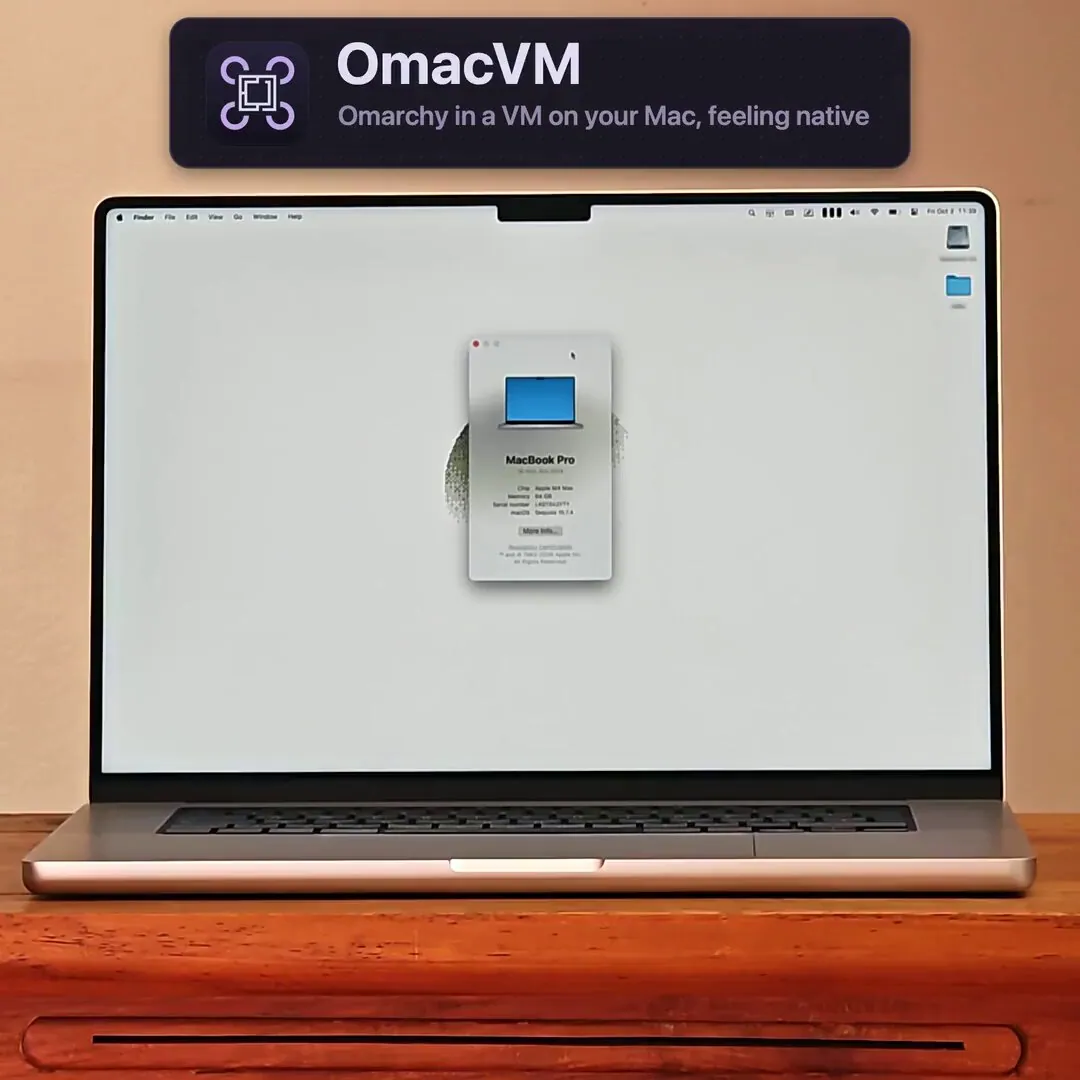
realfxw presents the open-source project OmacVM as nearly native-feeling Omarchy in a VM on Apple Silicon Macs, especially M3 and M4 not yet natively supported by Asahi, with the Omarchy top status bar streamed into the notch black bars, Mac-native trackpad gestures and experimental Scroll Momentum, host Wi-Fi Bluetooth and AirPods battery in the Linux top bar, keyboard brightness and volume HUDs, Night Shift and True Tone linkage, wallpaper sync to the macOS desktop, multi-monitor layout matching, and near-host Speedometer scores under Parallels, linking gillesgoetsch/omacvm; the video frame is a promo card reading "OmacVM" and "Omarchy in a VM on your Mac, feeling native" above a silver MacBook Pro on a wooden desk showing a MacBook Pro About window for Apple M4 Max, 64 GB, and macOS Sequoia 15.7.4.
realfxw covers omarchy-mac-starter as a Mac-feel starter module for Omarchy 4 on Hyprland and Quickshell, with frosted panels and a transparent top bar, Mac-logic shortcuts, rounded windows, automatic light and dark themes on a local 7 AM / 7 PM schedule without location access, and optional plugins for Magic Mouse, AirPods via LibrePods, AirPlay via DoubleTake, and a Blip iMessage bridge, noting a dry-run setup and uninstall checks, and that it targets Omarchy 4.0.4 with Lua Hyprland 0.56.2, linking johnloringpollard/omarchy-mac-starter; one screenshot is the Apple Dark card reading "A quieter desktop, from morning to night." with Appearance copy "Rounded windows, frosted panels, and clear typography.", LOCAL TIME SCHEDULE Light 7 AM / Dark 7 PM, and a NIGHT PALETTE of five swatches under a Mac Style top bar.
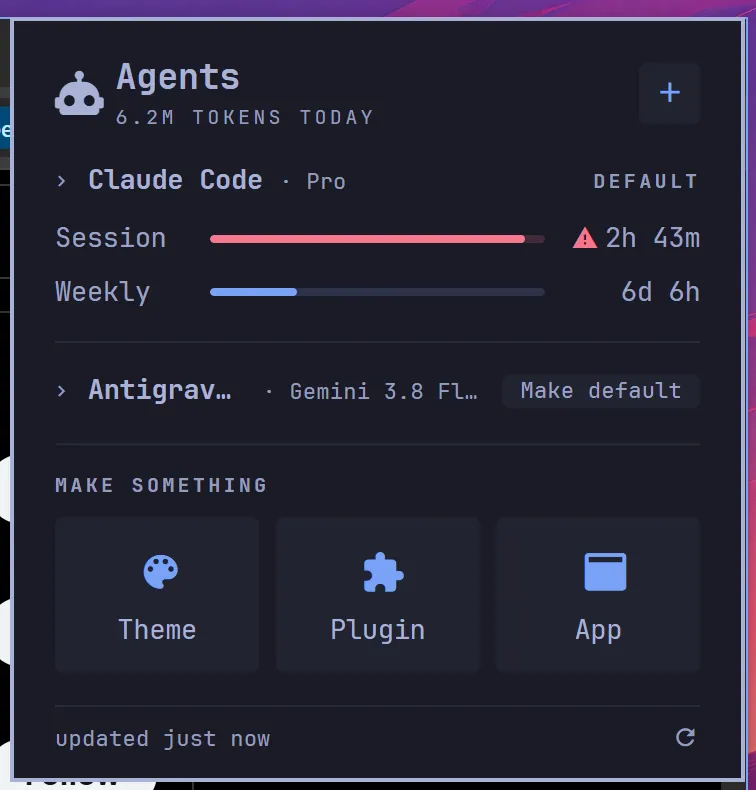
_BrianZavala says he ported it to Windows already, still working on it but promising, that Winarchy brings Omarchy to Windows 11 for folks who cannot leave yet with the agents panel, all 22 themes, the bar, the menu, the keys, and the tiling, one line to install and one to undo so people can learn the flow then install the real thing, linking Brian-Zavala/winarchy; the screenshot is a dark Agents panel showing 6.2M TOKENS TODAY, Claude Code · Pro as DEFAULT with session and weekly bars, Antigrav… with Gemini 3.8 Fl…, and MAKE SOMETHING tiles for Theme, Plugin, and App.
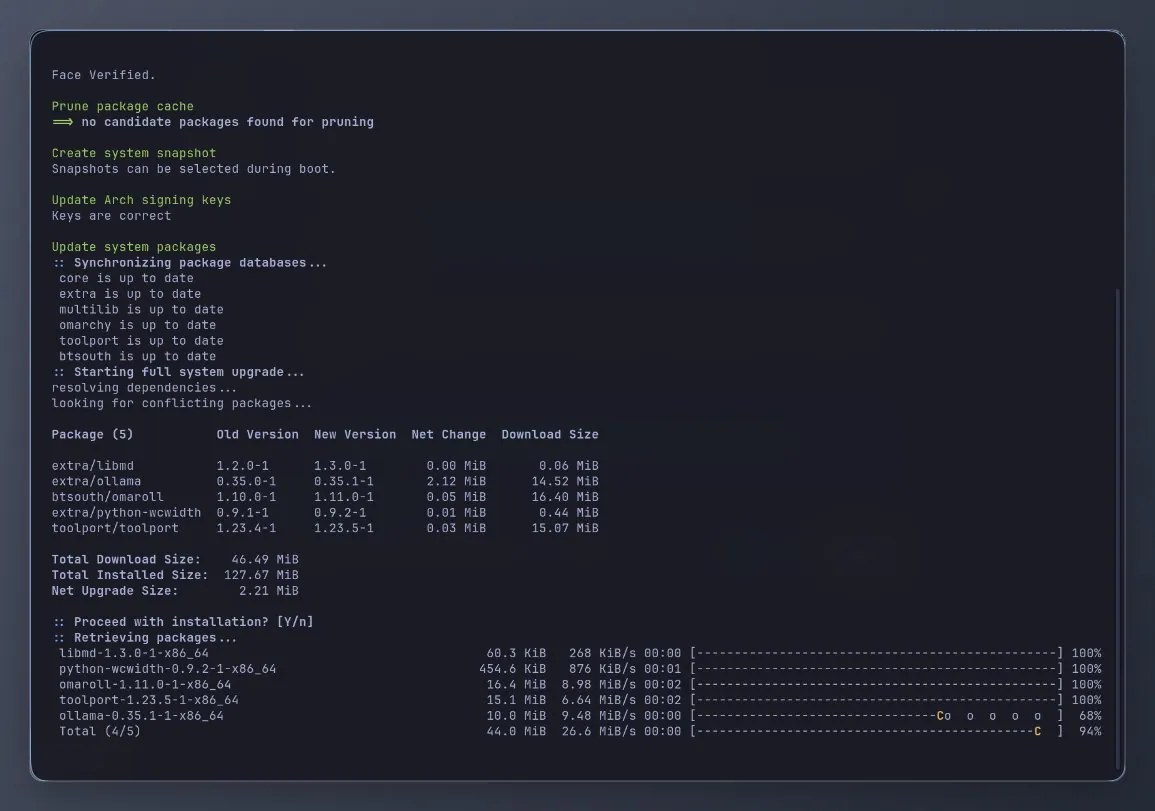
btsouth says his Omarchy apps now update themselves, with Omaframe, Omaroll, Omakade, and Omadrop in one signed pacman repo so they update with omarchy update after adding it once; the screenshot is a dark update terminal after Face Verified showing databases core, extra, multilib, omarchy, toolport, and btsouth up to date, and a full upgrade pulling btsouth/omaroll 1.10.0-1 to 1.11.0-1 among five packages.
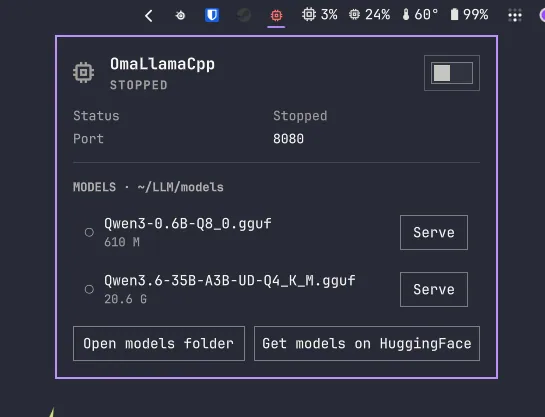
LinuxGamer_UK says another Omarchy Marketplace plugin was accepted, a simple one for gamers who want peak performance when launching games but also run local LLMs with a llama.cpp backend, turning the server on to serve a model for LLM work and off to unload when gaming, linking LinuxGamerUK/omallamacpp; the screenshot is an OmaLlamaCpp card marked STOPPED on port 8080 with MODELS under ~/LLM/models listing Qwen3-0.6B-Q8_0.gguf at 610 M and Qwen3.6-35B-A3B-UD-Q4_K_M.gguf at 20.6 G, plus Open models folder and Get models on HuggingFace.
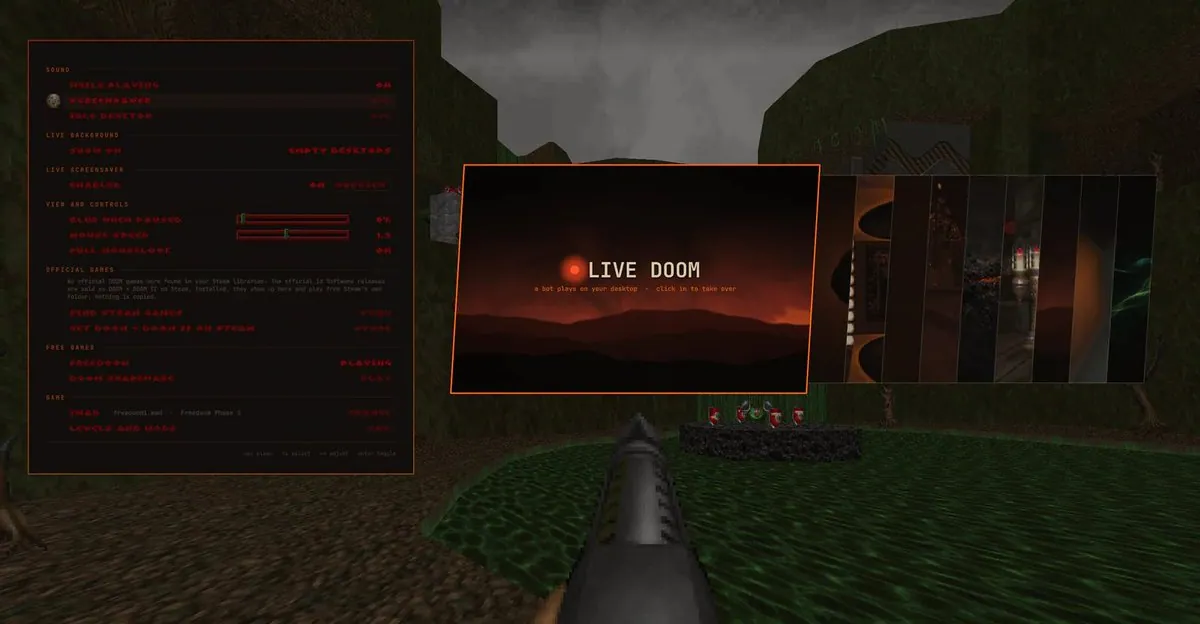
liminalframesai says Omarchy is fun to tweak, wanted wallpaper that plays DOOM so they can jump in whenever, put Sol 6.1 and Opus 5.5 together in herdr, and the plugin is live as marketplace listing io.github.slogonomo.live-doom; the screenshot is a LIVE DOOM overlay on a Freedoom first-person scene reading "a bot plays on your desktop · click in to take over" with SOUND, LIVE BACKGROUND on EMPTY DESKTOPS, LIVE SCREENSAVER ENABLED, and FREEDOOM marked PLAYING.
btsouth shares a sneak peek of Omarchy mode for Omadrop, a living world built from Omarchy themes that plays along to music, showing Osaka Jade sailing into Kanagawa, still very early, featuring koozeex1's "We Can Fix Everything."; the video frame is a flat night town with lit windows, a yatai stall, and a mountain under a large moon.
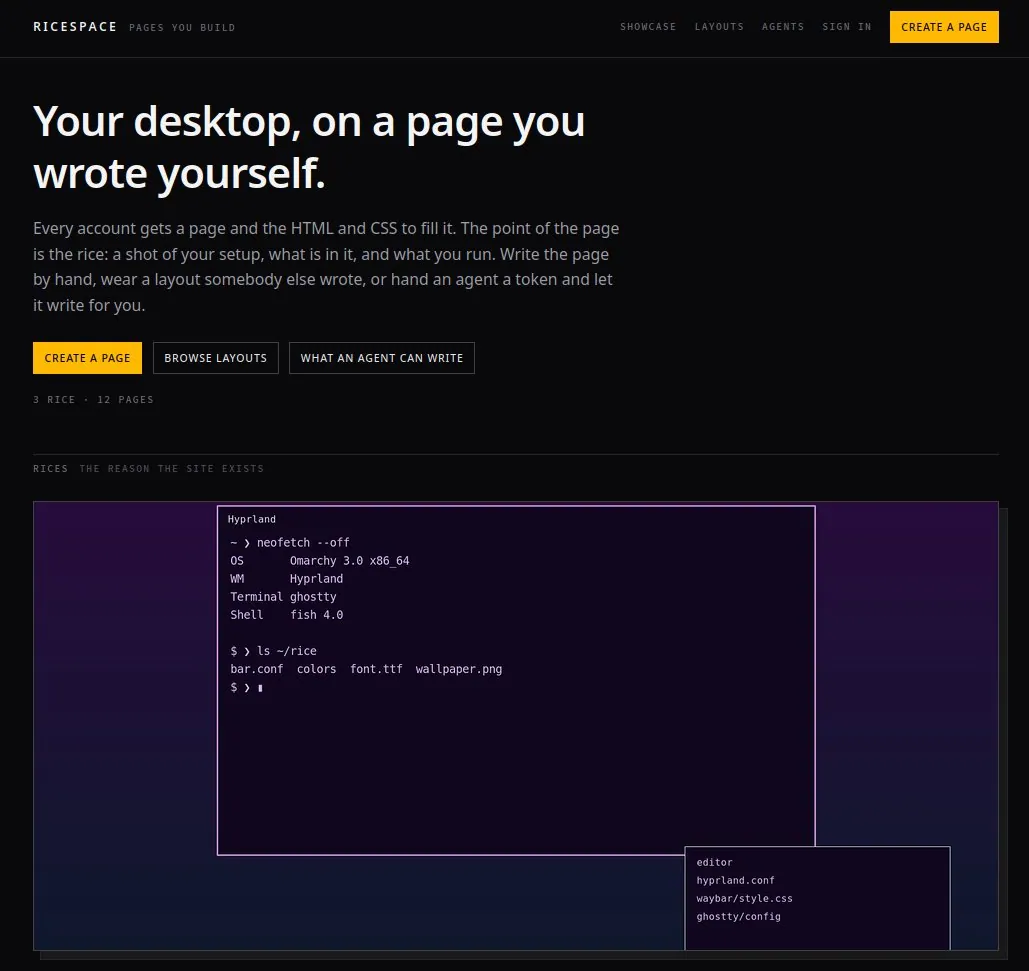
BlackOpsREPL asks who wants to help with RiceSpace, "What do you think?", Myspace for ricers and hardware hackers where a profile page is customized, other users are met, and Omarchy work is flexed directly from the CLI; the screenshot is a dark RICESPACE landing page with tagline "PAGES YOU BUILD," headline "Your desktop, on a page you wrote yourself," CREATE A PAGE, and a Hyprland neofetch sample reading OS Omarchy 3.0 x86_64 with bar.conf colors font.ttf wallpaper.png.
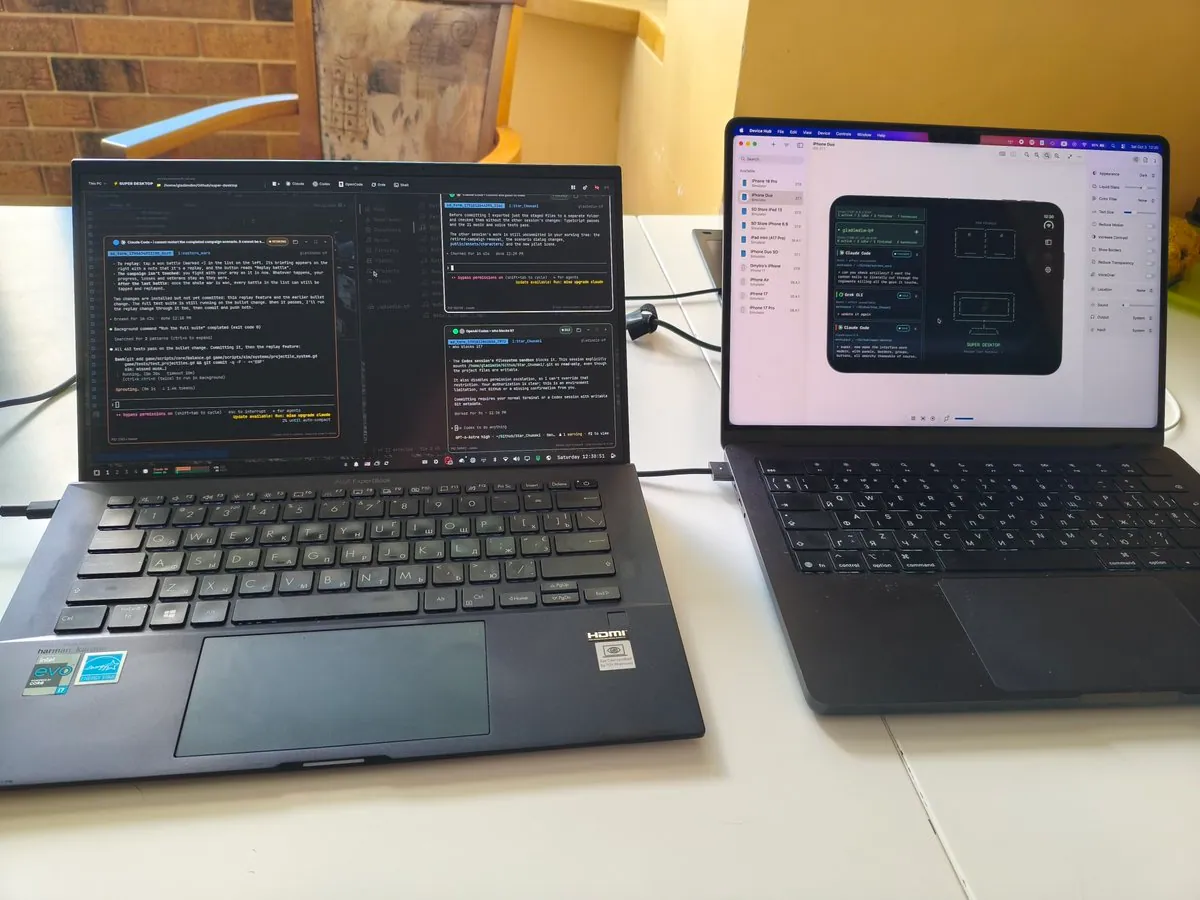
@gladimdim · Asus ExpertBook B9
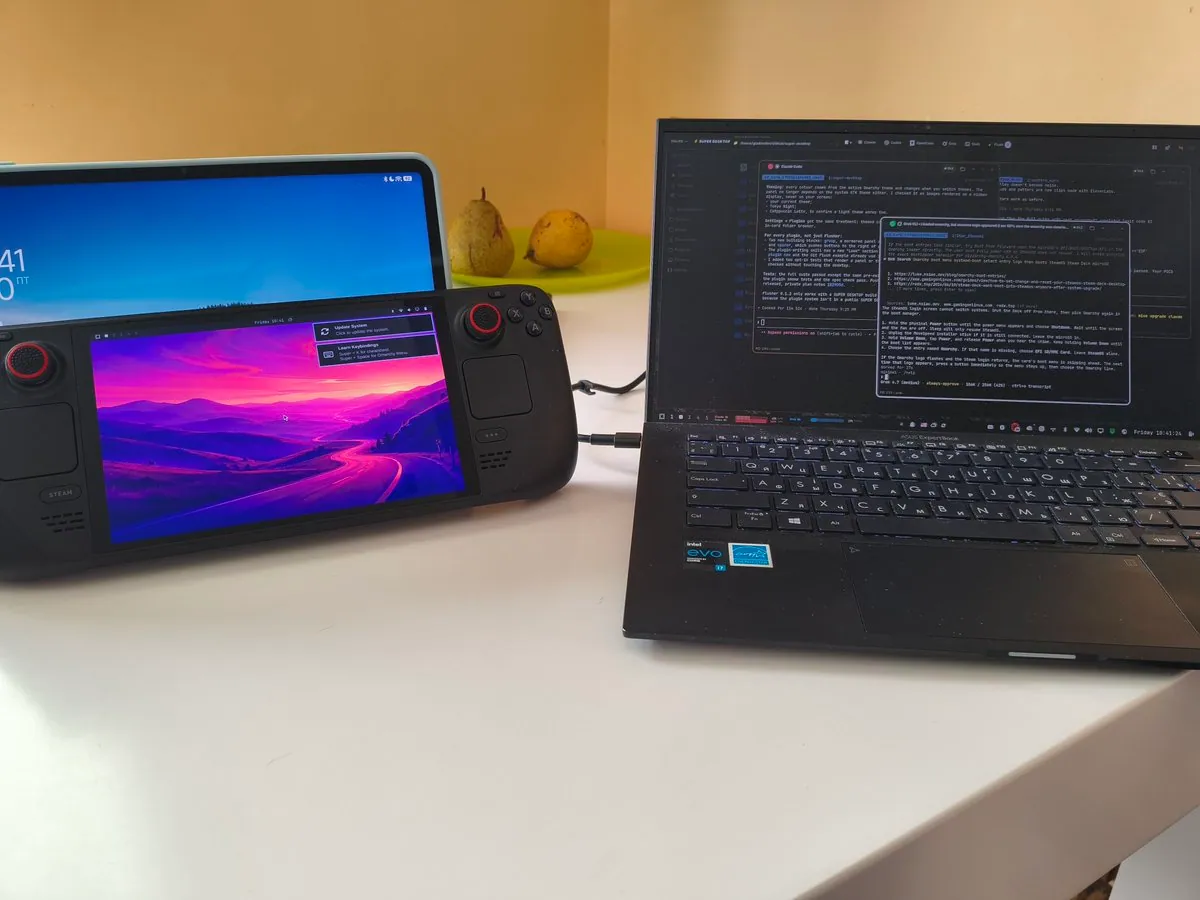
gladimdim says the only reason he uses a MacBook is to make his SUPER DESKTOP iOS companion app, and that otherwise his Asus B9 on the left is the main driver, dismissed three years ago as barely able to run Windows 11 or Linux and shining again with Omarchy installed; the photo is two laptops on a white table, the left Asus showing Claude Code and terminals, the right MacBook showing an iPhone SUPER DESKTOP simulator.
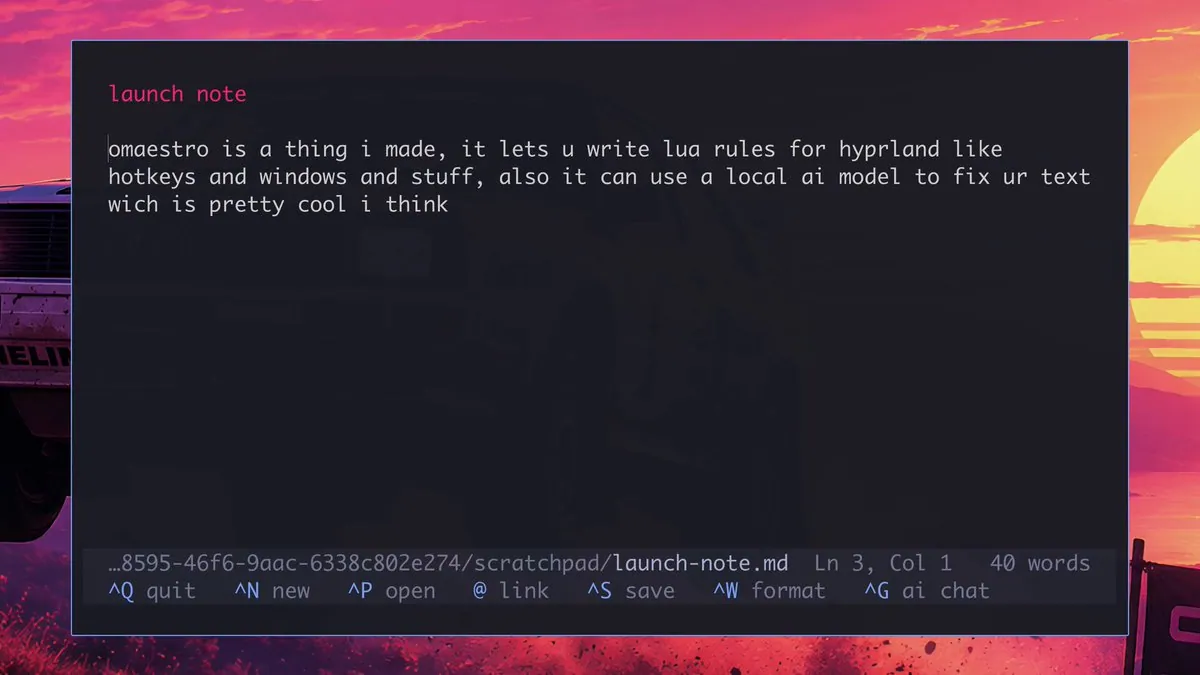
iluxav says he moved from Mac to Omarchy a few weeks ago and loved it, missing only Hammerspoon, so he wrote omaestro: Lua rules for Hyprland where selected text plus a chord lets a local model rewrite it in place, with the Omarchy plugin listing io.github.iluxav.omaestro; the video frame is a dark editor on a synthwave sunset wallpaper, with part of a car at the left edge, open to a launch note reading "omaestro is a thing i made, it lets u write lua rules for hyprland like hotkeys and windows and stuff, also it can use a local ai model to fix ur text wich is pretty cool i think"
livingATaaS says he just built an autonomous production studio MVP thanks to Omarchy and Grok, where dropping a video in yields a posted YouTube episode and a published podcast, all on an old laptop; the stored frame is Kip Dynamite in a white polo and glasses, standing with his arms at his sides.
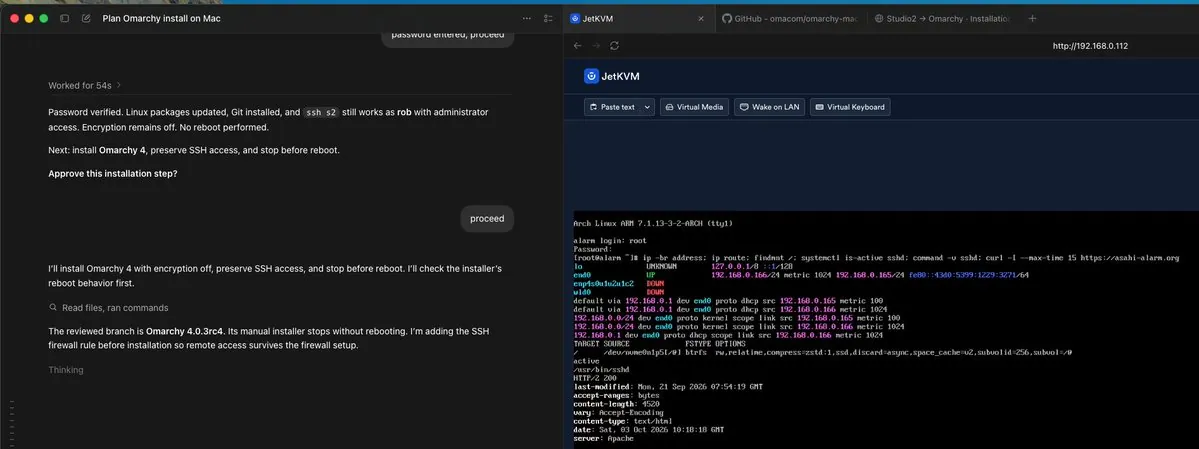
@robandersonnz · Mac Studio M1 Max
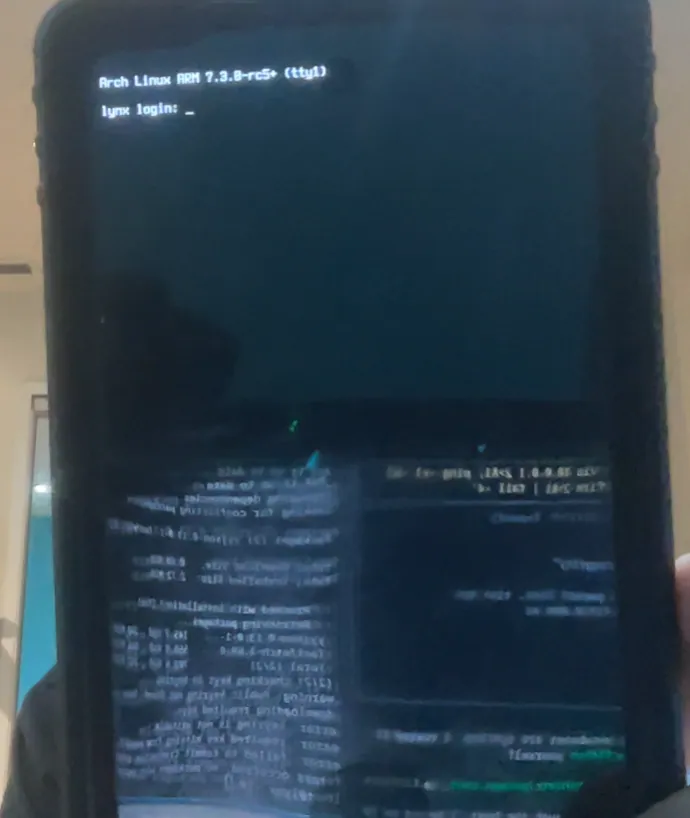
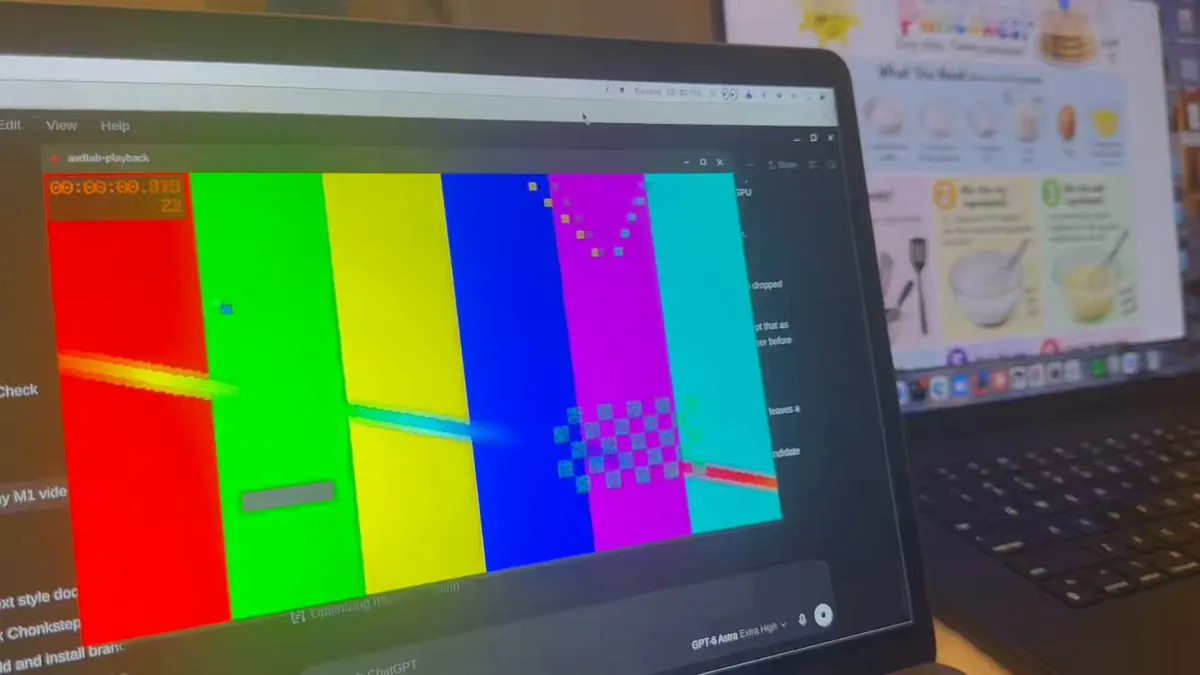
robandersonnz says GPT6 Astra is doing a good job so far driving JetKVM and installing Omarchy Linux on his M1 Max 64 GB Mac Studio, reposted without including SSH keys; the screenshot is a Plan Omarchy install on Mac agent pane beside a JetKVM console on Arch Linux ARM with root checks, noting Omarchy 4.0.3rc4, encryption off, and preserve SSH access.
tonibergholm built RuuviOmarchy, an open-source Omarchy bar plugin for RuuviTags with live temperature, humidity and pressure, favorites, and a background collector that keeps logging with the app closed, using BLE and MQTT via RuuviLinux, linking tonibergholm/RuuviOmarchy.
hancore_linux reports this week on the Omarchy plugin marketplace: 1,423 issues closed, 14 PRs merged, 506 new plugins listed, and 569 verify updates published.
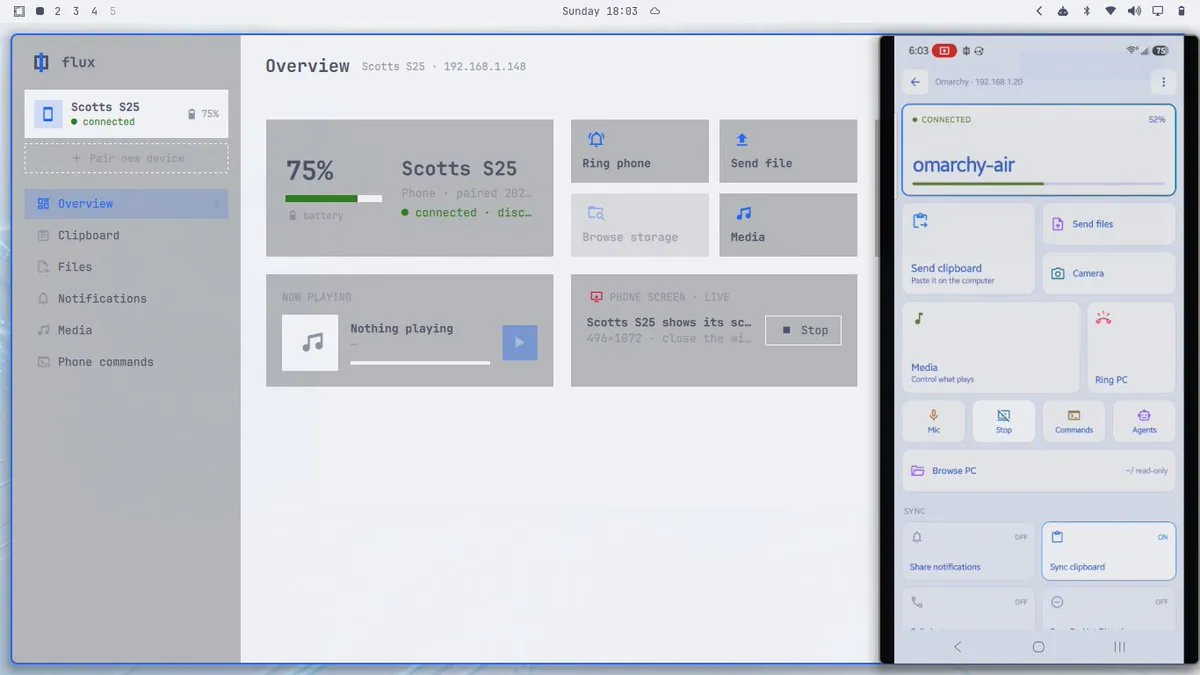
weiwei2018831 presents Flux as a newly open-sourced cross-device sync tool that can connect an Omarchy desktop to Android phones, iPhones, or Macs over LAN or remote networks for shared files, clipboard, notifications, and media control, and can turn a phone into the desktop camera, microphone, trackpad, and keyboard, linking bjarneo/flux; the video frame is a dark terminal with a pink-to-blue border beside a black smartphone.
karloscodes asks "Do you consider youself a self-hoster?", says he made an Omarchy plugin for Chasen that helps deploy and manage servers from the terminal, free and eager for feedback on the rough edges, linking karloscodes/omarchy-chasen.
BlackOpsREPL presents omainur as deterministic, theory-locked songs for omarchy-sequencer, same seed same song, no ML, with a validator that refuses a single out-of-key note, built on tim_sonner's make-16bit-music Grok skill and playing in jankeesvw's sequencer, linking blackopsrepl/omainur.
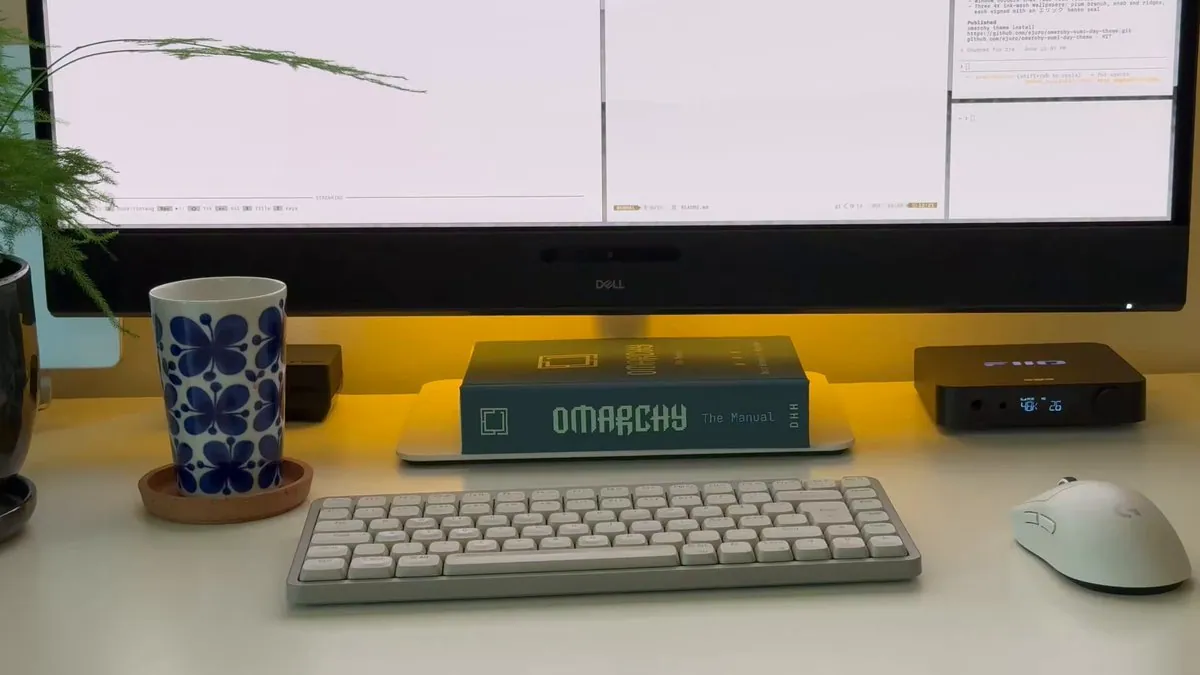
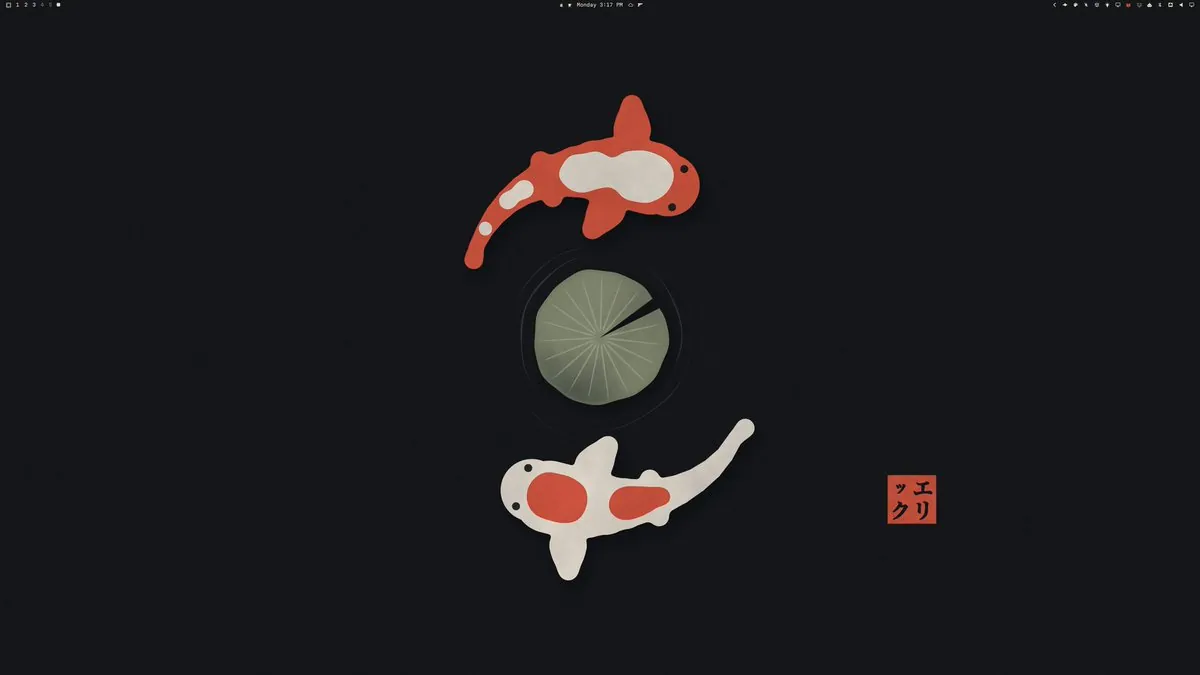
erikrjohansson posts a Saturday POV of sitting down to create yet another Omarchy theme; the video frame is a white desk with a Dell monitor showing a light editor that mentions three 4k ink-wash wallpapers plum branch, knob and ridges each signed with an エリック hanko seal and Published omarchy theme install, an OMARCHY The Manual hardcover by DHH, a low-profile keyboard, a white mouse, a FiiO amp, and a butterfly mug.
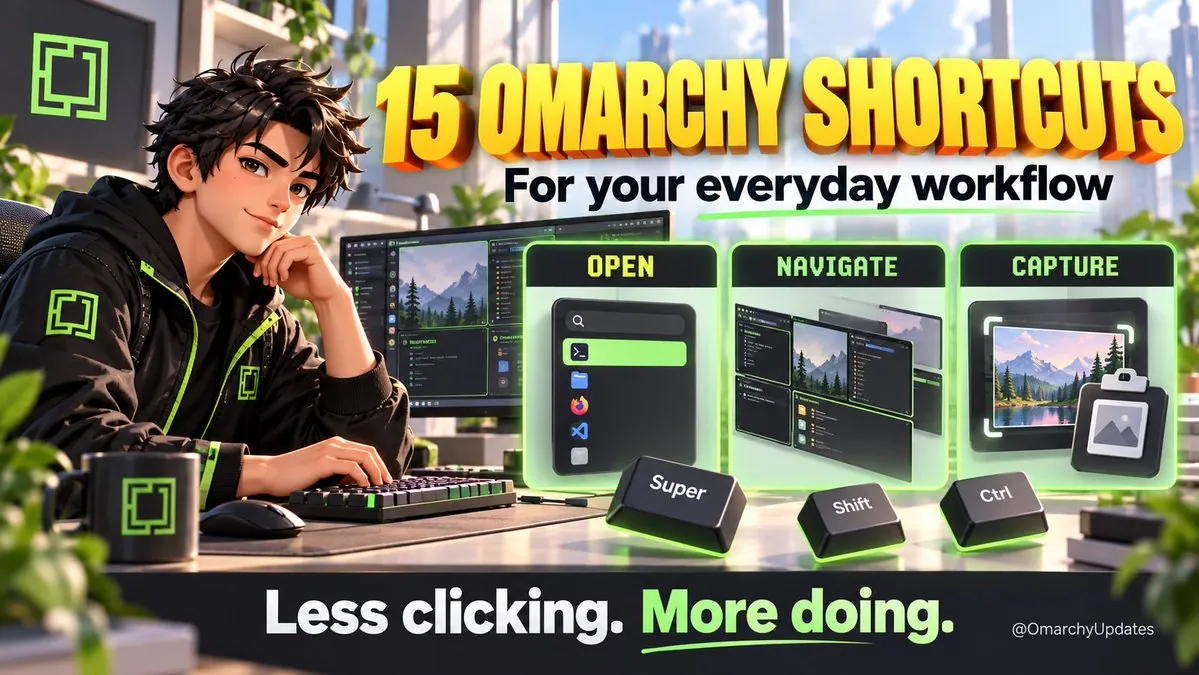
OmarchyUpdates presents 15 Omarchy shortcuts for everyday workflow covering opening apps, moving windows, and finding a copied link, saying each is a small action and together they interrupt the workflow, that Omarchy puts them on the keyboard for terminal or browser, workspaces, clipboard history, and screen capture or text extract, and that memorizing all 15 is not required, "Which do you reach for most: apps, workspaces, or clipboard history?"; the graphic is an anime-style desk scene titled "15 OMARCHY SHORTCUTS For your everyday workflow" with OPEN Super, NAVIGATE Shift, and CAPTURE Ctrl panels and footer "Less clicking. More doing."
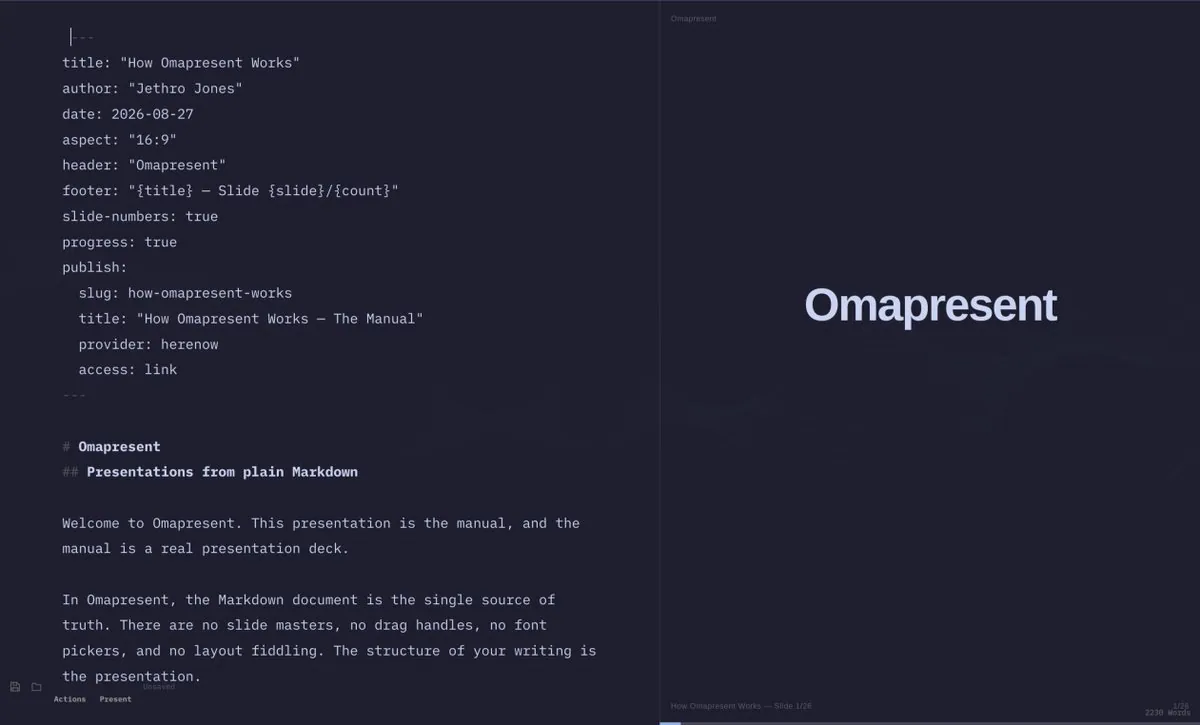
yuskesuzki installs omapresent on an Omarchy environment to make presentation materials in Markdown and tries it out; the screenshot is a split dark UI with a Markdown editor for How Omapresent Works by Jethro Jones dated August 27, 2026 beside a slide preview reading Omapresent and Presentations from plain Markdown.
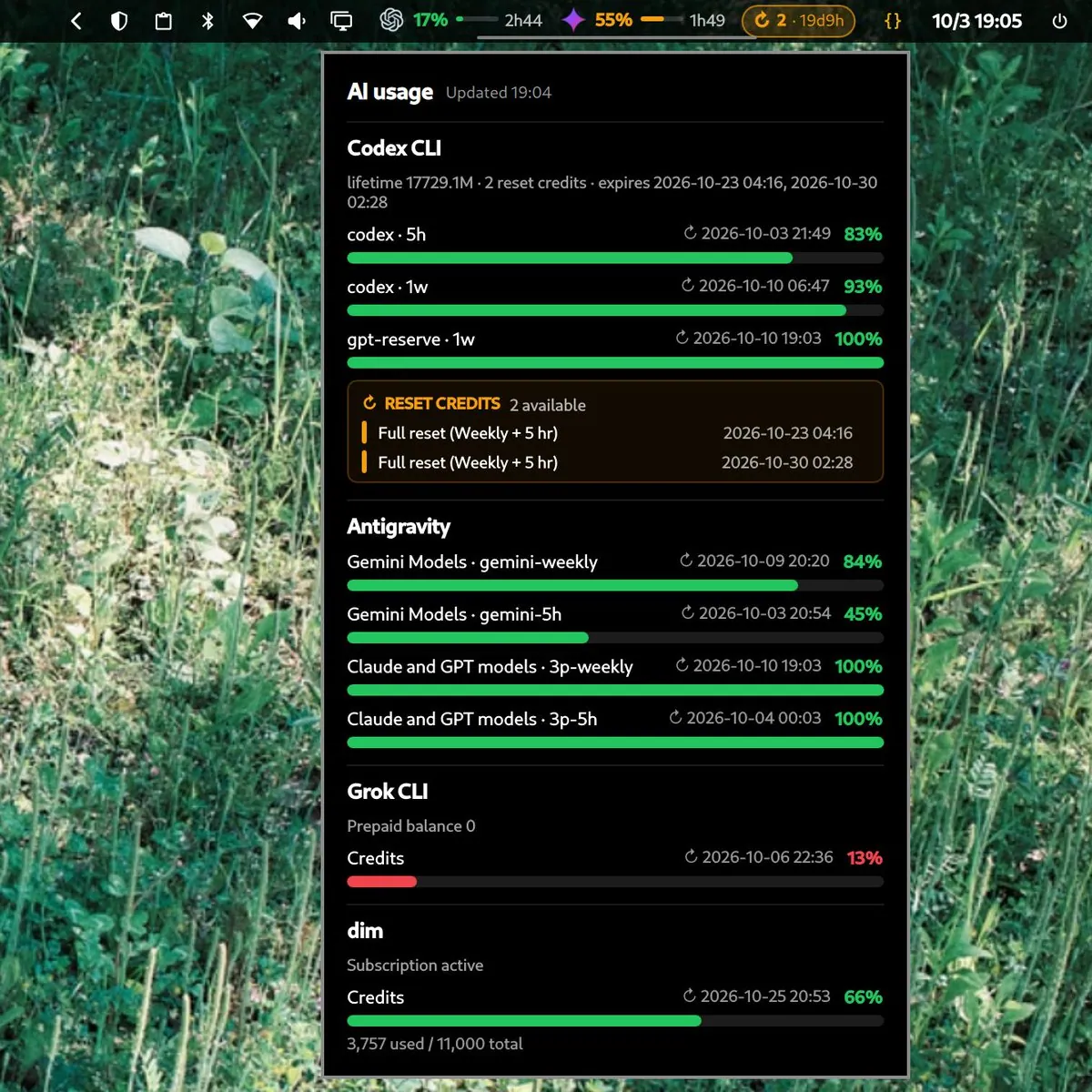
iamcheyan says he moved to a Nix and Labwc environment but merged Omarchy's Quickshell with his own desktop environment so it can be shared, and that sending the config address to an agent is enough to adapt it; the screenshot is an AI usage dashboard over green leaves covering Codex CLI, Antigravity, Grok CLI, and dim credit bars.
@0xSero · Intel Arc Pro A70
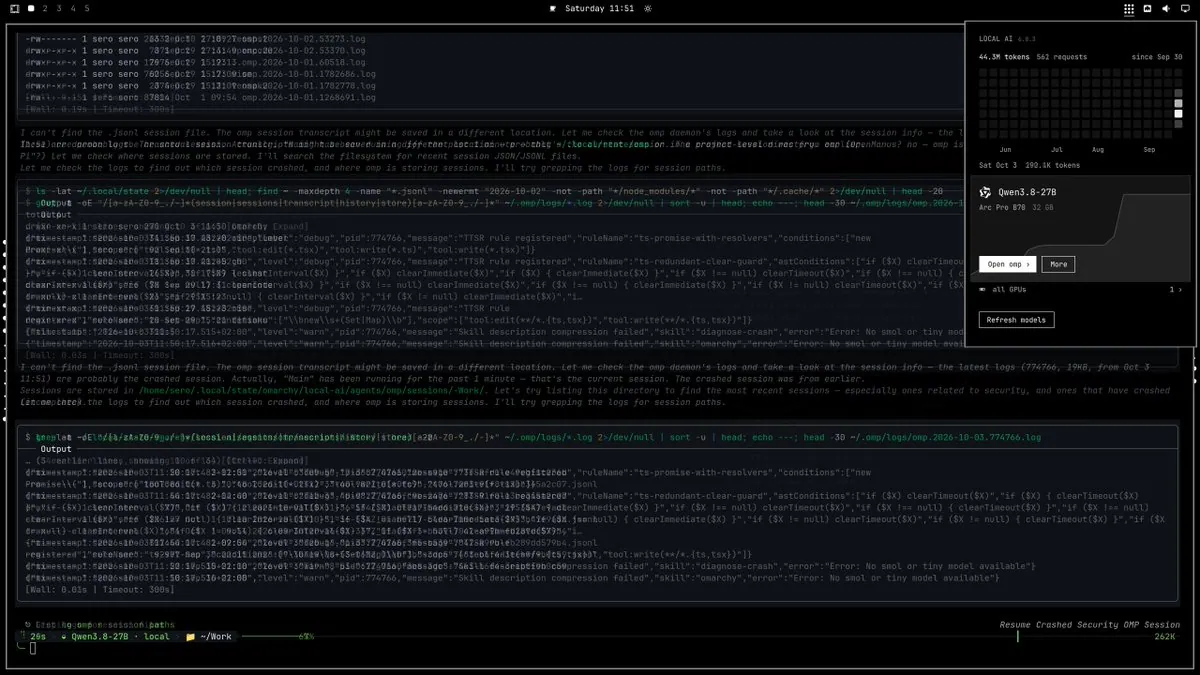
0xSero posts security clanking on Omarchy mining bounties; the screenshot is a dark desktop with a LOCAL AI 0.0.1 overlay for Qwen3.8-27B on an Arc Pro B70 32 GB showing 44.3M tokens and 561 requests, log panes about TTSR rules and diagnose-crash skill compression, and a bottom bar reading Resume Crashed Security OMP Session.
CodeepDev says codeep --yolo with a prompt starts Codeep for a launcher with nothing left to answer, that Omarchy skills in ~/.agents/skills load, and that Codeep's colors follow the Omarchy theme, pointing to the 3.9.0 release notes.
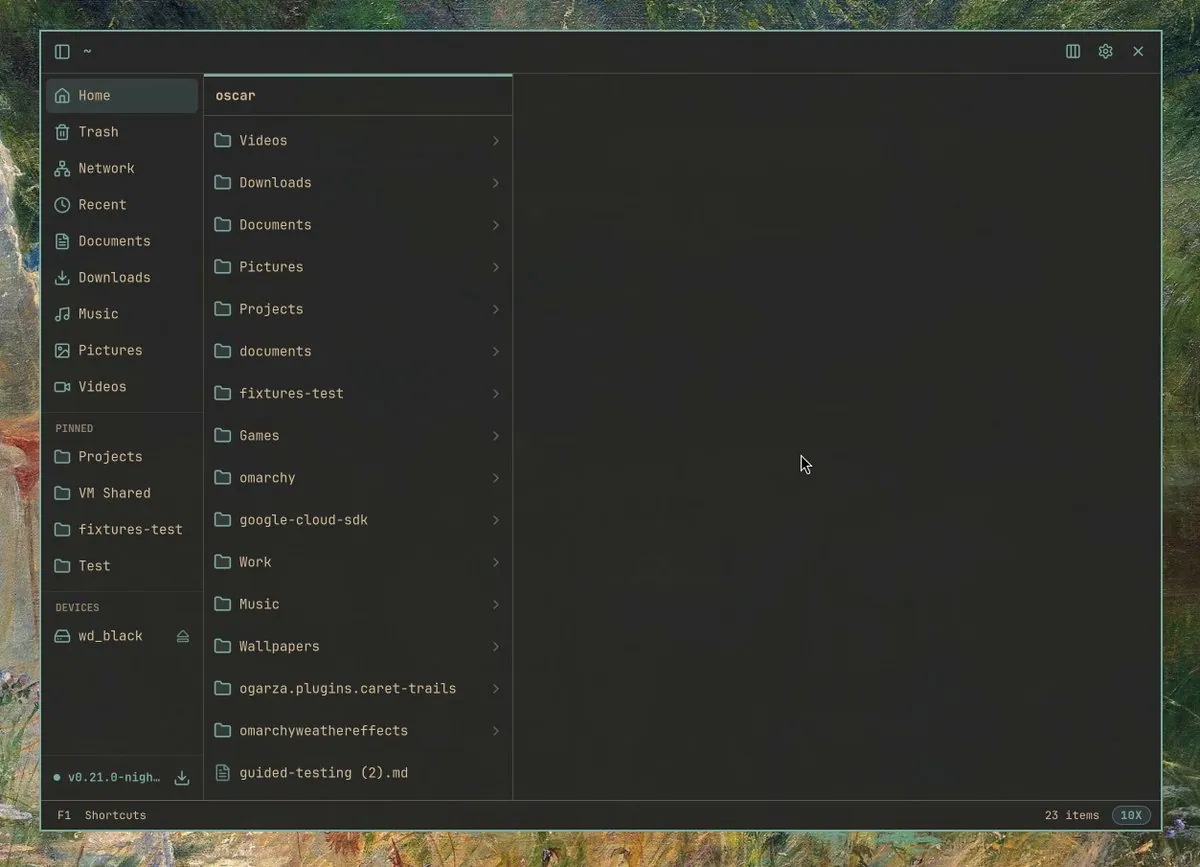
ogsada gives audio previews on Strata some love, with new angle-bracket keys that jump to the previous or next song while skipping non-audio files, j and k still stepping through every file, animations that can be disabled, and it follows the Omarchy theme, linking lgse/strata; the still is a dark Strata file browser for oscar listing omarchy and omarchyweathereffects folders, a truncated v0.21.0-nigh.. label, and F1 Shortcuts.
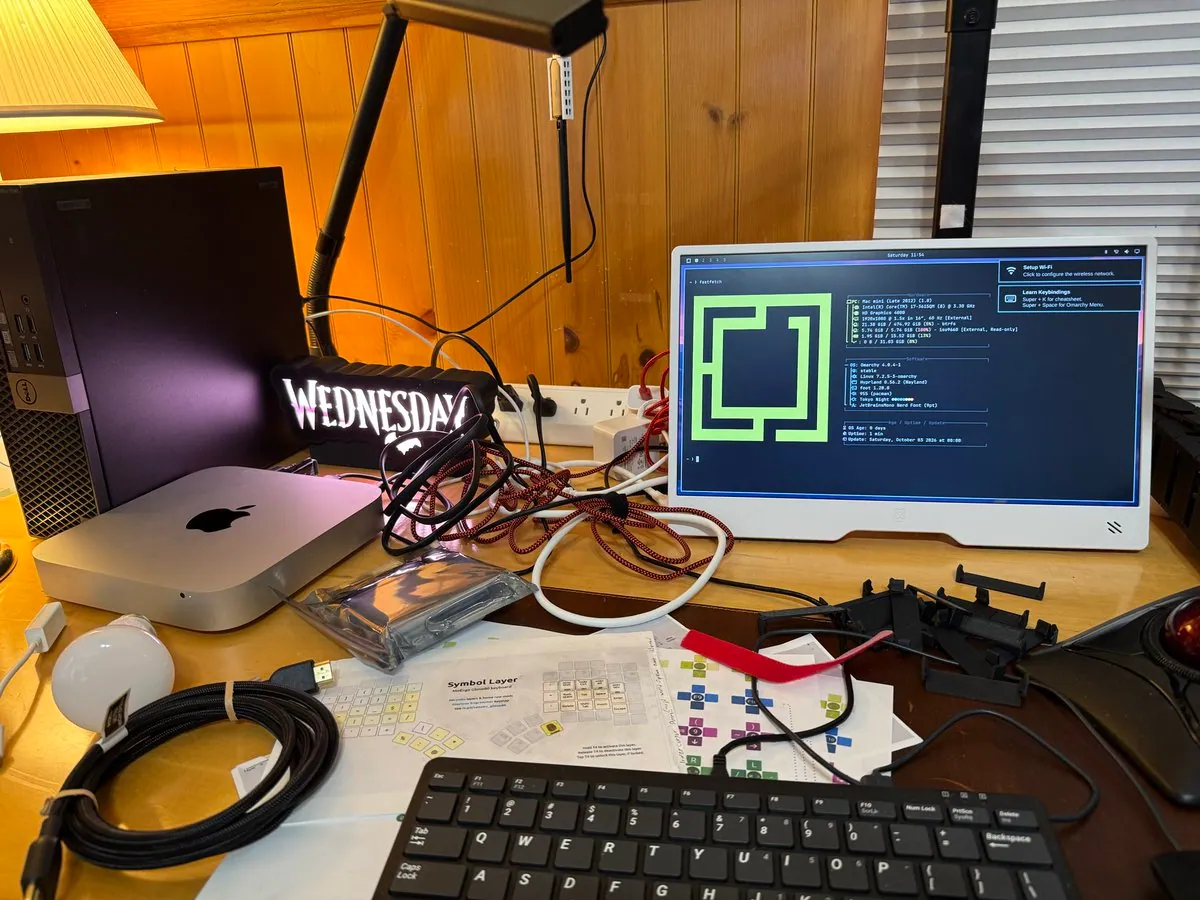
@John4ZX4 · Mac mini Late 2012
John4ZX4 says "Run what you brung!", trying Omarchy on a 2012 Mac Mini that is quite serviceable and more snappy than expected, with an I7-3615SQM at 3.3 GHz using 2.3 GB of 16 GB, Wi-Fi working, and install taking 2 min 9 secs; the photo is a cluttered desk with a portable monitor showing Omarchy fastfetch for Mac mini (Late 2012), Hyprland, Tokyo Night, Setup Wi-Fi and Learn Keybindings, beside a silver Mac Mini, a Dell tower, and Glove80 symbol-layer papers.
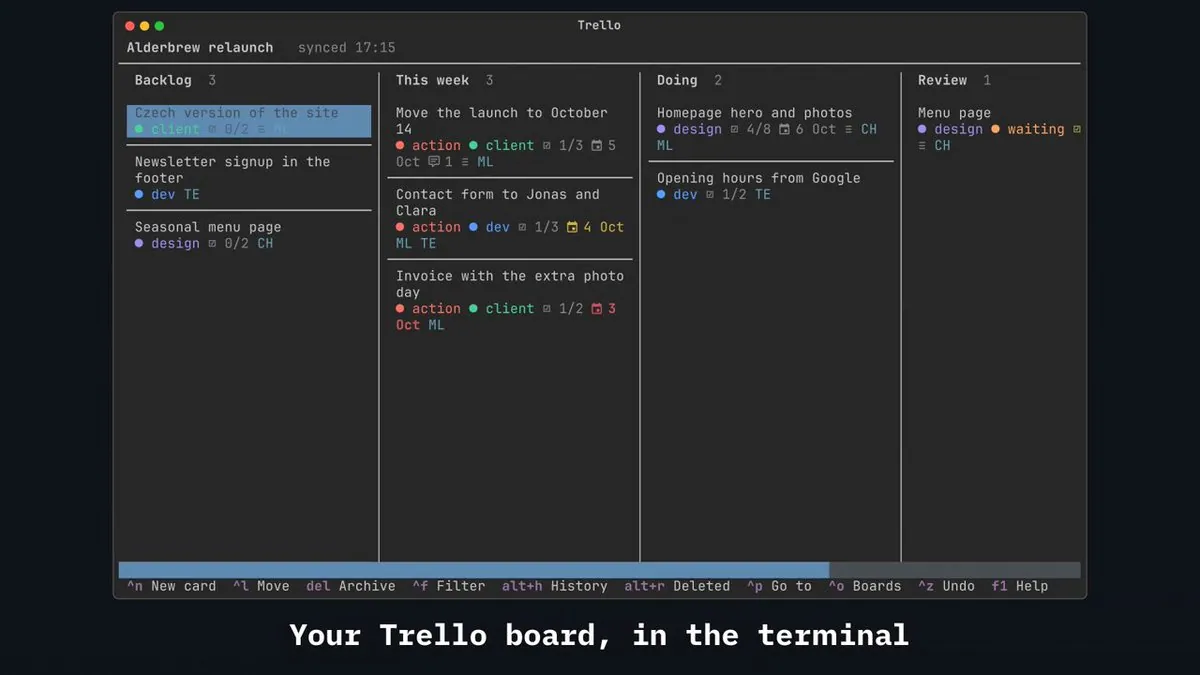
petrzela123 presents Trello in the terminal where nothing is ever lost, with Ctrl+P to any card, Ctrl+F to filter, foldable checklists, and deleted checklists that can be brought back with every item, saying it was just submitted to the Omarchy plugin marketplace and linking petrzpav/omarchy-trello; the still is a dark TUI board for Alderbrew relaunch with Backlog This week Doing and Review columns and caption "Your Trello board, in the terminal".
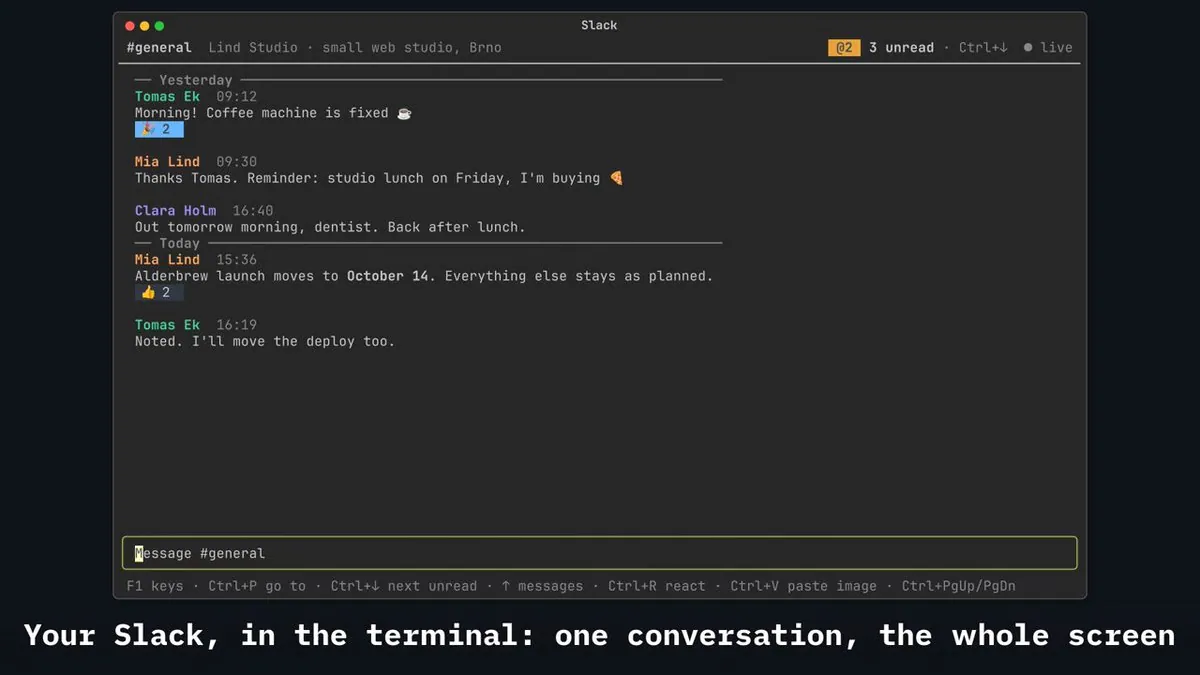
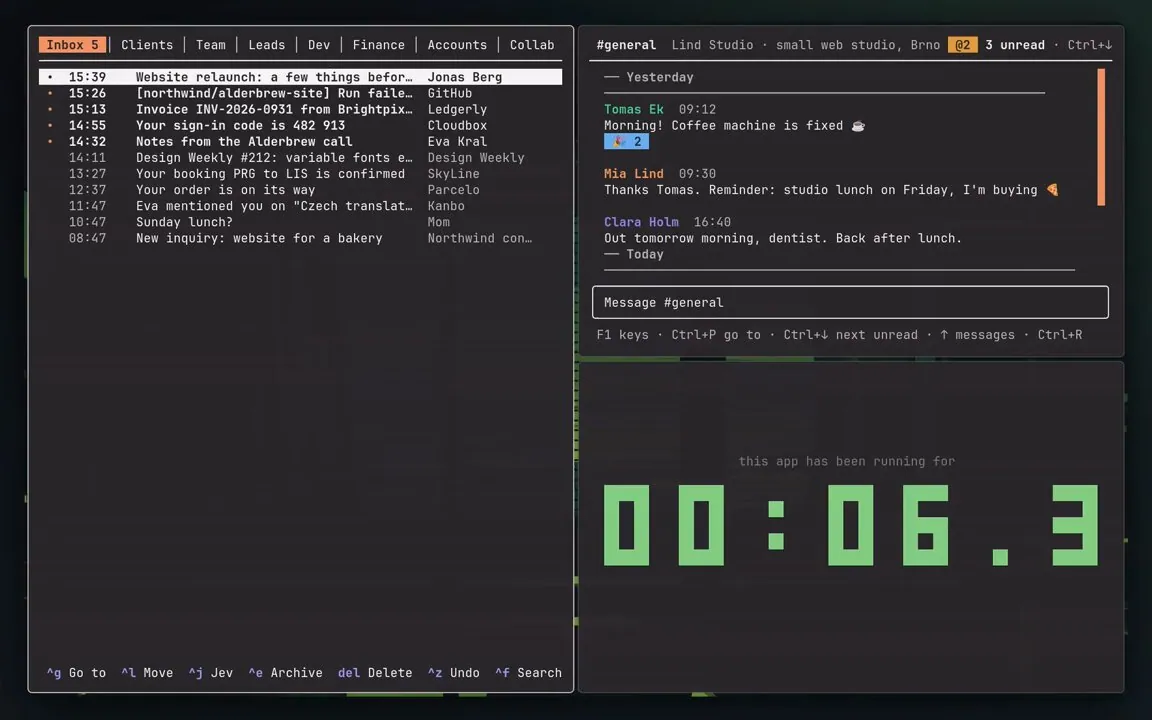
petrzela123 presents Slack right in the terminal with Ctrl+P to any channel or person, Ctrl+↓ to next unread, threads, reactions, search, and images, live over Socket Mode and blazing fast, saying it was just submitted to the Omarchy plugin marketplace and linking petrzpav/omarchy-slack; the still is a dark Slack TUI for #general Lind Studio with unread live status and caption "Your Slack, in the terminal: one conversation, the whole screen".
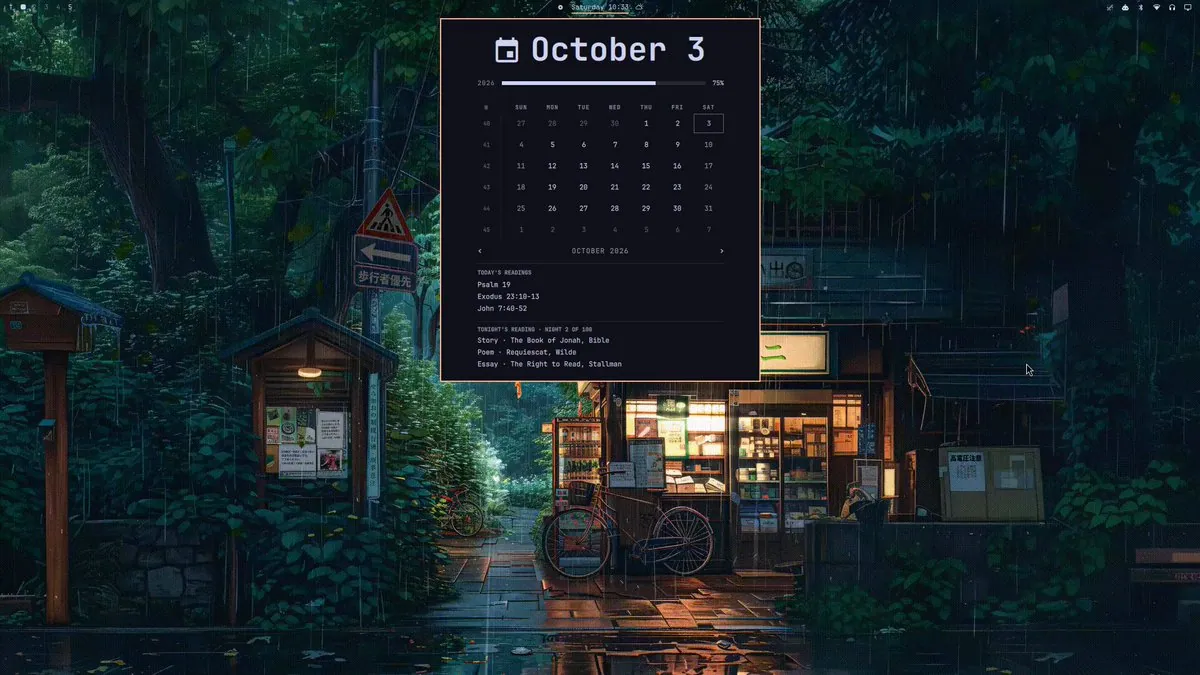
occupyjoshua says he messed with his Omarchy plugin again and added extra daily readings to keep sharp: a random somewhat curated selection of 1 story, poem, and essay each night for 100 nights along with lectionary readings; the screenshot is a centered October 3 calendar widget over a rainy Japanese street, listing TODAY'S READINGS Psalm 19, Exodus 23:10-13, and John 7:40-52, plus TONIGHT'S READING - NIGHT 2 OF 100 with "Story · The Book of Jonah, Bible", "Poem · Requiescat, Wilde", and "Essay · The Right to Read, Stallman".
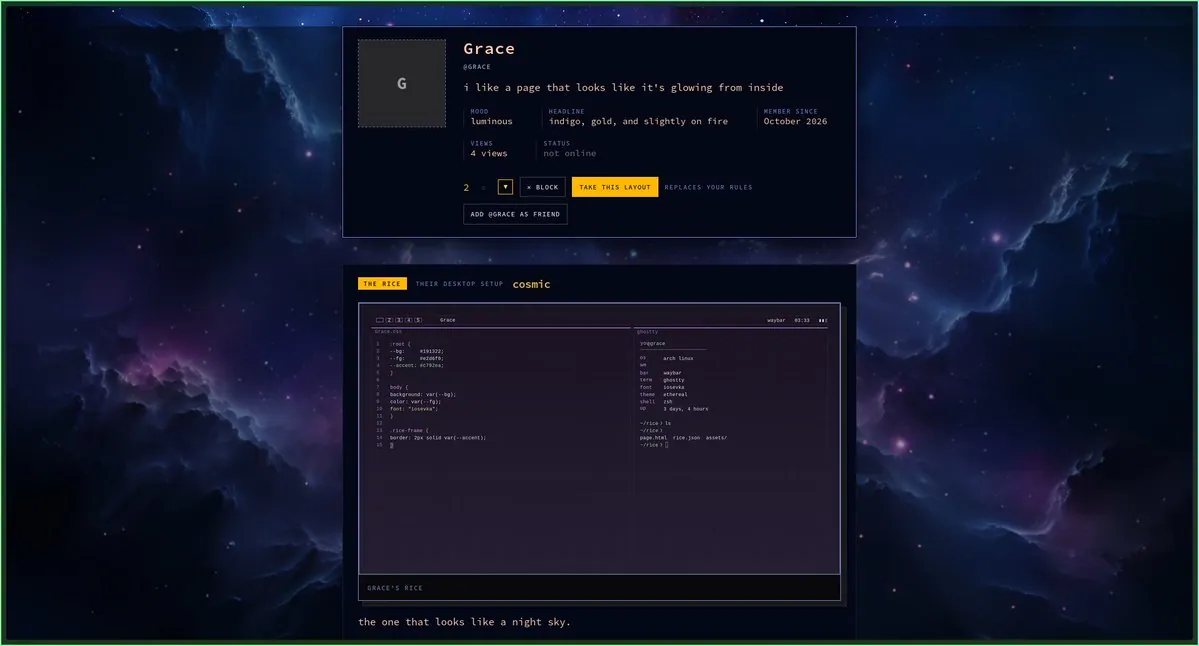
BlackOpsREPL is happy with where RiceSpace has landed, now wearing eight Omarchy themes: Tokyo Night, Catppuccin, Gruvbox, Everforest, Lumon, Ethereal, Miasma, and Hackerman, each built from its own theme's colors so a page can look like the rice it is showing, linking the v0.3.0 release; one screenshot is a Grace profile on a nebula background with "TAKE THIS LAYOUT" and "REPLACES YOUR RULES" and THE RICE THEIR DESKTOP SETUP cosmic showing ethereal theme CSS and a ghostty neofetch.
jmckible shows a top bar for Omarchy that keeps only a few glanceable items in a smaller package because the default is much too busy, emphasizing time over date; the screenshot is a dark charcoal pill reading Saturday October 3 with three small status icons on a light gray field.
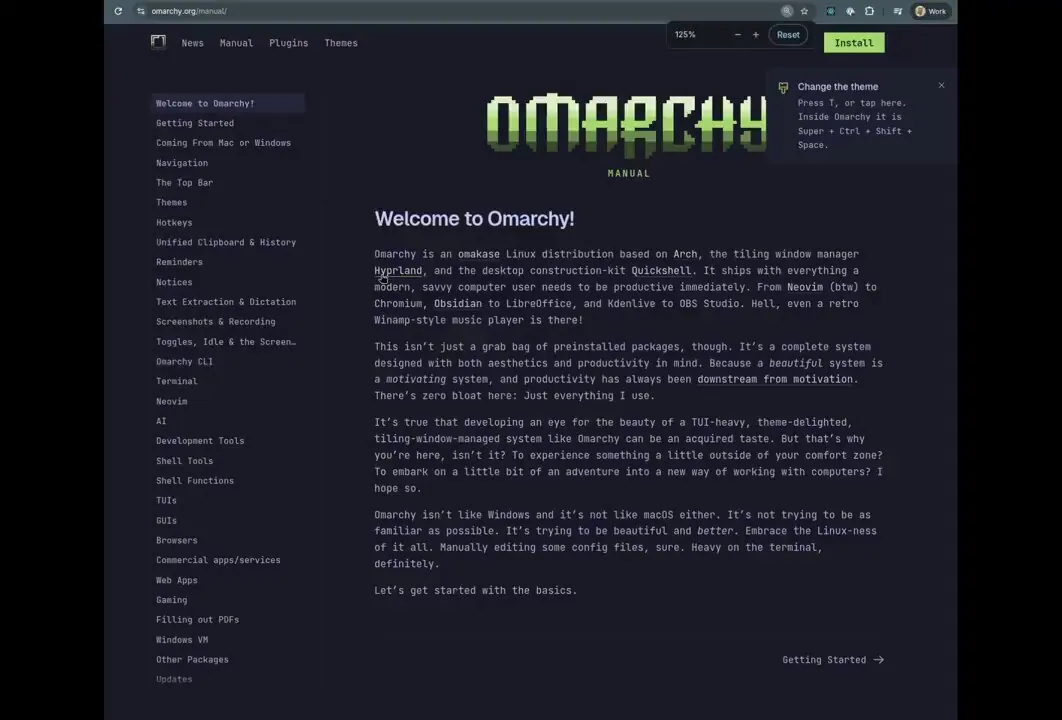
vbudimcic tells dhh that one Mac feature missed in Omarchy is clipboard sharing with an iPhone, and that a plugin built last night pairs via QR code and installs an iPhone Shortcut to trigger, with setup still needing love but working, asking whether it is worth polishing and publishing; the still shows a dark Omarchy Manual welcome page with Install and a Change the theme notice.
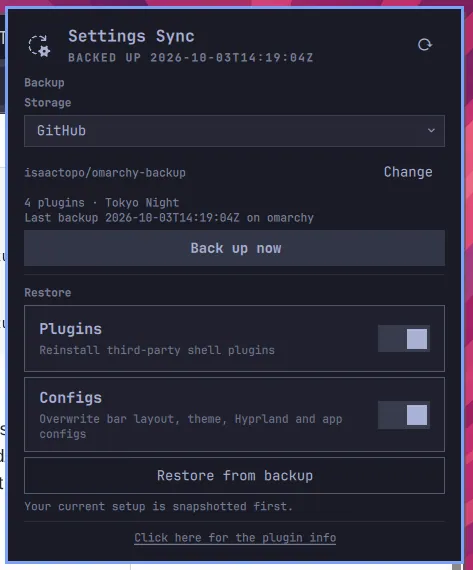
isaac_topo built a backup plugin for OmarchyLinux to sync plugins and preferences without reinstalling everything, built with Muse Spark in OpenCode, with issues on GitHub and published on its plugin platform, linking isaactopo/omarchy-settings-sync; the screenshot is a Settings Sync card BACKED UP to GitHub repo isaactopo/omarchy-backup summarizing 4 plugins · Tokyo Night, with Back up now and Restore from backup toggles for plugins and configs, and footer "Your current setup is snapshotted first."
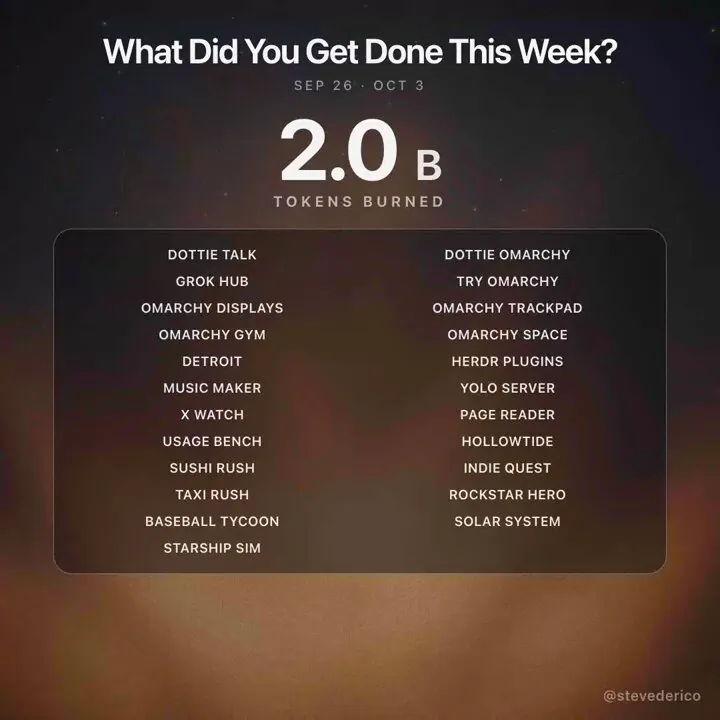
stevederico answers "What Did You Get Done This Week?" after burning 4.6B tokens, listing Omarchy-related ships among many others: dottie-omarchy session detection, try-omarchy qemu audio and hvf fixes, omarchy-displays plugin with drag arrange and keep-or-revert, omarchy-mac-trackpad t2 config and three-finger swipe fix, omarchy-gym rebuilt on rockstar hero renderer, and omarchy-space-theme with starship launch default background and a Flight 14 palette; the still is a recap card headed "What Did You Get Done This Week?" with SEP 26 · OCT 3, 2.0 B TOKENS BURNED, and a two-column list of project names.
EthanSDE shares Omabox as a Saturday under-100-stars open-source pick, describing it as a plugin for Omarchy where an agent gets its own desktop completely separate from the user's, thanking diogochaves and linking diogochaves/omabox.
@SALTY_ALTY555 · Framework desktop
SALTY_ALTY555 says people with halo strx, specifically the Framework computer desktop running dhh Omarchy, should check out the LLM server plugin omallama, which sits snug on the top bar and ships with a halo-strx-specific Gufo runtime in mind to 5x LLM encode, linking Salt-555/Omallama.
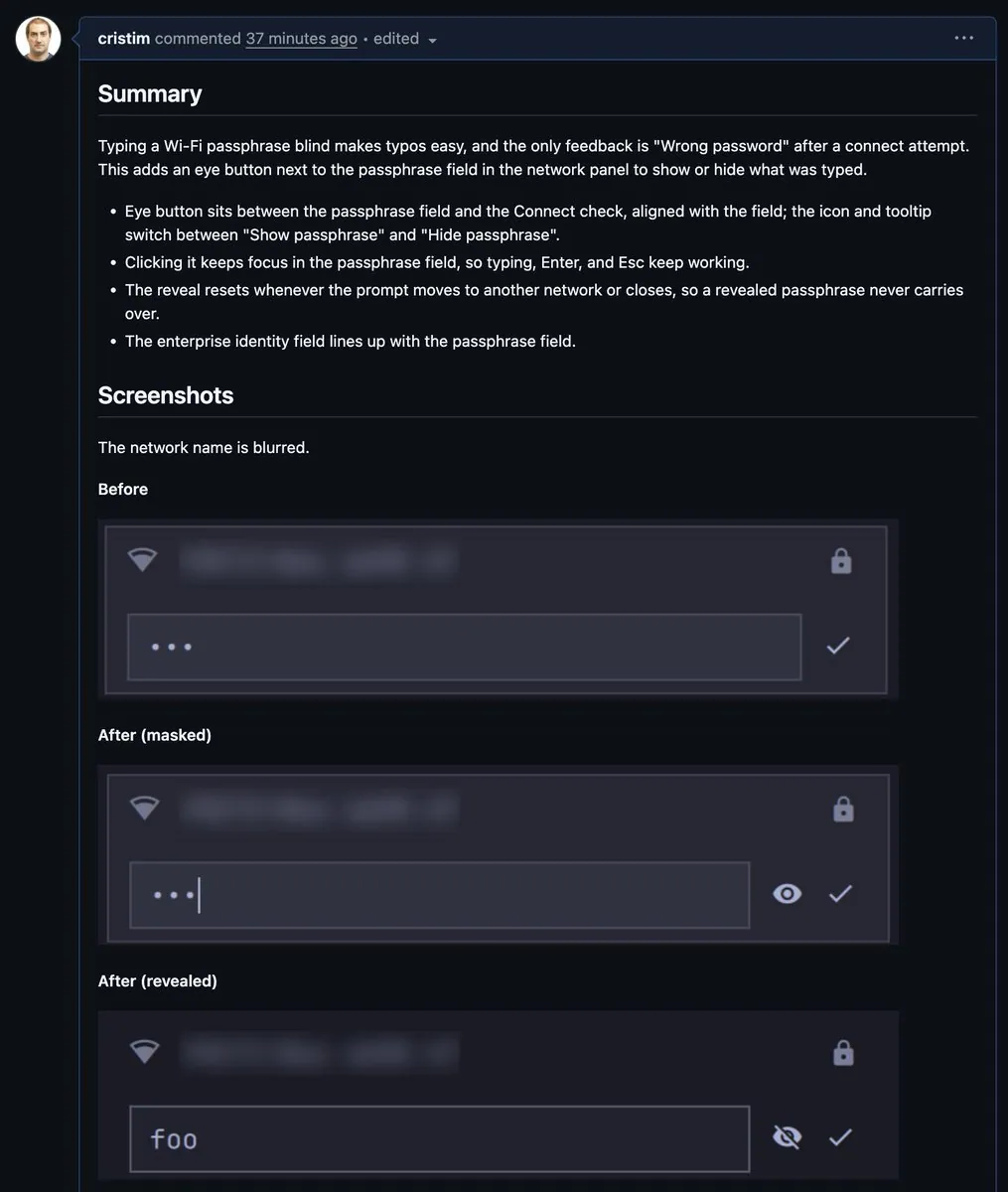
ln_elliot says their first Omarchy plugin was just published: a custom network/Wi-Fi experience built for Omarchy with Wi-Fi adapter switching, and points to the plugin page and its marketplace listing.
OmarchyUpdates says a tutorial should not disappear when switching workspaces, and that Omarchy lets a video window float and follow by opening the tutorial in a separate browser window, focusing it, and pressing Super + O, with Super + O again to toggle back, asking what would stay visible: a tutorial, notes, or a live dashboard, and linking the official navigation guide.
@tempestchaosX · NZXT Kraken Z
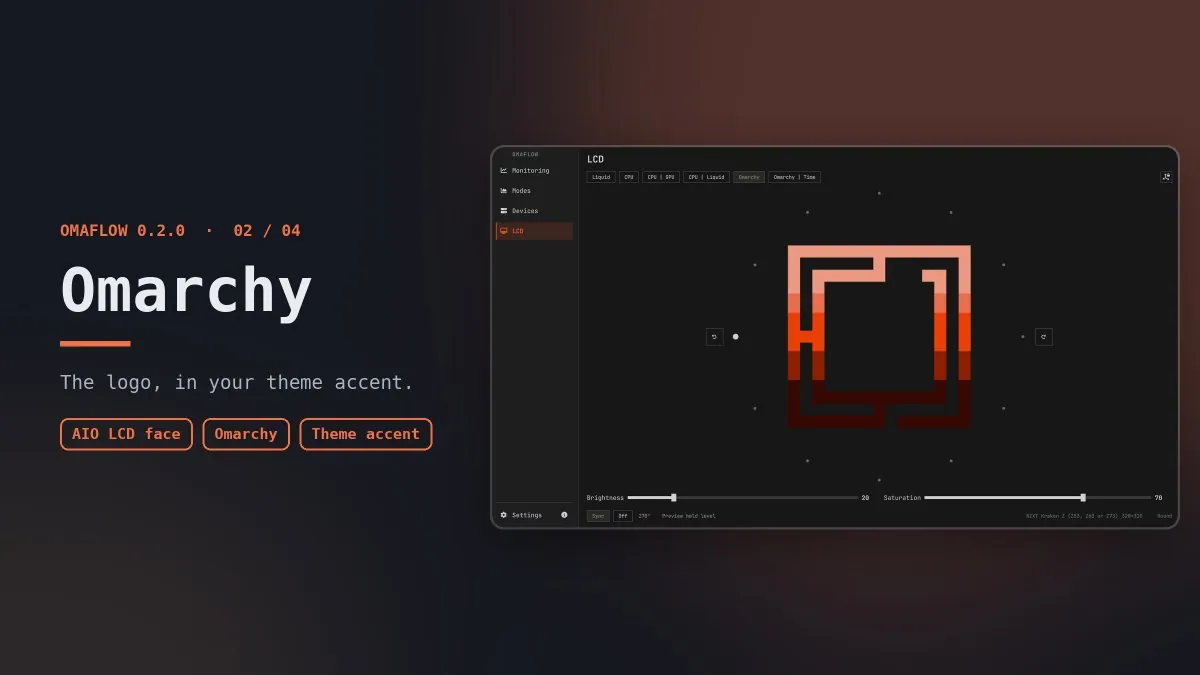
tempestchaosX presents the Omarchy AIO LCD face where Omaflow 0.2 draws the Omarchy logo on an AIO LCD in the theme accent, round or square follows the cooler layout automatically, and brightness and saturation sit on the page; the graphic is an OMAFLOW 0.2.0 card reading "Omarchy" and "The logo, in your theme accent." with AIO LCD face tags beside an LCD tab preview of the maze logo for NZXT Kraken Z (Z53, Z63, or Z73) 320x320 Round.
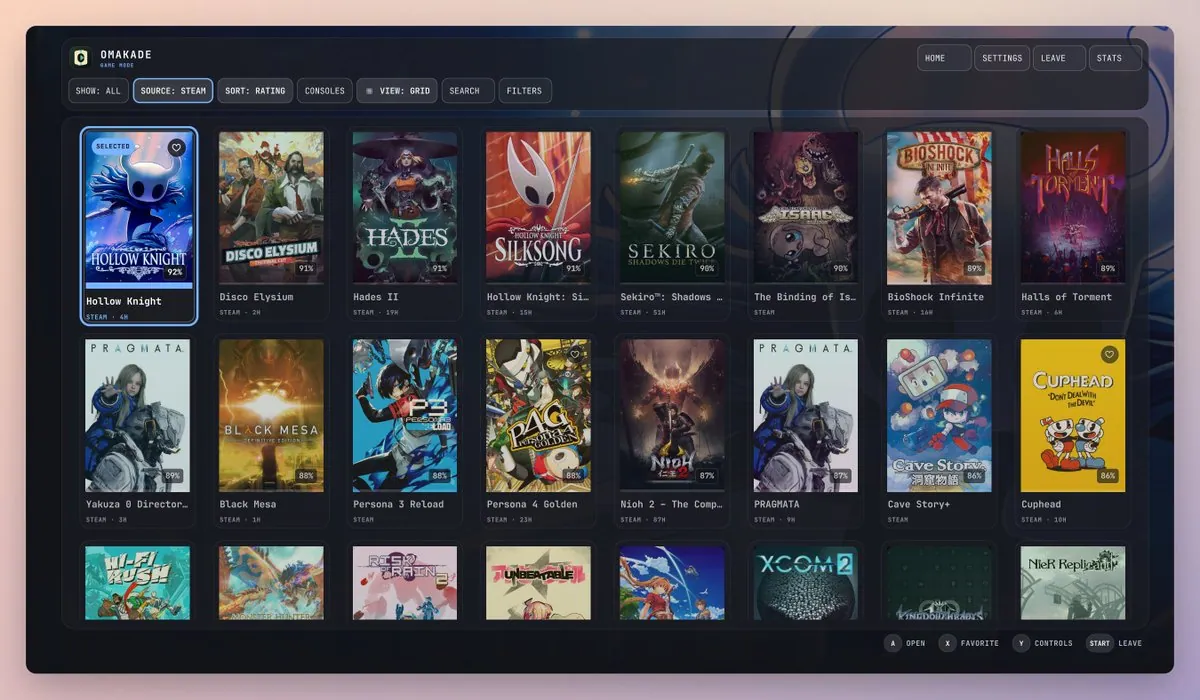
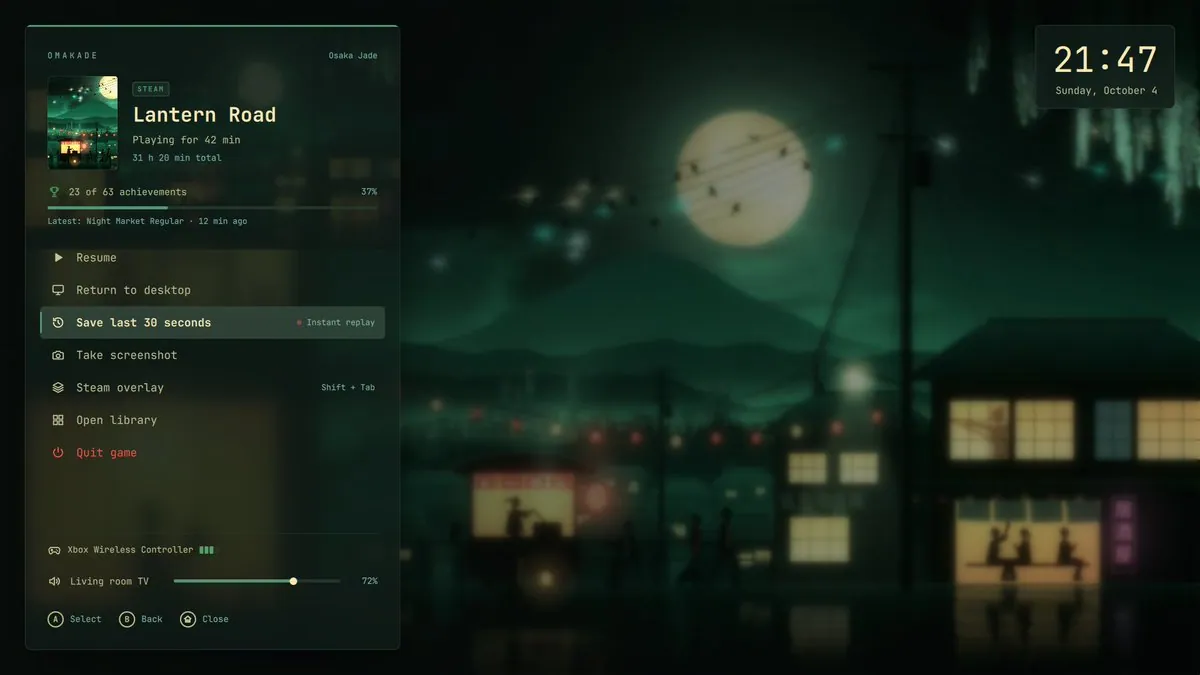
btsouth says Omakade 1.14 turns the Omarchy desktop into a console when wanted, with Super + Ctrl + G opening a fullscreen controller-friendly game library and the same chord mid-game bringing up the menu, then stopping the game restores the desktop with windows where they were left, linking btsouth/omakade; the still is an OMAKADE GAME MODE grid with Hollow Knight selected, SOURCE: STEAM highlighted, and prompts A OPEN, X FAVORITE, Y CONTROLS, and START LEAVE.
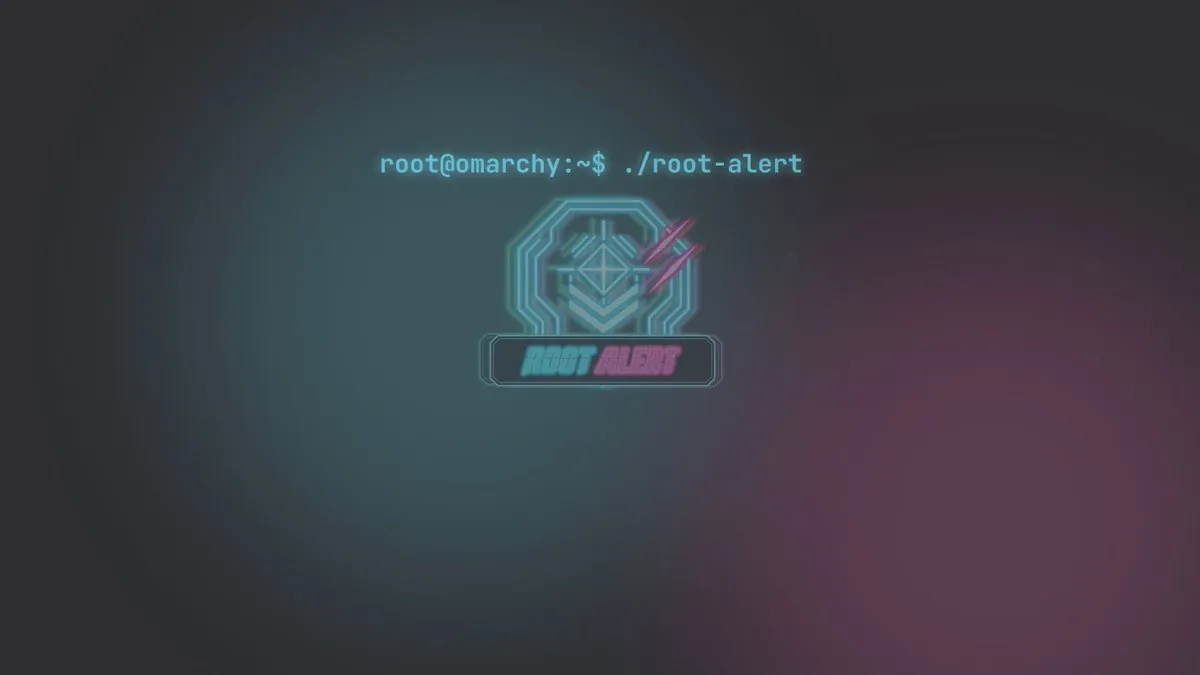
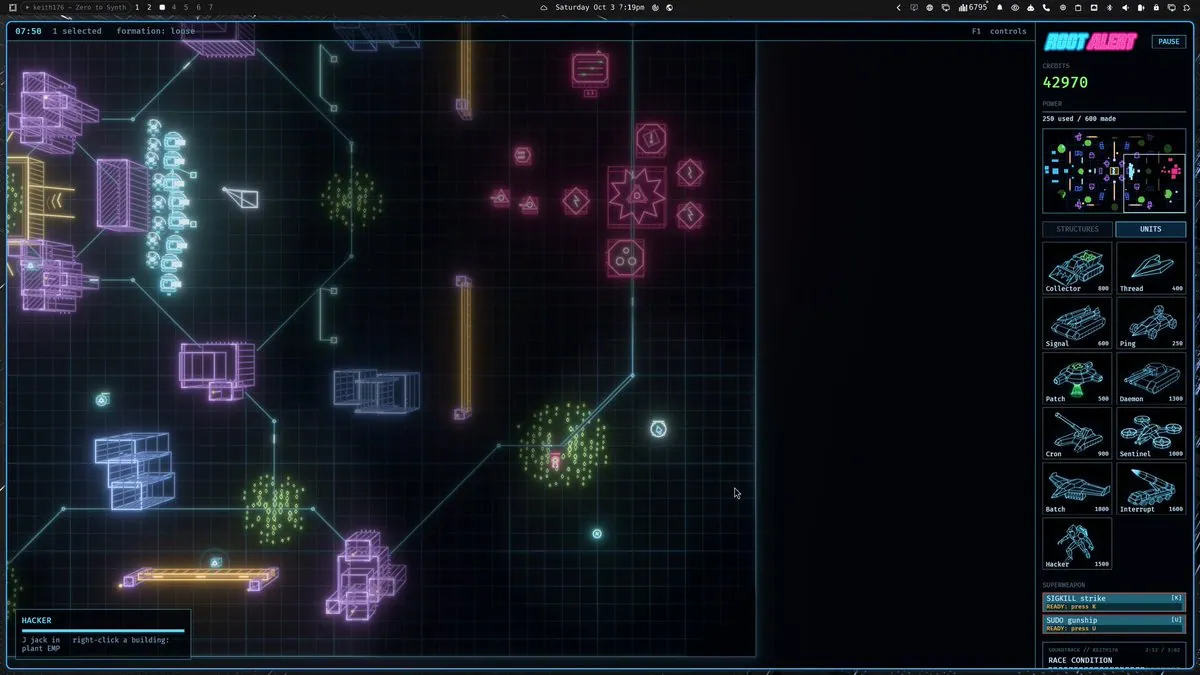
quantumpixel_x says Omarchy is getting an RTS, presenting Root Alert as a Red Alert-inspired neon RTS where a player can drop into any unit and fight the battle through its eyes in first-person 3D, coming soon; the still is a cyberpunk splash reading root@omarchy:~$ ./root-alert above a glowing ROOT ALERT emblem.
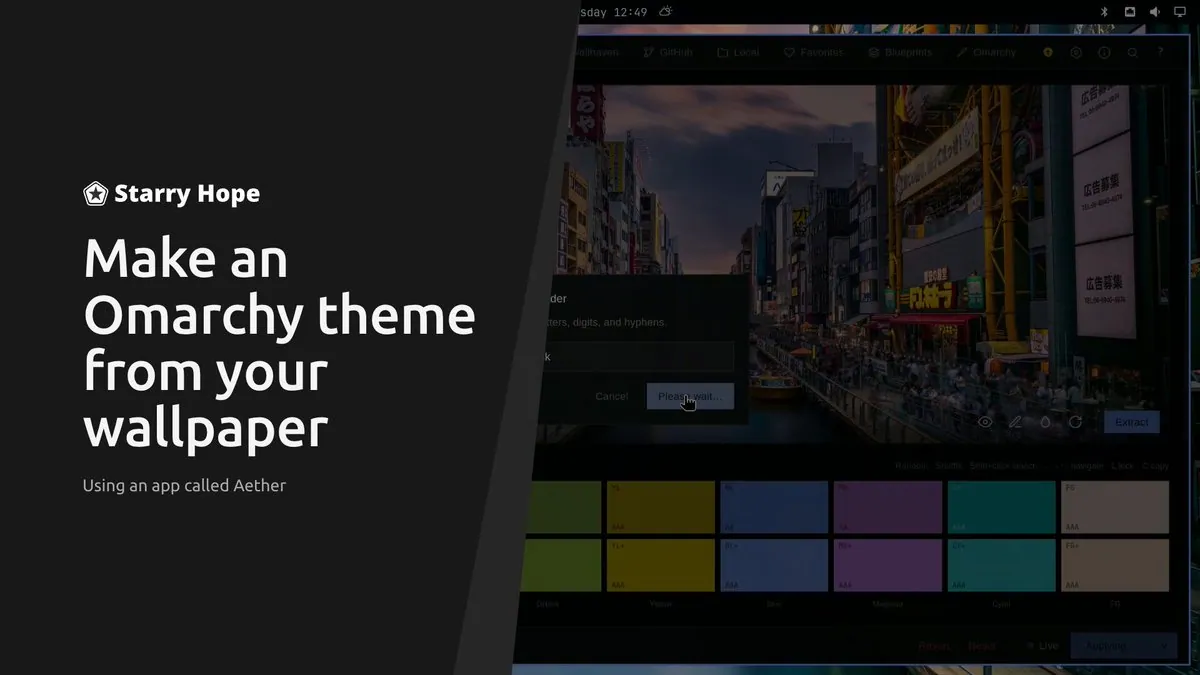
starryhopeblog finds creating new themes for Omarchy somehow very addictive and shows how to make one; the still is a Starry Hope card reading "Make an Omarchy theme from your wallpaper" and "Using an app called Aether" beside an Aether Omarchy tab extracting a neon street palette with Extract and Applying.
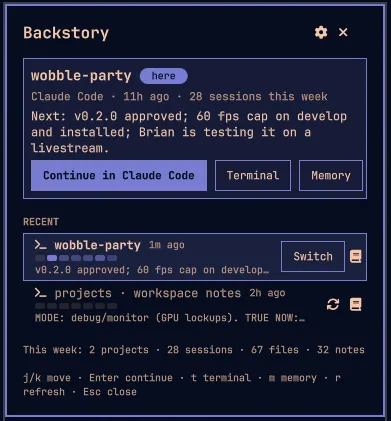
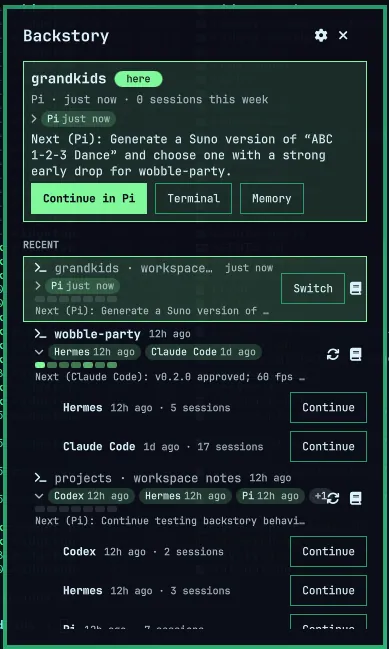
RidgetopAI says Backstory v0.1.0 is about ready, connects to Claude, ChatGPT, Pi and Hermes, runs between the agent and the Omarchy OS, and gives an agent project memory to start and stop without loss of context so a session can be clicked back into; the screenshot is a Backstory dashboard for wobble-party with Continue in Claude Code Terminal Memory and weekly stats 2 projects · 28 sessions · 67 files · 32 notes.
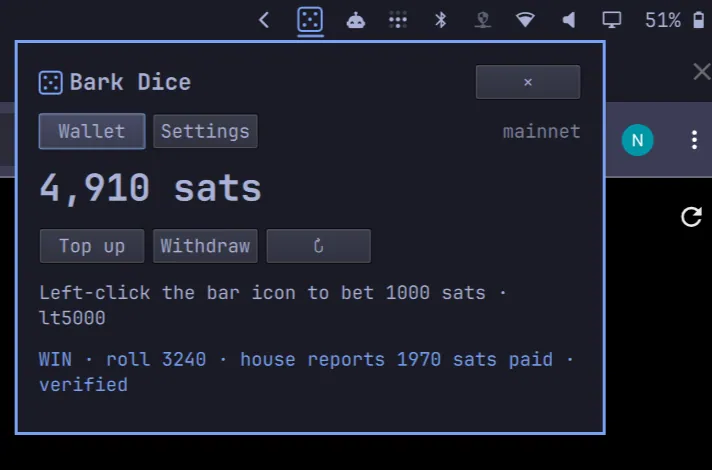
Egge21M says users can now degen away on Omarchy while waiting for clanking, linking Egge21M/bark-degen; the screenshot is a Bark Dice window with the Wallet tab selected, on mainnet, showing 4,910 sats, Top up Withdraw, Left-click the bar icon to bet 1000 sats, lt5000, and WIN · roll 3240 · house reports 1970 sats paid · verified.
tcballard's Today in Omarchy (3-Oct-2026) walks through Spencer Bull's XPS camera package repair that cut frame-to-frame noise from 9.2 to 1.9 on a tested XPS 16 after four separate software-stack faults, Keylimesoda's Quattro image-picker fix that caps expensive work at 33 delegates for people with hundreds of themes, DHH folding 25 community fixes into agent-usage code so Codex's lazy launcher no longer installs itself while being counted, and a Quattro migration that pins root= before upgrades so a ten-second window cannot leave a machine unbootable; the graphic is a black title card reading "TODAY IN" over a larger pixel "OMARCHY" in neon green.
@linyiru · Raspberry Pi 5
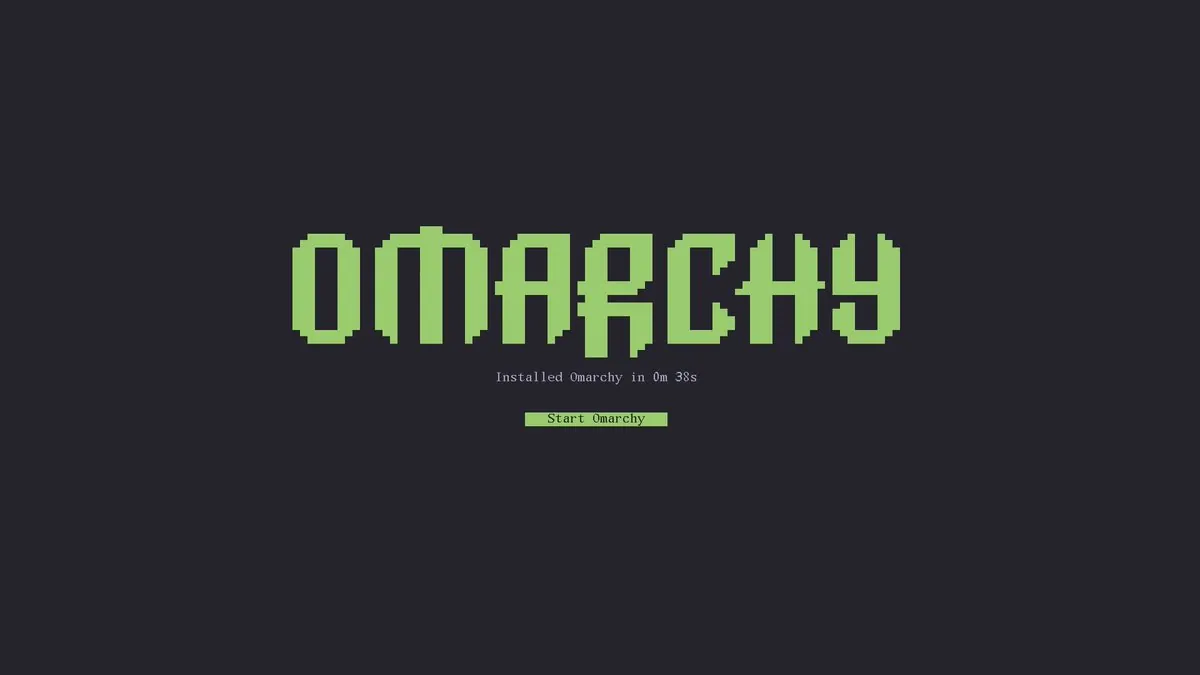
linyiru runs Omarchy on a Raspberry Pi 5 with Omarchy 4.0.0 and Hyprland, noting the installer clocked itself at 0m 38s after the image had only built under qemu until that morning, that the Pi cost more than a Beelink Ser3 kept as the iteration machine, and linking linyiru/omarchy-pi; the screenshot is a dark install-complete splash with a pixel OMARCHY wordmark, the line "Installed Omarchy in 0m 38s", and a Start Omarchy bar.
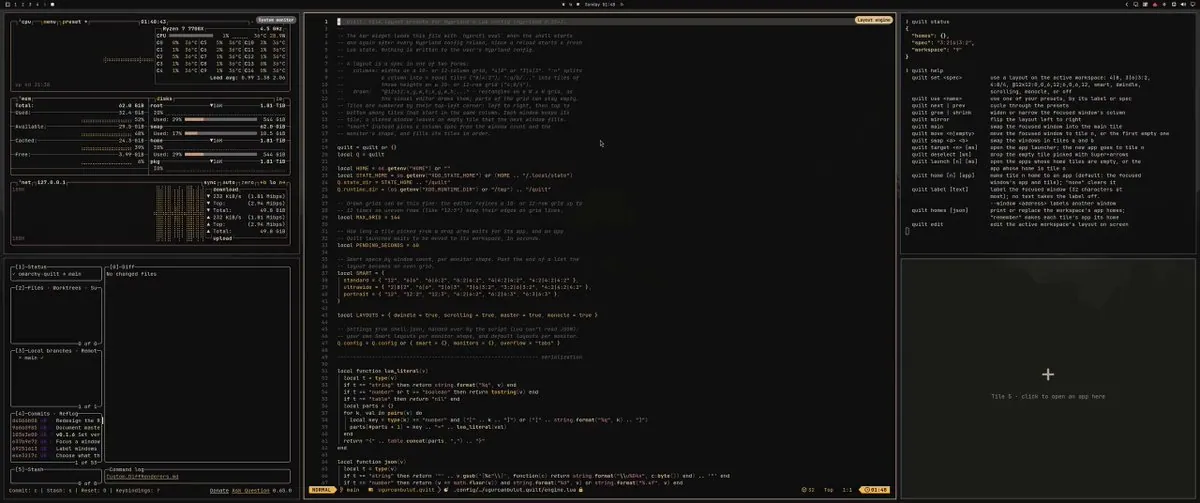
uurcanbulut built Quilt because Dwindle never put windows where wanted on an ultrawide, letting a layout be picked from the bar or drawn by hand so everything moves into place, now on the Omarchy plugin marketplace as ugurcanbulut.quilt; the still is a dark tiled desktop with Neovim open on ~/.config/hypr/quilt/engine.lua defining dwindle scrolling master and monocle layouts, a Ryzen 7 7700X monitor, lazygit for omarchy-quilt at v0.1.6, a quilt status/help pane, and a Tile 5 placeholder.
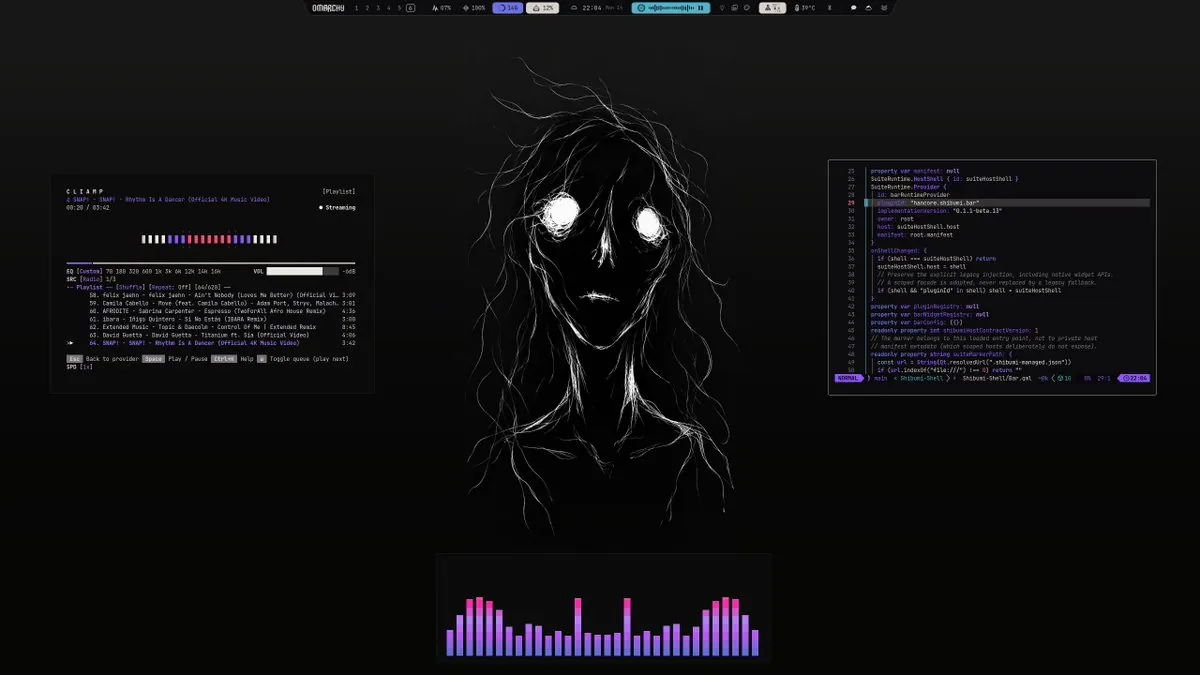
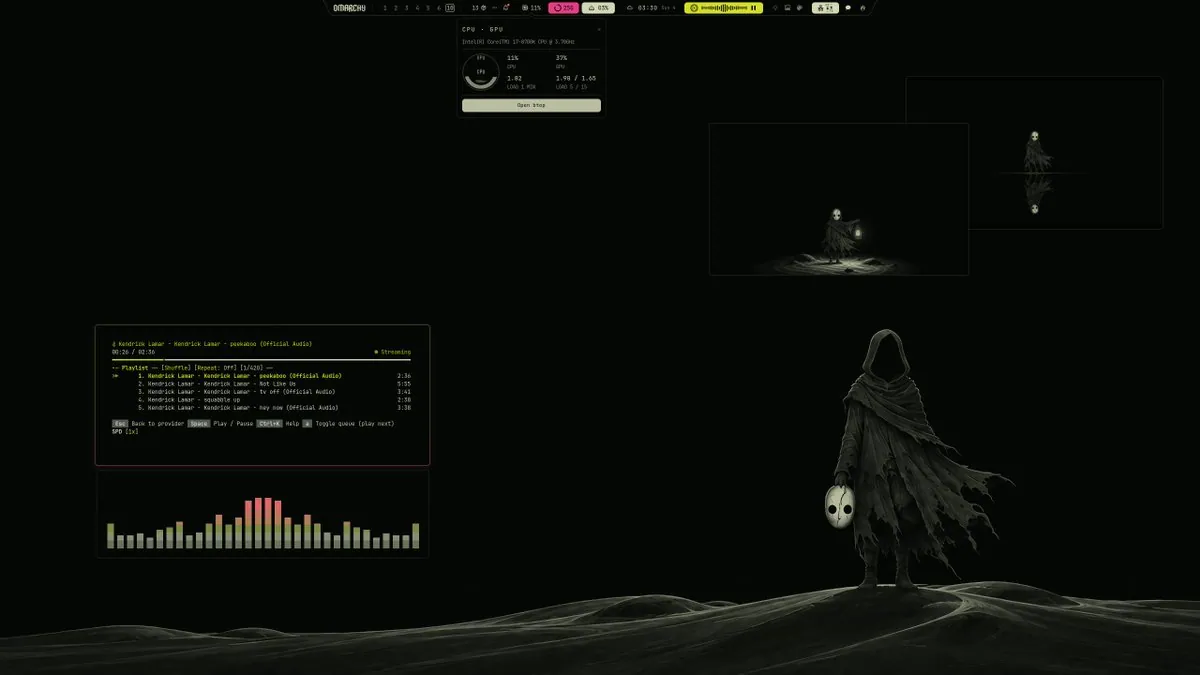
hancore_linux updates Shibumi-Shell for Omarchy Quattro and ships a new theme named Labra, linking HANCORE-linux/omarchy-labra-theme and HANCORE-linux/Shibumi-Shell; the screenshot is a dark Labra desktop over a monochrome lunar landscape with a hooded figure holding a white mask, an OMARCHY top bar with workspace pills, a CPU · GPU card for an Intel(R) Core(TM) i7-8700K CPU @ 3.70GHz with an Open btop button, a Kendrick Lamar peekaboo playlist player, and a green-yellow-red audio visualizer.
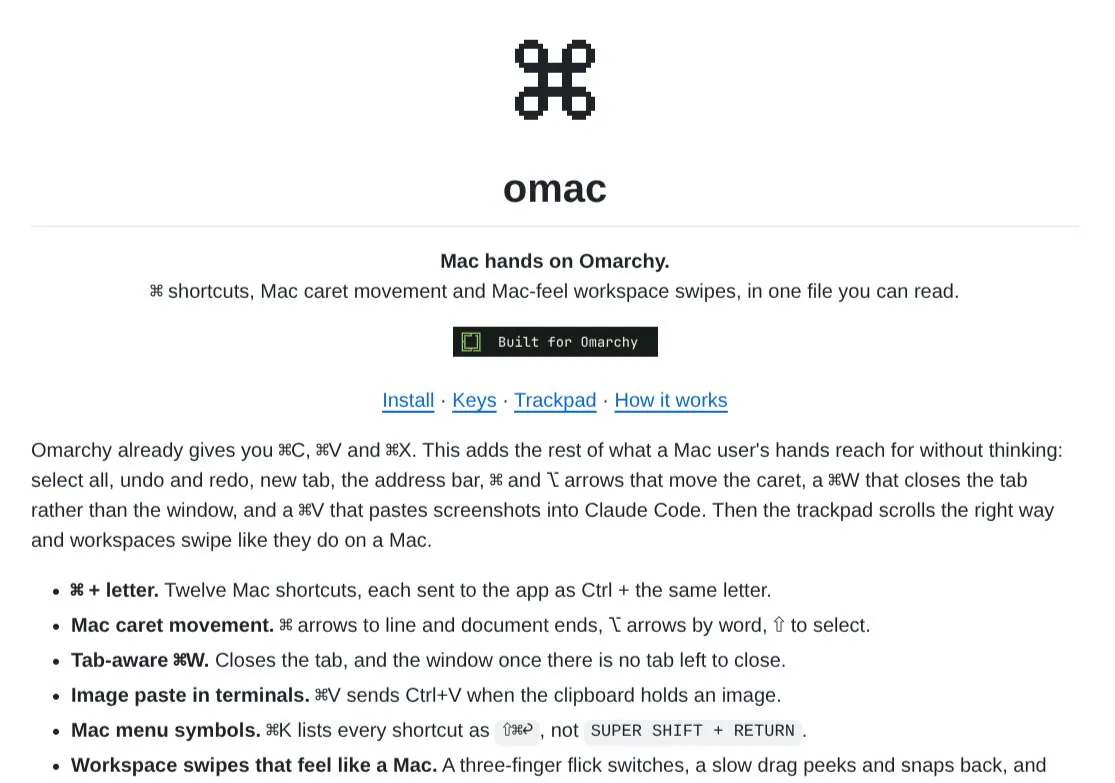
neilsuperduper shares a small plugin to make Omarchy OS nav and shortcuts Mac-like after about two weeks of daily use, welcoming contributions and linking nchudleigh/omac plus the marketplace listing io.github.nchudleigh.omac; the screenshot is the omac docs page with a pixel ⌘, the title omac, the line "Mac hands on Omarchy.", a Built for Omarchy badge, and bullets for ⌘ + letter shortcuts, Mac caret movement, tab-aware ⌘W, image paste in terminals, and Mac-feel workspace swipes.
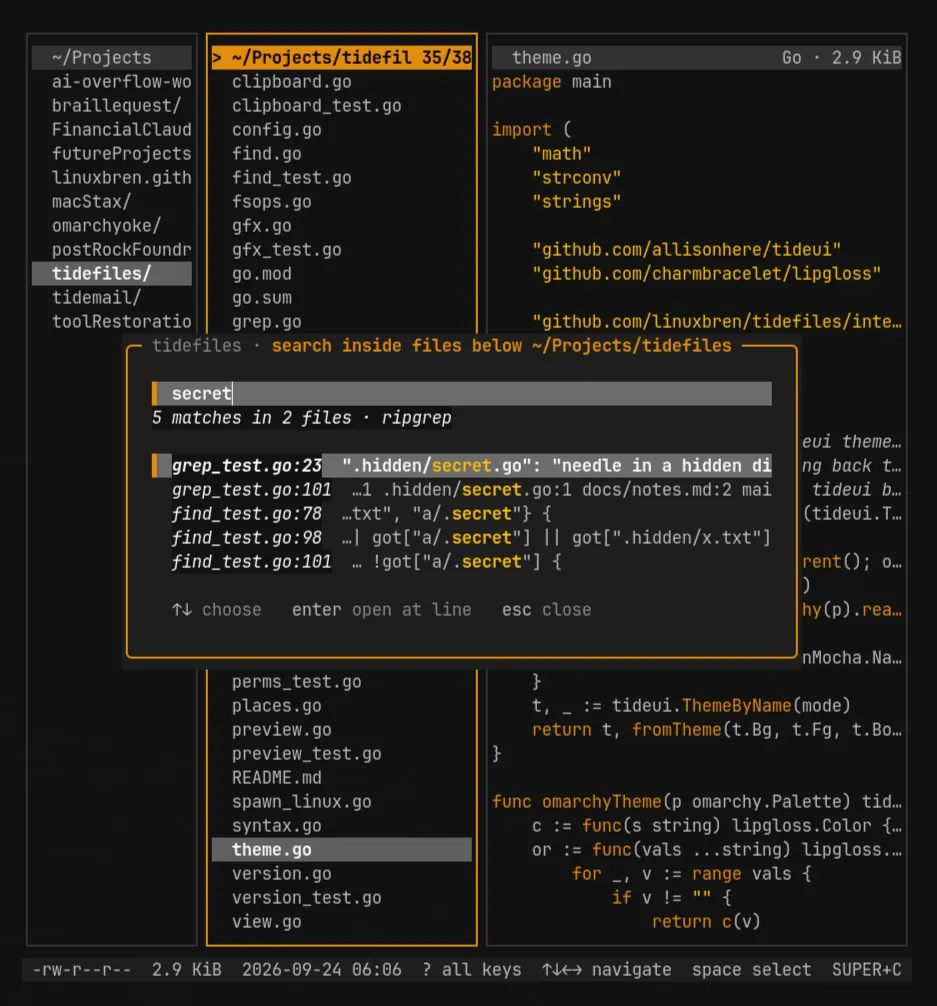
RookiOS72 says tidefiles v0.5.0 is out, with press f to search inside files showing results by file and line, Enter jumping straight to the match, and Alt+R for regex, calling it a keyboard-first file manager for Omarchy and linking linuxbren/tidefiles; the screenshot is an orange-on-dark tidefiles TUI with a search overlay for secret under ~/Projects/tidefiles, 5 matches in 2 files via ripgrep, theme.go open on the right, and footer hints ↑↓ choose enter open at line esc close.
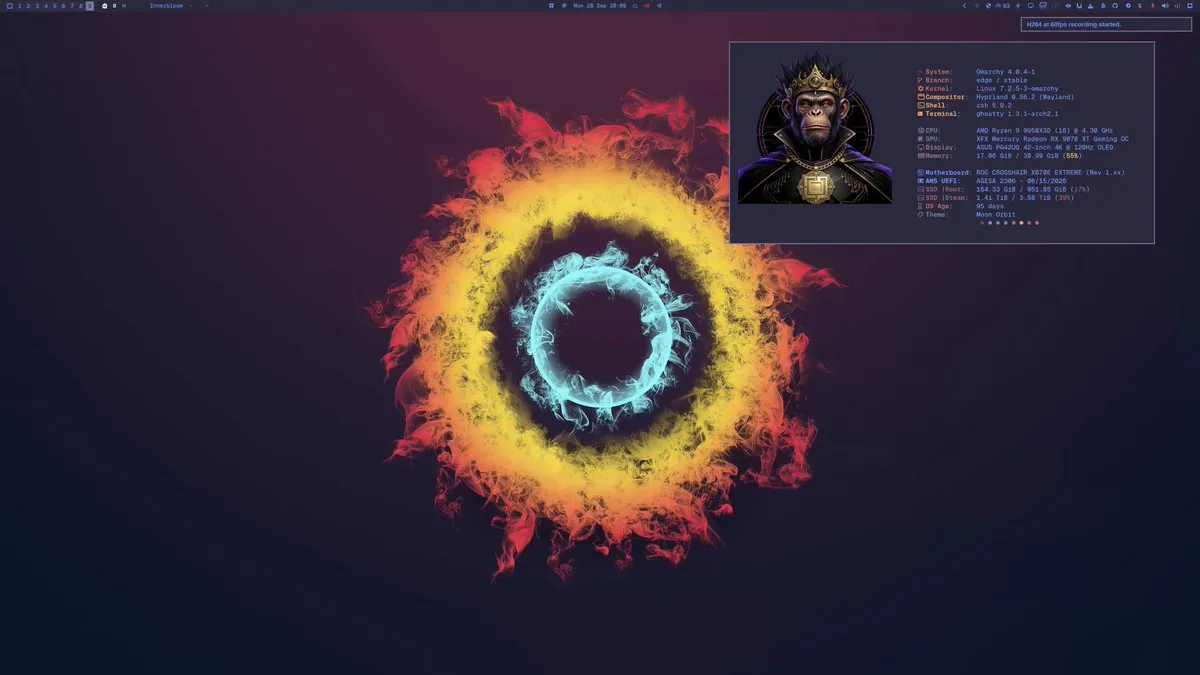
JJDizz1L answers ONE THING??? with I CAN SHOW YOU A FEW, calling out Omarchy Linux | Arch BTW and that all shown are new plugins that do not exist on Mac or Windows; the still is a dark Omarchy 4.0.4-1 desktop with concentric teal yellow and red smoke rings, a Ghostty fetch for AMD Ryzen 9 9950X3D, XFX Mercury Radeon RX 9070 XT Gaming OC, ASUS PG42UQ 42-inch 4K OLED, theme Moon Orbit, and a recording notice "H264 at 60fps recording started."
GreyforgeLabs says Super Desktop by gladimdim is a great Omarchy app and that it deserved a promo to match, so we made one; the still is an abstract dark graphic of undulating teal and navy bands with a faint violet edge and a scattered starfield.
quantumpixel_x says that in Root Alert the Hacker unit can now infiltrate buildings but has to defeat security forces inside to complete the takeover, sharing early footage; the still is a neon wireframe Root Alert map with CREDITS 42970, POWER 250 used / 600 made, unit costs including Hacker 1500, superweapons SIGKILL strike and SUDO gunship, a soundtrack line SOUNDTRACK // KEITH176 over RACE CONDITION, and a HACKER panel reading "J jack in", "right-click a building:", and "plant EMP".
Xanares tells dhh an Omarchy demo is in the lost art of Amiga style and hopes he likes it; the still is a dark starfield title card reading "OPUS PRESENTS" in a gray pixel font.
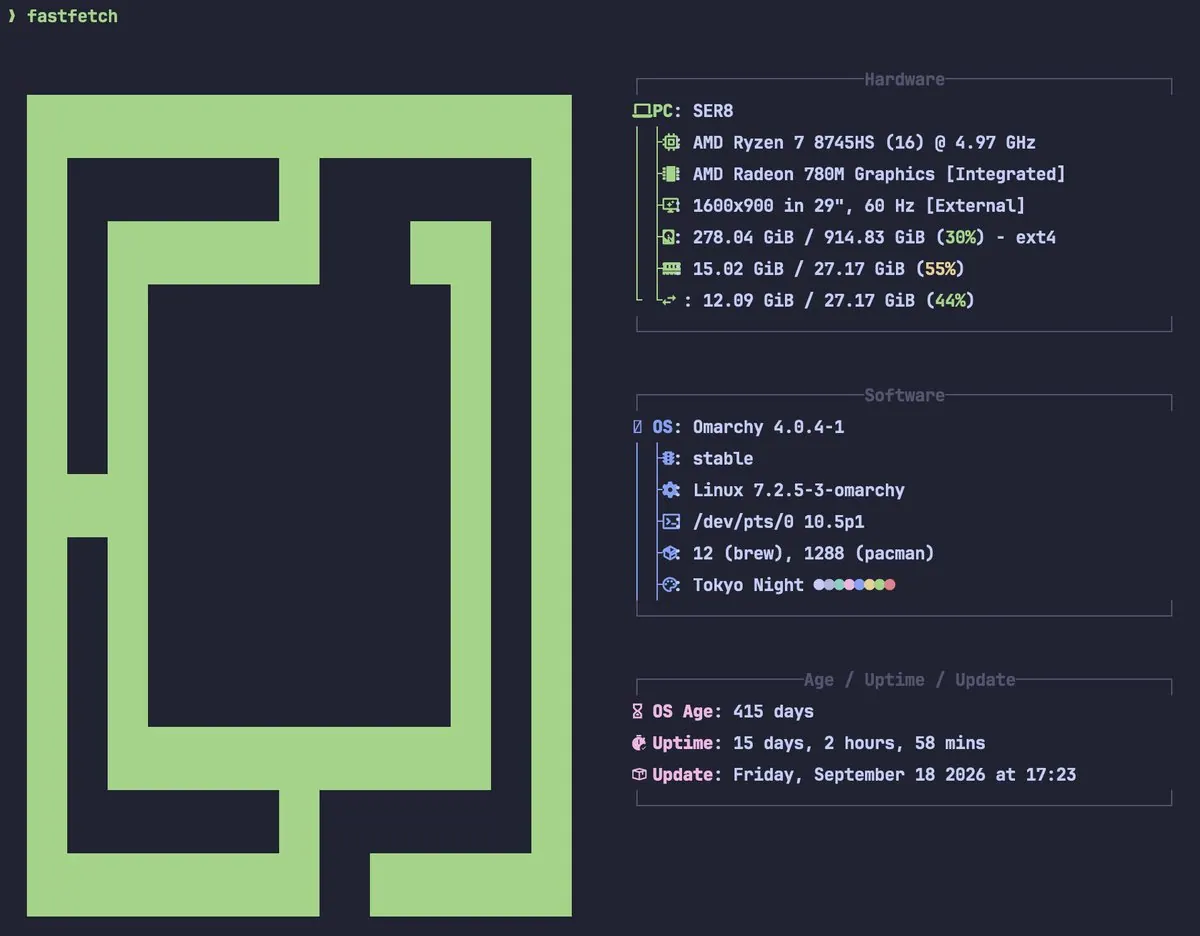
@Tmeister · SER8
Tmeister says the Omarchy box used every day for dev is 415 days old and that the SER8 is solid as hell, cheap, fast and reliable; the screenshot is a fastfetch for PC SER8 with AMD Ryzen 7 8745HS, Radeon 780M, Omarchy 4.0.4-1 stable, theme Tokyo Night, OS Age 415 days, and uptime 15 days, 2 hours, 58 mins.
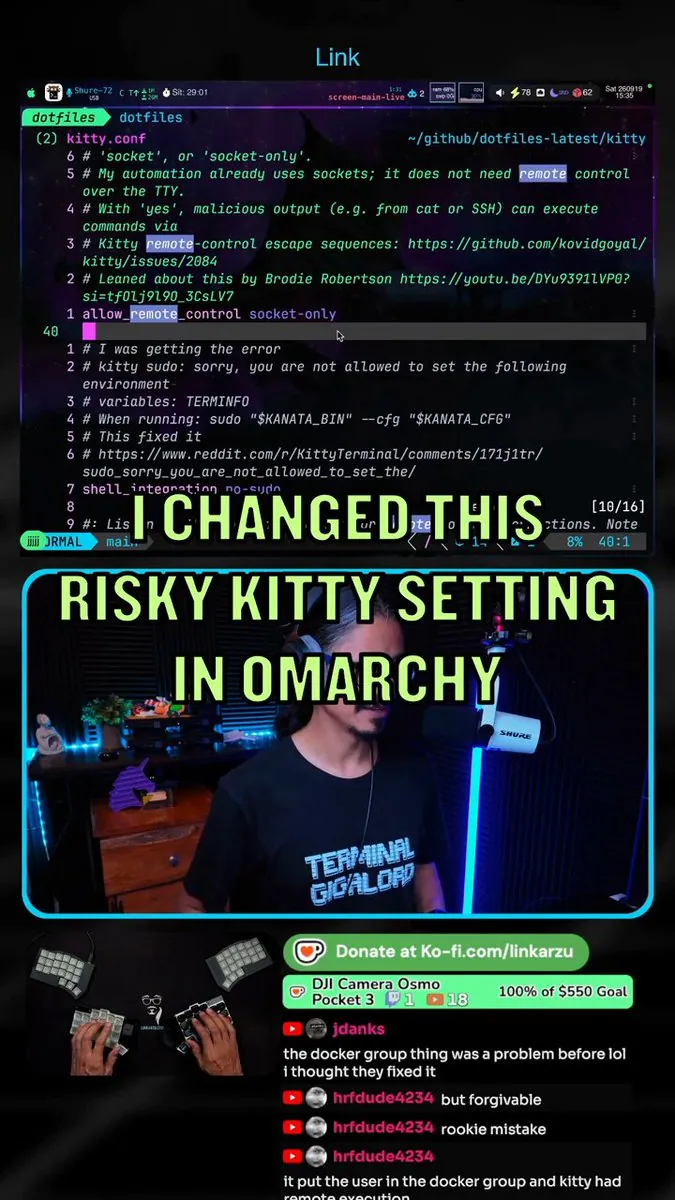
link_arzu found Kitty remote control set to yes in Omarchy, which could expose users to code execution, switched to socket-only, and explains what to check; the still is a vertical collage with Neovim on kitty.conf highlighting allow_remote_control socket-only and overlay "I CHANGED THIS", a streamer panel reading "RISKY KITTY SETTING IN OMARCHY", a hand-cam on a split keyboard, and chat cut off at "it put the user in the docker group and kitty had".
apunlisted posts How My Omarchy Plugin Got DHH's Attention as a long video; the still is a dark desktop with faceted pink and white geometric mountains under a starry sky and a silhouetted figure on a foreground peak.
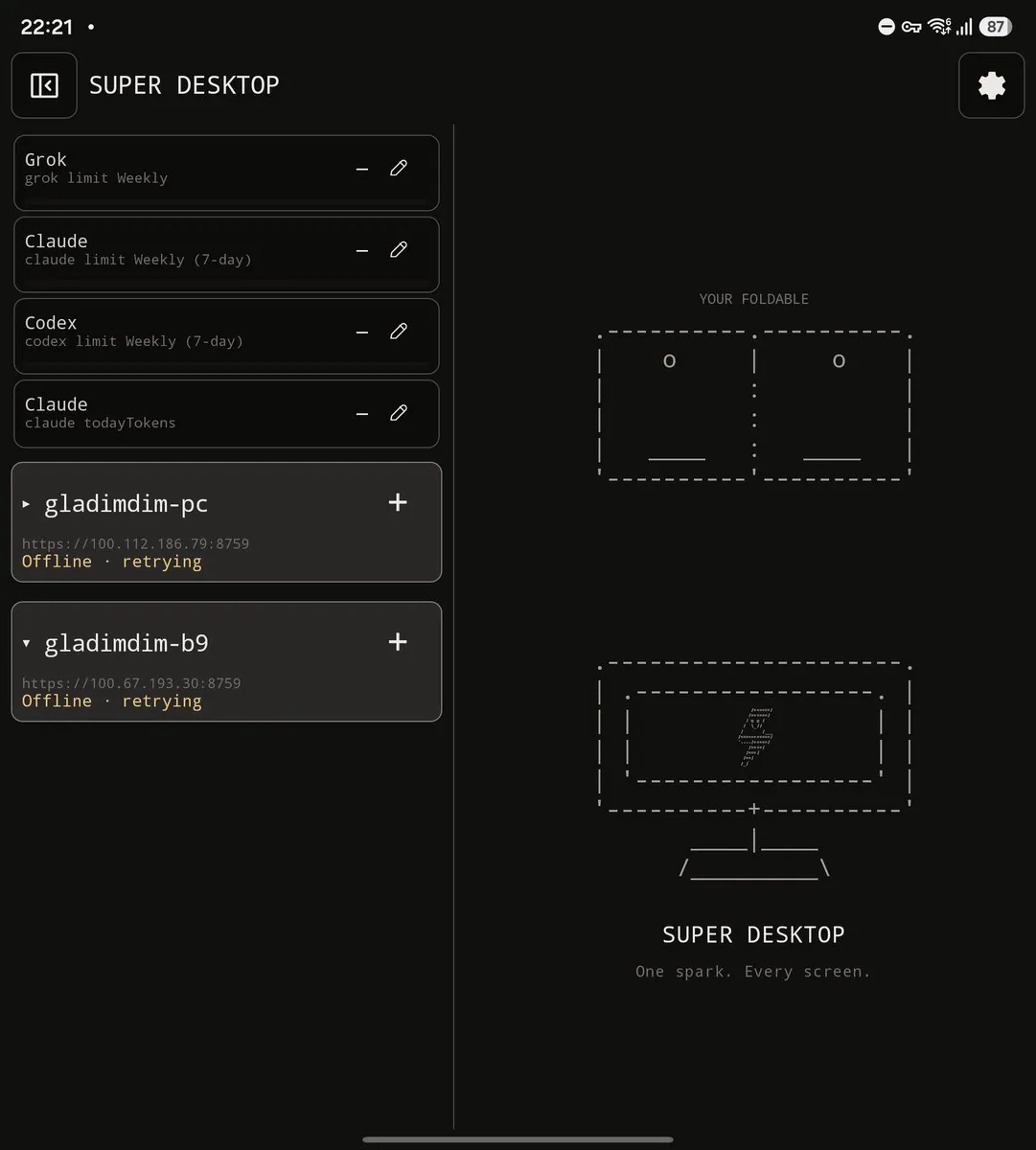
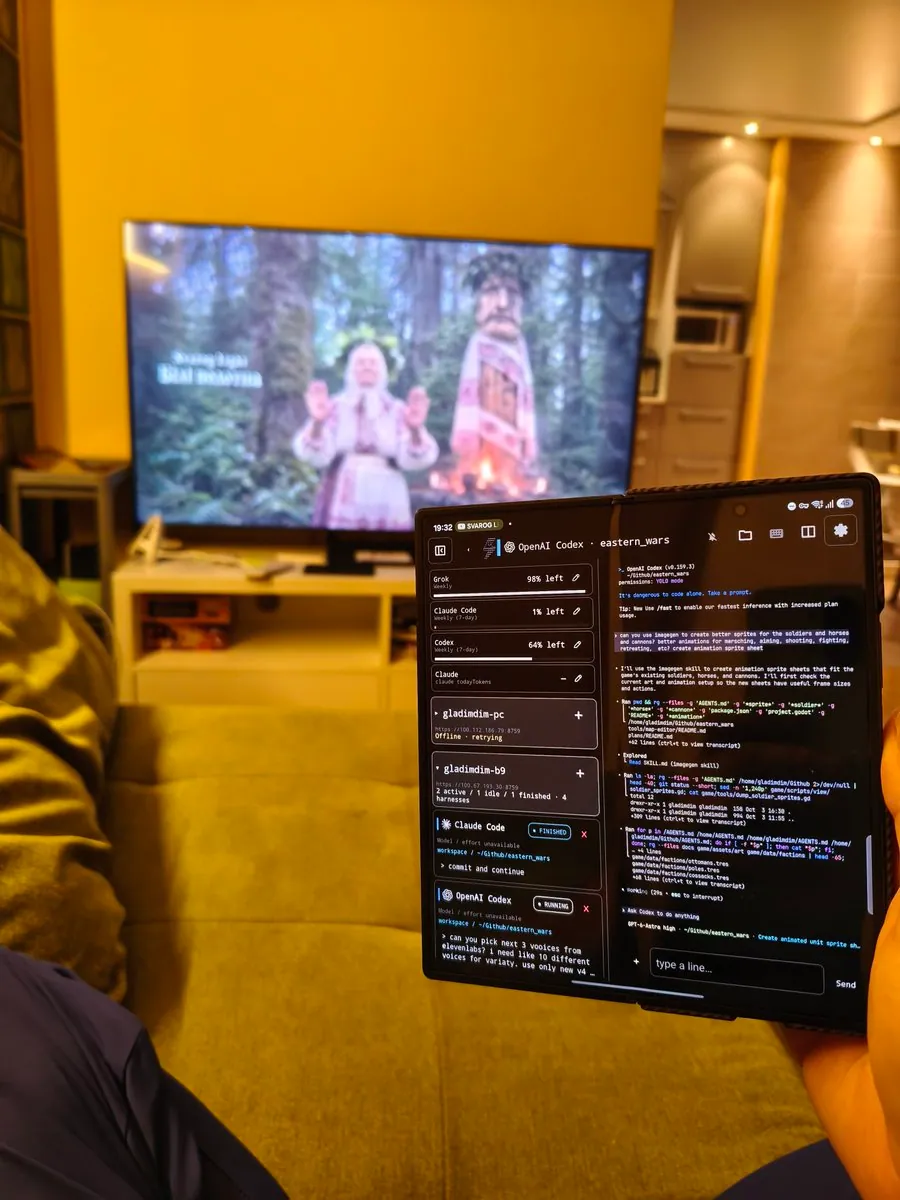
gladimdim really misses SUPER DESKTOP on macOS, saying it is like working with hands tied, cannot remote access an agent that cooks an iOS Super Desktop app, and has to sit at the desk like an ancient scholar, while with Omarchy and SUPER DESKTOP any idea can be typed into a remote agent and be cooked by the time of return, even updating android apps on-the-fly; the screenshot is a SUPER DESKTOP phone UI with Grok Claude and Codex limit cards, gladimdim-pc and gladimdim-b9 Offline · retrying, and a right panel reading "YOUR FOLDABLE" above ASCII foldable and monitor art with "One spark. Every screen."
tahayvr says Omi being sneaky about what's coming to Omarchy; the still is a near-black field with a small stack of three horizontal green bars from light sage to dark forest.
jangro posts a PSA for Omarchy users that ChatGPT desktop 26.924 appears to have a bug where it cannot connect to remote machines, and that uninstalling with pacman and installing the latest direct from OpenAI 26.930 fixed it, with Dots as a bonus.
EpistoAI tells Monarch Money users running OmarchyLinux about a great plugin tool, linking nathankramm's omarchy-monarch-money.
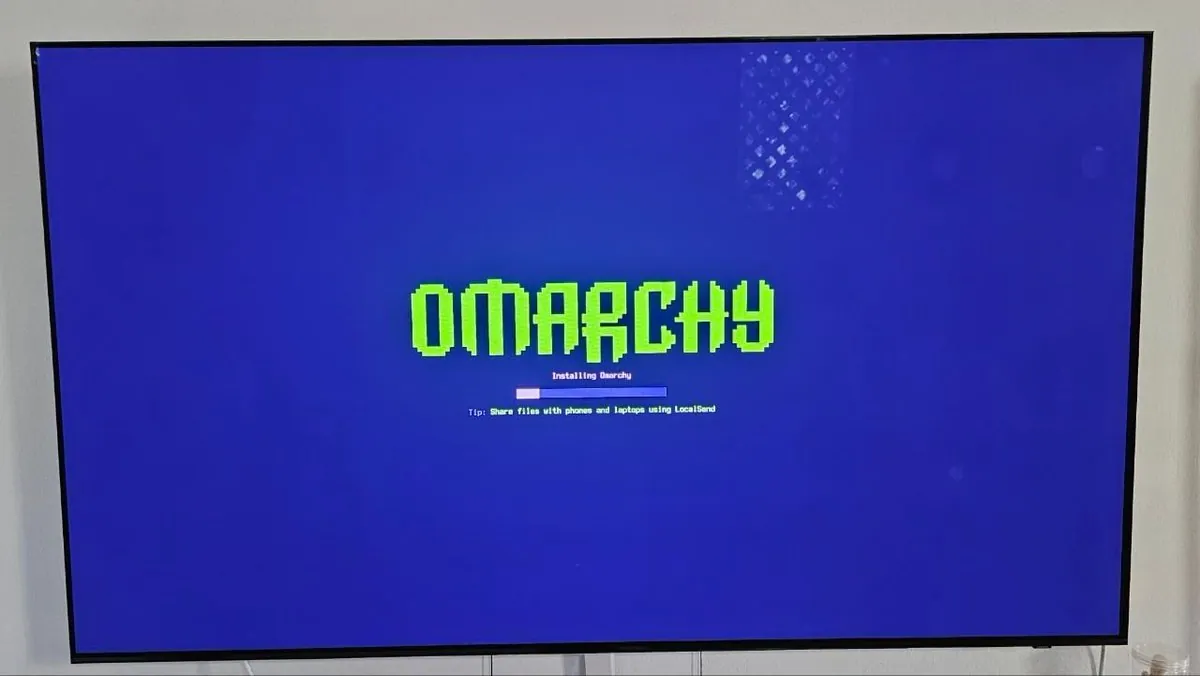
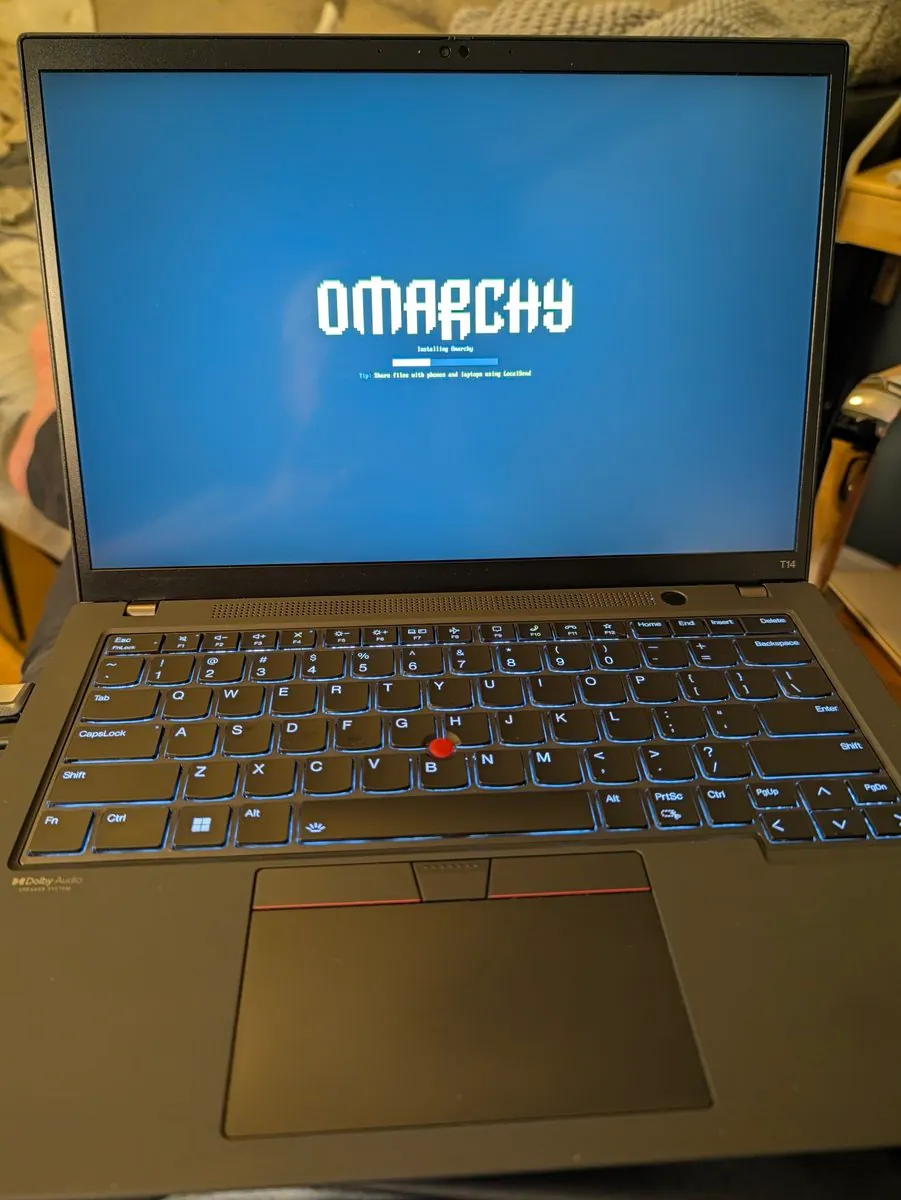
PSaezT is back to Omarchy, says the WiFi drivers worked on the first install this time, and congratulates the team on a year of progress; the still is a monitor showing the green pixel OMARCHY wordmark over "Installing Omarchy", a short pale segment on a blue progress bar, and the tip "Share files with phones and laptops using LocalSend".
dhawusolanki switched a desktop to Omarchy recently, made a couple minor tweaks, and says it does almost everything right straight out of the box; the still is a bright coastal-city convertible scene with a tattooed passenger leaning on the door and a bearded driver holding a drink against glass high-rises.
avillagran built a task manager for Omarchy after Chrome ate 4 GB on email, saying one click freezes RAM hogs so memory drops and the app resumes later, and a follow-up credits a little green Omi veil over frozen apps plus cgroup v2 freezer via systemd --user; the repo is avillagran/omarchy-task-manager, and the still is a near-black frame.
Stevesodlex connected trycua to Opencode via MCP after the Cua announcement, likes that the agent gets its own synthetic cursor so it can work without taking the mouse, and says asking it to switch an Omarchy theme just worked; the still reads Cua × OMARCHY, "Now you never have to let go." and "Native multi-cursor computer use. Now stable on Omarchy."
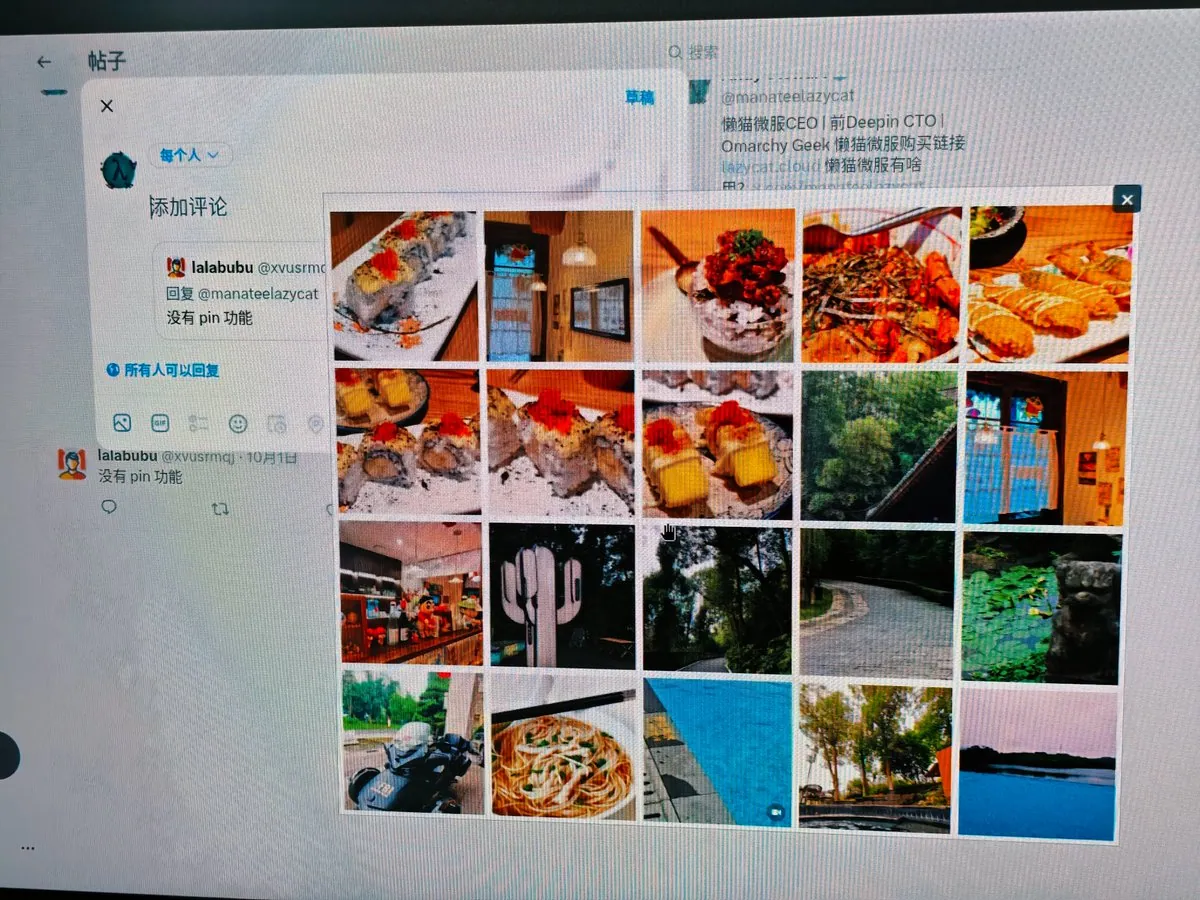
manateelazycat says the latest Omarchy Screenshot finally adds Pin, making temporary UI comparisons easier, and that the pinned interface can be dragged to any place on multiple monitors; the still is a pinned Chinese X compose view over @manateelazycat's profile where a reply from lalabubu reads "没有 pin 功能" with a 4x5 media-thumbnail grid of food, forest, and interior photos open.
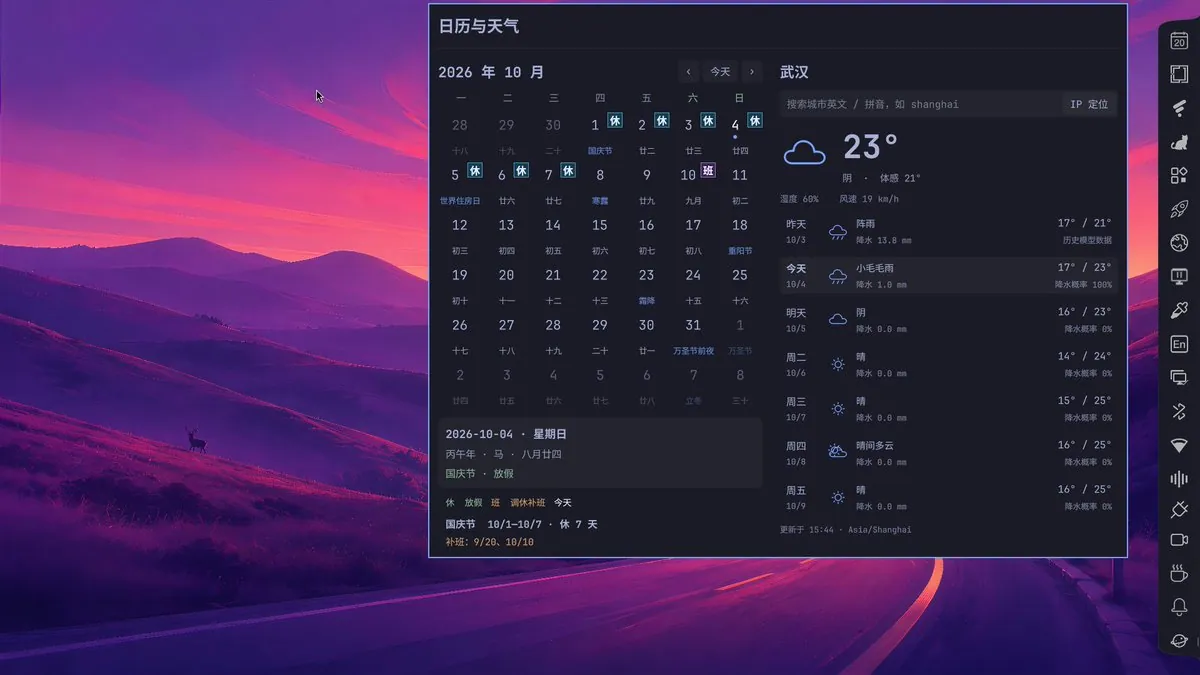
manateelazycat's thirteenth Omarchy plugin, Omarchy Days via manateelazycat/omarchy-days under GPL 3.0, shows solar and lunar dates plus China's shifting tiao-xiu work/rest marks so workdays stay clear, and puts a seven-day weather strip on the right for school-run umbrella and clothing calls; the still is a purple mountain-and-deer wallpaper with a 日历与天气 widget for Wuhan at 23° overcast, feels like 21°, humidity 68%, wind 19 km/h, October 2026 National Day 休 marks through 10/7, a 班 mark on 10/10, and a narrow icon rail on the right edge.
IOHK_Charles jokes that AI will make us more productive, then quotes rebuilding an Omarchy rig to have an Elm desktop shell integrated with Hyprland's window manager and Wayland compositor, and that we need to lean heavily into functional reactive programming, and ends two days later with "WTF am I doing?"
akashc777 pitches OneCamp on the Omarchy bar so unread messages and AI agents waiting for approval show up for a click into the thread, with chat, docs, tasks, calls, and agents on one's own server free for 25 people, pointing at OneMana-Soft/onemana-omarchy while still figuring out fluid video; the still is a near-black frame.
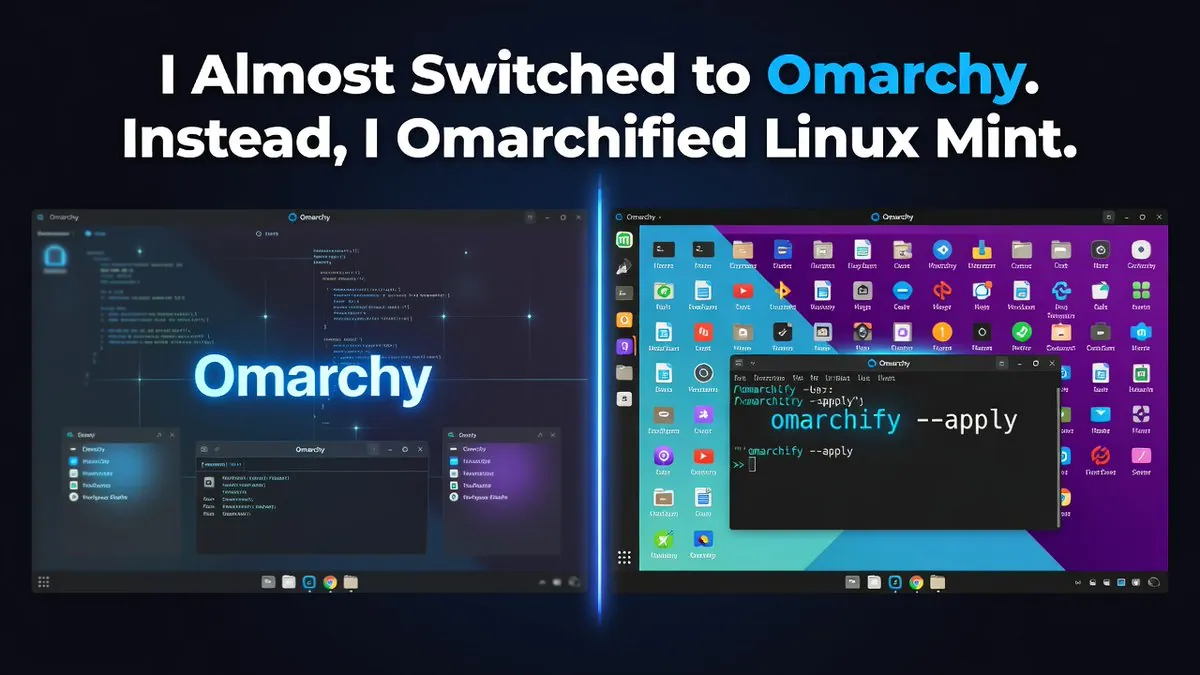
hkprogsociety almost switched to Omarchy and instead Omarchified Linux Mint; the graphic splits "I Almost Switched to Omarchy. Instead, I Omarchified Linux Mint." with a dark Omarchy-style pane on the left and a colorful Mint icon grid on the right where a terminal shows "omarchify --apply".
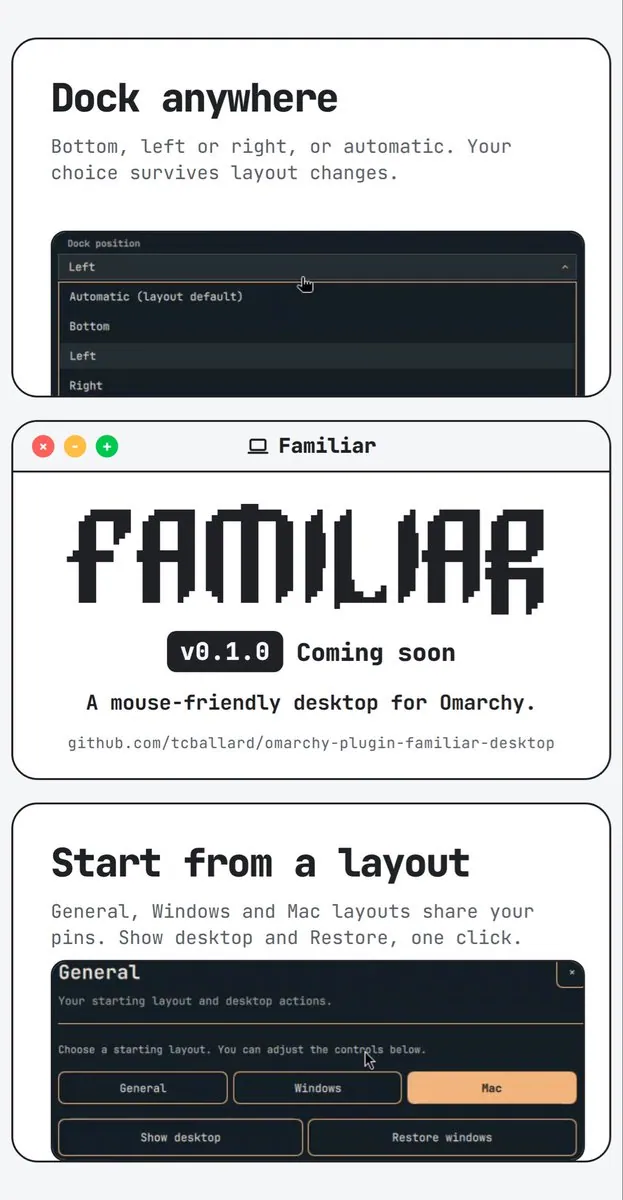
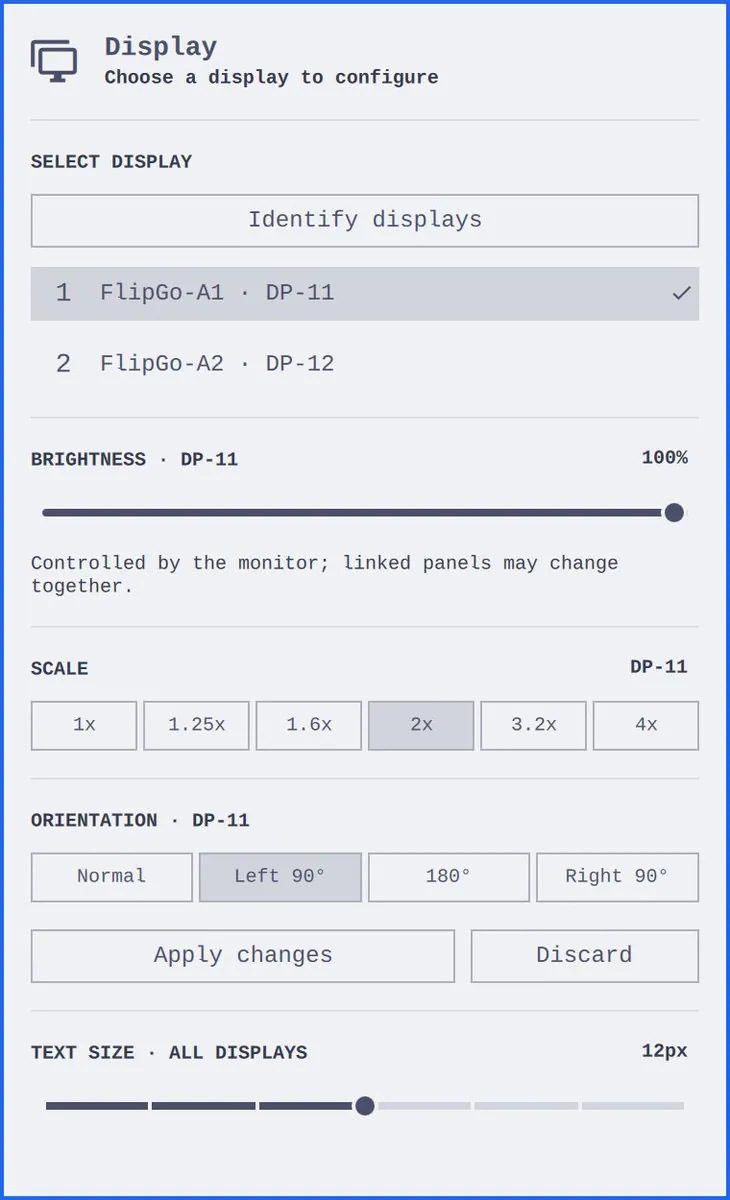
tcballard is building Familiar for Omarchy so moving to Linux should not feel like never having used a computer, aiming it at everyone who reaches for the mouse before remembering the keyboard shortcut, themself included, and says the preview lands tomorrow.
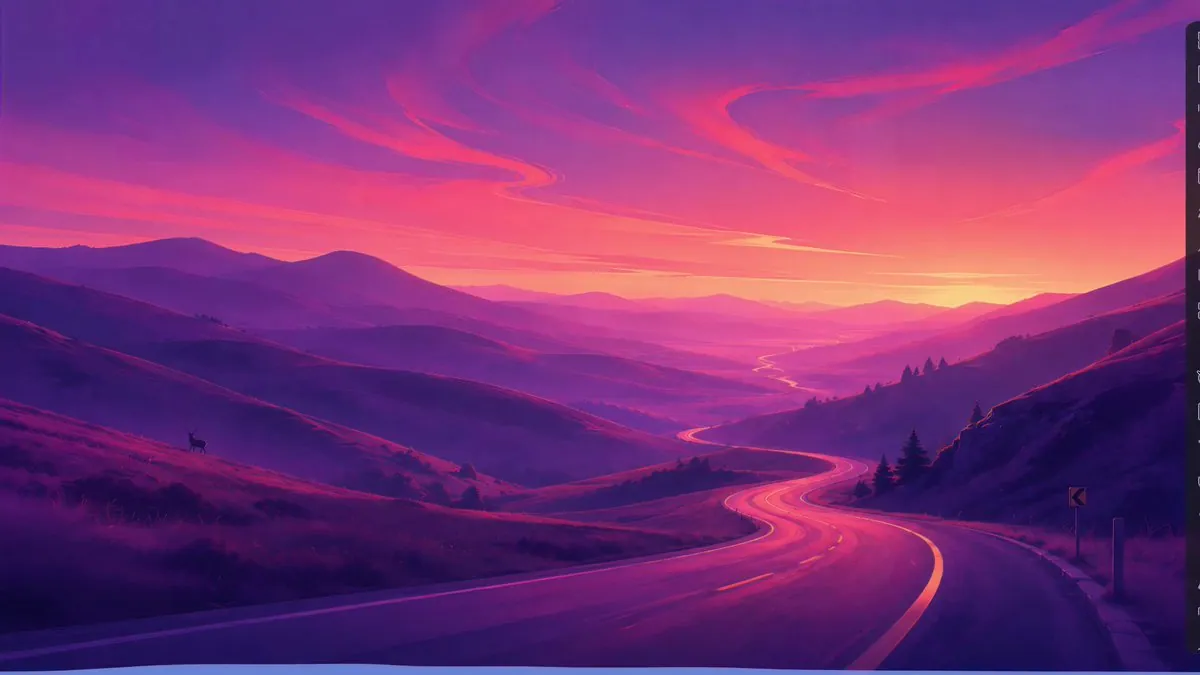
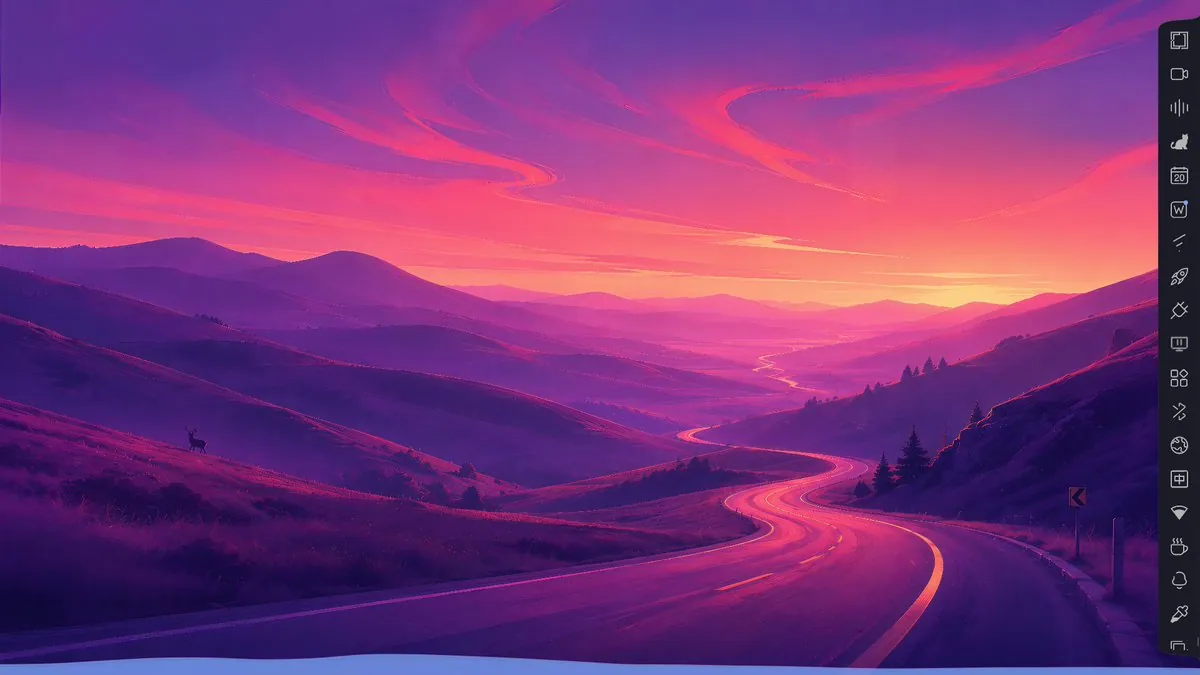
manateelazycat's fourteenth Omarchy plugin, Omarchy Side Panel via manateelazycat/omarchy-side-panel under GPL 3.0, hides the default multi-monitor taskbar until the mouse hits the screen edges, puts logout/shutdown/reboot on the first icon, hides workspace chrome by default, enlarges plugin and tray icons, and redraws icons for a consistent UI; the still is a purple winding-road mountain wallpaper with a deer on the left hill.
manateelazycat's fifteenth Omarchy plugin, Omarchy Wave via manateelazycat/omarchy-wave under GPL 3.0, listens to sound-card output and draws rhythm animations along the bottom of empty workspaces with desktop widgets that ignore mouse and keyboard and avoid window paint conflicts; the still is the same purple road-and-deer mountain wallpaper with a thin dark icon rail on the right edge.
petrzela123 gave a desktop setup a one-line installer and an AI that finishes the job, so the one-line installer applies the Omarchy theme, keys, bar, and apps, then Claude restores old files and asks about the rest, with the repo updating itself on each tweak, linking petrzpav/omarchy-setup.
wiksongkim points people picking sound effects at Strata, which previews audio when selecting files in the Linux file manager and also supports image and PDF preview, aimed mainly at Arch Linux / Omarchy with current packages needing GTK 4.12+ and glibc 2.39+, linking lgse/strata.
DanielFuentespl moved from Windows 11 to Omarchy with Backup, Rescuezilla, LUKS, four monitors, SSH, RDP, Steam, Howdy, FNMT, and more, and says Linux stays this time.
deimios666's protip for debugging Steam games with an agent on Omarchy is that unless told otherwise the agent restarts Steam for each startup-parameter change, which lets the agent window own the Steam process and kill it on exit, so the agent should create a launcher script it can tweak without disturbing Steam.
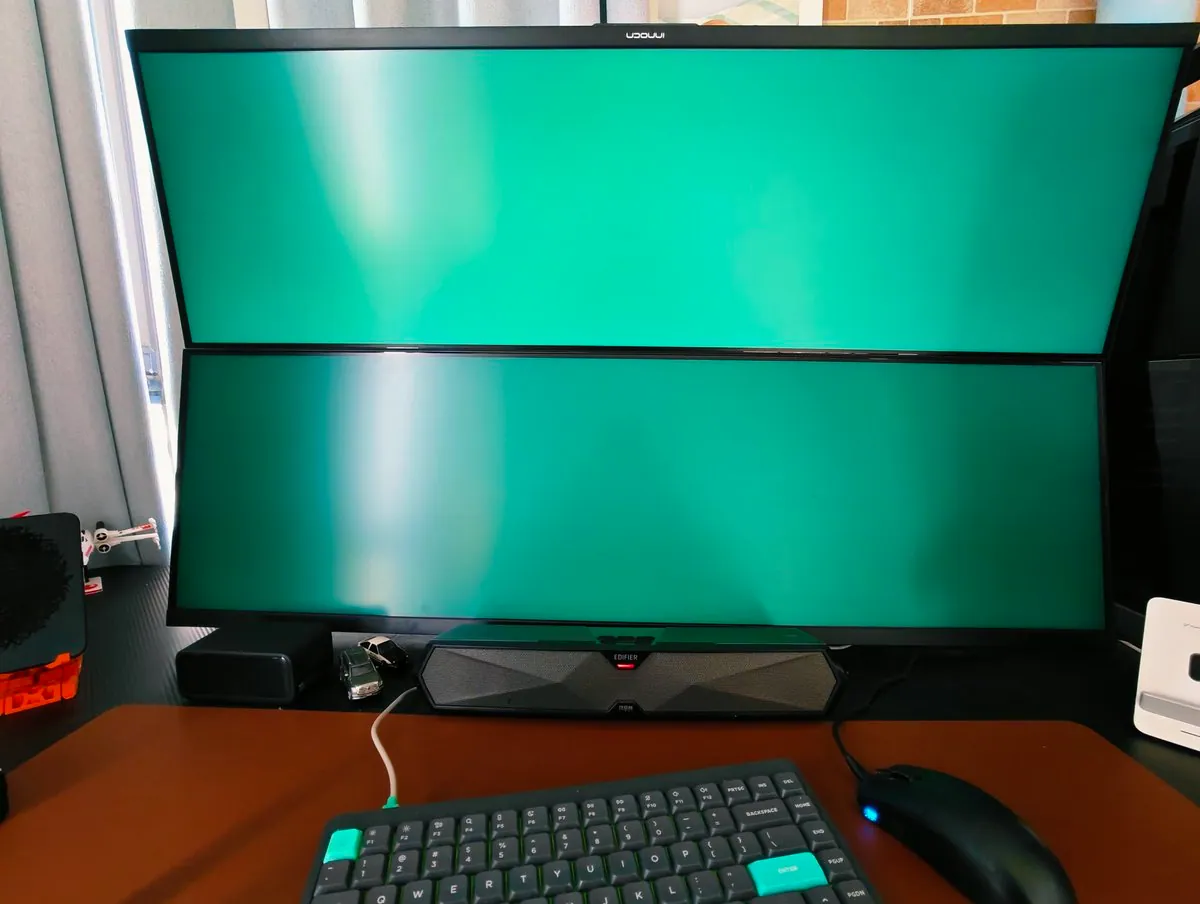
manateelazycat asks what magic Omarchy plugin development triggered after seeing blue screens and black screens and now a green screen; the still is two vertically stacked monitors flooded solid green, with a white "UOOUUI" wordmark on the upper bezel, an Edifier soundbar with a red LED, silver and black toy cars on a brown mat, and a dark mechanical keyboard with a teal key left of F1 and a teal "ENTER" key beside a blue-lit mouse.
hassox says an Omarchy plugin was published, linking the Sauron listing on the marketplace.
iamdothash posts a few new Omarchy themes for people who like pixels and coffee; the still is a wordmark splash with a pixel OMARCHY over a top-down latte with three nested foam hearts on wood beside scattered beans.
iamdothash asks "How do you manage it?" and answers "You use Flux. Connect your phone and Omarchy"; the still is nearly black, with a soft bluish ring and a dim purplish glow and no readable UI.
@EricF_Off · Geekom A8
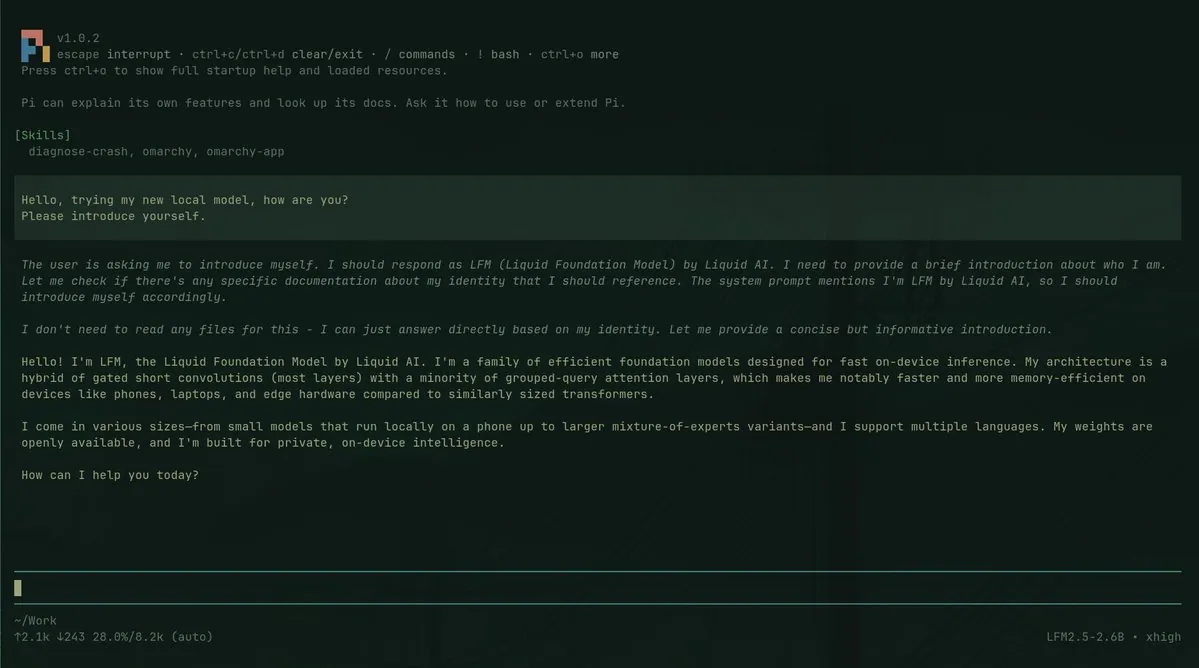
EricF_Off runs a first local AI model on a tiny Omarchy Geekom A8 box and credits 0xSero for the plugin that made setup easy; the still is a green-on-dark Pi chat where skills list diagnose-crash, omarchy, and omarchy-app, the user asks the new local model to introduce itself, and the reply presents LFM, the Liquid Foundation Model by Liquid AI, with a footer showing LFM2.5-2.6B · xhigh.
0xSero says Local AI on Omarchy is verified now and asks for help making it better, linking the marketplace listing; the still shows an OMARCHY BAR WIDGET diagram with a Local AI hub at 127.0.0.1 keyed gateway linked to pi, Claude Code, NVIDIA., intel., AMD, Hermes, Cook, omp, Crush, OpenCode, and Codex, plus a Local AI bar-widget card by @0xSero with a green Verified badge, #782, 98 stars, and card copy that begins "Run a local model on your own GPU or CPU and open"
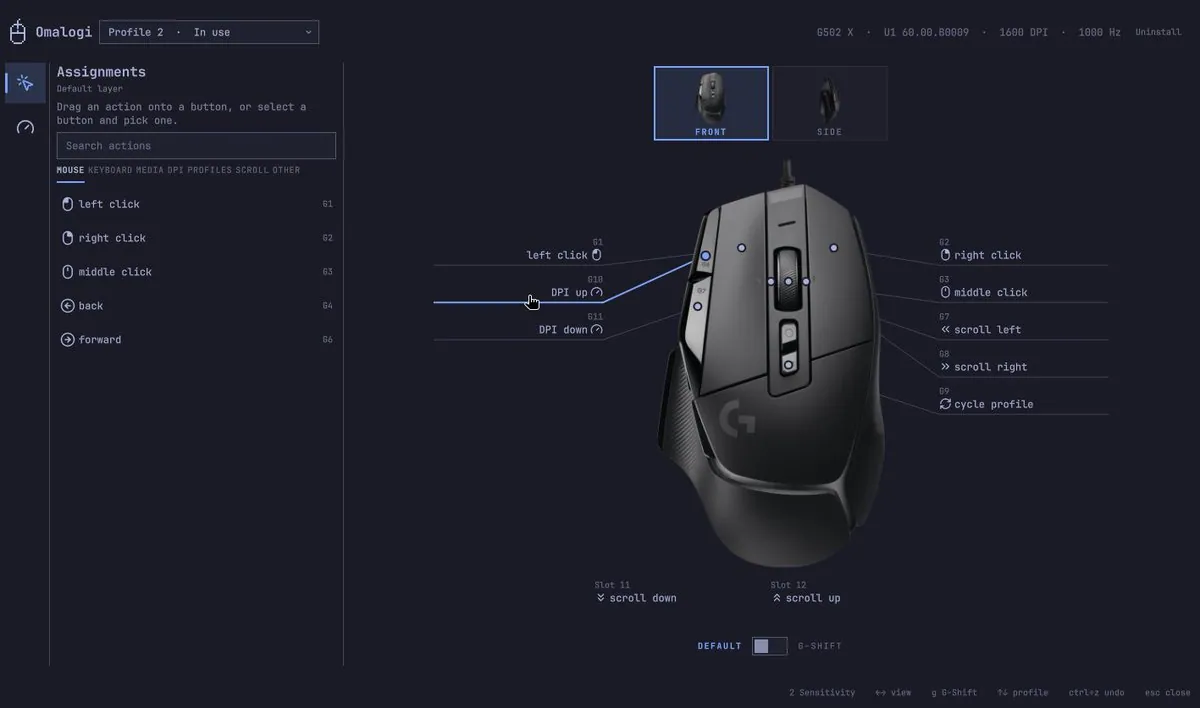
elberacasa calls Omalogi Logitech G HUB, but for Omarchy: plug in a mouse, and if it is already verified the setup is done, otherwise ask an agent to verify it, linking elberacasa/omalogi and the marketplace listing; the still is Omalogi "Profile 2 · In use" on a "G502 X · U1 60.00.B0009 · 1600 DPI · 1000 Hz" with Assignments for G1 left click through Slot 12 scroll up, Default Layer search actions, and footer shortcuts including 2 Sensitivity and esc close.
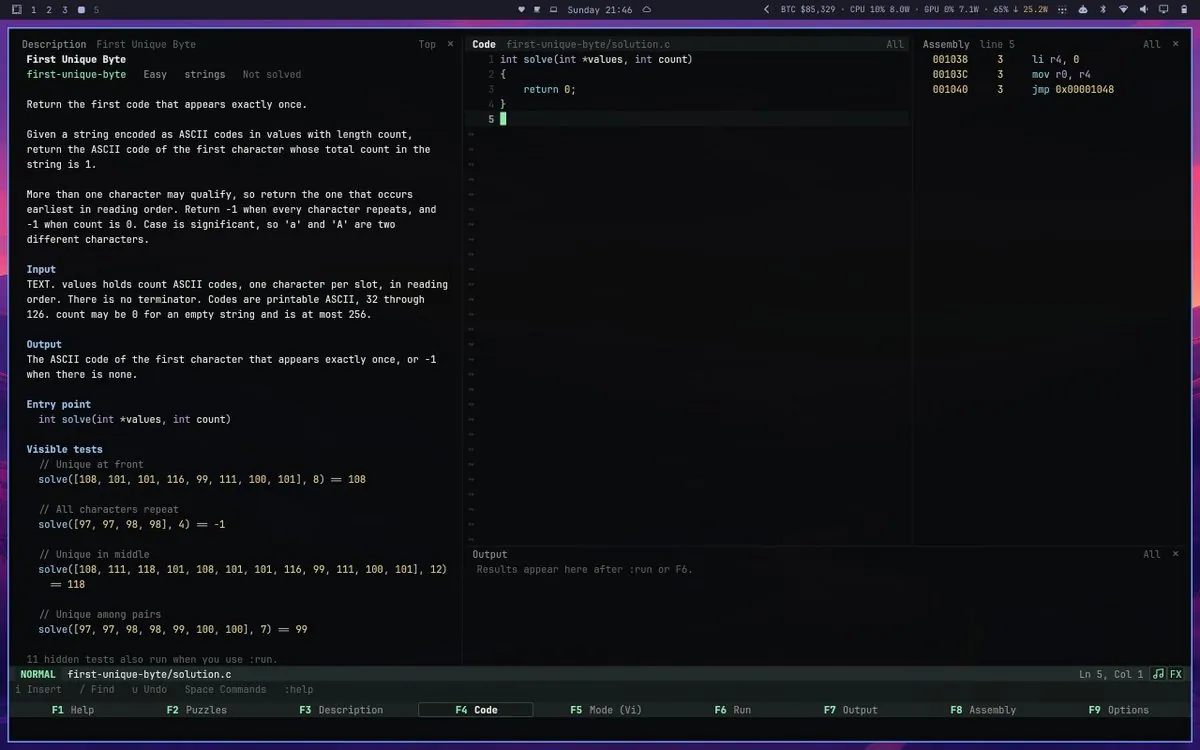
samafshari says Algorithms vi is out for Omarchy, linking the Steam Algorithms app; the still is a dark three-pane coding UI for First Unique Byte with Description, Code showing first-unique-byte/solution.c, and Assembly, plus a NORMAL-mode status bar and F1–F4 labels, not an Omarchy desktop chrome shot.
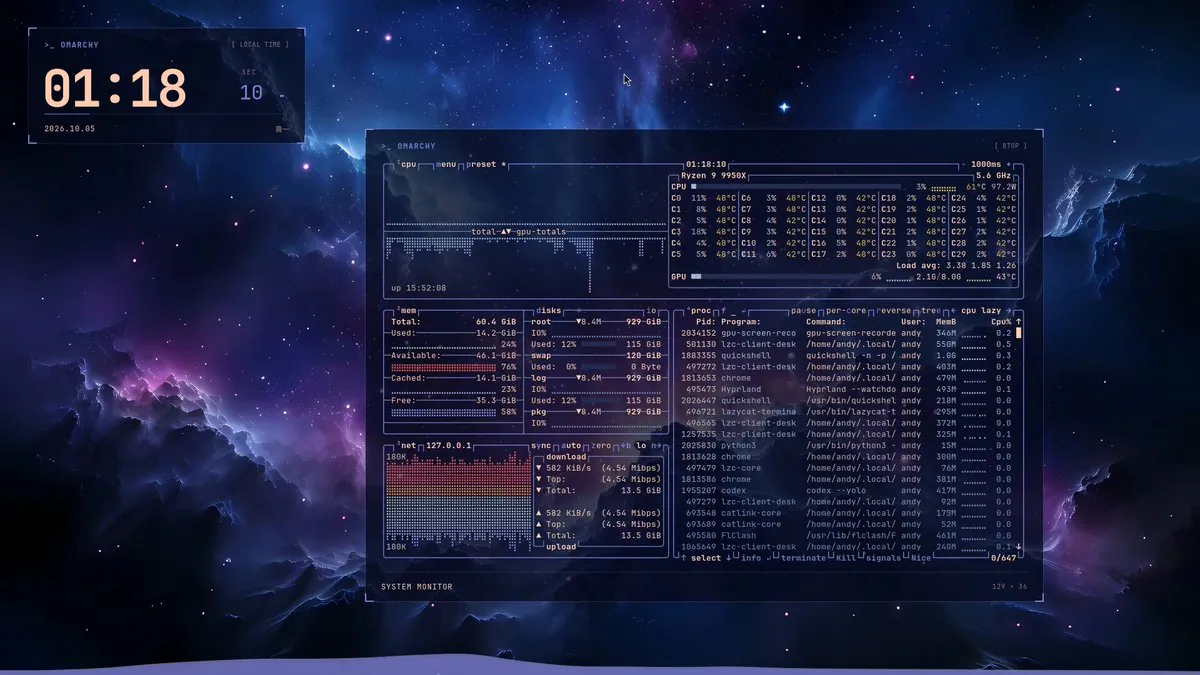
manateelazycat ships a seventeenth Omarchy plugin, Omarchy Desktop Top, a desktop-level system monitor that stays put without grabbing keyboard or mouse so load is visible while switching windows and workspaces, with GPL 3.0 source linked in the replies; the still shows >_ OMARCHY panels over a nebula wallpaper, a SYSTEM MONITOR quoting "Ryzen 9 9950X", "5.6 GHz", "1000ms", CPU "3%", "61°C", "97.2W", "Load avg: 3.38 1.85 1.26", GPU "6%", "2.10/8.0G", "43°C", memory "14.2 GiB" of "60.4 GiB", and a process list with gpu-screen-reco, quickshell, Hyprland, and codex.
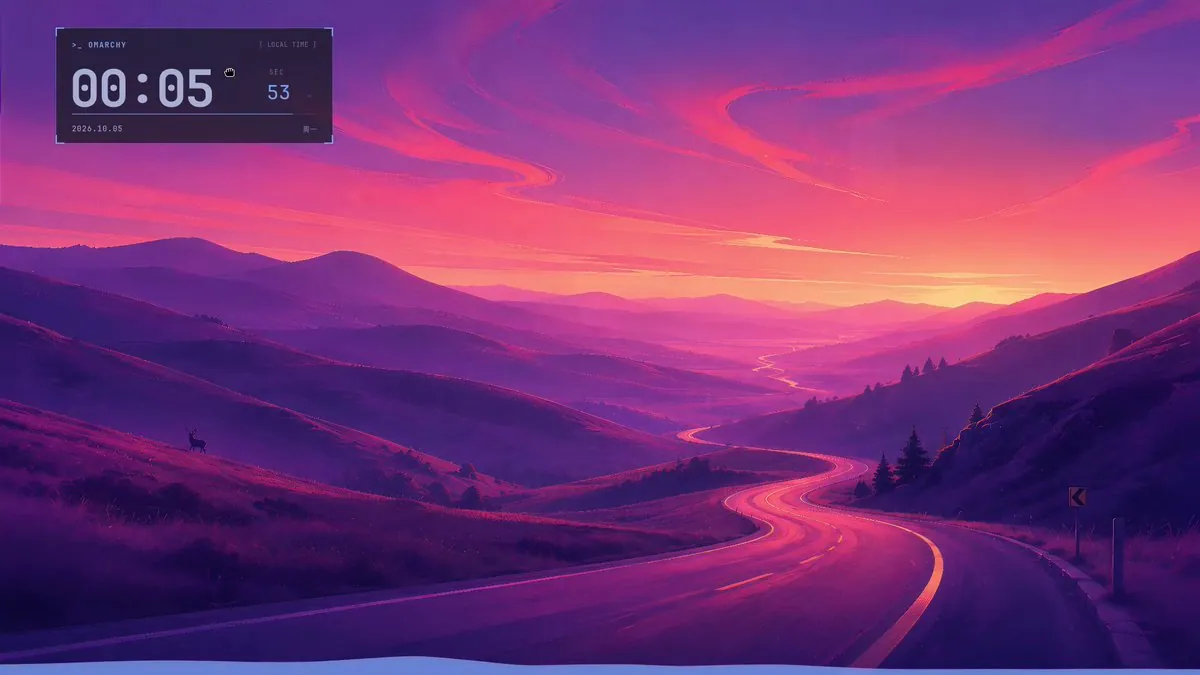
manateelazycat ships a sixteenth Omarchy plugin, Omarchy Desktop Clock, for glancing at local time after Side Panel hid the bar, saying school pickup is when one workspace's windows get hidden and the clock matters, with GPL 3.0 source in the replies; the still is a winding magenta road under pink clouds with a deer silhouette and a >_ OMARCHY [ LOCAL TIME ] widget reading "00:05", a SEC box reading "53", the date "2026.10.05", and "周一".
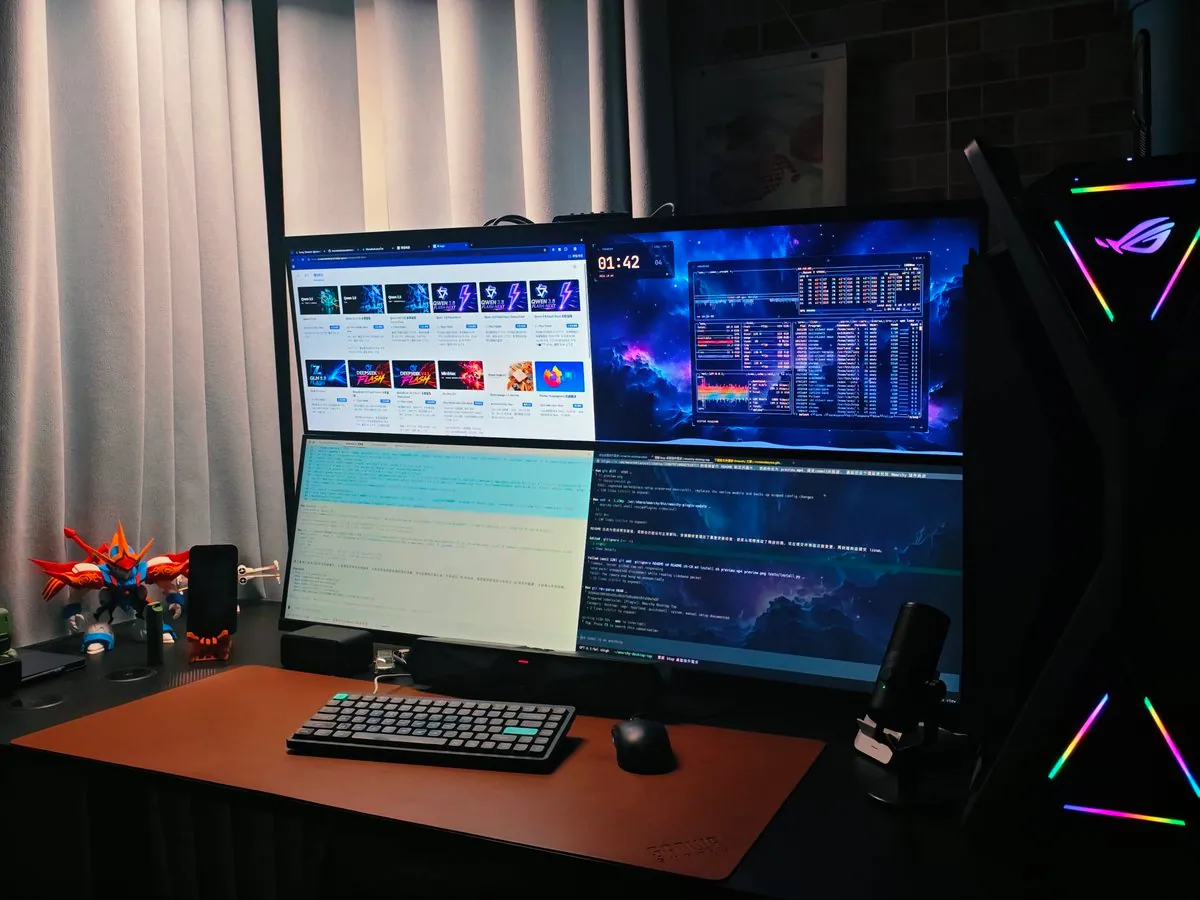
manateelazycat says a four-screen workbench only looks sharpest with Omarchy; the still shows two stacked monitors, four panes in all, with browser tiles, a nebula desktop and system-monitor pane, a pale document, and a code editor, plus a brown mat, a compact dark keyboard, a mouse, a mecha figure, a phone, a mic, and a tower with an X-shaped RGB logo.
manateelazycat updates Omarchy Side Panel so the tray uses a quieter display protocol, replacing flashy multicolored tray rendering with small-dot hints; the still is a magenta mountain road with a deer silhouette and a dark right-edge icon rail that includes a cat, a calendar 20, and a W tile with a blue dot.
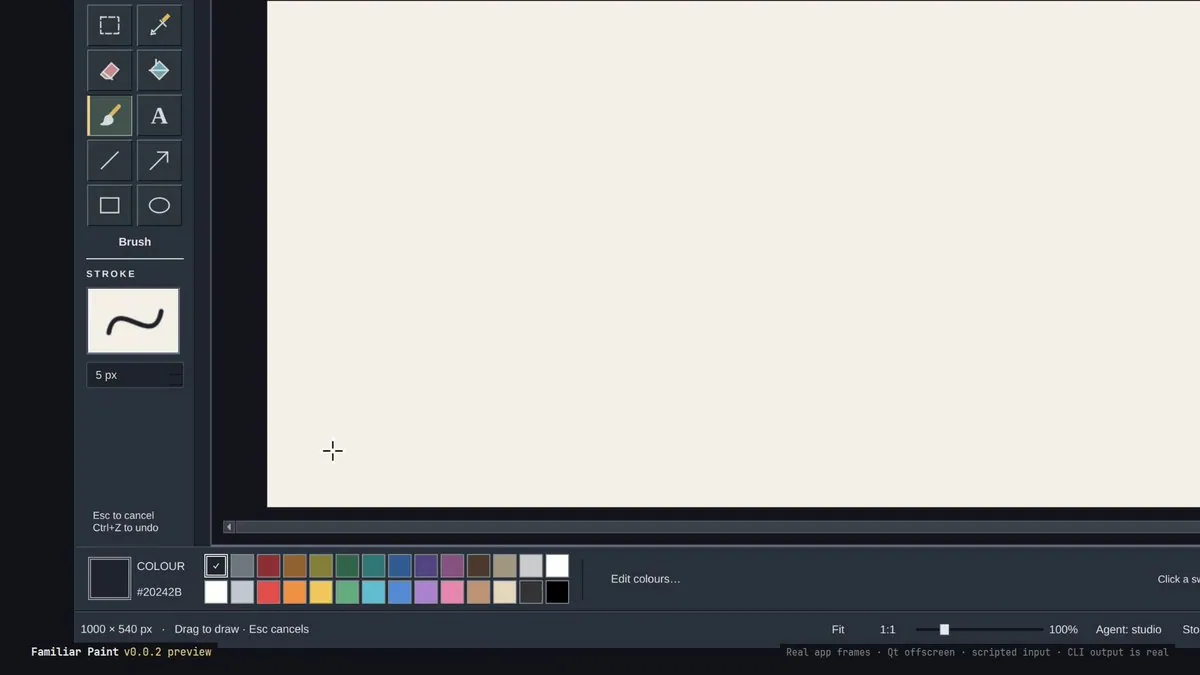
tcballard previews Familiar Paint v0.0.2 so people can draw, annotate, or let an agent join in, calling it a sneak peek at Familiar coming tomorrow to make Omarchy feel like a desktop they already know; the still shows Familiar Paint v0.0.2 preview with a brush selected, STROKE at 5 px, colour #20242B, 1000 x 540 px, and footer labels Agent: studio, Real app frames, Qt offscreen, scripted input, and CLI output is real.
@ohmarquee · iMac15,1
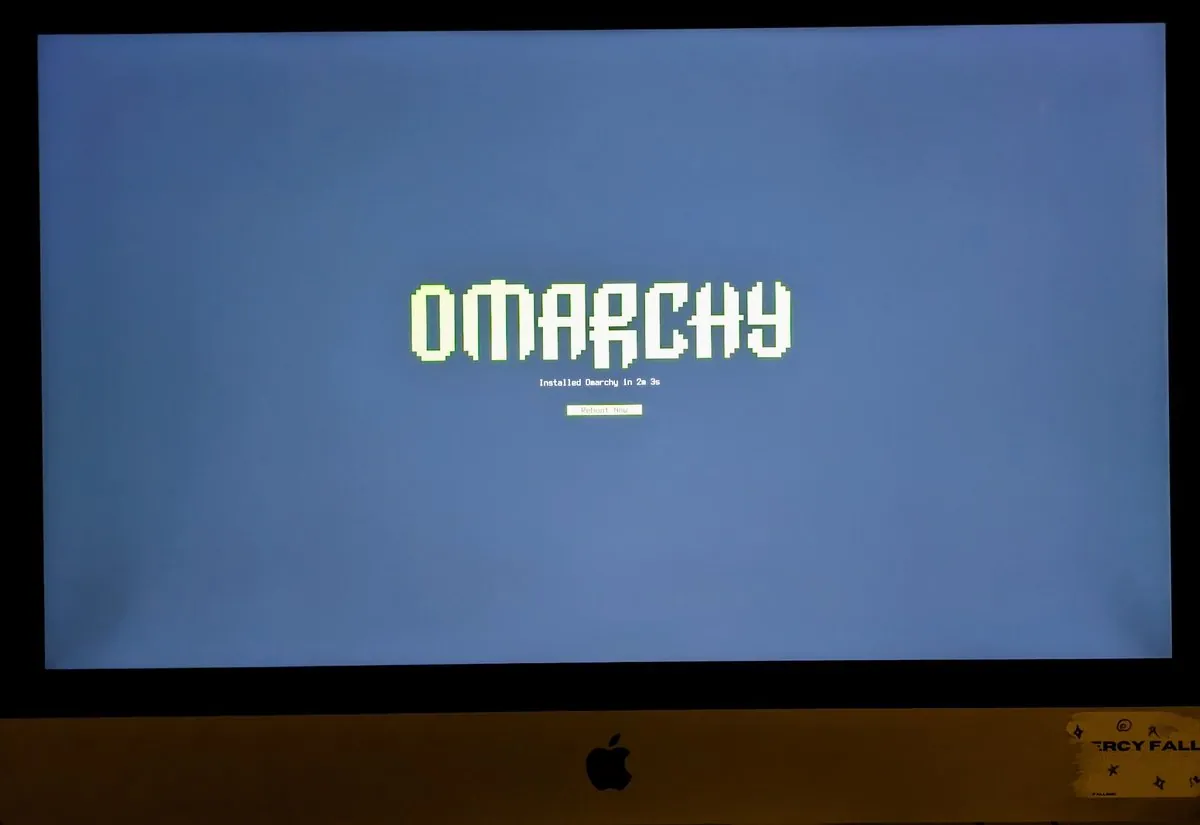
ohmarquee installed Omarchy on a 2017 iMac and says the abandoned 27-inch 5K monitor feels snappy and fast; the still shows an iMac with the OMARCHY wordmark over "Installed Omarchy in 2m 3s" and a "Reboot Now" button, and a chin sticker whose visible text reads "RCY FALL".
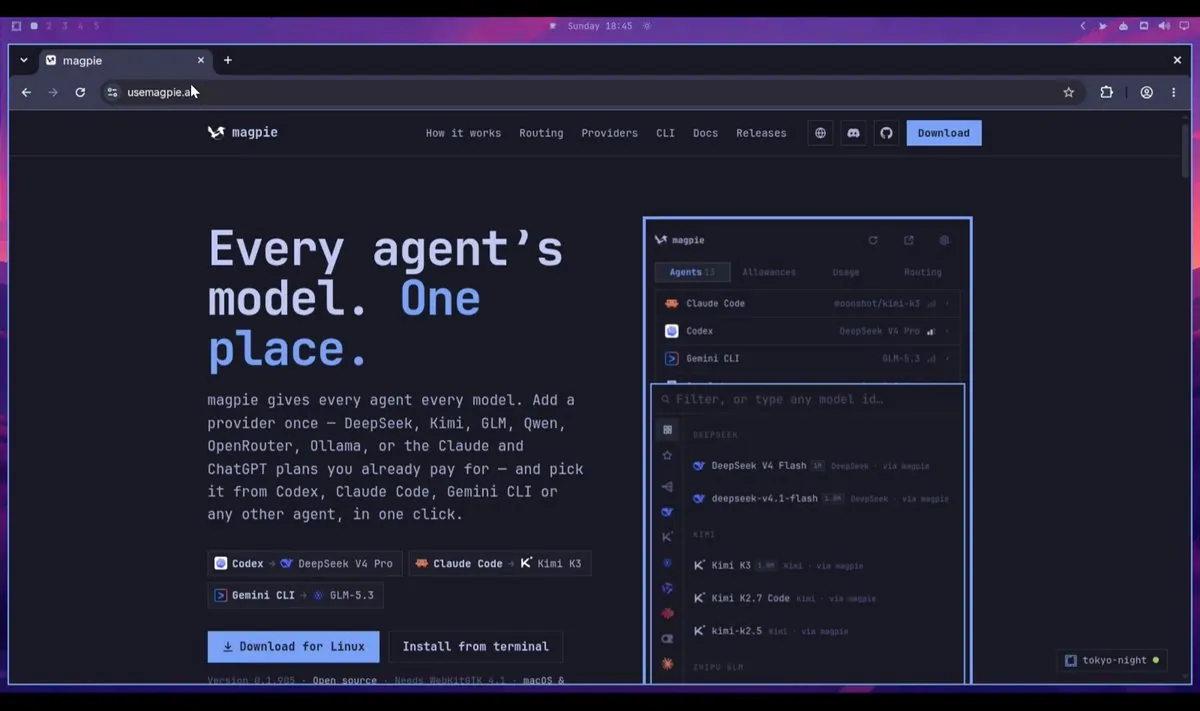
yetone recommends that Omarchy-Native software also adopt an Omarchy-Native website design, citing Magpie as detecting Omarchy and adapting to the current theme in real-time; the still shows a Magpie page headed "Every agent's model. One place." with "Download for Linux" and "Install from terminal", Version 0.1.905, Needs WebKitGTK 4.1, agent pairings such as Codex → DeepSeek V4 Pro, and a tokyo-night badge on the app graphic.
ncfrontiersman releases Omastorm 0.1.18 with a responsive window for smaller form factors, a focus mode that hides everything except the radar/map, METAR chips in the popover that open their reports, plus bug fixes and performance work, thanking demian0311 for the small-screen improvements and linking the v0.1.18 tag; the still compares FULL, LEAN, and FOCUS · press f views of OMASTORM radar for KTLX OKLAHOMA CITY with REFLECTIVITY / 0.5° NOAA NEXRAD Now.
ayandexyz introduces Hommies, a little buddy on Omarchy that watches running coding agents across Claude Code, Codex, OpenCode, and Omacode, pings on permission prompts or questions, and answers from the floating buddy or top bar, with setup via an npm package plus a plugin add of ayandexyz/hommies-plugin and also on the marketplace; the still shows DHH mid-speech in a black OMARCHY tee at a boom mic with a teal geometric-face watermark, not the Hommies UI.
apunlisted says DaVinci Resolve is working on Omarchy; the still is a pixel wordmark splash with purple-to-blue bars over ÜCHA, not a Resolve timeline.
RidgetopAI says Backstory keeps working memory per project on Omarchy, tracks which agents worked there, reopens the agent platform for quick switching, and installs a Backstory skill for each agent; the still is a Backstory panel with a green "here" badge on grandkids, "Continue in Pi", "Terminal", and "Memory" buttons, and RECENT rows for grandkids, wobble-party with Hermes and Claude Code, and projects · workspace notes.
derekmross says Peridot for syncing Omarchy settings anonymously and privately is now available, linking the marketplace listing.
AIThatPays announces an Omarchy plugin, Missed shortcuts, where a launcher click, workspace click, or mouse float toggle flashes a card with the skipped keybind, pointing at saigkill/omarchy-missed-shortcuts and warning the one-line hyprland.lua hook is unsandboxed so inspect first.
jorgemanru spent the weekend creating Omacharts, charting software wanted for Omarchy with theme-blended charts, under 200 ms launch, deep splits and chartbooks, agent-friendly controls, special attention to keyboard lovers, and an Omarchy plugin included, linking a YouTube demo.
btsouth is working on an in-game overlay for Omakade on Omarchy that works with Steam, Heroic, Lutris, and emulators: Guide or a hotkey slides in save-last-30-seconds, screenshots, playtime, achievements, controller battery, and volume, matching the Omarchy theme live on switch; the still shows an OMAKADE Osaka Jade dash over a teal night road with Lantern Road on STEAM, Playing for 42 min, 23 of 63 achievements at 37%, Save last 30 seconds Instant replay, Xbox Wireless Controller, and Living room TV at 72%.
dhh says it may be sacrilege to some but thinks it's awesome: Microsoft Word and Excel running wonderfully through Microsoft 365 frameless web-apps on Omarchy, and says it'll be Install > Service > Microsoft 365 in the next version; the still shows a Word document for Angelica Astrom, UI/UX Designer, beside an Excel workbook with GOALS, DIETARY ANALYSIS, and EXERCISE ANALYSIS charts, and a launcher searching "micr" that lists Microsoft Excel, Microsoft OneDrive, Microsoft Outlook, "Microsoft PowerPo…", Microsoft Teams, and Microsoft Word.
tcballard says years of Windows and macOS muscle memory don't disappear because someone installed Linux, so tcballard built Familiar: window controls, a dock, and settings to click through, for everyone whose mouse made the journey to Omarchy too, coming tonight; the still is a dark title card with partly drawn "Omarchy is" text and a blue cursor block beside a framed panel labeled "Illustrative render".
0xSero says "Bro deepseek is something else!": 0xSero wants to work on the design of their Omarchy local AI plugin, and it just went in there and got every screen editable with all states; the still is a DeepSeek Harness chat for omarchy-design beside a design studio page of "57 screens" set to Omarchy dark, listing screens such as home-life, home-crashed, and home-setup, with a Qwen3.8-27B card on RTX 3090 12 / 24 GB and DeepSeek V4.1 Flash selected.
btsouth says Omadrop 0.6.0 is out and Omarchy mode is now Osaka Jade, a living street that reacts to music: windows pulse, the moon throbs on the bass, birds hop on the beat, and loud songs set off fireworks; the still shows the Omadrop scene browser on the MilkDrop tab rather than the street, with tiles such as Aqua Filaments, Cloud Cubes, Color Spiral, Crystal Palace, Desert Rose, Firesticks, Fractal Caves, and Fractal Flight, a Play button, and 21 scenes over a mountain wallpaper.
tonysimons_ says Wayland wasn't the problem, the workflow around it was, so tonysimons_ built Lumen: an open-source screen recorder for Omarchy with editing, replay, and local captions, and a full MCP server so agents can run "the damn thing" too; the still is a near-black frame with faint diagonal lines and no readable UI.
tahayvr says OMARCHIST v2 is here with a new keybind manager and "Flows", calling it mac shortcuts for Omarchy: a flow strings actions together and runs them in order (open apps, run commands, move windows, wait, and send notifications), linking the tahayvr/omarchist v2.0.0 release; the still shows a "Morning start" flow with the steps Terminal, Browser, Open Zed Preview, and Notify "Good morning", a Keep going when a step fails toggle, and RUN IT FROM options for Keybind, App launcher, At startup, and Command line.
erikrjohansson turned erikrjohansson's fish into two custom Omarchy screensavers; the still shows two koi, one red with white patches and one white with red patches, circling a green lily pad on a dark background beside a red katakana seal.
NixFred says Infomarchy just got a big one: the Omarchy desk can now live in a browser and on a phone, it tells which agents can actually be clicked into and which ones are worker bees nobody can reach, clicking an agent running in Orca lands in its Orca tab, any session can be killed from its card, and agents on boxes that can't be seen get their own card, with 47 commits in 8 days, linking nixfred/infomarchy; the still is an INFOMARCHY card headed "OMARCHY PLUGIN · UPDATE 2026-10-04" with +47 COMMITS IN 8 DAYS, 121 STARS, 23 FORKS, 14 CONTRIBUTORS, 39 PRS MERGED, 603 TESTS PASSING, and 6 WK SINCE DAY ONE, a THANK YOU list led by TechLuddite and Wulf Kaal, and NEW SINCE THE LAST UPDATE rows such as Web Mode, REMOTE roster card, and Kill a session from its card.
lovelylogicss says Pi Pocket has themes now, all of the Omarchy ones, usable without Omarchy, and on Omarchy it can just follow the desktop so a theme switch switches Pi Pocket with it, plus tiled windows, Hyprland-style animations, and a cleaner sidebar, linking TannerMidd/pi-pocket; the still is a dark splash with a coral π over "Pi Pocket 0.4".
jankeesvw says Omarchy Meeting Recorder 1.6 is out: recording on a cheap laptop mic no longer drops half of what is said, and a named recording can be started from a script; the still shows the Meeting Recorder window with Meeting name "Launch sync", Audio file "Stereo (mic left, comput…", Language English, waveforms for You (microphone) and Computer audio, and Pause and Stop recording buttons over a pink-and-purple hillside road wallpaper.
paolino says "Omarchy racers!" and made a Moza Omarchy plugin to get rev lights on the wheel and configure all Moza's devices on Linux, linking crmne/omarchy-moza; the still shows two MOZA Connected windows, one on Home with WHEELBASE Steering position -18° and PEDALS Throttle input, Brake input, and Clutch input, and one on Rev lights showing Automobilista 2 at 6420 RPM with Redline 6800 RPM, SHIFT LIGHTS with First light (%) 80 and Full lights (%) 97, and LED count 10.
manateelazycat's eighteenth Omarchy plugin, Omarchy Git Sync, came from writing many Omarchy plugins while developing on several computers: it tracks each plugin's Git address instead of the Omarchy store so installed plugins sync across computers immediately, with source released under GPL 3.0; the still shows a Git Sync window reading "正在检查 0 / 20" with plugin cards such as Fcitx Status, "hyprmoncfg: Multi-Monitor Manag…", Keystroke, Lock Screen Explorer, Omarchy Color Picker, Omarchy Desktop Clock, Omarchy Desktop Top, Omarchy Power Awake, and Omarchy Terminal Clipboard, each marked "检查中", with "与市场不同" on the six fully visible cards, over a nebula wallpaper.
renerocksai asks "2GB RAM per GMail tab? No way!" and says Omagma, built for personal use, now checks GMail for 3 accounts in the Omarchy bar with ~30 MegaBytes (incl. quickshell UI), showing the 30 most recent emails with Jump-To-Mail buttons that open in the correct Chrome profile, ready to reply, also noting Zig 0.17.0, linking technologylab-ai/omagma, and says maybe next up is a libvaxis TUI client, and a CLI "Because agents."; the still is the omagma "Gmail, one account at a time" panel with three accounts at 5 unread, 12 unread, and 3 unread, an inbox list with Open inbox and Refresh buttons, and the footer "Synthetic demo mail · Separate accounts · Read only".
johnpollard says johnpollard's first plugin to Omarchy was accepted: it allows easily rewording text with a few different prompts quickly, making a common function done multiple times a day seamless, with a video planned soon, linking the rewerd listing on the marketplace.
jauneclaude posts a "BIG OmaSeek update: Auto theme switch + Custom Themes", saying DeepSeek Harness now has auto theme switching on Omarchy, made possible by iamdothash's Theme Sync extension, and that it takes just installing OmaSeek for DSH and selecting Omarchy in the theme selector; the still shows a green pixel "OMA" and blue "seek" wordmark over "Auto theme switching", "+", and "Custom theme support" on a dimmed DeepSeek Harness window.
boyidzham built OMyPhone for Omarchy to make and receive calls from the desktop through a Bluetooth-paired phone, and check contacts, recent calls, and missed calls too, linking the marketplace listing; the still is the OMyPhone listing marked HARDWARE with manifest v0.2.1 by Boyidzham, AVAILABLE, Snapshot verified, 137 VIEWS, and 22 COPIES, with Keypad and Contacts panels, an Incoming call panel with Answer and Decline buttons, and a Listing checks table with Compatibility marked PASSED.
tcballard says Familiar v0.1.0 was meant to ship tonight but GitHub had other ideas, and lists what's waiting: a dock wherever it is wanted, Mac and Windows layouts, close, minimize and maximize buttons, and settings that can be clicked, for everyone who loves Omarchy but occasionally wants to use a mouse, coming as soon as tcballard can; the still stacks three cards: "Dock anywhere" with "Bottom, left or right, or automatic. Your choice survives layout changes." over a Dock position menu, a Familiar window reading "FAMILIAR", "v0.1.0", "Coming soon", and "A mouse-friendly desktop for Omarchy.", and "Start from a layout" with General, Windows, and Mac buttons plus "Show desktop" and "Restore windows".
gh_TechLuddite says work has kept them busy, with agents churning away on their core projects and big updates on opinionated-omarchy and Jeff coming soon, and thought this update on the ascii-save workshop project was worth sharing: 32 Hokusai and Hiroshige woodblock prints as a color ASCII screensaver for Omarchy, MIT licensed, with PRs welcome, linking TechLuddite/ascii-save, and thanks artinstitutechi for the CC0 prints from its open-access collection; the still is a black frame with a rough yellow ring of block characters, two small red "o" characters, and one pale "o".
linuxbox made an Omarchy plugin to name Hyprland workspaces right from the bar: right-click to rename ("1 web", "2 code"), and a quick toast tells where the switch landed, with no extra packages, MIT, linking kdriedger/omarchy-named-workspaces; the still is a purple bar strip reading "1 web", "2 omarchy", "3 pi", "4", and "5 grokbot".
tempestchaosX posts Omaflow 0.3: the app for the fans, the pump, and an AIO LCD, and the chip for the Omarchy bar, with both talking to coolercontrold, linking tempest-chaoscreator/omaflow; the still is a card reading "Omaflow v0.3" and "Fan and Cooler control for Omarchy" beside an OMAFLOW Monitoring window with CPU 53°, GPU 32°, and Liquid 34° tiles and a smaller OMAFLOW panel with modes such as Silent, Performance, and Fixed.
MenaBotrous11 says FreeLLMAPI is live on the Omarchy marketplace, with 34 providers and 635 endpoints behind one /v1 on the bar: a read-only widget for a local gateway showing health, quota, and media lanes at a glance, built on tashfene's gateway, for dhh's Omarchy; the still is a blank dark navy frame with no readable UI.
_mackenziebowes says that for anyone who uses omarchy, _mackenziebowes made this thing that makes every website match the theme: just change the local omarchy theme to update every website, linking mackenziebowes/omarchy-web-retheme; the still is an X home page in dark colors with green sidebar icons, the post being drafted in a green-outlined box, and a Today's News panel.
corelumen says "Omarchy themed fileman!" with v.0.1.1 submitted to the marketplace and hopefully available today; the still is a Files window in a dark slate theme with Home, Recent, Starred, Network, Trash, Downloads, Projects, Pictures, and Videos in the sidebar and blue folder icons for Documents, Downloads, Music, Pictures, Projects, Videos, Wallpapers, and Work.
X_Nosignal_X was mucking around making a live desktop solar system for Omarchy, saw Neptune and couldn't help it, and says it needs better textures and grain etc; the still is a pale ringed planet against black space.
quantumpixel_x says "Light it up!": Noren's party mode got an upgrade, and now the Omarchy top bar vibrates to the sound of videos while in party mode; the still shows a purple-glow video window for keith176's "Light It Up" with a cartoon DJ in headphones at two turntables above a row of level bars and "KEITH176".
_jjsteffen just remembered having a not-smart CO2 reader and told Codex "Hey codex, vibe-slop this into my omarchy bar", then posted "4 minutes later:"; the still is a co2reader chat titled "Read and Log USB Sensor Data" about a TFA AIRCO2NTROL Coach 31.5009 connected via USB, asking "pls see if we can read co2, temperature, and humidity over USB (without bricking the device pls)", marked "Worked for 3m 59s", under a bar reading "CO₂ 844 ppm · 22.1°C · 41%".
AmbRealismX says nothing is quite as fun as making an Omarchy Plugin to monitor their T3-Code agents live while they work across multiple machines and watching it come to life, and says with this OS, T3-Code, and some good agents the time from idea to action has become much faster and more interactive, thanking dhh and theo; the still is a "T3 Threads" panel reading "7 threads across 2 machines" with Mac and kamrui-remote both Connected, threads such as "Map Local Repository Structure" marked Idle and "Show Active T3 Threads Across Machines" marked Working, and a "Read-only" footer with "Esc to close".
JoelDeTeves says to check out their FactoryAI droid usage plugin for Omarchy; the still is a Droid Usage panel labeled FACTORY with Standard and Droid Core tabs, Prepaid credits $0.00, and LIMITS rows for Session 1%, Weekly 14%, Monthly 10%, and Managed Computers 0%.
JayaDeep_11 posts Omarchy Dock, linking stash-11/Dock; the still shows an icon picker for kitty headed "Change the icon shown for this app" with a "Search macOSicons" field, cat and rainbow-apple icons, "Use Your Own Image", "Paste Image URL", "Clear Custom Icon", and "Done" buttons, and "11 icons found" above a dock of app icons.
MichaelGannotti is checking in on their OVERWATCH OSINT for Omarchy application and needs to find some time, once they get to MVP status with their Praxis Prime agent, to add some additional capabilities; the still shows "OVERWATCH OSINT" with "FOR OMARCHY · PUBLIC SOURCES" and "196 TOOLS", a CATALOG panel with a Web search engine set to Google, a dark globe with colored markers, and a DOSSIER panel of Live highlights listing earthquakes such as "M4.7 105 km WNW of Höfn, Iceland".
@minviable_org · 2018 Mac Mini
minviable_org says everybody is posting inference benchmarks, so minviable_org did something different: fed up with all the Apple network permission drama, minviable_org moved the build box to a $250 Craigslist Mac Mini from 2018, calls the results shocking considering the cost of the other gear on the comparison table, and guesses that on GitHub Actions alone the box will pay for itself in a few months; the still is a "BENCHMARK REPORT: FULL-STACK BUILD PERFORMANCE VS. COST ROI" card comparing MACHINE A ($2,000) Apple M4 Pro at 1.0x (Baseline Speed), MACHINE B ($250) Intel i5-8500B @ 3.00GHz (6 CPUs, 31.2 GiB x86_64, Omarchy 4.0.4) at 2.29x SLOWER (Warm), and MACHINE C ($20,000) Apple M3 Ultra at 1.21x SLOWER (Warm), with builds per hour per $1,000 of 688, 2,404, and 57.
@huang47 · Mac Pro 2013
huang47 got a beautiful Mac Pro 2013 and says it runs Omarchy just fine; the still is a screen showing the green pixel OMARCHY wordmark over "Installed Omarchy in 1m 52s" and a "Reboot Now" button.
tcballard couldn't leave the Omarchy installer alone: animated logo, theme colors, and a live terminal for prompts and progress, asking ryanrhughes "fancy a review?" with Greptile's three findings fixed and pushed, and saying even waiting for packages should look good, linking omacom/omarchy pull request 13563; the still is an orange-bordered installer window over a dark orange-and-black illustrated wallpaper, reading "OMARCHY", "~0%", "Installing Ruby on Rails", and "Preparing installation" above a progress line, with "Use the controls above · Ctrl+C Cancel" at the bottom.
thisisgm says Flea 0.3.8 is out, listing "Two windows that work together", "Tabs move, [ ] switch", "F5 reload", "Copy as, paste as links", "Picker grid view", and "Markdown previews!"; the still is a pale square maze-like glyph centered on a dark green-gray background.
nurfaizfoat says, in Malay, that Omarchy is like an OS of one's own where anything can be done, and that Ubuntu can too, except that on Ubuntu, Wayland, X11, GNOME and all that have to be taken into account, which isn't the case here, then posts "One shotted tray waktu solat dekat Omarchy. RM0.10"; the still is a calendar panel headed "October 6" with a 2026 progress bar at "76%", an October 2026 month grid with week numbers 40 to 45, and a "WAKTU SOLAT · WLY01" row listing Subuh 5:52 AM, Zohor 1:04 PM, Asar 4:17 PM (highlighted), Maghrib 7:05 PM, and Isyak 8:14 PM, with "Imsak 5:42 AM · Syuruk 6:58 AM" below.
victorphos has just finished testing their personal finance app, saying they desire to know where every part of their cent is going, who gives them money, who takes money away and how much, with the intention to optimize/cut down expenses where necessary while improving the app as they learn; it is their first time developing a desktop app they use for themselves, and the stack is Rust (Backend), gpu-ui kit (UI), gpui-omarchy (UI /Theming), and sqlite (Database), with Omarchy as the target platform, and they wonder whether the Omarchy GPU Kit would gracefully handle a non-Omarchy system or "just crush"; the still is a light "Chelete" "Personal finance" window on its Overview page with Total Balance $2,240.00, Income +$1,300.00, Expenses -$1,560.00, and Net -$260.00 with "Savings rate: -20%", Cash, Bank, and Wise account cards, Income and Expenses donut charts, and a Recent Transactions table.
@ZiyanJunaideen · 2019 Intel iMac
ZiyanJunaideen says their 2019 Intel iMac had no audio in Omarchy, which turned out to be because the CS8409 driver only sets up for Dell configurations, so they had to set it up manually, linking their blog write-up on how they fixed it.
thealexbear says there are lots of 'Surprise and Delight' features on Omarchy and their first morning on it is great: intuitive, with the only challenge getting used to keyboard-based navigation, so they built a logger to see how many times they use Super+K (Shortcut list) to chart their learning, plus "a top bar per hour readout"; the still is a dark "Super K History" page under "OMARCHY / KEYBOARD HABITS" with the "7 days" range selected, SUPER K PRESSES 3, PER ACTIVE HOUR 4.4, ACTIVE TIME 40m, and DAYS WITH ACTIVITY 1, a "Daily total" bar on 6 Oct, and a Daily detail table marking earlier days "Before tracking".
tahayvr says they've been obsessed with the Omarchy theme ecosystem since July 2025 and that dhh got them learning Rust back then, adding "I will make it happen! We are so close."; the still is a Discord message from Taha replying to DHH's "would like for the theme switcher to be something that's graphically pops up a sel…" with "I’m cooking up something similar to this. Will get a prototype version ready this weekend and share. It’ll be cool to make it a package/app that can update separately and maybe include community themes that can be installed with @noah p ‘s tool." and "(You got me learning Rust over here)".
@kazuhidet · MINISFORUM MS-R1
kazuhidet says, in Japanese, that moving their household aarch64 PCs to Omarchy quattro is now done for the MINISFORUM MS-R1 and Windows Dev Kit 2023 too, leaving only the Raspberry Pi 5; the still is a fastfetch run on MS-R1 beside a large green Omarchy logo over a wallpaper of a red sports car, listing "MS-R1 (1.0)", "Cortex-A720+Cortex-A520+Cortex-A720 (2+2+2+2+4) @ 2.60 GHz", "Arm Mali-G720 MC10 (Panfrost)", "Omarchy 4.0.2-2", "Linux 7.0.0-aarch64-cix+", and "Tokyo Night".
danielwmarr says "Omarchy is cracked, 8 days in and I'm never going back! The future is now."; the still is a desk with two monitors, a laptop, and a tablet-style display showing the pixel OMARCHY wordmark, white and cyan on the left monitor and laptop, yellow on the right monitor, and a purple-to-yellow gradient on the tablet-style display, plus a small vertical screen, a keyboard wrist rest, a mouse on a mouse pad, and a light panel at the left.
LandesPhoto40 posts, in French, that they are testing the new version of Rawmakase, tagged #rawmakase #omarchy #linux; the still is a dark photo editor in its Develop view with a concert photo of a singer in a black cap holding a microphone and a tambourine, a Presets panel, Basic sliders such as Temp 5805 and Exposure +0.50, and a filmstrip below.
tcballard says Familiar Desktop is "(finally) out for Omarchy." They describe a dock placed where it is wanted, apps a click away, and window buttons where they are expected, linking tcballard/omarchy-plugin-familiar-desktop; the still is a pale gray card reading "Omarchy is keyboard-first." above key caps labeled "SUPER", "ALT", "SPACE", "RETURN", and "W".
derekscherer says summoning and putting an agent to work is instant in Omarchy, "Glorious! (But tricky to track)", and Dashbots is their solution, posting a 5-minute tour including a peek under the hood; in a follow-up reply they say each active session gets an icon on the Omarchy bar, animated when it's working and asleep when its turn has ended, with hover for session info and left click to go to its window, free and open source (MIT), linking Dayruke/dashbots; the still is a fantasy forest wallpaper of a huge moss-covered wooden creature beside a small glowing figure, under a top bar, with a webcam inset of a man at the lower left.
petrzela123 says part of their Omarchy setup is that they stopped closing apps: Super + W hides a window, and the app keeps running and comes back instantly, same spot, same draft; opening their terminal apps used to take ~0.6 s, "Now: 0." In a follow-up reply they list Super + Z for the last hidden window back, Super + Alt + W to pick any hidden one, the app's own key to bring it back in place, and Super + Q to really quit, linking petrzpav/omarchy-setup; the still shows a mail inbox pane with tabs such as "Inbox 5" and "Clients", a "#general" chat pane, and a pane reading "this app has been running for" above a large green pixel counter.
Lokeshd0tz has been playing with Omarchy for a while and says "honestly, it just works." They say people hate on it "'cause it’s easier than a traditional Arch install", where everything is configured by hand and sanity is lost over Wi-Fi, and they are using it as their primary dev machine and loving it; the still is a desktop wallpaper of a girl in a dark hoodie leaning on a white-and-black hatchback with "藤原とうふ店" on the door under a pink-and-blue sky, with a traffic cone at left, below a top bar.
nurfaizfoat says, in Malay, that they took a little time to refine the UI of the Waktu Solat tray for Omarchy, adding a sun arc to give weight and meaning to each prayer time on the timeline; prayer times that are done become solid dots and solid lines, and the upcoming prayer time becomes dashed with an outline circle; the still is a calendar panel headed "October 7" with a 2026 progress bar at "76%", an October 2026 month grid, and a "WAKTU SOLAT · Kuala Lumpur dan Putrajaya" section reading "NEXT · 05:52 · in 5 h 4 min" for Subuh above a dashed arc through Zohor, Asar, Maghrib, and Isyak, with Subuh 5:52 AM, Zohor 1:04 PM, Asar 4:17 PM, Maghrib 7:05 PM, and Isyak 8:14 PM listed below and "Imsak 5:42 AM" at the bottom.
QingQ77 says, in Chinese, that it turns an icon in the Omarchy top bar into a task manager, packing in real-time graphs, per-app usage history, process management, and alerts when the camera or microphone is used, linking Davedes83/OmaControl; the still is a desktop wallpaper of a dark, snow-streaked mountain peak among misty ridges, under a top bar with "CPU temp" and "GPU temp" readouts and above a dock of app icons.
carloschida says "My computer is a work of art.", thanking museodelprado, in Spanish, for the high-definition image, tagging #omarchy, #theme, and #wallpaper, and linking carloschida/omarchy-las-meninas-theme; the still is a desktop wallpaper of a classical court painting of a young girl in a pale gown among attendants, a painter with a palette at the left beside a large canvas, and a dog lying in the foreground, below a top bar.
rubengarciajr says Compositor for Omarchy 1.2.0 is out, now in sync with the Mac app (1.4.5): Color Range, rulers + guides, Curves/Levels, Vignette, Bloom, CRT scanline Dither and more, "Photoshop vibes, Omarchy themes, zero Adobe subscription." They thank robbietilton and link rubengarciajr/compositor-for-omarchy; the still is a monitor labeled "ThinkVision" showing a "Compositor · Omarchy" window with File, Edit, Select, Layer, Image, Filter, View, and Help menus, a "Move / Transform" row with "Auto Select" and "Show Controls" buttons, a tool column at the left, and a blank white canvas.
katabex released Legibilis, a dark Omarchy theme built for readability, based on their favorite Emacs theme, Modus Vivendi Tinted, with "Every color at 7:1 contrast or more." They link katabex/omarchy-legibilis-theme; the still is a desktop with a pale blue marble statue-head wallpaper and a system monitor panel at the right with CPU core rows for "12th Gen i5-1245U" and "mem" and "disks" boxes, below a top bar.
betizzel posts Tern but following the Omarchy theme, linking betizzel/omaterm, and says "I just like everything following my colorscheme on this device"; the still is a dark coding agent session with a Write step for "~/Developer/omaterm/README.md" headed "# omaterm", Bash steps that commit and push the omaterm repo, and "Opus 5.5" at the bottom.
RickDev3000 says they wanted a better experience "to share files with my Android CachyOS and Omarchy"; at least in the version they tested, the experience was very poor, so they created a new plugin to improve this, adding "Pairing and transferring files are seamless, similar to macOS or Windows."; the still is a dark "SHARE" panel for "IMG20261004201722.jpg" with an "OPPO Find N5" device marked "Cancelled", a "Visible as rick-laptop" toggle, and "Files a phone sends here" with "Ask", "From paired", and "Off" buttons, over a misty forest wallpaper.
StiflarNanaY says "Android emulators belong in the bar, not in a separate app." Omarchy Android Emulator lets developers list, start/stop, and create AVDs right from the panel, with Pixel/Nexus profiles, live image downloads, and KVM-aware checks, "Built for developers who live in Linux"; the still is a dark "Android Emulator" panel reading "1 RUNNING" with a "New virtual device" section, "Pixel" ("32 devices"), "Tablet" ("6 devices"), and "Legacy" ("32 devices") tabs, a list of Pixel models, and "pixel_10" under "VIRTUAL DEVICES" marked "running · emulator-5554", beside an emulated Android home screen with Gmail, Photos, and YouTube icons.
IAmMonetApp says "Building a whole website with an agent is now a loop, not a chat." They post Monet: Design Review, free for Omarchy: the agent builds the site, the user draws a box on what should change and says what, and Monet hands it to the agent and shows the fix before and after, adding "It follows your theme." In a follow-up reply they say they built this version so some 11+ year olds can have fun building websites while learning the joys of Omarchy on some old MacBooks; the still is a card headed "Draw a box. Say what should change. Your agent does it." above a Monet window with "Pick", "Capture", "Mark up", "Send", and "Check" steps, a website page reading "AI builds the first draft. Monet runs the next hundred changes." marked with boxes, a notes panel including "Name the free Omarchy edition under these buttons", and a "Send 2 notes to Claude Code →" button.
keylimesoda says "If you're going to be living in consoles might as well go for the all-time classic colors.", linking keylimesoda/omarchy-turbo-pascal-theme; the still is a blue desktop with a GitHub Copilot session pane announcing "It's public: omarchy-turbo-pascal-theme 🎉" and noting the full installer currently targets "Omarchy 4.0.4 + Hyprland 0.56.2", with "GitHub Copilot · GPT-6.1 Sol" at the bottom, beside a file listing pane, a browser on the repo's "docs / preview.png" page, and a "Battery" panel with "Power-saver", "Balanced", and "Performance" buttons.
BillHeyman posts a sneak peek: "This is a real OS/2 32-bit app... running unmodified on Omarchy." and "The past comes alive."; the still is an "HPcalc 41C" calculator window with File, Edit, and Functions menus, a "0.0000 00" display, a "DEG" button, and rows of gray keys with yellow labels, over a purple-and-pink wallpaper of a winding road through hills.
iamlukethedev says "I built an operating system where the AI agent isn’t another app. It’s part of the OS." Today, Herald OS is open source and can be installed: it is built around Hermes Agent by Nous Research, and users talk or type to Hermes to open and use apps, find and organize files, run routines and automations, build software, and understand what is on screen, approving any change first. They say native OS commands don’t need to burn model tokens. Herald OS Linux has Fedora underneath, themes can restyle the whole system, including the terminal, and it runs as a native Mac app for Apple Silicon, a PC installer from a USB stick, an Arch Linux package, or with Omarchy integration where Herald follows the theme and adds itself to the menu and keybindings. It is free, open source and MIT licensed, "still alpha, so expect rough edges", and not affiliated with Nous Research, linking iamlukethedev/Herald-OS; the still is a "Good morning, Alex." screen with a "What would you like to make happen?" box, "Plan my day", "Start a mission", and "Make a theme" buttons, a "Pick up where you left off" card with "Not now" and "Turn on" buttons, and "No missions yet" under "Active missions", beside a terminal with color swatches at a "[hermes@herald-os ~]$" prompt.
hancore_linux says "GitHub Traffic is now on the #Omarchy Plugin Marketplace." It shows views, clones and referrers of repos right in the bar, and "Light mode shows anyone's public repos without a token." They link HANCORE-linux/GitHub-Traffic-Board; the still is a "GitHub traffic" panel headed "LAST 14 DAYS" with "8,628" views and "1,305" clones in bar charts from "Sep 23" to "Oct 6", "▴ 64%" "vs prior week", a "Repositories by views" list led by "stellar-cli", a "Referrers" list, and "Export report", "Export image", and "Include private" buttons, beside a wallpaper of a hooded, cloaked figure holding a white mask on dark dunes, with an eye icon and "8.6k" in the top bar.
Wilf_Lin says, in Chinese, that they dare say this is the best screenshot tool on Hyprland/Omarchy: it is the long-screenshot feature hyprcapture just made, which activates by entering a window or region screenshot and then scrolling, with annotation during capture, scrolling in both directions, and a live preview in the thumbnail at the bottom right; the algorithm references deepin's open source implementation and several SOTA implementations, and they say it was shot on Apple Vision Pro. The still is a desk with a large monitor showing an X feed and a smaller screen above a white keyboard and trackpad showing the same feed beside a column of capture thumbnails, with a white "YETI" mug at the left.
tcballard says "Fairly easy to get distracted by the rocket here": Familiar keeps apps and widgets down in the dock, with the same transparent treatment as Omarchy's top bar, adding "Everything within reach. Wallpaper can breathe." and "I think that's pretty damn cool tbh". In a follow-up reply they link tcballard/omarchy-plugin-familiar-desktop; the still is a desktop with a wallpaper of a rocket lifting off from a launch tower amid billowing clouds of smoke, above a dock of app icons including "T3" and X icons.
danielwmarr says they always use scratchpad while they work "to free up some 🧠 capacity" and Omarchy had no version of MS Onenote, "so i built one. 🖊️": OmaInk, with a pen with real pressure + tilt, infinite OneNote-style pages, the Omarchy theme live ("switch themes, the whole app flips"), plain files that sync with anything, and open source, adding "alpha. out now. go break it 👇" and linking daniel-marr/omaink; the still is a dark frame with a thin glowing horizontal line and faint blue, purple, and orange glows.
rambling000 says "And just like that I let my #Omarchy build a plugin for #adguard cli in flat 5 mins! It is indeed a thrilling experience @dhh!"; the still is an "AdGuard" panel reading "BLOCKING ADS" with a toggle, "HTTP proxy" and "SOCKS5 proxy" rows, "System filtering" "enabled" and "DNS filtering" "disabled", a "Start at boot" toggle noting "The proxy starts with your session.", and "Restart" and "Refresh" buttons, over a browser on an "AdGuard for Linux" page.
Ya_boy_Clumsy posts a "New omarchy plugin for keeping a book you're reading in your bar." with the design principle "keep it simple stupid", adding "Remember: Many classics are free and public domain."; the still is three dark panels: a "Library" of "17 books" with cover art for titles including "The Adventures of Sherlock Holmes", "Dracula", "Frankenstein", and "Moby Dick", a reading pane open to "I: Loomings" from Moby Dick beginning "Call me Ishmael.", and a "Contents" list of chapters with percentages.
alekdobrohotov says "A Claude Code team is doing GDPR homework on my MacBook. I'm watching from my Linux laptop." The session lives in Herdr on the Mac, and Blockodile on Omarchy attaches over SSH, so when a teammate finishes, its message to the main agent pops up live; "The git panel says 59 files modified, never pushed. That part is on me." The still is a terminal with an "Another Claude session sent a message:" banner, Italian agent output, and a git panel for "feat/adeguamento-gdpr-ai-act" reading "mai pushato" with "1 pronti", "59 modificati", and "23 nuovi", and "Opus 5.5" in the status line.
jankeesvw says they did another awesome vibe coding session on Omarchy with Claude at the primary school in their local town, and 5 kids made the game "Dinoland"; the still is a child at a laptop beside an LG monitor showing a terminal pane of Dutch agent text next to a browser running a forest platform game with a green dinosaur, a "0 / 55" counter, a "Winkel (S)" button, and "Level 1", in front of a window decorated with paper leaves and acorns.
0xSero says "CPU & SSD offloading now on Omarchy": "RN only supporting 3090s but I will be rapidly adding support." They think 4 RTX Pro 6000 with 256GB RAM and some NVMe can run Kimi-K3 at usable speeds, linking their plugin on the Omarchy plugin marketplace; the still is a terminal of agent output with a "TODO" list starting "I. Scaffold · 0/2" and "Qwen3.8-Flash-Next · local" in the status line, beside a panel reading "running · 36 tok/s" with "Open oh-my-pi" and "Stop" buttons, "36 tok/s" "decode avg", "10.4K tok/s" "prefill avg", and "2.2 s" "first token", a "NEEDS" list with "EXL3 3.05 bpw, vision", "sglang", "RTX 3090 · 24 GB", "75 GB" RAM, "85 GB" disk, NVMe "required", and "200K tokens" context, and "RTX 3090" at "23.4 / 24 GB" under "GPUS".
X_Nosignal_X says "If we are going all in with Omarchy as a platform to design on ...we need all the proper toys you would expect ..there is a baby version of this as a plugin but this is the big brother app version of OmaFont ...."; the still is a menu headed "Go…" with "Apps", "Learn", "Trigger", "Style", "Setup", "Install", "Remove", "Update", "About", and "System", over a wallpaper of a dark castle on a cliff before a purple moon with bats, above a winding river.
StudioXRadio says they are sitting at work on their XPS 16, in a remote session into their Omarchy box at home, which is a 2020 iMac. That machine is connected via USB to a MacBook Air while a team of agents works to get Omarchy running natively on the M4: "Good times.", tagging #Omarchy and #OmarchyMac; the still is a desktop with terminal panes, one at "~/Projects/Omarchy-M4-Native" after "codex --yolo", a Codex session titled "Omarchy-M4-Native | Resume Mac Air Omarchy build" with an "Ask Codex to do anything" prompt and "GPT-6-Astra xhigh" in its status line, and one at "~/Projects/Zeus".
tcballard says "Familiar v0.1.3 is warming up for later today 👀" and "Back to the window you actually last used. Badges that count down properly." CI now boots a real desktop to test installation, window switching and recovery, and they add "Making Omarchy feel like home means sweating the little things."; the still is a window titled "Familiar" with a pixel "FAMILIAR" wordmark above "A mouse-friendly desktop for Omarchy."
losingle says they are working on multi-monitor settings for Omarchy: choose a display, identify it on-screen, adjust rotation and scale, and map brightness controls to the right device. They link Draft PR #14436 on omacom/omarchy and add "Would love your thoughts, @dhh!"; the still is a "Display" panel reading "Choose a display to configure", with an "Identify displays" button under "SELECT DISPLAY", "FlipGo-A1 · DP-11" checked above "FlipGo-A2 · DP-12", "BRIGHTNESS · DP-11" at "100%" with the note "Controlled by the monitor; linked panels may change together.", "SCALE" buttons from "1x" to "4x" with "2x" selected, "ORIENTATION · DP-11" buttons "Normal", "Left 90°", "180°", and "Right 90°" with "Left 90°" selected, "Apply changes" and "Discard" buttons, and "TEXT SIZE · ALL DISPLAYS" at "12px".
CryptoNews2000 posts "OmarTube ▶️ YouTube that stays with you on Omarchy." It floats across workspaces, moves & resizes freely, has live transparency controls in the bar, plays fullscreen video inside the floating window, and uses the existing browser, linking goarstne/omartube; the still is a floating video window of a long-haired man speaking into a microphone over a page with a pixel wordmark and the headline "Beautiful, fun & agentic Linux", with a "Workspace 1" label at the bottom left.
vighneshshukla0 posts "Omarchy, but it looks like the i3 desktop @tsoding streams from.": blue title bars, 2px borders, an i3bar with his "Tea" and "Penger Folder" labels, Gruber Darker, and Iosevka, all from his public dotfiles, adding "@dhh I removed the gaps, blur and animations." They link SVIGHNESH/omarchy-tsoding-theme; the still is two panes, a "main.c" editor with a C program printing "Hello, Seaman\n" and a "palette" pane headed "Gruber Darker" with color swatches and six rows of "The quick brown fox jumps over the lazy dog" in red, green, yellow, blue, purple, and orange, above a bottom bar with "Tea" and "Penger Folder" readouts.
corelumen is "Introducing Laya Attention, an Omarchy plugin." It leverages a locally running Laya decision model to determine notifications which require user action in order to minimize notification overload, and works with herdr agents and general system notifications, linking its marketplace listing; the still is a "Laya Attention" panel headed "DECISION SERVER UP · 3 AGENTS", with an "Agents" list including "Start local dev environments | JEDI-main" marked "done · 0.36 · silent" and two entries marked "no decision yet", "Suppress notifications at" "65%" and "Agent attention at" "45%" sliders under "Controls", "Triage enabled" "On", and "Poll now" and "Refresh" buttons.
dgudovicdev says they "Submitted OmaJuke v0.3.0 to the @OmarchyLinux plugin marketplace for review 🎵": YouTube right in the Omarchy bar, to search, queue and play from a panel, with audio through mpv, video in a small corner window "when you want it", and global shortcuts for play, next and previous. "No browser, no account (unless you want one), no telemetry, no ads or sponsor segments (if you turn the feature on). Open source, MIT.", linking DavidGudovic/omajuke; the still is a panel with a "blender open movie" search listing results such as "Spring - Blender Open Movie", "CHARGE - Blender Open Movie", "Coffee Run - Blender Open Movie", and "WING IT! - Blender Open Movie" from "Blender Studio", with "Spring - Blender Open Movie" playing above transport controls, beside a small video window of a mountain landscape and "Studio" in the top bar.
pixbroker posts an "Omarchy native Futures trading terminal." built with Rust, GPUI, 120fps, ToS, Databento, Rithmic, adding "More coming soon."; the still is a dark app titled "pit" with "File", "Account", "Data", "View", and "Announcement" menus, a "Market Profile" of letter columns, a price ladder, candlestick charts, a "Time & Sales" list, and a positions row for "/ESZ26:XCME" with "Buy", "Sell", and "Flatten" buttons.
aureliennavarre lists what shipped in anavarre/omarchy-miniflux lately: full keyboard shortcut support, configurable Save / Mark read buttons, feed addition, flexible settings, and better support of hibernation/suspend modes; the still is an "Unread" panel at "10 of 24" listing items from "omarchy" such as "Linux (Omarchy) running on a Googlebook - Replacement for Google OS", "OMacKey macOS keybindings for Omarchy (including app-specific bindings)", "Omarchy theme - Quicksilver", and "Grand Theft Omarchy", with "Mark as read", "Add feed", "Settings", and "Account" buttons.
0xSero says "Local AI v6.11.2 on Omarchy is out." and "Look how I'm running GLM-5.3-Flash on a SINGLE RTX 3090 at exl3-3bpw": "What I'm doing is putting parts of the model on NVMe, parts on DDR4 RAM, and the GPU is used as a station of sorts, we send the math to be done there." They add "I value freedom"; the still is a dot-matrix drawing of two hands reaching toward each other on a black desktop above a bottom bar.
iamdothash says "This app is made for my Røde Podmic 2. Personal software. Running on Omarchy." and "Github repository coming."; the still is a window titled "Podtune" reading "RØDE PodMic USB" and "firmware 1.19 · 48 kHz", with "Dark", "Light", and "Omarchy" buttons, "PRESETS" cards "Natural", "Warm podcast" ("Active"), "Clear calls", "Voice-over", and "Evening stream", "TONE" sliders for "Warmth" at "50", "Presence" at "30", and "Leveling" at "60", a "Direct monitor" toggle, "Input gain" at "44 dB", "Check levels" and "Record test" buttons, and a "TAKES" list.
tomgreenwald says "Magnitude in Omarchy has been achieved internally"; the still is a "Magnitude" window on its "Discover" page, reading "COMPUTER · CPU INFERENCE" and "QEMU Standard PC (Q35 + ICH9, 2009)" with CPU "INTEL(R) XEON(R) PLATINUM 8573C" ("6 CPU cores") and Memory "11.7 GB", a "Find your balance" slider from "Fastest" to "Smartest" set to "Balanced", a model list of "MiniCPM5 1B (Q4)", "MiniCPM5 1B (Q8)", and "Liquid LFM2.5 8B-A1B (Q4)", a "Download (688MB)" button, "Intelligence" "15%", "Fidelity" "Medium (Q4)", and "Speed (est.)" "~15–29 tok/s", beside "Update System" and "Learn Keybindings" notifications reading "Super + K for cheatsheet." and "Super + Space for Omarchy Menu."
tcballard says "I gave Haiku a basic prompt and it made this launch video." and "Apparently my release process now includes a marketing department 😅" Familiar v0.1.3 is coming to Omarchy: "Better dock previews, less hunting for the right window." They add "Making Linux feel like home, one release at a time." and in a follow-up reply share the prompt: "look at my product release for Familiar plugin v0.1.3 and make a dynamic 30-second motion graphics video that announces the release. go all out and hold nothing back"; the still is "Which window was that?" in bold monospace over a fading grid of black squares at the left, with a cursor arrow, on a light gray background.
jennabrinning says "the six-yr old in me needed an Omarchy theme for kids with slightly larger fonts and fun colours 🛸", linking jennabrinning/omarchy-pocket-planet-theme; the still is a cartoon wallpaper of two small aliens in a white-and-orange rocket ship flying past floating garden islands with waterfalls among clouds, beside an editor pane of "pocket-planet/colors.toml" starting with mode = "light" and accent = "#27786b" and a terminal pane reading "Pocket Planet · Cloud Cream", "Floating gardens. Small adventures.", color swatches "01" to "15", and "✓ Gardens watered" "↗ Next stop: cloud voyage".
BillHeyman posts "SNEAK PEEK: First native 64-bit (!!!) OS/2 apps ever, built and running on Omarchy." and "Coming soon... 😉", adding "Oinos2 = Oinos2 is not OS/2"; the still is four windows titled "Starfield" (with "Warp 1.2"), "Fire - palette animation", "Bezier - GpiPolySpline", and "Plasma - colour cycling", over a purple-and-pink wallpaper of a winding road through hills.
r13 says "rhun starts in 13.55 ms (median).": "A code editor written in assembly, with built-in support for Omarchy's default themes. Switch your desktop theme and rhun follows." Their startup times put rhun 0.17.7 at a 13.55 ms median, Neovim 0.12.5 (Omarchy LazyVim configuration) at 276.53, and VS Code 1.141.0 (clean profile, no extensions) at 997.89: "About 74x shorter startup than VS Code in this test, based on medians."; the still is a nearly empty dark terminal with a prompt reading "rhun main" before the command "rhun".
heinsk says "Just shipped 0.3.0 of DevOps Monitor, my plugin for the #Omarchy bar. It now reads GitHub Actions through gh, so you don't need to open the browser to see if CI passed. I also swapped the status text for icons, and each pipeline now shows its branch.", linking its marketplace listing; the still is two "DevOps Monitor" "v0.3.0" panels, a "Status" tab with "Azure DevOps" pipelines for "my-project" such as "CI — Build & Test" "Success", "CI — Lint" "Running", and "Deploy — Production" "Failed", "Kubernetes" clusters "production" and "staging" marked "Healthy", and "GitHub Actions" workflows for "my-org/web-app" and "my-org/api", and a "Configuration" tab with "Azure DevOps", "Kubernetes", and "GitHub Actions" providers marked "Active" and "AUTO-REFRESH" at "Every 60 seconds".
EpistoAI posts "Quiet screen time for Omarchy.": "An hourglass in the bar. Hover for today; click for Day, Week, Month and Year." "Terminal-aware: Claude Code, nvim and friends get their own rows." "All local. No account, no telemetry." They link nathankramm/omarchy-kanso-screen-time for Kanso v0.9, and in follow-up replies say "Coming from agx.screen-time? Same data folder, so history carries over." and "Built on ax1g's quickshell-screentime-plugin (MIT). v1.0 and the Omarchy marketplace listing are coming this week, so bug reports now are especially welcome."; the still is "Kanso Screen Time" and "hover the hourglass: today at a glance" above a card reading "5h 11m" "today" with a multicolored bar, "Code editor" "2h", "Web" "45m", "Browser" "30m", and "Details ›", over "demo data".
@robandersonnz · Mac Studio M1 Ultra
robandersonnz says they have the fleet working on improving Qwen3.8 27B 8-bit on M1 Ultra Mac Studio running mlx-omarchy by JoshuaSWarren: "Started at 2.6 tok/s and up to 7.1 Tok/s after a few hours!"; the still is a page headed "s5 · M1 Ultra 64 GB · original Qwen 27B 8-bit" with "7.2 tokens/s qualified." and "20 tokens/s remains the goal.", a "Selected single request" card at "7.1–7.2 tok/s" reading "2.73× the original 2.64 tok/s baseline." with "Original 2.64", "Qualified 7.21", and "Target 20" bars, and a "New MTP kernel result" card reading "2.45× faster".
EpistoAI posts an "Omarchy 4 quality-of-life idea: let the launcher show what an app is ("File Manager") instead of only its brand name ("Flea"), so anyone using your machine can find things." They say "The shell already reads GenericName, it just hides it in search", linking discussion #14497 on omacom/omarchy and tagging dhh; the still is a launcher with "file" typed, listing "File" ("Trigger › Share") and "Flea" ("Apps").
ZenFoco8 says, in Portuguese, that a new type of programmer is emerging: until last year they did not know what git, GitHub, tmux, or herdr were, now they are using Omarchy, discovered what Arch Linux, "hyperland", SSH, and Vercel are, and are now creating Quickshell plugins, and created one to monitor their second Ubuntu PC 😂; the still is a panel headed "ubuntu" "online" with "CPU", "RAM" ("7.8 GB / 15.0 GB"), "Disk /", and "seagate" bars, a "herdr 0.9.3 · 3 agents · 1 working" list of "1 · Orquestrador (Claude)", "2 · Framework (Claude Opus 5.5, xhigh)", and "4 · Temas por livro (Claude Opus 5.5, high)" marked "working", and "Open herdr" and "SSH terminal" buttons, beside a green contribution heatmap above an "omarchy" commit list.
tcballard says "A couple of days. Over 2,000 clones of Familiar already 🤯" and "Turns out “I love Omarchy, but I’d quite like to use my mouse” has an audience." They thank everyone giving it a go ("Watching something I built find its way onto other people’s desktops is pretty damn cool.") and credit the GitHub Traffic Board plugin by hancore_linux for the visual; the still is a "GitHub traffic" panel reading "2,440" views and "10,830" clones, with "omarchy-plugin-familiar-des…" at the top of "Repositories by views" at "779" views and "2,124" clones, over a wallpaper of a rocket lifting off amid billowing smoke, above a dock.
rfdegroot says "As a sysadmin I was missing a proper RDP client on Omarchy, so I built one." and "OMARemote: RDP and VNC in tabs, keyboard-first, and it follows your Omarchy theme. Runs on x86 and Apple Silicon." They add "The first alpha is out. Help me make it the remote desktop client for Omarchy 👇", and in a follow-up reply they link RFdeGroot/OMARemote ("Try it, break it, tell me what's missing") and say "Feature requests and pull requests are very welcome. I'd love this to grow into a community project."; the still from that reply is a "Connections" window with "LIBRARY", "GROUPS" ("Datacenter", "Lab", and "Office"), and "CREDENTIALS" sections, a "File Server" "RDP" entry selected with a "Connect" button, above a card reading "Your connections" and "Grouped, keyboard-first, in your Omarchy theme."
aureliennavarre says "Just released omaroute! Per-app link routing for #omarchy / Hyprland. Simple, never in the way and configurable.", linking anavarre/omaroute; the still is a dialog asking which browser should open a link from Hey, listing "Chromium" ("1"), "Firefox" ("2"), and "Google Chrome" ("3"), with "Just this once", "All links from Hey" (selected), and a third scope option, above the hints "1-3 open", "Tab scope", and "Esc cancel".
danielwmarr says "Super + scroll wheel = coverflow for Omarchy 🖱️ flick through your windows like album covers." with "(keyboard shortcuts on the way)", and "fun fact: the spec was a doodle i drew in OmaInk and handed to claude 🖊️"; the still is a notes window with "Coverflow" selected under "FOSS" in its "NOTES" sidebar, showing a doodle of a large box labeled "CURRENT WINDOW" in red handwriting between narrower boxes labeled as the previous and next windows.
sspaeti says "Added a Nerd Font picker next to my emojis. Opens with Emojis by default; Ctrl+T or Tab to toggle." and thanks farangkao/omarchy-emojis-nerd: "I integrated them."; the still is a picker with "Emojis" and "Nerd Fonts" tabs, "Nerd Fonts" selected and "equal" typed, a grid of matching glyphs, and "nf-fa-equals" at the bottom.
afifsohaili says "My next custom Omarchy widget: A Leapmotor panel quick shortcut." It talks to their already set up Leapmotor Mate app running on their machine: "It can unlock the car, control the sunshade, etc. and schedule a cooling session at a specific time from my desktop (very important in Malaysian weather!)" They add "I can control my EV from my desktop now😆 time to add keybindings to quickly unlock my car etc. Built with Deepseek 4.1 Flash. Costed pennies." and "Seriously, I love customizable OS."; the still is a "Leapmotor" panel reading "B10 · 45% · 220 KM" and "Locked · unplugged", with "QUICK" buttons "Lock", "Unlock", "Trunk", and "Find car", "CLIMATE" buttons "Auto", "Cool", "Vent", and "A/C off", a "Temp" of "18°C", "WINDOWS" buttons "Vent 20%", "Close", "Sunshade", and "Shade close", a "TIMED FAST COOLING" "Start cooling at" picker with "Schedule", and "Open Mate web UI".
jauneclaude says "This is surprising. Somehow my OmaSeek music DSH plugin has more downloads compared to pixel and themes. I expected it to be the least used" and "People are weird I guess (or maybe I'm out of touch)", adding "Also, it appears on "Omarchy Archive". Never heard of it before, but I'll take it"; the still is a chat reply reading "On npm, you got about 2,200 downloads in the month up to 4 Oct across the three packages:" with "omaseek-music" at "910", "omaseek-themes" at "719", and "omaseek-pixel" at "565", and an underlined line "OmaSeek also appears on the Omarchy Archive and in the DSH plugin directories."
betizzel says "I think Tern looks better on Omarchy than macOS"; the still is a window with tabs "Default", "π > Set up OMP in config", "Resume SD card hashing project", and "π > Thinkpad fan", an agent pane with "Opus 5.5" selected answering "Can the fabric hold the HPS? Yes, once the FPGA is configured", beside a terminal pane listing files at a "FPGA_ROOT_OF_TRUST master" prompt.
@dualface · Steam Deck
dualface’s Omarchy install on a handheld Steam Deck.
@0matm · Legion Go S
0matm runs Omarchy on a Legion Go S plugged into an Apple Studio Display and ships gamepad OS navigation, touch keyboard, and actions — github.com/mtmr0x/omarchy-legion-go-s.
@is8r_ · GPD Pocket 4
is8r_ installs Omarchy on a GPD Pocket 4 and notes quieter fans and a more comfortable handheld setup.
@ViberPsychosis · cyberdeck
ViberPsychosis shares a cyberpunk Omarchy cyberdeck build still in progress.
Omarchy running on a handheld device—photos of the portable setup as the author kicks off handheld experimentation.
@tylermayberry · Pixel 5
Video of Grok on OMP running tests on a Pixel 5 for Helm — an Omarchy-inspired agent-first Android shell the author is building.
@andreasfruth · GPD Pocket
andreasfruth installs Omarchy on a GPD Pocket stuck in portrait from a broken accelerometer, then uses Claude to fix the orientation in about two minutes.
avillagran says changing the theme on the phone made the Omarchy desktop follow, in avillagran's words, “before my coffee,” and changing it on the desktop makes the phone follow back, in real time both ways over the LAN with no cloud, crediting OhmLauncher plus Omarchy; the screenshot is a phone home screen with a cosmic purple nebula wallpaper and a large OMARCHY wordmark widget.
guoxudong_ says that at the Omarchy Meetup Shanghai on Sep 28, 2026, the group installed Omarchy on Android devices with, in the post's words, no remote access and no emulators; the video frame is a close-up of a phone showing a pink-purple hill wallpaper with a mouse cursor.
@Dannyboycali · GPD Win Max 2
Dannyboycali finally installed Omarchy on a GPD Win Max 2 and calls it a "game changer" for customizing the control pads for shortcuts; the photo shows the handheld open on a bamboo mat with a blue wireframe Omarchy desktop.
radmadvlad added the ability to import Omarchy themes into the ctlst shell on a Pixel 3a XL running Arch Linux; the video frame is a lock screen.
@burnerDevAcct · New Nintendo 3DS XL
burnerDevAcct says voice dictation on the Omarchy/3DS pocket term has been achieved internally; the video frame is a New Nintendo 3DS XL showing OpenAI Codex on the top screen and a touch keyboard with a "voice" key on the bottom screen.
@Cube_Oakley · OnePlus 7 Pro
Cube_Oakley says he is working on getting Omarchy working on mobile, that nearly everything needs to be redone from the ground up for touch and small screens, and links Cube-Oakley/omarchy-mobile; the photo is a OnePlus 7 Pro on a wood desk showing Arch Linux ARM with Hyprland, kitty, and "omarchy" in the status bar at 89% battery.
gladimdim posts his new split setup with Omarchy; the photo is a white desk with a Steam Deck showing a LOCA DESERTA SCIFI armored-soldier wallpaper, a white compact mechanical keyboard with rainbow RGB and an OLED reading 90% battery and the date 2026-10-02, USB drives, a leather key pouch, and the edge of a Minecraft Dungeons mousepad.
@gladimdim · Steam Deck
gladimdim shows Omarchy on a Steam Deck and asks whether to use it as a primary device for a week; the photo is a desk with a Steam Deck on a purple-pink hills wallpaper beside an ASUS ExpertBook showing Omarchy Archive and SUPER DESKTOP notes, a tablet, and two pears on a plate.
@Cube_Oakley · Google Pixel 7 Pro
Cube_Oakley got the fingerprint reader working on Omarchy on the Pixel 7 Pro, noting these phones run a separate secure OS called trusty that manages the reader and that they can communicate with that OS like Android does to enroll or check fingerprints; the photo is a Pixel lock screen with carrier label omarchy, a glowing blue fingerprint icon, "Swipe up for PIN," and purple-orange hills wallpaper.
@_chrisbarnhart · Apple iPhone 8 Plus
_chrisbarnhart shows the muse gadget running on an Omarchy phone; the photo is a white iPhone 8 Plus on a black surface with an Omarchy neofetch card for Apple iPhone 8 Plus (Global), Apple Silicon t8015 (2+4) @ 2.30 GHz, and a ZERO / 86 muse avatar reading TAP TO SAY HELLO above a custom terminal keyboard.
gladimdim presents SUPER DESKTOP freeze, an output snapshot from the harness so required lines can be copy-pasted safely without jumping or changing lines, raw output for raw copy precision selections, coming soon to iOS and Android and already for godly Omarchy; the screenshot is a mobile Select terminal text screen with a highlighted Bash build line, Copy Translate Share, and notes about building an eastern_wars-debug.apk for a POCO.
@JakeGMaths · ClockworkPi uConsole
JakeGMaths says a friend got Omarchy working on a uConsole; the photo is a black ClockworkPi uConsole on a blue couch showing an OMARCHY lock screen with a password field, D-pad and ABXY controls, orange function-key legends, and four antennas on top.
@AhoyChunk · ModRetro Chromatic
AhoyChunk posts Omarchy Gameboy edition; the photo is an orange ModRetro Chromatic standing on worn wood with MODRETRO above a screen showing a glowing white pixel OMARCHY wordmark, CHROMATIC under the screen, yellow A/B buttons, and SELECT START.
vertigoruntime's diary 037 says muse gadgets went open source and the first three ports (omarchy phone, 3ds, modretro) all came from one account, that demos prove the door opens, and that outside builders are being counted; the illustration shows an ESP32 board USB-cabled to a gray handheld with a screen, cross pad, and round buttons, with the handwritten question "who builds the second one?"
@TheoParis04 · Pixel 7a
TheoParis04 asks whether Omarchy on the Pixel 7a via Mainline Linux 7.3 is coming soon; the still is a rugged black-cased handheld showing Arch Linux ARM 7.3.0-rc5+ (tty1) with a lynx login prompt and a bright reflection of another terminal log across the lower screen.
@_chrisbarnhart · iPhone 8 Plus
_chrisbarnhart shows a muse gadget with an Omarchy AirPlay speaker; the still is a chat asking "What's playing on omarchy phone" with the reply "Nightcall by Kavinsky is streaming on the Omarchy iPhone over AirPlay 2.", plus NOW PLAYING art, an "Omarchy iPhone" "AirPlay 2 receiver" marked "STREAMING", and PHONE HEALTH cards for an iPhone 8 Plus at 45 min uptime, load 1.48, 39°C, 873 MB memory free, and 233 GB disk free.
@dualface · Steam Deck
dualface installed Omarchy on a Steam Deck a while back and plans to take it for a spin on actual daily work; the still is a docked Steam Deck handheld on wood showing an OMARCHY wordmark splash with a progress bar, a white keyboard, and a white mouse in front.
gladimdim cites dhh saying "we can cook anything" and says they sat and cooked a physical virtual full keyboard for Omarchy on mobile, targeted at Steam Deck owners, as typing on the Steam Deck's on-screen keyboard is "a nightmare", and they are going to test it on a Steam Deck now; the still is a phone held up showing a full keyboard layout headed "gladimdim-b9", in front of a monitor with an "Omakey" panel reading "1 phone is connected." with "Update the service" and "Pair another phone" buttons and a "POCO X8 Pro Max" listed as "Connected", above a backlit mechanical keyboard.
@simonschubert · Google Pixel 9a
simonschubert posts Omalauncher: "agent friendly and fast omarchy arch Linux launcher for your stock android phone." Native Claude Code and Grok Build integration lets users build their own phone apps right from the phone, while keeping all their existing apps, such as banking apps; the still is a hand holding a phone with a pink-and-purple rally car wallpaper ("Castrol", "MICHELIN", a number "1"), a date and weather widget reading "wednesday", "october 2026", and "21°", a fetch box for "root@pixel-9a" listing "Arch Linux ARM", "Google Pixel 9a", "Tokyo Night", and "Tensor G4 (8)", a panel with pixel fish, a row of app icons, and a bar reading "open an app or ask claude…".
@gladimdim · Steam Deck
gladimdim says "No sleep. Keep cooking for my son (he is stuck with his game, needs a bit of a push)." and "And I am booting my Steam Deck into Omarchy"; the still is a white handheld showing a pixel "OMARCHY" wordmark on a blue screen, in front of a laptop with terminal panes, one of them green.
@gladimdim · Steam Deck
gladimdim posts "Day 4 of running Steam Deck as the main desktop machine with Omarchy": "Cooking 3 apk with godot, two more harnesses compiling rust. And only 10W and a very low fan noise. Running in 3K 60Hz." They add "Let me upgrade to 120Hz" and "Total: 60W. For Kyiv situation with russian bombings of the infrastructure this is a life saviour"; the still is a white handheld partly under a monitor showing an orange-bordered Claude Code terminal window, beside a white remote on a black-and-white speckled desk mat.
agurrrrrrrrr says, in Korean, that they got an Omarchy laptop disguised as a game console; the still is a gray clamshell handheld printed "Nintendo" and "SUPER FAMICOM", its screen showing a white nested-bracket logo beside a system panel reading "Retroid Pocket 5", "Omarchy 4.0.4-1", "Hyprland 0.56.2 (Wayland)", and "Tokyo Night", above a black keyboard with orange keys, Korean legends, and "JOMAA" on the space bar.
@MatSilva · Framework Laptop
Framework laptop running Omarchy with a stunning green vine wallpaper and colorful RGB lighting setup.
@strayyhat · MacBook Pro 13-inch Early 2015 (Intel i5-5257U, 8GB RAM)
Early 2015 MacBook Pro running Omarchy 3.2.3, bringing new life to older hardware.
@Raigeki_Dev · Lenovo ThinkPad
ThinkPad daily driver running Omarchy, upgraded with 1TB SSD and 64GB RAM.
@SambitBiswas · Framework Laptop + Dual Monitors
DIY $40 setup with a Framework laptop and dual monitors running Omarchy 3.1.
@wey_gu · MacBook 12"
Ultra-portable MacBook 12" running Omarchy, showing its versatility on Apple tech.
@gurselcakar · Old HP Laptop
HP laptop showing Omarchy installation process with package downloads and system setup.
@screenfluent · Lenovo ThinkPad T480
ThinkPad T480 with 16GB RAM rescued from Windows performance issues, now running Omarchy.
@PanchamKhaitan · Lenovo Yoga Laptop
Lenovo Yoga laptop showing Omarchy installation with package upgrades, from WSL to native Linux.
@ryanrhughes · HP Stream Notebook + CRT Monitor
Omarchy v3.0.2 running smoothly on HP Stream Notebook with dual-core Celeron and 2GB RAM.
@jessethanley · GPD WIN Max 2
GPD WIN Max 2 laptop with retro sunset wallpaper running Omakub Linux for gaming on the go.
@IroncladDev · Framework Laptop
Framework laptop showing the Omarchy installation interface with keyboard layout selection.
@ben_brackenbury · MacBook Pro 2012 (13-inch, Intel i5-3210M)
2012 MacBook Pro running Omarchy v3.0.2 with Hyprland, Alacritty terminal, and Vague theme.
@komagata · Alienware X17 R1, WOBKEY Rainy 75
Powerful gaming laptop setup featuring Dell Alienware X17 R1 with dual external displays.
@dhh · Framework Laptop 12 (Intel i5 1334U)
Framework Laptop 12 with impressive performance - 4m13s HEY test, under $1,000.
@UtopicDev · Dell Laptop
Old Dell laptop brought back to life with Omarchy Linux, showing the green login screen.
@angel_santosa · Alienware Gaming Laptop
Black Alienware gaming laptop with blue backlit keyboard testing Omarchy Linux.
@soychotic · Framework Laptop (Orange Input Cover)
Orange Framework laptop running Omarchy with clean blue desktop showing the OMARCHY logo.
@sspaeti · Dual Laptop Setup
Two laptops side-by-side installing Omarchy Linux distro for family use.
@progmee · MacBook White (Late 2007)
Late 2007 MacBook White running Omarchy 3.0.1 with local LLM, Docker, and Brave browser capabilities.
@charliesbot · Framework Laptop
Framework Laptop installing Omarchy 3.0 for Android development.
@sierracharlie24 · MacBook Pro 2015
MacBook Pro 2015 running Omarchy in a music studio environment with guitars and audio equipment.
@MehdiHacks · MacBook Pro 2015
2015 MacBook Pro in technical lab environment with electronic testing equipment.
@rixlabs · MacBook Pro 2017
MacBook Pro 2017 with dual graphics cards running Omarchy v3.0.
@pedroprez · MacBook Pro 13-inch (Mid-2009)
Mid-2009 MacBook Pro 13-inch brought back to life with Omarchy v3.0.1.
@dvassallo · Framework Laptop 13 (AMD Ryzen AI 9 HX 370)
Clean home office setup featuring Framework Laptop 13, wooden desk, and purple mountain wallpaper.
@maxart · Framework Laptop 13
Framework Laptop 13 with AMD Ryzen AI 9 HX 370 running Omarchy v2.1.2.
@pcnoic · ASUS Zenbook S16
ASUS Zenbook S16 laptop showing Omarchy installation interface.
@brainscott · Framework 13 DIY
Framework 13 DIY laptop with Omarchy - from hardware assembly to OS boot in under 15 minutes.
@ZenFuturist · Framework Laptop
Framework laptop showcasing Omarchy's tiling window manager with Super key navigation.
@treramey · MacBook Pro
Installing Omarchy on a MacBook Pro with the distinctive green pixelated terminal interface.
@__au6ust__ · Framework Laptop
Building a Framework laptop and installing Omarchy - a journey outside Apple territory after 20 years.
@MatSilva · Framework 12
Framework laptop showcasing Omarchy with a beautiful Japanese-style house wallpaper.
@2disbetter · Framework 13 Mainboard + 10.1" Touch
Custom handheld UMPC built around a Framework 13 mainboard with a 10.1" touchscreen.
@scarowar · Dell Inspiron Laptop
Old Dell Inspiron laptop brought back to life with Omarchy Linux.
@mycorealm · Framework Laptop + External Monitor
Clean workspace featuring Framework Laptop connected to external monitor.
@corrieuys · Dell Latitude
13-year-old Dell Latitude laptop brought back to life with Omarchy installation.
@rsim · Framework Laptop
Framework laptop running Omarchy with terminal panes and system metrics visible.
@moltar81435 · ASUS Flow Z13 2-in-1 Tablet
Omarchy loaded beautifully on ASUS Flow Z13 128GB Strix Halo box.
@rahnolds · ASUS ZenBook Duo + Split Ergonomic Keyboard
ZenBook Duo with Omarchy - dual-screen laptop with split ergonomic keyboard and external monitor.
@duckdb · Framework 13 (AMD Ryzen AI 9 HX 370)
Framework 13 ultrabook running terabyte-sized workloads with DuckDB
@didier_paolini · Lenovo ThinkPad Yoga 370 (7th‑gen i7)
Omarchy on an older ThinkPad with 7th‑gen i7 — runs fast and smooth compared to an M3 Max Mac.
@mustafaakin · Lenovo ThinkPad X1 Carbon Gen8
Smooth Omarchy installation on a used ThinkPad X1 Carbon Gen8 - completed in under 10 minutes.
@ChrisKade57 · Framework 13
Framework 13 laptop running Omarchy 2.0 with Hyprland and vibrant purple mountain wallpaper.
Custom plugin that lets you pick 80% charge to save battery health or 100% when you need the juice.
@Chris Kearney · MacBook Air M1 8GB
M1 Air that crawls on macOS screams on Omarchy — ChonkStep gestures and a kid using Claude plus ChonkCraft as the demo.
Saugat Bahing daily-drives Omarchy and shares a dual-boot Windows machine setup that came together in about five minutes once Omarchy dual-boot landed.
@Erfan Bashiri · Lenovo ThinkPad X13
Non-technical Mac user three weeks into Omarchy on a ThinkPad X13 — blue Omarchy wallpaper, bar, Thai keyboard.
@C William · Lenovo ThinkPad X300
Omarchy running on a 2009 ThinkPad X300 with 2GB RAM — menu open over a mountain wallpaper, including an 0marchyCN entry.
@Torben Varming · HP EliteBook
HP EliteBook running Omarchy after a ~70s install — label printer worked in minutes without CUPS, then key bindings and learning curve.
@Vitaly Bramm · Huawei (Intel m5, 4GB RAM)
Vitaly Bramm boots Omarchy on an old Huawei with Intel m5 and 4GB RAM — desktop alive, Claude Code finishing the setup.
Carl Rothman’s desk shot after two weeks on Omarchy — keyboard-first Hyprland workflow with Codex, Claude Code, and Grok in the box.
@Austin Dixson · MacBook (M1)
Austin Dixson’s Touch Bar plugin maps Omarchy actions (menu, terminal, lock, screenshot, media) onto the Apple Silicon Touch Bar via tiny-dfr — shown on an M1 MacBook.
@offback · MacBook Pro (mid-2009)
offback got Omarchy running on a mid-2009 MacBook Pro — USB phone tether for install networking until Wi‑Fi firmware was set up — as a usable backup or learning machine.
@ContractorKeith · Lenovo ThinkBook 14
ContractorKeith’s fresh Omarchy install on a Lenovo ThinkBook 14.
@klaudworks · Dell XPS
klaudworks returns to Linux from macOS with Omarchy 4.0.2 on a Dell XPS (Intel Core Ultra X7 358H), capturing the 1m19s install-complete screen.
@ohwire · Asus ROG Strix G15
ohwire’s write-up of dual-booting Omarchy next to Windows on an Asus ROG Strix G15 (hybrid AMD + RTX 3050) with a four-minute install.
@Taylor Richie · Getac
Taylor Richie installs Omarchy on a Getac rugged laptop — his fifth Omarchy machine — and prints an Omarchy + Herdr shortcut field guide over Tailscale.
@Joshua Hamsa · Lenovo ThinkPad W530
Joshua Hamsa’s four-year-old types in LibreOffice on a ThinkPad W530 running Omarchy, with the purple Omarchy desktop visible behind the window.
ASUS TUF F15 + Lenovo Legion R24e Monitor
Warm orange LED glow over a student desk with a TUF laptop, external monitor, and anime posters.
@Pedro Assumpcao · MacBook Air
Pedro Assumpcao installs Omarchy on an old MacBook Air in four minutes and posts the result.
@MLCh3n · 2012 MacBook
MLCh3n reinstalls a spare 2012 MacBook with Omarchy 4.0 and notes how it brings old Macs back to life.
@Ish · Dell XPS
Ish publishes Stay Clean, a first Omarchy plugin aimed at touchscreen XPS users, listed on the official plugin catalog as io.github.martlets.stay-clean.
@Wes Grimes · Apple MacBook M2
Wes Grimes installs Omarchy on an older M2 Mac with OmarchyMac and calls the process super painless overall, sharing desktop screenshots from the machine.
Raj’s Omarchy laptop setup: he installs Omarchy on an old laptop “just to see,” gets hooked as a tech hobbyist, and shares a video walkthrough of the resulting desktop.
@Tony Silveira · ThinkPad T14
Tony Silveira runs Omarchy Quattro on a relic ThinkPad T14 laptop, calling it his favourite OS while eyeing a Framework upgrade.
@Mike Gannotti · HP Spectre
Mike Gannotti’s decade-old HP Spectre with 8GB RAM runs Omarchy snappy again while updating packages and Hermes — desktop shot shows the Hyprland bar and pacman pulling omarchy-4.0.3.
@George Gorzhiyev · ASUS
George Gorzhiyev learns Omarchy on an ASUS laptop, uses Grok to fix a dual-GPU issue, then builds a charging-threshold selector — screenshot shows the Battery popup at 29% with 80% charge limit and Performance profile.
KDE/Qt developer Mark Kretschmann installs Omarchy as his main OS, praising the under-two-minute install, keyboard-first QtQuick shell, and AI-native agentic design.
@Chris · MacBook Air 2010
Chris runs Omarchy Quattro on a 2010 MacBook Air (2 cores, 4 GB RAM): desktop shot shows omarchy.org and btop; light browsing and coding stay usable while video or music pegs the CPU.
@Steen Christensen · MacBook
Steen Christensen shows a MacBook Apple calls dead and unupdated still working on Arch/Omarchy, with a clear desktop screenshot tagged #Omarchy.
@Jana · MacBook Pro 2011
Jana runs Omarchy on a 2011 Intel MacBook Pro; desk photos show the Audi Quattro wallpaper desktop and the install-complete reboot screen after a 5m 37s install.
@Dave Fano · MacBook Air
Dave Fano shows a MacBook Air mid-first-boot on Omarchy: desktop wallpaper visible with Wi-Fi, timezone, and Super+K keybinding tips, USB installer beside the laptop.
@Paul Núñez · Mac
On OmarchyMac after an aarch64 pkgbuild update, Paul Núñez runs thisisgm’s Flea file manager with iamdothash Kanji workspaces — “I just cannot use Nautilus anymore.”
@Dmytro Gladkyi · ASUS
Dmytro Gladkyi on ditching an M5 MacBook Pro for a 2020 Asus on Omarchy: AI-fixed docks/displays, Config Sync / Hardware Info / Today Reminders / AI Usage Bar plugins, and why macOS now feels soulless for making things.
@macintog · Mac T2
macintog reports what may be the first T2 fingerprint enrollment from a fully wiped Mac using OpenAI Daybreak Blue with Omarchy — a Touch ID proof-of-concept for Apple hardware.
@jeffsheffield · MacBook M1
jeffsheffield installs Omarchy Linux on an older MacBook M1 and shares the desktop.
@hutsoncap · Framework Laptop 13
hutsoncap’s original Framework Laptop 13 is running Omarchy well; he’s planning screen, battery, and hinge upgrades and asking what other owners upgraded first.
Michael Gannotti installs Omastorm for Omarchy from @ncfrontiersman and shares the desktop screenshot.
Michael Gannotti installs Pulse Suite from @NixFred on his Omarchy laptop and shows it running.
Michael Gannotti does Saturday-night PR work with Hermes and OpenClaw on his Omarchy laptop and shares the desk shot.
@arty5ta · HP AMD AI 9 365
arty5ta dual-boots Omarchy beside Windows on an HP AMD AI 9 365 machine, reporting a 54-second install.
@jhaynie · Mac
jhaynie runs Omarchy natively as an app on a Mac and shares the screenshot.
@DHH · Dell XPS 14
DHH stress-tests Kwiliński’s bespoke Omarchy Quattro RS kernel build on an XPS 14 — dual 4K + 1080p, kernel compile, and Spotify — with no stutter.
@stevenharms · Dell XPS 13
stevenharms shares a clean Omarchy desk shot on a Dell XPS 13.
@Carl0sFelipe · MacBook Pro 15"
Carl0sFelipe installs Omarchy on an older 15" MacBook Pro with 32GB RAM — quick install, sharp desktop.
1280MHz documents the ongoing full conversion to Omarchy — including a ~1:40 install — and thanks DHH and the Mac/Omarchy team.
@magheru_san · MacBook Pro
magheru_san finally gets Omarchy onto an old MacBook Pro after a long macOS upgrade — and quickly hits the Wi‑Fi password touch-typing trap.
@maralcbr · MacBook Pro M2 Max
maralcbr reports Omarchy kernel progress with 3× monitors over USB-C, initially validated on an M2 Max MacBook Pro for Omarchy M+ multi-display setups.
@ronaldlangeveld · Lenovo
ronaldlangeveld walks his brother through installing Omarchy on a company-surplus Lenovo for $50 — about 1m30s install with a desk shot.
bryangruneberg upgrades a mobile Omarchy setup with a portable monitor, plus Herdr/Tailscale/Homebox notes toward ditching a VPS.
chriscompiles dual-boots Omarchy on a new laptop in 46 seconds — hardware working, Codex wired up, Super-key workflow already spoiling other desktops.
@scottburnette · Dell XPS 14
scottburnette puts a new Dell XPS 14 to work running Omarchy with a desktop shot.
@samael977 · MacBook Pro Late 2012
samael977 appreciates Omarchy’s Cpunk theme on a Late 2012 Retina MacBook Pro — red/black desktop shots.
0xSero posts a video of vibe-coding on Omarchy mid-flight using an iPhone and local models.
@ryanrhughes · MacBook Pro
ryanrhughes highlights maralcbr pushing multi-display support for Omarchy on a MacBook Pro.
JulianGoldieSEO shows Hermes running alongside Claude and Codex on Omarchy as a personal AI OS.
@andra_volya · MacBook
andra_volya demos a MacBook on Omarchy where Claude Code uses the laptop camera and keeps improving the machine.
@MythThrazz · 2013 gaming laptop
MythThrazz runs Omarchy on a 2013 gaming laptop; Cursor fixed wireless keyboard input and Kepler GTX 780M drivers on day one.
@javipas · MacBook Air 2010
Javier Pastor tries Omarchy on a very old MacBook Air 2010 and shares a desktop shot — curious distro that still has room to play on vintage Apple hardware.
GuanceLim spent 2–3 weeks moving a main desktop workflow from Mac to Omarchy on a previously half-idle Lenovo — longtime Arch user, easy install, now hard to put down.
Desk shot of Hermes agent work and PR review running natively on Omarchy—agent tooling as daily driver workflow.
Laptop desk photo from Bailey Island, Maine—Hermes on Omarchy Linux with coffee as the morning kickoff ritual.
@bramvera · ASUS ExpertBook Ultra B9406
Omarchy ships haptic touchpad settings for Dell XPS only—bramvera built a bar widget for click force and haptic intensity on the ASUS ExpertBook Ultra B9406CAA, with GitHub at bramvera/omarchy-asus-expertbook-haptic-touchpad.
@SiliconForested · Apple Silicon Mac
In ~four days the community merged 111 pull requests improving hardware video decoding on Apple Silicon Omarchy Macs—FOSS shipping with humans + agents.
@justarieldotcom · ThinkPad T440s
Plugin that pops on-screen hotkey hints while you use Omarchy (born on a ThinkPad T440s)—preparing first marketplace upload after learning shortcuts live.
@wellavelino · Lenovo 2018 8GB
Desk shot of Omarchy running on a 2018 Lenovo with 8GB RAM while waiting on a Framework laptop—proof older hardware still carries the desktop.
Saturday morning desk shot—Omarchy laptop open with coffee in Maine; one of several productive Grok Build / OpenClaw sessions shared from the same machine.
@follone_ · Framework Laptop Ryzen AI 5 340
Contribution brings Omarchy Local AI to Ryzen AI laptop NPUs (not just GPUs), tested with Qwen 3.5 9B on a Ryzen AI 5 340—usable on Framework Ryzen AI machines.
@rodrigorojop · Asus Zenbook UX3405C
Asus Zenbook UX3405C running Omarchy; trackpad-as-numpad failed until Claude Code helped, with a video demo of the fixed numpad behavior.
@vladmariang · HP Omen
First-time Omarchy install on an older HP Omen laptop the author never expected to put Linux on, with a desktop screenshot tagged to @dhh.
Loving Omarchy on a laptop and tempted to put it fully on the main PC—desktop screenshot of the running setup.
Look-at-laptop unlock via PAM/hyprlock with 5-cue liveness (defeats photos/screens), on-device ArcFace embeddings, zero stored passwords; install via yay glanced + Omarchy plugin—video demo; DHH RTed.
@jessyka_boat · 2015 MacBook Air
2015 MacBook Air revived with Omarchy for notes/research/planning (no heavy dev) — photo set of the old Air running the desktop again.
@OmarchyMac · Apple Silicon Mac
OmarchyMac highlights Touch ID on Apple Silicon with Omarchy and the Aurora kernel — Secure Enclave progress for Mac ports, crediting @buildwithdjdev’s SEP work.
@mishayefimets · Mac
MacOS agentic-work critique leads to Flow Operator: an Omarchy-style window grid for macOS with ⌥+1–9 flow switching — Omarchy-inspired tooling crossing platforms.
@Mikko_Nyman · ASUS ExpertBook
Backported the upstream SoundWire ghost-RT722 fix to linux-omarchy for the ASUS ExpertBook — concrete kernel/hardware maintenance win.
@GabrielEsq14321 · ThinkPad X220
GabrielEsq14321 shows a ThinkPad X220 with Omarchy installed.
clevrockczar shows a dual-boot Omarchy setup on a ThinkPad Z16 with a desktop screenshot, calling Omarchy killer after installing alongside the existing OS.
gaston4kd brings a seven-year-old gaming laptop back in four minutes on Omarchy Quattro, ships OmasteelRGB to the plugin marketplace for its keyboard lighting, and notes Entangled Forge became an Omacom Foundation patron.
kazuhidet reports Omarchy Quattro migration progress across his home machines: the aarch64 M1 MacBook Pro and ThinkPad T14s Gen 6 Snapdragon, plus a 2019 15-inch MacBook Pro, are fully moved over, and work has started on a Windows Dev Kit 2023 now that it boots stably on a standard kernel.
@Mobile_Dev97 · Apple Silicon Mac
Mobile_Dev97 highlights an open-source project that runs Omarchy Quattro as a native macOS app on Apple Silicon with HVF acceleration, Retina, audio, clipboard, and AirPods support for trying Omarchy before installing.
@VaxCalc · 2019 Intel MacBook
VaxCalc leaves macOS for Omarchy on a 2019 Intel-based MacBook, shown on the Omarchy setup screen.
@sponno · 2012 13-inch MacBook Pro
sponno readies a 2012 13-inch MacBook Pro for a new life on Omarchy and posts a photo of it on the Omarchy installer's finish screen.
@lijy91 · MacBook Pro
lijy91 installs Omarchy on an old MacBook Pro, notices LocalSend is bundled, and says that because LocalSend depends on open-source packages he wrote years ago, his code is now indirectly on countless computers; a screenshot shows his checker script finding four of his packages in one installed app.
@complex_maths · 2012 MacBook Pro
complex_maths replies that a 2012 MacBook Pro is running Omarchy with the Windows XP Bliss wallpaper for nostalgia; the photo shows the older silver MacBook Pro open on fabric, with the Bliss hills wallpaper filling the screen under an Omarchy-style top bar.
@therealmc92 · Intel MacBook Air
therealmc92 describes OmaKid, a planned multi-user kids sandbox for Omarchy on one Intel MacBook Air shared by the poster's four children, distinct from the Core team's planned during-install Kids Mode toggle; as planned, each kid gets a real no-sudo account with face-tile login, Grid or trimmed Desktop modes, age-range defaults, a root-owned screen-time ledger, optional home-network parent approvals, and an admin panel, with the code to be open sourced under MIT.
@OmarchyMac · Apple M1
OmarchyMac shows what installation would look like with a planned Easy Installer; the screenshot is a retro pixel OMARCHY installer UI on Apple M1 with a macOS versus Omarchy disk slider set to 56 GB for Omarchy, a download at 335 MB of 4 GB, encrypt-disk and backup checkboxes, and a grayed-out Install button.
@rodrigorojop · ASUS Zenbook
rodrigorojop built nirlock after finding the Zenbook infrared camera idle under Omarchy, describing a Rust daemon, PAM module, and lock-screen plugin that rodrigorojop says unlocks in about 0.6s while the password always works in parallel; the screenshot is the GitHub README with a NIRLOCK ASCII banner that prompts looking at the laptop, plus a probe command for hardware checks, under the MIT license.
@klausbrave · 2019 Intel MacBook Air
klausbrave's 2019 MacBook Air was broken and would not boot; klausbrave says ChatGPT Work guided a repair, the machine then turned out to be at end of life for macOS Sonoma updates, ChatGPT Work downloaded the Omarchy ISO and flashed a USB, and after a bootloader permissions change and a reboot, Omarchy installed in 2 minutes 40 seconds; the photo shows a rose-gold MacBook Air on an Apple logo progress bar beside a MacBook Pro running a ChatGPT chat.
@MarcoPorro · Sony VAIO Pro 13 Carbon i7
MarcoPorro brought a dead Sony VAIO Pro 13 Carbon i7 back with Omarchy, citing the dual battery, the carbon lid, and the ASSIST key mapped to launch a default agent (Hermes, Grok, Claude, or ChatGPT) with one hardware tap; the top-down photo shows the VAIO on pink fabric with a pixel OMARCHY splash, an Intel Core i7 sticker, and an Italian keyboard layout.
@sbilik · 2015 MacBook Air i7 + Samsung Galaxy S25
sbilik set up Flux, crediting iamdothash, between an eBay-rescued 2015 MacBook Air i7 and a Samsung Galaxy S25 as a KDE Connect alternative, hoping the Android app lands on something like F-Droid and that dhh makes it part of Omarchy, and planning to also put it on a more vanilla Arch laptop since it is an AUR package; the screenshot shows the Flux desktop overview for the S25 at 75% battery beside the phone's Flux screen connected to omarchy-air.
@TyOlson · HP Bang & Olufsen laptop
TyOlson says the laptop was headed for a drawer with about 25 minutes of battery on Windows, and after installing Omarchy reports about four hours on the same battery plus three-finger swipes, tablet mode, and voice typing; the photo is an open HP Bang & Olufsen laptop on a blue surface showing a lime-green pixel OMARCHY splash with a red SanDisk USB inserted.
@thebytorsnowdog · ThinkPad T480s
thebytorsnowdog fitted a 4G card in a ThinkPad T480s, and Codex set it up on Omarchy and built a plugin that shows signal, tracks data used today and this month, picks the best network for the SIM, and steps aside for Wi-Fi; per the post, usage tracking failed the first time but works now; the screenshot is a dark Cellular popover connected over LTE on standby with another connection preferred, showing locally tracked data counters for today and this month.
@nkeilar · 2015 MacBook Pro
nkeilar ships raytube to cast an Omarchy desktop to an Apple TV (AirPlay 2) or Chromecast with zero-copy capture and H.264 encoding on the GPU, at what nkeilar says is about 11% of one CPU core on a 2015 MacBook Pro, plus a hidden TV desktop that only the TV sees and an Omarchy bar Cast menu plugin; the graphic walks Hyprland frames through zero-copy capture and GPU encode to AirPlay 2 and Cast.
@nkeilar · 2015 MacBook Pro (Intel, Radeon R9 M370X)
nkeilar reports local dictation on a 2015 MacBook Pro running about 2.6× faster in nkeilar's own benchmark, using Voxtype plus whisper.cpp on the old Radeon R9 M370X via Vulkan with greedy decoding, an encoder window sized to each clip, and kernels tuned for GCN 1.0, fully offline on Omarchy; nkeilar's chart shows 10 s dictation dropping from 4.57 s to 1.75 s and 25 s dictation from 6.55 s to 3.74 s across 26 recordings, with a median word match of 100%.
@jgoyvaerts · MacBook M4 Pro
jgoyvaerts got Omarchy running natively on a MacBook M4 Pro, with Wi-Fi, keyboard, touchpad, and more working and GPU acceleration still in progress; the photo is a notched MacBook with an AZERTY keyboard showing the lime-green OMARCHY splash and its Press Return to Start Setup prompt.
@lucas_scrt · Acer AI 14
lucas_scrt bought a cheap Acer AI 14 and installed Omarchy as a temporary machine, but it became lucas_scrt's daily driver, and lucas_scrt calls it a big surprise how much the machine can do; the photo shows a silver laptop on a wooden desk beside a yellow notebook, with a split Observability dashboard, MACHINES sidebar, and Codex audit log on screen.
@tim_sonner · Dell XPS 15
tim_sonner shows an agentic AI workflow on Omarchy: Grok Bot creates 16-bit music tracks, OpenCode spins up a Debian VM, a libvirt skill gets created, and the Hyprland monitor layout gets fixed; the video frame shows a Stinger chat window beside a Cockpit virtual machines page.
@alexinexxx · Lenovo Legion 5 (Intel, RTX 5070)
alexinexxx is setting up Omarchy on a Lenovo Legion 5 with an RTX 5070 in what alexinexxx calls a desperate attempt to sell it faster; the photo is a black Legion on a desk with a Spanish-layout backlit keyboard, NVIDIA GeForce RTX and Intel Core stickers, a USB installer, and the white OMARCHY lock screen on a dark purple background.
@pdaether · Intel Core Ultra 7 255H
pdaether likes the Omarchy theme featuring the Audi Quattro but built a theme around a beloved BMW Boxer instead, with an animated video that can loop as the desktop background; the screenshot is a dark Omarchy desktop with a neon night-street motorcycle wallpaper, a terminal file listing, and btop showing an Intel Core Ultra 7 255H.
thetundeo says the team from a Danish laptop retailer is "for real" and had a stand at the Copenhagen Omarchy meetup, where buyers who select Omarchy as the OS at order get an unattended install before the machine ships; an X13 was on display, and the photo is the retailer's black business card on a light countertop. thetundeo quote-posts dhh's earlier post about buying a preinstalled ThinkPad X13 from the same retailer.
@OmarchyMac · Apple M1
OmarchyMac shares the first demo of its new installer "in the wild" at the Copenhagen Omarchy meetup, crediting maralcbr for getting it ready just in time; the attached screenshot is a tester's post about trying a beta of Omarchy M for Apple M chips, with the installer window on an Apple M1 showing Omarchy already installed and an option to remove it and return the space to macOS.
nunixtech asks dhh and ryanrhughes about a post-login theme integrated in the Omarchy menu flow and says more details are already on Discord; the video frame shows a MacBook lock screen with a green pixel Omarchy wordmark, password field, and a finger on Touch ID.
brettpeary made a screensaver for Omarchy in 5 minutes for Japanese words that slip away, calling passive learning the best form of learning; the frame shows a Lenovo laptop with the entry 繊細 (sensai), its reading, definition, example sentence, and shortcut hints.
simonschubert shares App Finder for Omarchy with 176 apps so far, 27 of them their own, focused on small-screen and tile support and theming, and asks the community to drop AUR apps for agents to test and add; the photo shows a laptop and phone both open to App Finder with Vitals 0.2.1-1 selected and a "Search 176 apps" field.
lsongdev shares Omarchy Switcher, a focused visual window switcher for Omarchy; the screenshot shows a three-preview overlay over a purple sunset wallpaper with "cliamp", an omarchy-switcher terminal, and Chrome selected among them, and a top bar labeled "Phantasia".
@yelbaiev · 2015 MacBook Air
yelbaiev runs Omarchy on a 2015 MacBook Air for work-from-home days, calls it smooth on a "potato laptop," set up Omamail as a terminal mail client linked to three Google Workspace accounts, and put Telegram and LocalSend on workspace 3; the screenshot is the Omamail 0.10.7 "All mail" empty state with keyboard shortcut hints.
@gladimdim · Asus ExpertBook B9 (2021)
gladimdim says their old Asus B9 from 2021 is now their main driver and that with Omarchy every laptop shines; the photo shows an Asus ExpertBook on a lap with a sci-fi armored-soldier wallpaper labeled "LOCA DESERTA SCIFI".
kendalls frames an old laptop and a first Linux foray in 20 years as a product designer trying Omarchy; the photo is the "Installing Omarchy" screen with the green pixel wordmark, a short progress bar, and the tip "Super + K shows all the key bindings".
@ashwinhegde19 · Asus laptop
ashwinhegde19 is back on Omarchy after using 2.0 a few months ago and asks dhh how Omarchy is built with agents now, high-level outcome versus detailed plans, and which model has written the biggest share so far; the photo is a silver Asus laptop on a dark desk with a floral still-life wallpaper and a Logitech mouse beside it.
@kazuhidet · MacBook Pro 14-inch M1 Max (2021)
kazuhidet upgraded an M1 Max MacBook Pro to Omarchy Quattro using mainstream Omarchy rather than Omarchy-Mac, and says it is not to kazuhidet's taste that Omarchy-Mac tends to put in mechanisms that differ from the original; the fastfetch screenshot shows Omarchy 4.0.2-2 on Hyprland with Tokyo Night on a 14-inch M1 Max.
@slexgm · HP laptop
slexgm is reviving an old HP laptop with Omarchy; the photo shows the grey HP open on a lap with the green pixel OMARCHY wordmark centered on a dark screen near a bright window.
@SiliconForested · MacBook (M1/M2)
SiliconForested offers an adventurous TEST kernel install for M1 or M2 Macs already on Omarchy for Macs, warning it can break an install, and says it should add Thunderbolt support, SEP Touch ID support, and AVD improvements from community pull requests; the screenshot is a Machines table of Mac models with Touch ID marked "supported", "under test", and "boots, no profile".
@justinwitz · Surface Laptop 2
justinwitz installed Omarchy on a seven-year-old Surface Laptop 2, handed it to a son who has used every device since infancy, and says the son built a plug-in in under two hours; the video frame shows the son at the laptop.
mebaww hit a limit with Windows, got an Omarchy setup running to see if the hype is real, and plans to share how it feels and how the keyboard shortcuts go; the screenshot shows an Omarchy desktop with a white Audi Quattro rally wallpaper and a top status bar.
jessyka_boat argues a $2,000 laptop is a coping mechanism after putting Omarchy on a 2015 MacBook Air that could barely run and making it a daily research machine, then turning a $100 mirror and an Orange Pi into a productivity hub and building an app store for Omarchy; the photo is the mirror build, a disassembled flat panel on the floor, shot as a phone screenshot of the post.
CyperX installs Omarchy on an Intel MacBook Pro in 1 minute 32 seconds, saying the machine was previously unusable on macOS and is blazing fast now; the frame is the start-install splash reading "OMARCHY" and "Press Return to Start Install".
@michalmalewicz · 2017 12-inch MacBook
michalmalewicz shows how he rolls: a 2017 12-inch MacBook running Omarchy Linux with a Win XP wallpaper, calling it perfect for "bashing AI bros" for money; the photo is the open MacBook displaying the Windows XP Bliss hill wallpaper under an Omarchy top bar.
@sojoodi · 2013 MacBook Air / 2013 Mac mini
sojoodi replies that he has a similar-ish setup: a MacBook Air 2013 for plugin dev and OpenClaw, and a Mac mini 2013 as a general Codex machine, both unable to run macOS any more but doing wonders with Omarchy; the screenshot is a colorful btop-style monitor on one of the machines.
@_KevinTang · 2020 Intel MacBook Pro
KevinTang is exploring animations for his MacBook Touch Bar after buying a used 2020 Intel MacBook Pro to explore Omarchy, hoping to customize the Touch Bar, with some animations like music visualizers synced to speaker output; the video frame shows the MacBook with a wireframe "PULL UP TERRAIN" animation on screen and a glowing Touch Bar, overlaid with text about custom animations on the Touch Bar.
@_KevinTang · MacBook Pro
KevinTang says it has been a great experience with Omarchy so far; the photo is an open MacBook Pro on the post-install splash reading "OMARCHY", "Installed Omarchy in 1m 28s", and a yellow "Reboot Now" button.
@frankieramirez · MacBook Pro (15-inch, 2016)
frankieramirez says he installed Omarchy on his old, bricked MacBook Pro, got the Touch Bar working with custom controls that show remaining agent usage, and did it in a couple of hours; the photo is a MacBook Pro running Omarchy 4.0.4-1 with a system info panel (Vantablack, Hyprland 0.56.2) and a Touch Bar showing esc, screenshot, record, terminal, 7 days, Codex, 3.5M, and Claude.
@JoshuaSWarren · M1 Max
JoshuaSWarren says Omarchy on Apple Silicon makes local AI fast with his MLX and Apple Neural Engine drivers, that dhh inspired him to believe computing should be fun, look good, and run fast, and that he built Coreglass to make inference profiling fun, fast, and beautiful, linking joshuaswarren/coreglass; the screenshot is a synthwave COREGLASS dash titled "Where the speed goes" for M1 Max · T6001 · Omarchy M+ · linux-aurora with levers such as 78 ms Vulkan submit length at 13.0x and a note that ANE is idle during LLM decode.
@williamwong · Lenovo ThinkPad T14
williamwong says he picked up an old ThinkPad off eBay and got Omarchy installed in 1 min 5 secs, not bad for an old T14 even tho it didn't hit the sub-60 second mark; the photo is a backlit ThinkPad T14 on a desk showing the Omarchy install splash with "Installing Omarchy" and a partial progress bar, and the tip "Share files with phones and laptops using LocalSend."
@sonderby · laptop
sonderby posts in Danish that he is a huge fan of his new development setup, sitting several thousand km from his home servers while upgrading NVIDIA Sparks to the latest GLM model and TensorFlow, with Omarchy, Tailscale, Claude/Codex, and local NVIDIA LLMs; the photo is a black laptop indoors before a glass door to a balcony over water, showing a dark IDE with nvidia-sparks highlighted, a Danish cache-gain note, and a bottom status for GPT-4-Astro xhigh on a Planlæg opsætning af Spark nr. 3 task.
@backmeupplz · MacBook
backmeupplz describes a new setup for AI harnesses that SSHs into a home MacBook via Tailscale then runs tmux with tweaks for a main window, Ctrl+Shift+T new tab, Ctrl+Shift+W close with confirm, Ctrl+Shift+arrows move between tabs, and detach, plus a script that syncs clipboard between Omarchy and the MacBook whenever the MacBook is on the network so Ctrl+V pastes images as if harnesses were local, still using openclaw for most things; the screenshot is a dark agent session showing a CI pin diff, green checks on pinned runners, and workspace tabs for Veydrift and Openclaw.
@eliheuer · 2020 MacBook Air
eliheuer installed Omarchy Linux on a 2020 MacBook Air that was no longer getting updates from Apple, and is really happy with it because Framework still does not have an Arabic keyboard; the photo is a silver MacBook on concrete beside wooden blocks showing a teal sunflower desktop with tiled windows, an escape to nature pixel logo, and Rust/Zed setup notes for runebender-xilem on an Arabic-legend keyboard.
@ncfrontiersman · MacBook Pro
ncfrontiersman says full Apple Studio Display brightness control is now working on OmarchyMac M-series Macs, and that combined with prior work we now have display, webcam, speakers, USB-C, and brightness, with PRs up for the Aurora kernel and Omarchy Quattro repo for the next release; the still is a wooden desk with a Mac laptop beside a large external display sharing a purple mountain-road wallpaper, a hand on a silver keyboard with a numeric keypad, and a partial Acer monitor behind.
@3kh0_ · Acer Nitro AN515-57
3kh0_ says Loving Omarchy and that Hyfetch works like a charm; the photo is a dark laptop screen with a foot terminal hyfetch for Omarchy 4.0.4-1 stable on a Nitro AN515-57, 11th gen Intel(R) Core(TM) i5-11400H, GeForce GTX 1650 Mobile / Max-Q, theme Vantablack, a pride-striped nested-square logo, and a red-backlit keyboard below.
JoshuaSWarren says two more Mac models got their Neural Engine running on Omarchy today, with SiliconForested running the first M1 Pro test and ncfrontiersman the first M2 Pro, both bit-exact, and that a 27B model on an M2 Max now starts answering 25% sooner under Linux, asking which Mac is next.
GregMolnar says brand-new laptops can now be bought with Omarchy pre-installed, with The Linux Laptop Company flashing the official ISO on Dell, Lenovo, HP, or Asus hardware, disabling Secure Boot, testing the radios, and keeping the full manufacturer warranty.
@skaragiannis · MacBook Pro M3 Max
skaragiannis shows Omarchy on a MacBook Pro M3 Max from Thessaloniki, Greece, labeled Omacm; the photo is a silver MacBook with English/Greek backlit keys showing a retrowave Audi quattro rally-car wallpaper mid-jump over a magenta dirt track, sunset water behind it, a THESSALONIKI weather widget at 18°C FEELS 15°C WIND 0 km/h HUMID 40%, and a roadside banner cut off at "quattr" with Audi rings.
@amirominium · MacBook Air
amirominium says a theo video gave superpowers, that it is hard to believe theo is giving all that away for free, and that an old MBA was revived with Omarchy+Tailscale installed and is flying as a remote machine, linking the YouTube talk.
jennabrinning made an Omarchy theme inspired by Blade Runner after talking about moral conscience and replicants, linking jennabrinning/omarchy-blade-theme; the card reads "Blade Theme for Omarchy" and "Six scenes from a rainy future. Charcoal shadows. Tobacco-gold light." and the still shows a rainy neon city wallpaper with BEATS and softsys signs under workspaces 1-5.
mebaww says day 3 with Omarchy finally gets the hype after two days learning shortcuts, calls the dev tools, tiling, customization, and plugins insane, and swears off Windows; the still is an impressionist riverside painting wallpaper with a woman in a pale dress holding a ribboned hat beside a man poling a boat, under workspaces 1, a highlighted workspace, 3, 4, and 5, and a 97% battery icon.
@guoxudong_ · MacBook Pro
guoxudong_ thanks 0xBOYD that Touch ID is revived on Omarchy; the still is a silver MacBook Pro keyboard with a finger on a key below the right shift beside a terminal showing enroll-stage-passed, enroll-completed, printd-verify -f right-index-finger, and verify-match (done) on /net/reactivated/Fprint/Device/0.
Manfridayy describes Omarchy in a VM on a Mac under Parallels or UTM feeling native, with Omarchy's bar beside the notch, trackpad gestures, macOS-like scrolling, and the Mac's Wi-Fi, audio, and keys inside Omarchy, plus one command to build and switch features, linking gillesgoetsch/omacvm.
@notesbyfloat · Dell
notesbyfloat's first itch after leaving a job is to nuke dual-booted Ubuntu and Windows from an old Dell and set up Omarchy while still daily-driving a MacBook; the still shows a laptop install splash with a mint OMARCHY wordmark, Installing Omarchy over a partly filled blue bar, and Tip: Set a reminder with Super + Ctrl + R above a silver keyboard with a numeric keypad.
jankeesvw's daughter (11yo) is vibe coding a game in the car with Claude on Omarchy; the still shows a laptop on a passenger's lap beside the car's dashboard map screen, with a blue-and-green terminal pane next to a pastel game scene of hills and a sun.
martiano says a new Try Omarchy version is released and calls it a huge update: much more stable and reliable, better performance with reduced memory and CPU usage, Browser and Alacritty GPU acceleration, Ghostty + 1Password installation, configurable max disk size, automatic macOS timezone mirroring, a battery widget, support for more languages and keyboards (中文, 日本語, 한국어, ABNT2), auto check for updates, and Omarchy 4.0.4, with the goal of making Try Omarchy a perfect daily driver for Macs and the Apple Ecosystem, linking the omacom/try-omarchy v0.5.0 release and adding "We're close to achieving GPU acceleration for video playback"; the still shows the Try Omarchy "Omarchy, on macOS" window with PERMISSIONS for Accessibility, Microphone access, and Camera access, INTEGRATIONS including Shared folder, VM Location, Resources (8 processor cores · 8 GiB memory · 64 GiB disk), Networking, and Port forwarding, and an "UPDATE AND LAUNCH" button over a green snake wallpaper beside a webcam inset of the speaker.
itsKanishkP loves dhh's Omarchy themes and wallpapers but has a Mac as a work machine, so itsKanishkP built oms: pick one of the 22 Omarchy themes and it recolors Ghostty, sets the wallpaper on every Space, and themes nvim, btop, bat & tmux, with one key; the still is a dimmed macOS Ghostty window with a tab named "oms-demo.gif conversion to video" and an empty prompt.
linuxbox posts a small Omarchy quality-of-life plugin that puts the battery percentage on the Quattro lock screen, right under the password field, and hides itself on desktops, MIT, linking kdriedger/omarchy-lock-battery; the still is a pink-and-purple gradient lock screen with an "Enter Password" field above a battery icon and "80%".
daveremy asks "X flickering in Chromium on Omarchy?", where old strips of the page get left behind on scroll, and says to check whether the laptop has both Intel and NVIDIA graphics: theirs does, with the screen running off the Intel chip, but since Omarchy 4.0.1 video decoding gets pointed at the NVIDIA driver and Chromium can't pass those frames across to the Intel side; setting LIBVA_DRIVER_NAME=iHD so video uses Intel's driver fixed it on their laptop, with GPU acceleration back on and scrolling clean, and daveremy credits the people in Omarchy issue #9708 who tracked this down, noting the proper fix is already merged (PR #11690) and waiting on a release, linking omacom/omarchy pull request 11690.
mewset says a sore neck led to sitting at a table instead of on the couch and plugging in a mouse, which showed up in omajuice, the battery plugin mewset built for Omarchy; starting Spotifast to adjust the volume made mewset notice the volume buttons on the side of the laptop had never worked, because the driver just doesn't enable them for that model, so one line fixed it locally, seven lines fixed it for everyone else with the laptop, and the patch is sent: "Now we wait."
@thealexbear · 2015 MacBook Pro
thealexbear finally ditched Windows off a 2015 MacBook Pro and put Omarchy Linux by DHH on, saying it is "like triggers broom", with a new screen, battery, 500GB SSD, 16GB RAM logic board, and touch pad in the last few years, but it still feels and looks fantastic; the still is a laptop on a wooden desk with a USB stick plugged in and the Omarchy installer splash reading "Beautiful, Fun & Agentic Linux by DHH" and "Press Return to Start Install".
stefanopineda posts about local STT on a 2015 dual-core i7-5600U with a Windows 7 sticker, running Omarchy, saying a 14-second clip took 24 seconds to transcribe locally and that now audio goes over Tailscale to FluidVoice on the Mac Studio and comes back snappy; the still is a close-up of a black laptop's keyboard corner and palm rest with a Windows 7 sticker and an Intel Core i7 sticker beside the touchpad.
Jfry_Rlaxx tells dhh they installed Omarchy on an 18-year-old laptop, that it "Runs great!", and that they are going to give it to a local Beavers/Scouts group; the still is a silver HP laptop showing the Omarchy installer splash with the green pixel OMARCHY wordmark on a blue screen.
func09 posts, in Japanese, their hydroponic growing and timelapse recording gear: the action camera they own can't shoot for long stretches, so they put Omarchy on an old PC to get it ready; the still is a white ASUS laptop on a wooden shelf beside a lettuce plant in a small hydroponic pot under a slim lamp, with a camera on a tripod aimed at the shelf and cardboard storage boxes below.
theodorvaryag is testing the PRIME fix and Tatami (Omarchy-inspired Hyprland setup) respin on "the nvidia laptop" in between Slack messages; the still shows a "Choose Your Desktops" installer screen at "Step 3 of 7" with cards for KDE Plasma, GNOME, Xfce, Cinnamon, MATE, LXQt, Hyprland, and Tatami, the Tatami card reading "Keyboard-driven Hyprland inspired by Omarchy: a Tokyo Night look, menus for everything and Omarchy's key bindings.", and "Caching selected software in memory · 5.3 GiB of 13.4 GiB" above a "Next" button.
fujiNOwater says Clamshell’s been getting some use, "which is wild for a lid-switch plugin." They say it just keeps the session alive on an external display when the lid closes, and they link seabass-tech/omarchy-clamshell for anyone on Omarchy bugged by that problem; the still is a dim desk scene with a closed laptop beside a monitor showing code panes, a keyboard, a cup of coffee on a saucer, a desk lamp, a potted plant, and books, in front of a window with city lights.
ashtonamory says some people use their layovers to watch Netflix but they use theirs to build games, leaving the cold and heading for the tropics while working on their next project with Tallgrass, their custom Omarchy map builder; the still is a black laptop in a large hall with tall windows, its screen showing a top-down pixel farm map with crop fields, dirt paths, a blue stream, and a red-roofed building beside a tile palette.
TurboMyPC found an old laptop, at least 10 years old and Windows 11 incompatible, wanted a sandboxed OS with agents built in, had always wanted to try Hyprland without spending a weekend on the config, and says Omarchy installed in 2 minutes and 7 seconds and desktop and boot are fast, "Arch, but not the SteamOS kind of Arch", thanking dhh for the positive outlook on AI and asking "Anyone else reviving a Win11 reject with this?"; the still is an angled view of a screen with a lime-green pixel "OMARCHY" wordmark above "Installed Omarchy in 2m 7s" and a "Reboot Now" button.
amuse posts "PROGRAMMING NOTE: Migrating my old MacBooks to @dhh’s Omarchy for a second act…"; the still is a wooden dining table by a balcony window with six open laptops, five silver ones with Apple logos and one dark one, wired to a power strip and chargers beside a glass bowl of decorative balls, with a framed portrait painting on the wall and a city skyline in the distance.
StudioXRadio says "I guess if you want Omarchy on an m4 natively, you gotta do it yourself!", tagging #Omarchy and #OmarchyMac; the still is a silver laptop with a black keyboard, its screen showing white boot-log text at the left and a small magenta-and-gray geometric logo with a multicolored leaf in the center, below a monitor showing a "Security" panel.
@thebytorsnowdog · ThinkPad T480s
thebytorsnowdog posts another small build for their ThinkPad T480s, their own fan controller for Omarchy: auto, manual, or their own curve, with five points from 30% at 40°C up to 100% at 85°C, and asks "Anyone else tuning fan curves on their Omarchy machine?"; the still is a dark "Fans" panel reading "3699 RPM · 36°C" with "Auto", "Manual", and "Curve" (selected) mode buttons, a "MANUAL DUTY" slider at "70%", a "TEMPERATURE CURVE" section reading "Now at 36°C this curve runs the fan at 30%" with rows for 40, 55, 65, 75, and 85 °C set to "30%", "40%", "60%", "80%", and "100%", the note "Set fan speed for each temperature; drag the sliders", and an "Apply curve" button.
_KevinTang posts custom Omarchy to macOS remote desktop software; the still is two laptops side by side on a couch, a larger one labeled "macOS" and a smaller one labeled "Omarchy", both showing matching windows over a pink-and-orange sky wallpaper, with a hand on the smaller laptop's trackpad and the caption "Controlling the big MacBook with the little MacBook🥹".
@rantlab · M3 MacBook Air
rantlab says "It's scary how good AI is now." They tried Omarchy on their M3 MacBook Air, but the GPU has no driver, so they put Claude and Codex on it, and 3 days later the first shader program ran; the still is a desk with a large monitor full of agent chat text, a white keyboard, a black mouse, and a game controller, beside a dark laptop whose screen shows a terminal with a rainbow-shaded triangle.
agworksbox says they decided to trial Omarchy Mac on their MacBook Pro 14" M1 Pro, and "It works, with some big caveats, as it's still in development": no USB-C external monitor, FEX only works with old Valve titles, and the GPU is partially supported; the still is an Omarchy installer window with a pixel "OMARCHY" wordmark above "Apple M1 Pro · 142 GB free · up to 99 GB for Omarchy" with "Supported" and "Stable" badges, a "Preparing disk space..." bar at "Step 1 of 3" with "Estimated progress · 26%", and the note "Keep your Mac open and connected to power."
Fede_Sapuppo says "Got #omarchy into my new Legion 7 pro in 3'24", she never got to see the pre installed windows!"; the still is a wooden desk by a balcony door with a red curtain, holding a laptop showing a white-and-blue window, a black laptop with a lit keyboard showing a multicolored "OMARCHY" wordmark, a monitor full of terminal text, and a smaller laptop, beneath a pendant lamp and beside a framed sketch of a city skyline with a bridge.
zegwadekh says "this omarchy stuff is fun to say the least! this revived laptop from ~2012 never felt so fast! thanks nvidia for free tokens."; the still is a "Battery" panel headed "THRESHOLD" and "0%", with "Battery size" "12Wh", "Health" "27%", "Charge cycles" "0", "Battery state" "Holding", and "Charger" "Online (Mains)" rows and "Power-saver", "Balanced", and "Performance" buttons, over a Hermes agent reply signing off "Hail Omarchy!" with a "nemotron-3-ultra-550b-a..." model label cut off.
rodrigorojop says, in Spanish, "Puedes crear cualquier cosa!!" (anything can be created): with Omasyncro, changing the Omarchy theme on one computer also changes the theme on the other computer that has the app, and it works both ways; if the wallpaper changes, it syncs too ;). It requires Tailscale to operate, which makes it intimately easier ("jaja"), and they link lordyoyi/omasyncro; the still is a hand holding open a laptop showing a blue terminal full of text inside a pink border, in front of a monitor showing a web page that begins "Hola, soy".
Nichovski says "i have built this omarchy plugin that forces me to move while i'm doing the work"; the still is a laptop screen reading "Squats" and "50 reps needed", with a blue stick figure squatting, a "0" "of 50 reps" ring, "-5", "+5", and "+10" buttons, "Push ups", "Squats", and "Crunches" rows, "Esc to skip", and "Close".
@jmklex · Asus Googlebook
jmklex says "I got Omarchy running on a Googlebook (specifically the Asus). Runs like a dream :)", tagging dhh, topjohnwu, and Google, adding "Beautiful hardware, beautiful software." and linking jmklex/asus-googlebook-omarchy in a follow-up reply; the still is a gray laptop marked "Googlebook" sitting in an open cardboard box, its screen showing fastfetch beside a green square logo with "Lapis (rev3)", "Intel Graphics", "Omarchy 4.0.4-1", "Hyprland 0.56.2 (Wayland)", and "Tokyo Night".
@IbrahimSait_ · Lenovo X220
IbrahimSait_ says "Going fully Omarchy" and "This is a historic monster laptop.": "Let’s see the performance rise!"; the still is a black Lenovo laptop with "X220" on the bezel, showing a pixel "OMARCHY" install splash on a blue screen, in front of a silver laptop with a red planet wallpaper, partly on a Java cheat-sheet desk mat, with a "GET THE FUTURE YOU WANT" sticker on the palm rest.
@StudioXRadio · MacBook Air M4
StudioXRadio says "I spoke too soon. We are closer than I thought. Omarchy on an M4 MacBook Air. A lot more work to do.", tagging #OmarchyMac and #Omarchy; the still is a silver laptop with a black keyboard, its screen showing a terminal that reads "Omarchy on MacBook Air M4", "Native Linux · experimental RAM session · software graphics", "Command+Space: menu", "Command+Return: terminal", "Command+Alt+Space: apps", "Command+W: close window", "Command+1/2: workspaces", and "Internal storage is read-only. Automatic recovery remains active" above a "bash-5.3$" prompt, beside a "Go…" menu with "Apps", "Learn", "Trigger", "Style", "Setup", "Install", "Remove", "Update", "About", and "System", inside a pink border.
eddieor posts an article, "My 2011 MacBook was e-waste. Now it runs Omarchy and my kids' favorite game." The MacBook spent years in a drawer, macOS stopped supporting it ages ago, and it was "basically e-waste with a nice keyboard." They say the install took less than 5 minutes and the first boot felt snappy ("Boot time: < 1 minute :) nothing to tweak :)"). When their kids wanted to play something on "the old computer", they built "a small native game using claude called "tinkerlings" made just for them on Omarchy." The article closes "Old hardware isn't dead. Usually it's just running the wrong software."; the still is a "tinkerlings" game screen with "Adventures", "Sticker book", and "Dress up" buttons above "Feed Momo" and "Momo is hungry! Build a slide for three apples, then press Go.", with "A little hint" and "Listen" buttons, over a painted meadow of flowers with apples on a wooden slide and a door in a tree trunk.
tomycostantino says "A year ago I got a Framework and moved to Omarchy, today I just started experimenting going back to the Mac, the hardware is something else... Going back to a Mac doesn't mean using MacOS again..."; the still is a system panel reading "Apple MacBook Pro (14-inch, M2 Max, 2023)", "Apple M2 Max (8+4) @ 3.26 GHz", "Omarchy 4.0.3rc4-1", "edge", "Linux 7.1.13-3-2-ARCH", "Hyprland 0.56.2 (Wayland)", and "Tokyo Night" beside a green nested-bracket logo, over a purple-and-pink wallpaper of a winding road through hills with a deer.
phevdev says their 10-year-old daughter "outgrew" what one can do with an iPad for school and stuff. They gave her their old MacBook Pro (late 2013), but it was slow, fans were blowing all the time, and there were no updates: "Let Omarchy be her first computer OS - works like a charm." She loves it so far and "spent 2 hours trying the themes and backgrounds already", and they add "nice work there @dhh".
Tianle Li shows Omarchy running inside a Grok Bot server environment, with the desktop visible on screen.
@CognosR · rack PC
CognosR runs Omarchy on a basement rack box to host agents while traveling with a Mac.
0xNeoArch is building a second Omarchy server for media and AI agents, sharing a photo of the hardware build.
@antoniopicone · iPad mini
Installing and running Omarchy on iPad mini using UTM with JIT enabled.
@Corey · Surface Go 2018
Super+B plus two-letter codes open any URL, file, folder, or app from one local JSON file — no accounts, no network.
@Seeking Gradient · iPad
Seeking Gradient shows Omarchy running on an iPad as a portable window into the same remote desktop session.
@XiaotianHan1 · Surface Pro 12
XiaotianHan1 runs Omarchy on a Surface Pro 12 with Snapdragon X Plus — 5K external monitor working, possibly a first Windows-on-ARM Surface Omarchy install.
@Sergey Barysiuk · Surface
Latest Surface on Omarchy aims to be a lightweight personal-project Linux tablet by day and a casual media/browsing slate by night.
@Lip Sucre · Surface
Install shot of Omarchy on a years-old household Surface, showing the stack still breathing life into aging Microsoft tablet hardware.
@cgranier · Surface Pro 4
Carlos built an Omarchy plugin for a dying Surface Pro 4: warn when the battery is critically low, flash the screen a minute before hibernation, and give time to plug in — a practical hardware-survival widget.
luckythehusky runs Omarchy Linux on a first-gen Surface Go with 8 GB; the photo shows the Surface Go propped on a desk with a Paseo assistant chat open under an Omarchy top bar.
@gladimdim · Galaxy Fold 7
gladimdim says the joy of cooking games is sitting on a sofa with a Galaxy Fold 7 and SUPER DESKTOP, that the laptop is in another room and just runs SUPER DESKTOP and cooks, that a tiny buzz arrives on the phone each time an agent is done, and that it is soon for iOS and Android and already for Omarchy with install now; the photo is a foldable phone on a mustard sofa showing OpenAI Codex on eastern_wars with Grok Claude Code and Codex usage meters, gladimdim-b9 harnesses, and a living-room TV behind.
@NickElojire · Surface Pro 7
NickElojire got Surface Pro touchscreen and pen working on Omarchy without a linux-surface kernel, packaged a DKMS touch driver so the normal kernel stays, tested only on a Surface Pro 7 so far, and points reports at ChowderTV/surface-touch-omarchy while crediting linux-surface folks for the real work; the still is a purple-magenta mountain wallpaper with a stag on a ridge under workspaces 1-4.
@DHH · Slimbook
DHH highlights that you can order Omarchy preinstalled on Slimbook hardware — factory Arch/Hyprland setups without the initial OS onboarding.
@DHH · Lofree Flow84 V1
DHH asks whether his favorite Lofree Flow84 V1 would sell as an Omarchy-branded keyboard, posting mockup photos of the low-profile board with Omarchy styling.
@Zachary_haha · Calculator
Zachary_haha shows Omarchy actually booting on a calculator — a novelty hardware flex with photos of the tiny screen running the desktop.
Ian Pritchard gets two cameras looking at each other working properly on Omarchy after some fixing, shared as a short clip.
@dfi · Hackberry Pi CM5
dfi runs Omarchy on a Hackberry Pi CM5 and praises the UI for small devices, thanking tensorfleetnet for CM5 kernel work.
macintogdev demos a proof of concept for the full Touch ID lifecycle on a wiped T2 Mac running Omarchy, including enroll and restore from Linux.
Jim Martin’s Omarchy agents work overnight on Surface 8 USB4: webcam-watched SSH sessions switching Thunderbolt/HDMI on a Dell monitor and rebooting through builds while he sleeps.
After years on Mac, a TrackPoint returns for Omarchy daily driving—nostalgia for IBM ThinkPad-era pointing sticks meets the agentic Linux desktop.
Extended demo of Omarchy running on a phone, including theme changes that restyle the whole phone UI—launcher, workspace switcher, and notifications.
Work-in-progress mobile Omarchy port currently supporting a OnePlus 7 Pro with CPU, GPU, display, wifi, battery, and storage working.
Hands-on test of Omarchy on an ASUS Zenbook A16 with Snapdragon X2 Elite Extreme—timely with the Omarchy Dragon Snapdragon push.
OhmLauncher 0.0.1-dev is an Android launcher inspired by Omarchy with synced themes, widgets, a Quake-like terminal, and Omarchy integration for screen/clipboard/files.
Omarchy Quattro installed on an ASUS Zenbook A16 with Snapdragon X2 Elite Extreme via the omarchy-snapdragon v0.2.2 release—follow-up testing of Omarchy Dragon on ARM.
Early-stage Omarchy port for the OnePlus 7 Pro is now public on GitHub; not daily-driver ready yet, with agent-assisted install recommended for testers.
@rafabertholdo · Mac
Guesthouse VMs Mac app now offers Omarchy download/install from a single dropdown — easy Omarchy VM on macOS (no hardware acceleration due to Apple embedding limits).
Playback/acceptance testing video of the latest Apple Video Decoder stack for Omarchy on Apple Silicon Macs — concrete progress on Omarchy M media hardware.
Custom Omarchy build squeezed onto a 2018 Dell Inspiron Chromebook 11 with 4GB RAM and 16GB storage — desk shots of a $100 main-driver experiment.
After ~25h of work, Omarchy Ferrix is running on a Rust-based OS with a Linux subsystem — and Brave’s Android APK runs on Wayland/PMOS at 4GB RAM, with a demo video of the stack.
Mihai gets Harry Potter and the Chamber of Secrets (PC) running natively on Omarchy Mac — no Wine or wrappers — with a gameplay video proving the Apple Silicon path.
Blender running on Omarchy on a MacBook Air M2 feels smoother than the macOS build on the same hardware — video proof of Apple Silicon creative apps on the Omarchy path.
Drew Lipps heads to Snapdragon Summit with an ASUS Zenbook A16 running Omarchy — travel desk shots of the Snapdragon X Series laptop on the road.
kitze buys another 2017 MacBook (i7/16GB/512) as a ninth home Mac — plans to Omarchy-fi it for travel so the heavy M4 Pro can stay home now that work is mostly remote.
Sir Jul 3D-prints the Omarchy logo and shows the filament piece — fun hardware/community craft for the desk.
Luke Hsiao turns a used Surface Go 3 into an always-on RTSP camera monitor with Omarchy — appliance-style Linux write-up at luke.hsiao.dev/blog/rtsp-kiosk.
Cube Oakley replies with a phone shot of an Omarchy-on-mobile experiment — early hardware port attempt in the build-your-own-OS thread.
Gonzalo shows a fresh laptop destined for Omarchy — hardware unboxing shot ahead of the install.
Chris Kearney reports a milestone in Omarchy M1 video: PRs open for the kernel decoder (17 patches) and userspace driver package, plus soak/frame/Chromium test infra — links to omacom/linux#10 and omarchy-pkgs-aarch64#53.
tylermayberry teases an Omarchy install test on a compact mini PC, posting hardware photos ahead of seeing whether it will run.
0xSero demos a Battlemage B70 build designed around Omarchy as a local AI workstation — Codex, Claude Code, pi/omp, Crush, and OpenCode — inviting anyone with ~12GB Nvidia VRAM to build a box and join.
jdvmi00 shows another machine acquired for Omarchy Spark testing, joking that the hardware habit needs little excuse.
RetroCarel shows another cast-off machine staged for a fresh Omarchy install.
Lexcyn documents a failed attempt to run Omarchy on a Surface Laptop 8th gen with Snapdragon X2, sharing photos of the hardware roadblock.
JoshuaSWarren shares rough bring-up notes for an Apple Neural Engine driver targeting M2 under Omarchy, with a first alpha expected soon.
FBorsik highlights Panny Malialis turning an iPhone 17 Pro into a pocket Linux workstation running OmarchyLinux inside a customized UTM app.
jayuhdinger shows an Omarchy controller build with a scrollwheel.
samiriasbeck shares a Steam Deck OLED Omarchy kit with direct HID, on-screen keyboard, Mosaico touch, and map v7.12 so the handheld runs with controls, touch, and voice without Steam Input.
rhettford matches case LEDs to an Omarchy theme by pointing a webcam at the case and letting Codex drive the colors.
zhufengme buys a ThinkPad T14 Gen2 with 32GB RAM and a 512GB drive for about 3000 yuan to run Omarchy after two days on a temporary install, calling it worth exploring for AI-driven OS work.
AndyLeonard sets a weekend project to install Omarchy on a Lenovo W530 that he describes as 16 years old.
YamanekoInfo buys a low-power multi-core HP ProDesk 400 G6 Desktop Mini via auction as a dedicated verification box for AI-oriented OSes such as Omarchy, targeting always-on agent workloads.
@MattWolfgang · Ricoh fi-8170
MattWolfgang publishes Omascan 0.3.0, his first Omarchy app, for the Ricoh fi-8170 high-speed scanner after finding Linux scanner support lacking when he moved his last Windows machine to Omarchy.
alphacolin publishes a bot-built list of hardware used and tried on Omarchy, and says his most frustrating issue was a CalDigit TS5 Plus bought for his M5 MacBook Pro, whose built-in controller caused instability; he swapped it for a TS4.
@melchoy · 2013 iMac / 2015 MacBook Pro
melchoy resurrected a 2015 MacBook Pro on the weekend of Sep 19–20, 2026 and a 2013 iMac on the weekend of Sep 26–27, 2026, both now running Omarchy, framing them as machines that were waiting for a better OS rather than obsolete.
supergruper created an Omarchy Super keycap for a Logitech MX Mechanical and says until official ones exist, "we'll have to 3D print it ourselves", with a 3D file in the comments; the photo is a close-up of the left cluster with a black Omarchy-logo keycap between Ctrl and Alt on a two-tone grey board with Hebrew sub-legends.
bi9kahuna says it is time for the Neo to get Omarchy, that he was working on the installer overnight, and thanks buildwithdjdev and SiliconForested for the kernel work; the photo is a device showing an Omarchy Installer window for APPLE M3X PRO with macOS at 387 GB and Omarchy at 137 GB, Encrypt checked, and an Install button.
sonique6784 says omacdiag helps verify hardware compatibility with vintage Mac and Omarchy and to stay tuned for the first release; the photo is a MacBook Air showing an OMACDIAG MacBookAir5,1 window on Equipment & preparation beside a copy of Rainbows End.
vertex replies that he has an Elgato Stream Deck-like pad with one page for herdr agents and a page for Omarchy workspaces; the photo is a desk under an ASUS monitor showing a purple-pink landscape wallpaper, with a Stream Deck-style pad on an arm, an 8BitDo controller, and a CalDigit dock.
mrlund says he is putting an Omarchy USB stick from Dennis_Rye and sonderby to good use and calls the stack the Omarchy Resurrection Queue so great hardware of the past can rise again; the photo is a Surface Book open to a purple mountain-road Omarchy desktop beside a closed MacBook stacked on another laptop by a window.
@linyiru · Raspberry Pi 5
linyiru says Omarchy can be installed using Raspberry Pi Imager: pick it, flash the card, and it boots, calling it a local image and still a prototype with Omarchy, Hyprland, and Arch Linux ARM for the Pi 5 that is not in Raspberry Pi's official OS list, and asks "Did I mention installing Omarchy only takes 38 seconds?", noting that is the installer's own timer, linking linyiru/omarchy-pi; the still shows the Imager's Choose operating system step with Omarchy Pi (64-bit), "Omarchy, the Hyprland desktop on Arch Linux ARM, for the Raspberry Pi 5. A prototype. (Recommended)", Local file, and Released: 2026-10-05, plus Erase and Use custom.
@Espen_Antonsen · Note4c e-ink display
Espen_Antonsen says they rewrote Omarchy in Rust and now it runs on this Note4c e-ink display by itopinion, tagging dhh; the still is a hand holding a small white device whose screen shows an orange pixel "OMARCHY" wordmark on a black dithered background above a lock icon and a password field, with a speaker grille and a round button on the bezel.
JoshuaSWarren says "For those that have been asking when the M3 will be supported in Omarchy Linux, kernel support is here!" with M3 Pro in this release and other variants currently under testing, adding "Run Linux on your M1, M2, M3 today, including my ANE and GPU work for fast local AI." In a follow-up reply they say "I need volunteers for the M3 ANE testing before we enable the driver for everyone.", with first steps outlined in joshuaswarren/omarchy-mlx after getting the new kernel running on an M3.
SiliconForested posts "In the kernel lab:" an M5 Pro as kernel build machine and serial console orchestrator via USB-C, an M3 Pro for active kernel development, which the M5 can build and deploy kernels to rapidly, a 4K HDMI connected monitor, and a 1080p tiny test monitor via USB-C dongle. Three other Macs around the house (M1 Air, M1 Pro, M1 13inch) are plugged in to CalDigit TS3, CalDigit TS4, Kensington TB4, and several displays, and they all run "Maclab" clients that allow the M5 to rapidly boot kernels, grab logs and run test suites. Their agents communicate with the "Maclab" administrator agent and coordinate performance testing and regression testing using the omarchy-m-tester suite, linking iconidentify/maclab, and they add "If only I could figure out the robotics necessary to automate key presses"; the still is a wooden desk at a stair landing with two laptops at the left, one showing a white page and one a purple mountain wallpaper, a small screen with a purple wallpaper, and a larger monitor with a purple valley-landscape wallpaper, in front of a black X-back chair with a leopard-print seat, a lamp, and a potted tree.