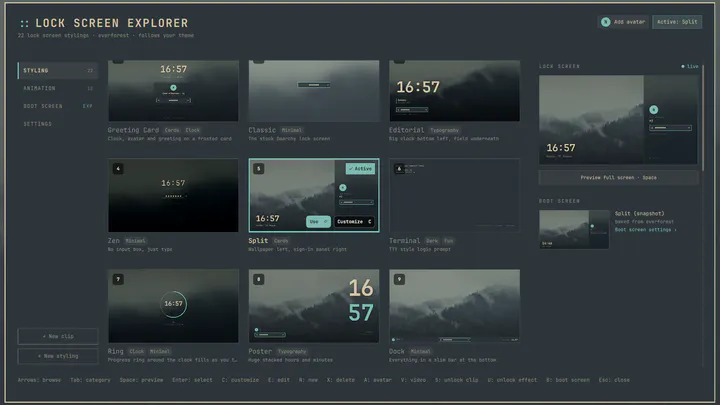
Lock Screen Explorer
by SirJul1337 · ★ 168
Lock screen designs for Omarchy, a picker to preview and switch between them, and a designer for building your own
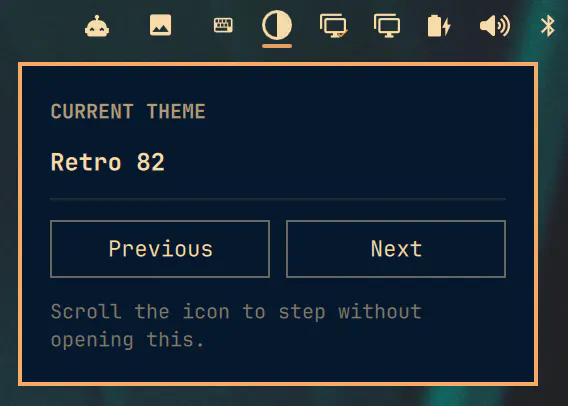
Omarchy ships a long list of themes, and names like Miasma, Lumon and Ristretto tell you nothing about how they look. Next Theme puts a contrast circle in your bar: click it for a popup with Previous and Next, or just scroll the icon. Every step applies the real theme to your whole desktop, and the popup stays open and re-colours itself as you browse. It steps in order and never shuffles, so you can walk back to the one you just passed and a single pass shows you every theme exactly once.
omarchy plugin add https://github.com/chyld/omarchy-next-theme.git --enableMenu: Super + Space → Setup → Plugins → Add
Plugins run as unsandboxed code. This site does not verify security. Third-party plugins run unsandboxed. Review the repo before enabling.
by SirJul1337 · ★ 168
Lock screen designs for Omarchy, a picker to preview and switch between them, and a designer for building your own
by Bobby Nicholas · ★ 49
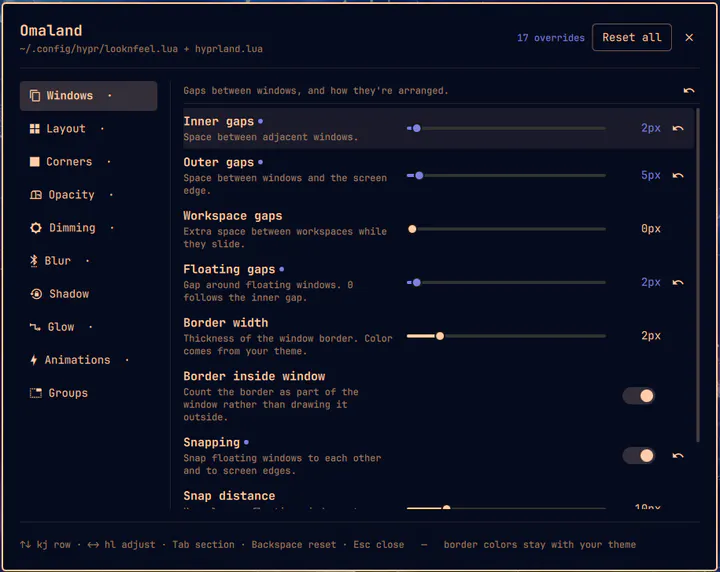
A panel for editing Hyprland's visual look and feel, with live preview. Writes a managed block into ~/.config/hypr/looknfeel.lua. Open from the Omarchy menu by searching 'Omaland' or from the terminal with: omarchy-shell shell toggle bobbynicholas.omaland