Time Machine
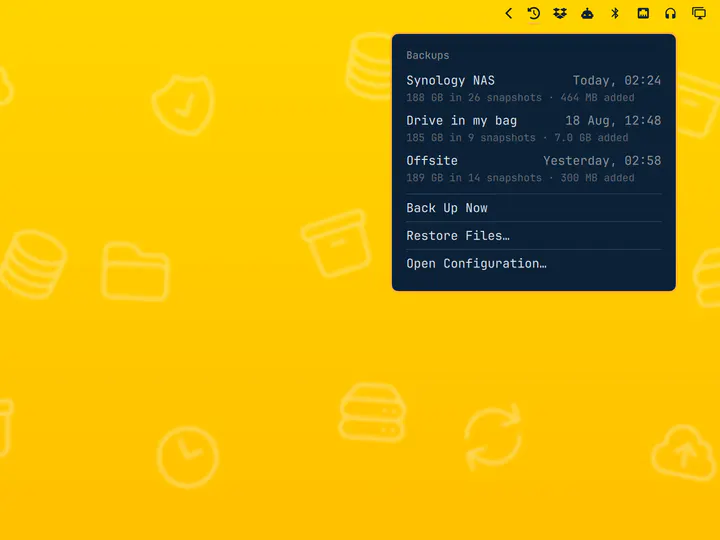
by Jankees · ★ 114
Scheduled restic backups with a destination picker and a snapshot browser
Reopens every window from your last session after a reboot or logout, on the workspace and monitor it was on, with floating geometry, groups, fullscreen and pinned state intact. Terminals reopen in their working directory; browsers keep their tabs. Snapshots within seconds of every change, so a reboot, a crash or the power button costs a few seconds at most, with nothing to wire up.

omarchy plugin add https://github.com/asmyshlyaev177/omarchy-last-session.git --enableMenu: Super + Space → Setup → Plugins → Add
Plugins run as unsandboxed code. This site does not verify security. Third-party plugins run unsandboxed. Review the repo before enabling.
by Jankees · ★ 114
Scheduled restic backups with a destination picker and a snapshot browser
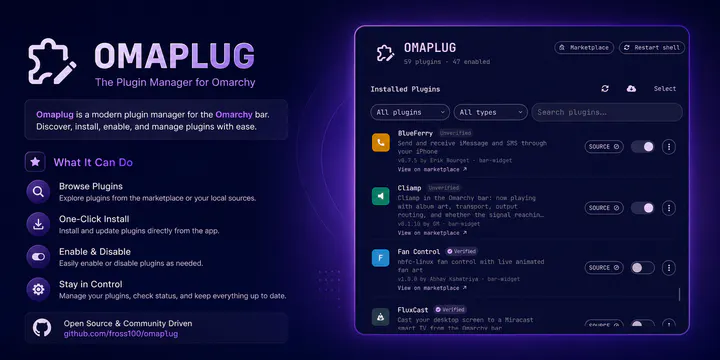
by Fross · ★ 66
Manage installed Omarchy plugins: enable/disable, update, install from git, and remove third-party plugins
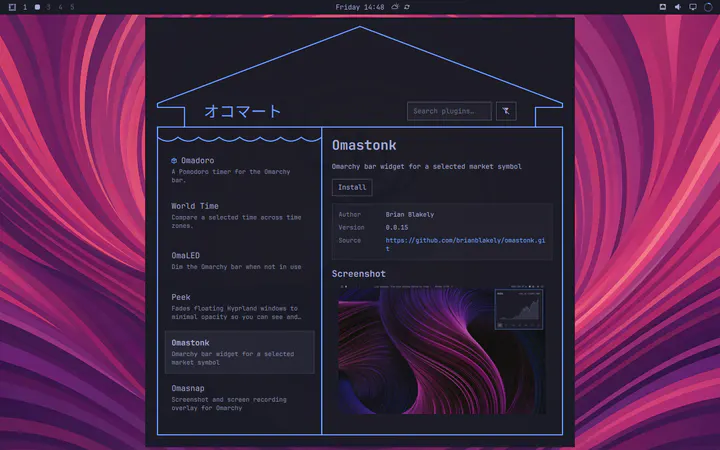
by Brian Blakely · ★ 64
Browse, install, enable, disable, update, and remove Omarchy plugins from a storefront interface