GitHub
by Rob Zolkos · ★ 58
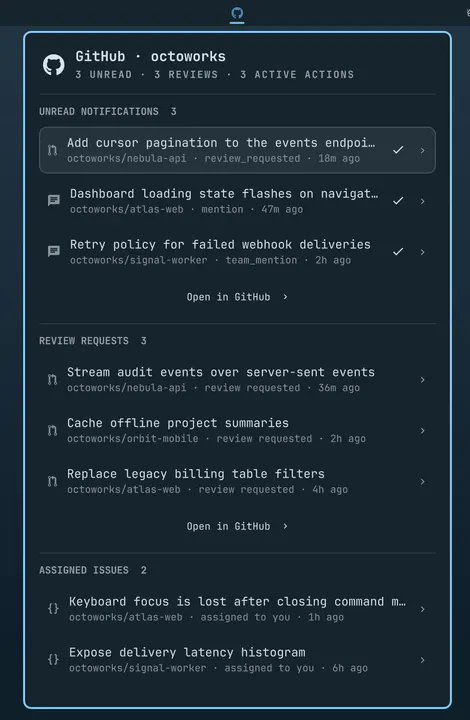
A keyboard-friendly GitHub inbox for notifications, reviews, your own pull requests, assigned issues, Actions, and repositories.
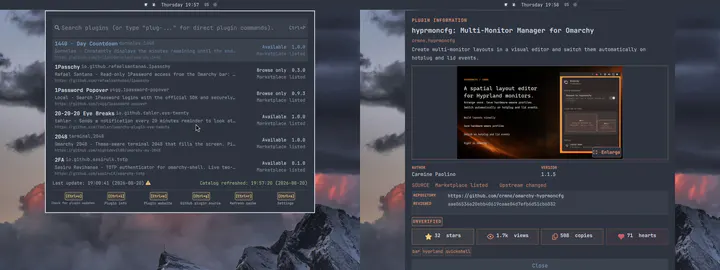
Fuzzy command palette (Ctrl+P-like) for quickly adding, updating, enabling, disabling, and removing plugins (a la Sublime Text Package Control or VS Code Command Palette). The tray icon can be hidden in the settings so it runs nicely in the background without bloating your system. The main keybinding is customizable. The palette opens only when you fire it up, so it works on slower systems with minimal overhead (approximately 10 MiB of additional memory while idle).
omarchy plugin add https://github.com/omarchy-QOL/plugin-control.git --enableMenu: Super + Space → Setup → Plugins → Add
Plugins run as unsandboxed code. This site does not verify security. Third-party plugins run unsandboxed. Review the repo before enabling.
by Rob Zolkos · ★ 58
A keyboard-friendly GitHub inbox for notifications, reviews, your own pull requests, assigned issues, Actions, and repositories.
by Kurt Buhler · ★ 52
Customizable IDE-like sidebars for managing files and referencing information in Omarchy.
by Jankees · ★ 51
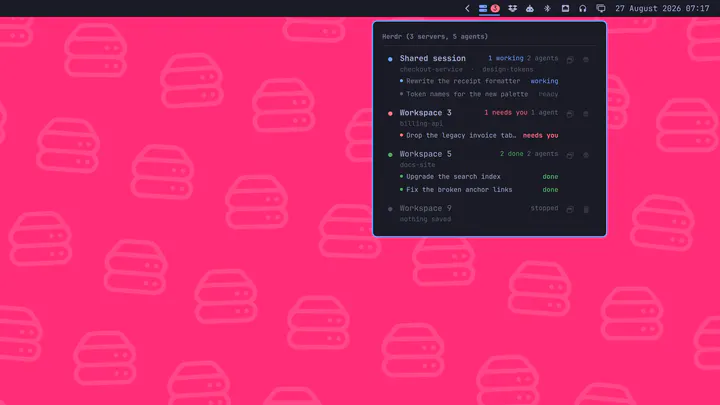
Running herdr servers in the bar, with every agent inside them, and a click that lands you on the one you picked