Themes are applied in this browser only. “Follow” reads
~/.local/state/omarchy/current with your permission and tracks
omarchy theme set live; nothing is uploaded.
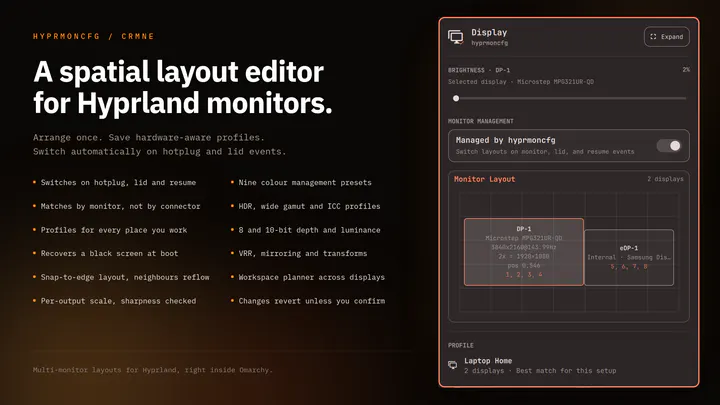
Plug your monitors in and the right layout comes back. Save a profile per setup and hyprmoncfg applies it automatically on hotplug, on lid open and close, and after suspend. Layout editor with per-display brightness, snapping, per-output scale and sharpness checking, HDR, wide gamut and ICC colour management, mirroring, rotation, and a workspace planner. Profiles match monitors by make, model and serial rather than the port they are plugged into, so moving a cable does not break your layout.
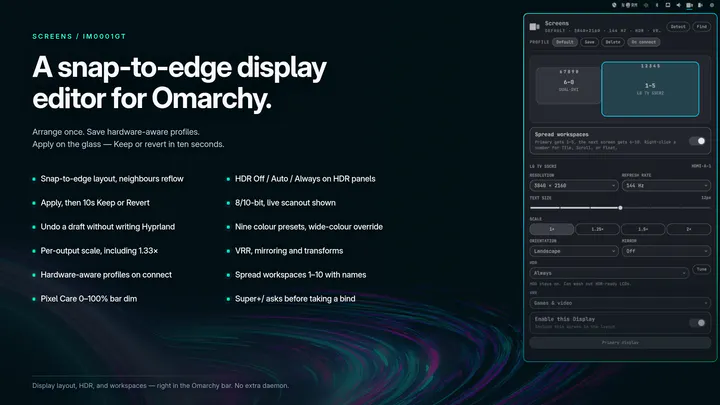
Snap-to-edge monitor layout with brightness, text size, HDR, VRR, hardware-aware profiles, optional bar dim, and workspace spreading with names, icons, and a configurable total