Omarchy Archive

Search GitHub

Feed / other

DragonLongSG: Share Anything on an Omarchy Machine With One Command Using omarchy-remote

DragonLongSG posts that omarchy-remote can share anything on an Omarchy machine with one command: "APIs, web apps, or the whole desktop in a browser. Private via Tailscale, public via Cloudflare/Pangolin with login.", linking a blog post and a YouTube video. In a follow-up reply they say "New in omarchy-remote: give a friend their own Omarchy desktop on your machine." and "Own account, own screen, firewalled off from your files, services and tailnet. They sign in from any browser with an email code.", and in another reply they link the code at second-state/omarchy-remote and the bar widget at second-state/omarchy-remote-plugin.

More like this

rodrigorojop: Omasyncro Syncs the Omarchy Theme and Wallpaper Between Two Computers

@rodrigorojop

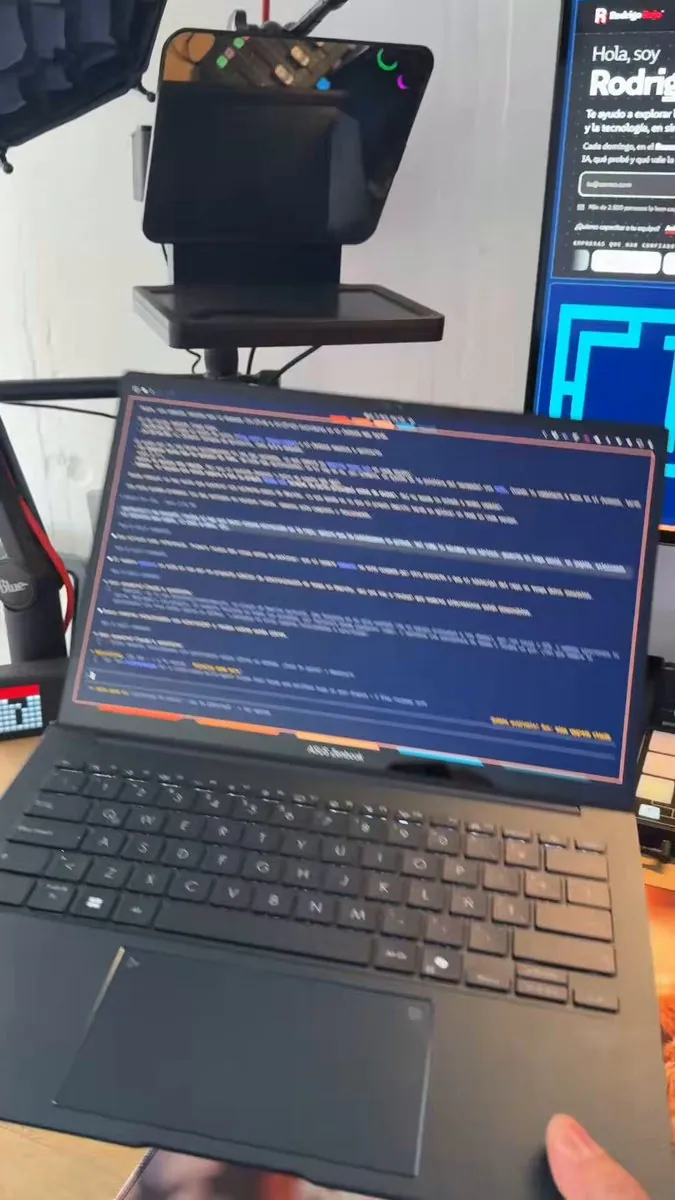
rodrigorojop says, in Spanish, "Puedes crear cualquier cosa!!" (anything can be created): with Omasyncro, changing the Omarchy theme on one computer also changes the theme on the other computer that has the app, and it works both ways; if the wallpaper changes, it syncs too ;). It requires Tailscale to operate, which makes it intimately easier ("jaja"), and they link lordyoyi/omasyncro; the still is a hand holding open a laptop showing a blue terminal full of text inside a pink border, in front of a monitor showing a web page that begins "Hola, soy".
juntao: omarchy-remote Is the Answer to Accessing an AI Shed's Omarchy UI on the Go, With Just a Web Browser

@juntao

juntao says "Omarchy is the future of Linux Desktop. It is also a malleable agent OS for your “AI Shed” at home or office." They ask "But how do you access your AI Shed’s beautiful @OmarchyLinux UI on the go?" and answer "The answer is omarchy-remote. All you need is a web browser.", quoting a dhh post that every developer needs an AI shed, and in a follow-up reply link the source code and docs at second-state/omarchy-remote.

gladimdim: Misses SUPER DESKTOP Freedom of Movement When Stuck on macOS

@gladimdim

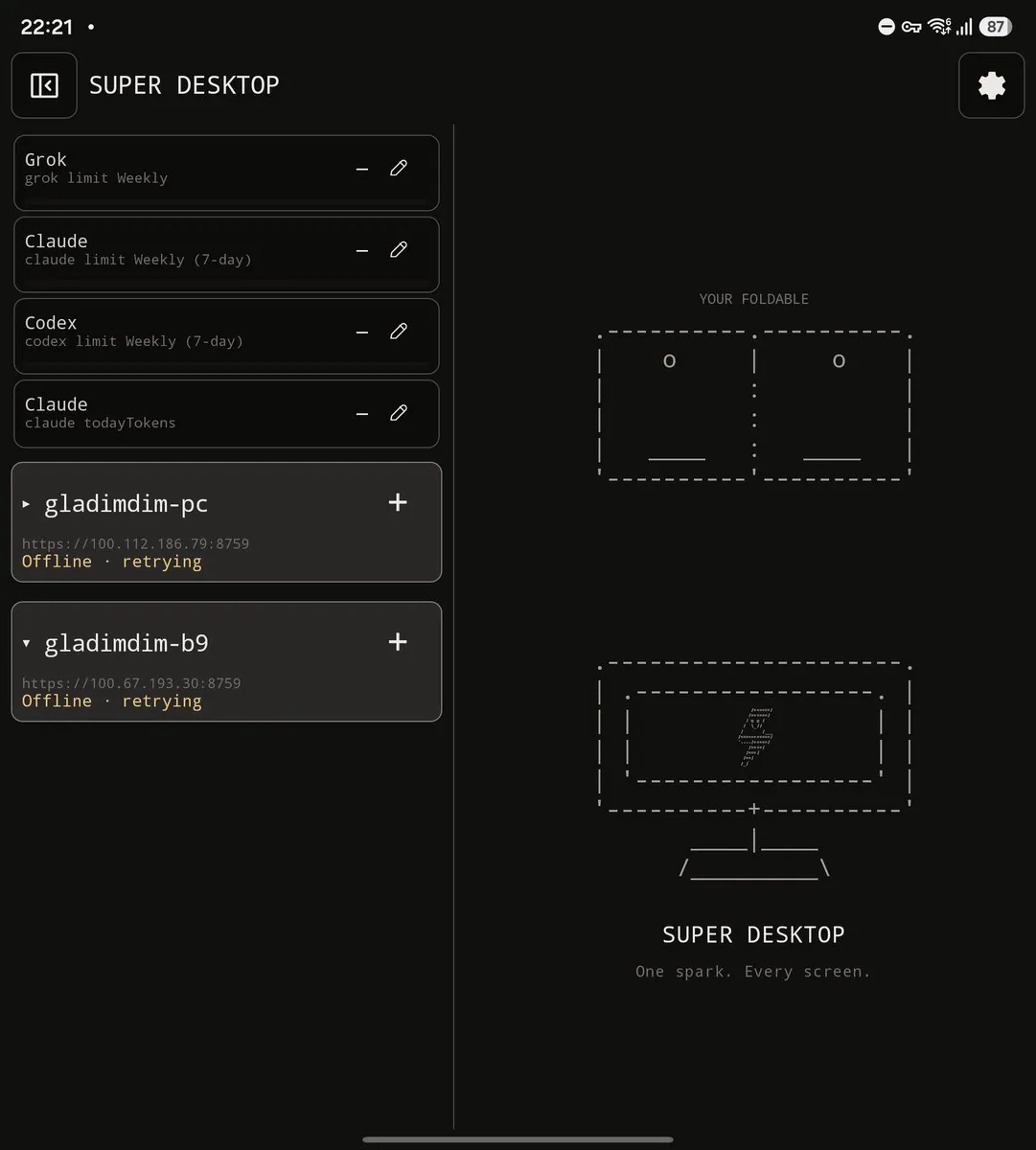
gladimdim really misses SUPER DESKTOP on macOS, saying it is like working with hands tied, cannot remote access an agent that cooks an iOS Super Desktop app, and has to sit at the desk like an ancient scholar, while with Omarchy and SUPER DESKTOP any idea can be typed into a remote agent and be cooked by the time of return, even updating android apps on-the-fly; the screenshot is a SUPER DESKTOP phone UI with Grok Claude and Codex limit cards, gladimdim-pc and gladimdim-b9 Offline · retrying, and a right panel reading "YOUR FOLDABLE" above ASCII foldable and monitor art with "One spark. Every screen."