Omarchy Archive

Search GitHub

Feed / idea

_hhnj: Two Pitfalls With the Typeless Linux Version on Omarchy, Fixed With Two Hyprland Settings

_hhnj says, in Chinese, that after switching their main development environment to Omarchy they installed the Linux version of Typeless and hit two pitfalls on the first day: voice input worked in Chrome but could not paste a single character in kitty, and the small floating dictation window disappeared when switching workspaces. The root cause is that the Fcitx5 engine was not packaged into the installer at all, and every time it fell back to clipboard + Ctrl+V, which of course the terminal does not accept. Two Hyprland settings fixed it, and they link their write-up, which they say can be handed straight to an AI.

More like this

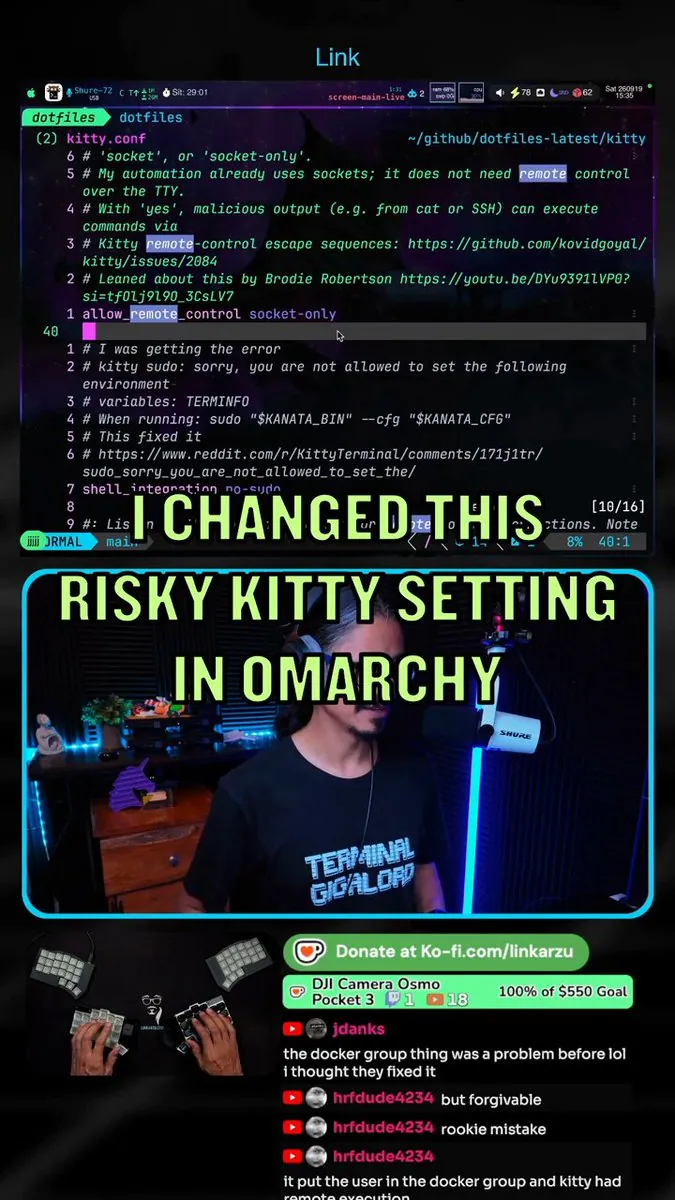
link_arzu: Flags Kitty Remote Control Set to Yes in Omarchy and Switches to Socket-Only

@link_arzu

link_arzu found Kitty remote control set to yes in Omarchy, which could expose users to code execution, switched to socket-only, and explains what to check; the still is a vertical collage with Neovim on kitty.conf highlighting allow_remote_control socket-only and overlay "I CHANGED THIS", a streamer panel reading "RISKY KITTY SETTING IN OMARCHY", a hand-cam on a split keyboard, and chat cut off at "it put the user in the docker group and kitty had".
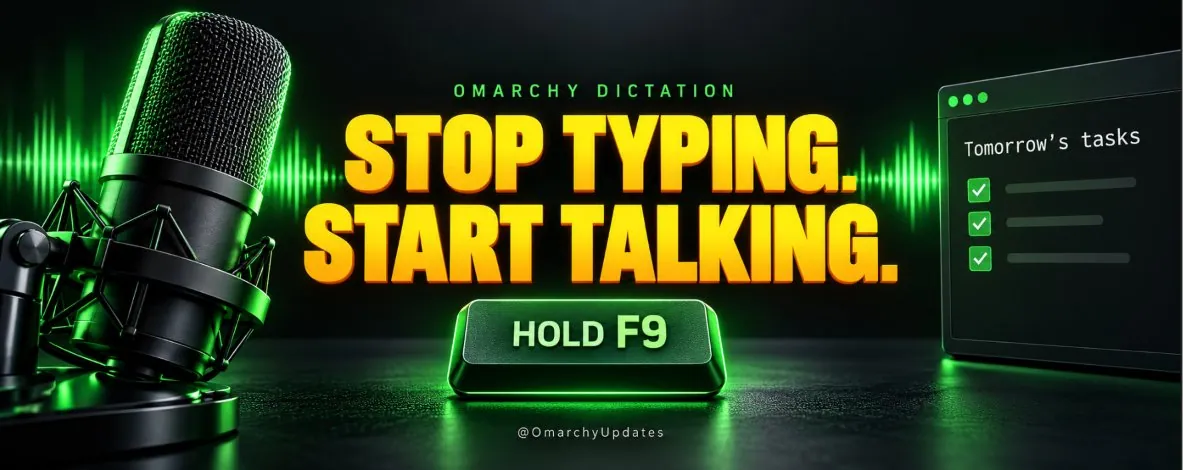
OmarchyUpdates: Omarchy Voice Dictation Hold F9 Demo

@OmarchyUpdates

OmarchyUpdates demonstrates Omarchy voice dictation: install via Omarchy menu, Install, AI, Dictation, click where text should go, hold F9, speak, then release so words appear in the focused field, useful for quick notes, messages, and longer AI prompts with a check of the transcription before sending; the promo graphic reads "OMARCHY DICTATION." and "STOP TYPING. START TALKING." beside a mic, a glowing HOLD F9 key, and a Tomorrow's tasks checklist.