Omarchy Archive

Search GitHub

Feed / other

itsKanishkP: Built oms to Bring the 22 Omarchy Themes to a Mac

itsKanishkP loves dhh's Omarchy themes and wallpapers but has a Mac as a work machine, so itsKanishkP built oms: pick one of the 22 Omarchy themes and it recolors Ghostty, sets the wallpaper on every Space, and themes nvim, btop, bat & tmux, with one key; the still is a dimmed macOS Ghostty window with a tab named "oms-demo.gif conversion to video" and an empty prompt.

More like this

betizzel: Thinks Tern Looks Better on Omarchy Than macOS

@betizzel

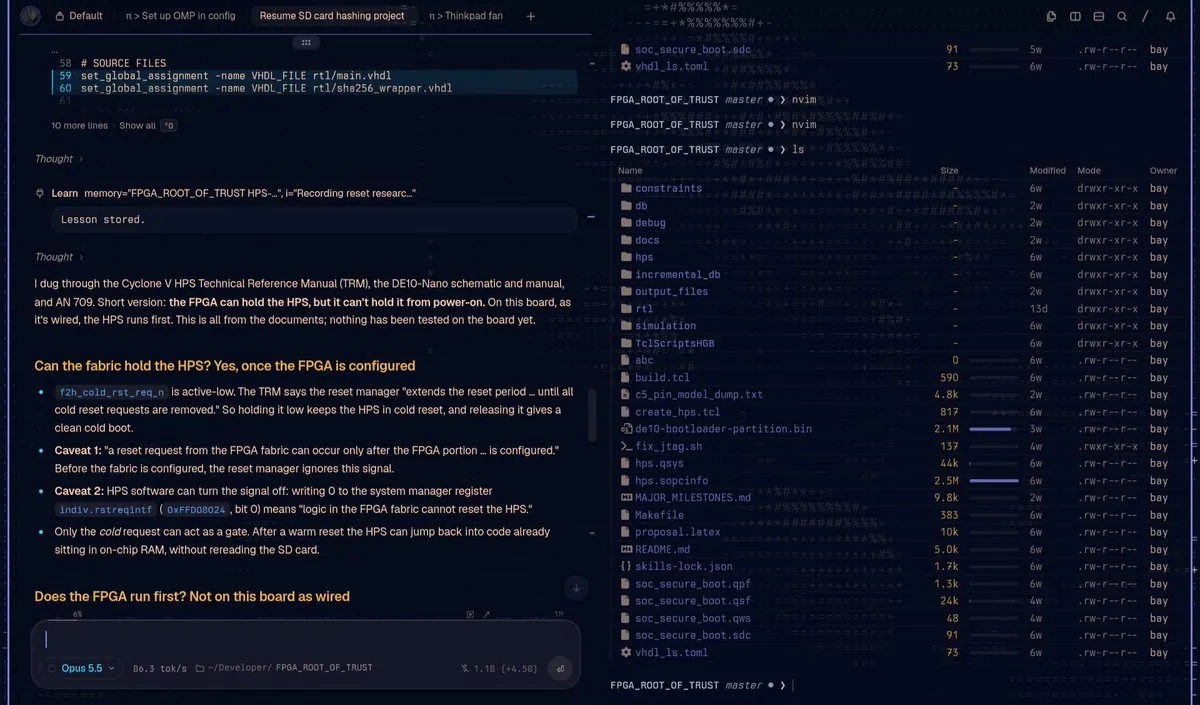
betizzel says "I think Tern looks better on Omarchy than macOS"; the still is a window with tabs "Default", "π > Set up OMP in config", "Resume SD card hashing project", and "π > Thinkpad fan", an agent pane with "Opus 5.5" selected answering "Can the fabric hold the HPS? Yes, once the FPGA is configured", beside a terminal pane listing files at a "FPGA_ROOT_OF_TRUST master" prompt.

r13: rhun Starts in 13.55 ms (Median)

@r13

r13 says "rhun starts in 13.55 ms (median).": "A code editor written in assembly, with built-in support for Omarchy's default themes. Switch your desktop theme and rhun follows." Their startup times put rhun 0.17.7 at a 13.55 ms median, Neovim 0.12.5 (Omarchy LazyVim configuration) at 276.53, and VS Code 1.141.0 (clean profile, no extensions) at 997.89: "About 74x shorter startup than VS Code in this test, based on medians."; the still is a nearly empty dark terminal with a prompt reading "rhun main" before the command "rhun".

rodrigorojop: Omasyncro Syncs the Omarchy Theme and Wallpaper Between Two Computers

@rodrigorojop

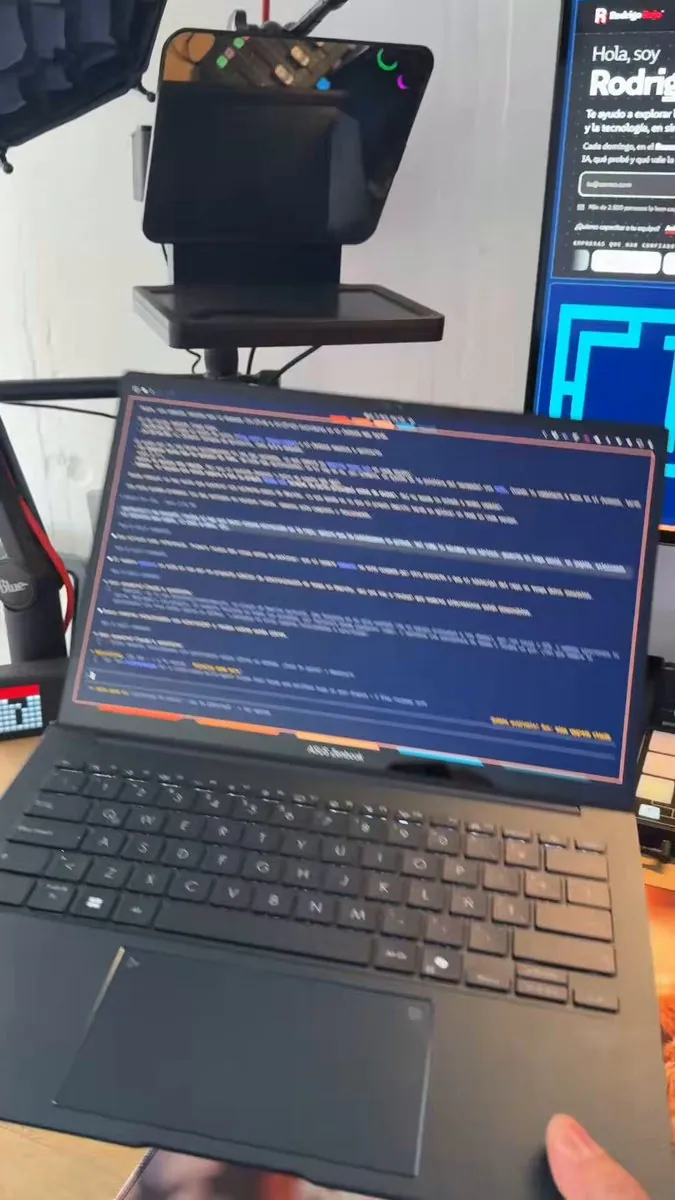
rodrigorojop says, in Spanish, "Puedes crear cualquier cosa!!" (anything can be created): with Omasyncro, changing the Omarchy theme on one computer also changes the theme on the other computer that has the app, and it works both ways; if the wallpaper changes, it syncs too ;). It requires Tailscale to operate, which makes it intimately easier ("jaja"), and they link lordyoyi/omasyncro; the still is a hand holding open a laptop showing a blue terminal full of text inside a pink border, in front of a monitor showing a web page that begins "Hola, soy".