Omarchy Archive

Search GitHub

Feed / other

ScreenHop — Multi-Device Web Preview on Omarchy

Jeremaia’s ScreenHop previews a site across devices side by side with synced interactions plus screenshots and recordings from the Omarchy desktop.

More like this

aureliennavarre: Just Released omaroute, Per-App Link Routing for Omarchy / Hyprland

@aureliennavarre

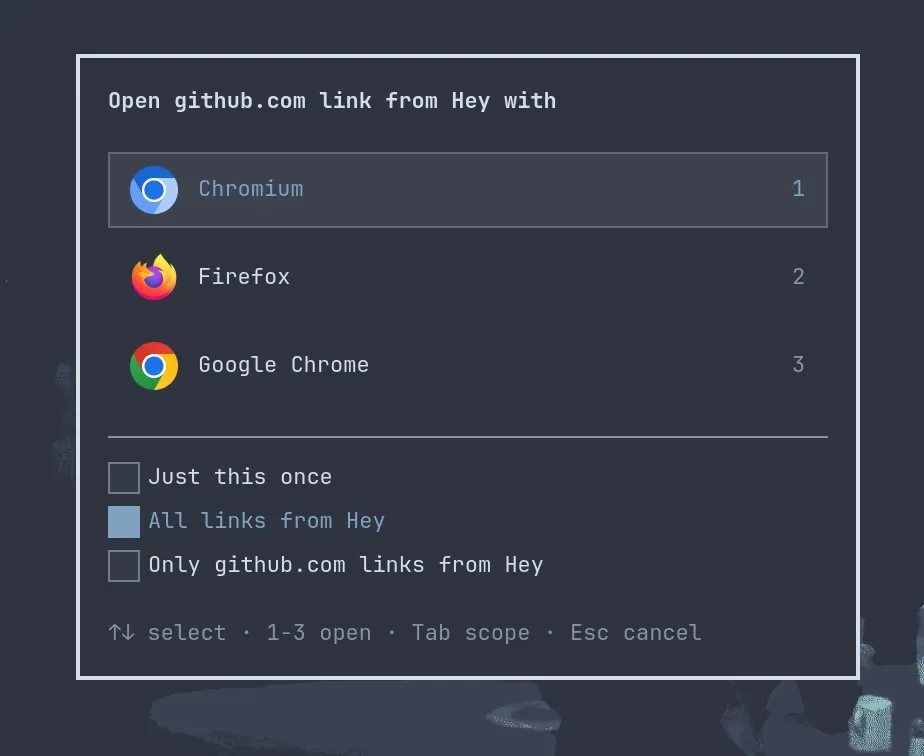
aureliennavarre says "Just released omaroute! Per-app link routing for #omarchy / Hyprland. Simple, never in the way and configurable.", linking anavarre/omaroute; the still is a dialog asking which browser should open a link from Hey, listing "Chromium" ("1"), "Firefox" ("2"), and "Google Chrome" ("3"), with "Just this once", "All links from Hey" (selected), and a third scope option, above the hints "1-3 open", "Tab scope", and "Esc cancel".
juntao: omarchy-remote Is the Answer to Accessing an AI Shed's Omarchy UI on the Go, With Just a Web Browser

@juntao

juntao says "Omarchy is the future of Linux Desktop. It is also a malleable agent OS for your “AI Shed” at home or office." They ask "But how do you access your AI Shed’s beautiful @OmarchyLinux UI on the go?" and answer "The answer is omarchy-remote. All you need is a web browser.", quoting a dhh post that every developer needs an AI shed, and in a follow-up reply link the source code and docs at second-state/omarchy-remote.

IAmMonetApp: Building a Whole Website With an Agent Is Now a Loop, Not a Chat

@IAmMonetApp

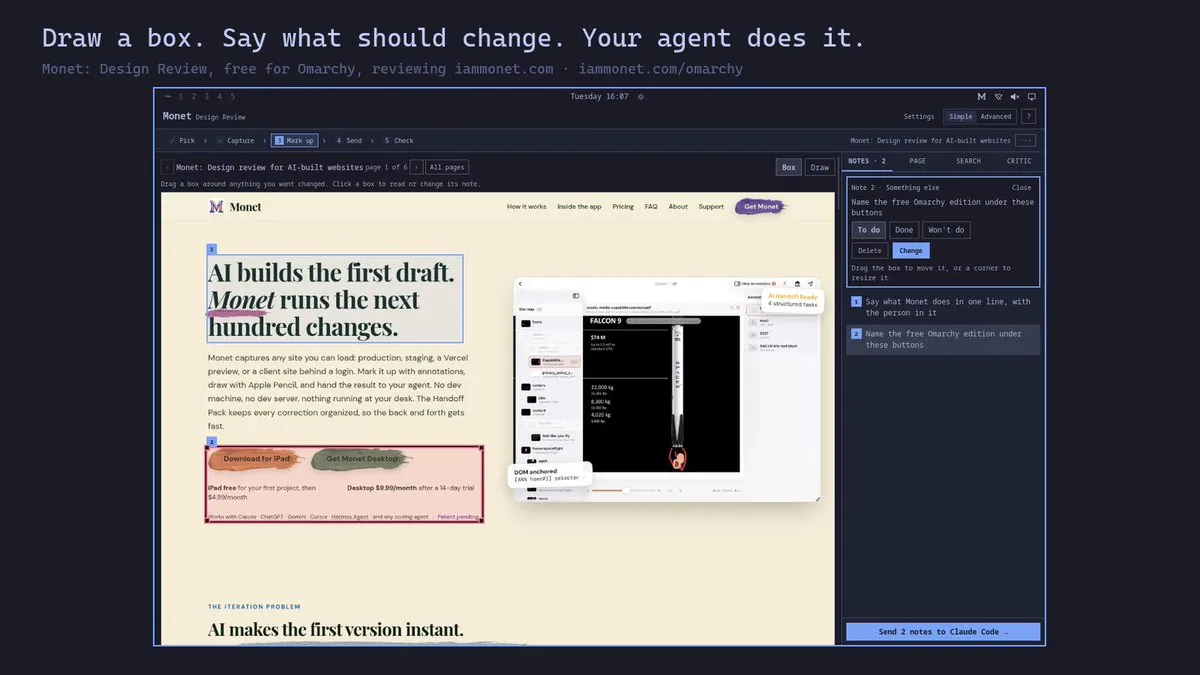
IAmMonetApp says "Building a whole website with an agent is now a loop, not a chat." They post Monet: Design Review, free for Omarchy: the agent builds the site, the user draws a box on what should change and says what, and Monet hands it to the agent and shows the fix before and after, adding "It follows your theme." In a follow-up reply they say they built this version so some 11+ year olds can have fun building websites while learning the joys of Omarchy on some old MacBooks; the still is a card headed "Draw a box. Say what should change. Your agent does it." above a Monet window with "Pick", "Capture", "Mark up", "Send", and "Check" steps, a website page reading "AI builds the first draft. Monet runs the next hundred changes." marked with boxes, a notes panel including "Name the free Omarchy edition under these buttons", and a "Send 2 notes to Claude Code →" button.