Omarchy Archive

Search GitHub

Feed / other

learnomarchy Keybind Trainer

lamb_rafa highlights learnomarchy — an open-source keybind trainer that runs in your own Omarchy session (github.com/MaximilianHansen/learnomarchy).

More like this

aureliennavarre: Just Released omaroute, Per-App Link Routing for Omarchy / Hyprland

@aureliennavarre

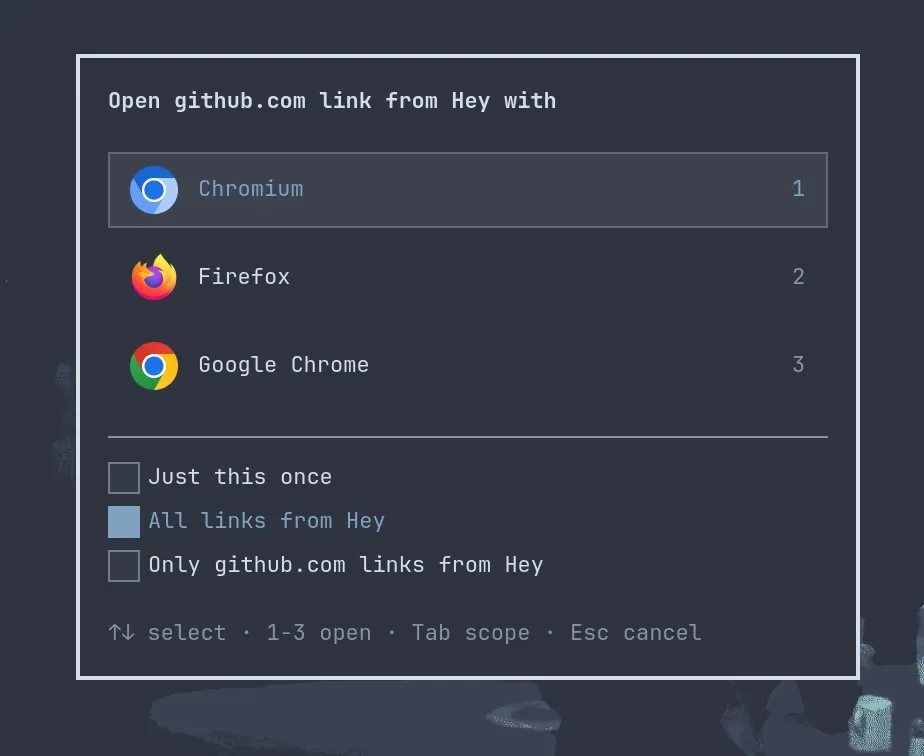
aureliennavarre says "Just released omaroute! Per-app link routing for #omarchy / Hyprland. Simple, never in the way and configurable.", linking anavarre/omaroute; the still is a dialog asking which browser should open a link from Hey, listing "Chromium" ("1"), "Firefox" ("2"), and "Google Chrome" ("3"), with "Just this once", "All links from Hey" (selected), and a third scope option, above the hints "1-3 open", "Tab scope", and "Esc cancel".
thealexbear: Built a Logger to Chart Super+K Shortcut List Use on Omarchy

@thealexbear

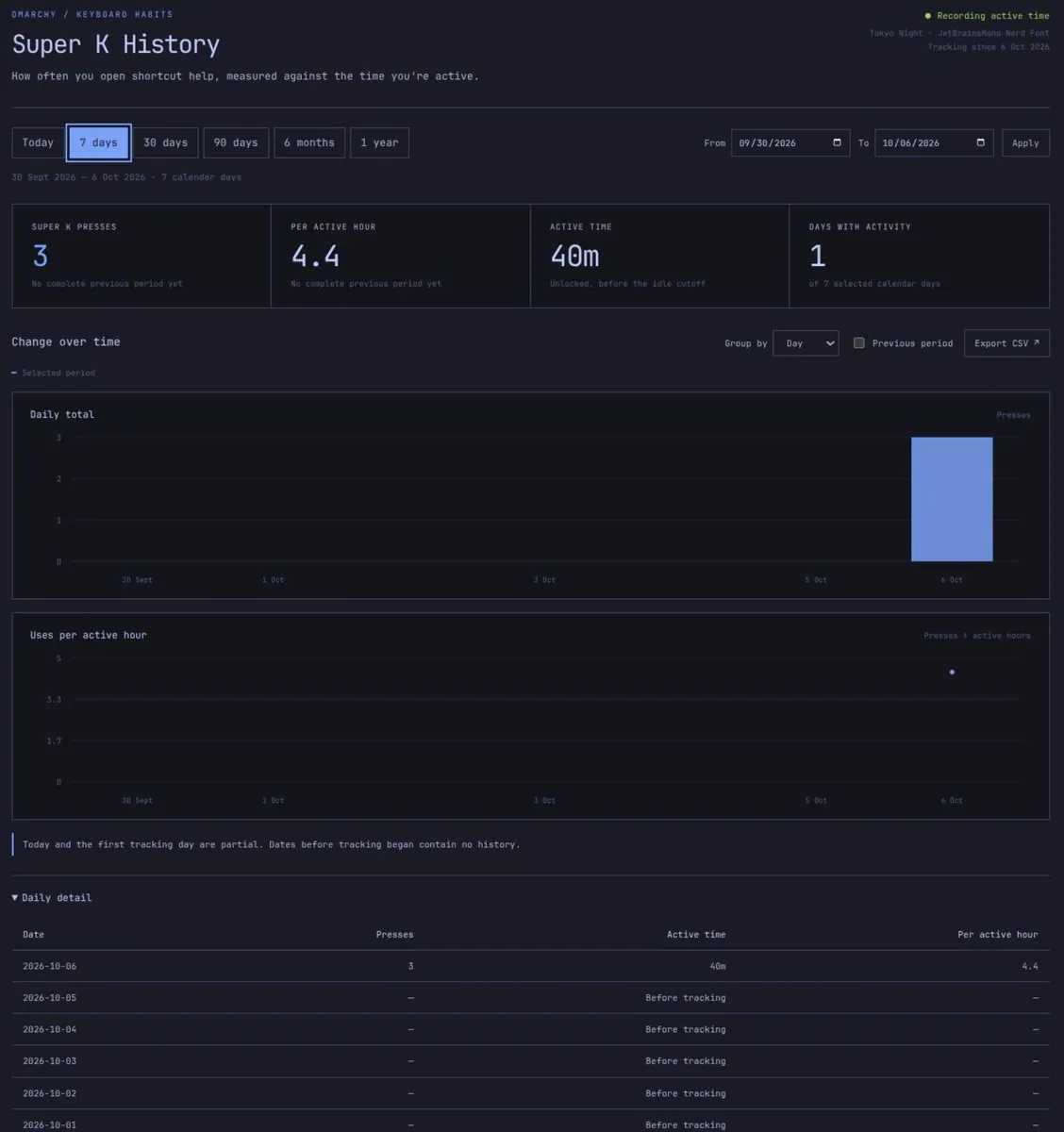
thealexbear says there are lots of 'Surprise and Delight' features on Omarchy and their first morning on it is great: intuitive, with the only challenge getting used to keyboard-based navigation, so they built a logger to see how many times they use Super+K (Shortcut list) to chart their learning, plus "a top bar per hour readout"; the still is a dark "Super K History" page under "OMARCHY / KEYBOARD HABITS" with the "7 days" range selected, SUPER K PRESSES 3, PER ACTIVE HOUR 4.4, ACTIVE TIME 40m, and DAYS WITH ACTIVITY 1, a "Daily total" bar on 6 Oct, and a Daily detail table marking earlier days "Before tracking".

tahayvr: OMARCHIST v2 Is Here With a New Keybind Manager and Flows

@tahayvr

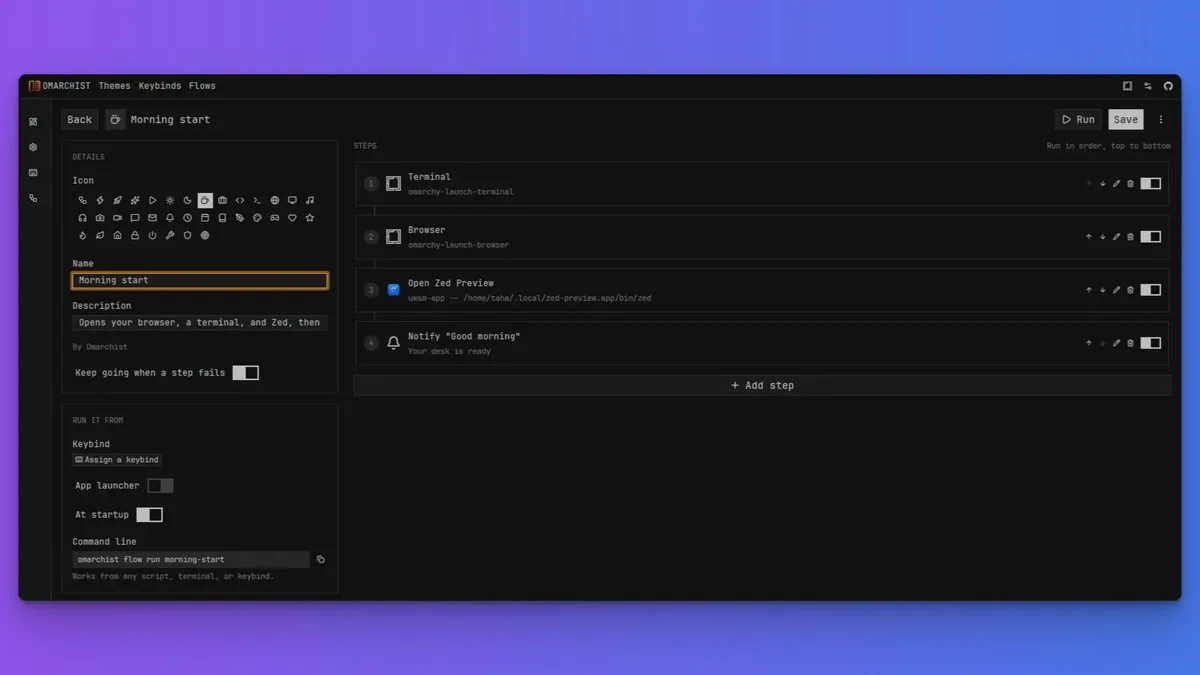
tahayvr says OMARCHIST v2 is here with a new keybind manager and "Flows", calling it mac shortcuts for Omarchy: a flow strings actions together and runs them in order (open apps, run commands, move windows, wait, and send notifications), linking the tahayvr/omarchist v2.0.0 release; the still shows a "Morning start" flow with the steps Terminal, Browser, Open Zed Preview, and Notify "Good morning", a Keep going when a step fails toggle, and RUN IT FROM options for Keybind, App launcher, At startup, and Command line.