Omarchy MTV Theme Concept
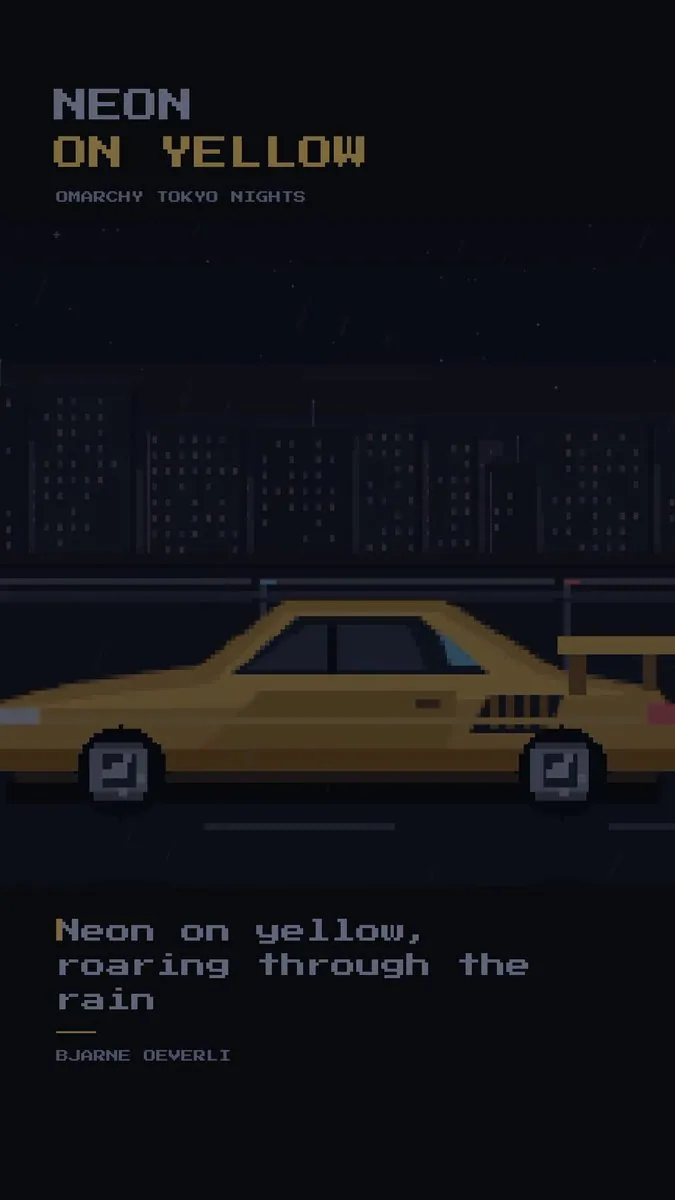
iamdothash shows an Omarchy MTV theme concept video, riffing on DHH’s Omarchy MTV song contest thread.
Records that name iamdothash as author. Nothing here is inferred from a screenshot.
iamdothash shows an Omarchy MTV theme concept video, riffing on DHH’s Omarchy MTV song contest thread.
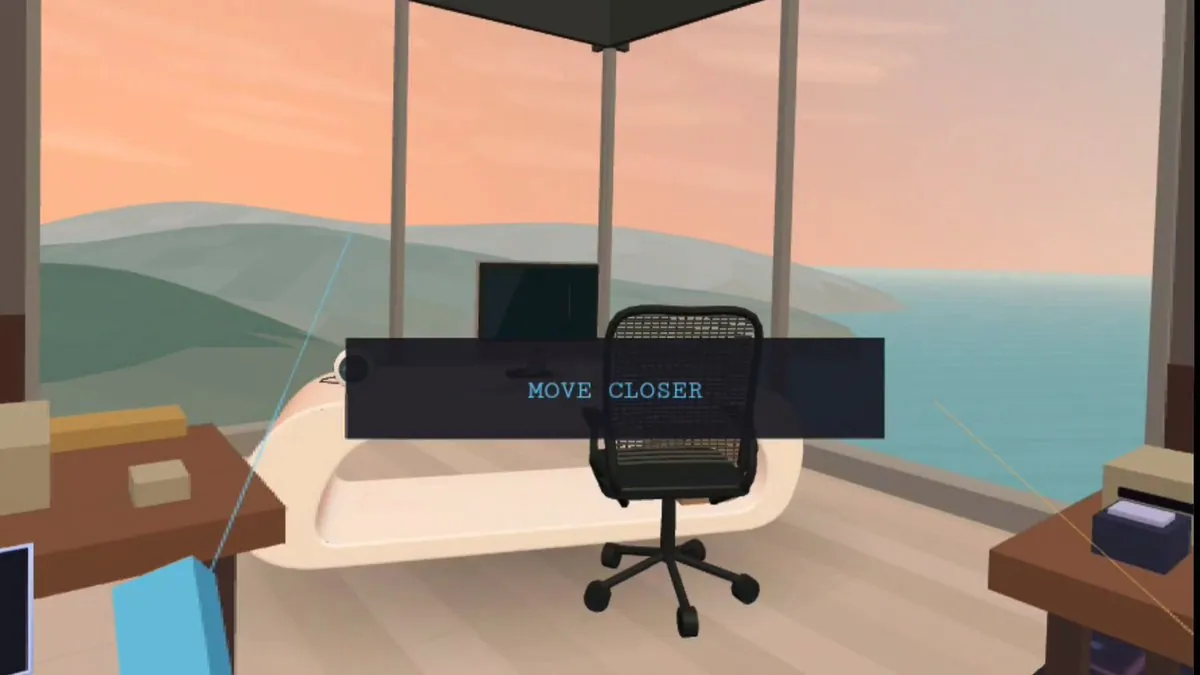
iamdothash shares a behind-the-scenes video of the iconic Malibu desk and introduces the Omarchy Core team.
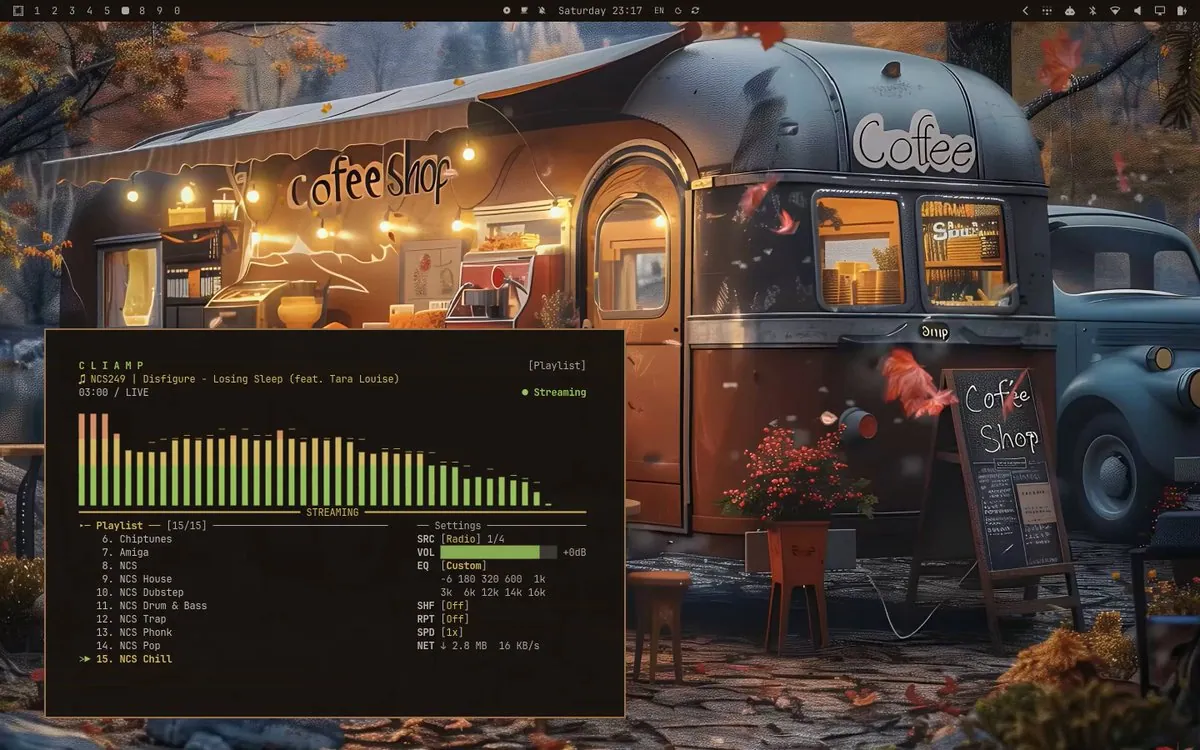
Video demo of the Omarchy Wallpaper Engine cycling themes, including a coffee theme — useful showcase of wallpaper/theme tooling on the desktop.
Bjarne’s Omarchy sunset theme clip: “Colors are important. Make the desktop yours” — a polished cinematic desktop pass with Chinese workspace numbering called out by fans.
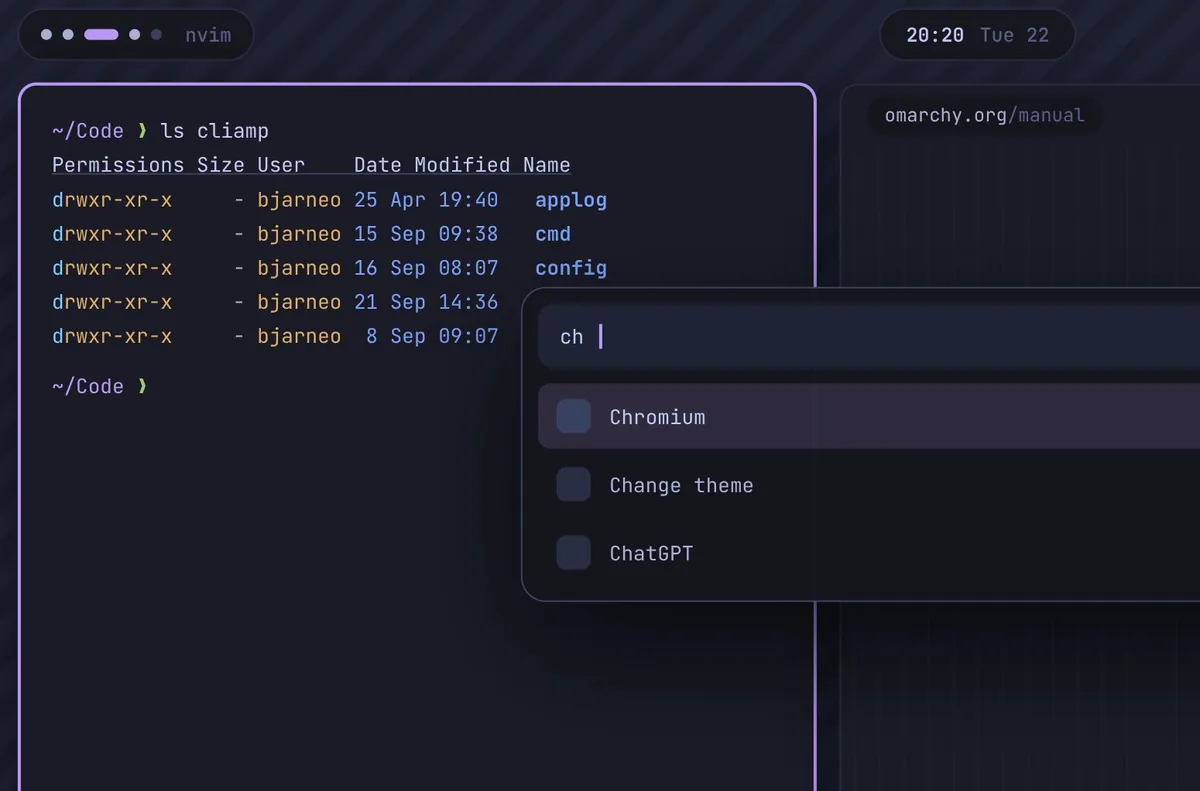
iamdothash experiments with rounded corners and island chrome on Omarchy while noting a preference for the default sharp edges.
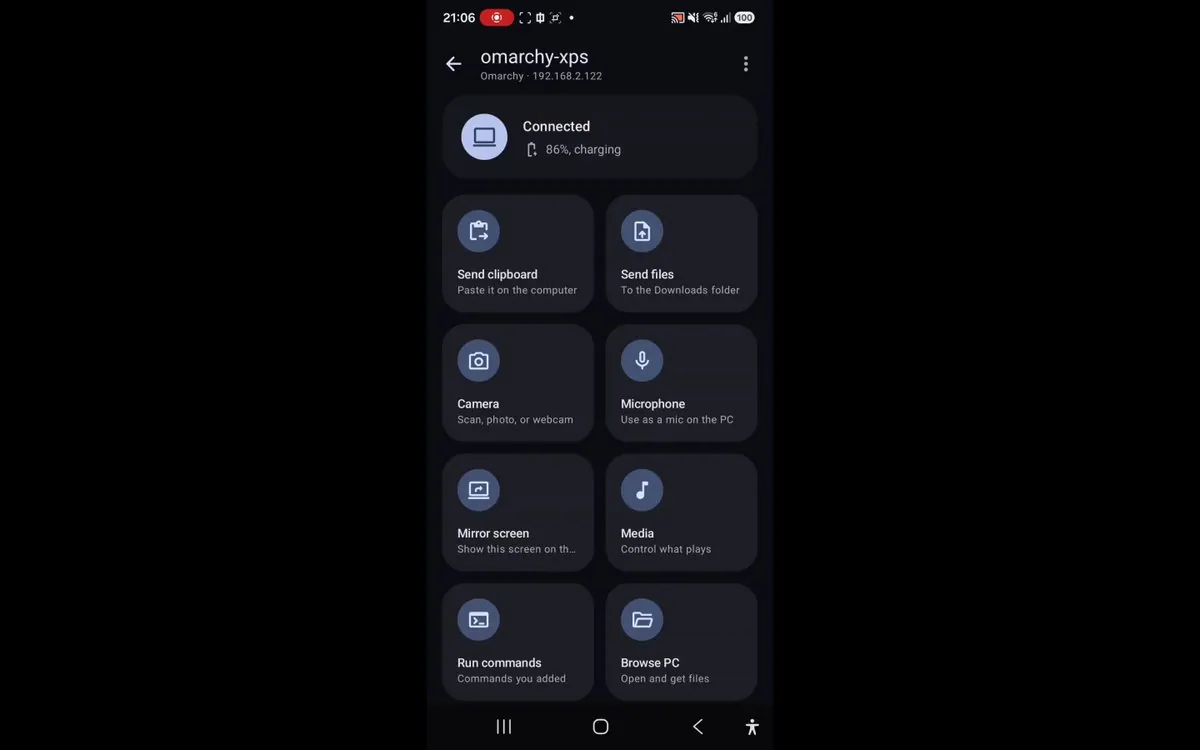
iamdothash introduces Flux, a phone-link for Omarchy with clipboard sync, fingerprint sudo approval, file transfer, notification bridging, call alerts, OCR, and remote find-my features.
iamdothash reintroduces Flux for Omarchy with a new marketing video after an earlier launch post.
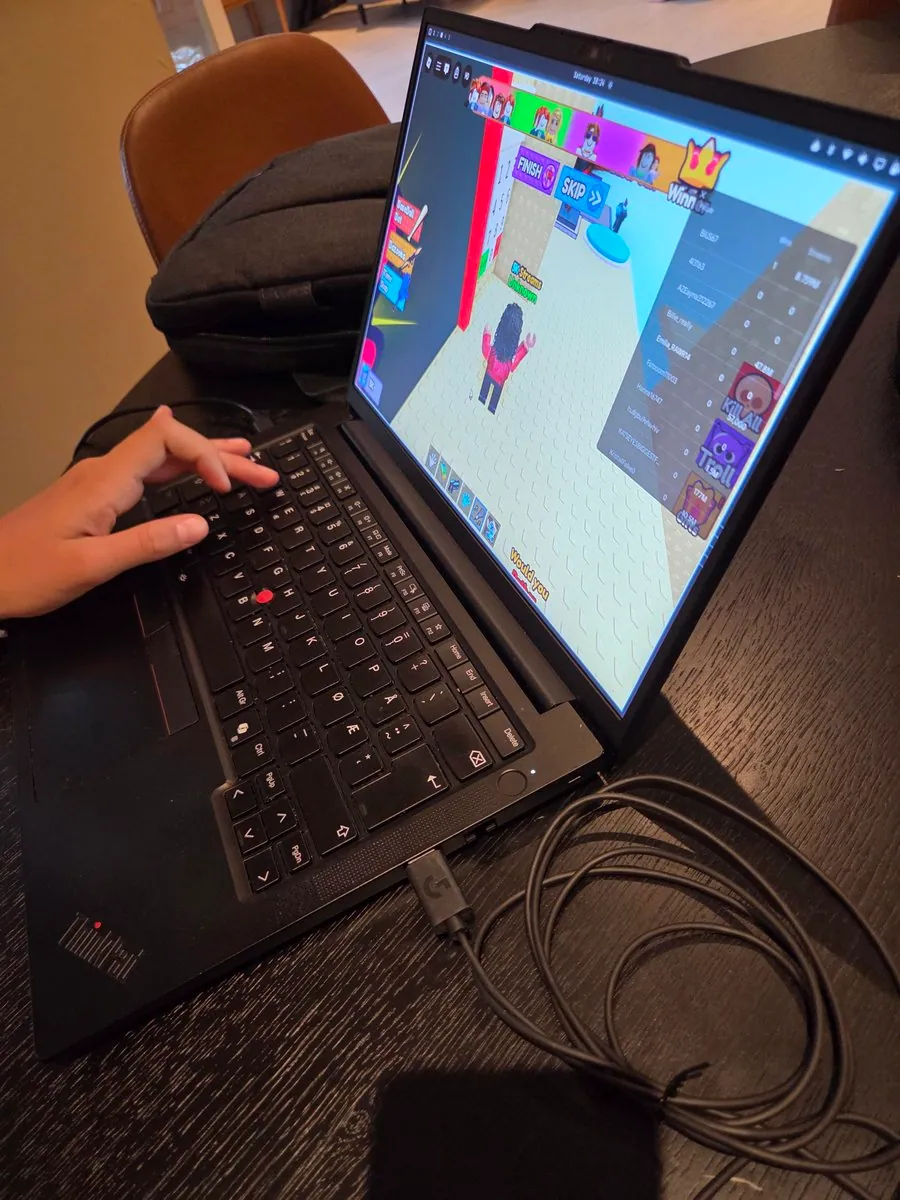
iamdothash shares a desk shot of a 12-year-old playing Roblox on an Omarchy machine.
iamdothash says Flux for Omarchy now supports connection over Tailscale, so both devices no longer need to share a Wi-Fi network; the video frame shows a dark desktop beside a phone UI for device omarchy-xps with Send files, Send clipboard, Camera, Ring PC, media controls for Weightless by Marconi Union, and an Agents tab.
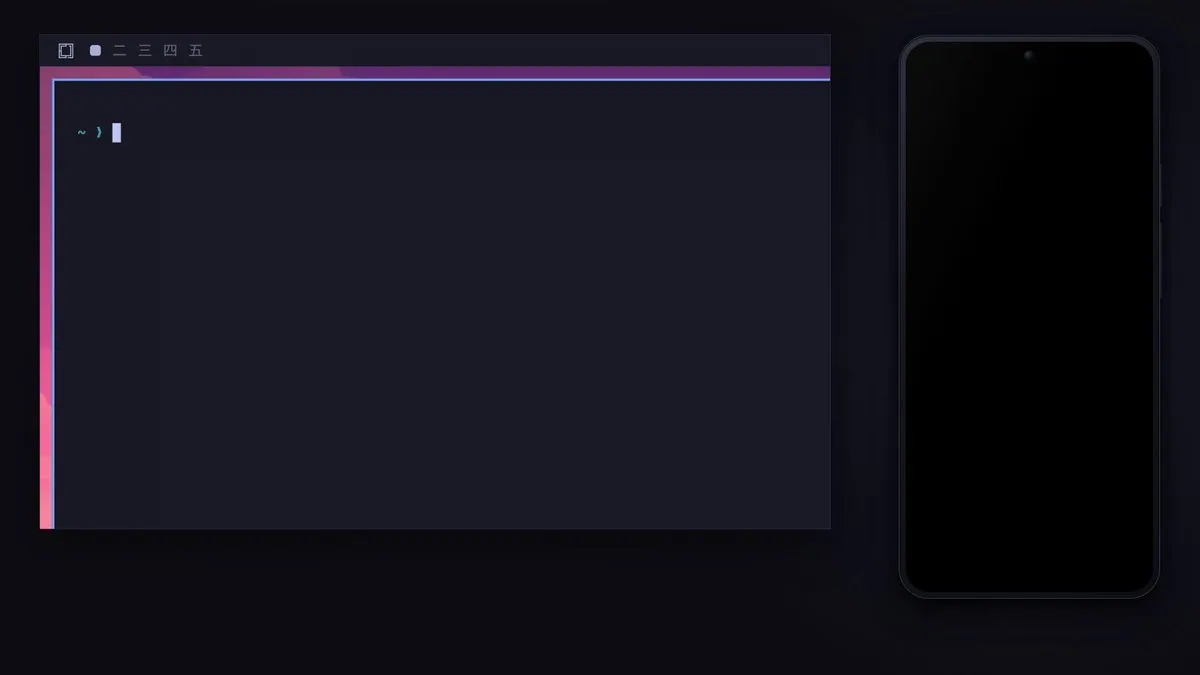
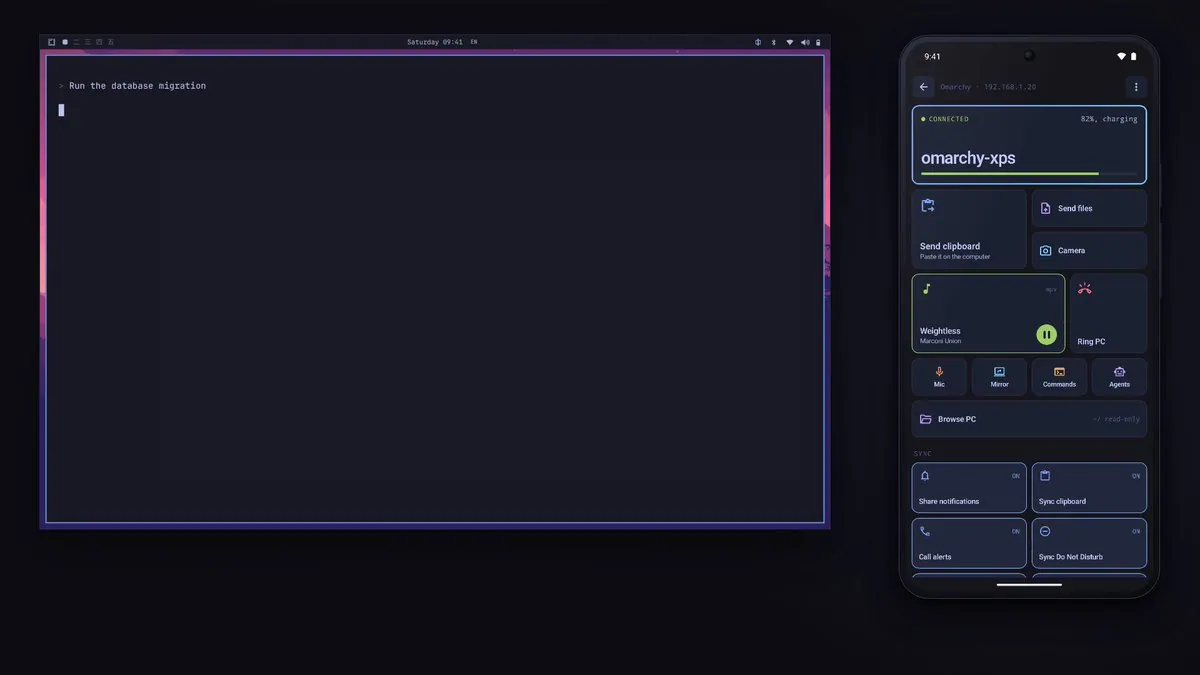
iamdothash announces a herdr integration for Flux, which can connect to a herdr instance over Wi-Fi or the Tailscale support iamdothash announced the same day; the video frame shows a purple-accent Omarchy desktop terminal with a Run the database migration prompt next to a phone app connected to omarchy-xps with clipboard, files, camera, mirror, commands, and agents controls.
iamdothash says Flux now supports remote desktop into an Omarchy machine; the dark video frame shows an Omarchy desktop beside the Flux phone app.
iamdothash says Aether has been neglected and is due to rise again, and shares a short video on using the software to create themes for an Omarchy setup.
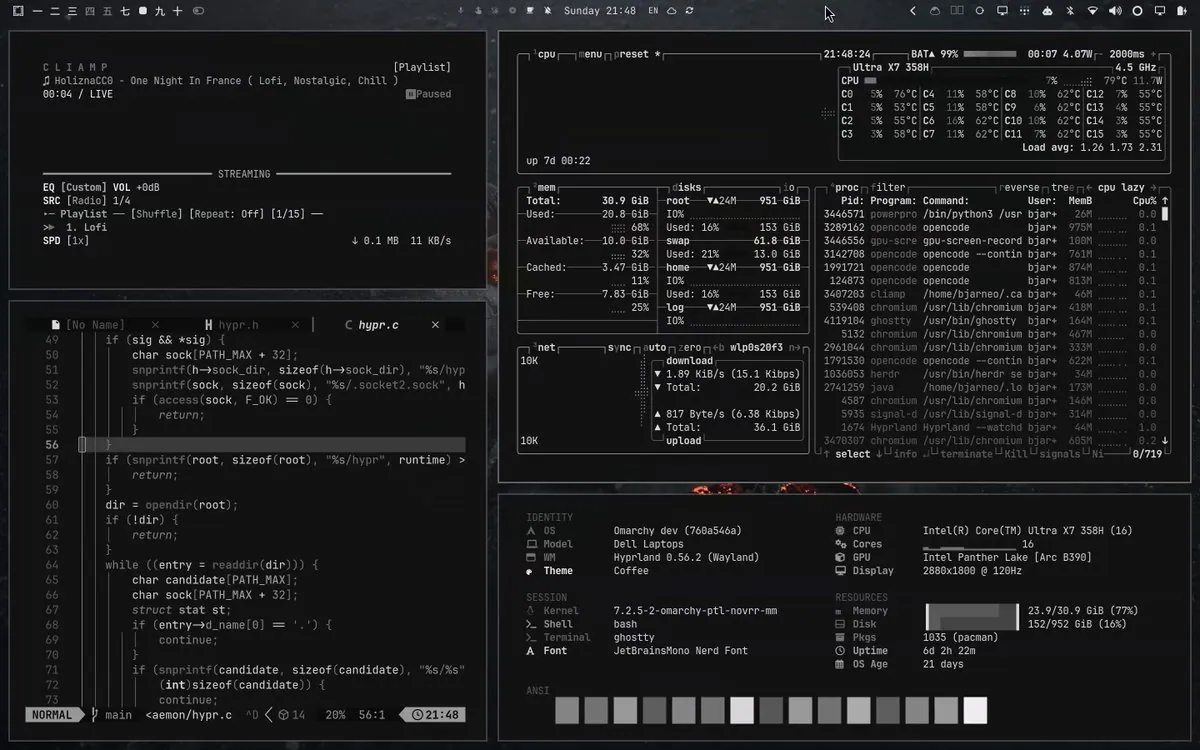
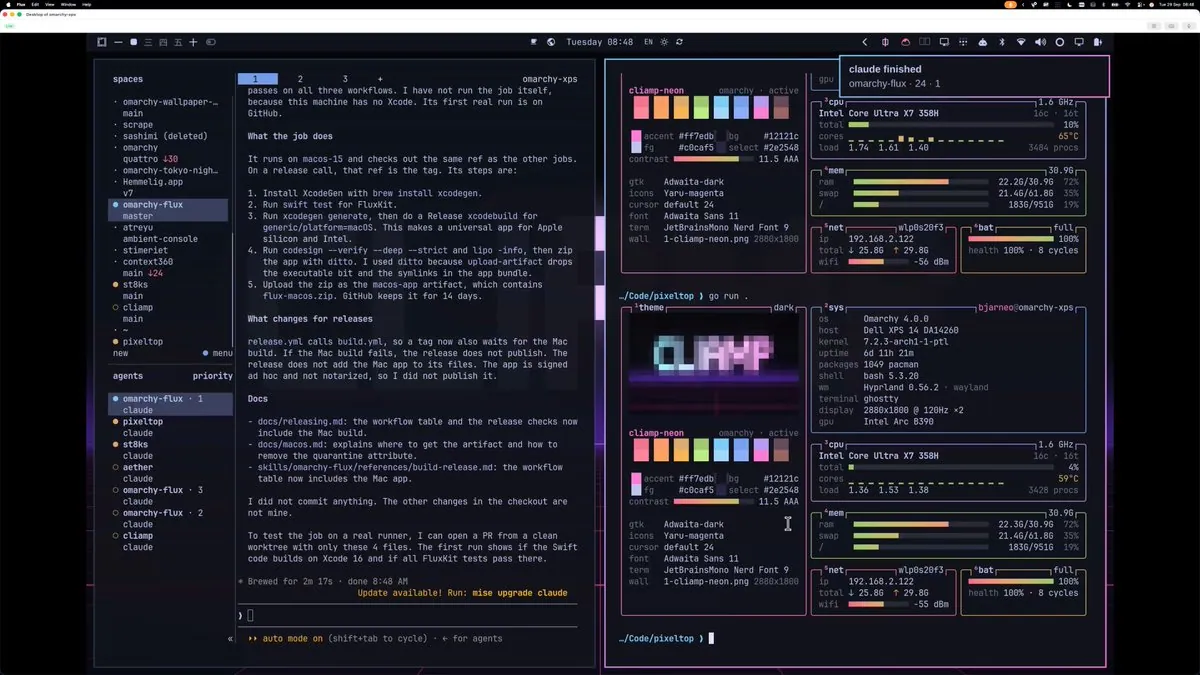
iamdothash shows Omarchy remote desktop through Flux using the macOS app; the screenshot is an Omarchy desktop with neon-noir panes, an omarchy-flux agent entry, and system monitors.
iamdothash says Flux now has an iOS and Mac build to handle an Omarchy instance remotely.
iamdothash posts a few new Omarchy themes for people who like pixels and coffee; the still is a wordmark splash with a pixel OMARCHY over a top-down latte with three nested foam hearts on wood beside scattered beans.
iamdothash asks "How do you manage it?" and answers "You use Flux. Connect your phone and Omarchy"; the still is nearly black, with a soft bluish ring and a dim purplish glow and no readable UI.
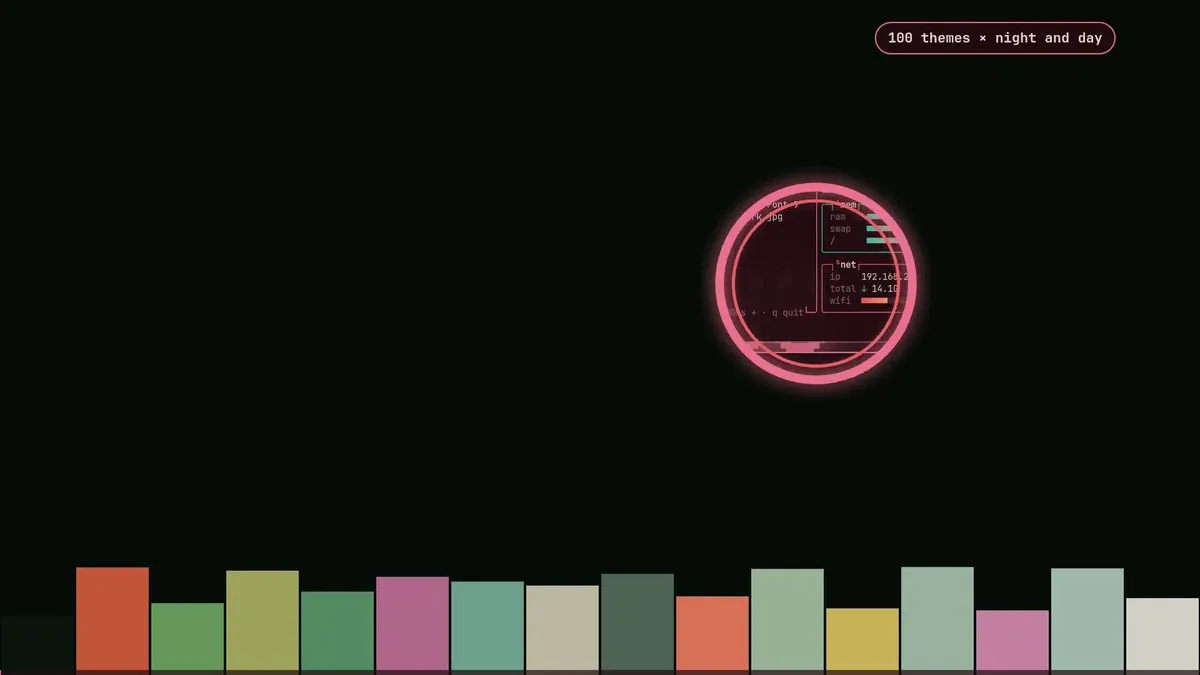
iamdothash says they've made too many themes since they started working on Omarchy stuff back in July last year: "Tema then Aether was born", and they've created hundreds, "both manually, AI and through Aether." They share a collection of many themes they have not published yet, "Ranging from other theme inspirations, to self made." They are not sure how many more themes they need to make, adding "Wallpapers suck" and asking anyone with something suitable to create PRs; the still is a dark screen with a pink-ringed circle framing part of a terminal with "ram" and "swap" rows and a "net" box with a "wifi" row, a "100 themes × night and day" label at the top right, and a row of colored bars along the bottom.
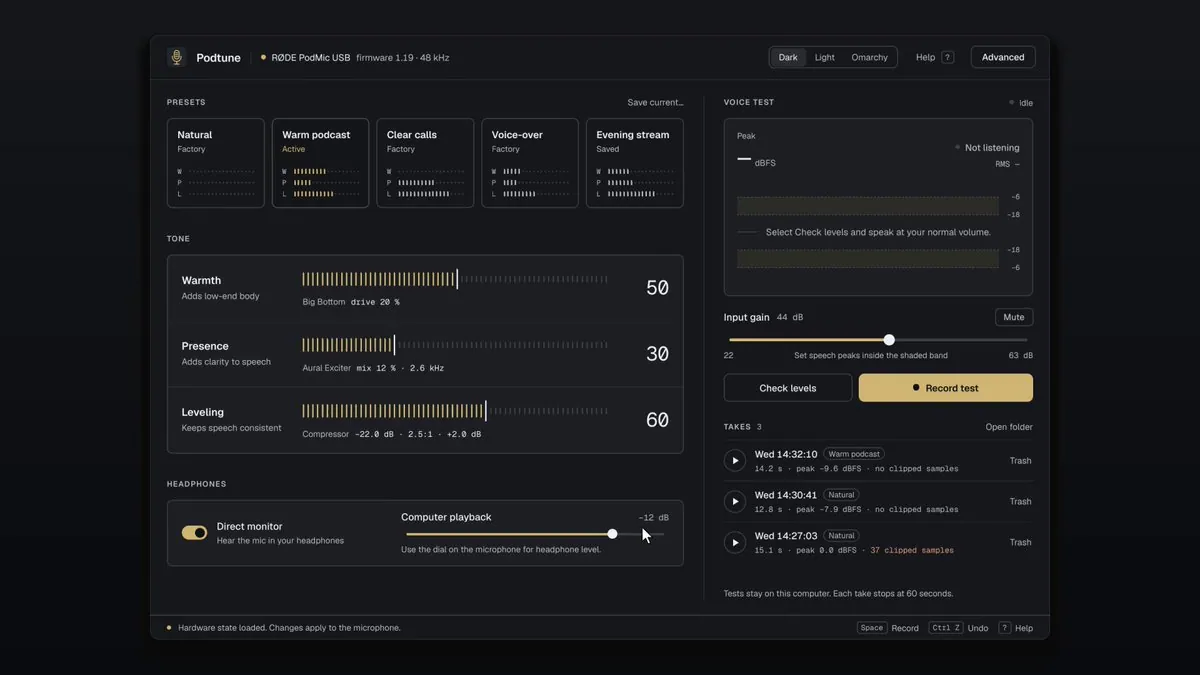
iamdothash says "This app is made for my Røde Podmic 2. Personal software. Running on Omarchy." and "Github repository coming."; the still is a window titled "Podtune" reading "RØDE PodMic USB" and "firmware 1.19 · 48 kHz", with "Dark", "Light", and "Omarchy" buttons, "PRESETS" cards "Natural", "Warm podcast" ("Active"), "Clear calls", "Voice-over", and "Evening stream", "TONE" sliders for "Warmth" at "50", "Presence" at "30", and "Leveling" at "60", a "Direct monitor" toggle, "Input gain" at "44 dB", "Check levels" and "Record test" buttons, and a "TAKES" list.