Clipboard shelf
by ReidenXerx · ★ 6
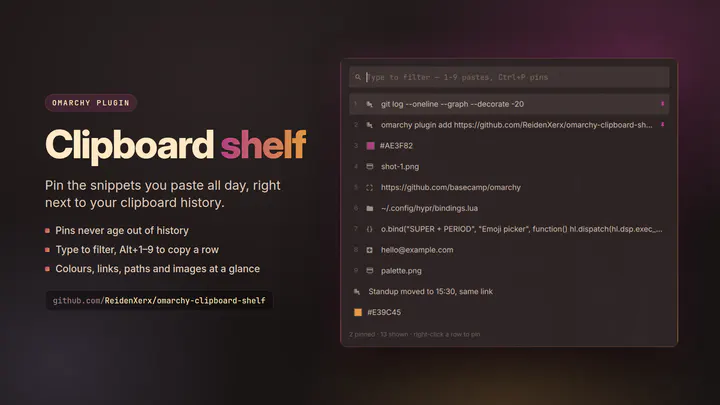
Pin the snippets you paste all day and keep them one keystroke away, alongside your clipboard history. Reads Omarchy's own clipboard history, so nothing is captured twice.
Records that name ReidenXerx as author. Nothing here is inferred from a screenshot.
by ReidenXerx · ★ 6
Pin the snippets you paste all day and keep them one keystroke away, alongside your clipboard history. Reads Omarchy's own clipboard history, so nothing is captured twice.
by ReidenXerx · ★ 4
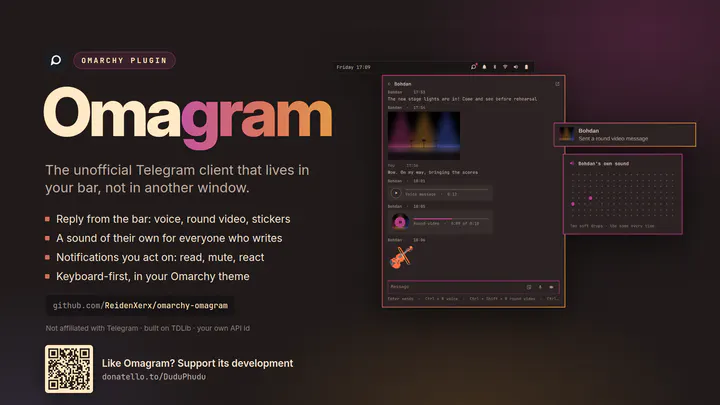
An unofficial Telegram client that lives in your Omarchy desktop: reply from the bar with voice, round video or stickers, know who wrote by a sound of their own, act on notifications. Keyboard-first, in your theme. Built on TDLib; not affiliated with Telegram.
by ReidenXerx · ★ 3
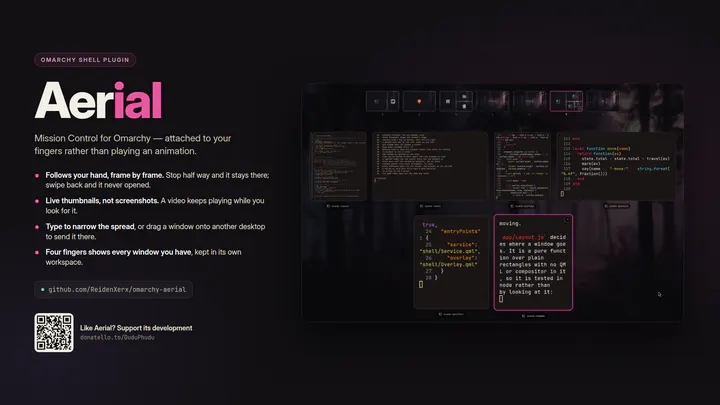
A window overview in the shape of Mission Control: swipe up with three fingers and every window on the workspace spreads out, live, with the workspaces along the top. Click one to go to it, or drag it onto another workspace to send it there. Built on the compositor's own gestures, so it follows your fingers rather than playing an animation.
by ReidenXerx · ★ 2
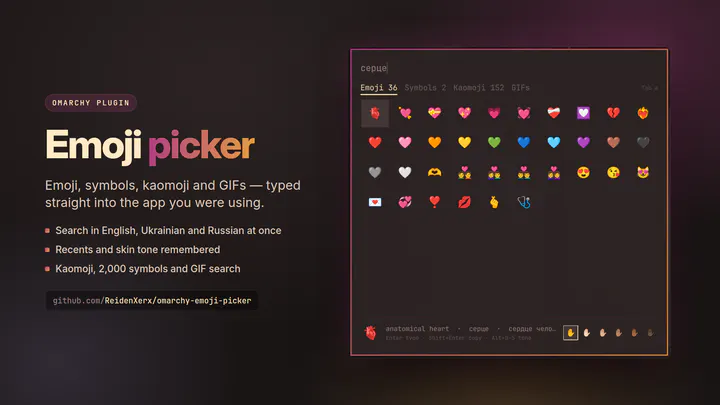
Emoji, symbols, kaomoji and GIFs, typed straight into the app you were using. Searches English, Ukrainian and Russian names at once, remembers what you use, and keeps your skin tone.
by ReidenXerx · ★ 2
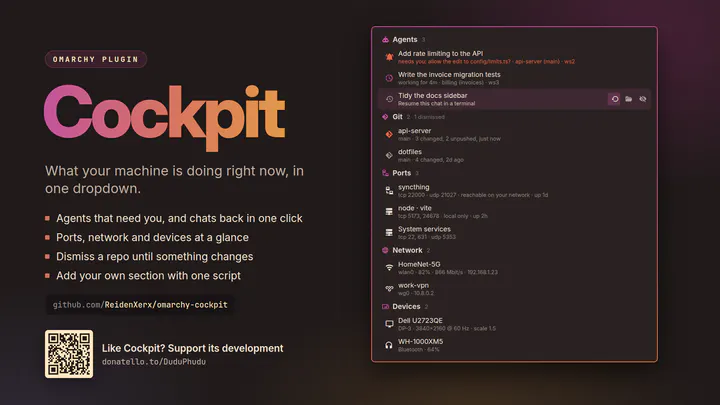
One hub for what the machine is doing right now: which AI sessions are working, waiting for you or done (and a finished chat back in one click), file transfers with real progress, long-running jobs, repos with work on one disk only, listening ports and the processes behind them, network links and connected devices. Extensible with your own providers.
by ReidenXerx · ★ 2
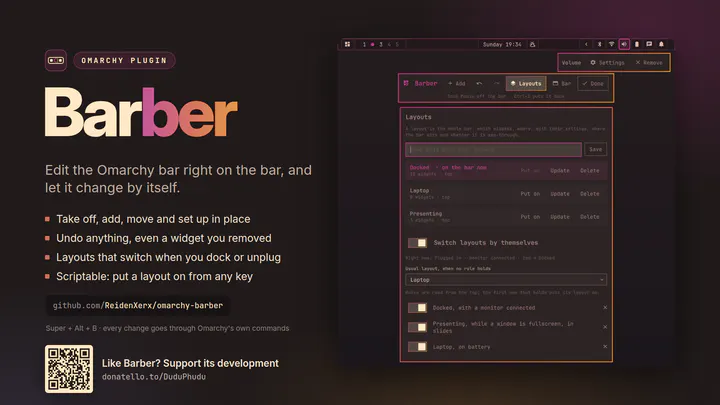
Edit the Omarchy bar right on the bar: take widgets off, add them, move them and set them up where they are, with undo. Save layouts, and let the bar change them by itself when you dock, run on battery, go fullscreen or switch apps.
by ReidenXerx · ★ 1
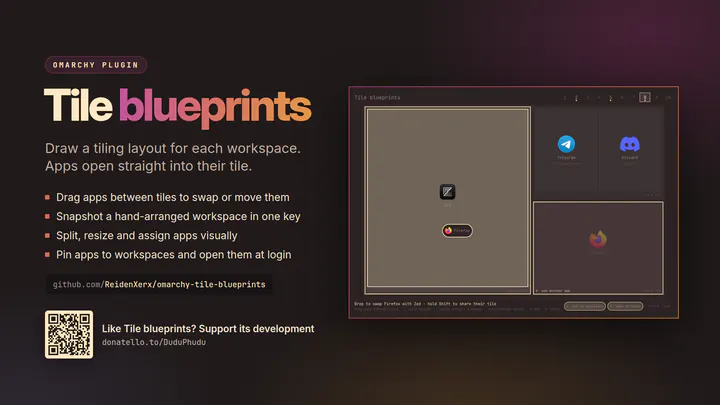
Draw a tiling layout for each workspace and tell each tile which app lives there. Apps open straight into their tile at the proportions you set, move between tiles by drag and drop, and any workspace you arranged by hand becomes a blueprint in one key.
by ReidenXerx · ★ 1
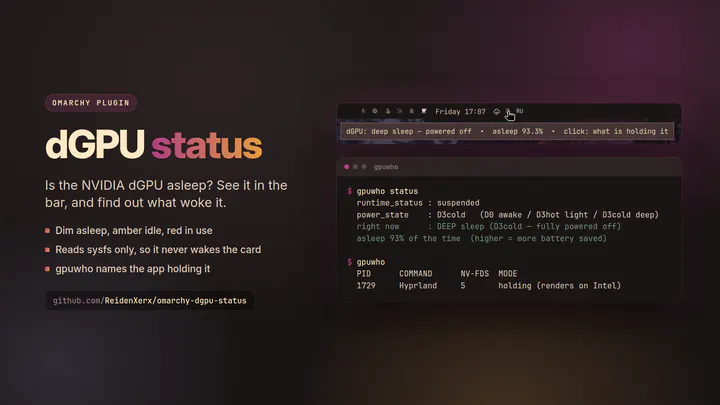
Shows whether the NVIDIA discrete GPU is asleep or awake. Dim when powered off, amber when idling powered, red when in use.
by ReidenXerx · ★ 1
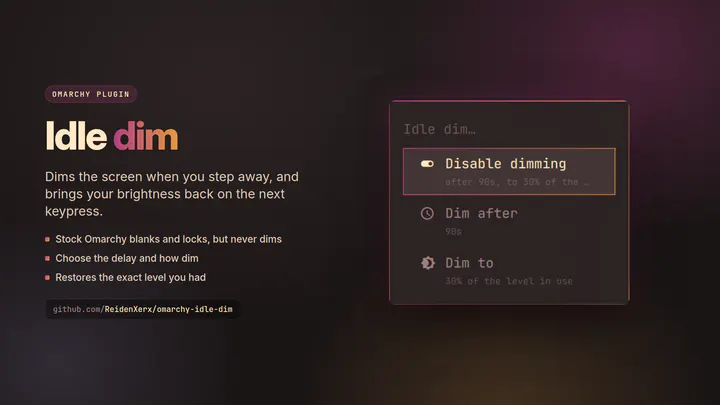
Dims the screen after a period of inactivity and restores the brightness you had on the next keypress. Stock Omarchy blanks and locks but never dims.
by ReidenXerx · ★ 1
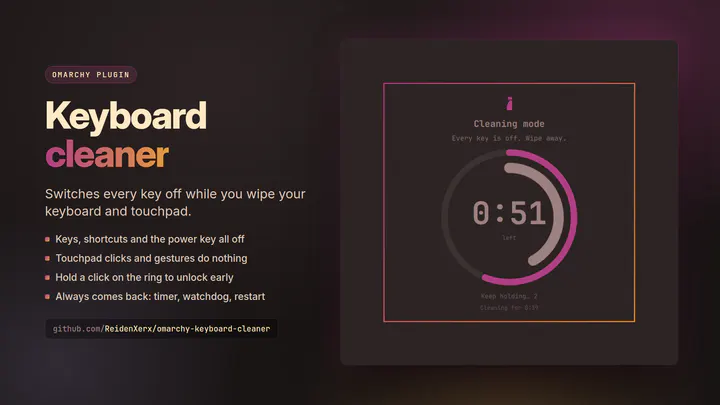
Switch every key off while you wipe your keyboard and touchpad. A themed full-screen card counts down; hold a click on the ring to unlock early, or let the timer end it.
by ReidenXerx · ★ 1
Remembers the keyboard layout per application and restores it on focus. Left-click cycles, right-click assigns.
by ReidenXerx · ★ 1
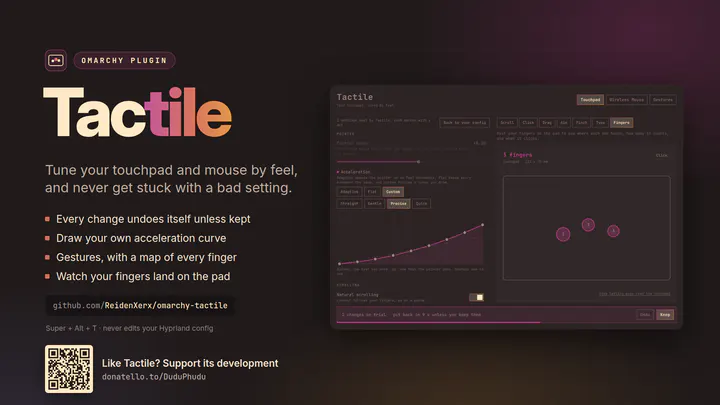
Tune your touchpad and mouse by feel: every change undoes itself unless you keep it, right beside test areas that show what it does. Draw acceleration curves, add gestures, set scroll speed per app, turn the touchpad off while a mouse is connected, and watch your fingers on the pad.
by ReidenXerx · ★ 1
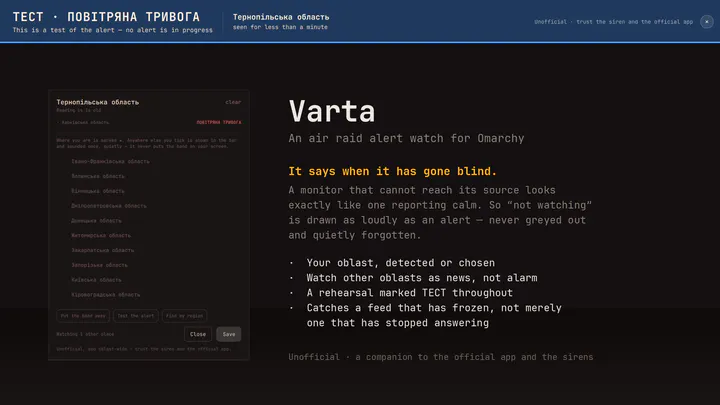
An air raid alert watch for the Ukrainian alert feed, in your bar and across your screen. Picks your oblast, shows a band over everything the moment it goes under alert, and — the part that matters — says just as loudly when it has stopped being able to see the feed. A companion to the official app and the sirens, never a replacement.