RME Babyface Pro Controls in the Omarchy Top Bar
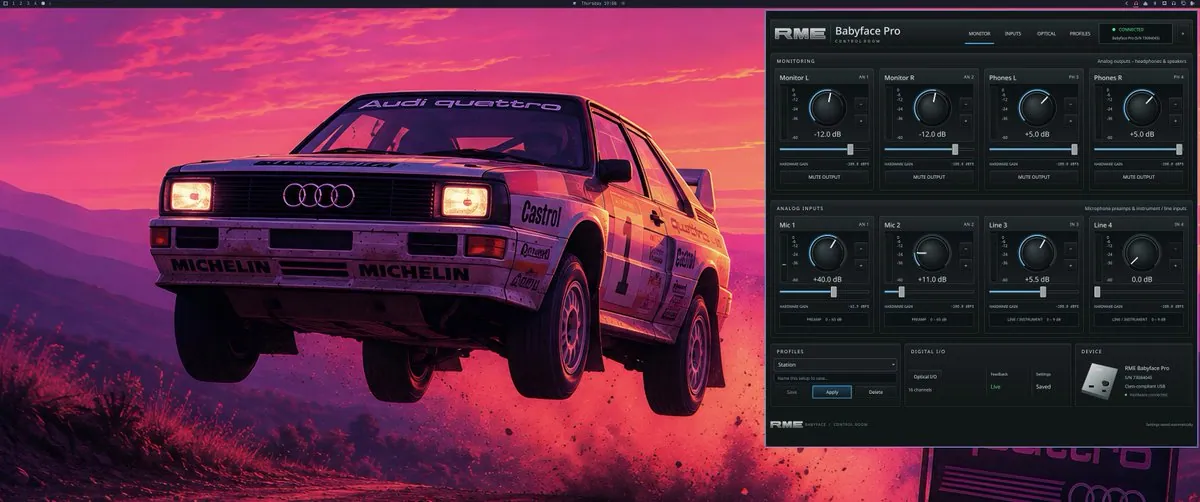
StudioXRadio submitted an Omarchy store plugin that puts RME Babyface Pro mic gain, speakers, headphones, and saved profiles a click away in the top bar.
Records that name StudioXRadio as author. Nothing here is inferred from a screenshot.
StudioXRadio submitted an Omarchy store plugin that puts RME Babyface Pro mic gain, speakers, headphones, and saved profiles a click away in the top bar.
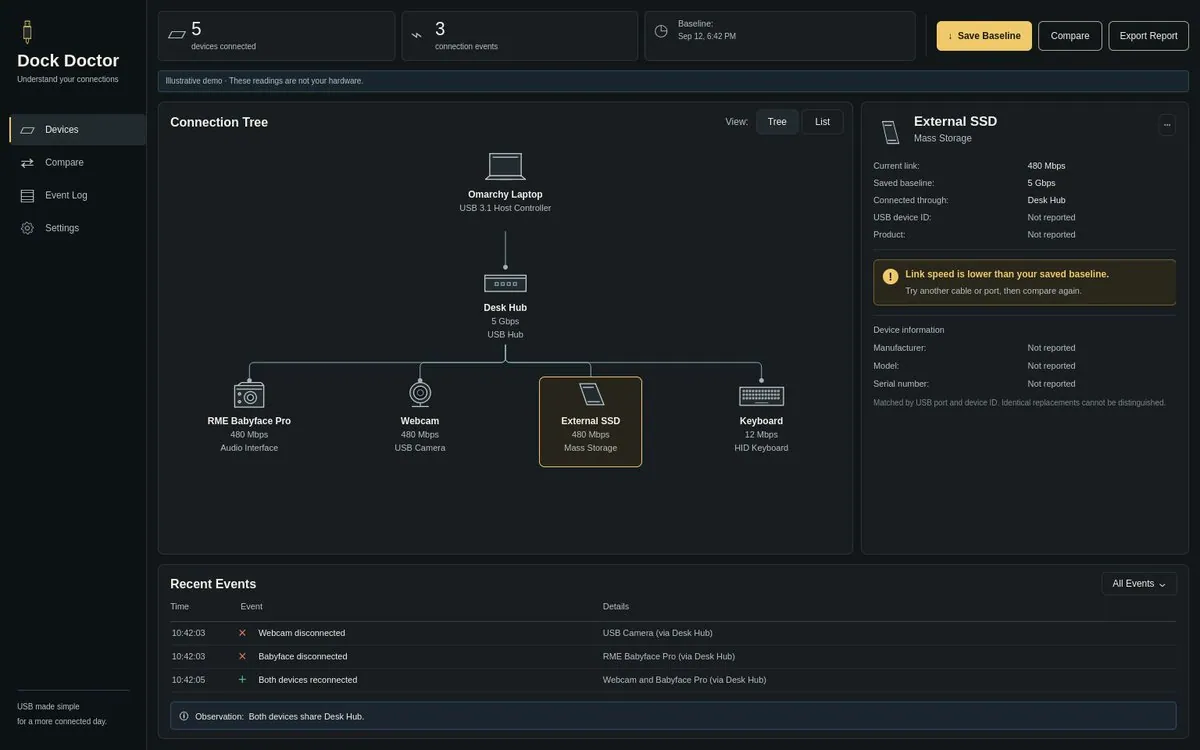
StudioXRadio previews Dock Doctor for Omarchy — see hub topology, log USB dropouts, and compare link speeds to a known-good setup.
StudioXRadio’s Terminal Deck bar plugin lists open terminal windows across workspaces with names and agents, then jumps you to the one you click — submitted to the Omarchy Plugin Store.
Desktop theme inspired by Back to the Future—full-bleed Hyprland shot with the classic DeLorean vibe for Omarchy ricers.
Ham-radio live stream setup: FT8 and ZeusSDR with Omarchy as the brains of the operation — desk shot of the radio/SDR stack for #Hamradio on the agentic desktop.
@StudioXRadio · 2020 iMac i9
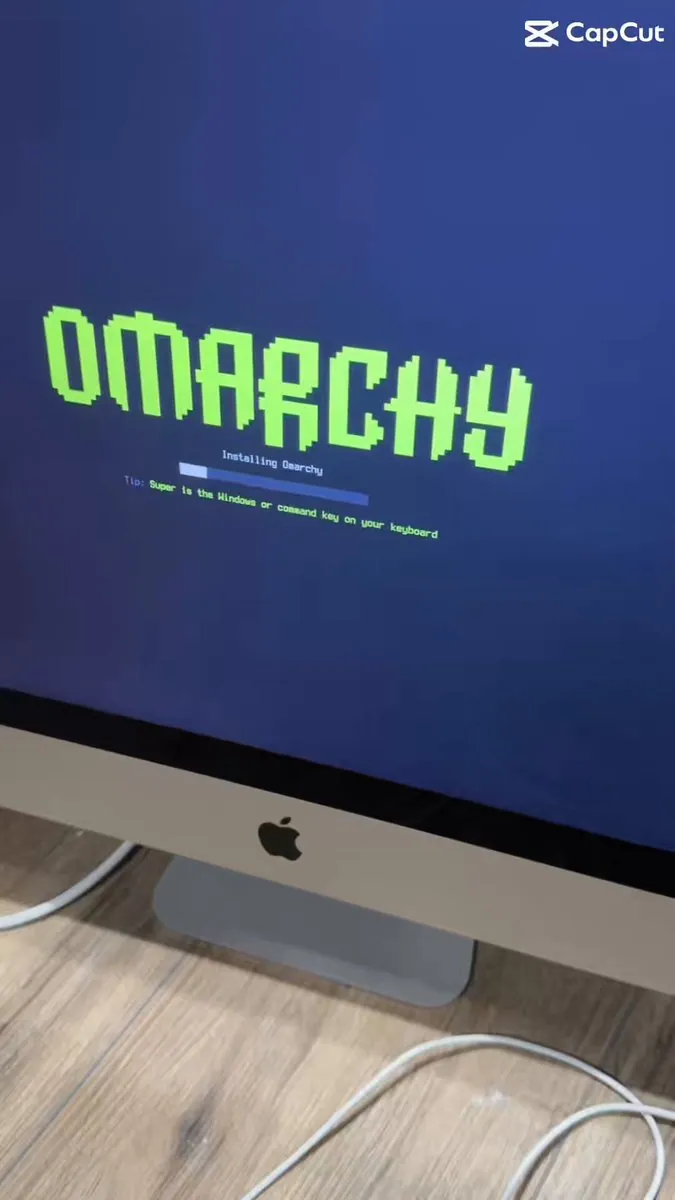
StudioXRadio says a 2020 iMac i9 is now part of team Omarchy after about a 1-minute install; the video frame shows the Omarchy installer on the iMac with "Installing Omarchy" and a tip that Super is the Windows or Command key.
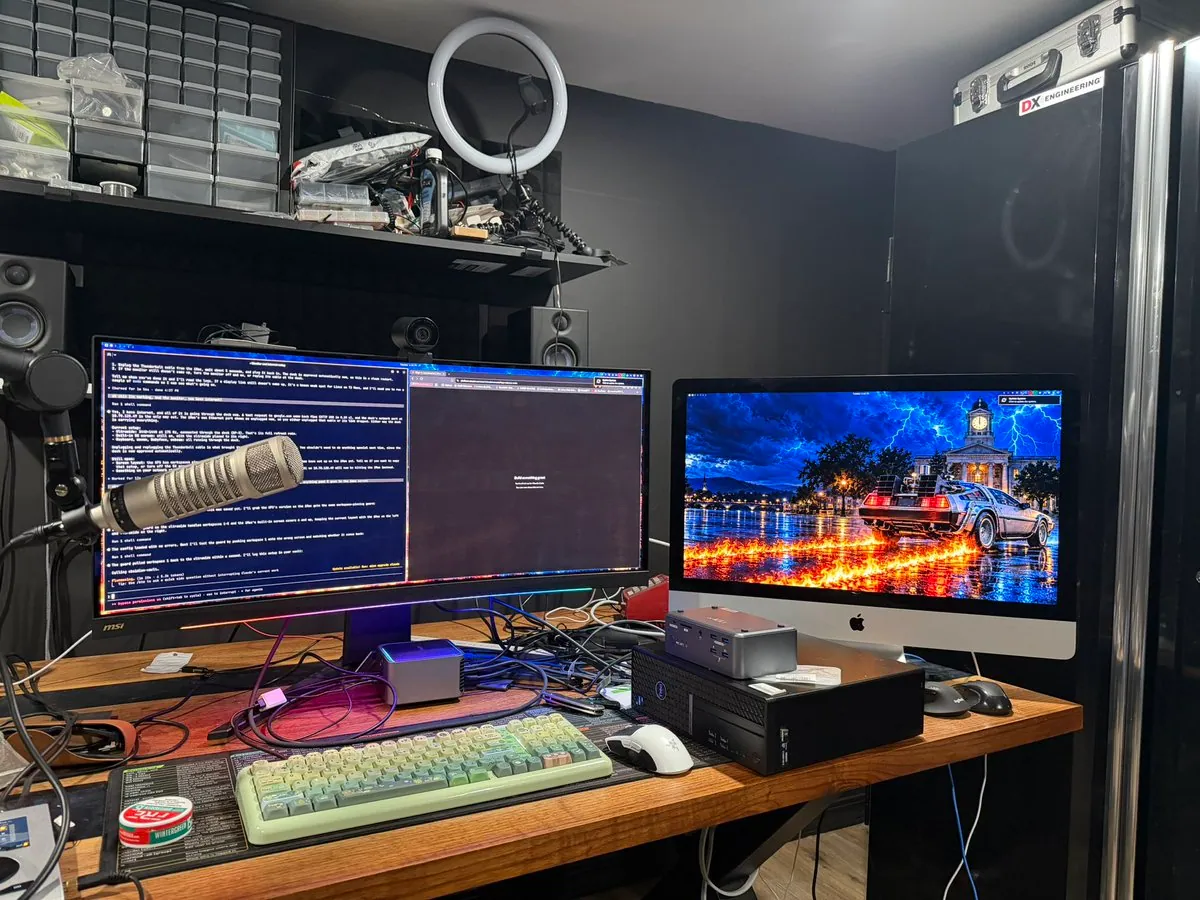
StudioXRadio's daily driver is now a 2020 i9 iMac with 64 GB of RAM running Omarchy, connected via Thunderbolt to a dock and still using an ultra-wide, with an XPS 16 kept in sync for around the house and remote work; the photos show the iMac Omarchy desktop and desk.
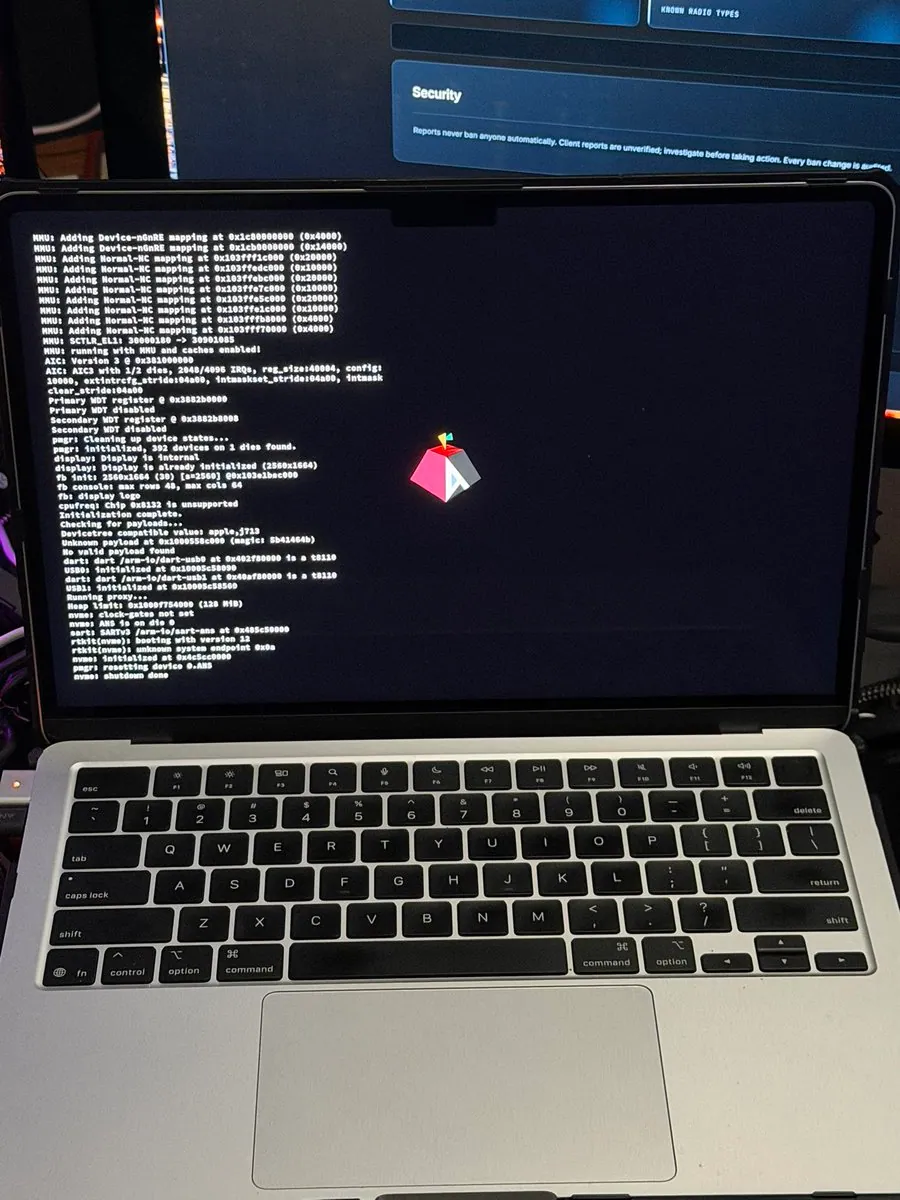
StudioXRadio says "I guess if you want Omarchy on an m4 natively, you gotta do it yourself!", tagging #Omarchy and #OmarchyMac; the still is a silver laptop with a black keyboard, its screen showing white boot-log text at the left and a small magenta-and-gray geometric logo with a multicolored leaf in the center, below a monitor showing a "Security" panel.
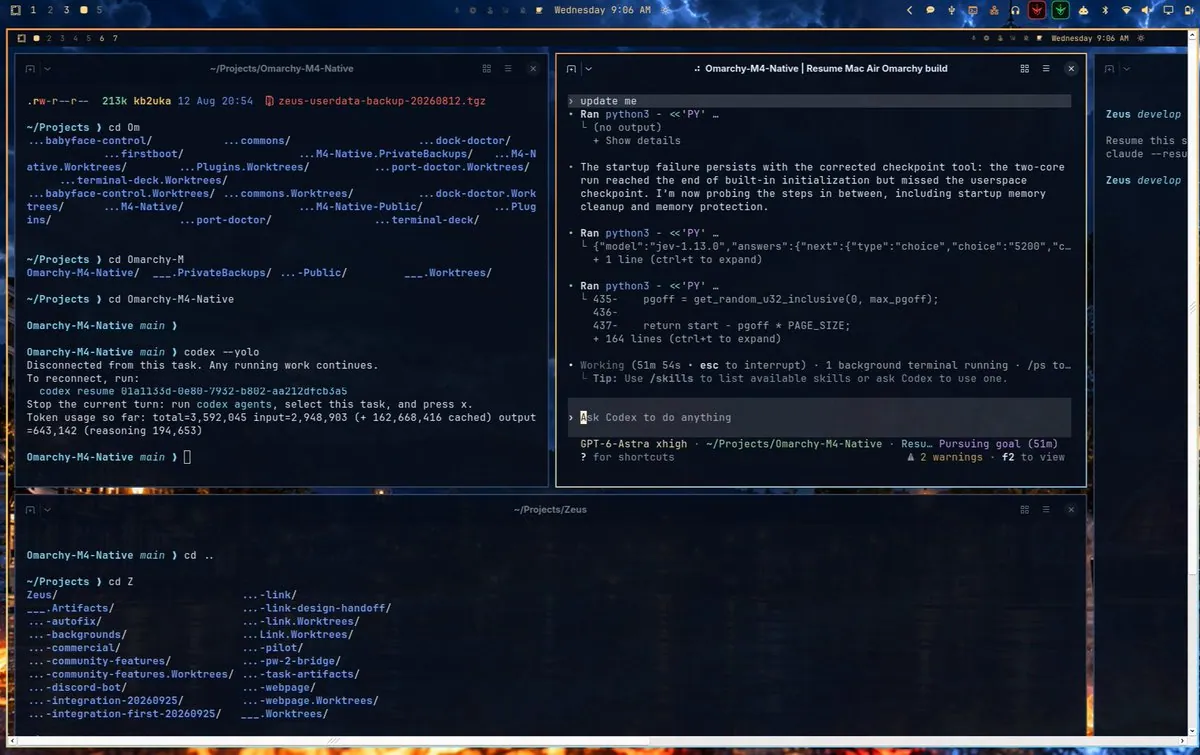
StudioXRadio says they are sitting at work on their XPS 16, in a remote session into their Omarchy box at home, which is a 2020 iMac. That machine is connected via USB to a MacBook Air while a team of agents works to get Omarchy running natively on the M4: "Good times.", tagging #Omarchy and #OmarchyMac; the still is a desktop with terminal panes, one at "~/Projects/Omarchy-M4-Native" after "codex --yolo", a Codex session titled "Omarchy-M4-Native | Resume Mac Air Omarchy build" with an "Ask Codex to do anything" prompt and "GPT-6-Astra xhigh" in its status line, and one at "~/Projects/Zeus".
@StudioXRadio · MacBook Air M4
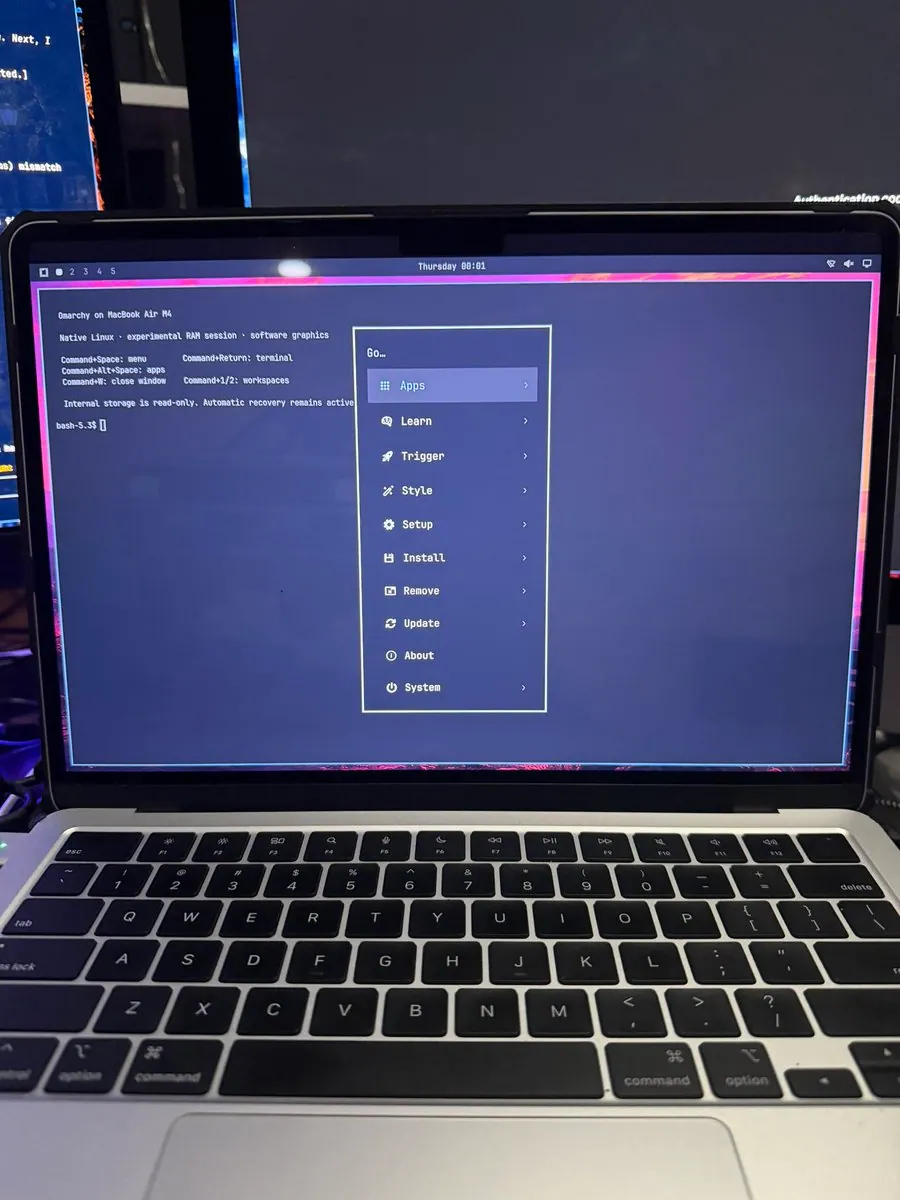
StudioXRadio says "I spoke too soon. We are closer than I thought. Omarchy on an M4 MacBook Air. A lot more work to do.", tagging #OmarchyMac and #Omarchy; the still is a silver laptop with a black keyboard, its screen showing a terminal that reads "Omarchy on MacBook Air M4", "Native Linux · experimental RAM session · software graphics", "Command+Space: menu", "Command+Return: terminal", "Command+Alt+Space: apps", "Command+W: close window", "Command+1/2: workspaces", and "Internal storage is read-only. Automatic recovery remains active" above a "bash-5.3$" prompt, beside a "Go…" menu with "Apps", "Learn", "Trigger", "Style", "Setup", "Install", "Remove", "Update", "About", and "System", inside a pink border.