Omarchy Archive

Search GitHub

Feed / idea

ding444: Hyprland Scratchpad Tip for Omarchy

Walkthrough of Hyprland’s scratchpad on Omarchy—a Guake-style hidden workspace (Super+Alt+S) for a dedicated terminal you can summon on demand.

More like this

_hhnj: Two Pitfalls With the Typeless Linux Version on Omarchy, Fixed With Two Hyprland Settings

@_hhnj

_hhnj says, in Chinese, that after switching their main development environment to Omarchy they installed the Linux version of Typeless and hit two pitfalls on the first day: voice input worked in Chrome but could not paste a single character in kitty, and the small floating dictation window disappeared when switching workspaces. The root cause is that the Fcitx5 engine was not packaged into the installer at all, and every time it fell back to clipboard + Ctrl+V, which of course the terminal does not accept. Two Hyprland settings fixed it, and they link their write-up, which they say can be handed straight to an AI.
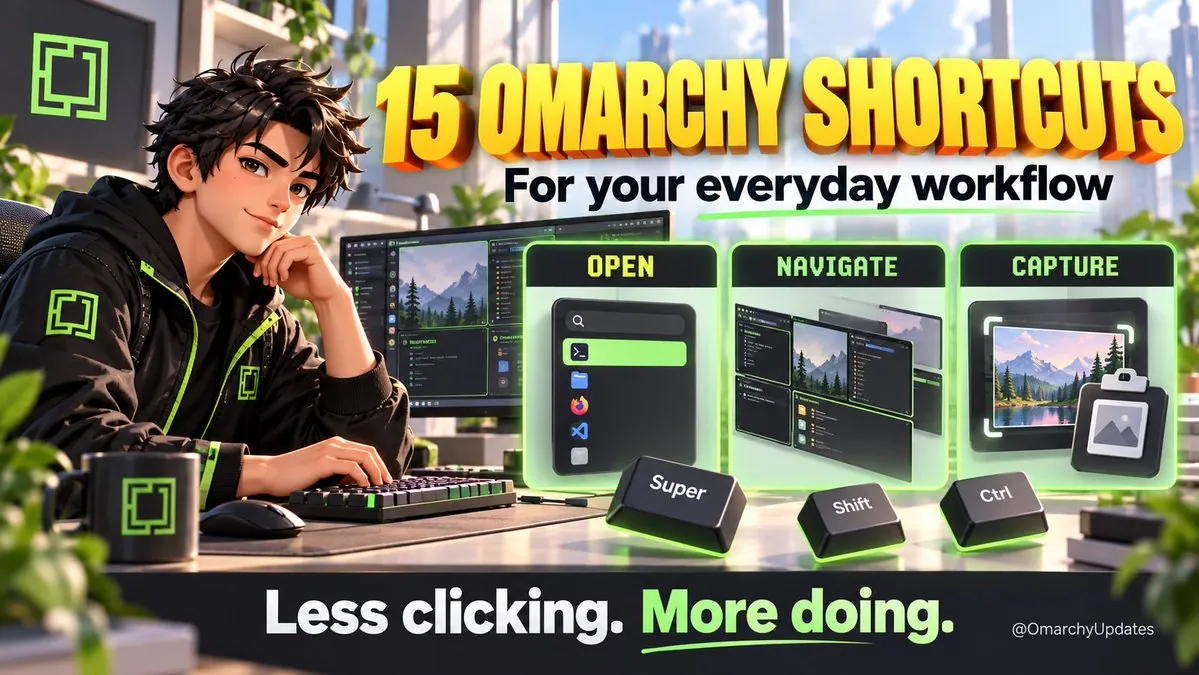
OmarchyUpdates: 15 Omarchy Shortcuts for Everyday Workflow

@OmarchyUpdates

OmarchyUpdates presents 15 Omarchy shortcuts for everyday workflow covering opening apps, moving windows, and finding a copied link, saying each is a small action and together they interrupt the workflow, that Omarchy puts them on the keyboard for terminal or browser, workspaces, clipboard history, and screen capture or text extract, and that memorizing all 15 is not required, "Which do you reach for most: apps, workspaces, or clipboard history?"; the graphic is an anime-style desk scene titled "15 OMARCHY SHORTCUTS For your everyday workflow" with OPEN Super, NAVIGATE Shift, and CAPTURE Ctrl panels and footer "Less clicking. More doing."