Omarchy Archive

Search GitHub

Feed / other

Vantage — Compact Native GTK 4/WebKit Browser for Omarchy

Nift introduces Vantage: a compact native GTK 4/WebKitGTK browser for Linux and Omarchy with tabs, history, bookmarks, private windows, downloads, and docked developer tools — no browser accounts, sync, or vendor telemetry. vant.cx

More like this

aureliennavarre: Just Released omaroute, Per-App Link Routing for Omarchy / Hyprland

@aureliennavarre

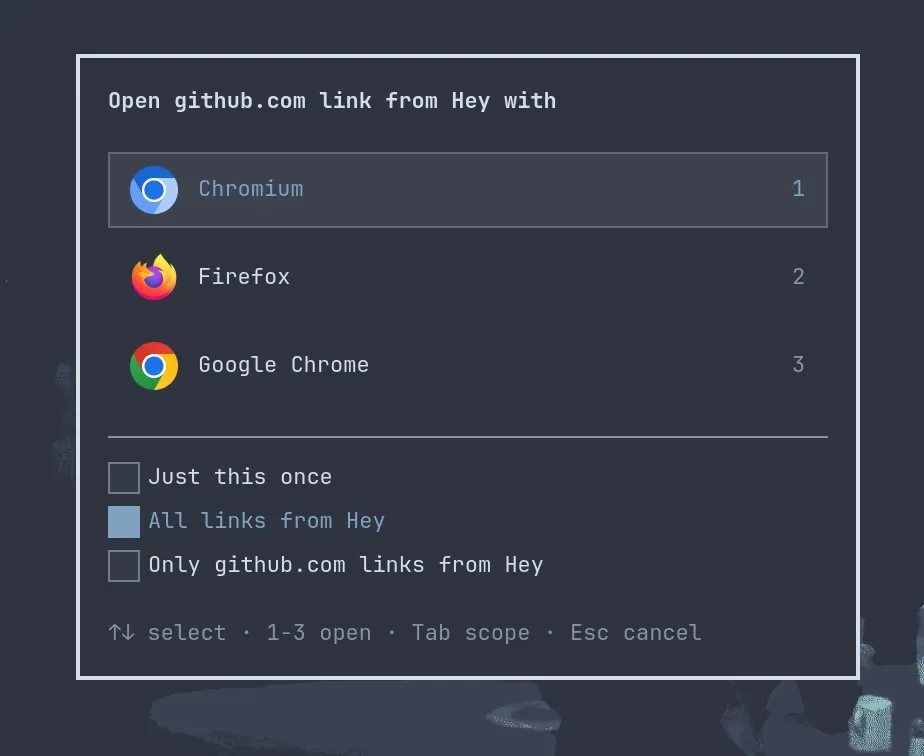
aureliennavarre says "Just released omaroute! Per-app link routing for #omarchy / Hyprland. Simple, never in the way and configurable.", linking anavarre/omaroute; the still is a dialog asking which browser should open a link from Hey, listing "Chromium" ("1"), "Firefox" ("2"), and "Google Chrome" ("3"), with "Just this once", "All links from Hey" (selected), and a third scope option, above the hints "1-3 open", "Tab scope", and "Esc cancel".

shawnyeager: Moshi Packaged for Omarchy, With Both Pull Requests Open

@shawnyeager

shawnyeager says they are a big fan of what odd_joel is building with Moshi and want it to be right at home on Omarchy: "Now it is." Both pull requests are open, a package in omacom/omarchy-pkgs and an install menu in omacom/omarchy. For testers, they packaged the Linux build as a native app: launcher, icon, and the official binaries linked against system WebKit and GStreamer. The package follows Moshi's Linux releases, and install and remove are under AI. GPU compositing stays on: with WebKitGTK 2.52 on Wayland, the window gets to the Intel Arc through dmabuf. They also ran it with dmabuf forced off, which paints the WebKit view on the CPU, through shared memory, and on their laptop the performance was poor. The same switch hides a WebKit crash on quit. The package keeps the GPU on; the crash is WebKit 2.52.6, and the fix is in 2.54.1.

juntao: omarchy-remote Is the Answer to Accessing an AI Shed's Omarchy UI on the Go, With Just a Web Browser

@juntao

juntao says "Omarchy is the future of Linux Desktop. It is also a malleable agent OS for your “AI Shed” at home or office." They ask "But how do you access your AI Shed’s beautiful @OmarchyLinux UI on the go?" and answer "The answer is omarchy-remote. All you need is a web browser.", quoting a dhh post that every developer needs an AI shed, and in a follow-up reply link the source code and docs at second-state/omarchy-remote.