Themes are applied in this browser only. “Follow” reads
~/.local/state/omarchy/current with your permission and tracks
omarchy theme set live; nothing is uploaded.
sojoodi: 2013 MacBook Air and Mac Mini Running Omarchy
sojoodi replies that he has a similar-ish setup: a MacBook Air 2013 for plugin dev and OpenClaw, and a Mac mini 2013 as a general Codex machine, both unable to run macOS any more but doing wonders with Omarchy; the screenshot is a colorful btop-style monitor on one of the machines.
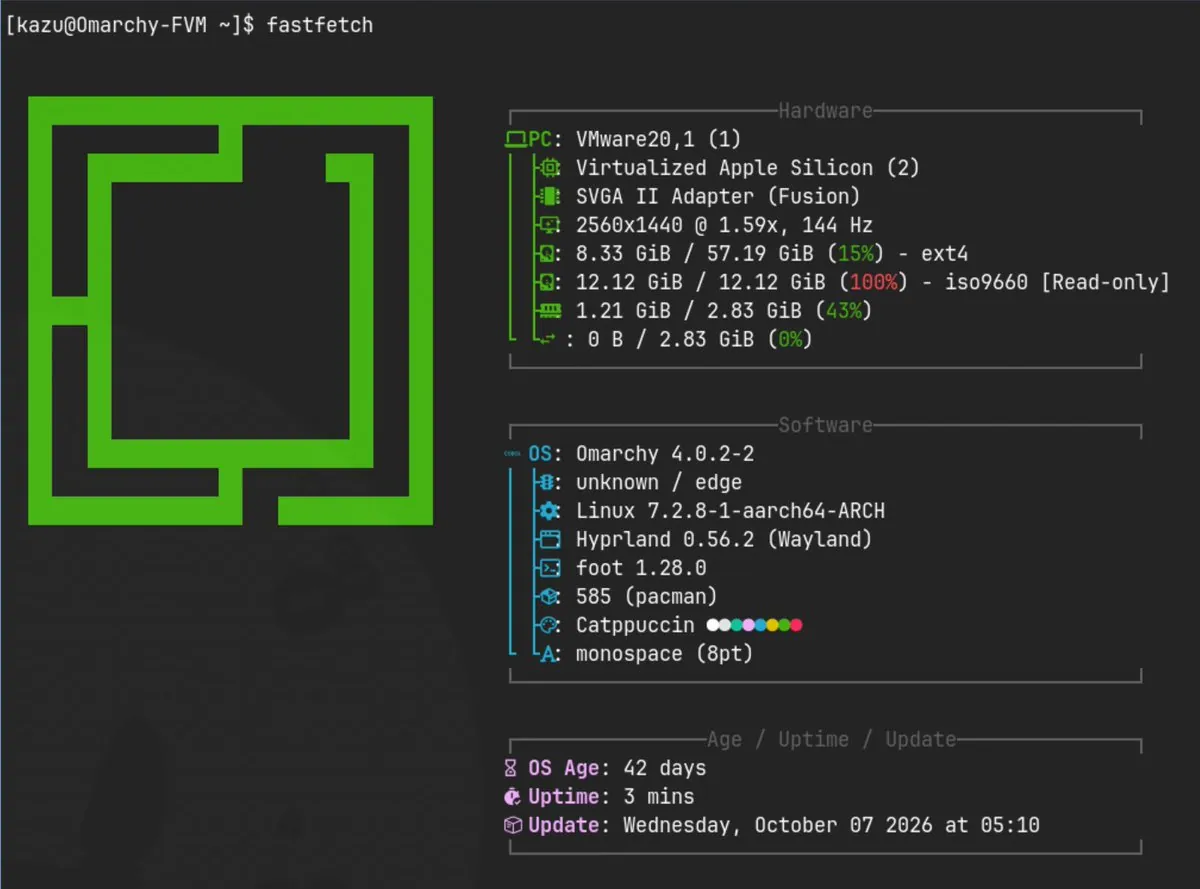
kazuhidet says, in Japanese, that besides the Windows PC they hate, they also installed Omarchy quattro on an M4 MacBook Air that can still run macOS as an active machine; since the Asahi Linux kernel can't yet be said to run stably on the M4, for now they installed Arch Linux ARM on VMware Fusion and ran it there. The still is fastfetch output at a "[kazu@Omarchy-FVM ~]$" prompt beside a green square logo, with "VMware20,1 (1)", "Virtualized Apple Silicon (2)", "SVGA II Adapter (Fusion)", "OS: Omarchy 4.0.2-2", "Linux 7.2.8-1-aarch64-ARCH", "Hyprland 0.56.2 (Wayland)", "Catppuccin", and "OS Age: 42 days".
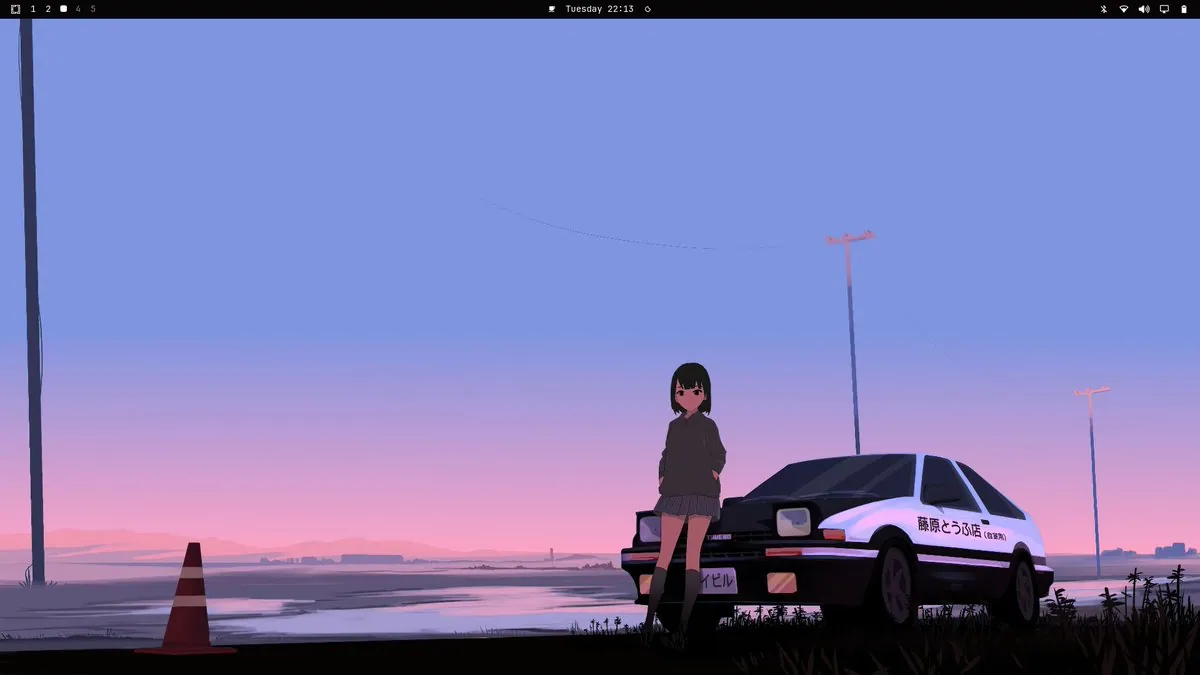
Lokeshd0tz has been playing with Omarchy for a while and says "honestly, it just works." They say people hate on it "'cause it’s easier than a traditional Arch install", where everything is configured by hand and sanity is lost over Wi-Fi, and they are using it as their primary dev machine and loving it; the still is a desktop wallpaper of a girl in a dark hoodie leaning on a white-and-black hatchback with "藤原とうふ店" on the door under a pink-and-blue sky, with a traffic cone at left, below a top bar.
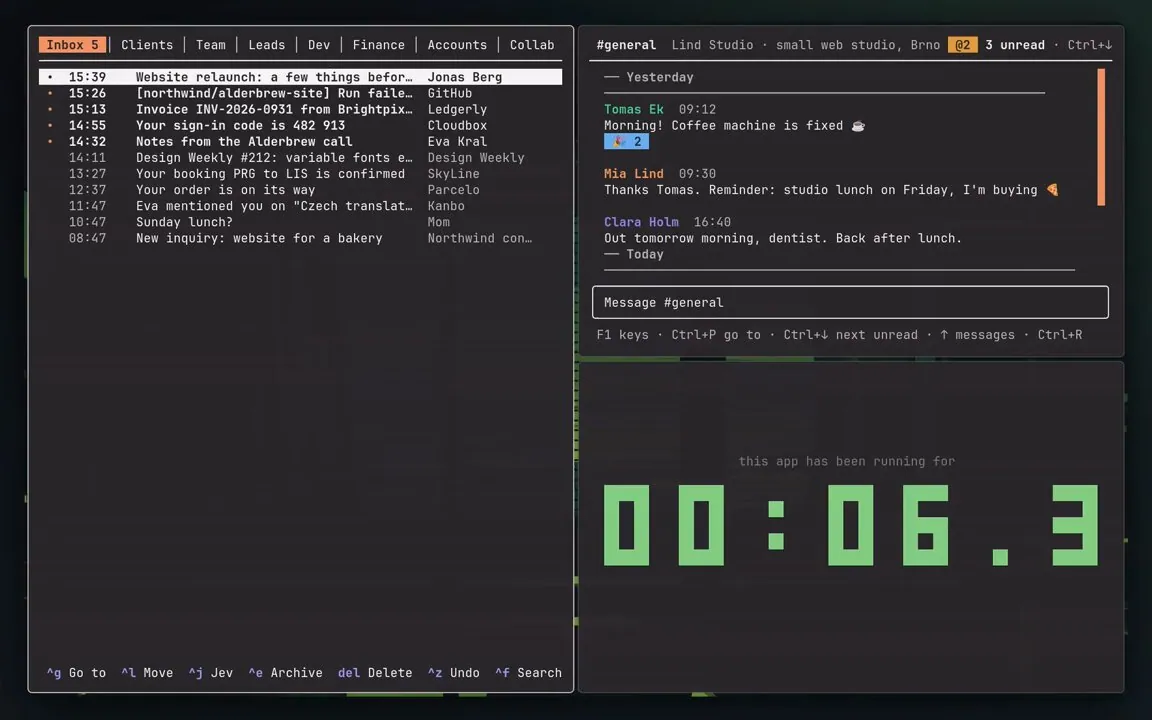
petrzela123 says part of their Omarchy setup is that they stopped closing apps: Super + W hides a window, and the app keeps running and comes back instantly, same spot, same draft; opening their terminal apps used to take ~0.6 s, "Now: 0." In a follow-up reply they list Super + Z for the last hidden window back, Super + Alt + W to pick any hidden one, the app's own key to bring it back in place, and Super + Q to really quit, linking petrzpav/omarchy-setup; the still shows a mail inbox pane with tabs such as "Inbox 5" and "Clients", a "#general" chat pane, and a pane reading "this app has been running for" above a large green pixel counter.