Omarchy Archive

Search GitHub

Feed / hardware

tomycostantino: Going Back to a Mac Doesn't Mean Using macOS Again

tomycostantino says "A year ago I got a Framework and moved to Omarchy, today I just started experimenting going back to the Mac, the hardware is something else... Going back to a Mac doesn't mean using MacOS again..."; the still is a system panel reading "Apple MacBook Pro (14-inch, M2 Max, 2023)", "Apple M2 Max (8+4) @ 3.26 GHz", "Omarchy 4.0.3rc4-1", "edge", "Linux 7.1.13-3-2-ARCH", "Hyprland 0.56.2 (Wayland)", and "Tokyo Night" beside a green nested-bracket logo, over a purple-and-pink wallpaper of a winding road through hills with a deer.

More like this

StudioXRadio: Omarchy on an M4 MacBook Air, With a Lot More Work to Do

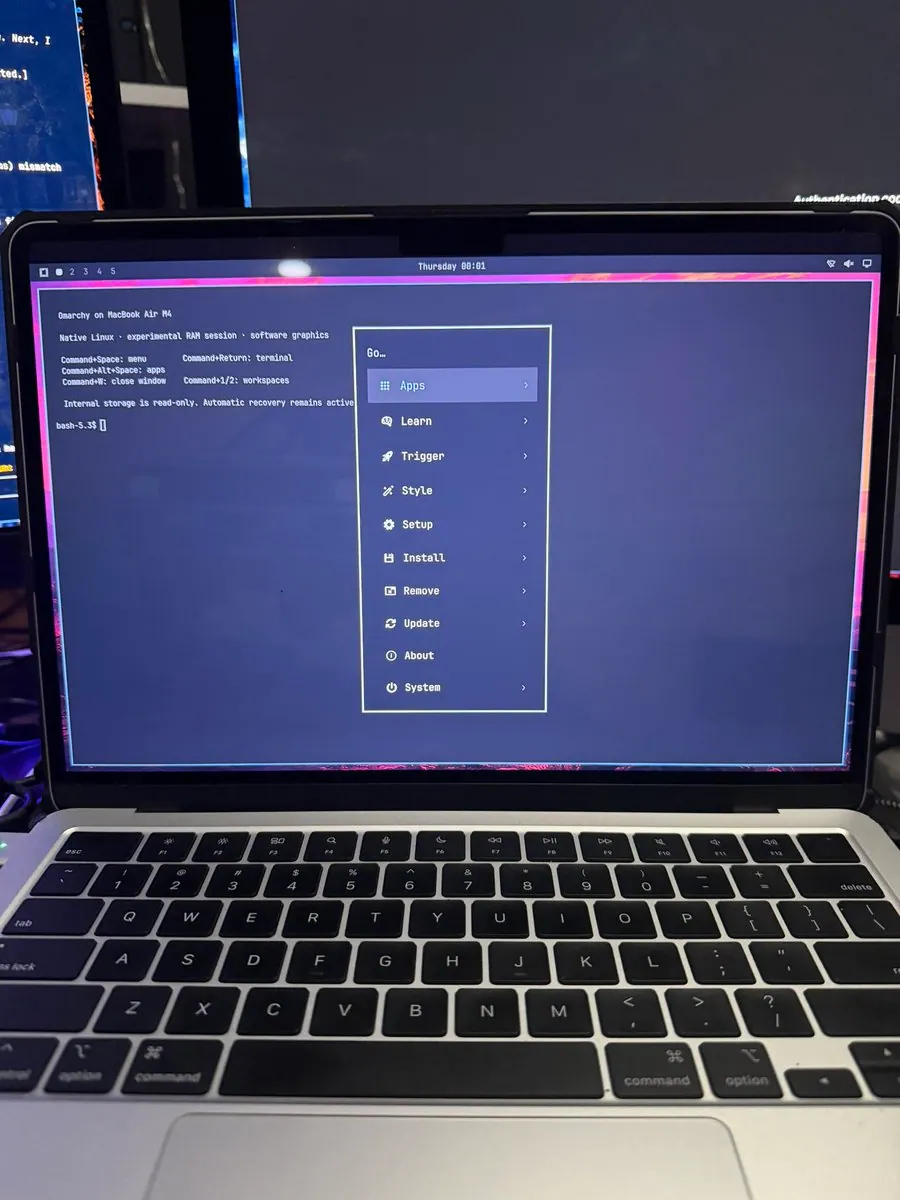
@StudioXRadio · MacBook Air M4

StudioXRadio says "I spoke too soon. We are closer than I thought. Omarchy on an M4 MacBook Air. A lot more work to do.", tagging #OmarchyMac and #Omarchy; the still is a silver laptop with a black keyboard, its screen showing a terminal that reads "Omarchy on MacBook Air M4", "Native Linux · experimental RAM session · software graphics", "Command+Space: menu", "Command+Return: terminal", "Command+Alt+Space: apps", "Command+W: close window", "Command+1/2: workspaces", and "Internal storage is read-only. Automatic recovery remains active" above a "bash-5.3$" prompt, beside a "Go…" menu with "Apps", "Learn", "Trigger", "Style", "Setup", "Install", "Remove", "Update", "About", and "System", inside a pink border.
agworksbox: Decided to Trial Omarchy Mac on Their MacBook Pro 14" M1 Pro: It Works, With Some Big Caveats

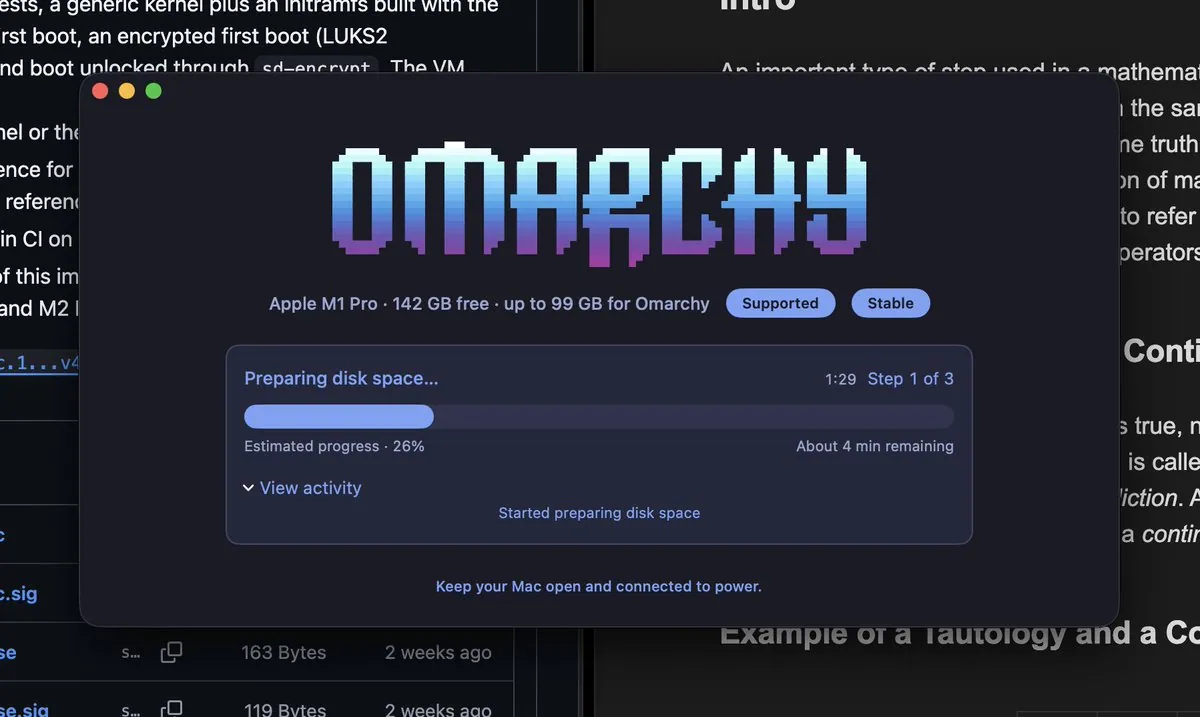
@agworksbox

agworksbox says they decided to trial Omarchy Mac on their MacBook Pro 14" M1 Pro, and "It works, with some big caveats, as it's still in development": no USB-C external monitor, FEX only works with old Valve titles, and the GPU is partially supported; the still is an Omarchy installer window with a pixel "OMARCHY" wordmark above "Apple M1 Pro · 142 GB free · up to 99 GB for Omarchy" with "Supported" and "Stable" badges, a "Preparing disk space..." bar at "Step 1 of 3" with "Estimated progress · 26%", and the note "Keep your Mac open and connected to power."

SiliconForested: In the Kernel Lab, Maclab Clients and the omarchy-m-tester Suite

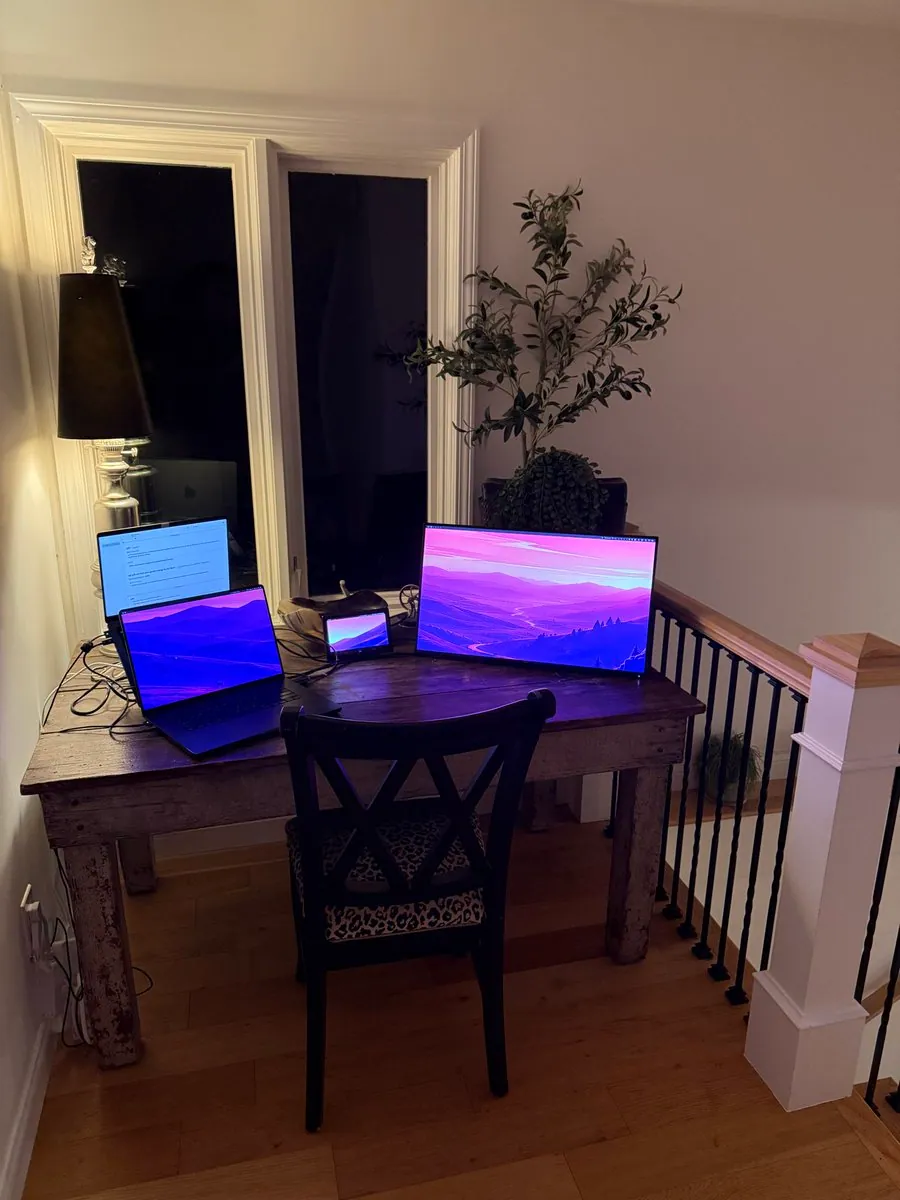
@SiliconForested

SiliconForested posts "In the kernel lab:" an M5 Pro as kernel build machine and serial console orchestrator via USB-C, an M3 Pro for active kernel development, which the M5 can build and deploy kernels to rapidly, a 4K HDMI connected monitor, and a 1080p tiny test monitor via USB-C dongle. Three other Macs around the house (M1 Air, M1 Pro, M1 13inch) are plugged in to CalDigit TS3, CalDigit TS4, Kensington TB4, and several displays, and they all run "Maclab" clients that allow the M5 to rapidly boot kernels, grab logs and run test suites. Their agents communicate with the "Maclab" administrator agent and coordinate performance testing and regression testing using the omarchy-m-tester suite, linking iconidentify/maclab, and they add "If only I could figure out the robotics necessary to automate key presses"; the still is a wooden desk at a stair landing with two laptops at the left, one showing a white page and one a purple mountain wallpaper, a small screen with a purple wallpaper, and a larger monitor with a purple valley-landscape wallpaper, in front of a black X-back chair with a leopard-print seat, a lamp, and a potted tree.