Themes are applied in this browser only. “Follow” reads
~/.local/state/omarchy/current with your permission and tracks
omarchy theme set live; nothing is uploaded.
wowinsight_rina: Jev Atlas Maintenance Loop on Omarchy
wowinsight_rina runs a Jev Atlas maintenance loop on an M1 Mac mini with Omarchy — discover through verify — cutting Codex deep reads and escalating fewer candidates.
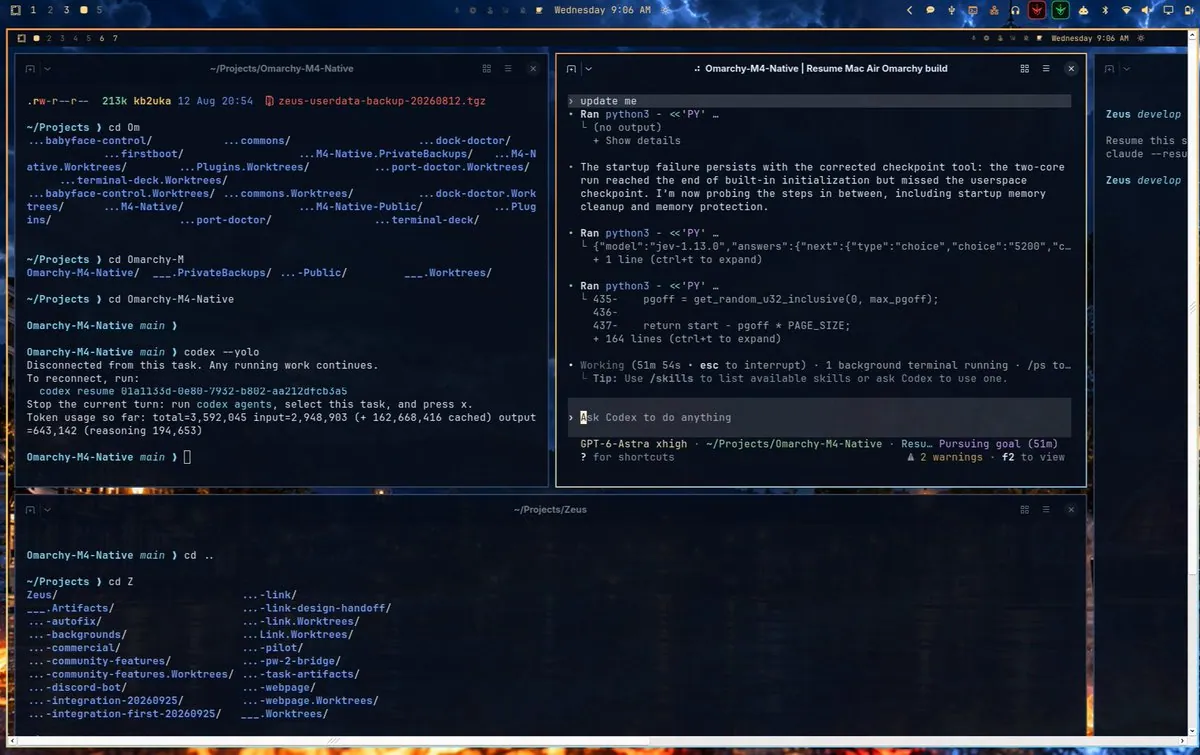
StudioXRadio says they are sitting at work on their XPS 16, in a remote session into their Omarchy box at home, which is a 2020 iMac. That machine is connected via USB to a MacBook Air while a team of agents works to get Omarchy running natively on the M4: "Good times.", tagging #Omarchy and #OmarchyMac; the still is a desktop with terminal panes, one at "~/Projects/Omarchy-M4-Native" after "codex --yolo", a Codex session titled "Omarchy-M4-Native | Resume Mac Air Omarchy build" with an "Ask Codex to do anything" prompt and "GPT-6-Astra xhigh" in its status line, and one at "~/Projects/Zeus".
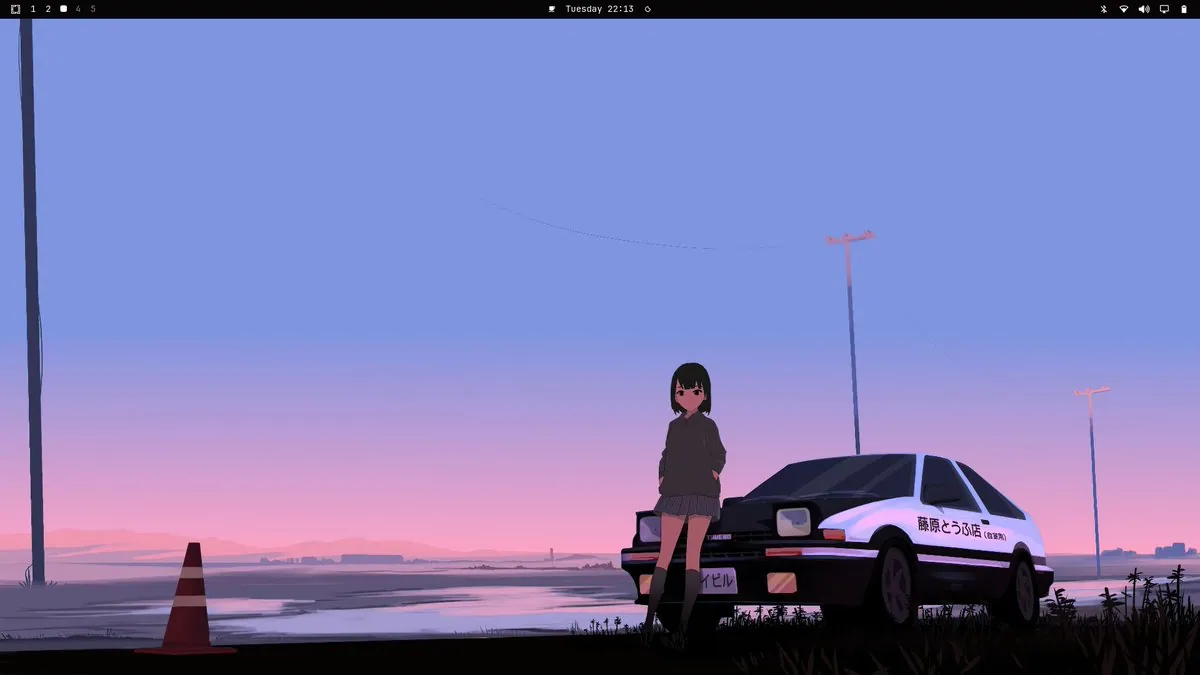
Lokeshd0tz has been playing with Omarchy for a while and says "honestly, it just works." They say people hate on it "'cause it’s easier than a traditional Arch install", where everything is configured by hand and sanity is lost over Wi-Fi, and they are using it as their primary dev machine and loving it; the still is a desktop wallpaper of a girl in a dark hoodie leaning on a white-and-black hatchback with "藤原とうふ店" on the door under a pink-and-blue sky, with a traffic cone at left, below a top bar.
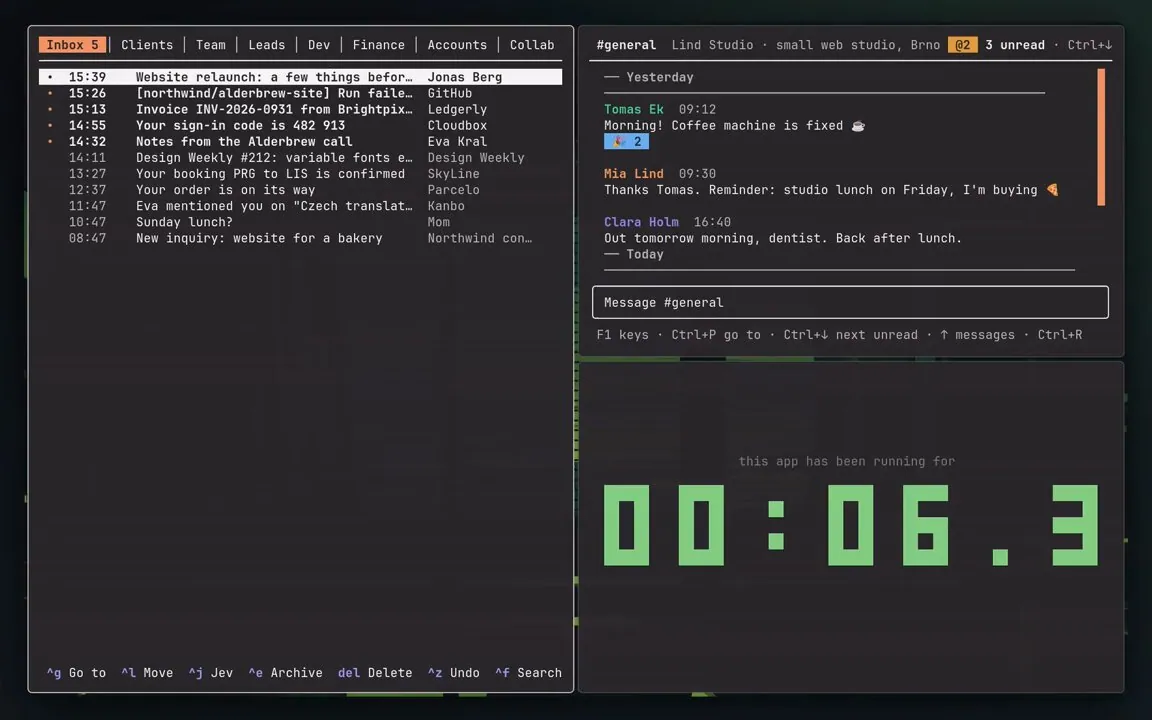
petrzela123 says part of their Omarchy setup is that they stopped closing apps: Super + W hides a window, and the app keeps running and comes back instantly, same spot, same draft; opening their terminal apps used to take ~0.6 s, "Now: 0." In a follow-up reply they list Super + Z for the last hidden window back, Super + Alt + W to pick any hidden one, the app's own key to bring it back in place, and Super + Q to really quit, linking petrzpav/omarchy-setup; the still shows a mail inbox pane with tabs such as "Inbox 5" and "Clients", a "#general" chat pane, and a pane reading "this app has been running for" above a large green pixel counter.