Agents
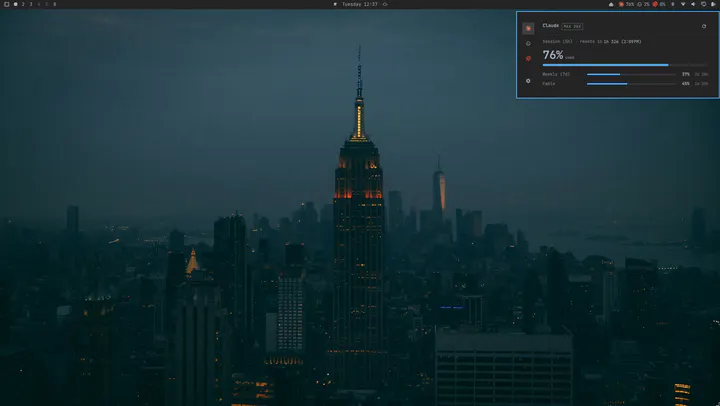
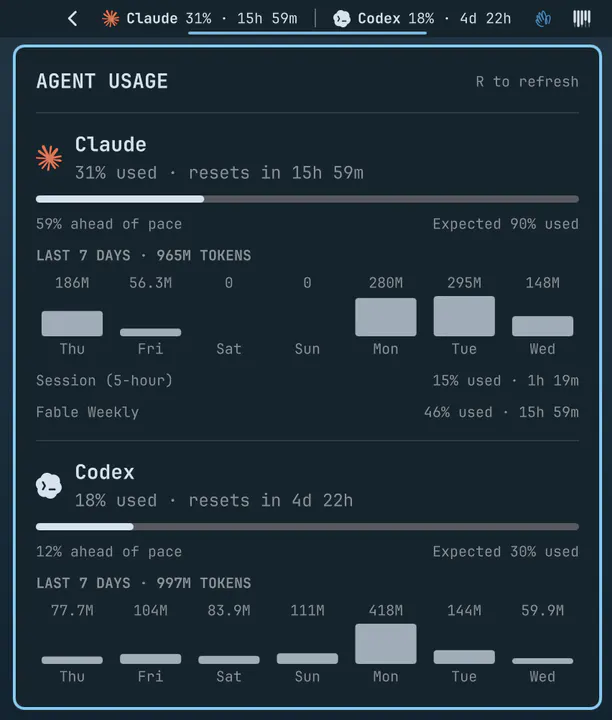
Claude Code, Codex, and Fireworks usage, limits, and pace in a native Omarchy bar panel.
Every installable plugin in the marketplace is in this archive — 3369 of them, each with its own page and the install command copied straight from the official catalog. This page shows the 276 worth browsing: everything Omarchy ships, then the community by stars.
Plugins run as unsandboxed code. This site does not verify security. Read the repo before you enable anything.
Claude Code, Codex, and Fireworks usage, limits, and pace in a native Omarchy bar panel.
Desktop background renderer with click handling and transitions
Live disk write and read speed dials. Summon with: omarchy-shell shell summon omarchy.disk-speedtest
Dropbox status, storage usage, login, and recent synced files in the Omarchy bar.
Quickshell-based idle detection for screensaver, lock, and display wake.
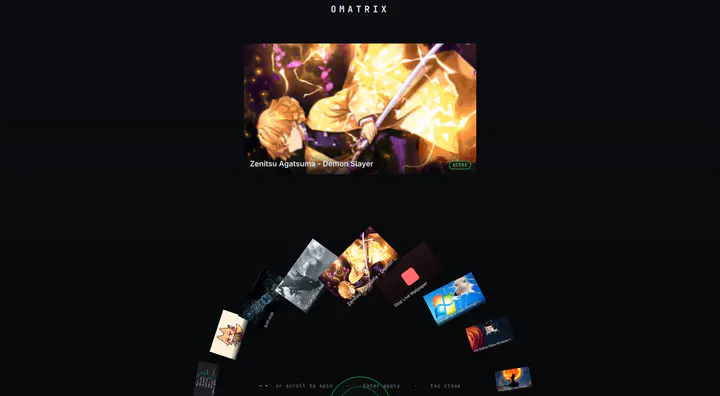
Image-grid selector overlay used for wallpapers, themes, and any other directory of images
Quickshell session lock with separate password and fingerprint PAM flows.
Owns the hyprsunset night light temperature for the bar indicator and CLI.
Quickshell volume, brightness, and status overlays.
Theme-aware authentication dialog for privileged actions.
Tailscale status, connection switching, machine browsing, and quick copy actions in the Omarchy bar.
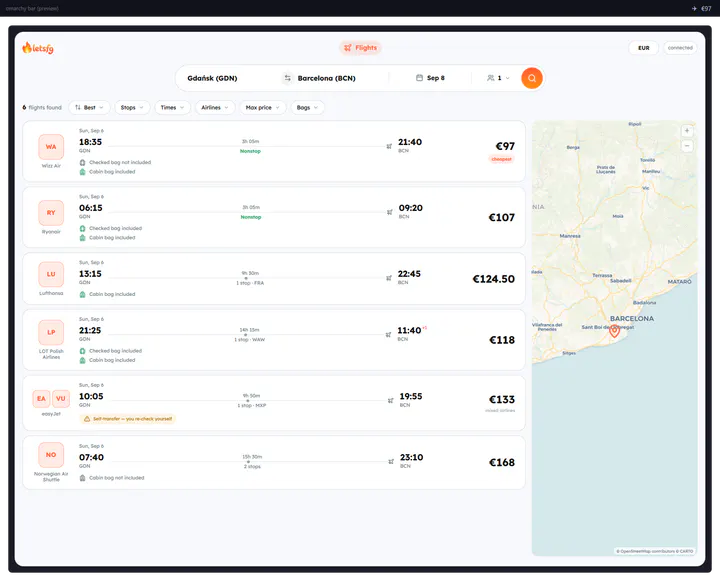
by LetsFG · ★ 2052
Search hundreds of airlines from the bar. Uses your own LetsFG token; no keys are bundled.
by AkitaOnRails · ★ 537
Multi-provider AI plan usage and balances in a native Omarchy Quattro panel. Needs the ai-usagebar binary as well as this plugin: omarchy pkg aur add ai-usagebar-bin
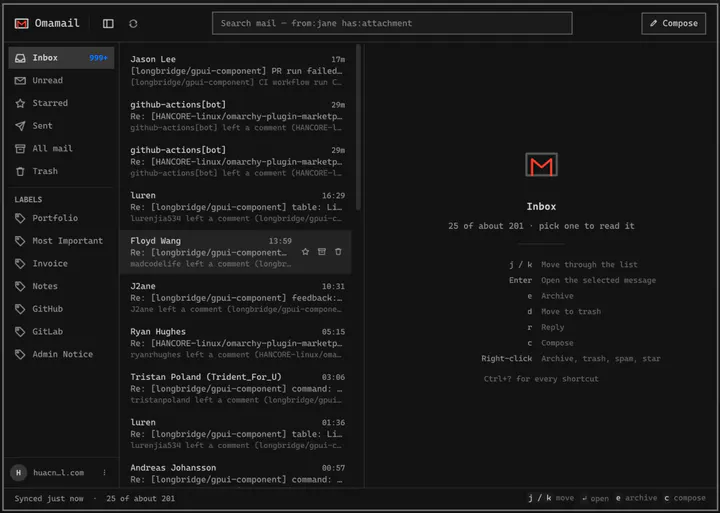
by huacnlee · ★ 252
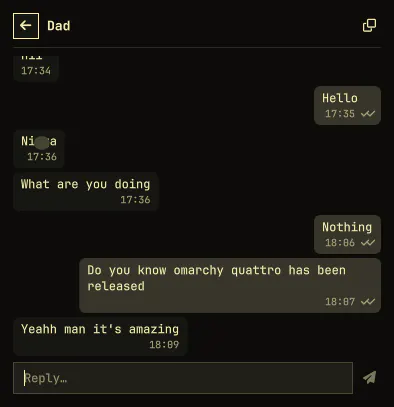
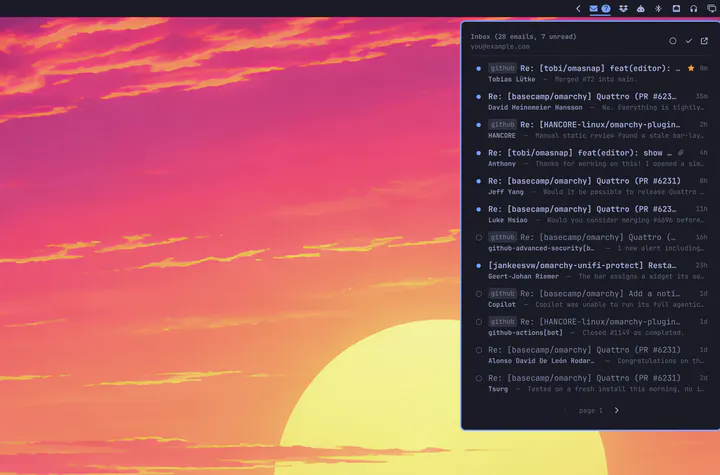
Email client for Omarchy: read, triage, and reply to Gmail, HEY and any JMAP or IMAP mailbox in a native window. Fastmail, iCloud, Outlook, Zoho, Proton Bridge, or your own server — several accounts at once, each with its own inbox and unread count. Keyboard-first, three columns when there is room and one when there is not, and it follows your theme. Meeting invitations are drawn as meetings you can answer, newsletters unsubscribe in one click, and remote images stay blocked until you ask.
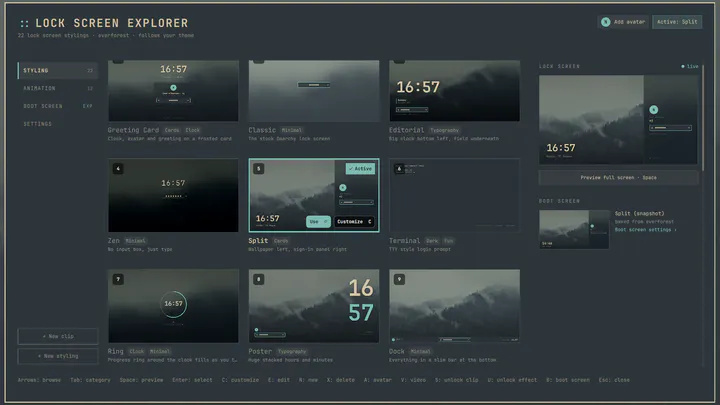
by SirJul1337 · ★ 168
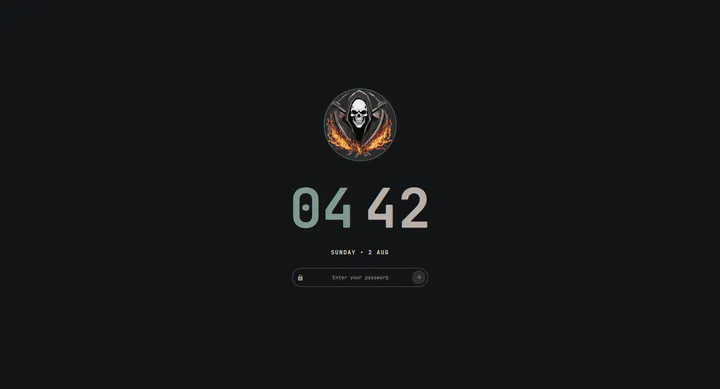
Lock screen designs for Omarchy, a picker to preview and switch between them, and a designer for building your own
by Jankees · ★ 114
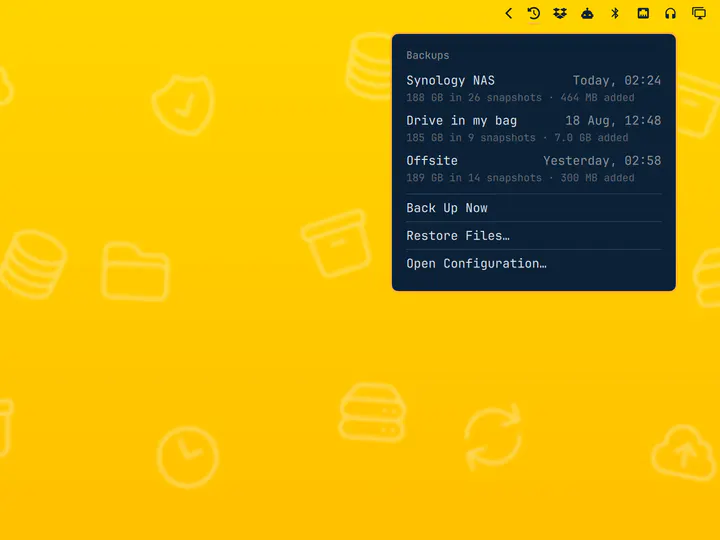
Scheduled restic backups with a destination picker and a snapshot browser
by Carmine Paolino · ★ 99
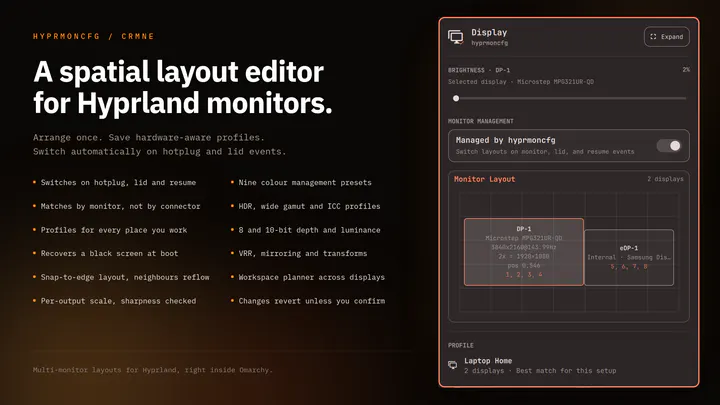
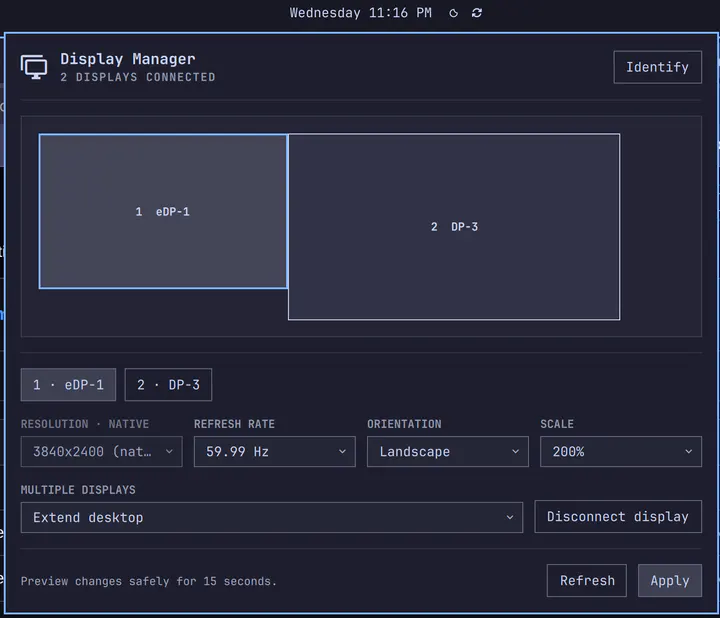
Plug your monitors in and the right layout comes back. Save a profile per setup and hyprmoncfg applies it automatically on hotplug, on lid open and close, and after suspend. Layout editor with per-display brightness, snapping, per-output scale and sharpness checking, HDR, wide gamut and ICC colour management, mirroring, rotation, and a workspace planner. Profiles match monitors by make, model and serial rather than the port they are plugged into, so moving a cable does not break your layout.
by Neil Jagdish Patel · ★ 80
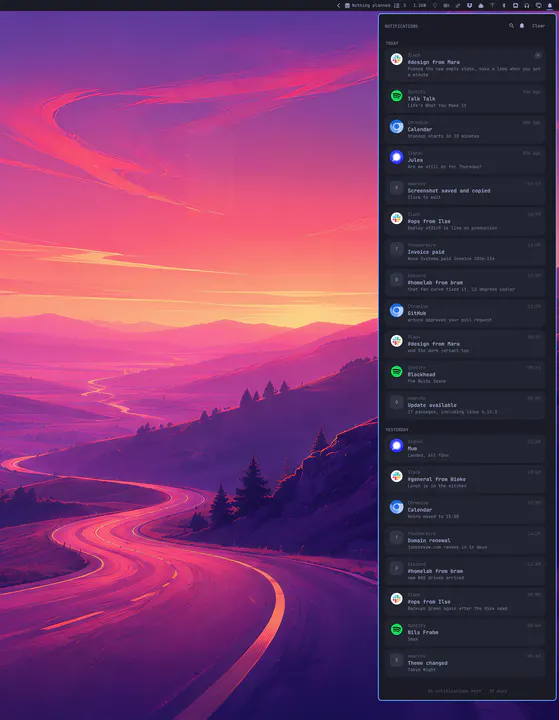
Notifications for Omarchy: a stacking, grouping replacement for the built-in service, with markup parsing, resolved source icons, inline reply, and per-source snooze.
by Akshar Patel · ★ 75
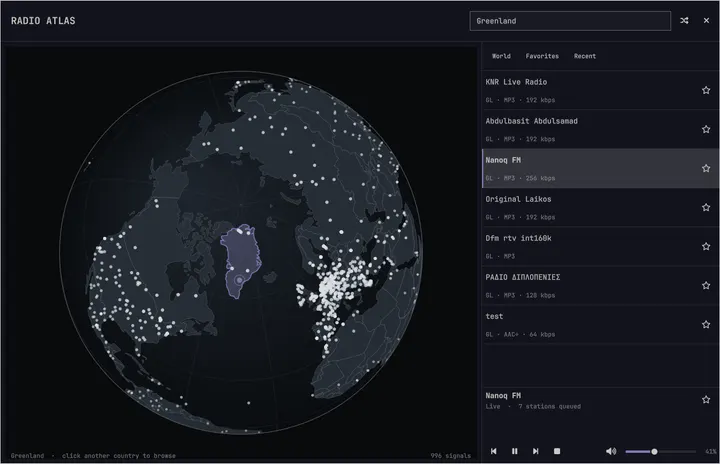
Explore live radio on a rotatable globe and play stations through Omarchy's media controls.
by Jankees van Woezik · ★ 74
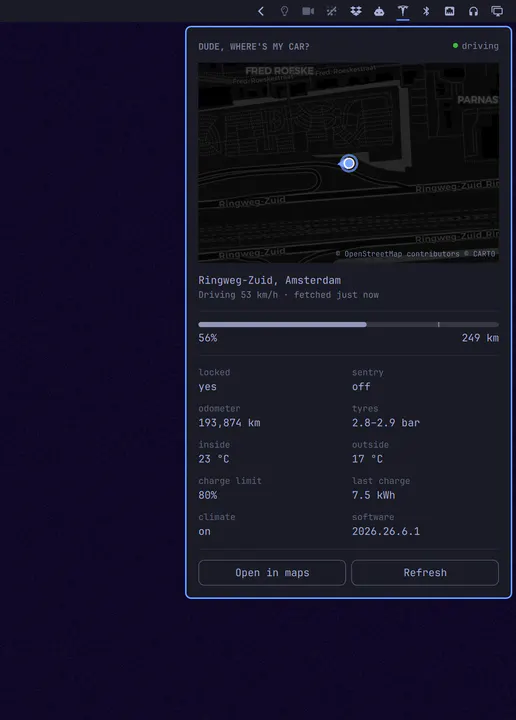
Your Tesla in the bar: where it is, how full it is, and how far that gets you
by Fross · ★ 66
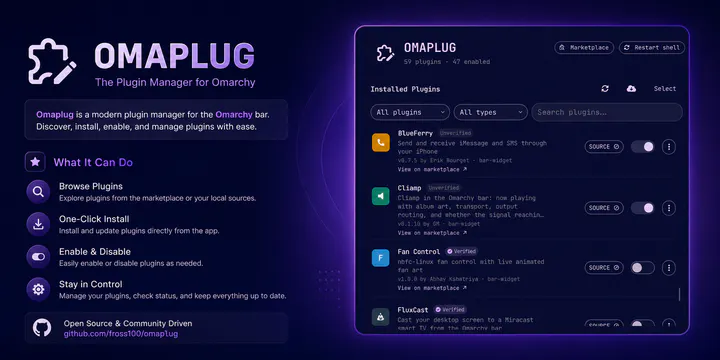
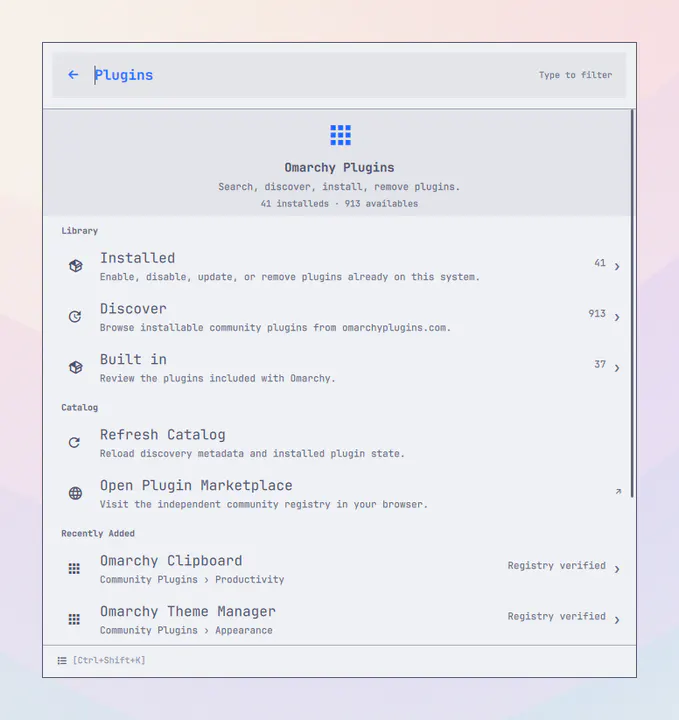
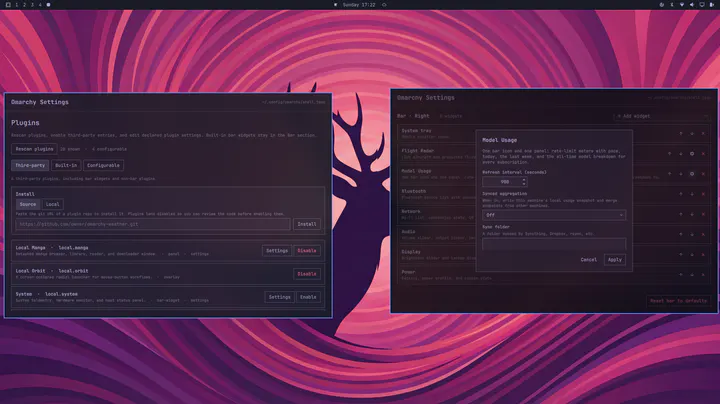
Manage installed Omarchy plugins: enable/disable, update, install from git, and remove third-party plugins
by Brian Blakely · ★ 64
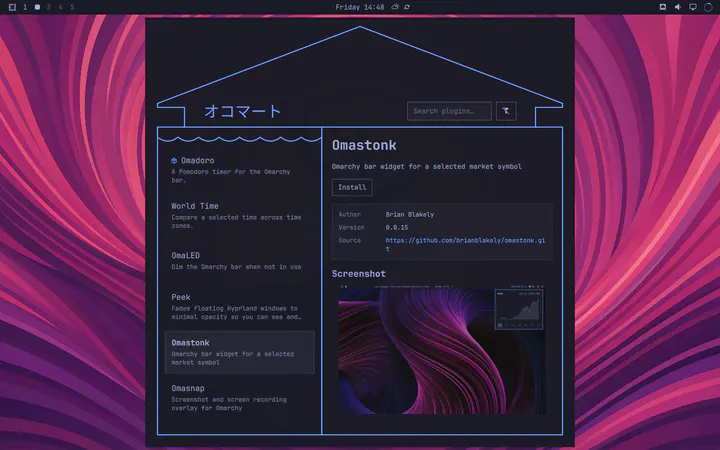
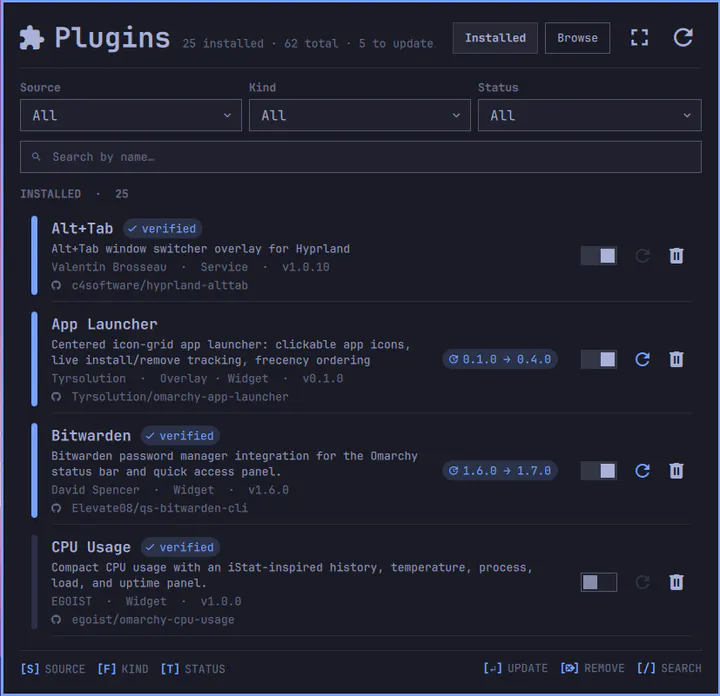
Browse, install, enable, disable, update, and remove Omarchy plugins from a storefront interface
by Jankees van Woezik · ★ 63
Every notification you were sent, kept, and readable again
by grichard99 · ★ 59
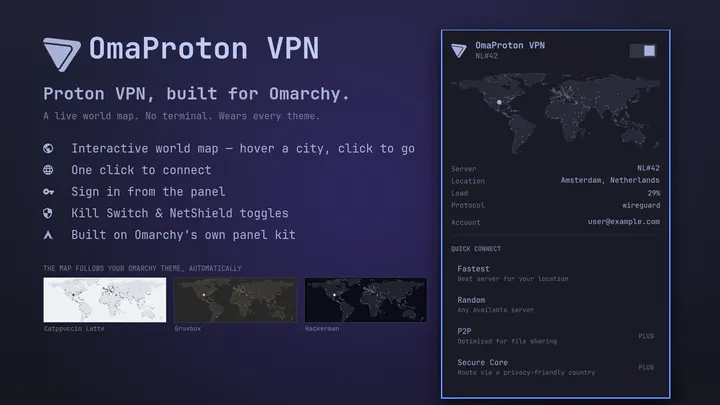
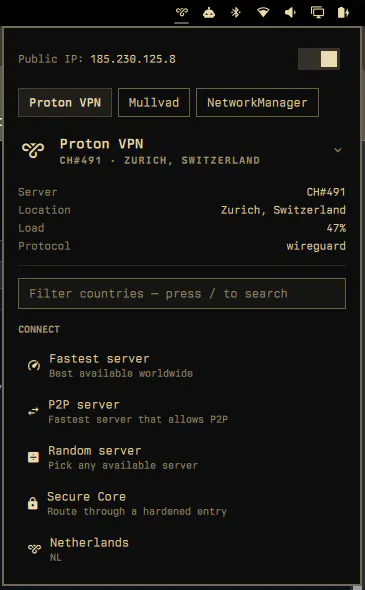
Proton VPN, built for Omarchy. No terminal: one click to connect, a world map of cities, Kill Switch, in a widget that wears every Omarchy theme.
by Rob Zolkos · ★ 58
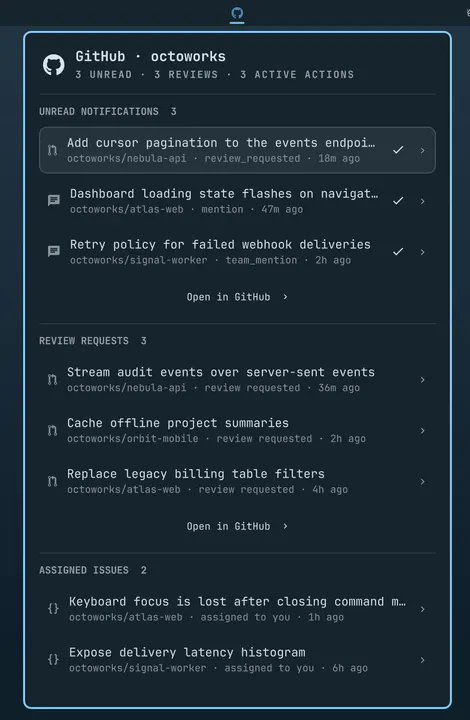
A keyboard-friendly GitHub inbox for notifications, reviews, your own pull requests, assigned issues, Actions, and repositories.
by lijiawei0305-pixel · ★ 57
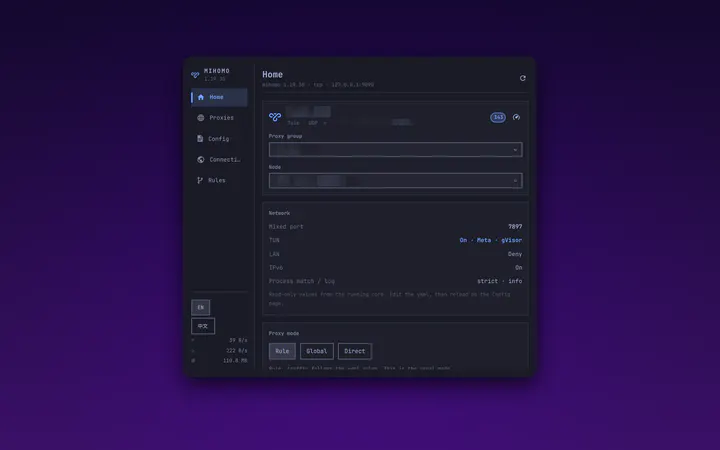
Control panel for the mihomo core: Home, Proxies, Config, Connections, Rules. Talks to the external controller directly; no GUI client required.
by Extreme Labs · ★ 57
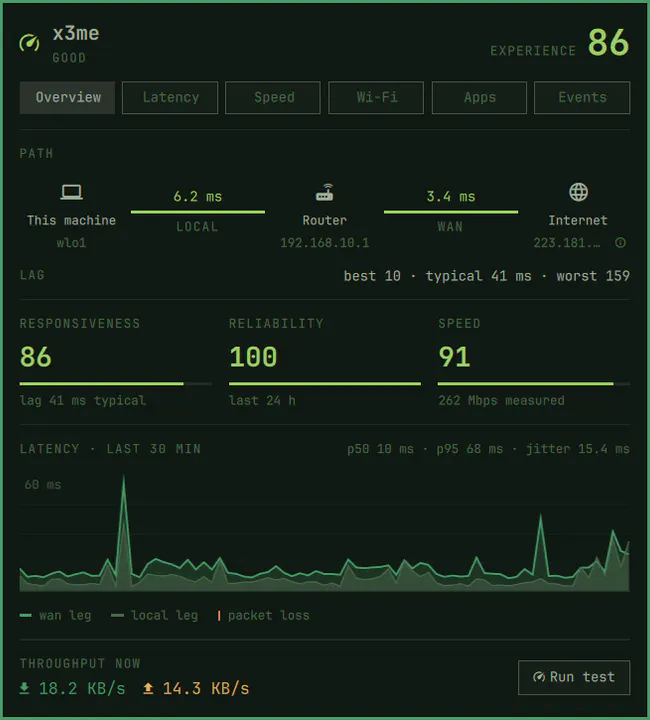
Splits your Wi-Fi from your ISP, hop by hop. Continuous latency, jitter and loss on both legs of your connection, with history, outage detection and speed tests.
by Kurt Buhler · ★ 52
Customizable IDE-like sidebars for managing files and referencing information in Omarchy.
by Jankees · ★ 51
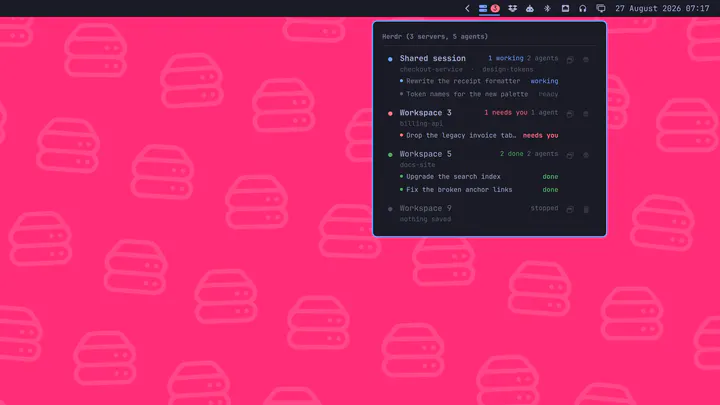
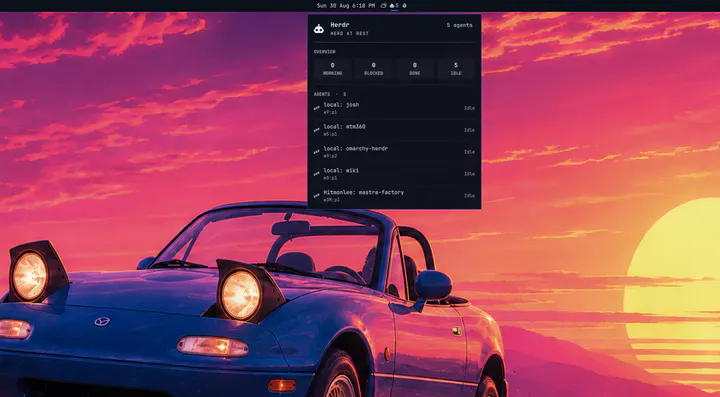
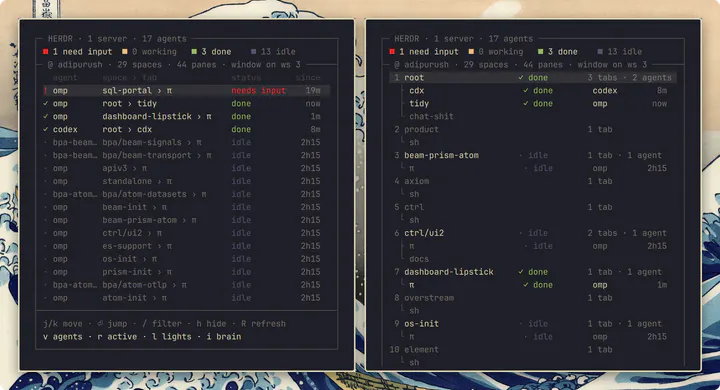
Running herdr servers in the bar, with every agent inside them, and a click that lands you on the one you picked
by Bobby Nicholas · ★ 49
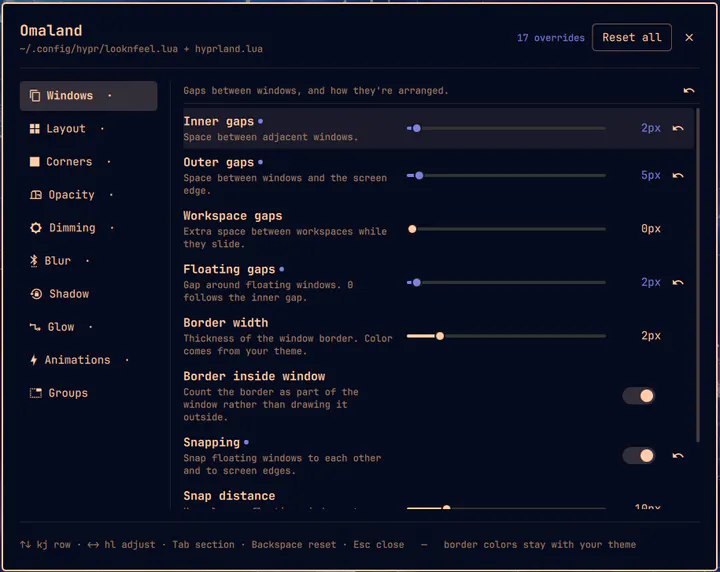
A panel for editing Hyprland's visual look and feel, with live preview. Writes a managed block into ~/.config/hypr/looknfeel.lua. Open from the Omarchy menu by searching 'Omaland' or from the terminal with: omarchy-shell shell toggle bobbynicholas.omaland
by Ty Richards · ★ 44
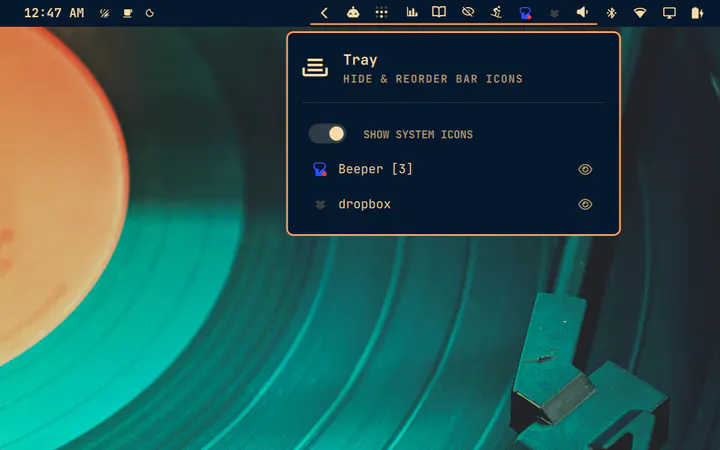
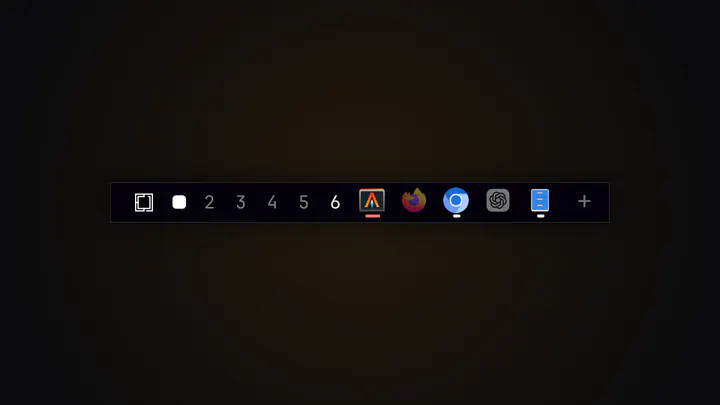
A better system tray: everything the stock tray does, plus drag any bar widget into its slide-out drawer.
by ZerubbabelT · ★ 44
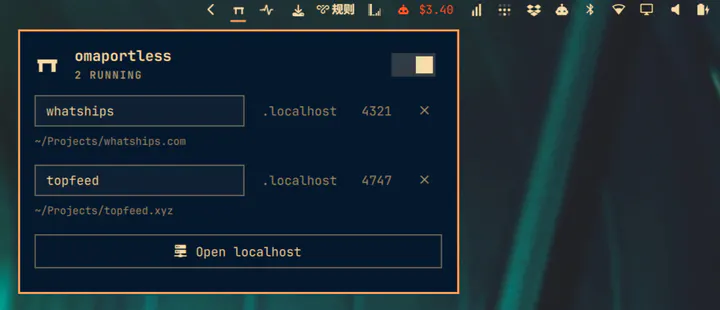
Shows local listening ports/dev servers in the bar with a popup to stop them
by Dishni Aslakh · ★ 44
Read-only manifest health checks for installed Omarchy plugins.
by husamemad · ★ 43
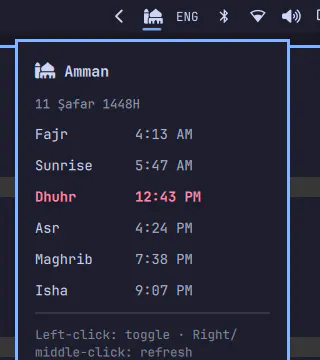
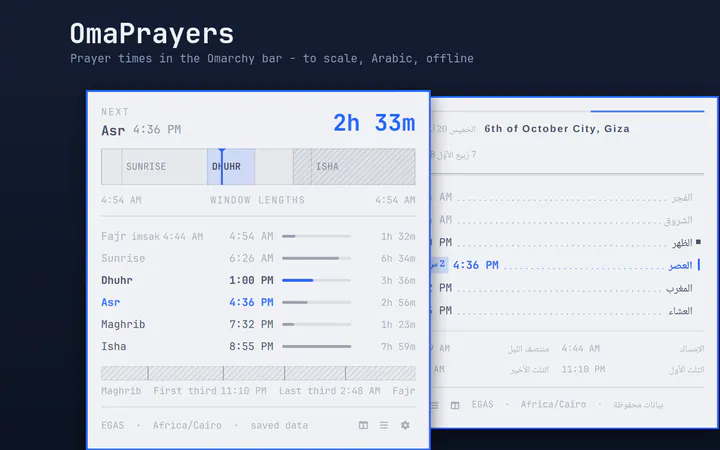
Mosque icon with next prayer countdown and a popup with today's five prayers
by rosakodu · ★ 41
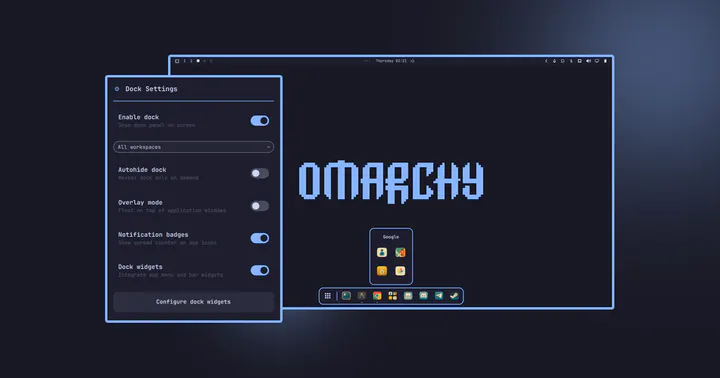
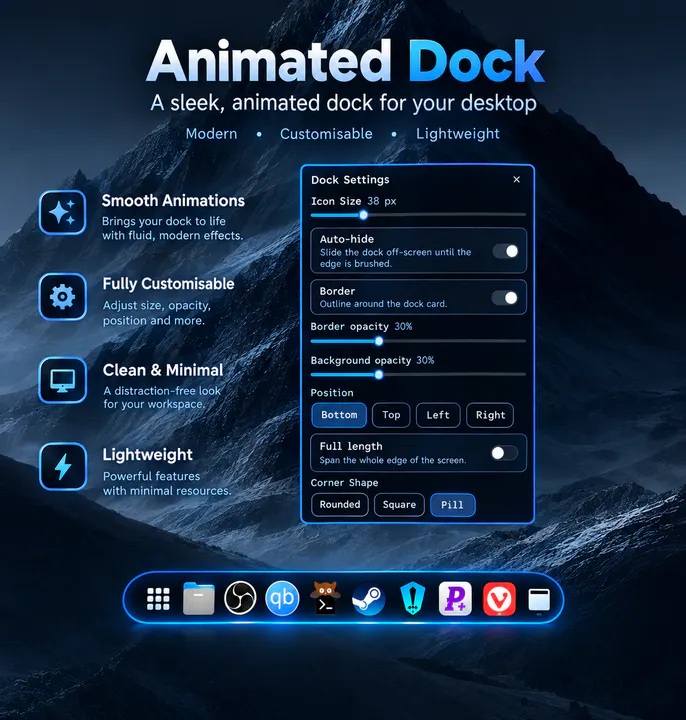
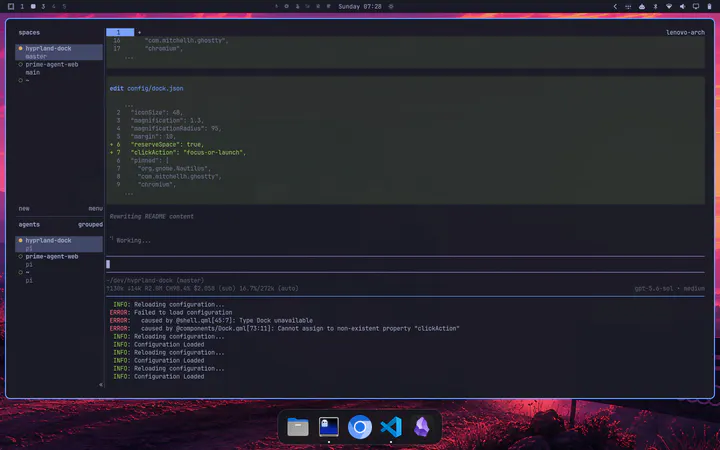
Native animated application dock for Omarchy Quattro with dynamic positioning, Hyprland window tracking, Drag & Drop, and seamless Omarchy theme integration.
by Kristoffer Haugland · ★ 40
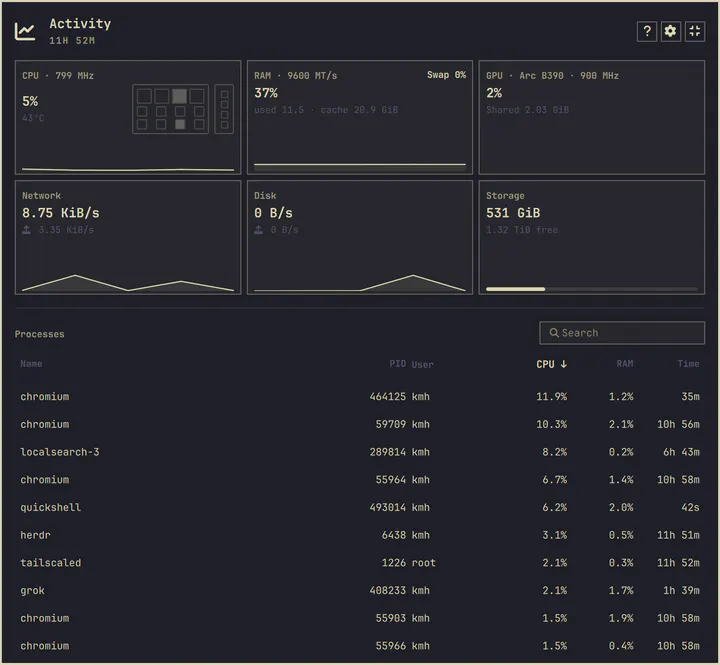
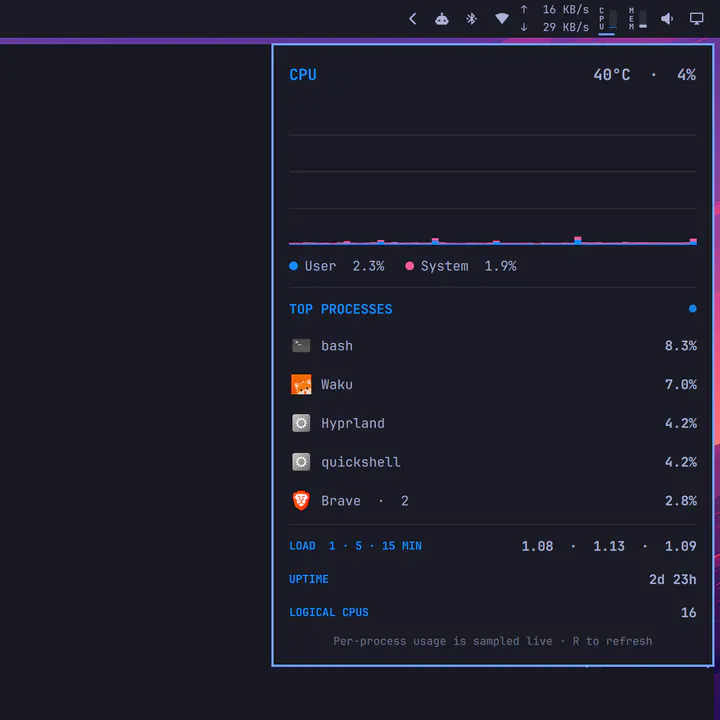
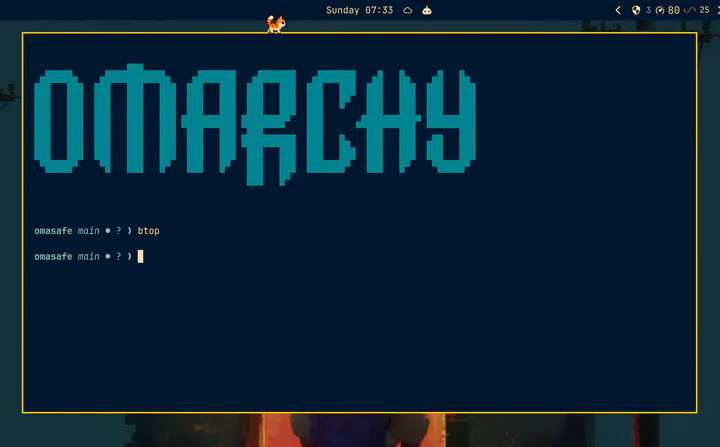
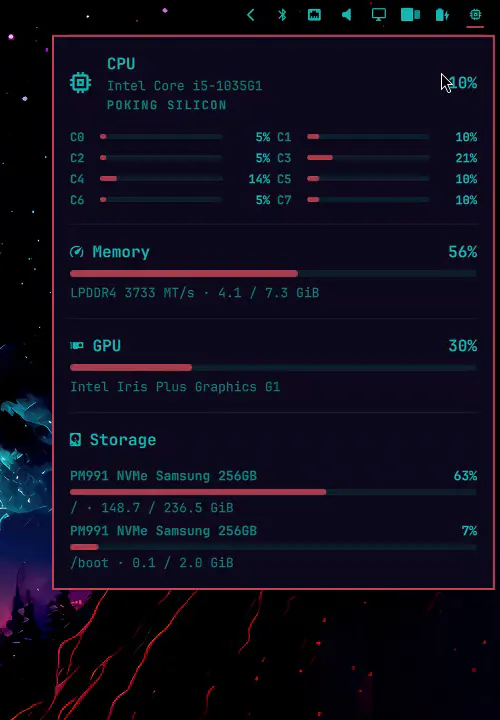
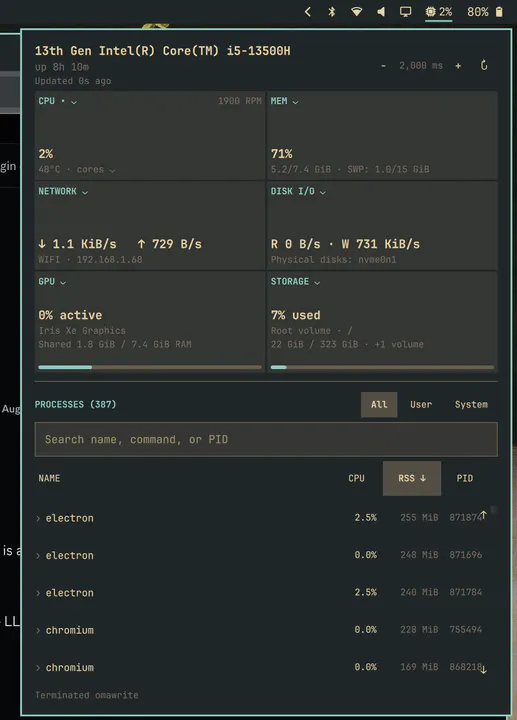
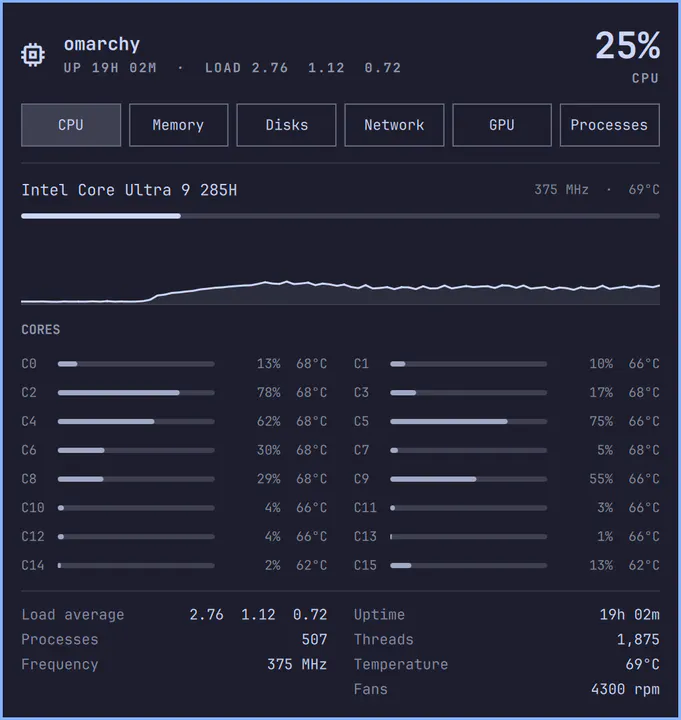
A calm, low-overhead glance at CPU, memory, GPU, storage, and processes — with a die that matches your chip
by Arseniy Zarechnev · ★ 40
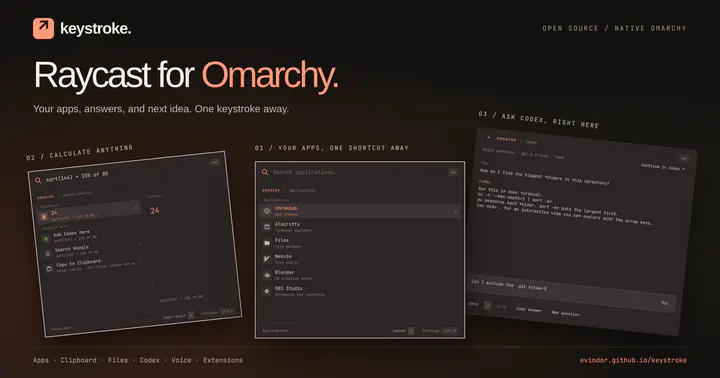
A Raycast-style command palette that replaces the Omarchy menu, with voice, Codex and community extensions
by Tobias Wiking · ★ 36
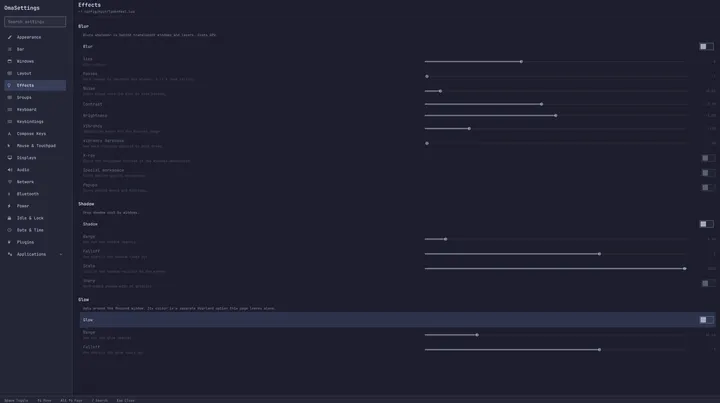
One window for every Omarchy setting, from Hyprland to your keybindings to tmux. Searchable, and anything you change can be put back.
by Michael de By · ★ 36
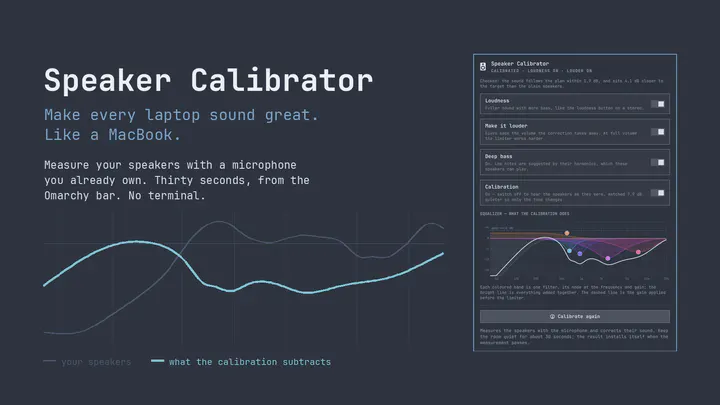
Measure with one or many microphones and generate adaptive, repeat-validated, protected parametric speaker tuning.
by ilyaZar · ★ 35
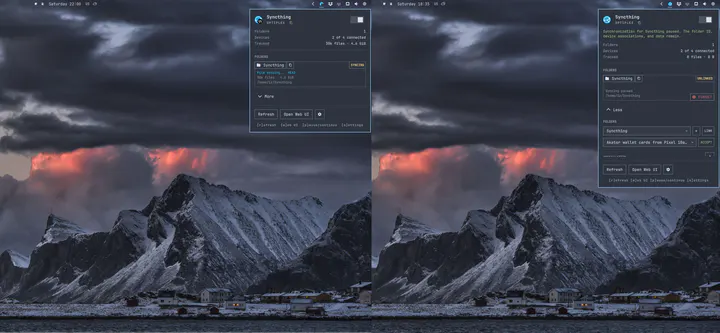
A Syncthing plugin with a bundled native core for monitoring file activity, safely managing folders, controlling the user service, and following the Omarchy theme.
by agx · ★ 34
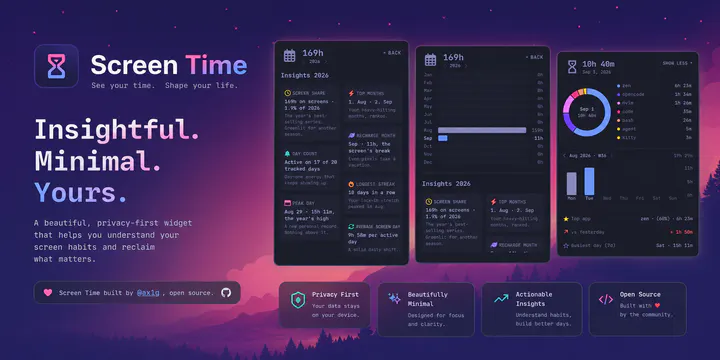
Know where your time goes. Live per-app screen time in your bar with a donut breakdown, a 52-week trend, a yearly overview, and usage insights — terminal-aware, keyboard-first, fully local.
by Jesse Burlamaque · ★ 32
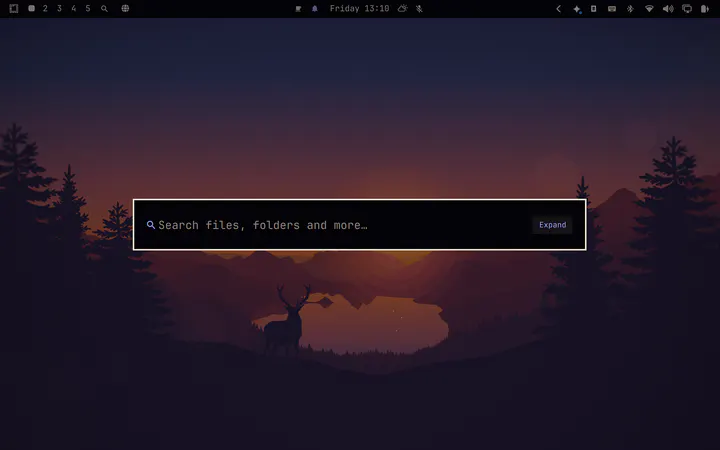
A fast, elegant, keyboard-driven universal file search and quick launcher for the Omarchy shell on Linux.
by Jitendra Dara (jitendradara12) · ★ 31
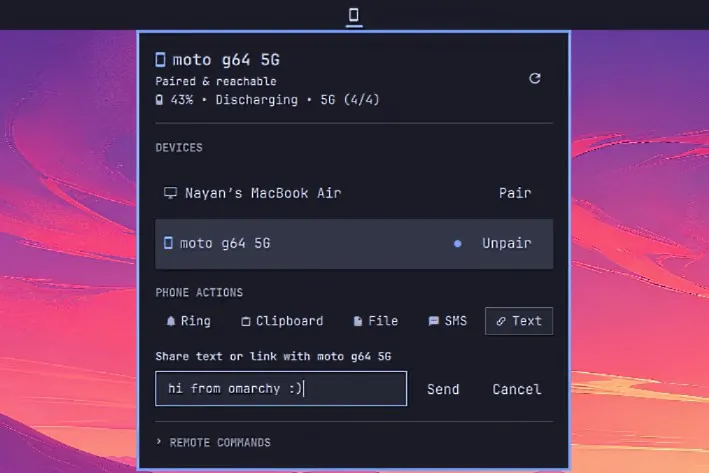
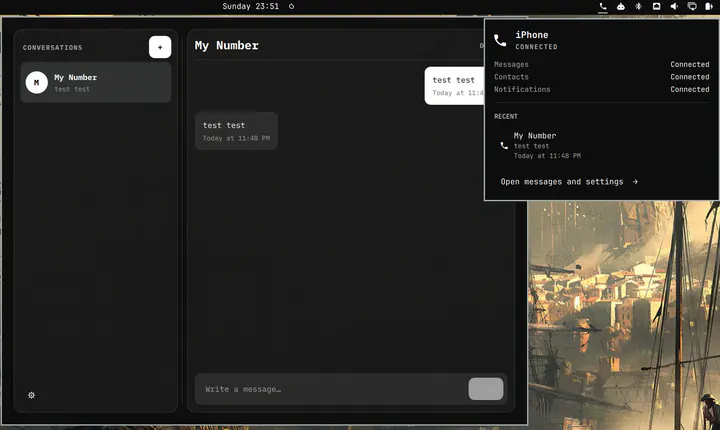
Seamless KDE Connect integration for Omarchy: Tailscale discovery, pairing, SMS, battery stats, clipboard sync, file sharing, remote commands, and media controls.
by sanjyay · ★ 31
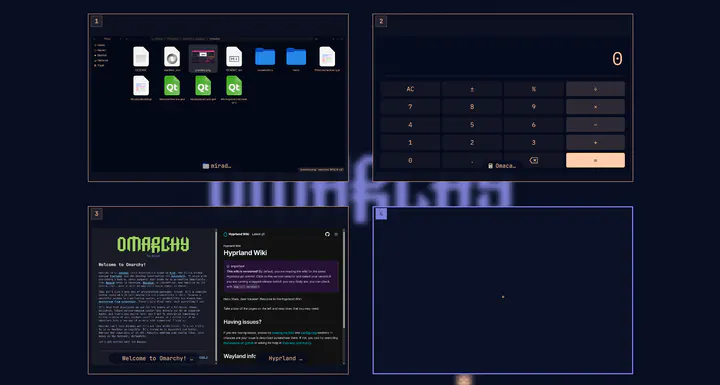
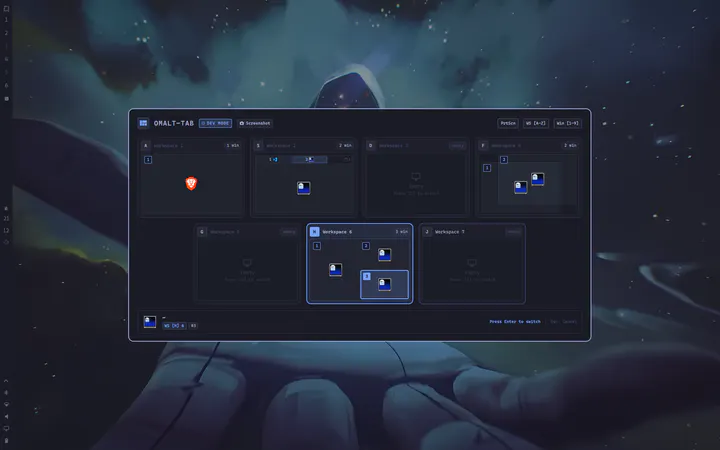
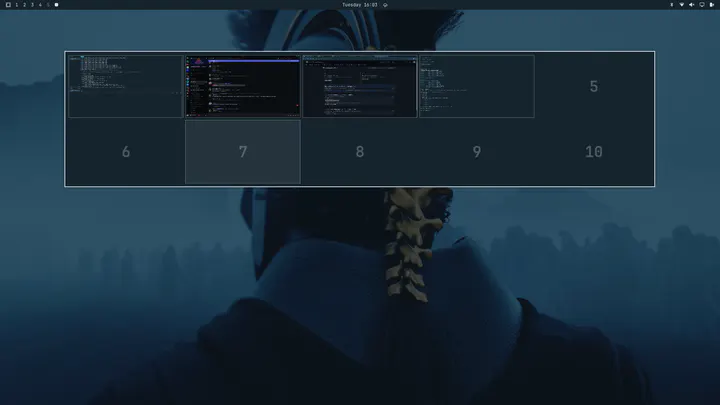
Visual overview of workspaces and their windows. Setup required: copy the keyboard bindings from the repository README into ~/.config/hypr/bindings.lua.
by thepathless · ★ 31
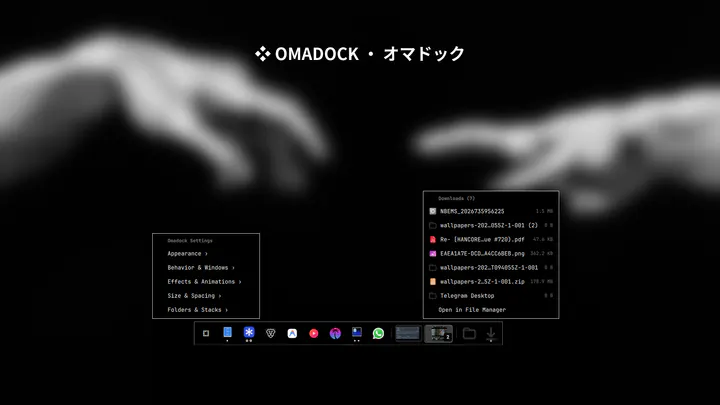
Clean, modern, high-performance application dock for Omarchy with zero-CPU autohide, tiling window adaptation, and deep customization
by Brent Kearney · ★ 30
Send and receive files with nearby Apple devices over AirDrop, on Apple Silicon Macs running Omarchy.
by HANCORE · ★ 29
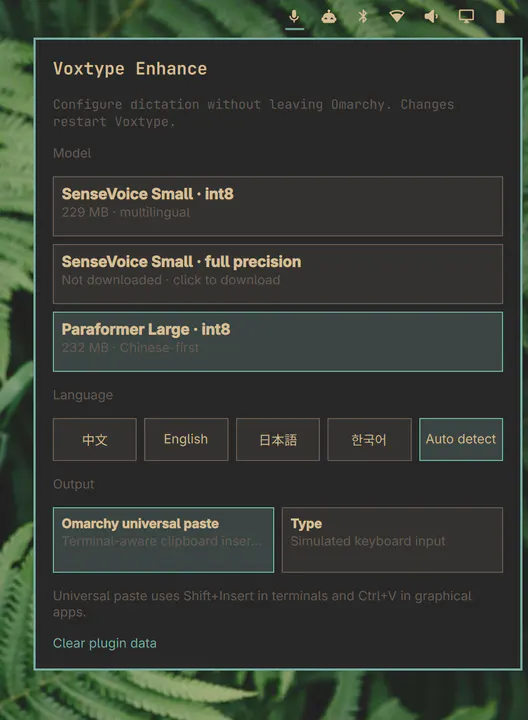
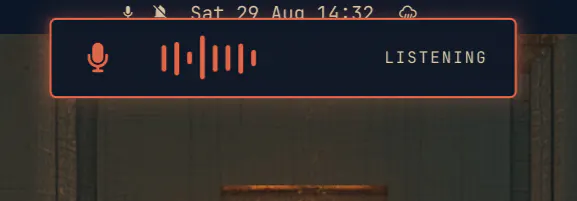
A native Omarchy control center for Voxtype dictation with model downloads, language, and terminal-aware universal paste controls.
by Carmine Paolino · ★ 28
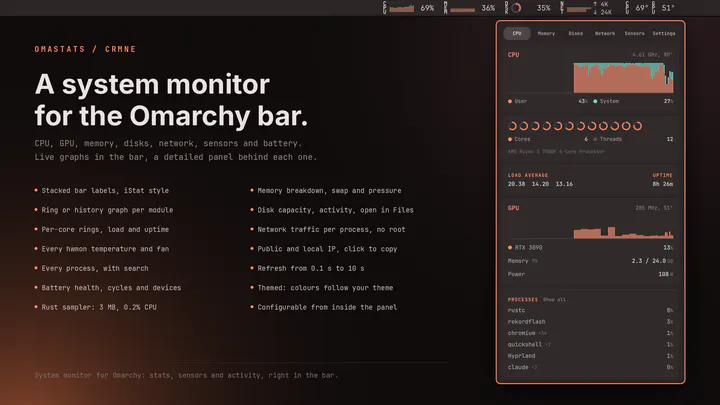
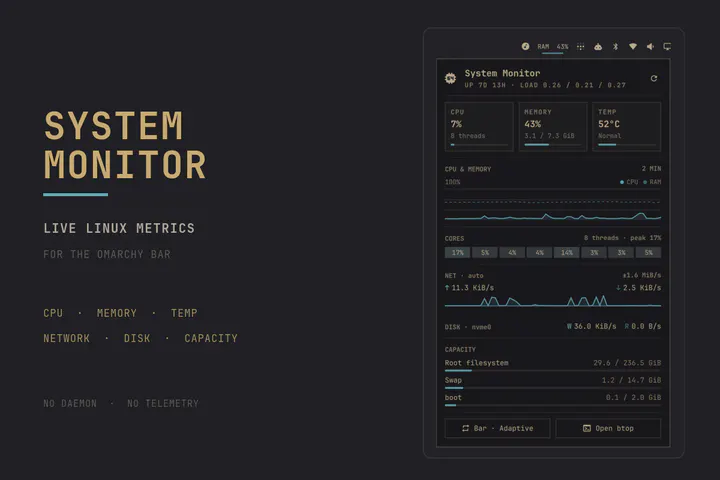
System monitor for the Omarchy bar: CPU, GPU, memory, disk, network, temperature, fan and battery stats with live graphs and a detailed panel. An iStat Menus-style activity monitor showing the machine's vital signs, configurable from inside the panel.
by Kristoffer Risanger (@kristofferR) · ★ 28
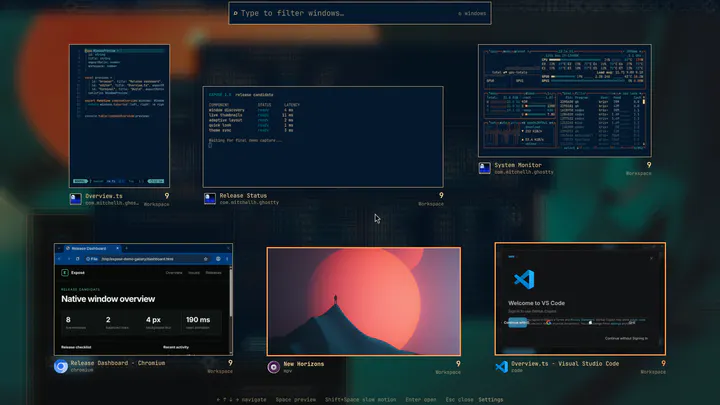
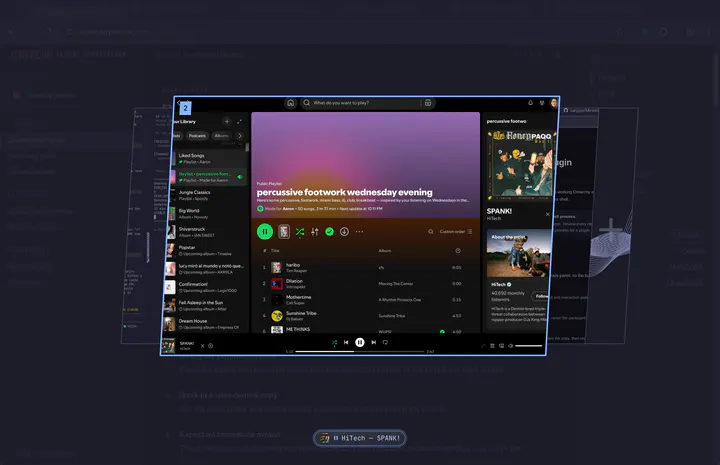
macOS-style Exposé for Omarchy: one key or a hot corner shows every open window as a live preview. Type to search, press Space to Quick Look, press Enter to launch.
by aryan-techie · ★ 28
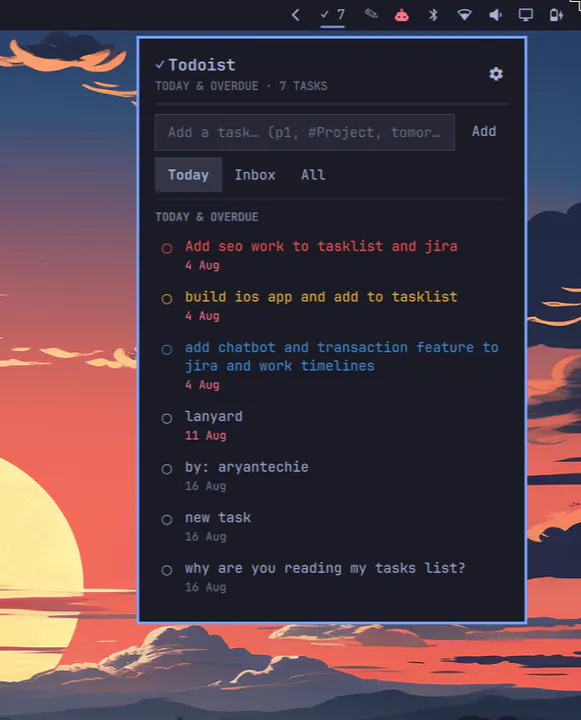
Todoist task count in the bar, with a panel to view due/overdue tasks, check them off, and quick-add new ones.
by Gavin Nugent · ★ 27
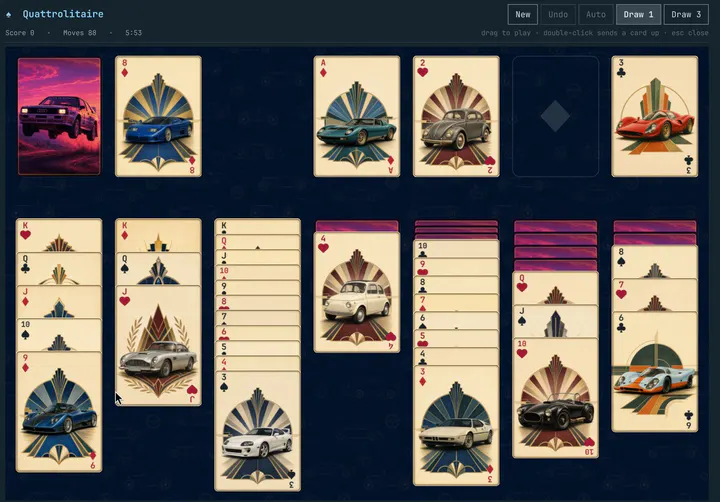
Klondike solitaire for omarchy-shell. Drag-and-drop card table drawn entirely in QML, coloured from the active theme, with undo, autocomplete, scoring and a game that survives a shell restart. Summon with: omarchy-shell shell toggle nosignal.quattrolitaire
by Cody · ★ 27
Native Omarchy status and launch surface for a user-local Hermes installation.
by Jankees van Woezik · ★ 26
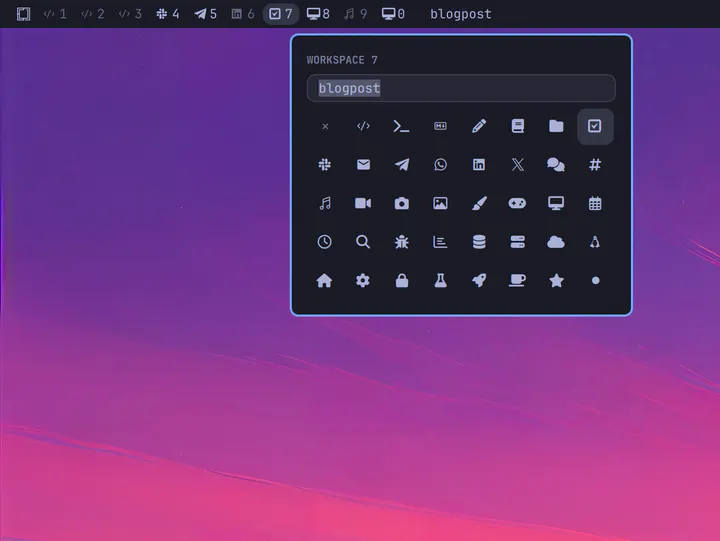
Name and icon of the current workspace, and optionally the workspace indicators
by Gavin Nugent · ★ 26
Native looping video wallpaper for omarchy-shell. Renders a muted, looping video on the background layer above the static wallpaper, with a different clip per monitor if you want one, adjustable playback speed, optional rotation through your library on a per-monitor schedule, and auto-pause on fullscreen. Controlled from its bar widget, or from a terminal with the motion-wallpaper CLI.
by Jason Lee <huacnlee@gmail.com> · ★ 25
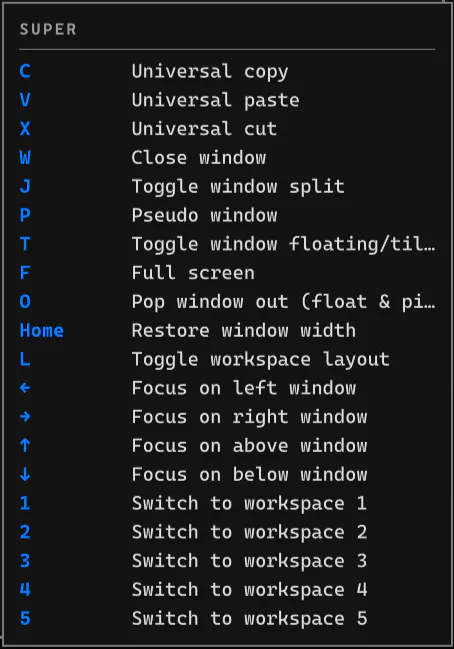
A LazyVim which-key-style shortcut guide that automatically reads Omarchy live keybindings and appears when you hold Super
by Dmytro Gladkyi · ★ 25
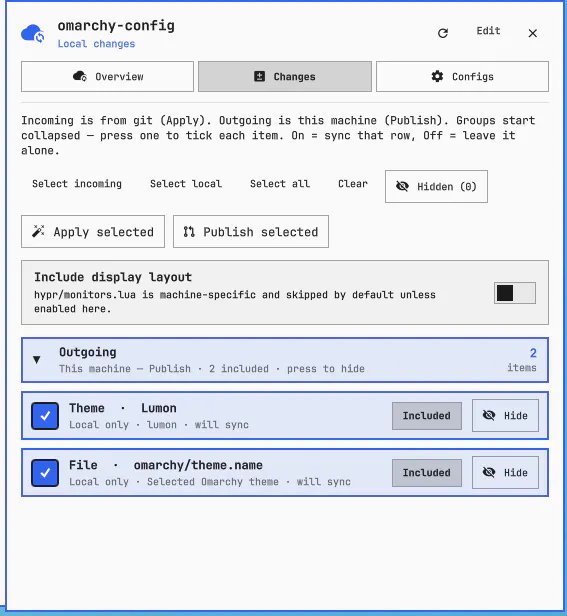
Seamlessly sync all your Omarchy configurations, shortcuts, themes, and plugins between your machines.
by TheTrueFerret · ★ 24
Per-monitor workspace indicators: shows only workspaces with windows, with an app icon beside each workspace number
by David Spencer · ★ 24
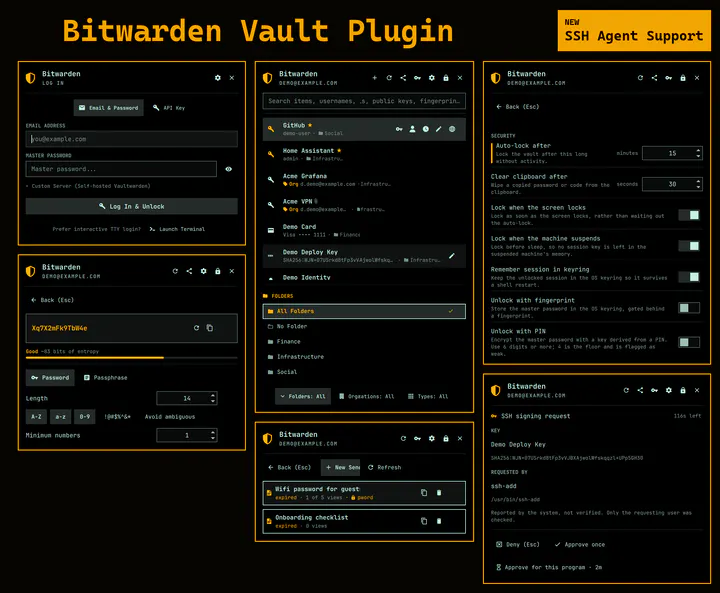
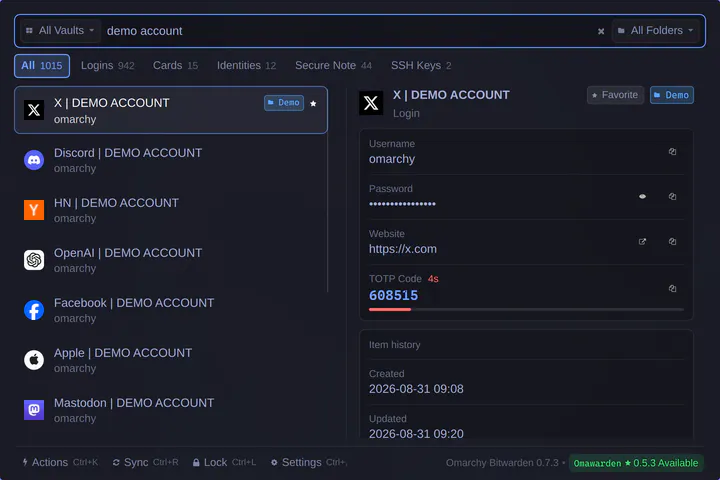
Bitwarden password manager integration for the Omarchy status bar and quick access panel.
by 686f6c61 · ★ 23
Unread Proton Mail count in the bar, recent-mail dropdown and desktop notifications
by Shavanced · ★ 23
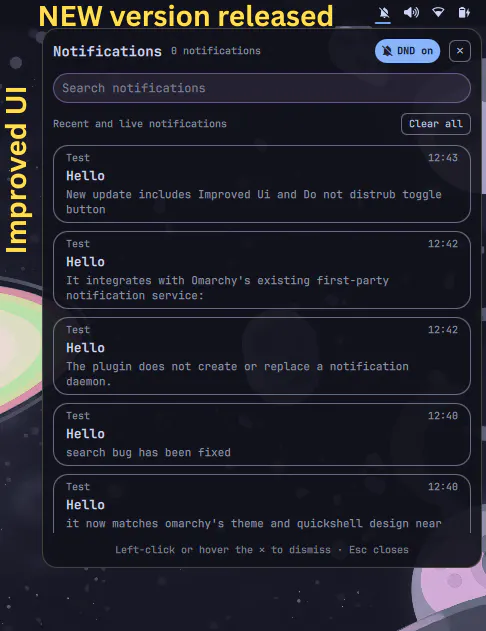
A native Omarchy notification center with live notifications, persistent history, search, Do Not Disturb, and a theme-aware bar widget.
by Pierre Berube · ★ 23
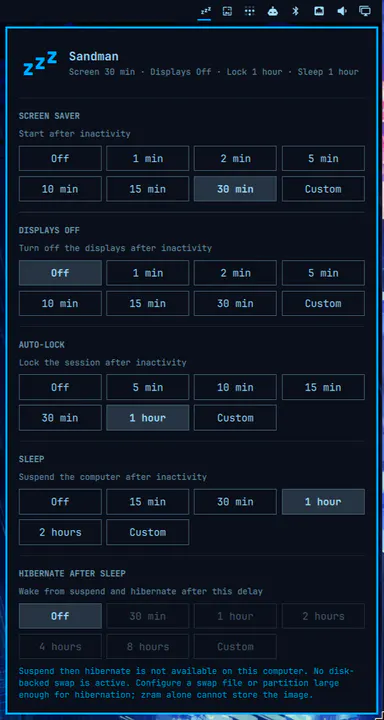
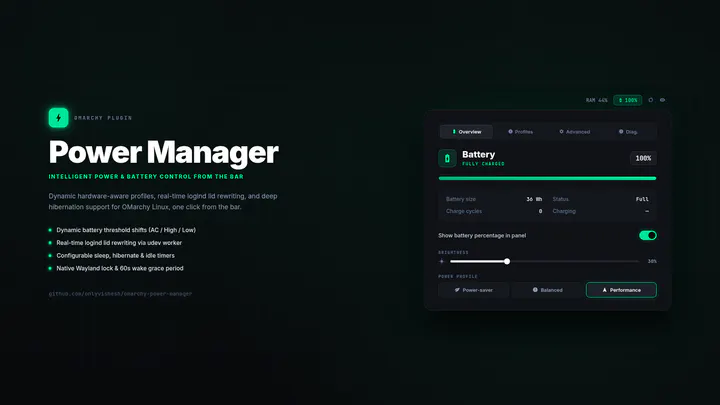
Set lid-close actions and when your screen rests, locks, sleeps, and hibernates.
by Greyforge Labs · ★ 23
A safety net for Super+W on Omarchy: the window is hidden, not terminated, and one keystroke returns it exactly as it was. Survives shell restarts.
by tallsam · ★ 22
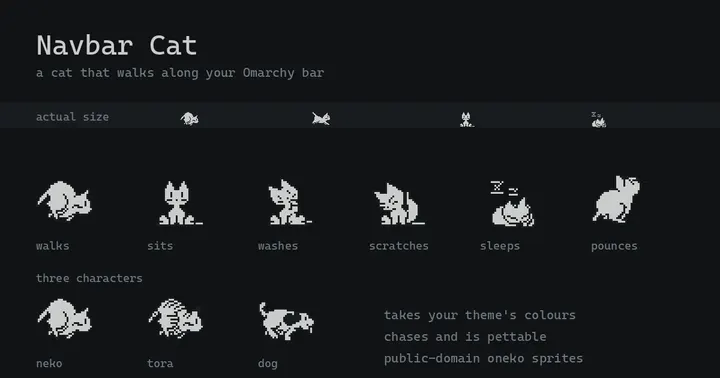
A cat that walks along the bar, reacts to what you are doing, and can be petted
by Pablo Merino · ★ 22
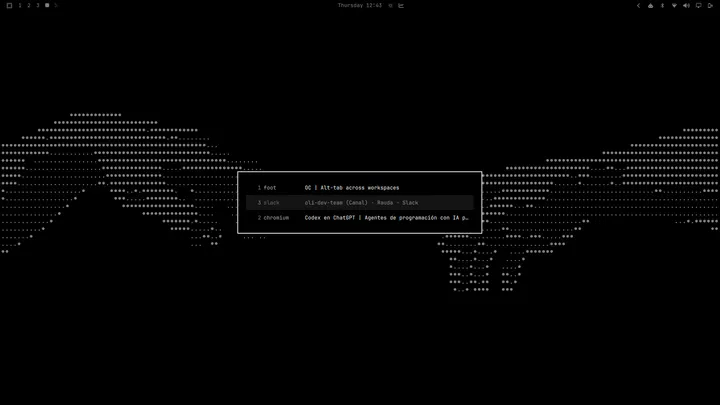
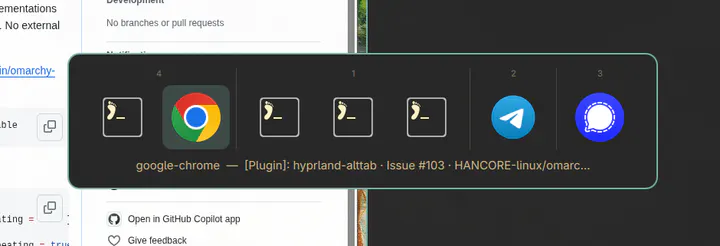
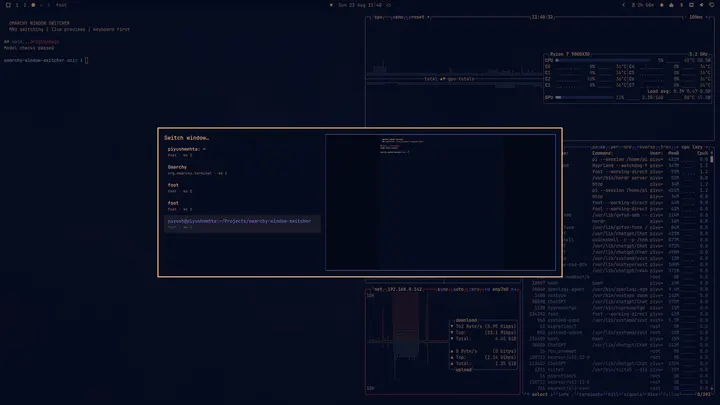
Windows-style ALT+TAB window switcher across every workspace, ordered by most recently used.
by IM0001GT · ★ 21
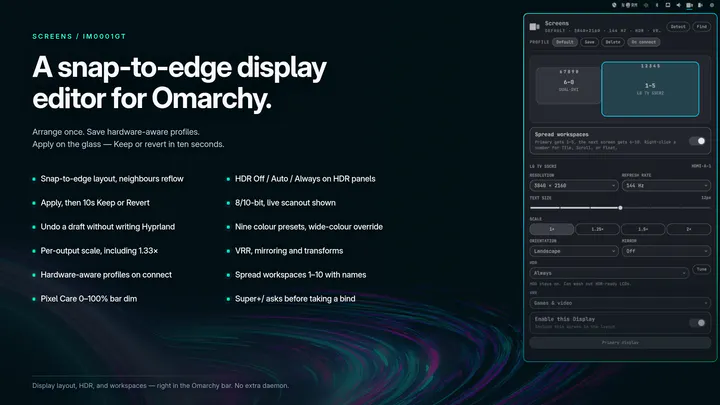
Snap-to-edge monitor layout with brightness, text size, HDR, VRR, hardware-aware profiles, optional bar dim, and workspace spreading with names, icons, and a configurable total
by Sarthak Siddhpura · ★ 21
Ergonomic Alt+Tab window switcher with home-row workspace navigation and spatial layout for Hyprland and Omarchy.
by Brian Blakely · ★ 21
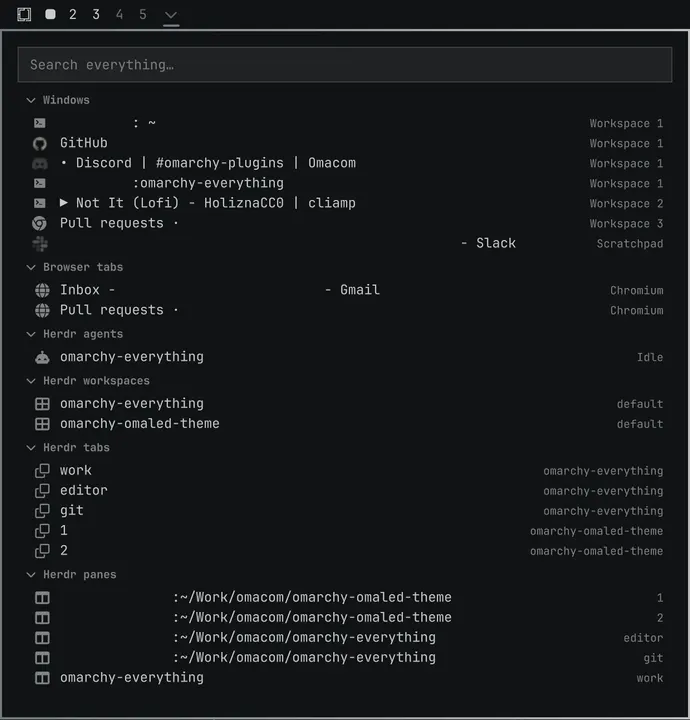
List, search, and jump directly to every app, tab, buffer, agent... everything.
by Jankees van Woezik · ★ 21
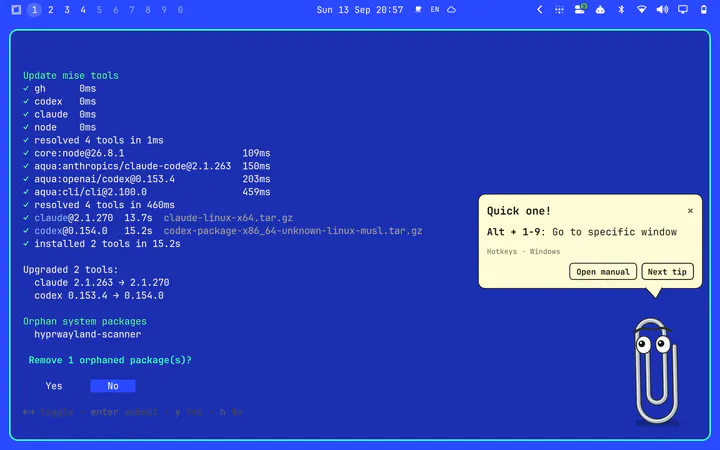
A paperclip in the corner of your screen that watches your mouse and hands out tips from the Omarchy manual.
by GigaSolo · ★ 20
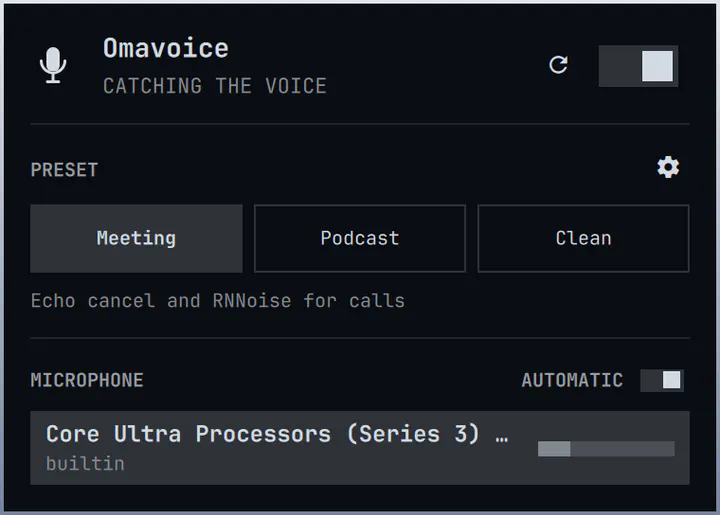
A virtual microphone for Zoom, Meet, and OBS. Meeting / Podcast / Clean, Voice looks, and an RNNoise or DeepFilterNet picker.
by SLcode777 · ★ 20
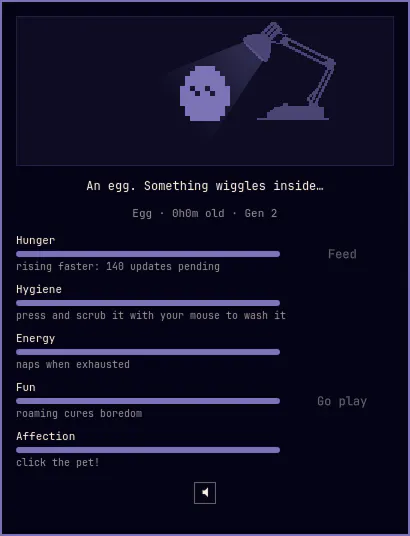
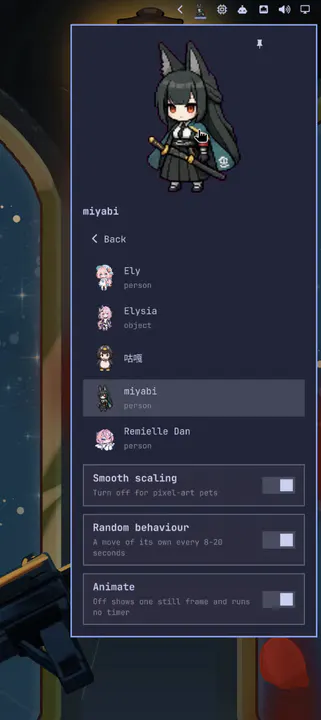
A 1-bit desktop pet in your bar, in the spirit of the 1997 originals: feed it, scrub it clean, cuddle it, and let it out to roam your screen and climb your windows. It hatches, grows, and evolves with the care you give.
by deunnis · ★ 20
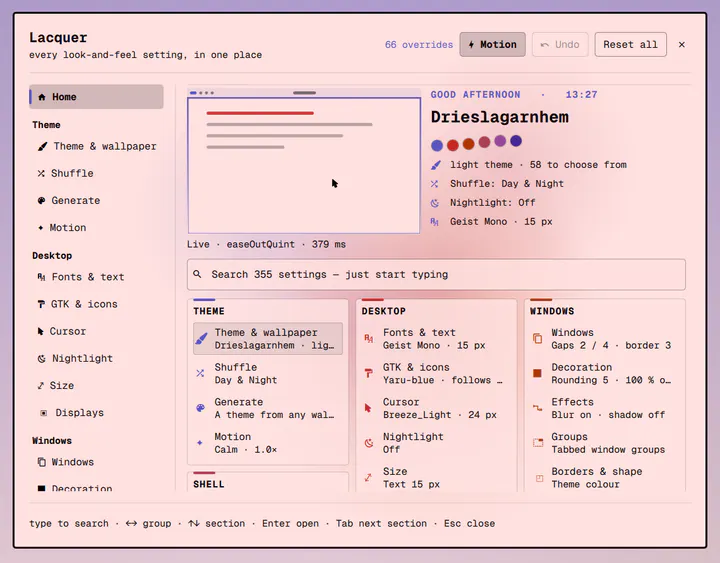
One app for how your Omarchy desktop looks: themes, wallpapers, theme shuffle and aether generation; fonts, GTK, icons, cursor and nightlight; windows, animations and curves; shell style, bar and menu look; lock, boot and screensaver; terminals, btop and prompt; and every plugin's settings. Live, through the tools that already own each setting.
by Simon Späti · ★ 19
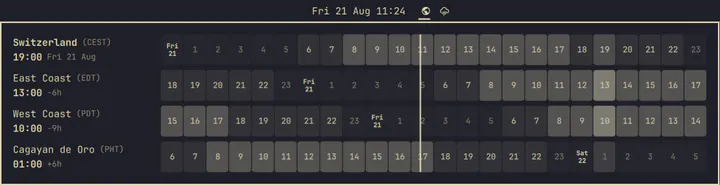
World clock bar pill with a worldtimebuddy-style hour-grid popup. Hover a column to convert any moment across all your zones.
by promaaa · ★ 19
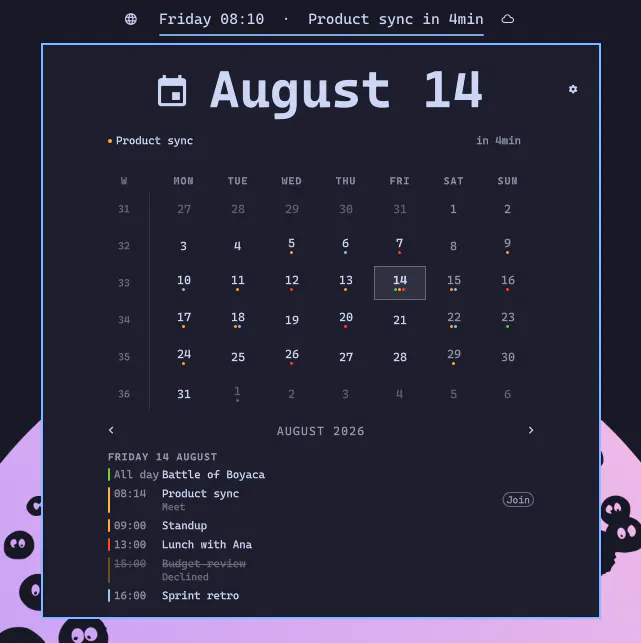
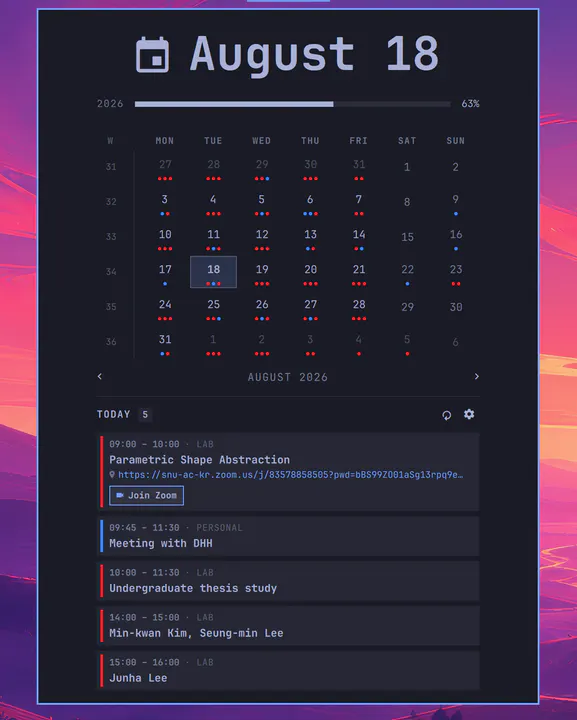
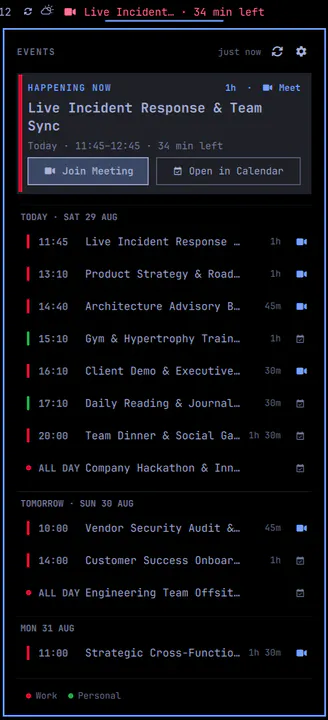
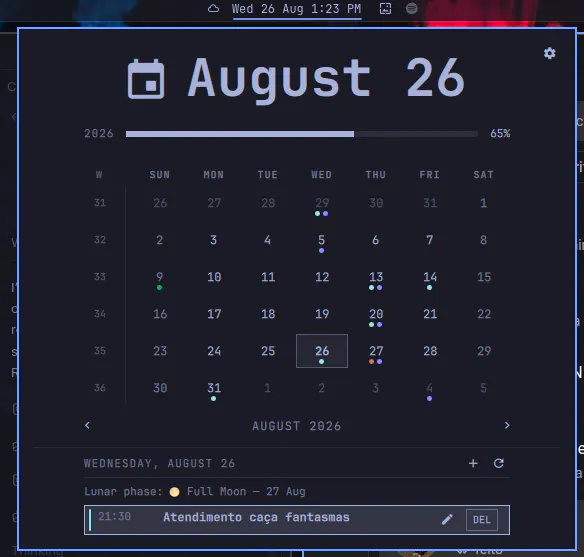
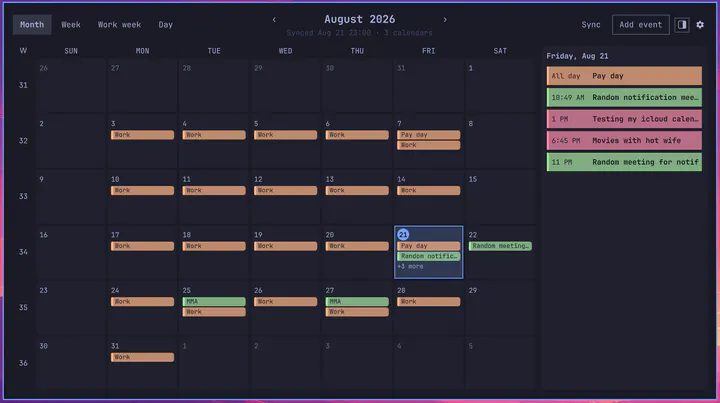
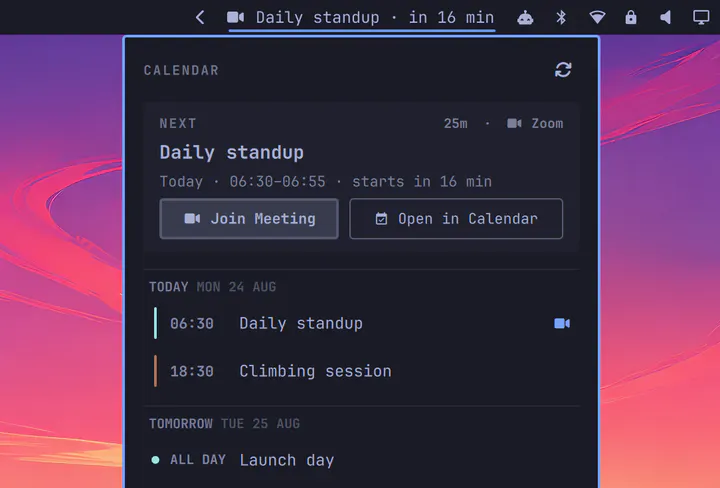
Every calendar you own, in your Omarchy bar: two-way sync with Google, CalDAV, Fastmail JMAP and any .ics or webcal feed
by rlimberger · ★ 18
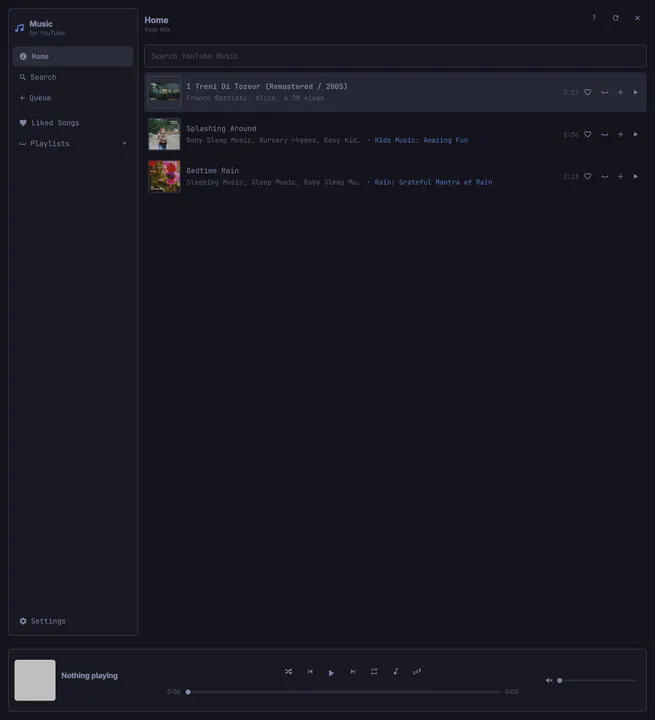
YouTube Music in Quickshell—not Chromium. Search, library, playlists, and a mini player, with local mpv playback.
by Jankees van Woezik · ★ 18
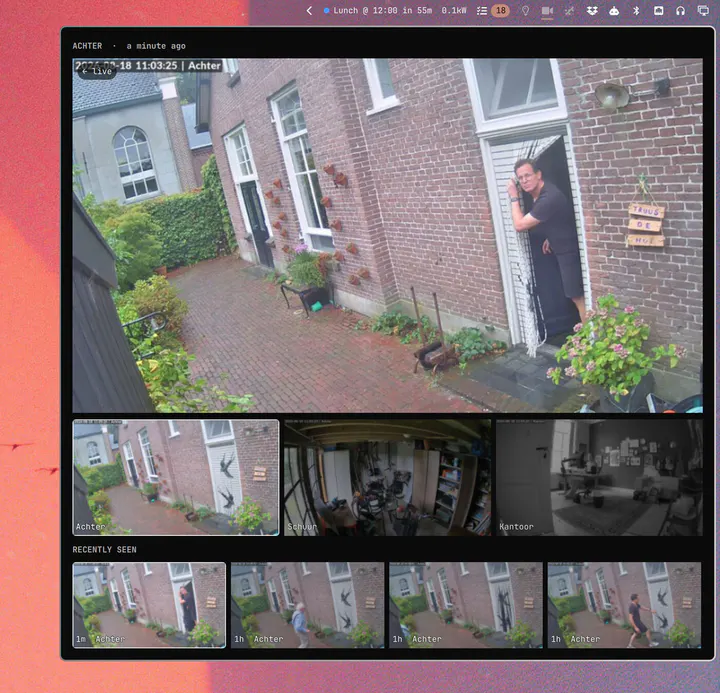
UniFi Protect cameras: one icon in the bar, the pictures in a panel
by Kristofer Lund · ★ 18
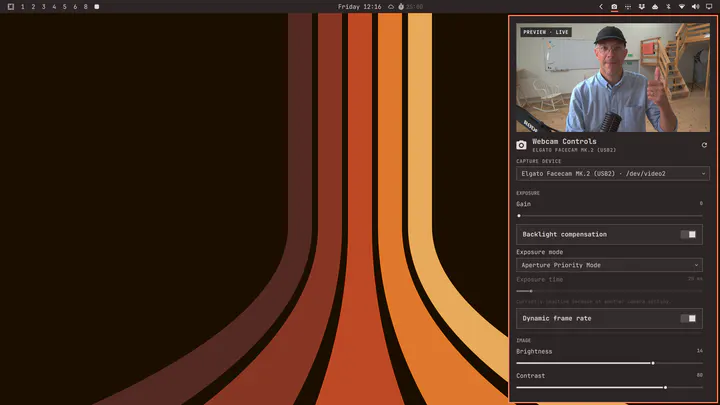
Control any V4L2 webcam from the Omarchy bar with a live preview and automatic device-specific settings.
by Mohammed Shareef · ★ 18
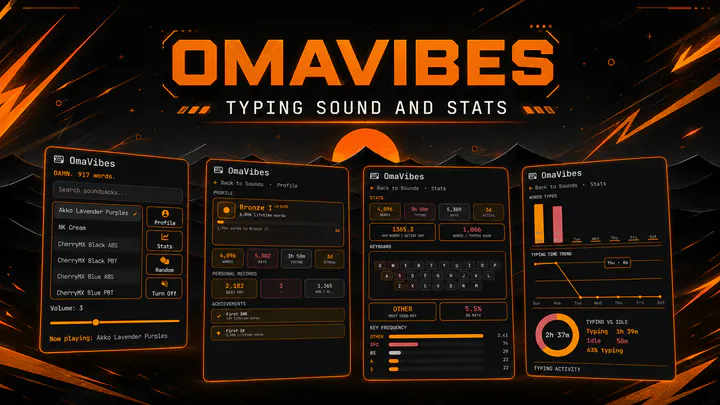
Cozy typing sound effects with over 40+ sounds, gamified typing stats with ranks, detailed analytics, random playback, and volume control for the Omarchy bar.
by Carmine Paolino · ★ 18
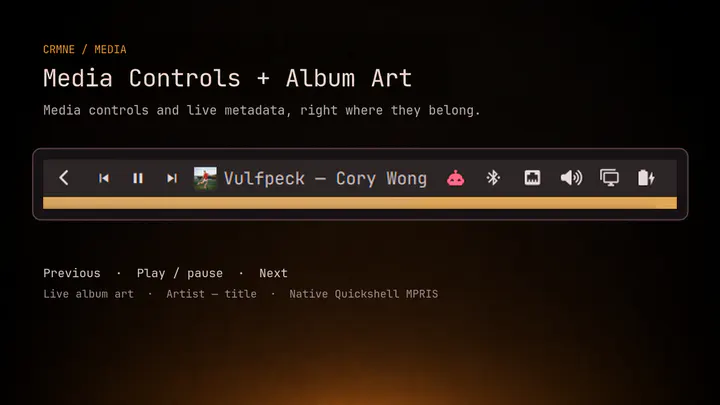
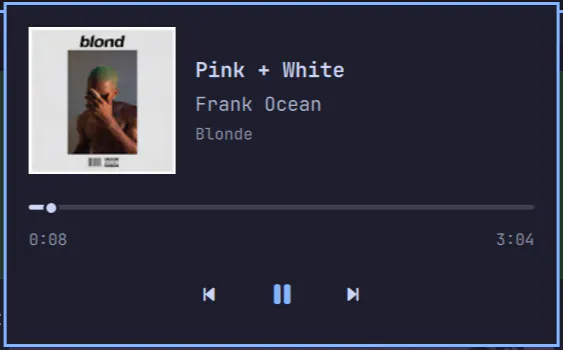
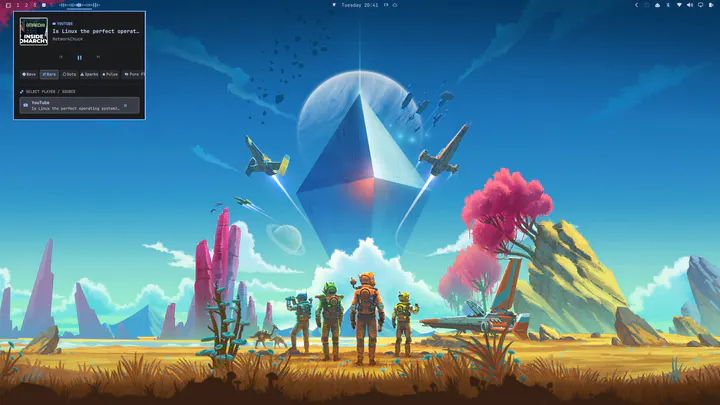
Media controls for the Omarchy bar with live album art, now-playing details, and previous/play-pause/next buttons for Spotify and other players.
by ilyaZar · ★ 17
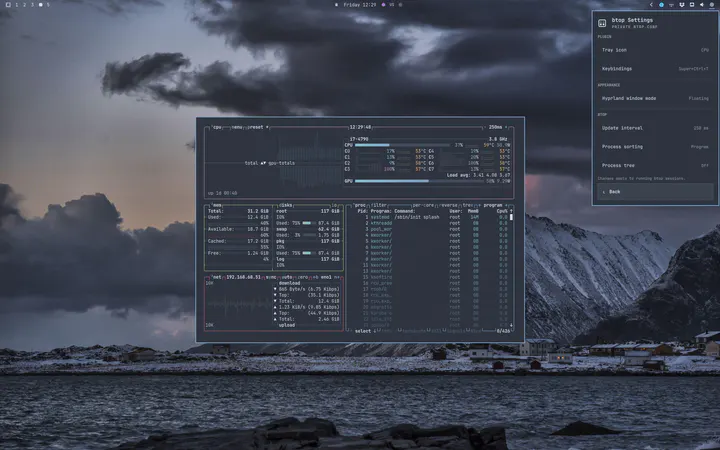
Brings btop back to the Omarchy bar with live CPU, RAM, GPU usage, VRAM, and temperatures. Change common btop settings live, choose floating or tiled windows, open built-in help, and use built-in or custom tray icons.
by Greyforge Labs · ★ 17
Fixed app slots, filesystem Places, and one bounded drawer for everything else. Your bar stays put.
by ejuro · ★ 16
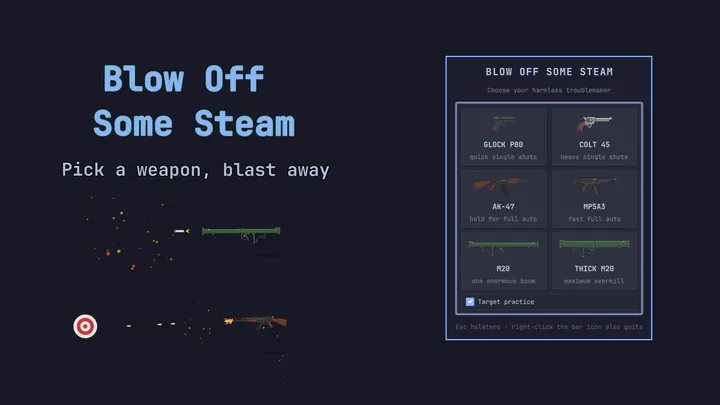
Pick a cartoon weapon and safely wreck a frozen snapshot of your desktop.
by HANCORE · ★ 16
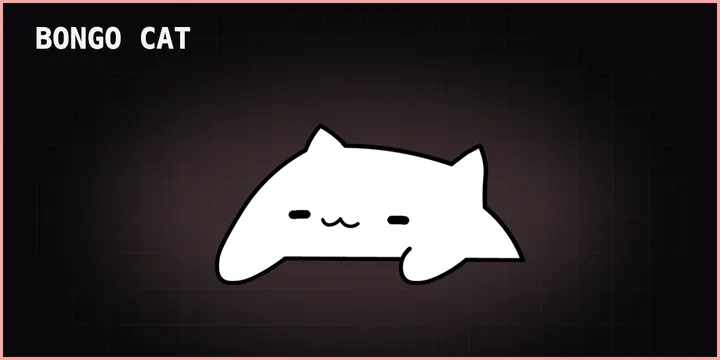
A native Quickshell Bongo Cat with session input access, workspace visibility, and lockable drag positioning.
by meviusisback · ★ 16
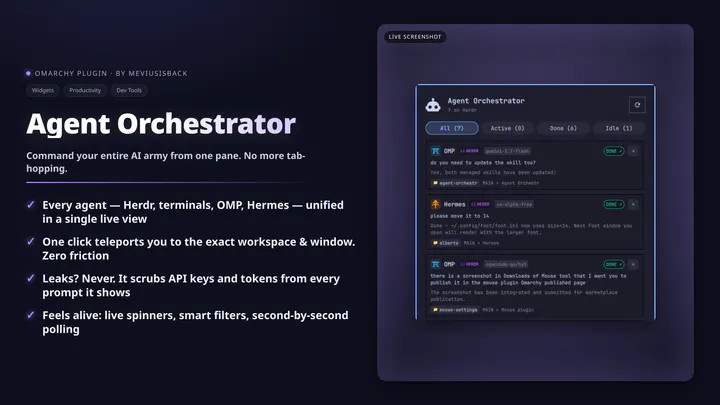
Live monitor and workspace orchestrator for AI coding agents (Herdr, OMP, Hermes, Claude, Codex, Grok) in the Omarchy bar.
by tenzin · ★ 16
Add seamless video wallpapers by dropping a video into the current theme's background folder, then selecting it in Style > Background.
by EGOIST · ★ 15
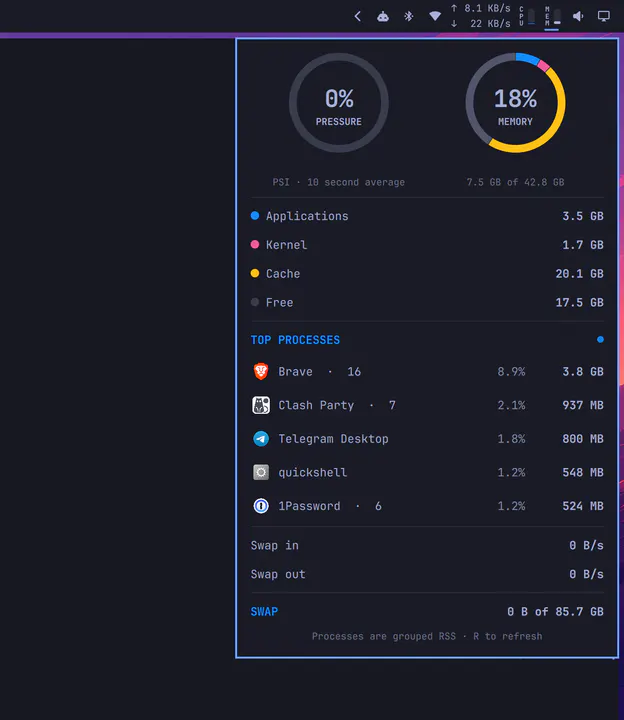
Compact memory usage with an iStat-inspired pressure, composition, process, paging, and swap panel.
by icyleaf · ★ 15
Fast Bitwarden vault search, credential copy, and security manager for Omarchy.
by davedes · ★ 15
Fisheye-magnifying animated dock for the Omarchy shell, functionally equivalent to dash2dock-lite: continuous pointer magnification, intelli-hide autohide, four edge positions, scroll-to-cycle windows, drag-to-reorder, running indicators and icon tinting.
by John Trainor · ★ 15
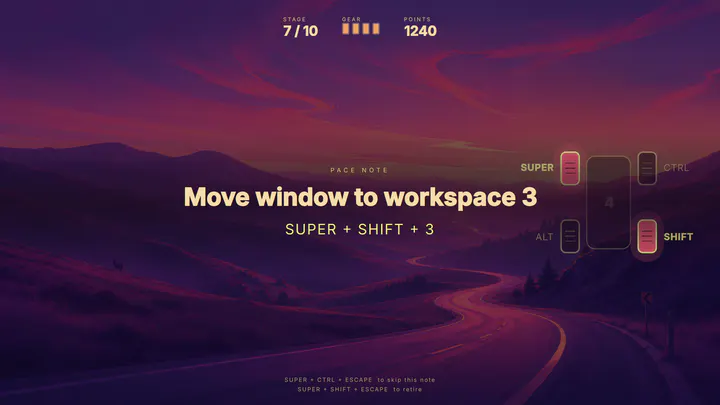
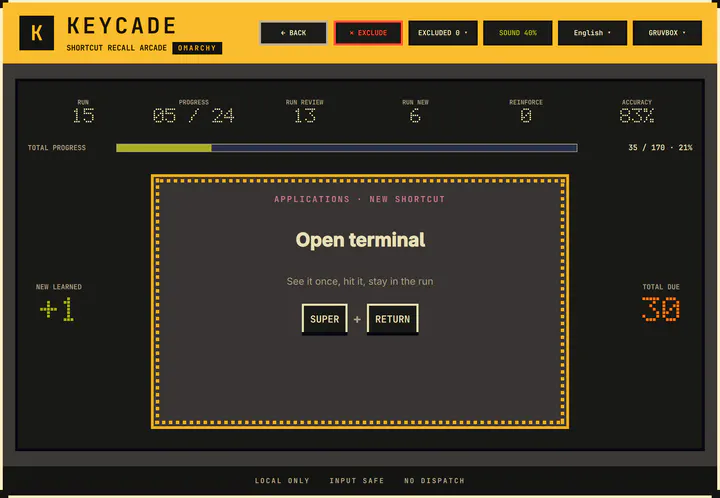
A rally game that drills your Omarchy keybindings. The bar widget opens it, and retires a stage that is still holding your keyboard.
by nightdevil00 · ★ 14
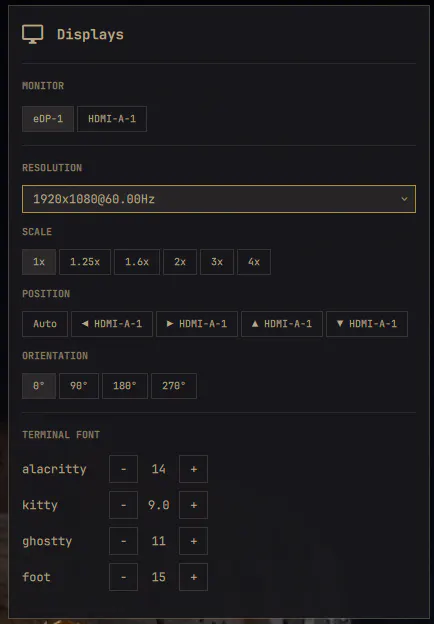
Per-monitor resolution, scale, position, transform and per-terminal font sizes from the bar
by glafeara · ★ 14
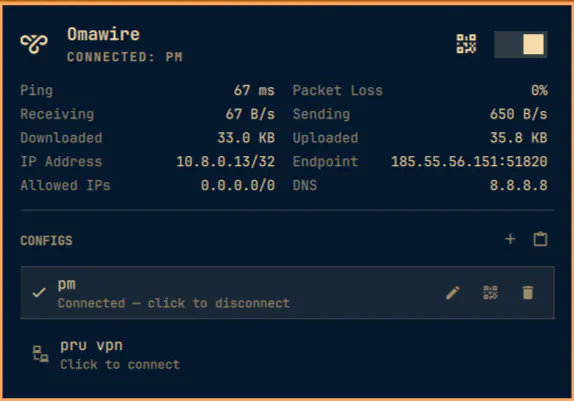
Tunnel status, transactional switching, import, rename, QR export, live traffic and drop notifications in the Omarchy bar. Unofficial third-party widget for WireGuard tunnels; not affiliated with the WireGuard project.
by Andreas Bylund · ★ 13
Play music from your Jellyfin server straight from the Omarchy bar, through mpv.
by Triston Armstrong · ★ 13
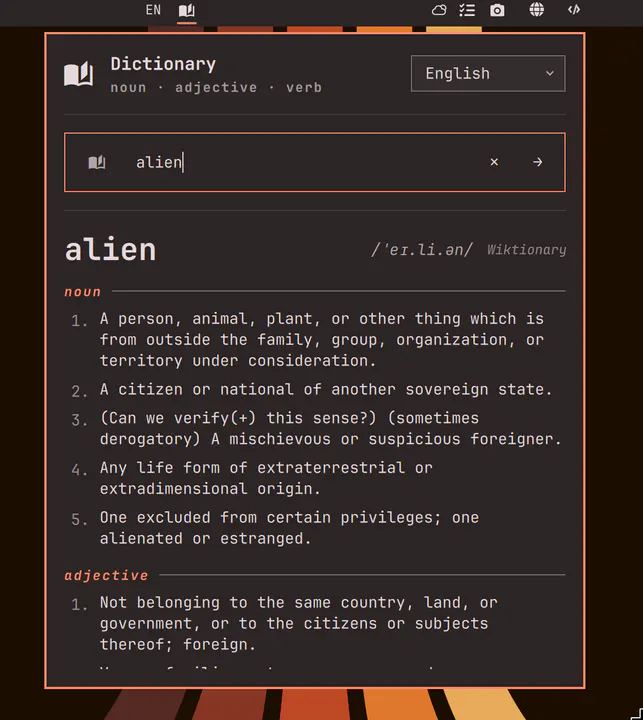
Look up word definitions across 23 Wiktionary editions directly in the Omarchy bar — English works offline via Webster's 1913. PLUS press meta+D to auto search highlighted words
by Ty Richards · ★ 13
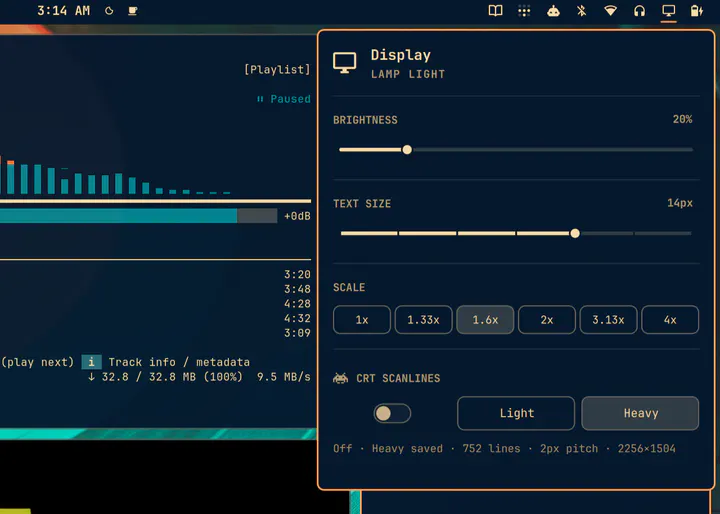
Display controls with integer-locked, resolution-aware CRT scanline presets
by tobiasz-p · ★ 13
Next event in the bar — Google Calendar feed, click to join Google Meet.
by Jon Kinney · ★ 13
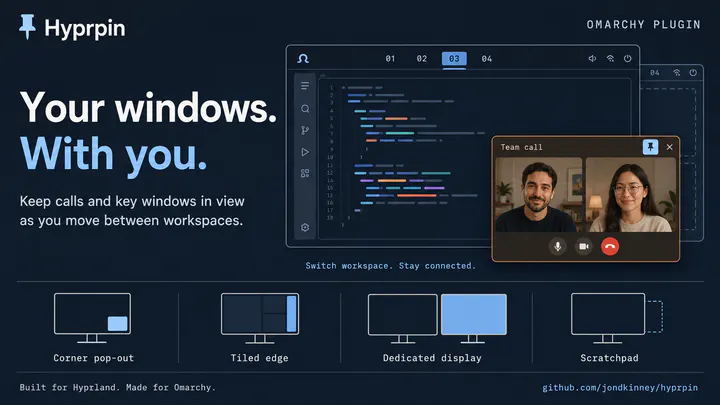
Keeps chosen windows visible when you switch away from their workspace: moved onto a display of their own, parked in a corner, or tucked into the scratchpad. Compositor-level picture-in-picture for video calls.
by ssupt · ★ 13
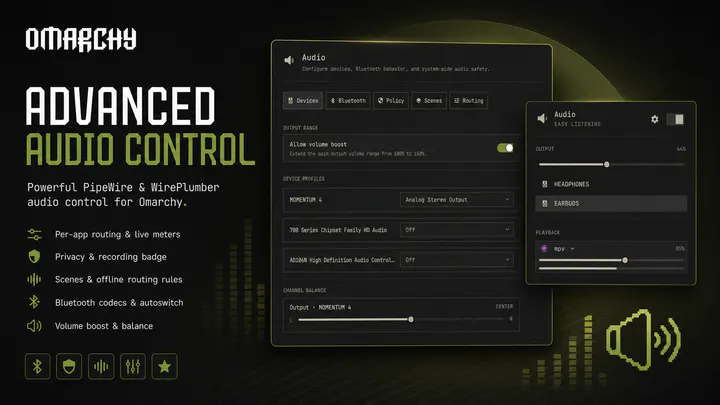
Advanced PipeWire and WirePlumber audio mixer for Omarchy: devices, multi-output groups, Bluetooth codecs, safety policies, microphone privacy, audio scenes, persistent routing rules, graph and service diagnostics, channel tests, support reports, and guarded recovery
by Jankees · ★ 13
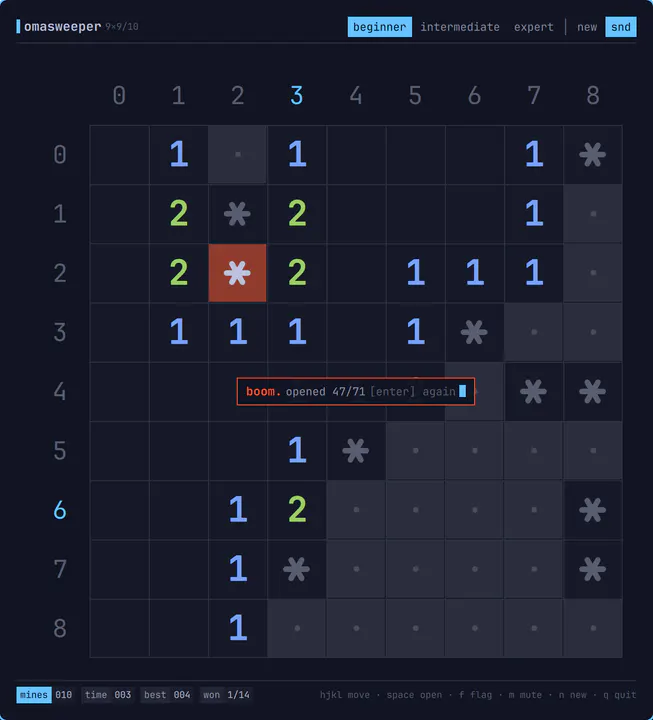
Minesweeper for omarchy-shell, drawn like a TUI: a character grid on hairlines, base-36 gutter labels, ANSI numbers and a status bar. Opens as an ordinary tiled window, plays entirely from the keyboard with vim motions, makes 8-bit noises, and unloads again when you close it. Summon with: omarchy-shell shell toggle jankeesvw.omasweeper
by Max Randhahn · ★ 13
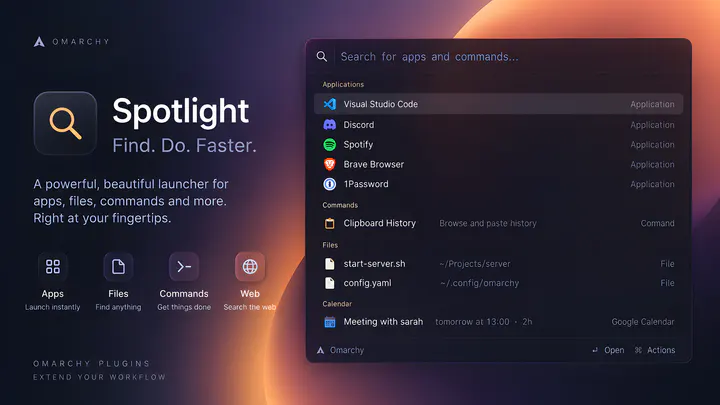
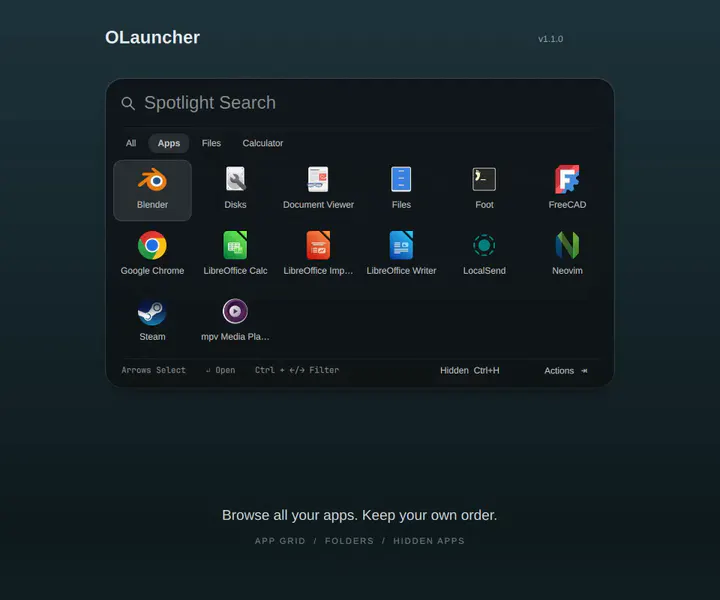
A Raycast-style launcher for Omarchy. Spotlight launches applications, switches windows, finds files, searches clipboard history, runs Omarchy commands and toggles system settings such as Wi-Fi and night light from a single input. Natural-language input covers calculations, unit conversions, reminders and calendar events, and search prefixes route queries to sites such as YouTube and GitHub. Spotlight runs inside omarchy-shell and opens instantly, without a separate background process.
by yuters · ★ 12
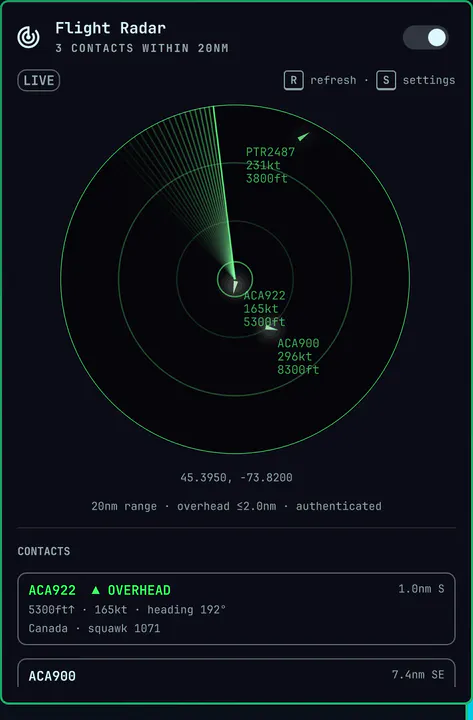
Live aircraft overhead with short-horizon flyby forecasts, an overhead badge, and notifications. Works without an account.
by HANCORE · ★ 12
Omarchy workspace experience enhancement with live thumbnails, Windows-style MRU ordering, drag-and-drop, and automatic Win-key integration.
by Guiestrela · ★ 12
An Omarchy clock with a local-first calendar and Google sync
by Marcel Moosbrugger · ★ 12
Independent workspaces per monitor: SUPER+N always means this screen's Nth workspace
by bruce-forte · ★ 12
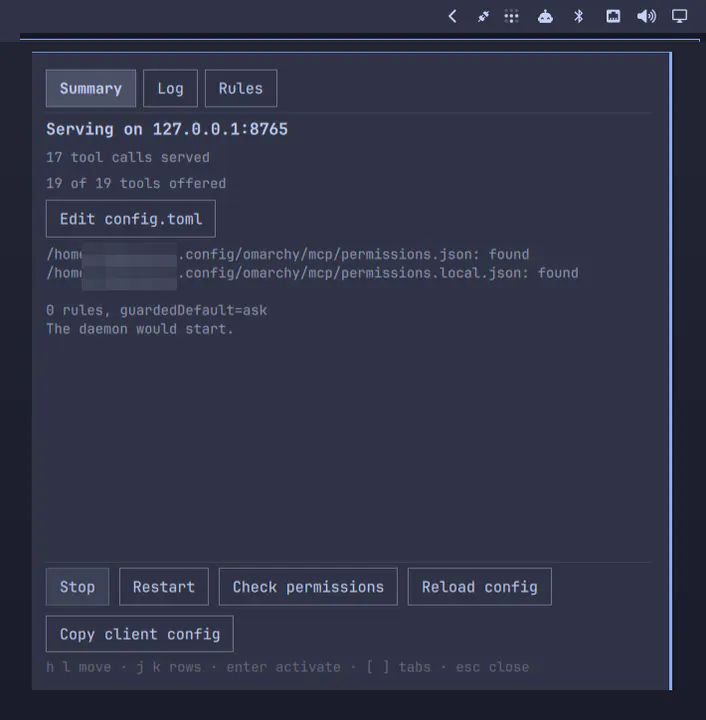
Exposes Omarchy's commands and shell IPC to local AI agents over MCP
by Kirollos Atef · ★ 12
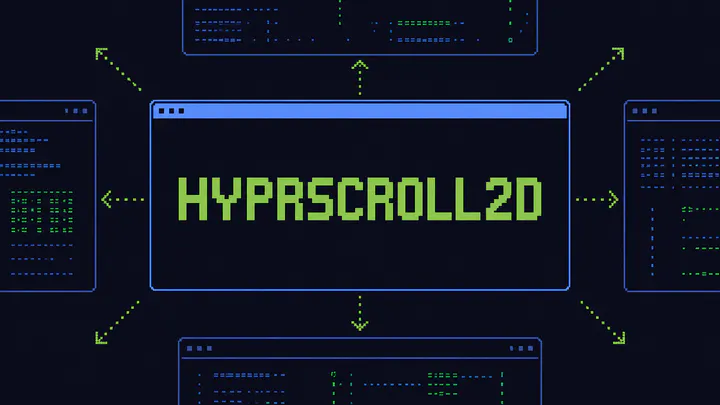
An infinite two-dimensional scrolling workspace layout for Hyprland.
by infiniV · ★ 12
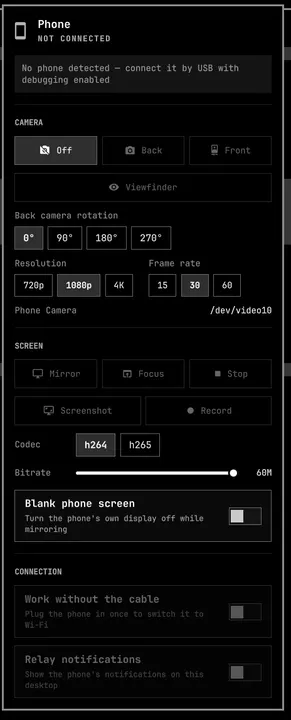
Turn an Android phone into a webcam, a screen you can mirror, and a notification source, over USB or Wi-Fi.
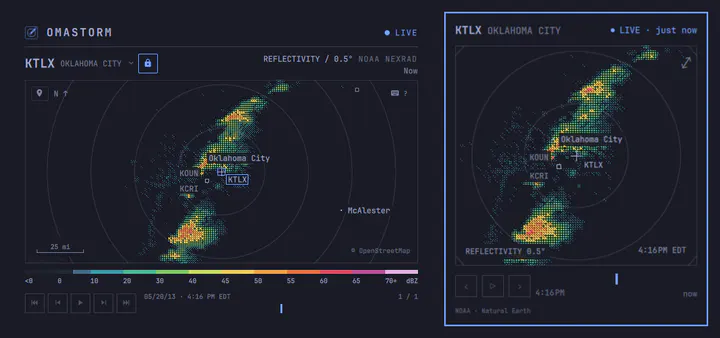
by Eduardo Dalle Cort · ★ 12
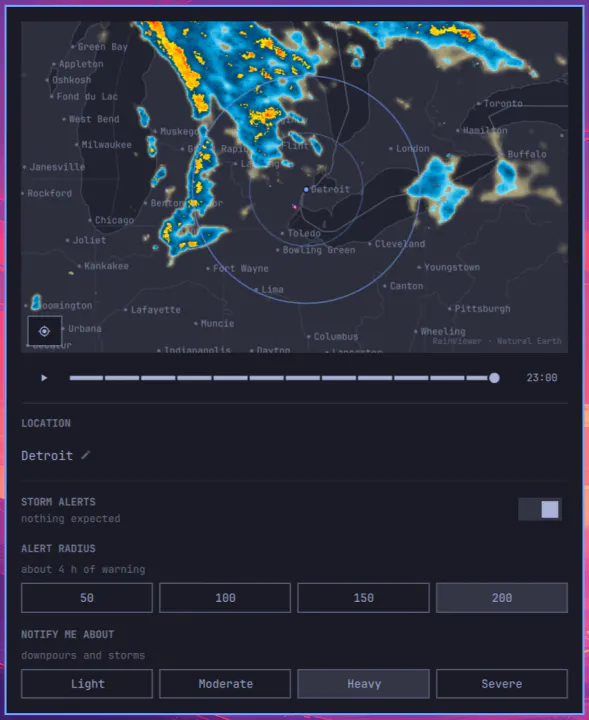
Live weather radar map in the Omarchy bar, with optional storm alerts for your location.
by Dizziee · ★ 12
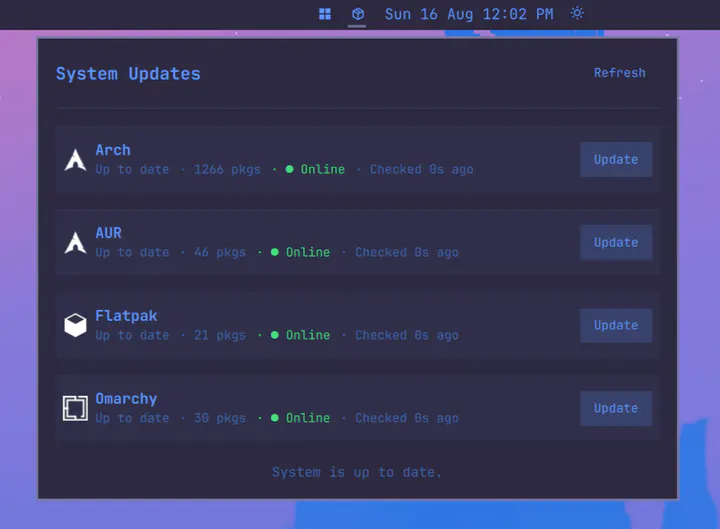
Arch, AUR, Flatpak, and Omarchy update indicator with per-repo update buttons.
by J. S. Brown · ★ 11
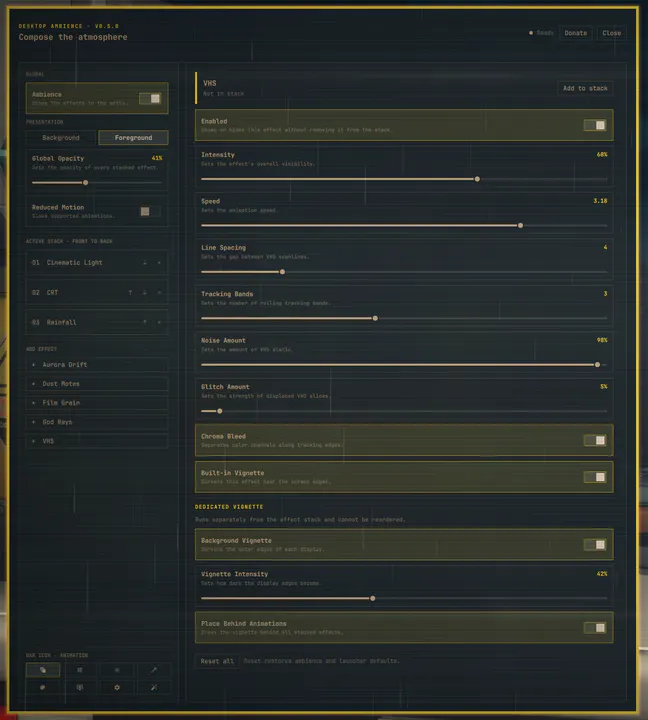
Ordered, configurable desktop ambience effects for Omarchy Shell.
by OnlyVishesh · ★ 11
Advanced power management with hibernation support, configurable profiles, idle behavior, and lid actions
by RandaZraik · ★ 11
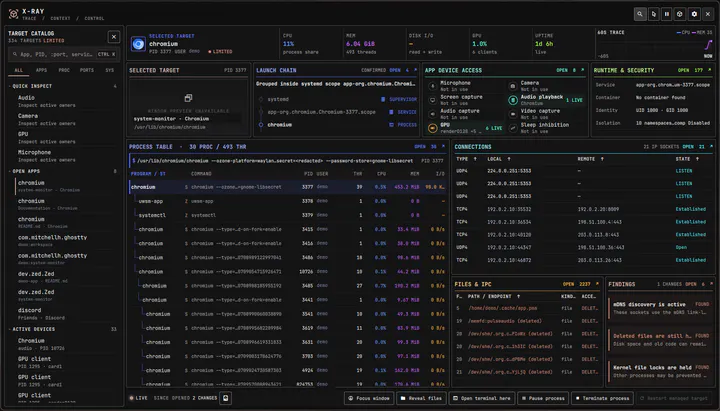
Trace any window, process, service, container, port, file, or device to the process behind it, how it started, and what it is using.
by felixzsh · ★ 11
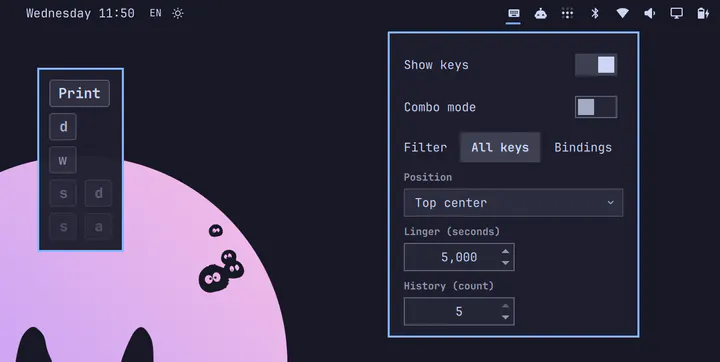
Shows the keys you press on screen. Great for keybinding tutorials, demos, and screencasts.
by Hung Vo · ★ 11
A focused Omarchy dropdown terminal with bounded entrance effects, interactive pets, and privacy-preserving command completion indicators.
by Jankees van Woezik · ★ 11
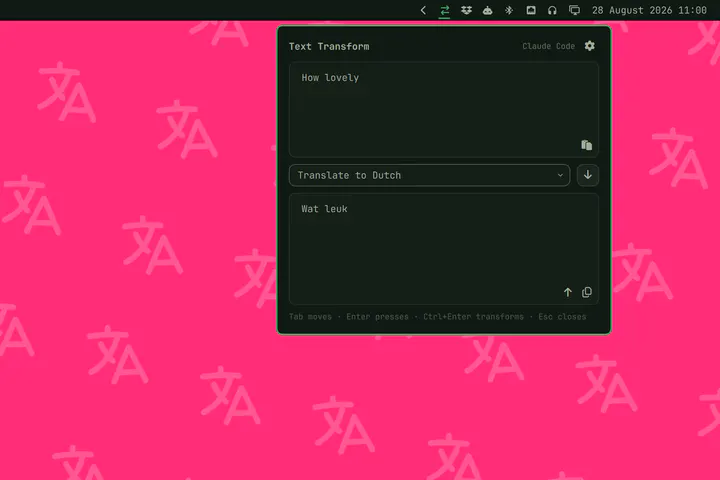
Rewrite, translate or fix text with the coding agent Omarchy already runs.
by Andreas Bylund · ★ 11
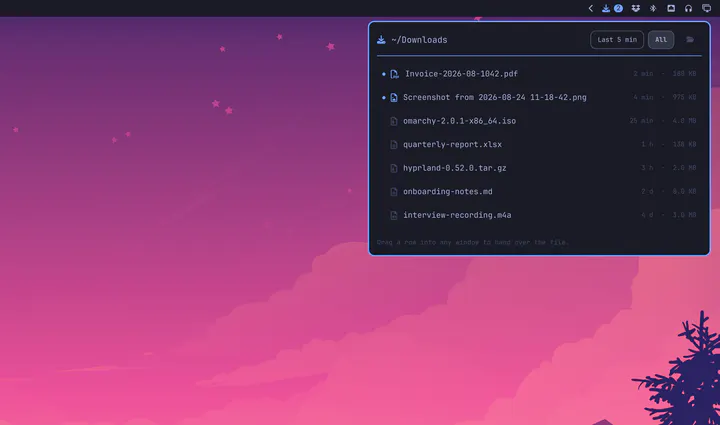
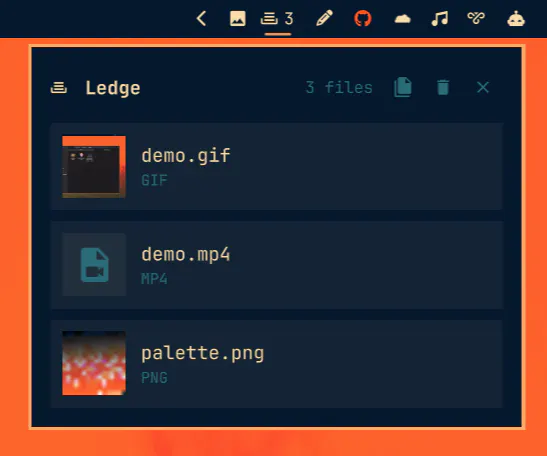
A drop zone on the bar: drop files on it from anywhere, then drag them back out into any window later.
by Gavin Nugent · ★ 11
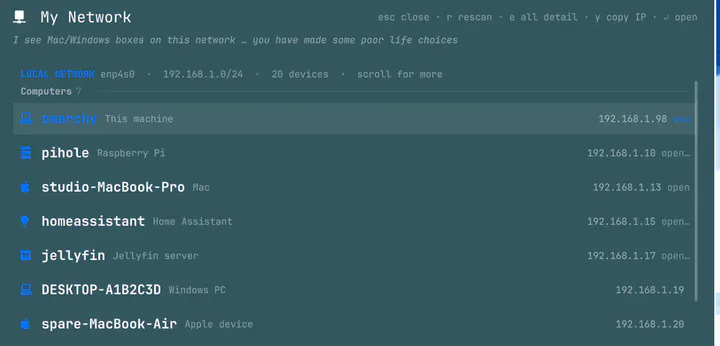
Scans the local subnet and identifies every device on it: name, vendor, model and role inferred from mDNS, MAC vendor and open ports, plus a Tailscale peer list. Summon with: omarchy-shell shell toggle nosignal.network-scan
by Marius Scurtescu · ★ 11
Omarchy bar with three rounded islands (left, center, right) on a transparent strip. Widget layout is unchanged.
by George Dumitrescu · ★ 10
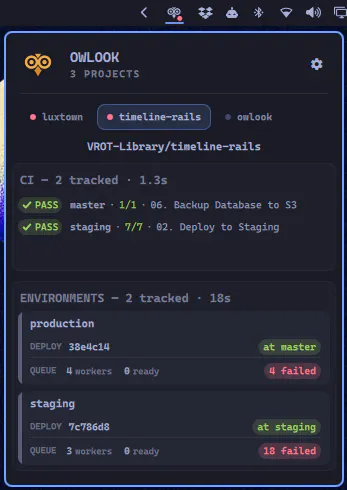
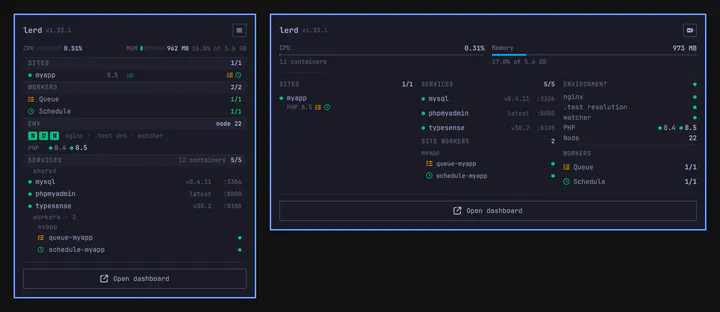
Sites, services and workers from the lerd dashboard, at a glance in the Omarchy bar.
by r-witz · ★ 10
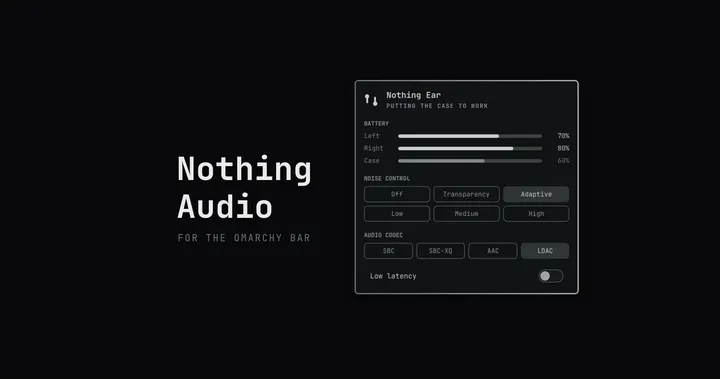
Nothing earbuds and headphones in the Omarchy bar: battery, noise control, codec selection, and low-latency mode.
by Tom Davenport · ★ 10
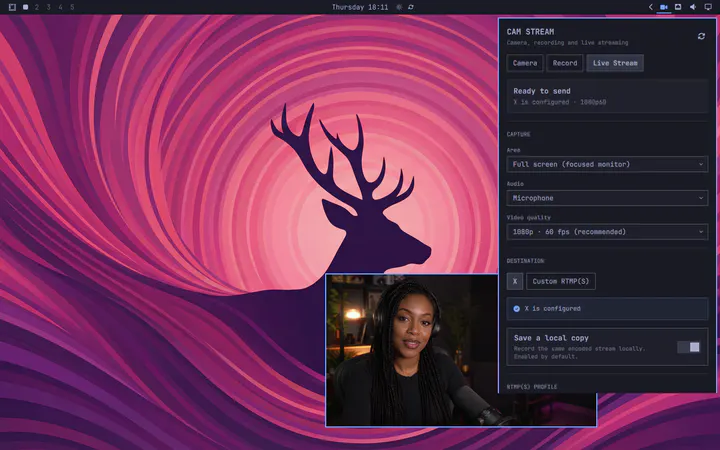
Stream or record the Omarchy desktop you already use—no OBS scene required. Cam Stream keeps its low-latency camera preview as a normal movable, resizable window, captures a focused monitor, window, or region, and sends the capture to X Live Studio or a custom RTMP(S) endpoint, with keyring-protected stream keys and a local copy enabled by default.
by Dizziee · ★ 10
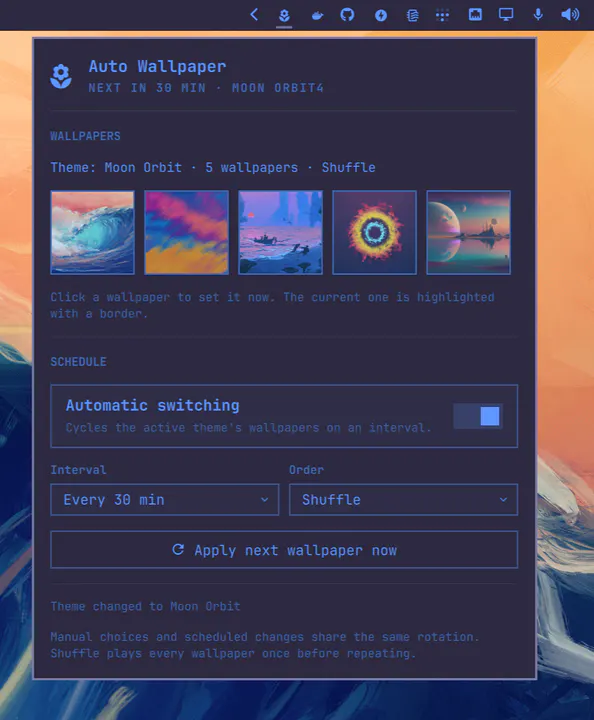
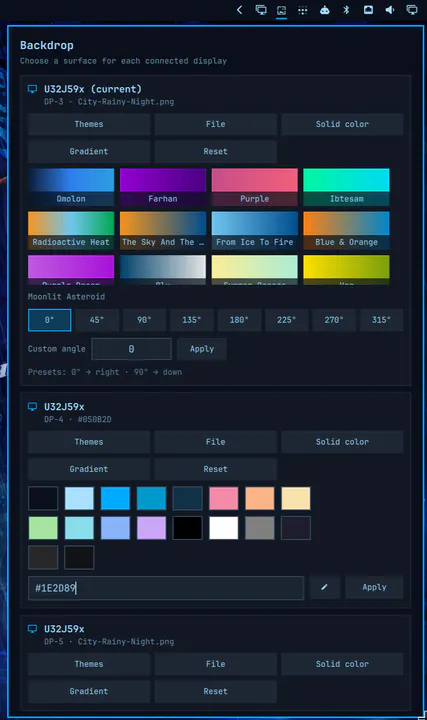
Preview the active theme's wallpapers and automatically cycle or shuffle them on a schedule.
by João Pereira · ★ 10
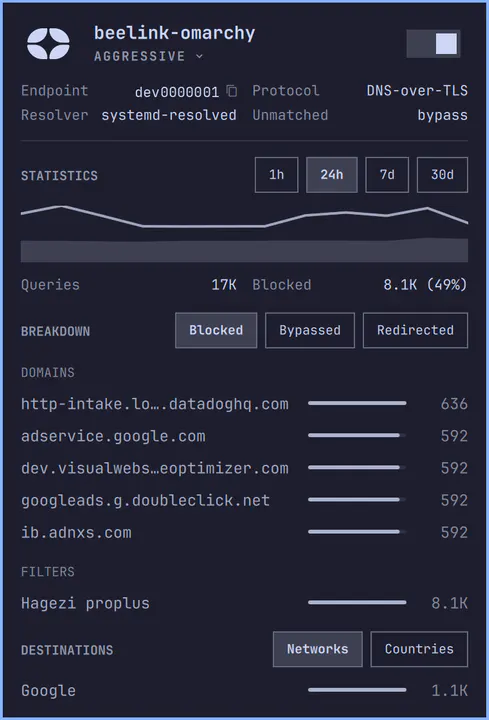
What Control D is doing on your machine, in the Omarchy bar, powered by cdctl.
by ifubaraboye · ★ 10
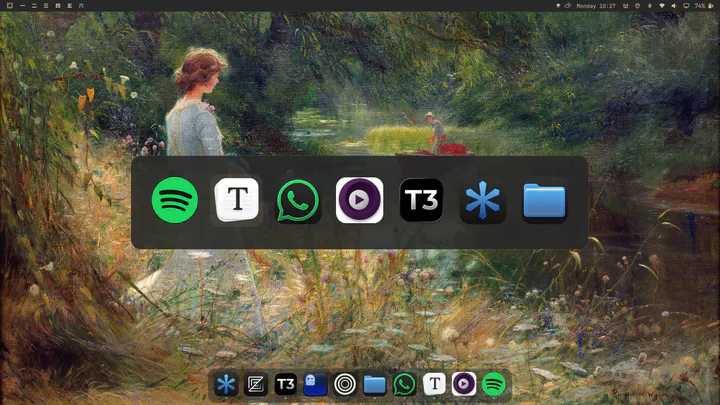
A compact, glassy, configurable macOS style dock with pinning, auto-hiding and Alt+Tab app switcher. Right click to change icons on the dock.
by Bryan Montgomery · ★ 9
Windows-style multi-monitor arrangement, display controls, and automatic dock profiles for Omarchy.
by Aly Sarhan · ★ 9
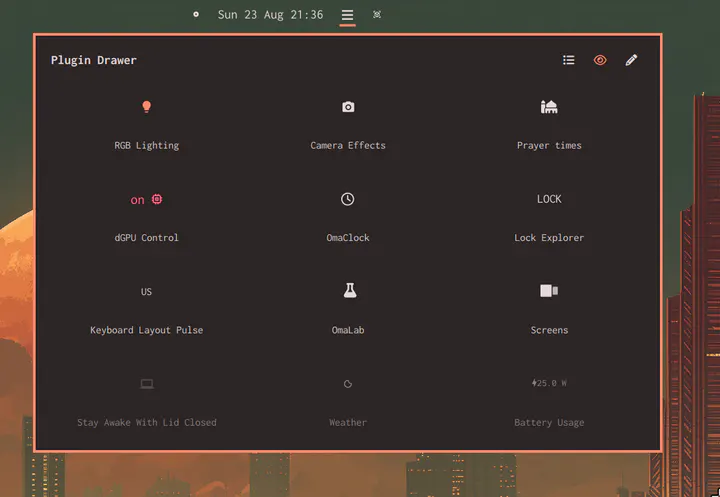
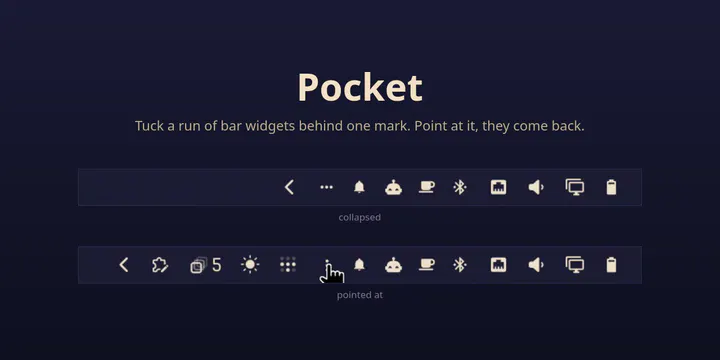
Collapse chosen bar plugins into a tray-style drawer. Grid and list views with drag-and-drop reordering and a live preview of each plugin's bar icon; the grid stretches to fill the drawer width and the drawer adapts to the screen. Hide/unhide plugins via an eye toggle, with a show-hidden reveal in the drawer
by Community contributors · ★ 9
English and Chinese Fcitx5/Rime status, switching, and startup settings for the Omarchy bar.
by Patrick Castiglia · ★ 9
The Omarchy power widget with battery charge protection.
by silvaio · ★ 9
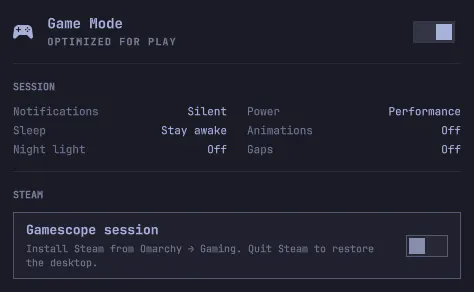
One-click Game Mode for Omarchy: lock compositor shortcuts, optimize Hyprland, silence the desktop, and optionally launch Steam in Gamescope / Big Picture.
by Luca Nerlich · ★ 9
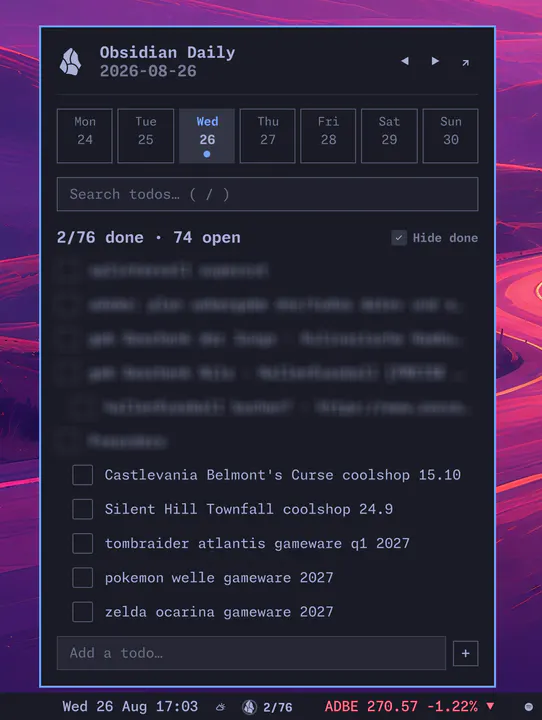
View and manage Obsidian daily note todos from the Omarchy bar. Set vaultPath or OBSIDIAN_VAULT_ROOT.
by pnkm0nk · ★ 9
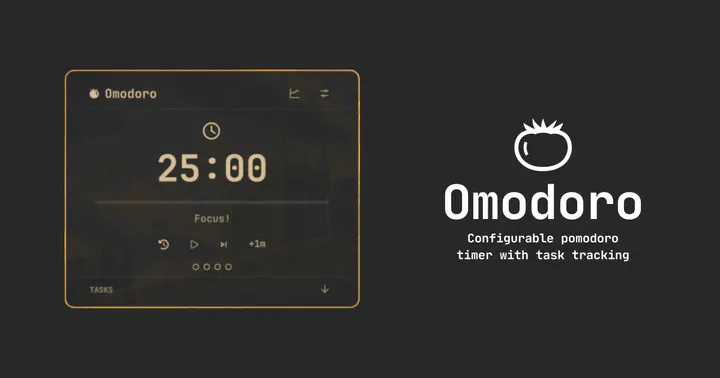
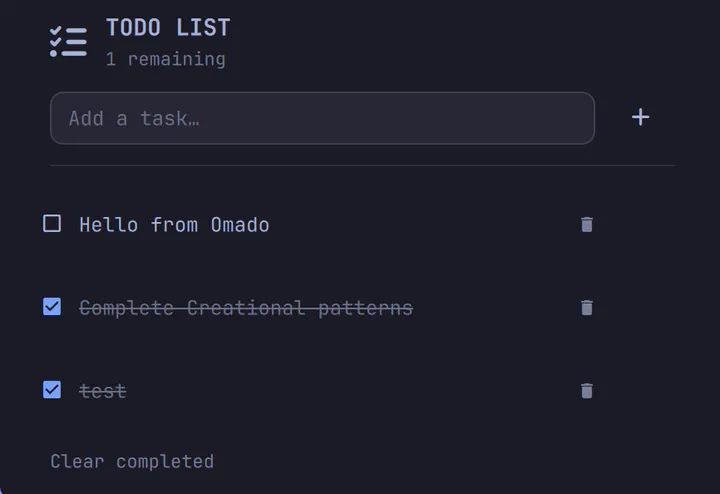
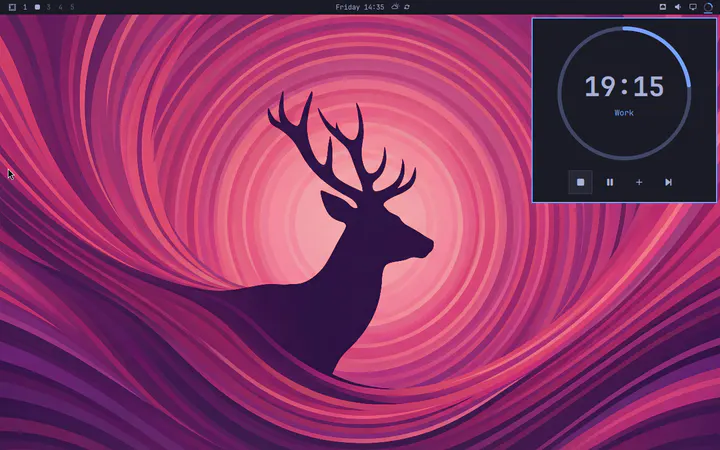
Pomodoro technique timer panel with task tracking, keybindings, configuration and notifications
by Pieter Geutjens · ★ 9
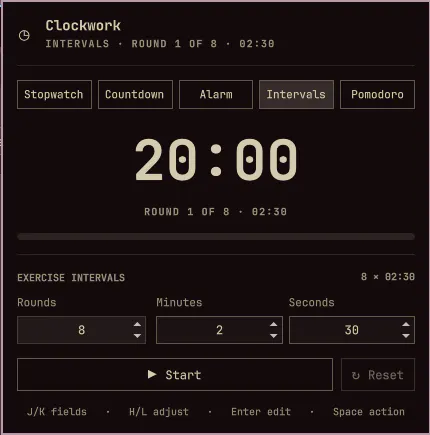
A stopwatch, countdown, alarm, intervals, and Pomodoro timer for the Omarchy bar.
by anishfn · ★ 9
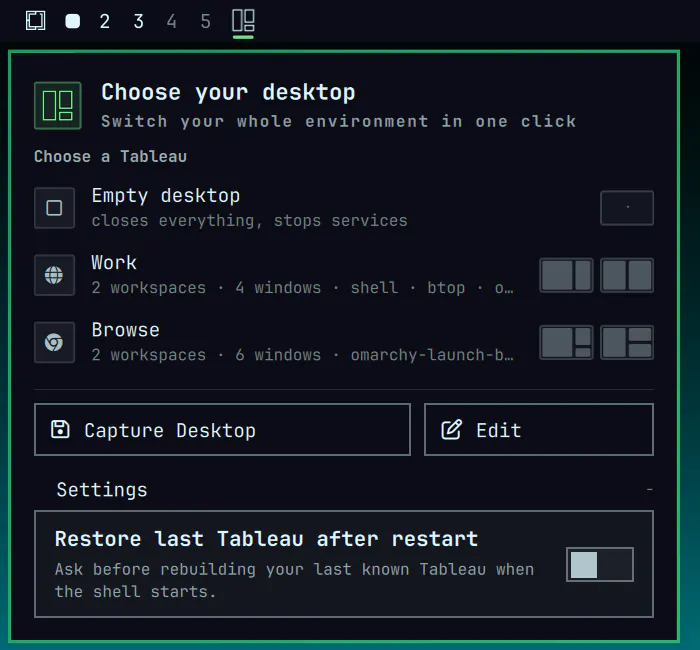
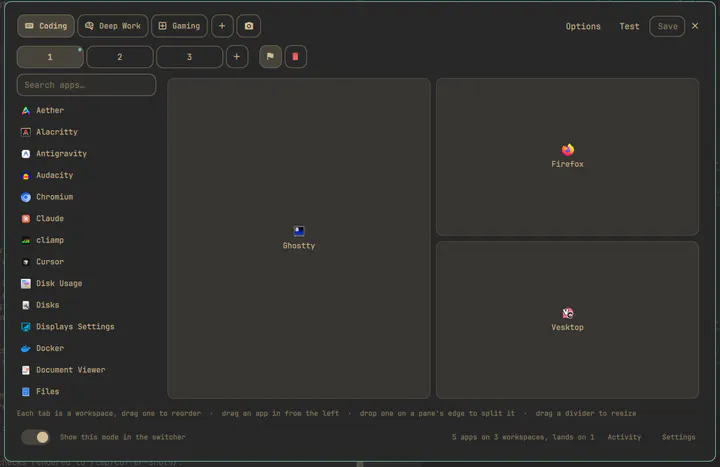
Switch your whole Omarchy desktop into the way you work: which apps open on which workspaces and in what layout, plus notifications, audio, wallpaper, theme and commands — one mode at a time.
by Jankees van Woezik · ★ 9
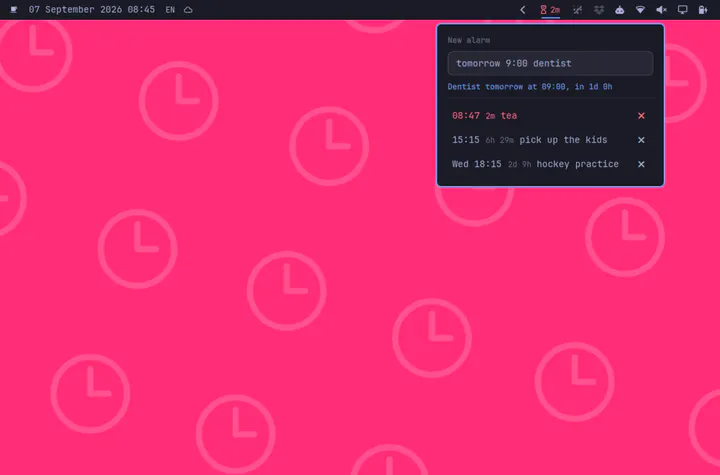
Disposable alarms from one text field: "15:15 pick up the kids", and the bar counts down to it.
by Carmine Paolino · ★ 9
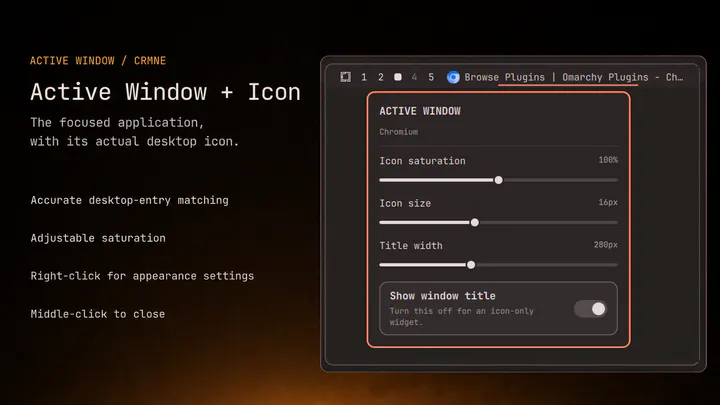
Active-window title with the current application's desktop icon and adjustable icon saturation.
by Juan Casanueva · ★ 9
Browse, install, place, enable, update, and remove Omarchy shell plugins from the bar
by davedes · ★ 9
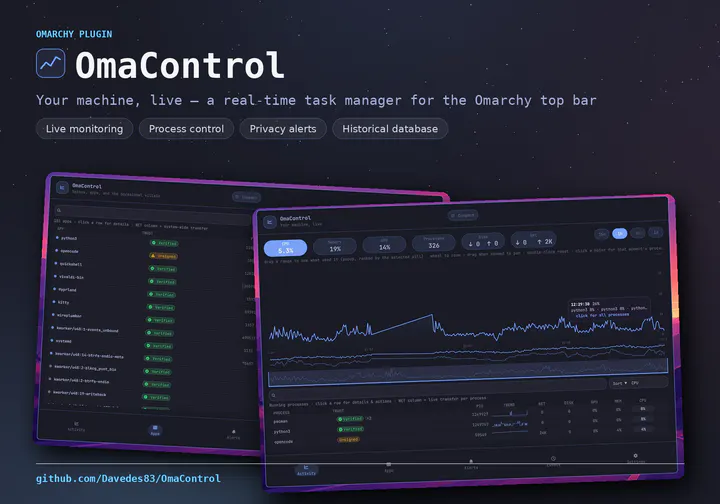
Advanced task manager with historical resource monitoring, process enforcement, privacy alerts, and plain-language process identification
by Carmine Paolino · ★ 9
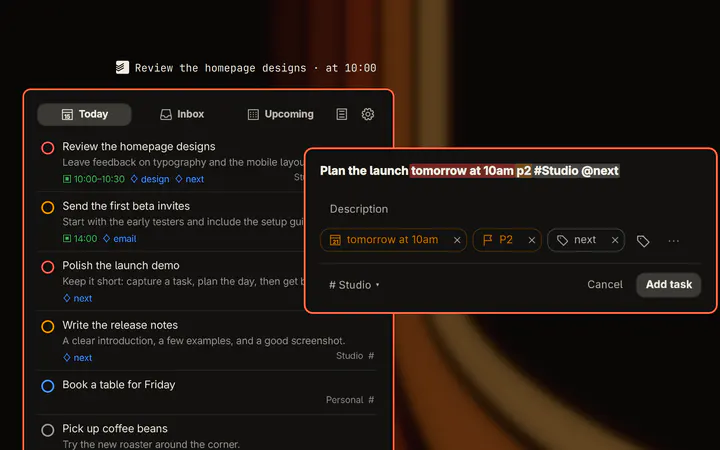
Todoist in the Omarchy bar: Today, Inbox and Upcoming, rich Quick Add, task editing, multi-selection, bulk actions, and drag-to-reorder synced through the API.
by Mindful Stack · ★ 9
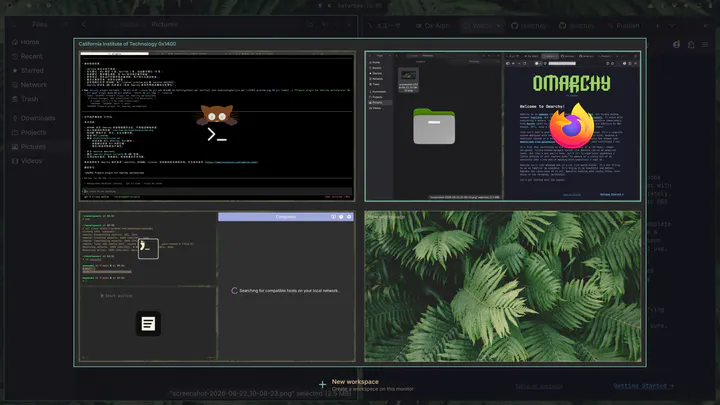
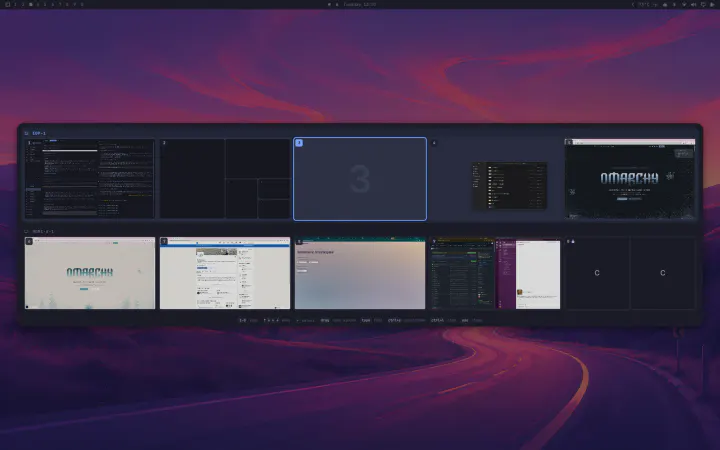
Live, spatial overview of every workspace, grouped by monitor, each window a real thumbnail in its true position. Jump by number or arrow, drag windows between workspaces, type to find one, open the scratchpad, or arm a workspace so its windows go black in every screen share. Theme-aware; nothing runs until you summon it.
by ilyaZar · ★ 8
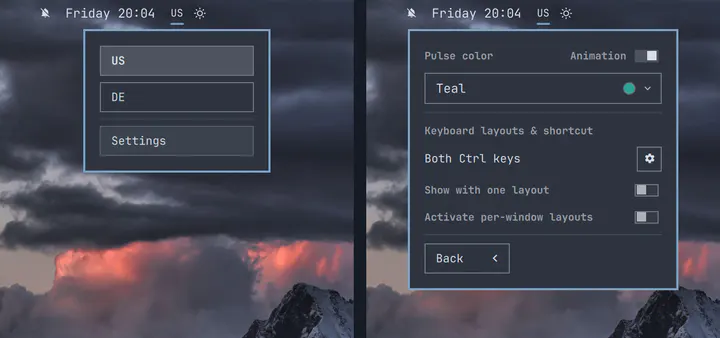
Minimalist keyboard layout picker with optional settings that can be toggled on/off: pulsing indicator, per-window layouts and 'keep open for single language choices'.
by OpenCode community · ★ 8
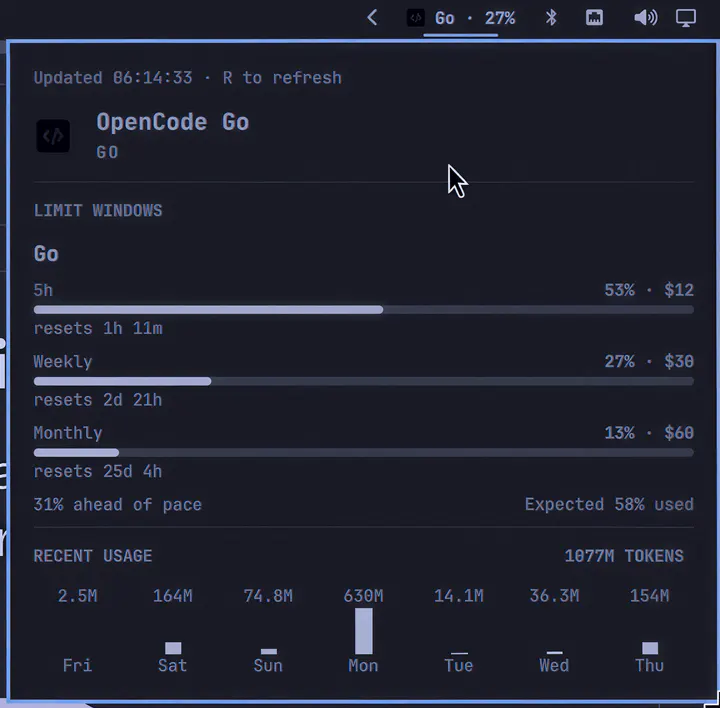
OpenCode Go usage, account switching, reset countdowns, and token history.
by Yogesh Ojha · ★ 8
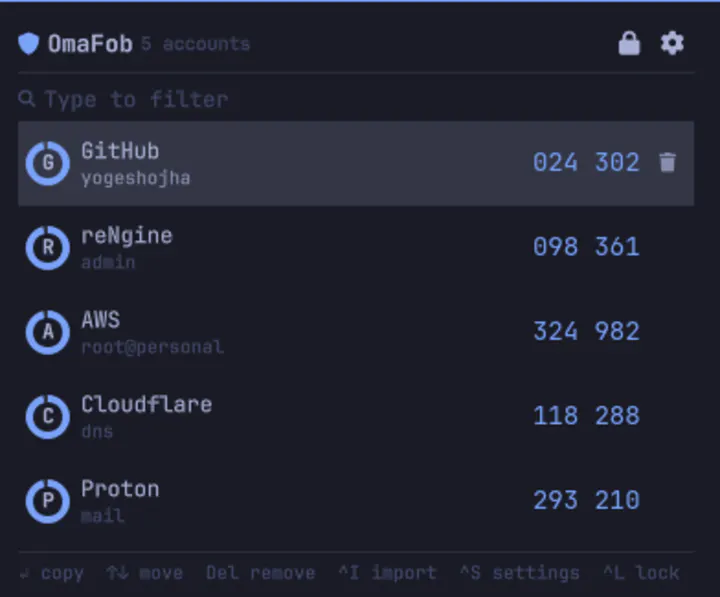
TOTP codes in the bar. Import every account from Google Authenticator in one scan.
by EGOIST · ★ 8
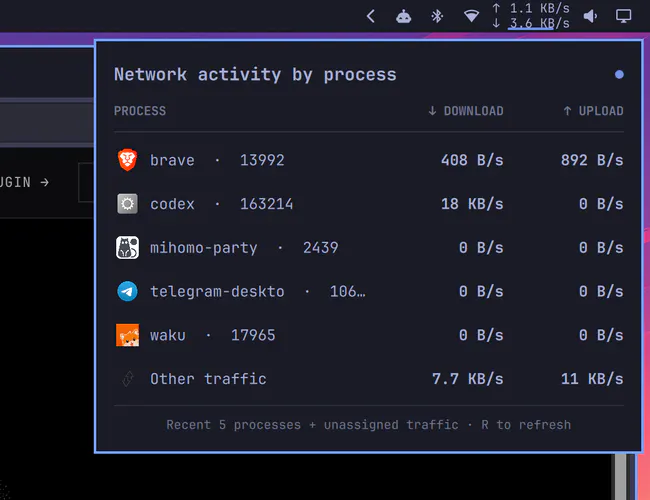
Compact upload and download rates with a stable per-process activity panel.
by Levy Vix · ★ 8
YouTube Music MPRIS controller with album art, progress, and playback controls.
by IM0001GT · ★ 8
Omarchy-native click panel that names your CPU, RAM, GPU, and disks, then shows live load bars and headline temperatures that follow the theme
by piyush97 · ★ 8
Windows-style Alt-Tab overlay with MRU ordering, search, and live previews.
by meviusisback · ★ 8
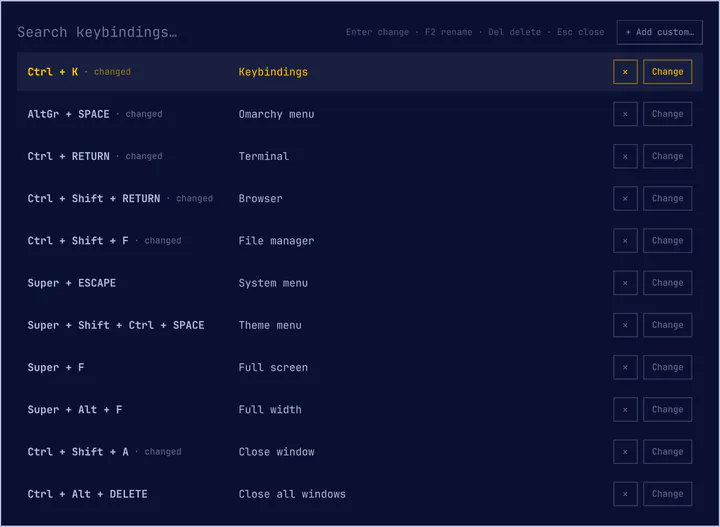
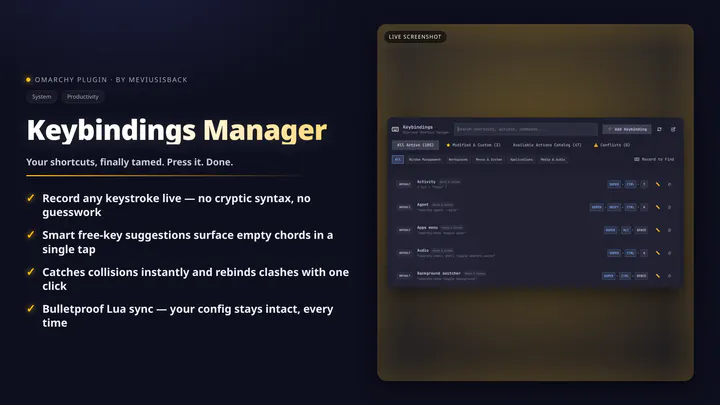
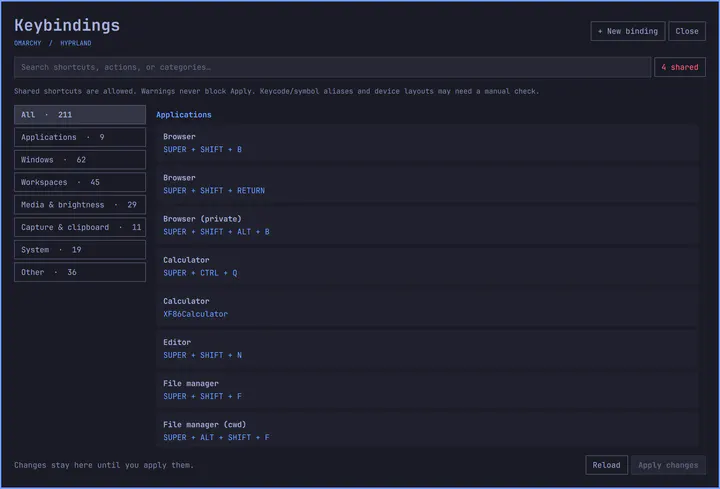
Graphical frontend to view, modify, create, and manage Hyprland keybindings with conflict detection.
by sirwizardlizard · ★ 8
Create events in the Omarchy clock and sync them to iPhone, Mac, and other CalDAV calendars.
by Neil Patel · ★ 8
TUI-style panel for herdr: live agents and spaces, persistent attention across attached machines and opt-in saved machines, and one keypress to jump to an available target.
by ctl0v0 · ★ 8
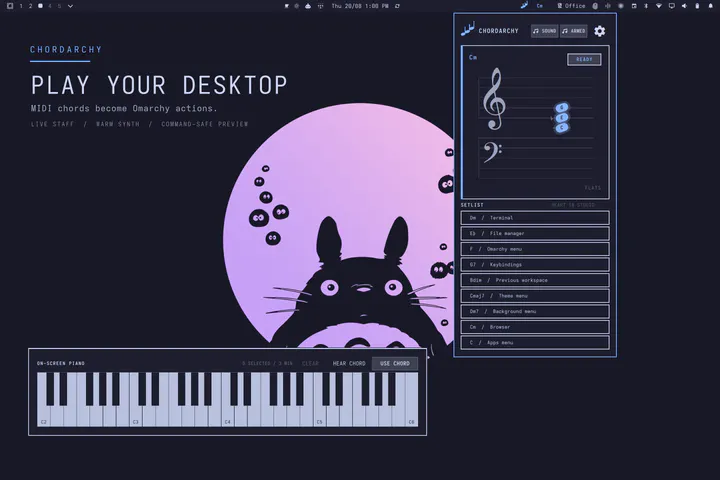
Map Omarchy shortcuts and commands to chords played on a physical MIDI keyboard, with a warm synth and live grand staff.
by luneth90 · ★ 8
A shortcut recall arcade for Omarchy, herdr, tmux, Vim, Neovim and LazyVim — six cabinets, each with its own deck, progress and mastery.
by Rob Zolkos · ★ 8
Weekly Claude and Codex usage, reset countdowns, and prorated pace in the Omarchy bar.
by Wei Zhu <yesmeck@gmail.com> · ★ 8
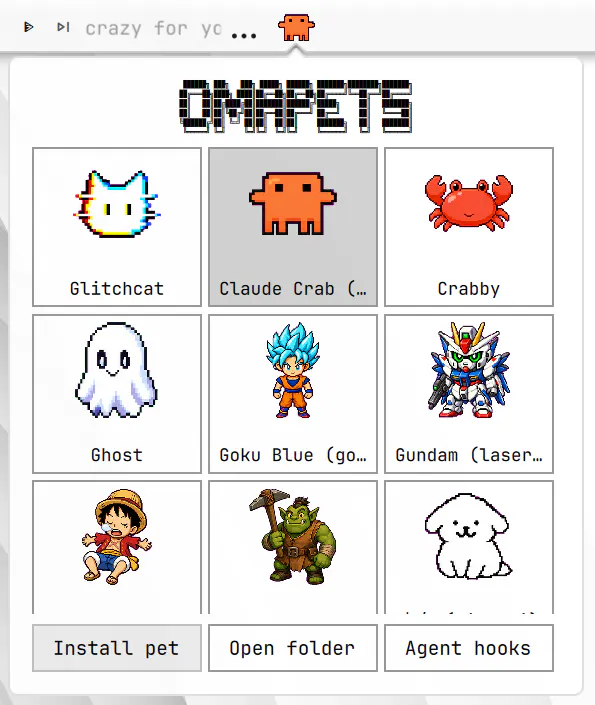
An animated Codex-compatible pet that reflects coding-agent activity in the Omarchy top bar.
by Salem Sayed · ★ 8
Prayer times in the Omarchy bar, calculated offline: a to-scale day strip or a ruled timetable, Arabic and English, selectable calculation methods and notifications.
by jrmmhm · ★ 8
Hide the bar widgets you rarely use behind one mark and reveal them on hover — a drawer that declutters a crowded bar. Drag a widget onto the mark to tuck it away, drag it back past it to take it out. Call it folding, grouping, collapse or overflow. Nothing moves: the hidden icons keep their own bar slots and settings, and stay enabled.
by Sasiru Ravihansa · ★ 7
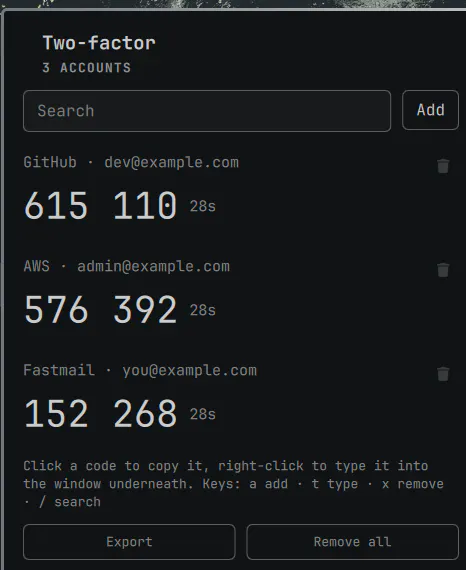
TOTP authenticator for omarchy-shell. Live two-factor codes in the bar, secrets in your keyring, enrolment by scanning the QR code straight off the screen. Fully offline.
by dingyi · ★ 7
Give every local dev server a named .localhost address you can rename from the Omarchy bar.
by glafeara · ★ 7
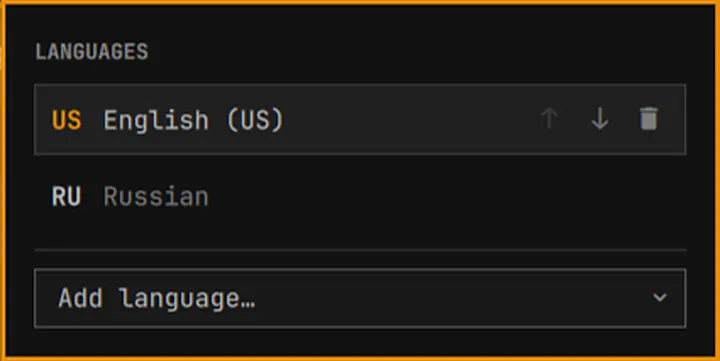
Keyboard layout manager for the Omarchy bar: switch layouts, add and remove languages, with a centered on-screen indicator after every switch.
by AndresSM415 · ★ 7
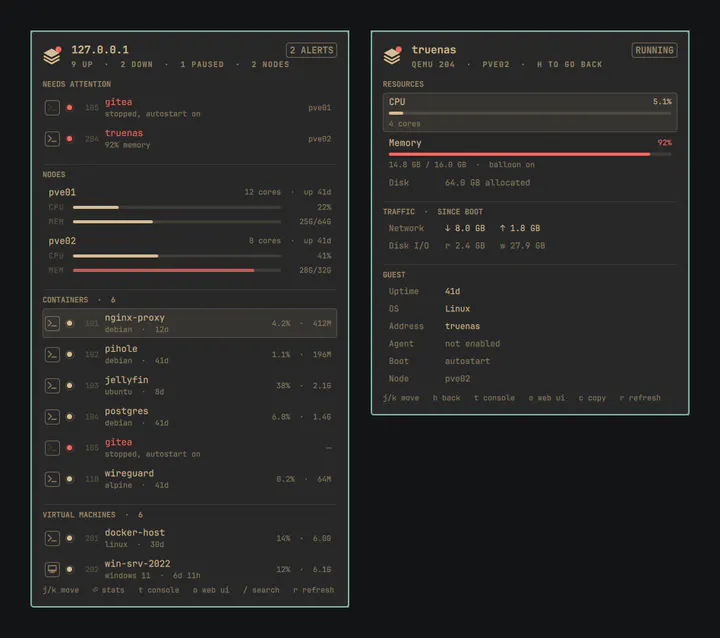
Read-only Proxmox VE dashboard in the Omarchy bar: every container and VM with a status LED, per-guest stats, and one key to a console.
by Chuck Keith · ★ 7
One hundred encouraging Berean Standard Bible passages in a peaceful, offline bar ticker.
by davedes · ★ 7
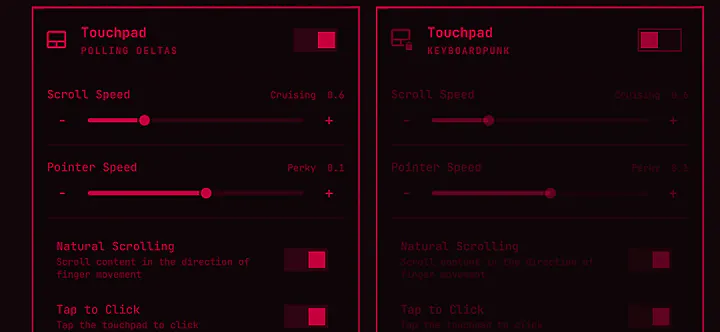
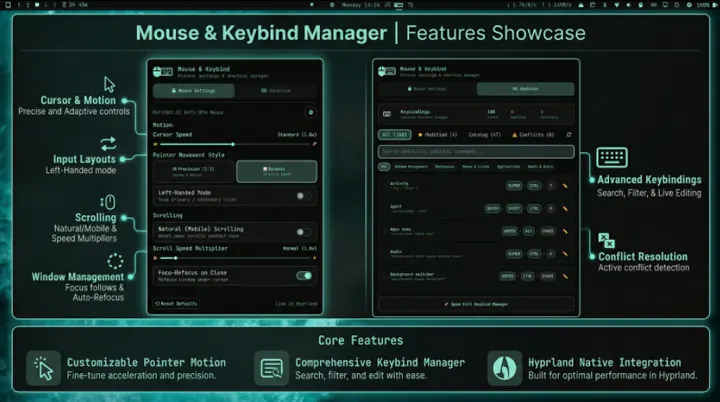
Combined graphical configuration for mouse/pointer settings and Hyprland keybindings — cursor speed, acceleration profiles, scroll behavior, button remapping, synthetic button presses, battery indicator, and full keybind manager.
by mihai · ★ 7
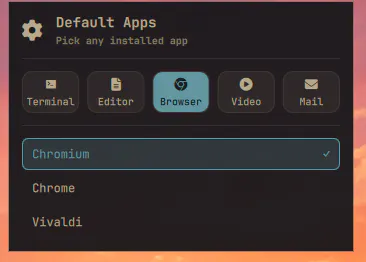
Set the default terminal, editor, browser, video player and mail client from any installed app — not just the ones Omarchy ships defaults for.
by ssupt · ★ 7
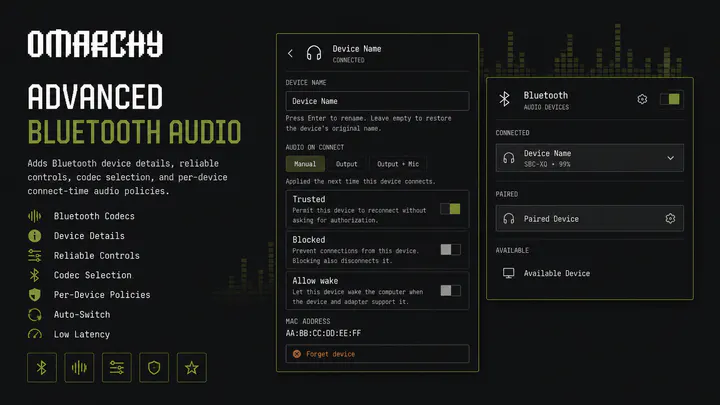
Adds Bluetooth device details, reliable controls, codec selection, and per-device connect-time audio policies
by Viggo Stomsvik · ★ 7
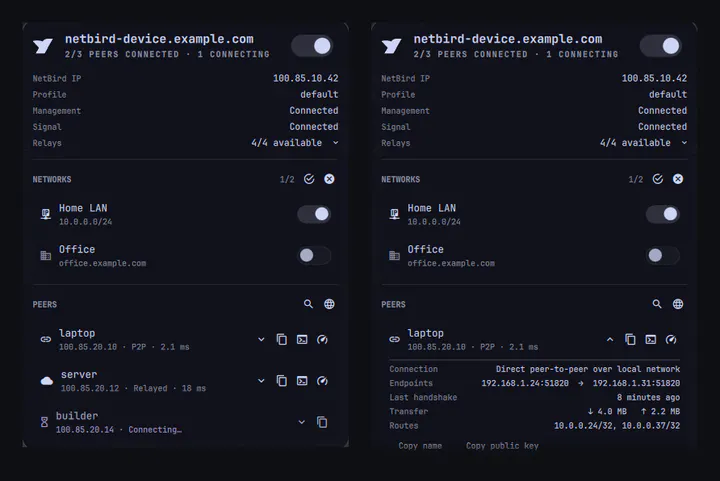
NetBird status, connection control, network selection, peer browsing, and quick actions for the Omarchy bar.
by Adam Moussa Ali · ★ 7
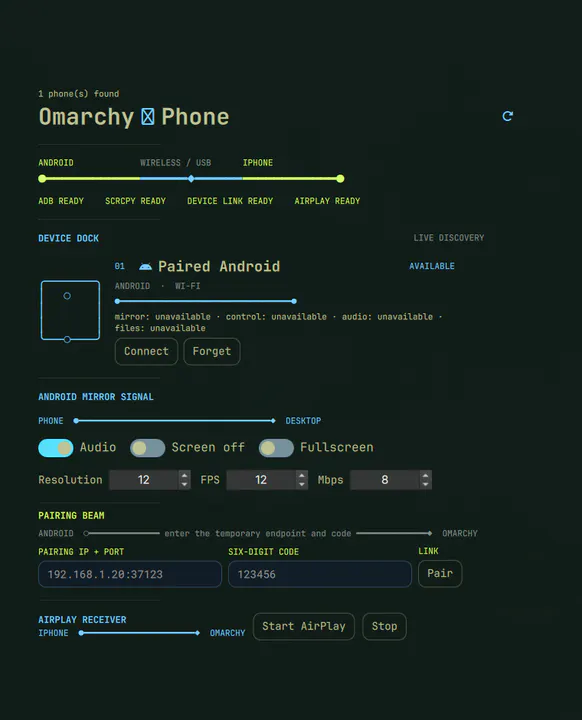
Ruby-powered Android control and iPhone AirPlay mirroring for Omarchy.
by Shivam Narkar · ★ 7
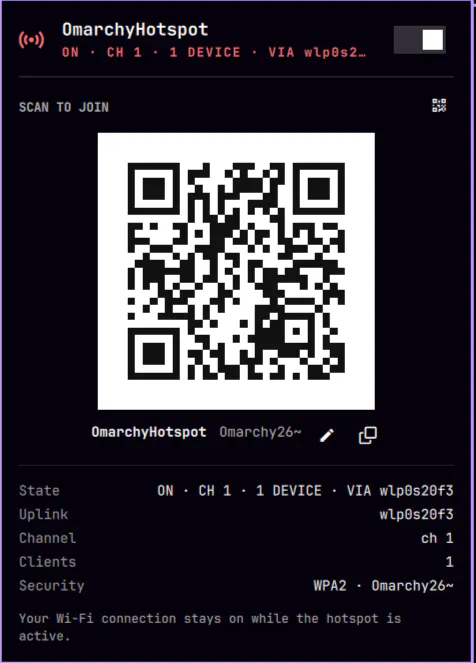
Mobile hotspot toggle: serves a Wi-Fi AP (OmarchyHotspot) while the current connection stays up
by Bibek Bhusal · ★ 7
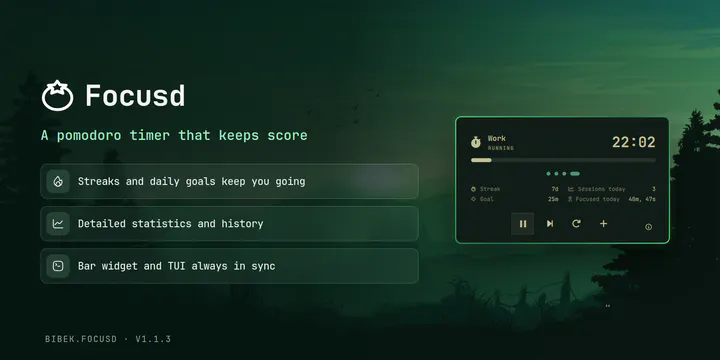
A pomodoro timer for the Omarchy bar with features like streak, daily goal, sessions, stats, history, and session progress visualization.
by calebhat · ★ 7
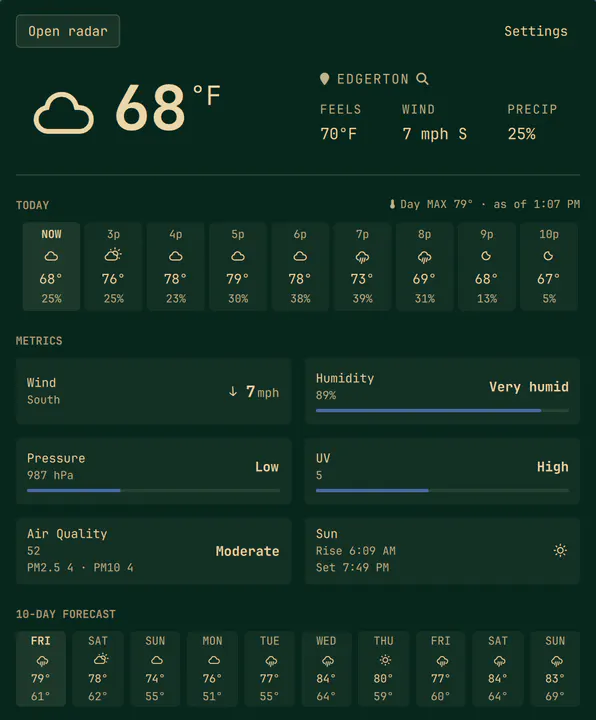
Detailed weather with an interactive orbital ten-day forecast, remaining-hour outlook, city peek, and Open radar in the default browser.
by 雷电芽衣 · ★ 7
An animated Codex Pets companion in the bar: it plays its own moves on a random schedule, looks at your cursor, and can be pinned to the desktop.
by avillagran · ★ 7
System Settings panel for Omarchy/Hyprland: keyboard, language, trackpad, animations, gaps and more. Familiar for users coming from macOS, useful for everyone.
by furmware · ★ 6
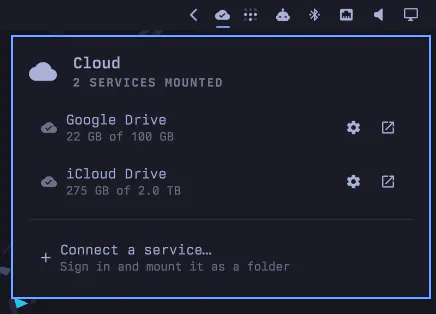
Mount Google Drive, Dropbox, OneDrive and other cloud storage into your file manager with rclone.
by ubeyidah · ★ 6
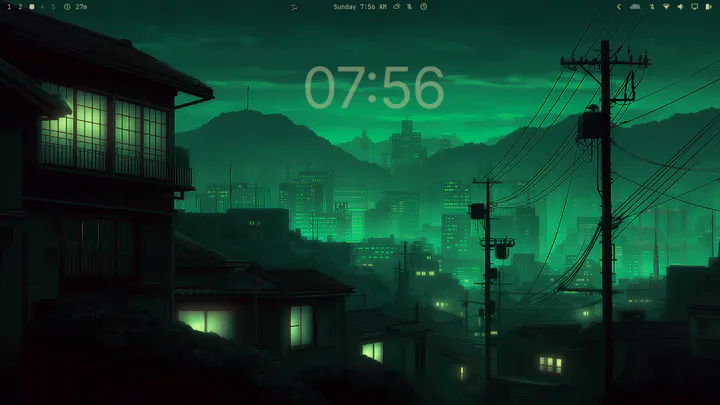
A simple, minimal desktop clock widget rendered behind all windows on the bottom layer, with theme-aware colors, controlled from a bar widget.
by David Arturo Arroyave Pérez · ★ 6
Auto-themes Zen Browser from your Omarchy palette — pure CSS, no extension. Re-skins sidebar, toolbar, menus and new tab on every theme switch with guaranteed WCAG-legible contrast.
by TripleU613 · ★ 6
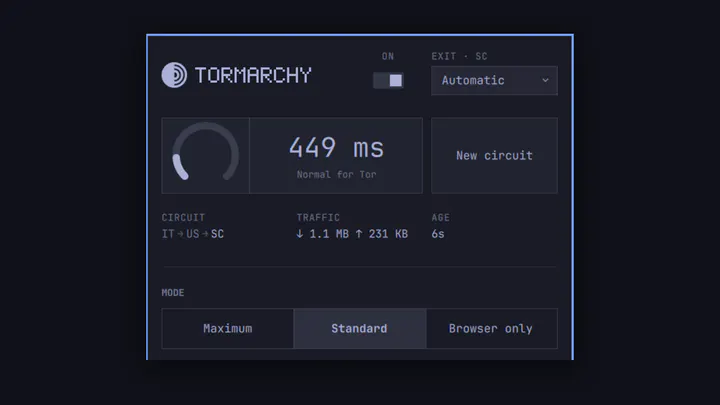
Route all system traffic through Tor from the Omarchy bar, with a real kill switch, new circuits, and exit-country selection.
by Maarten Tolhuijs · ★ 6
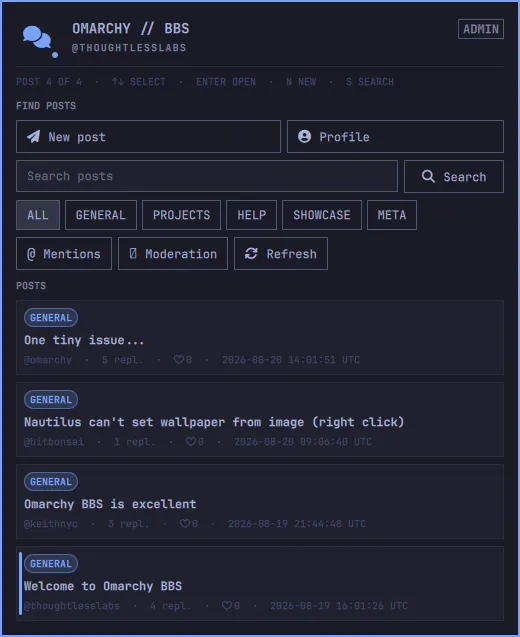
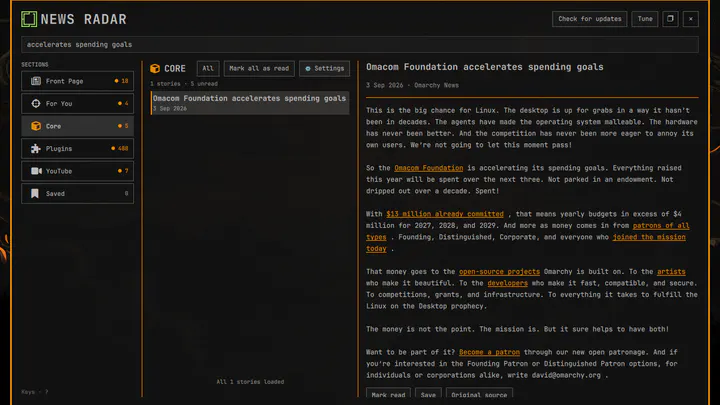
A keyboard-first front page for meaningful Omarchy activity.
by palccod · ★ 6
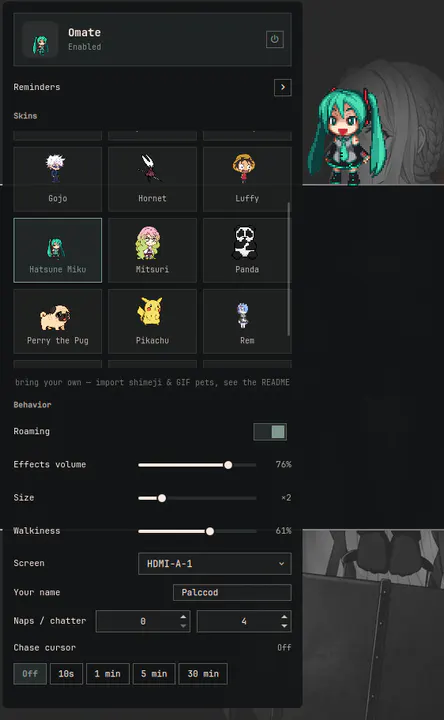
A lightweight desktop mate for Omarchy: eighteen characters that roam your screen, ride along when you drag them, sit, lie down, stumble when poked, and drop by with messages. No AI, no network — just companions.
by Firstpick · ★ 6
Edit, record, import and export Hyprland keybind maps with staged changes and conflict review
by K53N0 · ★ 6
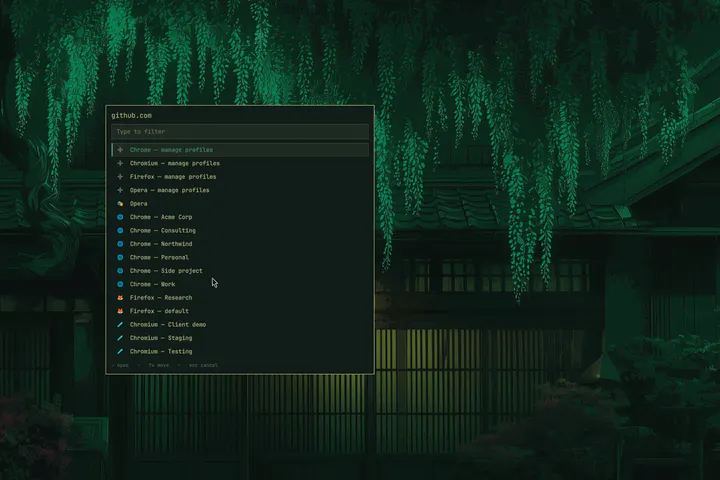
Choose the browser and profile for every link, with per-site rules that learn from what you pick.
by Wian Schoeman · ★ 6
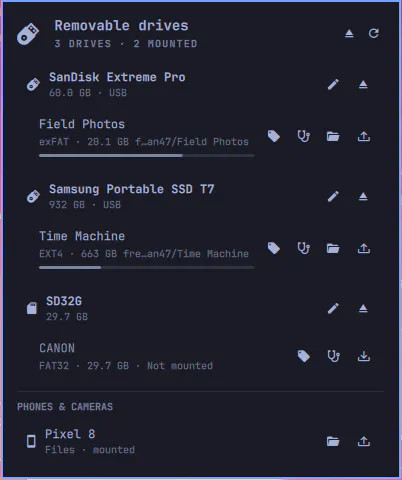
USB sticks, SD cards, phones, and external drives in the Omarchy bar: mount, open, and safely eject.
by dkgamer02ai · ★ 6
Use Steam Wallpaper Engine wallpapers as live Omarchy wallpapers. Adds menu > Style > Wallpaper Engine, which opens the thumbnail picker.
by Carlos Bay-Schmith and contributors · ★ 6
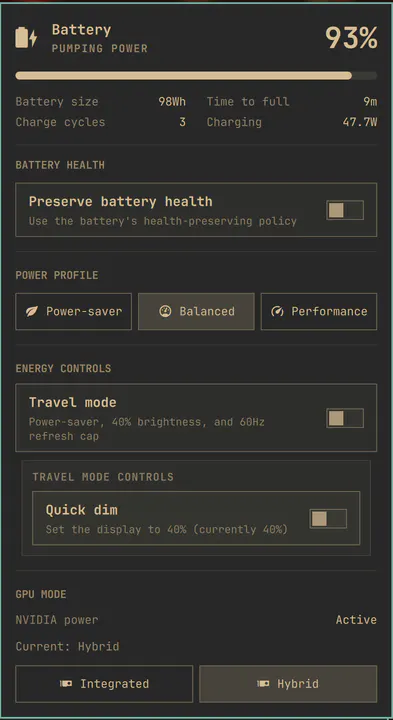
Battery health, travel mode, energy controls, and optional NVIDIA GPU mode support
by calebhat · ★ 6
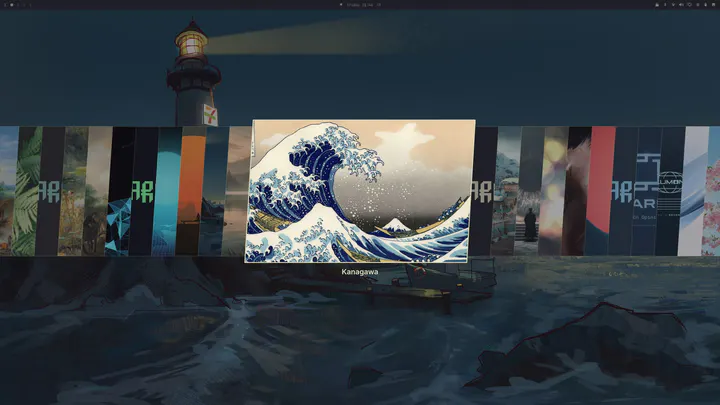
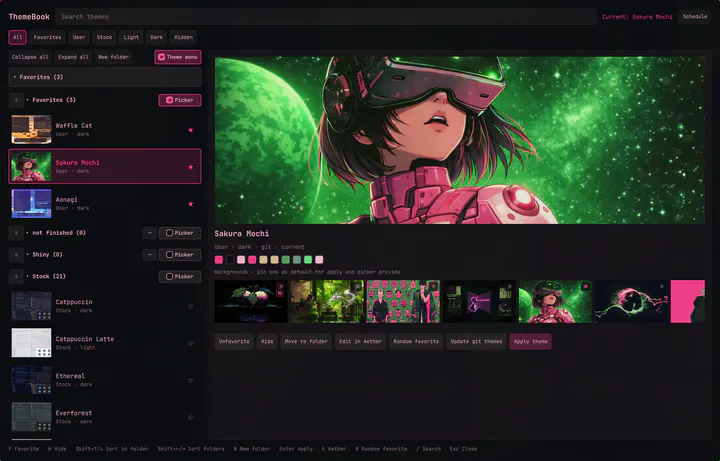
Full Omarchy theme suite: organize installed themes into folders, preview-then-apply, enhanced stock-style carousel, default wallpapers, and a scheduler for timed themes, sunrise/sunset, theme cycle, and wallpaper cycle.
by axelfontaine · ★ 6
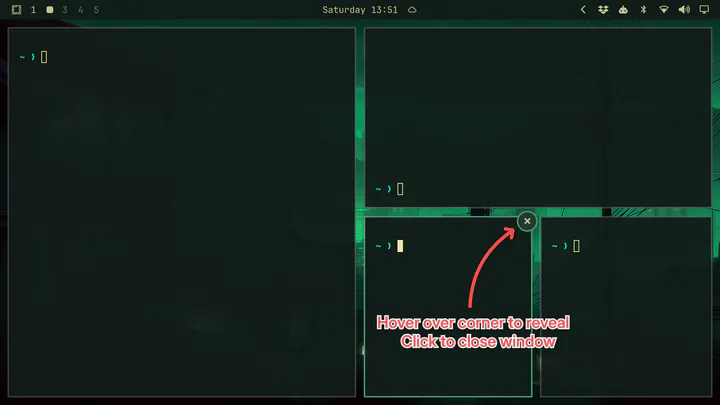
Adds close buttons to windows, enhancing usability and beginner-friendliness without sacrificing esthetics. Hover over a window's top-right corner and a small close button appears. Click it to close the window.
by gotar · ★ 6
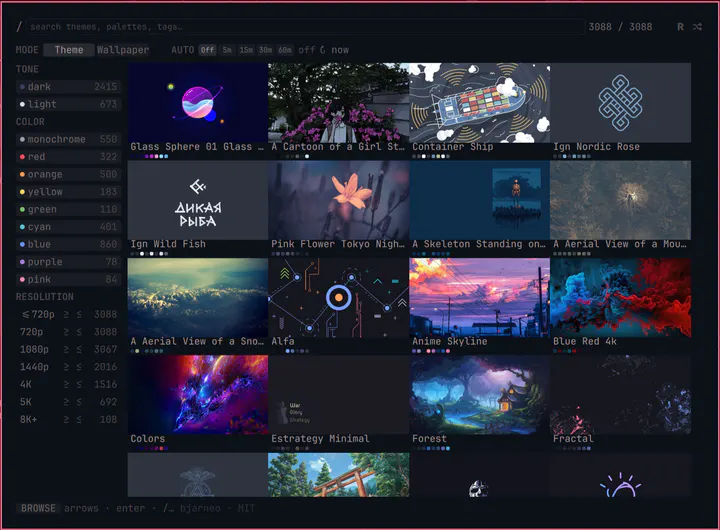
Gallery for bjarneo.github.io/omarchy-themes — thousands of wallpapers × 5 variants. Search, filter, preview palettes and apply any variant as an Omarchy theme in one click.
by Joey Vigil · ★ 6
Pinned app icons in the bar with running-state indicators; pin and unpin from the bar itself
by perminder-klair · ★ 6
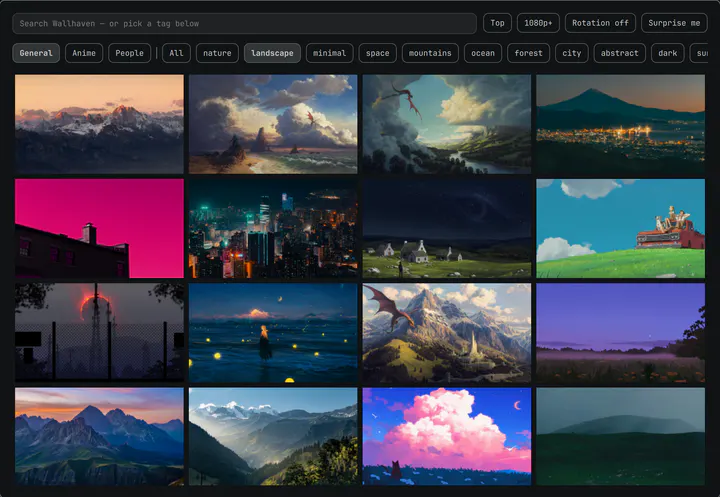
Browse Wallhaven by category or tag, set any wallpaper as your Omarchy background, and rotate on a timer.
by Ahmed-Sinkeat · ★ 6
Add, change, and remove Omarchy shortcuts without editing config files
by Andrew Shuttleworth · ★ 6
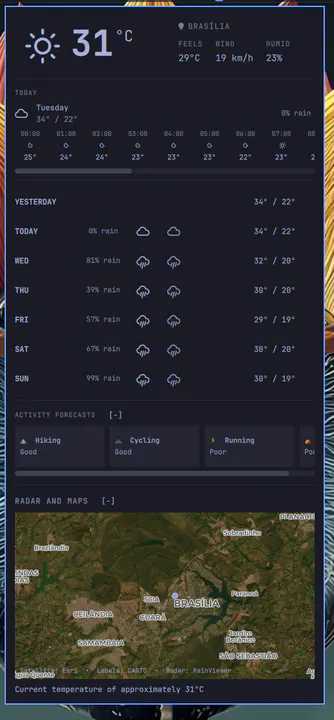
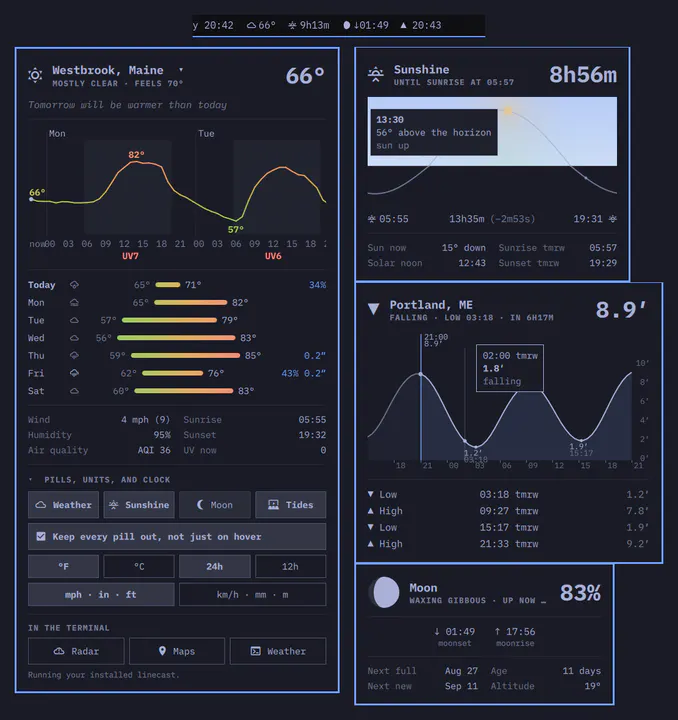
Weather, sun, moon, and tide pills from linecast, each opening a panel drawn in the theme
by Anton Smith · ★ 6
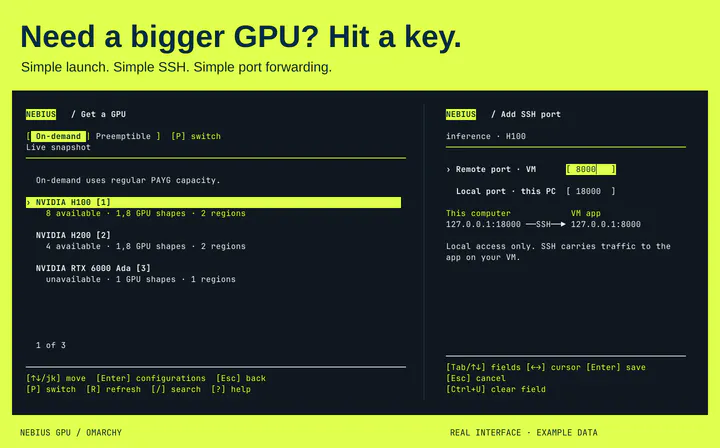
Need a bigger GPU? Find Nebius cloud GPU capacity, launch a VM for ComfyUI or vLLM, and SSH in from Omarchy. Codex and Claude Code supported. Unofficial community plugin; not a supported Nebius product.
by Scott Angel · ★ 6
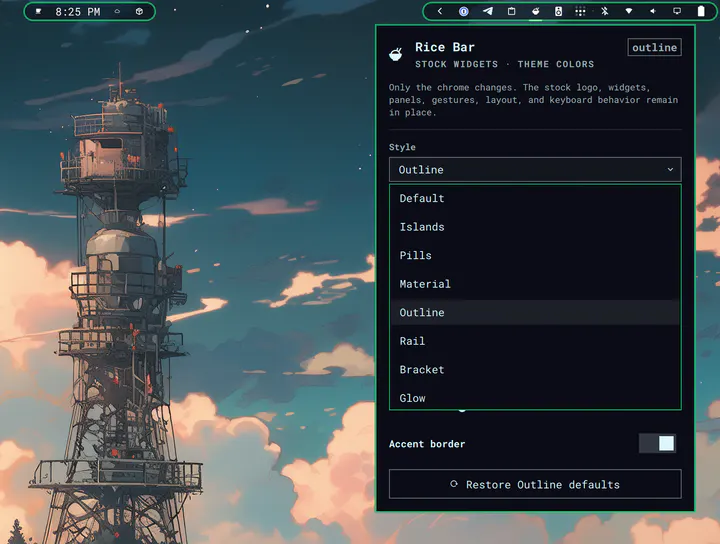
Theme-aware visual presets for the stock Omarchy bar. Rice Bar keeps omarchy.bar, its official logo, widgets, panels, gestures, layout, and behavior intact while drawing passive chrome behind it.
by i12bp8 · ★ 6
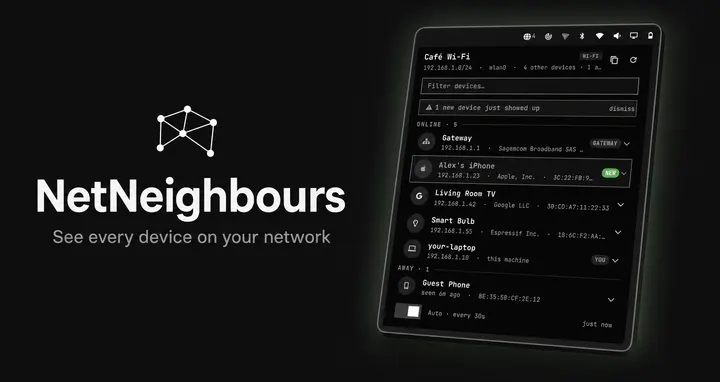
Fing-style Wi-Fi radar for the bar: one click shows every device on your network — vendor, hostname, MAC — and flags new ones that appear.
by jeremylanger · ★ 6
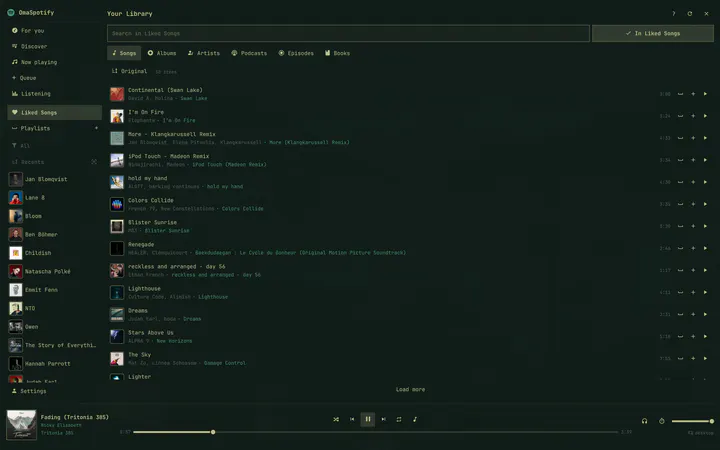
Spotify in Quickshell with all the features you need—using about 60 MB of memory versus roughly 950 MB for the official client.
by leonrlr4 · ★ 6
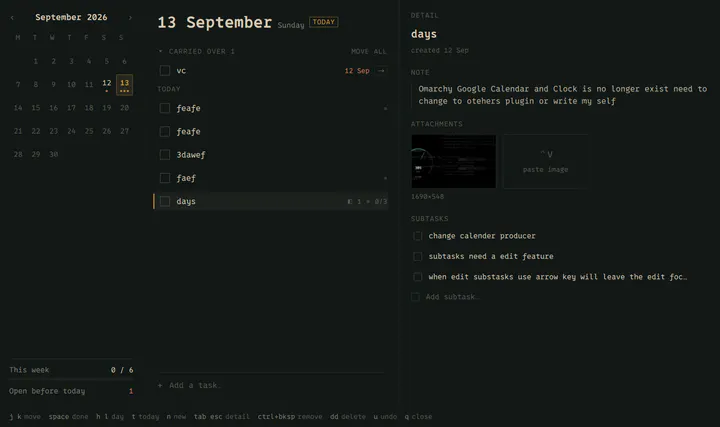
A task list that belongs to a day. Markdown notes, pasted screenshots and subtasks on every task, your calendar's events beside them, and nothing that leaves this machine.
by ReidenXerx · ★ 6
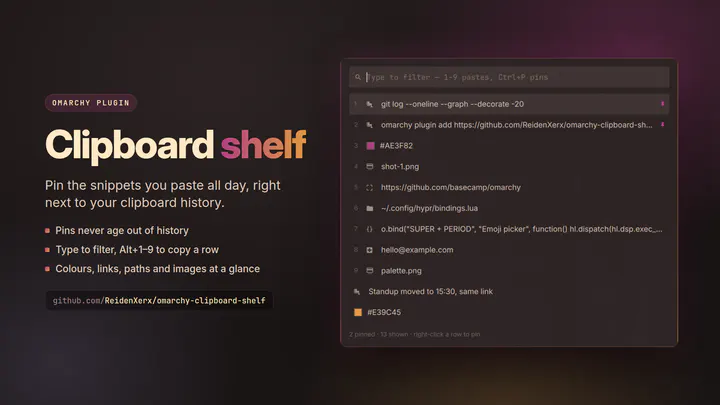
Pin the snippets you paste all day and keep them one keystroke away, alongside your clipboard history. Reads Omarchy's own clipboard history, so nothing is captured twice.
by alanfortlink · ★ 6
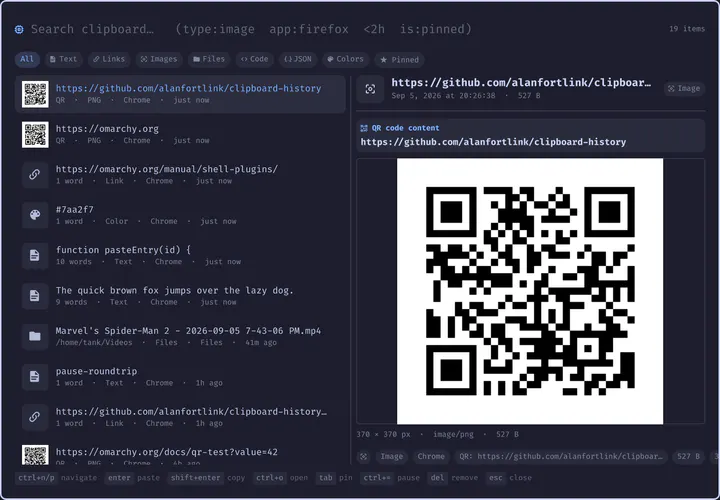
Raycast-style clipboard history: fuzzy search over content, type, app and date, with rich per-type previews
by Ross · ★ 6
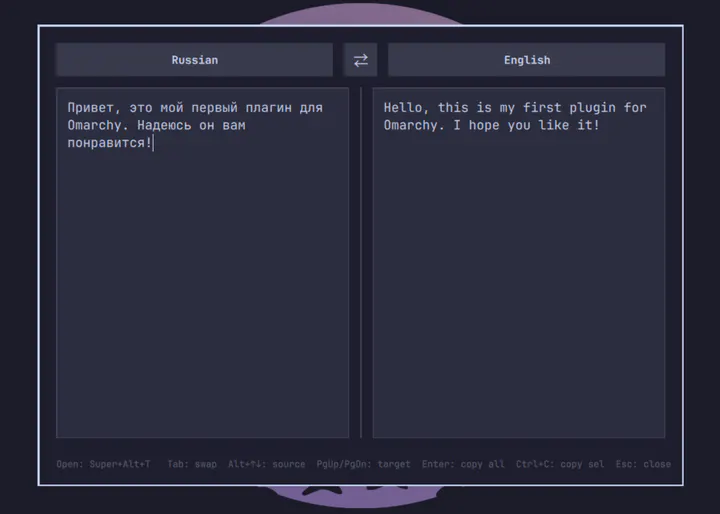
Google Translate overlay — select any text and translate it with a hotkey
No records match those filters.