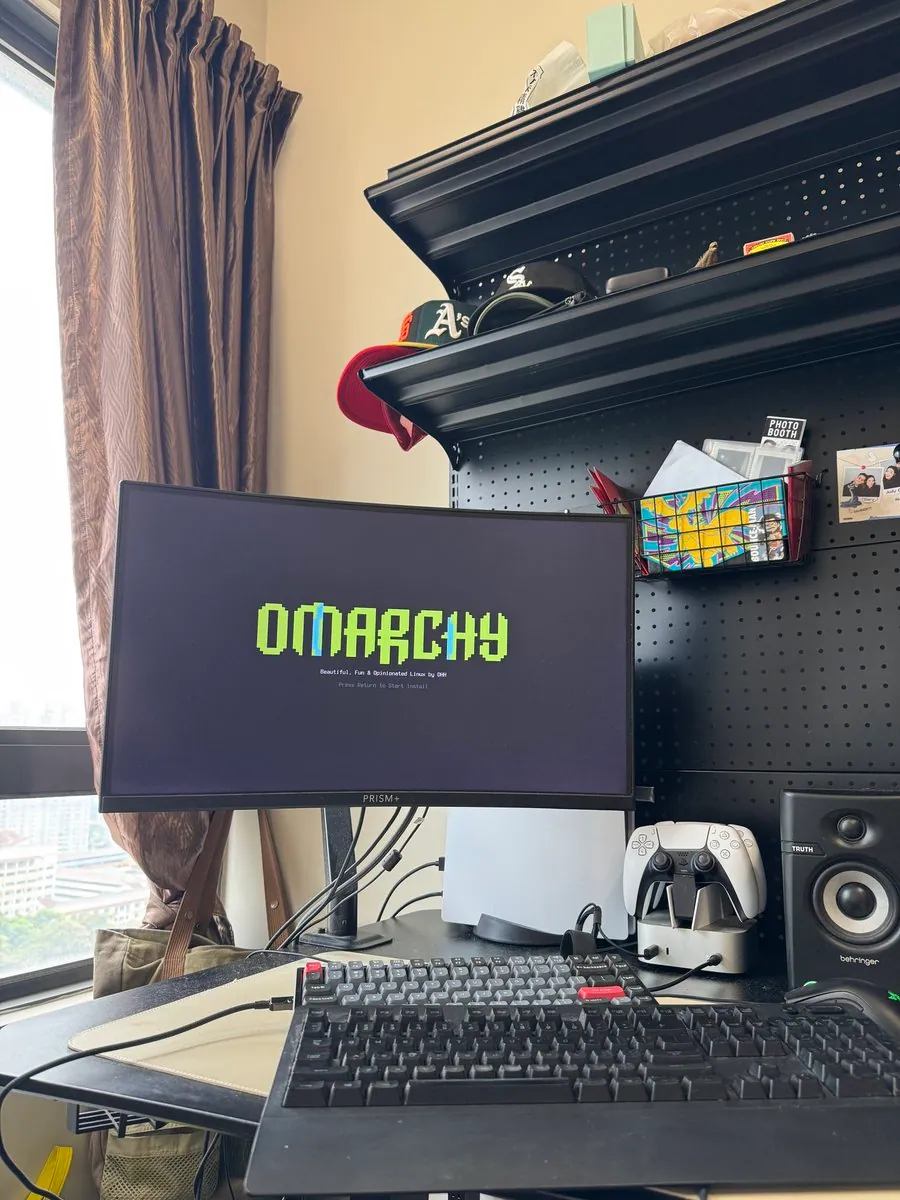
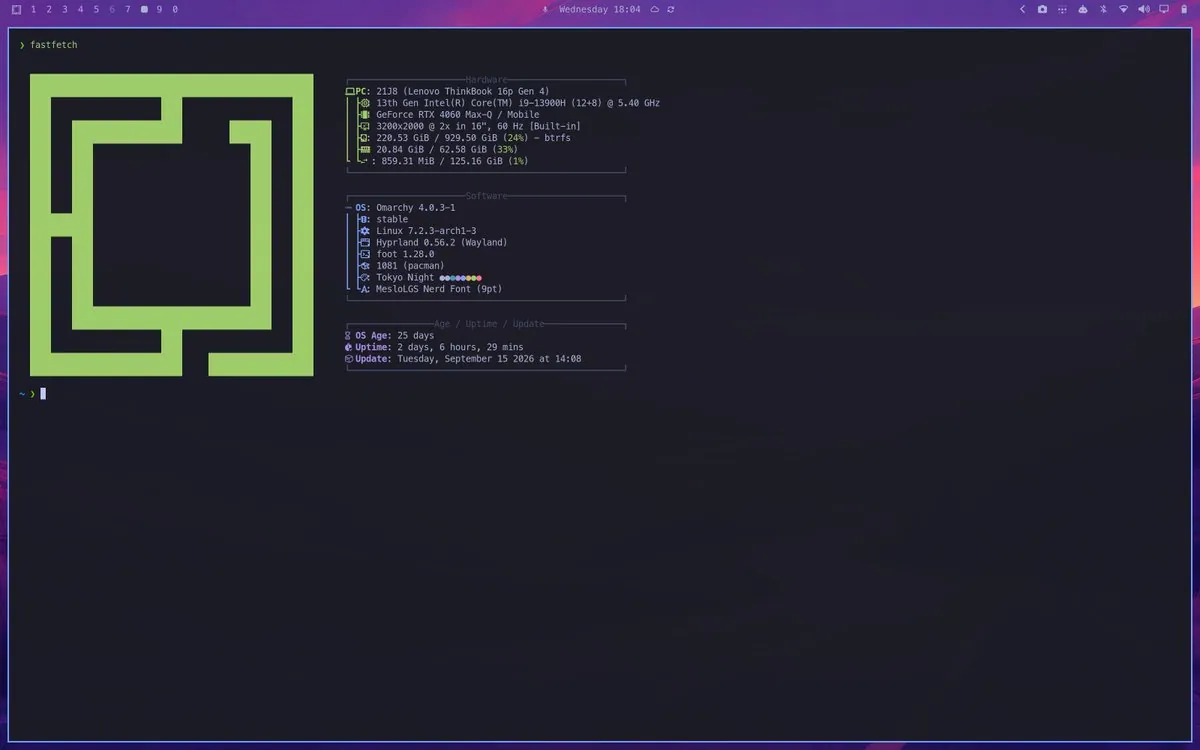
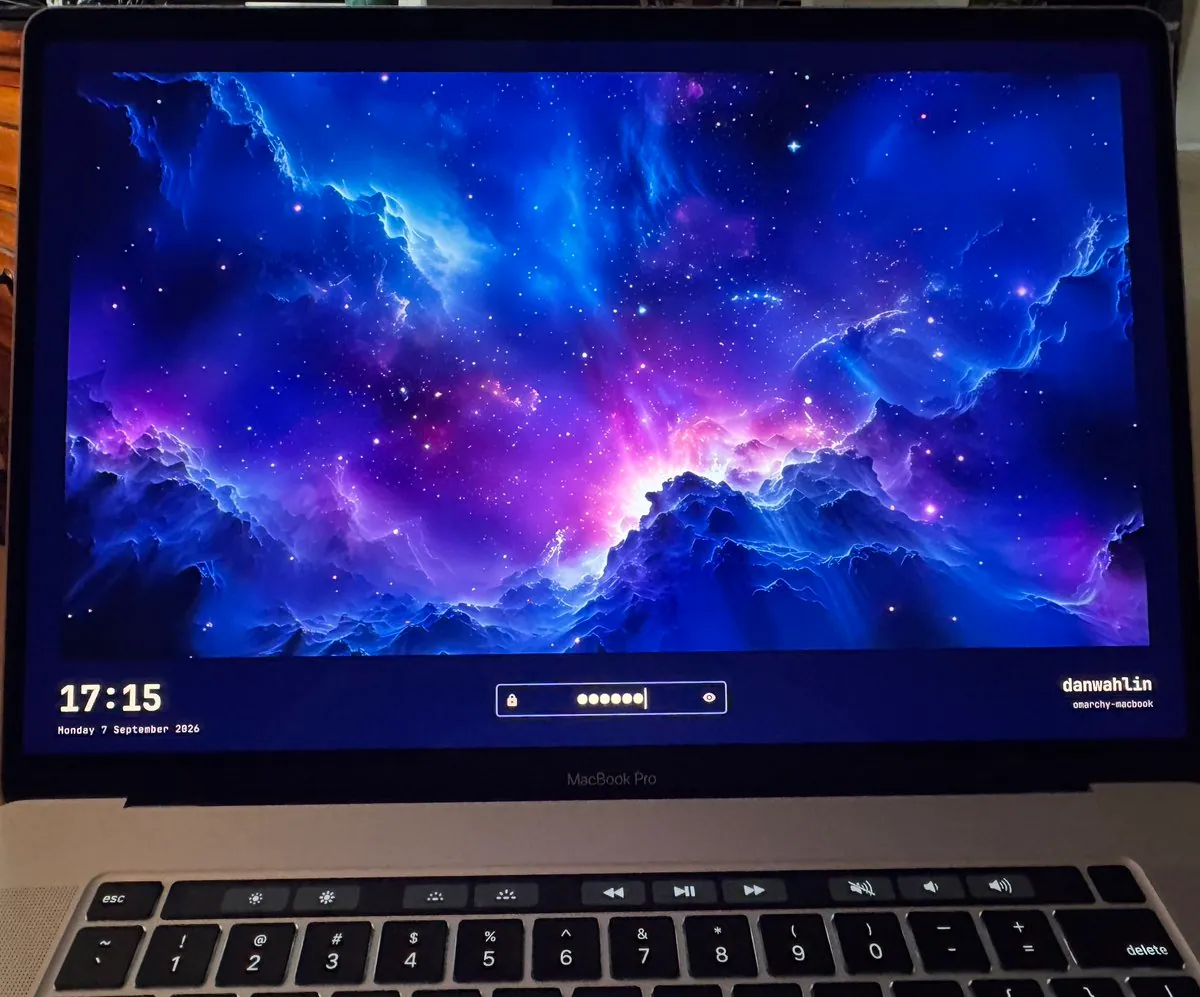
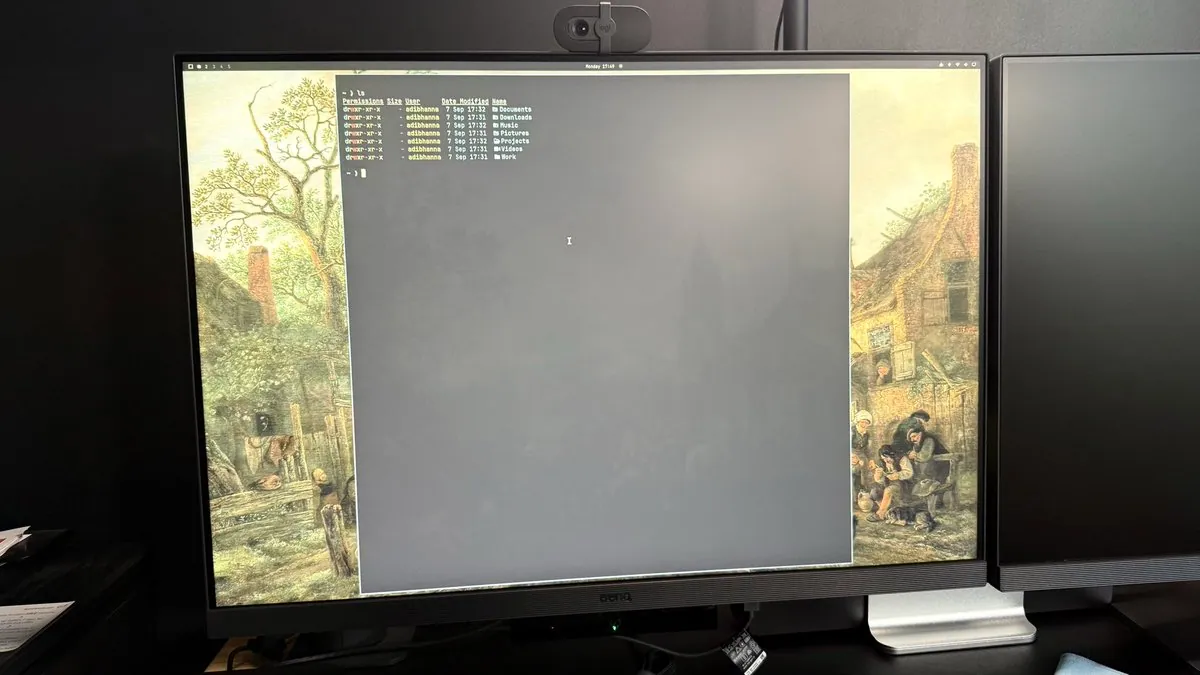
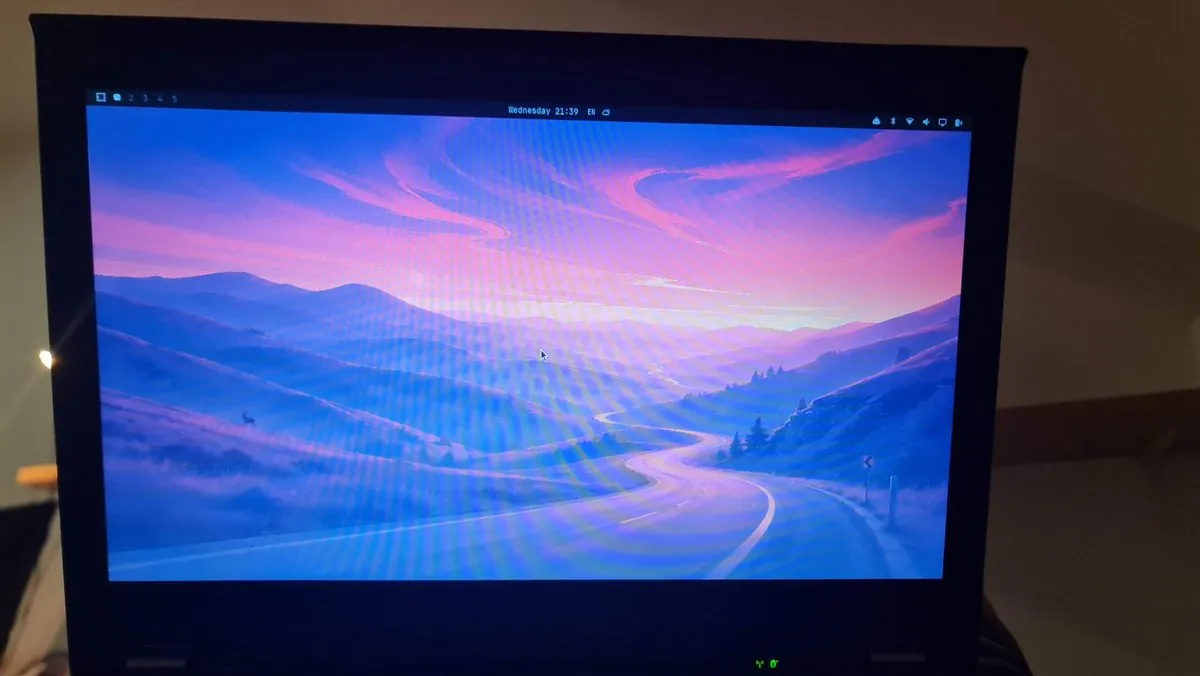
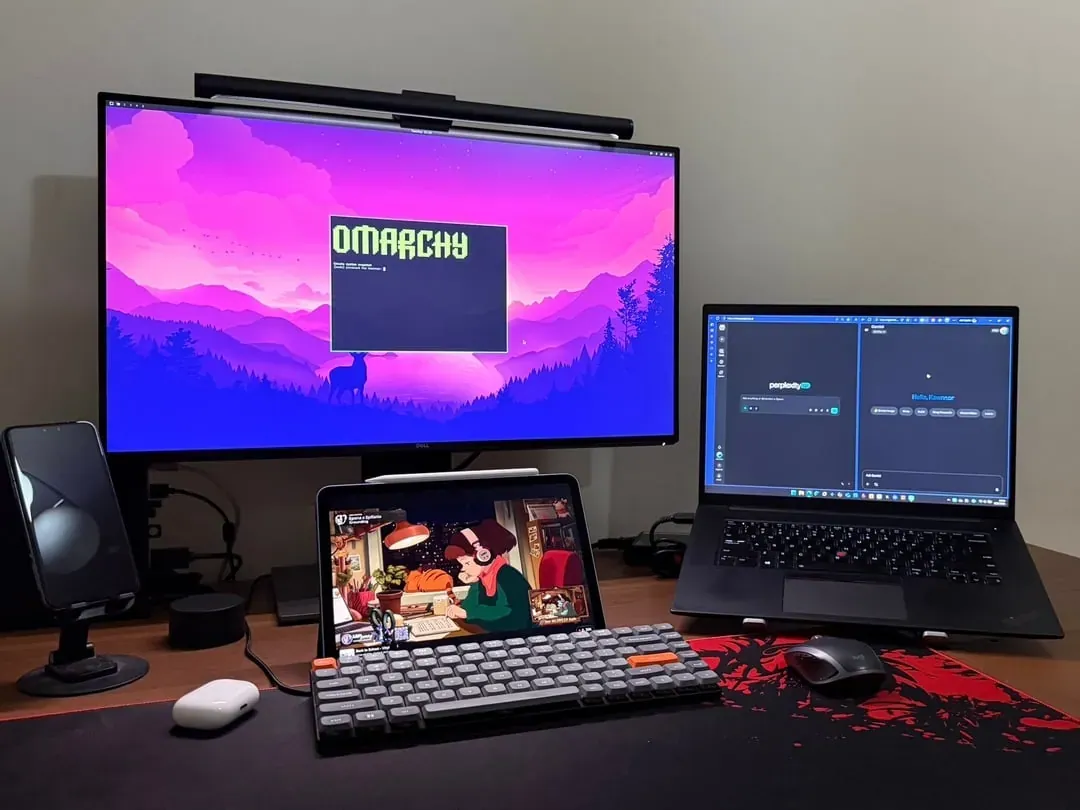
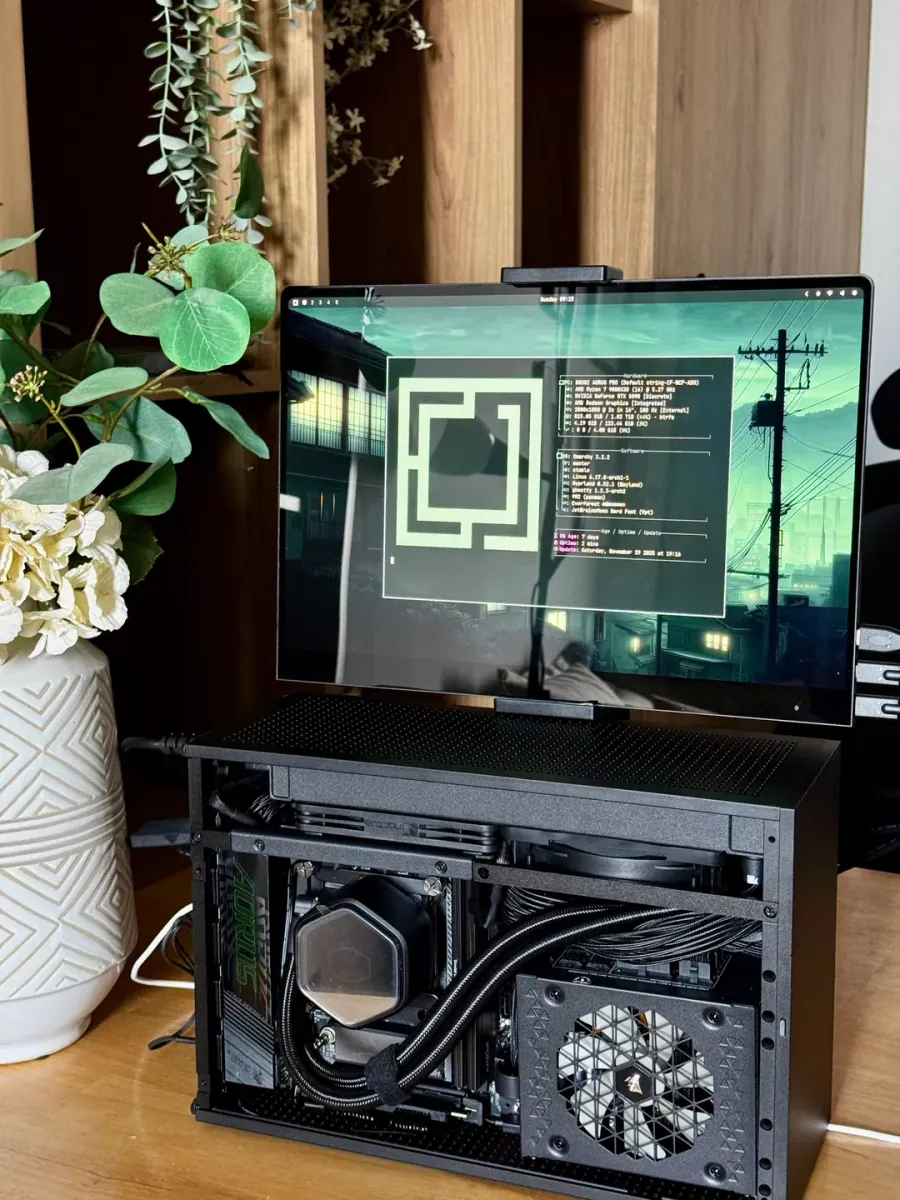
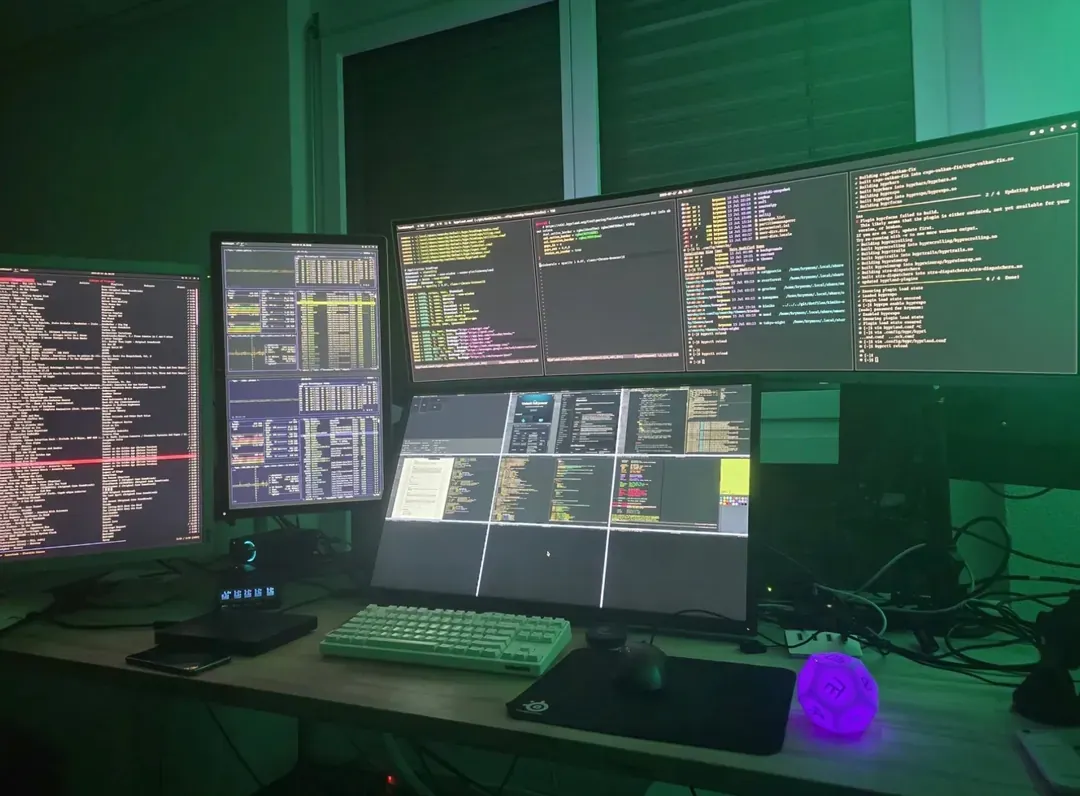
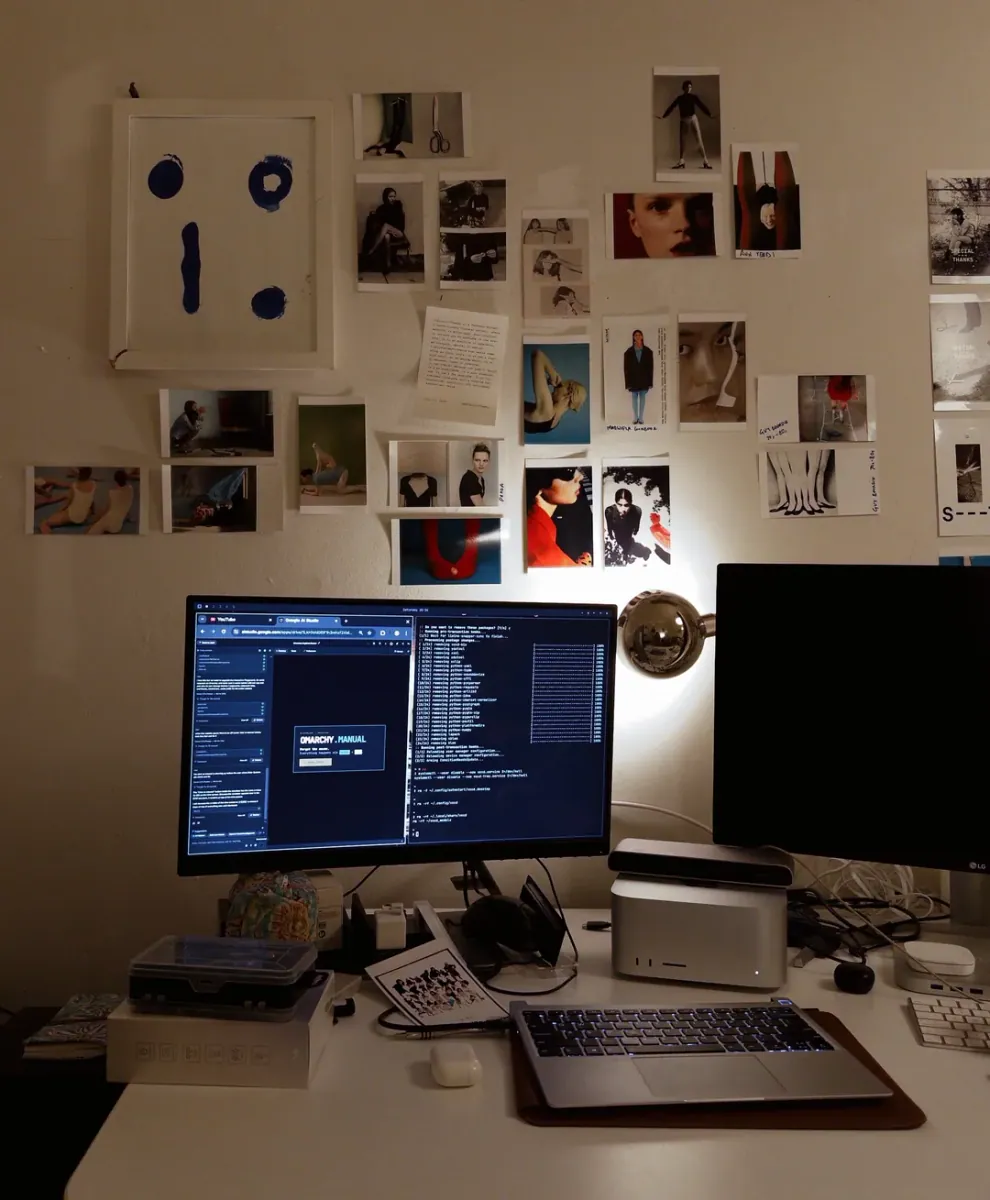
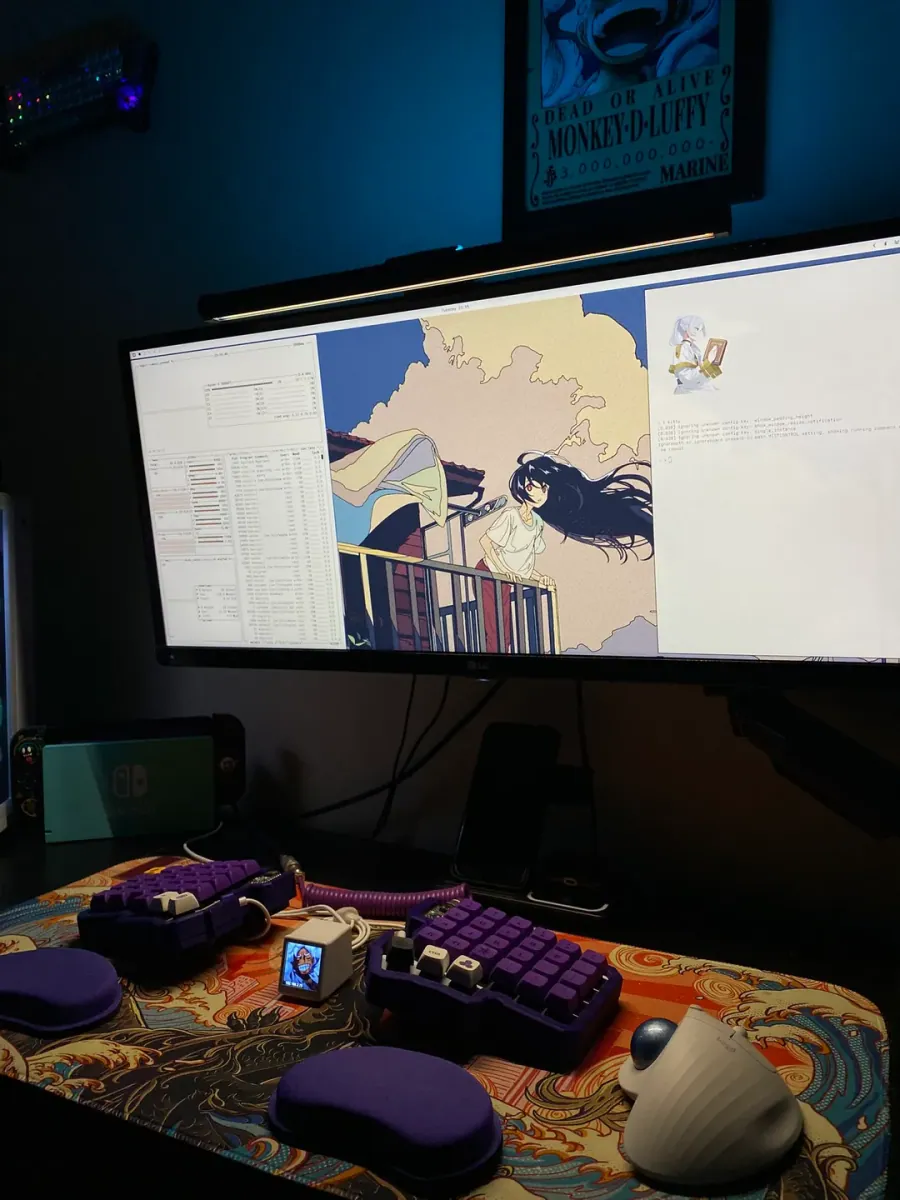
Omarchy Archive

Search GitHub

Setups

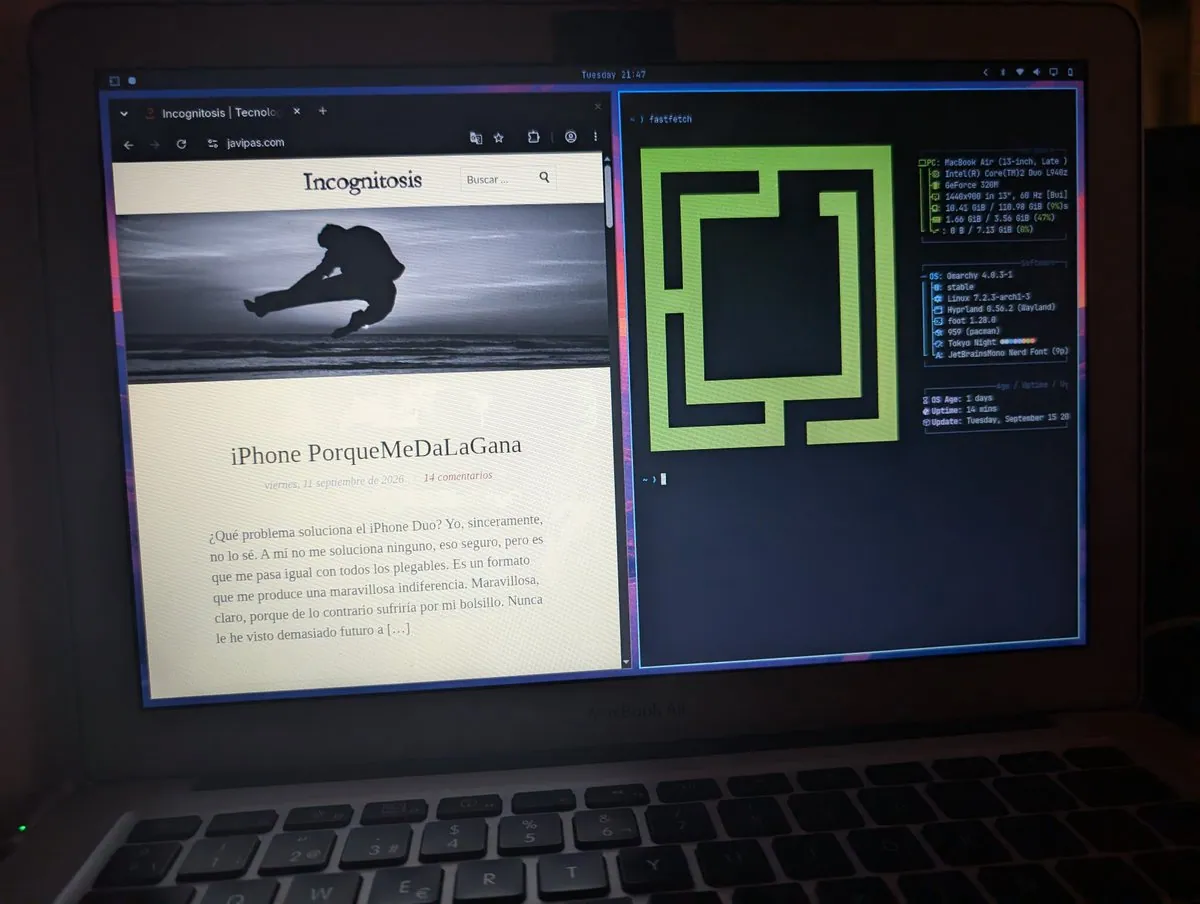
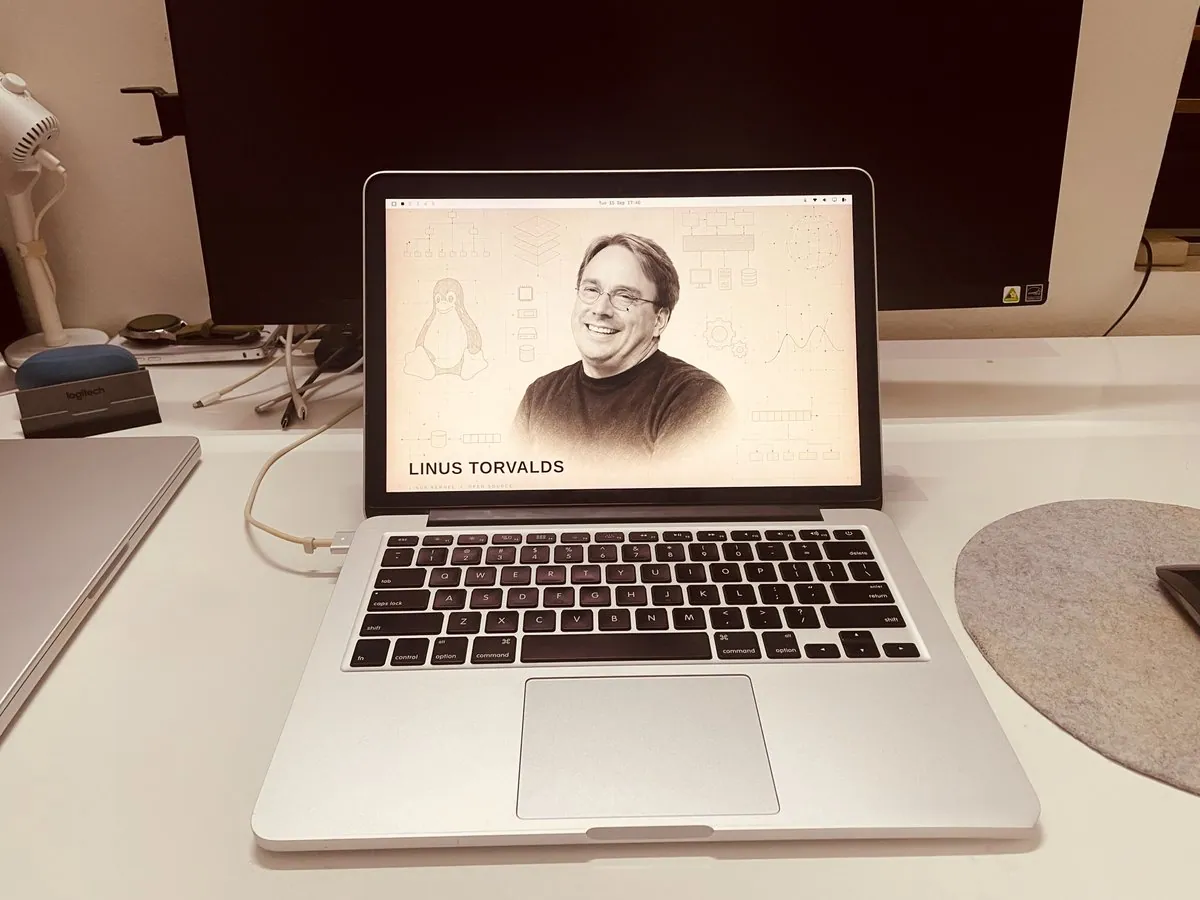
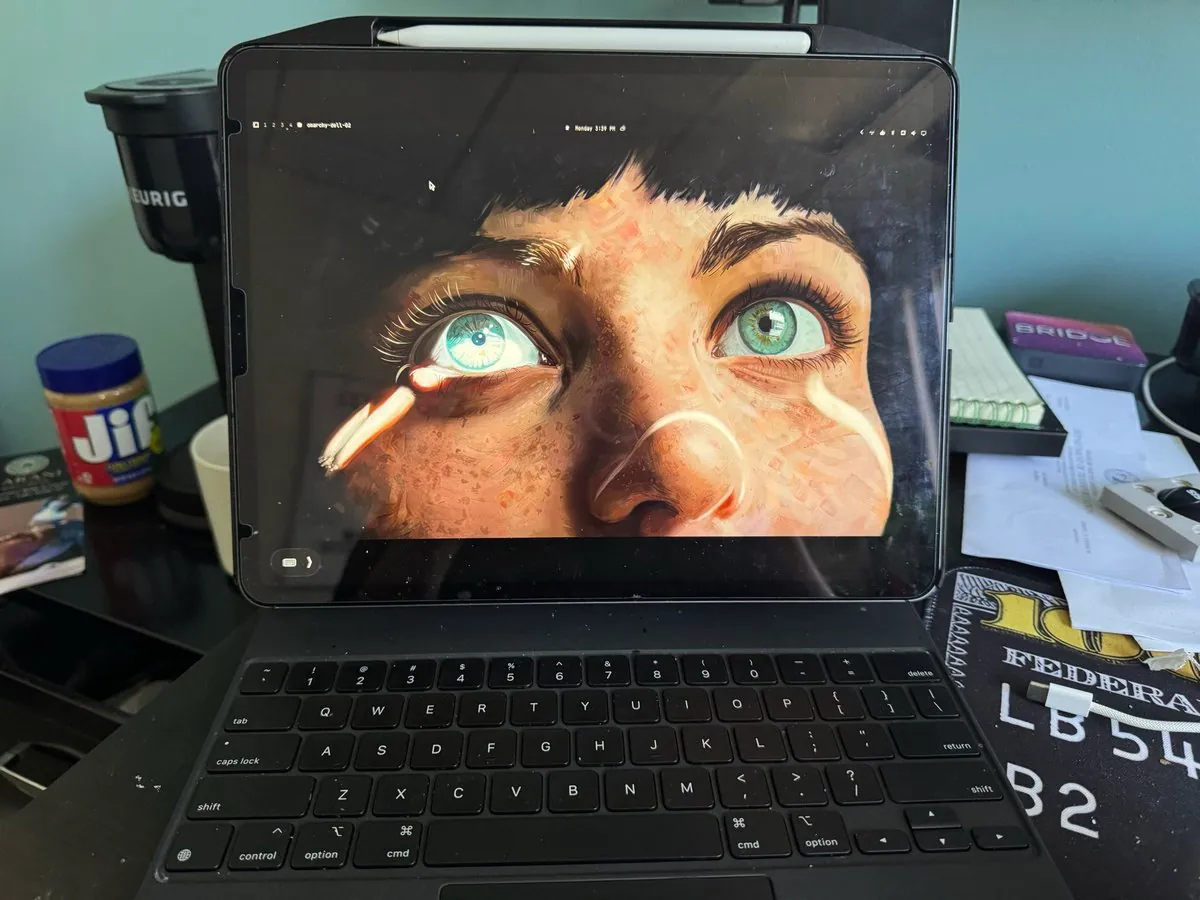
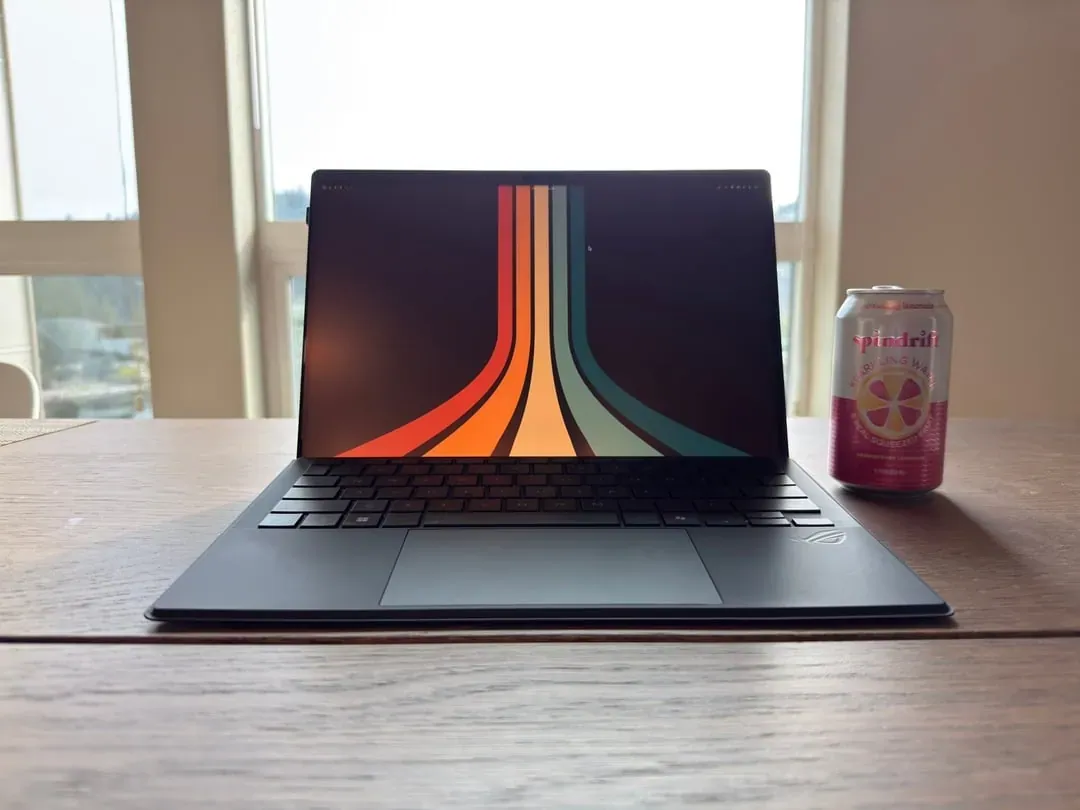
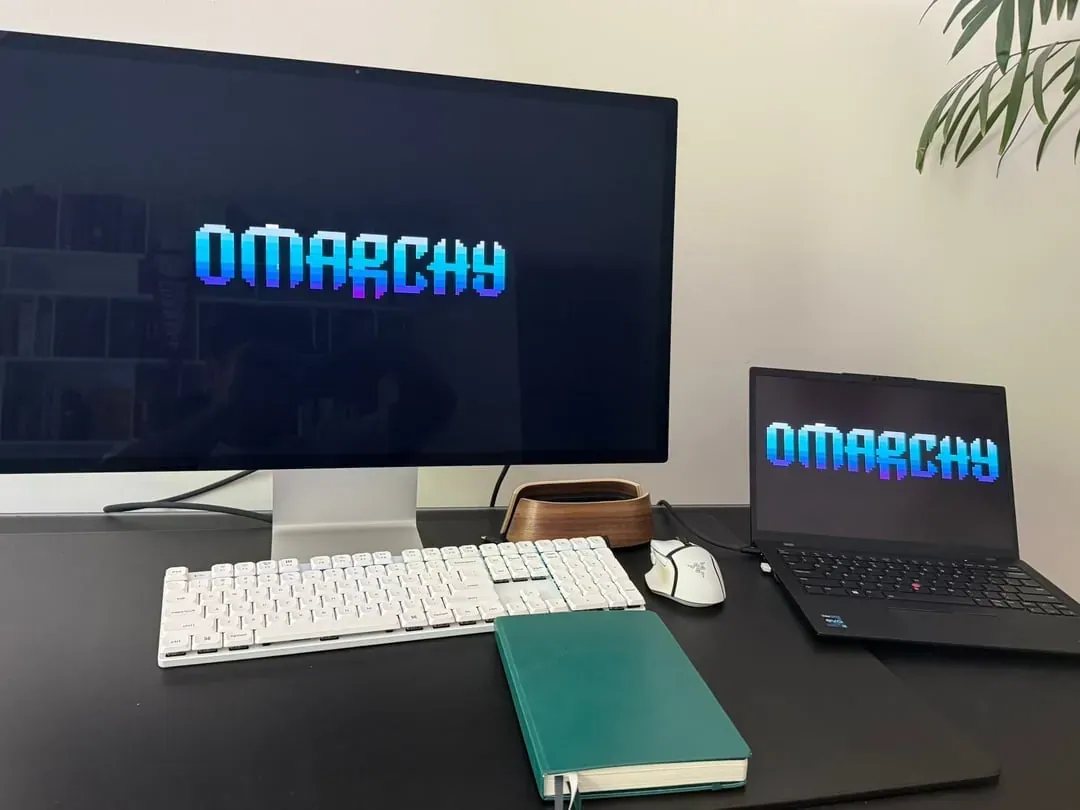
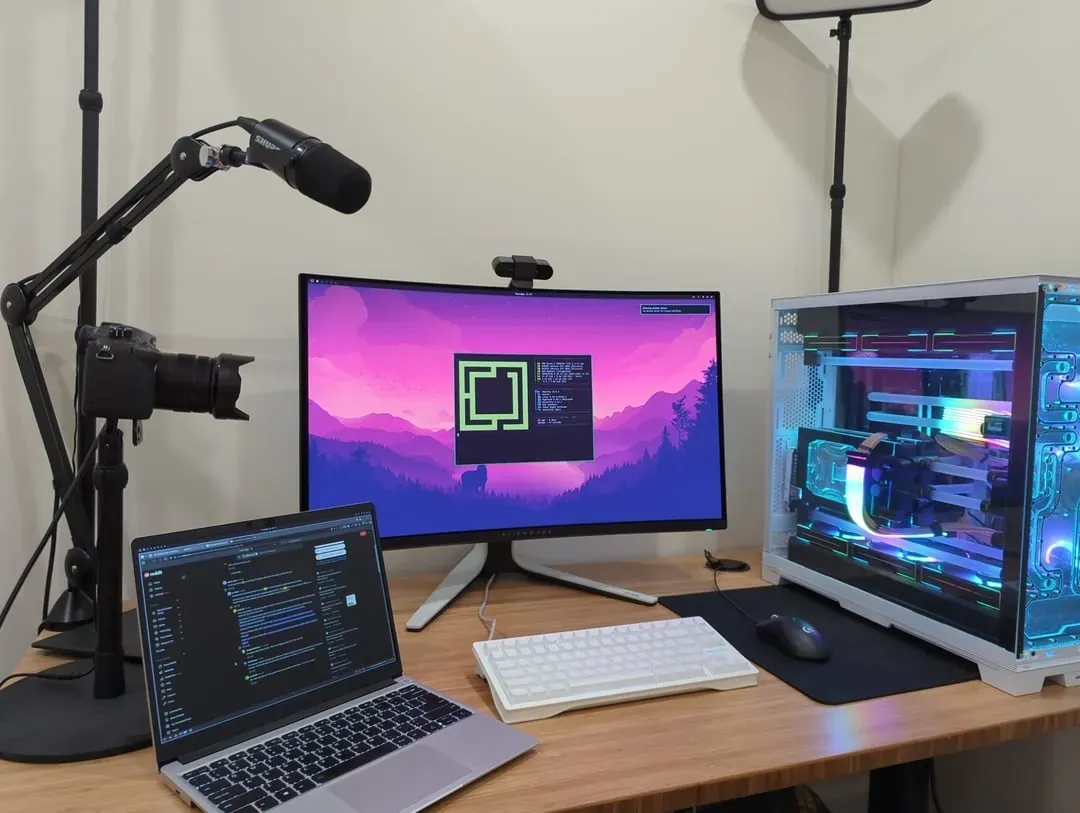
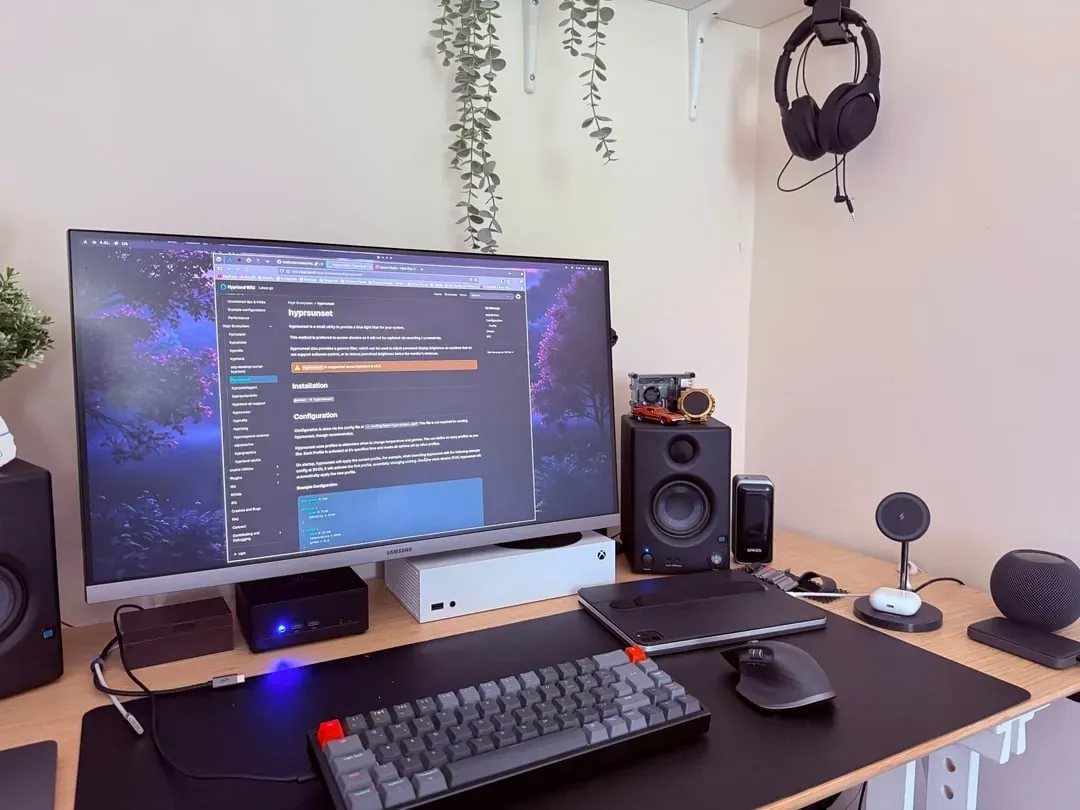
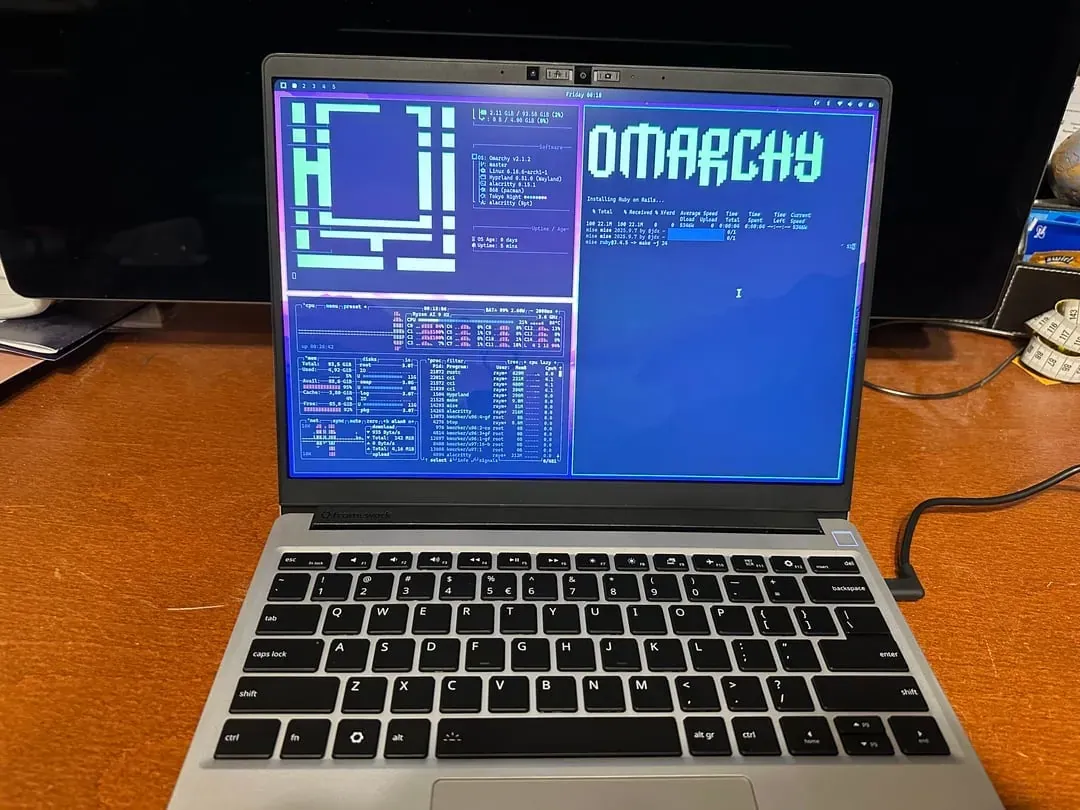
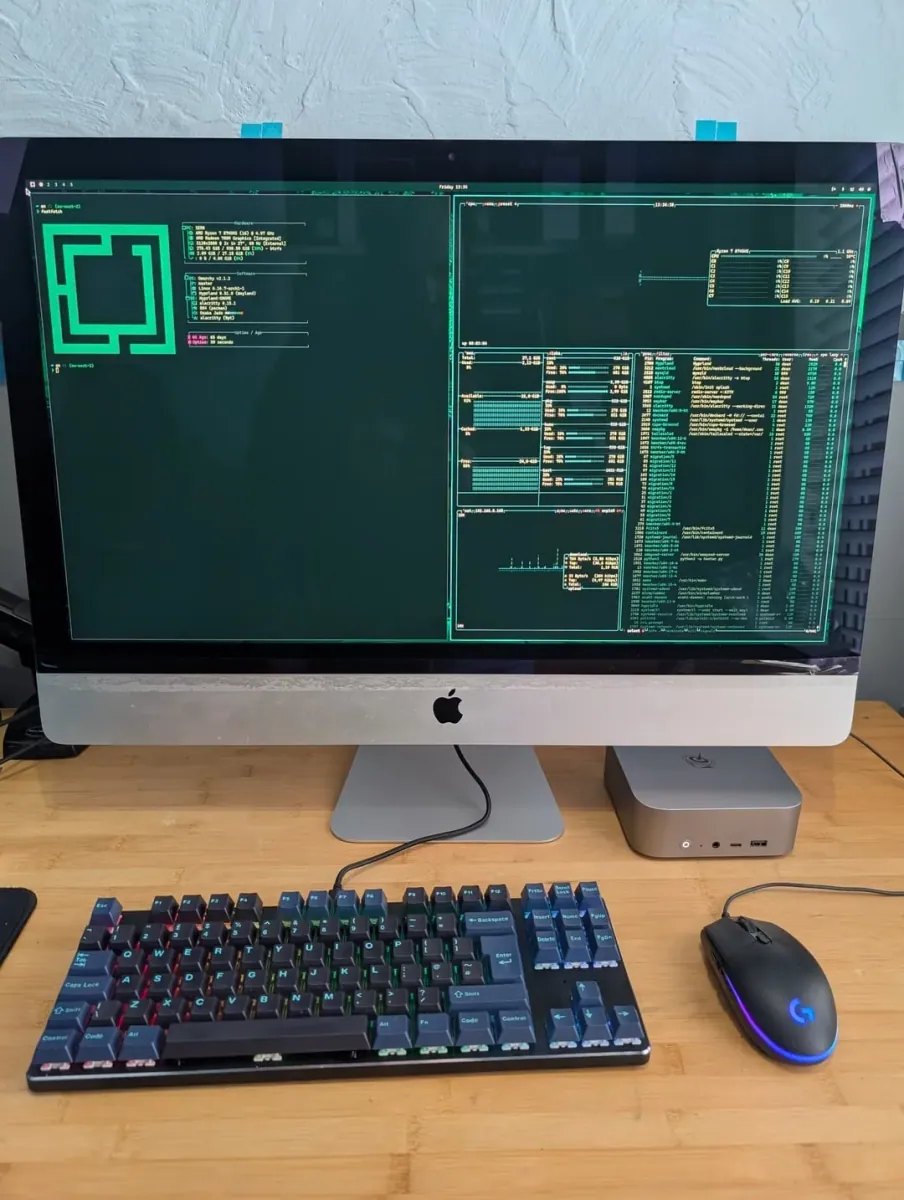
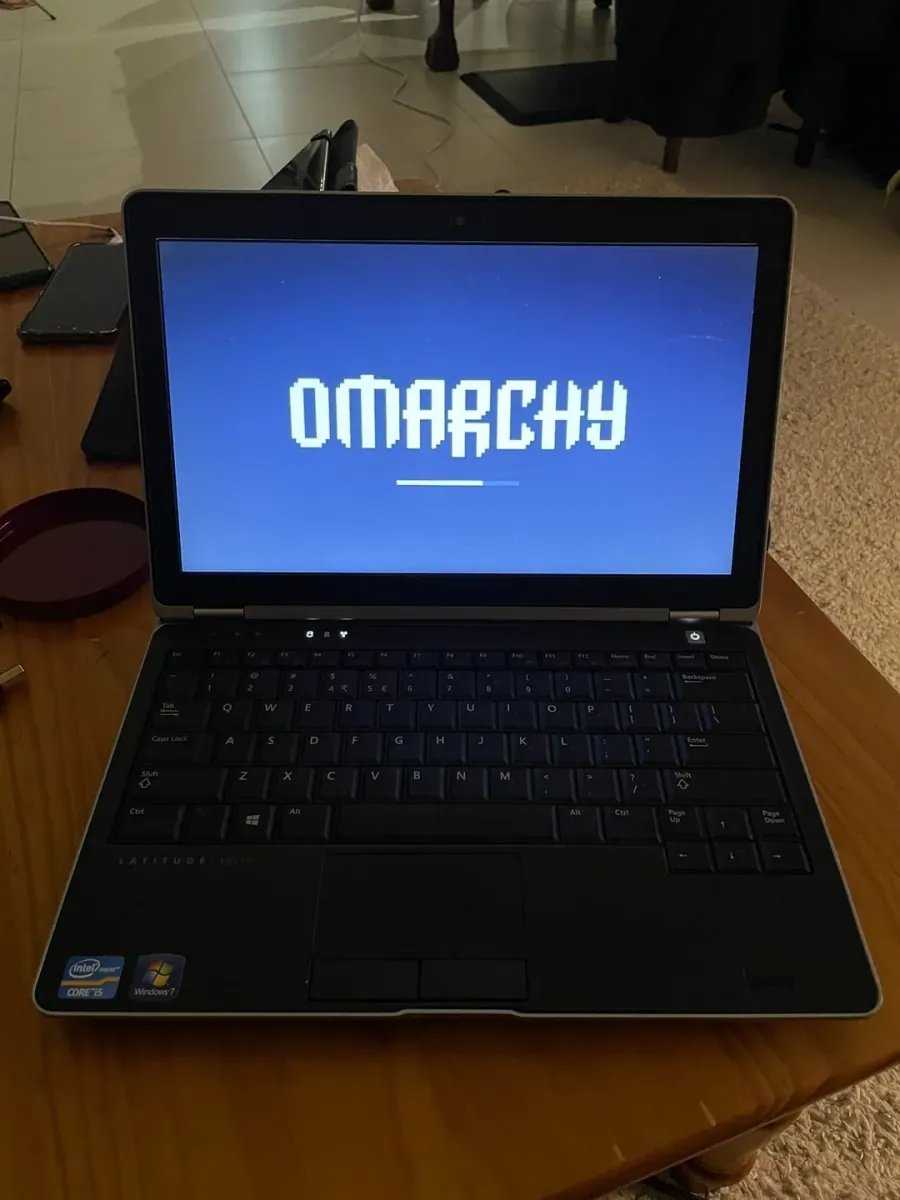
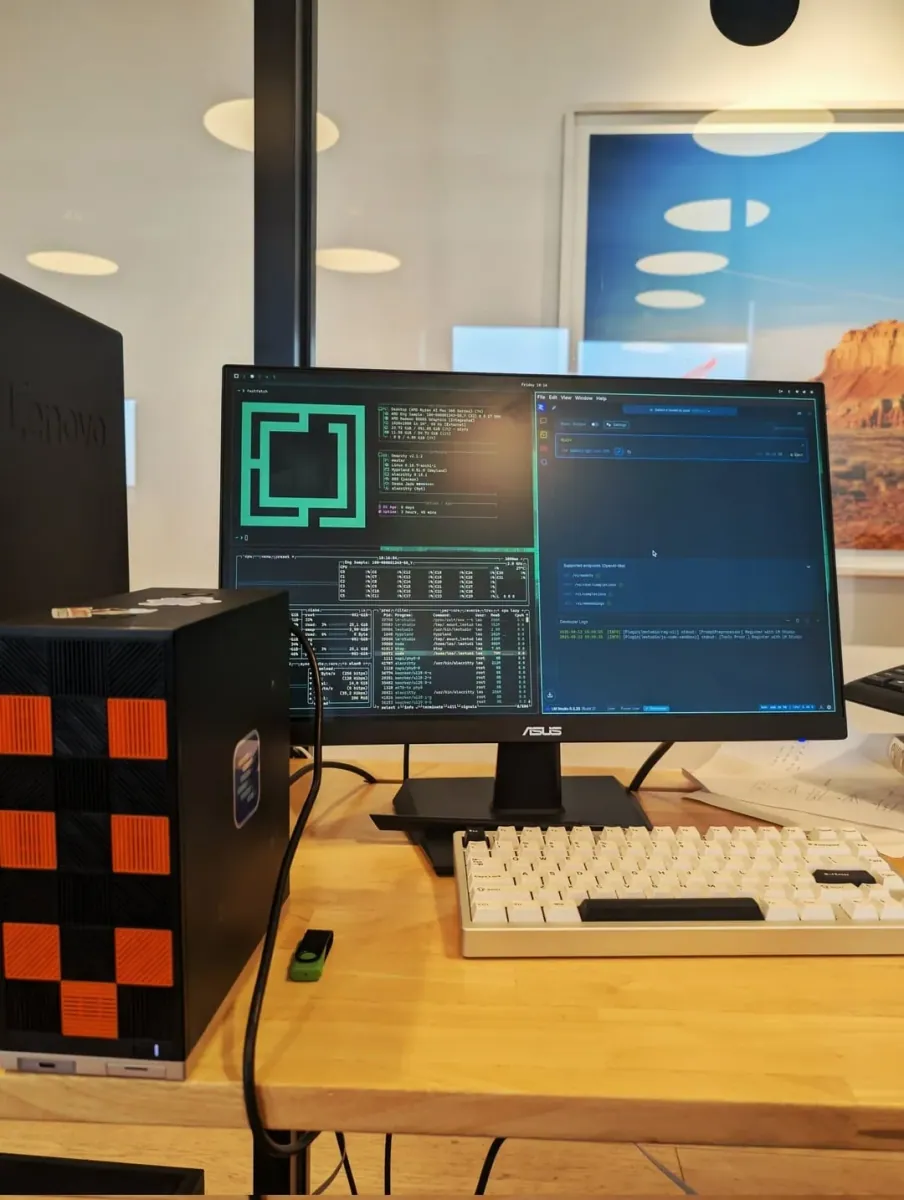
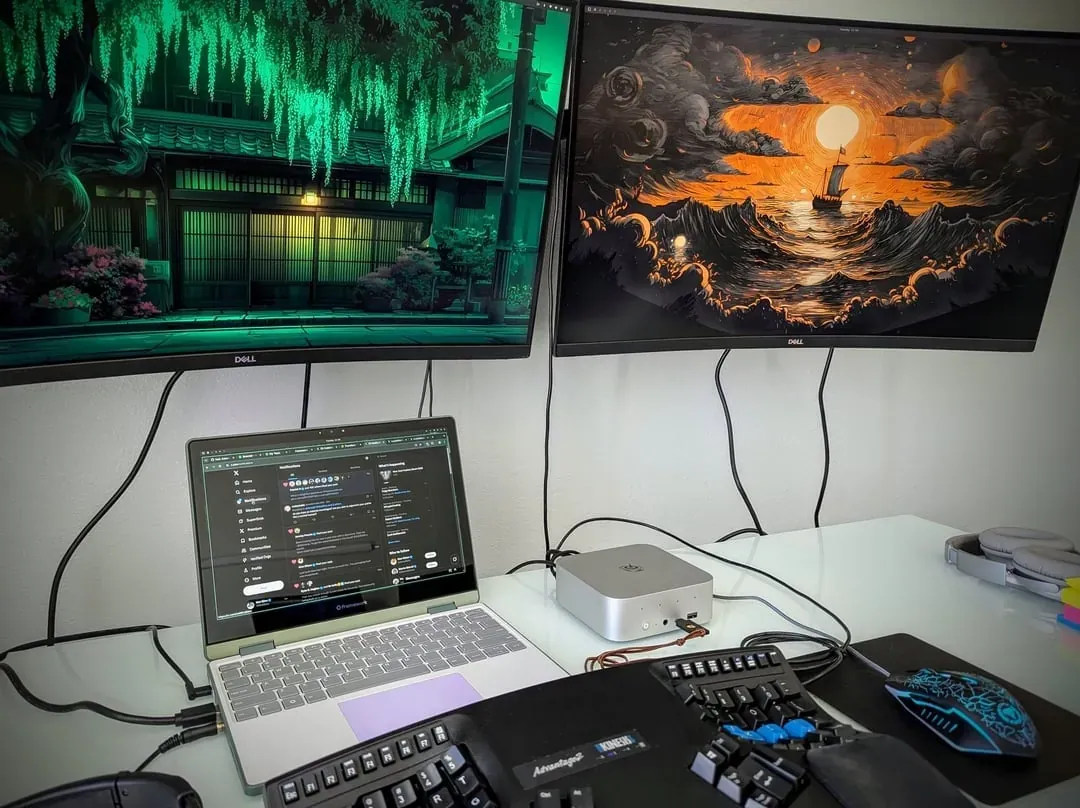
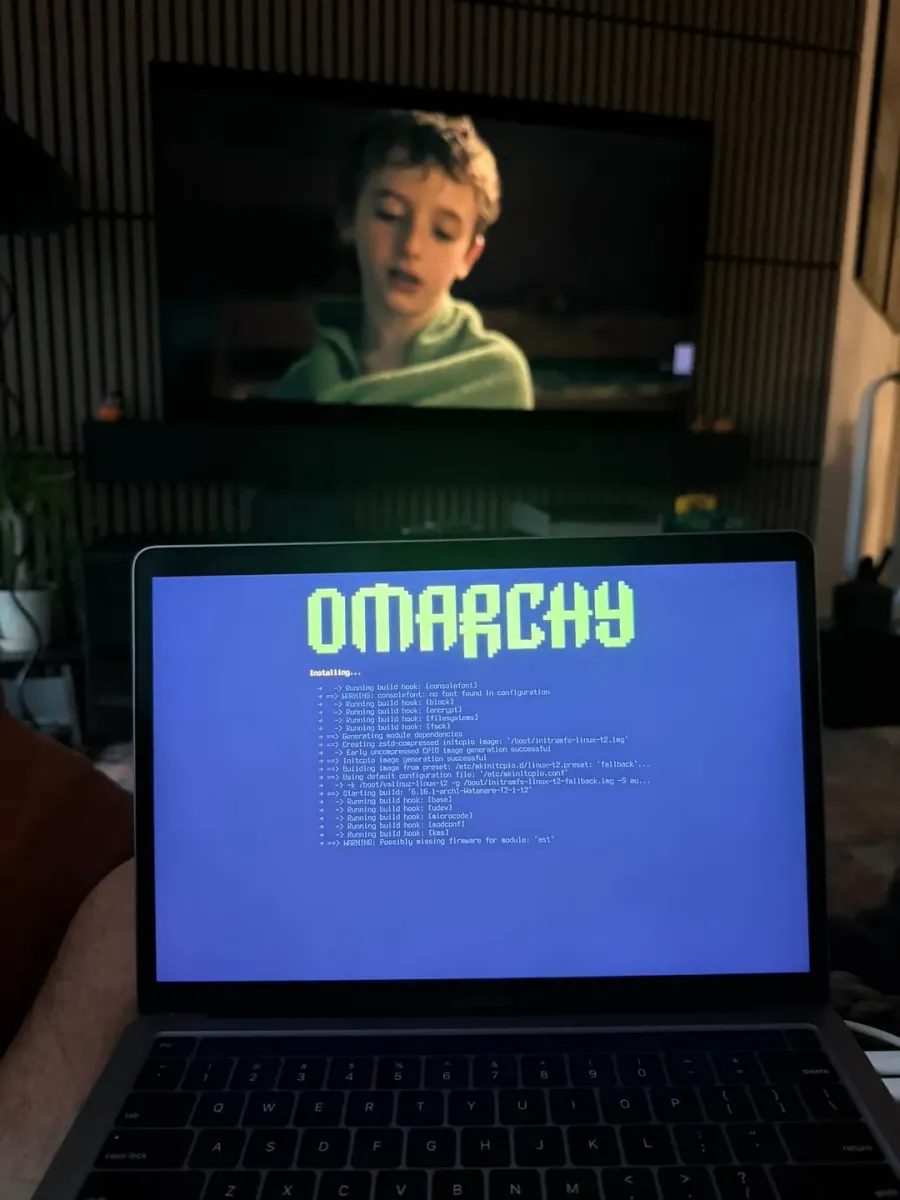
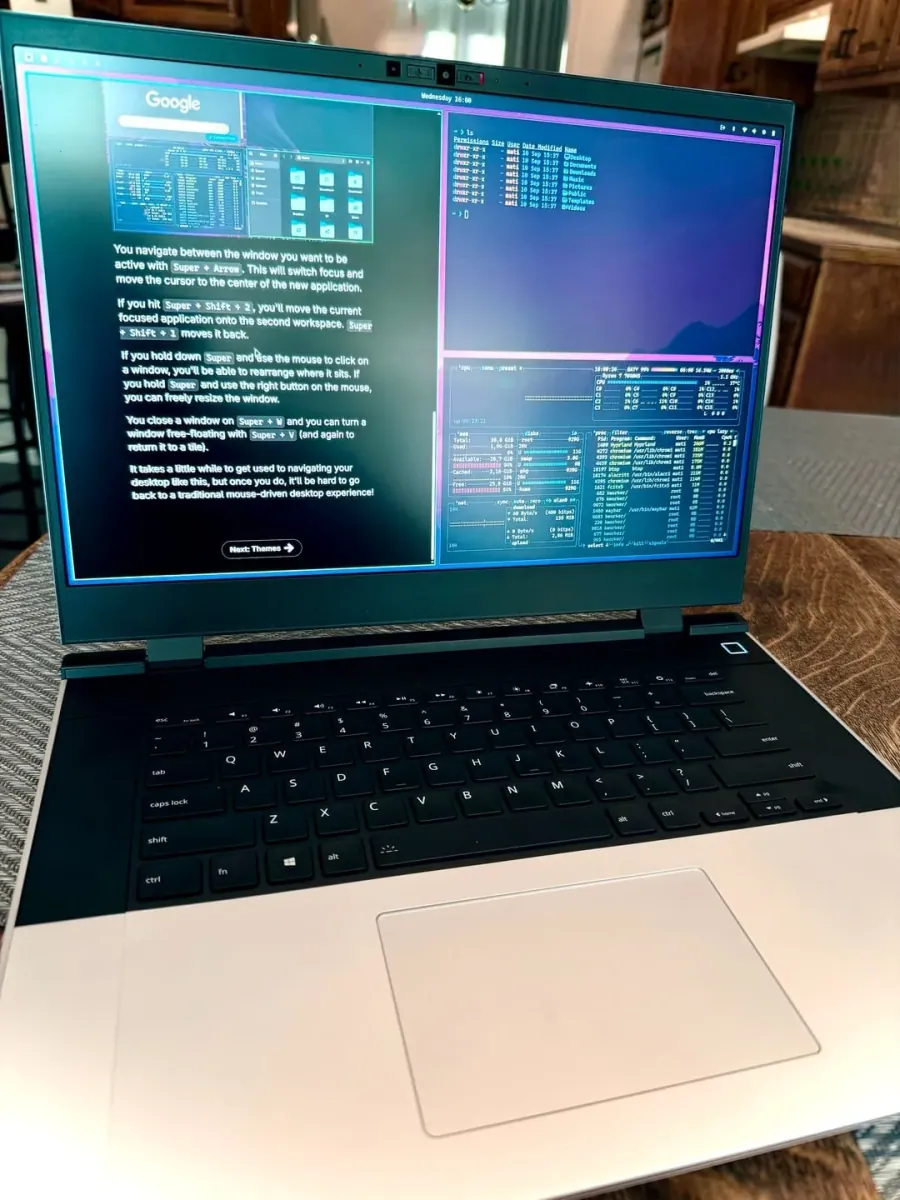
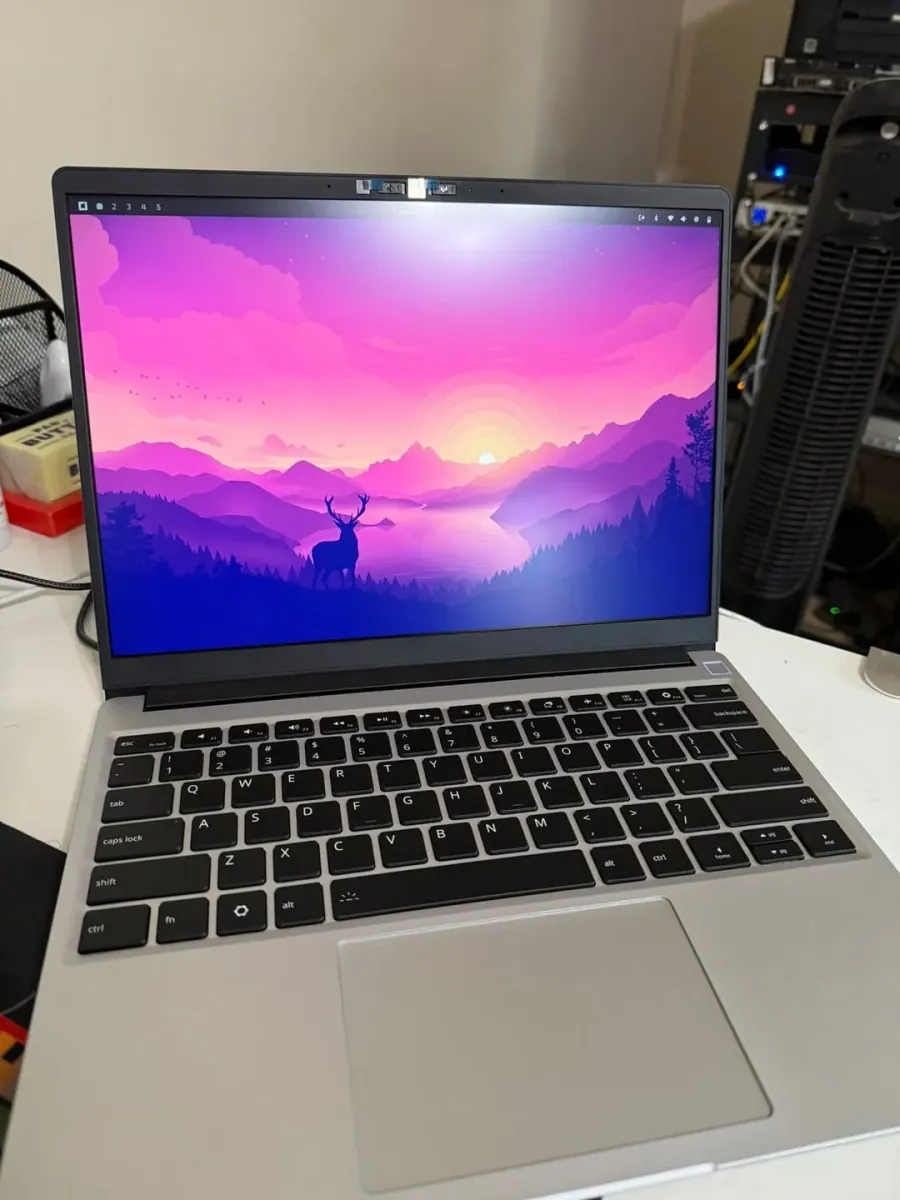
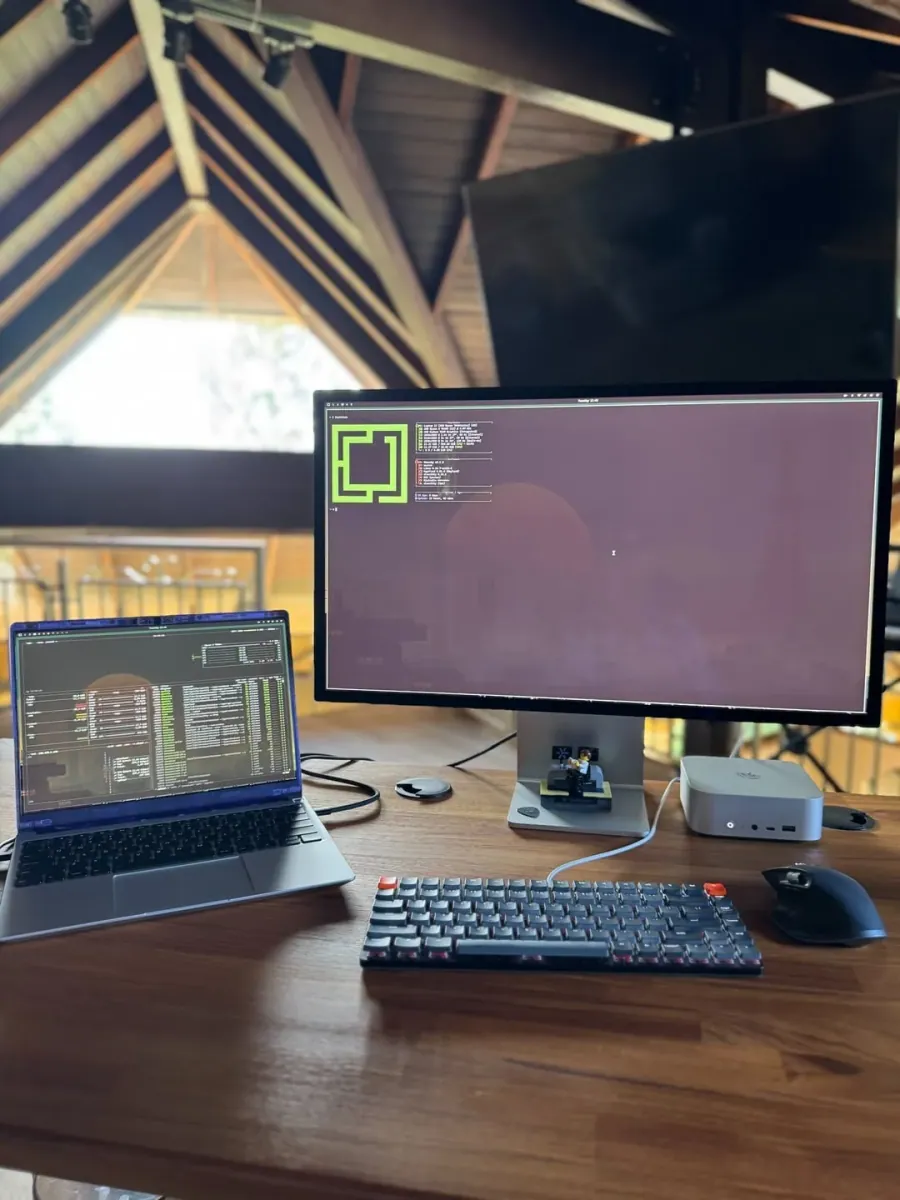
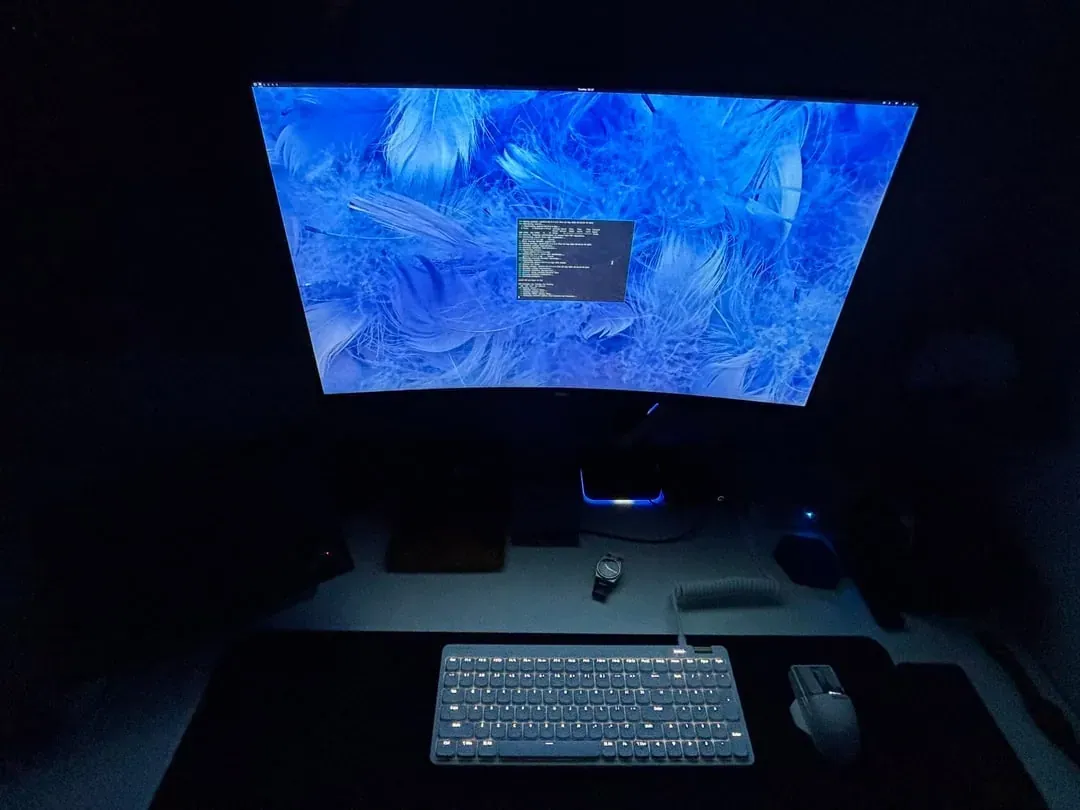
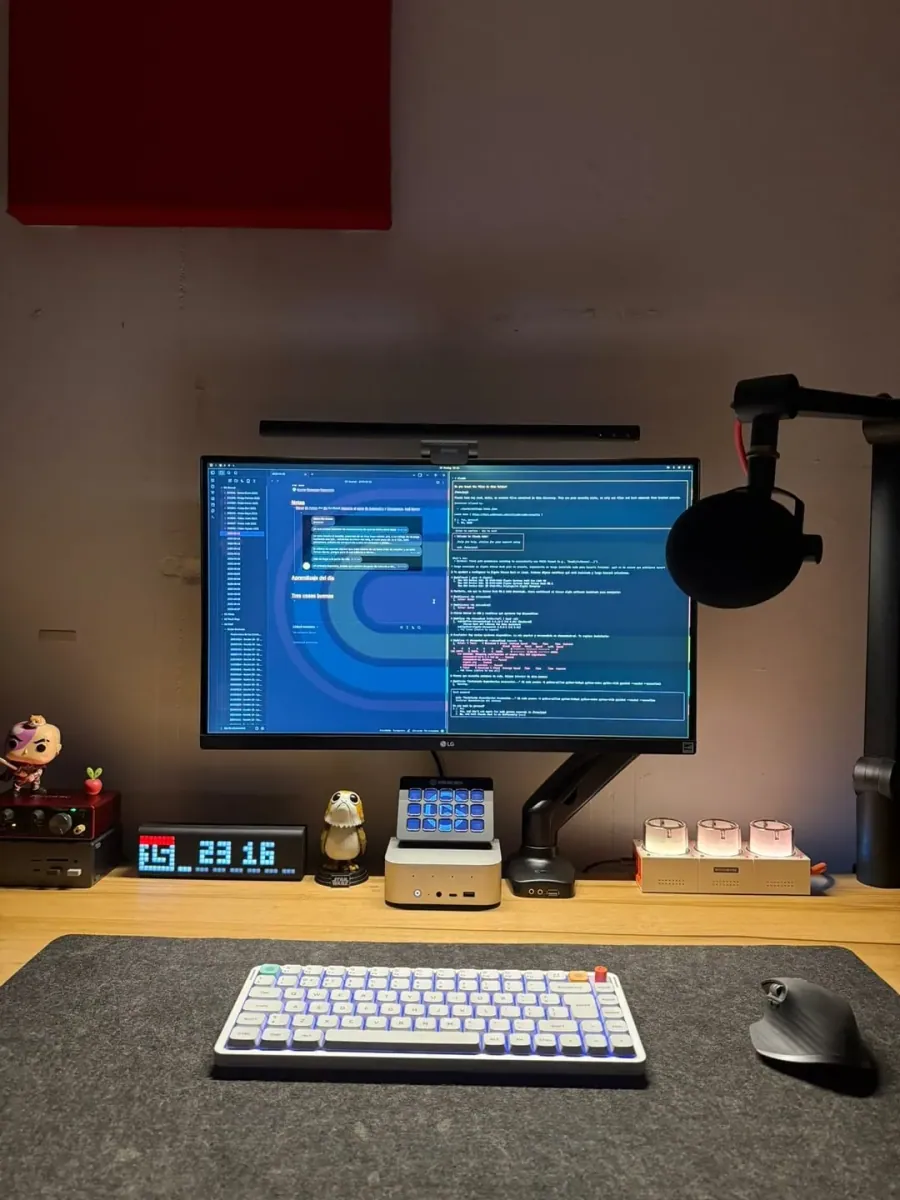
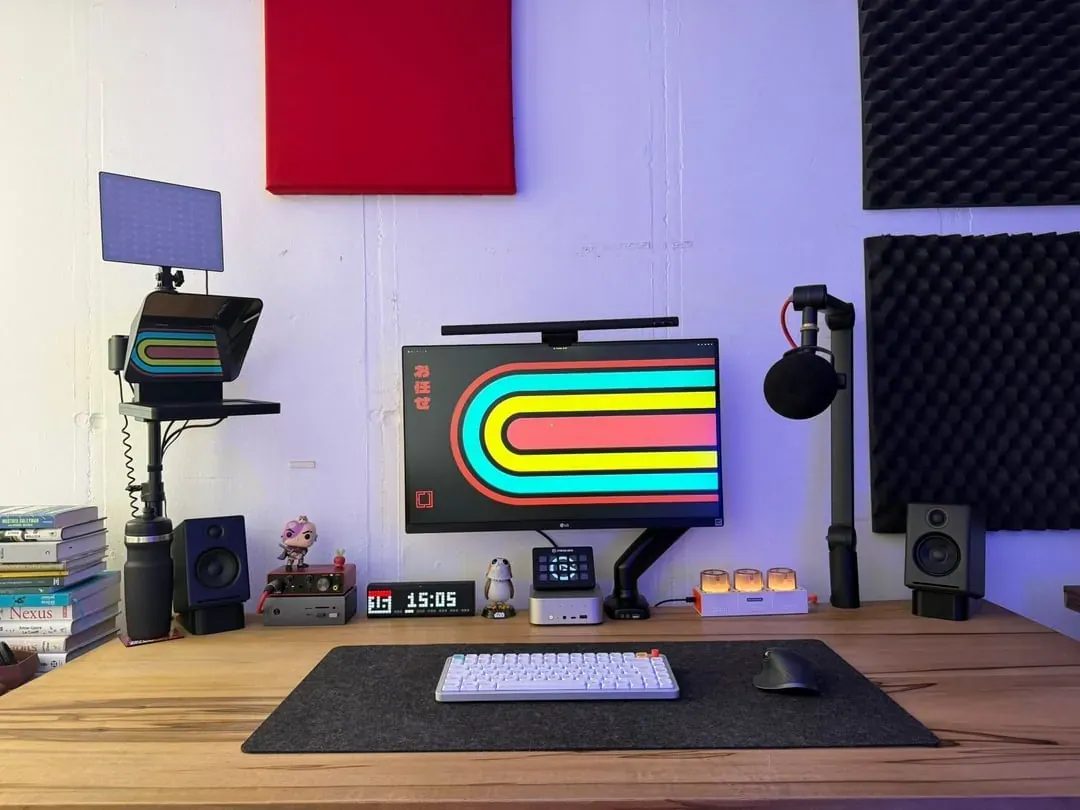
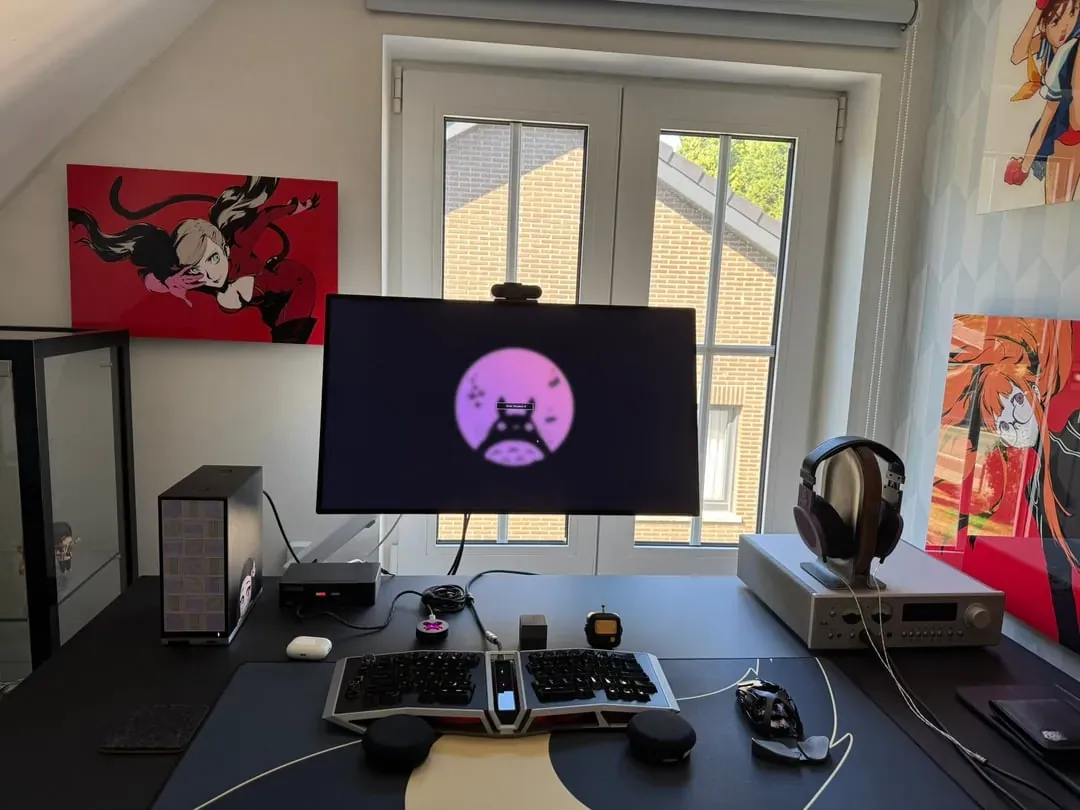
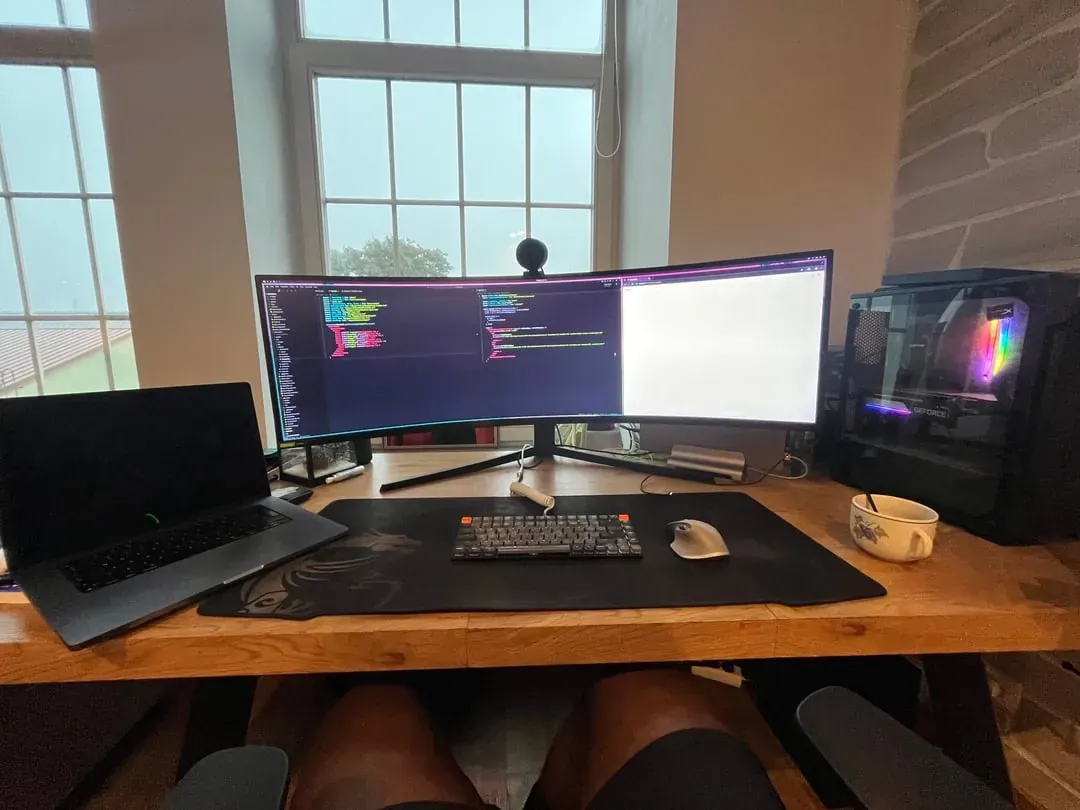
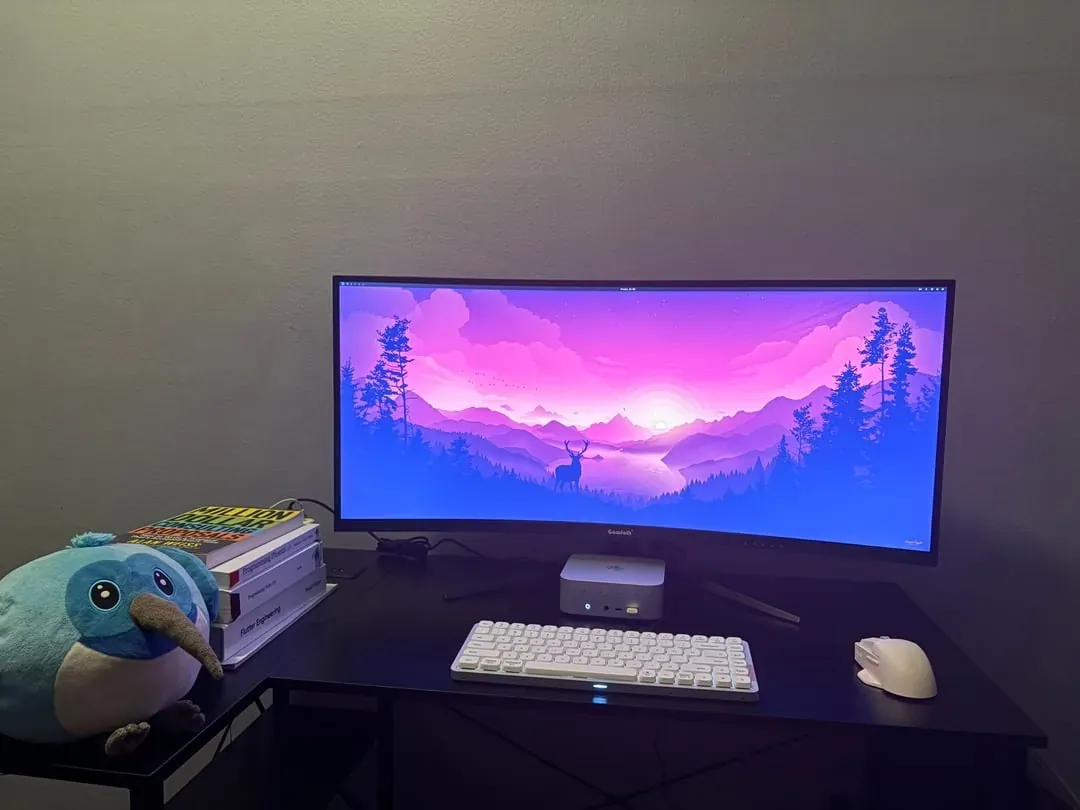
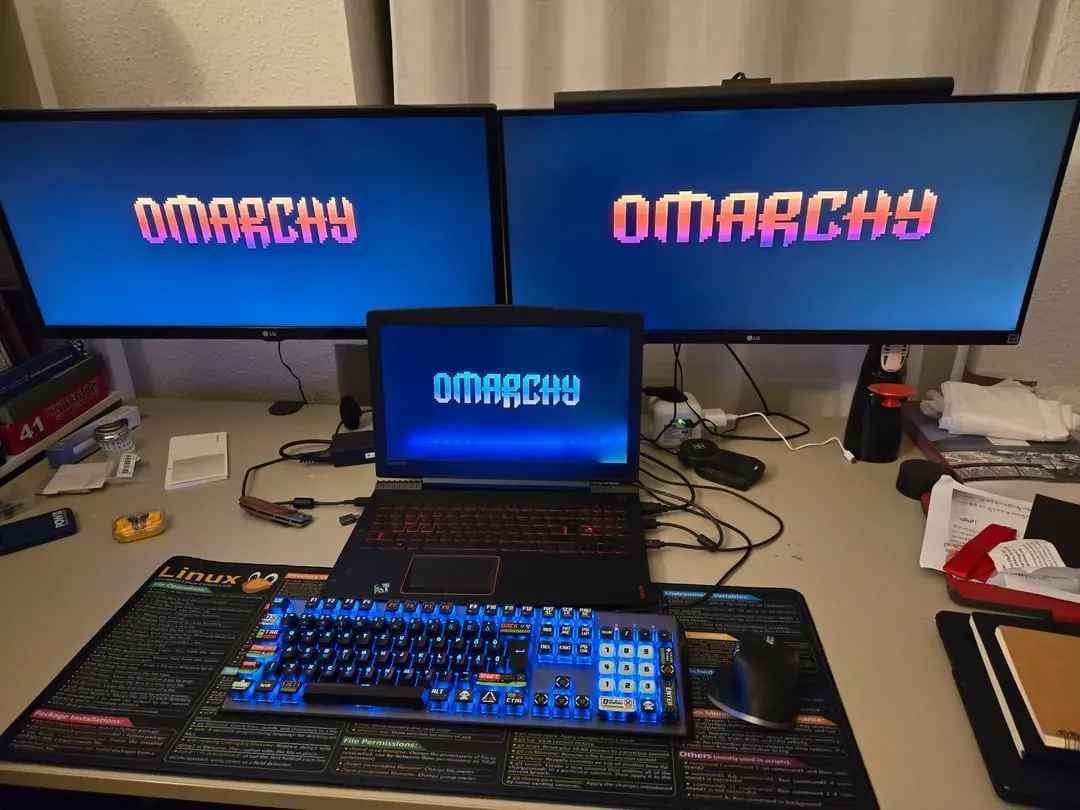
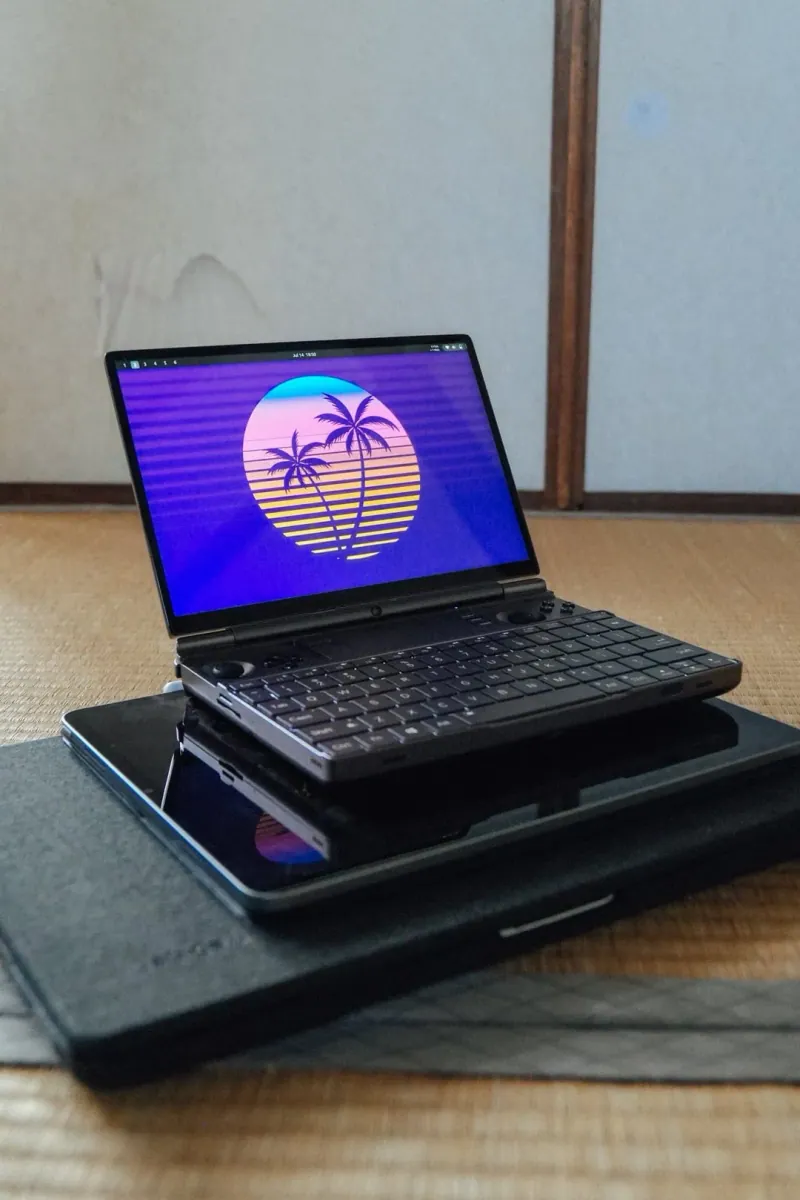
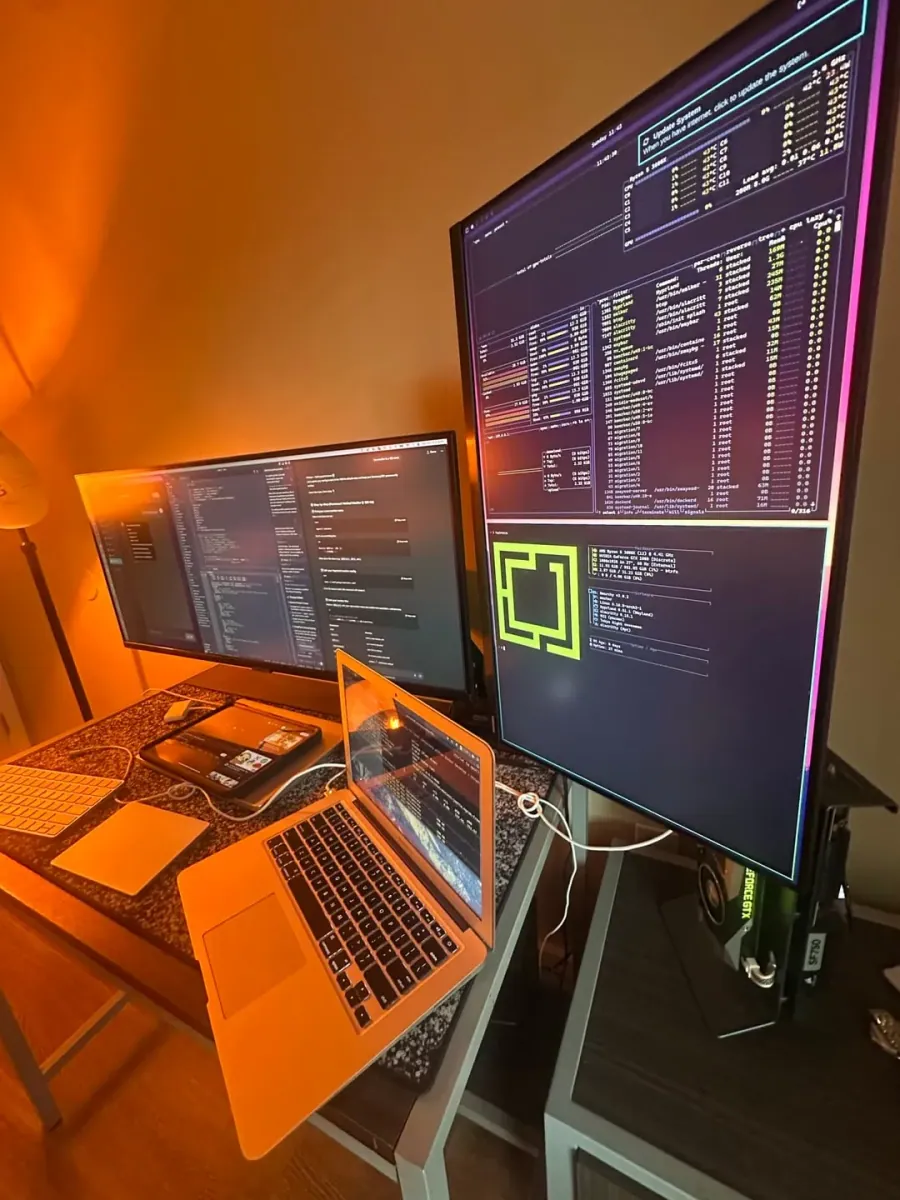
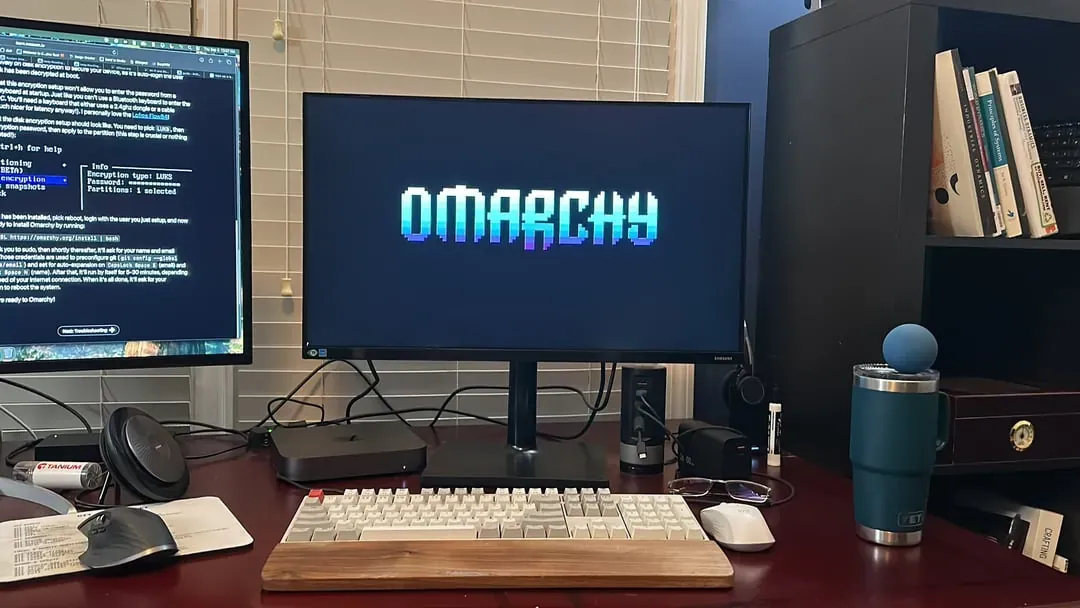
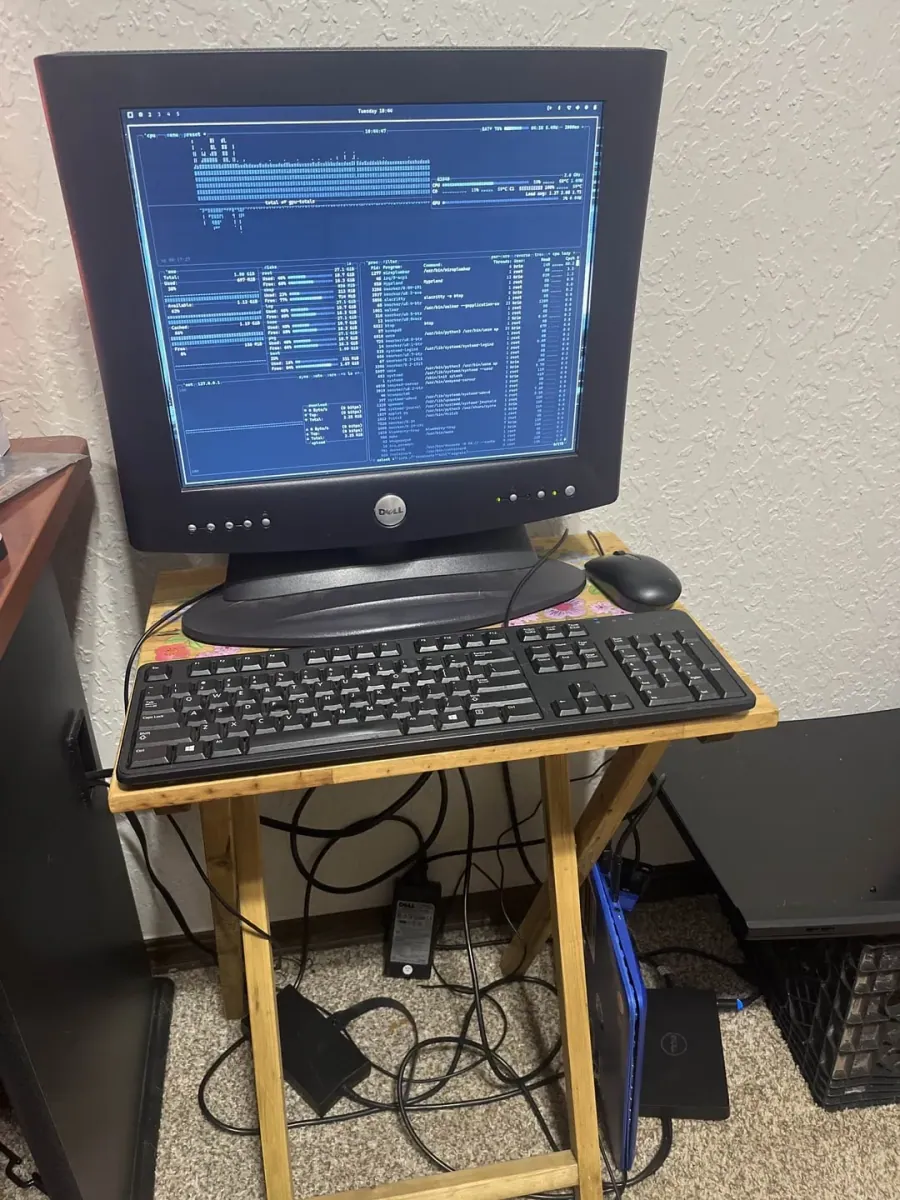
Desks running Omarchy. Every card links to the post it came from; the hardware line is whatever the owner said it was.

404 setups · derived from posts where kind = setup

404 shown

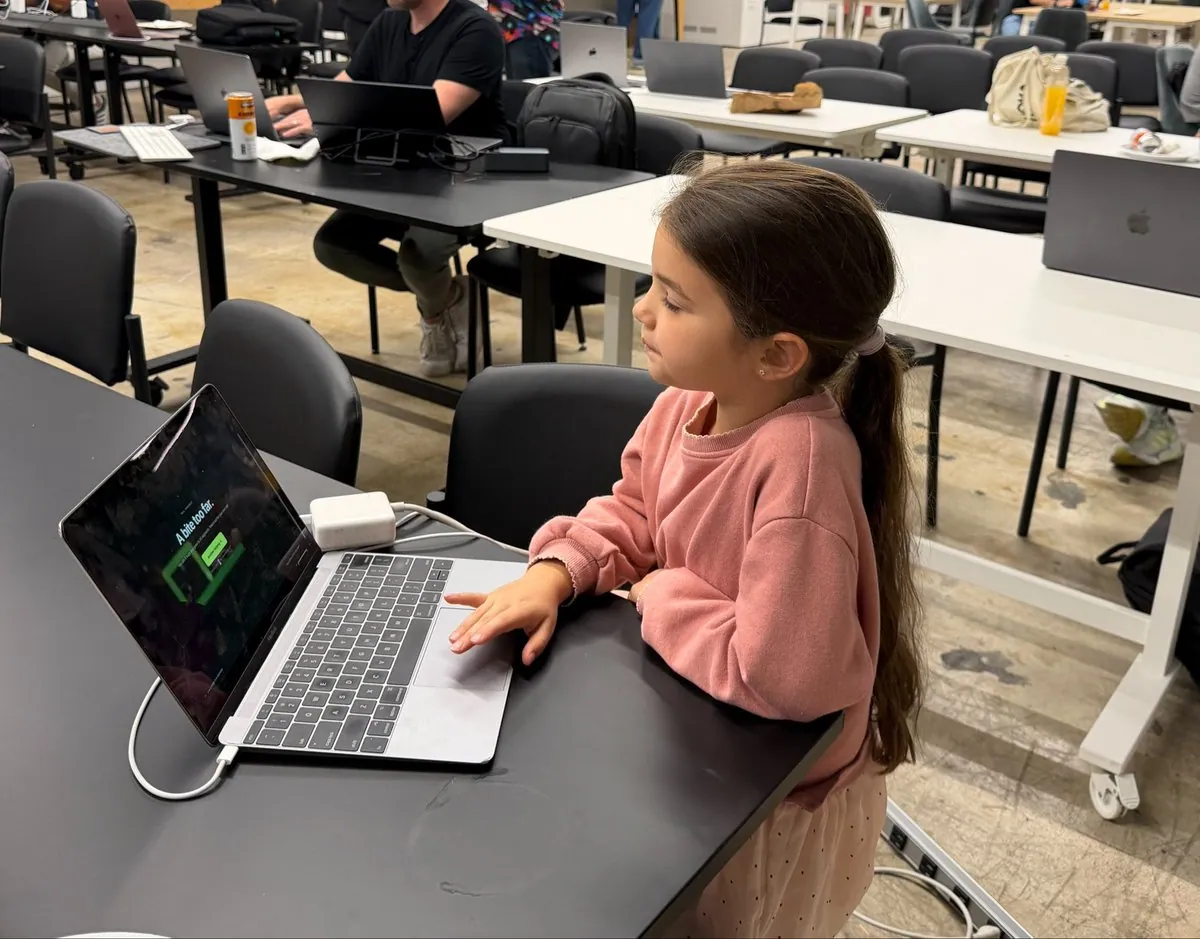
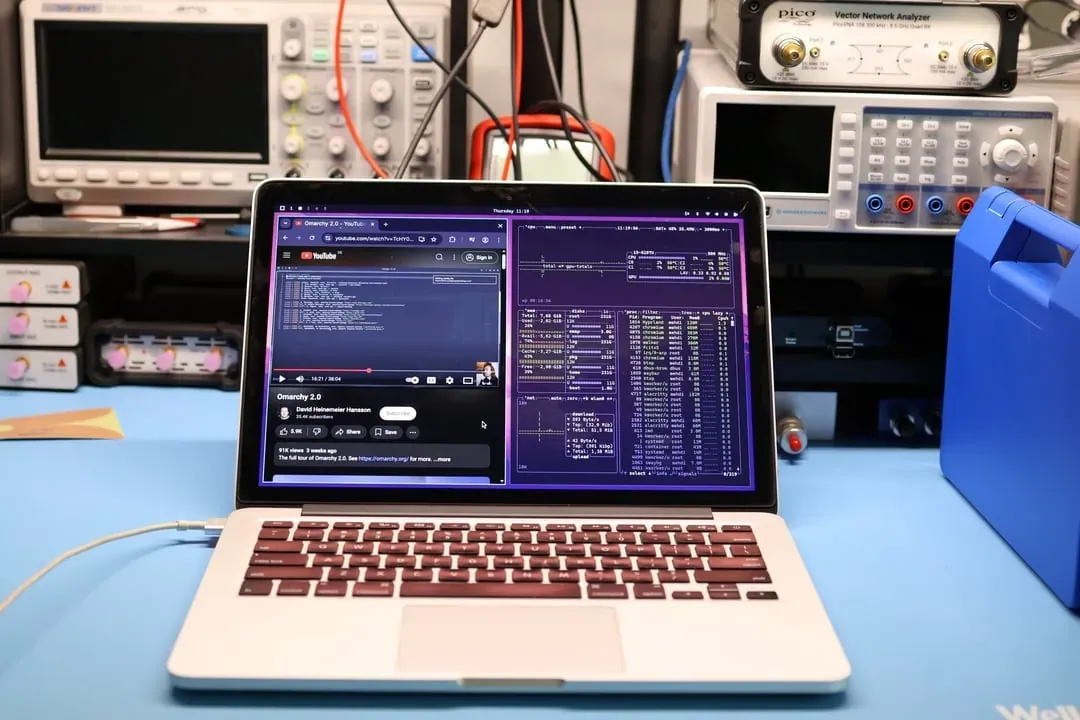
phevdev: Let Omarchy Be Their 10-Year-Old Daughter's First Computer OS

@phevdev

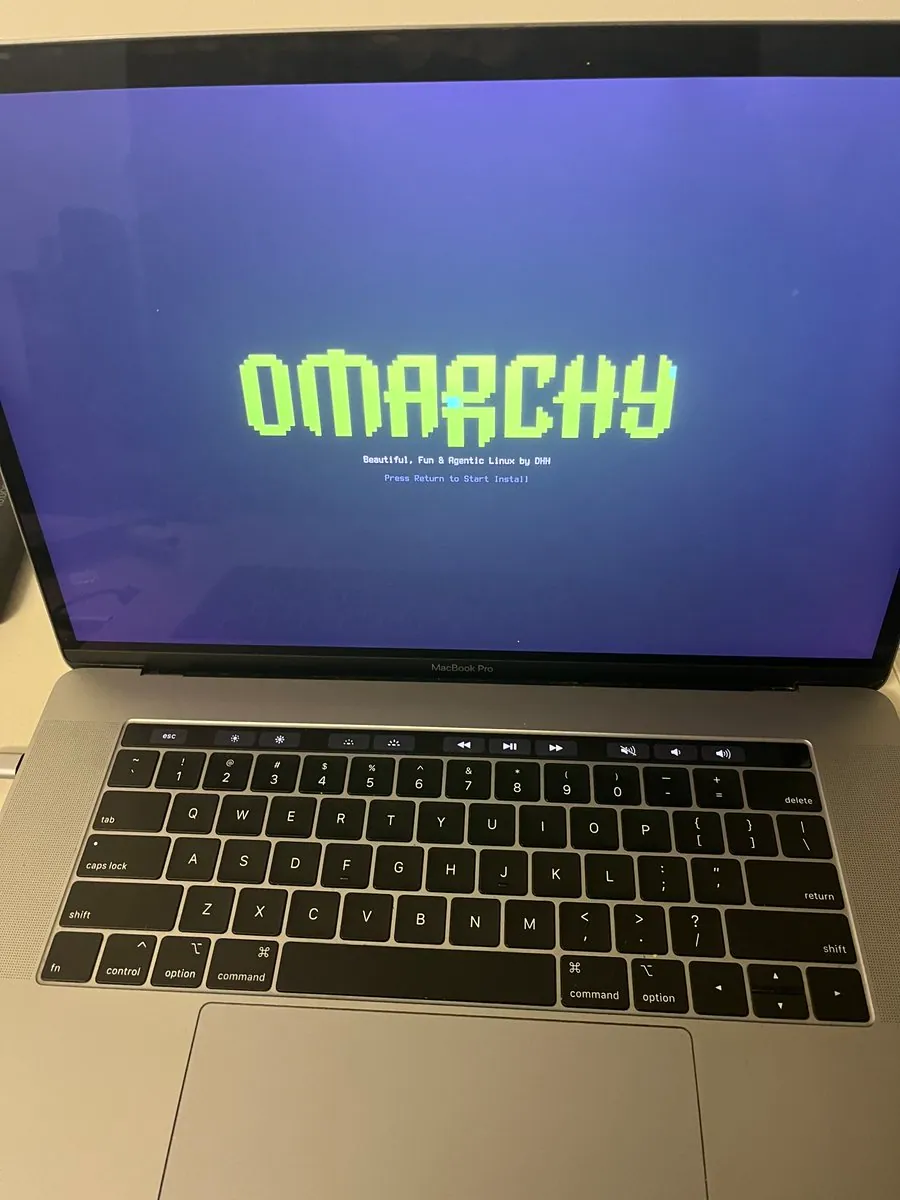
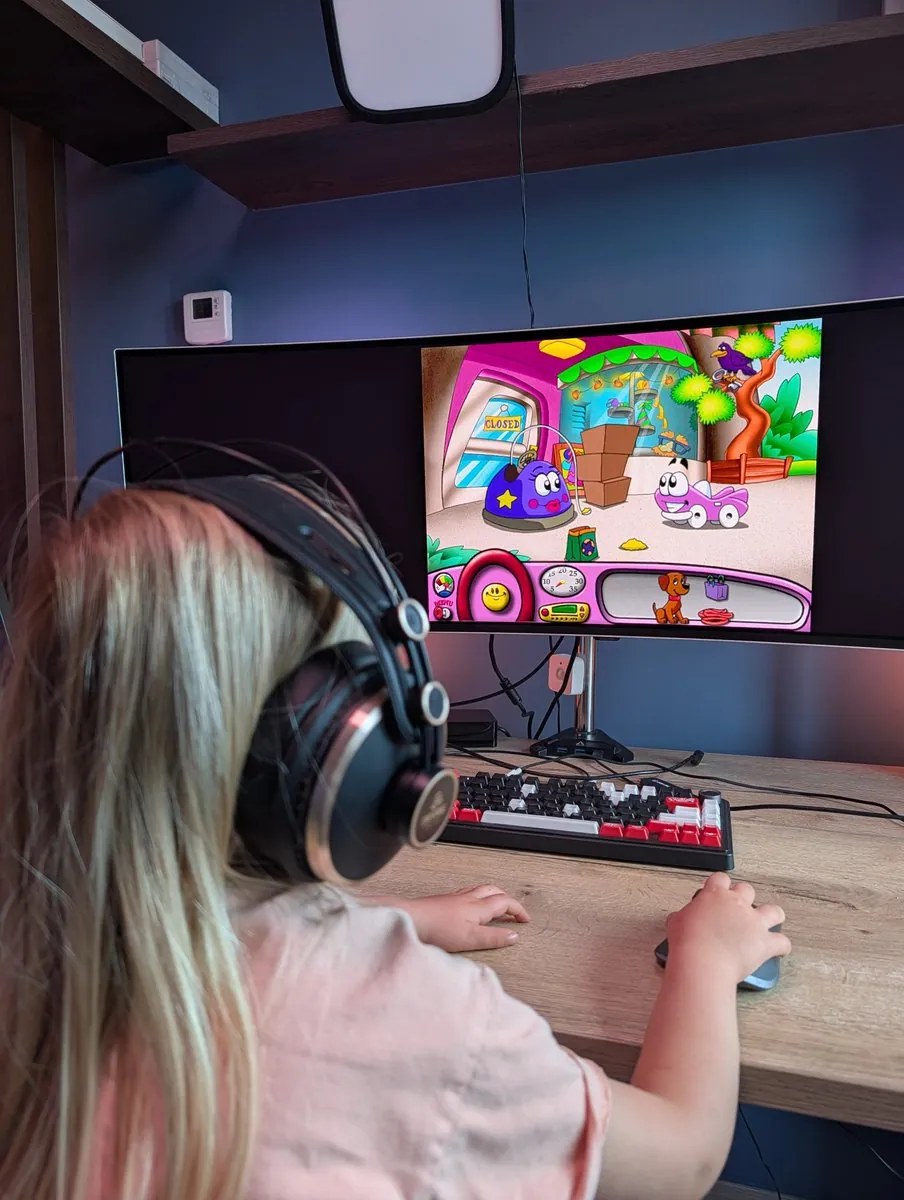
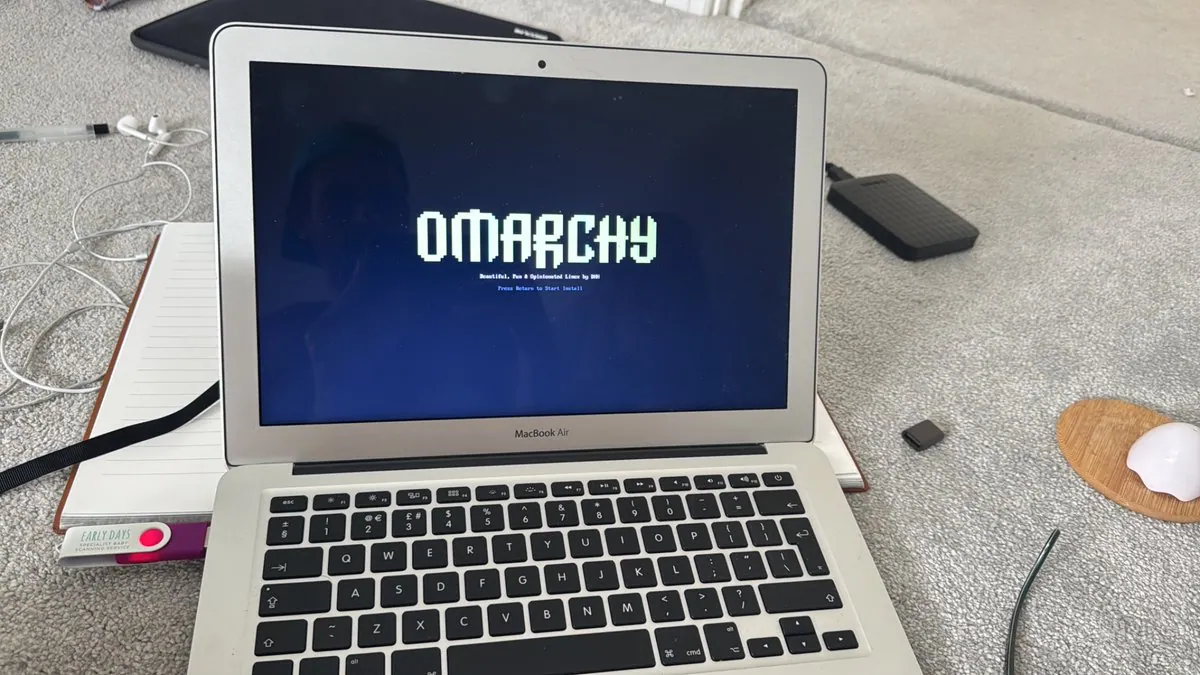
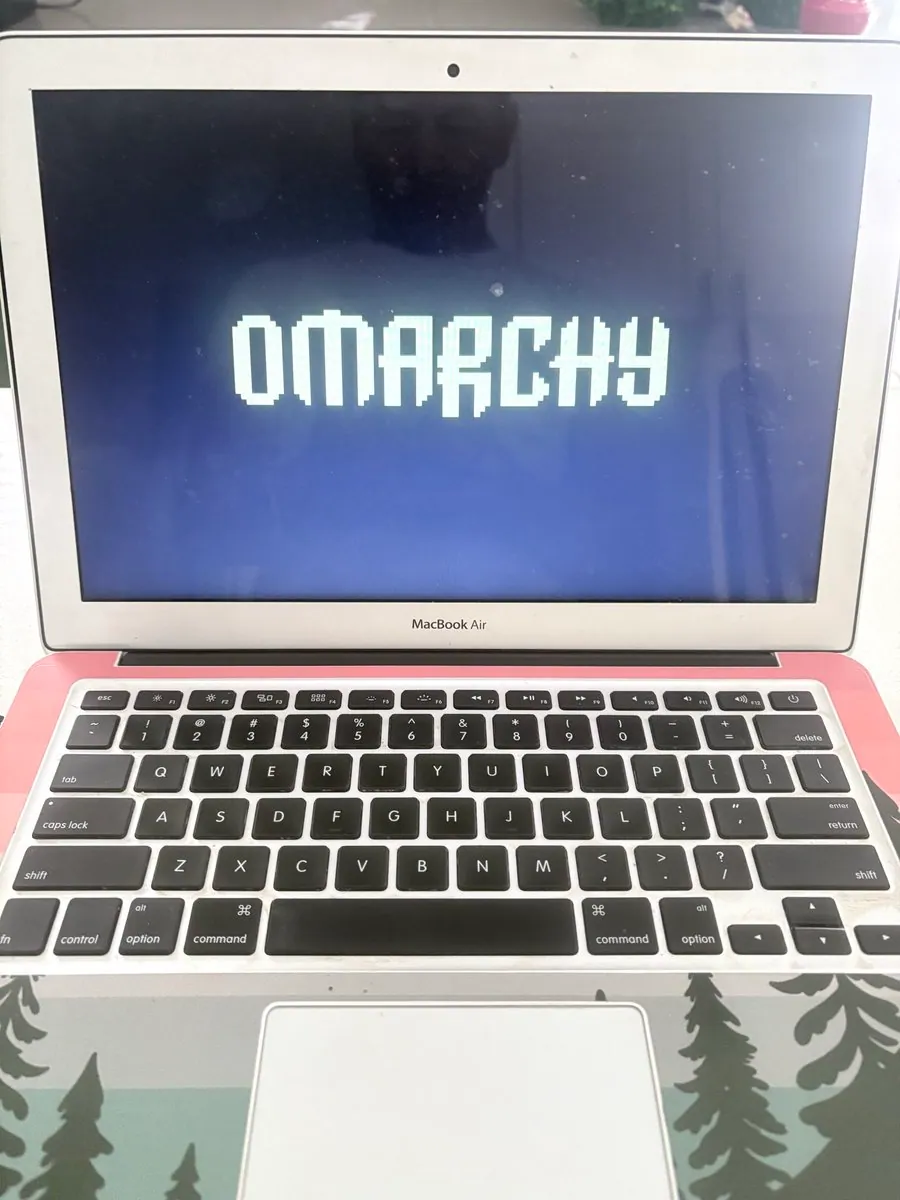
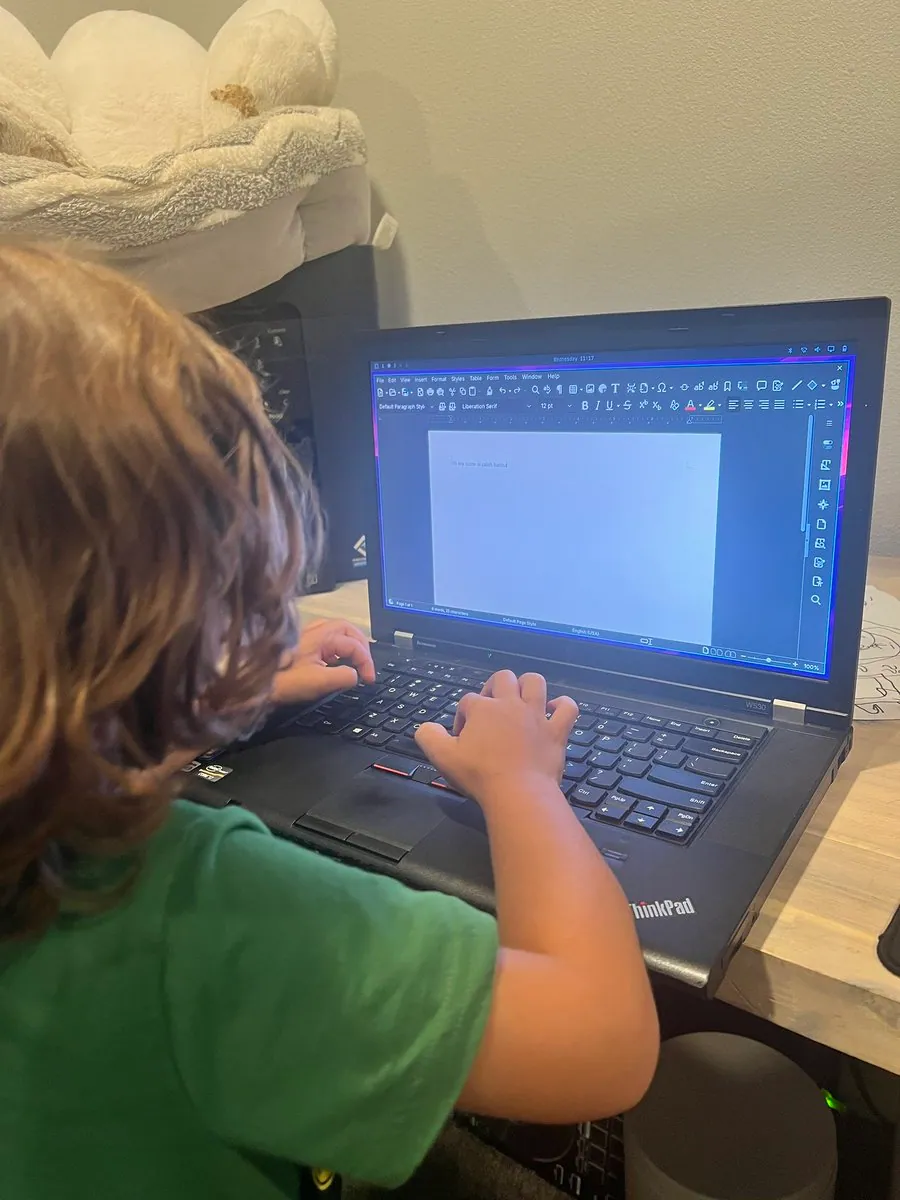
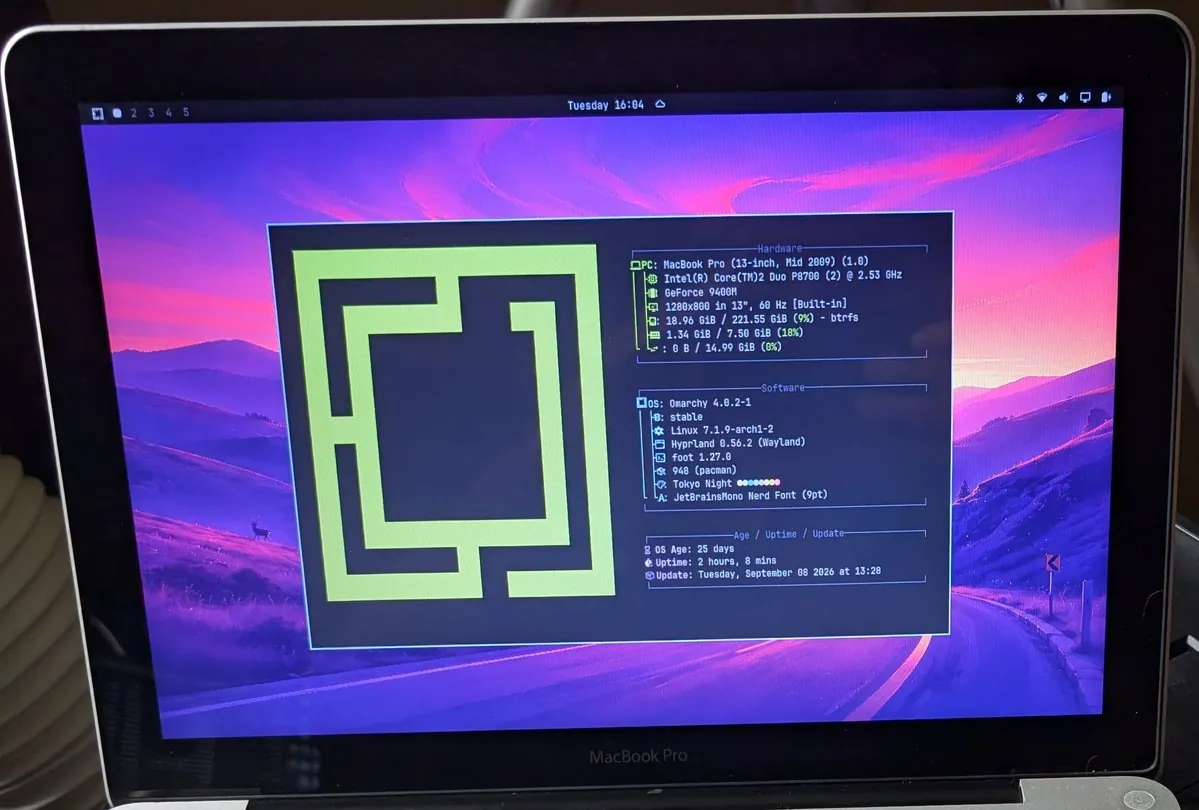
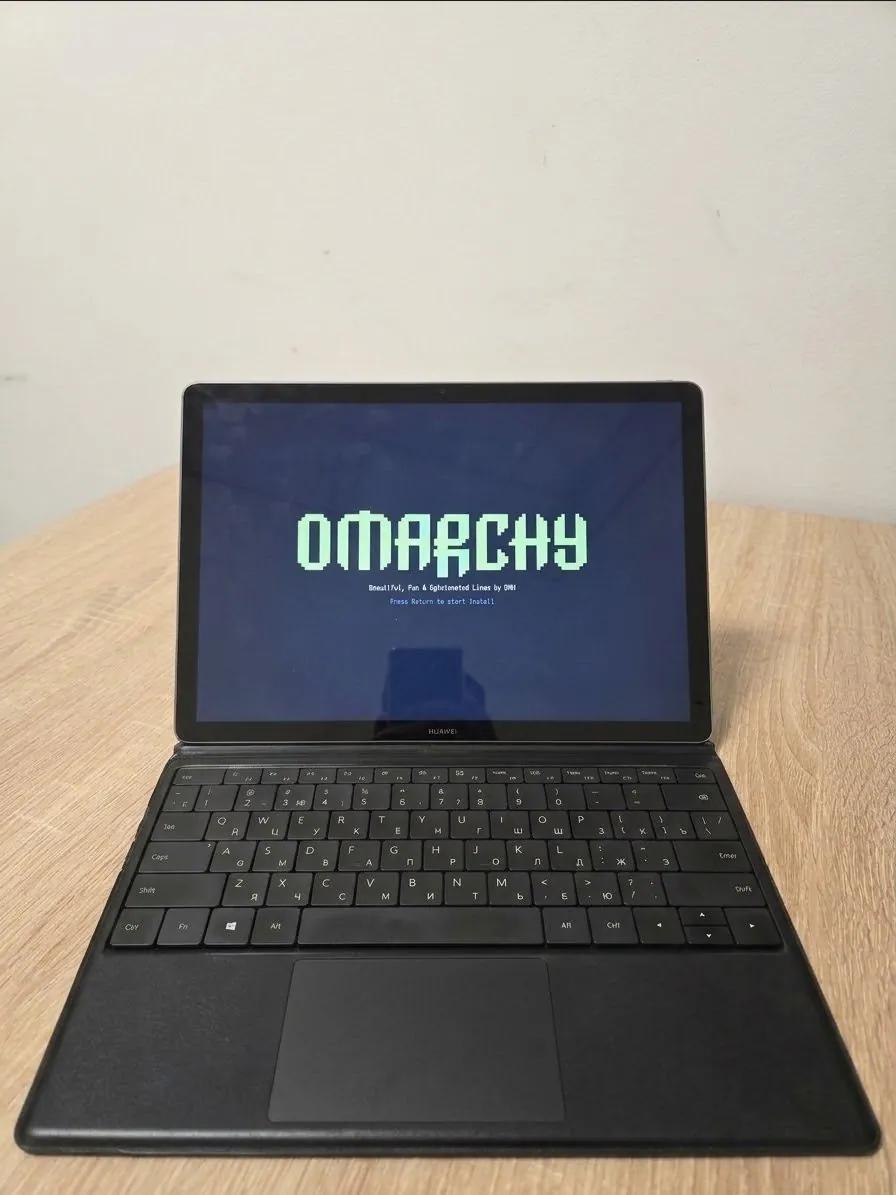
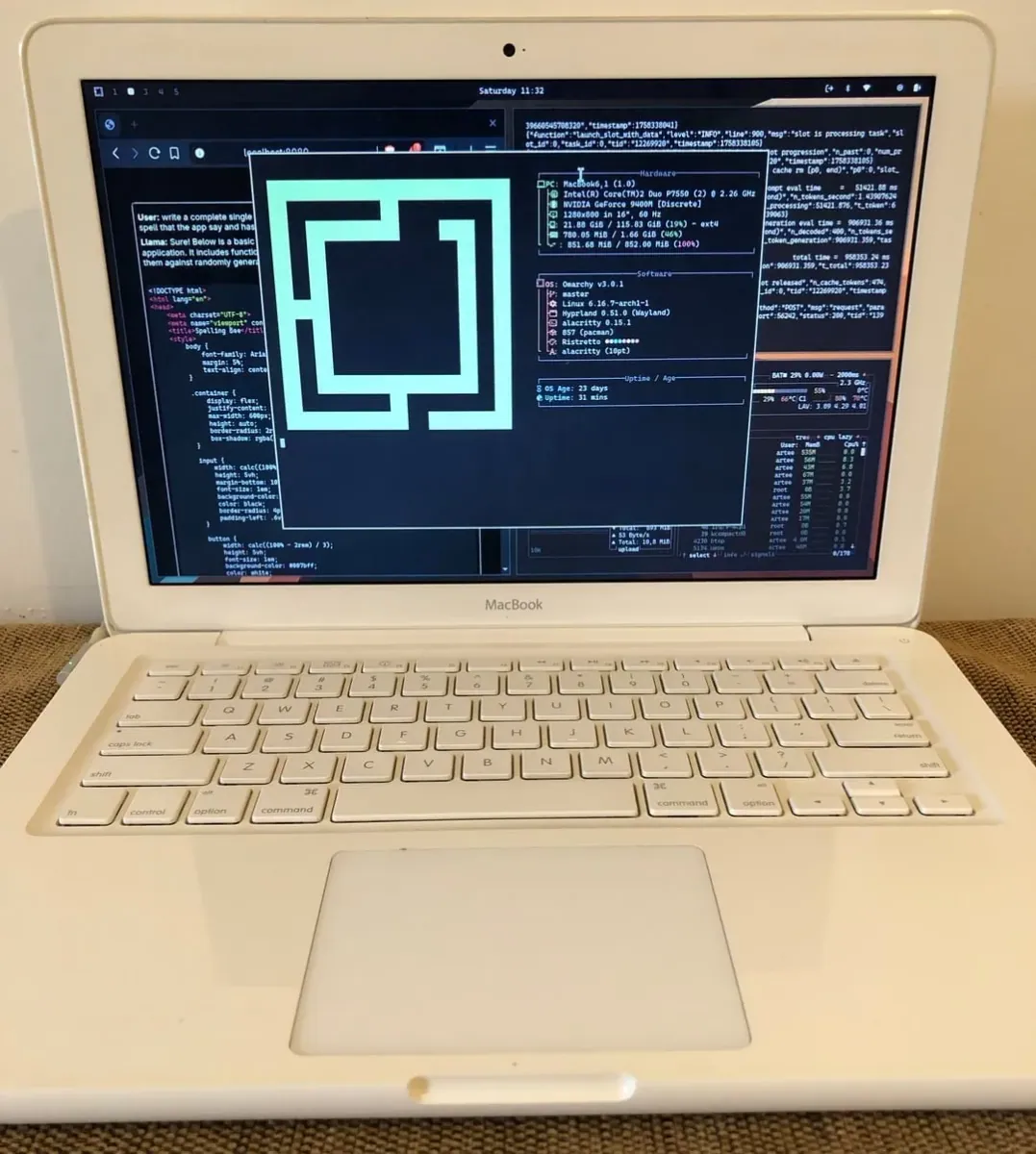
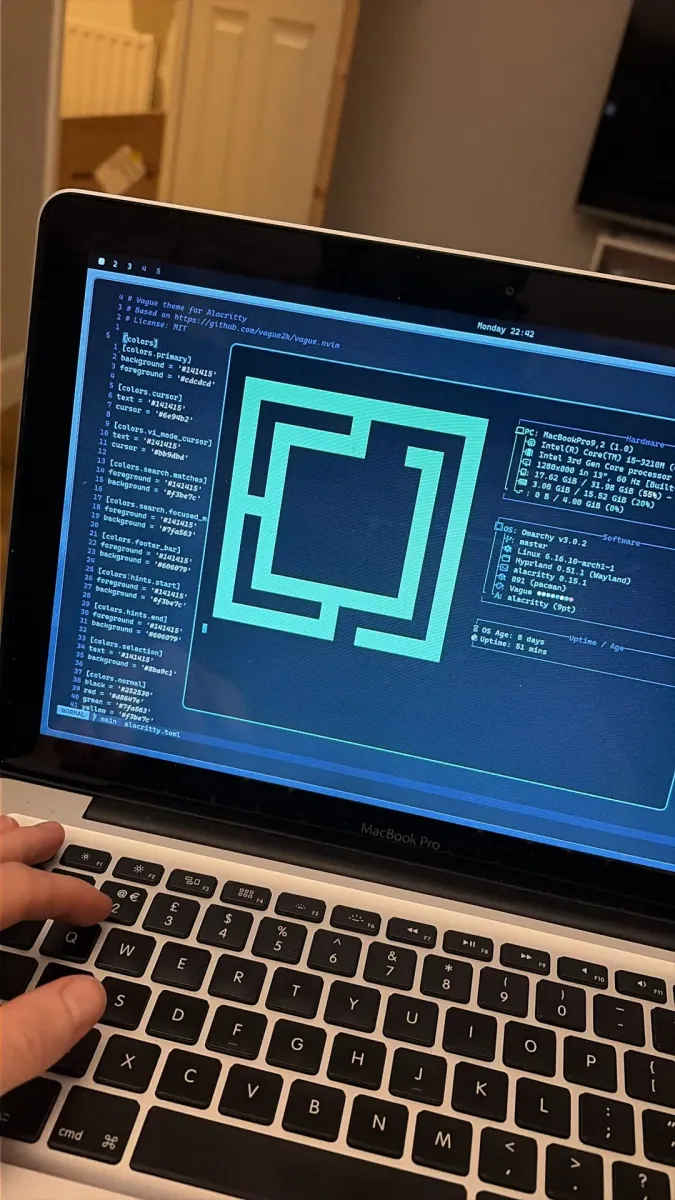
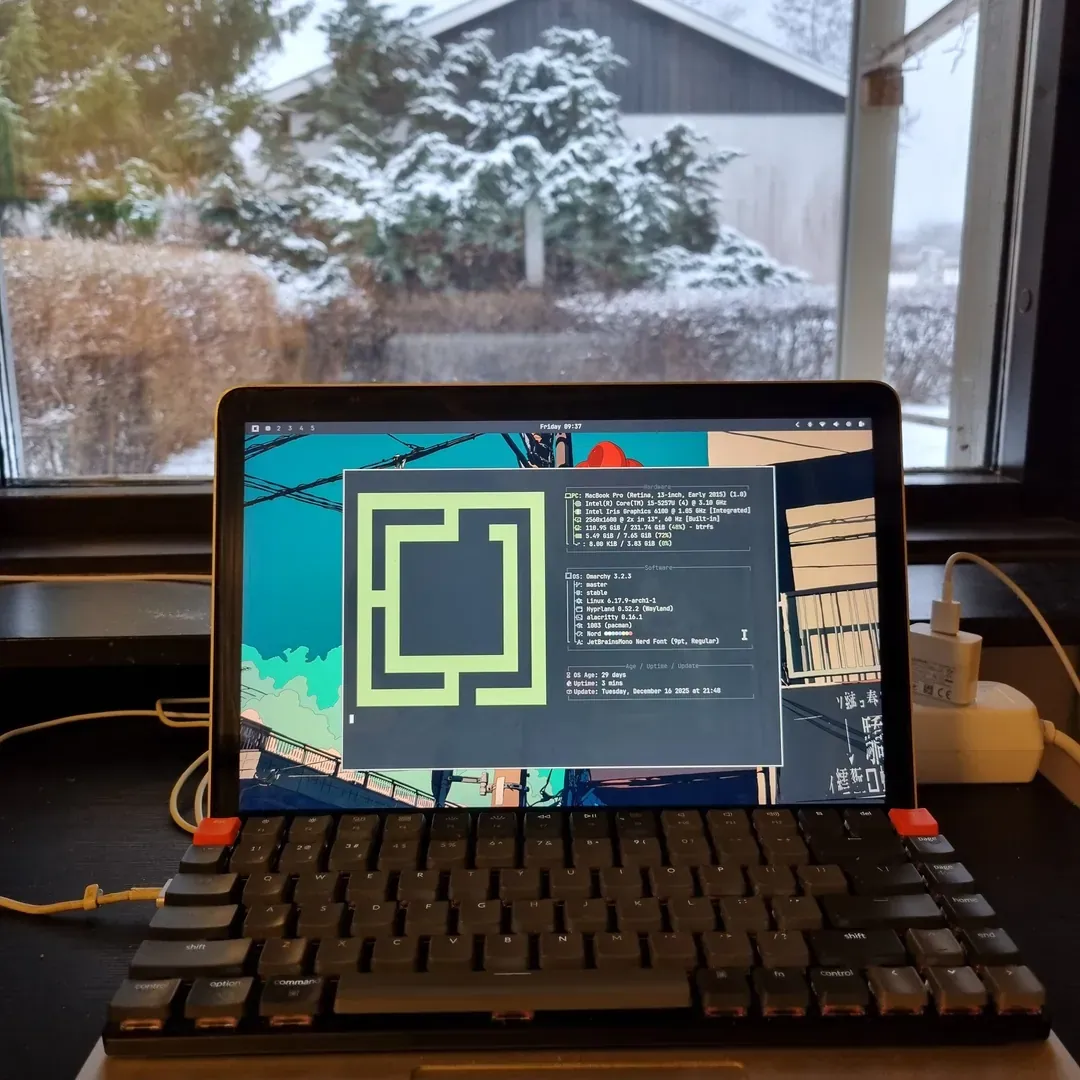
phevdev says their 10-year-old daughter "outgrew" what one can do with an iPad for school and stuff. They gave her their old MacBook Pro (late 2013), but it was slow, fans were blowing all the time, and there were no updates: "Let Omarchy be her first computer OS - works like a charm." She loves it so far and "spent 2 hours trying the themes and backgrounds already", and they add "nice work there @dhh".

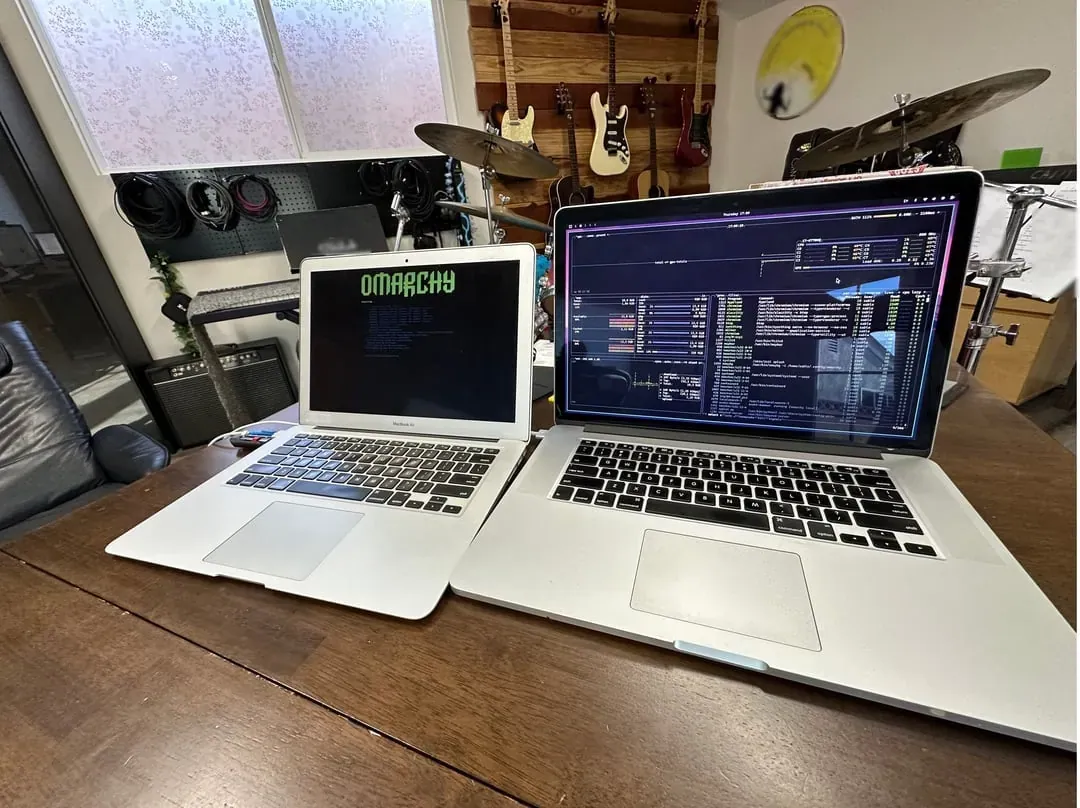
eddieor: Their 2011 MacBook Was E-Waste, Now It Runs Omarchy and Their Kids' Favorite Game

@eddieor

eddieor posts an article, "My 2011 MacBook was e-waste. Now it runs Omarchy and my kids' favorite game." The MacBook spent years in a drawer, macOS stopped supporting it ages ago, and it was "basically e-waste with a nice keyboard." They say the install took less than 5 minutes and the first boot felt snappy ("Boot time: < 1 minute :) nothing to tweak :)"). When their kids wanted to play something on "the old computer", they built "a small native game using claude called "tinkerlings" made just for them on Omarchy." The article closes "Old hardware isn't dead. Usually it's just running the wrong software."; the still is a "tinkerlings" game screen with "Adventures", "Sticker book", and "Dress up" buttons above "Feed Momo" and "Momo is hungry! Build a slide for three apples, then press Go.", with "A little hint" and "Listen" buttons, over a painted meadow of flowers with apples on a wooden slide and a door in a tree trunk.

gladimdim: Day 4 of Running Steam Deck as the Main Desktop Machine With Omarchy

@gladimdim · Steam Deck

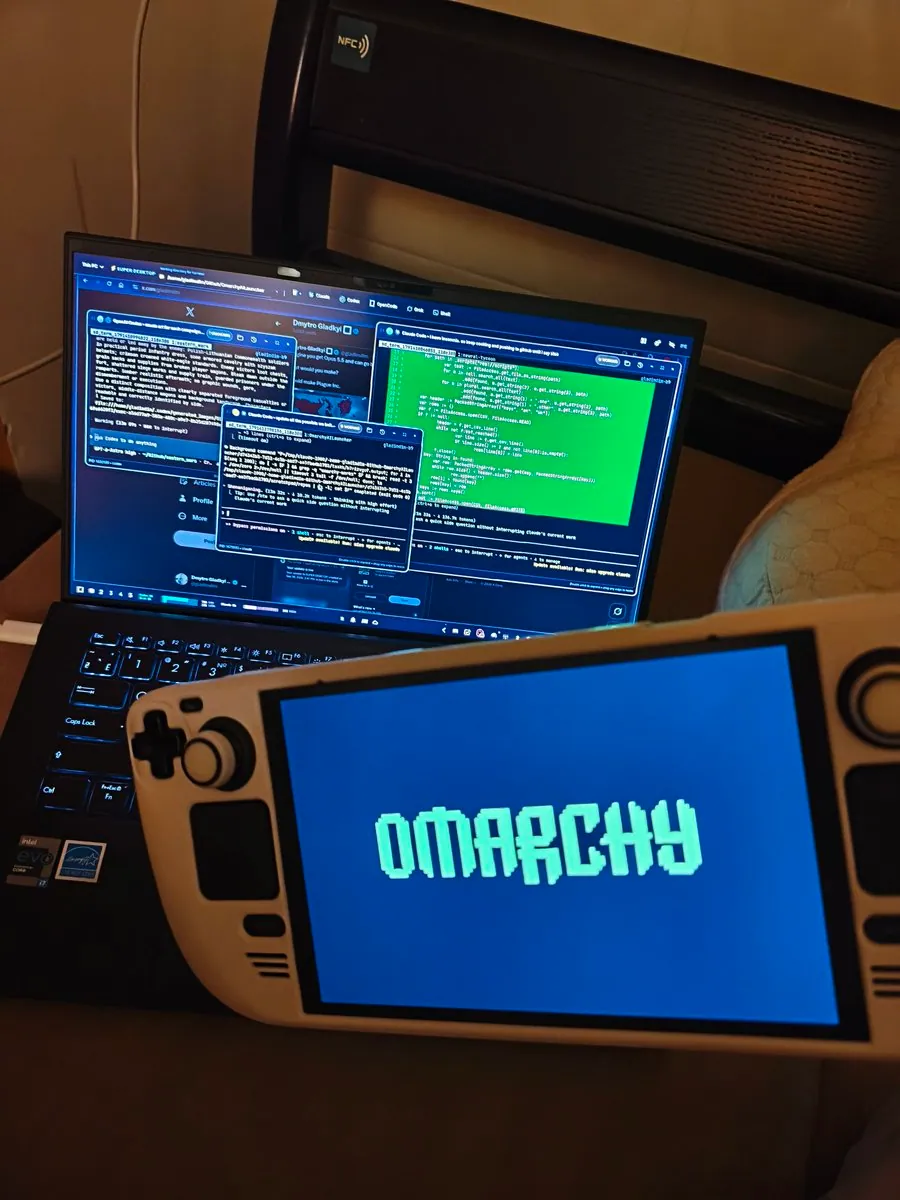
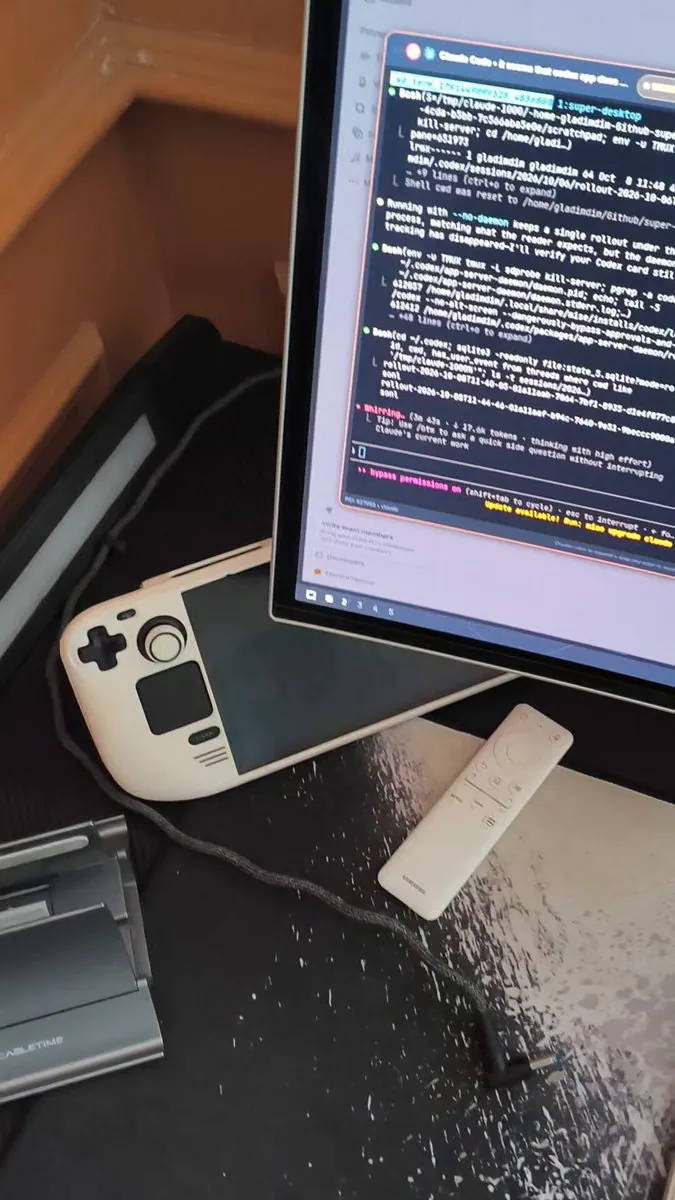
gladimdim posts "Day 4 of running Steam Deck as the main desktop machine with Omarchy": "Cooking 3 apk with godot, two more harnesses compiling rust. And only 10W and a very low fan noise. Running in 3K 60Hz." They add "Let me upgrade to 120Hz" and "Total: 60W. For Kyiv situation with russian bombings of the infrastructure this is a life saviour"; the still is a white handheld partly under a monitor showing an orange-bordered Claude Code terminal window, beside a white remote on a black-and-white speckled desk mat.

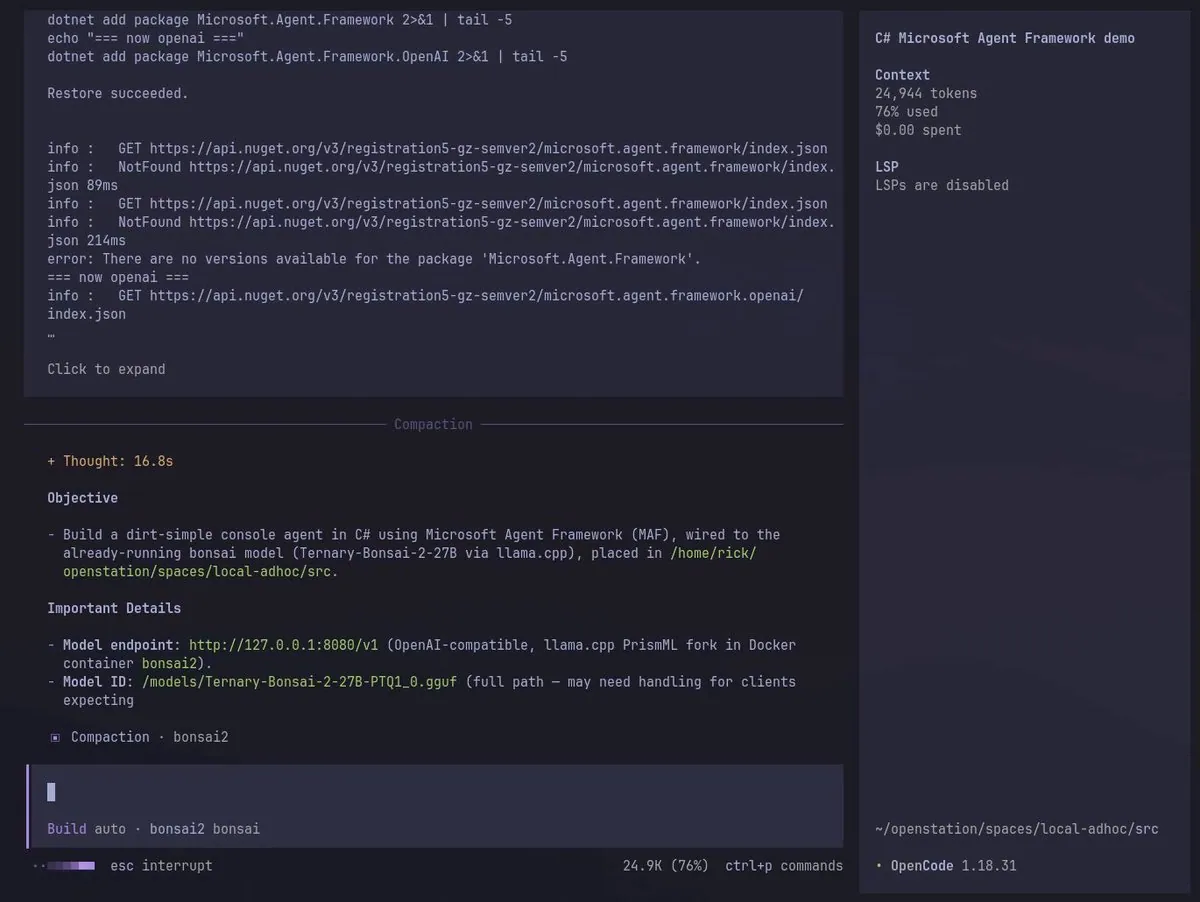
robandersonnz: Has the Fleet Working on Improving Qwen3.8 27B 8-bit on M1 Ultra Mac Studio Running mlx-omarchy

@robandersonnz · Mac Studio M1 Ultra

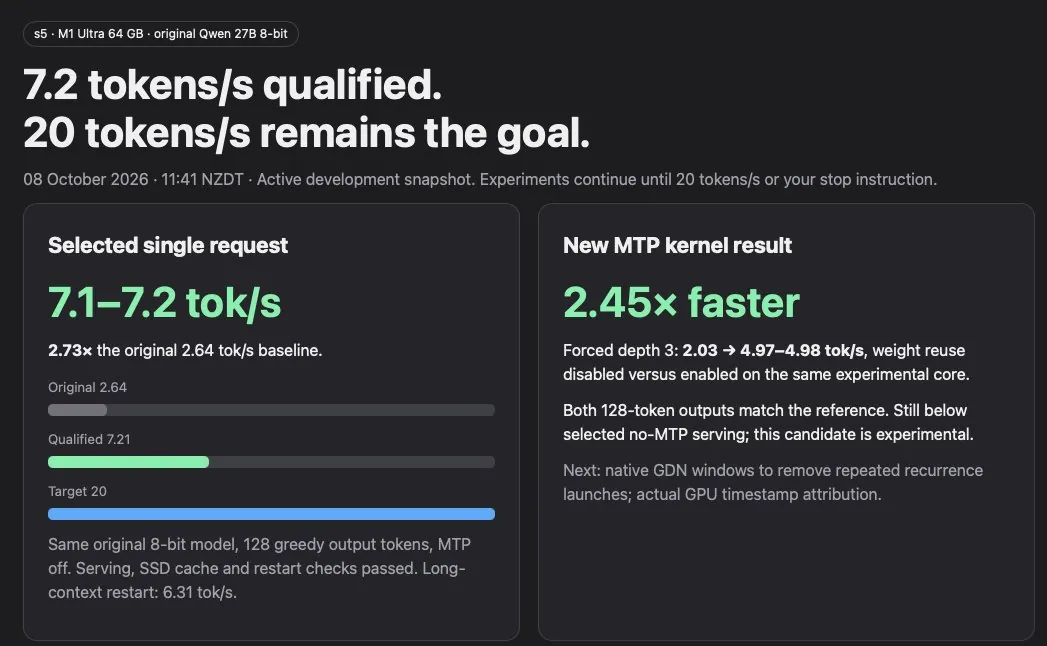
robandersonnz says they have the fleet working on improving Qwen3.8 27B 8-bit on M1 Ultra Mac Studio running mlx-omarchy by JoshuaSWarren: "Started at 2.6 tok/s and up to 7.1 Tok/s after a few hours!"; the still is a page headed "s5 · M1 Ultra 64 GB · original Qwen 27B 8-bit" with "7.2 tokens/s qualified." and "20 tokens/s remains the goal.", a "Selected single request" card at "7.1–7.2 tok/s" reading "2.73× the original 2.64 tok/s baseline." with "Original 2.64", "Qualified 7.21", and "Target 20" bars, and a "New MTP kernel result" card reading "2.45× faster".

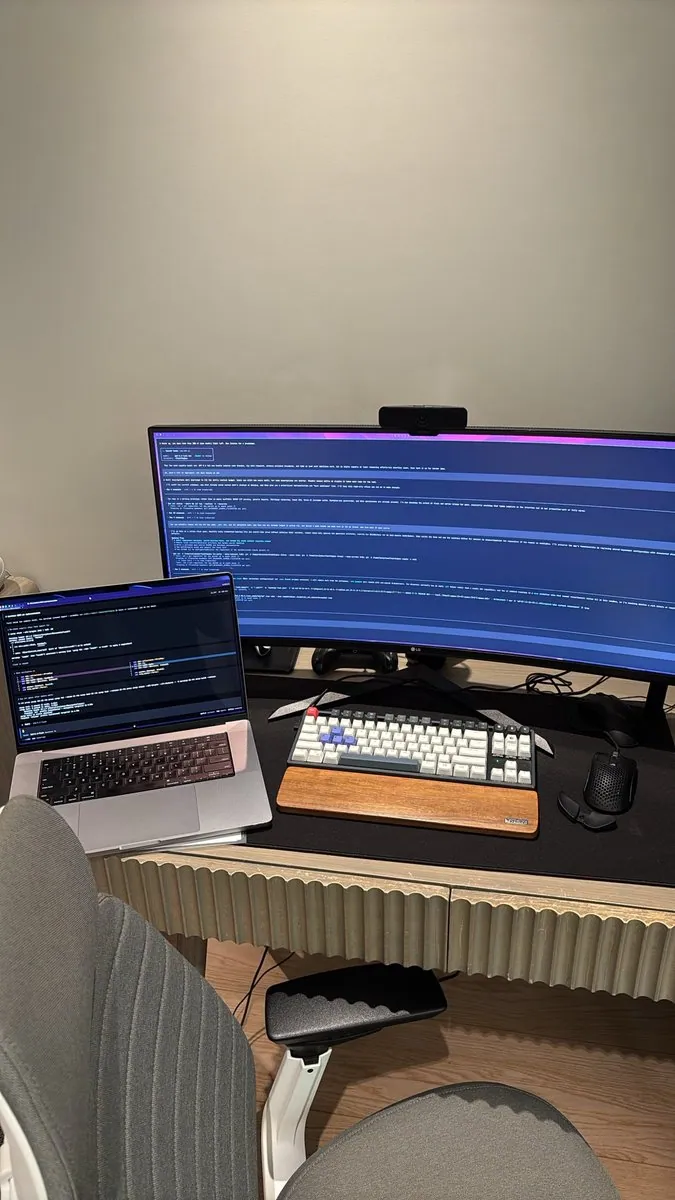
StudioXRadio: On Their XPS 16 at Work, in a Remote Session Into Their Omarchy Box at Home While Agents Work to Get Omarchy Running Natively on the M4

@StudioXRadio

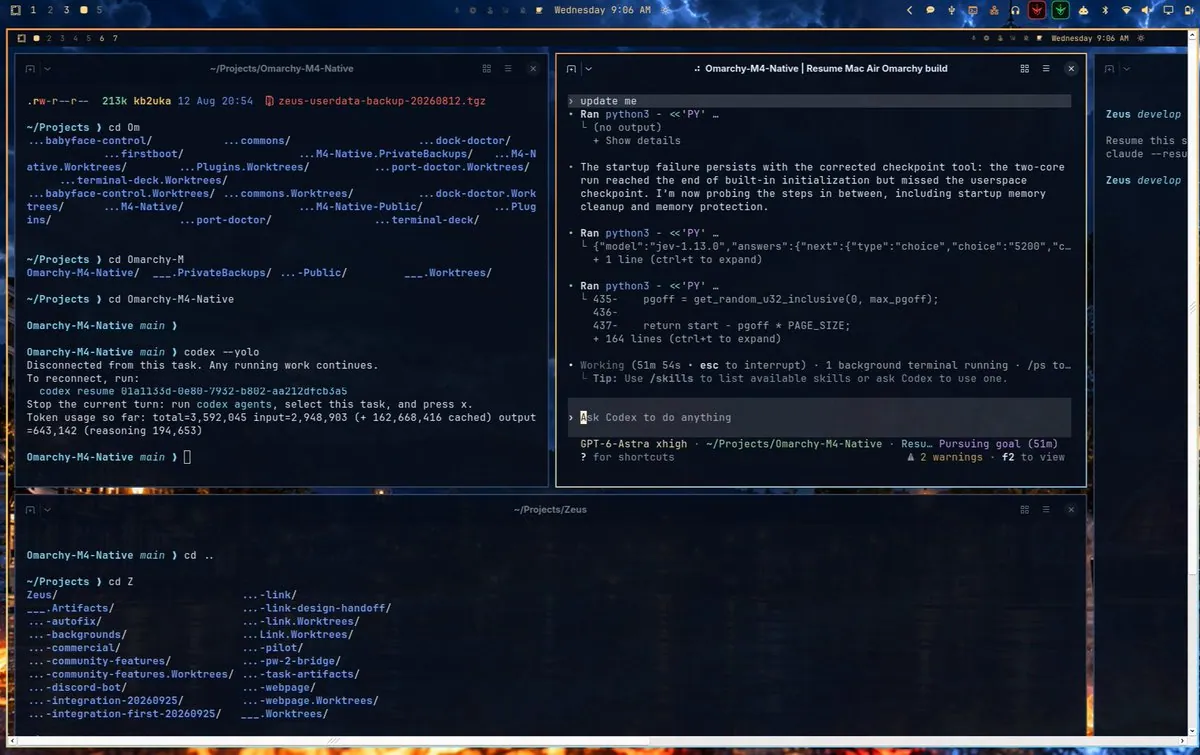
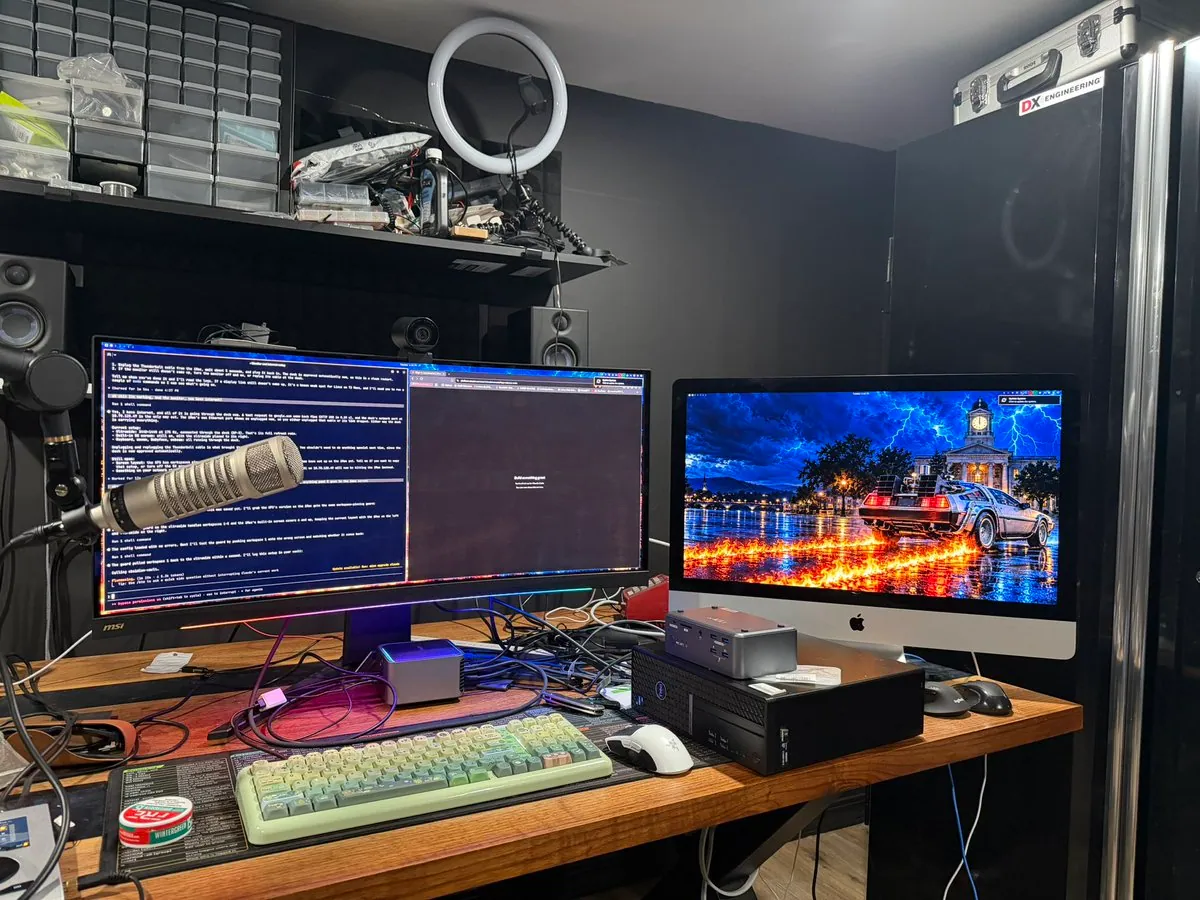
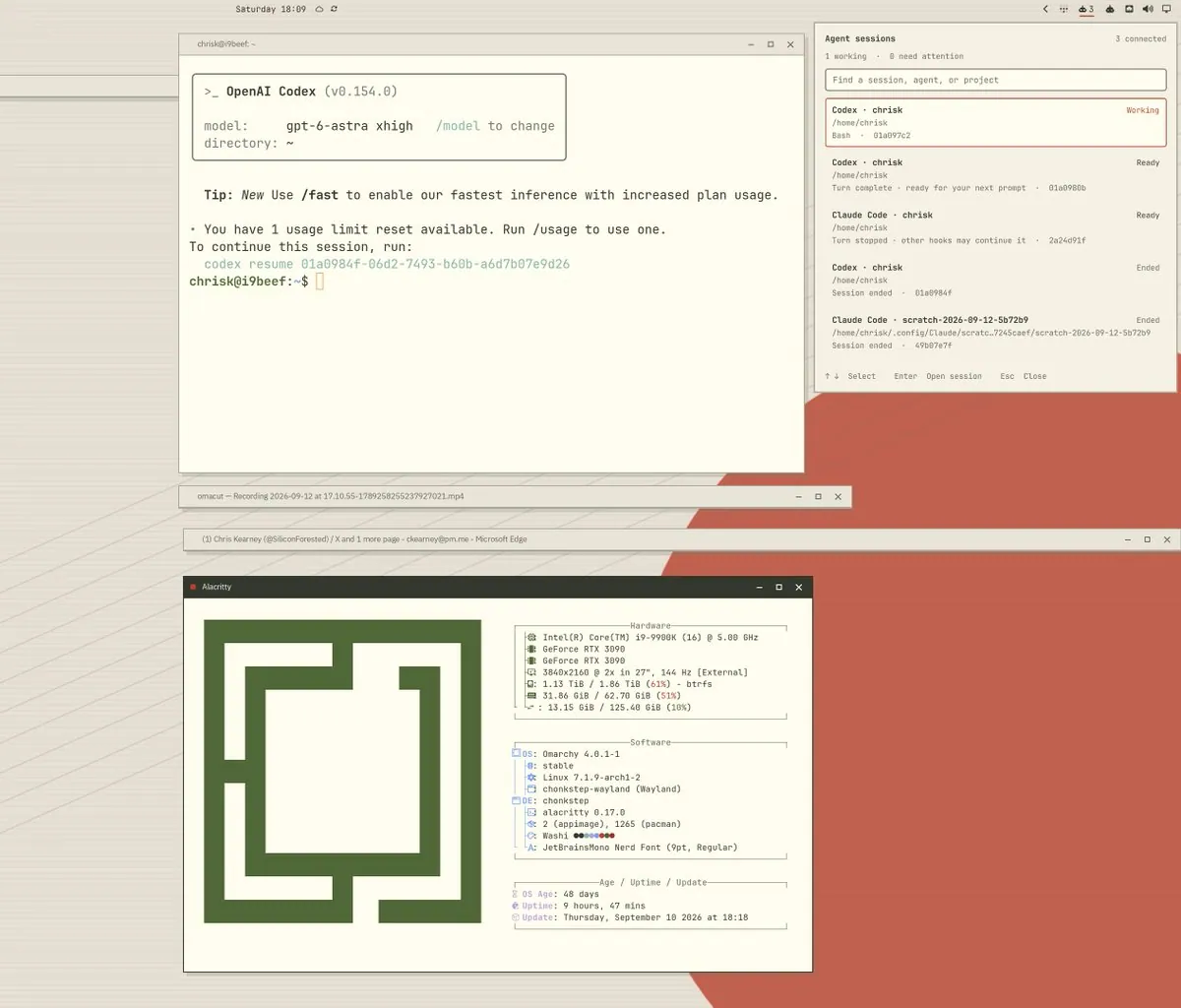
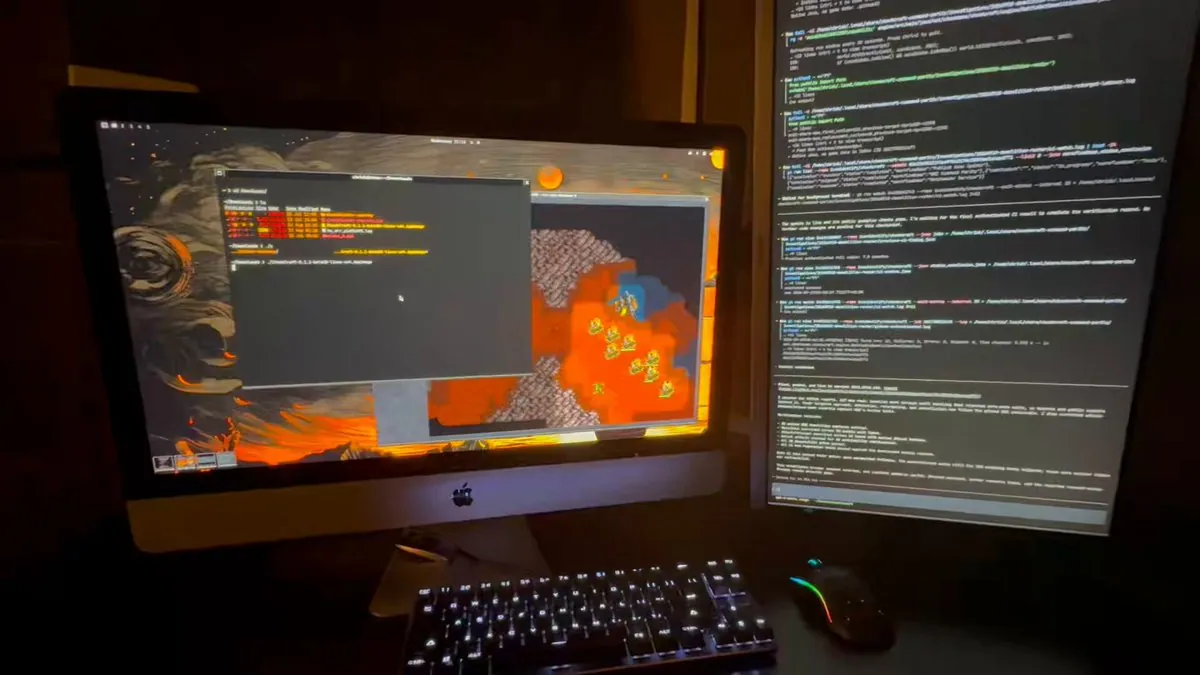
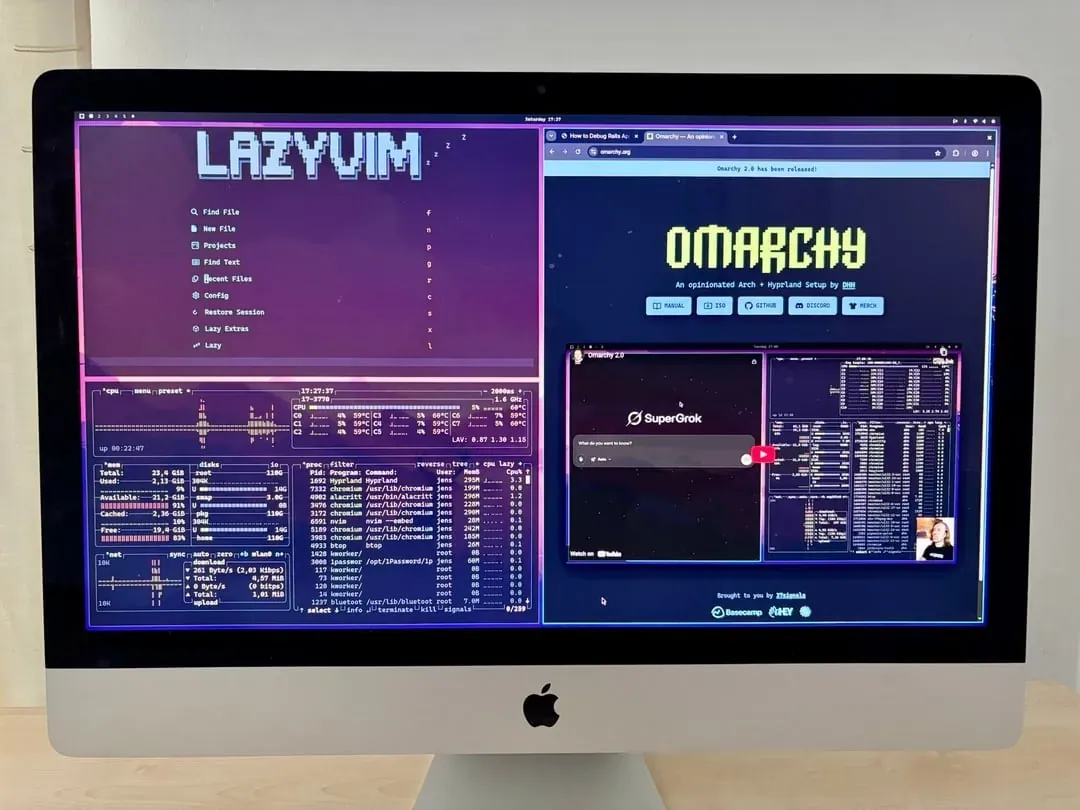
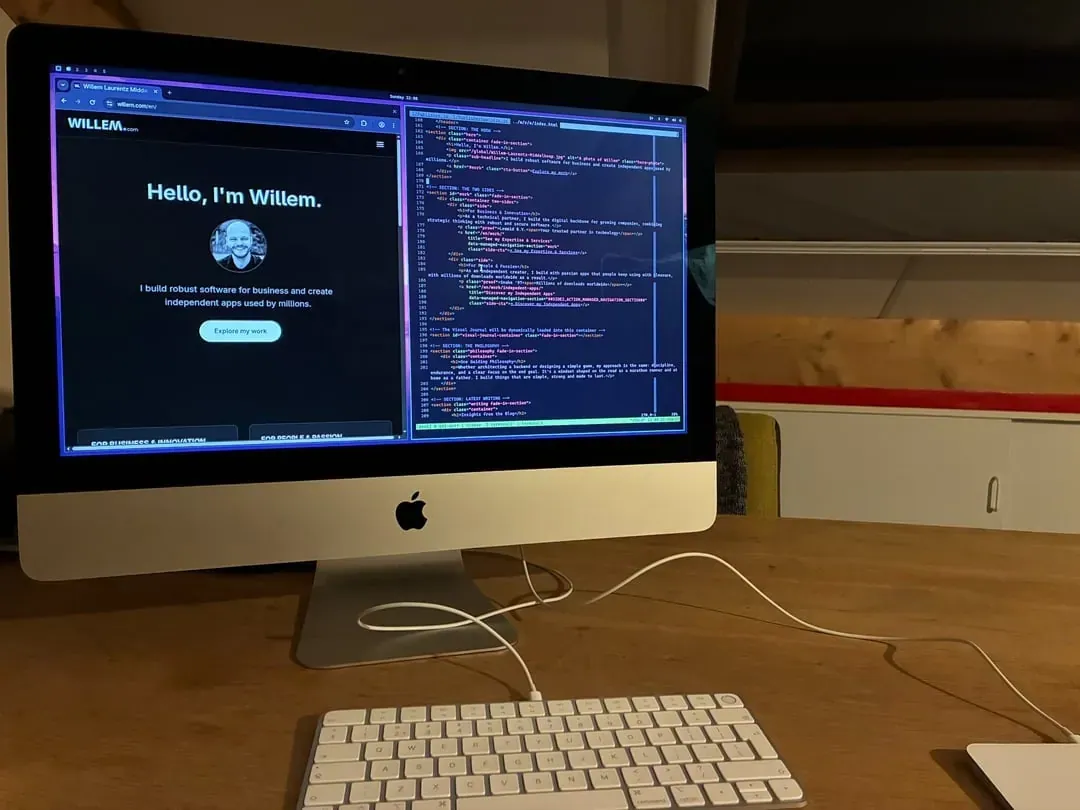
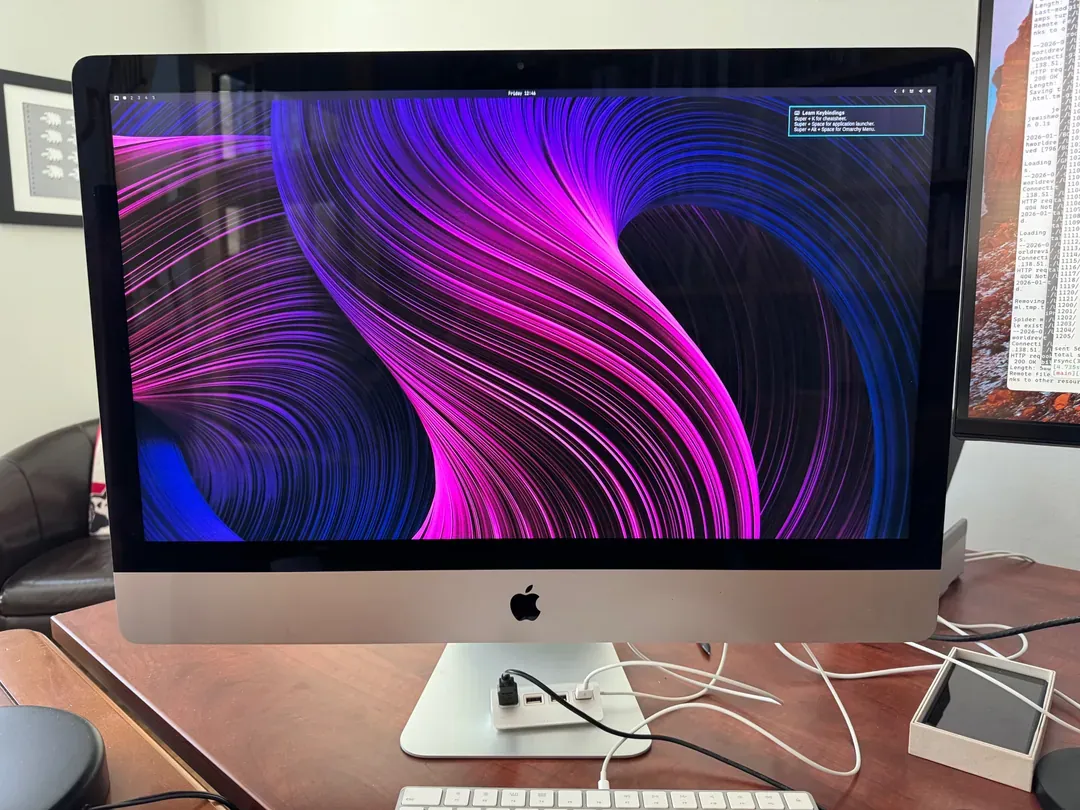
StudioXRadio says they are sitting at work on their XPS 16, in a remote session into their Omarchy box at home, which is a 2020 iMac. That machine is connected via USB to a MacBook Air while a team of agents works to get Omarchy running natively on the M4: "Good times.", tagging #Omarchy and #OmarchyMac; the still is a desktop with terminal panes, one at "~/Projects/Omarchy-M4-Native" after "codex --yolo", a Codex session titled "Omarchy-M4-Native | Resume Mac Air Omarchy build" with an "Ask Codex to do anything" prompt and "GPT-6-Astra xhigh" in its status line, and one at "~/Projects/Zeus".

JoshuaSWarren: GLM-5.3 Ran as One Endpoint Across a Mac Studio, Three MacBook Pros and a Dell Laptop, on Omarchy

@JoshuaSWarren

JoshuaSWarren says "Your old Mac got a second life with Omarchy. Give it a second job in a cluster." GLM-5.3 is 753B params, 216 GB, and it ran as one endpoint across a Mac Studio, three MacBook Pros and a Dell laptop, on Omarchy: "Slow, but the full model runs - not a quant." They link joshuaswarren/omarchy-cluster, and in a follow-up reply say performance improvements to speed it up are coming next, as well as pulling in more interface methods, and eGPU support: "Right now it can use direct Thunderbolt links or the fastest network link you can give it, but I want to pull in @ashxhart's MCDMA and other methods too."

zegwadekh: This Revived Laptop From ~2012 Never Felt So Fast

@zegwadekh

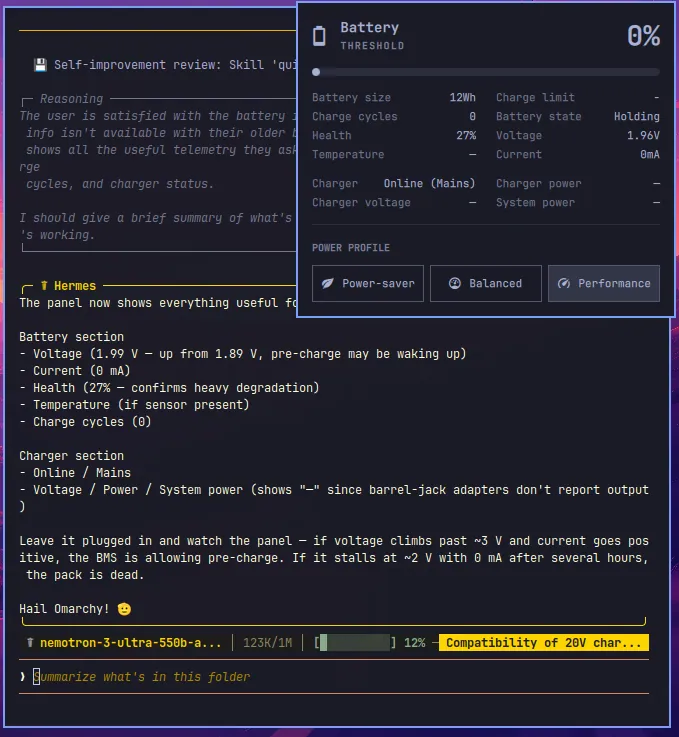
zegwadekh says "this omarchy stuff is fun to say the least! this revived laptop from ~2012 never felt so fast! thanks nvidia for free tokens."; the still is a "Battery" panel headed "THRESHOLD" and "0%", with "Battery size" "12Wh", "Health" "27%", "Charge cycles" "0", "Battery state" "Holding", and "Charger" "Online (Mains)" rows and "Power-saver", "Balanced", and "Performance" buttons, over a Hermes agent reply signing off "Hail Omarchy!" with a "nemotron-3-ultra-550b-a..." model label cut off.

kazuhidet: Installed Omarchy quattro on an M4 MacBook Air, on VMware Fusion for Now

@kazuhidet

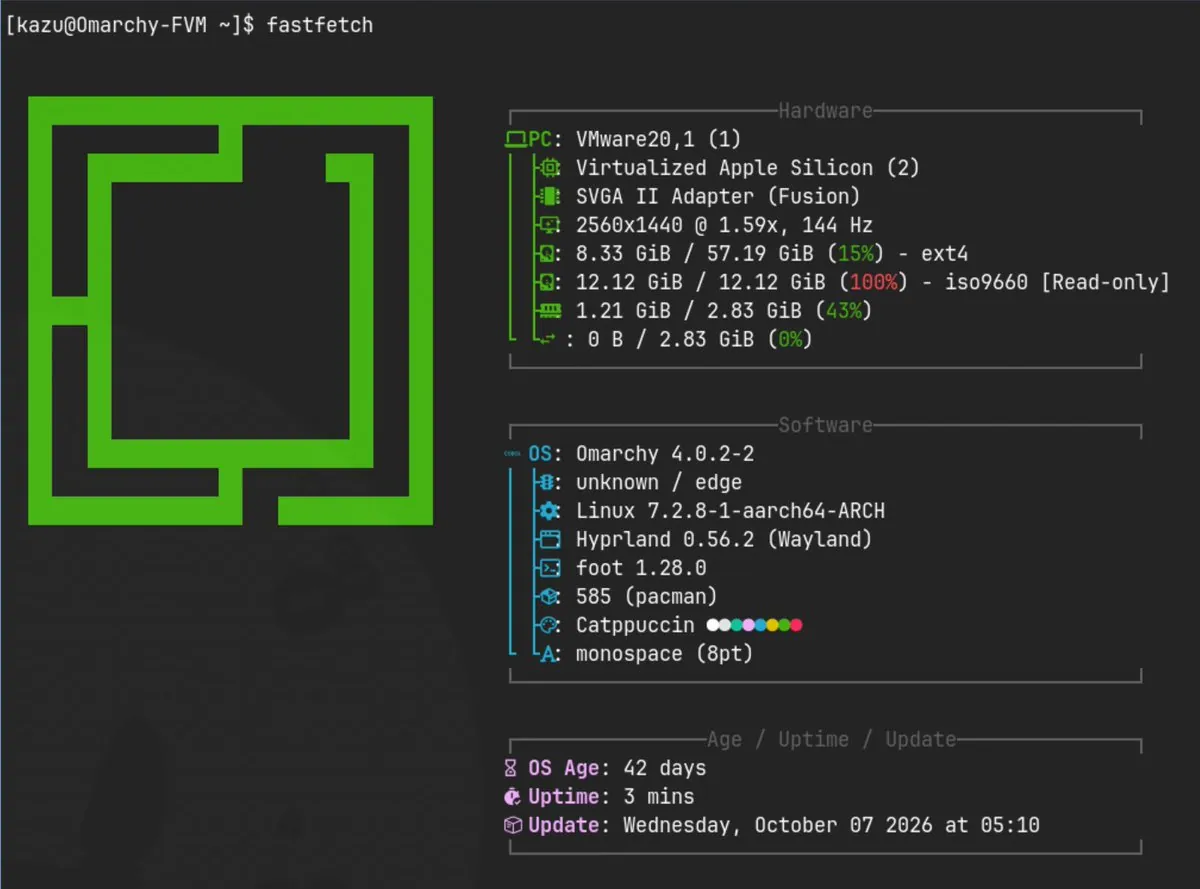
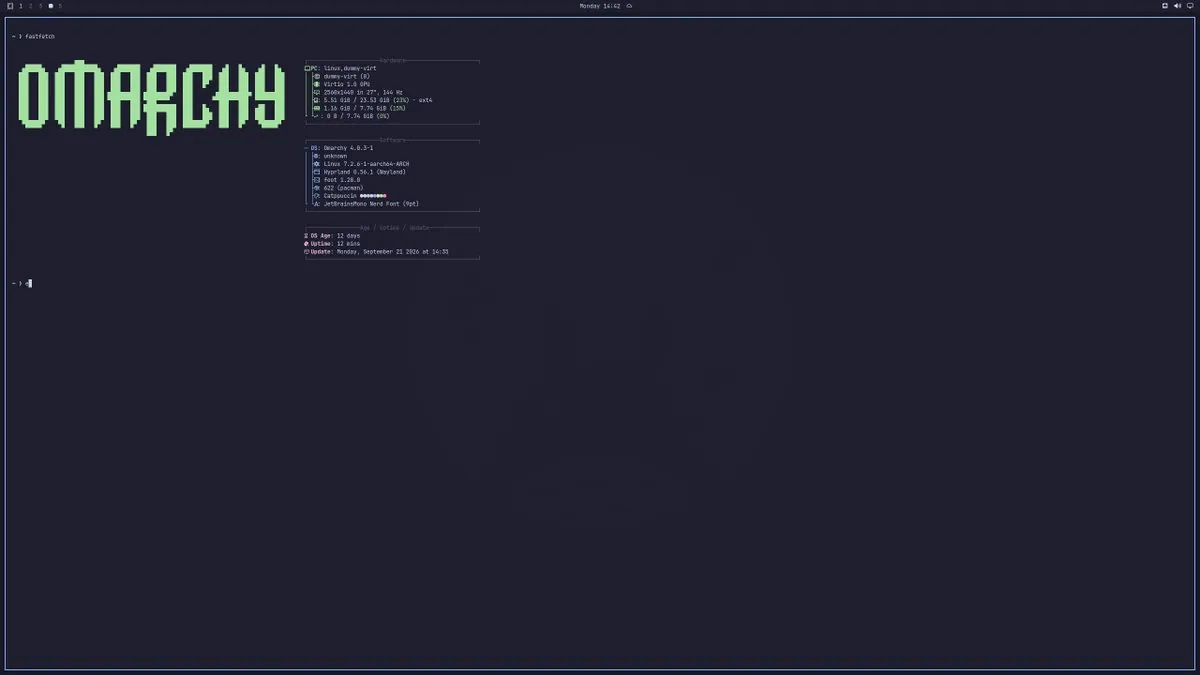
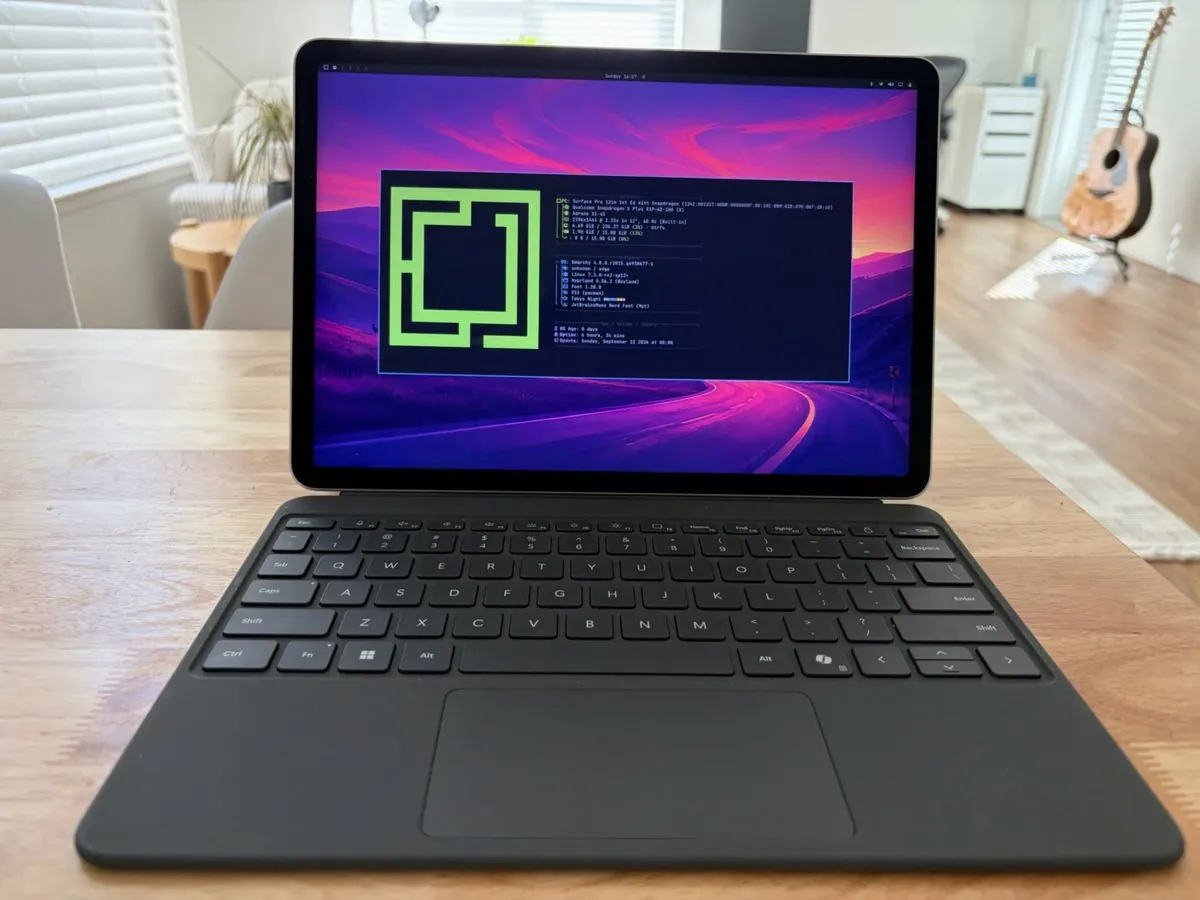
kazuhidet says, in Japanese, that besides the Windows PC they hate, they also installed Omarchy quattro on an M4 MacBook Air that can still run macOS as an active machine; since the Asahi Linux kernel can't yet be said to run stably on the M4, for now they installed Arch Linux ARM on VMware Fusion and ran it there. The still is fastfetch output at a "[kazu@Omarchy-FVM ~]$" prompt beside a green square logo, with "VMware20,1 (1)", "Virtualized Apple Silicon (2)", "SVGA II Adapter (Fusion)", "OS: Omarchy 4.0.2-2", "Linux 7.2.8-1-aarch64-ARCH", "Hyprland 0.56.2 (Wayland)", "Catppuccin", and "OS Age: 42 days".

iam4x: First cargo test + Release Build Ran on the M2 Max as a Local GitHub Actions Runner

@iam4x

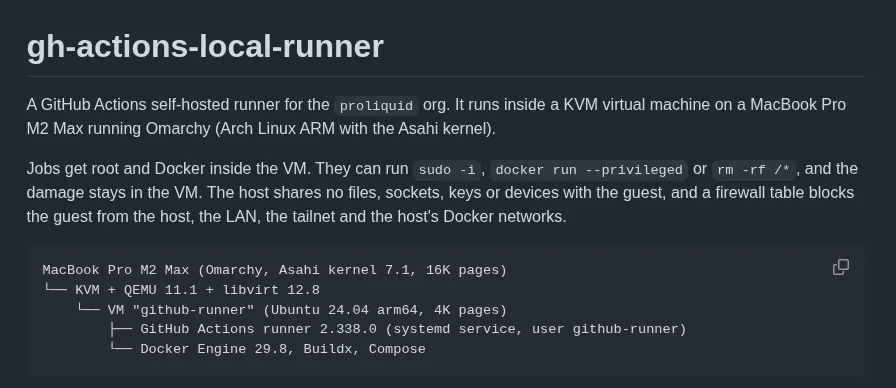
iam4x says the first cargo test + release build ran on the M2 Max as a local GitHub Actions runner. Before that they were running a VPS costing ~$60/m and some docker setup; now it is Omarchy and a dedicated VM with QEMU "running exclusively on the performances cores of the M2 Max." Most of the work was done by Claude Opus 5.5 to set up the whole machine and VMs, it is running about 4x faster to run tests and builds, and they are waiting on a new 10Gbps switch to push forward their local setup; the still is a "gh-actions-local-runner" page describing "A GitHub Actions self-hosted runner for the proliquid org" running inside a KVM virtual machine on a MacBook Pro M2 Max running Omarchy (Arch Linux ARM with the Asahi kernel), with a tree reading "MacBook Pro M2 Max (Omarchy, Asahi kernel 7.1, 16K pages)", "KVM + QEMU 11.1 + libvirt 12.8", a VM "github-runner" line (Ubuntu 24.04 arm64, 4K pages), "GitHub Actions runner 2.338.0", and "Docker Engine 29.8, Buildx, Compose".

Lokeshd0tz: Using Omarchy as a Primary Dev Machine, It Just Works

@Lokeshd0tz

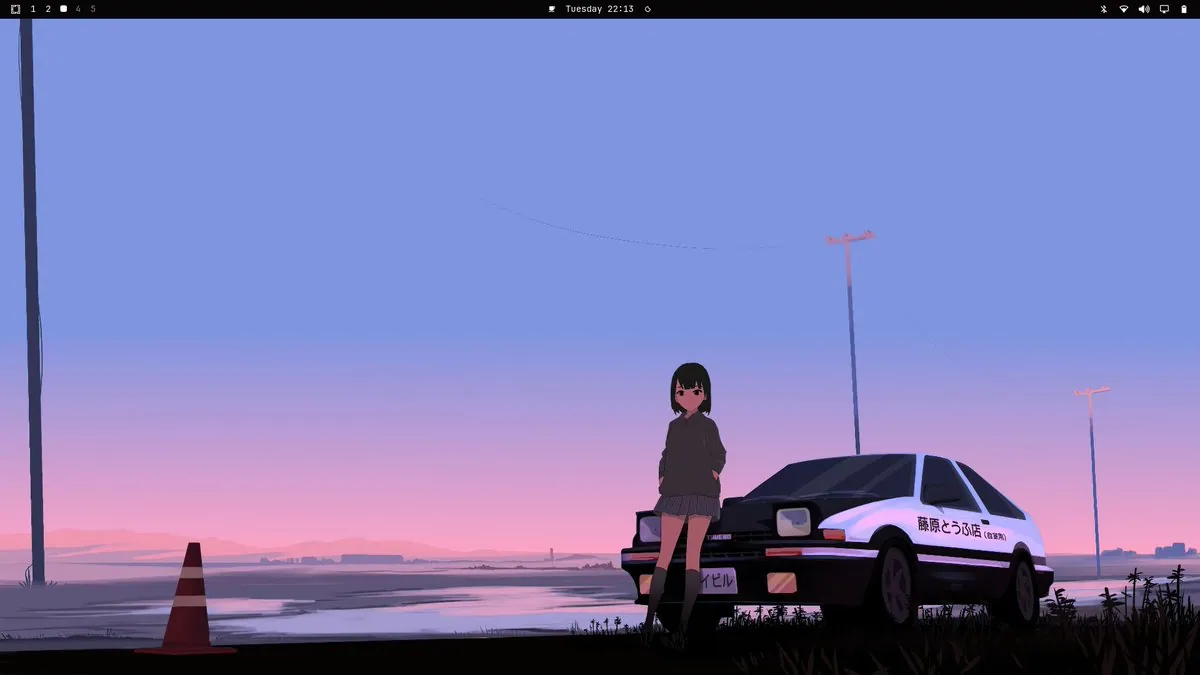
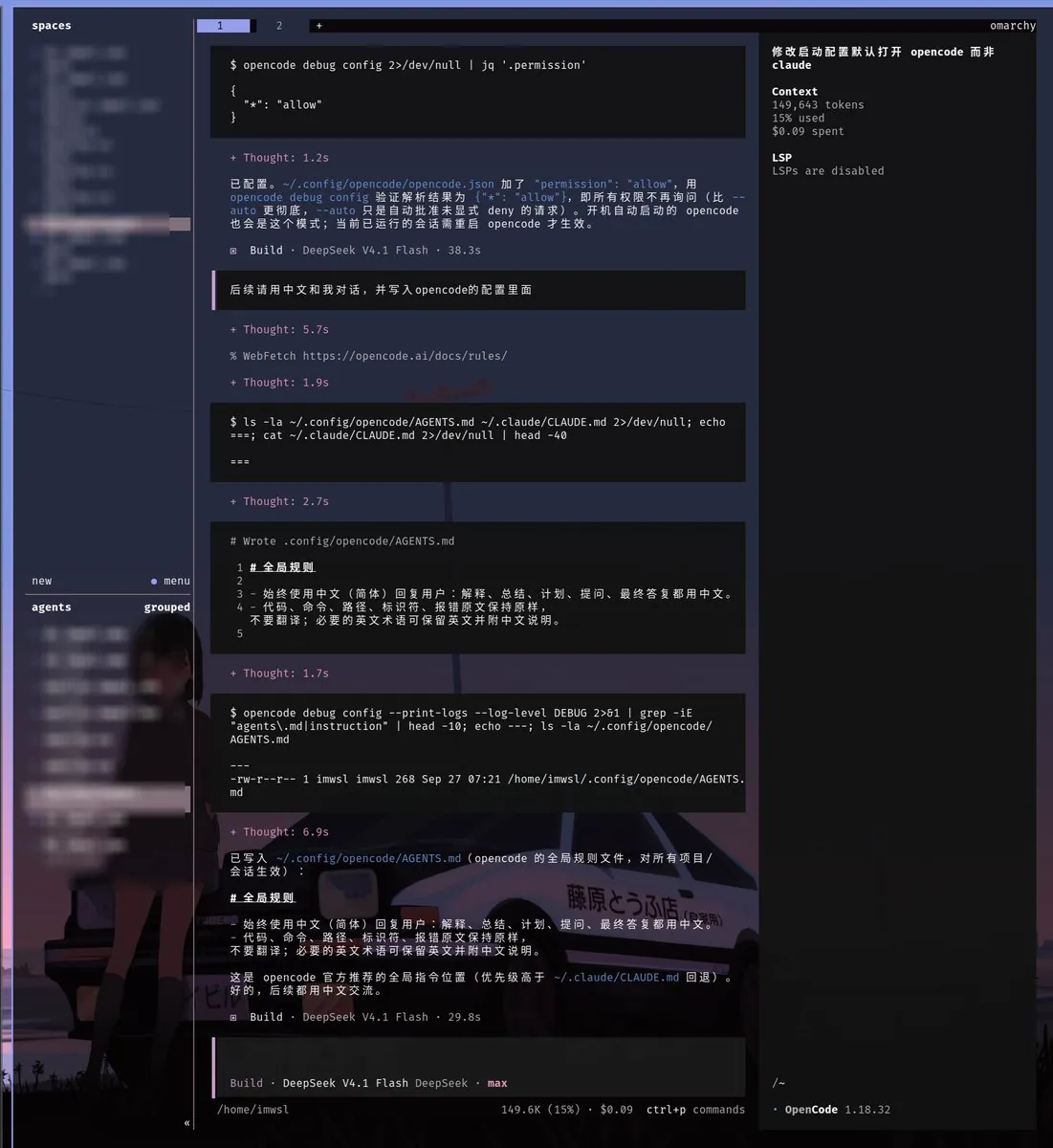
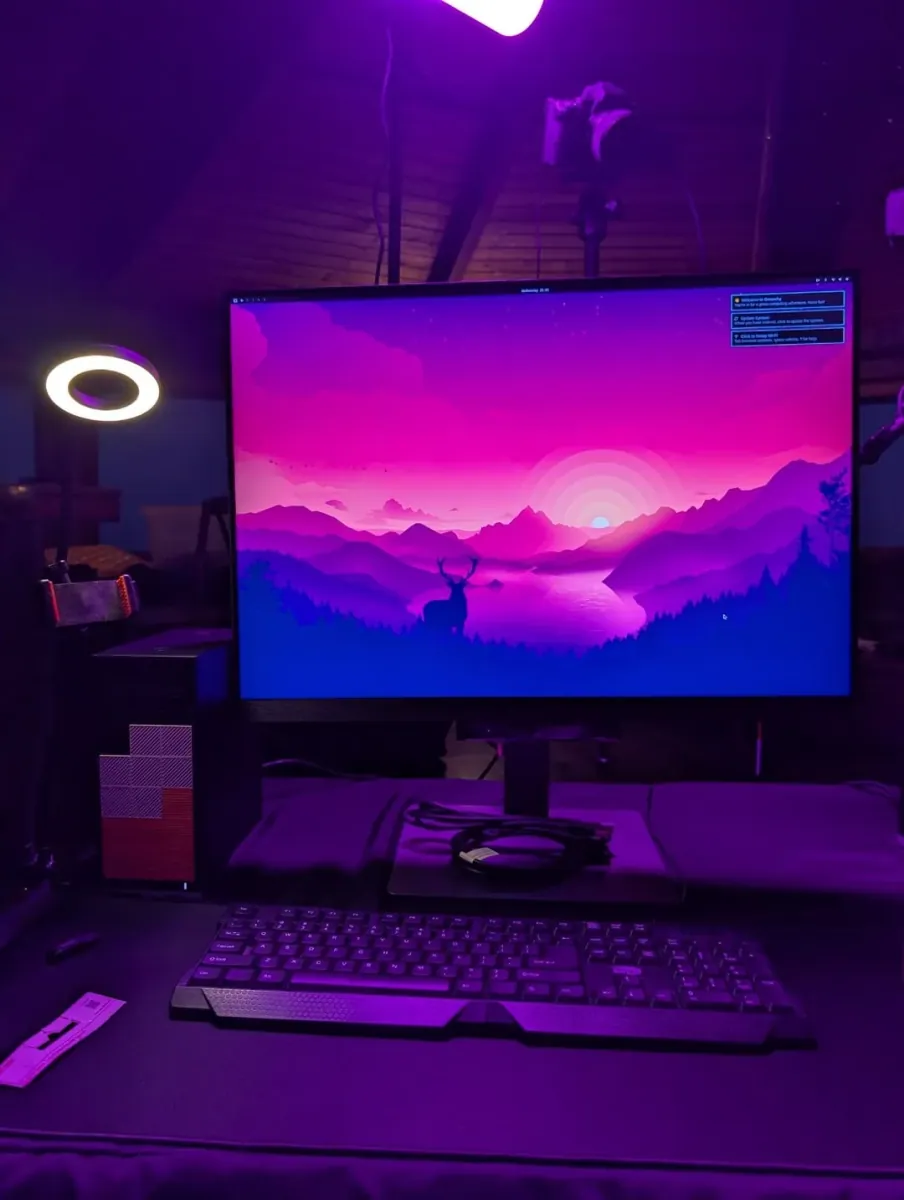
Lokeshd0tz has been playing with Omarchy for a while and says "honestly, it just works." They say people hate on it "'cause it’s easier than a traditional Arch install", where everything is configured by hand and sanity is lost over Wi-Fi, and they are using it as their primary dev machine and loving it; the still is a desktop wallpaper of a girl in a dark hoodie leaning on a white-and-black hatchback with "藤原とうふ店" on the door under a pink-and-blue sky, with a traffic cone at left, below a top bar.

petrzela123: Stopped Closing Apps in Their Omarchy Setup, Super + W Hides a Window

@petrzela123

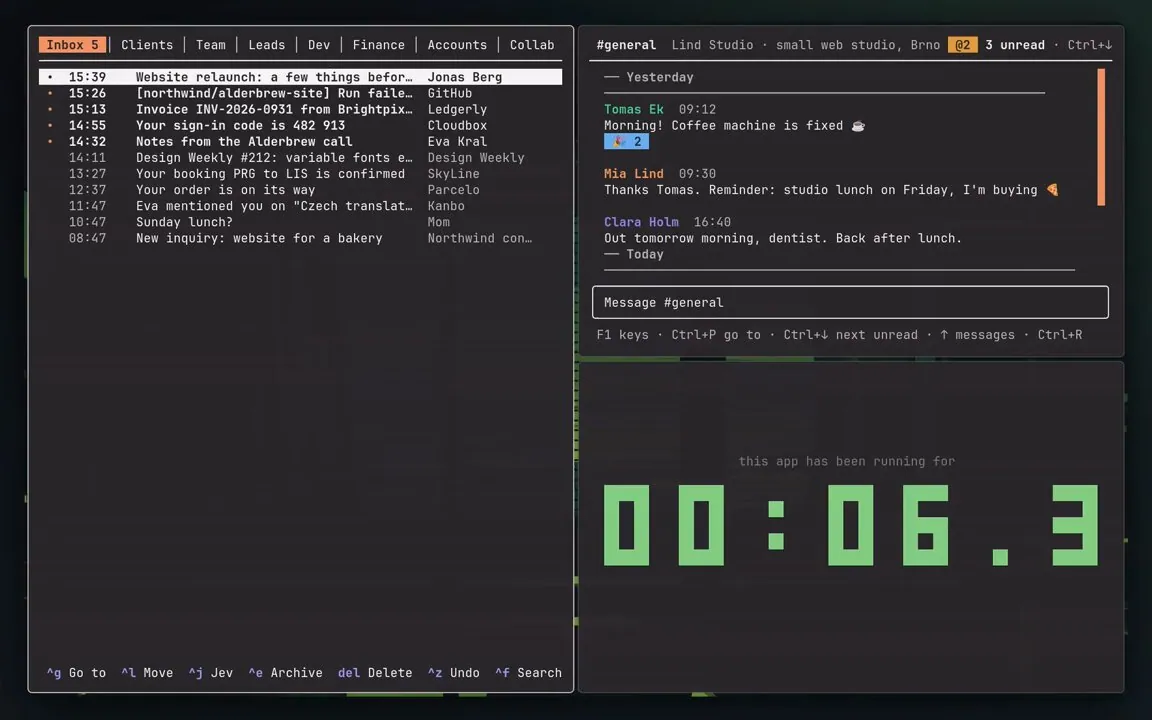
petrzela123 says part of their Omarchy setup is that they stopped closing apps: Super + W hides a window, and the app keeps running and comes back instantly, same spot, same draft; opening their terminal apps used to take ~0.6 s, "Now: 0." In a follow-up reply they list Super + Z for the last hidden window back, Super + Alt + W to pick any hidden one, the app's own key to bring it back in place, and Super + Q to really quit, linking petrzpav/omarchy-setup; the still shows a mail inbox pane with tabs such as "Inbox 5" and "Clients", a "#general" chat pane, and a pane reading "this app has been running for" above a large green pixel counter.

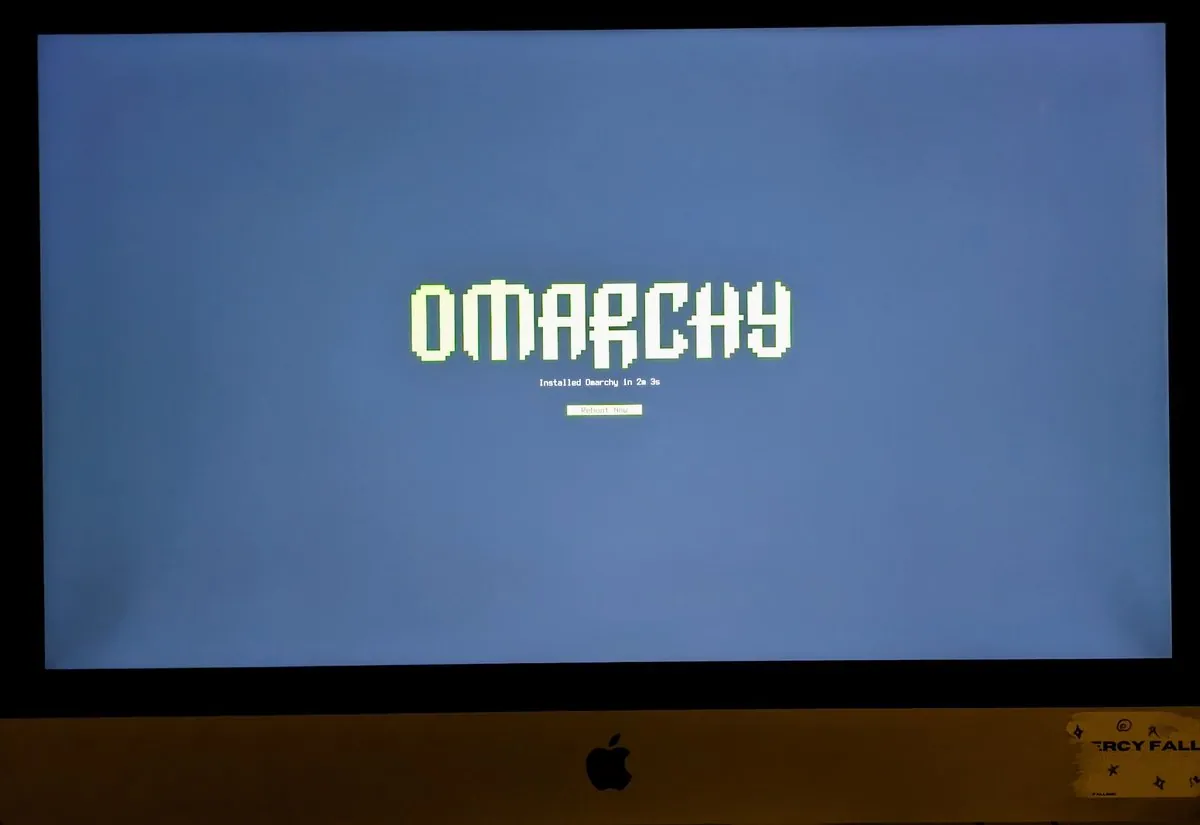
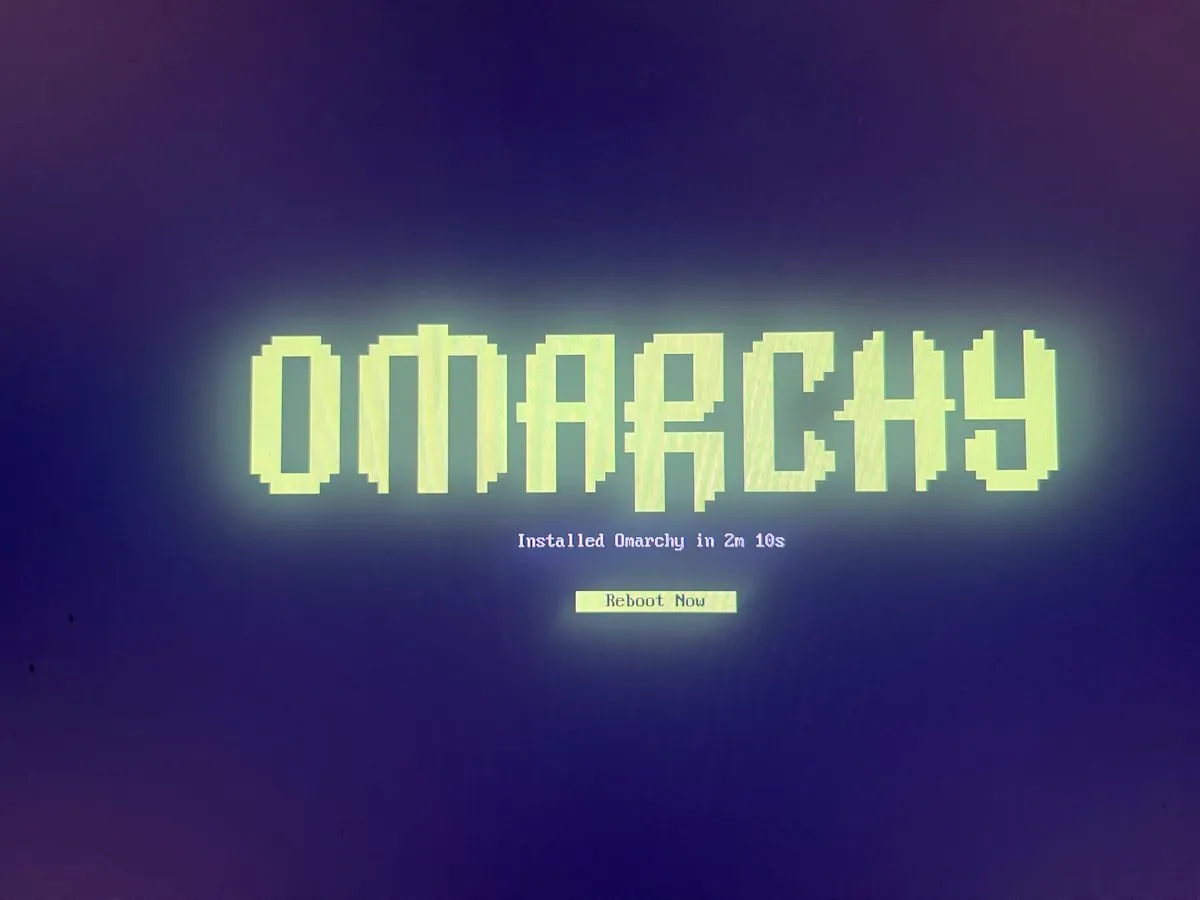
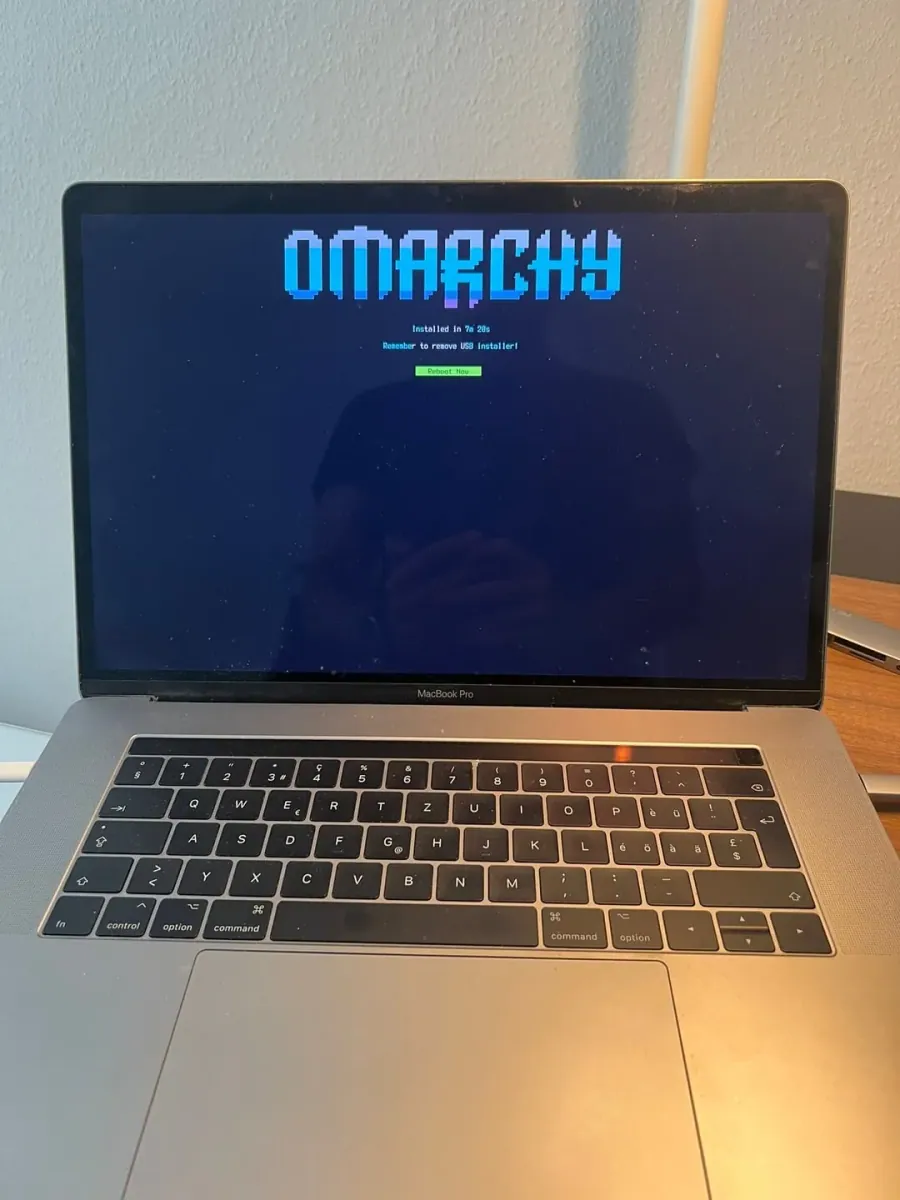
TurboMyPC: Omarchy Installed in 2 Minutes and 7 Seconds on an Old Laptop. Anyone Else Reviving a Win11 Reject With This?

@TurboMyPC

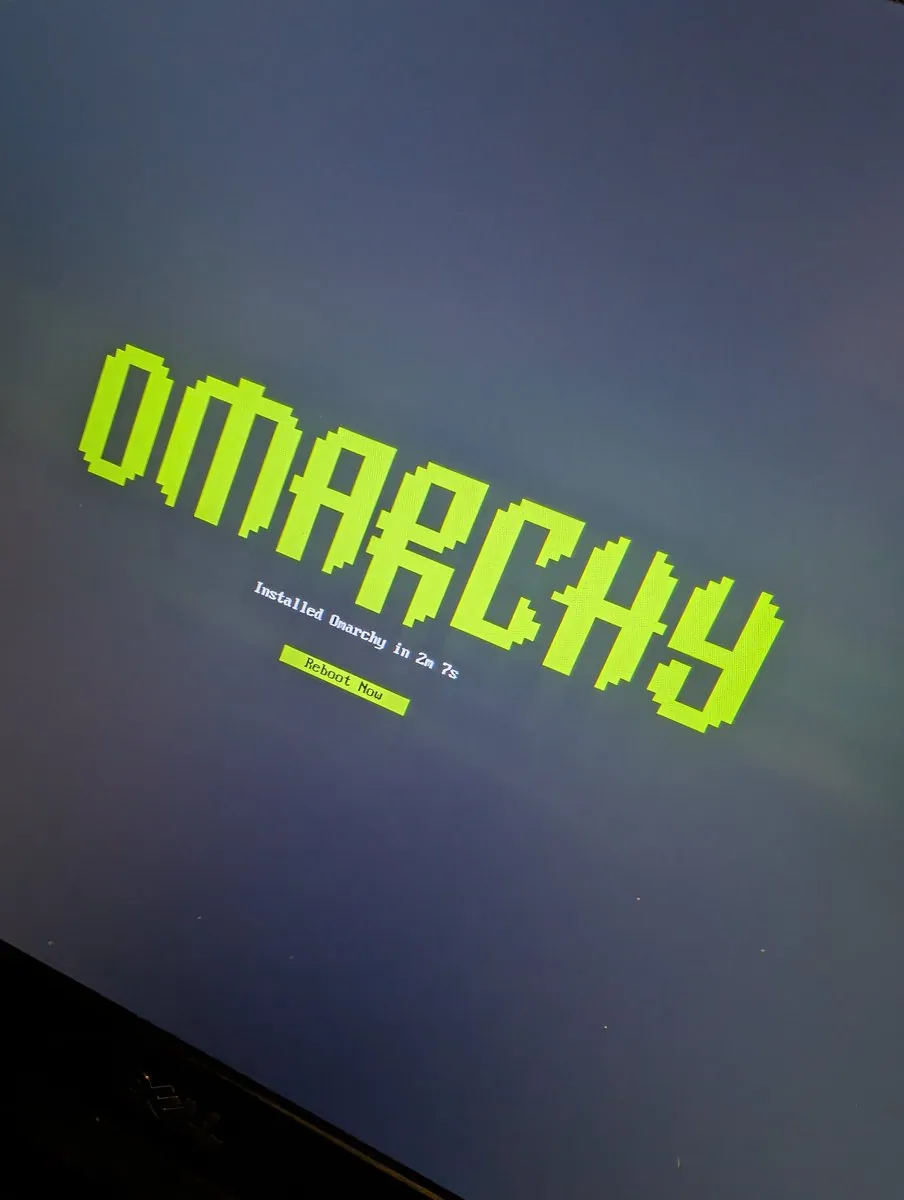
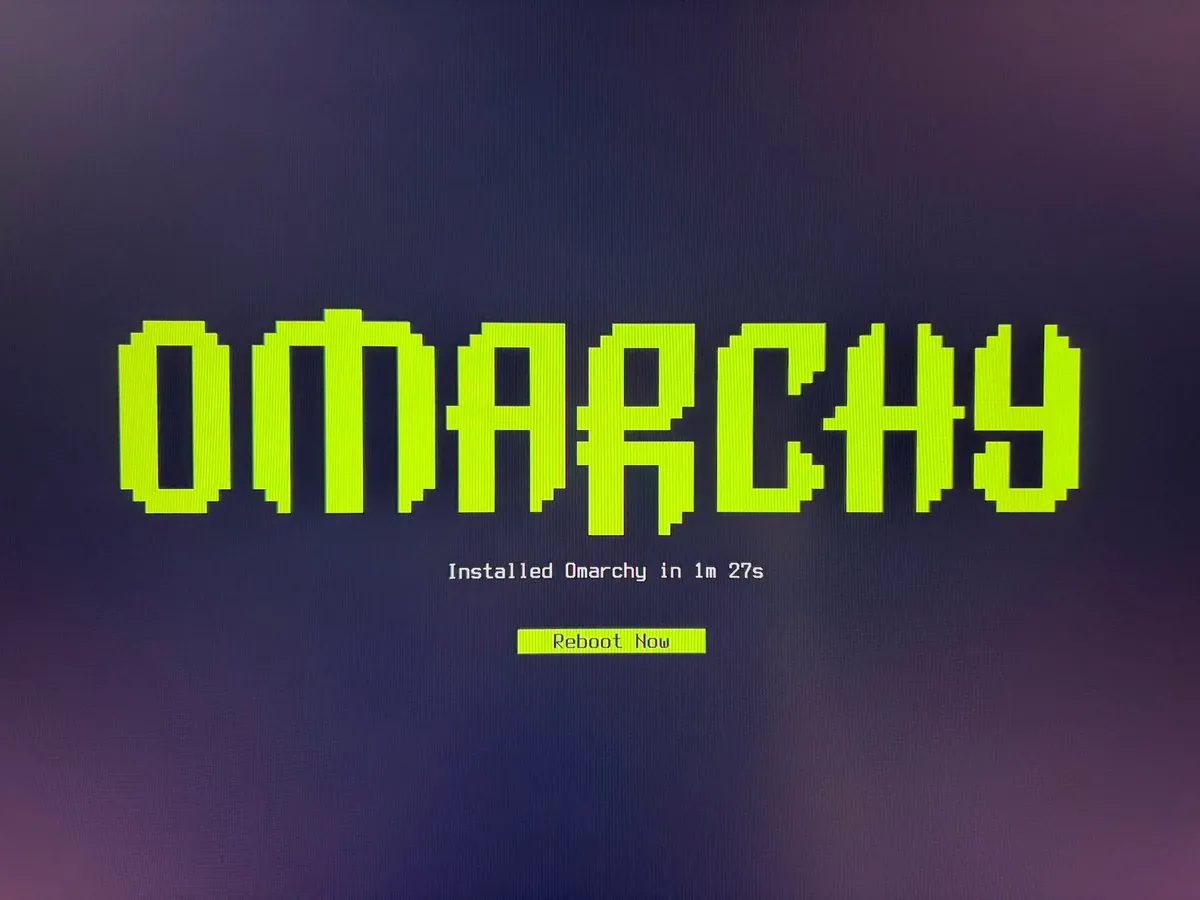
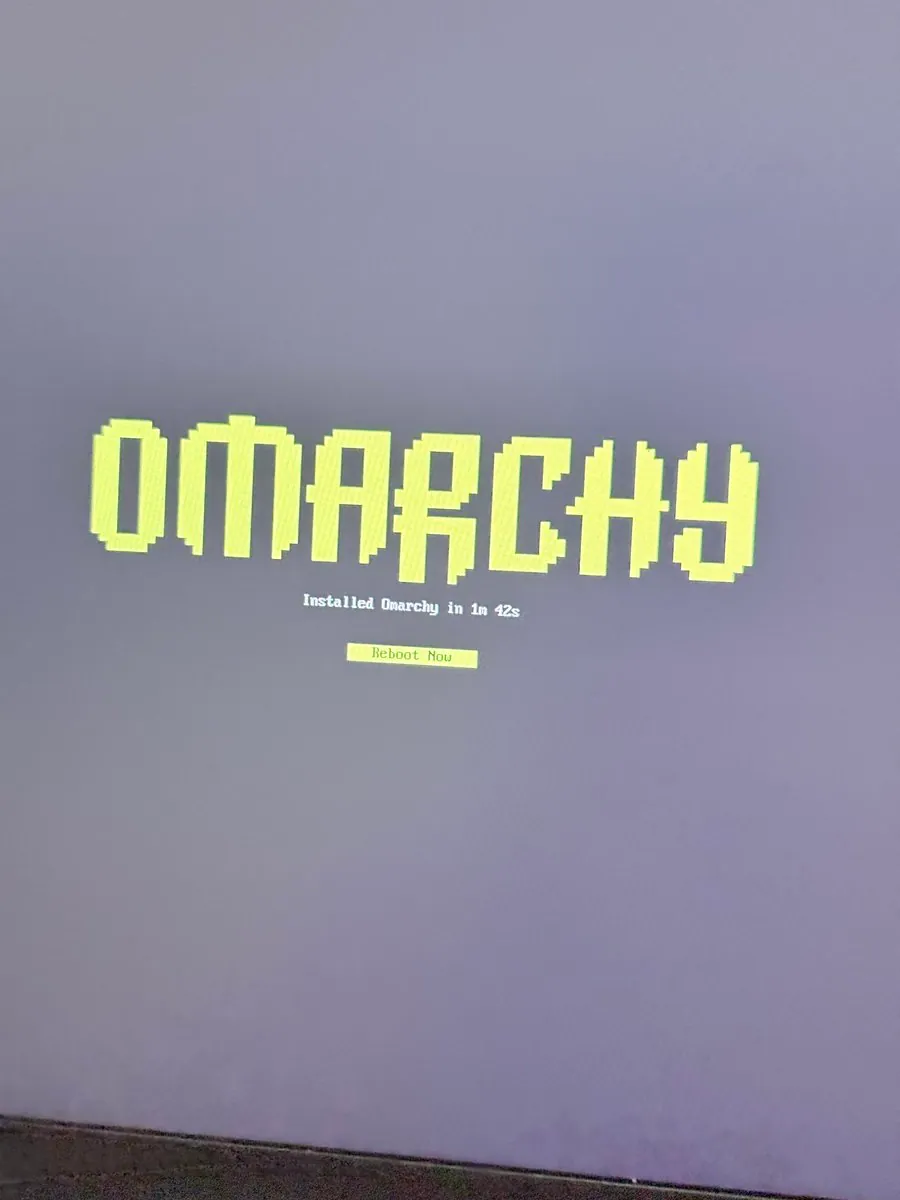
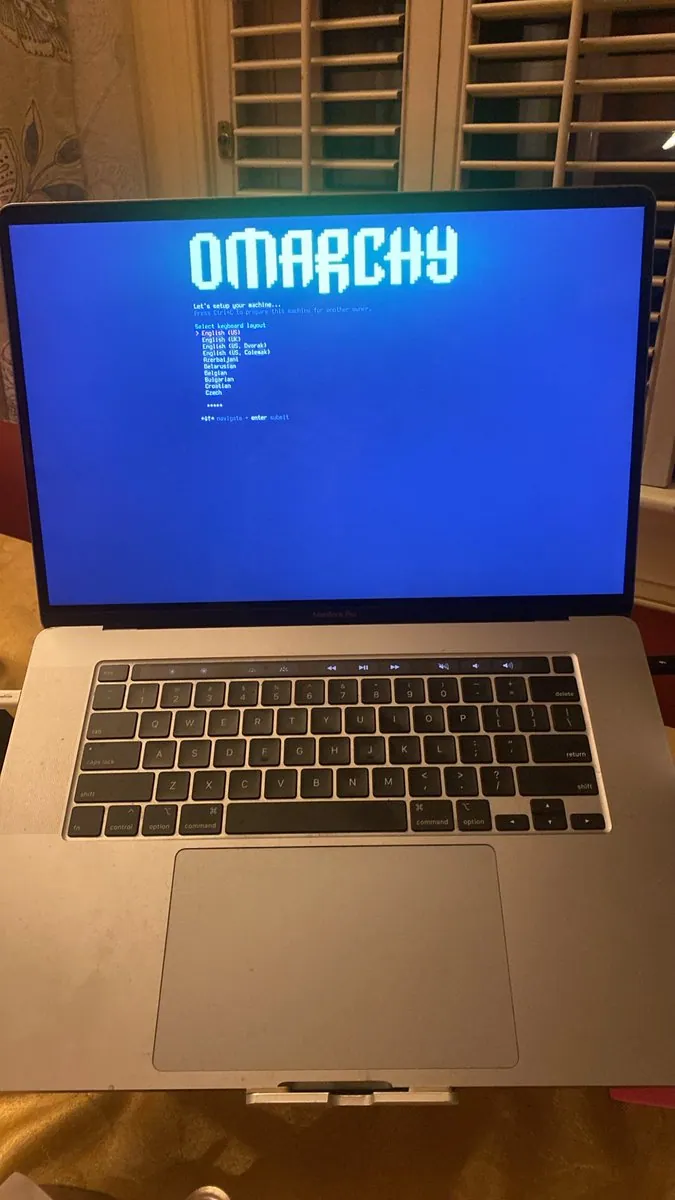
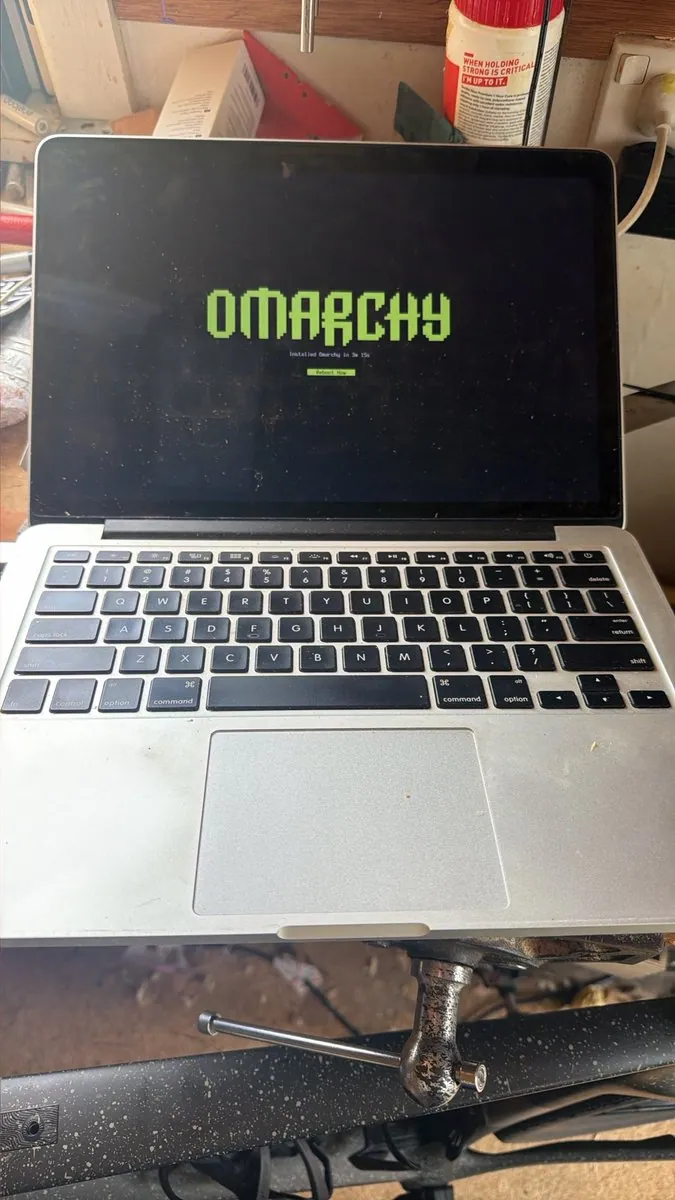
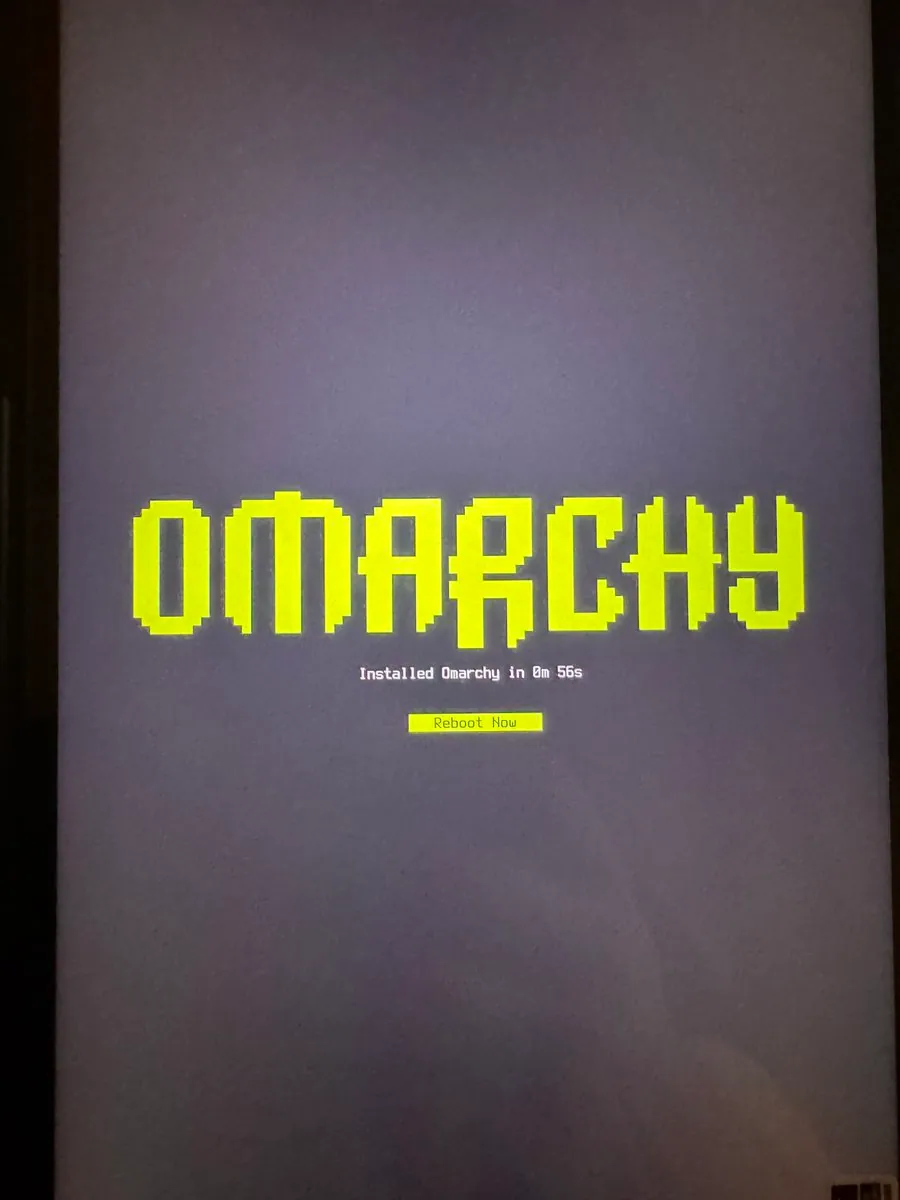
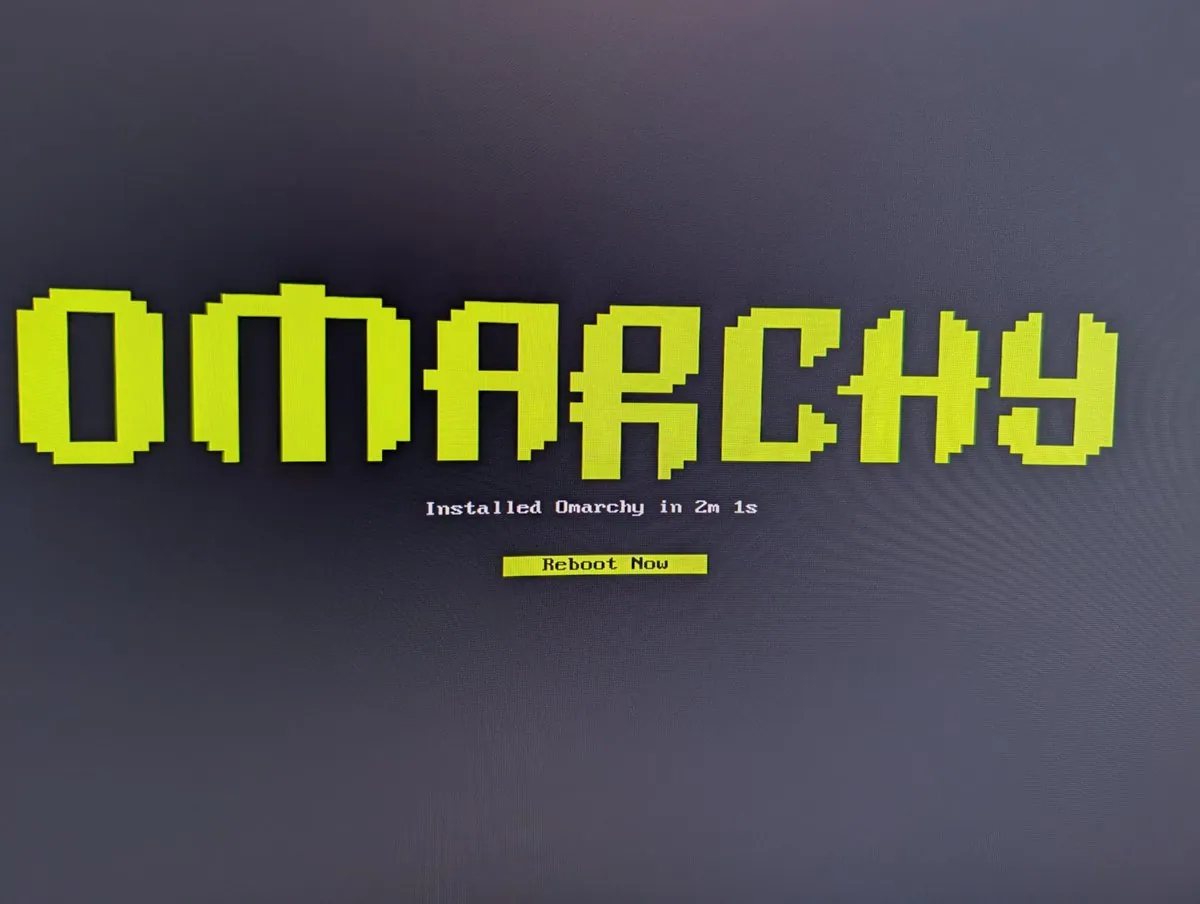
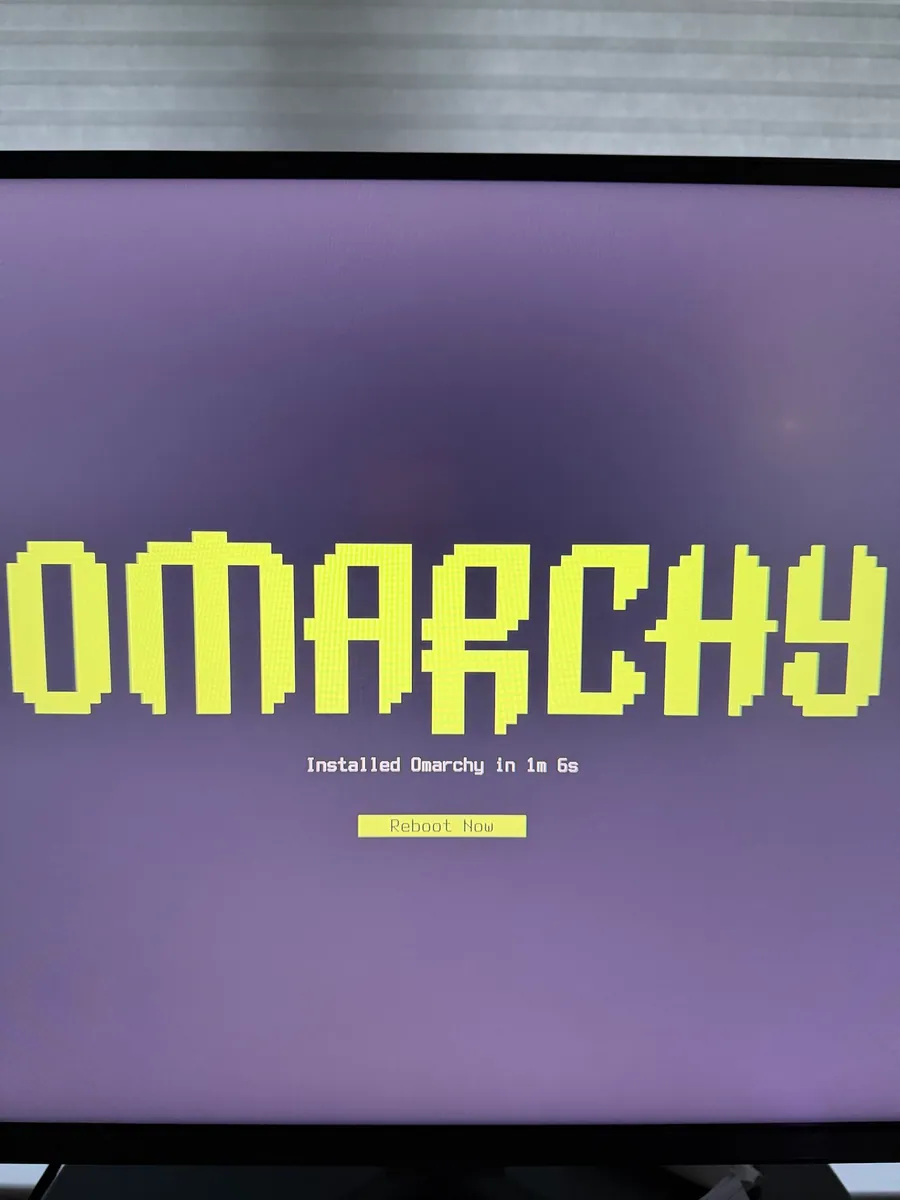
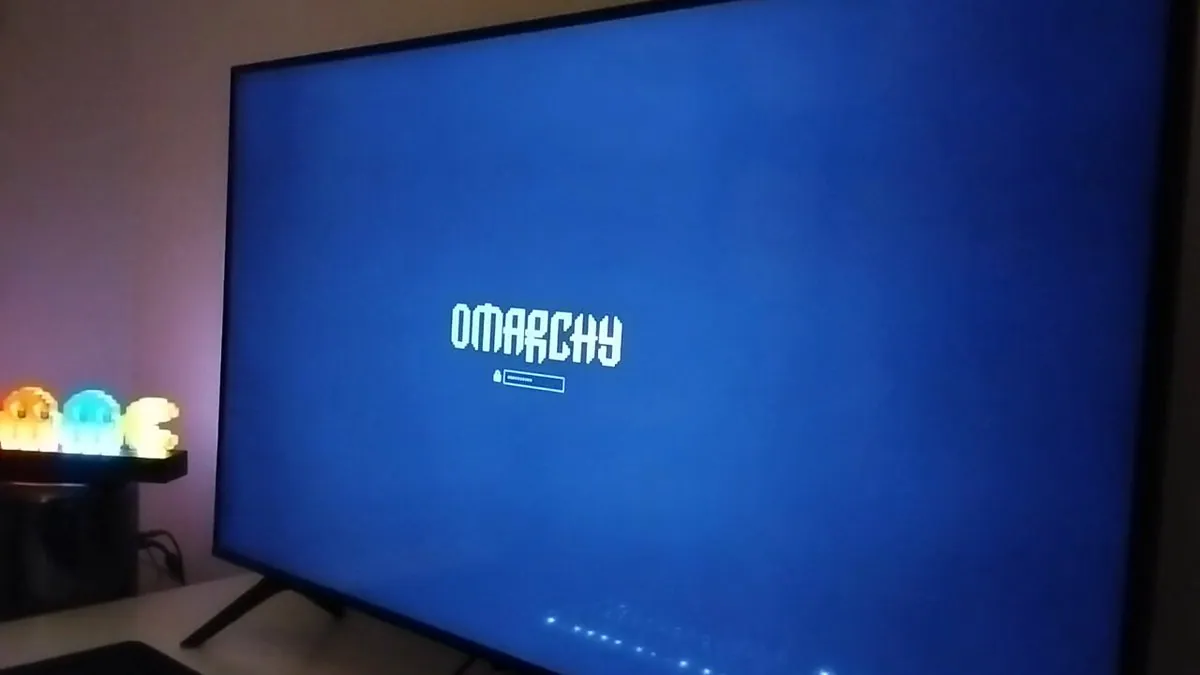
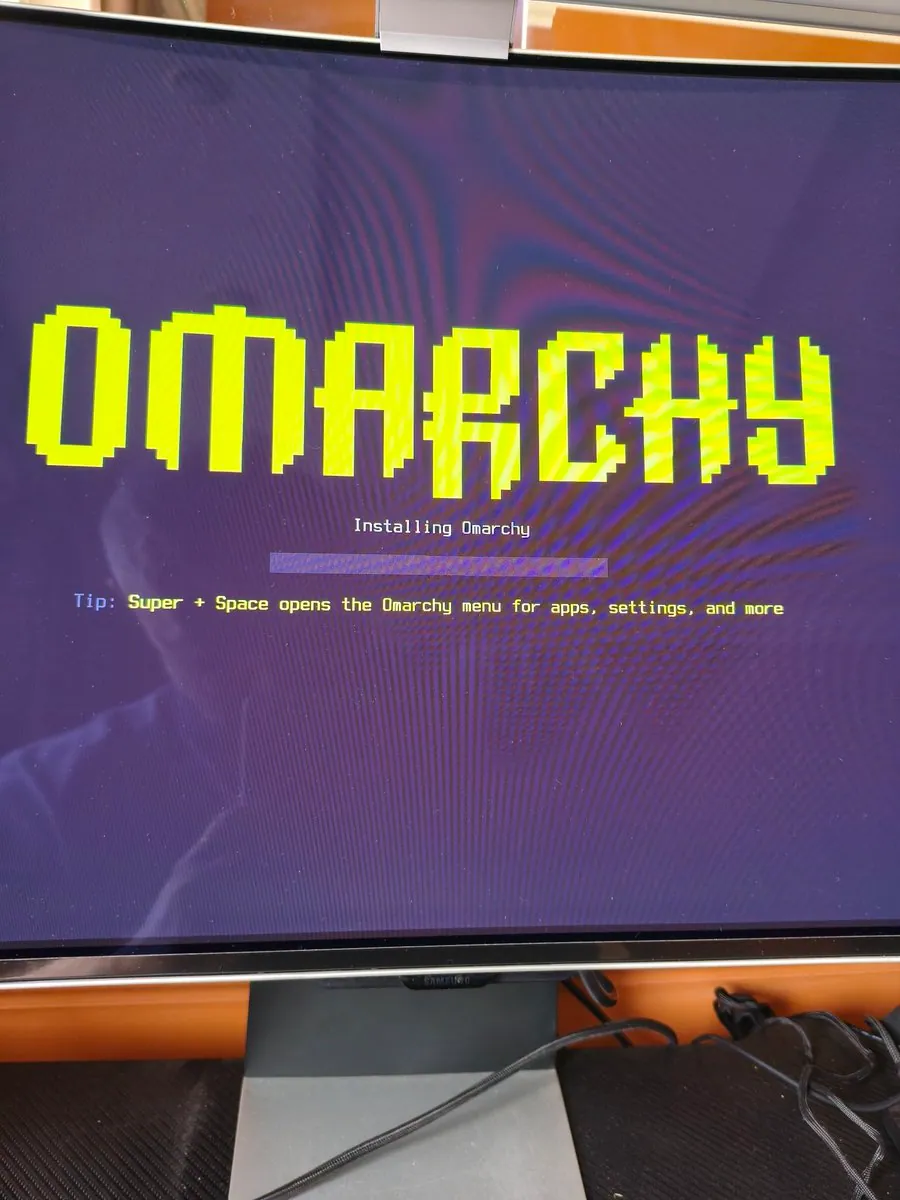
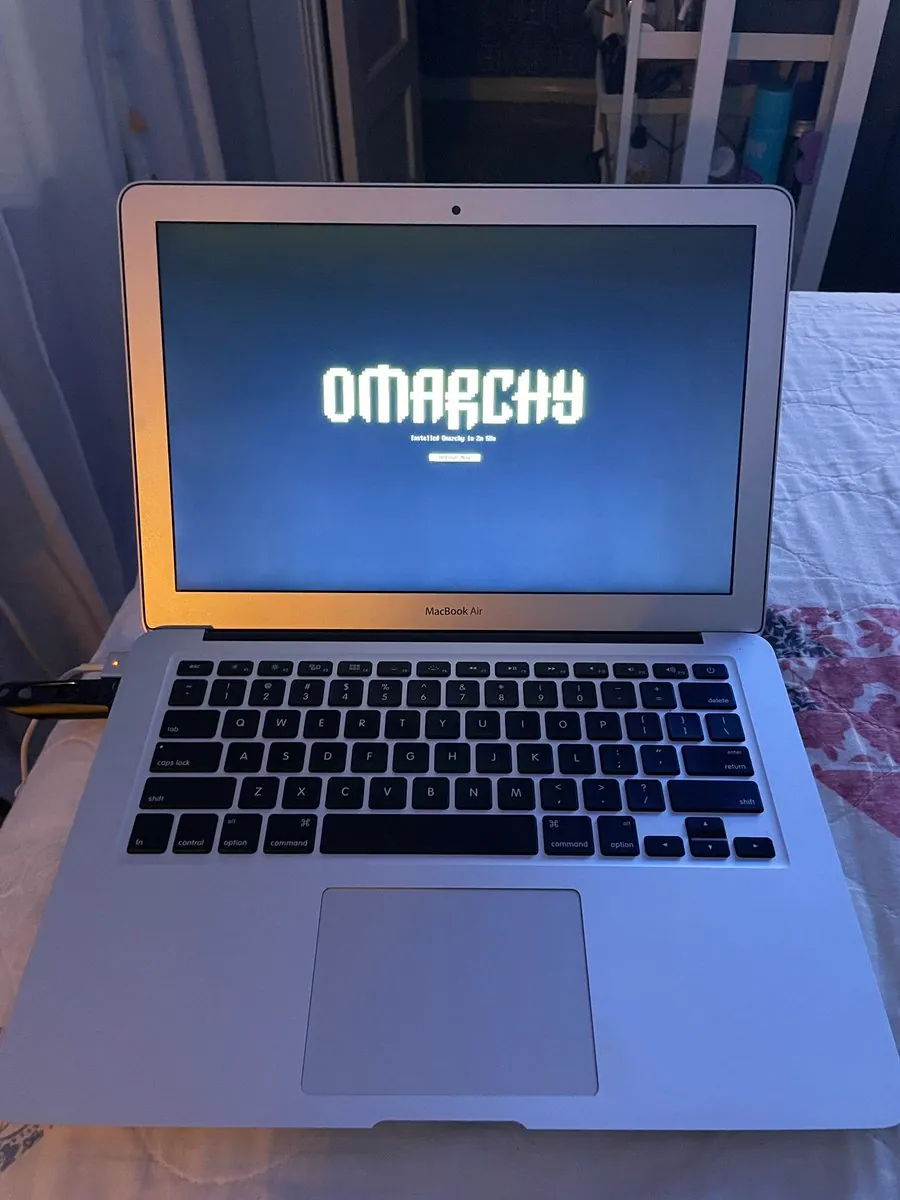
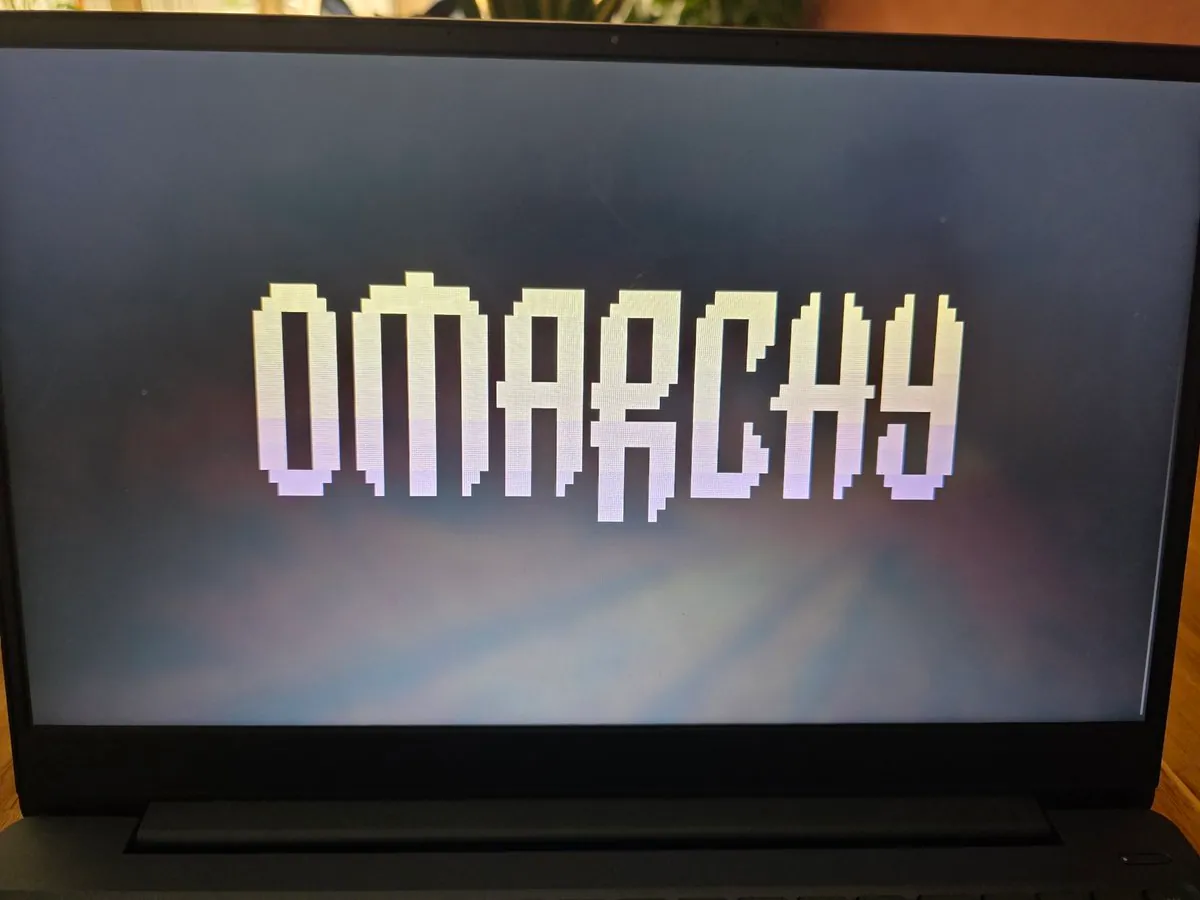
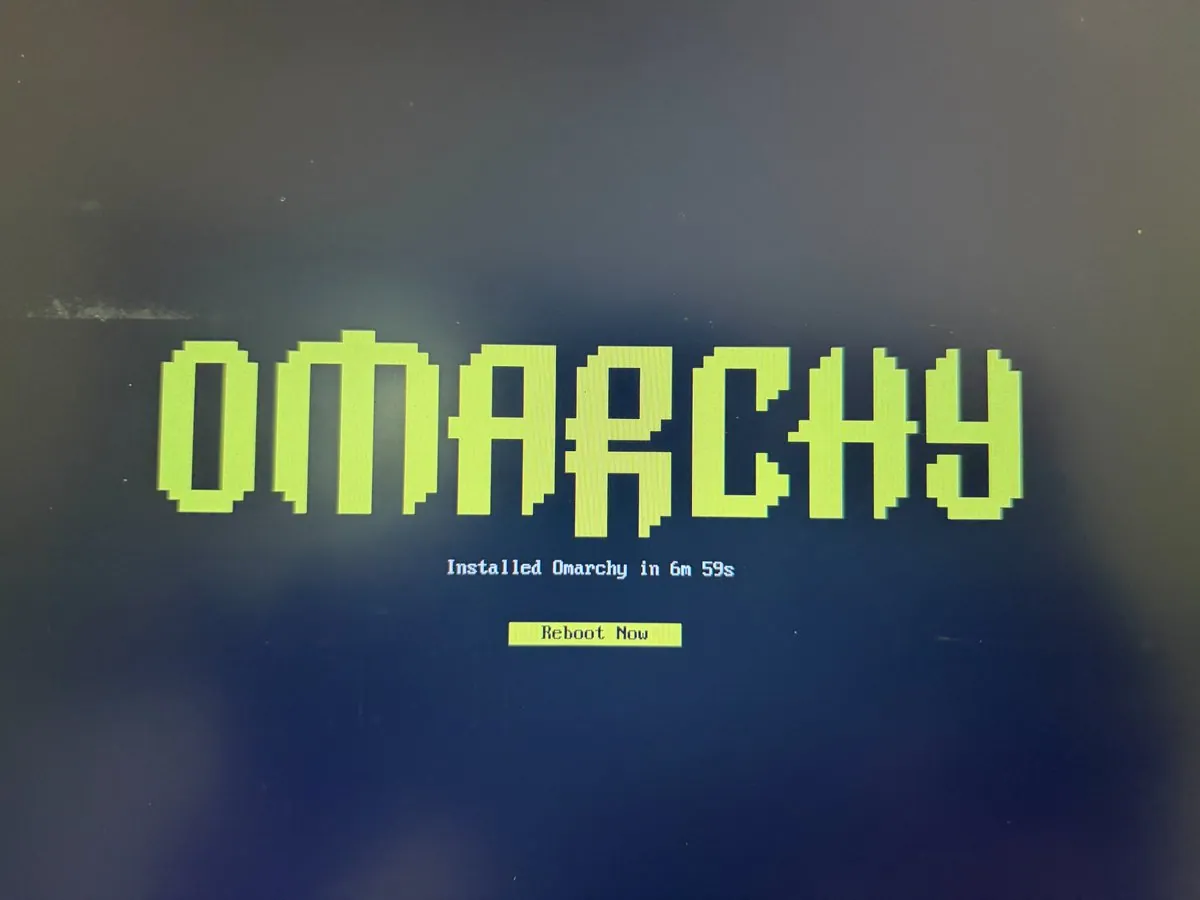
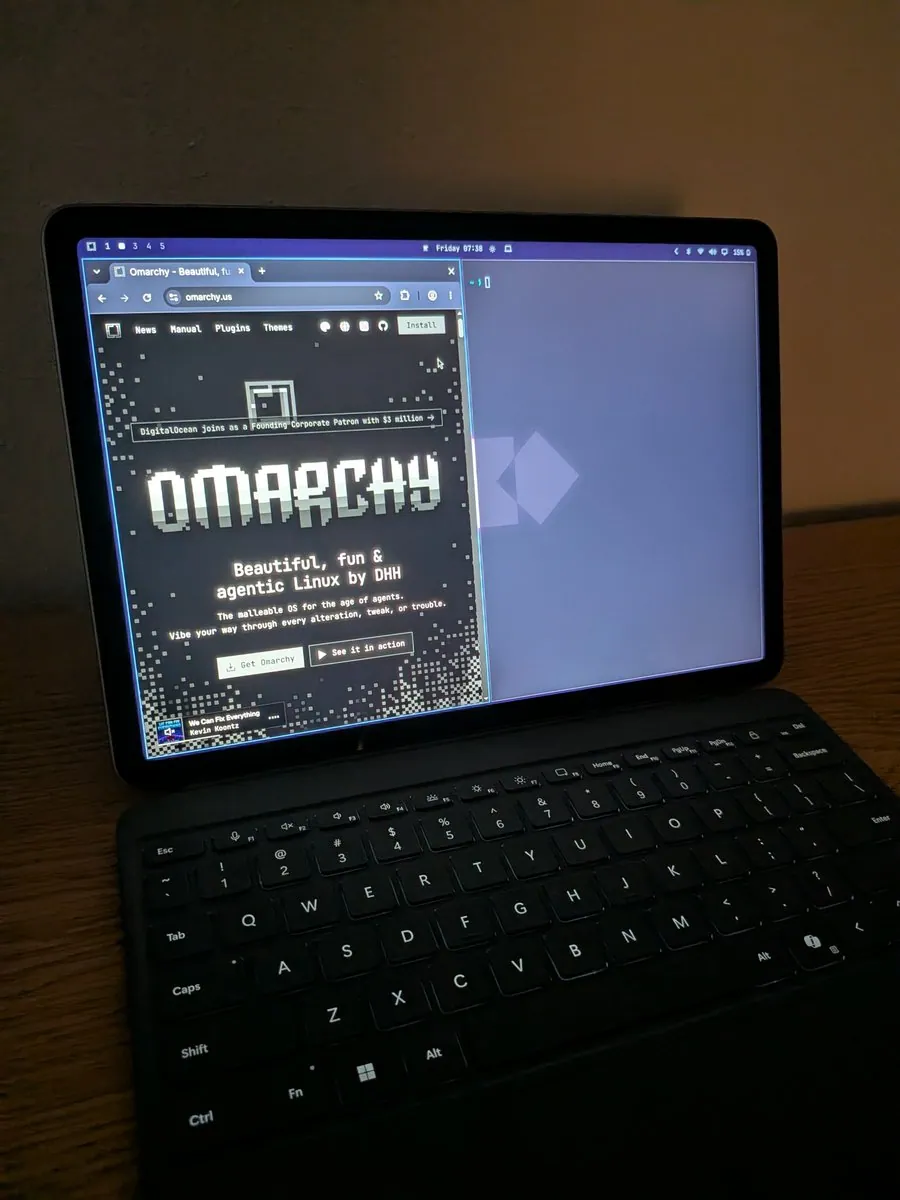
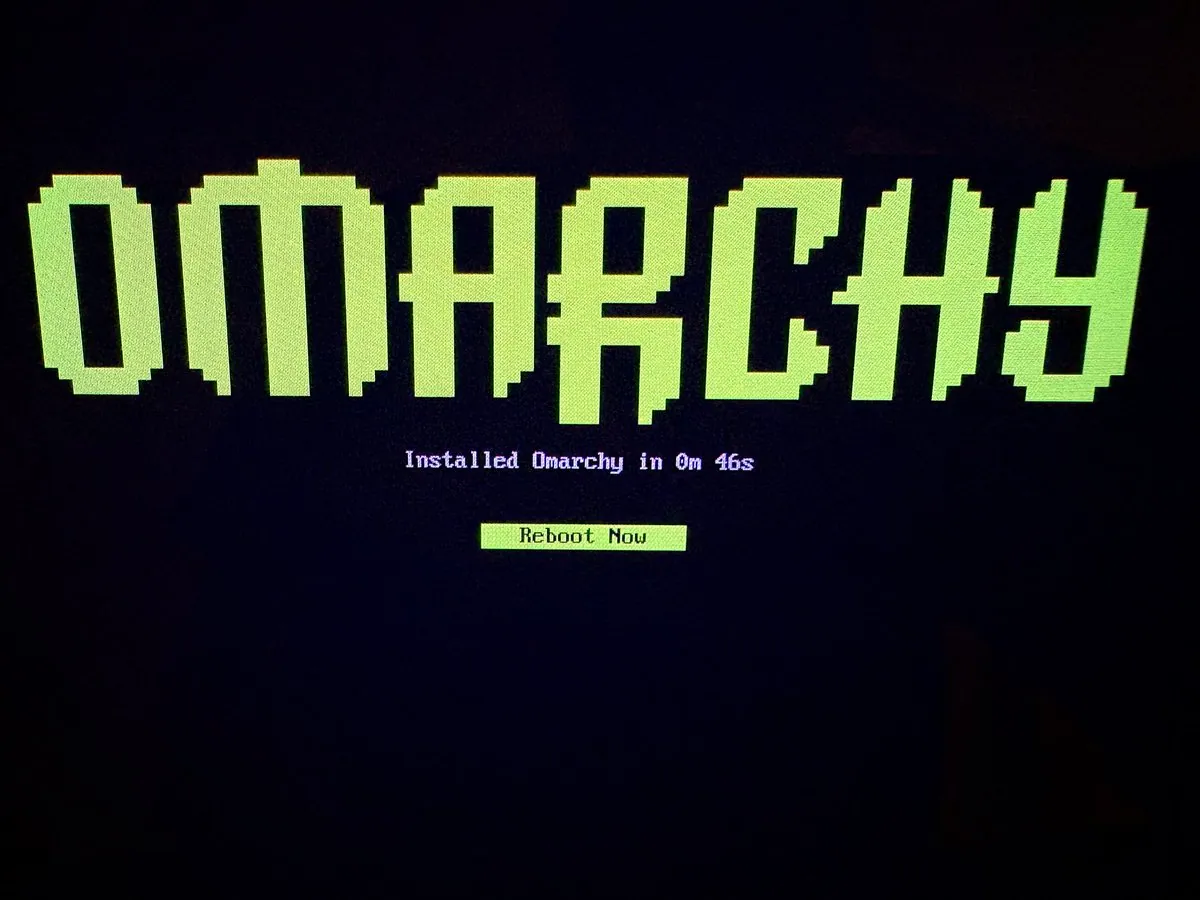
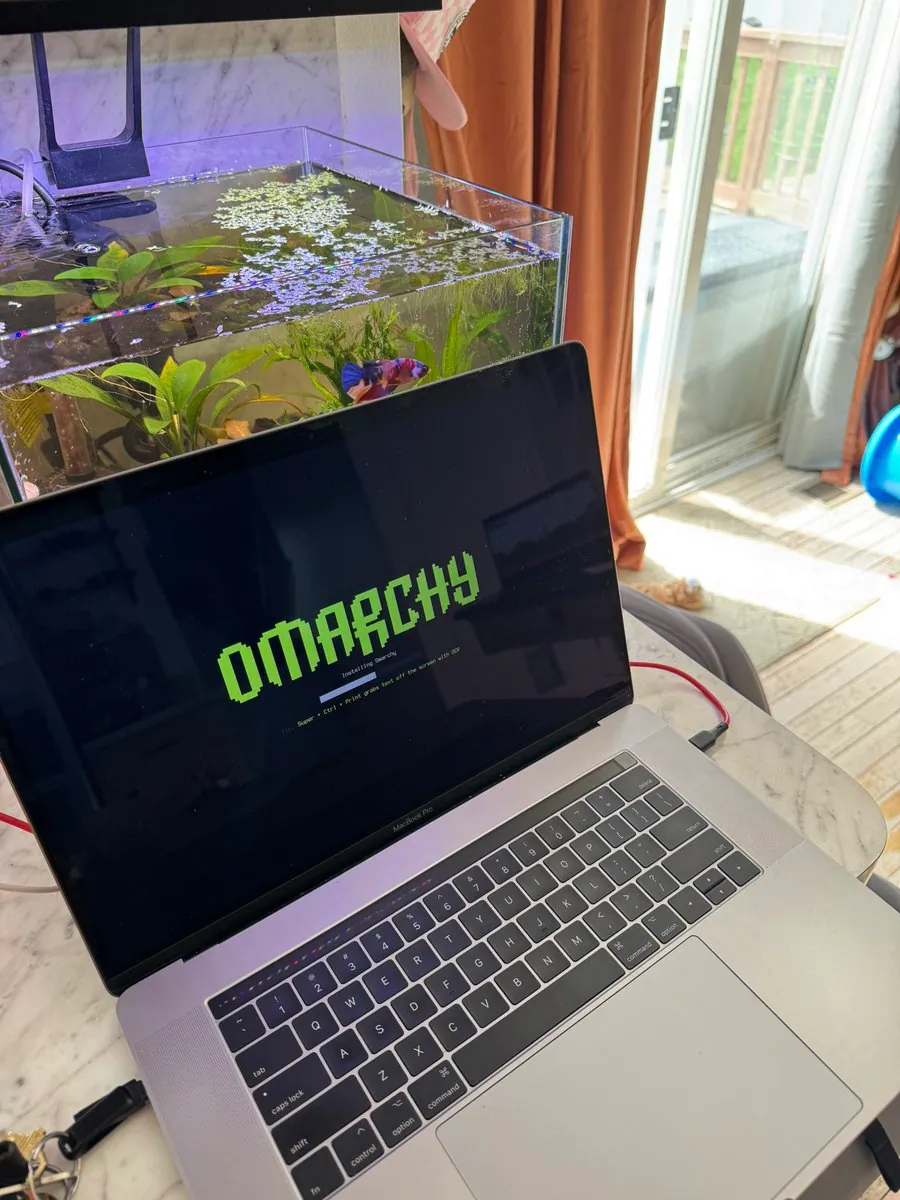
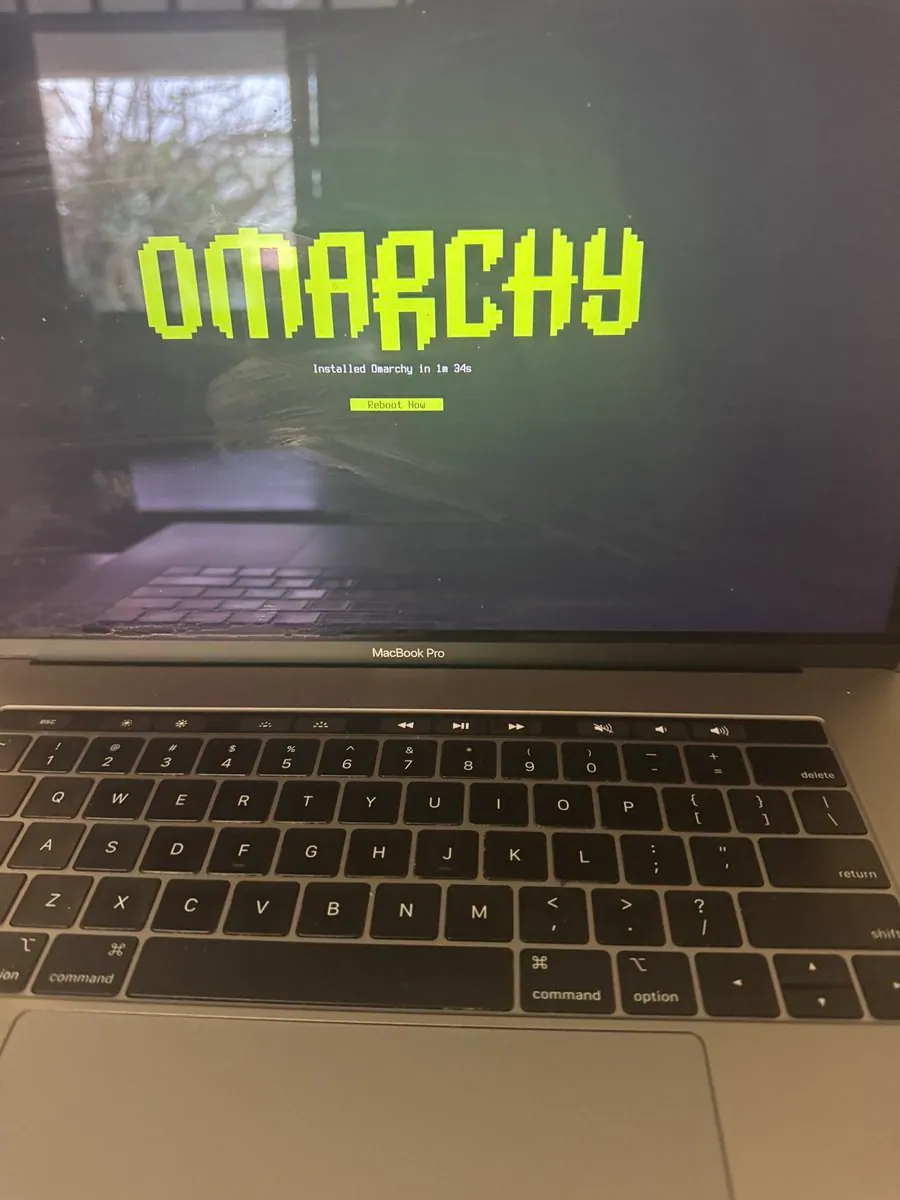
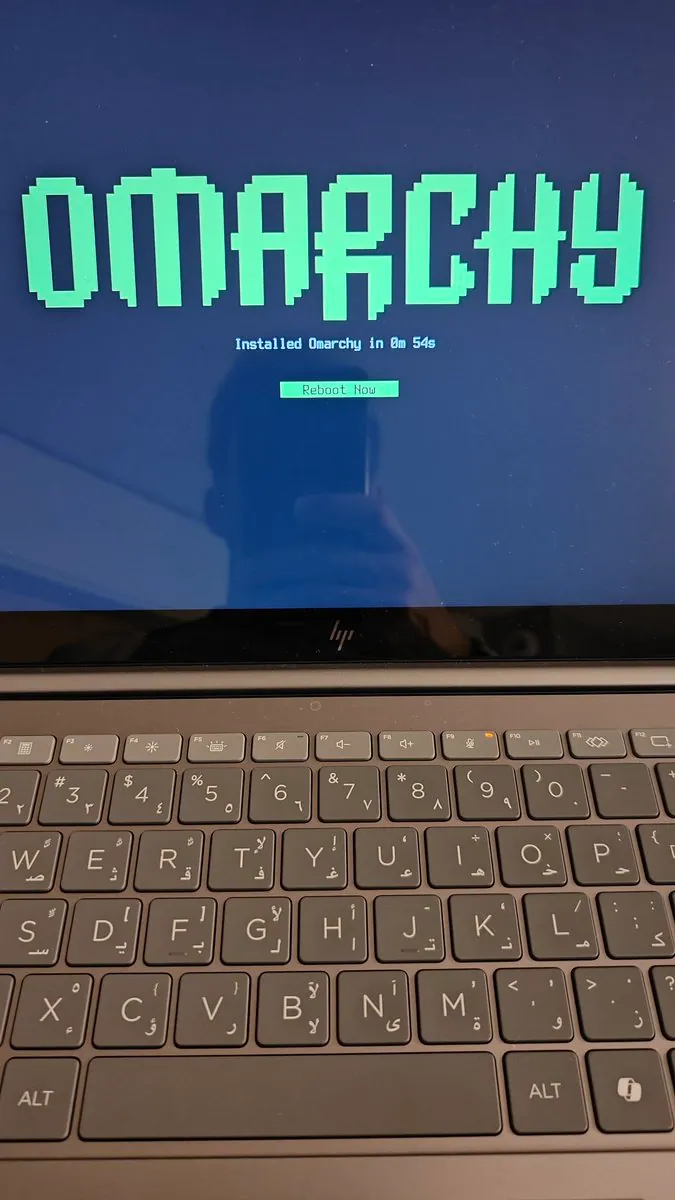
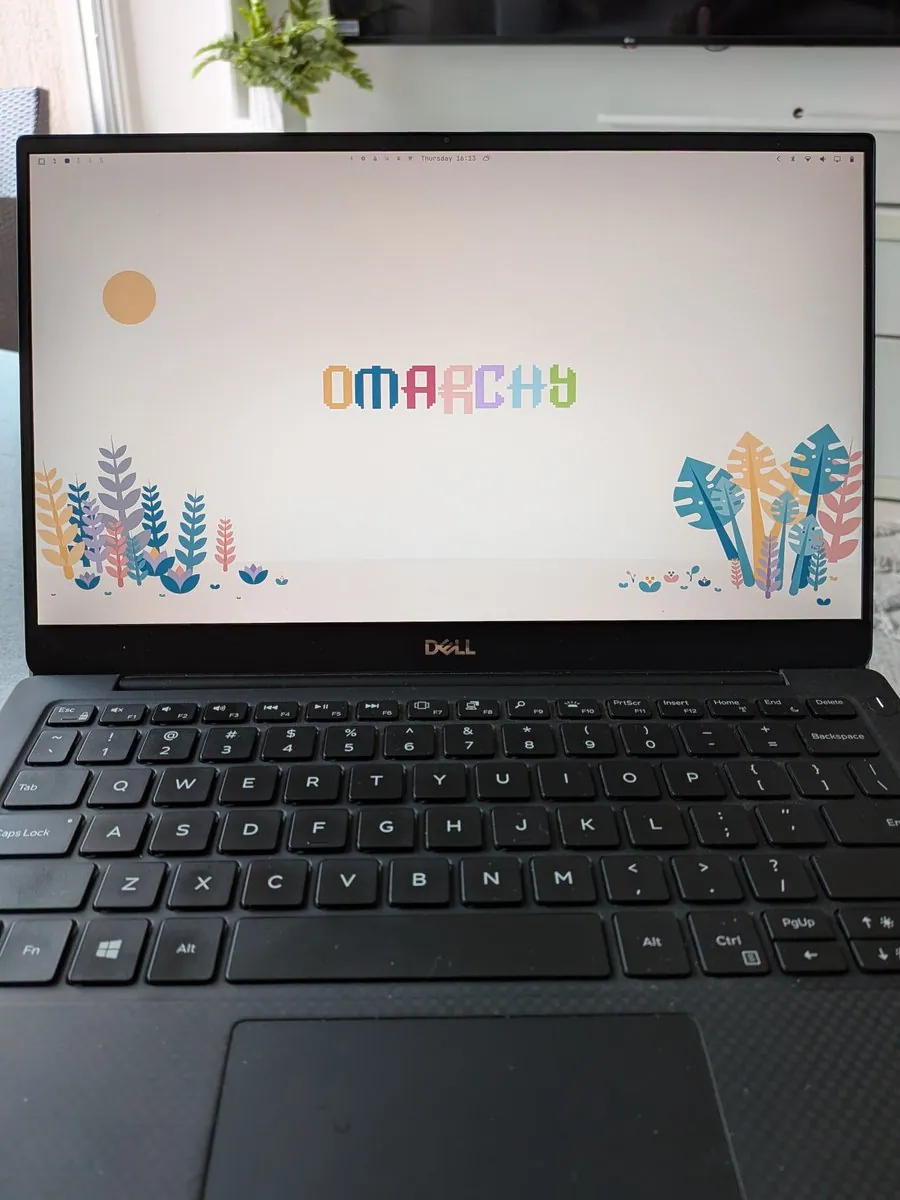
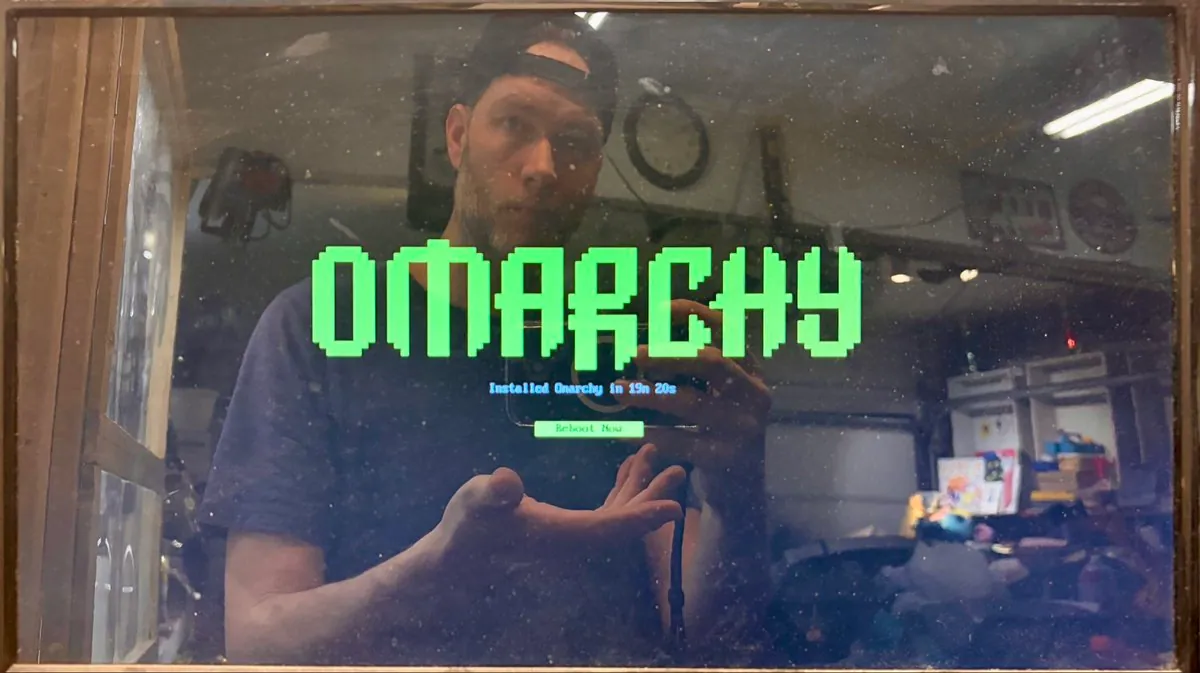
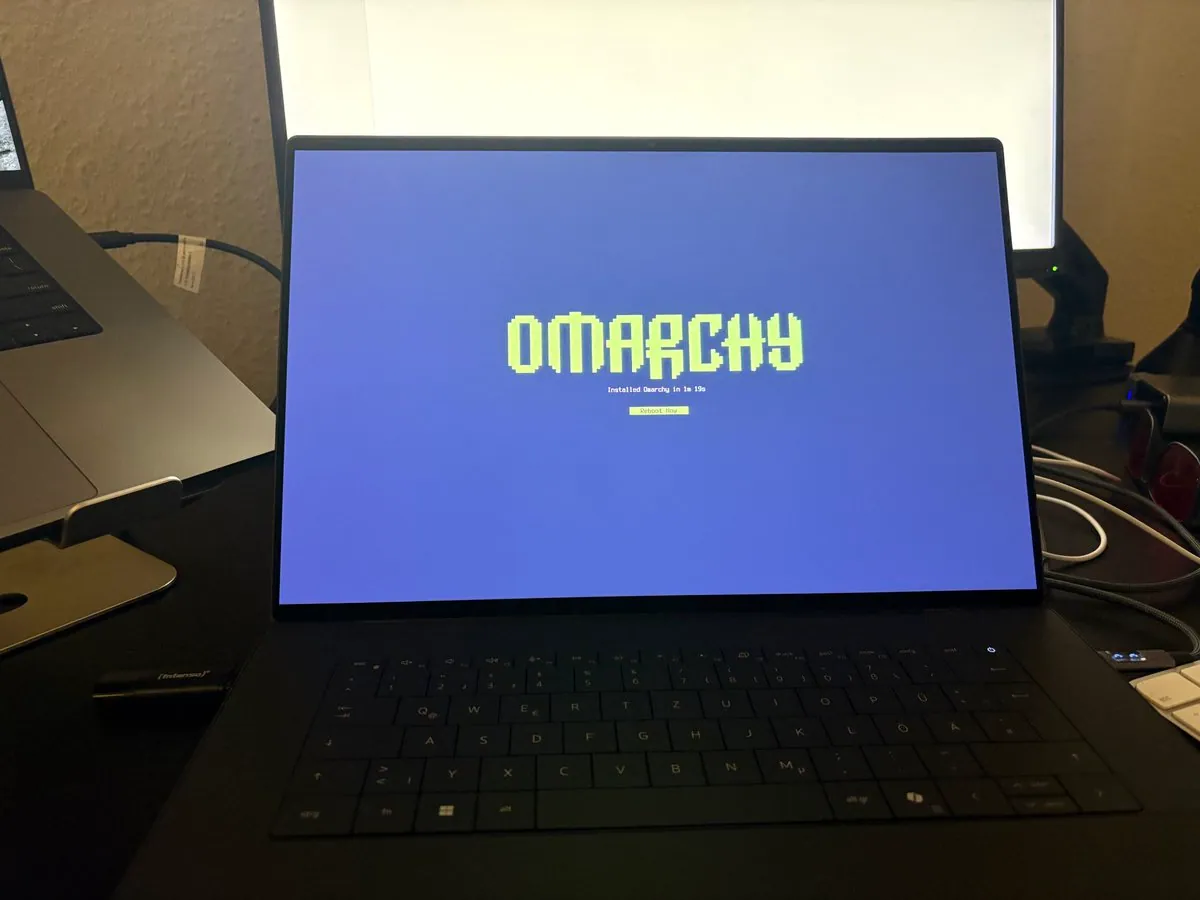
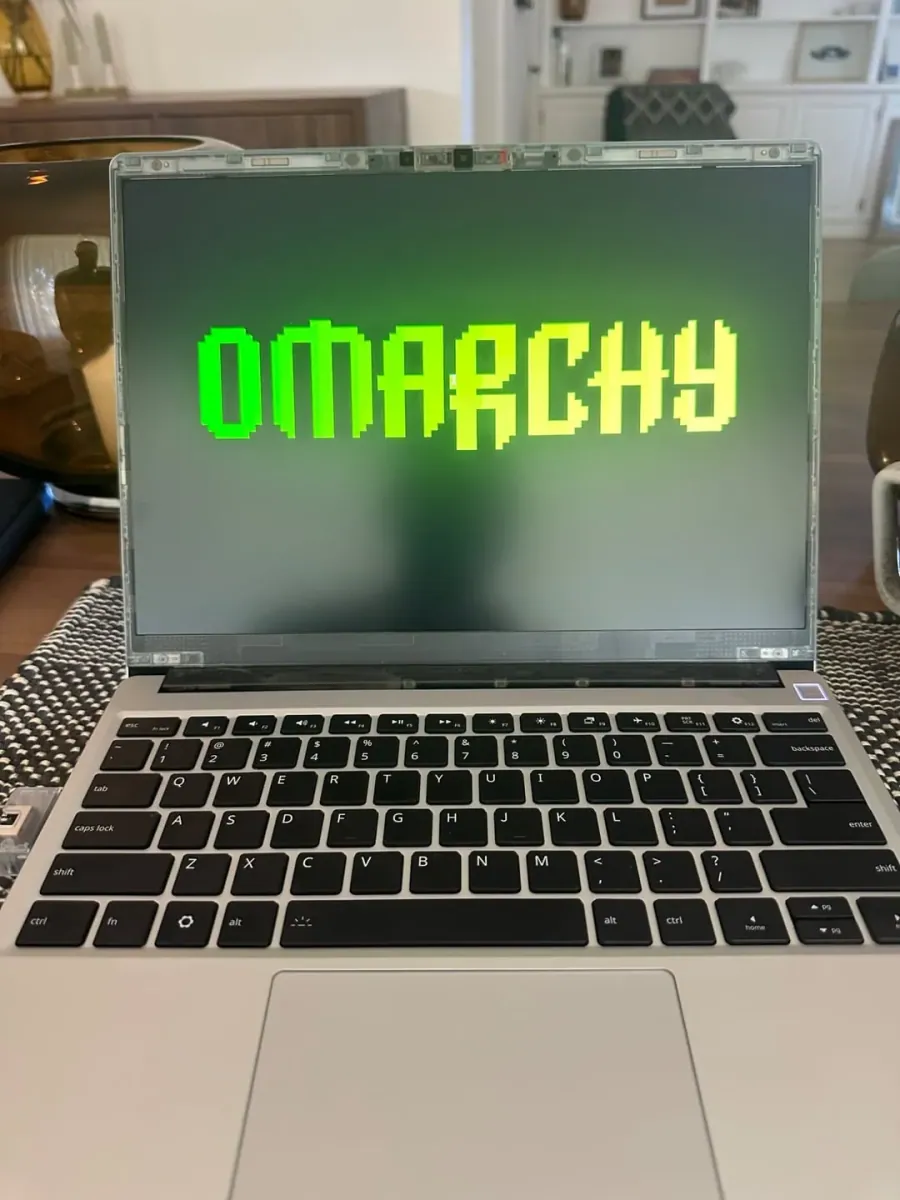
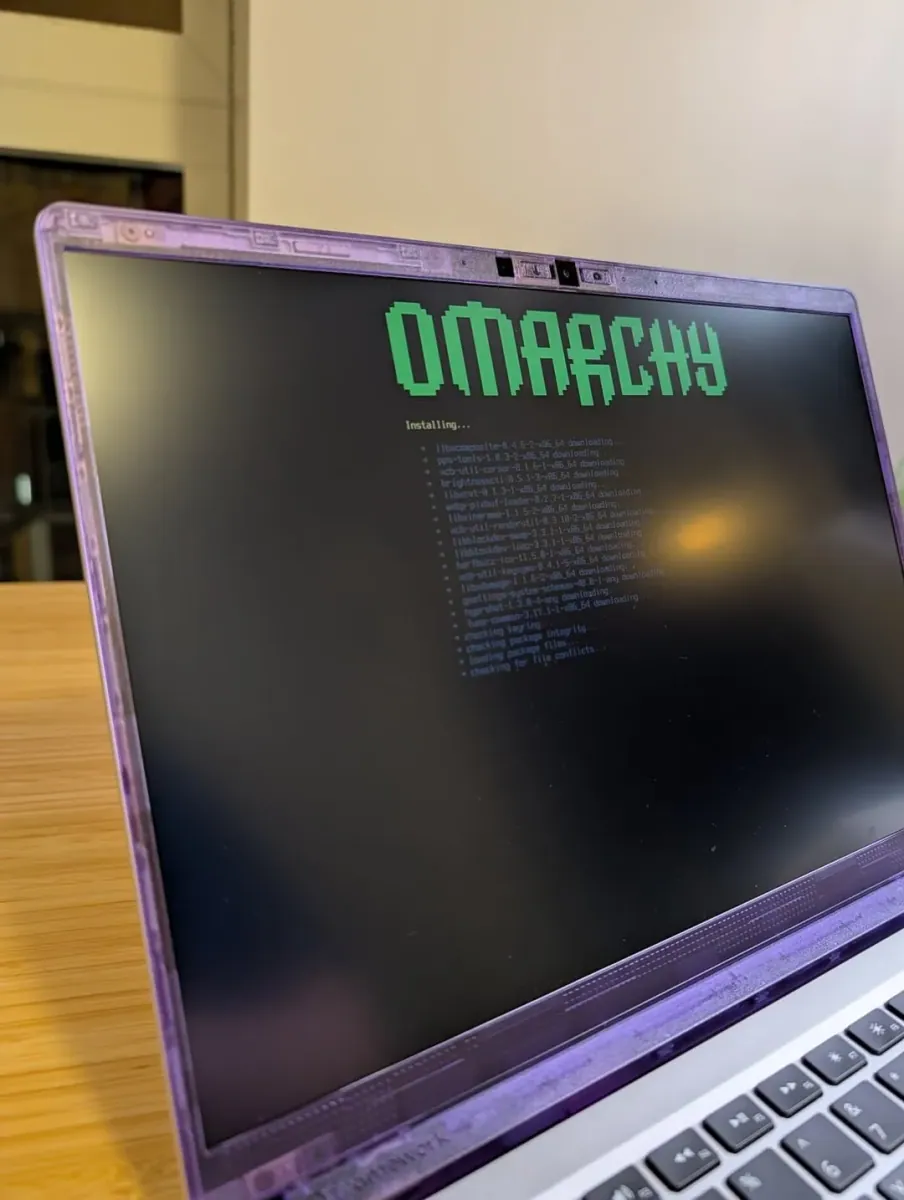
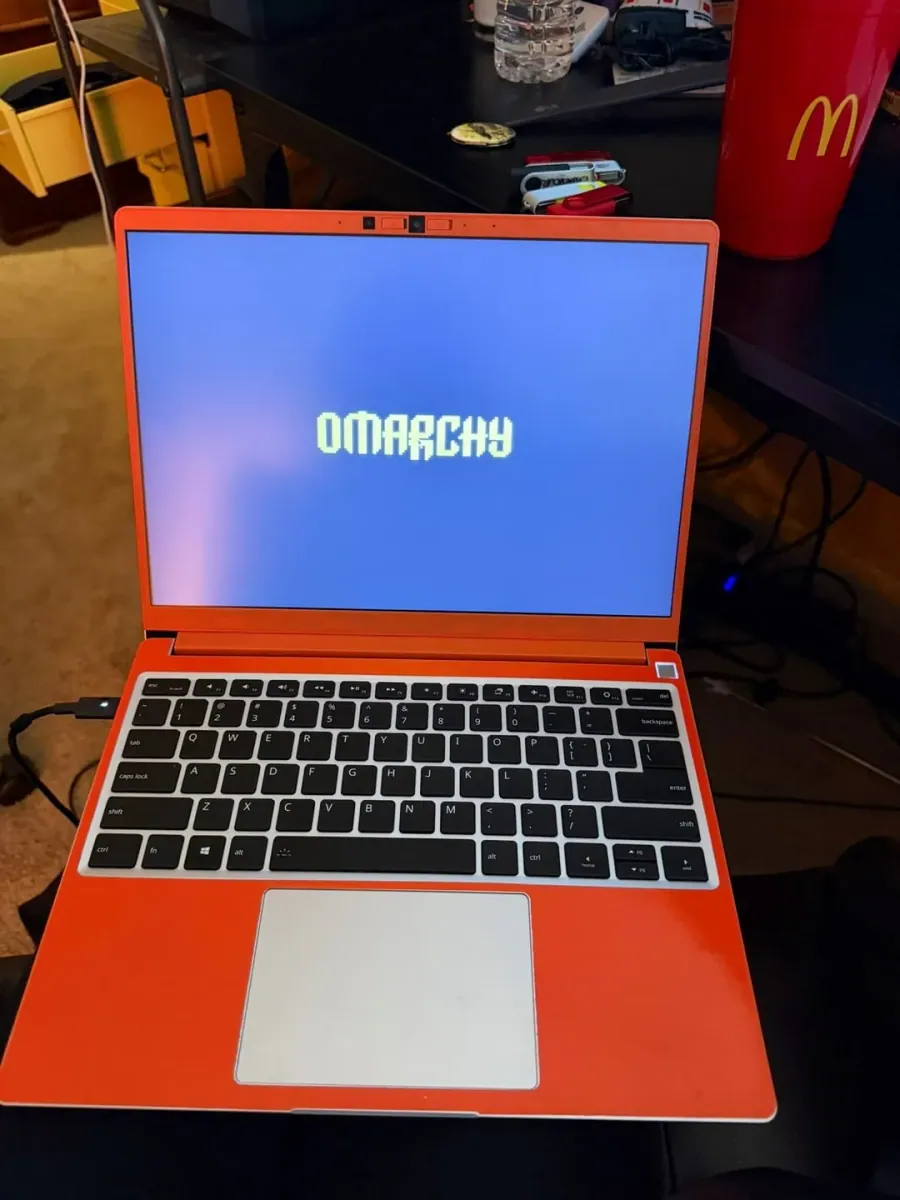
TurboMyPC found an old laptop, at least 10 years old and Windows 11 incompatible, wanted a sandboxed OS with agents built in, had always wanted to try Hyprland without spending a weekend on the config, and says Omarchy installed in 2 minutes and 7 seconds and desktop and boot are fast, "Arch, but not the SteamOS kind of Arch", thanking dhh for the positive outlook on AI and asking "Anyone else reviving a Win11 reject with this?"; the still is an angled view of a screen with a lime-green pixel "OMARCHY" wordmark above "Installed Omarchy in 2m 7s" and a "Reboot Now" button.

theodorvaryag: Testing the PRIME Fix and Tatami (Omarchy-Inspired Hyprland Setup) Respin

@theodorvaryag

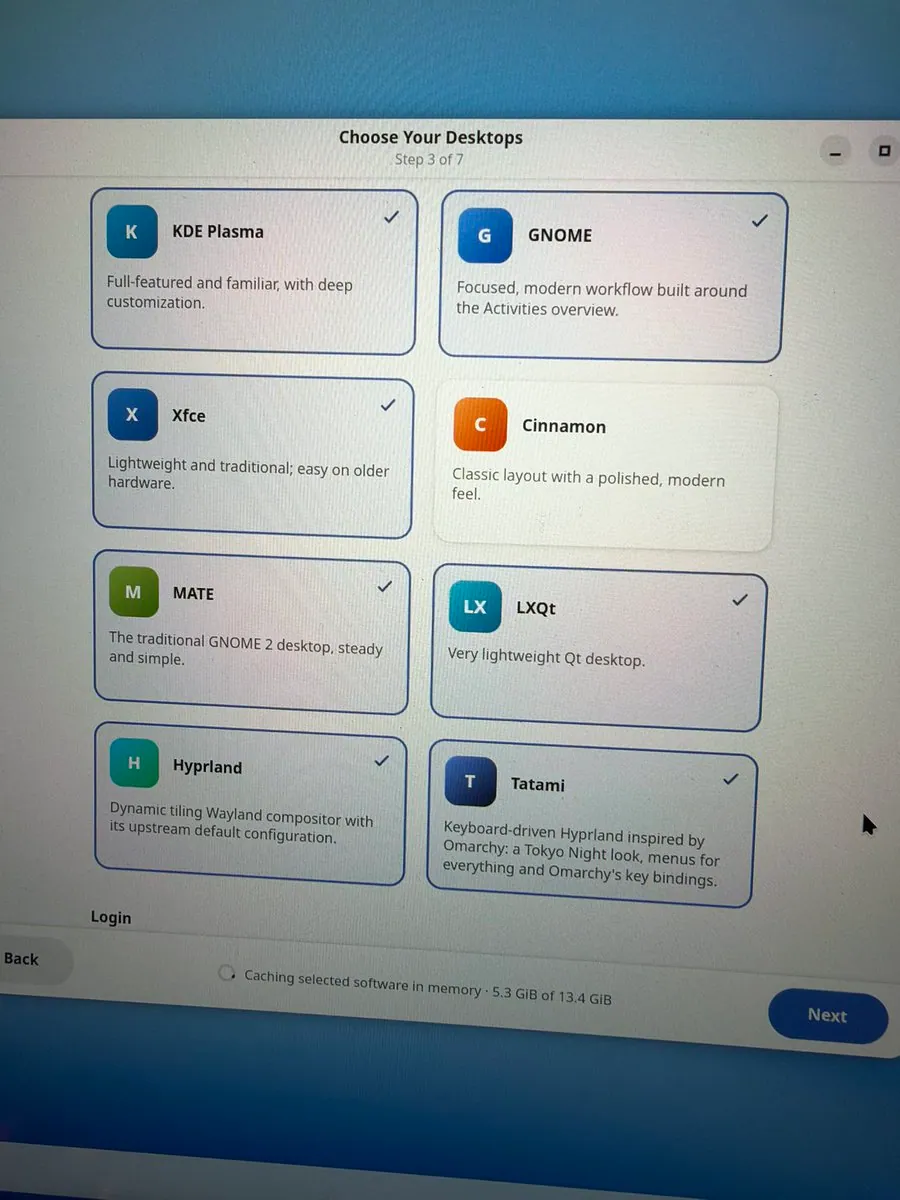
theodorvaryag is testing the PRIME fix and Tatami (Omarchy-inspired Hyprland setup) respin on "the nvidia laptop" in between Slack messages; the still shows a "Choose Your Desktops" installer screen at "Step 3 of 7" with cards for KDE Plasma, GNOME, Xfce, Cinnamon, MATE, LXQt, Hyprland, and Tatami, the Tatami card reading "Keyboard-driven Hyprland inspired by Omarchy: a Tokyo Night look, menus for everything and Omarchy's key bindings.", and "Caching selected software in memory · 5.3 GiB of 13.4 GiB" above a "Next" button.

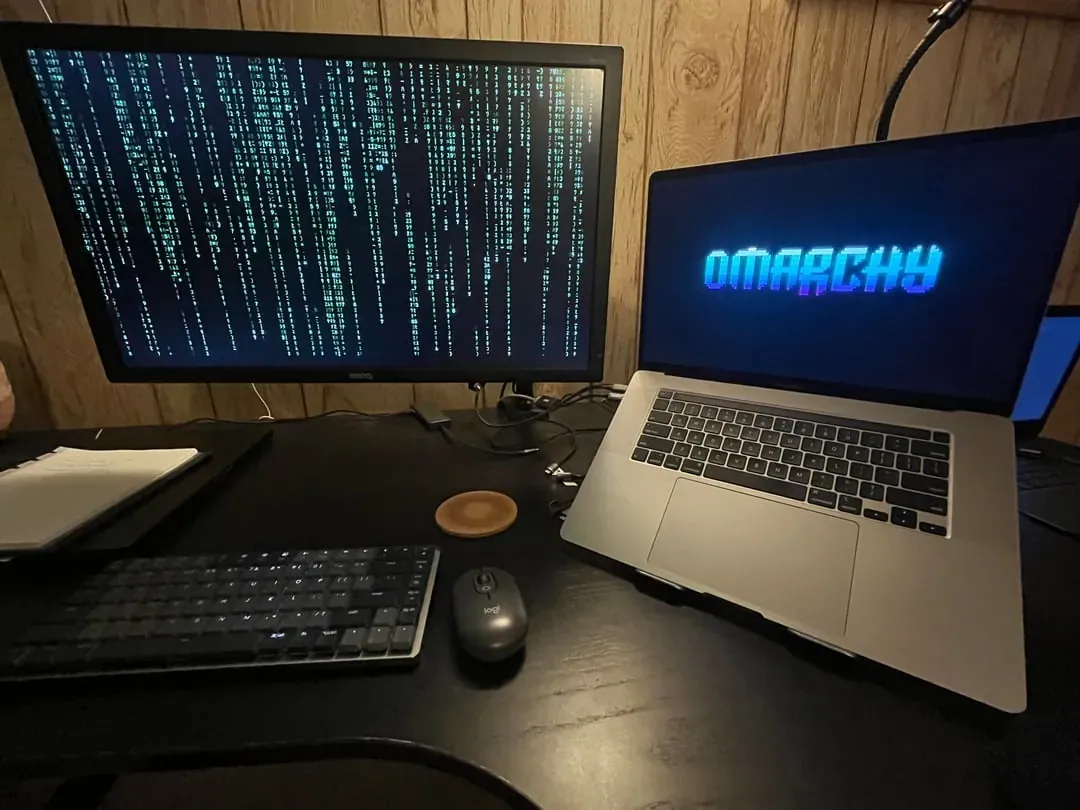
danielwmarr: Omarchy Is Cracked, 8 Days In and Never Going Back

@danielwmarr

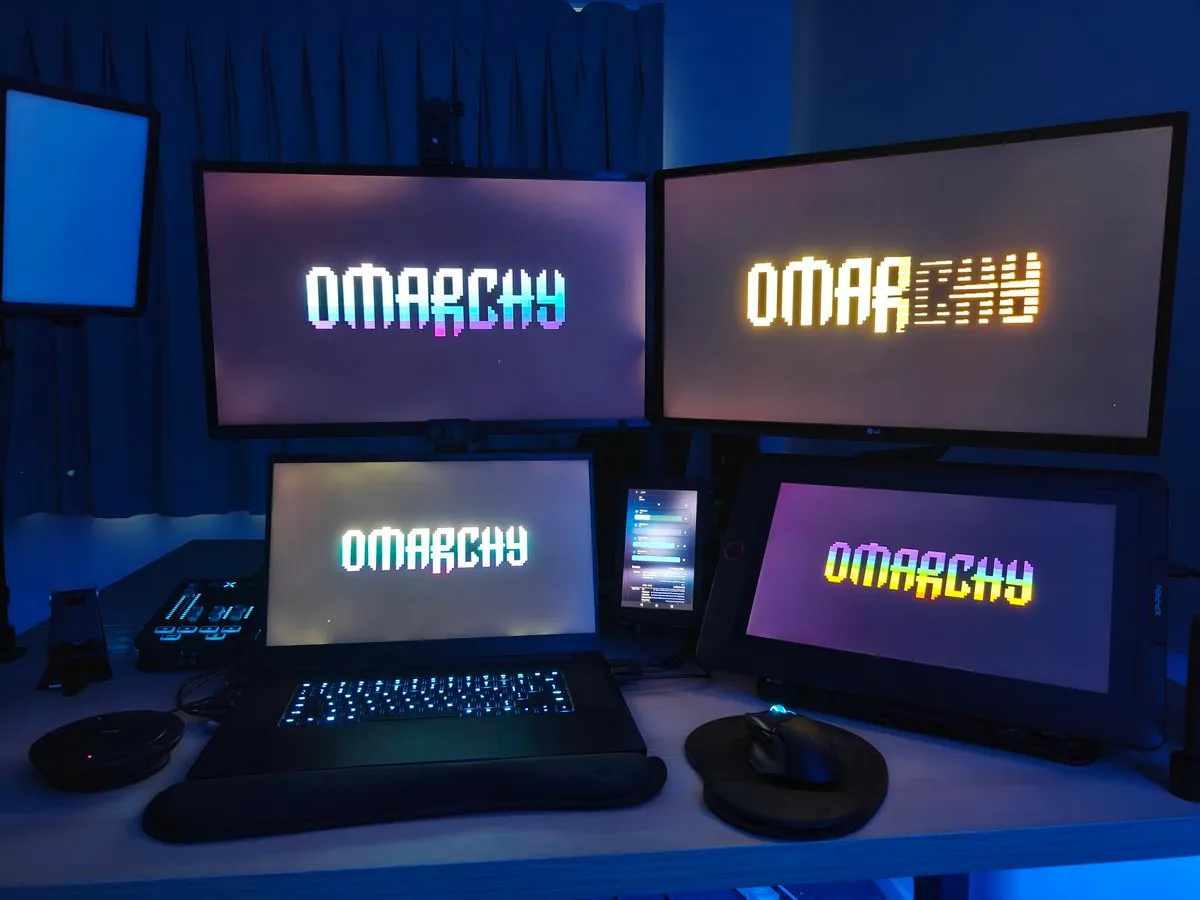
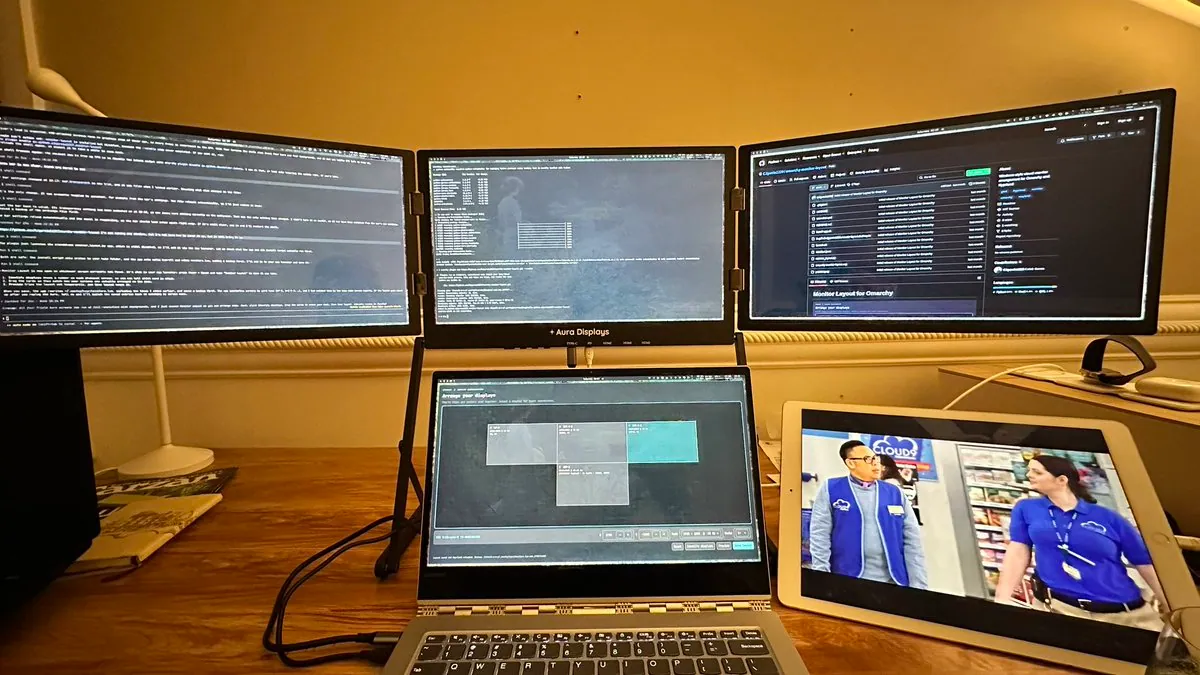
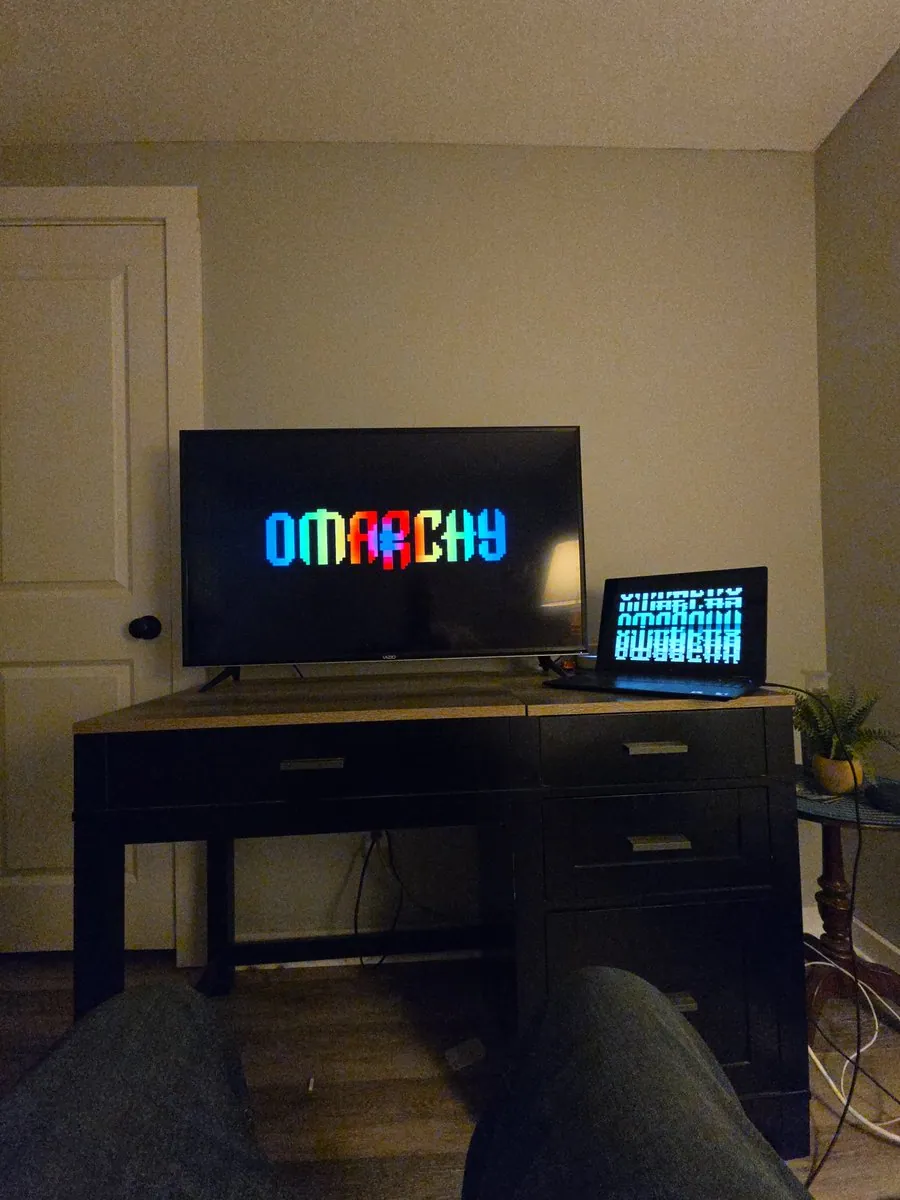
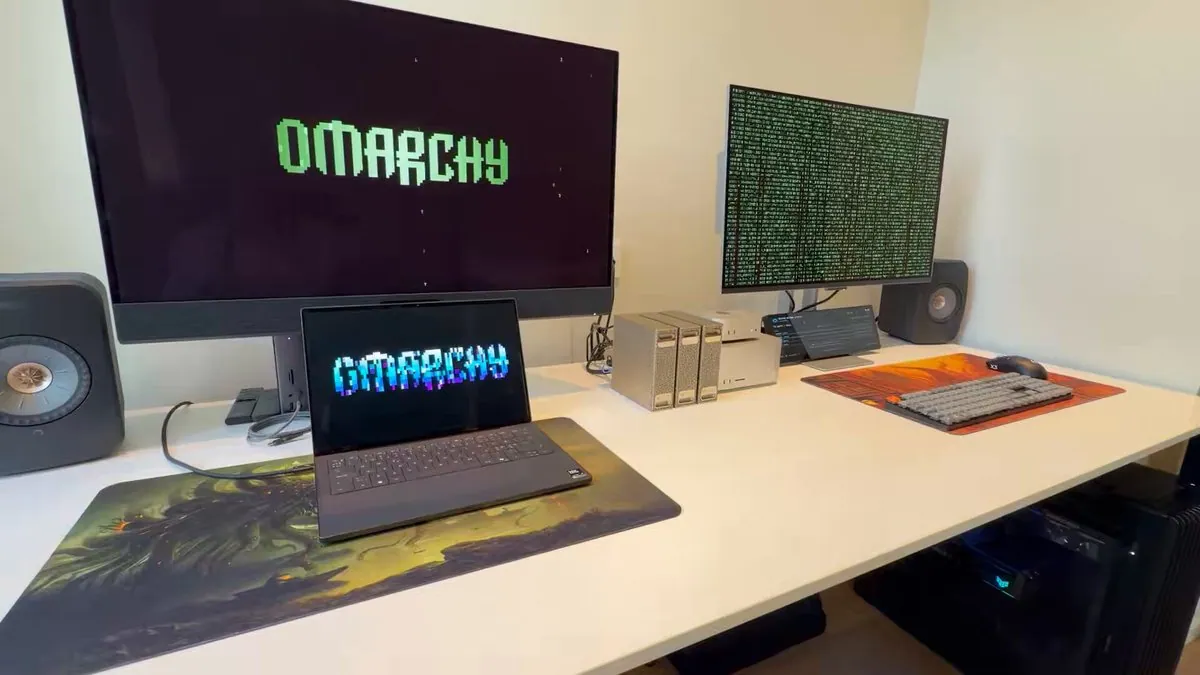
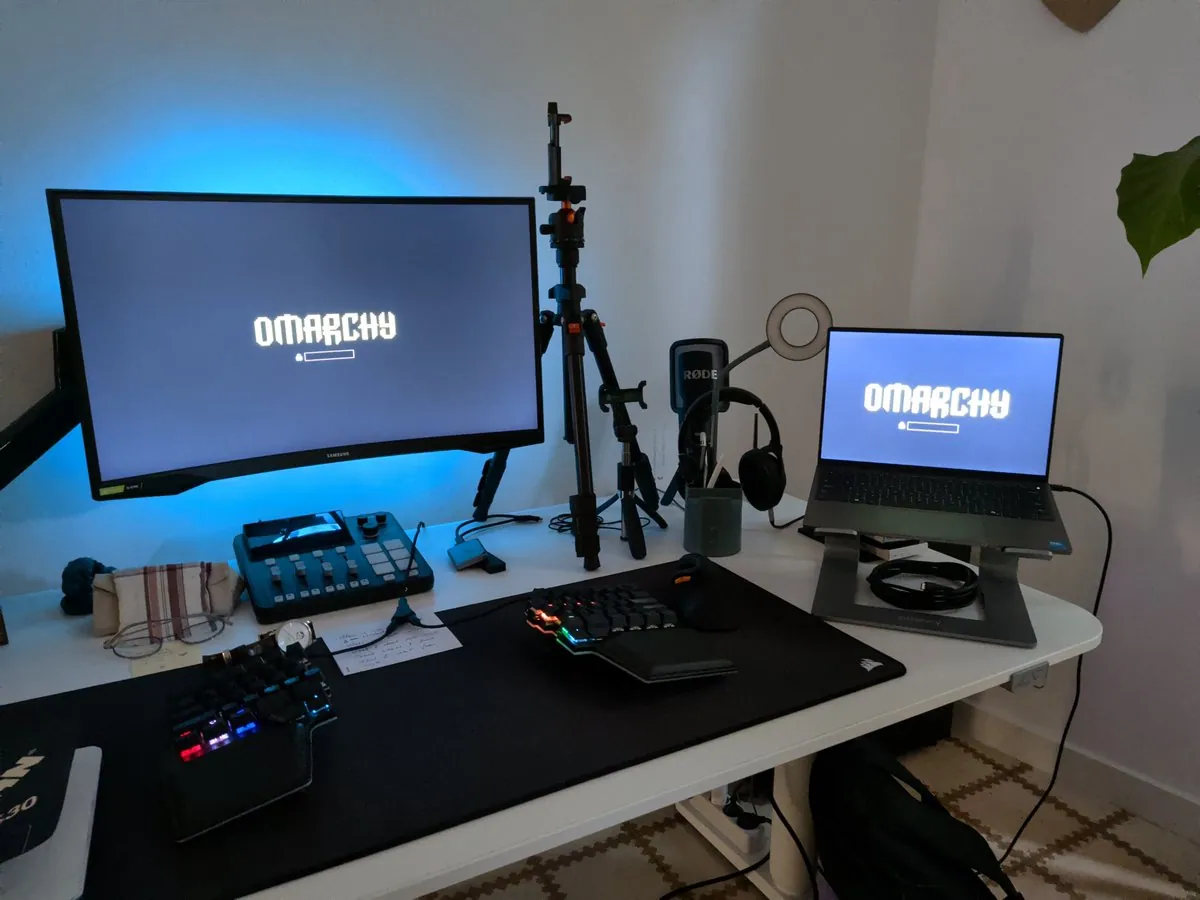
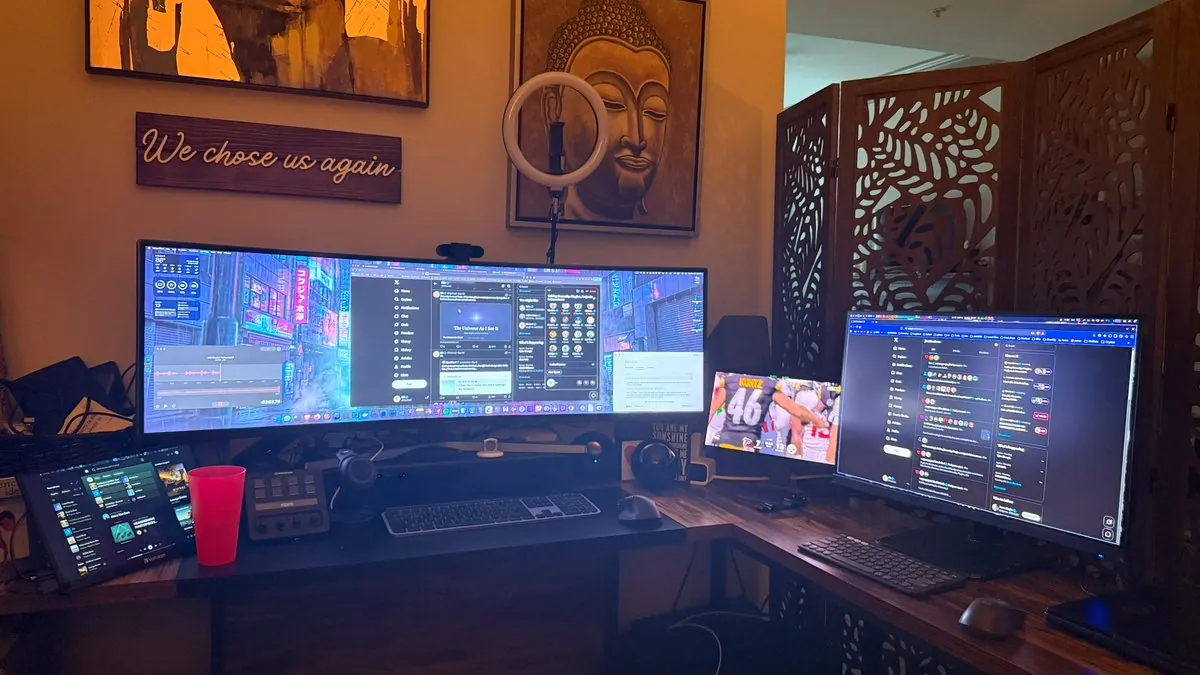
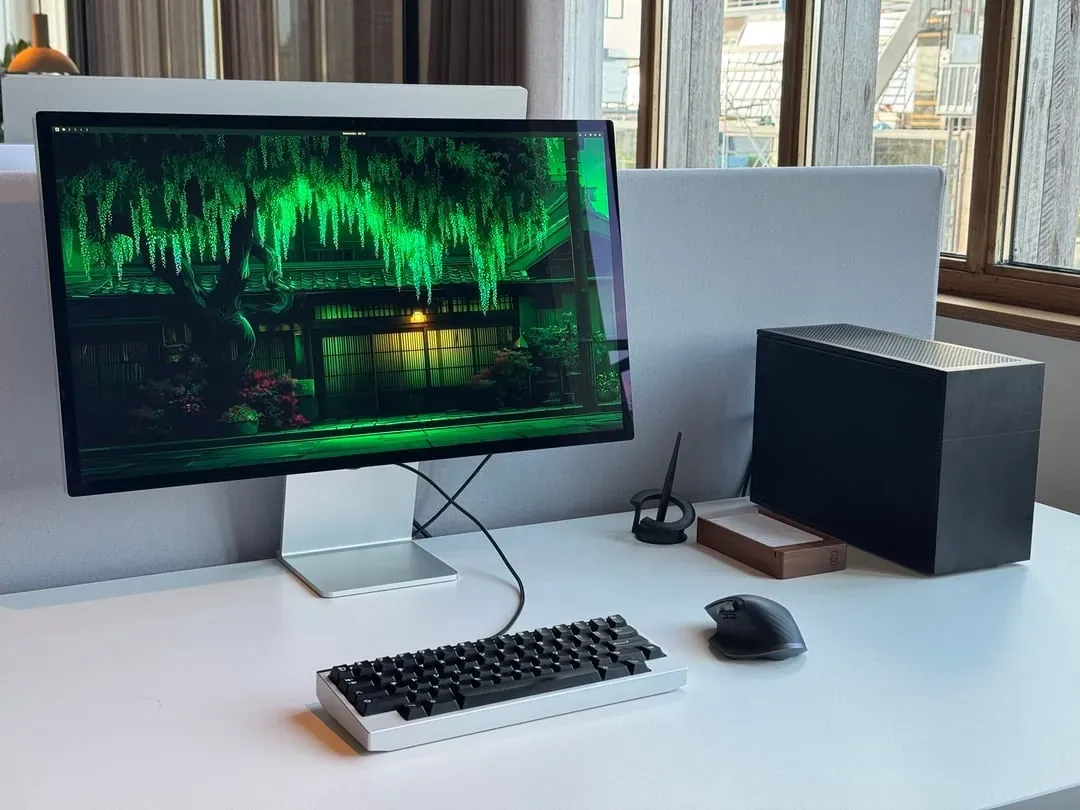
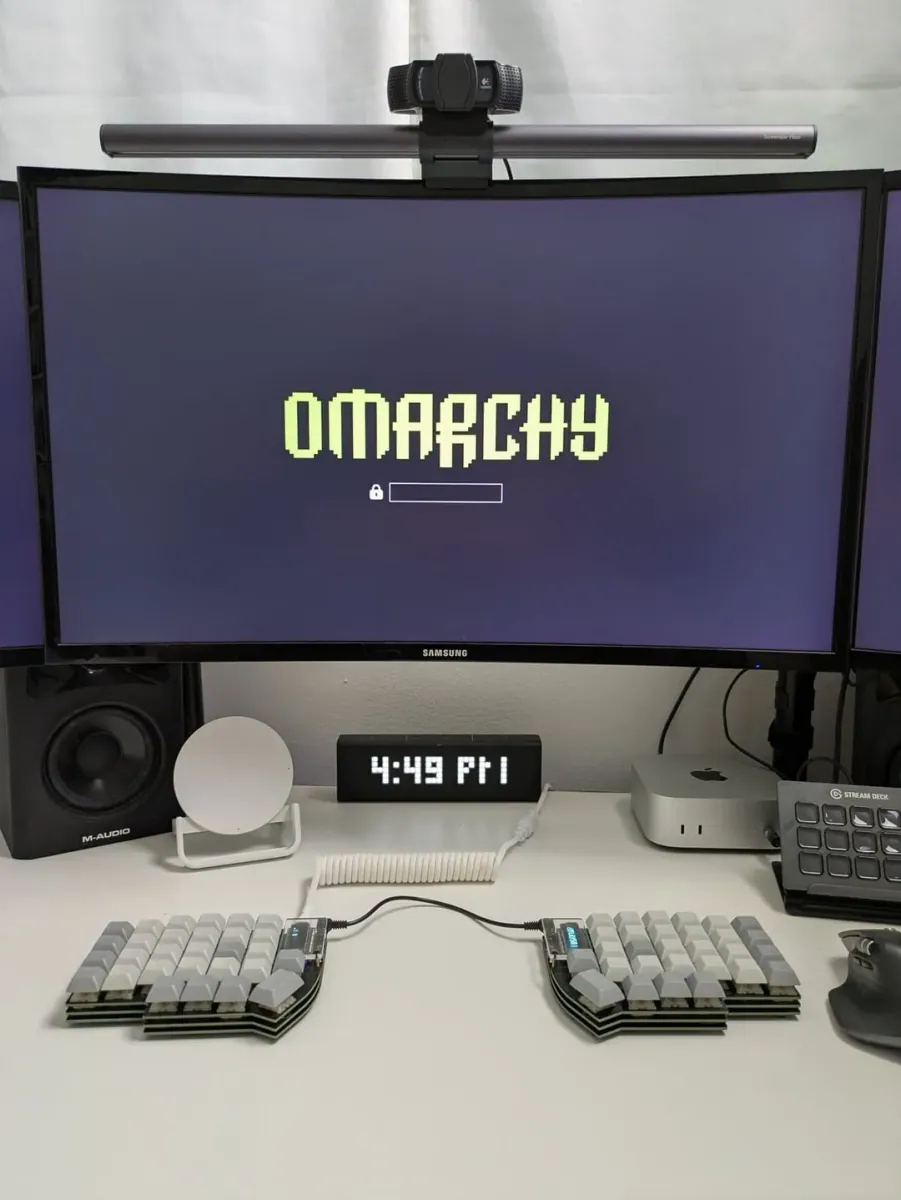
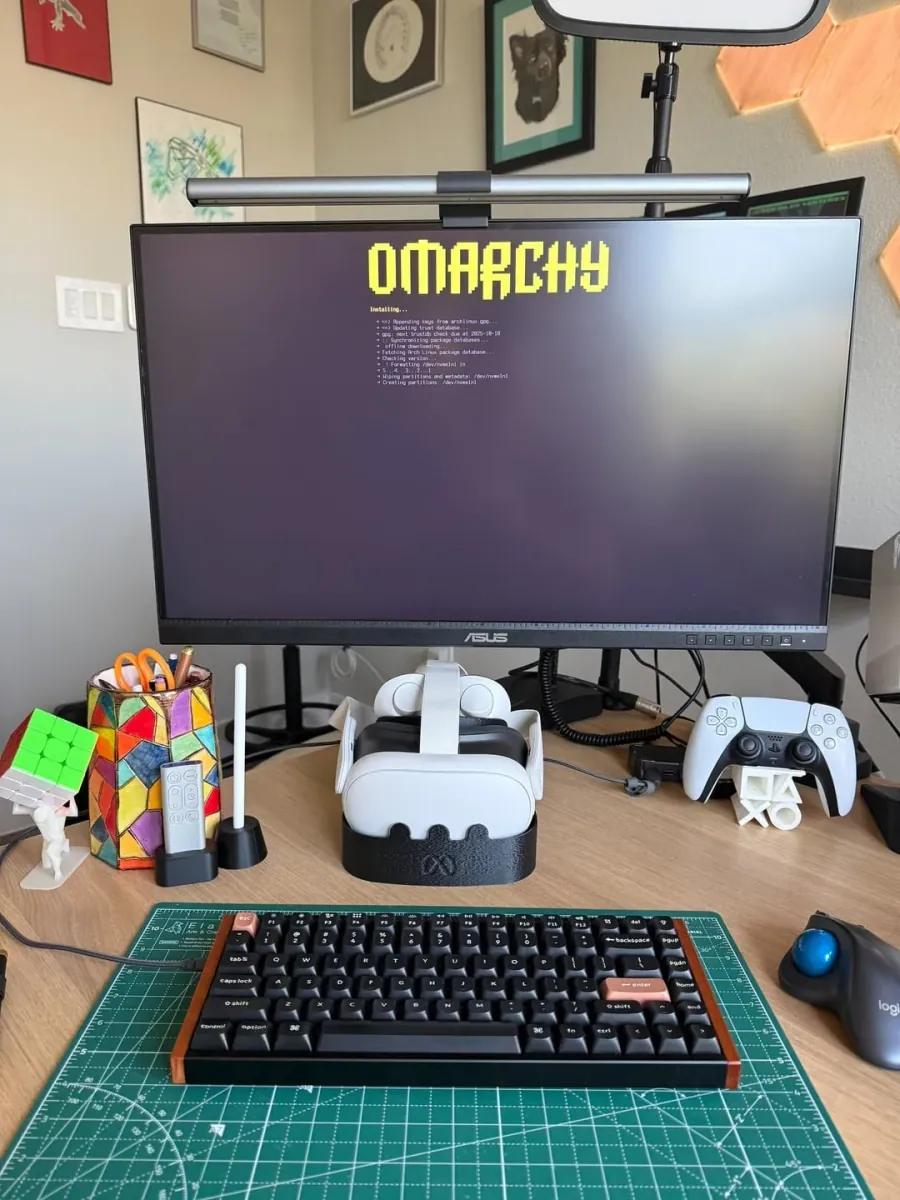
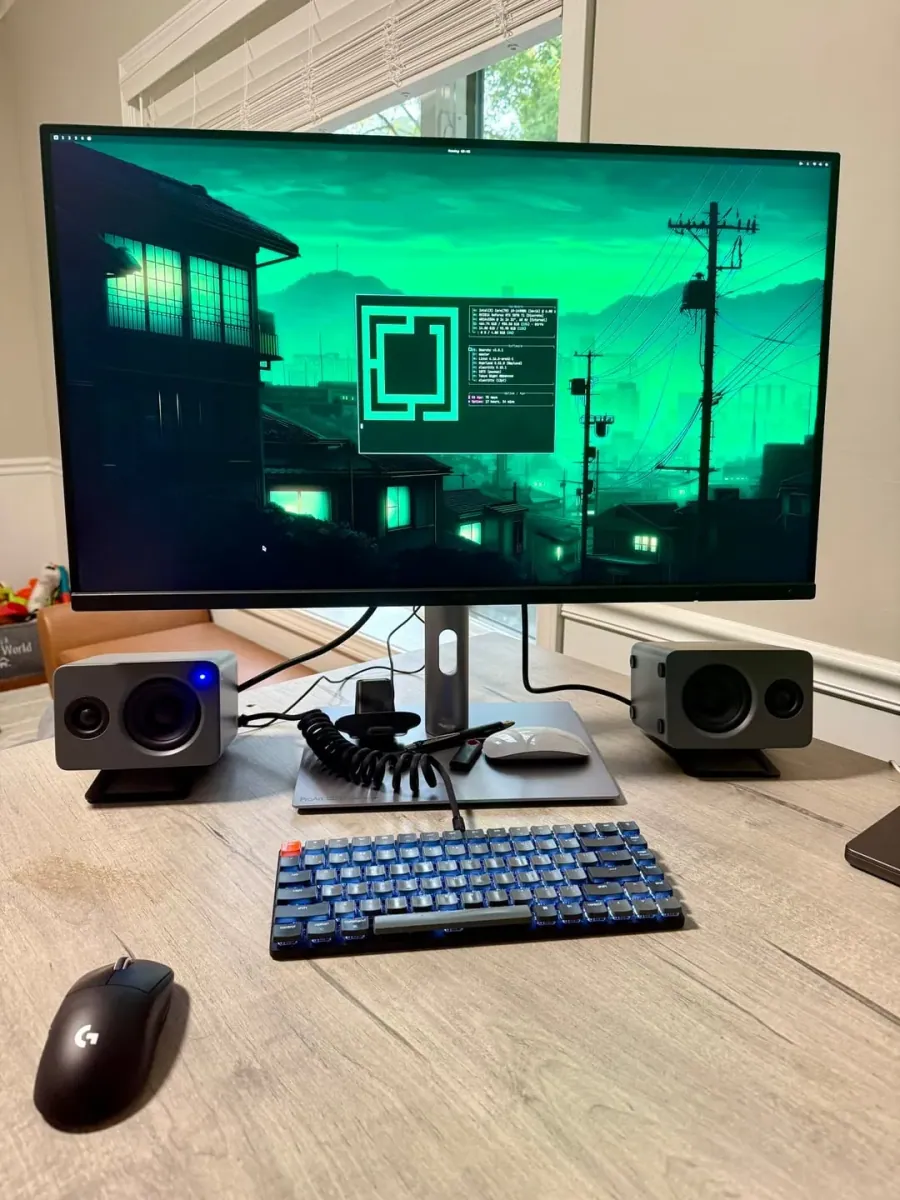
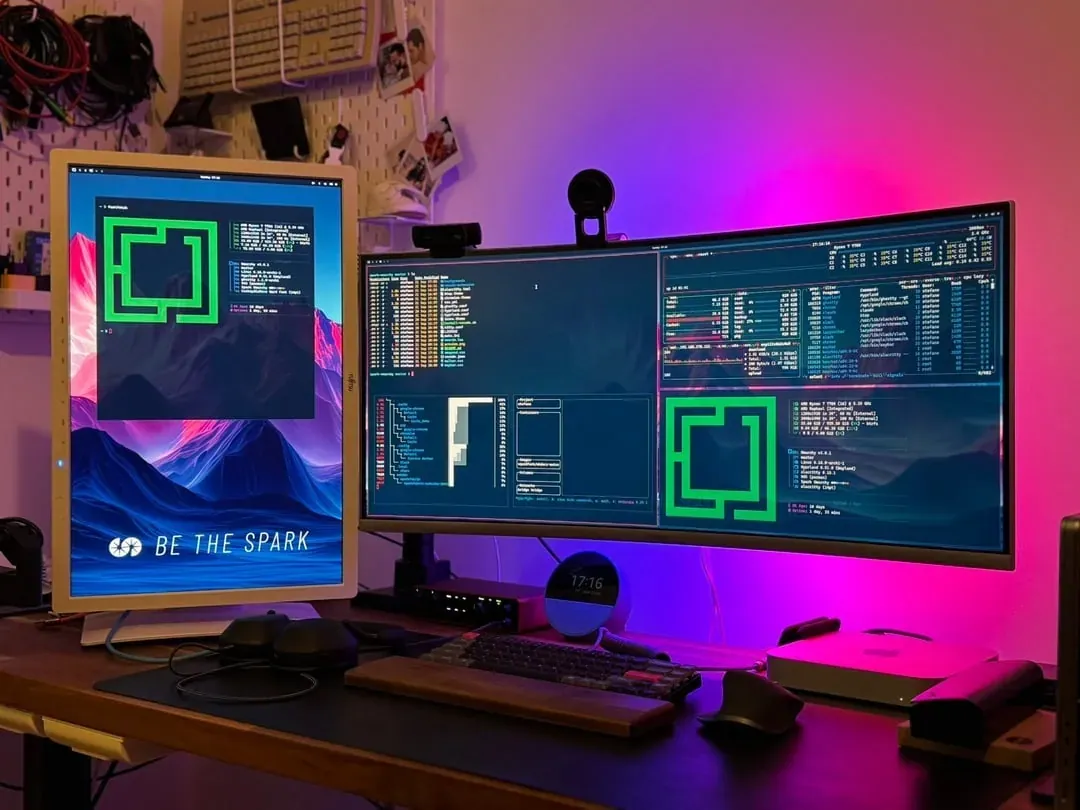
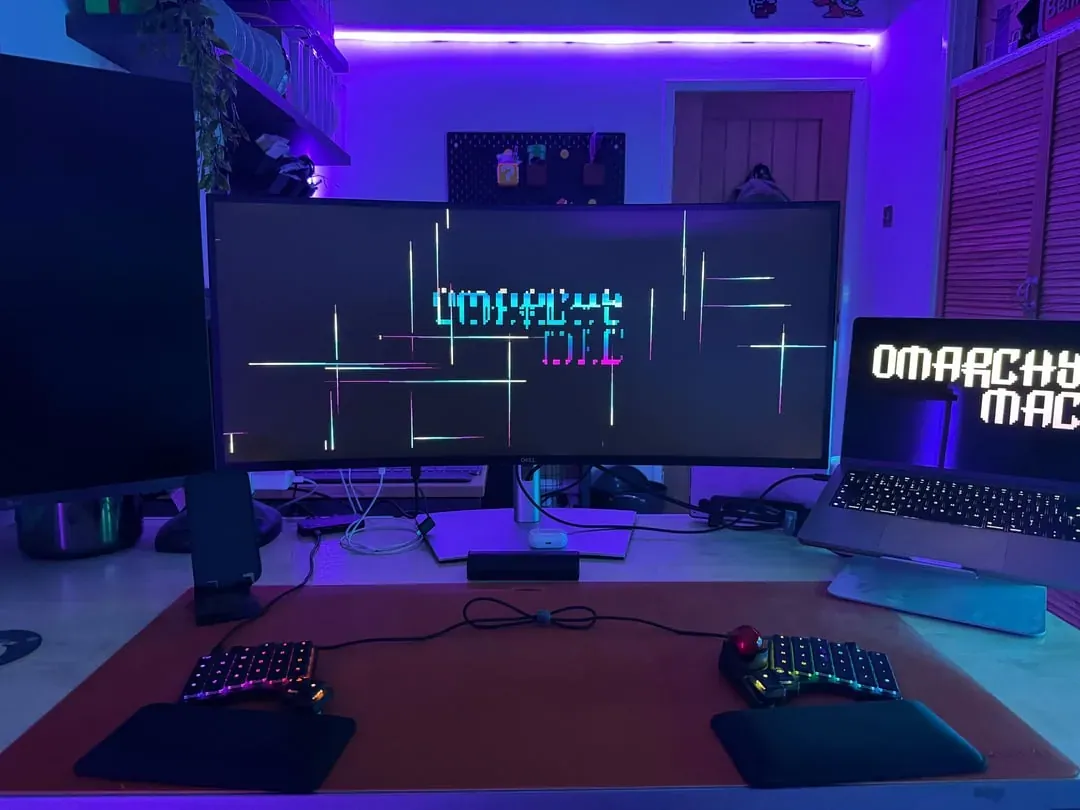
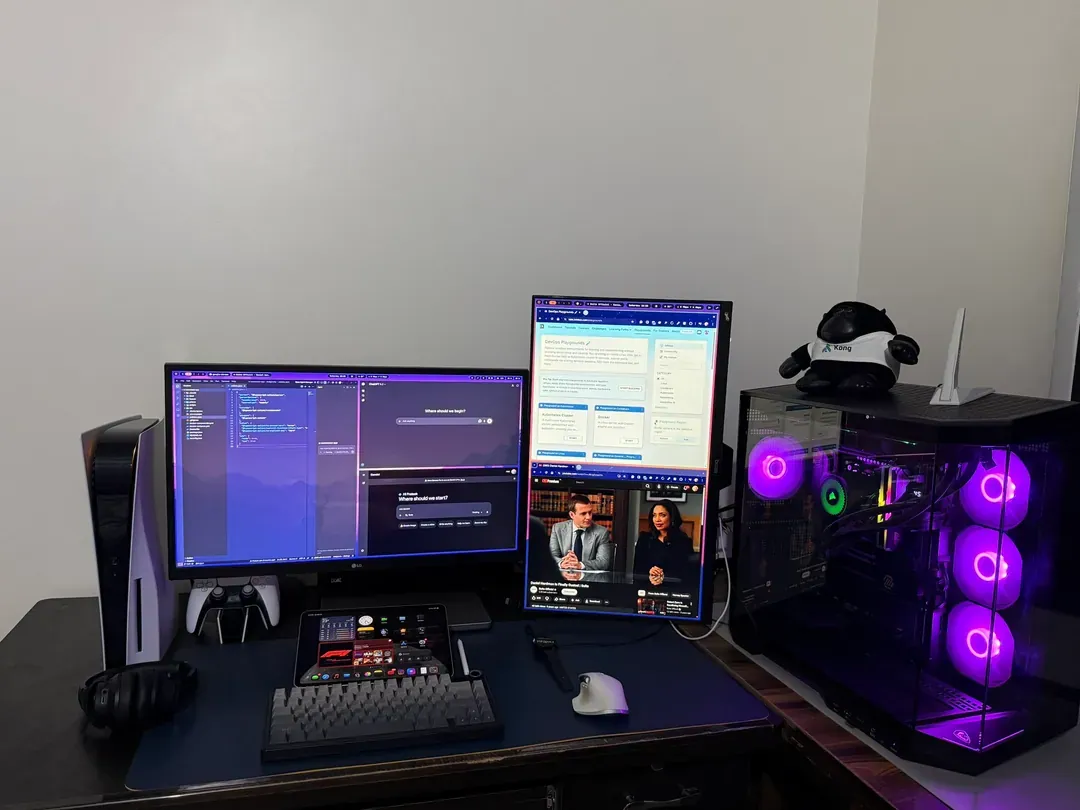
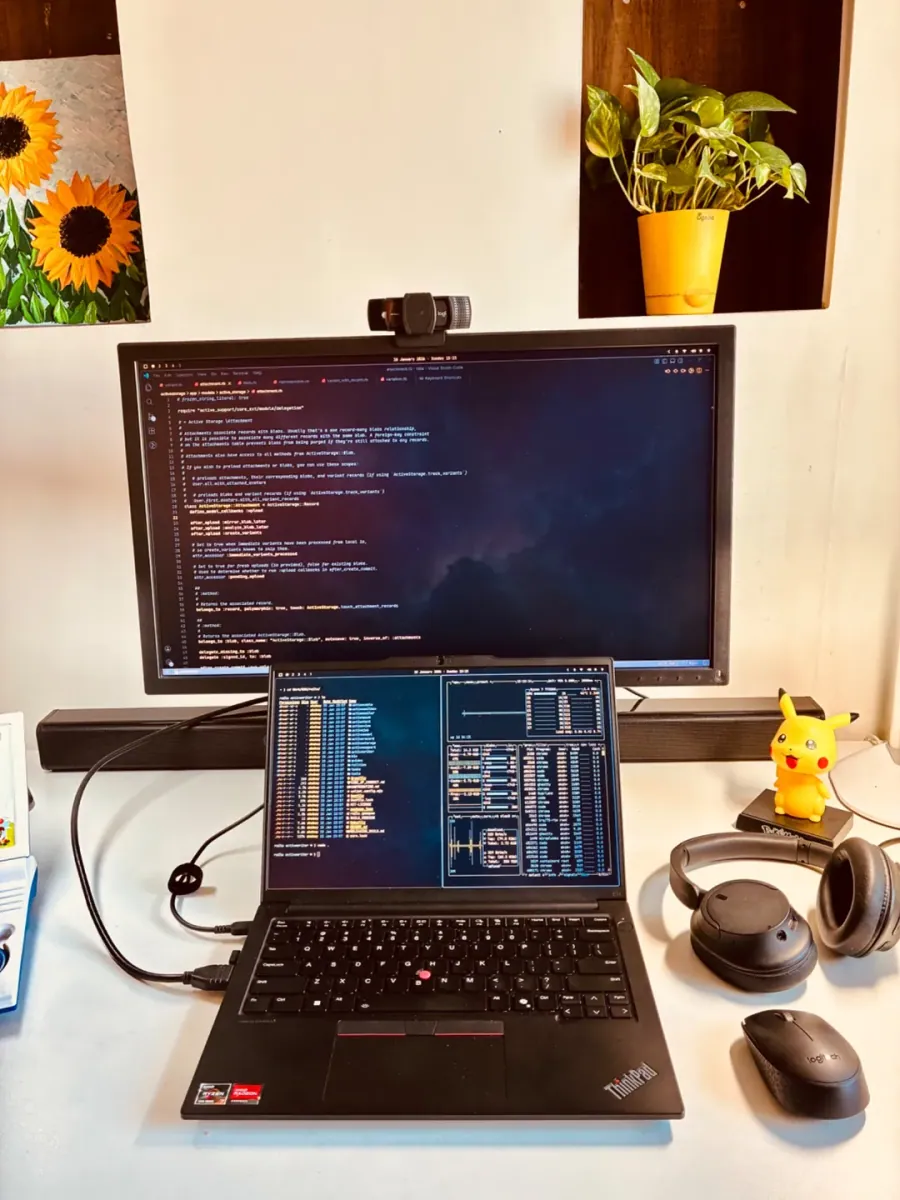
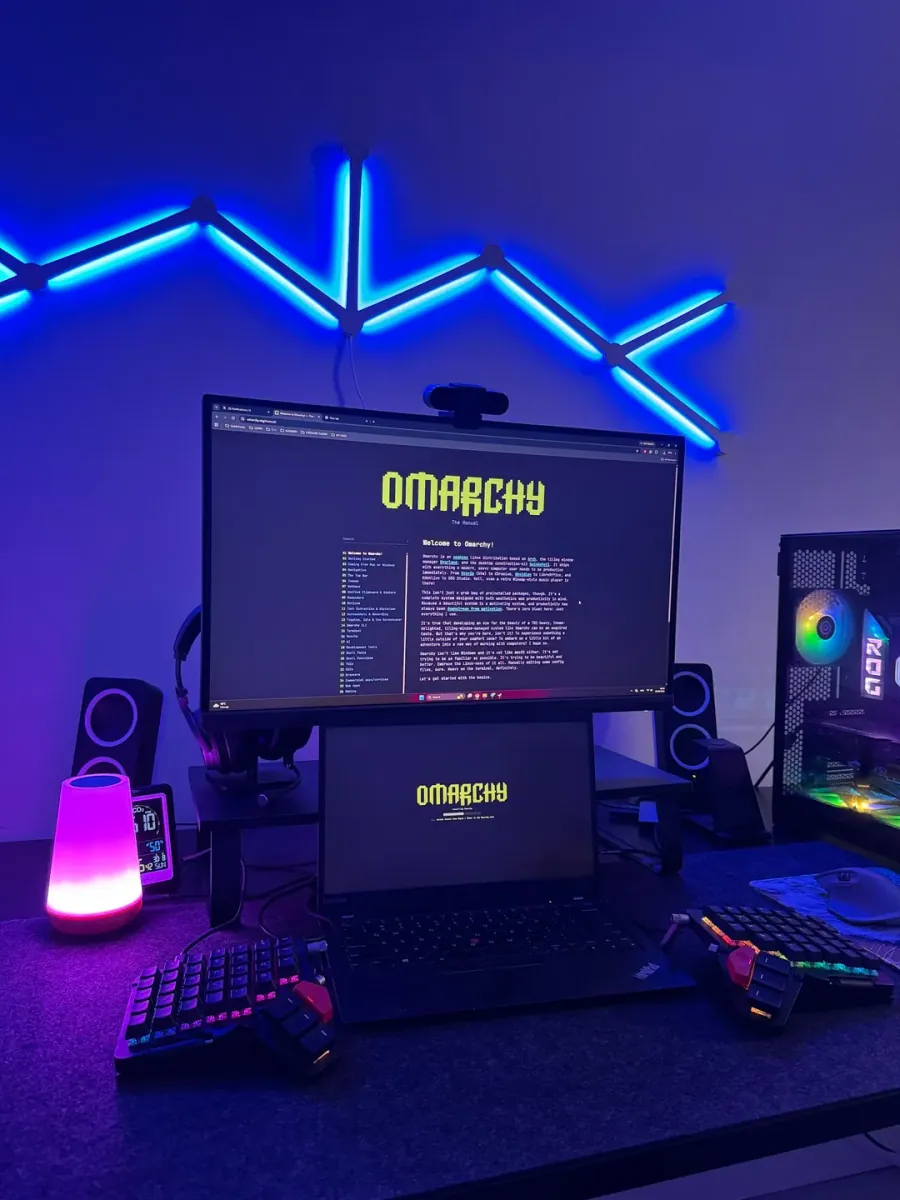
danielwmarr says "Omarchy is cracked, 8 days in and I'm never going back! The future is now."; the still is a desk with two monitors, a laptop, and a tablet-style display showing the pixel OMARCHY wordmark, white and cyan on the left monitor and laptop, yellow on the right monitor, and a purple-to-yellow gradient on the tablet-style display, plus a small vertical screen, a keyboard wrist rest, a mouse on a mouse pad, and a light panel at the left.

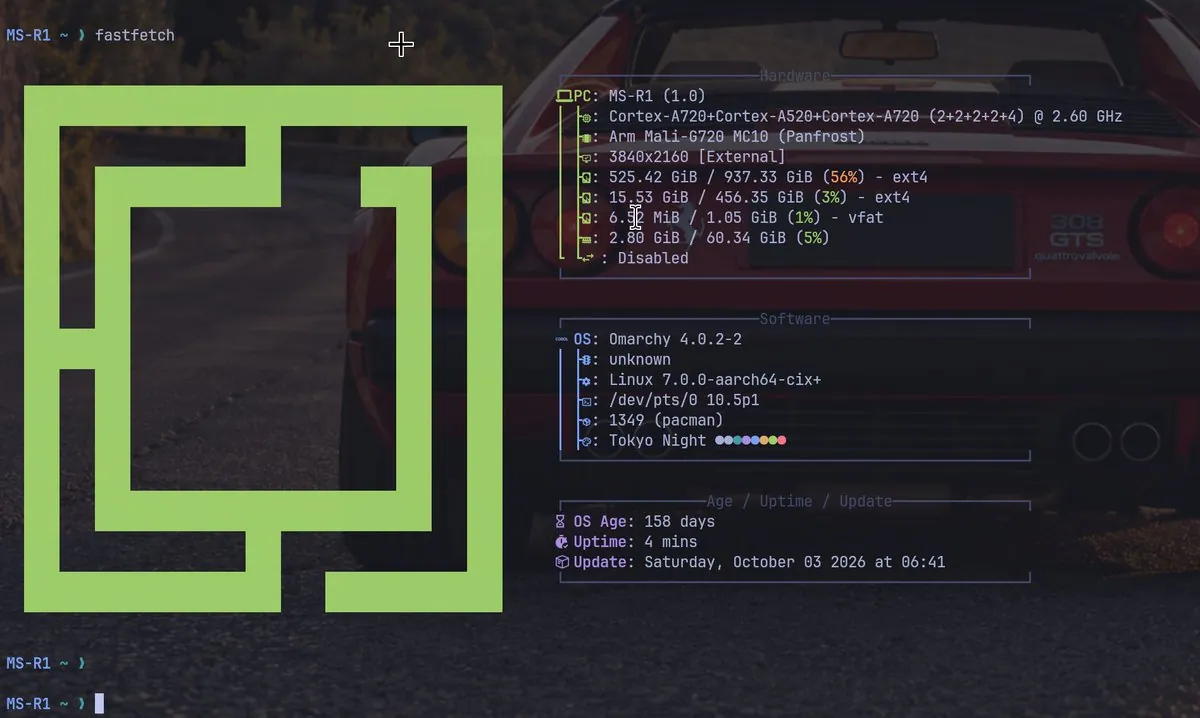
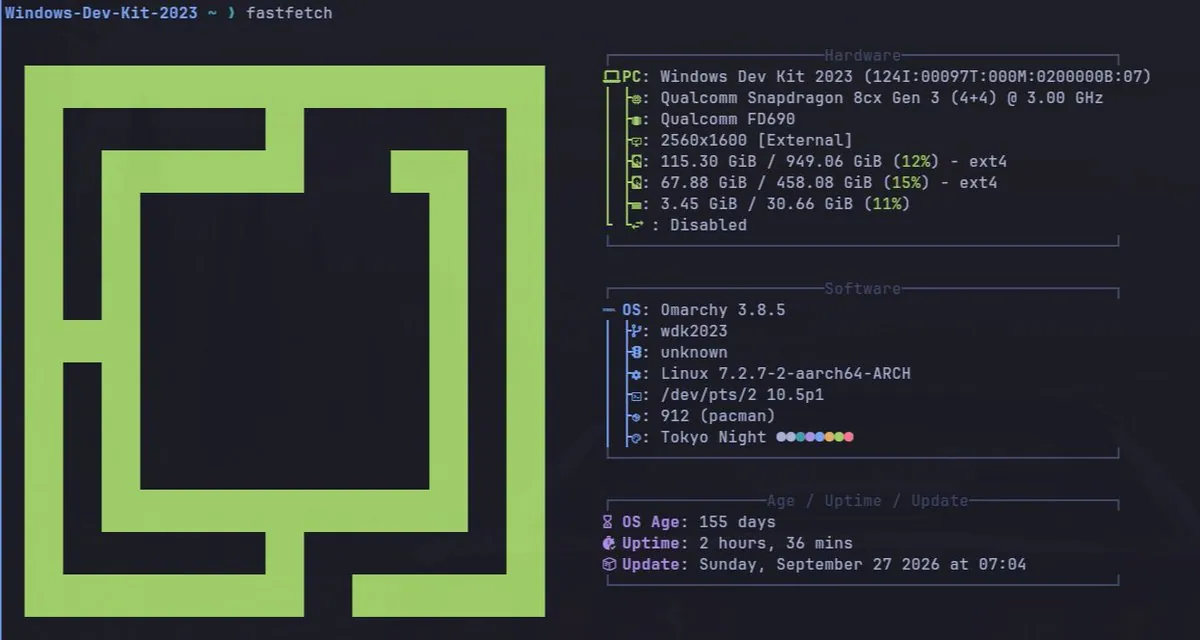
kazuhidet: MINISFORUM MS-R1 and Windows Dev Kit 2023 Moved to Omarchy quattro, Raspberry Pi 5 Left

@kazuhidet · MINISFORUM MS-R1

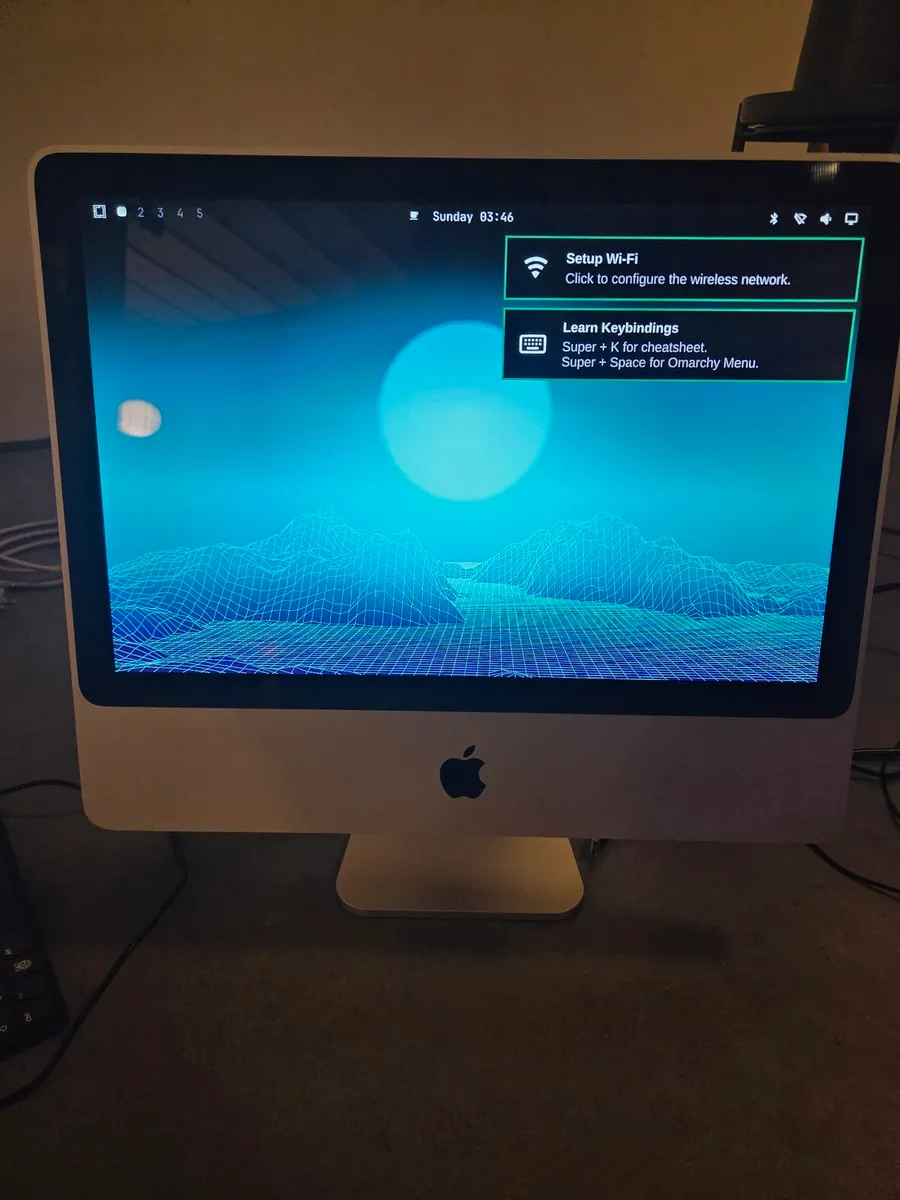
kazuhidet says, in Japanese, that moving their household aarch64 PCs to Omarchy quattro is now done for the MINISFORUM MS-R1 and Windows Dev Kit 2023 too, leaving only the Raspberry Pi 5; the still is a fastfetch run on MS-R1 beside a large green Omarchy logo over a wallpaper of a red sports car, listing "MS-R1 (1.0)", "Cortex-A720+Cortex-A520+Cortex-A720 (2+2+2+2+4) @ 2.60 GHz", "Arm Mali-G720 MC10 (Panfrost)", "Omarchy 4.0.2-2", "Linux 7.0.0-aarch64-cix+", and "Tokyo Night".
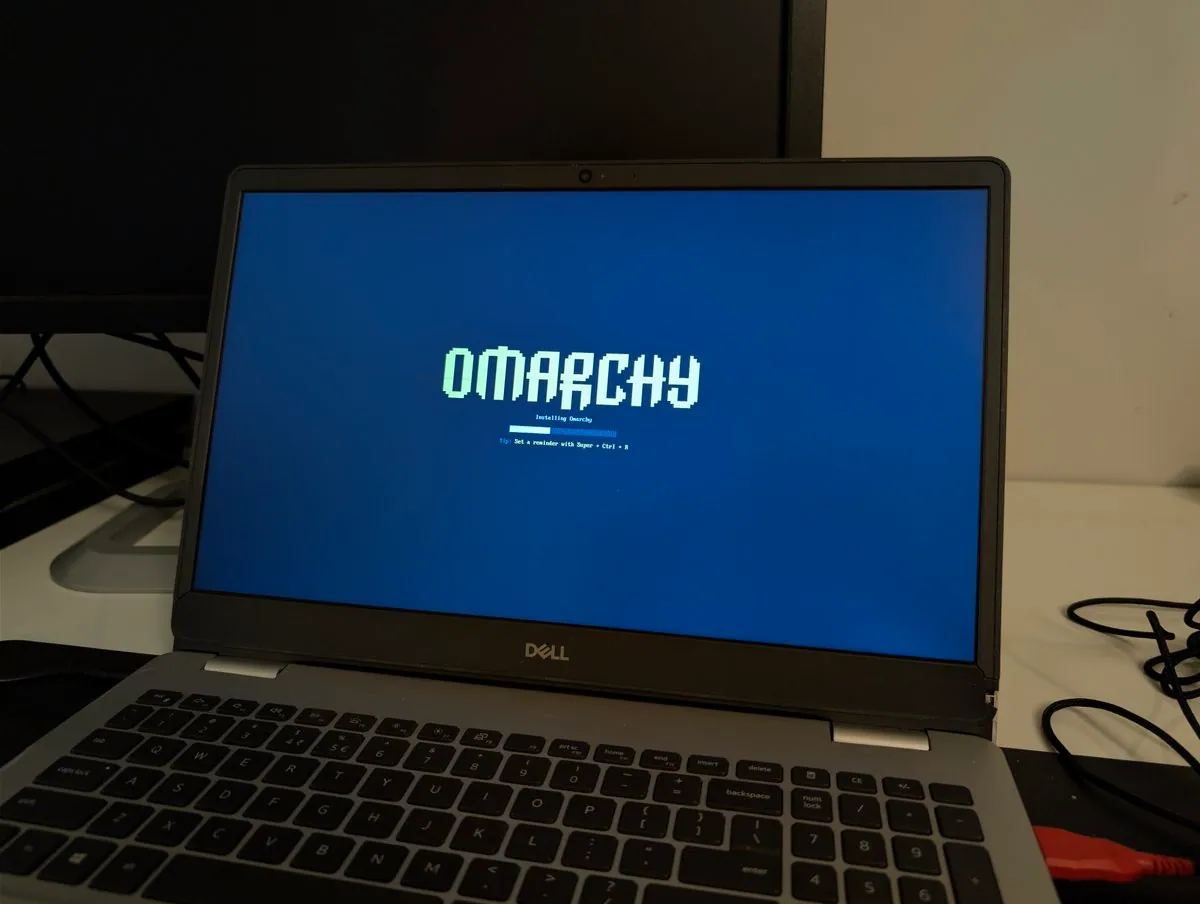
notesbyfloat: Nukes Dual-Boot Ubuntu and Windows on an Old Dell for Omarchy

@notesbyfloat · Dell

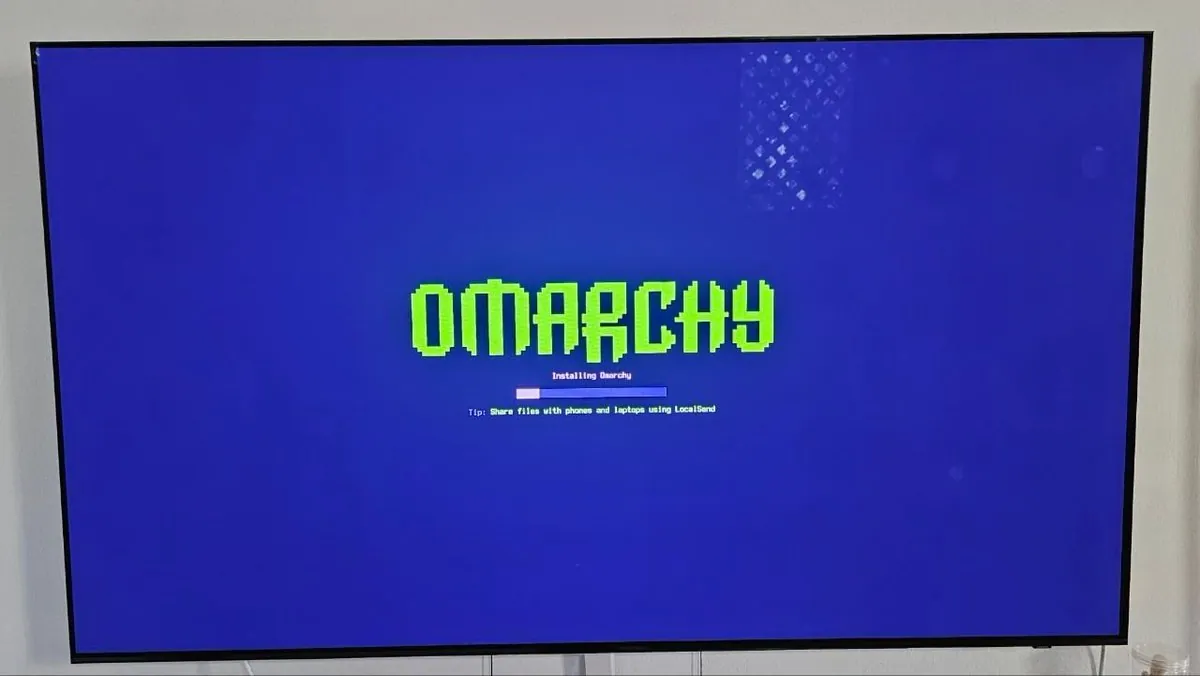
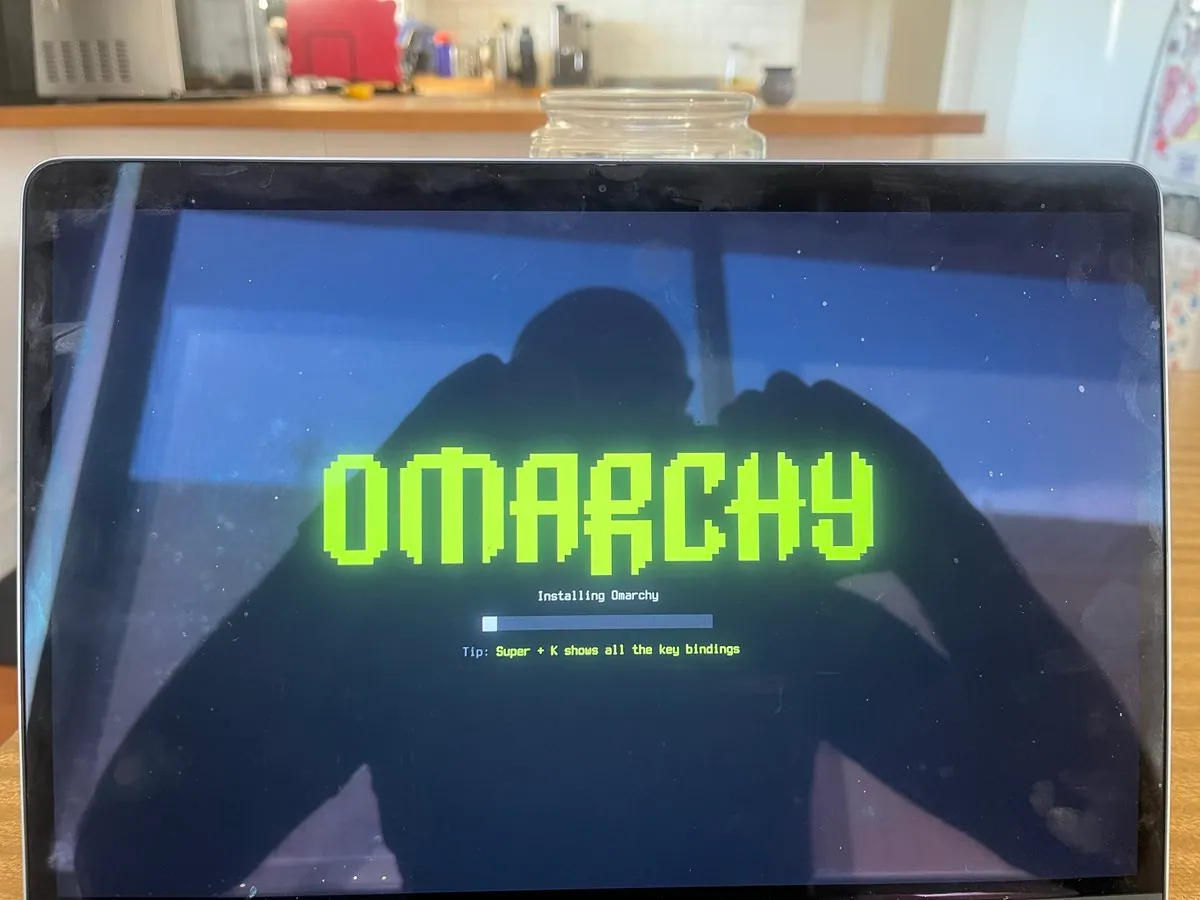
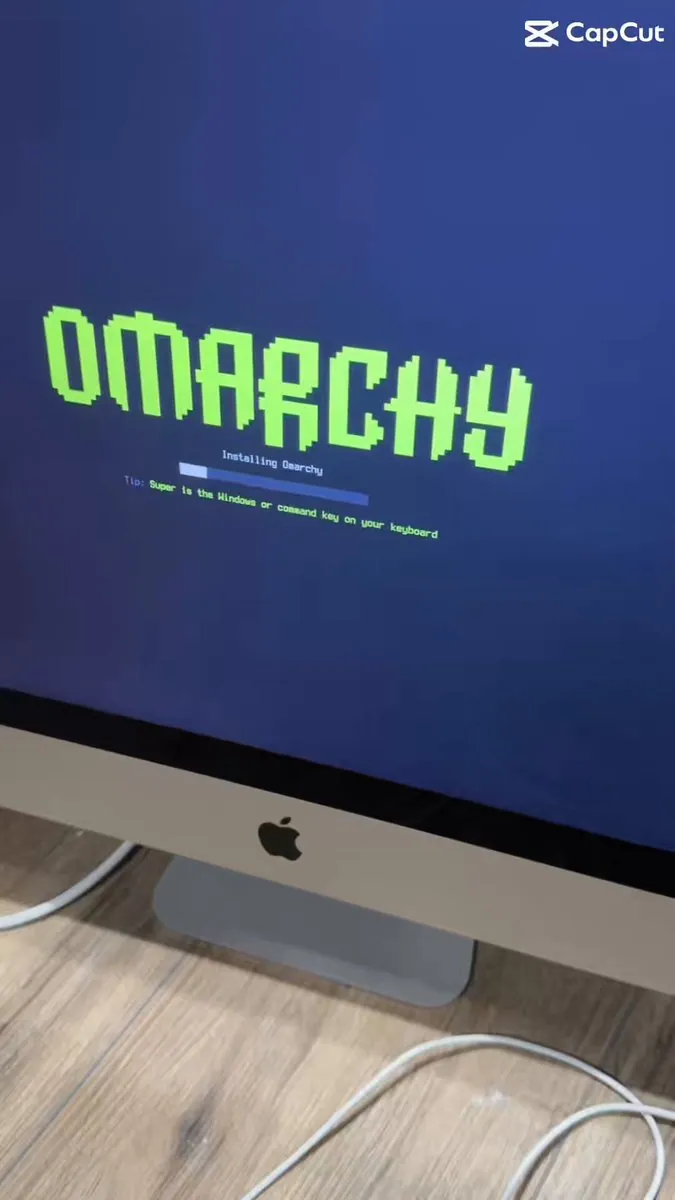
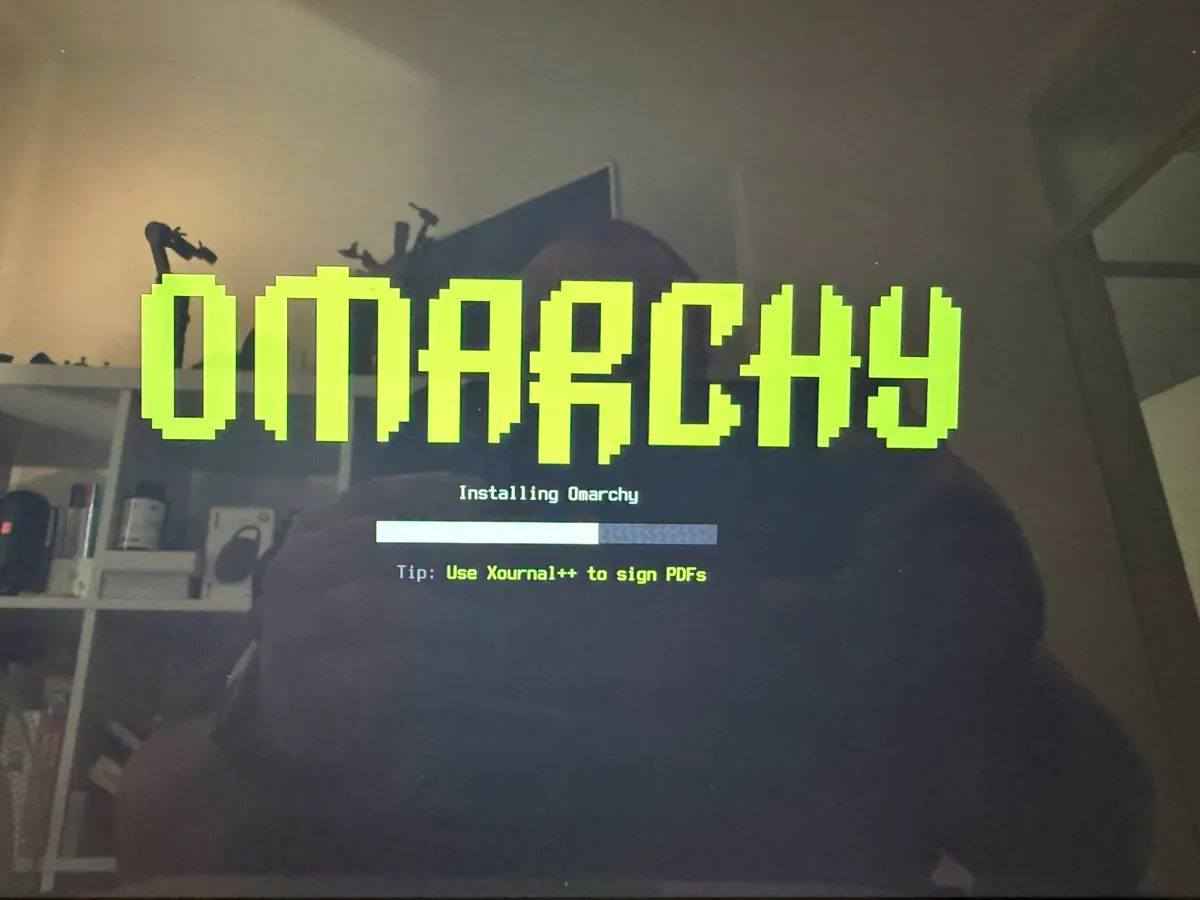
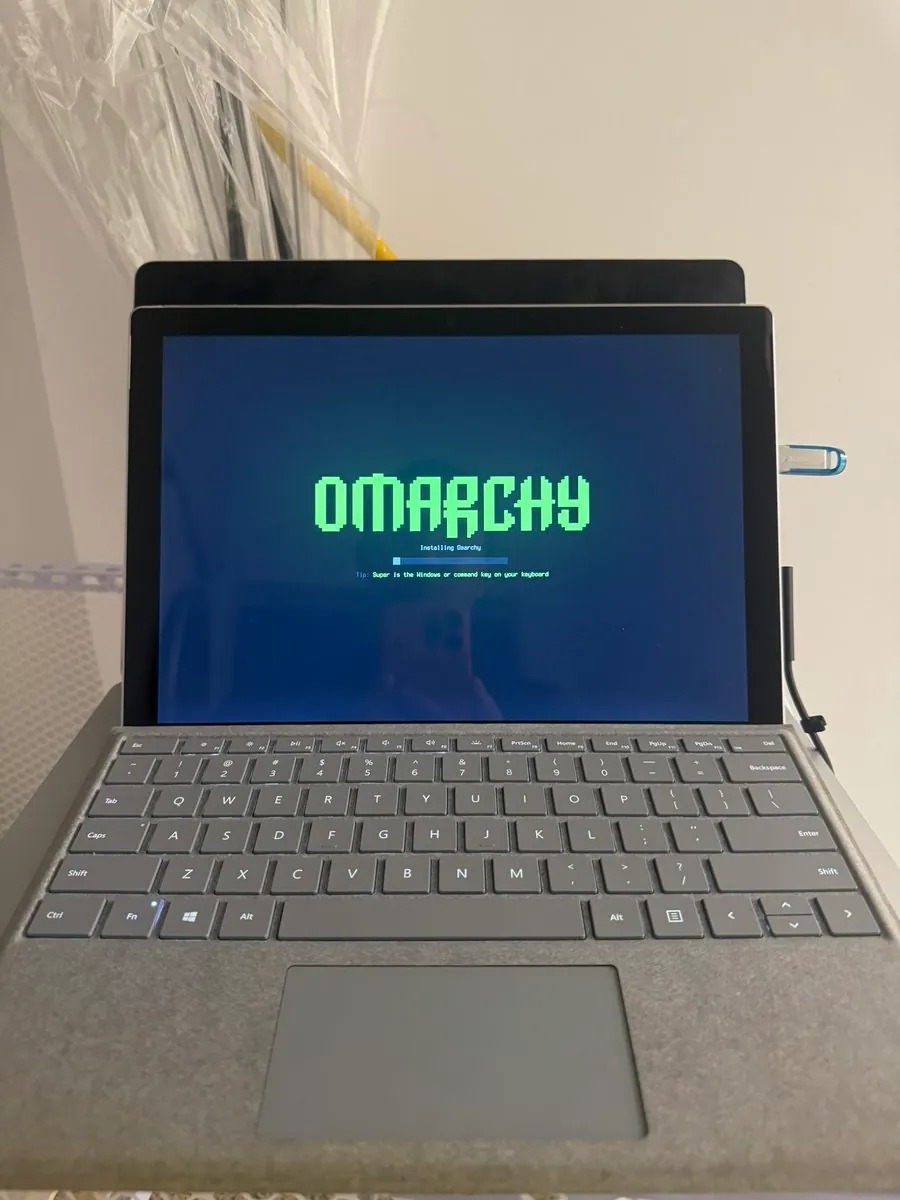
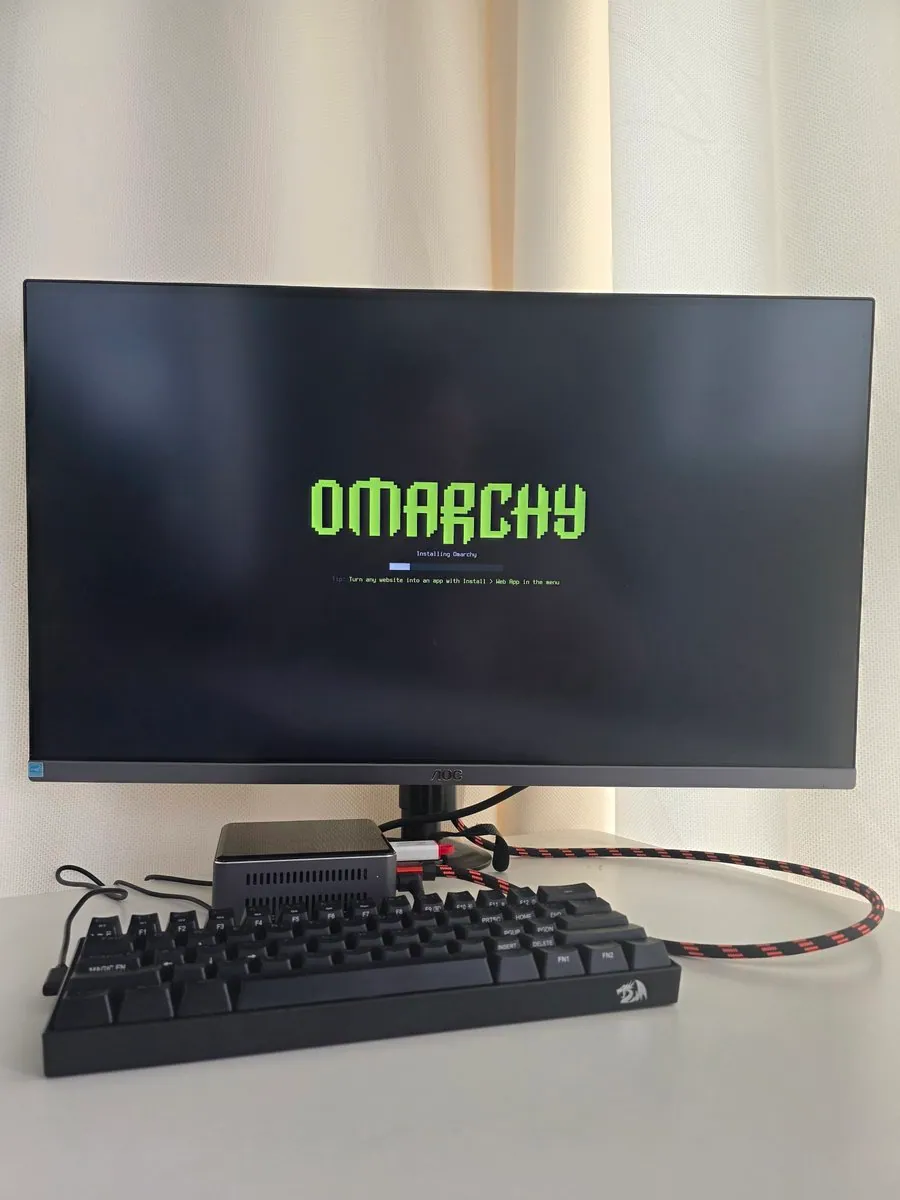
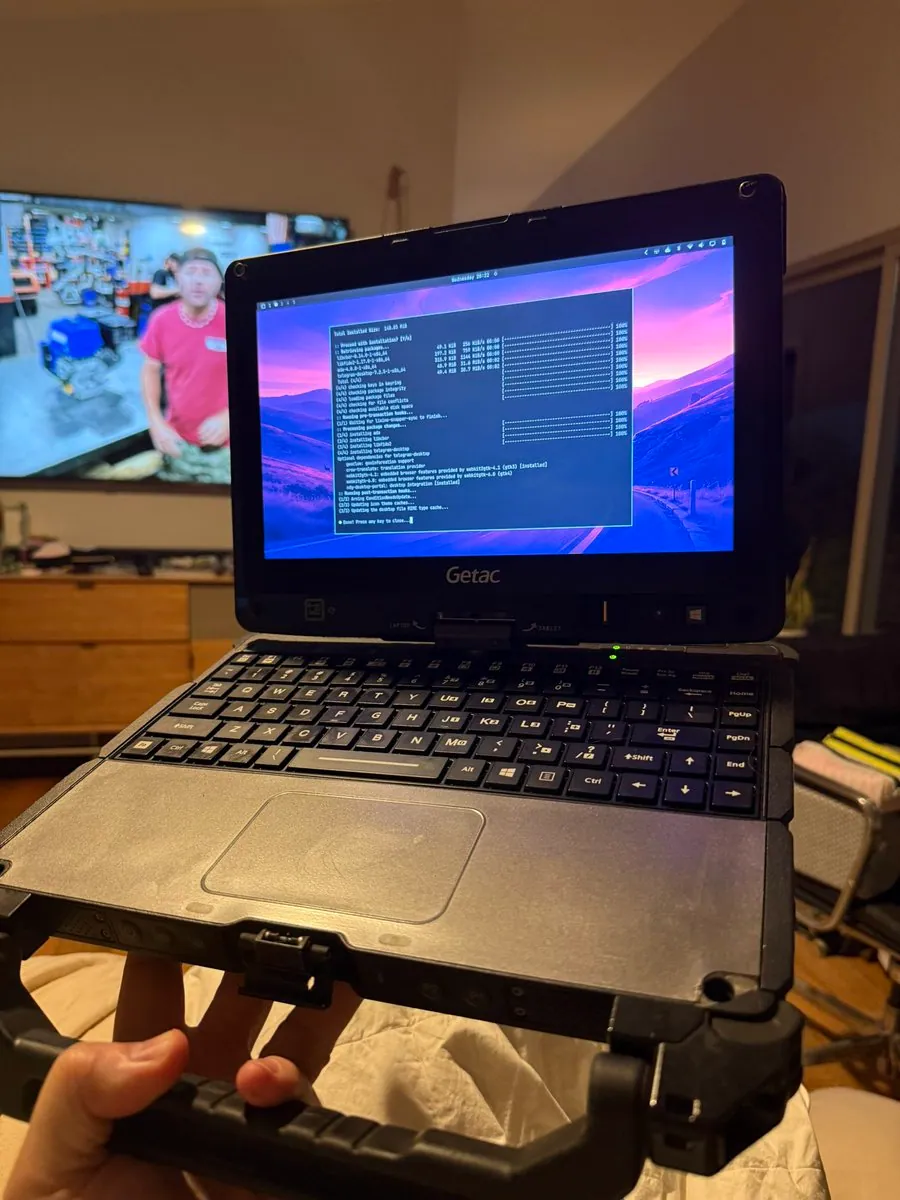
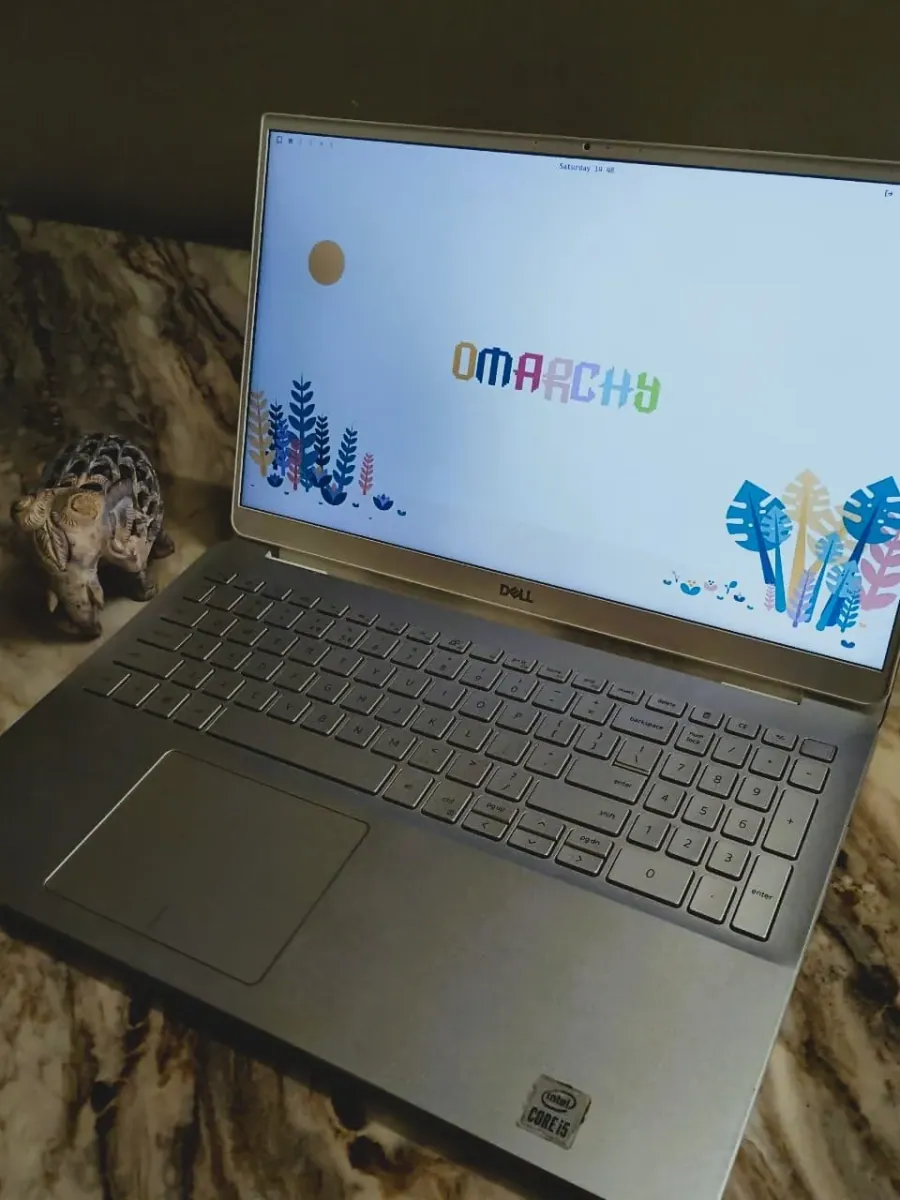
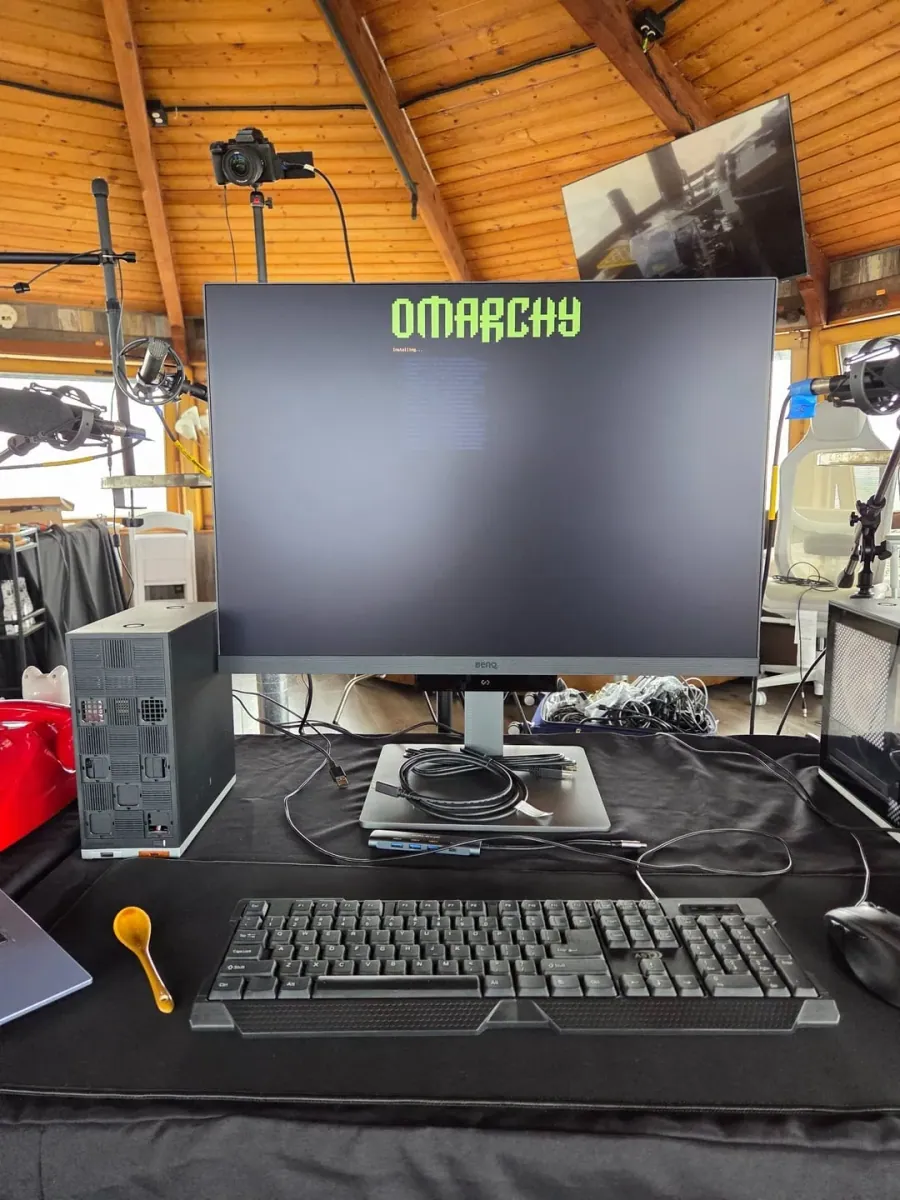
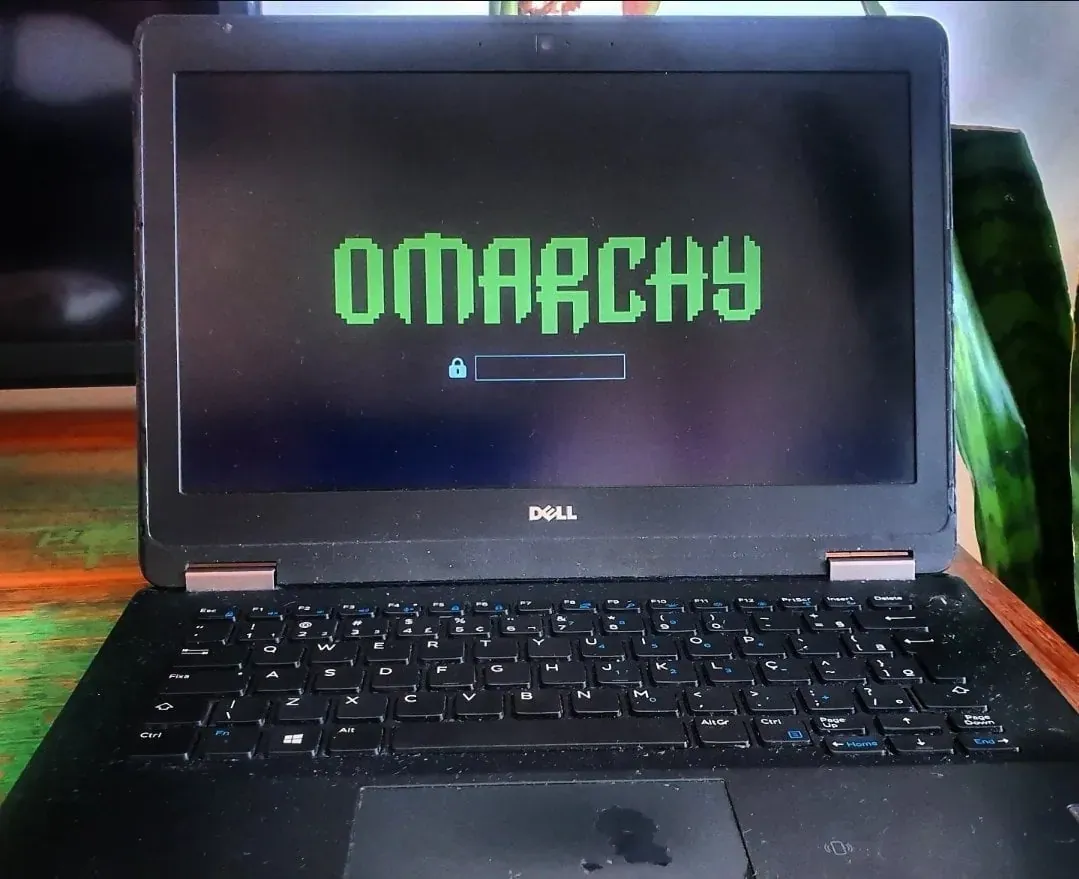
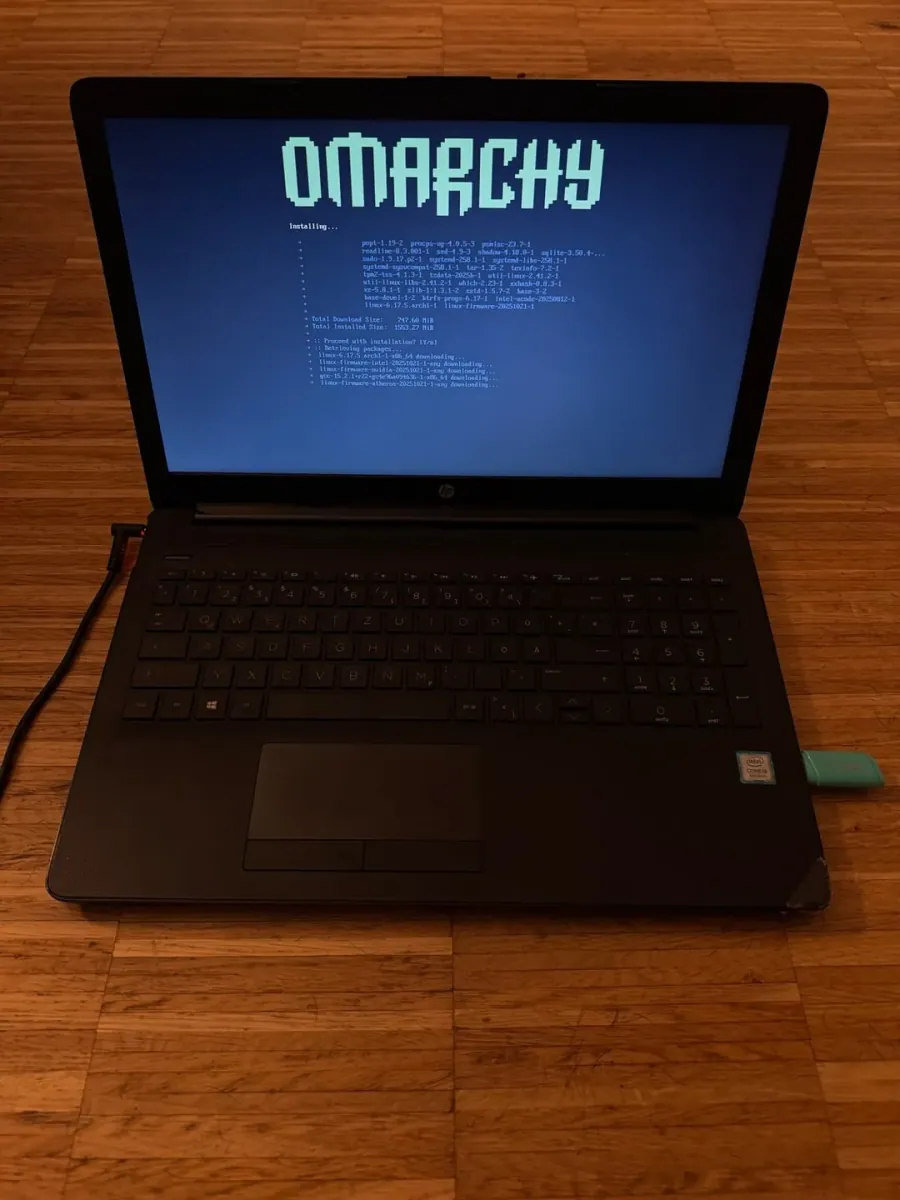
notesbyfloat's first itch after leaving a job is to nuke dual-booted Ubuntu and Windows from an old Dell and set up Omarchy while still daily-driving a MacBook; the still shows a laptop install splash with a mint OMARCHY wordmark, Installing Omarchy over a partly filled blue bar, and Tip: Set a reminder with Super + Ctrl + R above a silver keyboard with a numeric keypad.

manateelazycat: Four-Screen Workbench Looks Sharpest With Omarchy

@manateelazycat

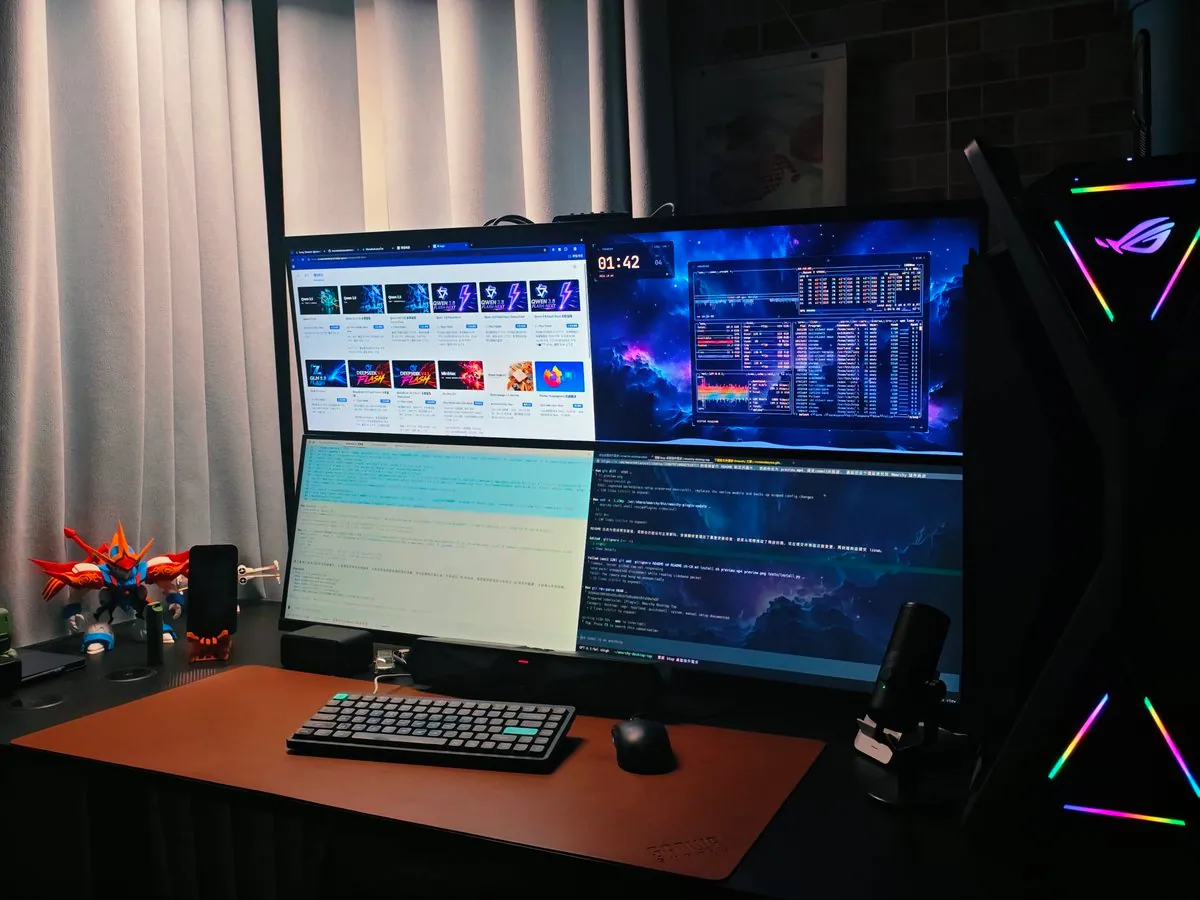
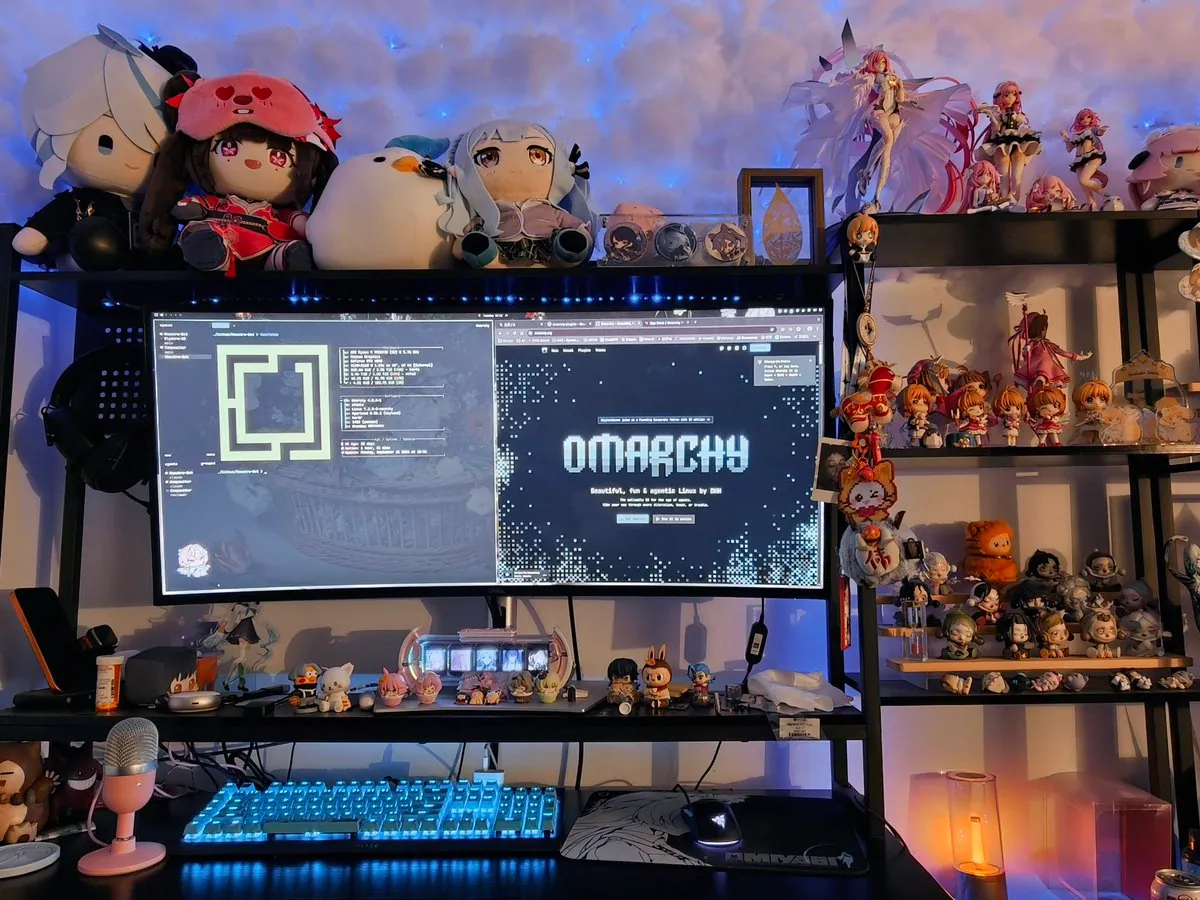
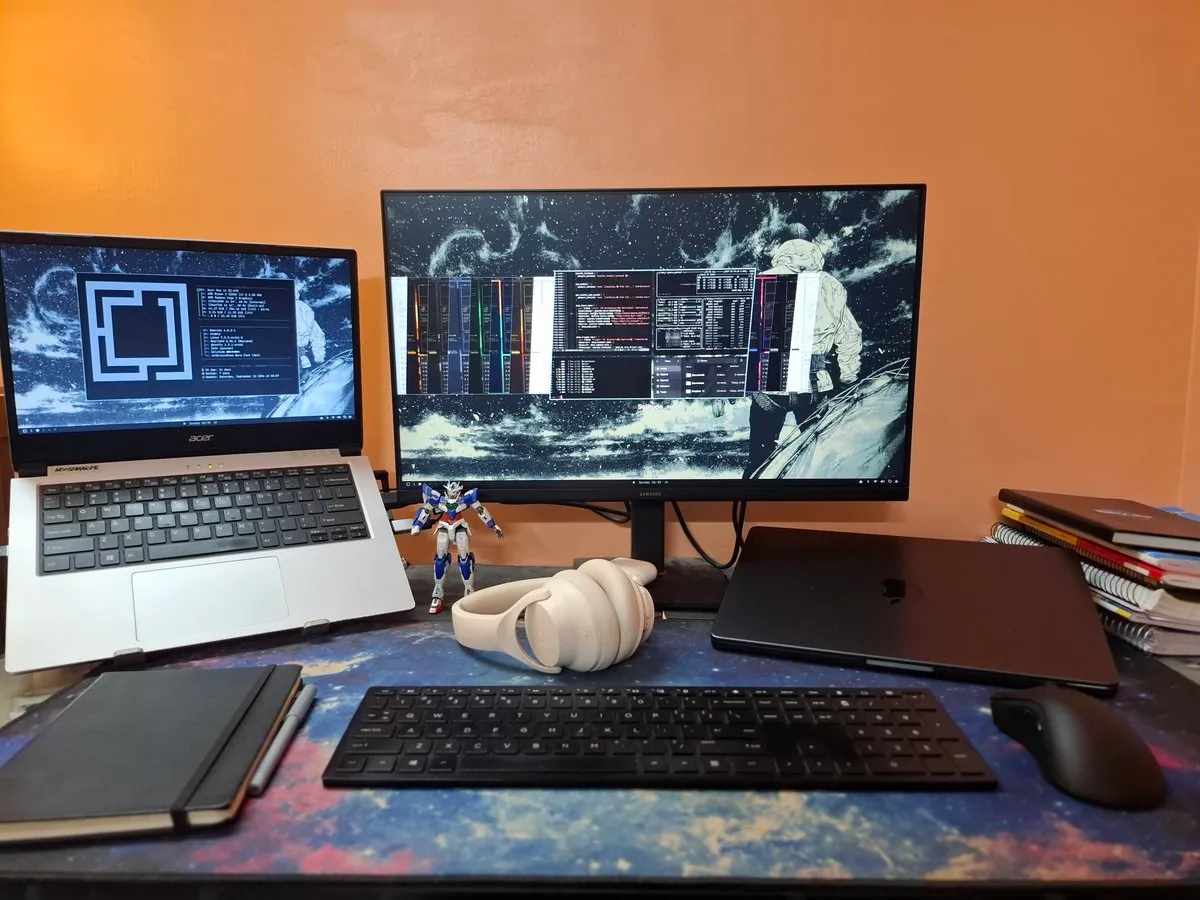
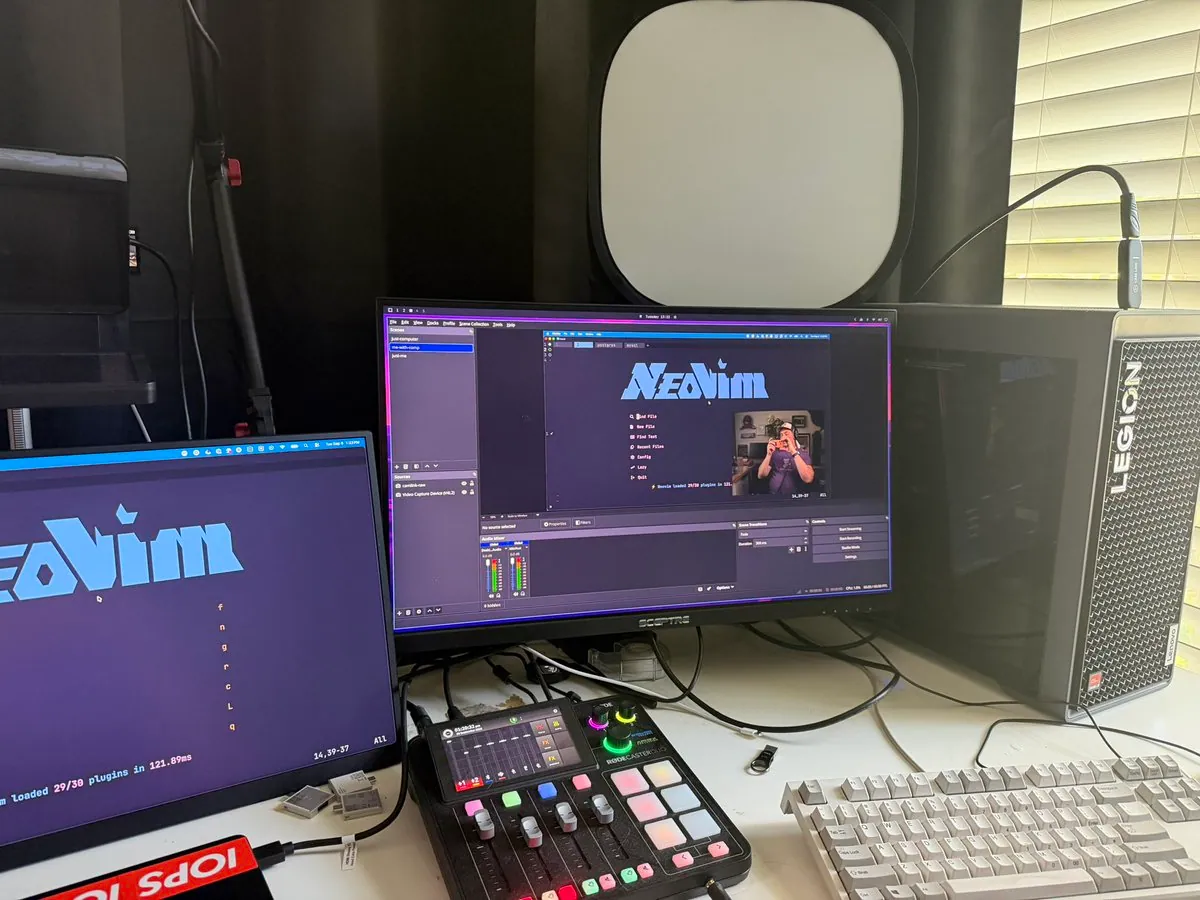
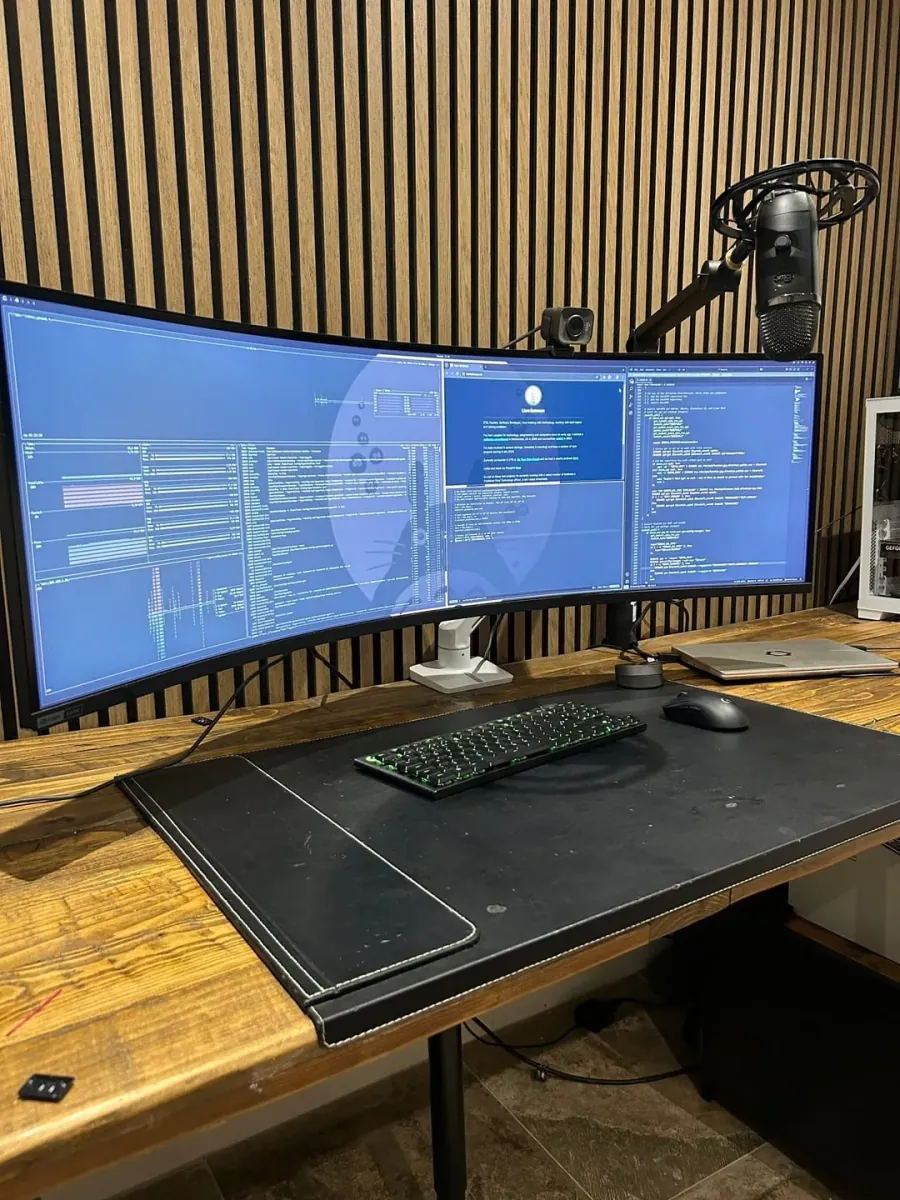
manateelazycat says a four-screen workbench only looks sharpest with Omarchy; the still shows two stacked monitors, four panes in all, with browser tiles, a nebula desktop and system-monitor pane, a pale document, and a code editor, plus a brown mat, a compact dark keyboard, a mouse, a mecha figure, a phone, a mic, and a tower with an X-shaped RGB logo.
EricF_Off: First Local AI Model on a Tiny Omarchy Geekom A8

@EricF_Off · Geekom A8

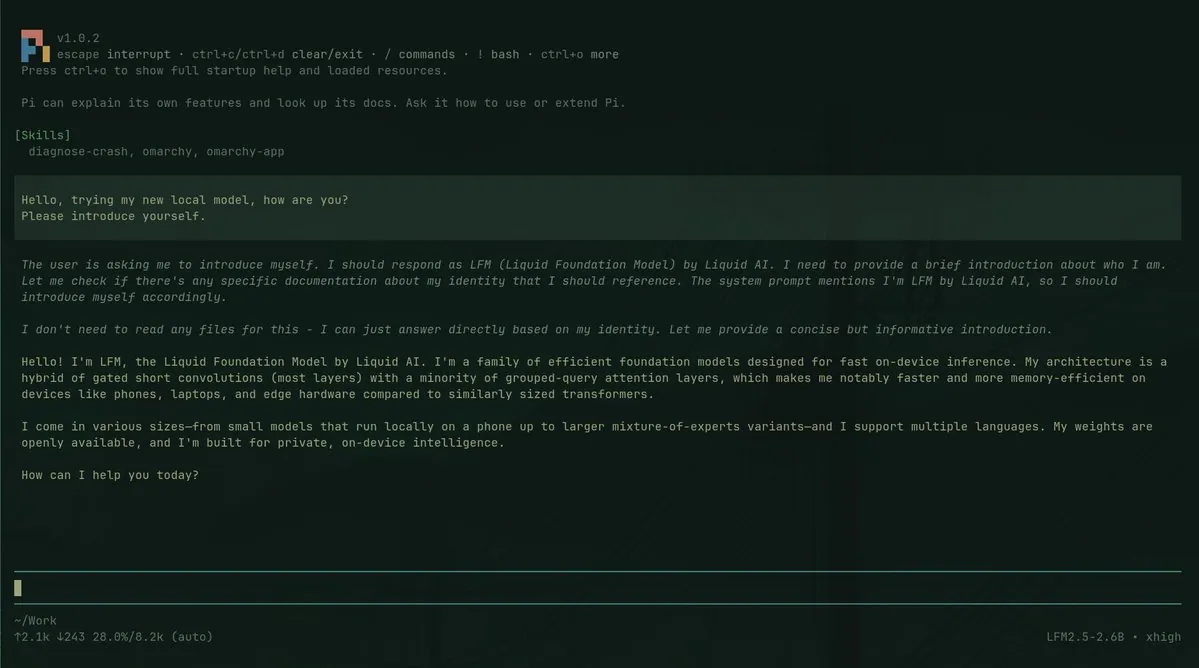
EricF_Off runs a first local AI model on a tiny Omarchy Geekom A8 box and credits 0xSero for the plugin that made setup easy; the still is a green-on-dark Pi chat where skills list diagnose-crash, omarchy, and omarchy-app, the user asks the new local model to introduce itself, and the reply presents LFM, the Liquid Foundation Model by Liquid AI, with a footer showing LFM2.5-2.6B · xhigh.

dhawusolanki: Desktop Switch to Omarchy Does Almost Everything Right Out of the Box After a Couple Minor Tweaks

@dhawusolanki

dhawusolanki switched a desktop to Omarchy recently, made a couple minor tweaks, and says it does almost everything right straight out of the box; the still is a bright coastal-city convertible scene with a tattooed passenger leaning on the door and a bearded driver holding a drink against glass high-rises.

mebaww: Day 3 on Omarchy Gets the Hype and Feels Natural After Shortcuts, Never Using Windows Again

@mebaww

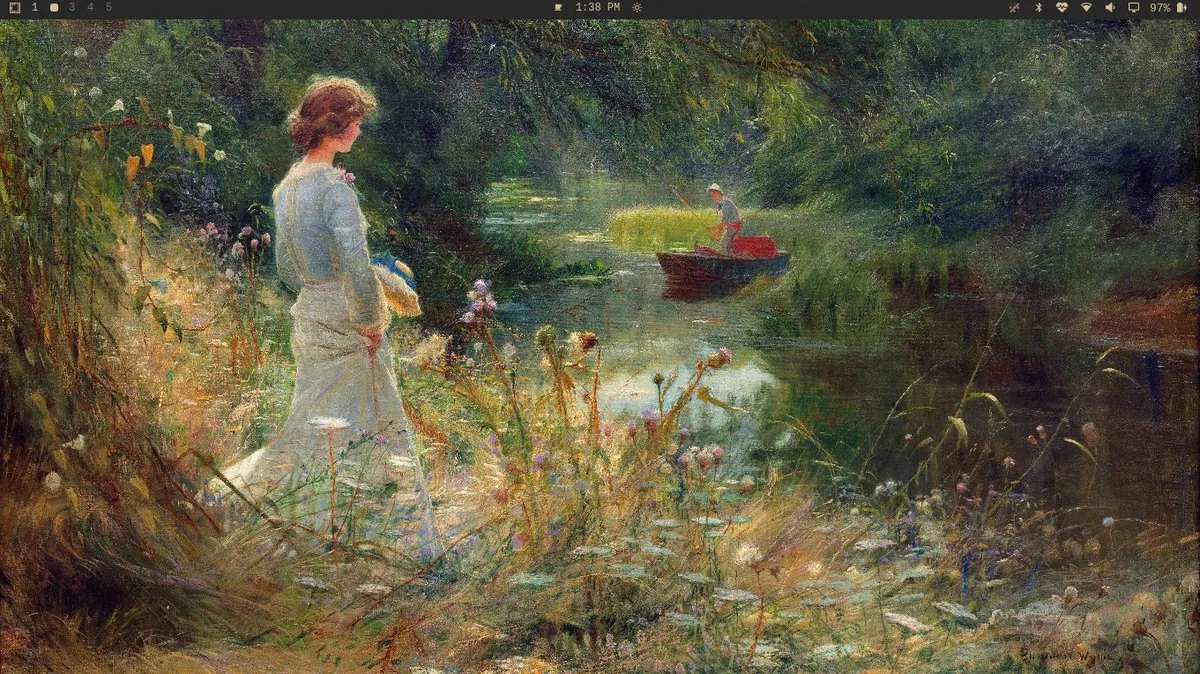
mebaww says day 3 with Omarchy finally gets the hype after two days learning shortcuts, calls the dev tools, tiling, customization, and plugins insane, and swears off Windows; the still is an impressionist riverside painting wallpaper with a woman in a pale dress holding a ribboned hat beside a man poling a boat, under workspaces 1, a highlighted workspace, 3, 4, and 5, and a 97% battery icon.

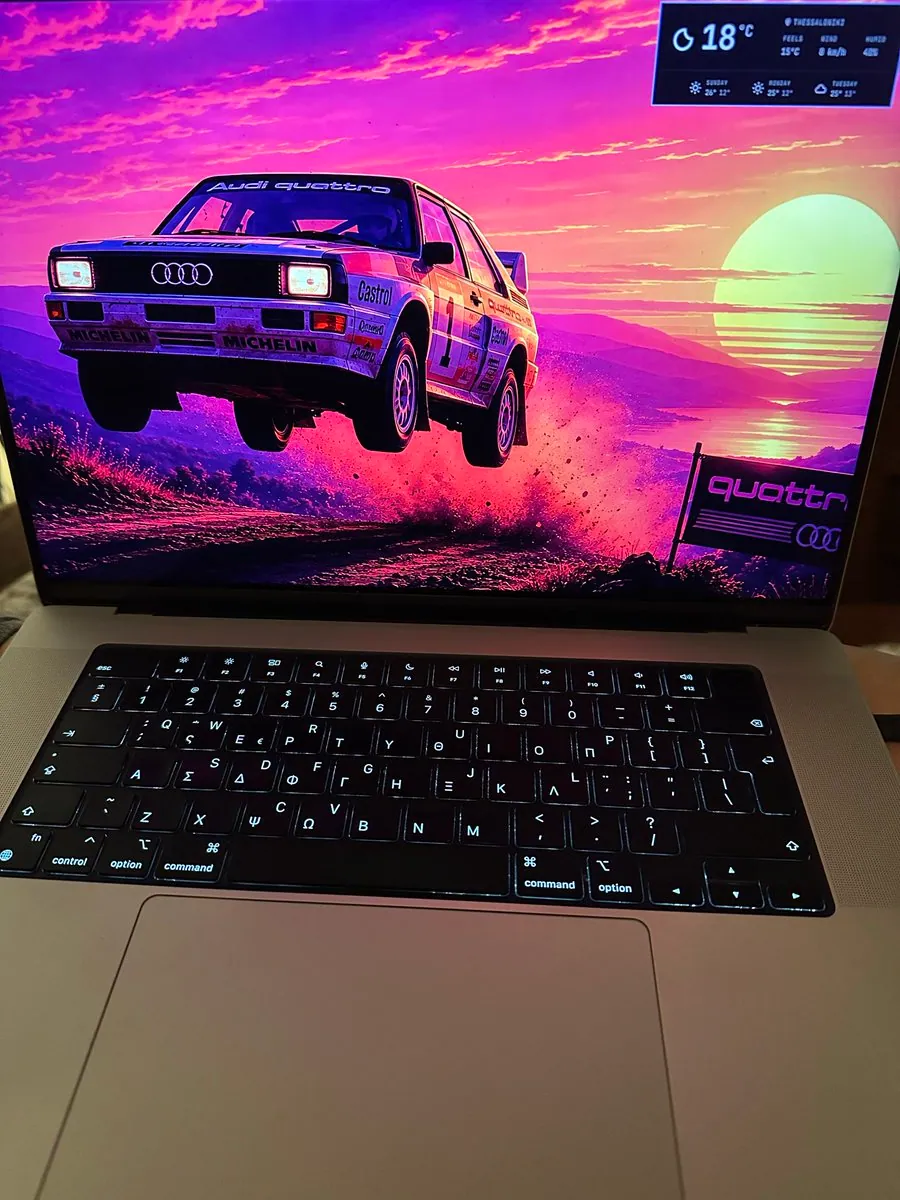
skaragiannis: Omarchy on a MacBook Pro M3 Max in Thessaloniki (Omacm)

@skaragiannis · MacBook Pro M3 Max

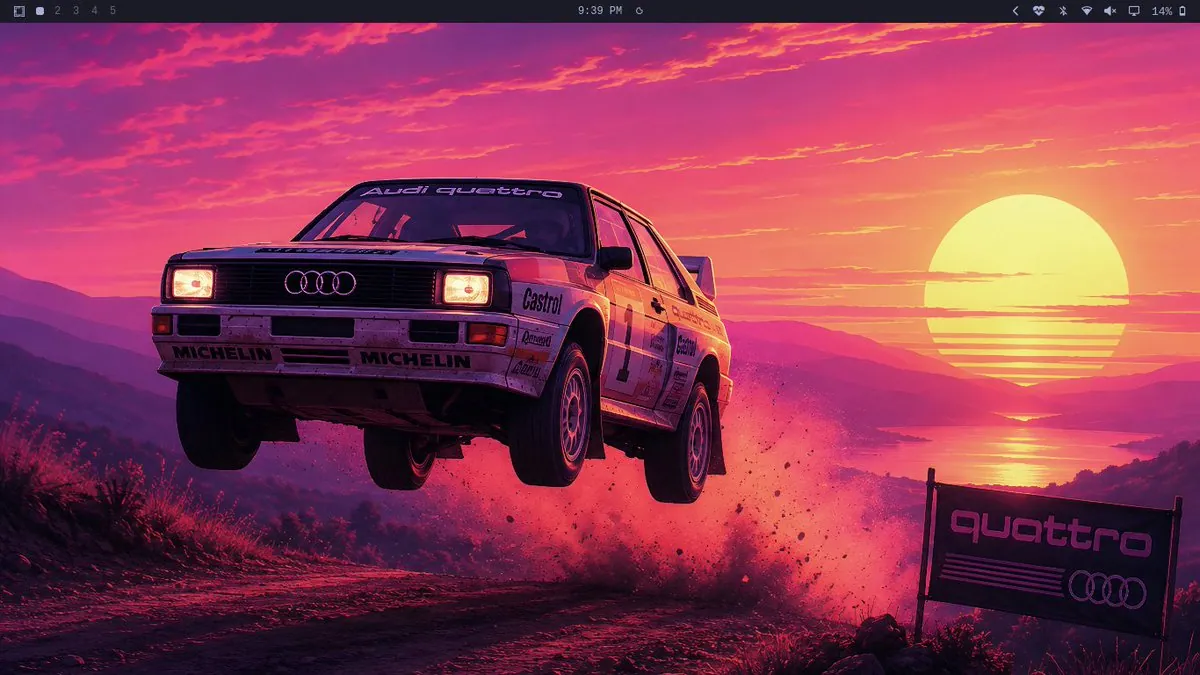
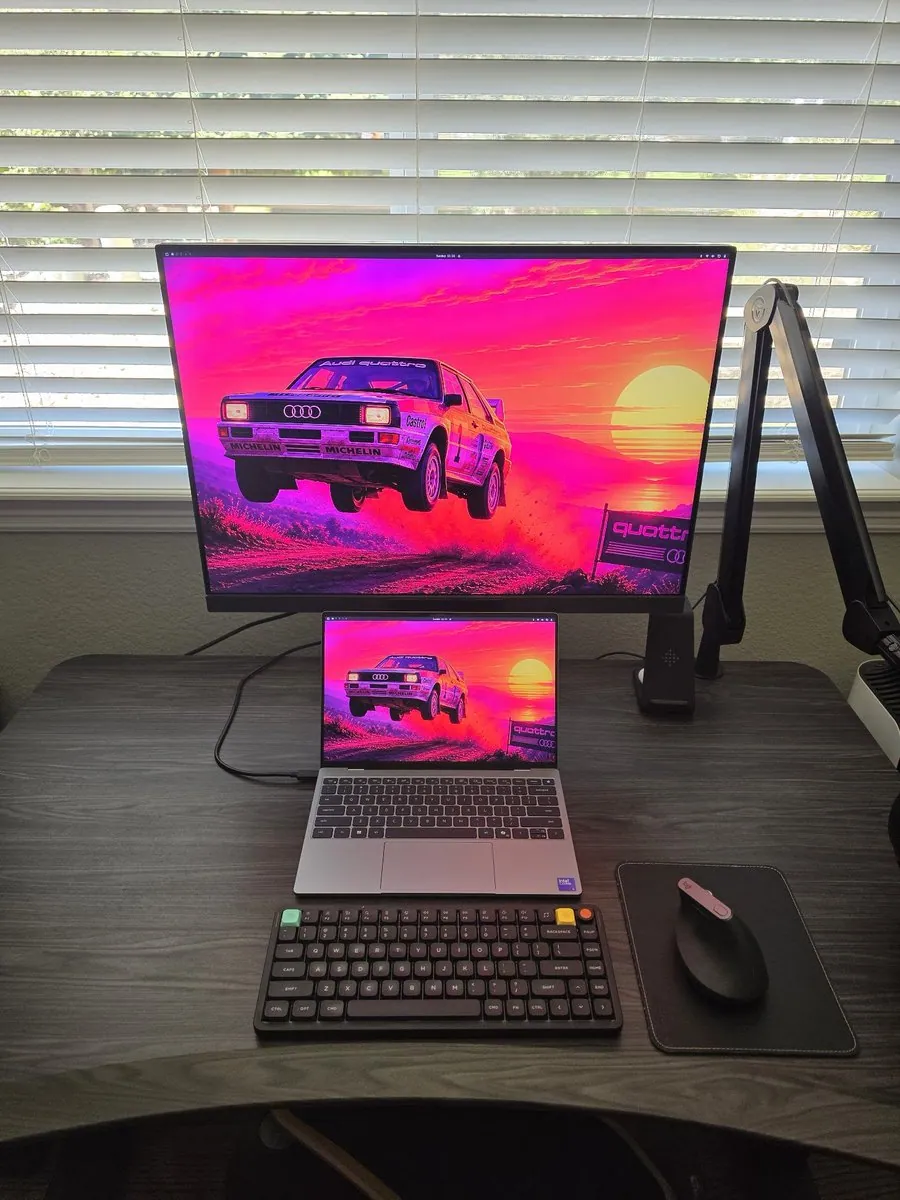
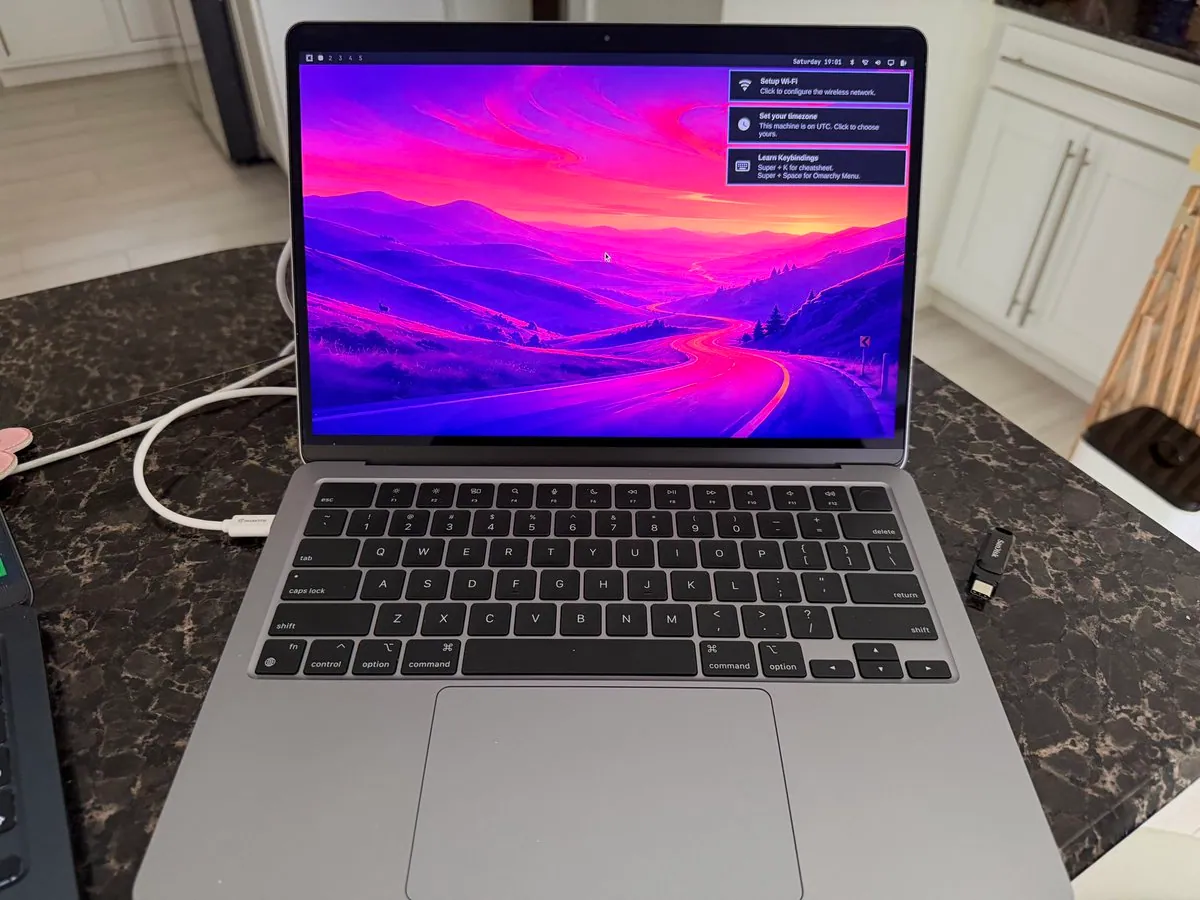
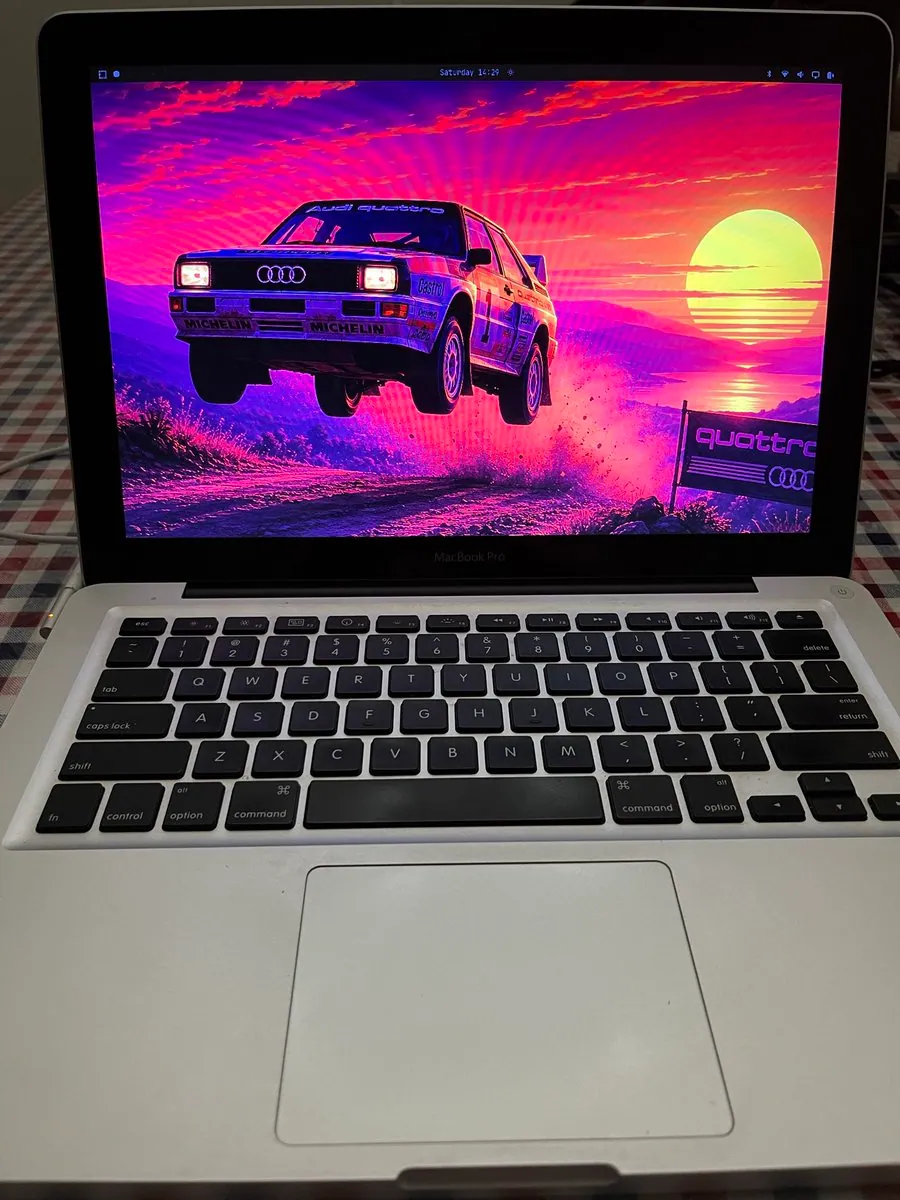
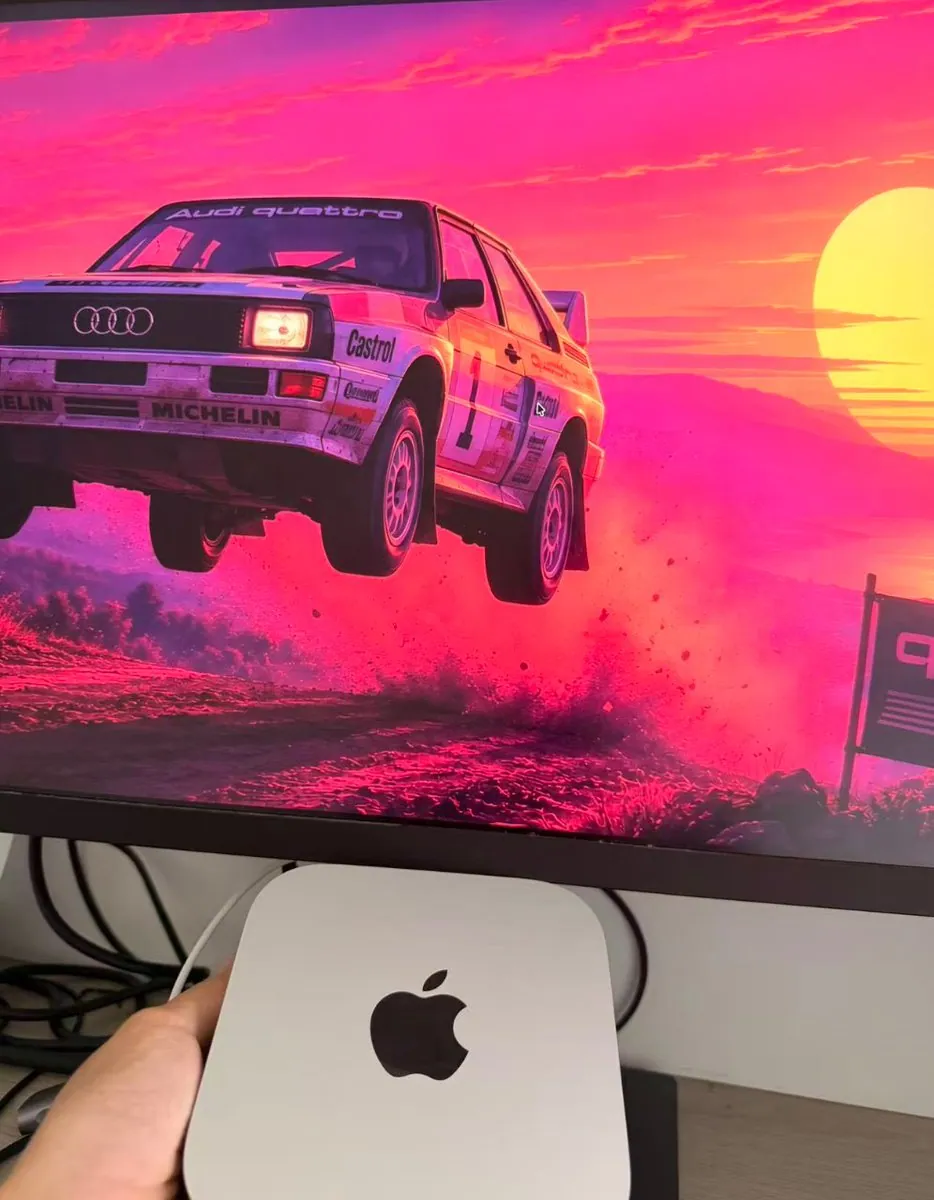
skaragiannis shows Omarchy on a MacBook Pro M3 Max from Thessaloniki, Greece, labeled Omacm; the photo is a silver MacBook with English/Greek backlit keys showing a retrowave Audi quattro rally-car wallpaper mid-jump over a magenta dirt track, sunset water behind it, a THESSALONIKI weather widget at 18°C FEELS 15°C WIND 0 km/h HUMID 40%, and a roadside banner cut off at "quattr" with Audi rings.

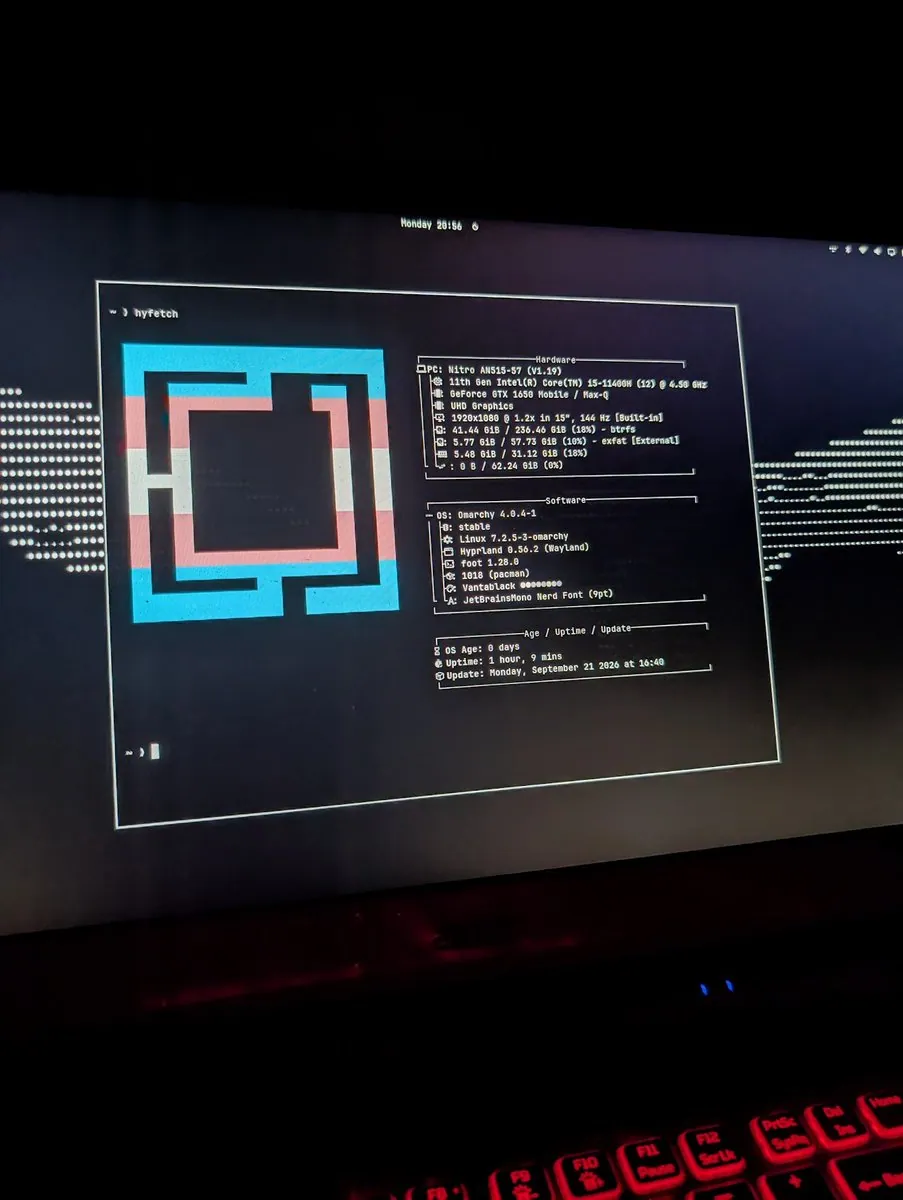
3kh0_: Omarchy Hyfetch on an Acer Nitro With Vantablack

@3kh0_ · Acer Nitro AN515-57

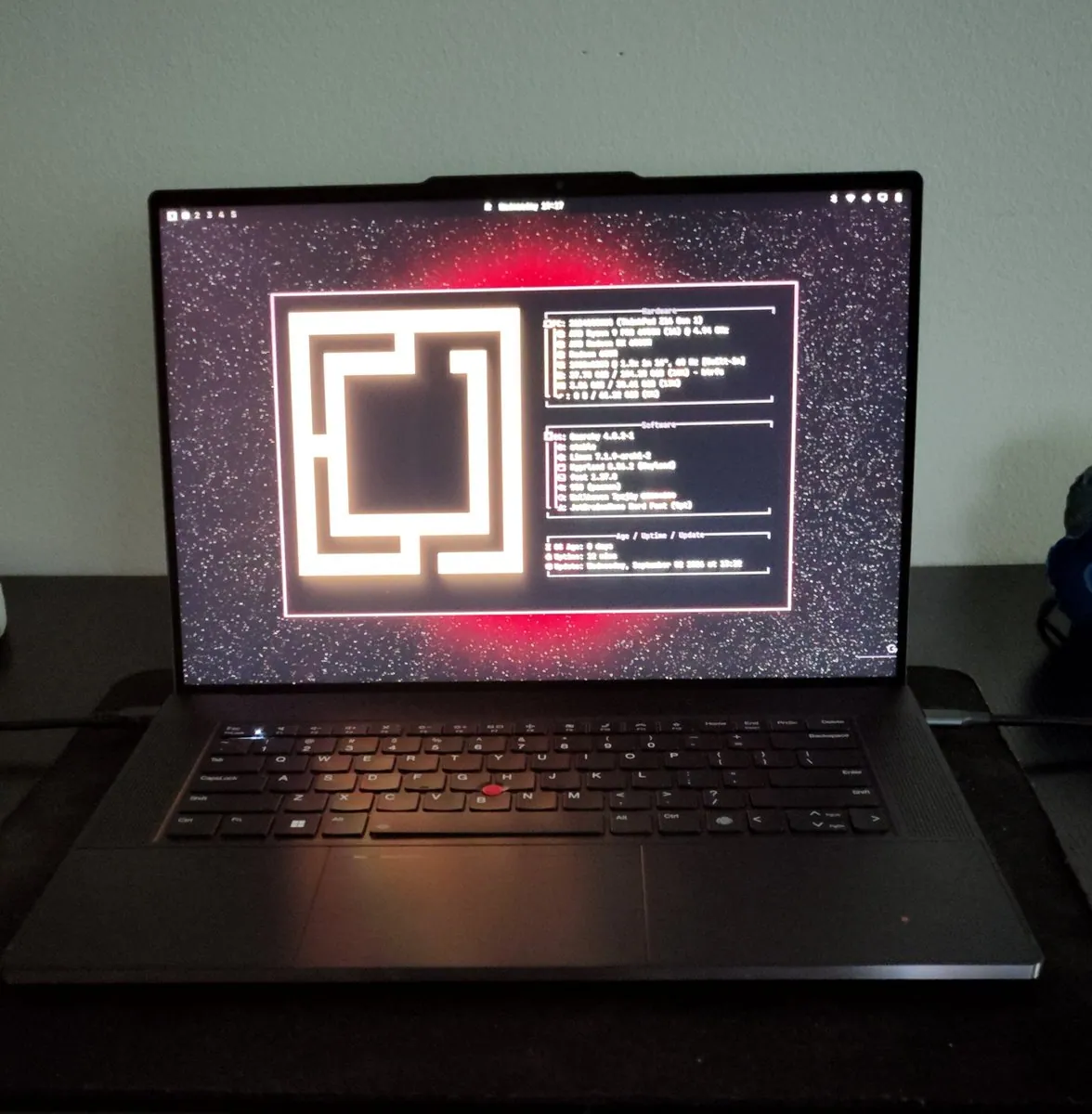
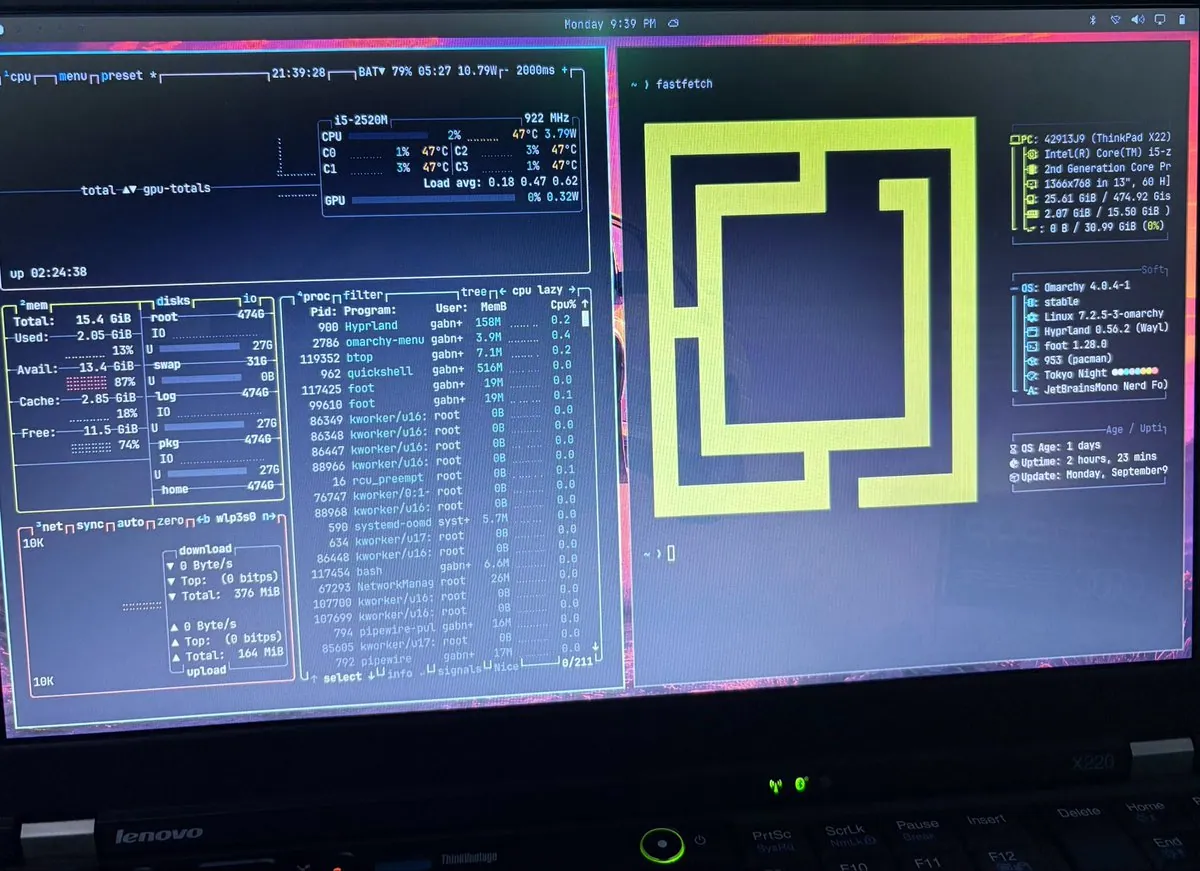
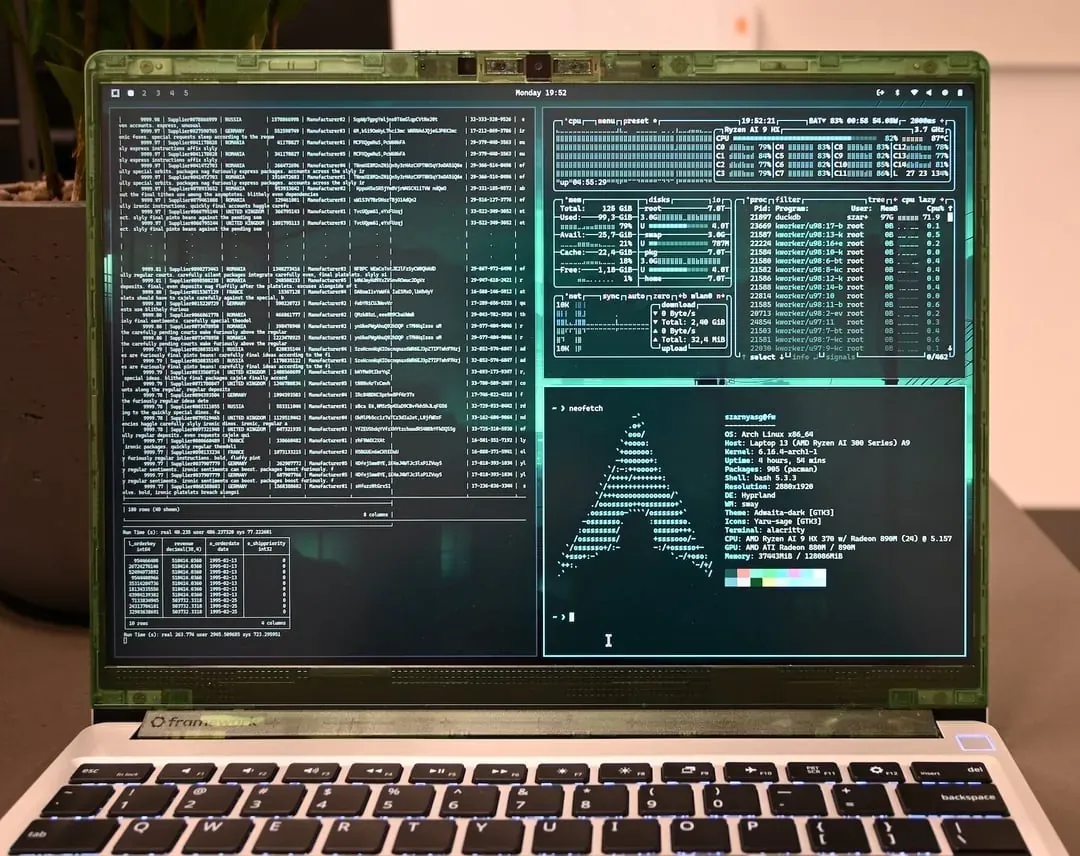
3kh0_ says Loving Omarchy and that Hyfetch works like a charm; the photo is a dark laptop screen with a foot terminal hyfetch for Omarchy 4.0.4-1 stable on a Nitro AN515-57, 11th gen Intel(R) Core(TM) i5-11400H, GeForce GTX 1650 Mobile / Max-Q, theme Vantablack, a pride-striped nested-square logo, and a red-backlit keyboard below.

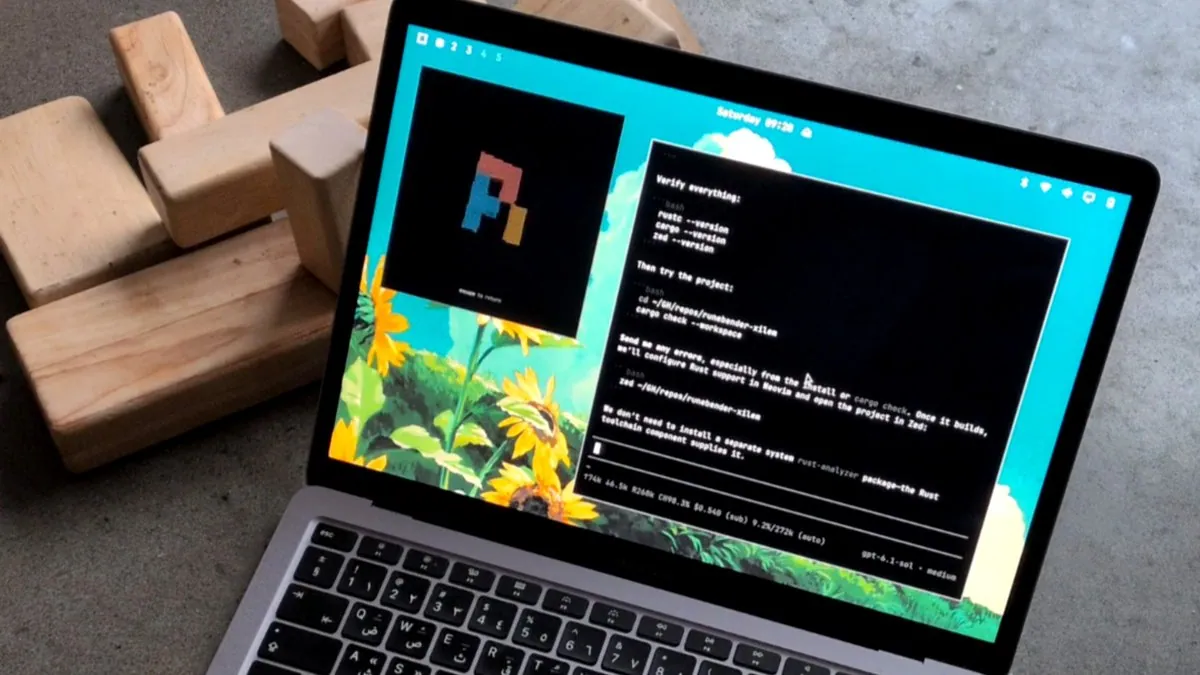
eliheuer: Omarchy on a 2020 MacBook Air With Arabic Keyboard After Apple Updates Stopped

@eliheuer · 2020 MacBook Air

eliheuer installed Omarchy Linux on a 2020 MacBook Air that was no longer getting updates from Apple, and is really happy with it because Framework still does not have an Arabic keyboard; the photo is a silver MacBook on concrete beside wooden blocks showing a teal sunflower desktop with tiled windows, an escape to nature pixel logo, and Rust/Zed setup notes for runebender-xilem on an Arabic-legend keyboard.

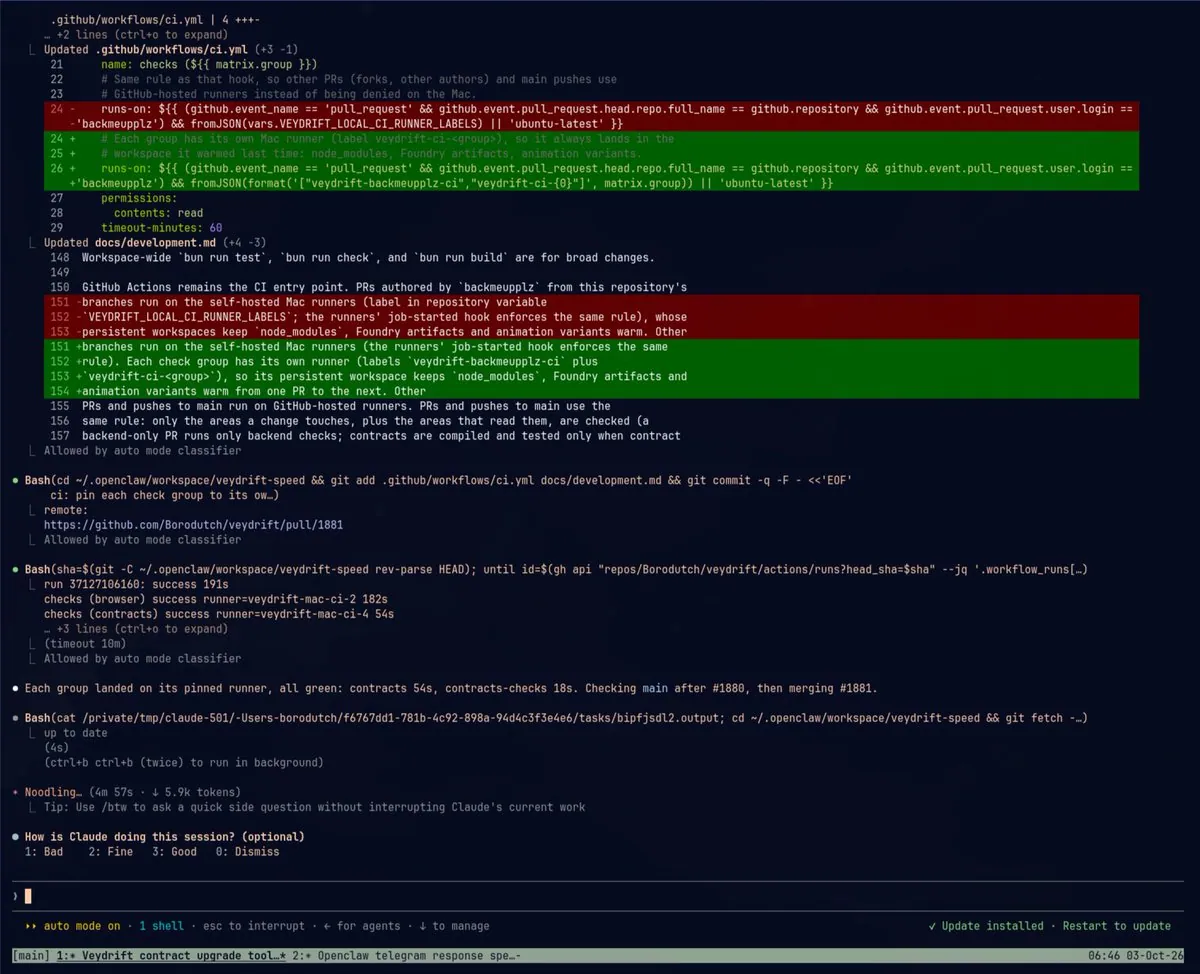
backmeupplz: AI Harness Setup SSHs to a Home MacBook via Tailscale With Tmux Tweaks and Omarchy Clipboard Sync

@backmeupplz · MacBook

backmeupplz describes a new setup for AI harnesses that SSHs into a home MacBook via Tailscale then runs tmux with tweaks for a main window, Ctrl+Shift+T new tab, Ctrl+Shift+W close with confirm, Ctrl+Shift+arrows move between tabs, and detach, plus a script that syncs clipboard between Omarchy and the MacBook whenever the MacBook is on the network so Ctrl+V pastes images as if harnesses were local, still using openclaw for most things; the screenshot is a dark agent session showing a CI pin diff, green checks on pinned runners, and workspace tabs for Veydrift and Openclaw.

sonderby: Omarchy Plus Tailscale and Local NVIDIA LLMs Far From Home Servers

@sonderby · laptop

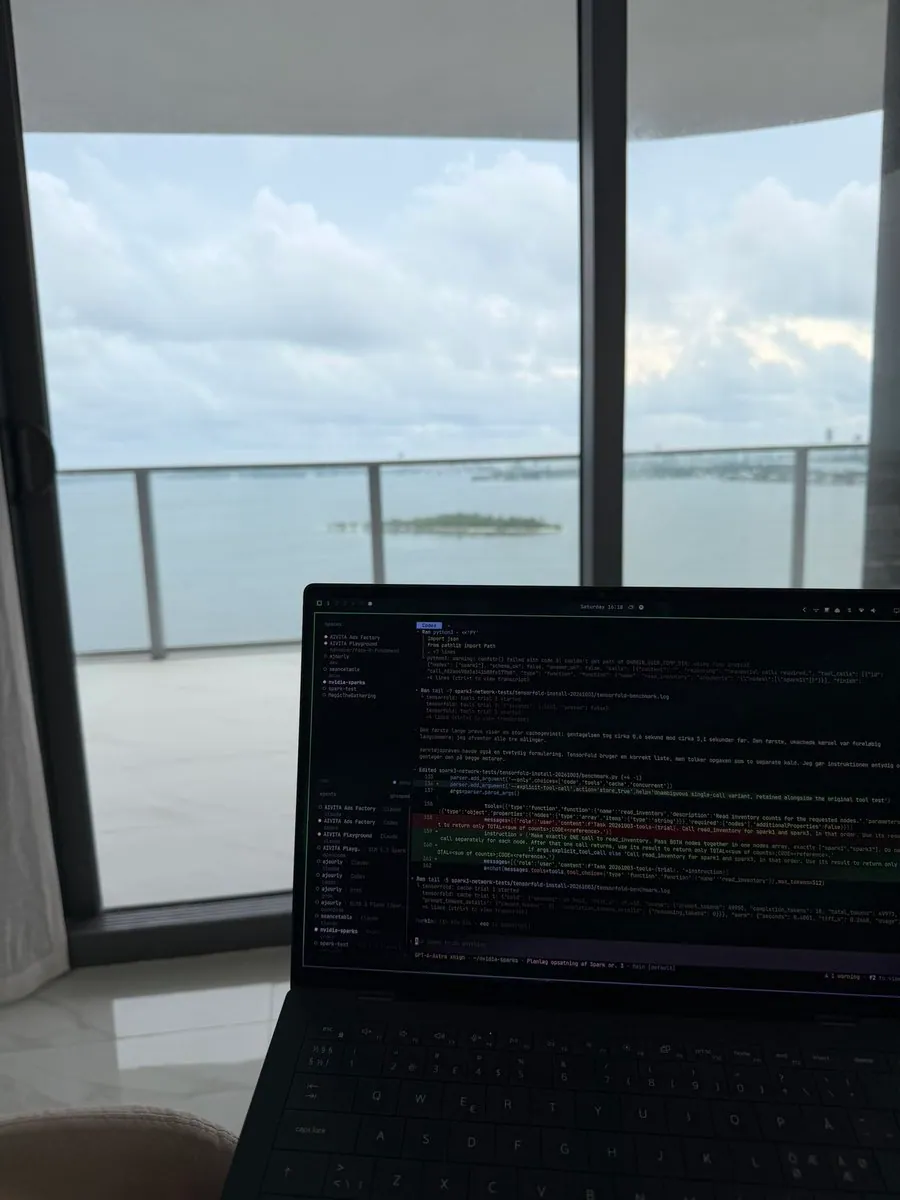
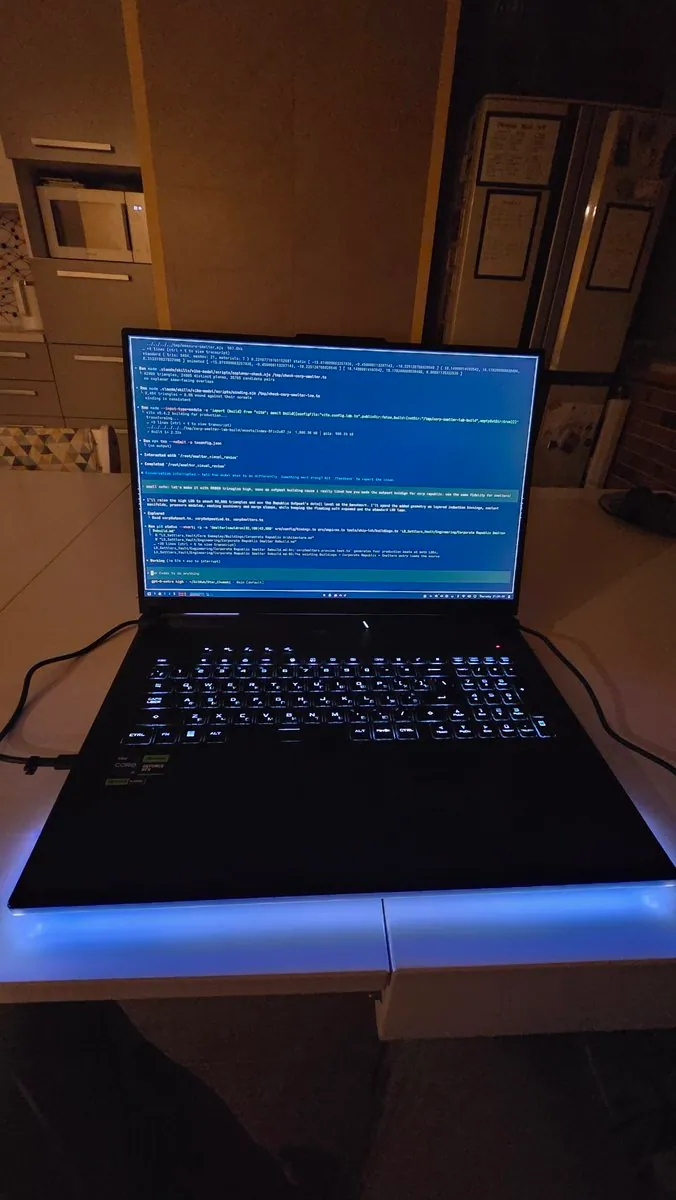
sonderby posts in Danish that he is a huge fan of his new development setup, sitting several thousand km from his home servers while upgrading NVIDIA Sparks to the latest GLM model and TensorFlow, with Omarchy, Tailscale, Claude/Codex, and local NVIDIA LLMs; the photo is a black laptop indoors before a glass door to a balcony over water, showing a dark IDE with nvidia-sparks highlighted, a Danish cache-gain note, and a bottom status for GPT-4-Astro xhigh on a Planlæg opsætning af Spark nr. 3 task.

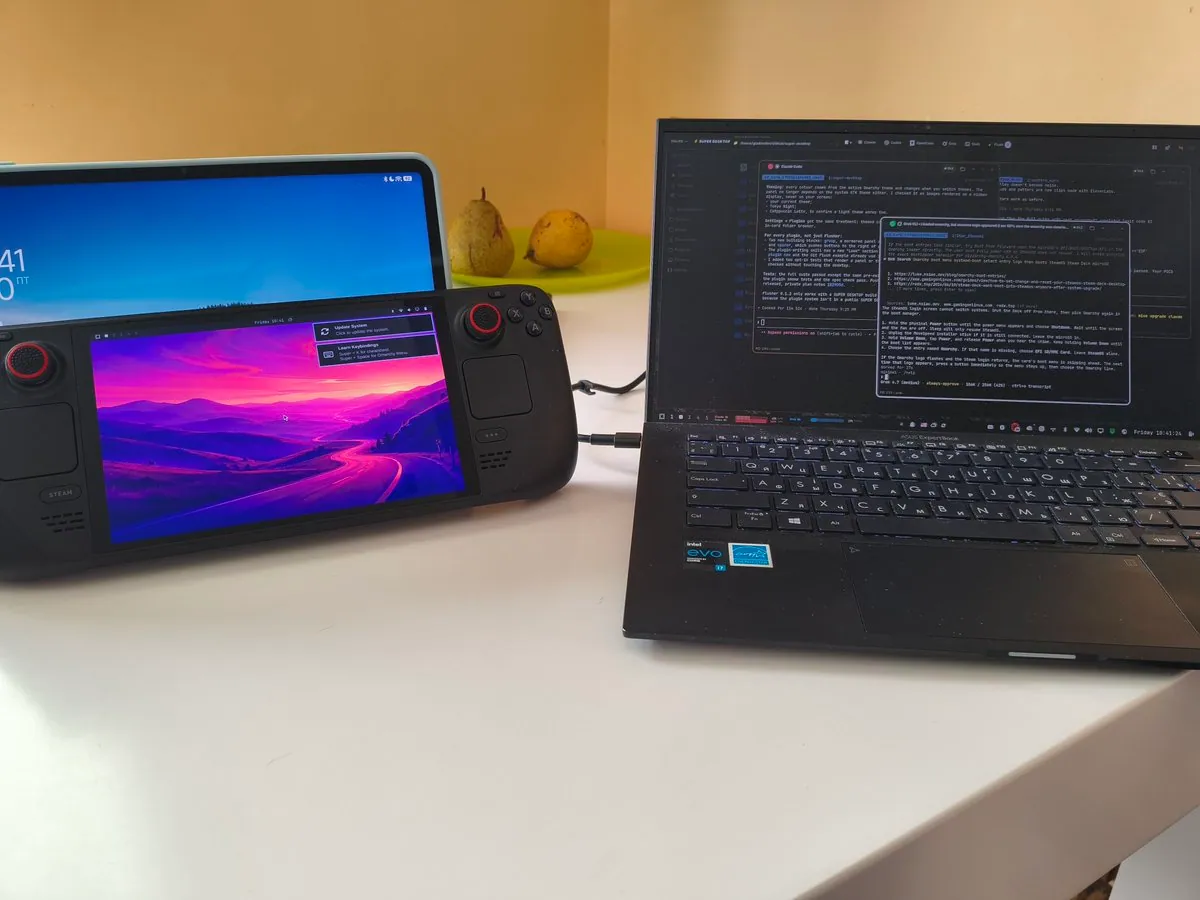
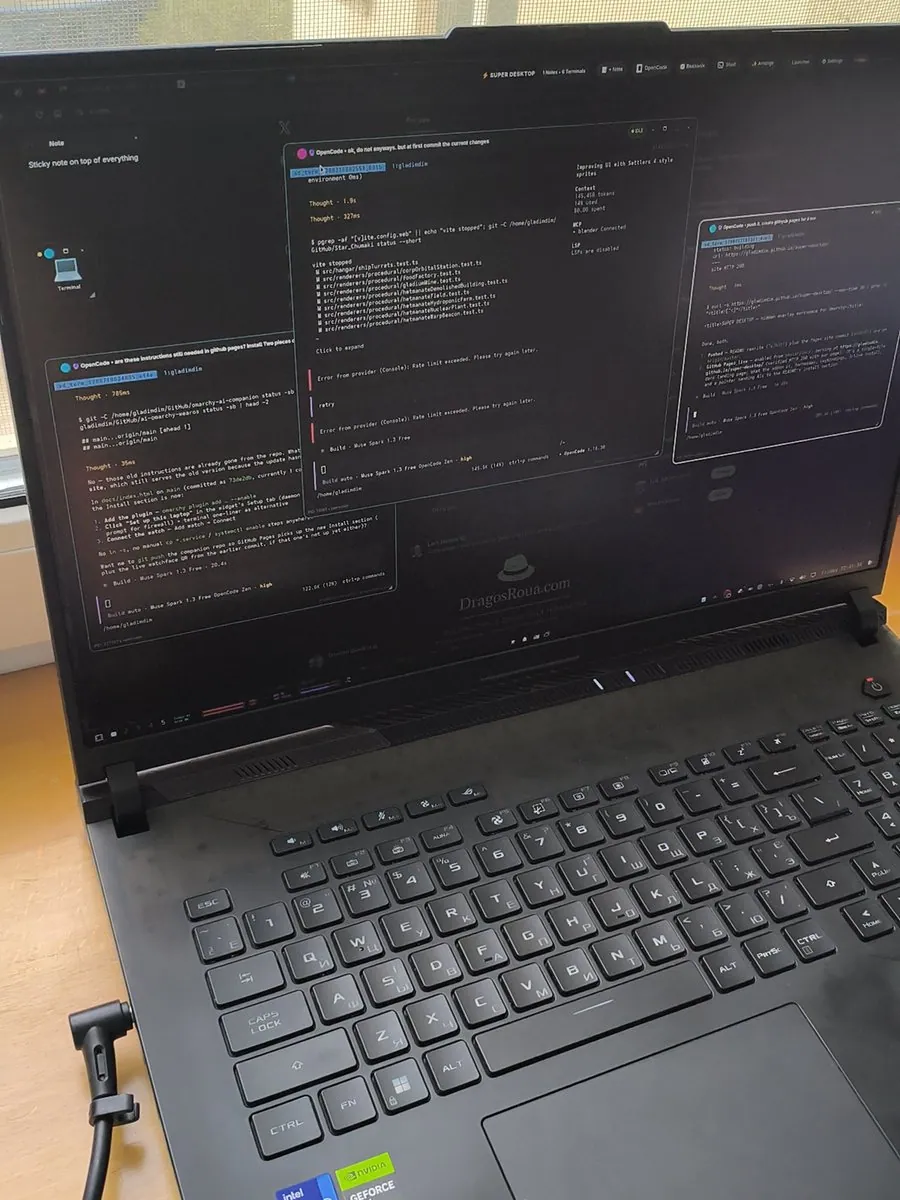
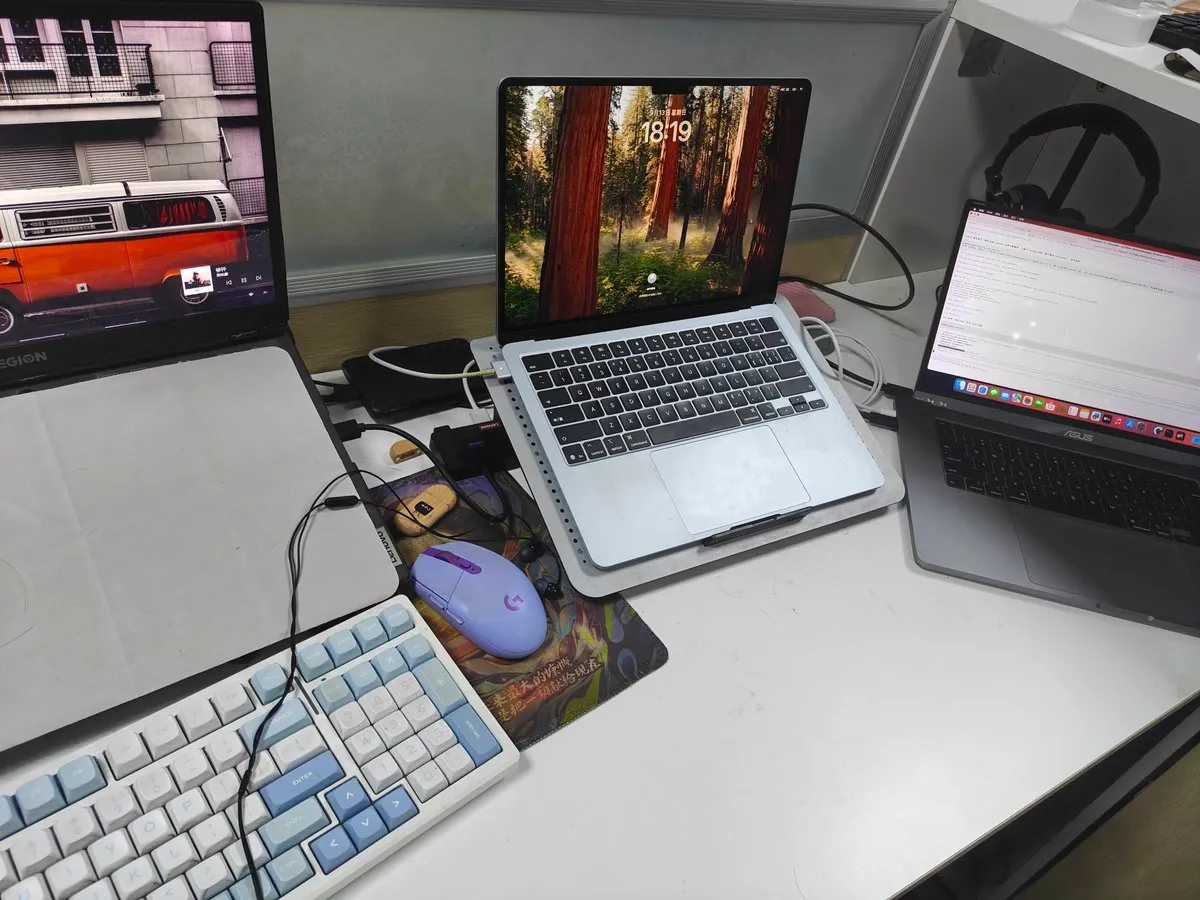
gladimdim: Asus B9 Main Driver Shines Again on Omarchy Beside SUPER DESKTOP MacBook

@gladimdim · Asus ExpertBook B9

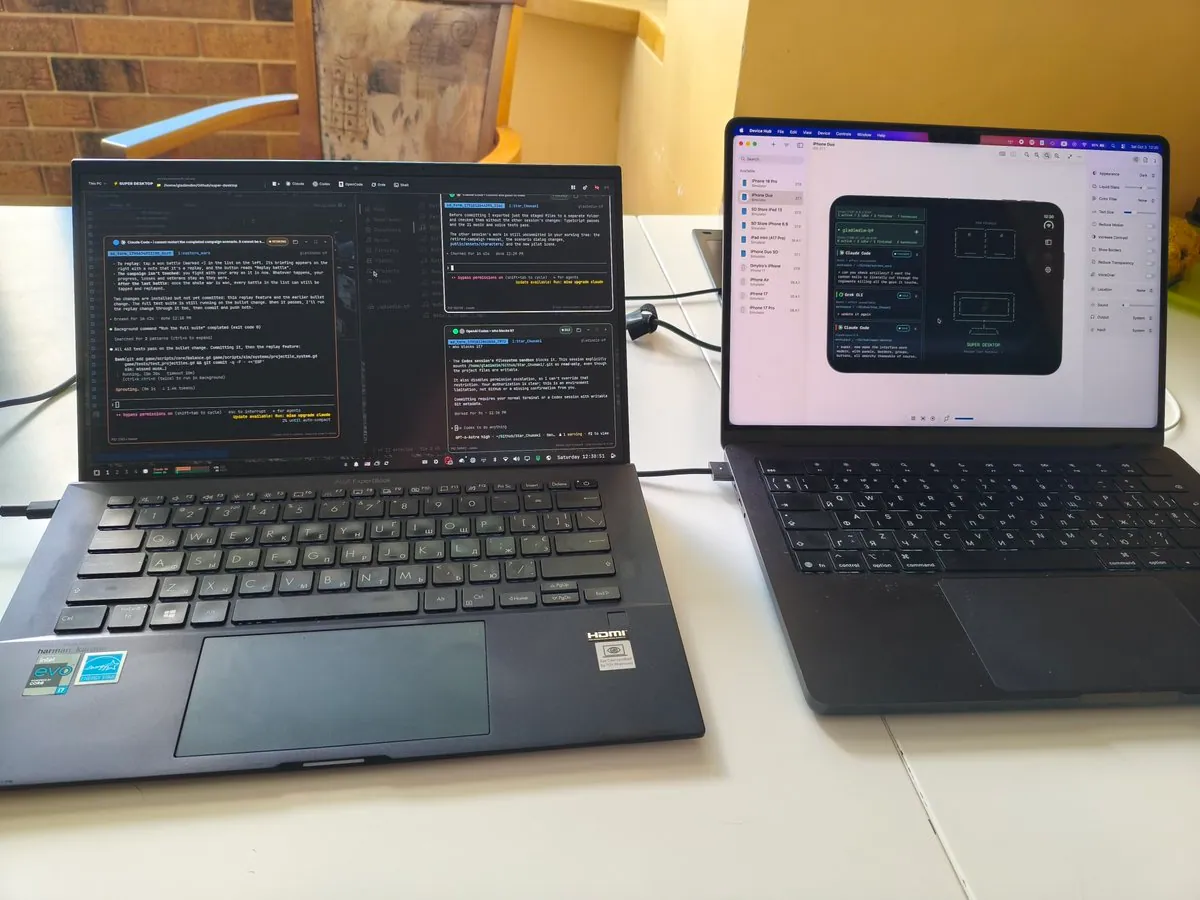
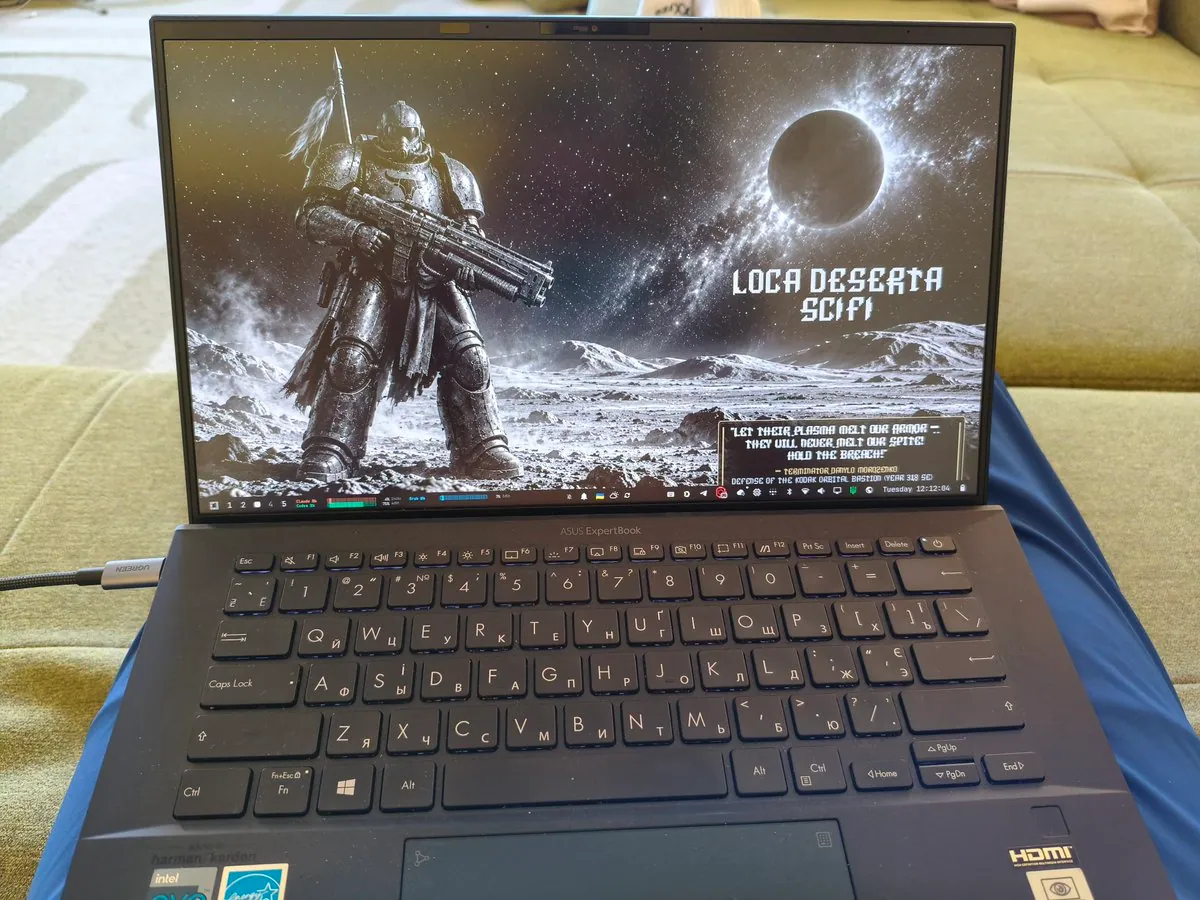
gladimdim says the only reason he uses a MacBook is to make his SUPER DESKTOP iOS companion app, and that otherwise his Asus B9 on the left is the main driver, dismissed three years ago as barely able to run Windows 11 or Linux and shining again with Omarchy installed; the photo is two laptops on a white table, the left Asus showing Claude Code and terminals, the right MacBook showing an iPhone SUPER DESKTOP simulator.

hacktheraze: $40 Lenovo ThinkCentre M710s Running Omarchy

@hacktheraze · Lenovo ThinkCentre M710s

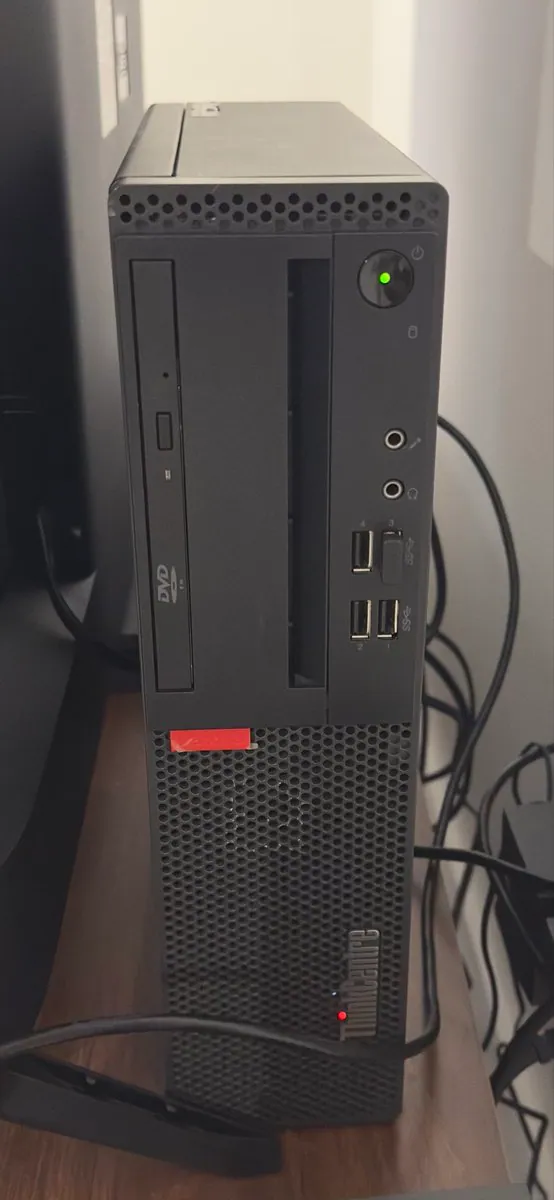
hacktheraze says $40 to fuck around and find out: a cheap-ass Lenovo ThinkCentre M710s from eBay with an i5-7400, 8 GB RAM, and 256 GB SSD had no OS, Omarchy was installed 3 days ago, and he finally got time tonight to fuck around and break shit; the photo is the black ThinkCentre tower with a green power LED, a USB plug in a front port, and the ThinkCentre mark.

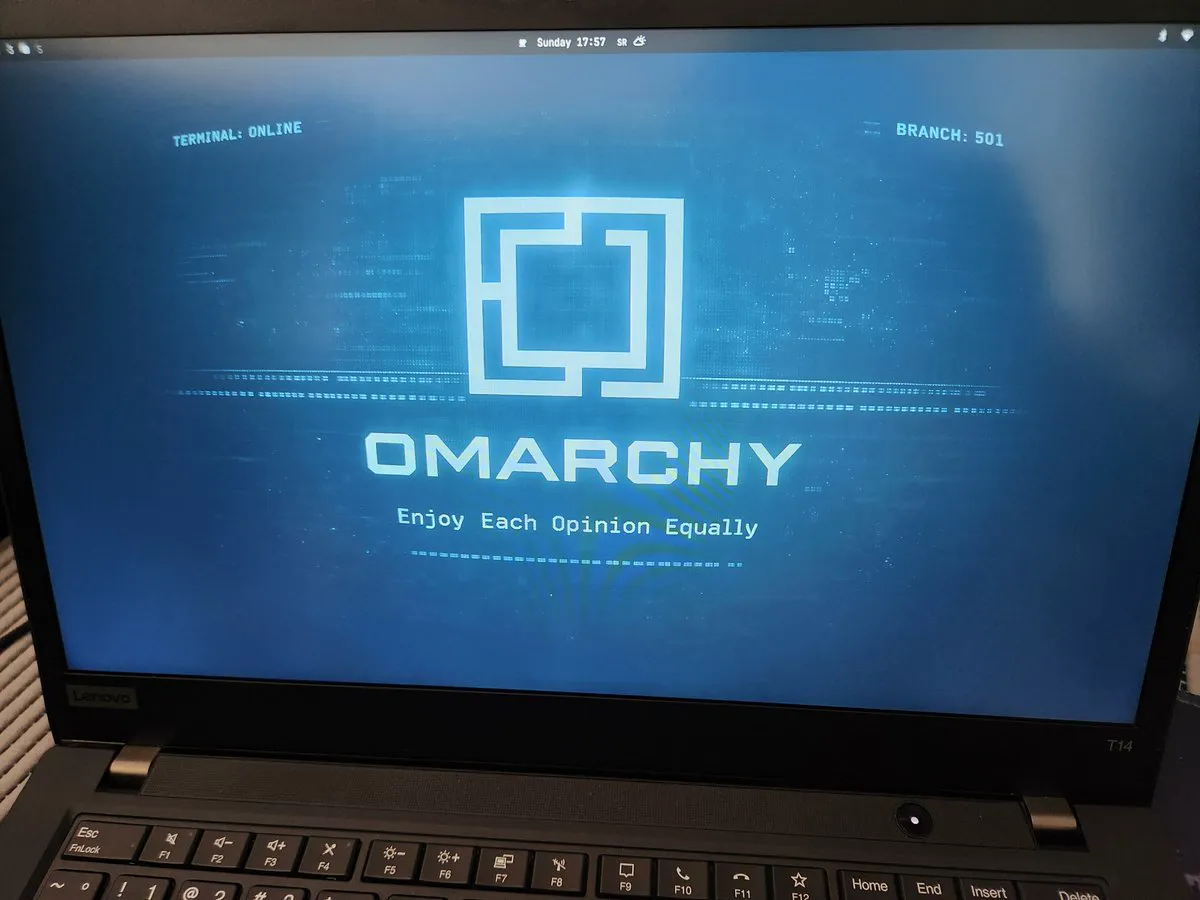
williamwong: Omarchy Installed on an Old ThinkPad T14 in 1 Min 5 Secs

@williamwong · Lenovo ThinkPad T14

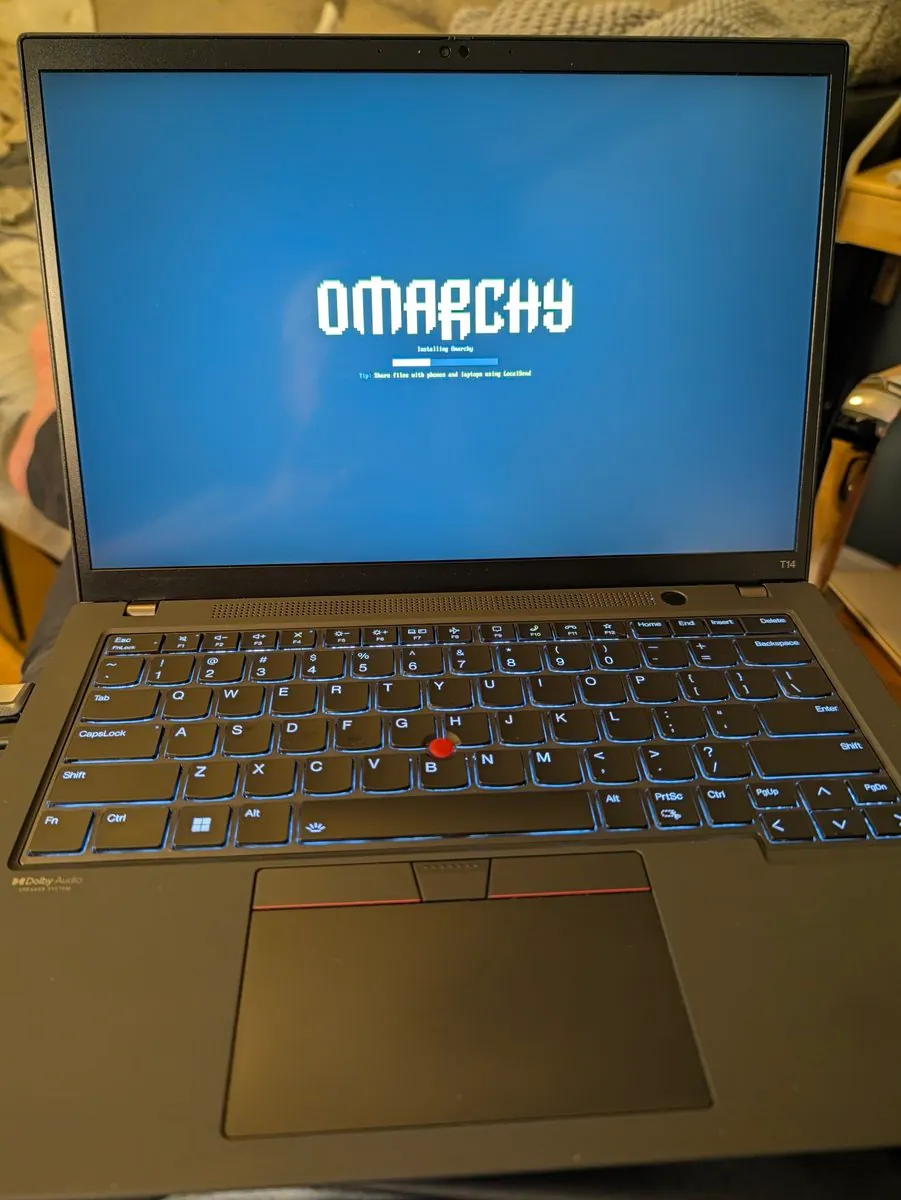
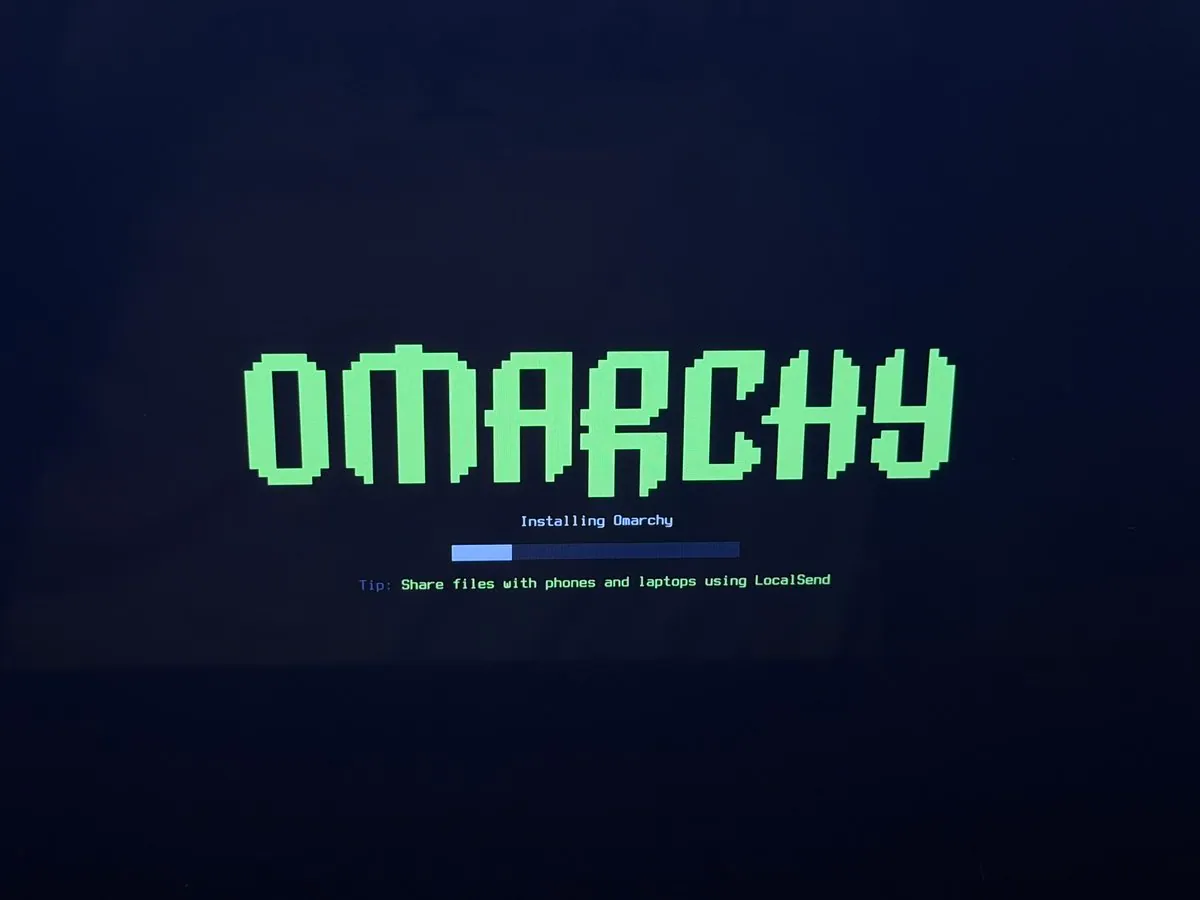
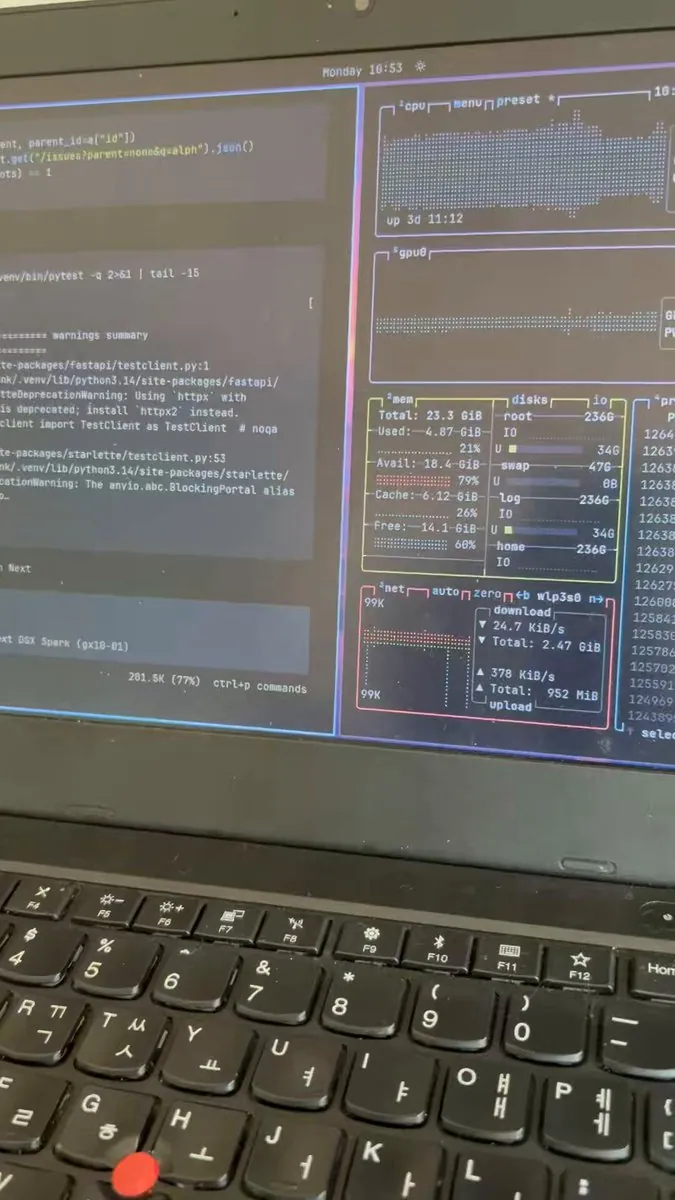
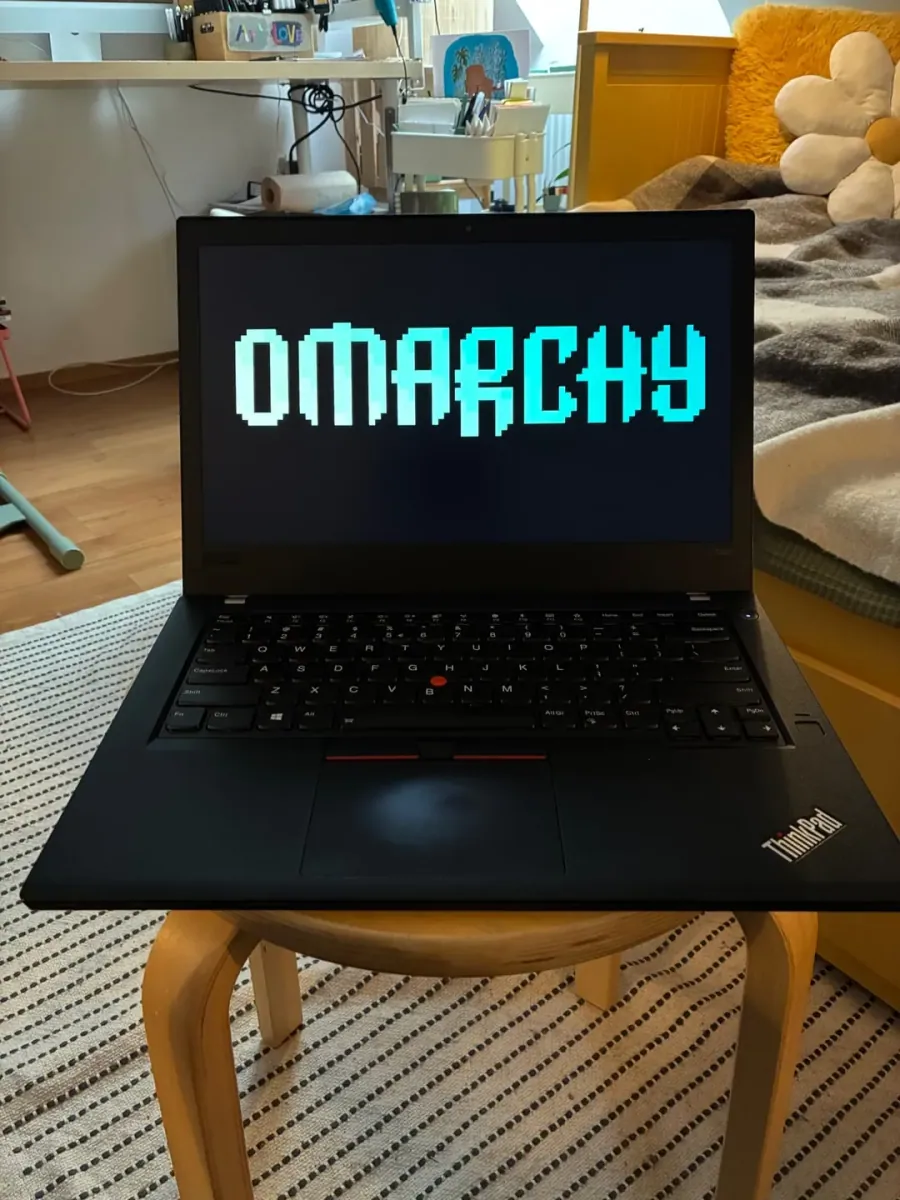
williamwong says he picked up an old ThinkPad off eBay and got Omarchy installed in 1 min 5 secs, not bad for an old T14 even tho it didn't hit the sub-60 second mark; the photo is a backlit ThinkPad T14 on a desk showing the Omarchy install splash with "Installing Omarchy" and a partial progress bar, and the tip "Share files with phones and laptops using LocalSend."

gladimdim: Split Omarchy Setup with Steam Deck and RGB Keyboard

@gladimdim

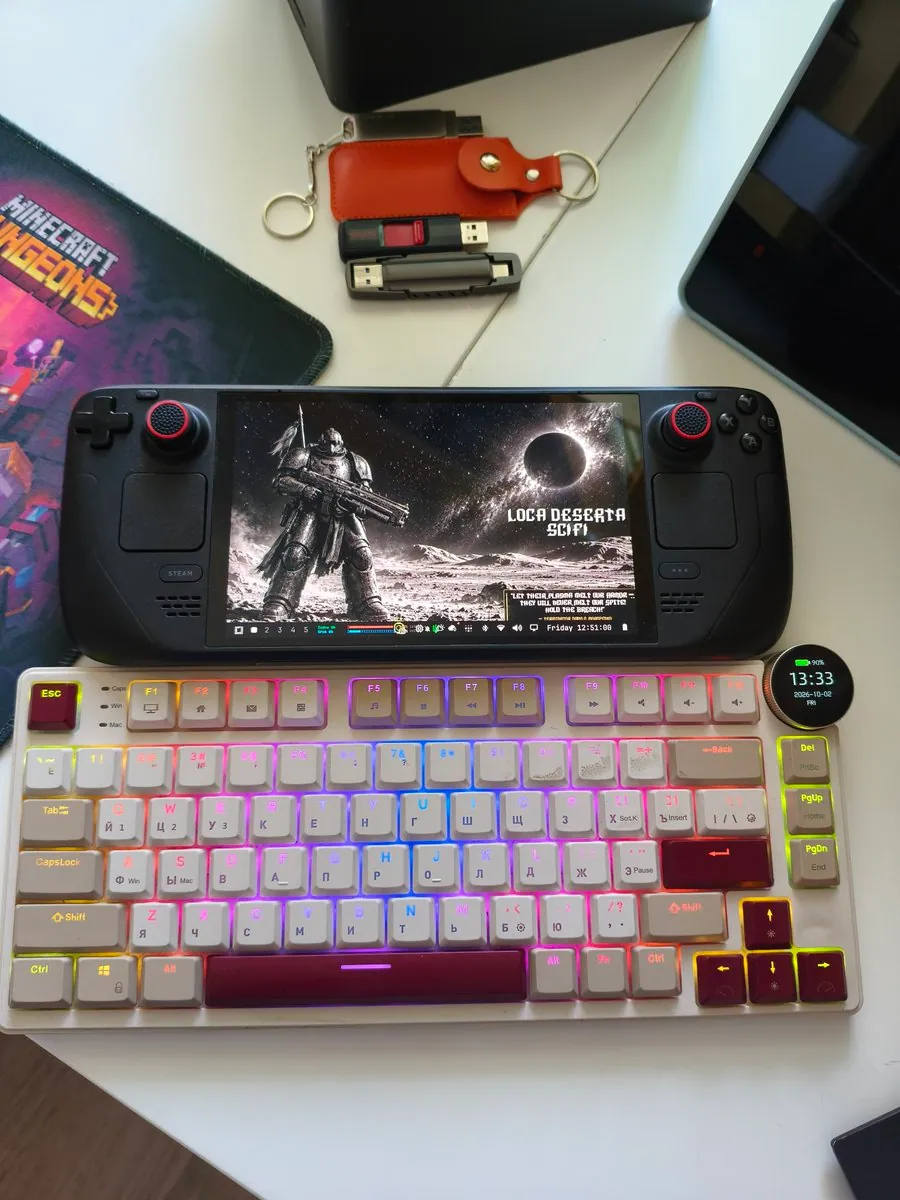
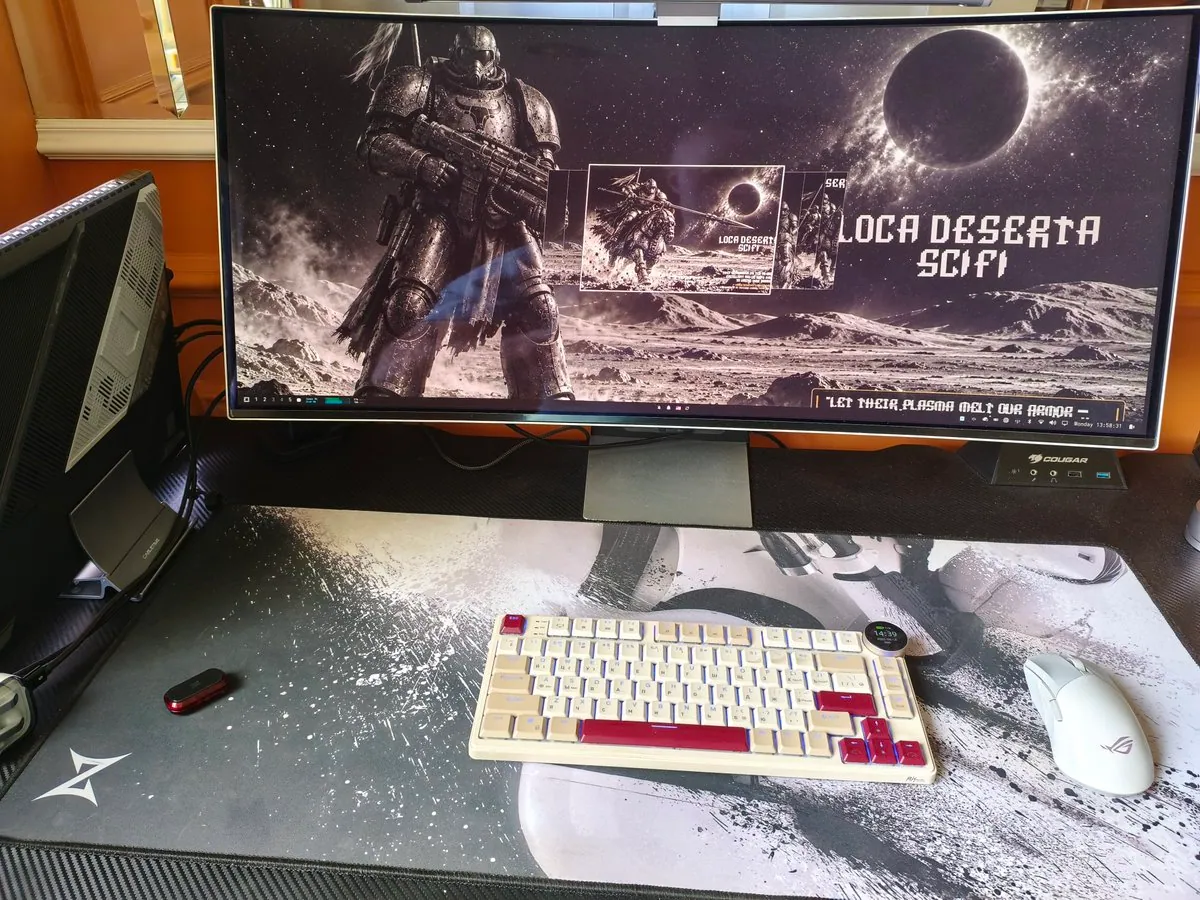
gladimdim posts his new split setup with Omarchy; the photo is a white desk with a Steam Deck showing a LOCA DESERTA SCIFI armored-soldier wallpaper, a white compact mechanical keyboard with rainbow RGB and an OLED reading 90% battery and the date 2026-10-02, USB drives, a leather key pouch, and the edge of a Minecraft Dungeons mousepad.

frankieramirez: Omarchy on a Bricked MacBook Pro with a Working Touch Bar

@frankieramirez · MacBook Pro (15-inch, 2016)

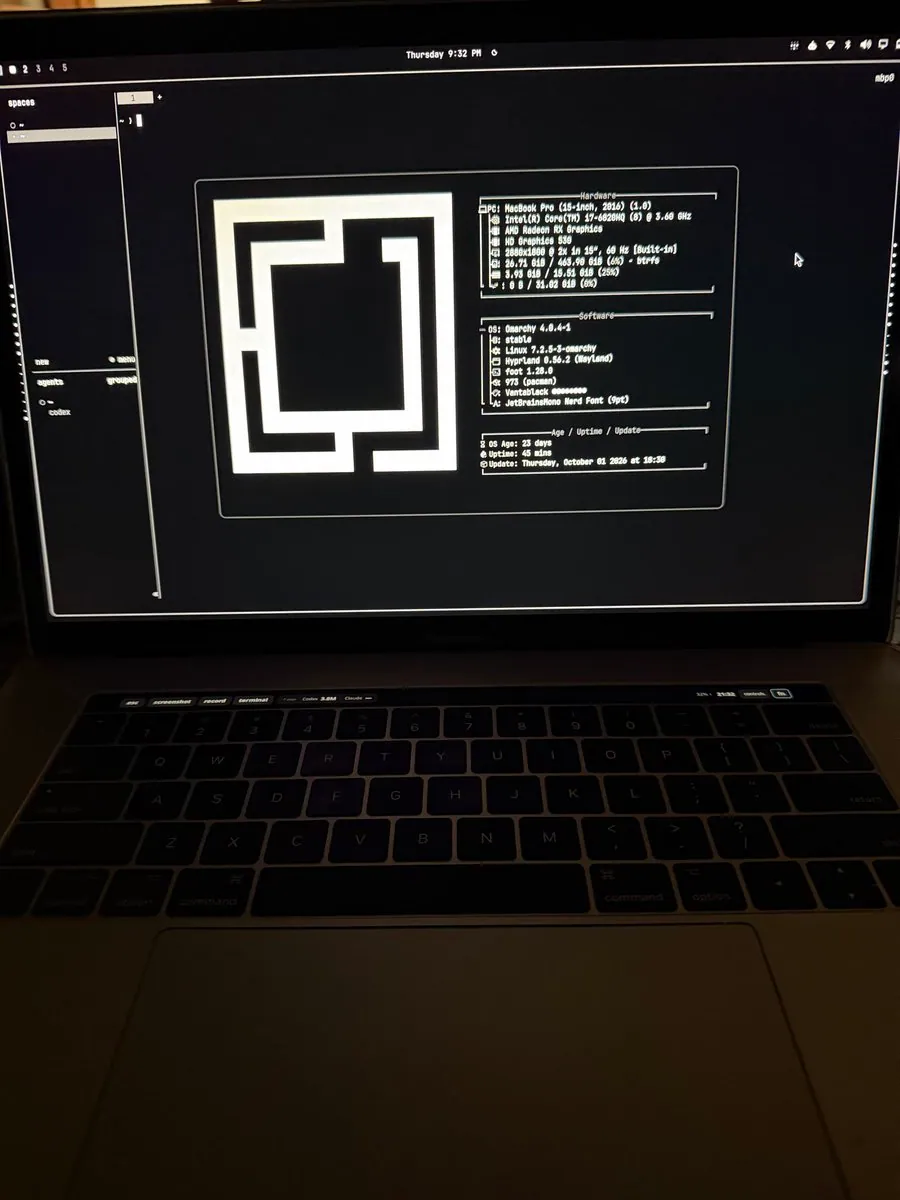
frankieramirez says he installed Omarchy on his old, bricked MacBook Pro, got the Touch Bar working with custom controls that show remaining agent usage, and did it in a couple of hours; the photo is a MacBook Pro running Omarchy 4.0.4-1 with a system info panel (Vantablack, Hyprland 0.56.2) and a Touch Bar showing esc, screenshot, record, terminal, 7 days, Codex, 3.5M, and Claude.

_nexuslink: Omarchy Background Screens for Workbench and Apps Nav

@_nexuslink

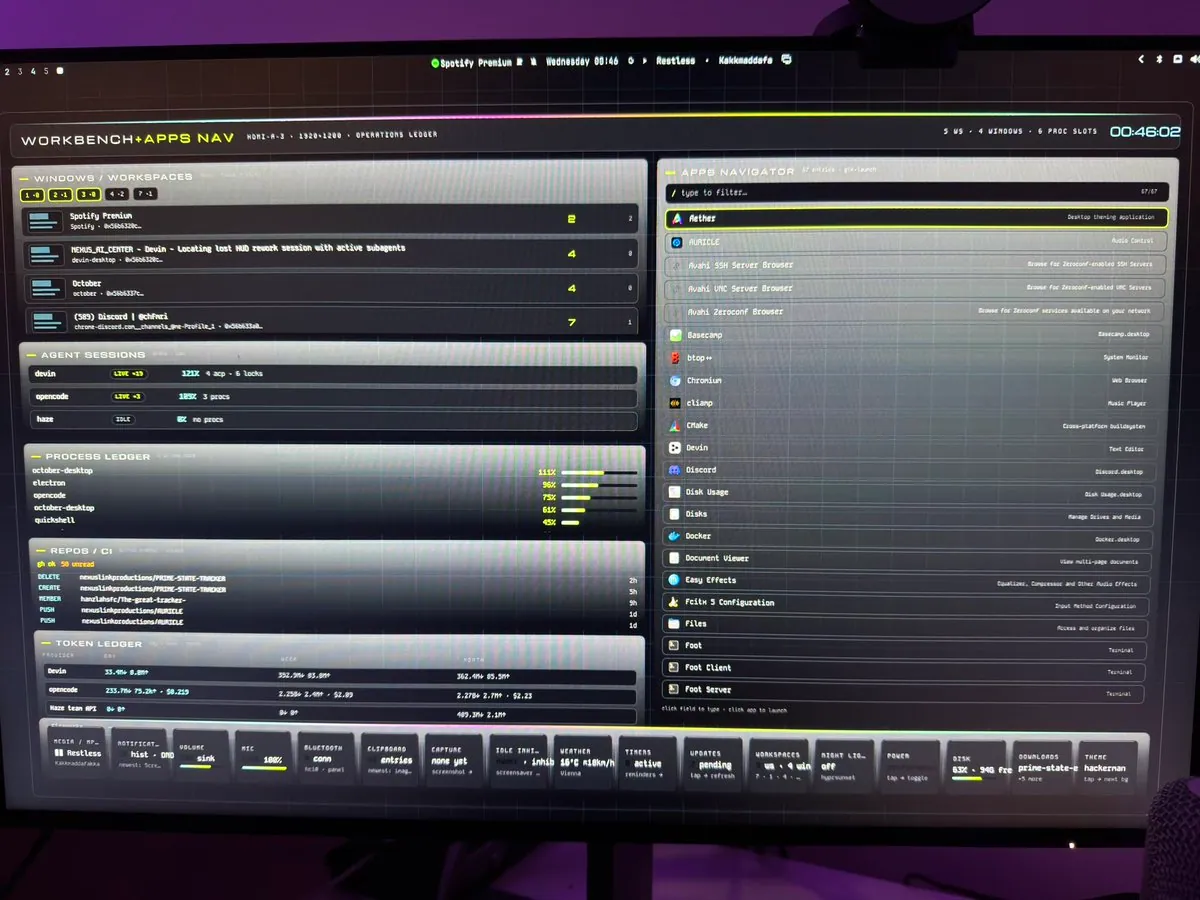
_nexuslink replies that he just got Omarchy set up last week and is utilizing background screens for a lot of functions, calling it a "super fun" experience customizing Omarchy; the photo is a monitor showing a "WORKBENCH+APPS NAV." dashboard with an operations ledger, apps navigator, and a bottom bar where "hackerman" is the theme tile and "prime-state-e" is a different bottom-bar tile.

ConcreteMystic: Omarchy Full-Time on an Old Desktop

@ConcreteMystic · HP Z210 Workstation

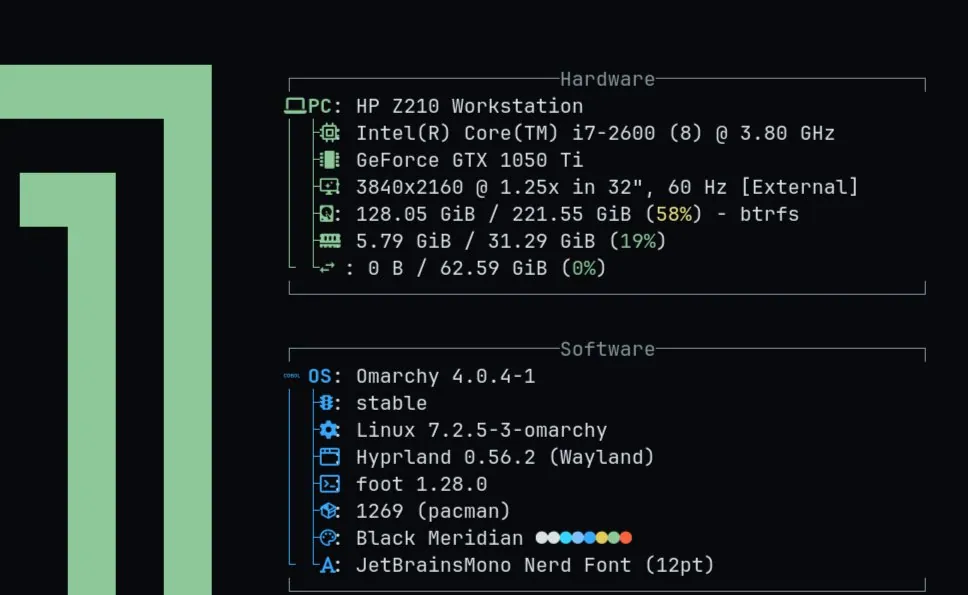
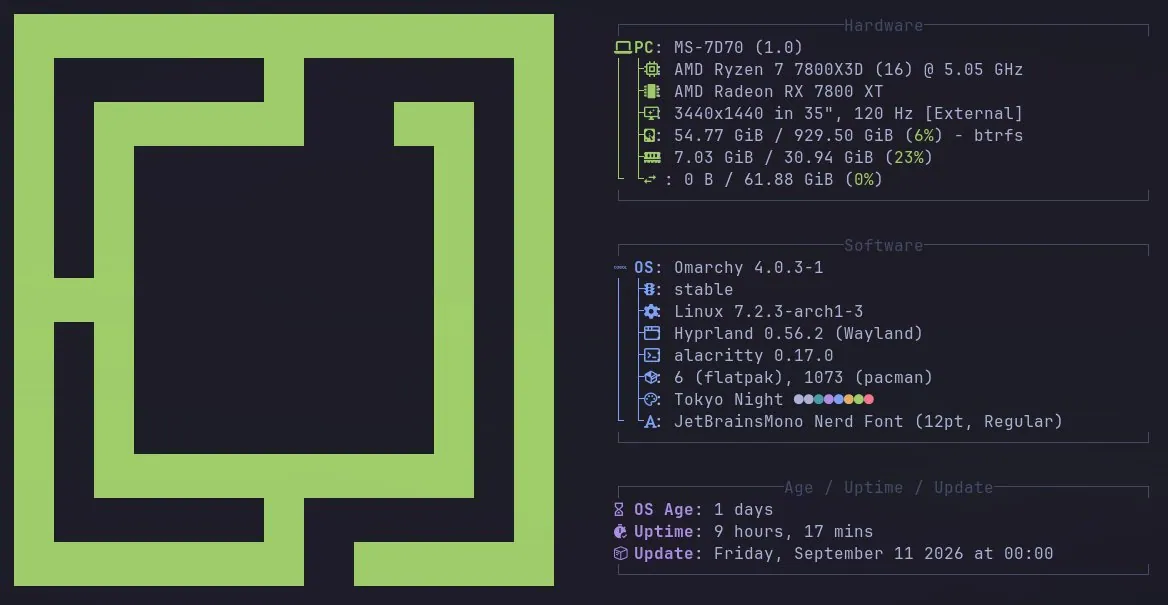
ConcreteMystic says he really enjoys using Omarchy, runs it full time on his desktop that was "old AF" six years ago and is still chugging along, and has not moved to it full time on his M3 MacBook Pro; the screenshot is a fetch-style Hardware and Software panel for an HP Z210 Workstation on Omarchy 4.0.4-1 with Hyprland, foot, and a Black Meridian colors row.

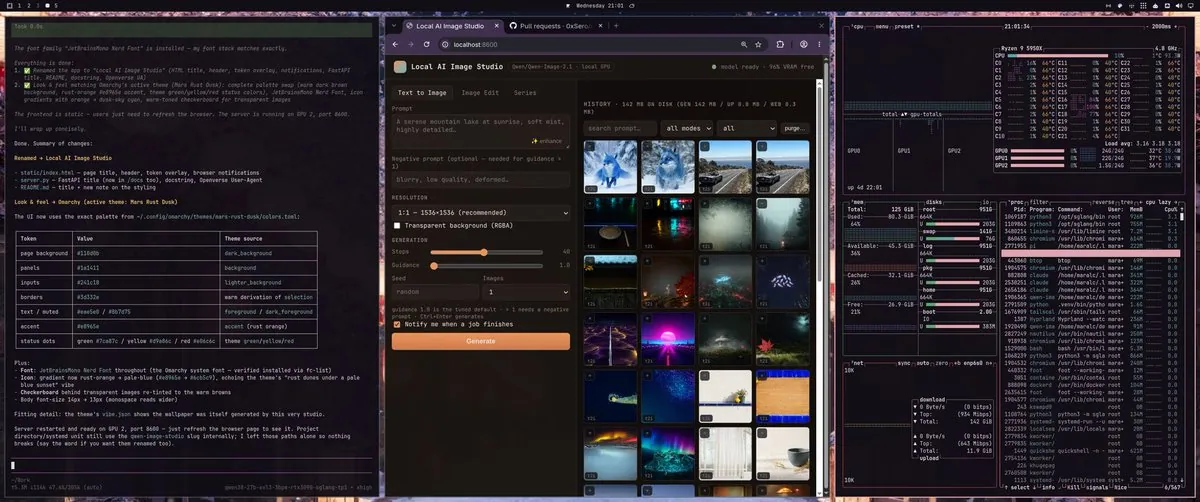
maralcbr: Omarchy Local AI on Franken GPU with Theme Generator

@maralcbr · Franken GPU 3x 3090

maralcbr has been grinding the Omarchy Local AI from 0xSero on an Omarchy Franken GPU (3x 3090), with Qwen 3.8 27B on two GPUs and Qwen Image 2.1 on another, and with the integrated Pi quickly created a local image generation engine and website, a local Omarchy Theme Generator, and Tailshare QR Code Phone AI Chat; the screenshot shows a three-pane Omarchy desktop with a Local AI Image Studio, a notes pane, and btop on a Ryzen 9 5950X.

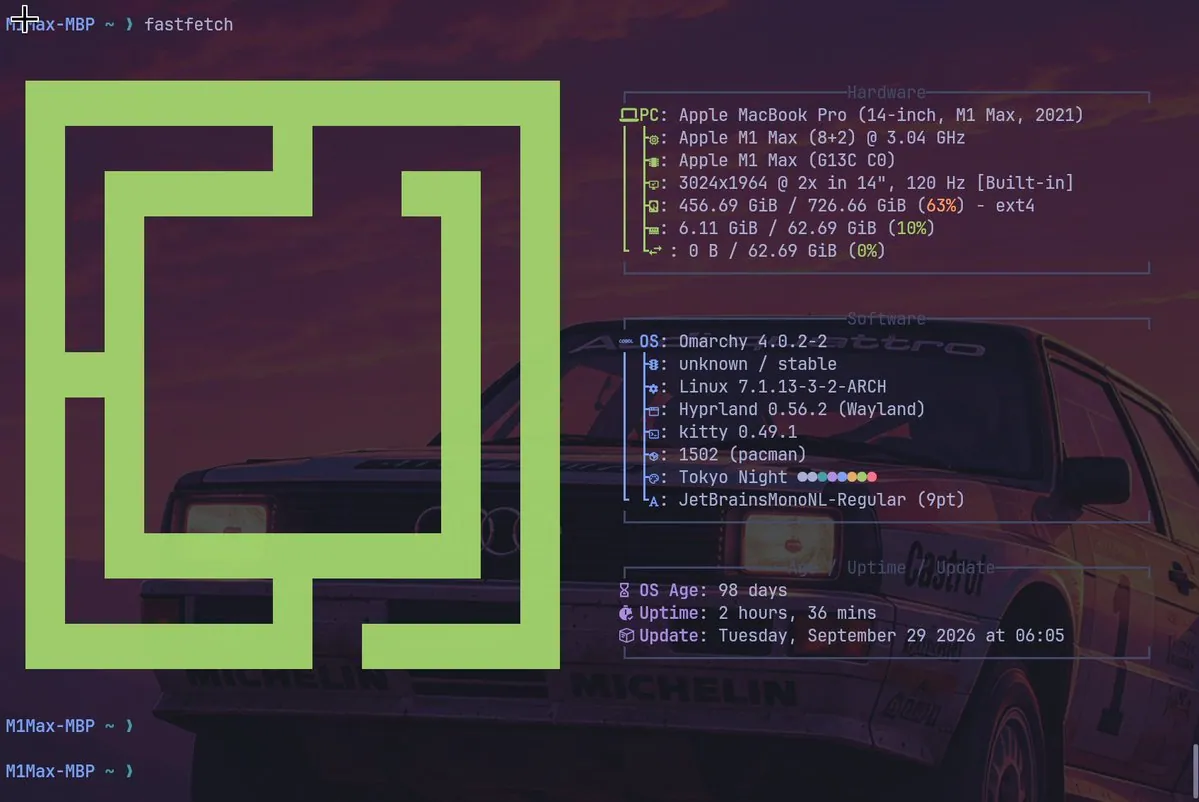
kazuhidet: M1 Max MacBook Pro on Mainstream Omarchy Quattro, Not Omarchy-Mac

@kazuhidet · MacBook Pro 14-inch M1 Max (2021)

kazuhidet upgraded an M1 Max MacBook Pro to Omarchy Quattro using mainstream Omarchy rather than Omarchy-Mac, and says it is not to kazuhidet's taste that Omarchy-Mac tends to put in mechanisms that differ from the original; the fastfetch screenshot shows Omarchy 4.0.2-2 on Hyprland with Tokyo Night on a 14-inch M1 Max.

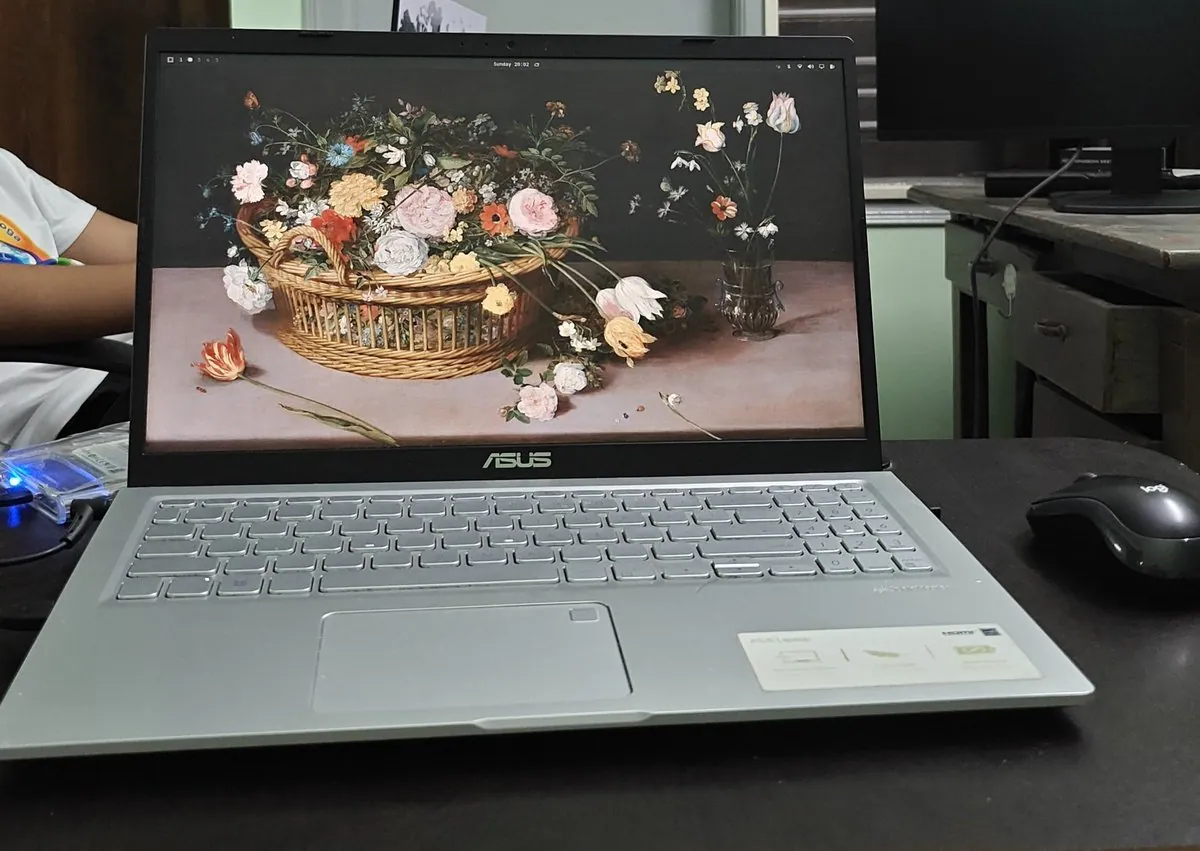
ashwinhegde19: Back on Omarchy and Asks How dhh Builds It with Agents

@ashwinhegde19 · Asus laptop

ashwinhegde19 is back on Omarchy after using 2.0 a few months ago and asks dhh how Omarchy is built with agents now, high-level outcome versus detailed plans, and which model has written the biggest share so far; the photo is a silver Asus laptop on a dark desk with a floral still-life wallpaper and a Logitech mouse beside it.

yelbaiev: 2015 MacBook Air on Omarchy with Omamail for Three Workspaces

@yelbaiev · 2015 MacBook Air

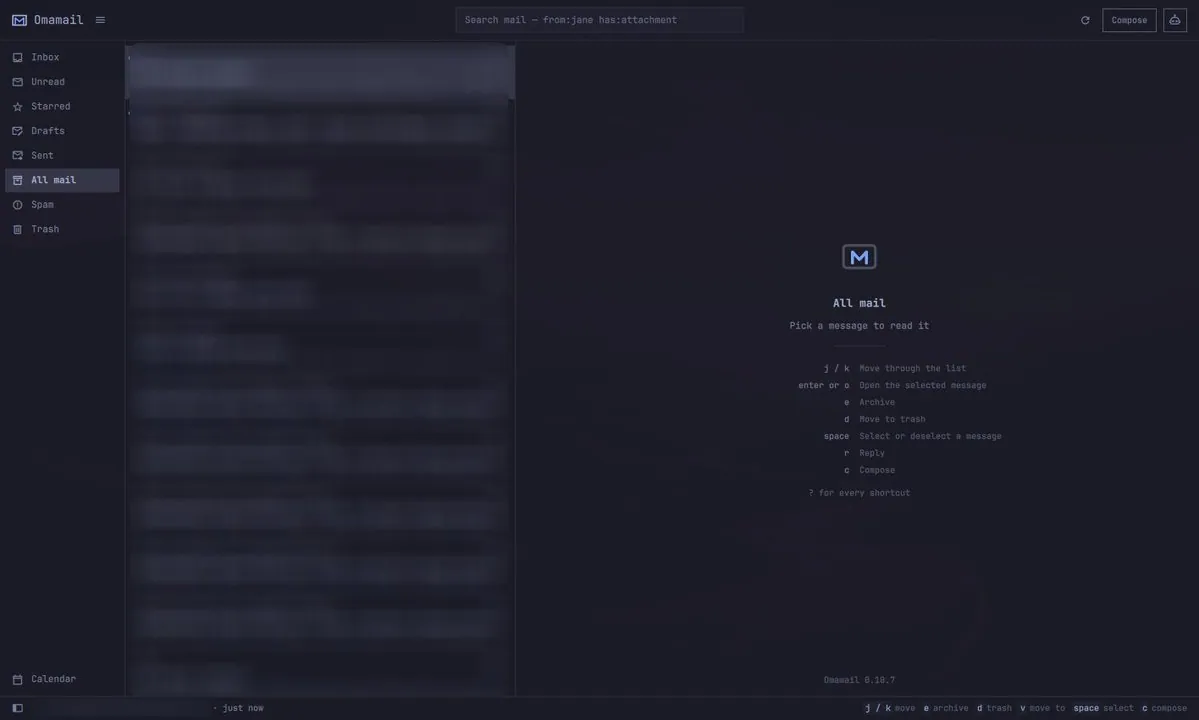
yelbaiev runs Omarchy on a 2015 MacBook Air for work-from-home days, calls it smooth on a "potato laptop," set up Omamail as a terminal mail client linked to three Google Workspace accounts, and put Telegram and LocalSend on workspace 3; the screenshot is the Omamail 0.10.7 "All mail" empty state with keyboard shortcut hints.

jbnunn: One Year on Omarchy on a Beelink Mini PC

@jbnunn · Beelink mini PC, Ryzen 5 5500U, 34" ultrawide

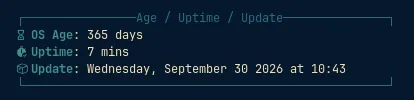
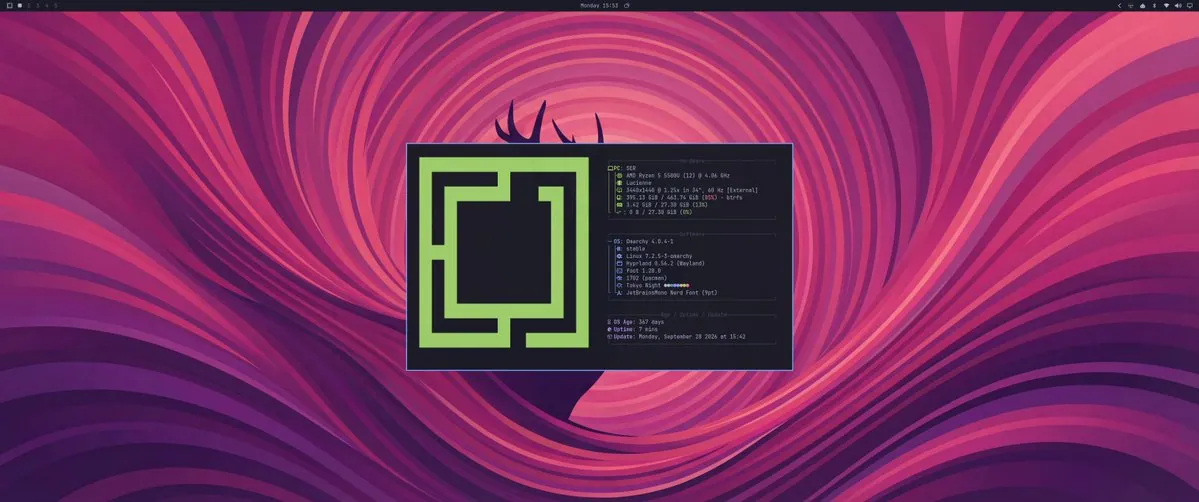
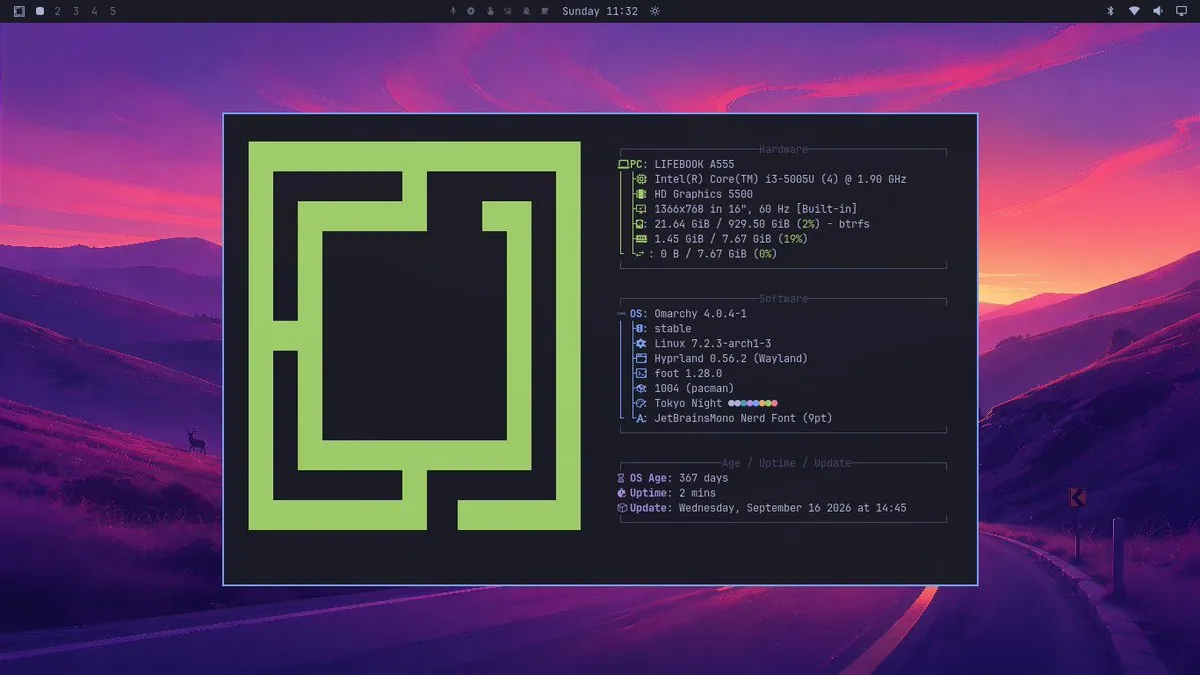
jbnunn marks one year on Omarchy on a Beelink mini PC with a Ryzen 5 5500U mounted behind a 34" ultrawide, calling it a third computer that is fast and keyboard-driven; the fetch screenshot shows Omarchy 4.0.4-1 on Hyprland with Tokyo Night colors, 3440x1440, and 367 days of OS age, and the write-up covers dropping default apps, preferring Ghostty splits over tmux or herdr, learning Neovim, three merged PRs, and LocalSend plus Tailscale instead of iMessage and AirDrop.

alexinexxx: Sets Up Omarchy on a Lenovo Legion 5 with RTX 5070

@alexinexxx · Lenovo Legion 5 (Intel, RTX 5070)

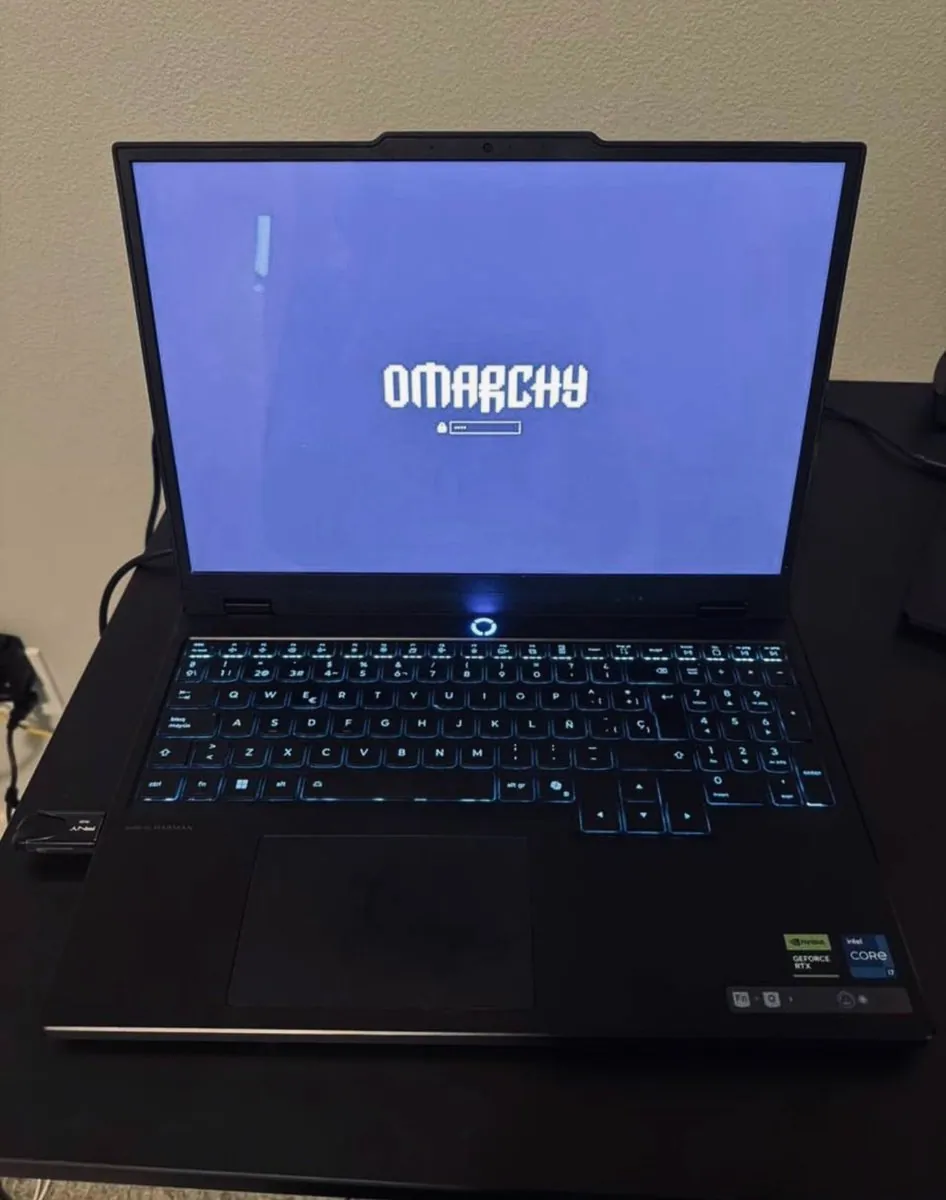
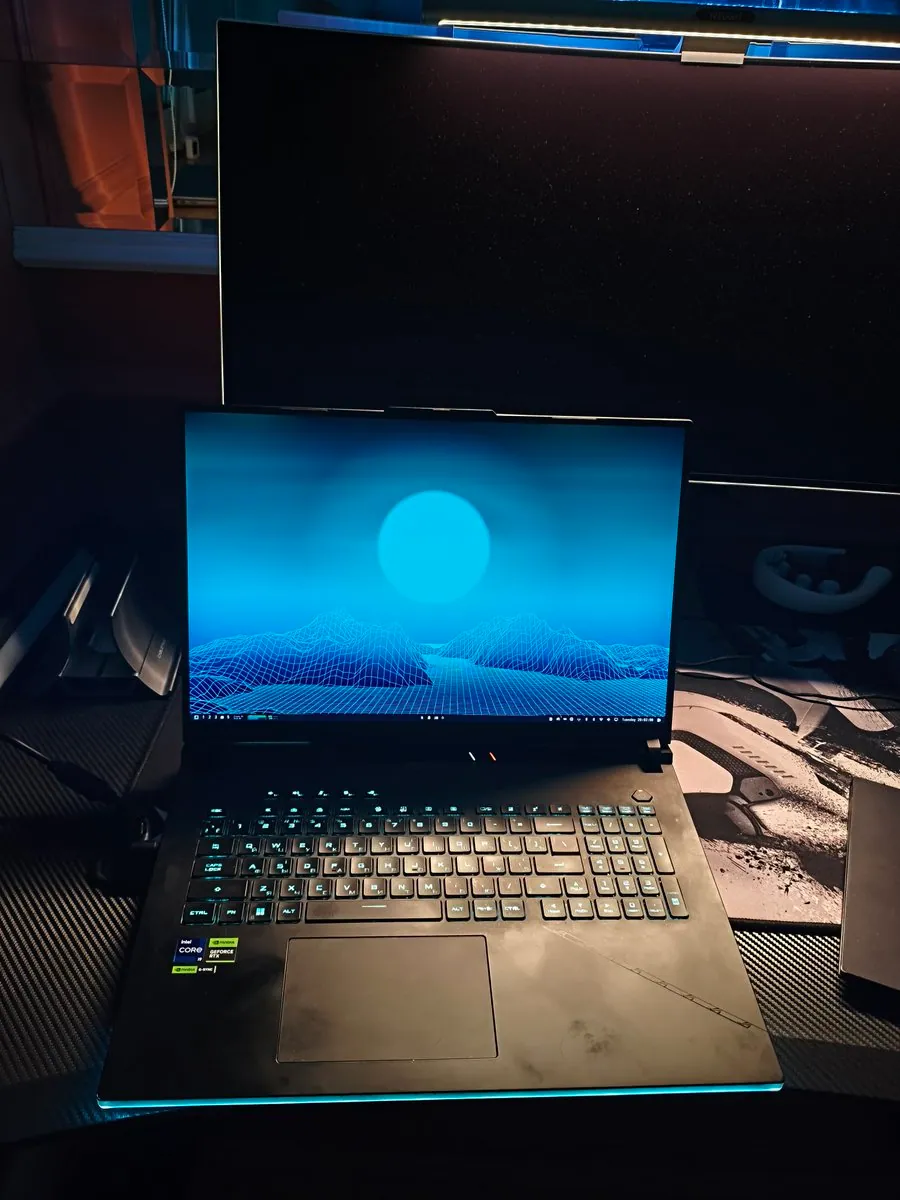
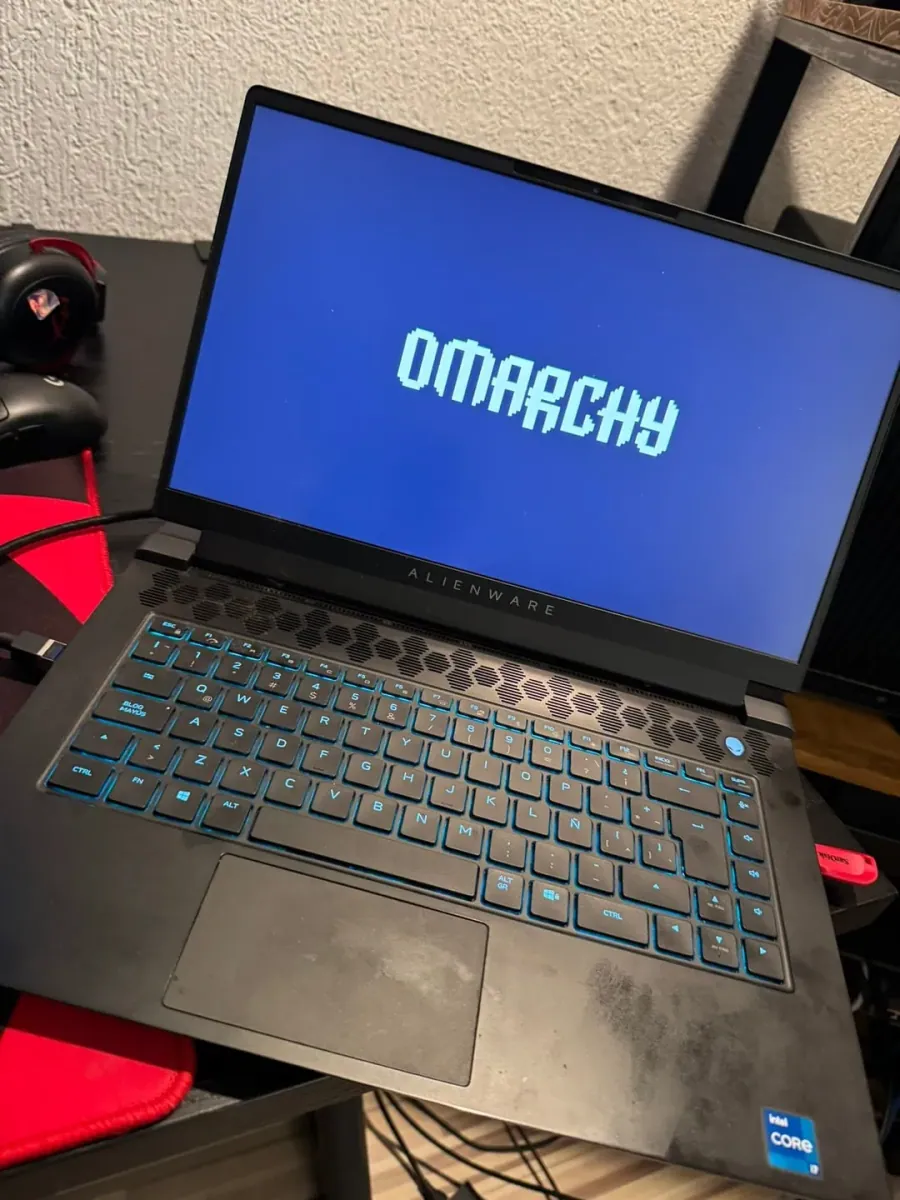
alexinexxx is setting up Omarchy on a Lenovo Legion 5 with an RTX 5070 in what alexinexxx calls a desperate attempt to sell it faster; the photo is a black Legion on a desk with a Spanish-layout backlit keyboard, NVIDIA GeForce RTX and Intel Core stickers, a USB installer, and the white OMARCHY lock screen on a dark purple background.

lucas_scrt: Cheap Acer AI 14 Became an Omarchy Daily Driver

@lucas_scrt · Acer AI 14

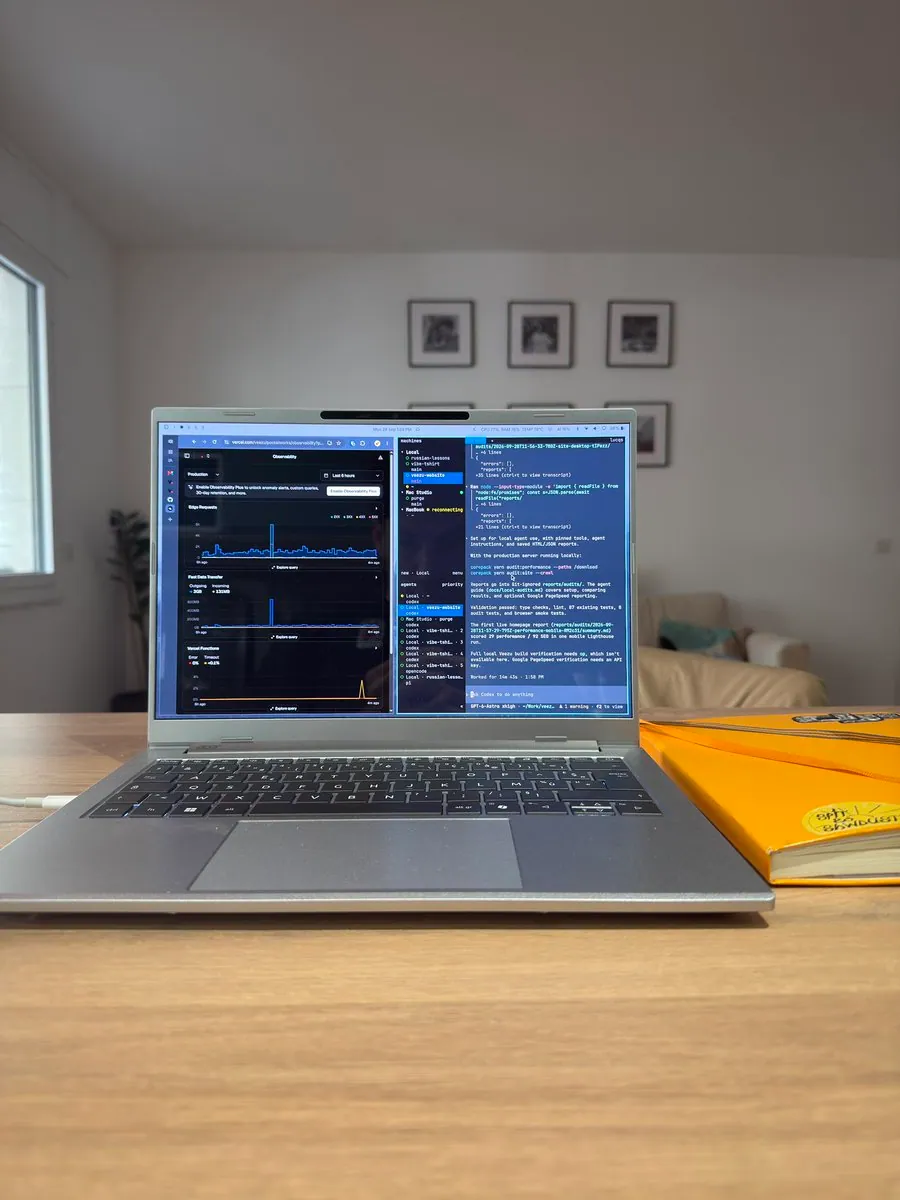
lucas_scrt bought a cheap Acer AI 14 and installed Omarchy as a temporary machine, but it became lucas_scrt's daily driver, and lucas_scrt calls it a big surprise how much the machine can do; the photo shows a silver laptop on a wooden desk beside a yellow notebook, with a split Observability dashboard, MACHINES sidebar, and Codex audit log on screen.

cheatyyyy: Tries Omarchy on a Main Desktop, One-Click Local AI Runs Qwen3.8-27B on an RTX 3090

@cheatyyyy · Desktop with RTX 3090

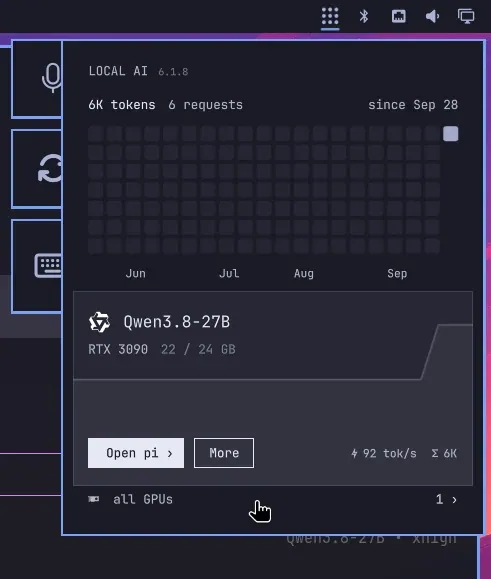
cheatyyyy tries Omarchy on a main desktop, calling Hyprland a jarring change while learning it, and praises Local AI, the 0xSero plugin, for a very smooth install and automated one-click setup of Qwen3.8-27B on an RTX 3090; the screenshot is a Local AI 6.1.8 overlay showing Qwen3.8-27B on an RTX 3090 using 22 of 24 GB at 92 tok/s.

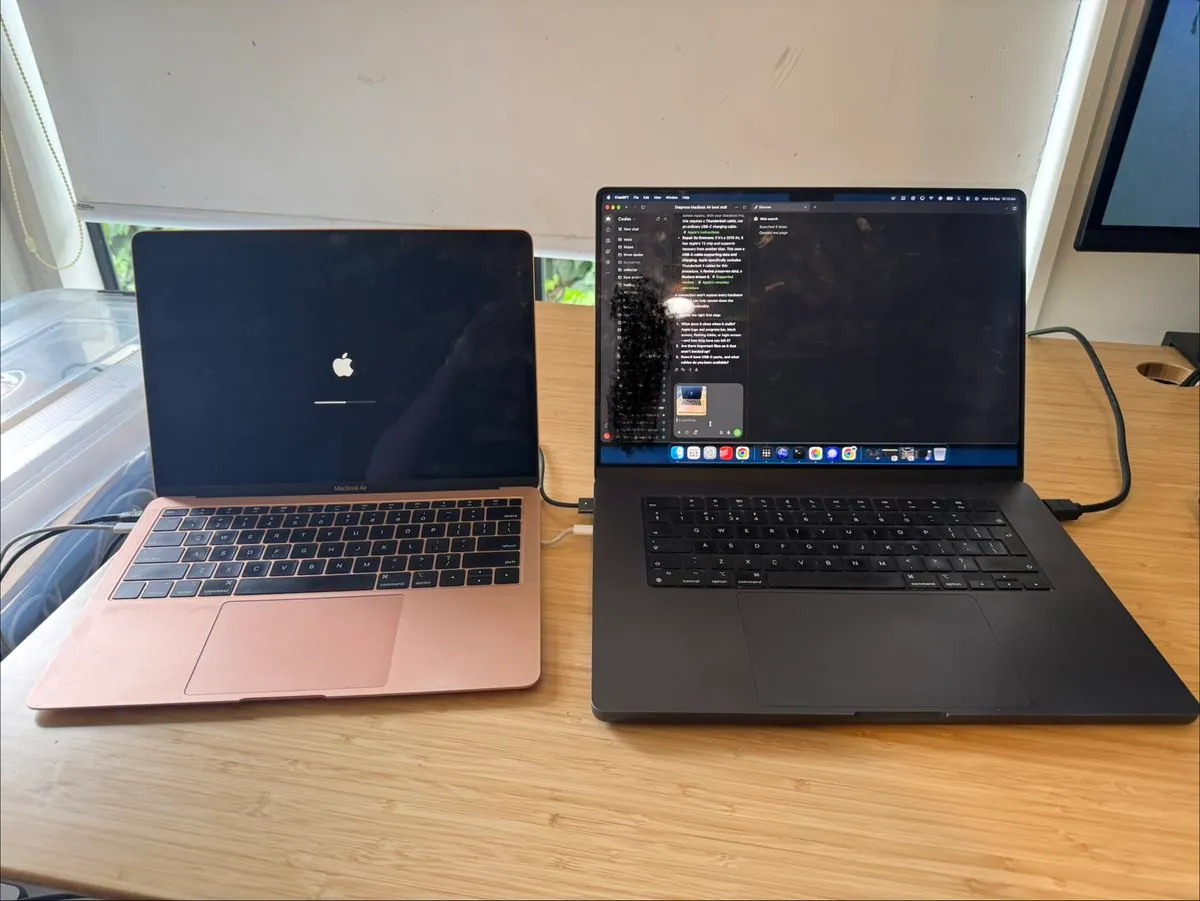
klausbrave: Omarchy Installs in 2m40s on a Revived 2019 Intel MacBook Air

@klausbrave · 2019 Intel MacBook Air

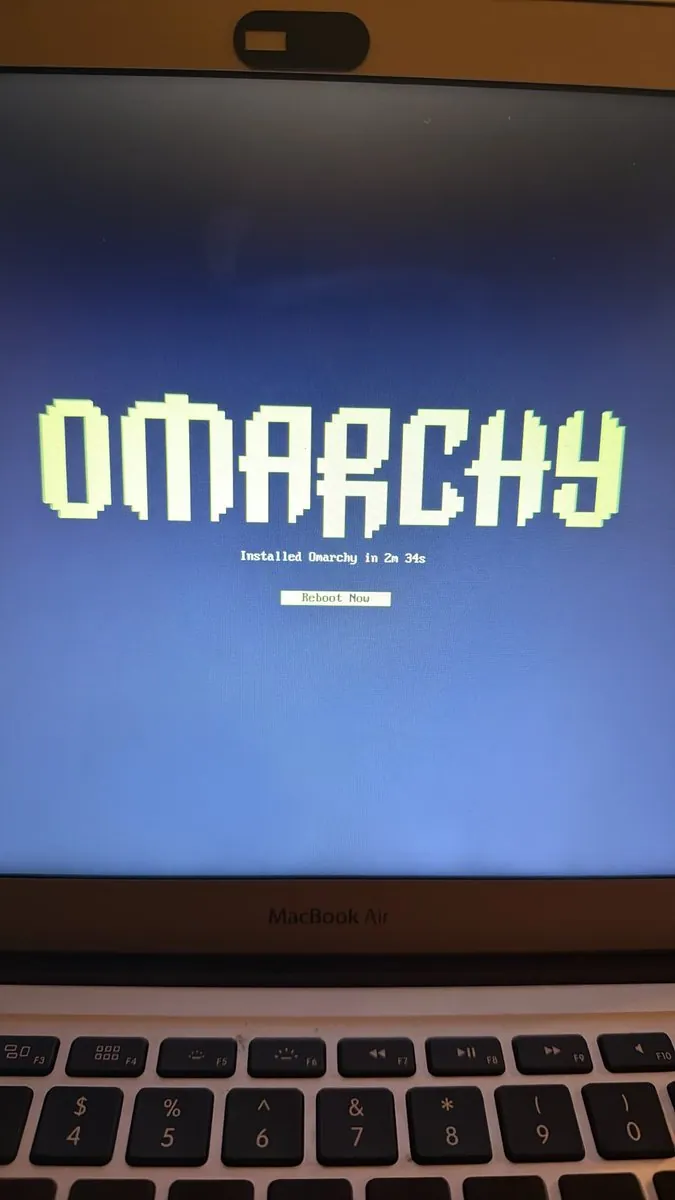
klausbrave's 2019 MacBook Air was broken and would not boot; klausbrave says ChatGPT Work guided a repair, the machine then turned out to be at end of life for macOS Sonoma updates, ChatGPT Work downloaded the Omarchy ISO and flashed a USB, and after a bootloader permissions change and a reboot, Omarchy installed in 2 minutes 40 seconds; the photo shows a rose-gold MacBook Air on an Apple logo progress bar beside a MacBook Pro running a ChatGPT chat.

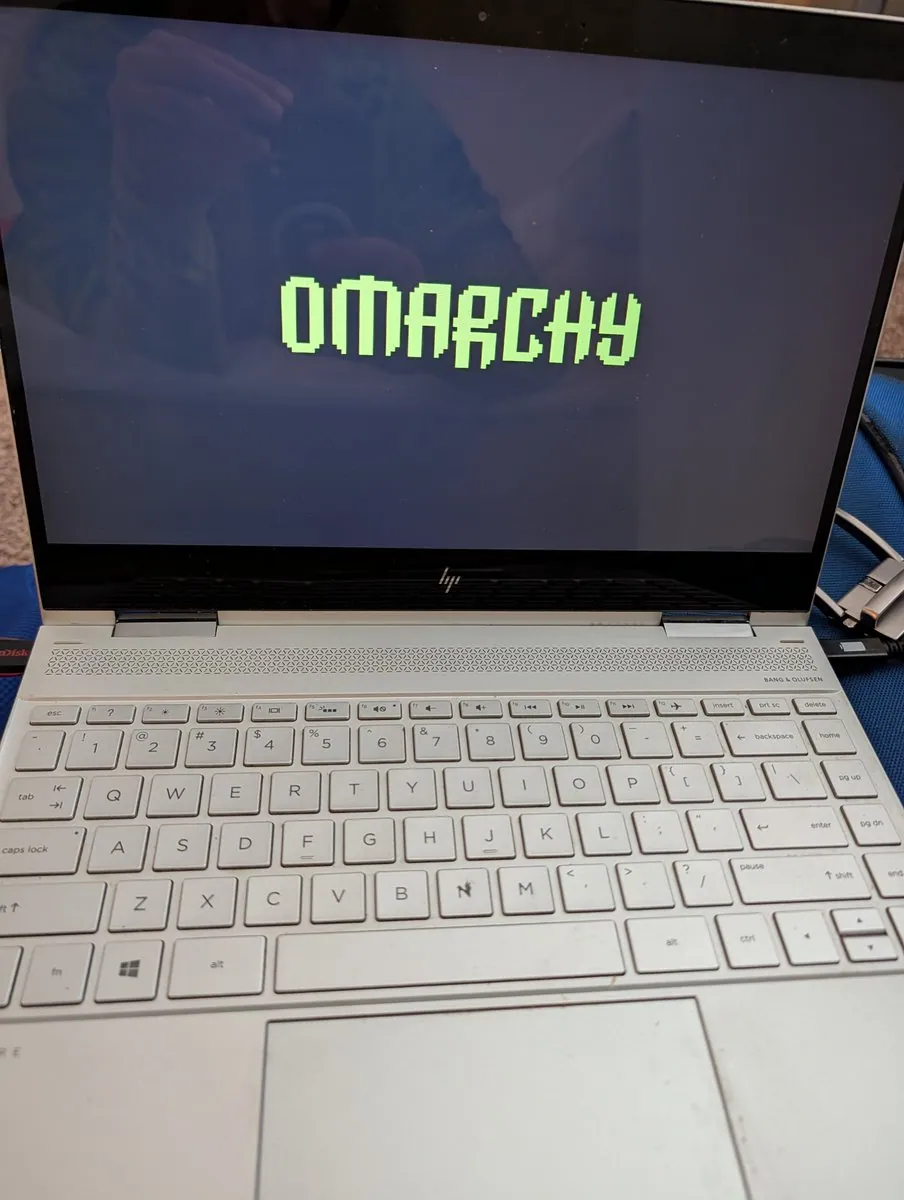
TyOlson: Drawer-Bound HP Laptop Revived with Omarchy

@TyOlson · HP Bang & Olufsen laptop

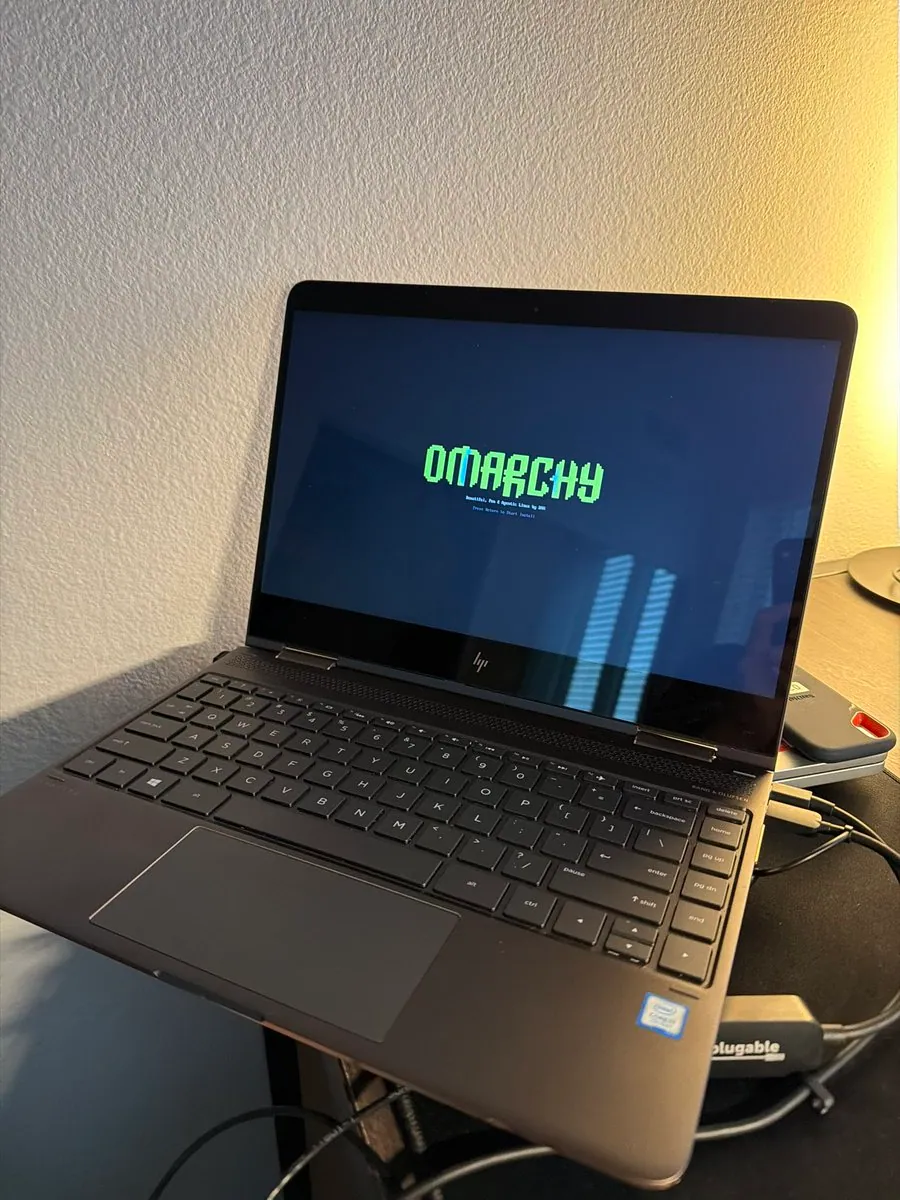
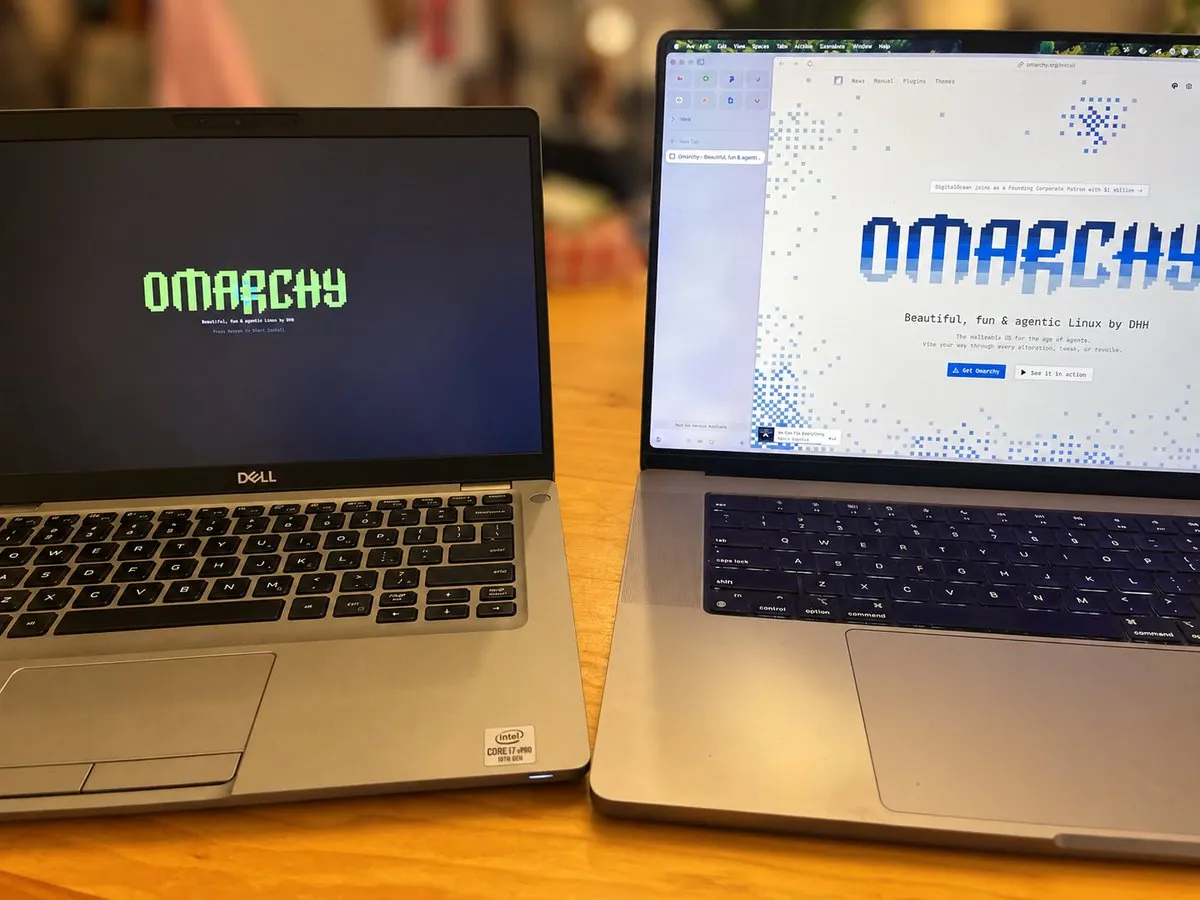
TyOlson says the laptop was headed for a drawer with about 25 minutes of battery on Windows, and after installing Omarchy reports about four hours on the same battery plus three-finger swipes, tablet mode, and voice typing; the photo is an open HP Bang & Olufsen laptop on a blue surface showing a lime-green pixel OMARCHY splash with a red SanDisk USB inserted.

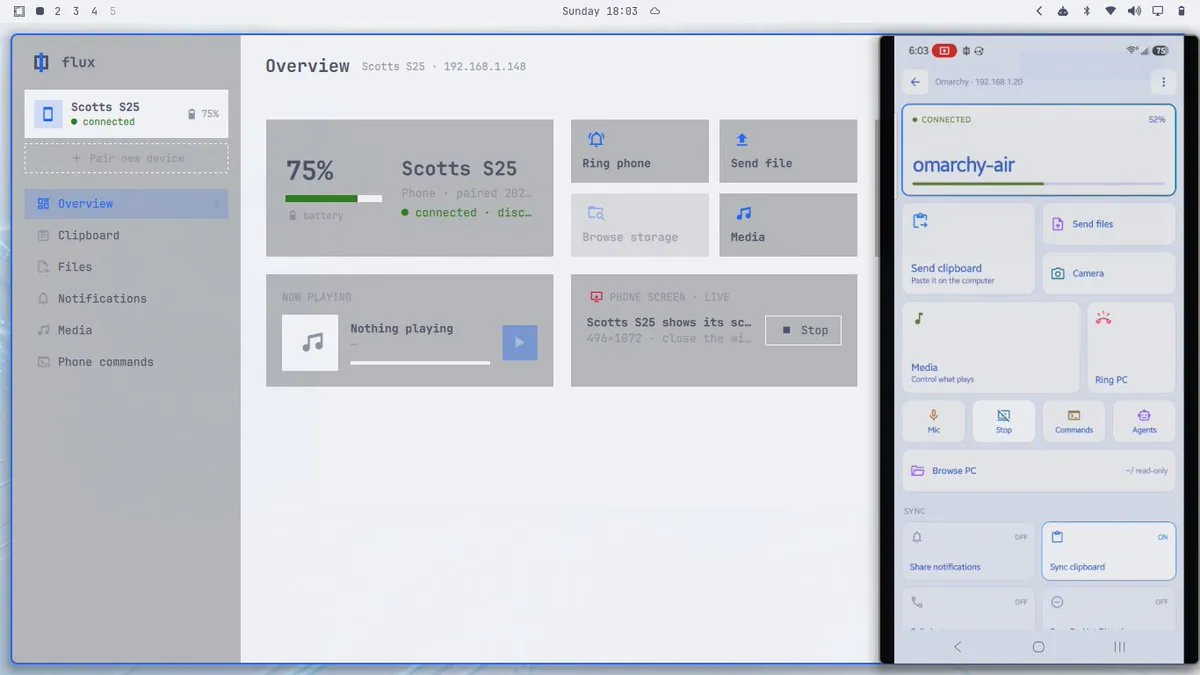
sbilik: Flux Links a 2015 MacBook Air i7 to a Galaxy S25 on Omarchy

@sbilik · 2015 MacBook Air i7 + Samsung Galaxy S25

sbilik set up Flux, crediting iamdothash, between an eBay-rescued 2015 MacBook Air i7 and a Samsung Galaxy S25 as a KDE Connect alternative, hoping the Android app lands on something like F-Droid and that dhh makes it part of Omarchy, and planning to also put it on a more vanilla Arch laptop since it is an AUR package; the screenshot shows the Flux desktop overview for the S25 at 75% battery beside the phone's Flux screen connected to omarchy-air.

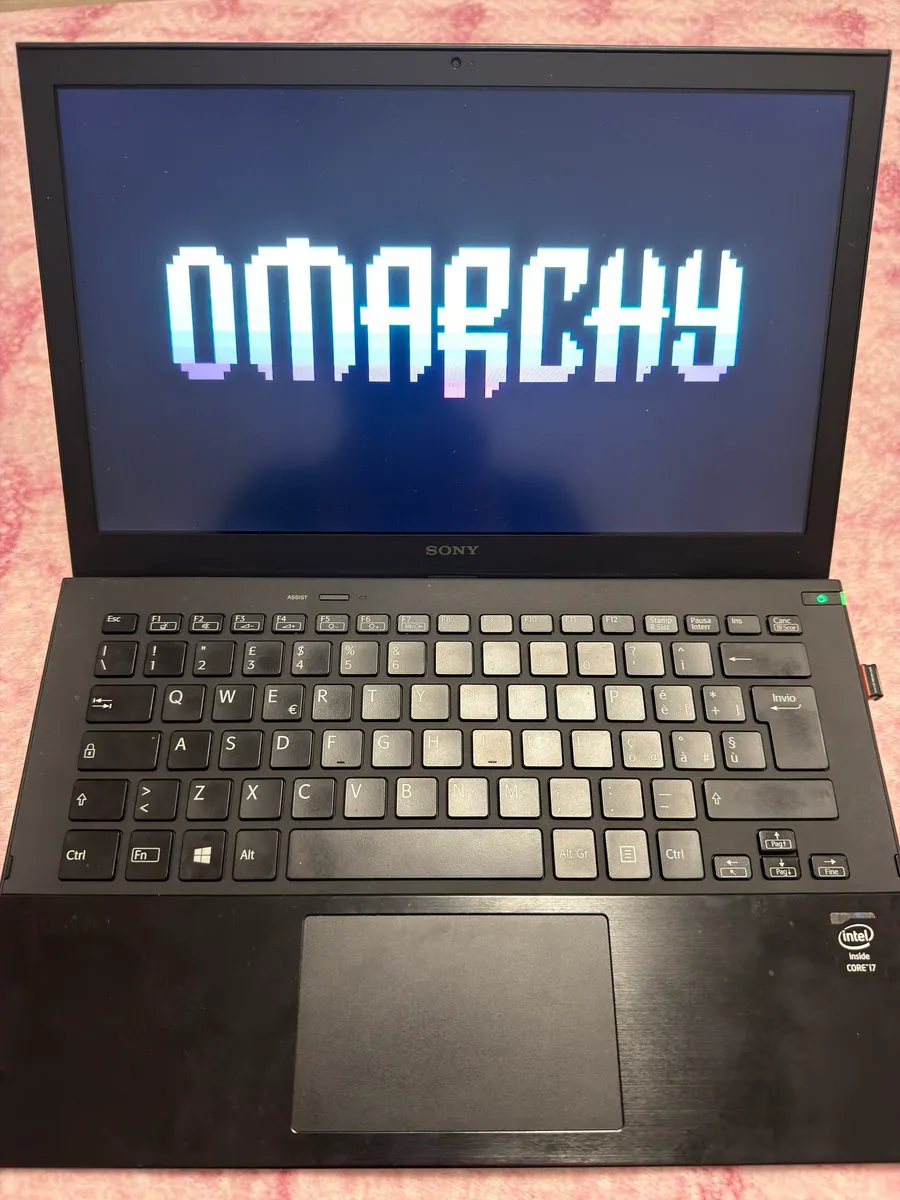
MarcoPorro: Sony VAIO Pro 13 Carbon i7 Brought Back with Omarchy

@MarcoPorro · Sony VAIO Pro 13 Carbon i7

MarcoPorro brought a dead Sony VAIO Pro 13 Carbon i7 back with Omarchy, citing the dual battery, the carbon lid, and the ASSIST key mapped to launch a default agent (Hermes, Grok, Claude, or ChatGPT) with one hardware tap; the top-down photo shows the VAIO on pink fabric with a pixel OMARCHY splash, an Intel Core i7 sticker, and an Italian keyboard layout.